



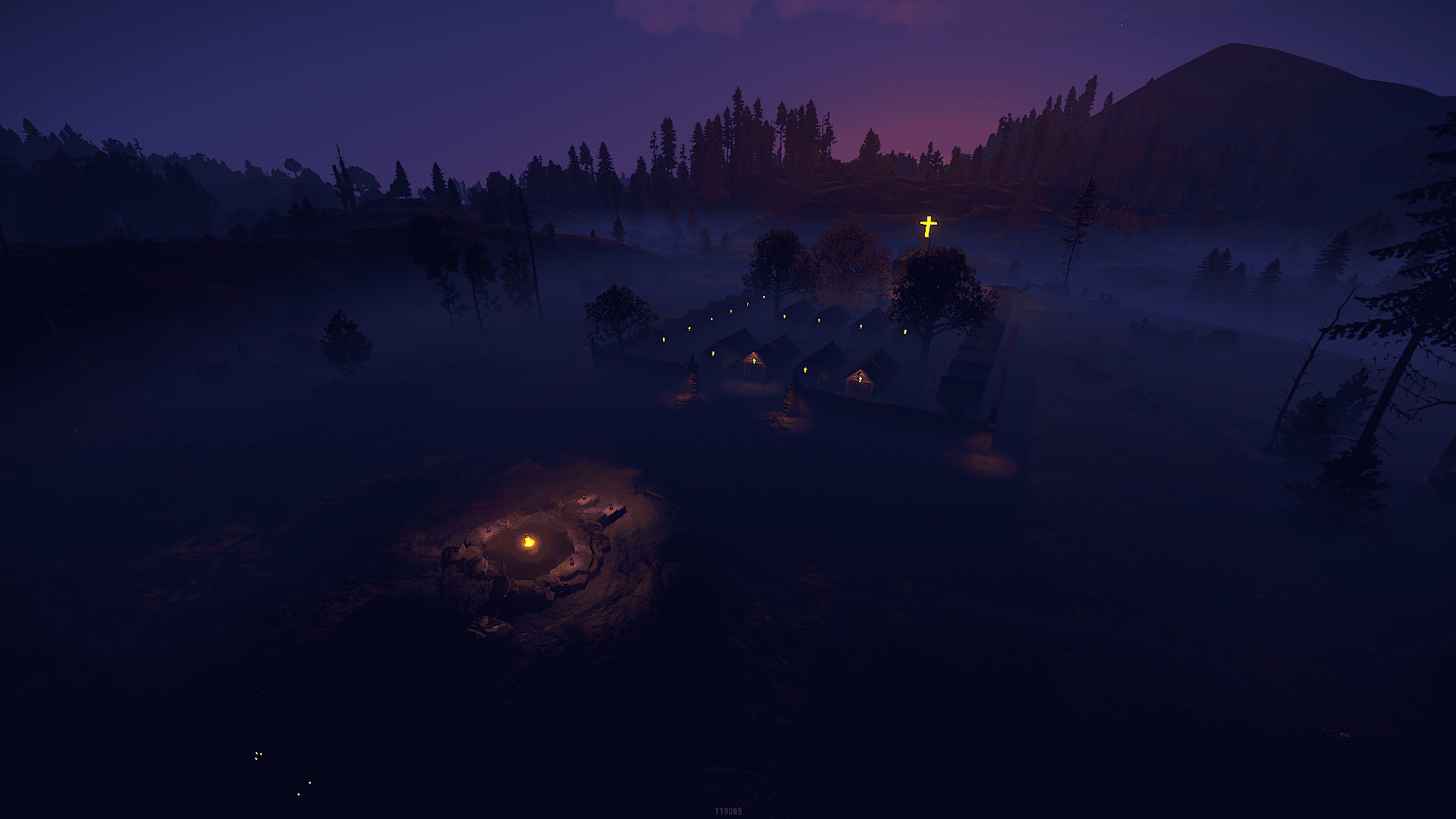
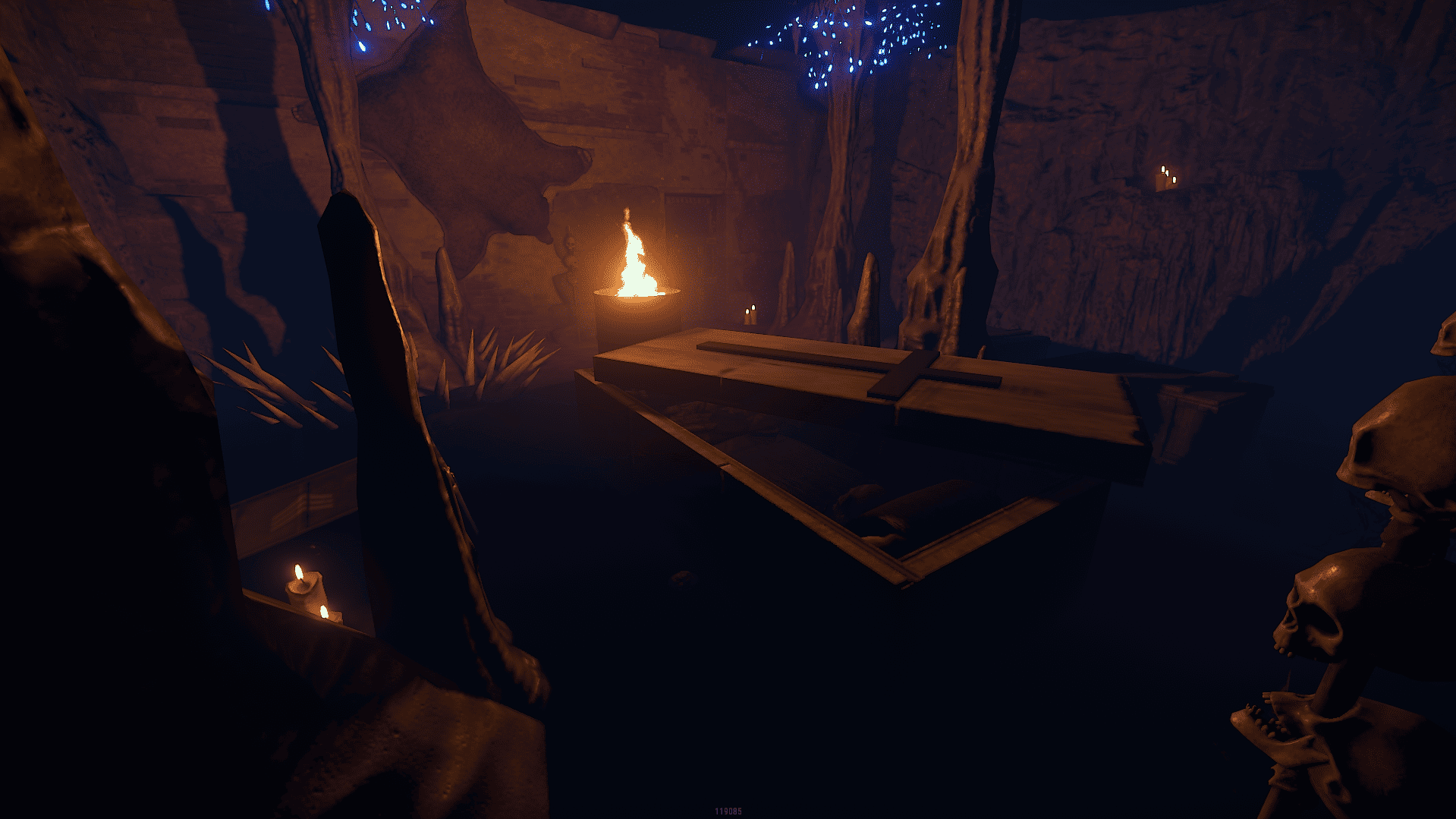
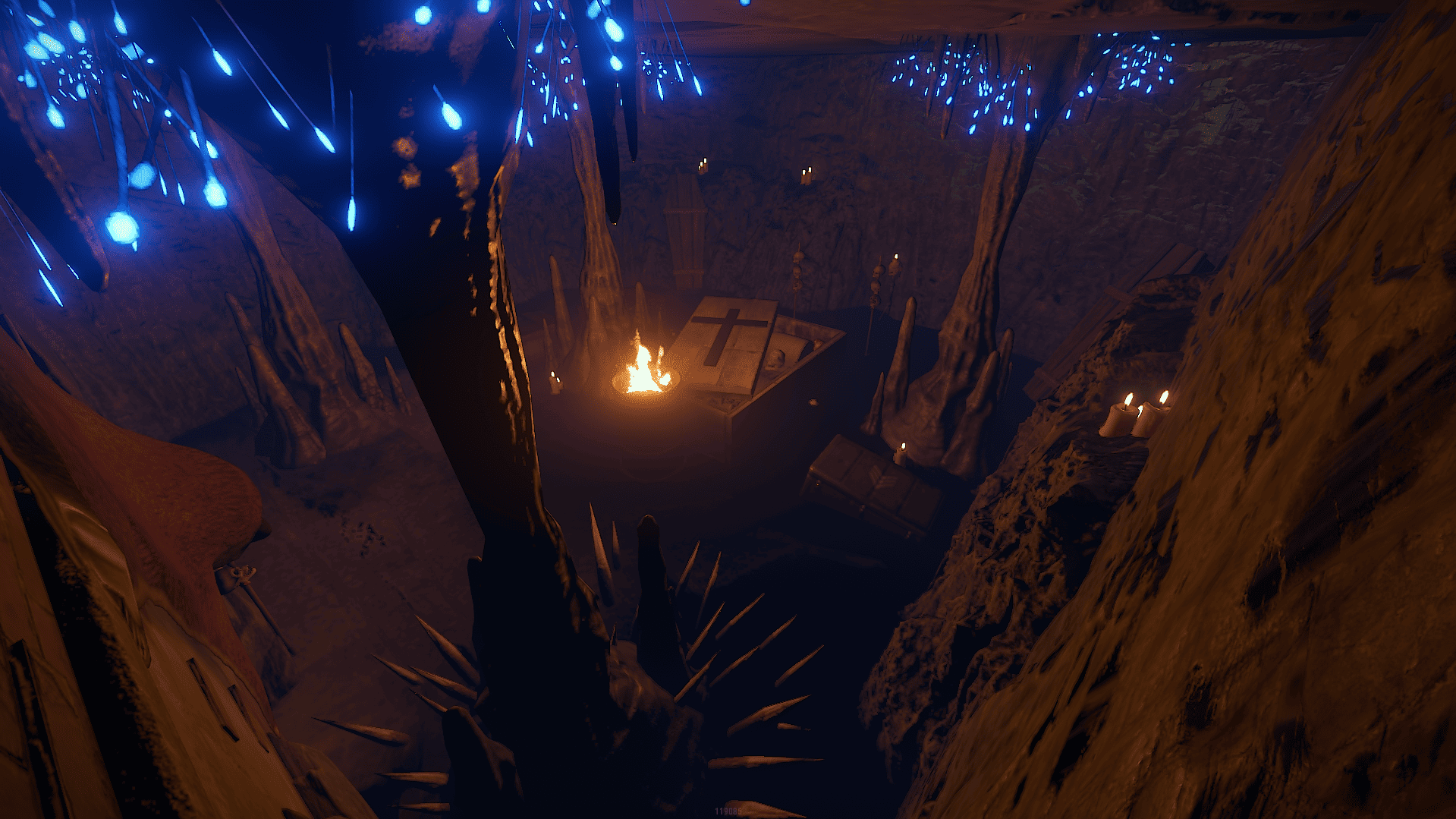
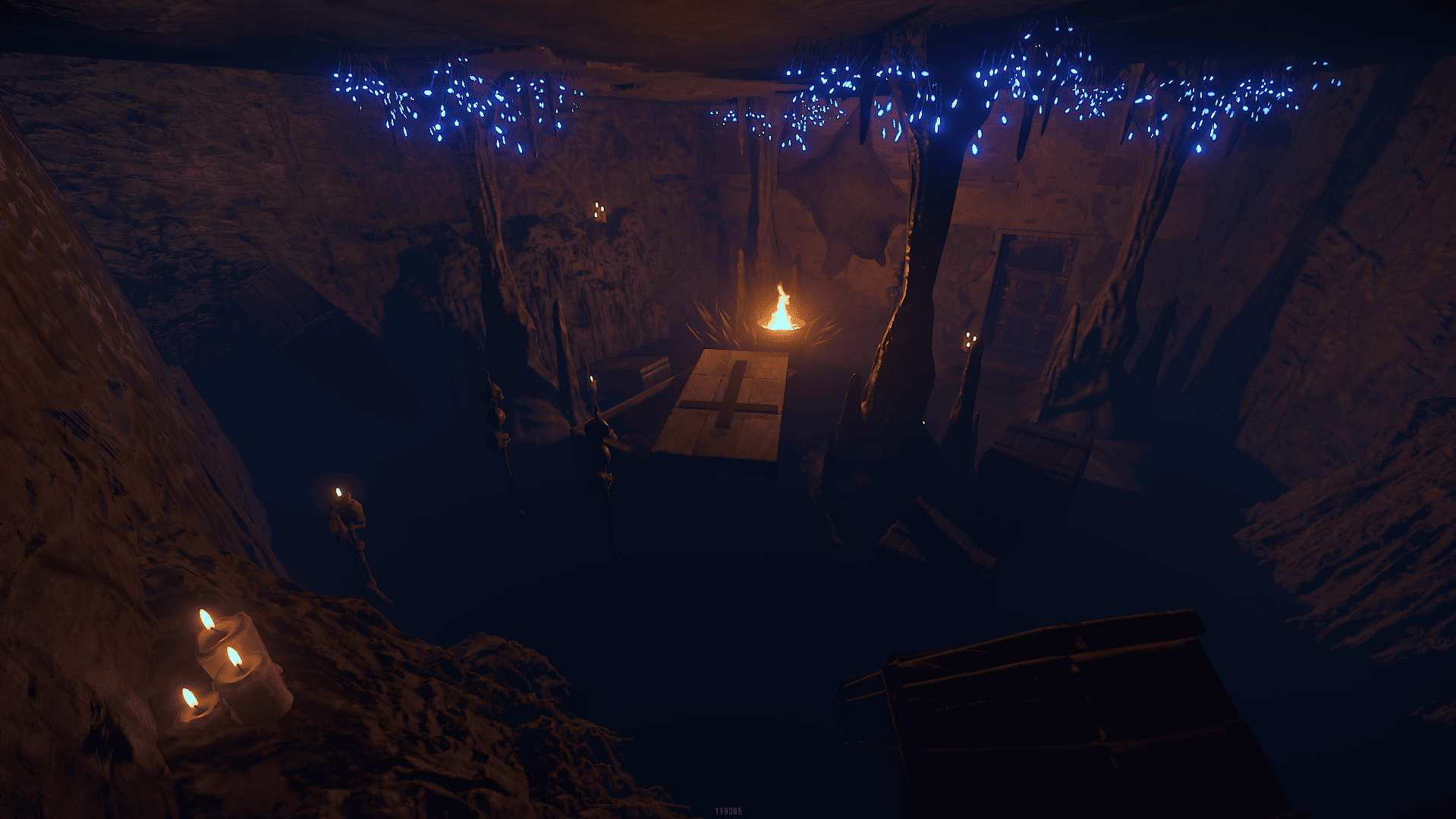
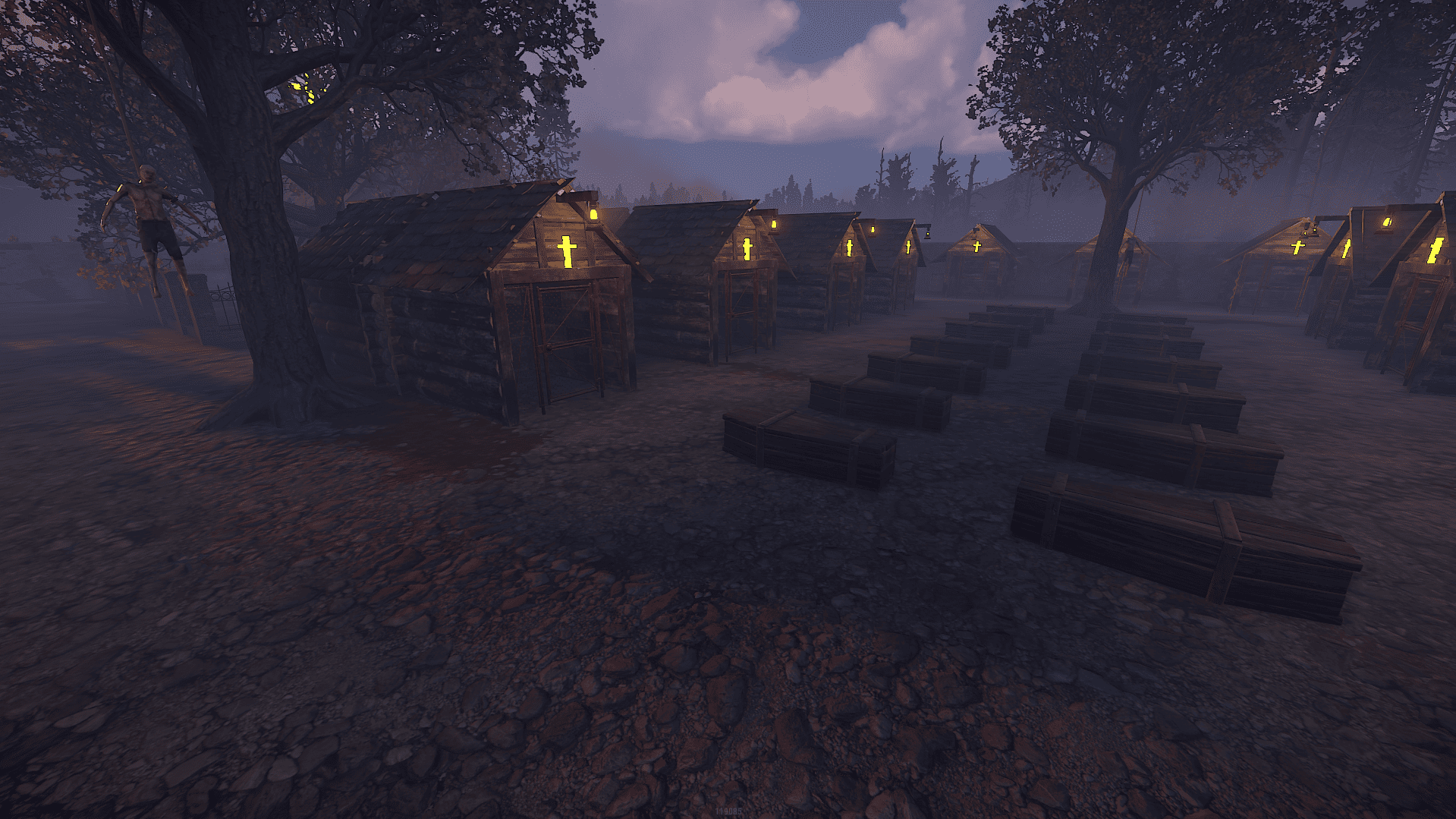
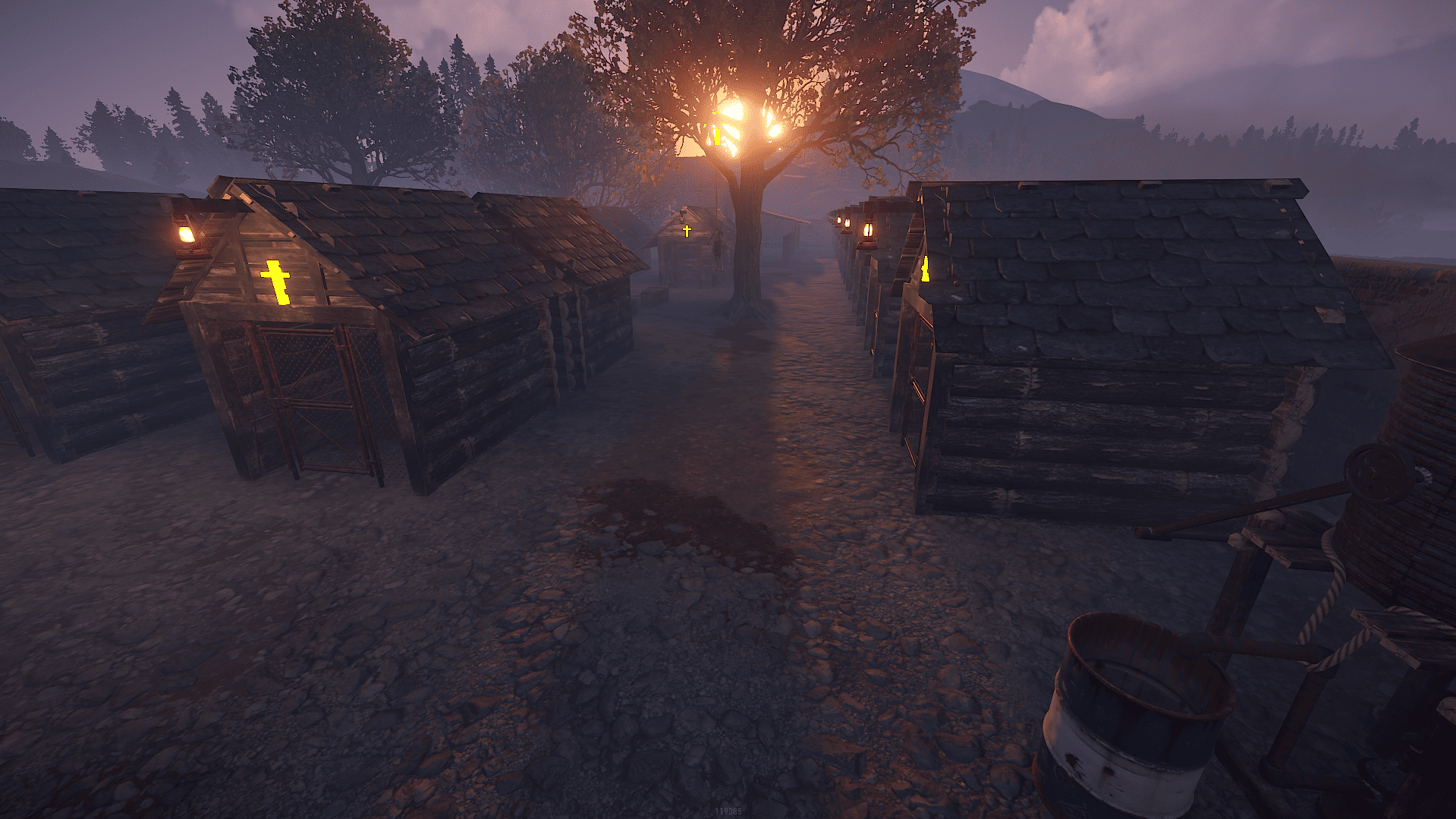
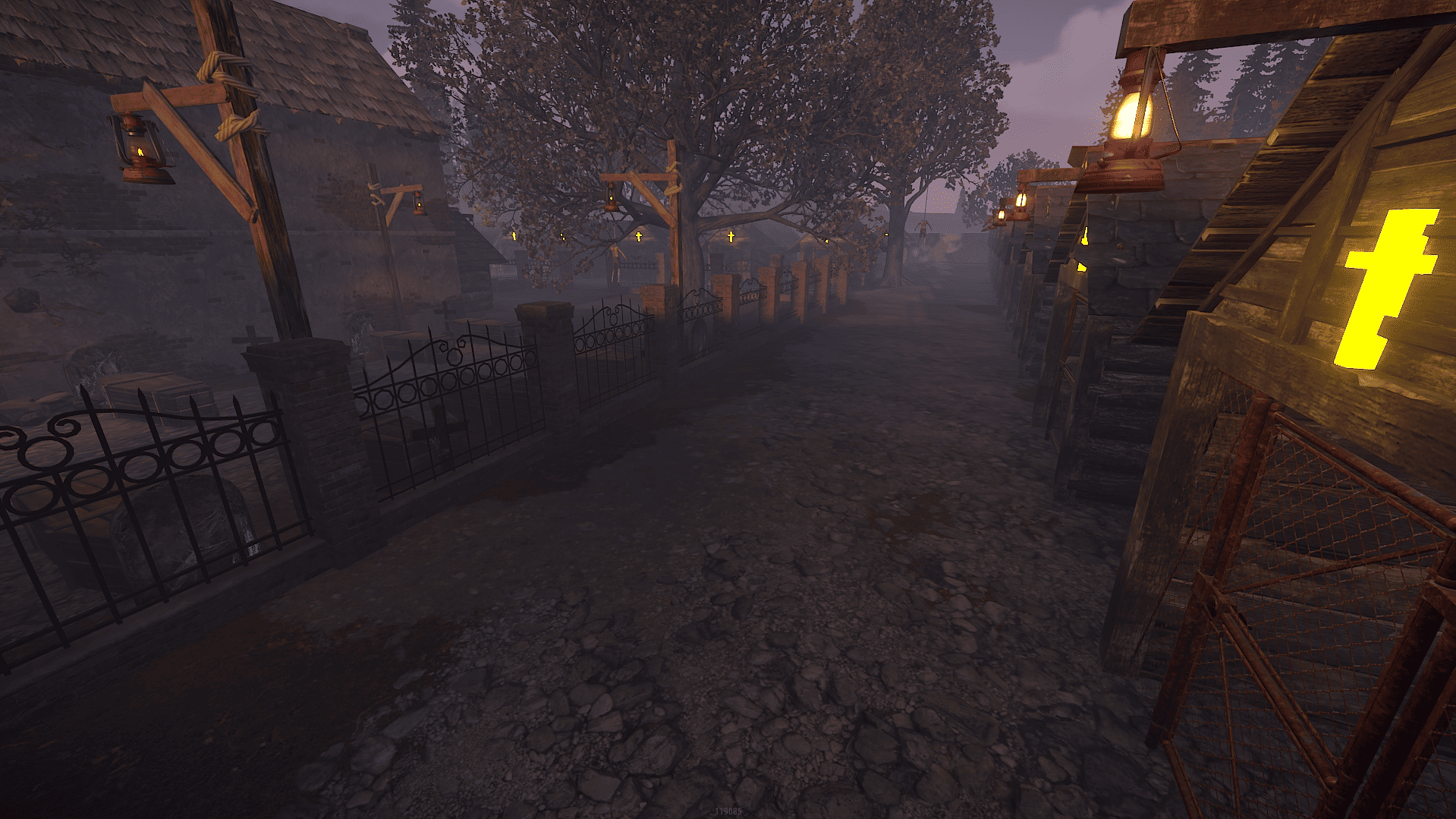
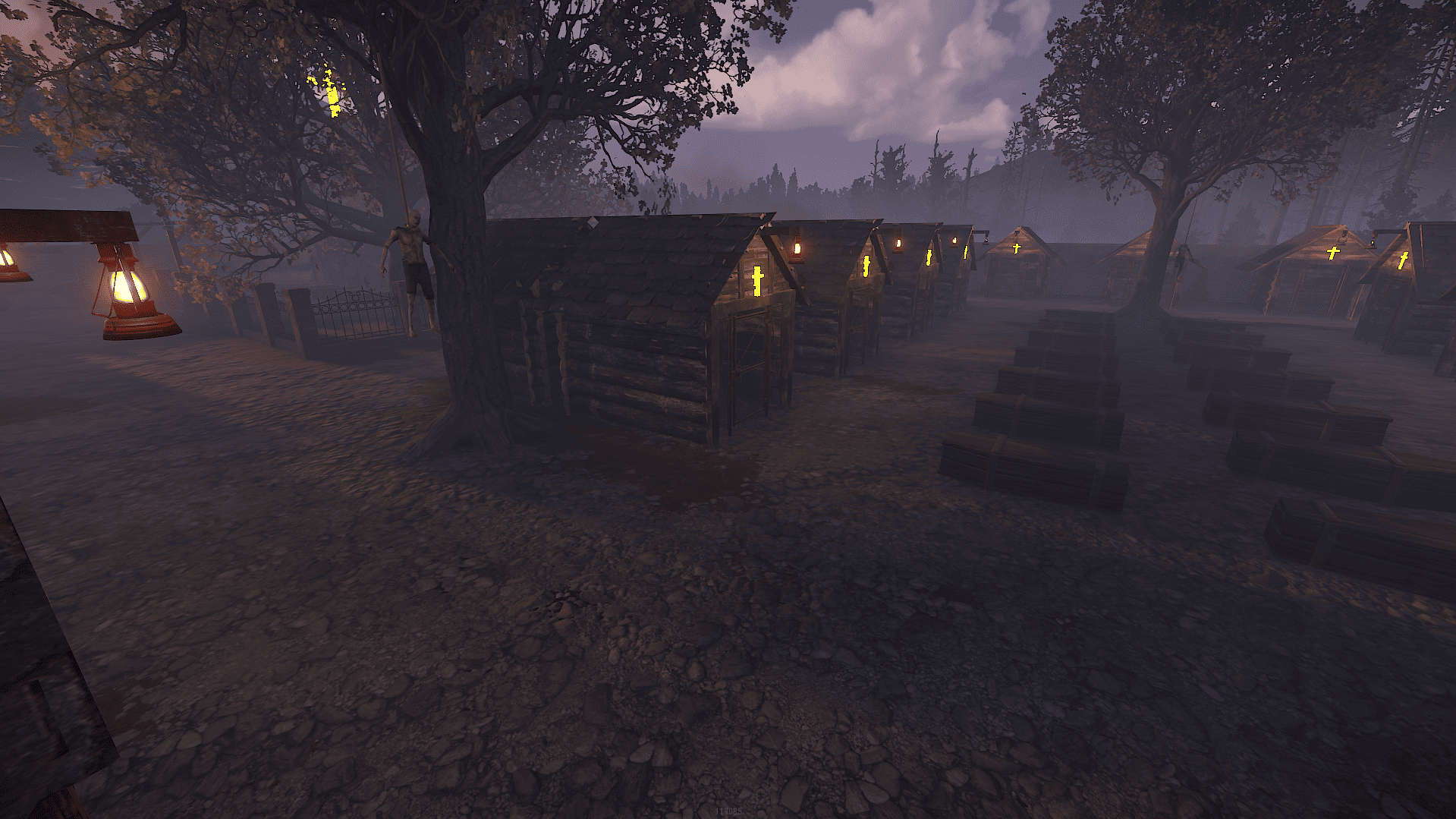

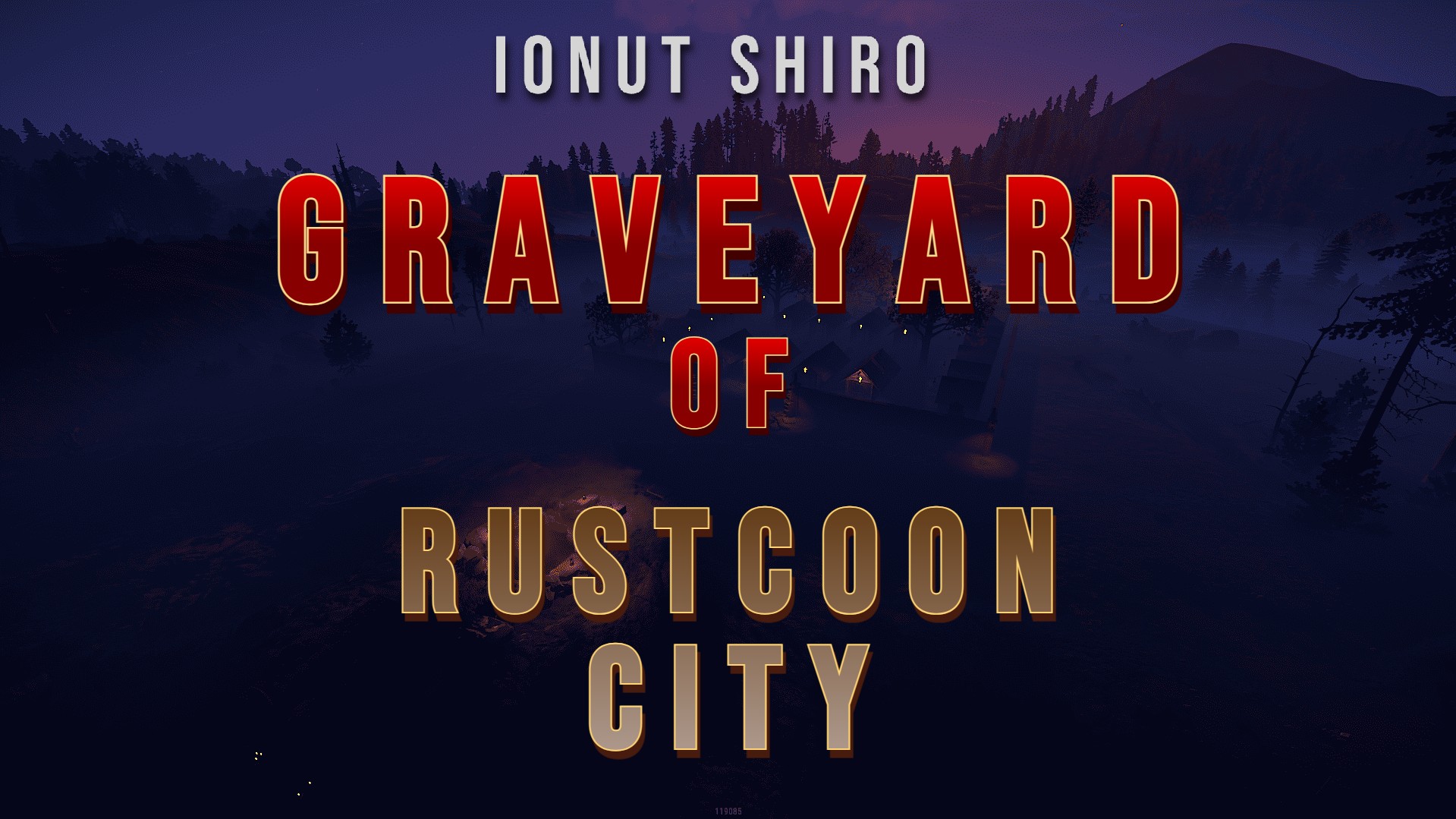

A world of living Undeads means that you need to die before you can life forever
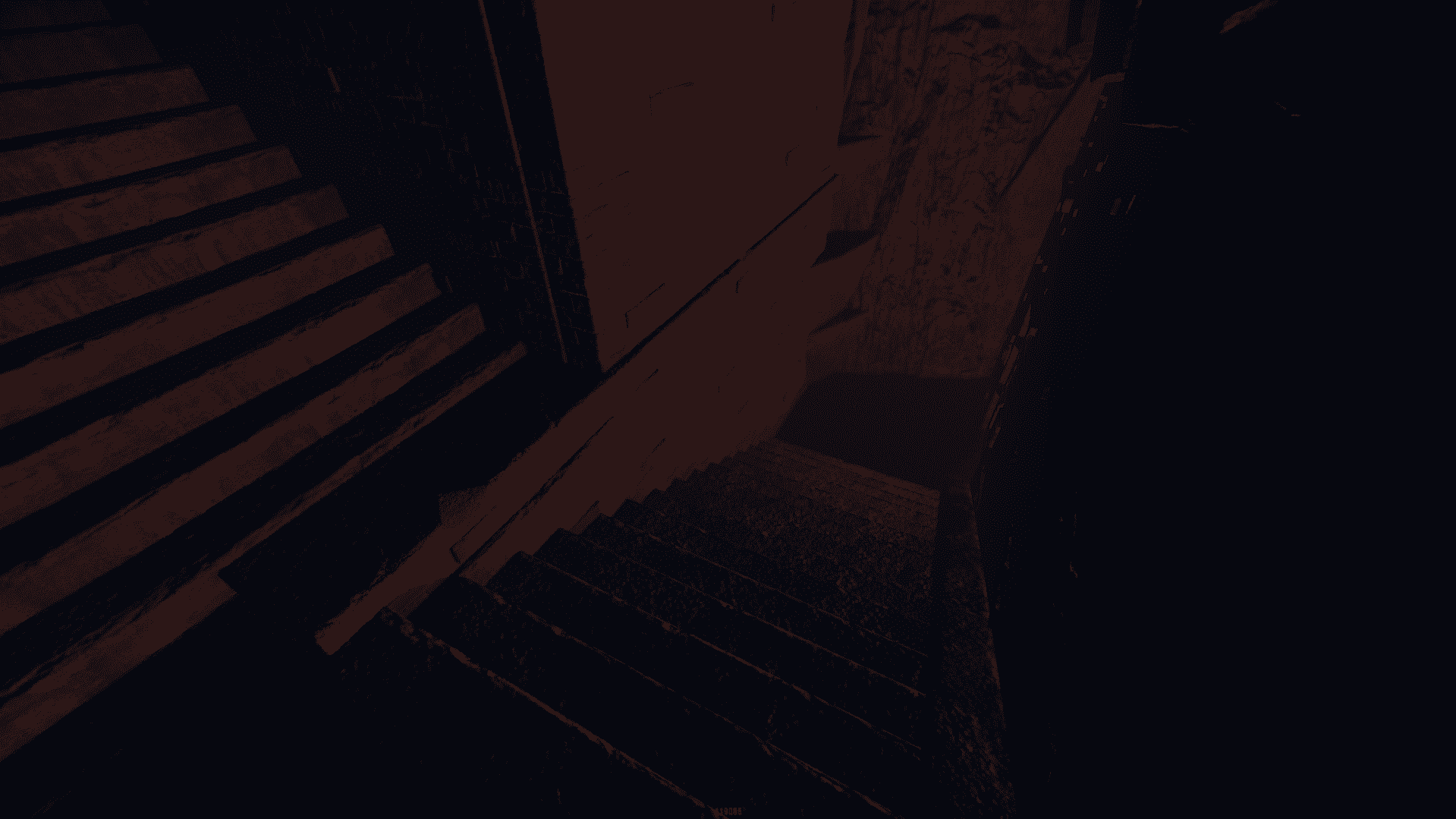
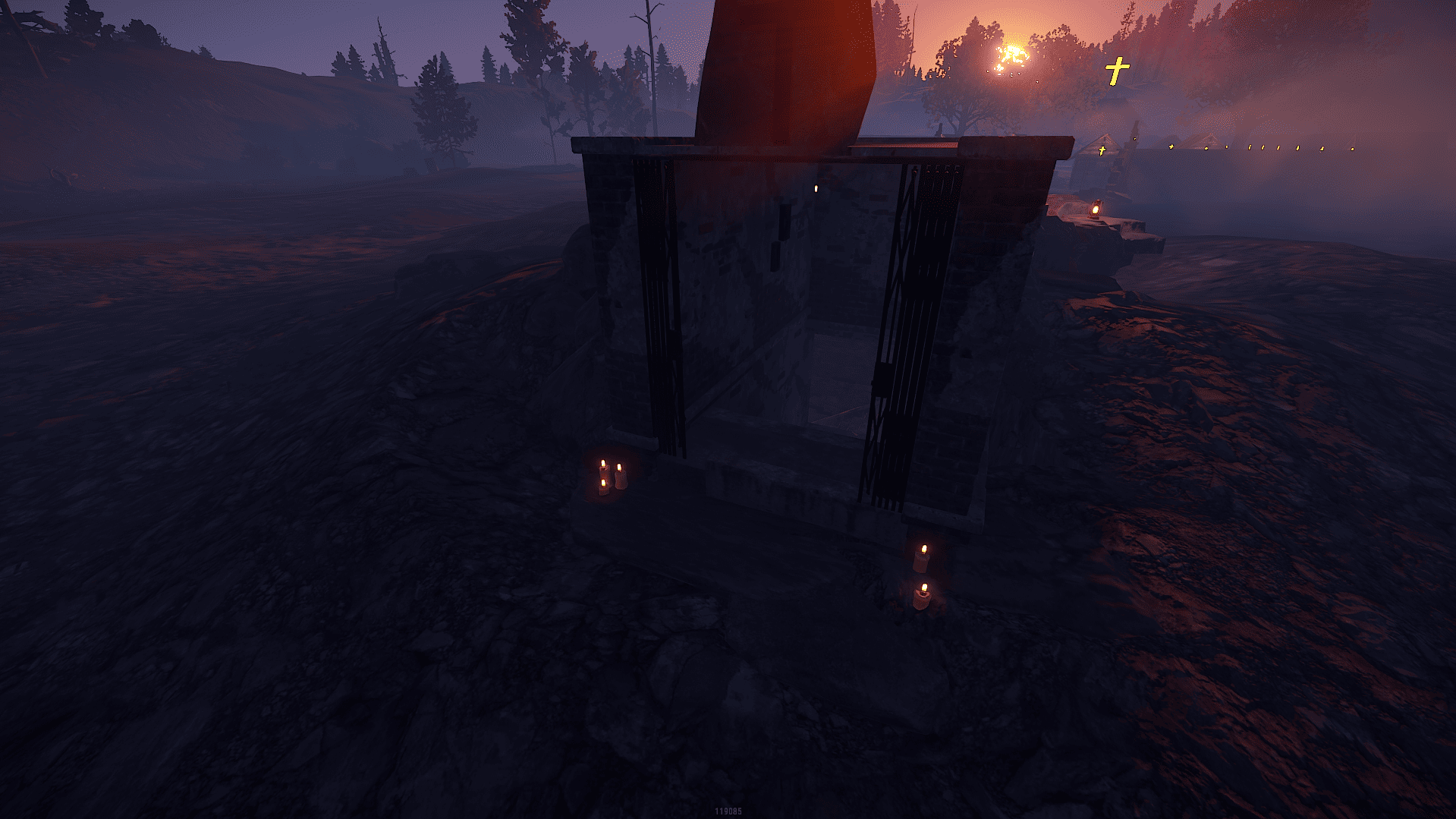
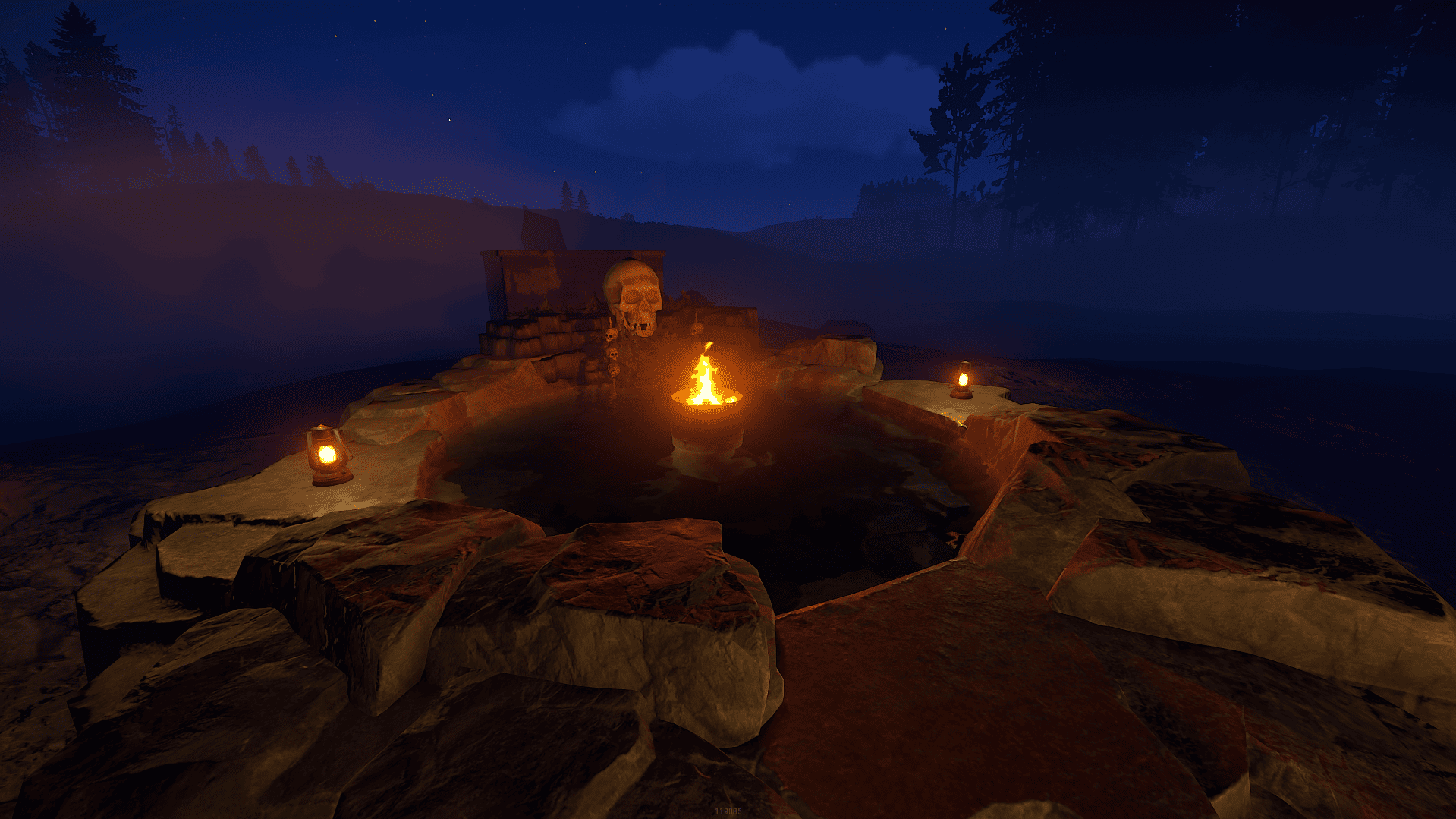
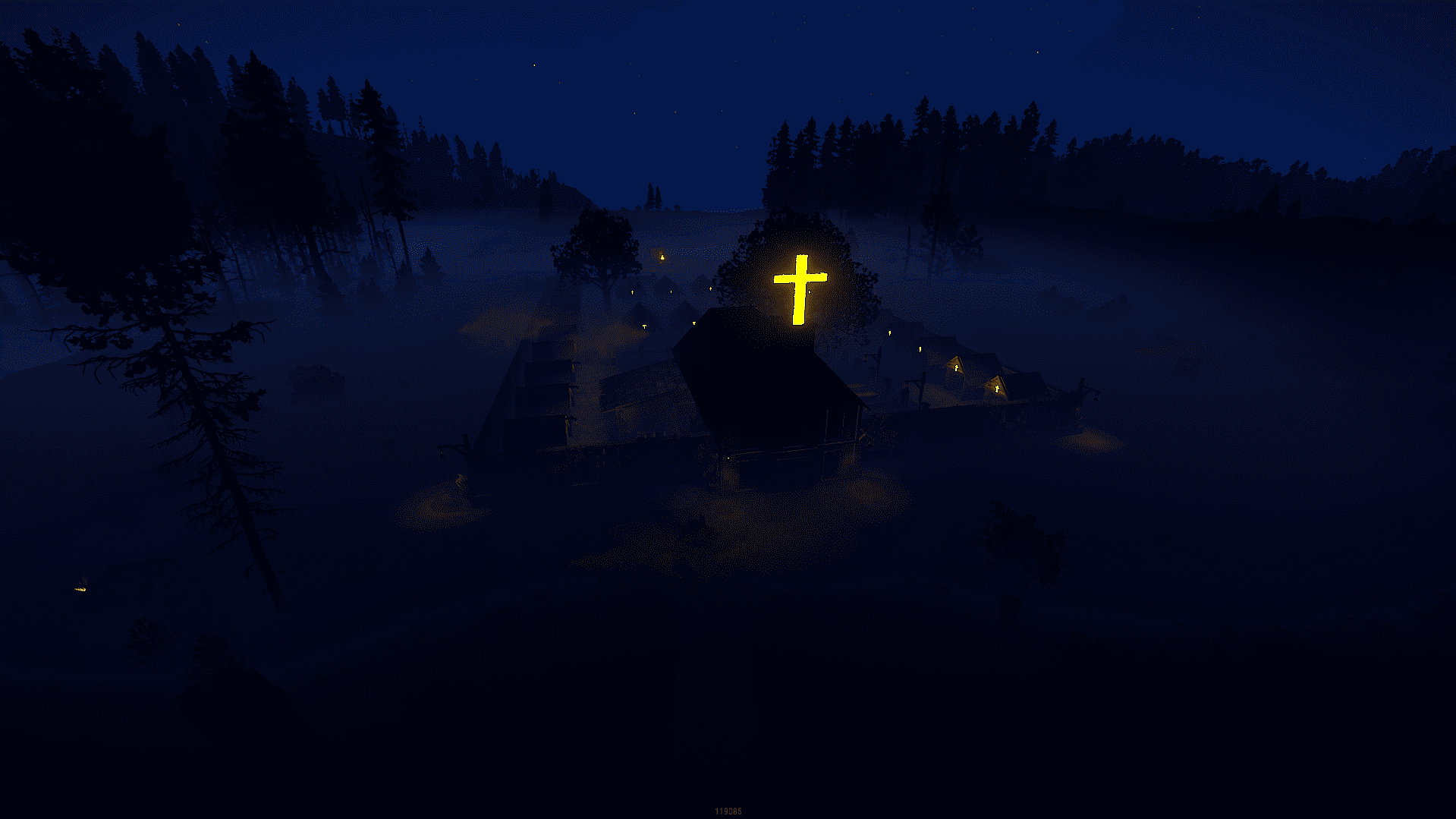
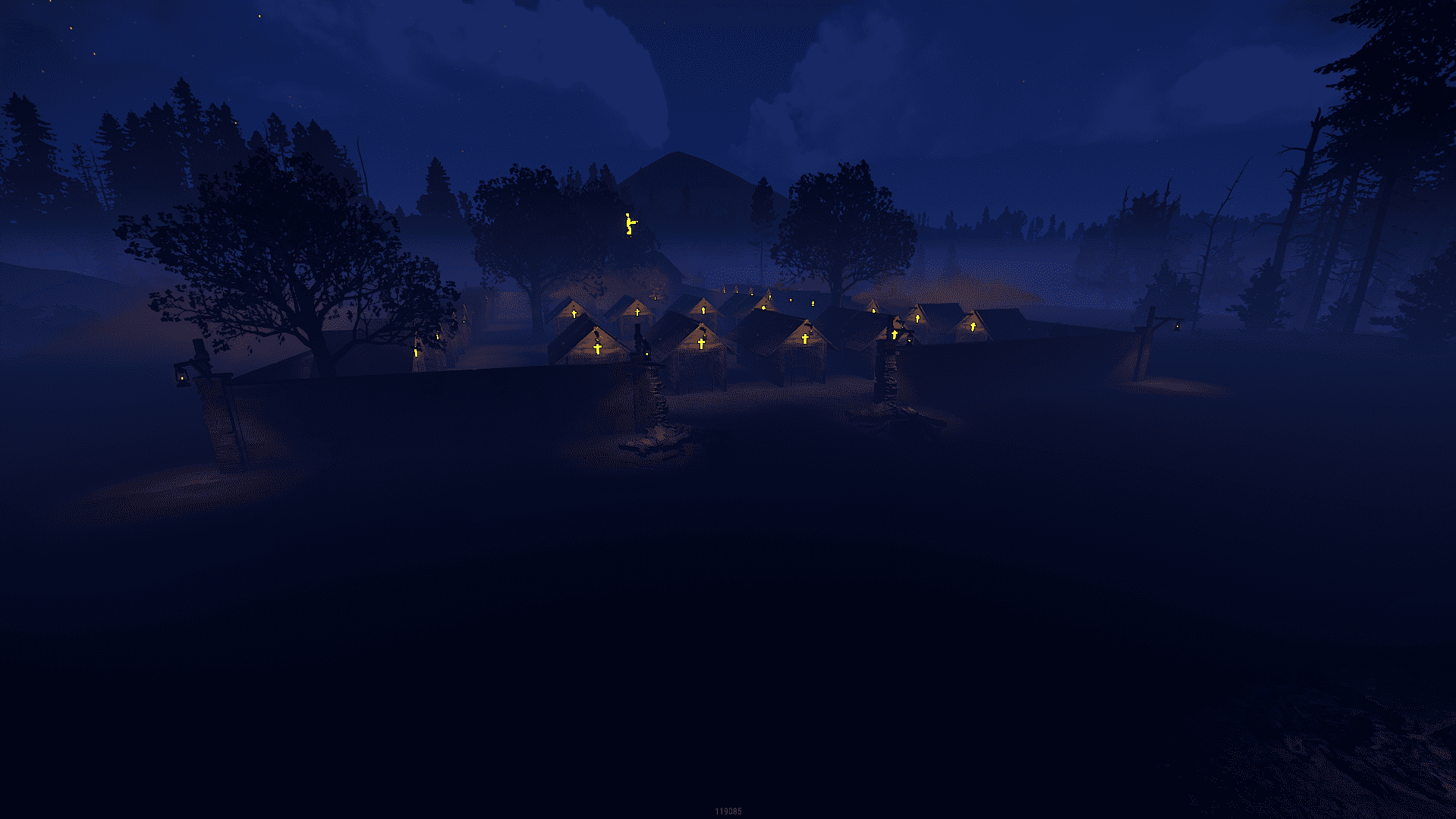
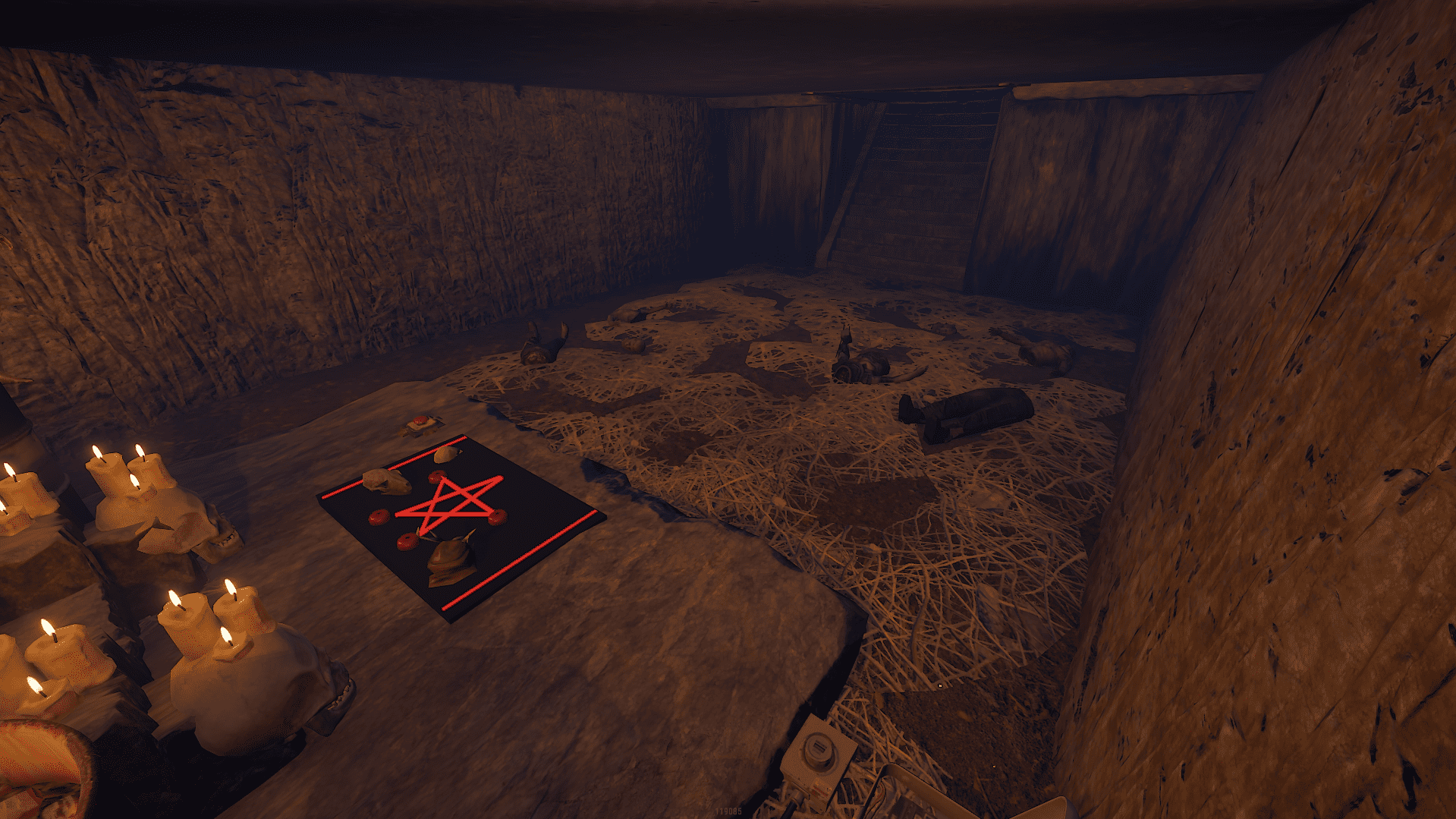
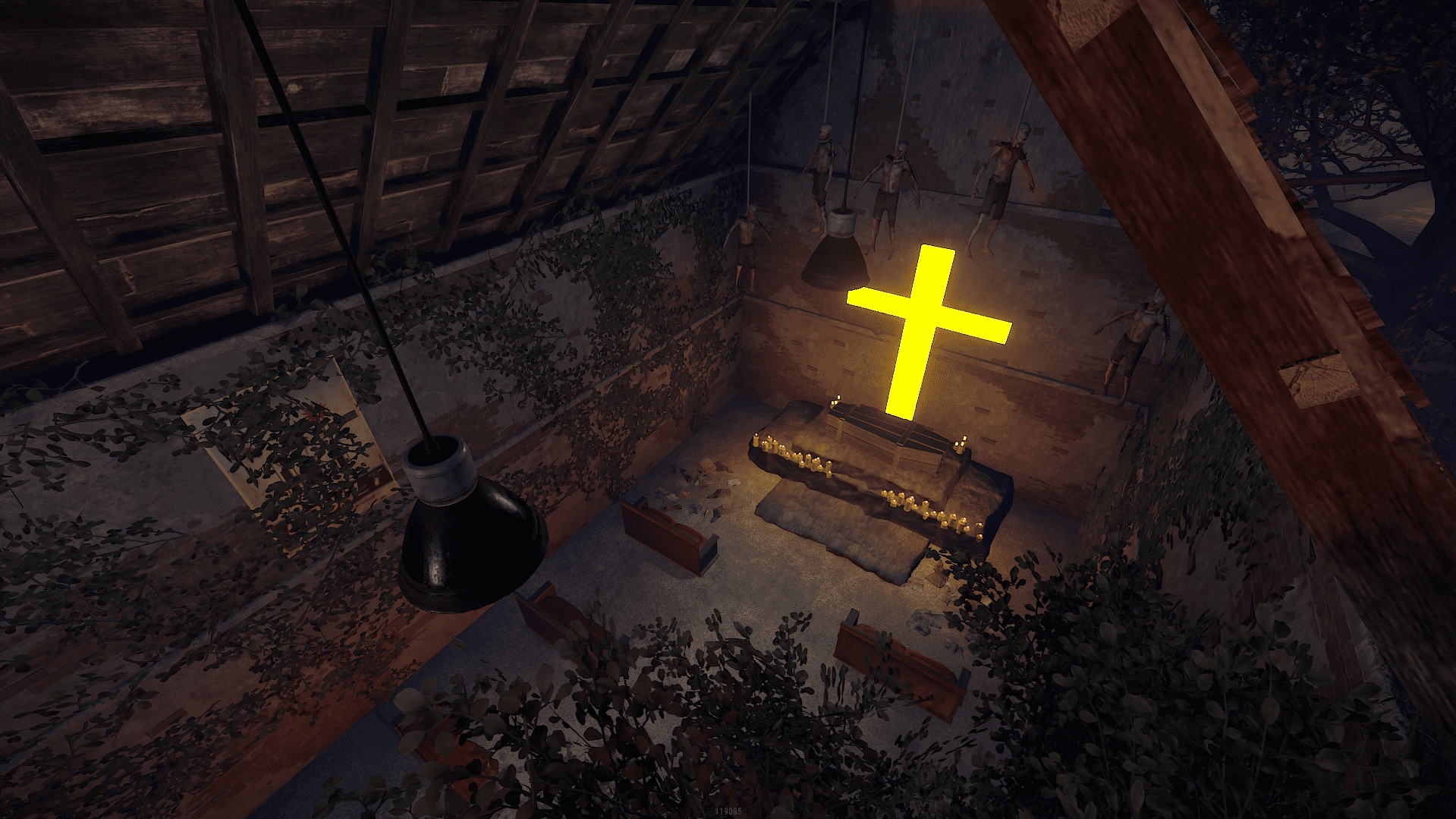
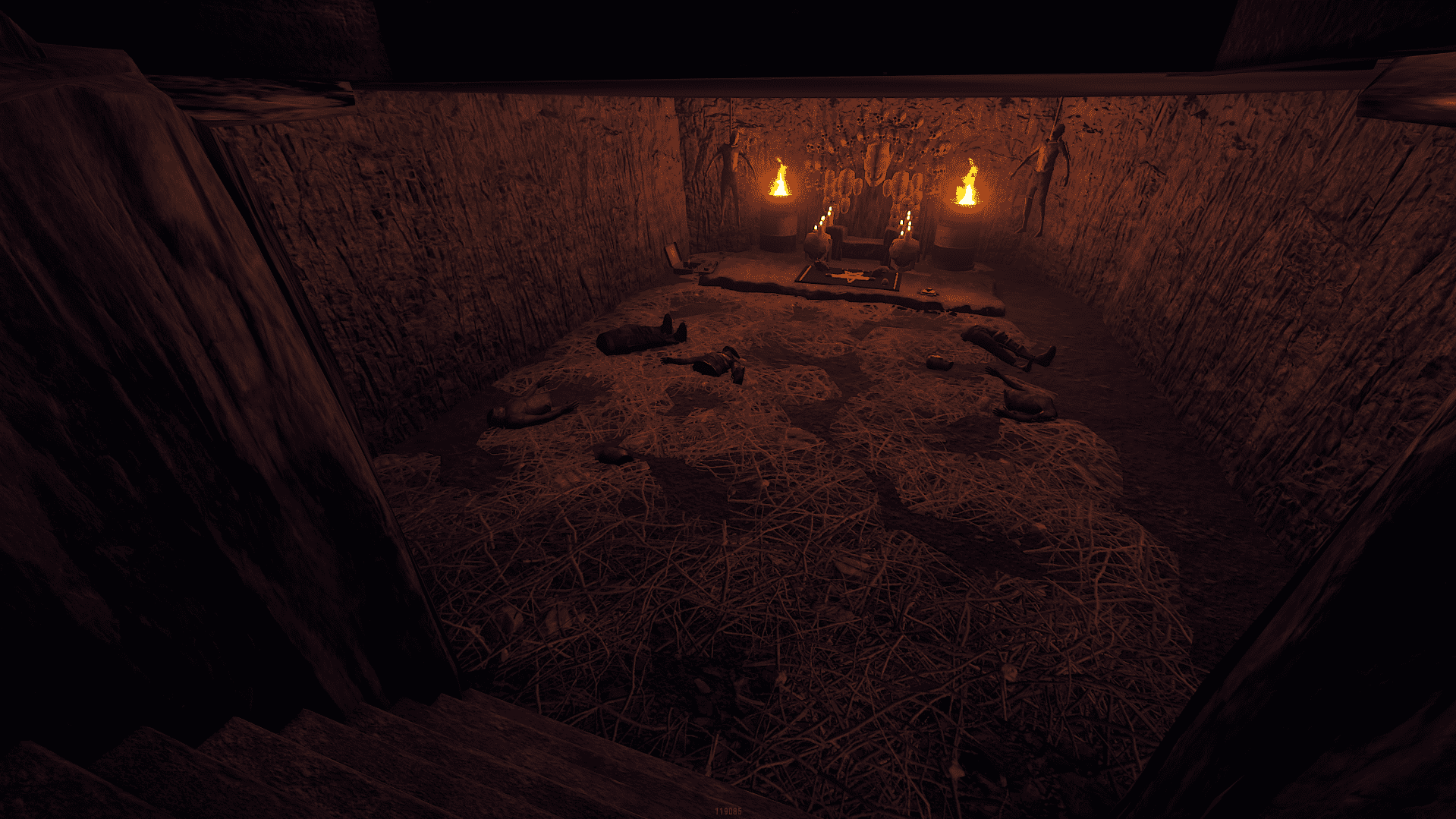
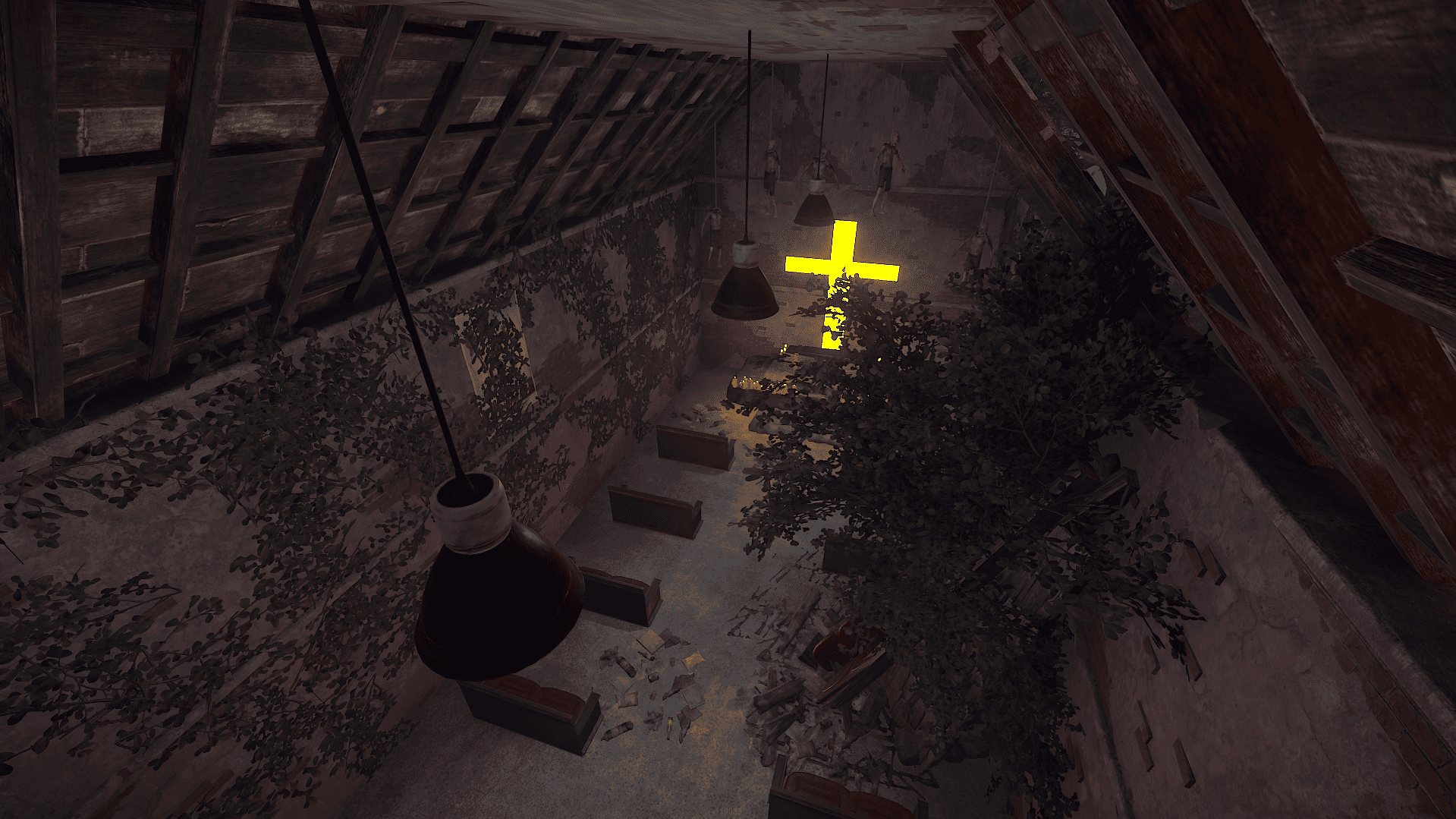
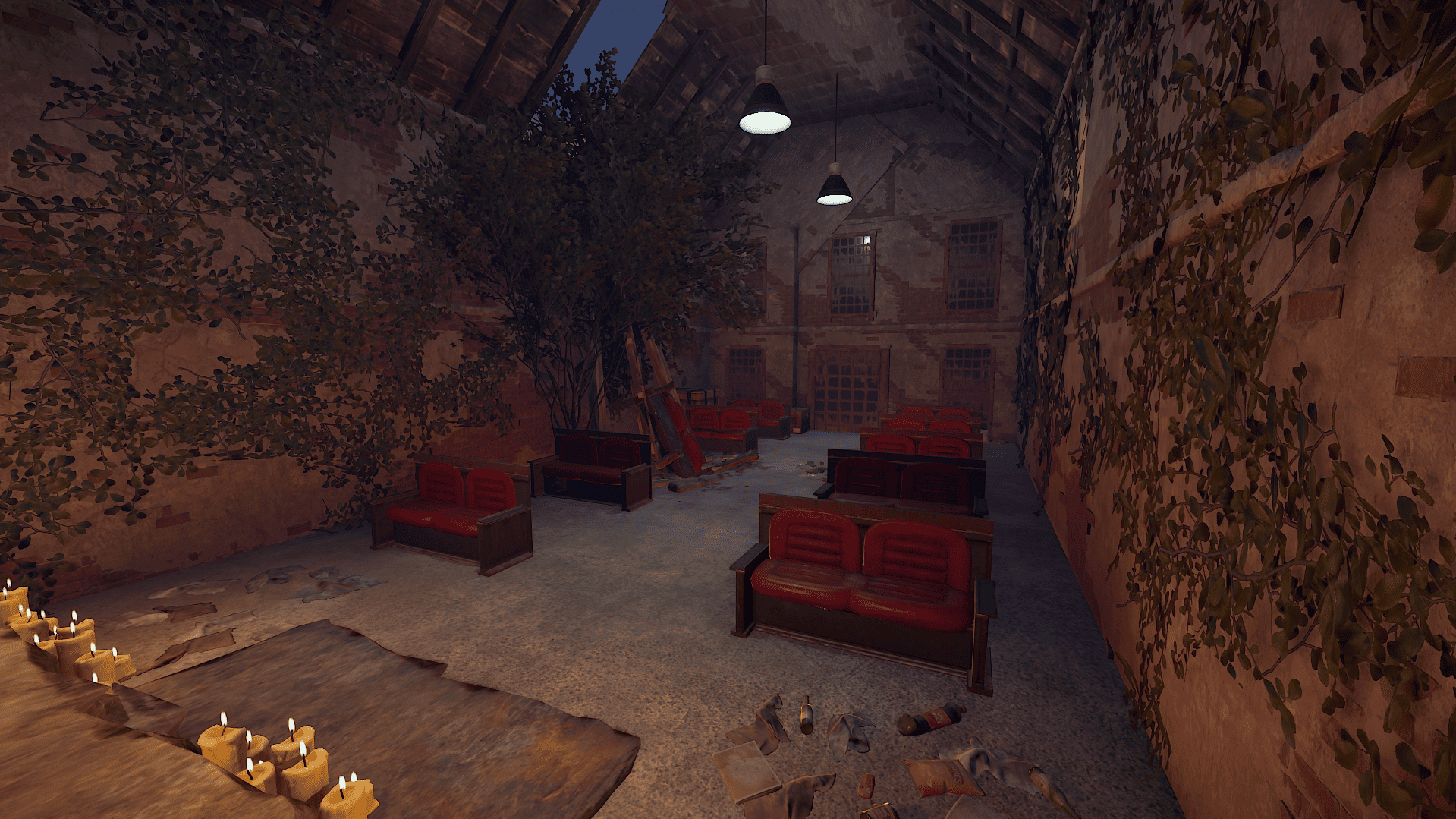
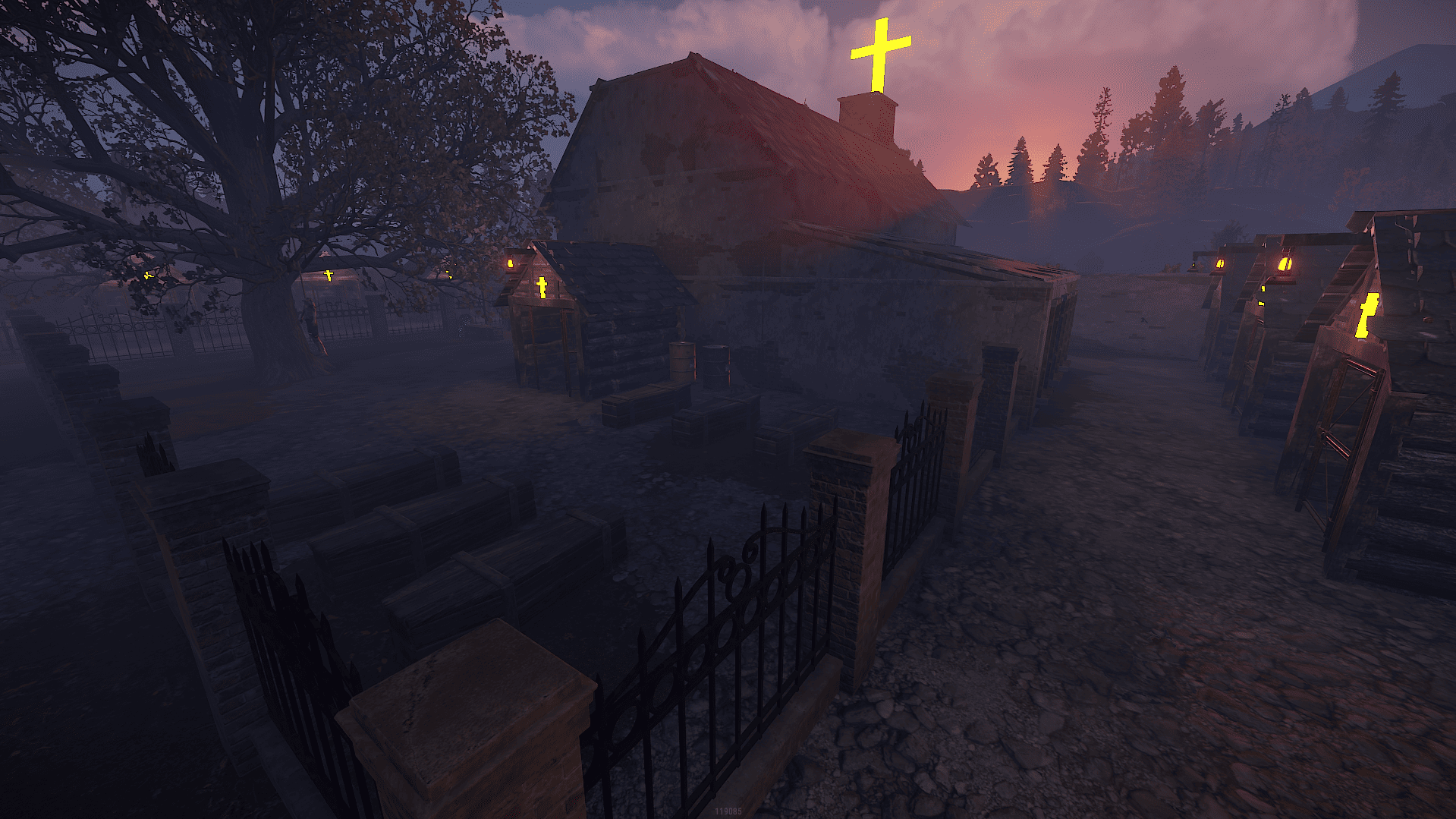
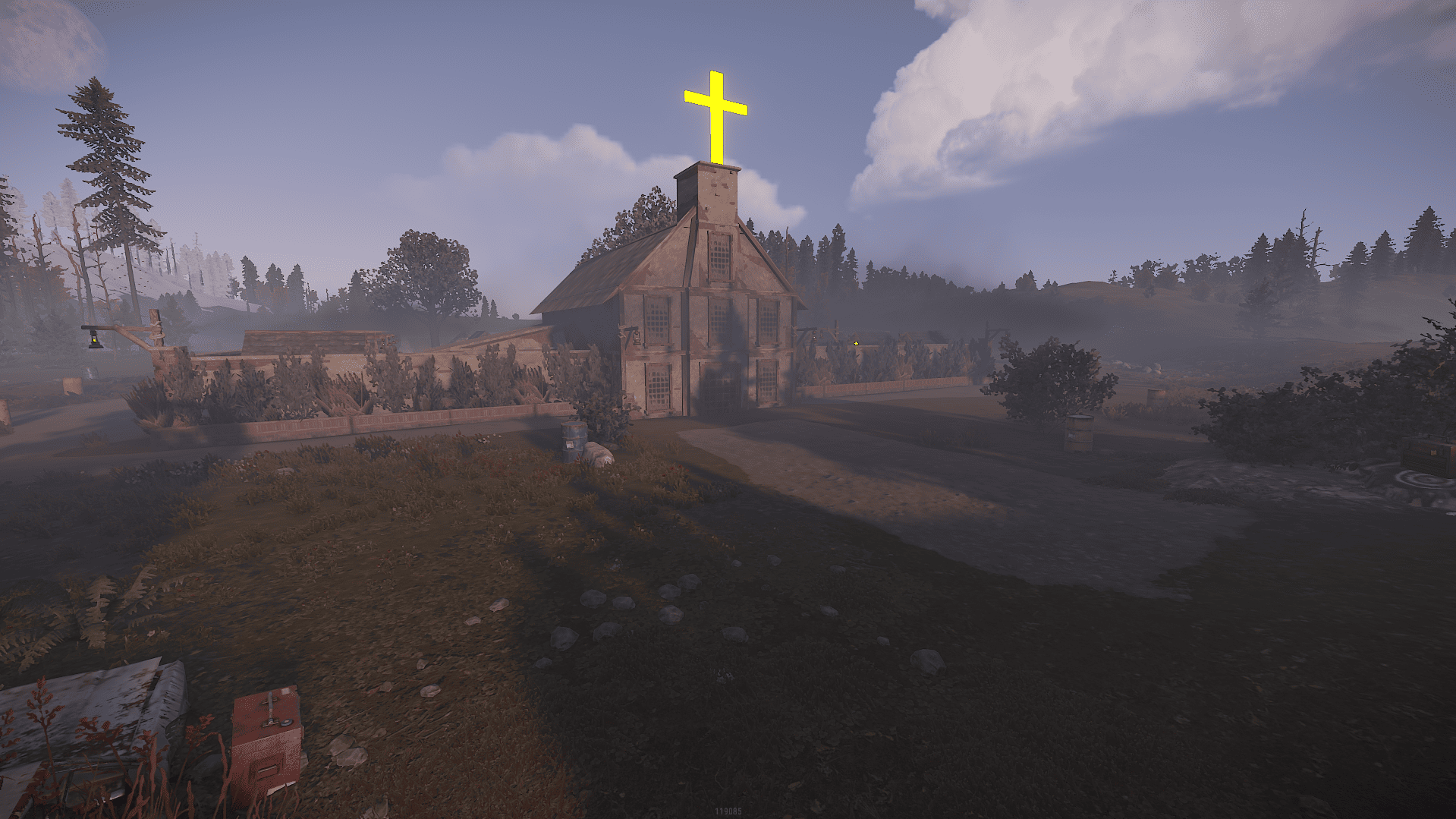
Full Graveyard with Puzzle and Redroom
find the underground ritual room and place a fuse
find 4 timer in the gravehouses that need to be activated
after that activate the RedRoom by pushing the button on the ritual room
Redcard Reader will be activated in the Waterspring Grave
What's New in Version V1.1
Released
New rocks , takeover.
As soon as you purchase my content you agree to the terms and conditions.
Attached are are the following rules and TOS (Terms of Service) you are agreeing to when purchasing and using my content.
(Use of Product)
By downloading my products and content you are not allowed to resell or use it for commercial use without permission.
This includes minor editing, modifying or renaming any of my work and using it for your own commercial applications.
Any redistribution of my creations is STRICTLY prohibited.
Attached are are the following rules and TOS (Terms of Service) you are agreeing to when purchasing and using my content.
(Use of Product)
By downloading my products and content you are not allowed to resell or use it for commercial use without permission.
This includes minor editing, modifying or renaming any of my work and using it for your own commercial applications.
Any redistribution of my creations is STRICTLY prohibited.
You may only provide a review once you have downloaded the file.
There are no reviews to display.