




Entity Count: 2269
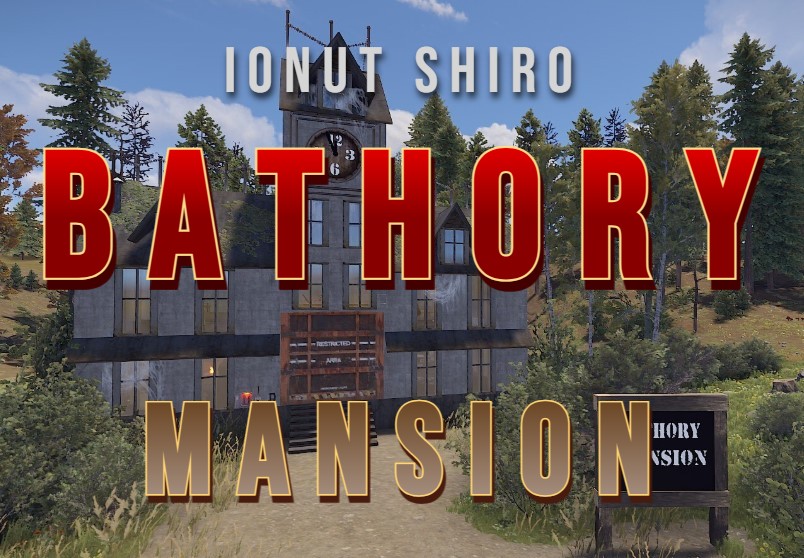
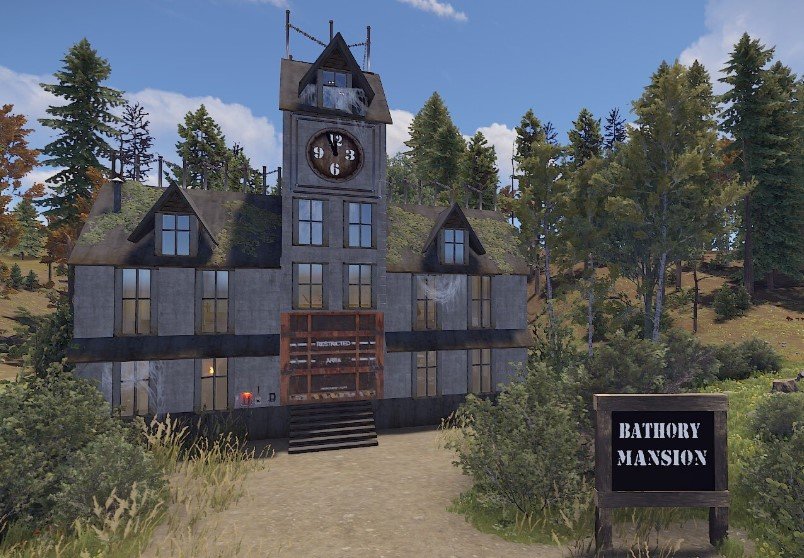
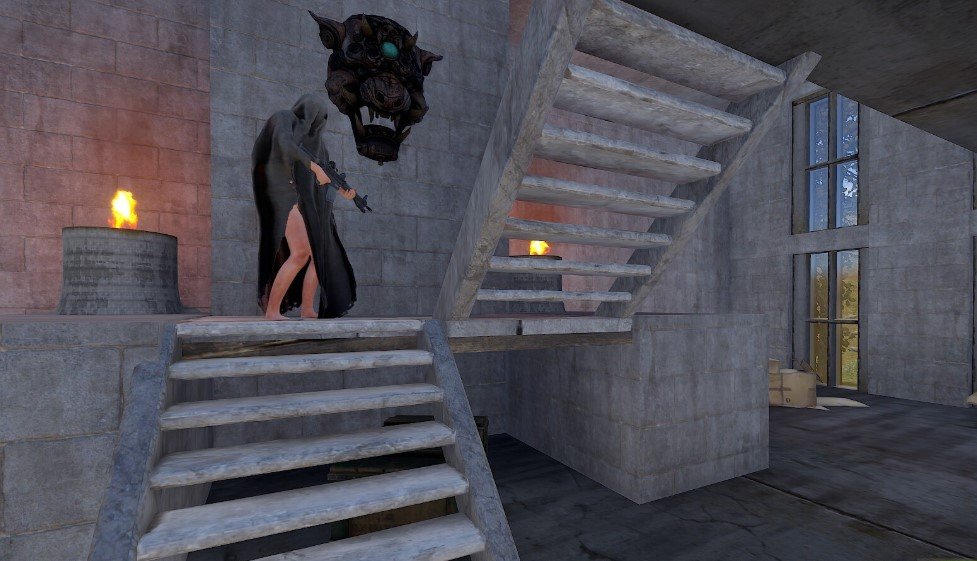
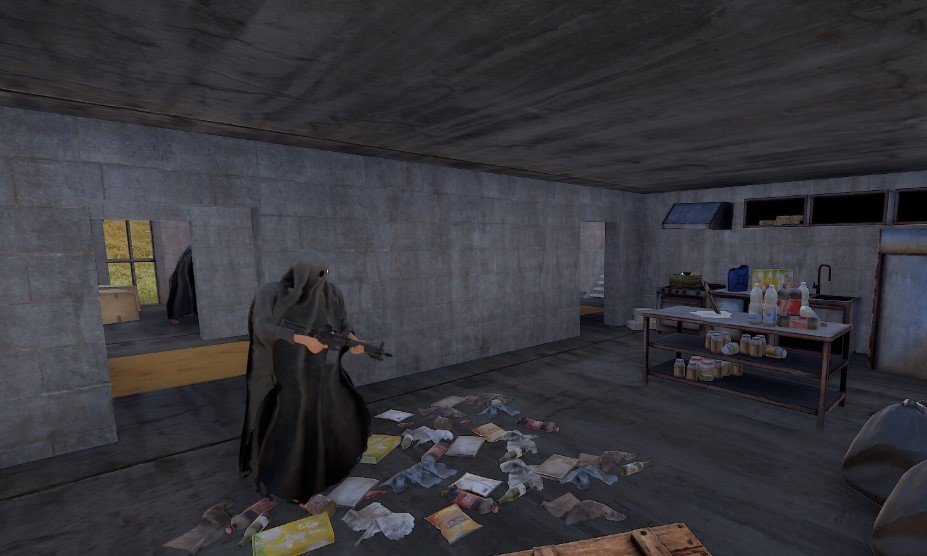
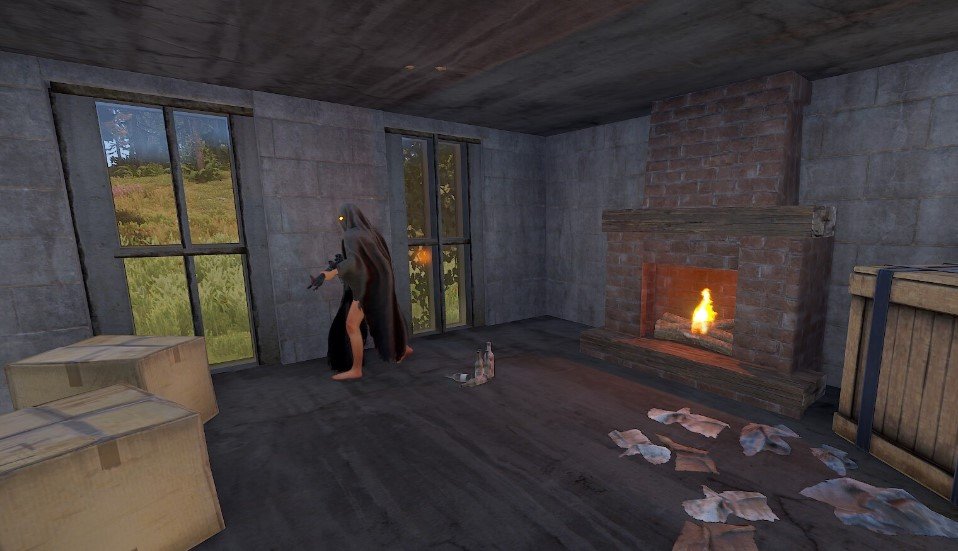
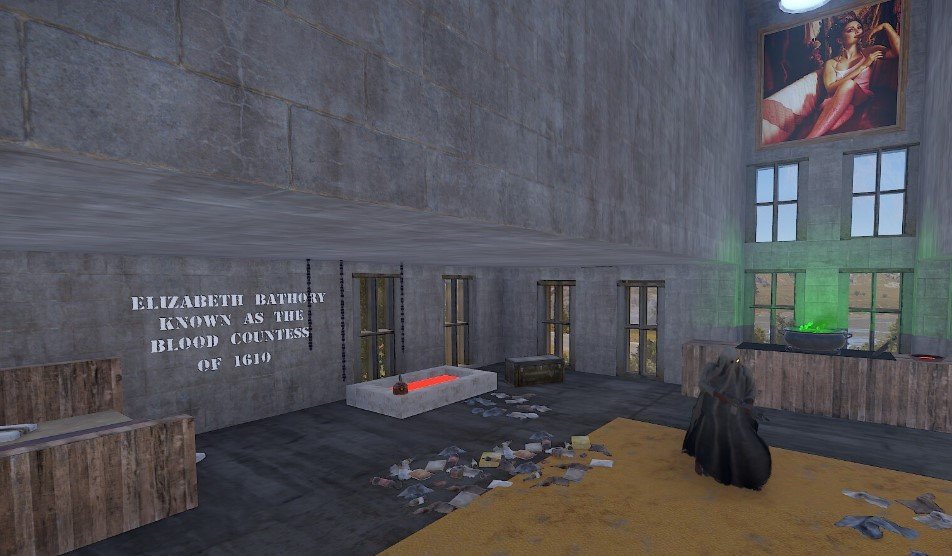
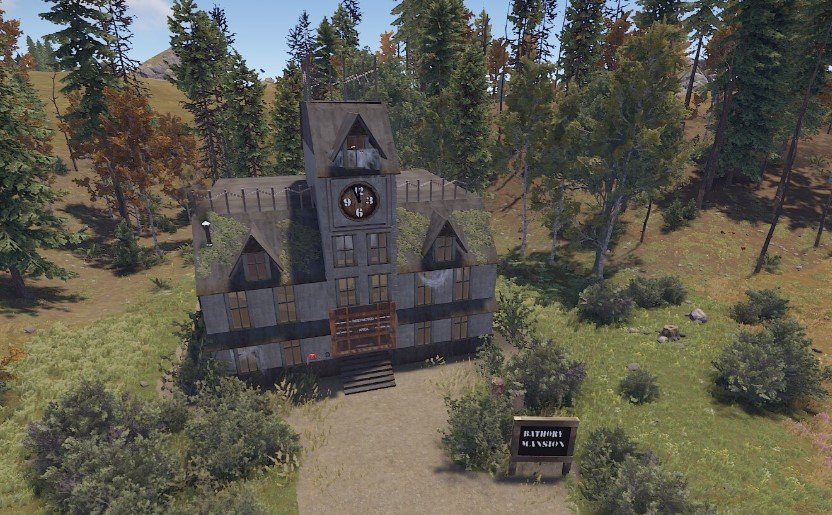
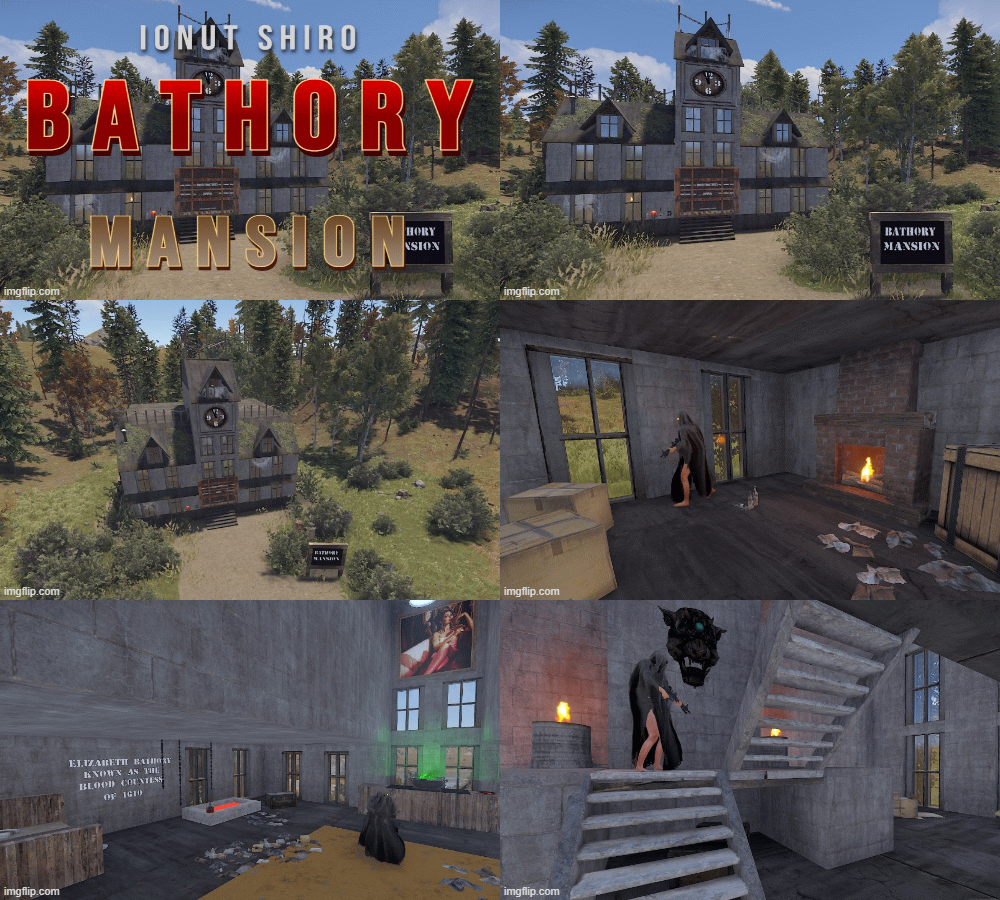
When walking up on this monument you just know something bad has happened here and there's a long history with this mansion and most likely haunted. When you find out why this property is haunted you will be turning every corner watching your back knowing the dead girls are walking the hallways looking for revenge or perhaps Elizabeth Bathory herself. This creepy monument has a very bloody past. Elizabeth Bathory killed many girls in her mansion in the 1600's and bathed in their blood to keep her youth. She is a notorious serial killer in her time. This prefab is sure to bring some Halloween vibe to your server!. There is lots of loot upstairs and downstairs as well as NPC's. There is also loot barrels out around the property. There is a large picture upstairs where you can place a /sil if you like of her to make the prefab even spookier as i did. In the pics above you will see that i use Better NPC's on my server and i can give them kits so they are dressed according to the prefab im using them in. I recommend doing this but there is NPC's placed in there already to give players a fight when looting.
What's New in Version V1.2
Released
Topology
Permission is not granted for distribution/sharing, or re-sale.
You may only provide a review once you have downloaded the file.
There are no reviews to display.