



.jpg.c5a98af8cd9b7b25de0552023dbae1ed.jpg)
.jpg.c3697d70624492aa1d5ce91b22179882.jpg)
.jpg.f6dee1bf9d828c078298cb940531b00e.jpg)
.jpg.3ebb8086e81ca32aab5b9a92777a9b45.jpg)
.jpg.ddea8761ddd98117cffde8718f349bdd.jpg)
.jpg.1b7e81e64bfc00087a4be5ffd506fb2f.jpg)
.jpg.445956fc2633127f51fc272b1265acdf.jpg)
.jpg.22b3fc57b1760d8232f6d5158c70e03c.jpg)
.jpg.b09f87f6a5fe0115e6b4a92401620bf7.jpg)
.jpg.26684cf2e03e844c720a01b247bed03b.jpg)
.jpg.feb710c9a3e114e618a5a3e2f3707151.jpg)
.jpg.cb518a7a6a2fcbabbb622873f199b0f9.jpg)
.jpg.2e758f621153784115f1d88cc0f4caa4.jpg)
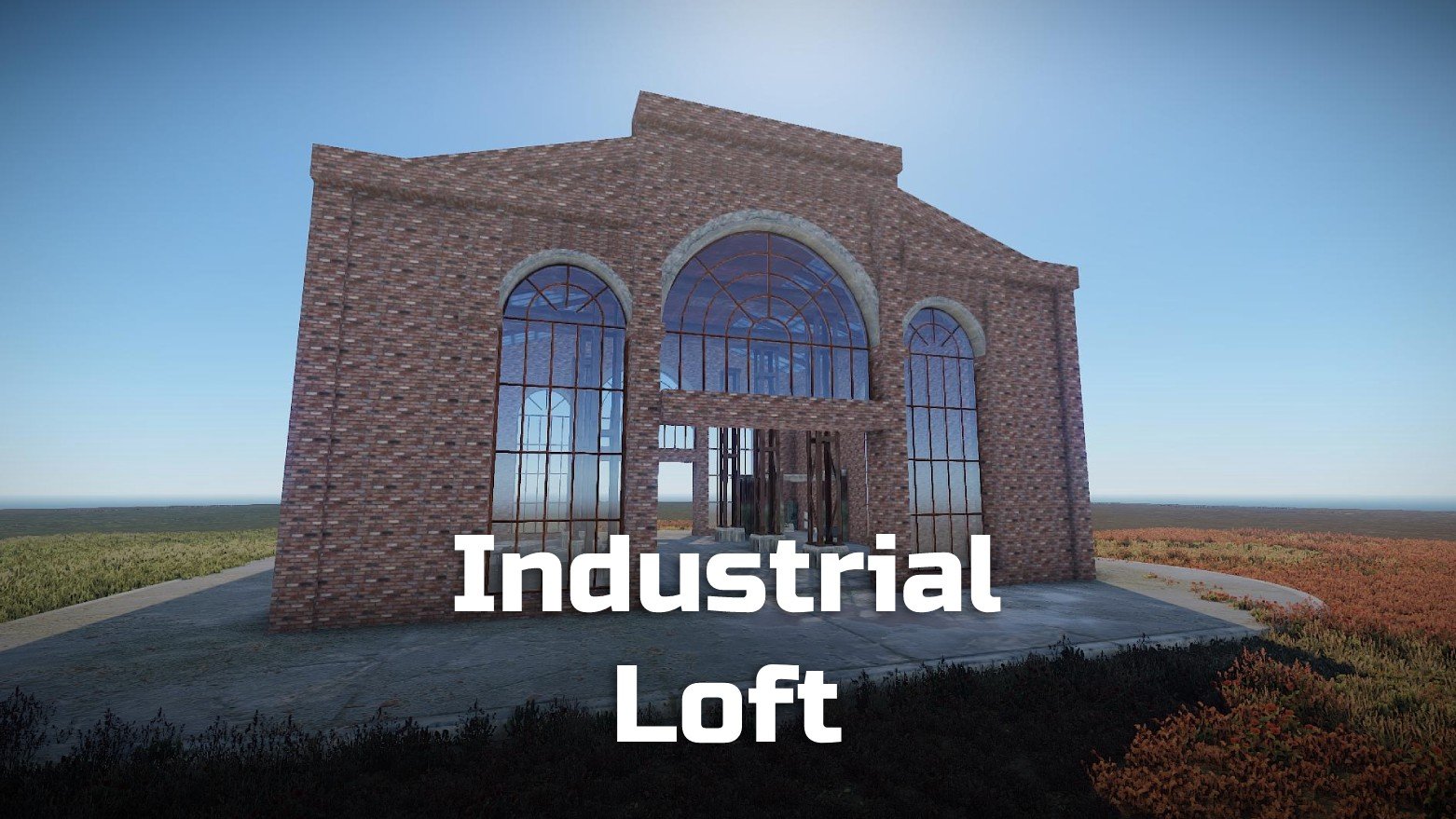
Matching to Rust, you have now the chance to live in an old industrial loft!
This house comes equipped with beautiful arched windows, a modern kitchen on herringbone parquet and a bathroom.
Otherwise, the floor plan is loft typical open, so you can build your own dream base in it.
Likewise, you have an empty version also included for those who want to do without a finished kitchen/bathroom.
Prefabs count: ~1145 / 788 (empty)
Modifiers: Height, Topology
Installation:
1. Download file
2. Unzip the file and copy the folder to RustEdit\CustomPrefabs
3. Open RustEdit and place the prefab
4. Apply the Height/Topology modifier (optional)
If you want to remove the grass in the Glass Base paint with the Topology "Building" or Splat "Dirt", that way it removes the grass.
Skins
I am happy to share with you suitable skins for your skin mods (you will find the ID's in the READ ME file):
Window (Garage Door)
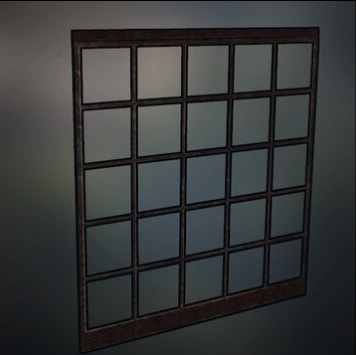
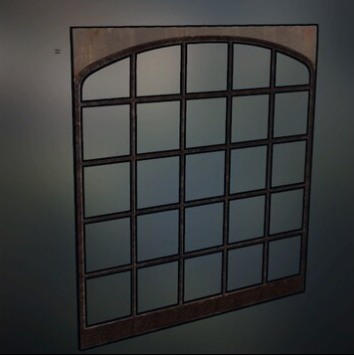
Loft Window (Garage Door)
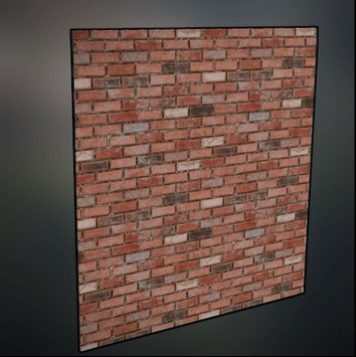
Brick Wall red (Garage Door)
If you have any questions or problems, feel free to contact me on Discord: ilineus - J.A.R.V.I.S.#5700
Edited by ilineus
What's New in Version 1.0.2
Released
Disappeared water in the bathtub (decorated version) fixed
You are not allowed to share, redistribute, sell or claim this prefab as your own.
You may only provide a review once you have downloaded the file.
There are no reviews to display.