Jump to content
View in the app

A better way to browse. Learn more.

WeOxide Marketplace ¬ Rust Custom Maps ¬ Prefabs ¬ Monuments and Plugins Free & Paid Assets

A full-screen app on your home screen with push notifications, badges and more.

To install this app on iOS and iPadOS
  1. Tap the Share icon in Safari
  2. Scroll the menu and tap Add to Home Screen.
  3. Tap Add in the top-right corner.
To install this app on Android
  1. Tap the 3-dot menu (⋮) in the top-right corner of the browser.
  2. Tap Add to Home screen or Install app.
  3. Confirm by tapping Install.

Snakes Island 4K v1.5.3

$15

(2 reviews)

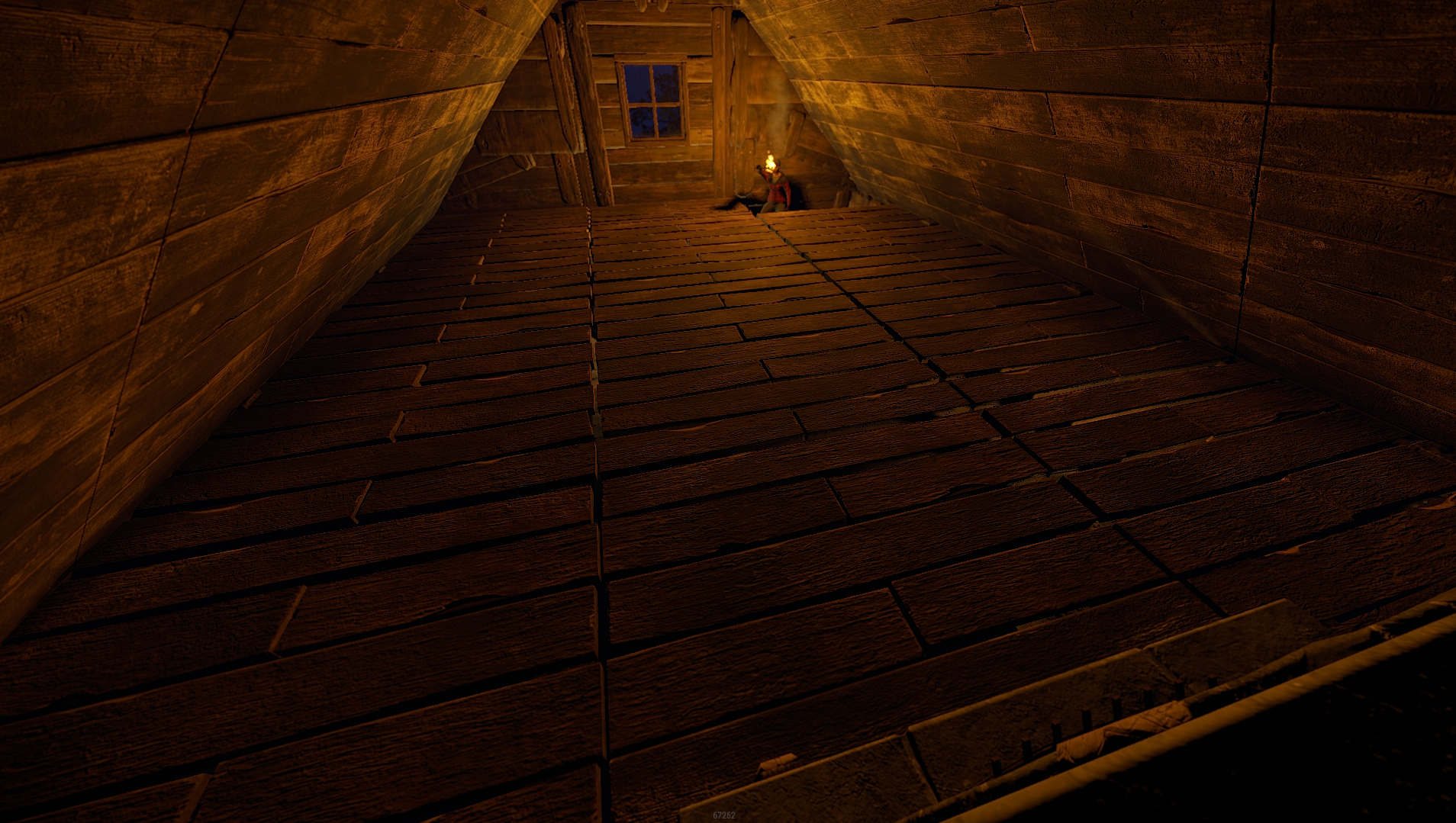
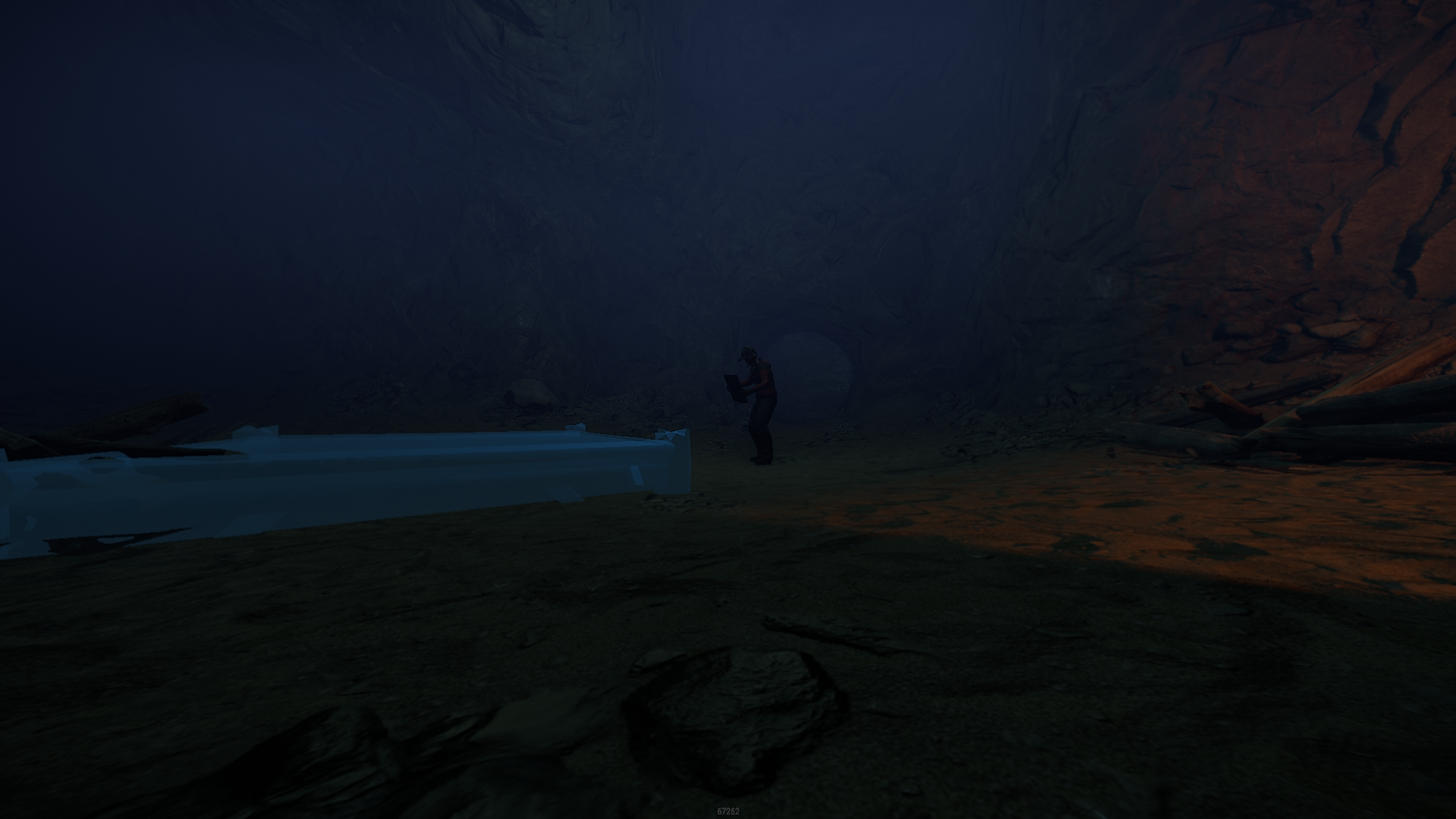
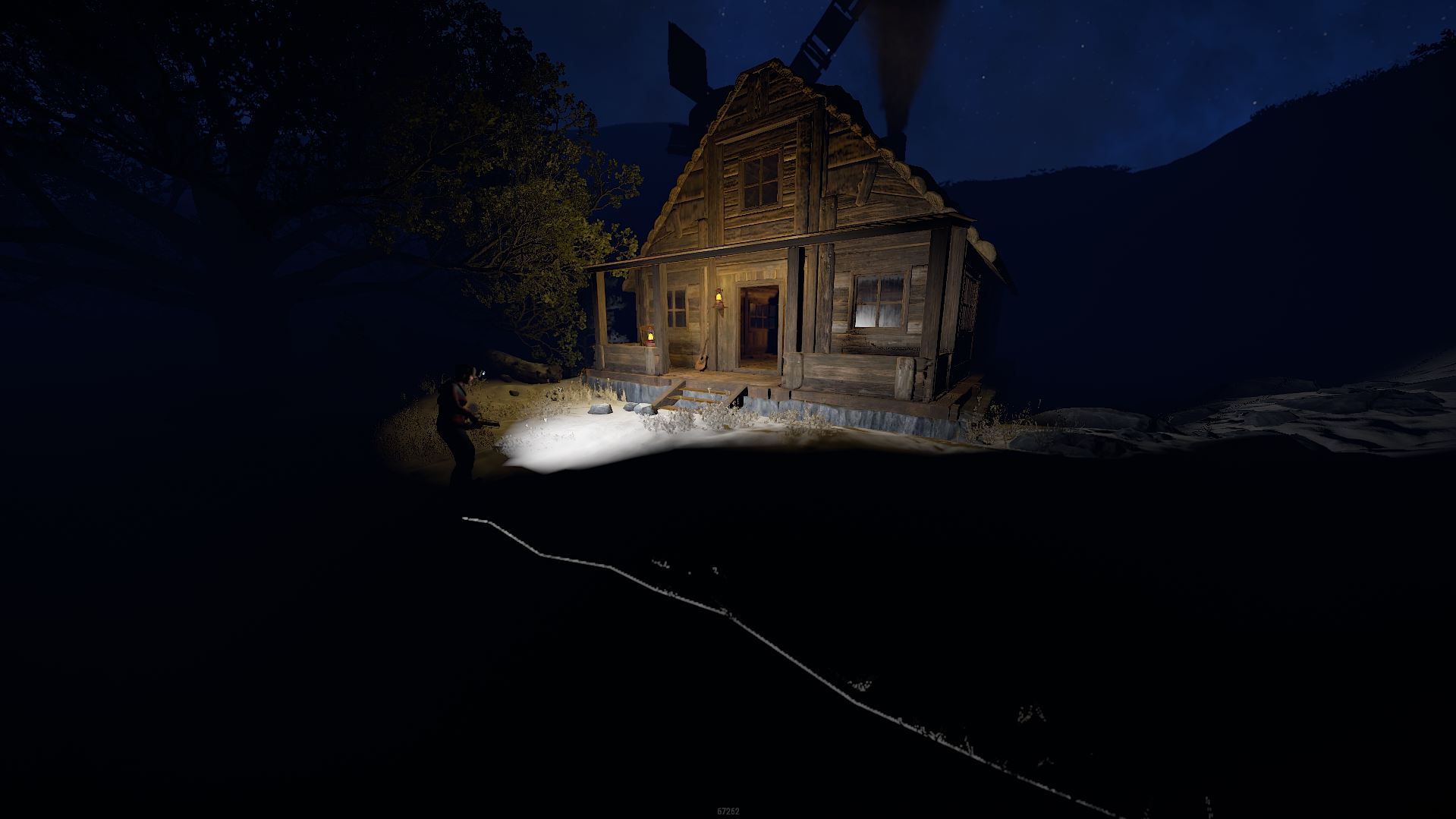
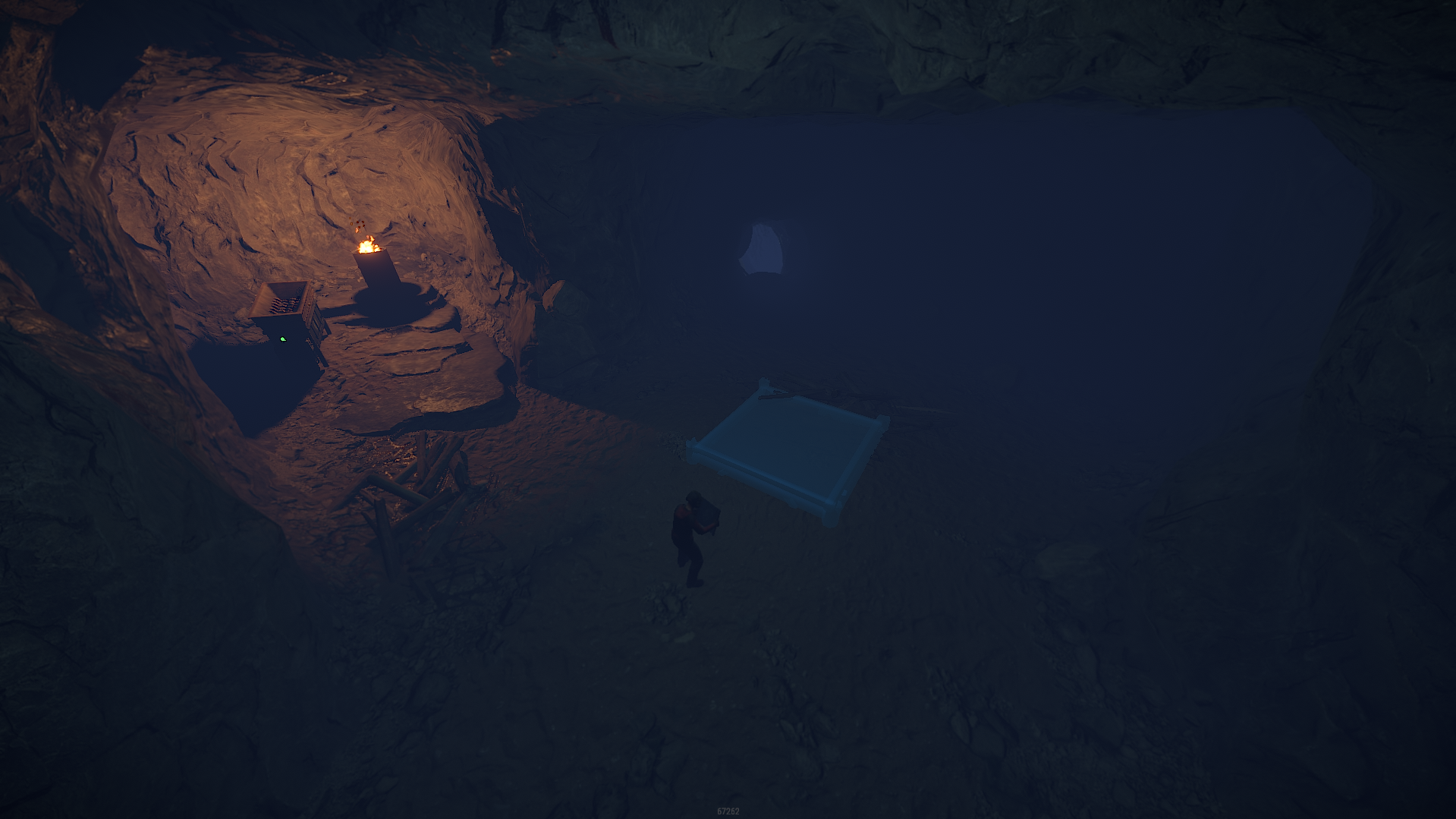
45 Screenshots

test.gif.1f0c064b168a9757a94dfea5964d647d.gif

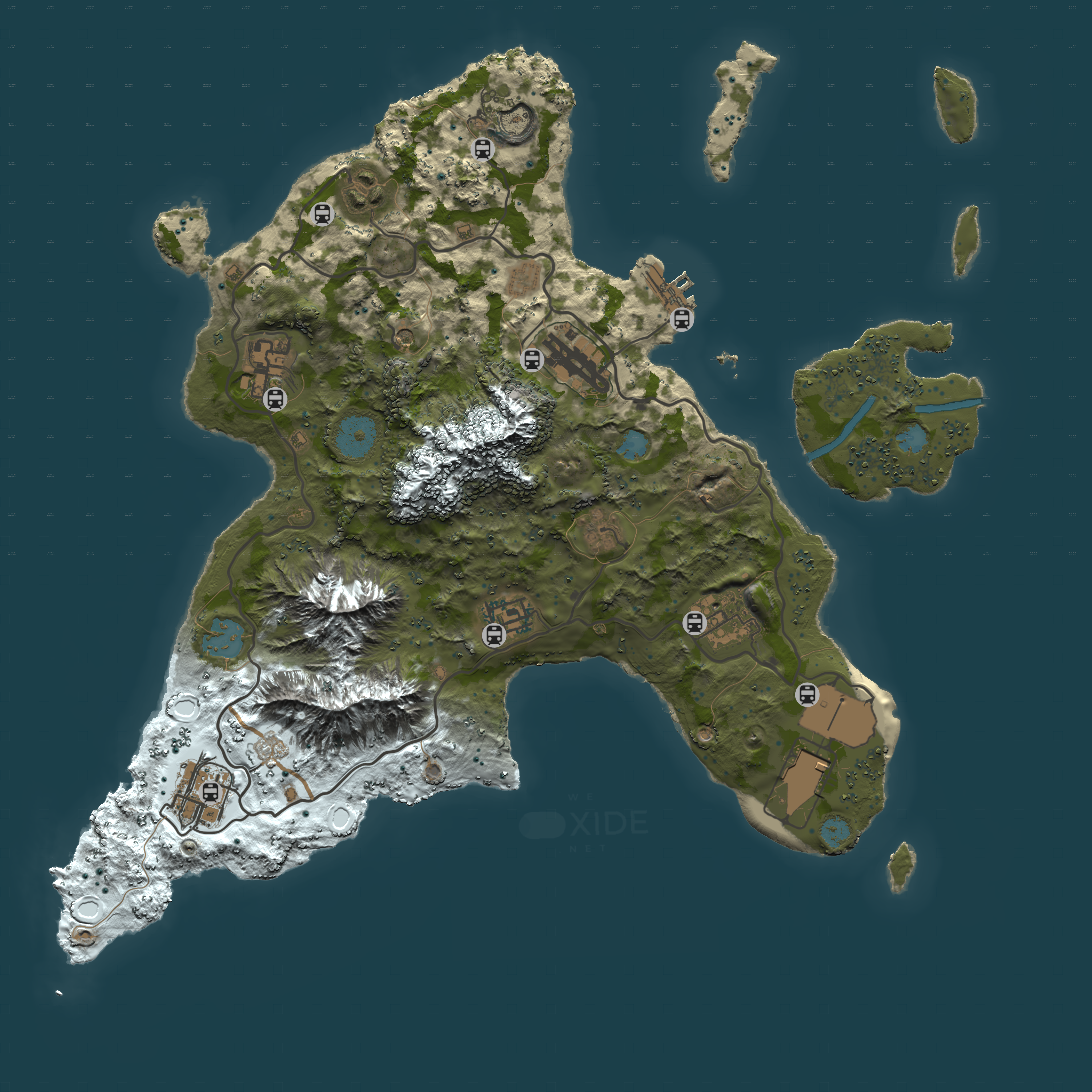
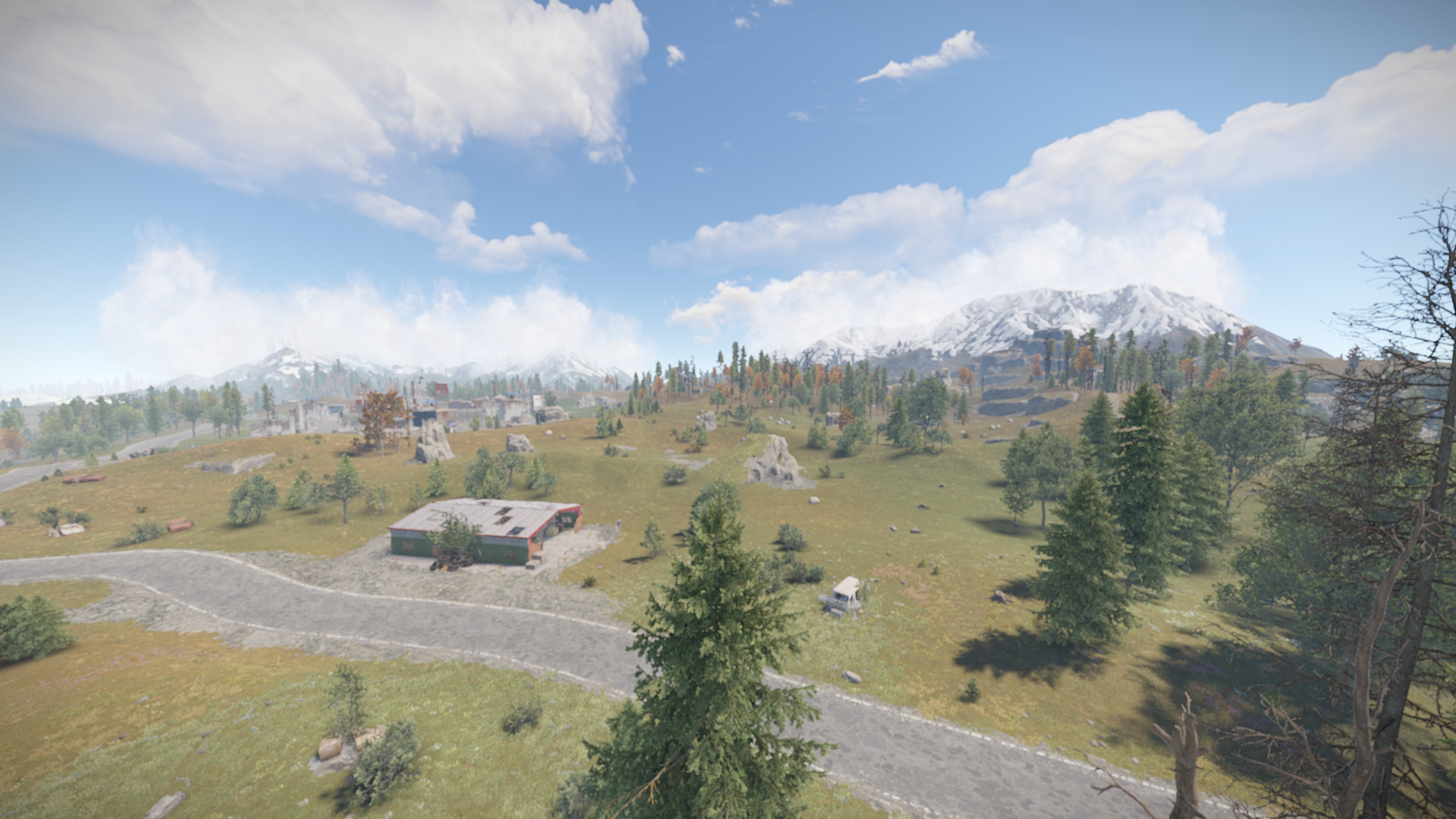
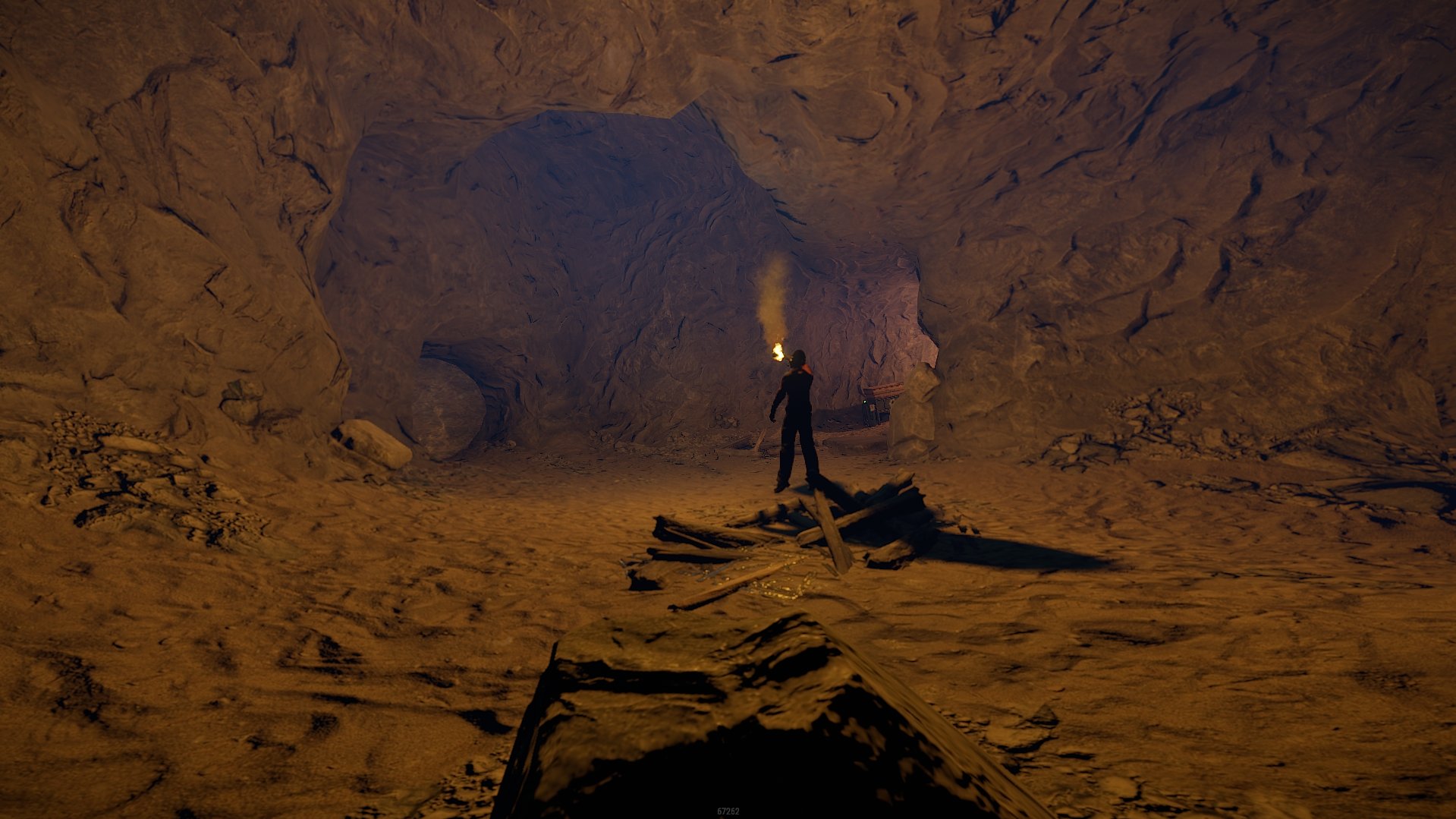
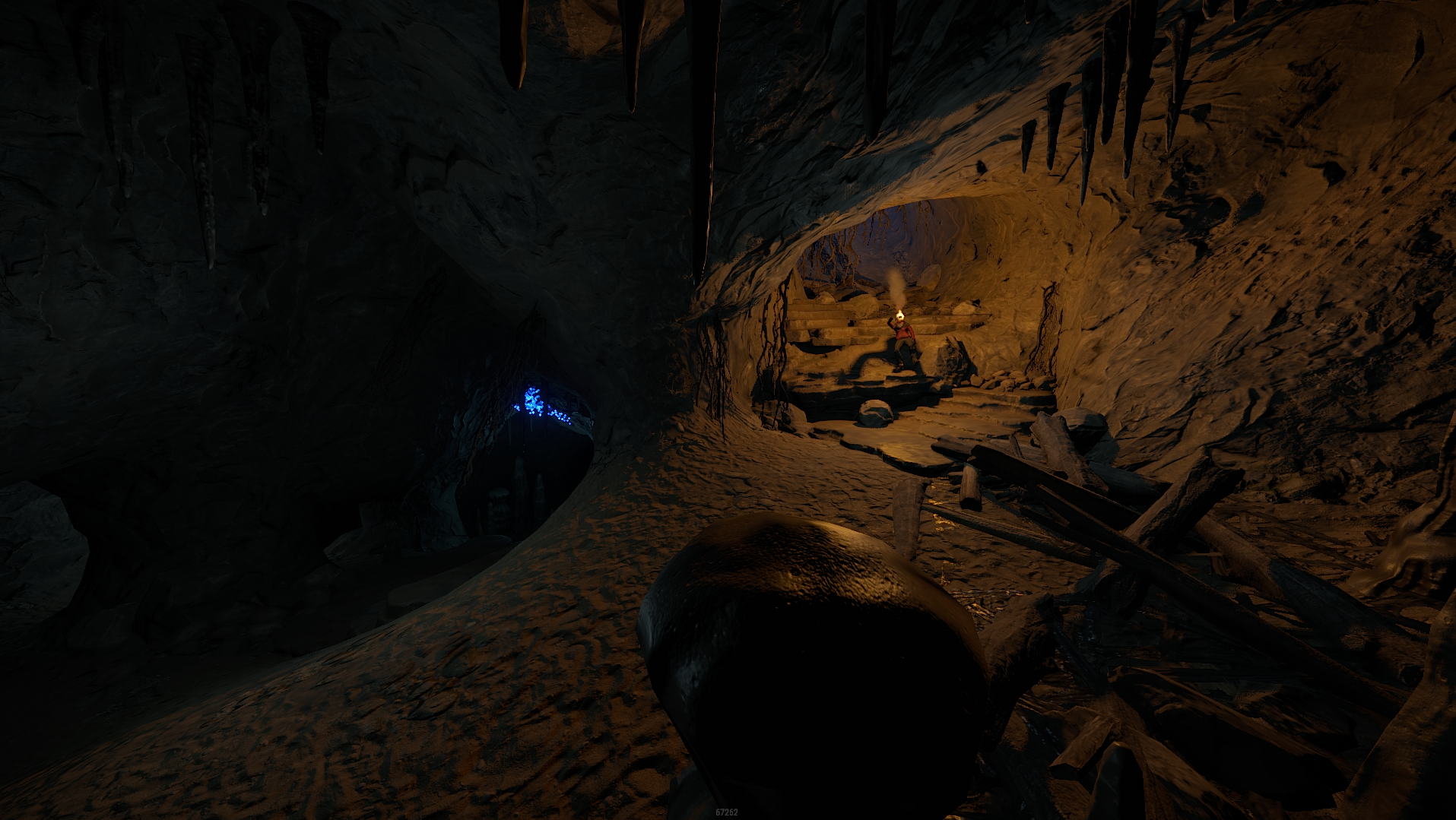
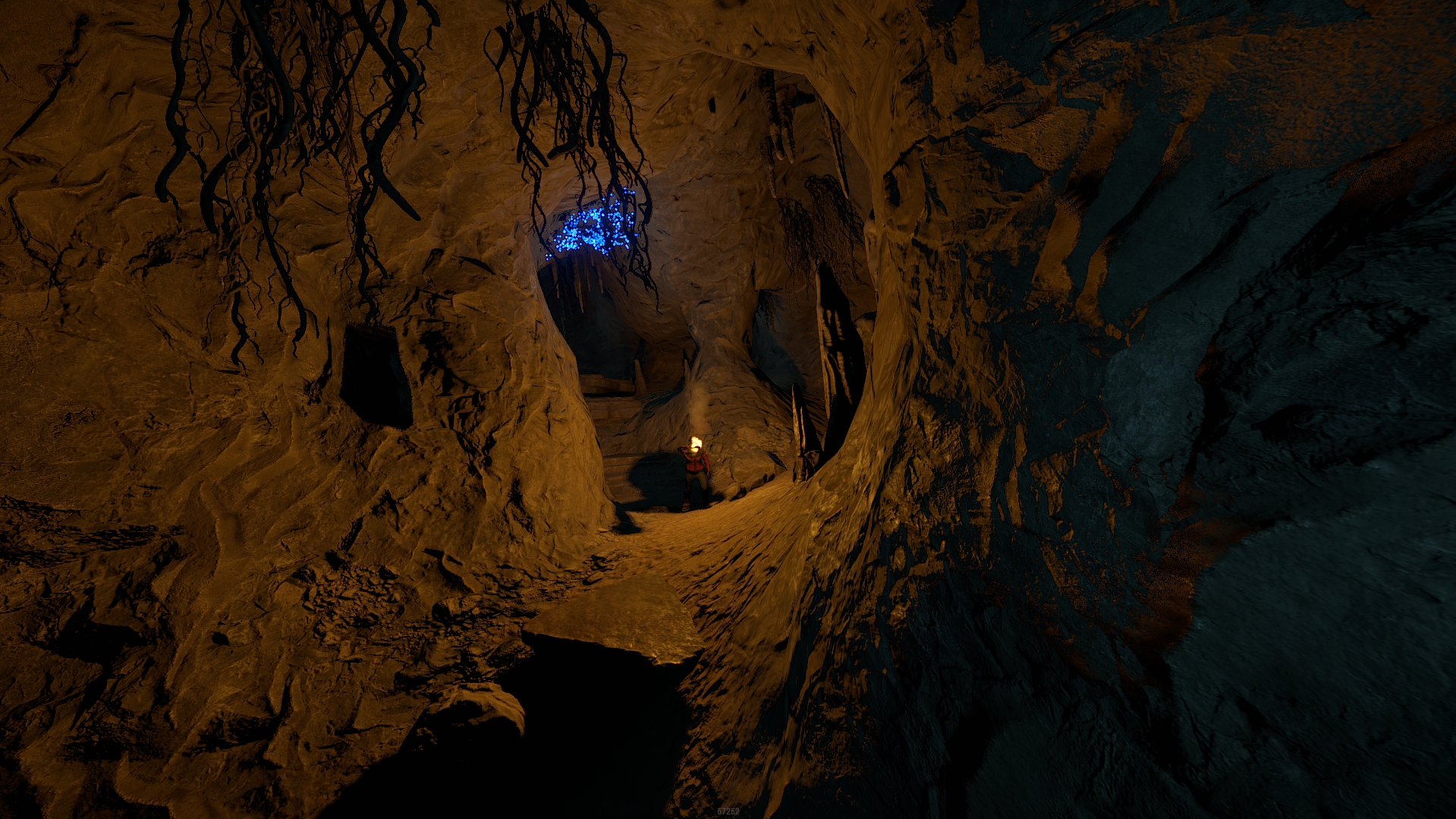
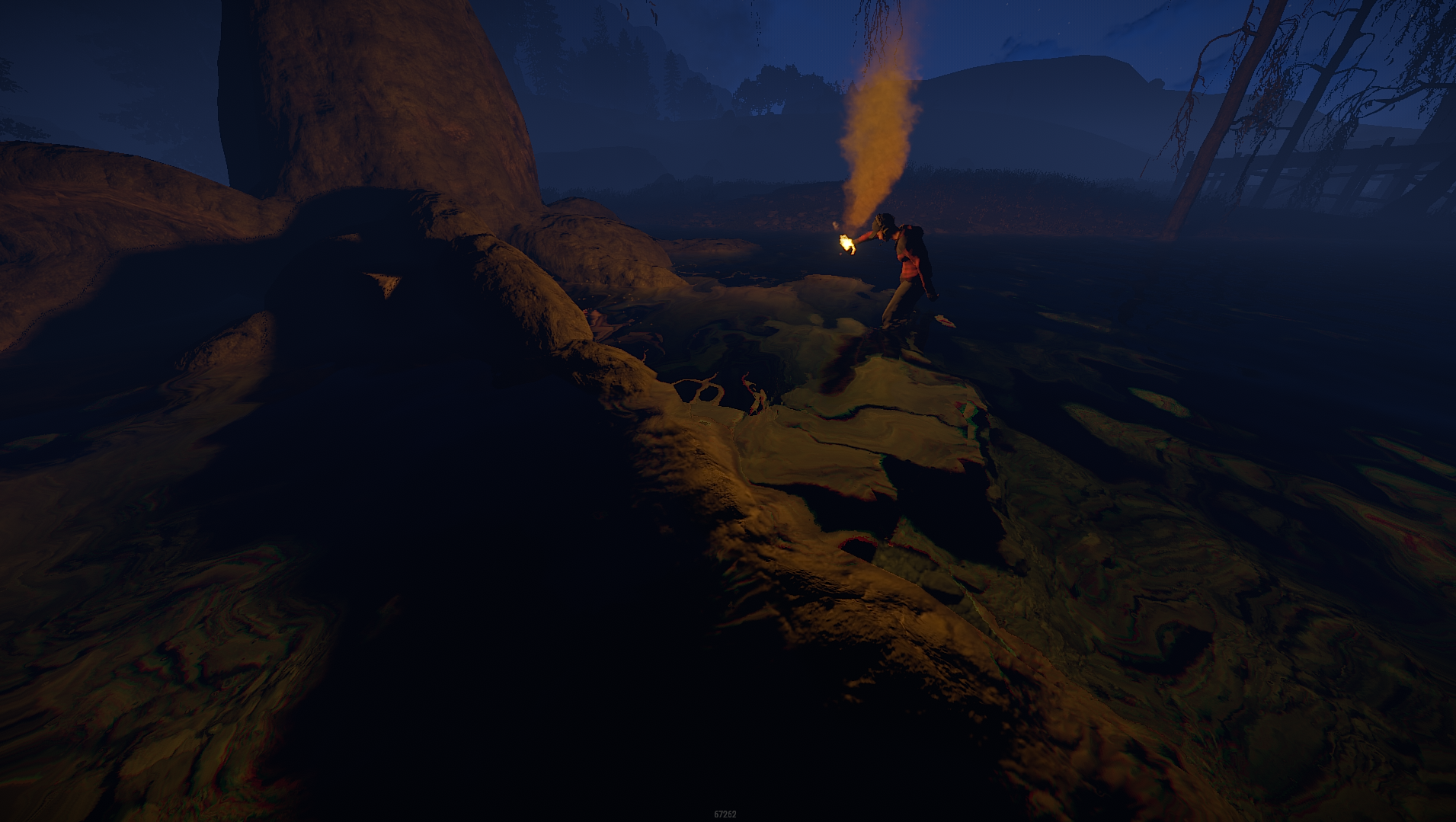
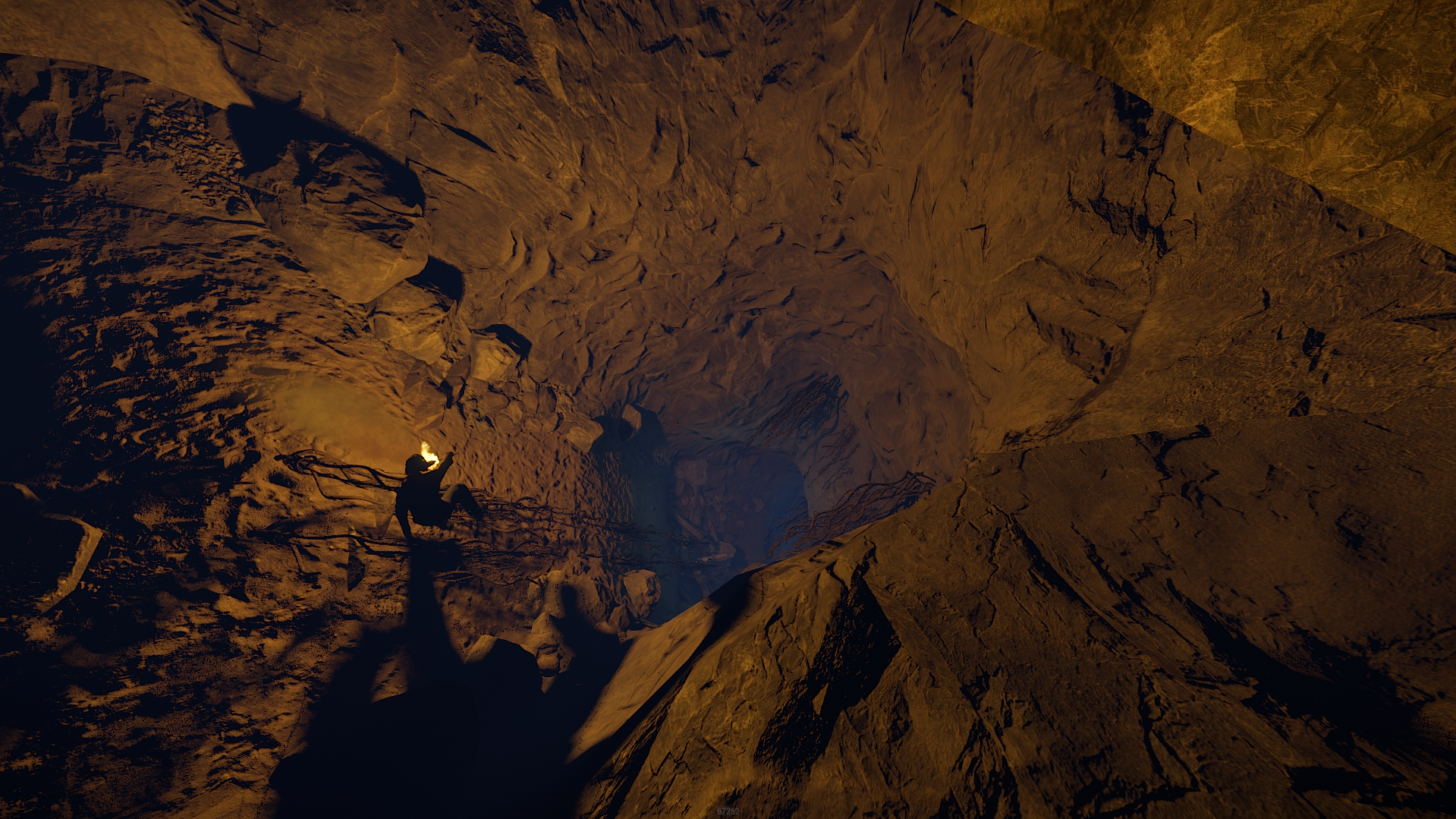
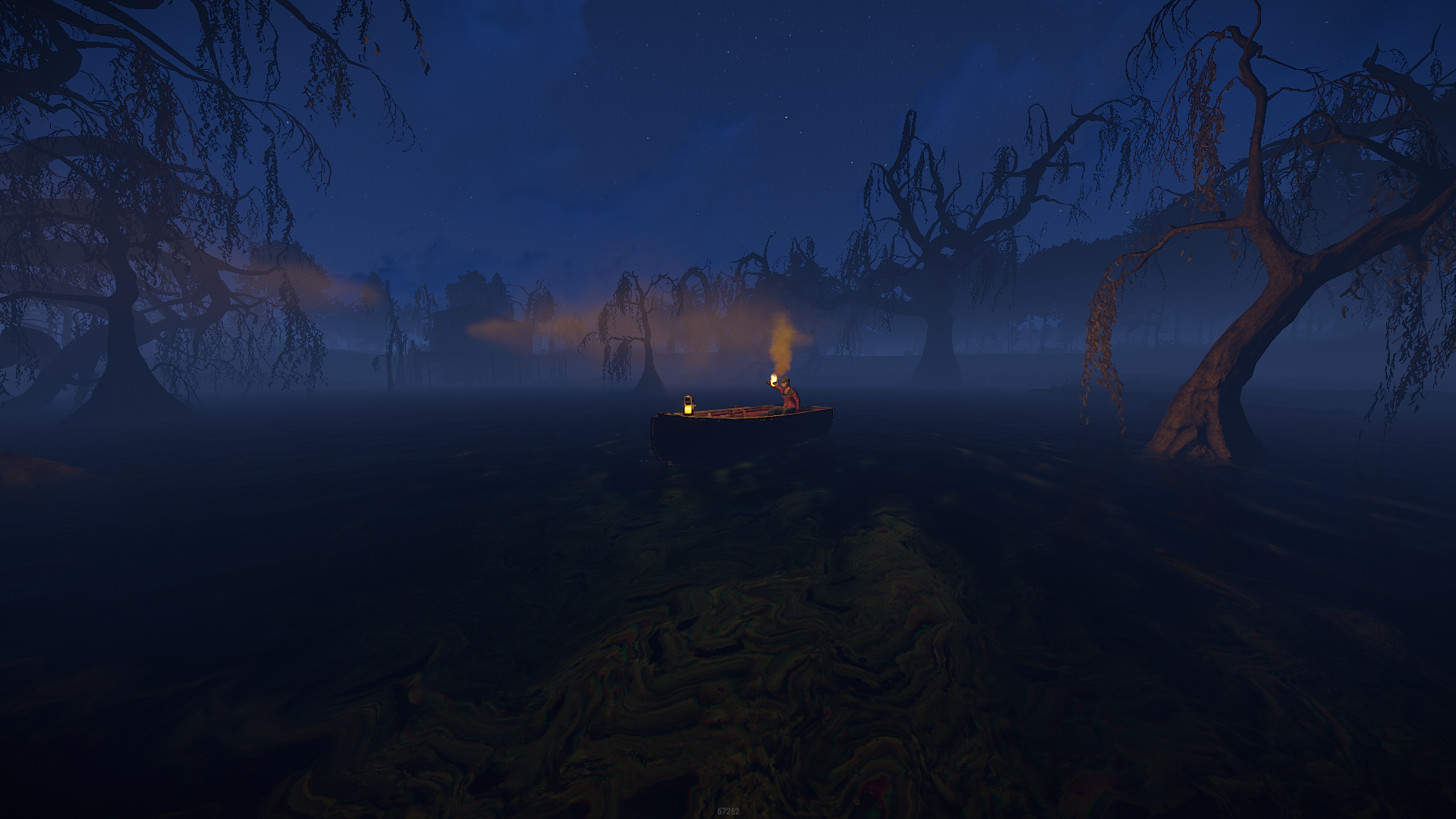
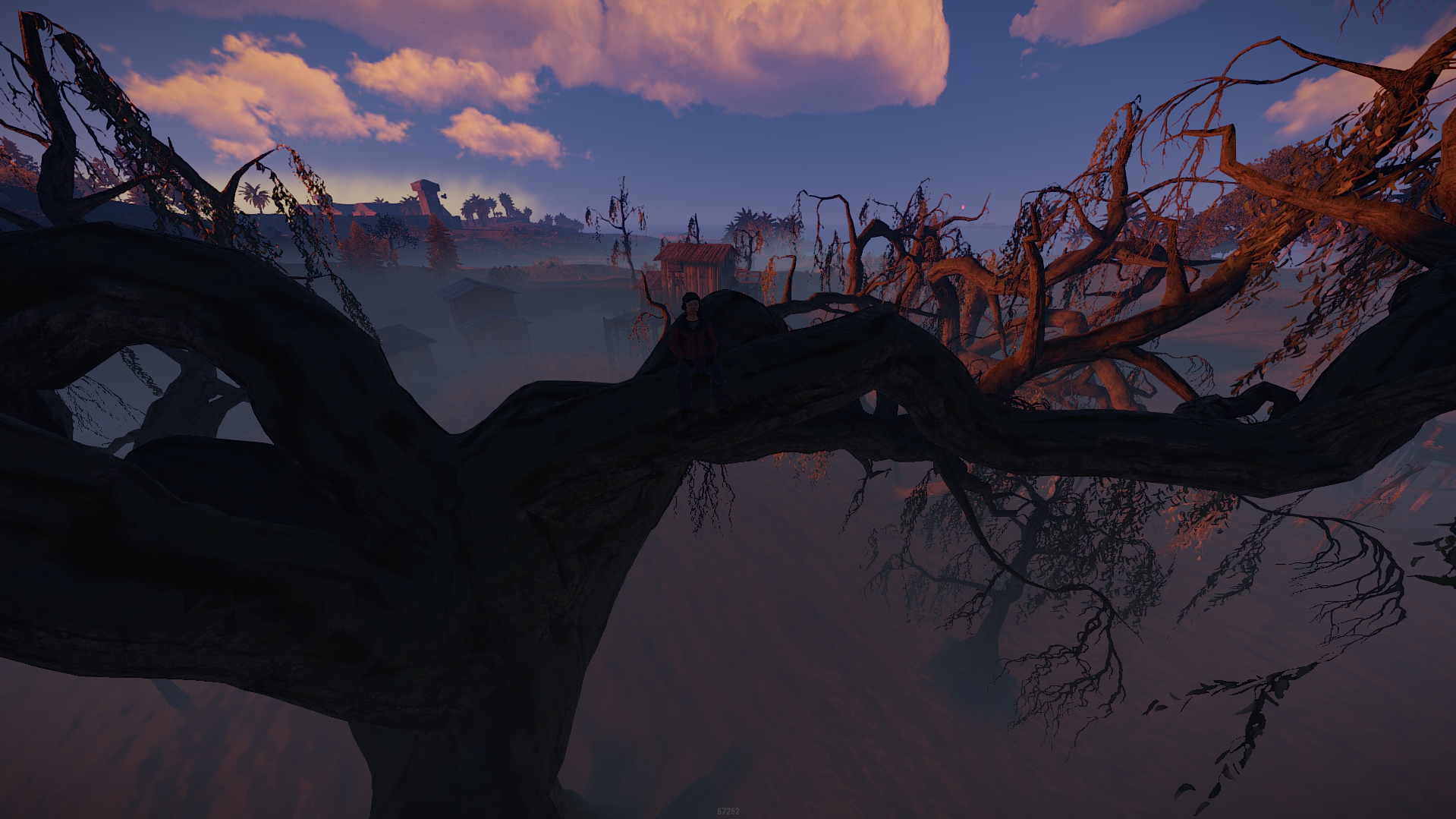
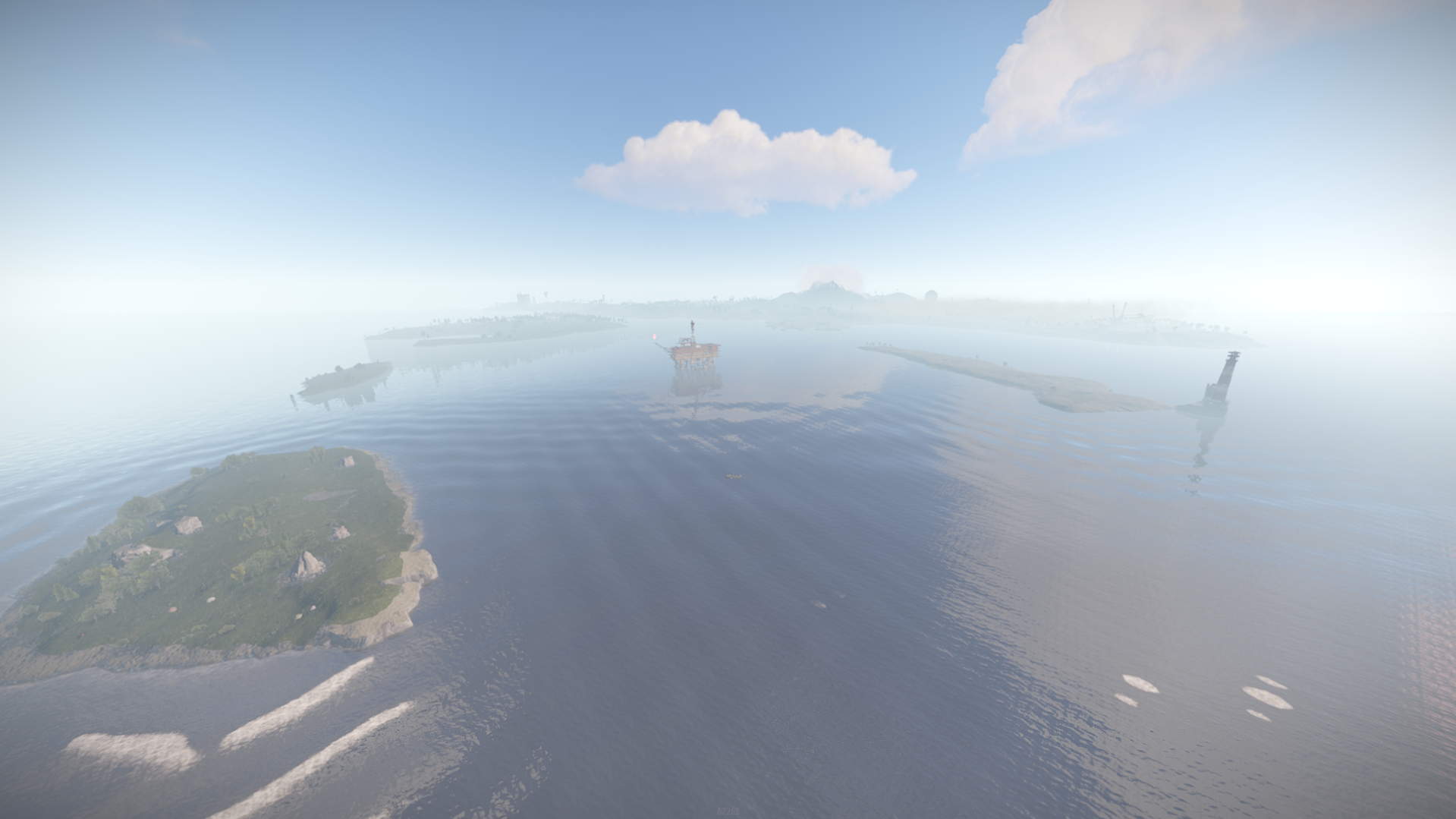
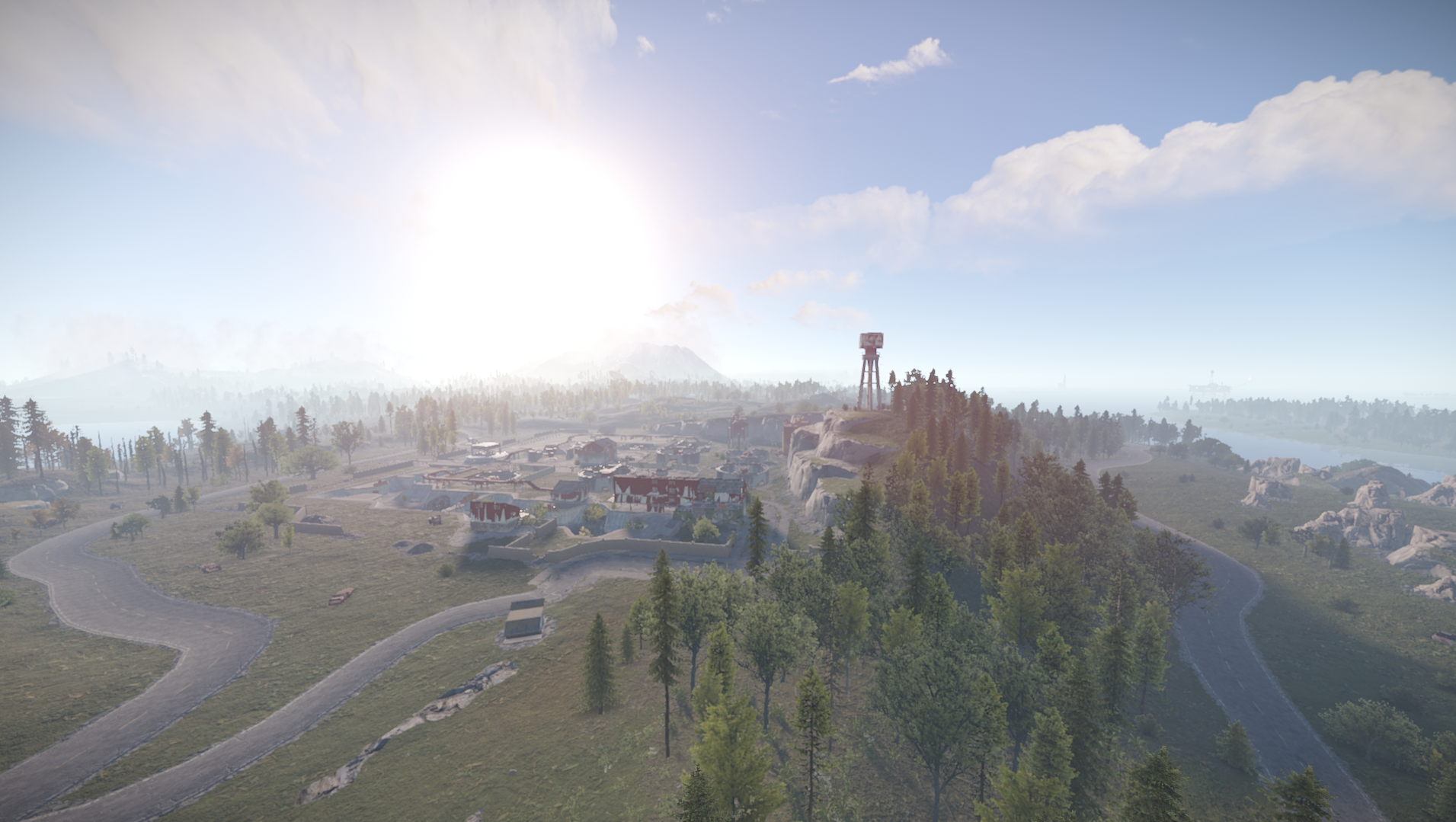
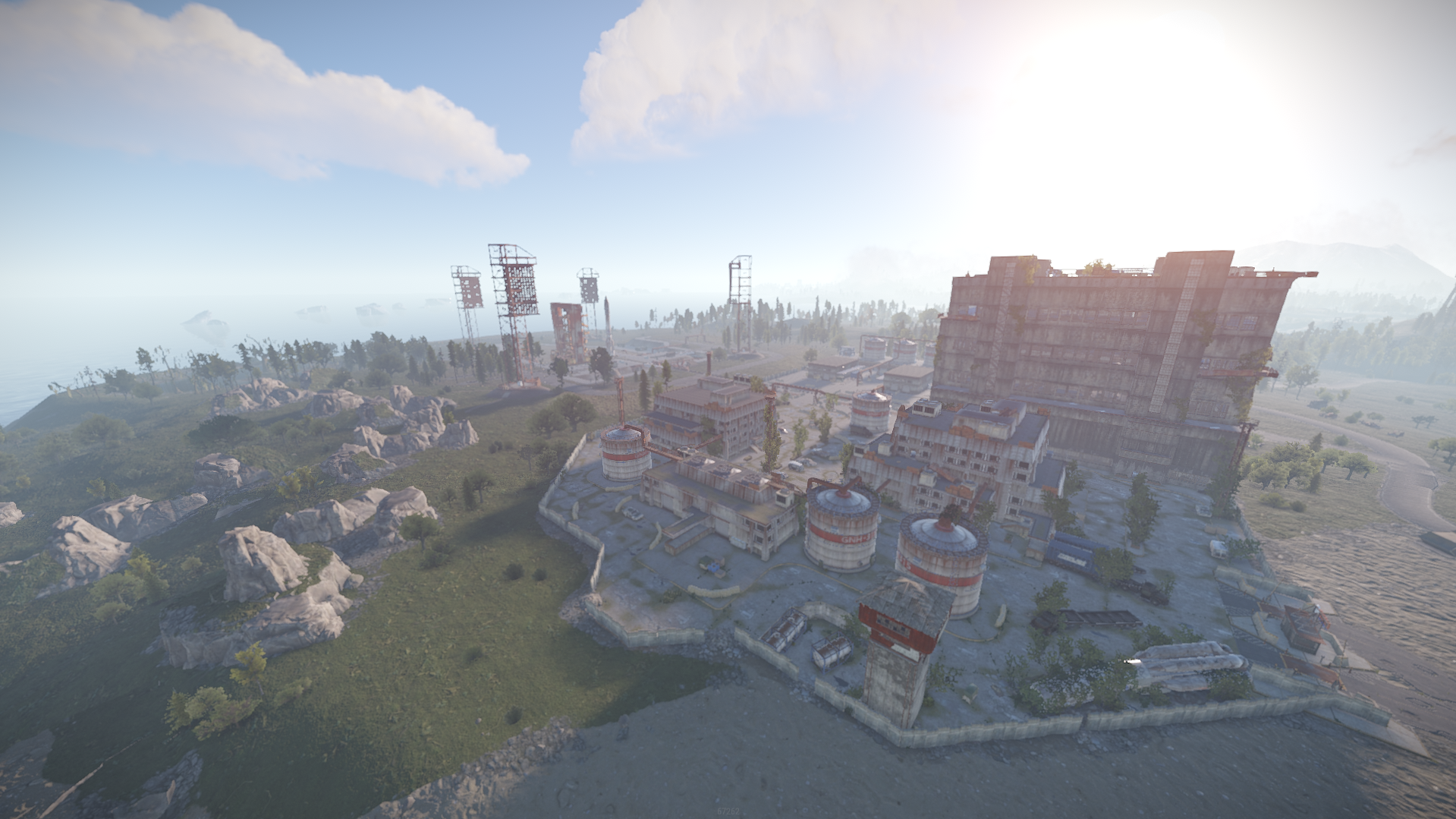
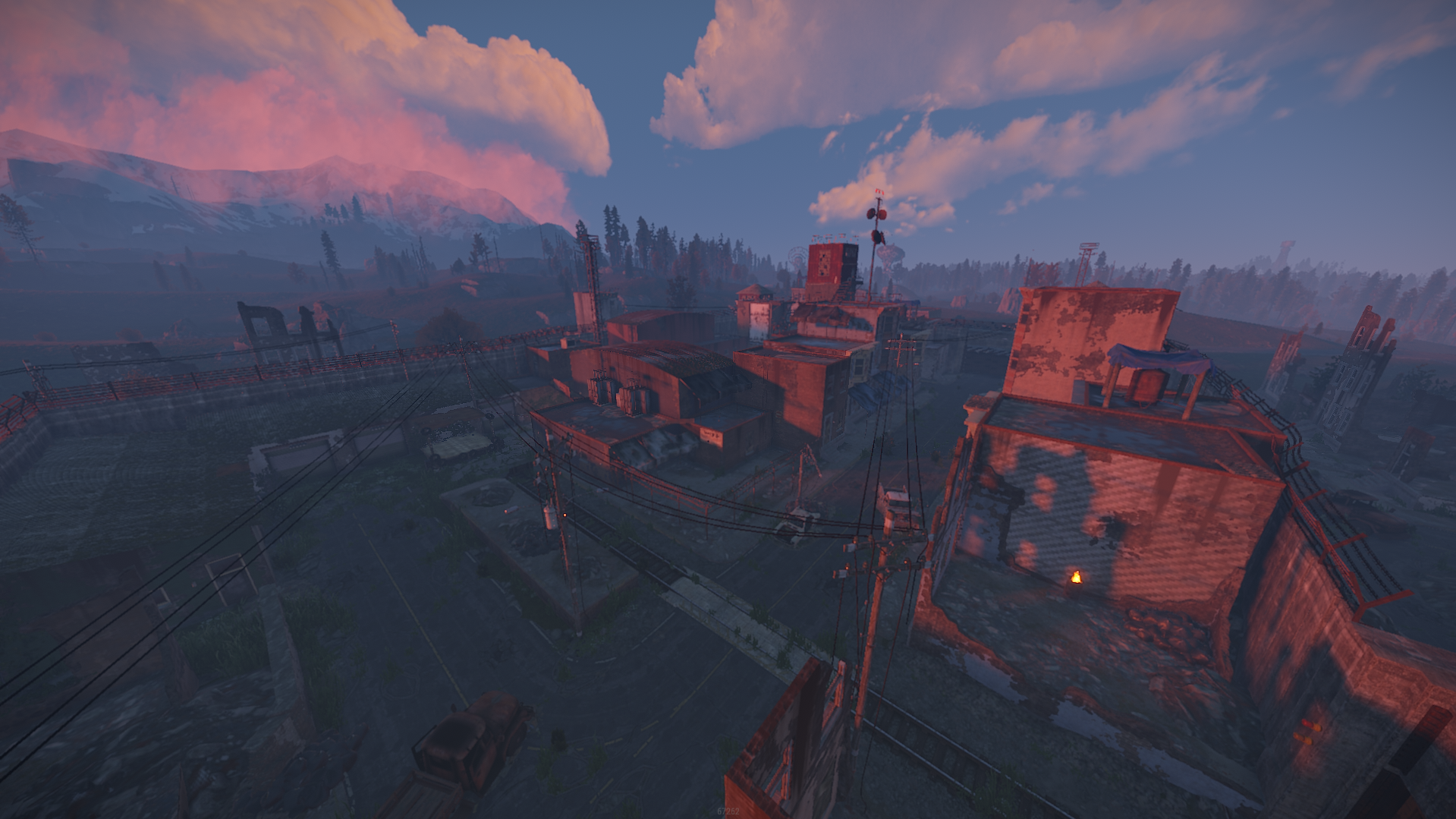
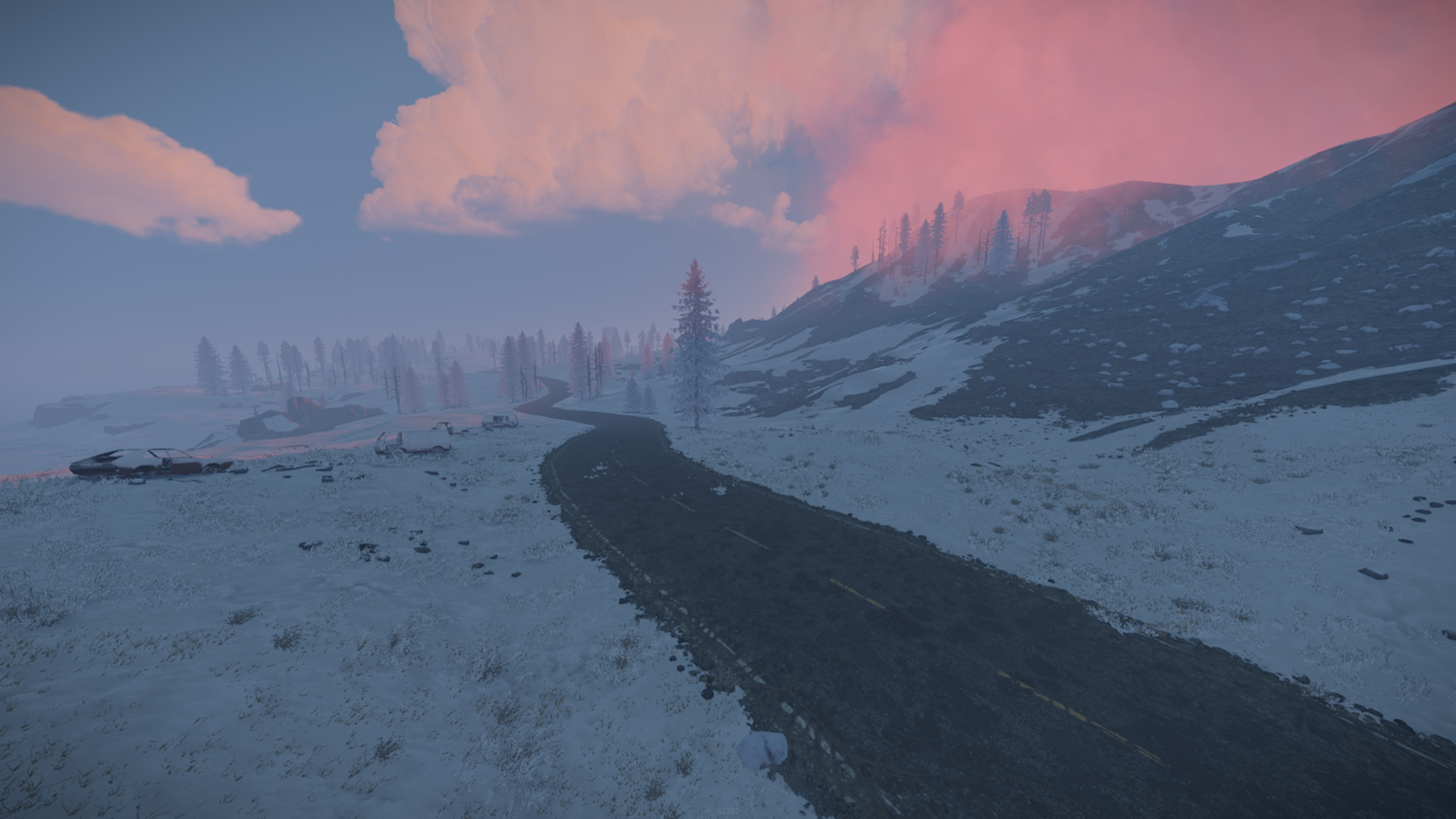
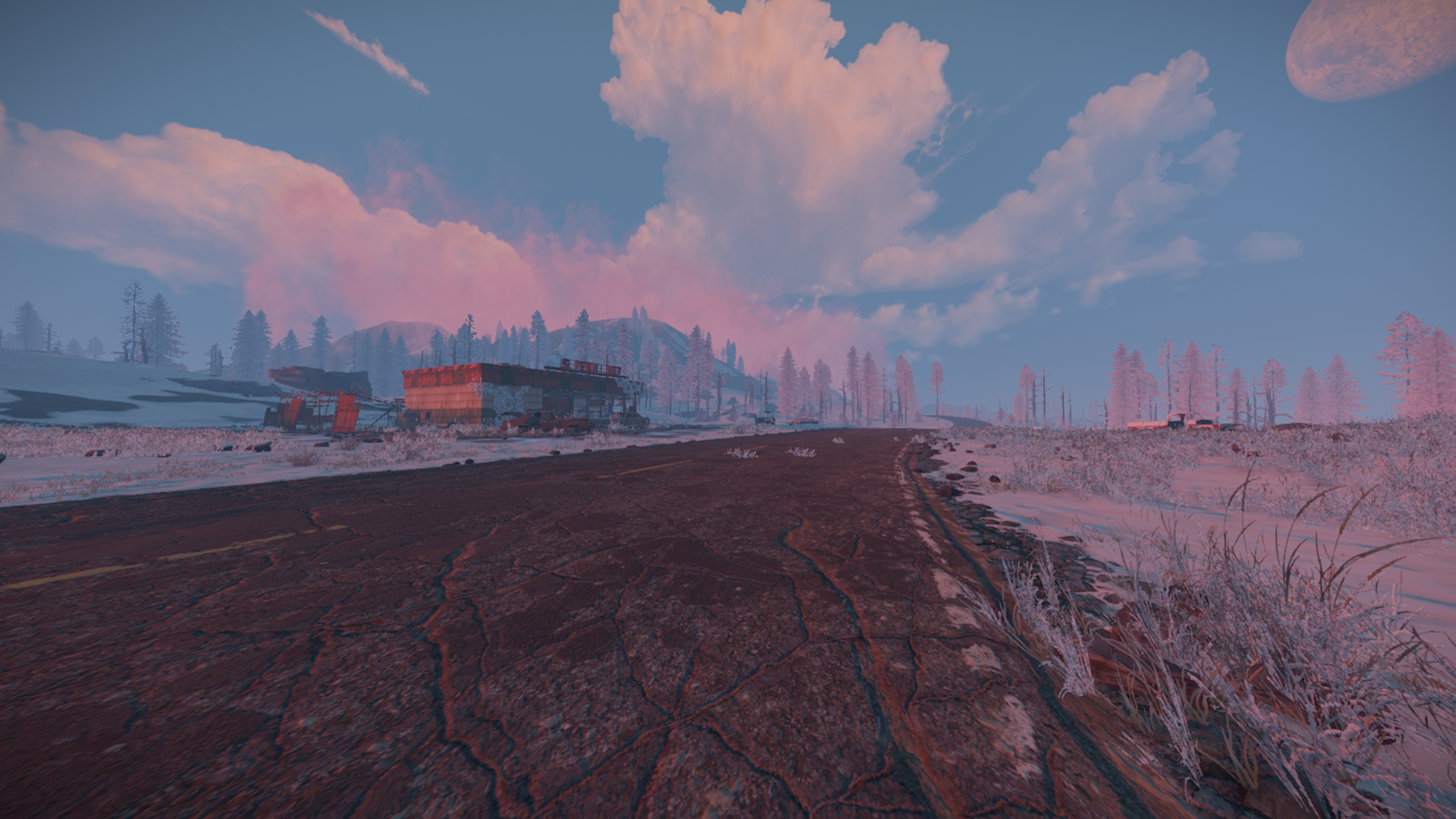
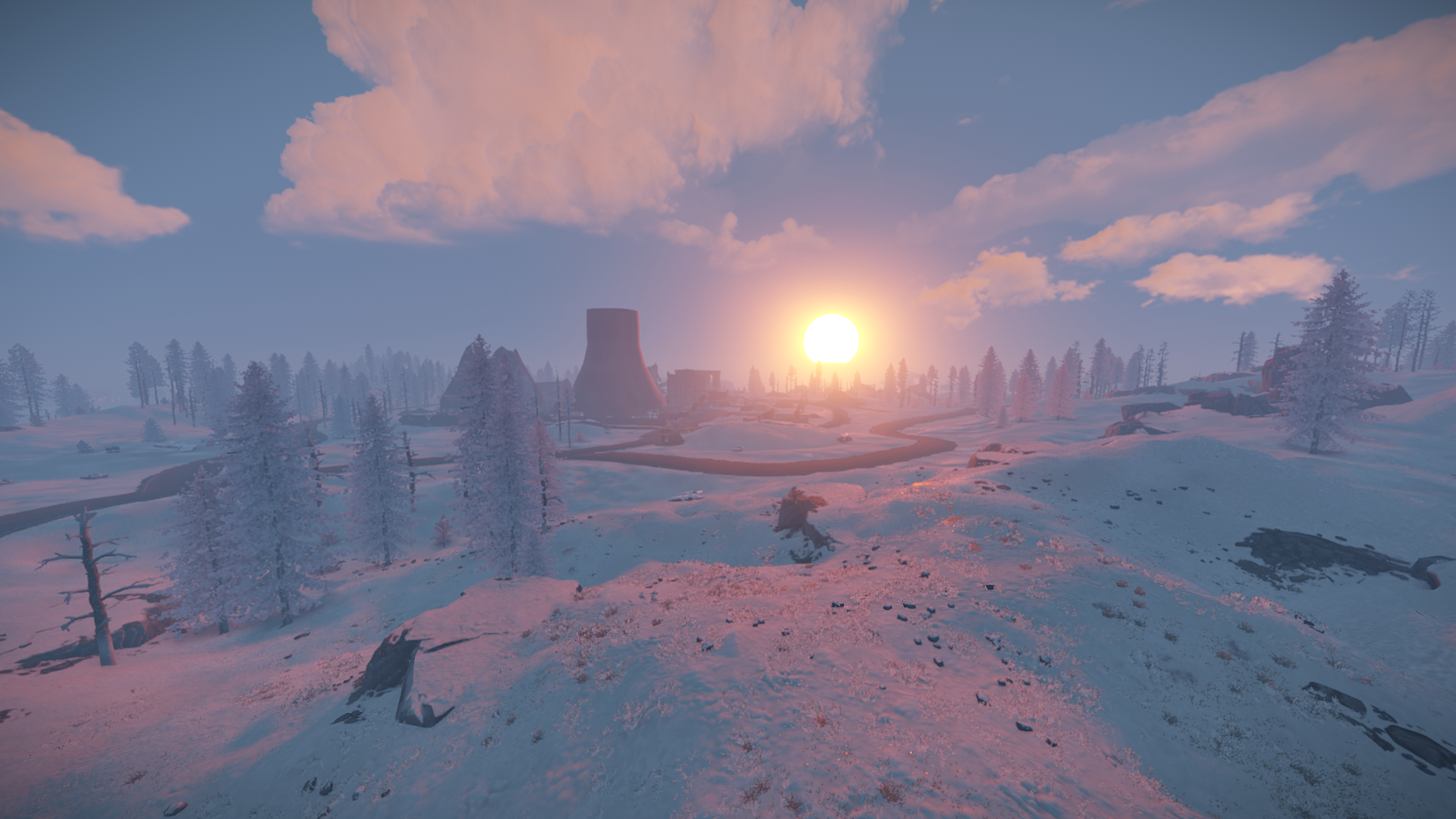
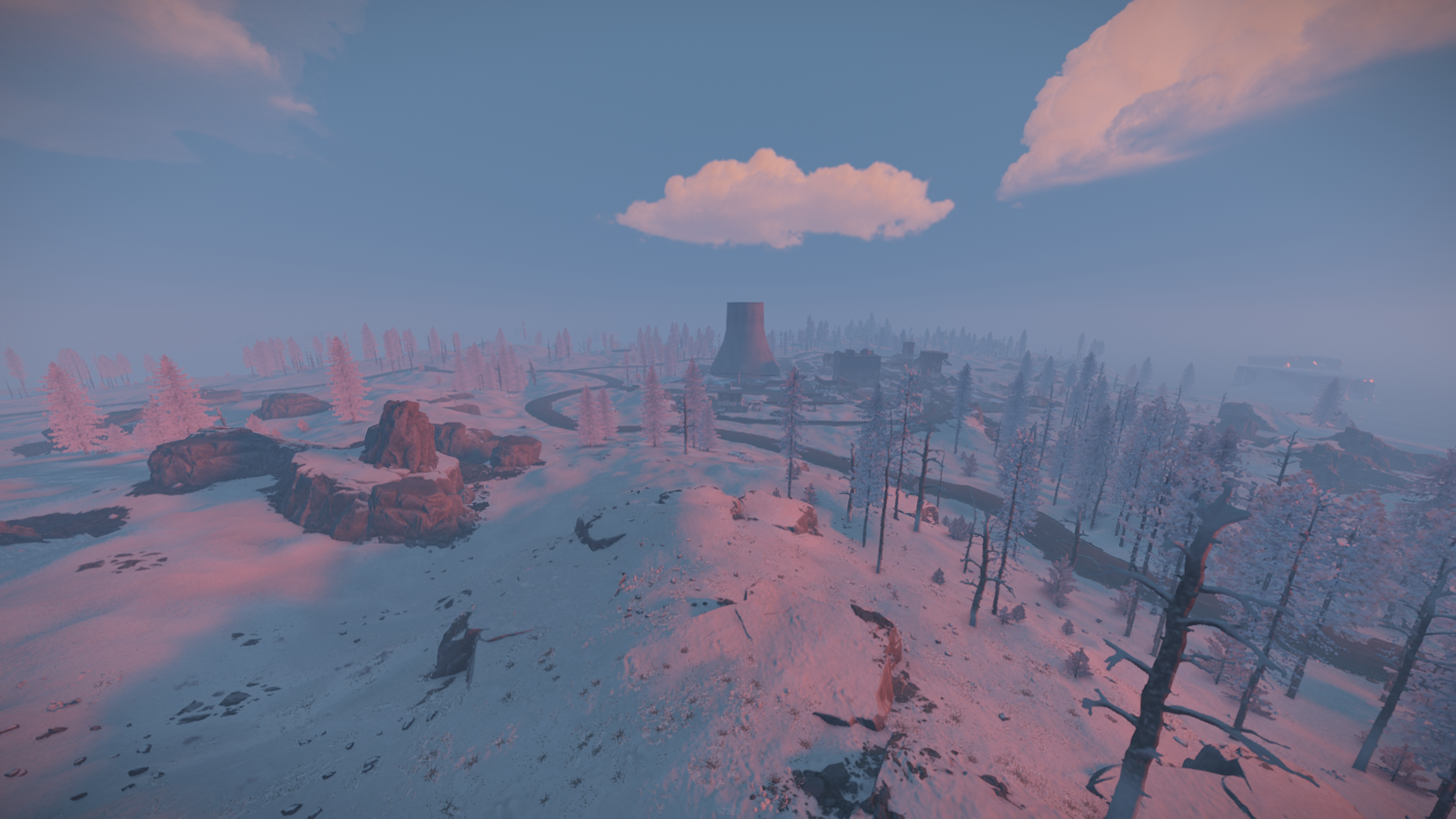
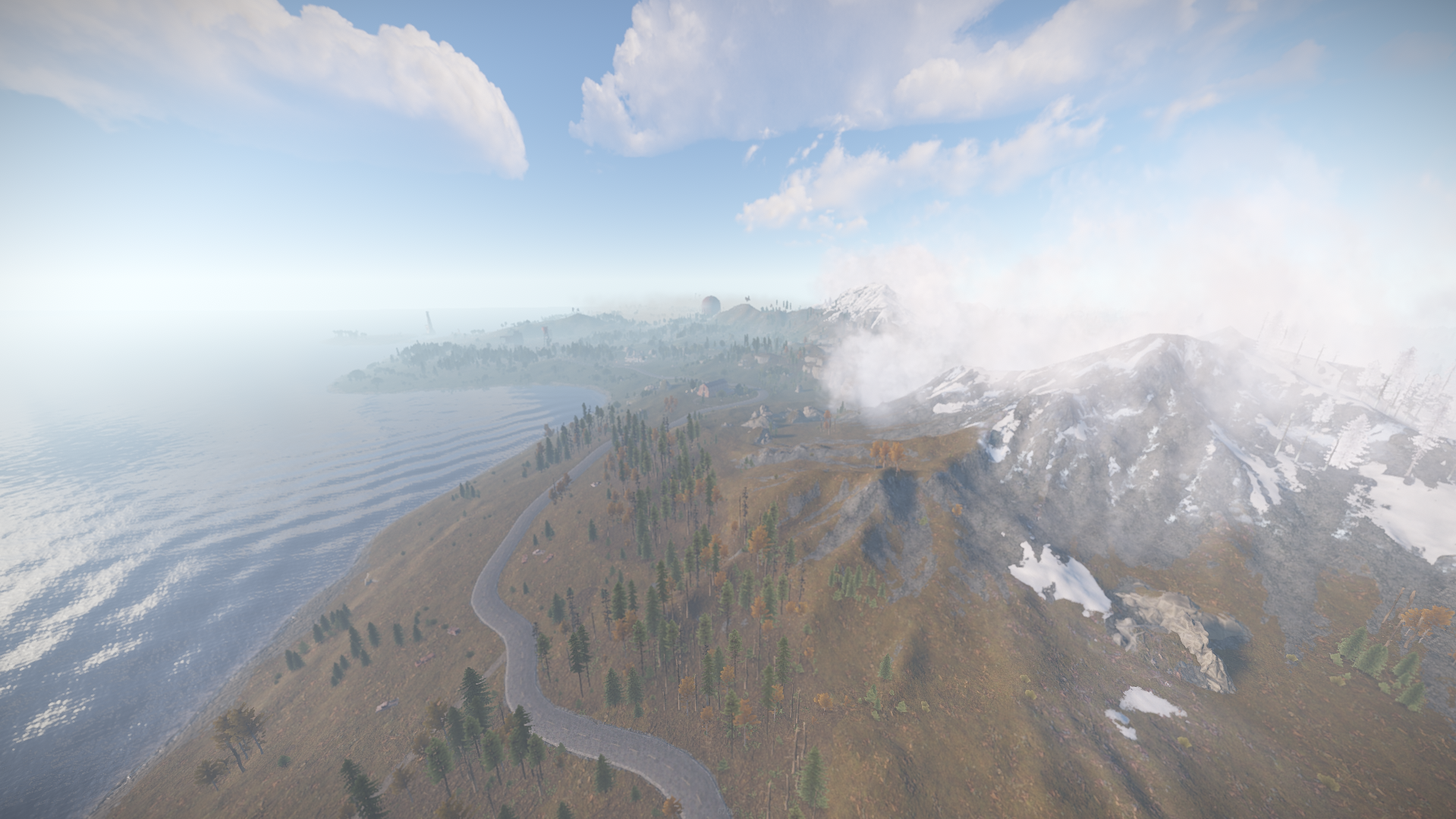
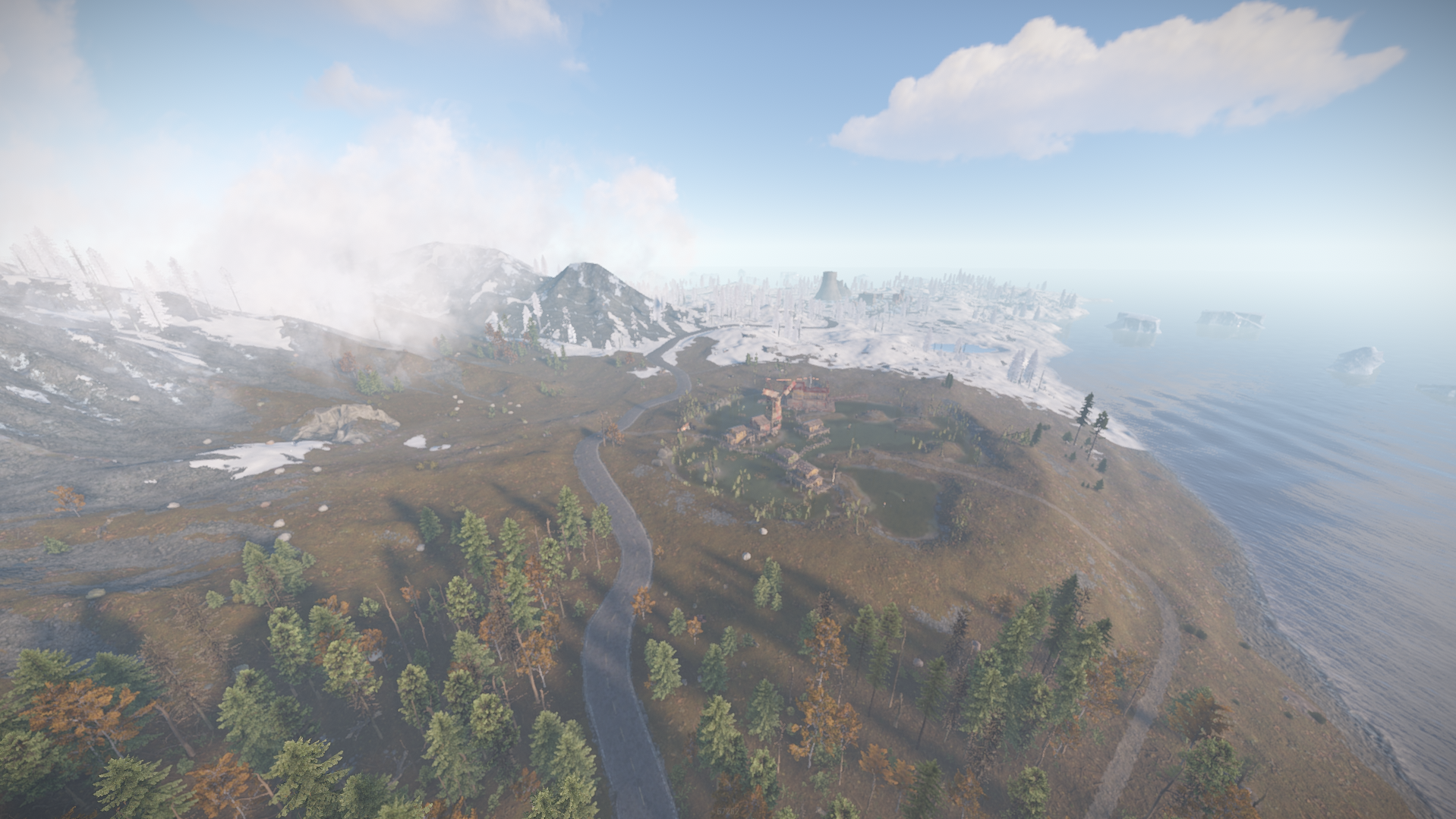
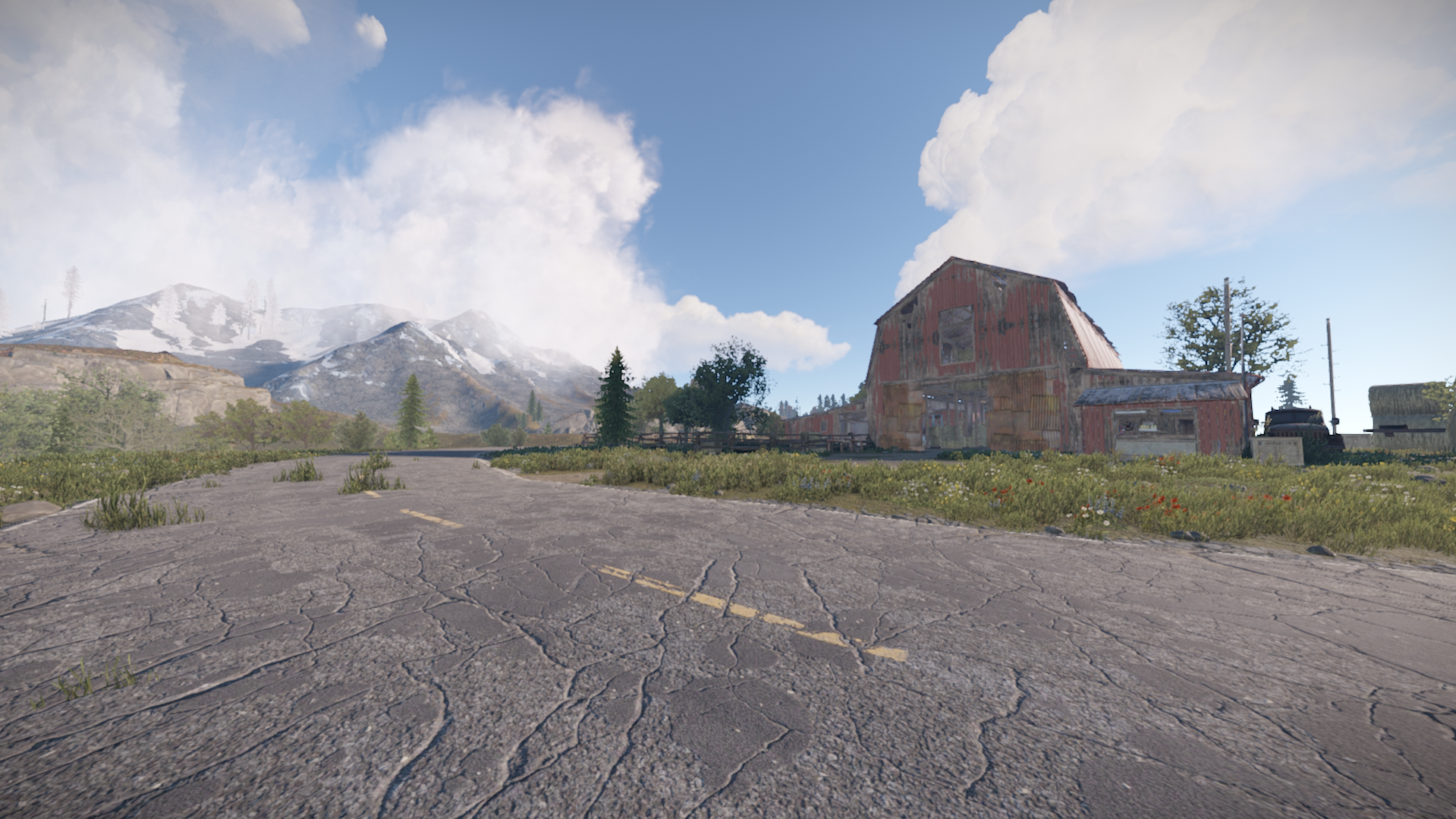
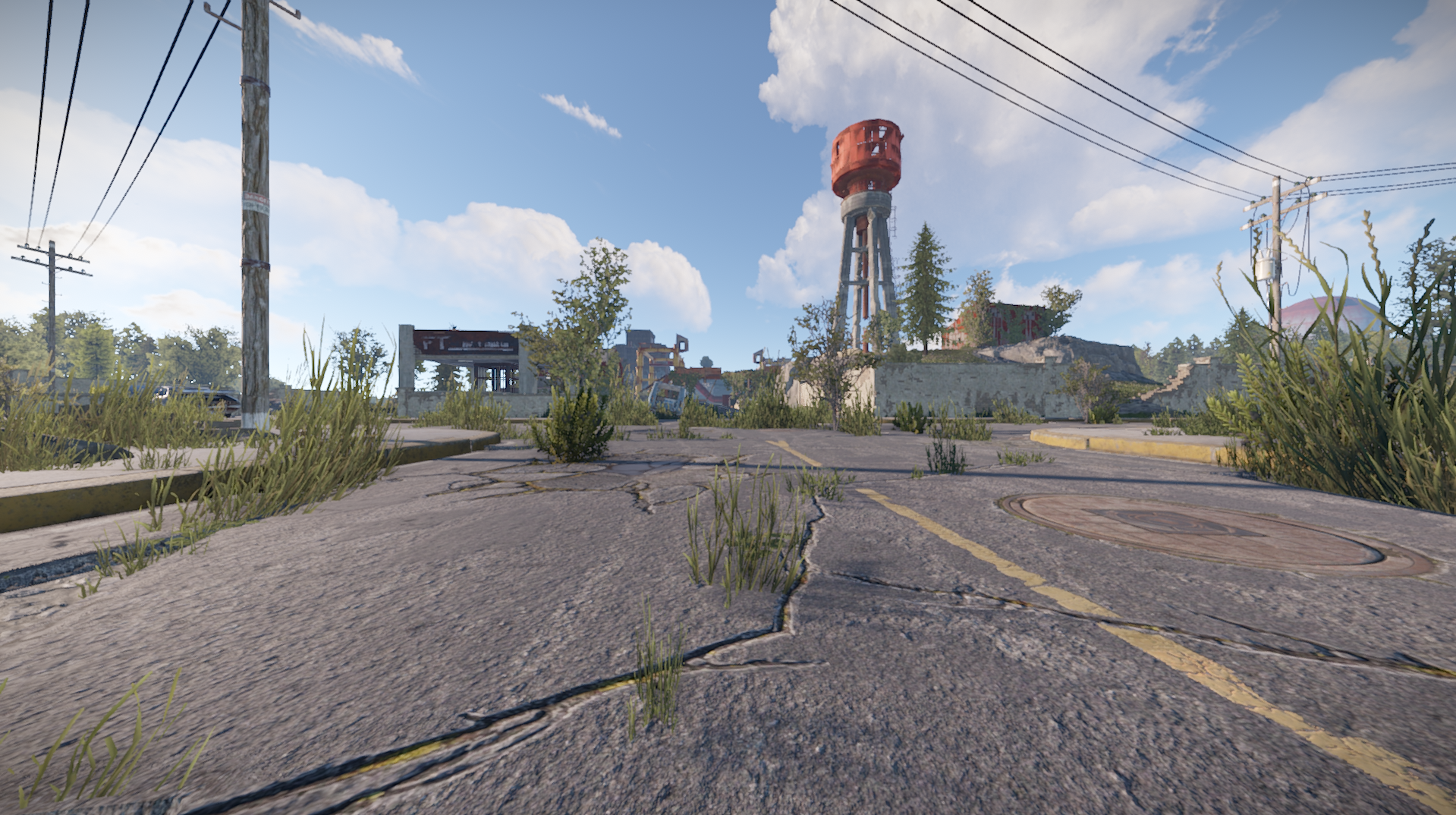
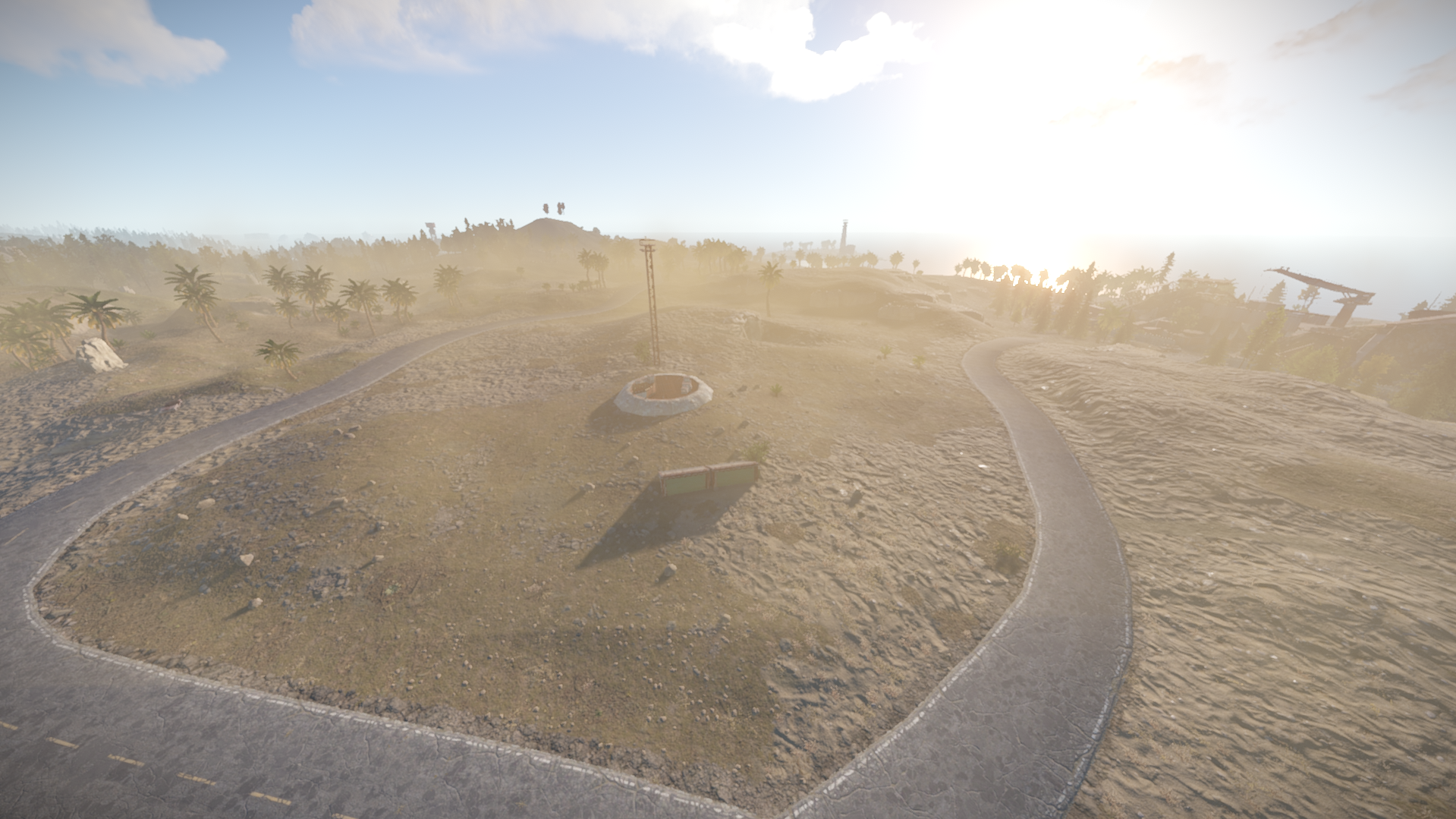
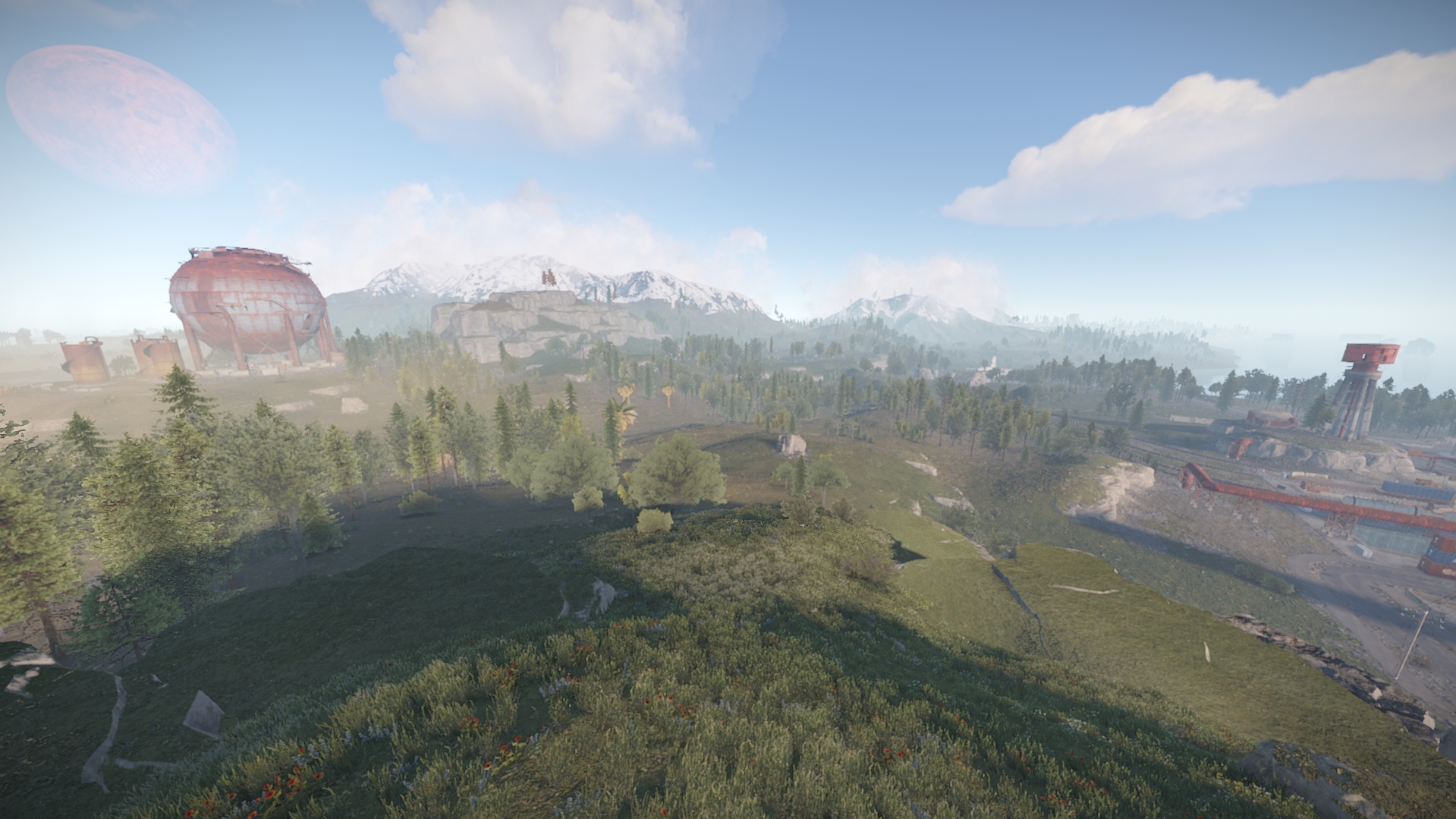
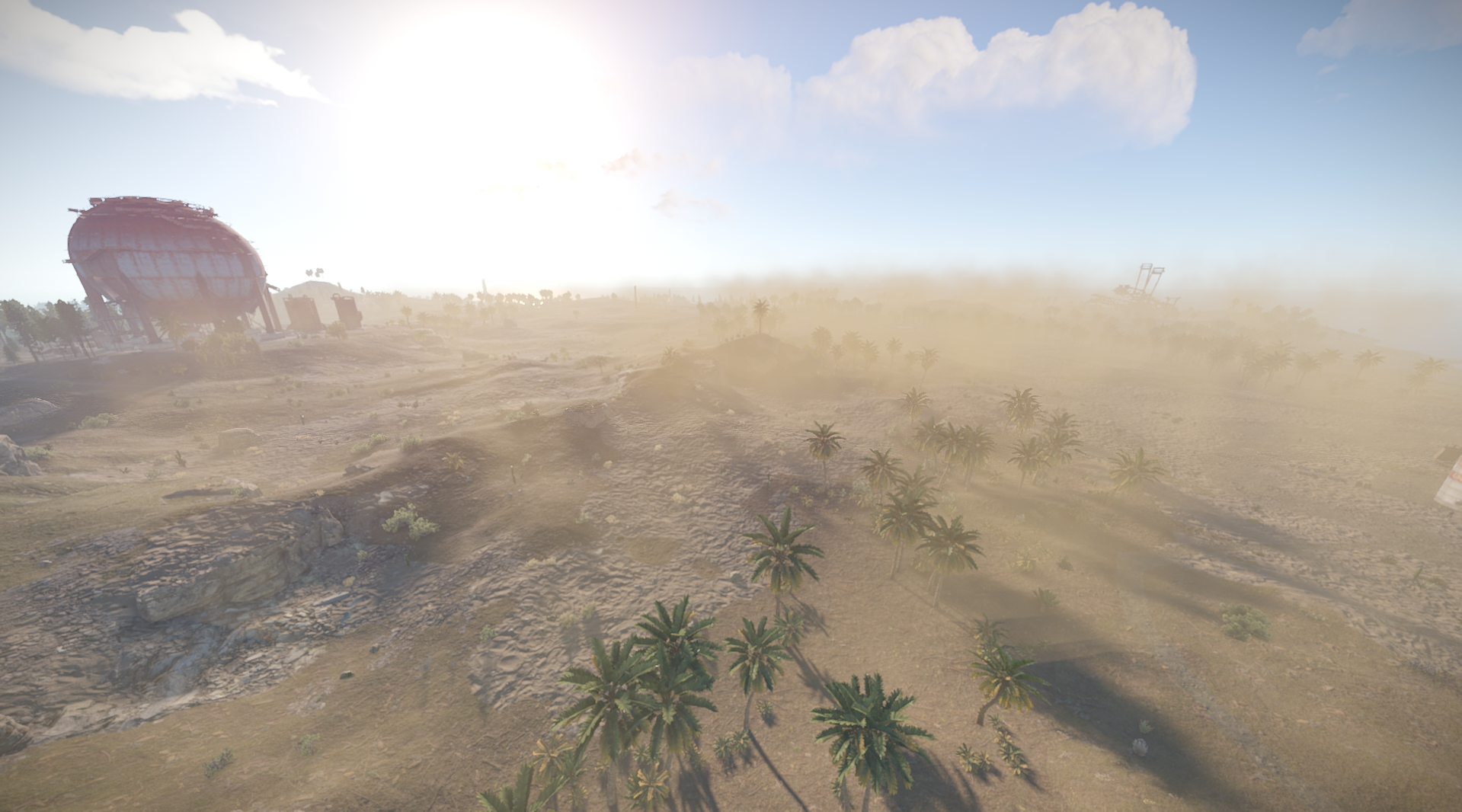
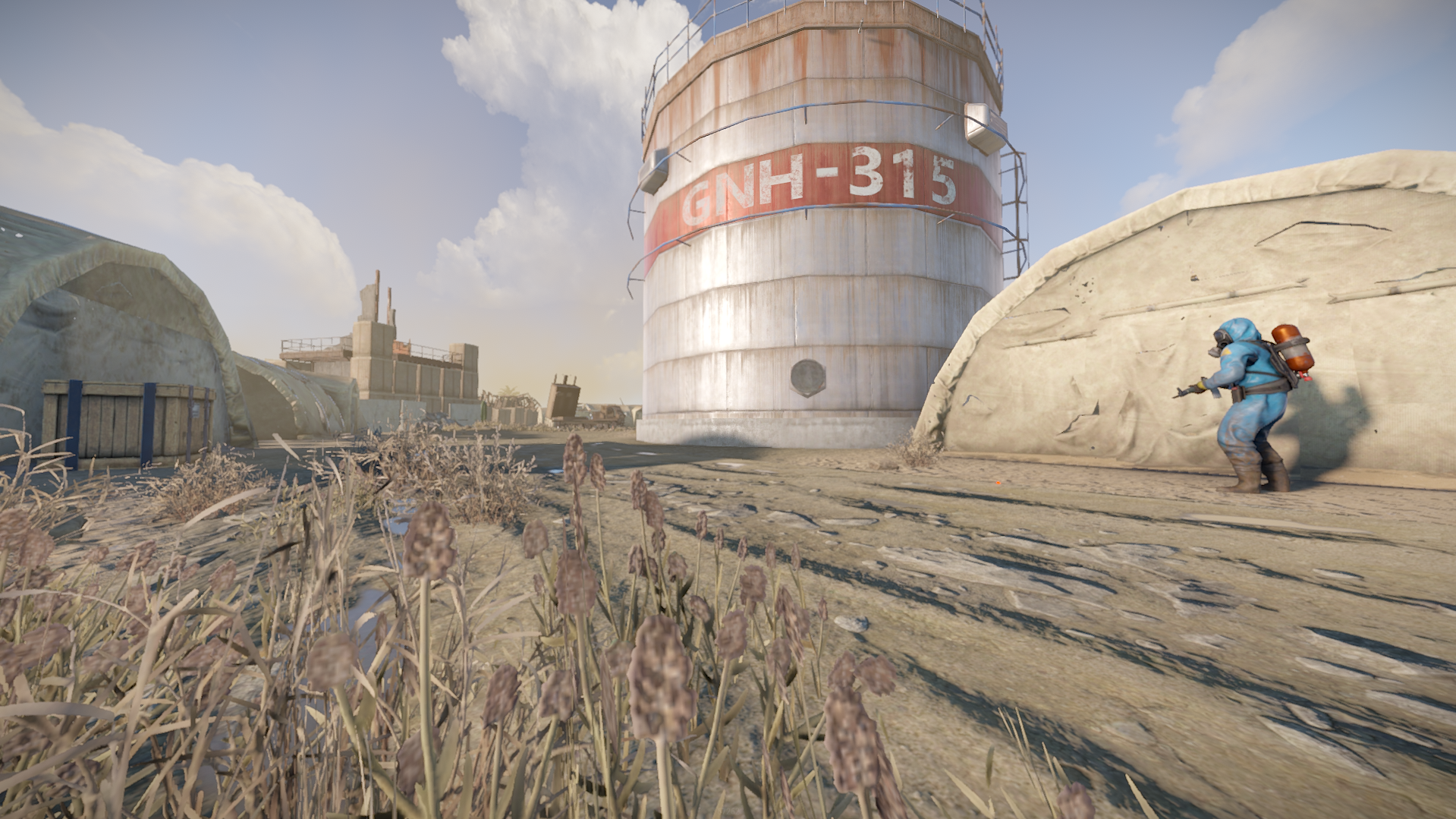
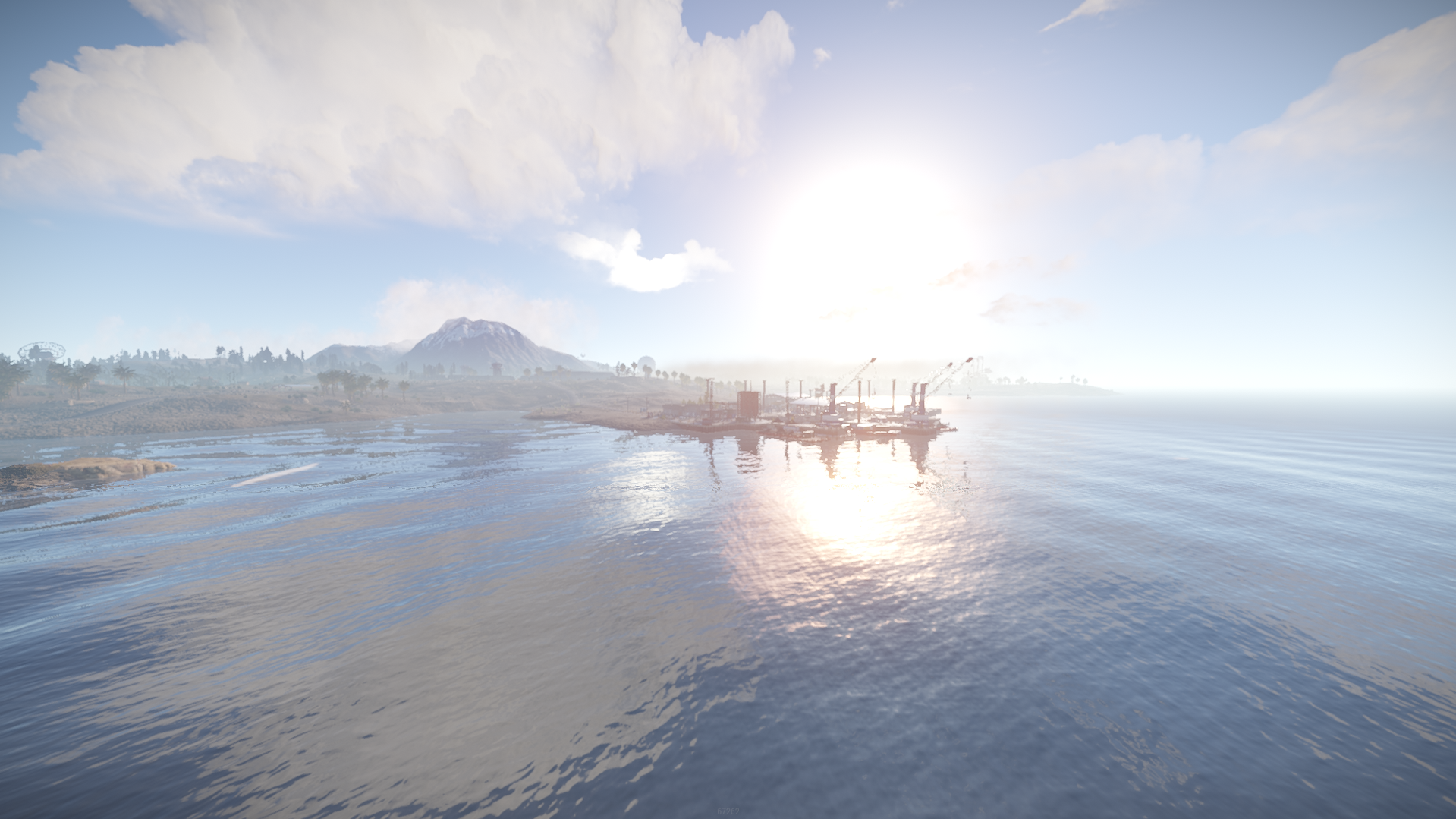
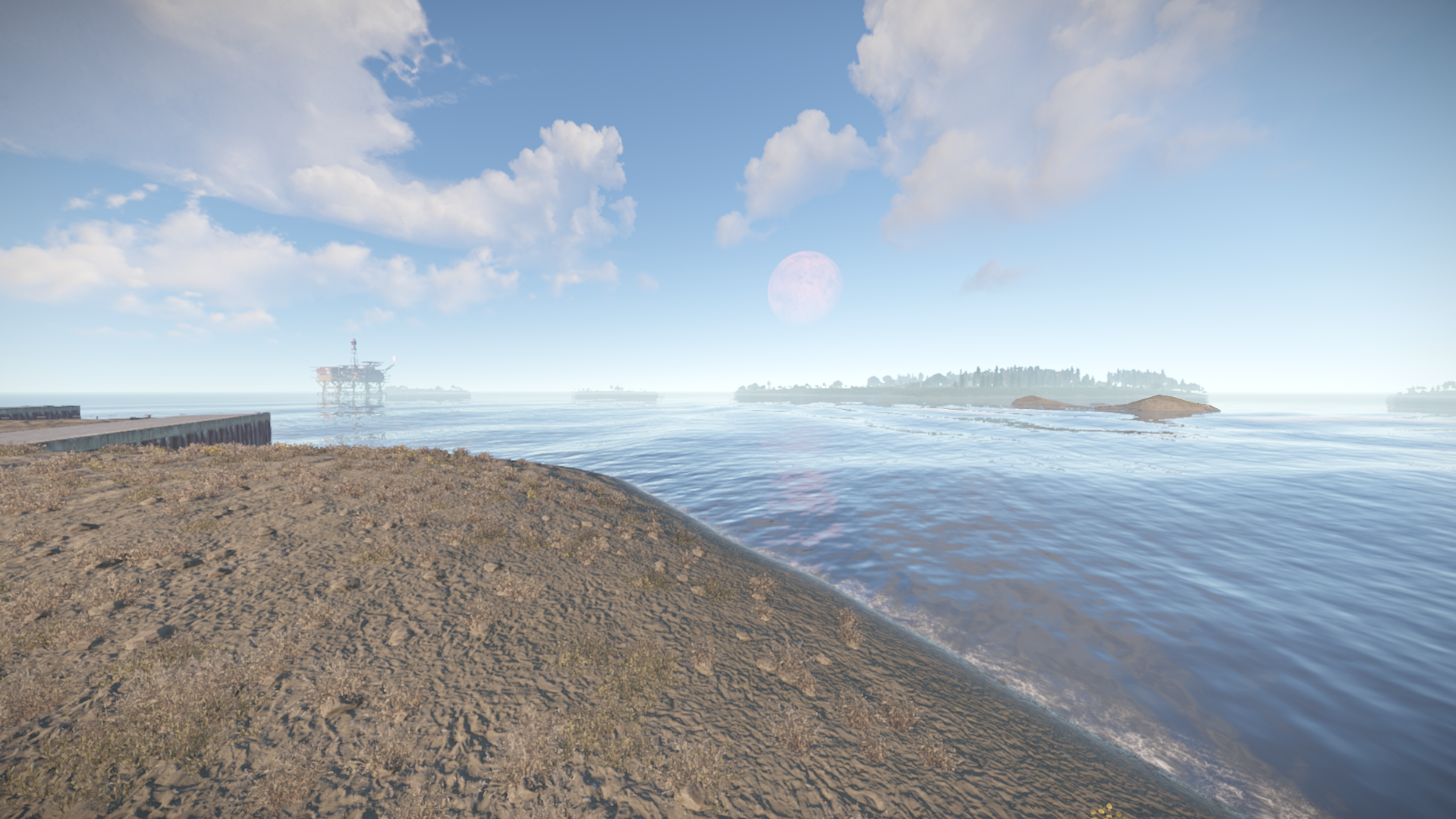
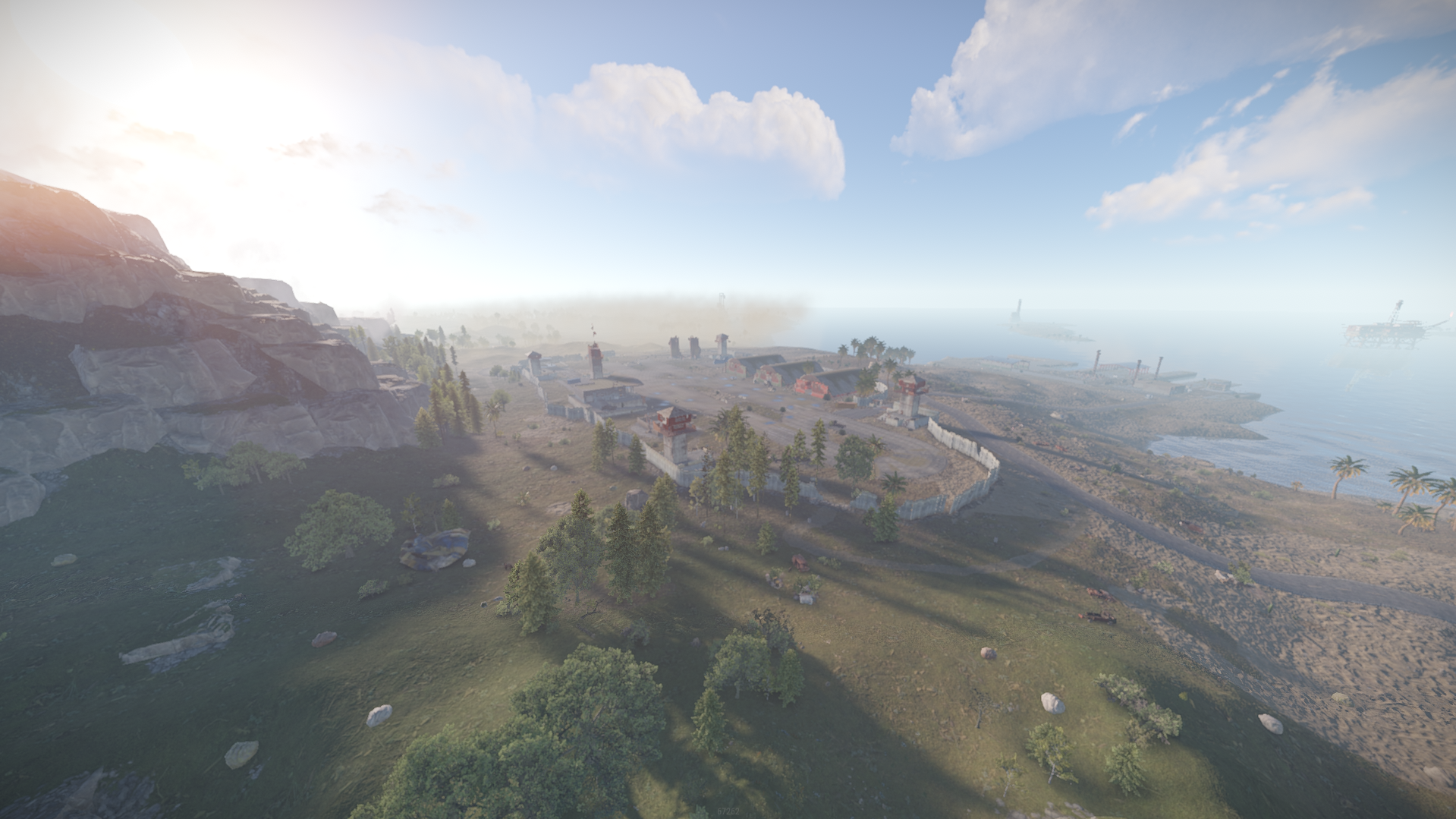
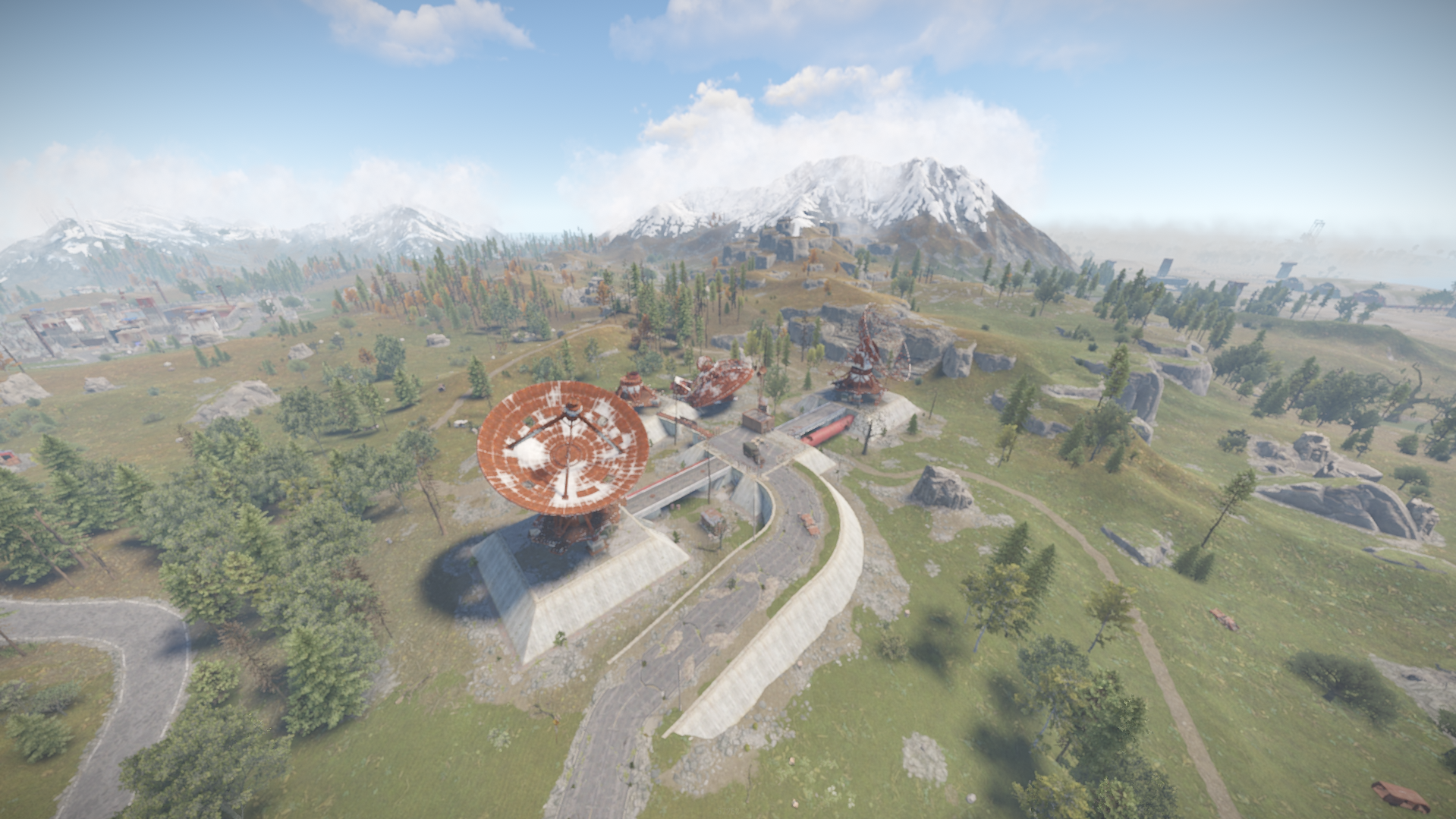
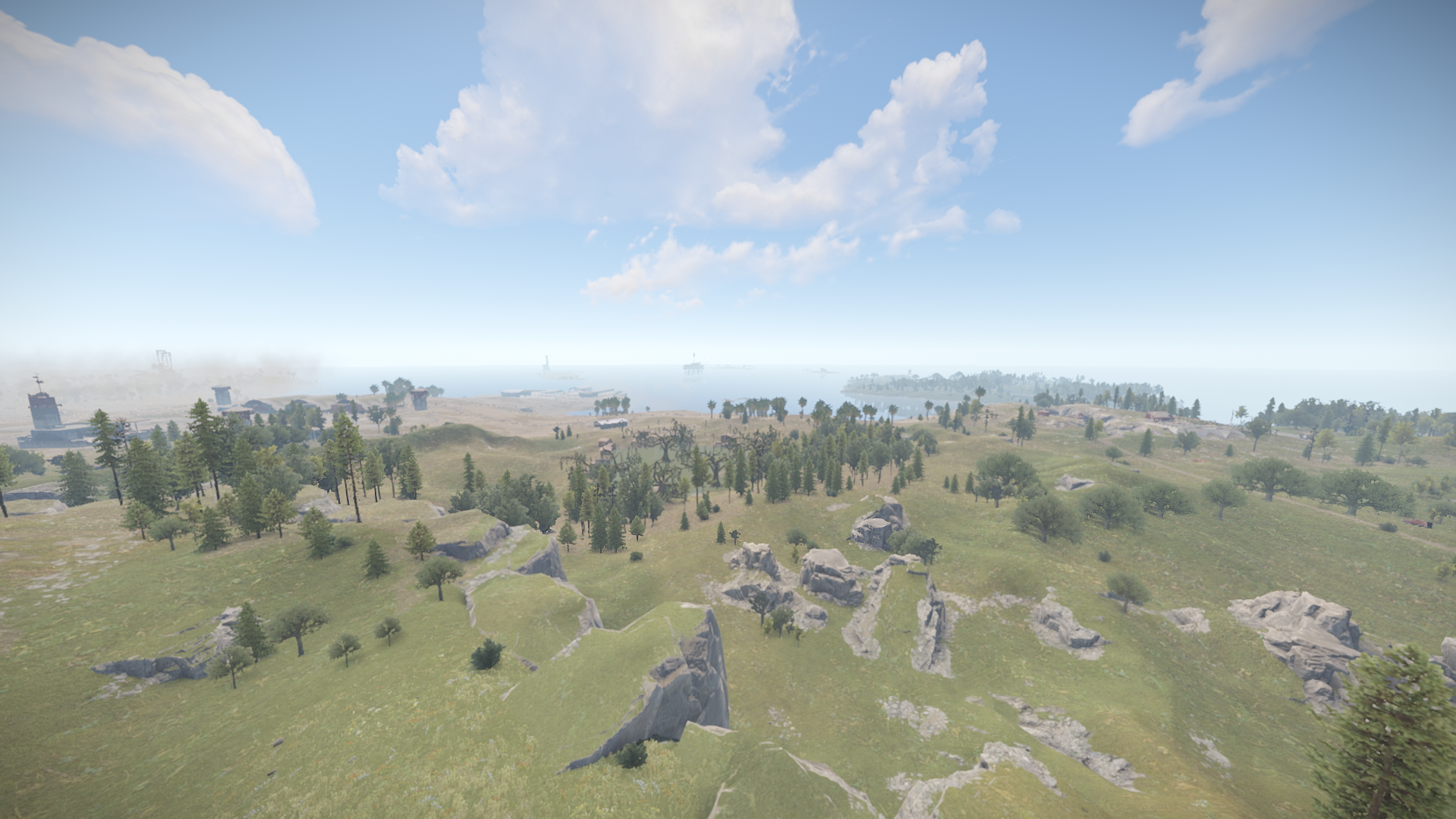
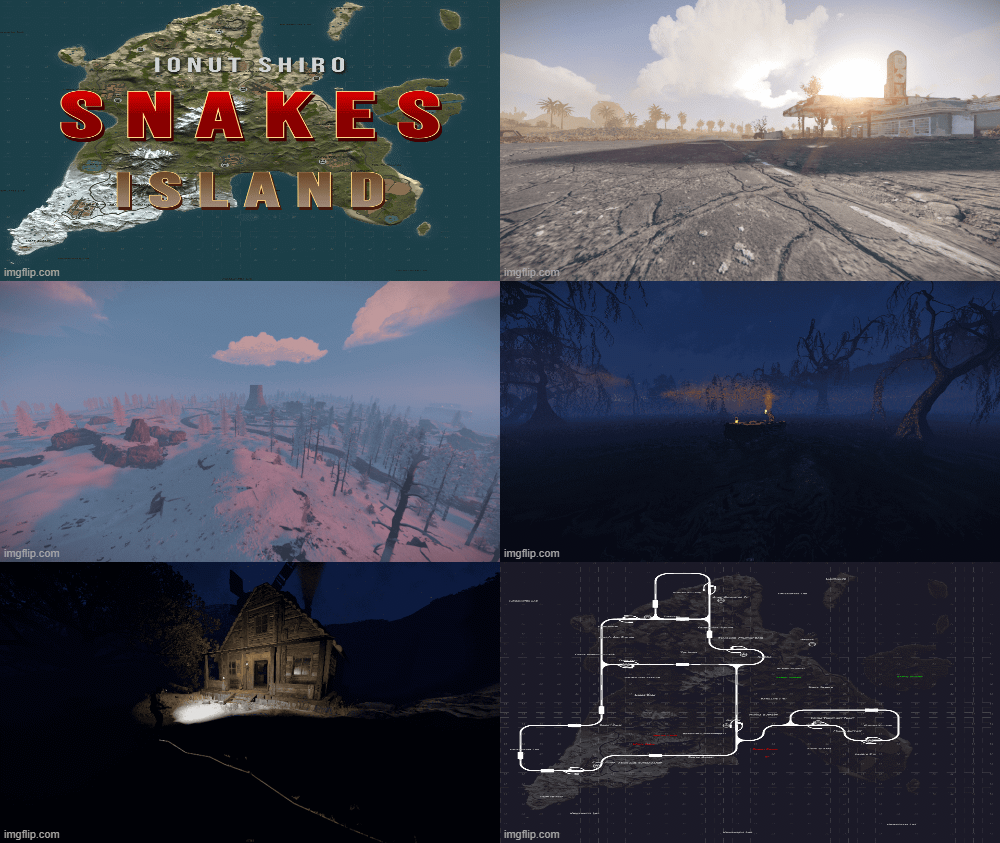
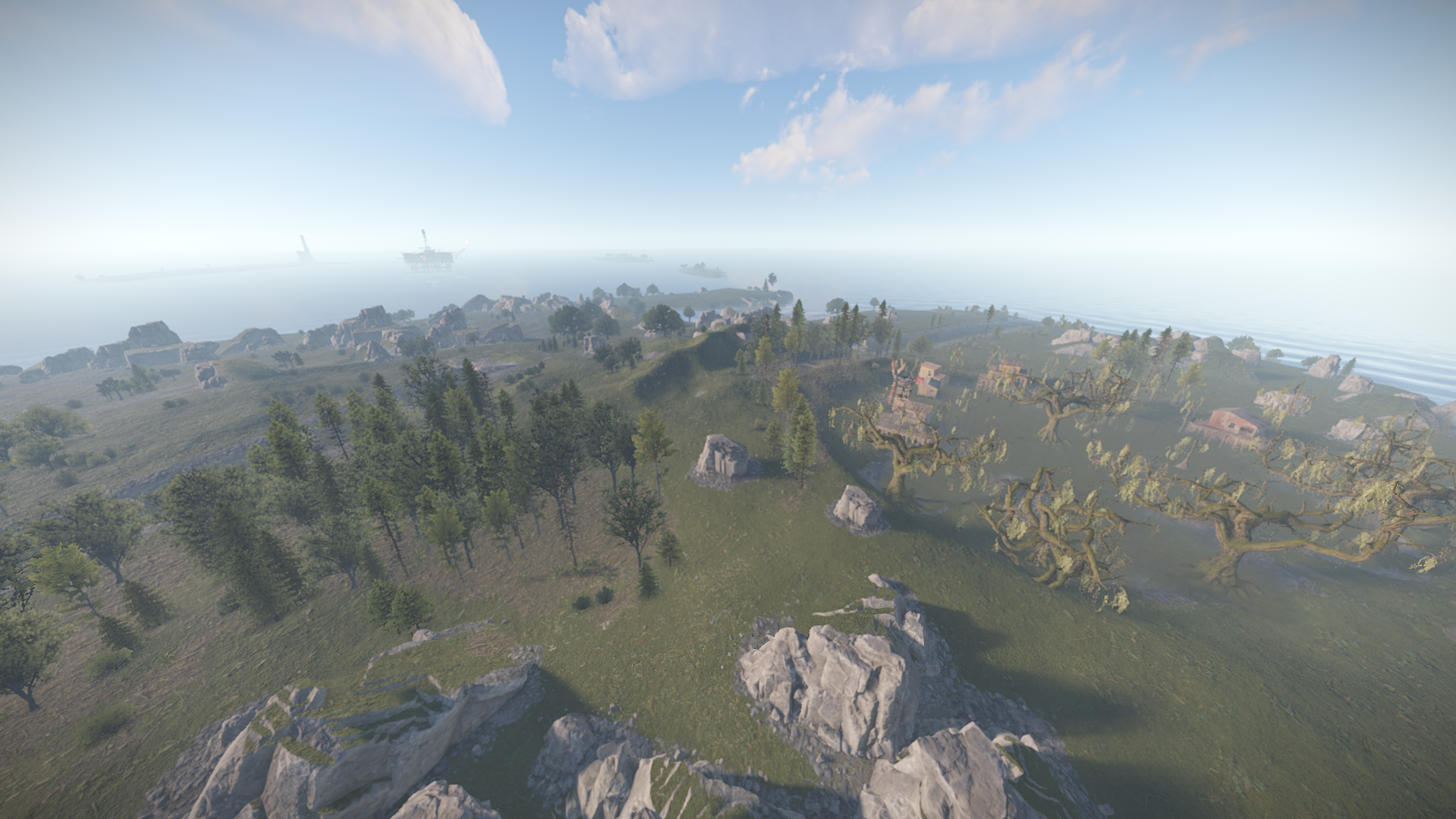
Snakes Island is providing rich forests with unique sightings around each procedural monuments with a highly detailed and worked terrain. 
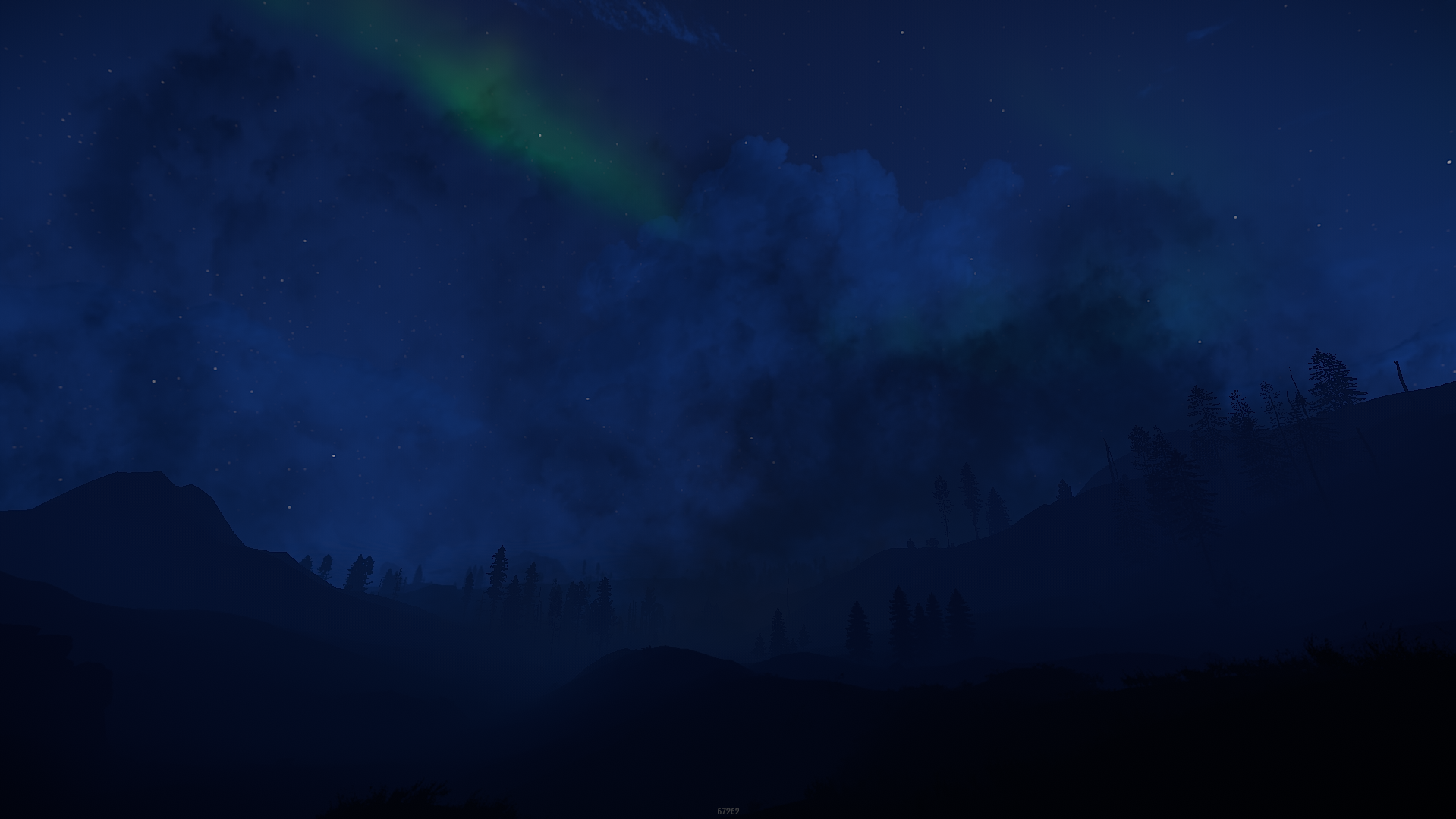
Playing on this map will give you the chills and hype as you were in the real snakes island forests with the foggy atmoshpere and dangers at all corners!
The unique terrain offers plenty of locations with a delightful view or tactical advantage on your neighbours.
Password comes with the map inside the "Read me" file.

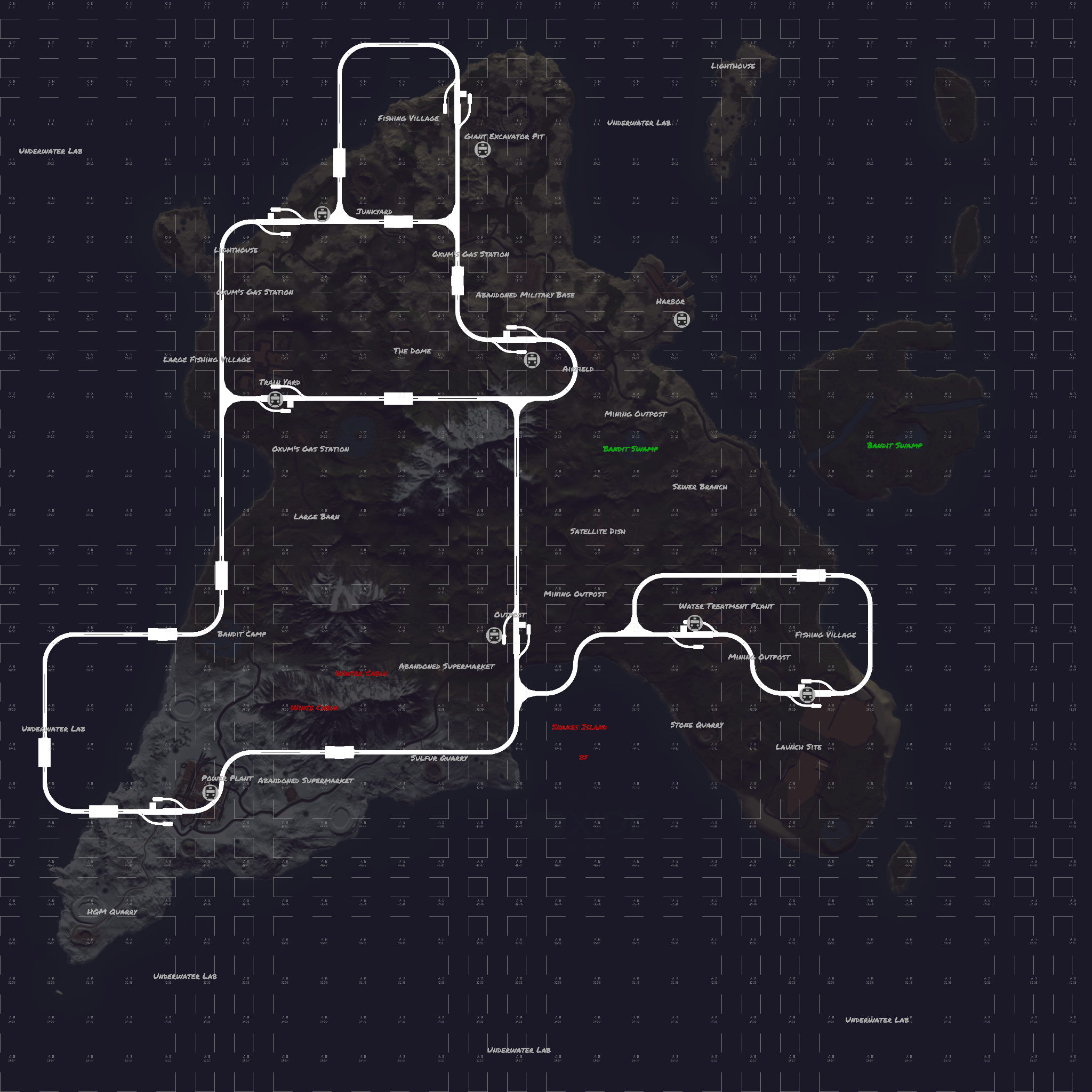
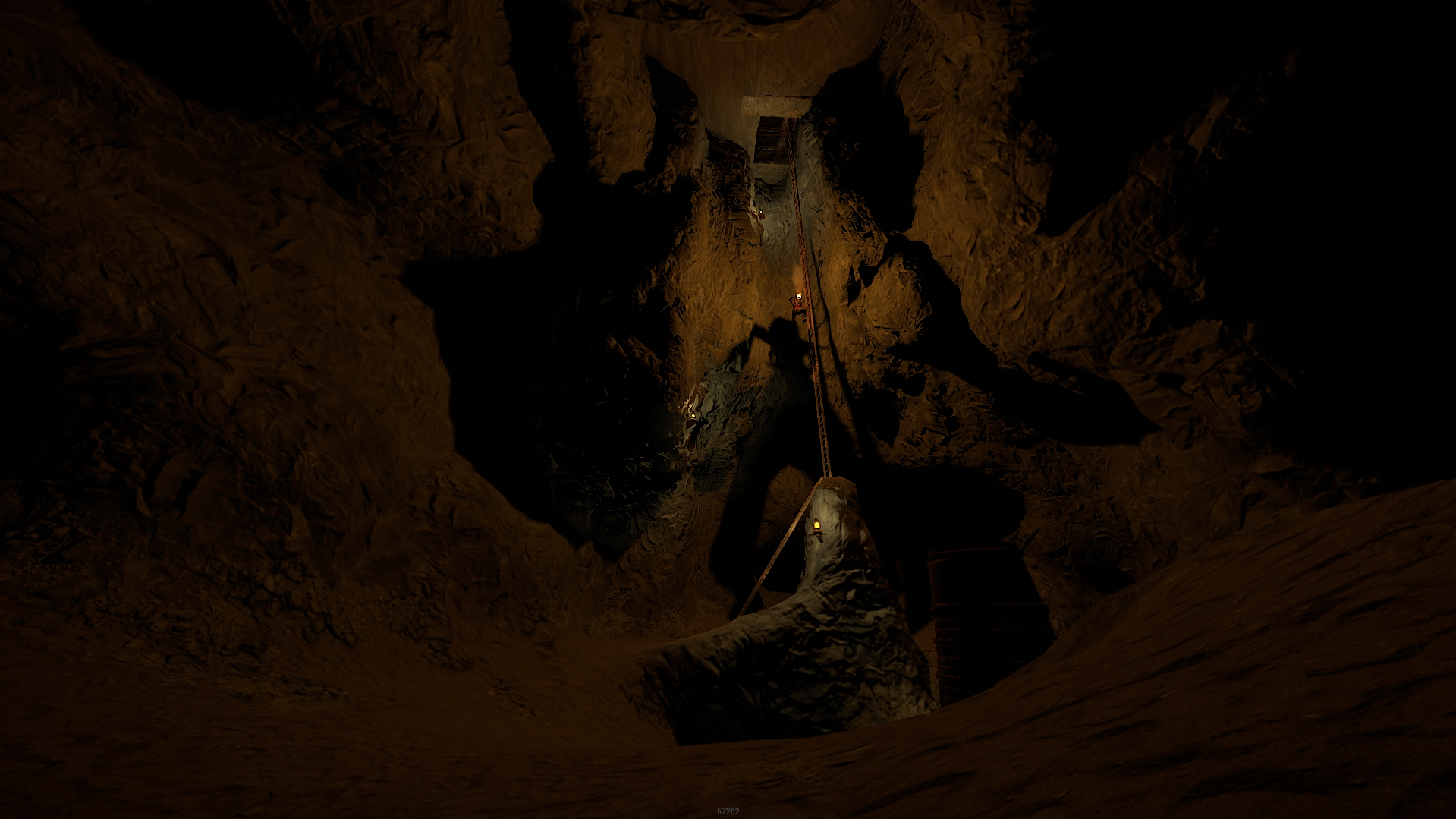
The map features custom and procedural monuments 
~Procedural Monuments :
- Water Treatment Plant
- Train Yard
- Airfield 
- Power Plant 
- Launch Site 
- Satellite Dish
- Giant Excavator
- Junkyard
- Bandit Camp
- Outpost
- Sewer Branch
- The Dome
- HQM & Sulfur & Stone Quarries
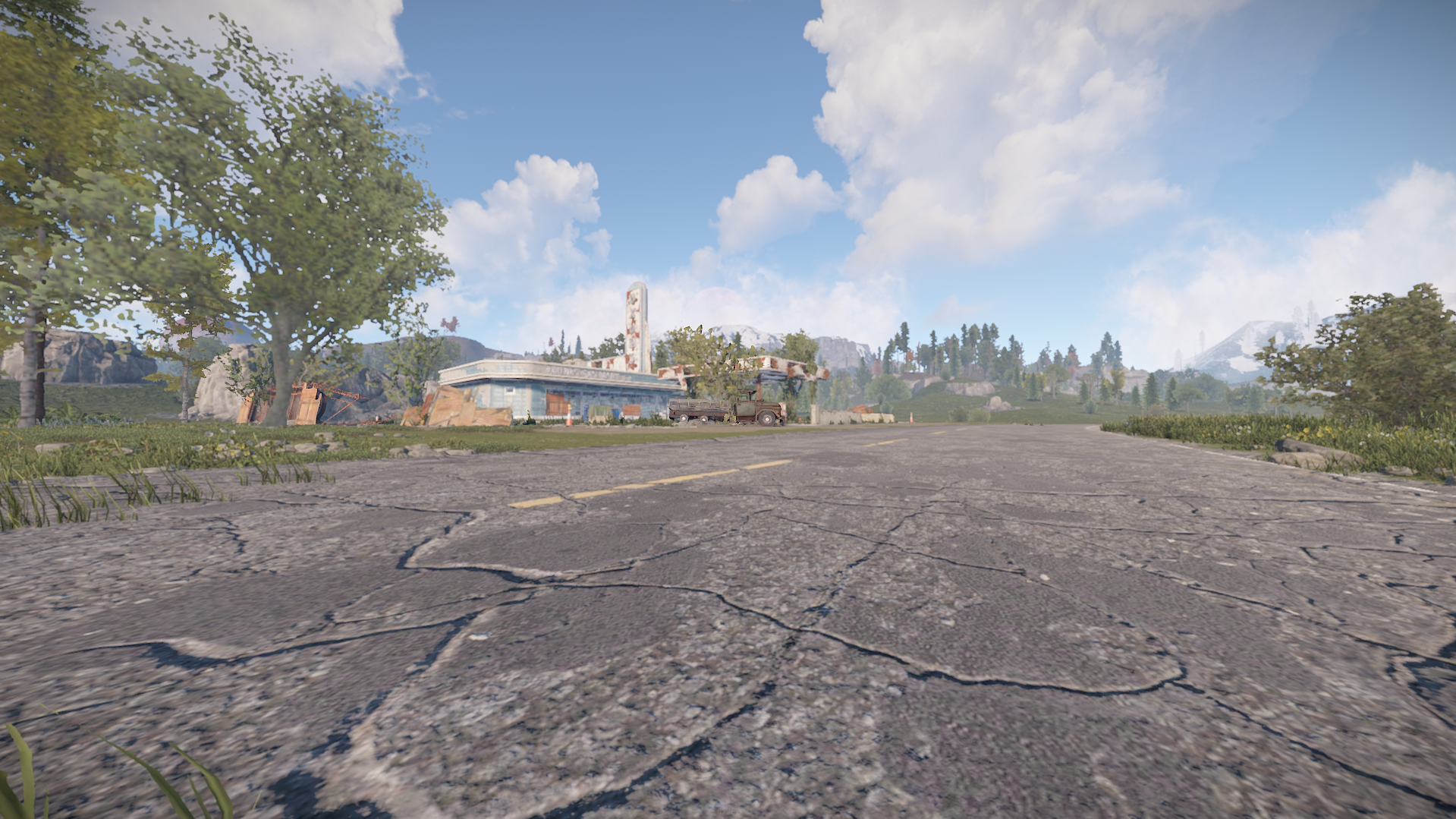
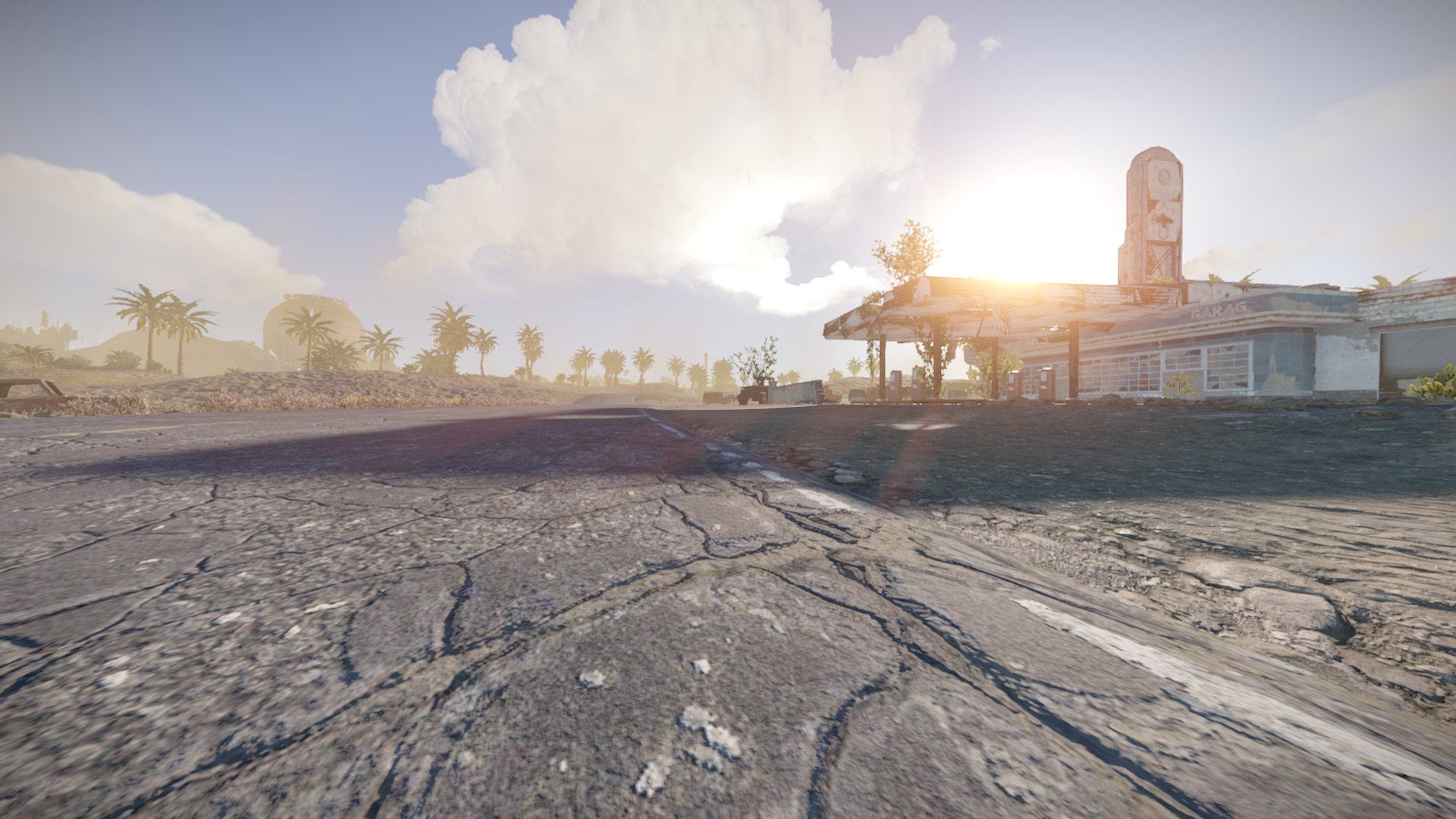
- 3 Gas Stations
- 3 Mining Outpost
- 2 Abandoned Supermarket
- Large & Small Oil Rigs
- 6 Underwater Labs

~Custom Monuments :
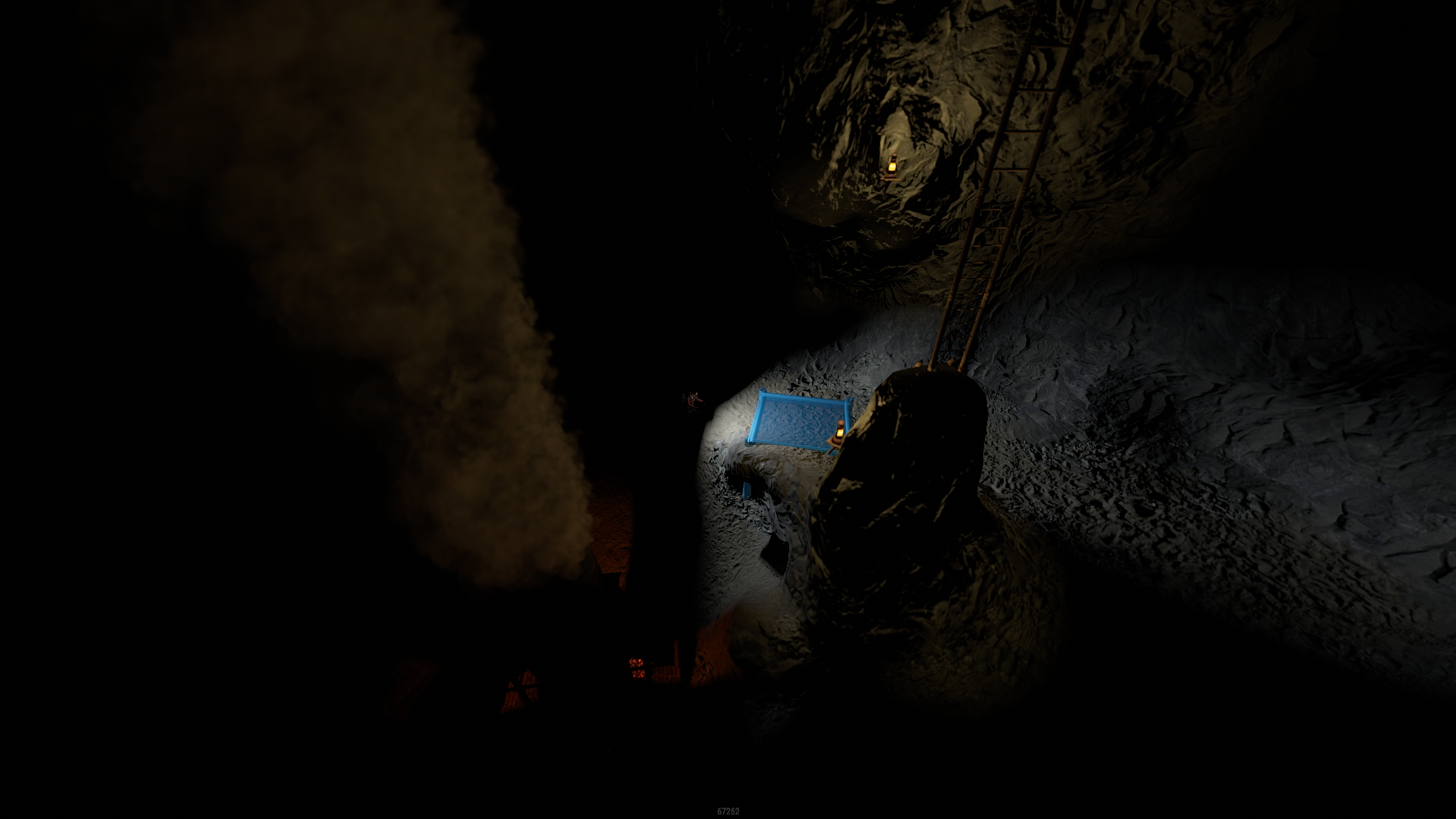
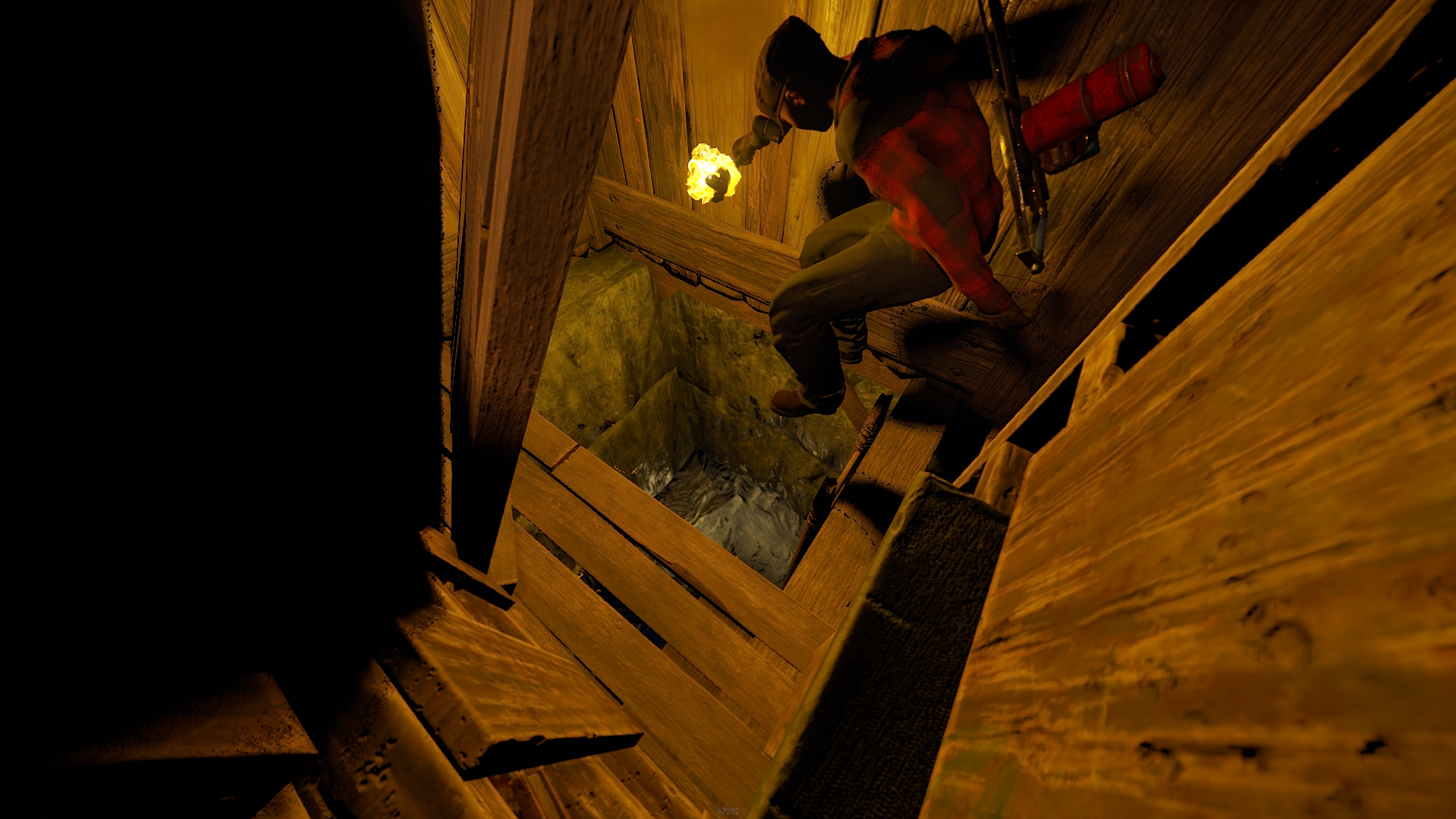
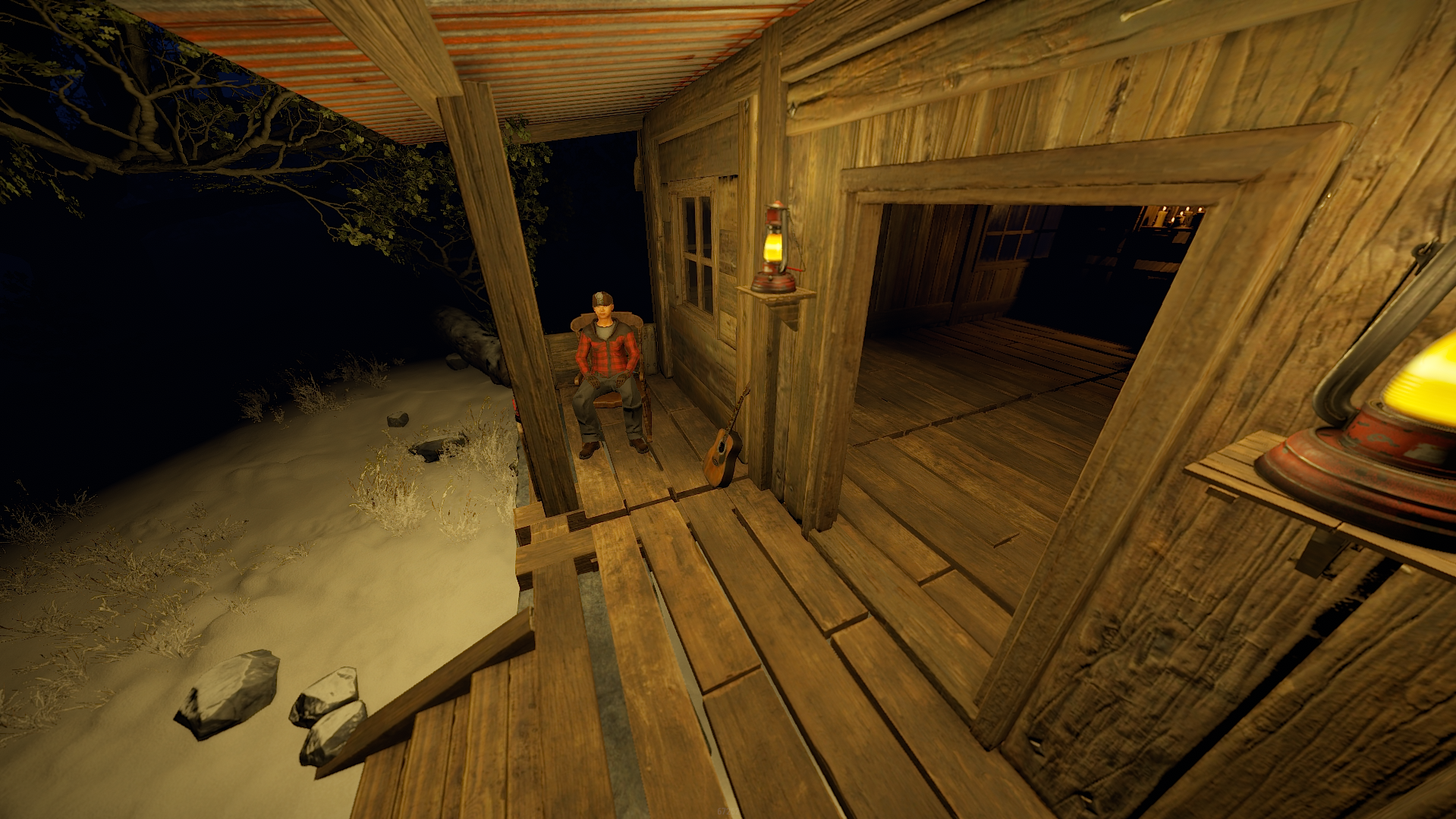
- 2 Abandoned Winter Cabins
- 2 Bandit Swamps 

~ Entity Count : 6000
~ Map Size : 4000
Password Comes with the map.

What's New in Version v1.5.3

Released

pic

User Feedback

You may only provide a review once you have downloaded the file.


Another fantastic Map by WeOxide, Plenty to do on this one! Ideal for Pve & Pvp servers alike, There is alot of build space due to the layout 10/10 

Mux


Love this map! very well made plus shiro is a one of the best! always willing to help thankyou mate!!


Configure browser push notifications

Chrome (Android)
  1. Tap the lock icon next to the address bar.
  2. Tap Permissions → Notifications.
  3. Adjust your preference.
Chrome (Desktop)
  1. Click the padlock icon in the address bar.
  2. Select Site settings.
  3. Find Notifications and adjust your preference.