



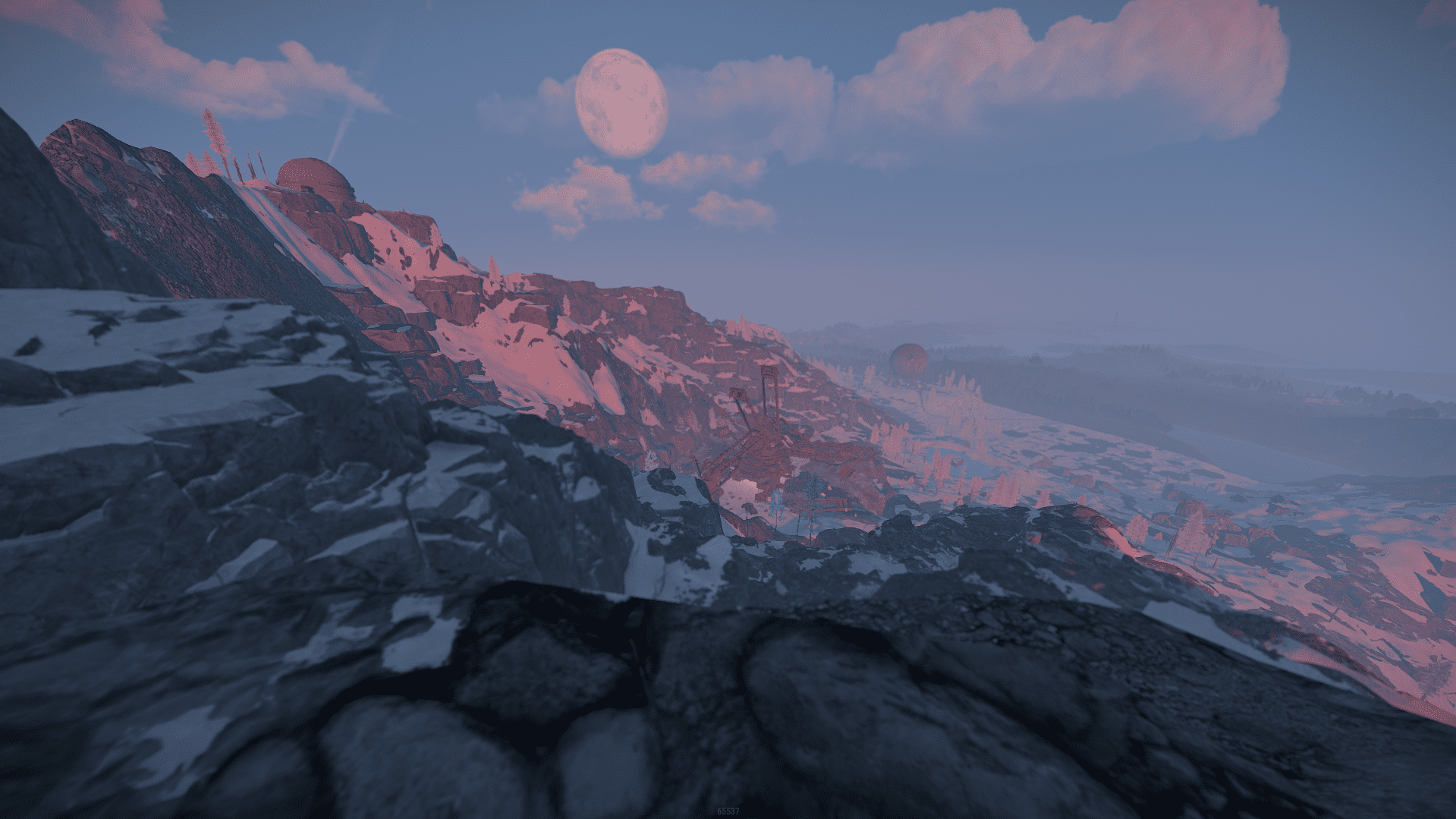
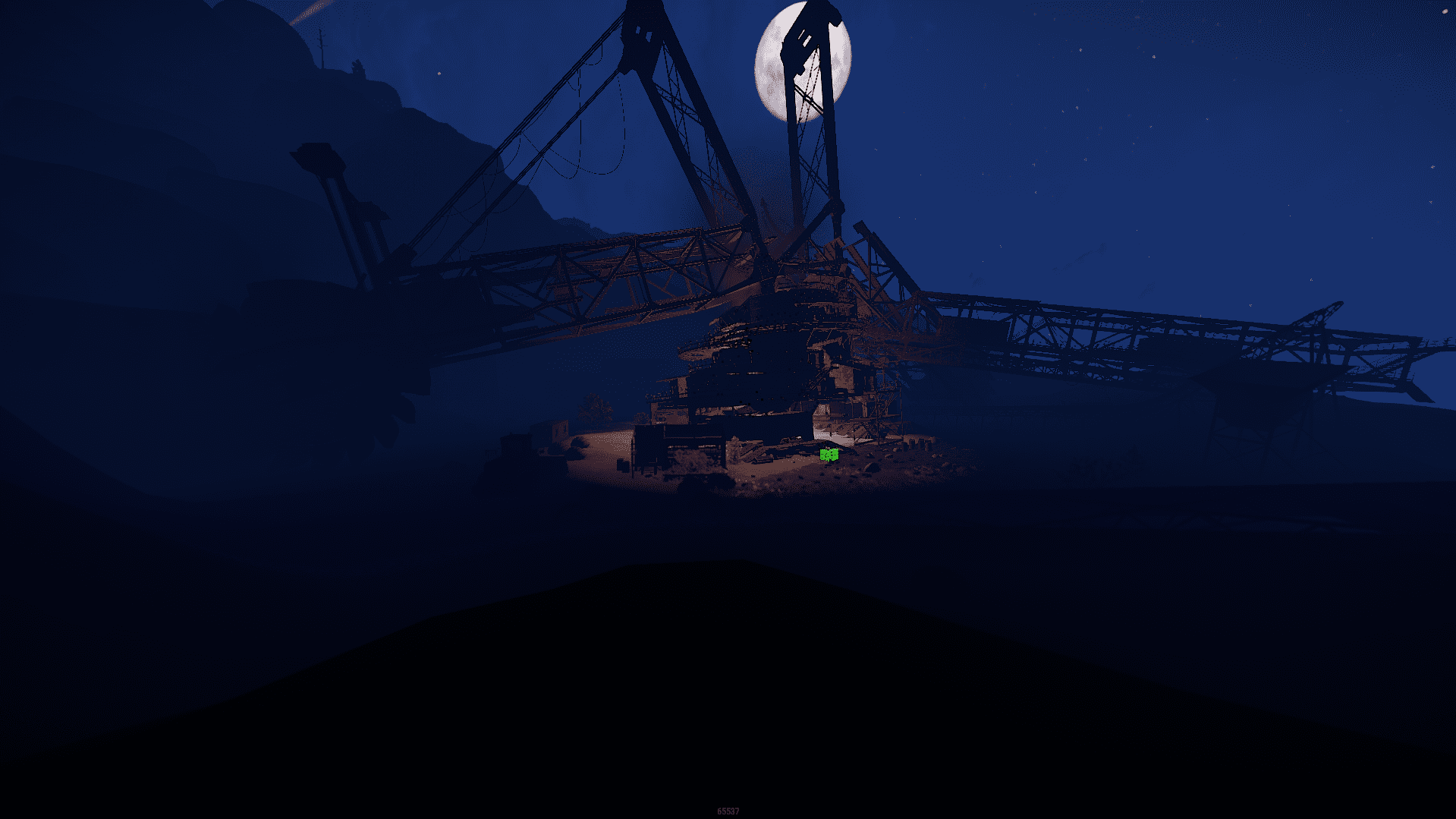
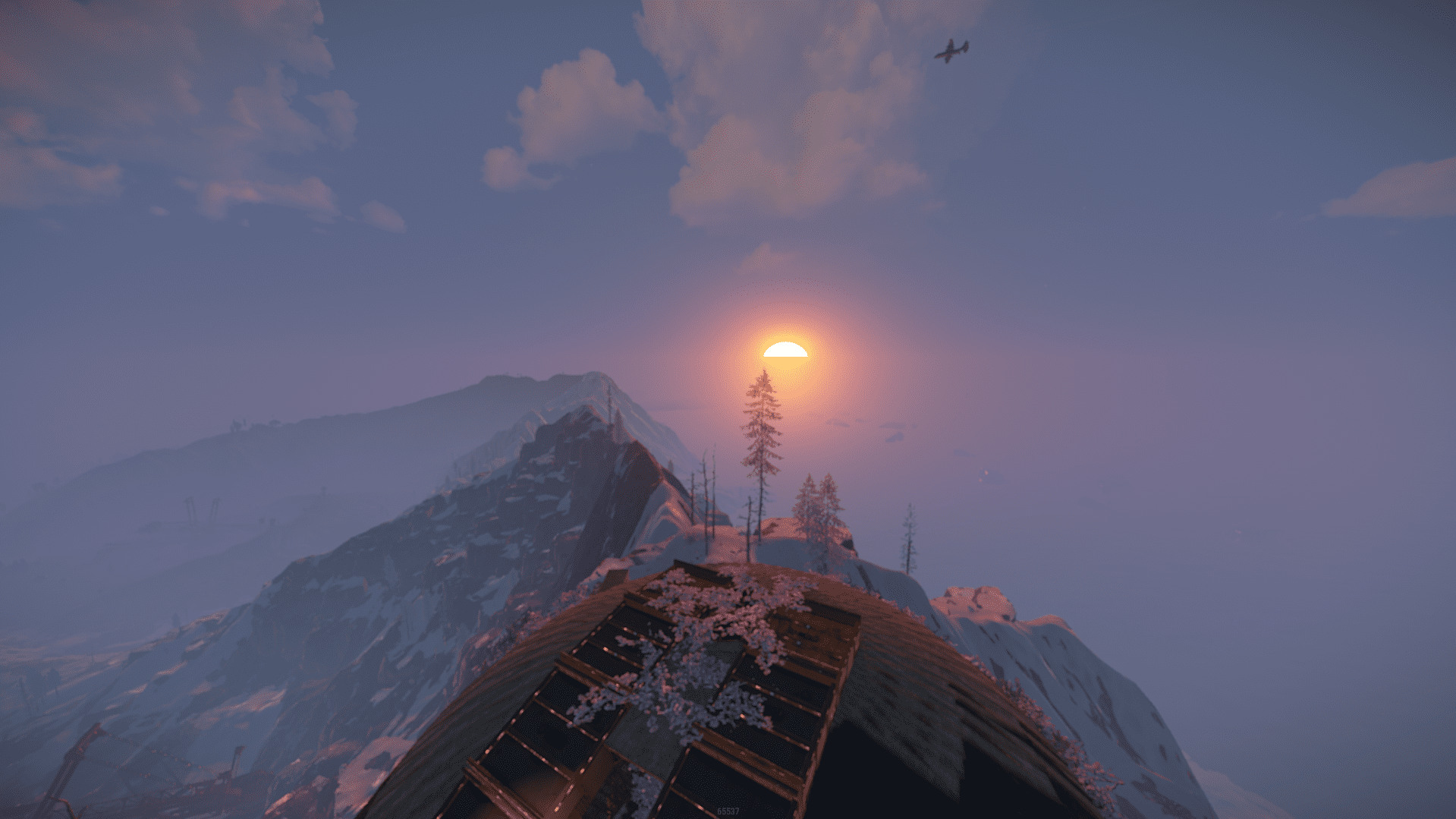
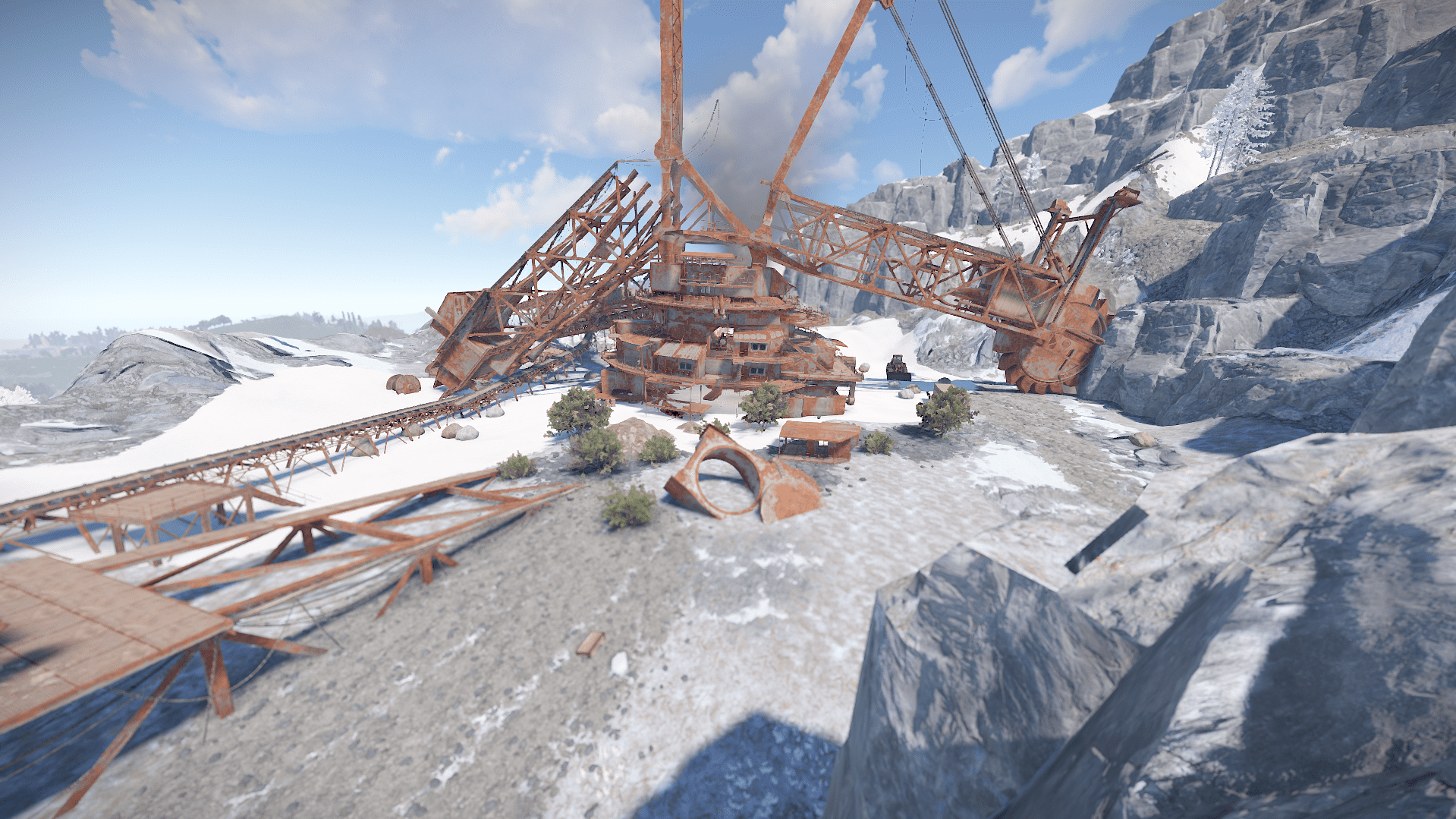
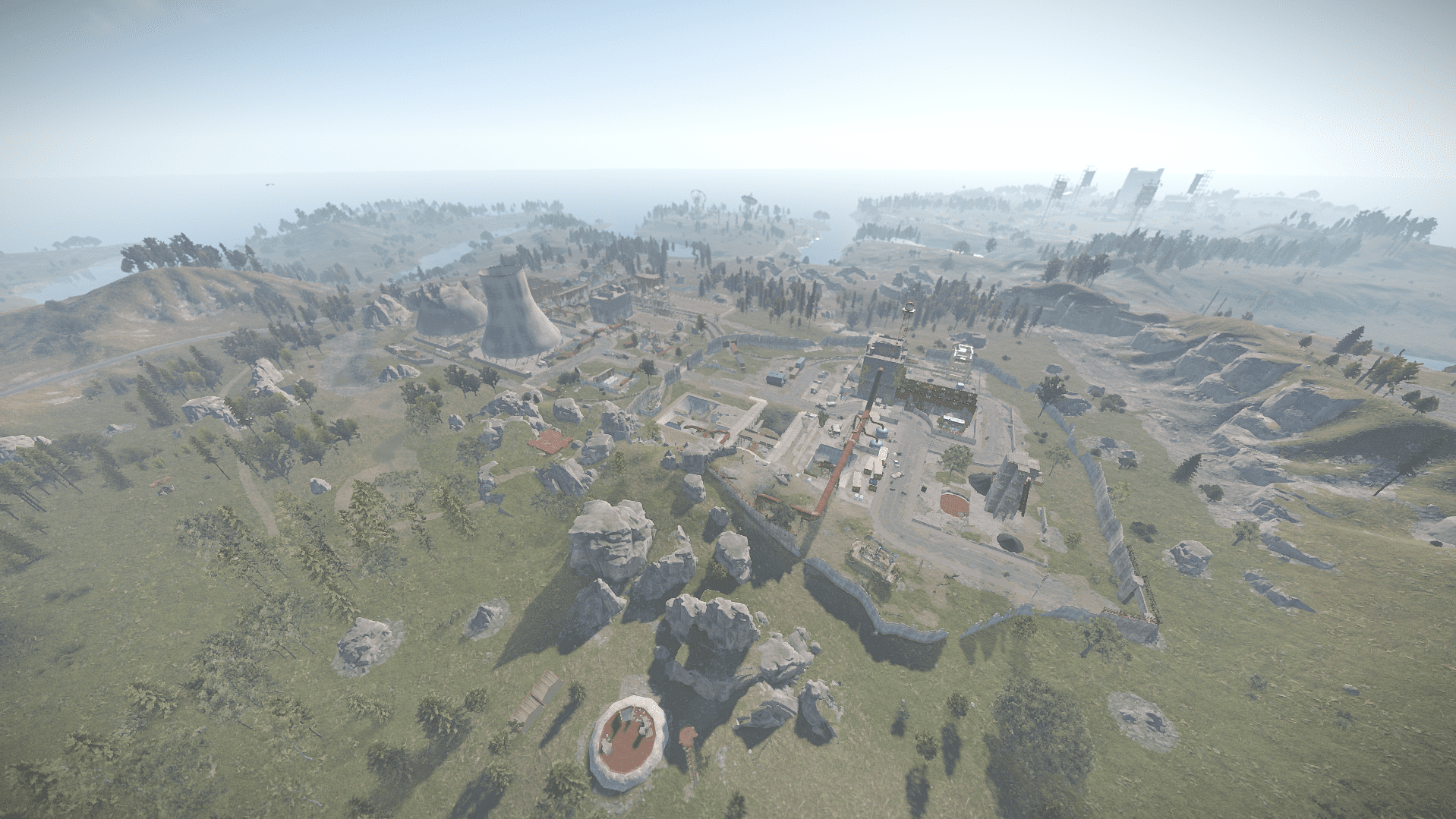
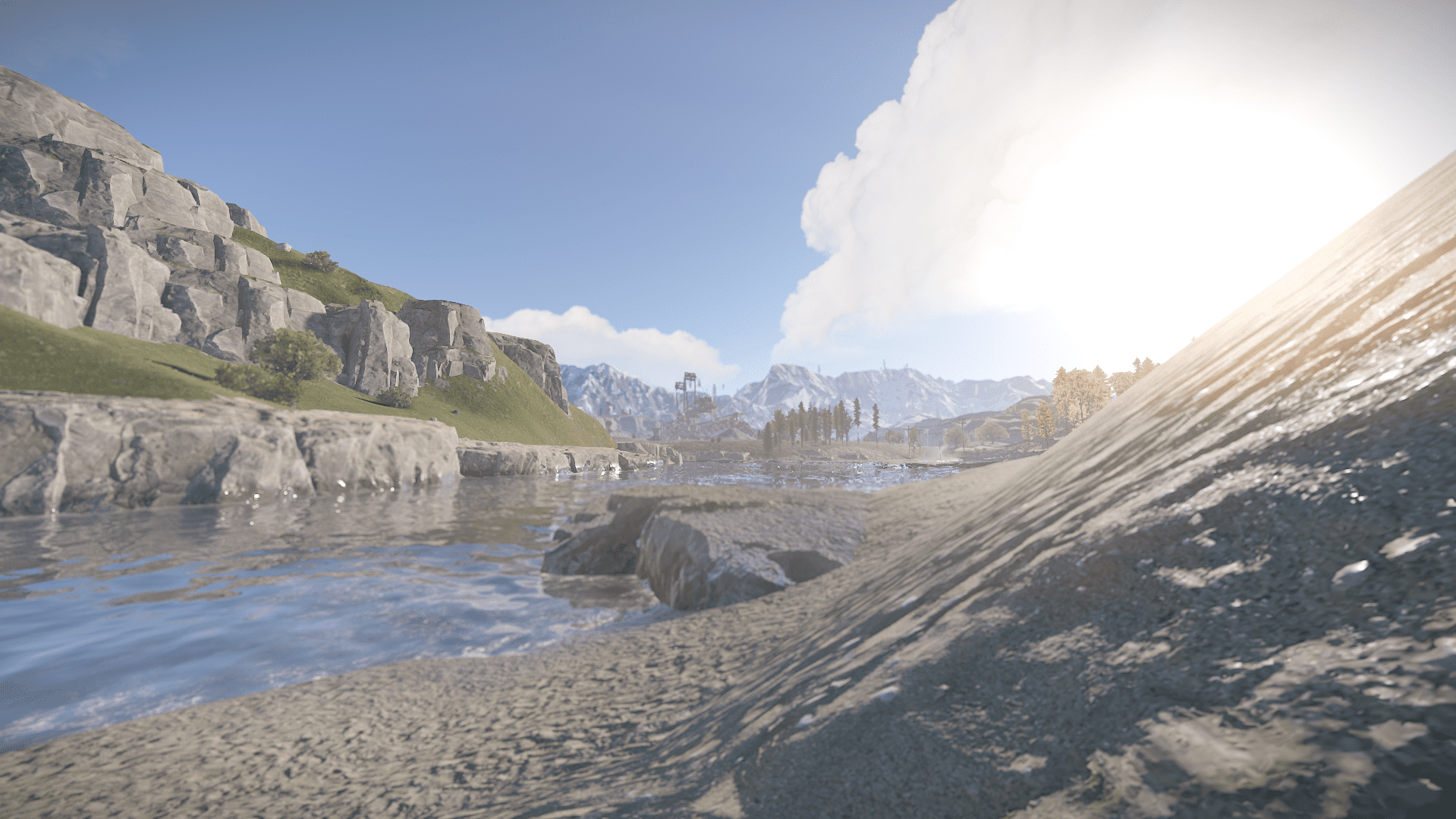
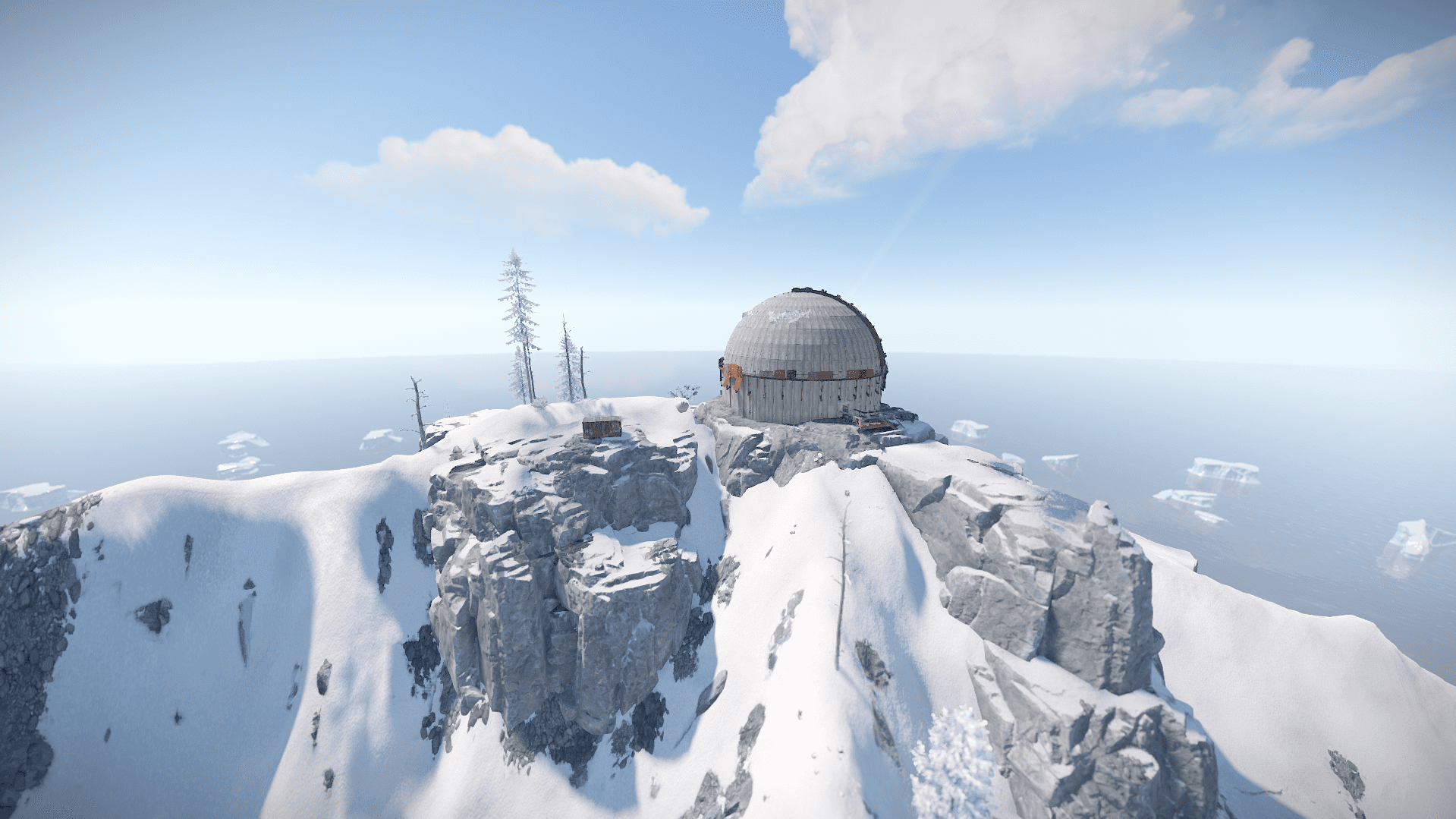
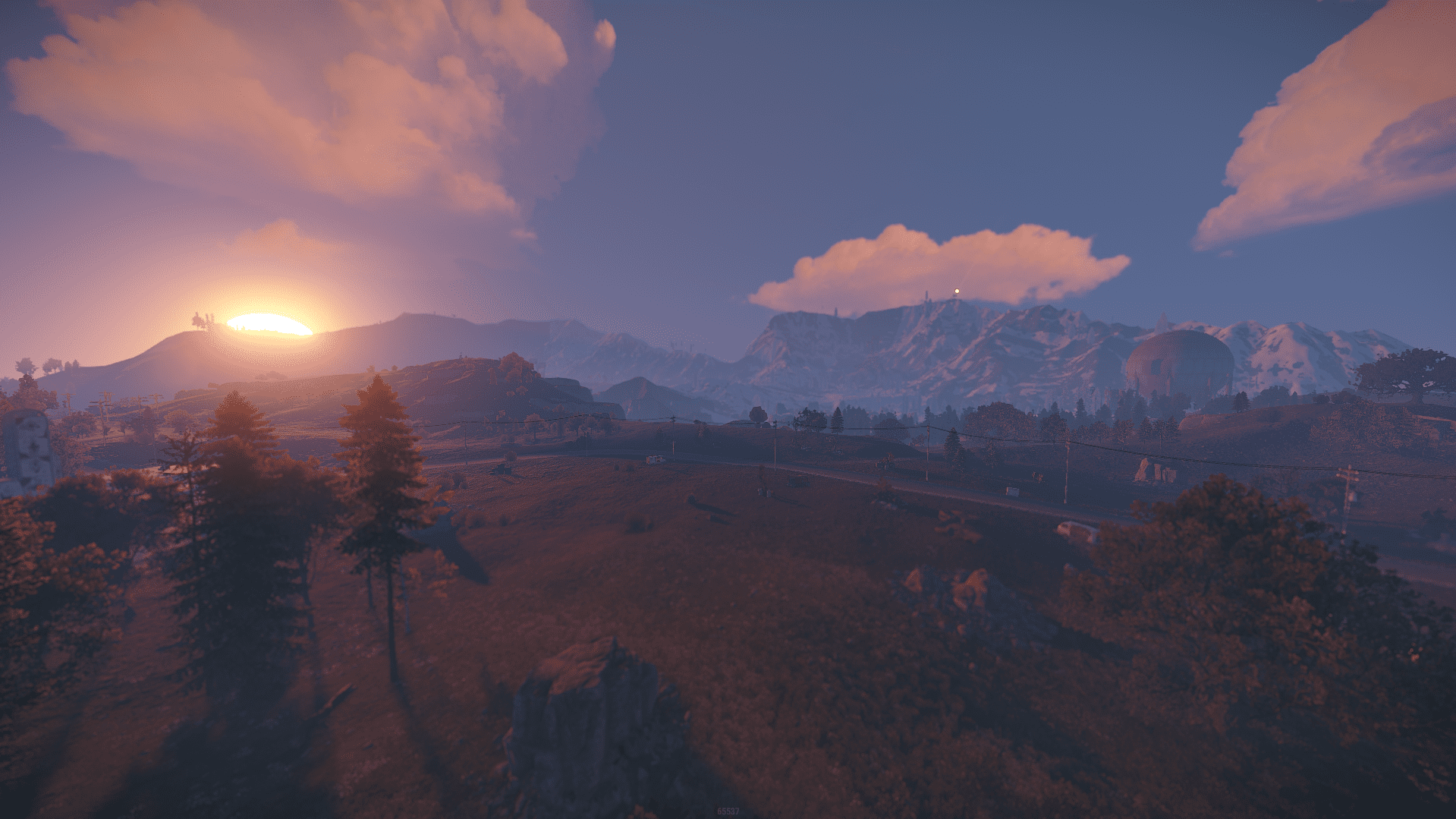
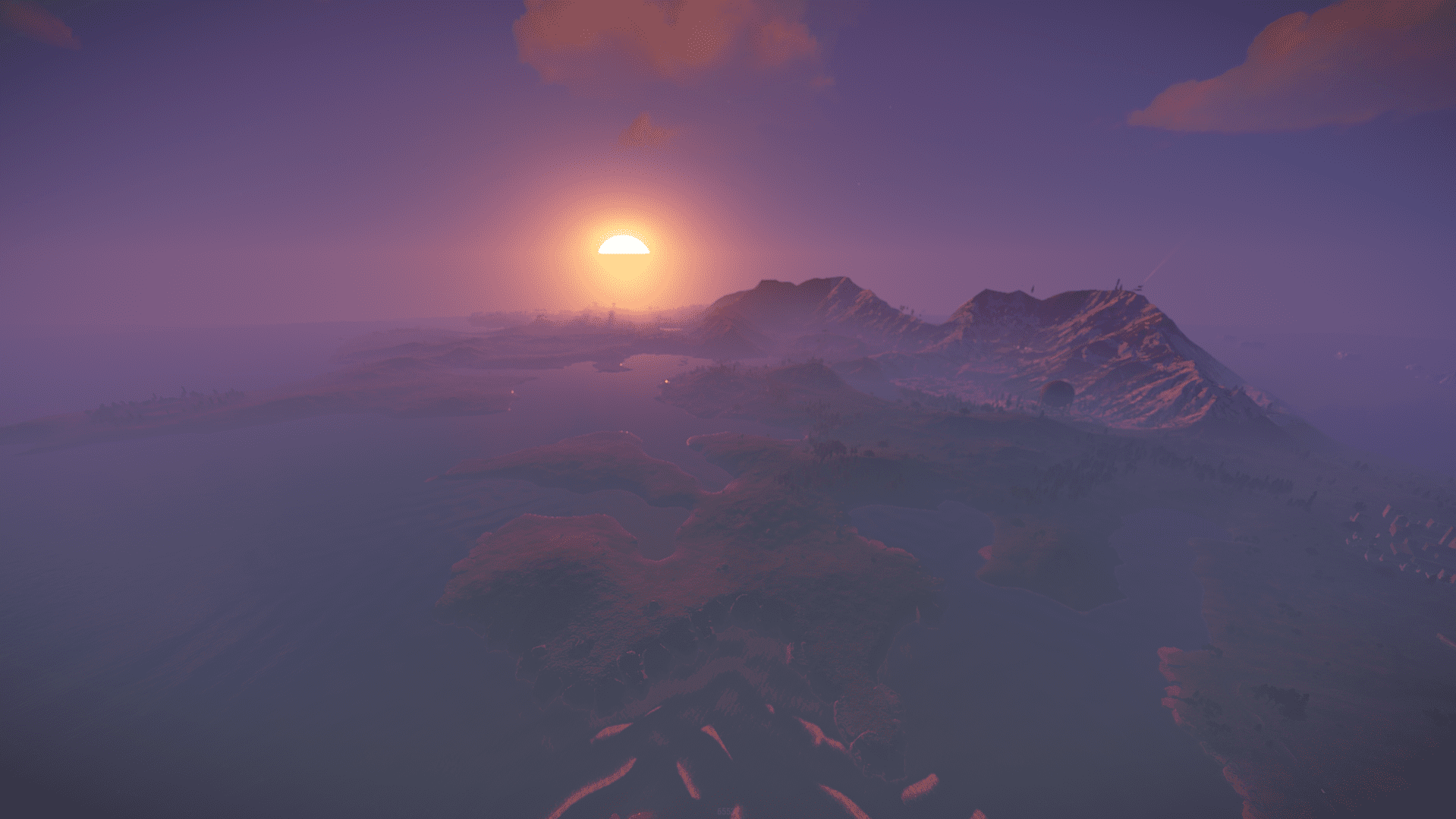
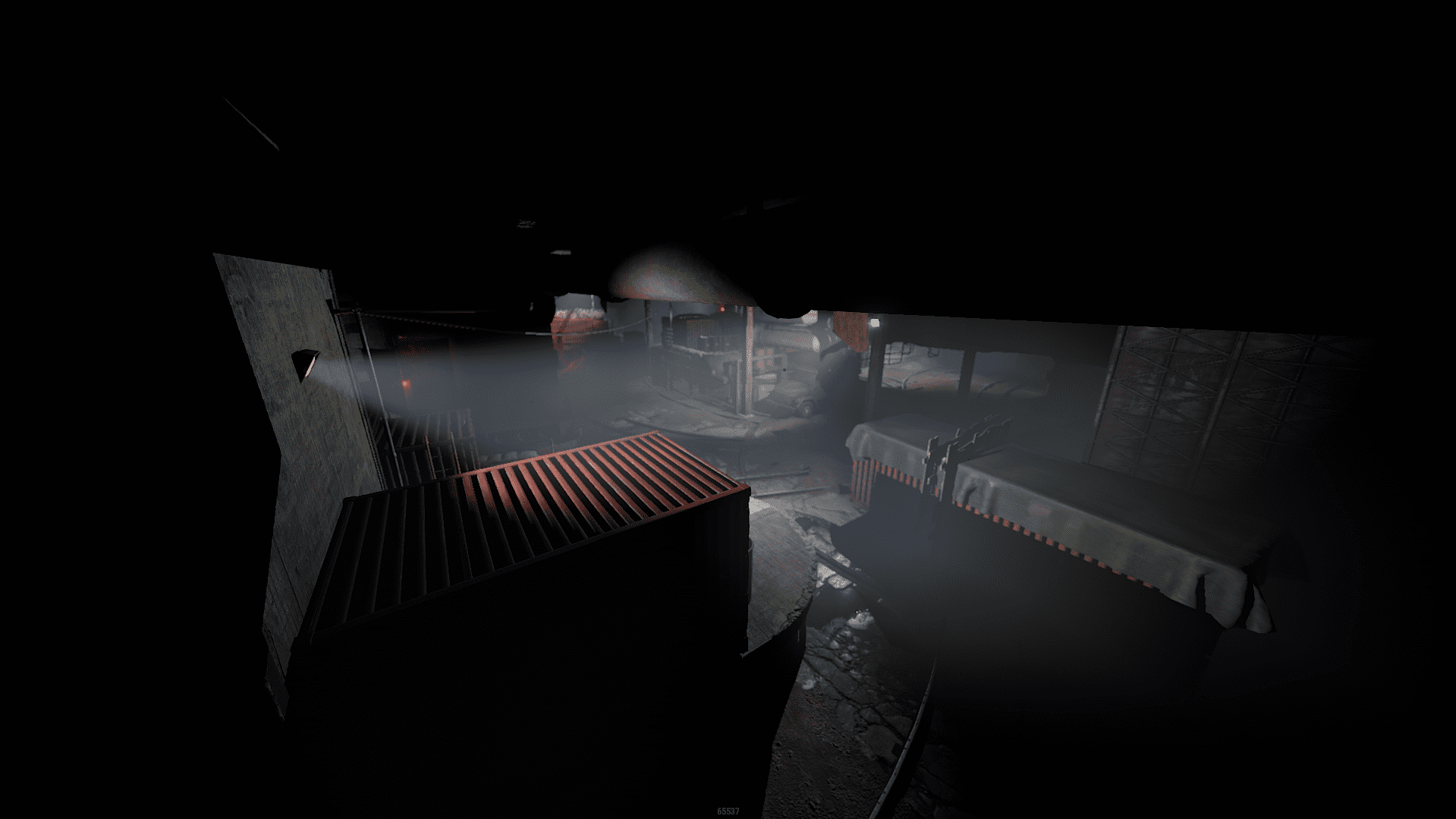
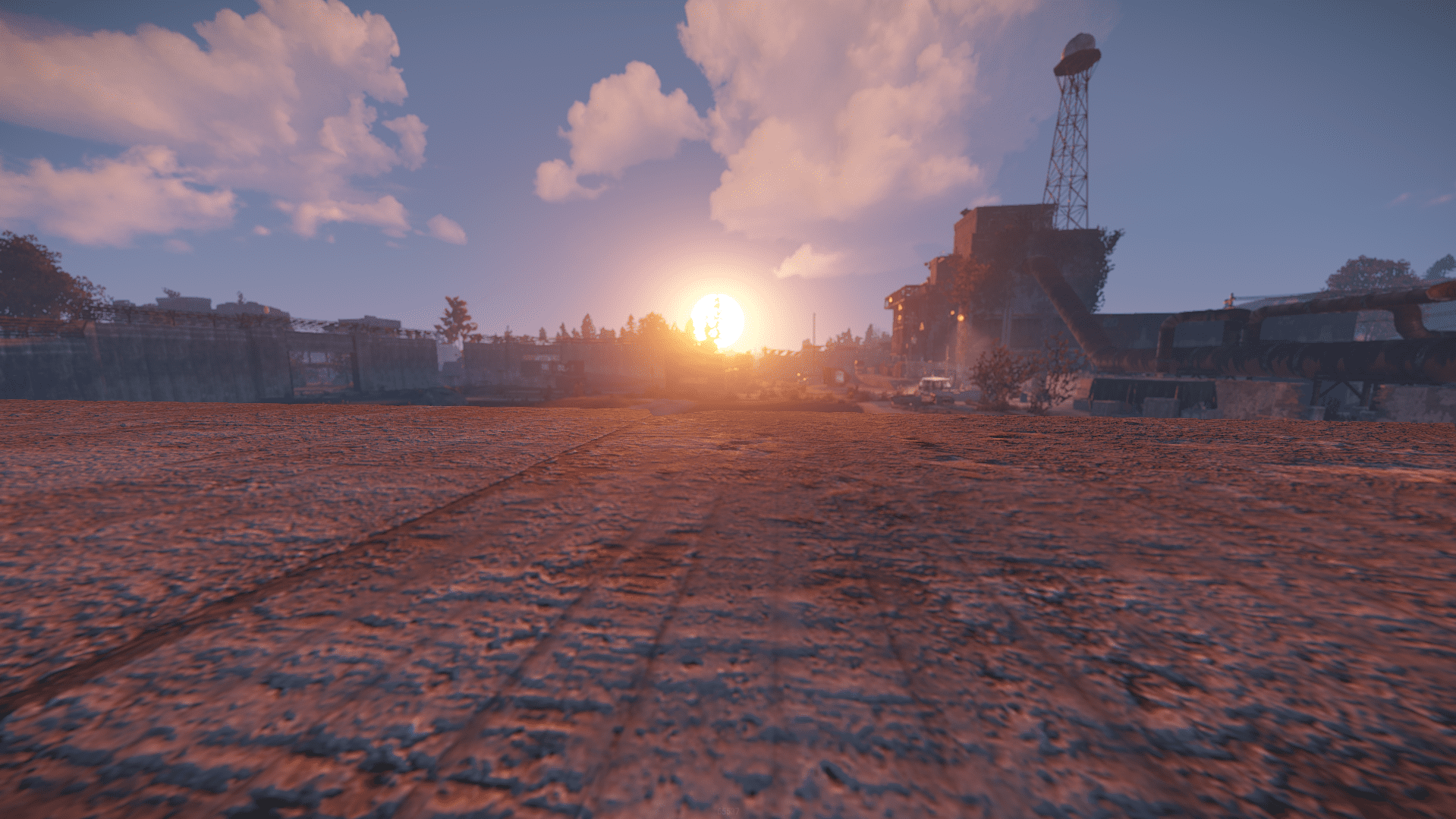
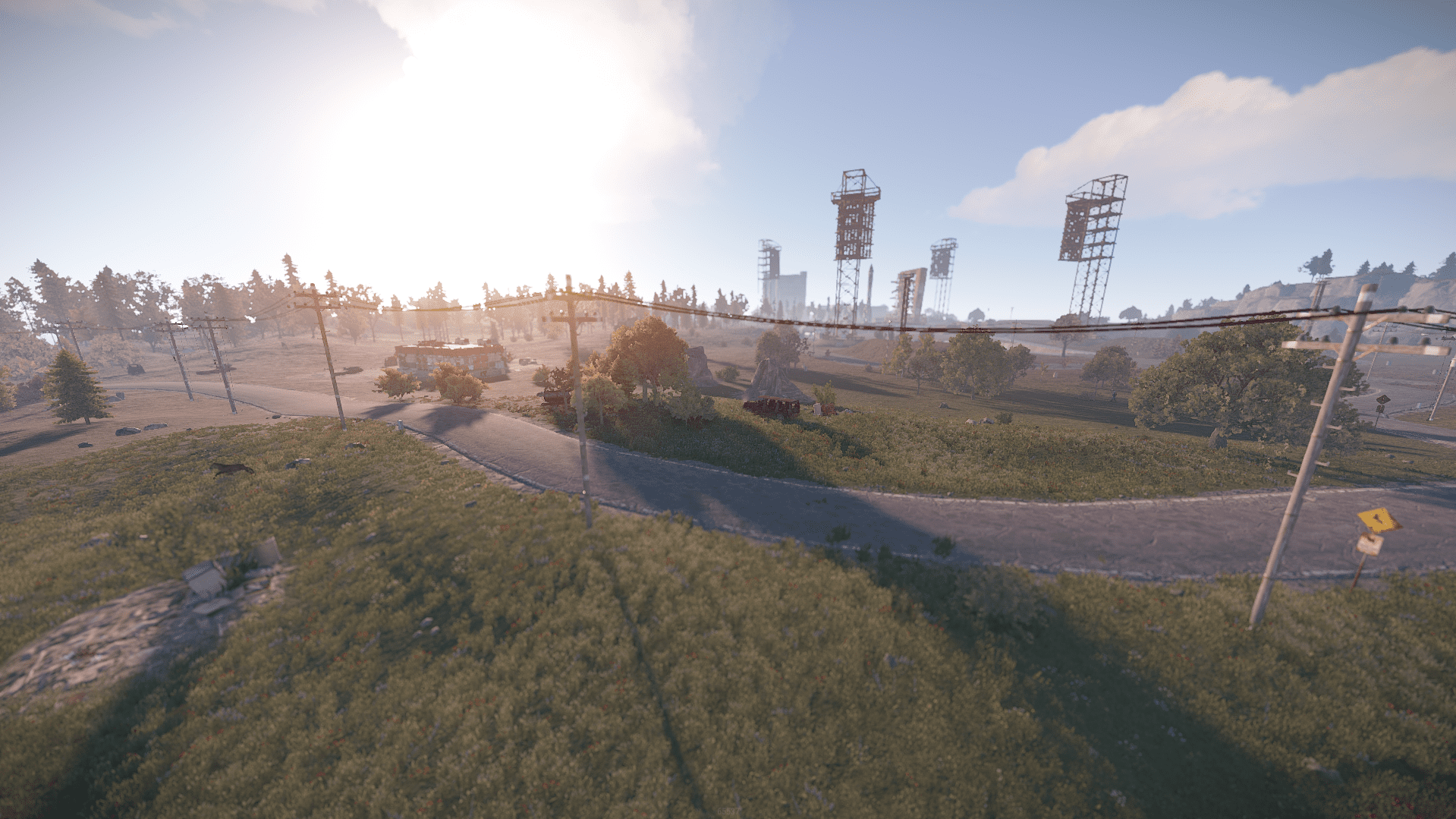
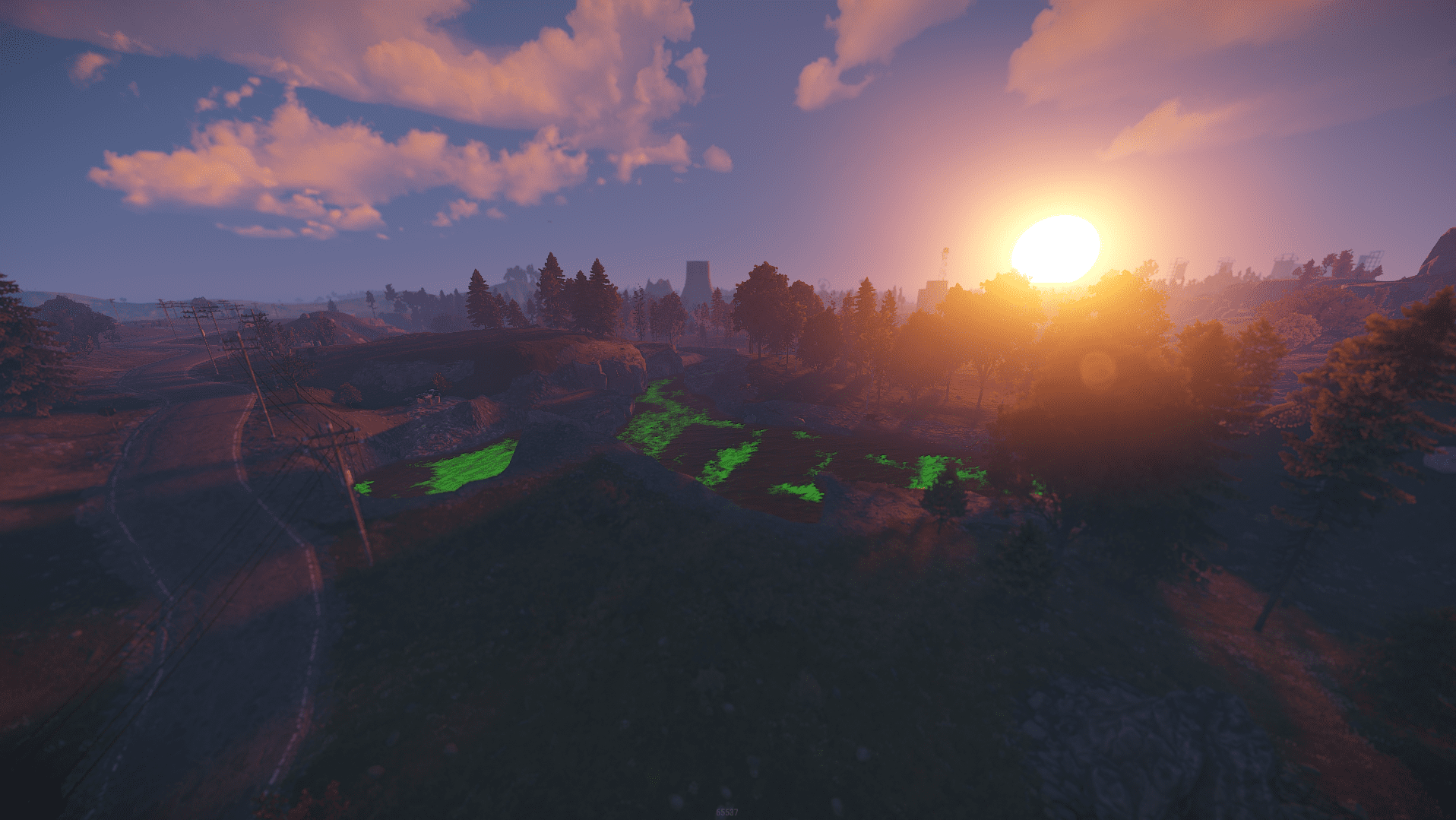
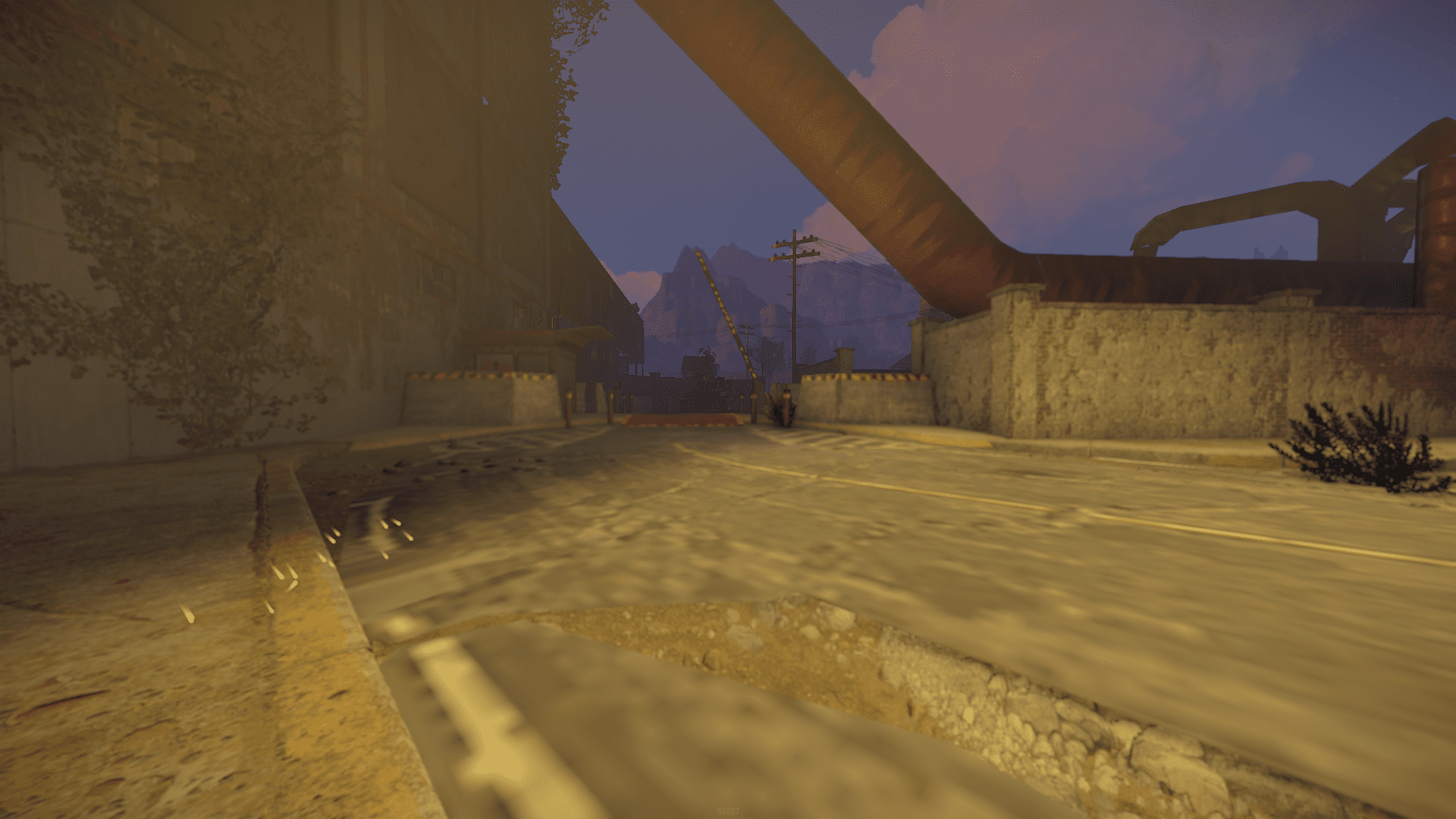
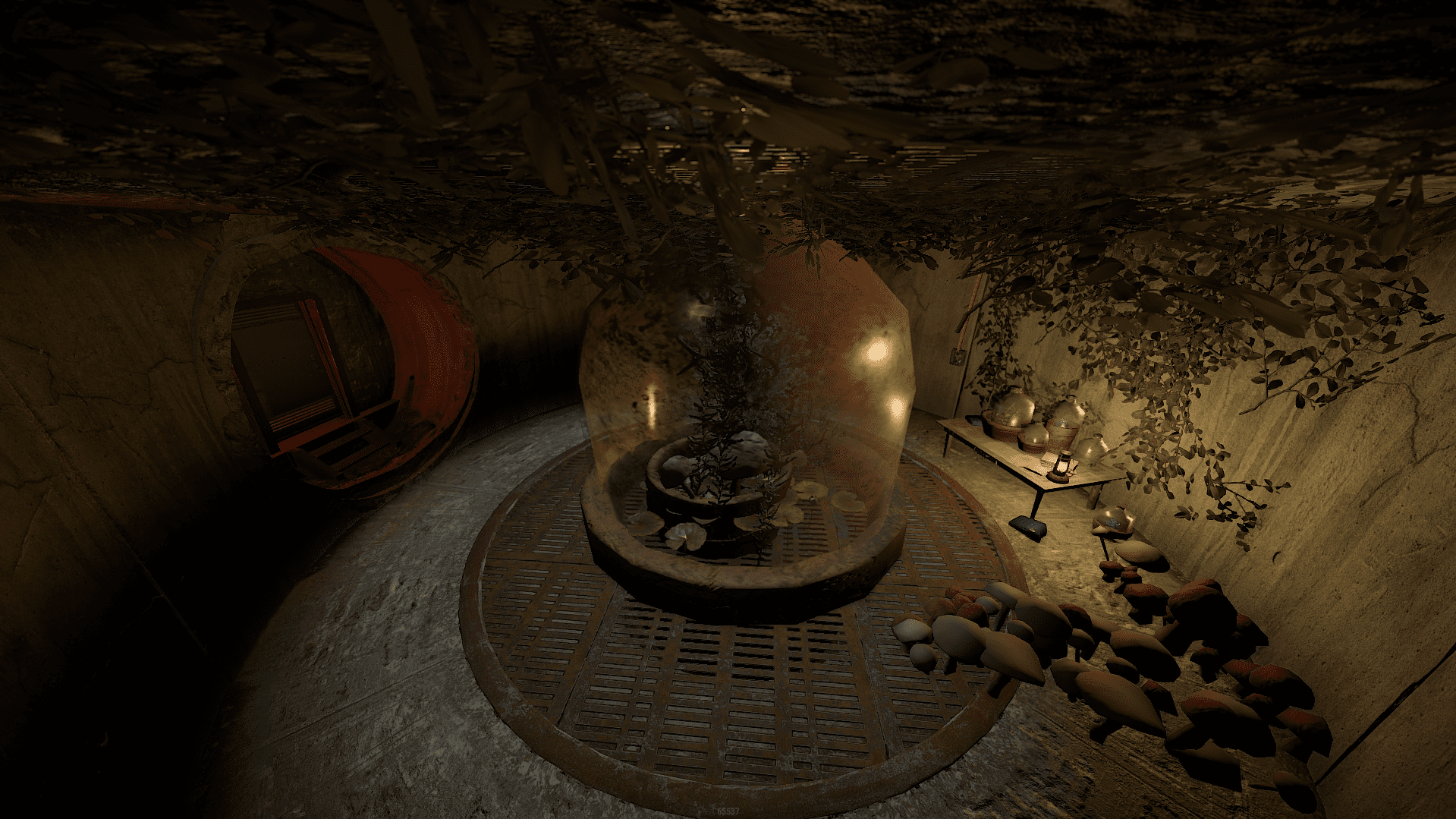
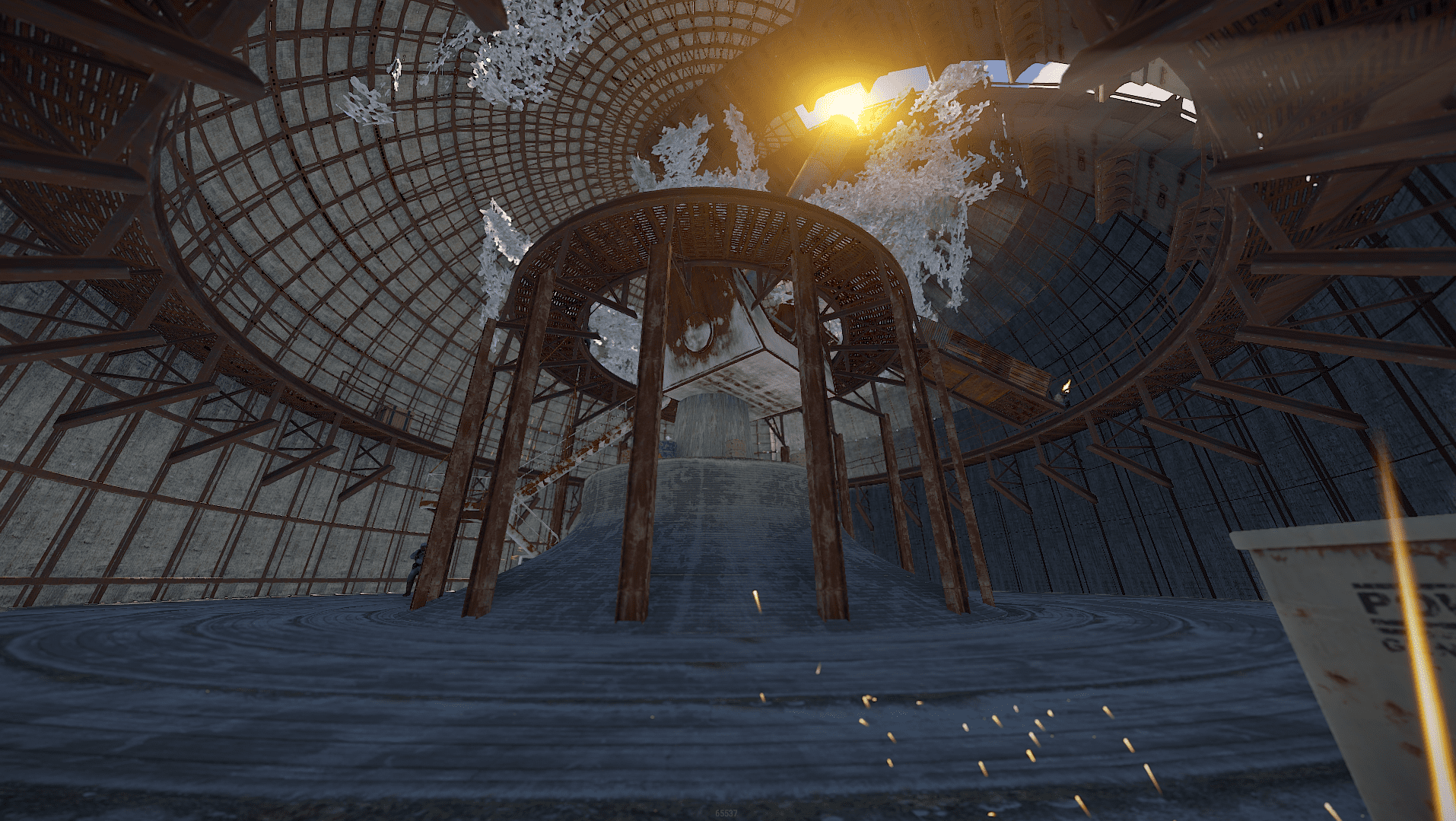
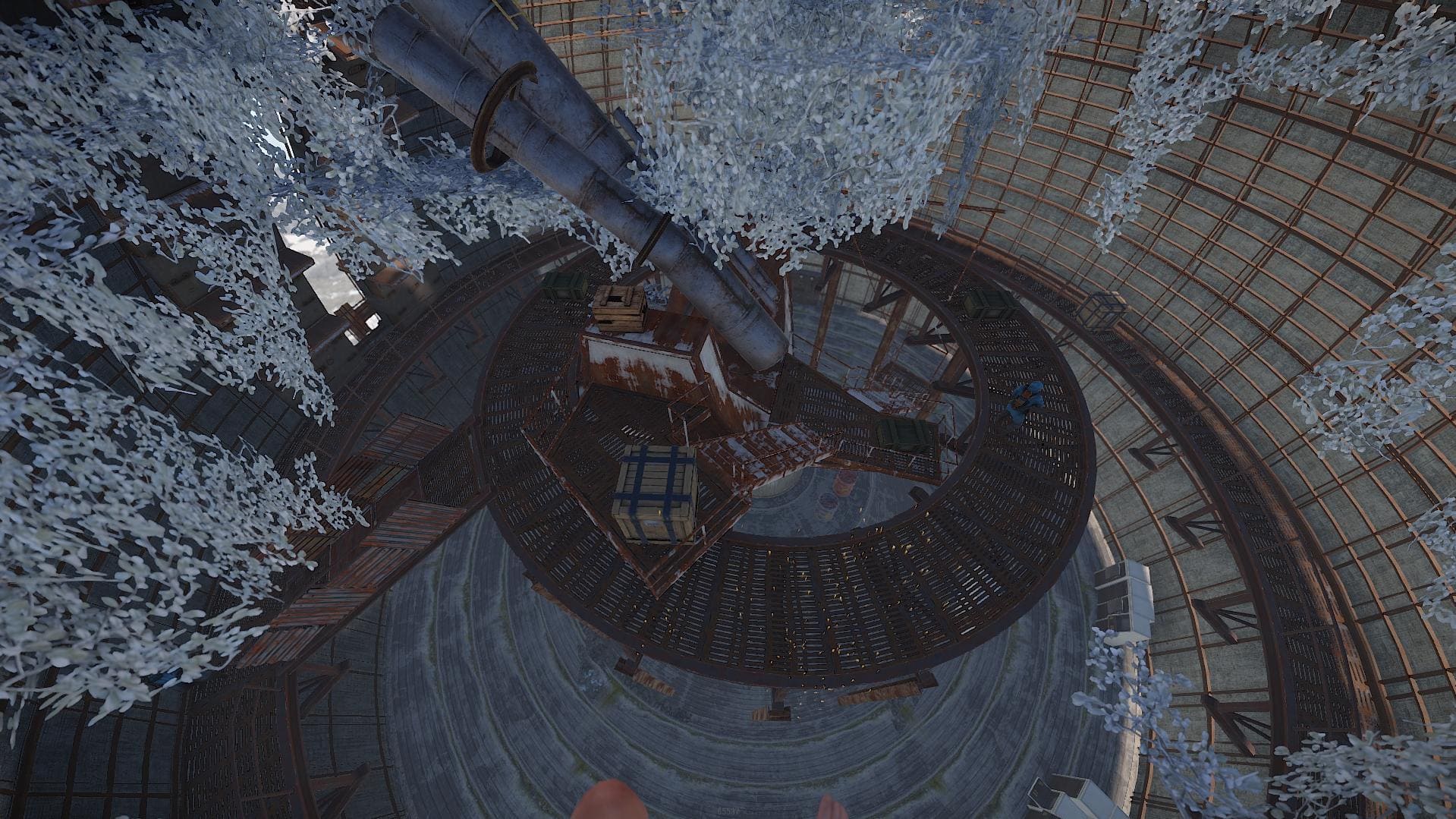
he Oxide UNLocked is the paid version with password included version of my first free custom map released 3 years ago , you can clearly see the difference in terrain between my most recent maps and this one, it features vanilla monuments and a few custom freebies from Pravum and Star .
If you have any questions or need help don't hesitate to contact me via website or my discord https://discord.gg/54P3mv4n93
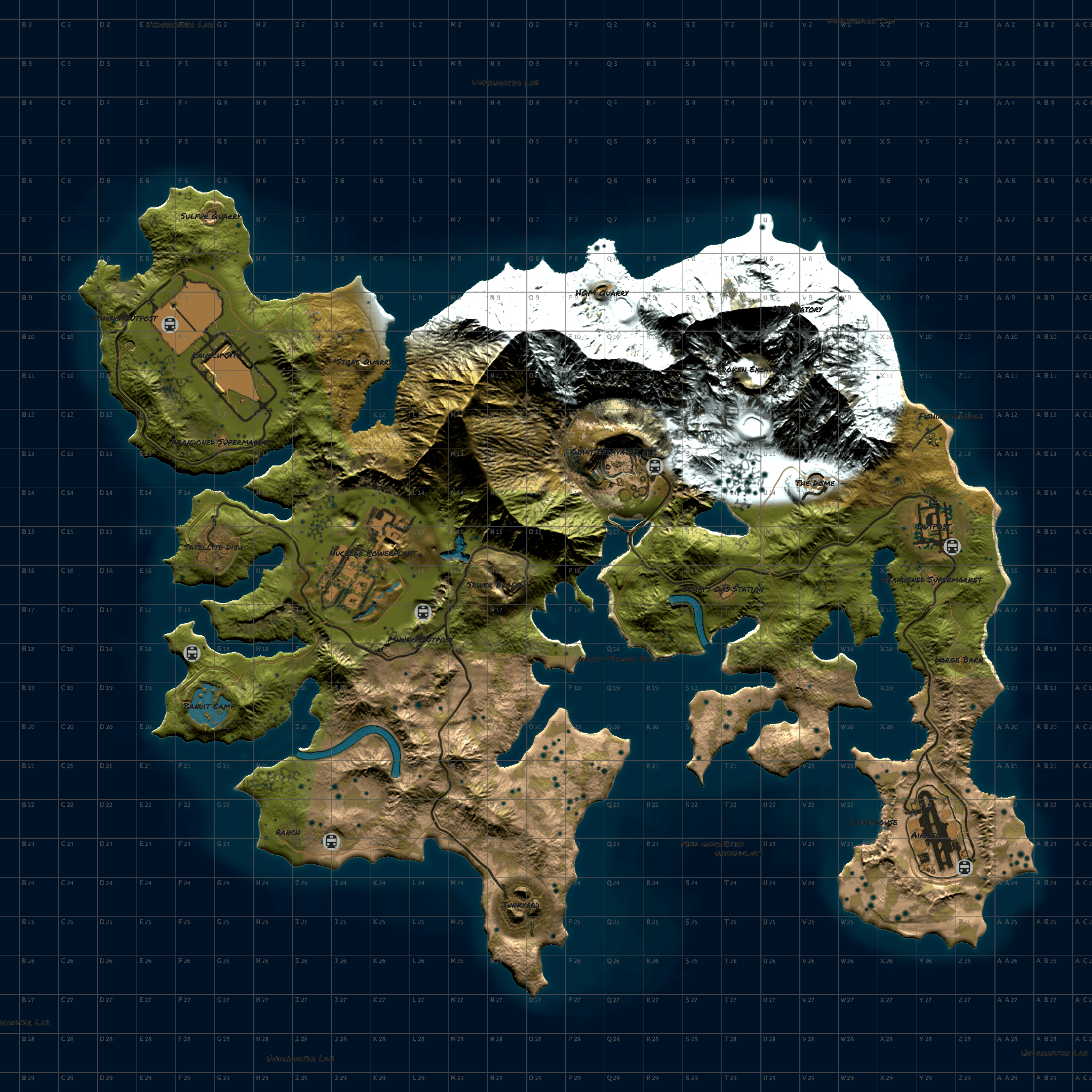
Map Size : 4000
Entity Count : 12210
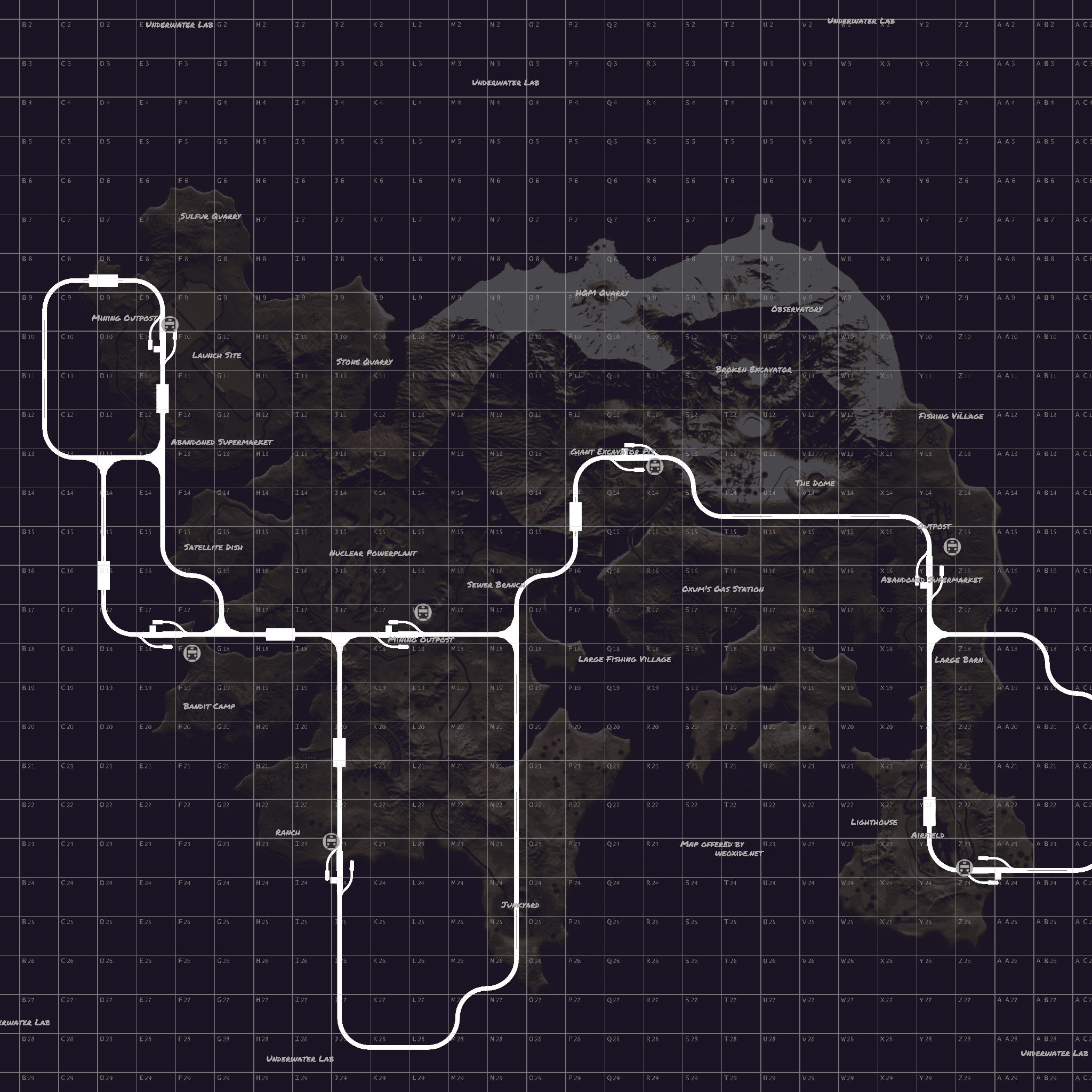
Procedual Monuments :
Launch Site
Excavator
Arctic Research Base
Dome
Outpost
Arctic Research Base
Airfield
Satelite Dish
Sewer Branch
Small & Large Oil rig
Couple of Gas Stations , Spermkets , Mining Outposts
Fishing Village 1 - 2
HQM , Stone and Sulfur Quarries
1 Large Barn
2 Abandoned Military Camps
Custom Monuments :
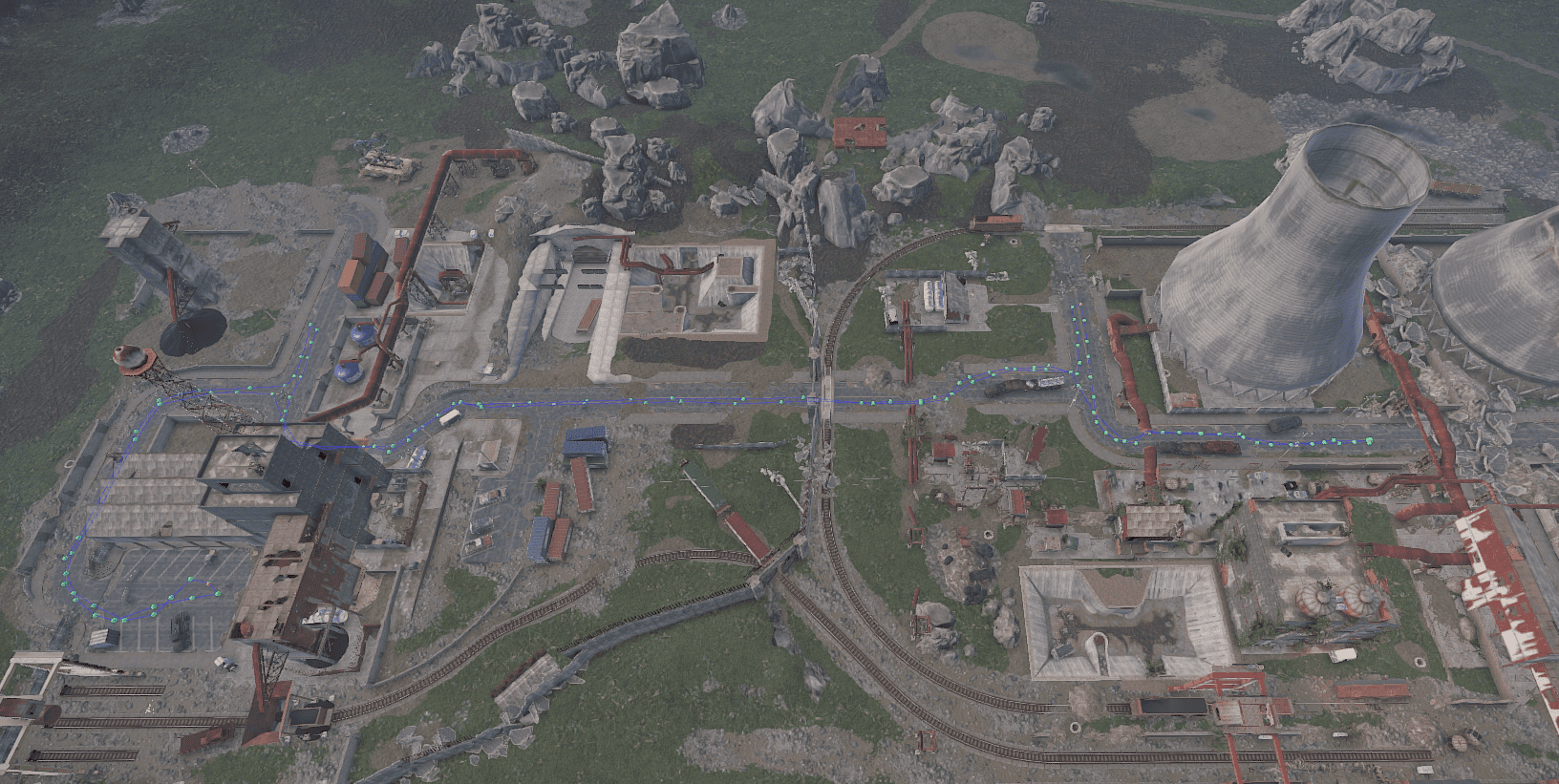
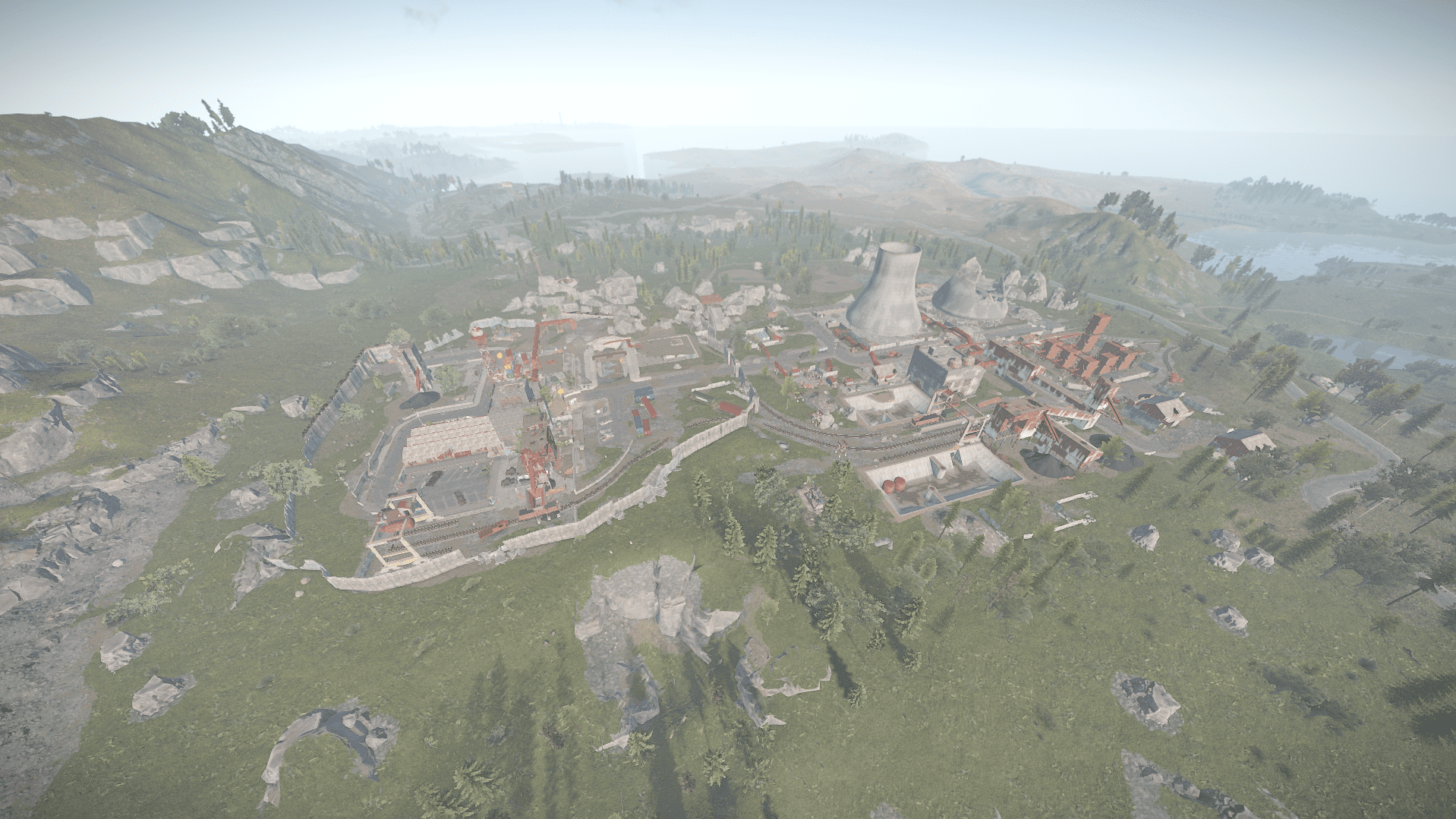
Nuclear Powerplant by Star
Broken Excavator by Pravum
What's New in Version v6.3
Released
Added Harbor , updated rivers and lakes.
Deleted and stopped support for Free version after 3 years since initial release , paid version is the only supported version now!
Any changes you wish to make on the map you can notify me via support or discord without issues.
You may only provide a review once you have downloaded the file.
There are no reviews to display.