



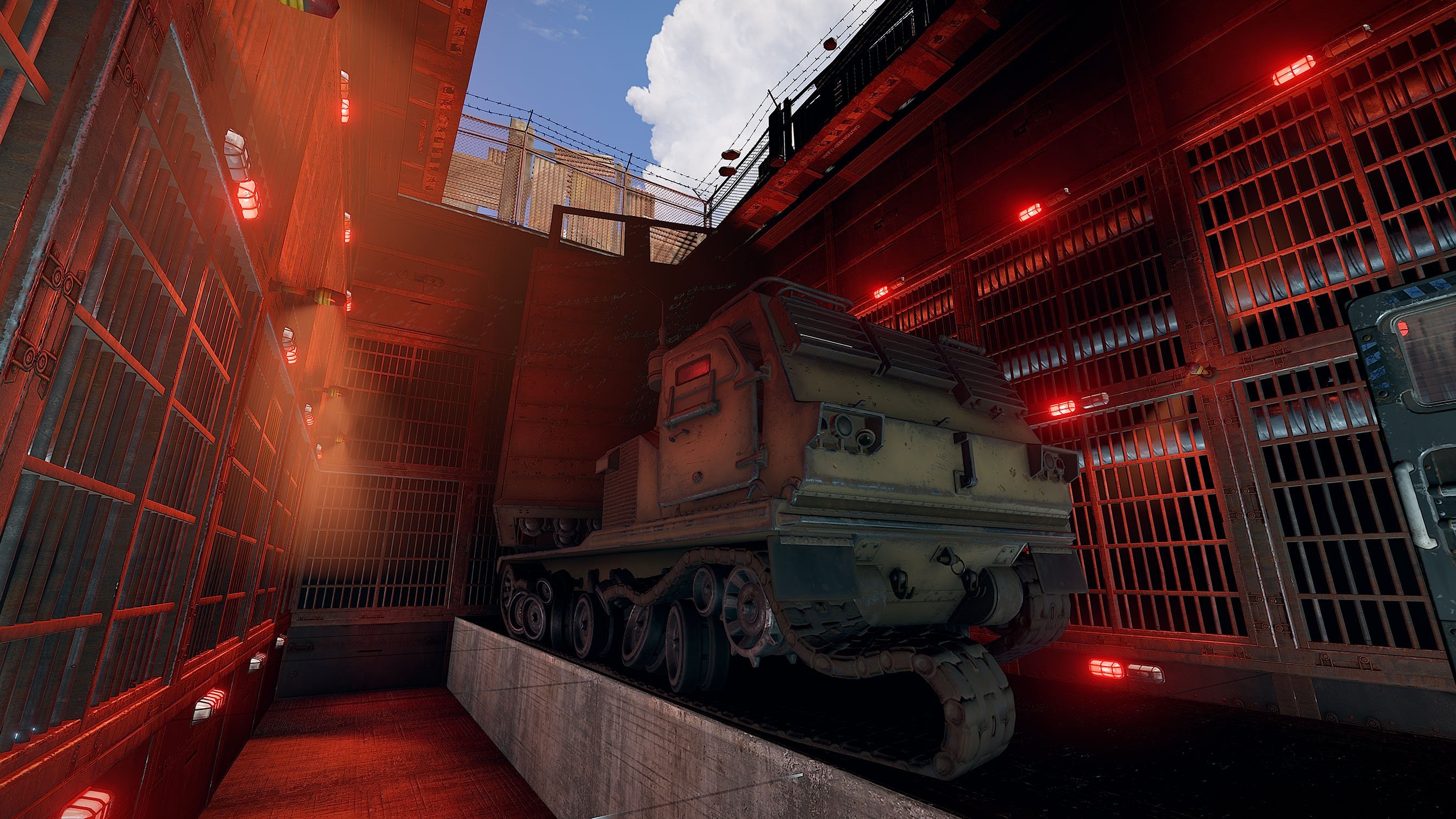
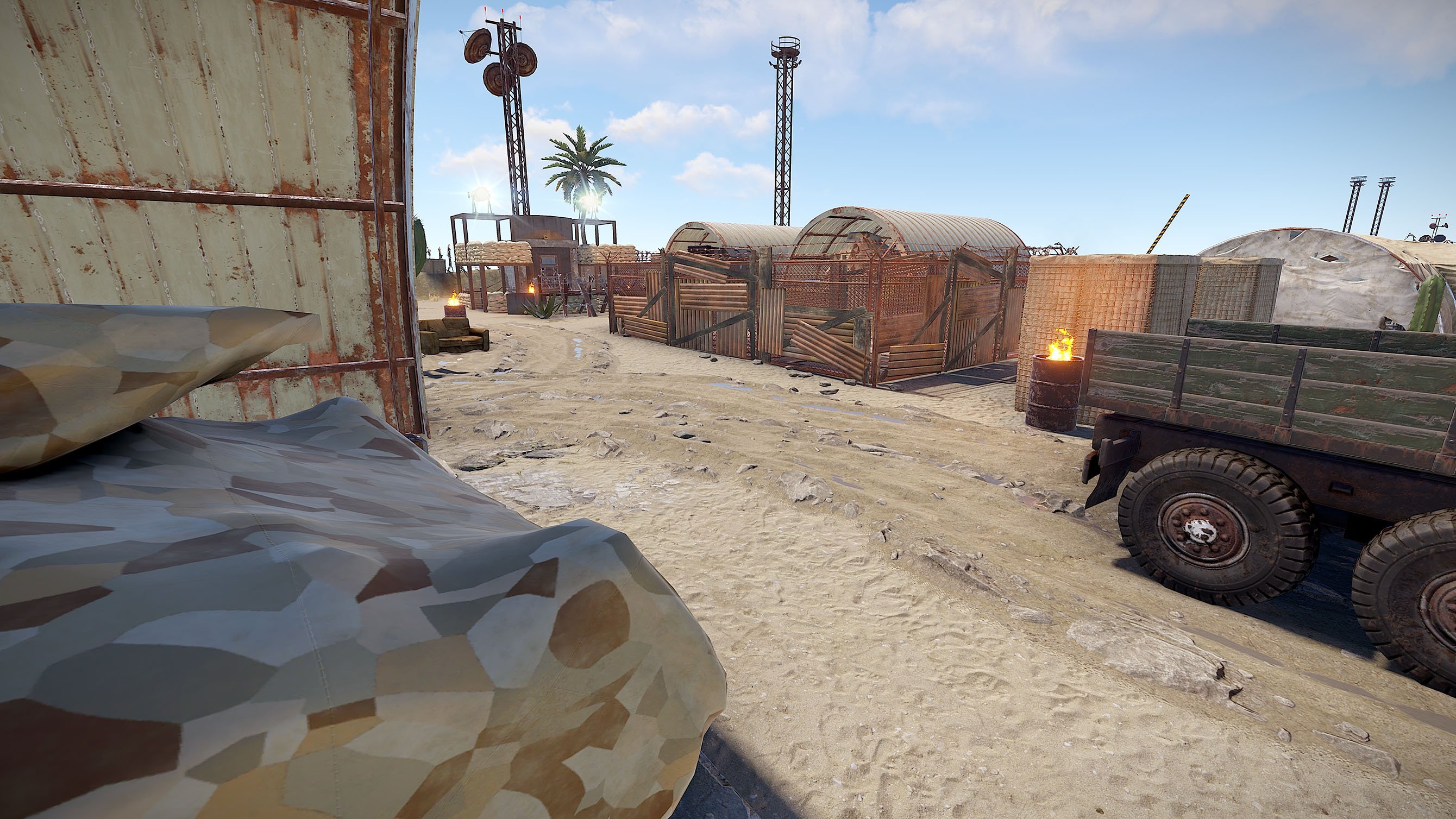
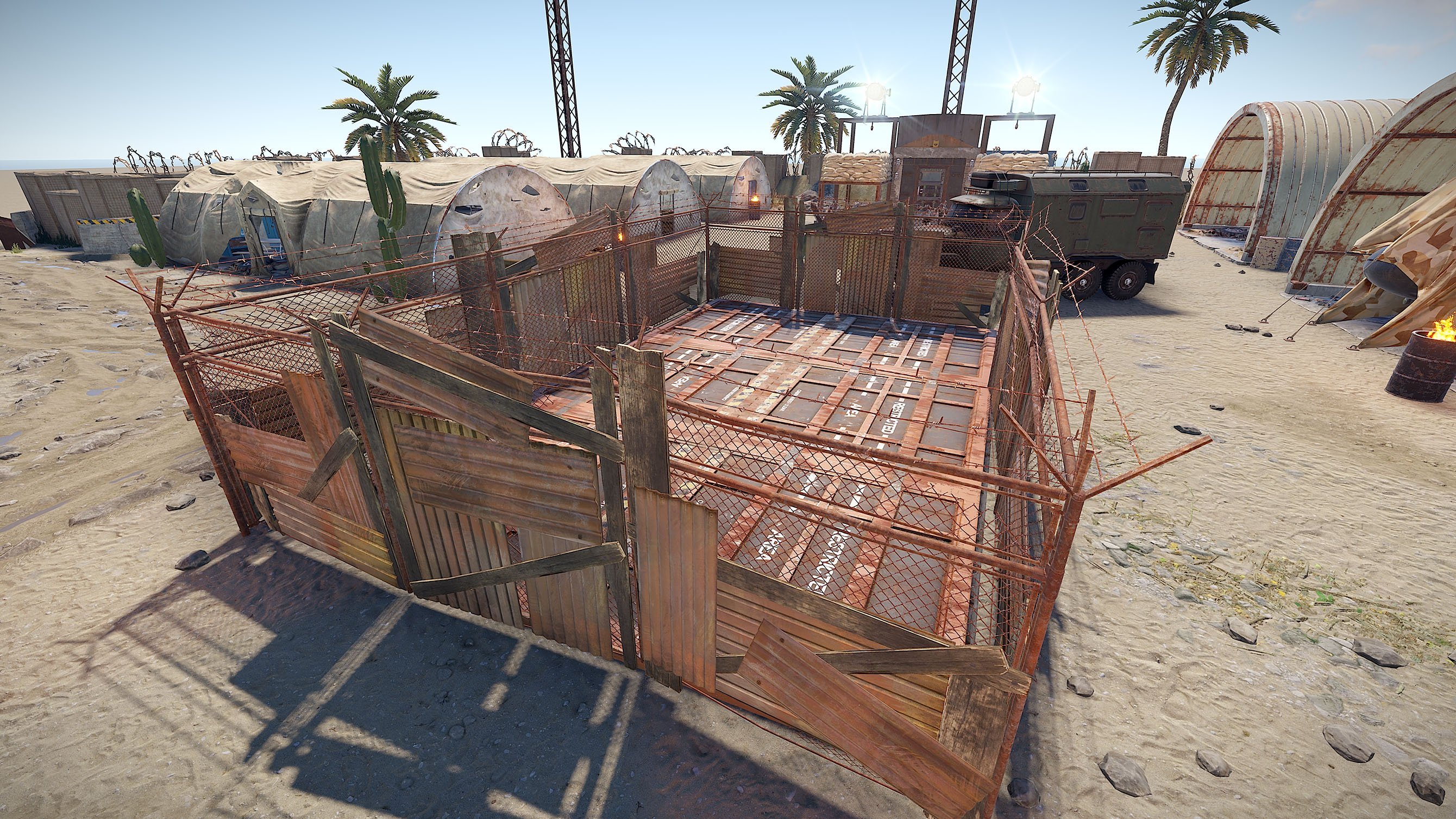
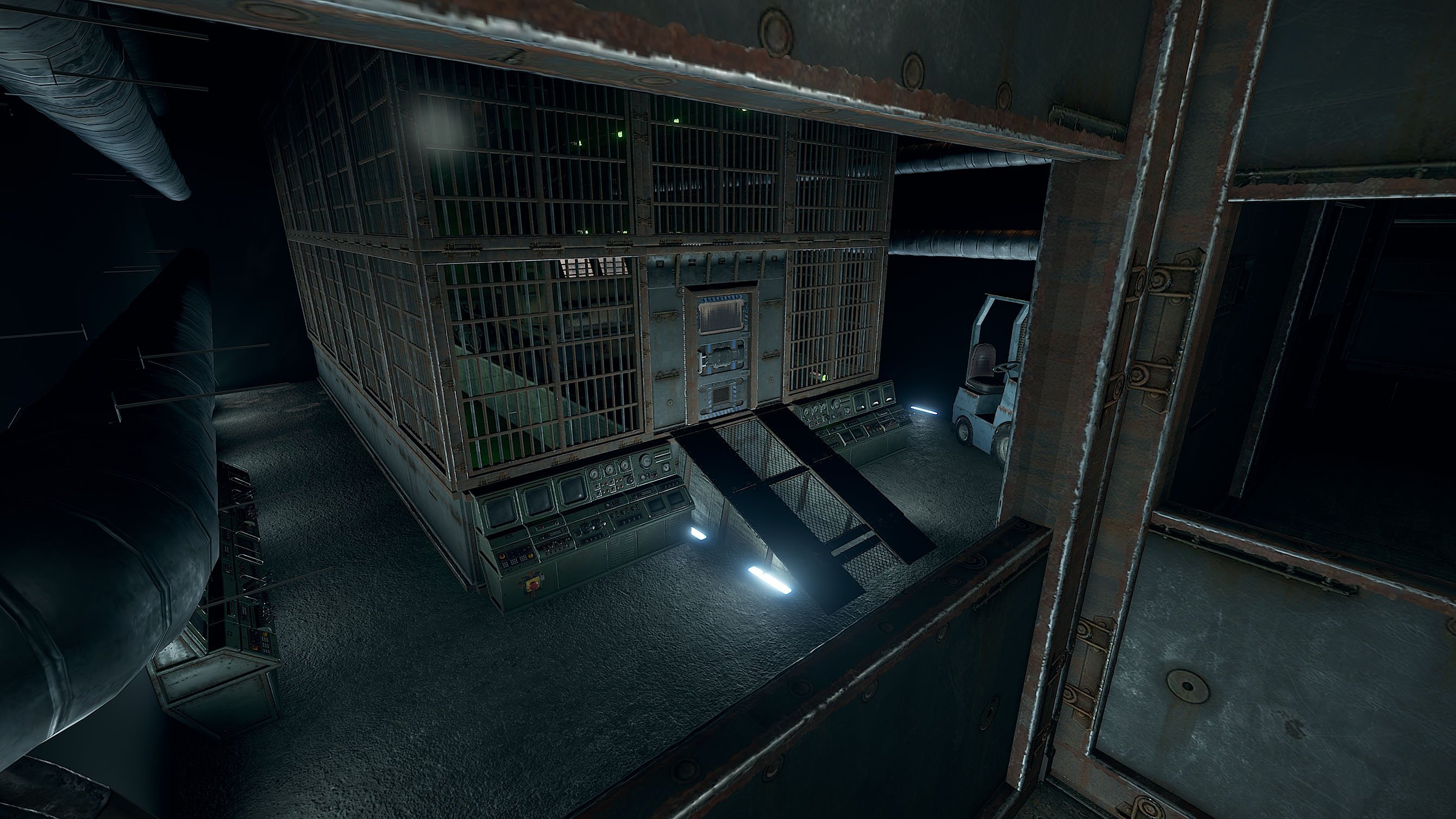
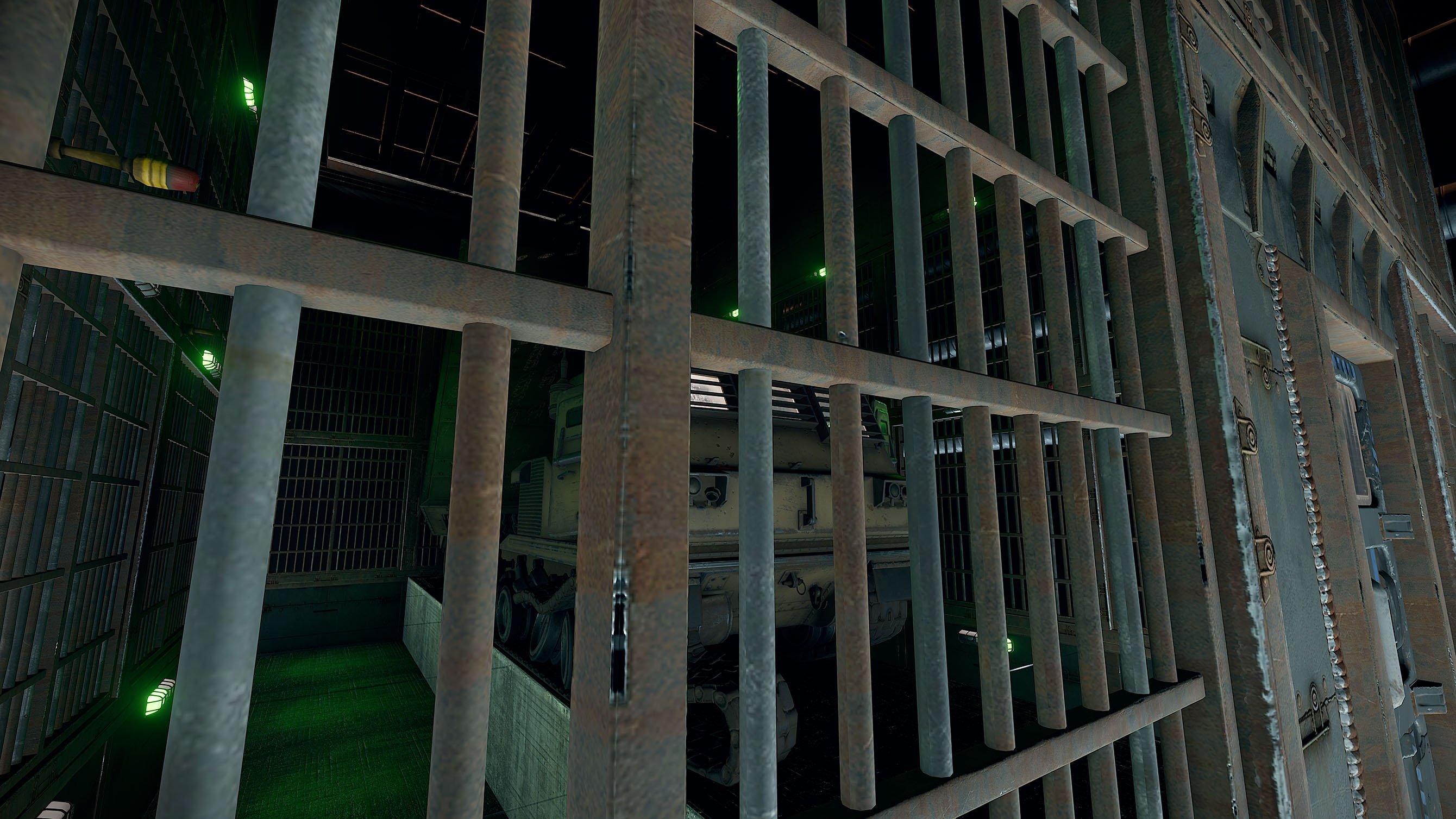
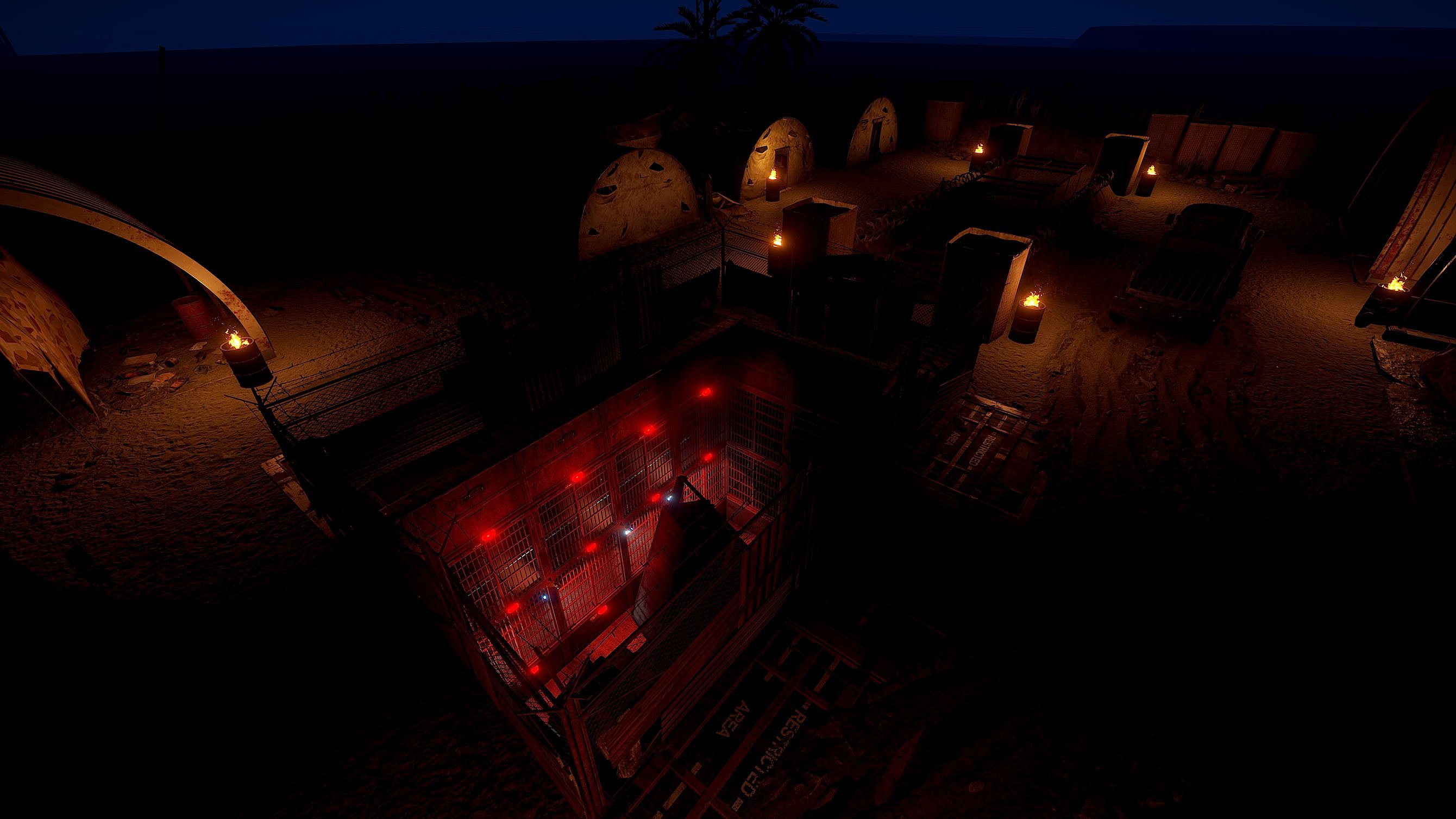
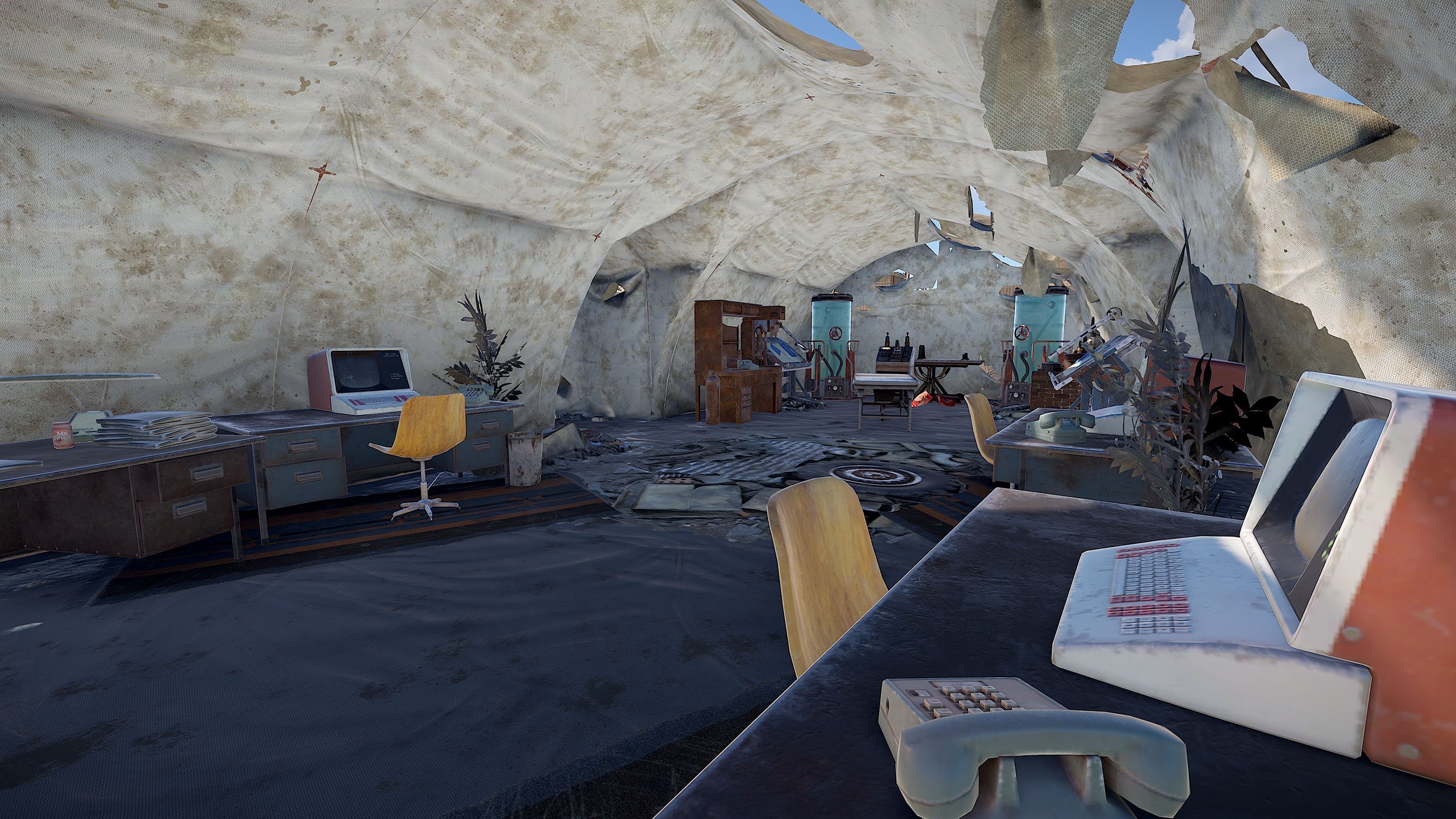
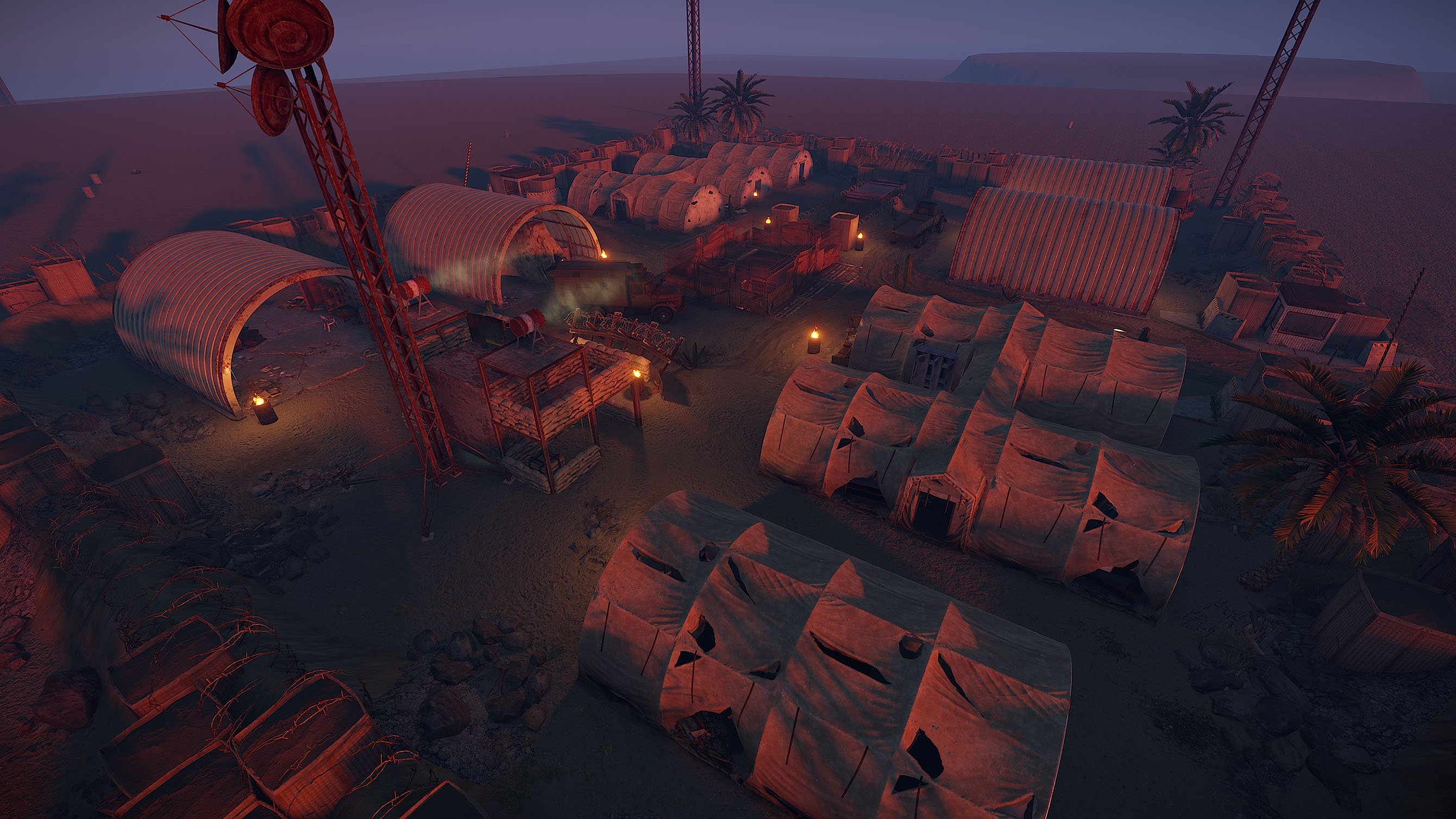
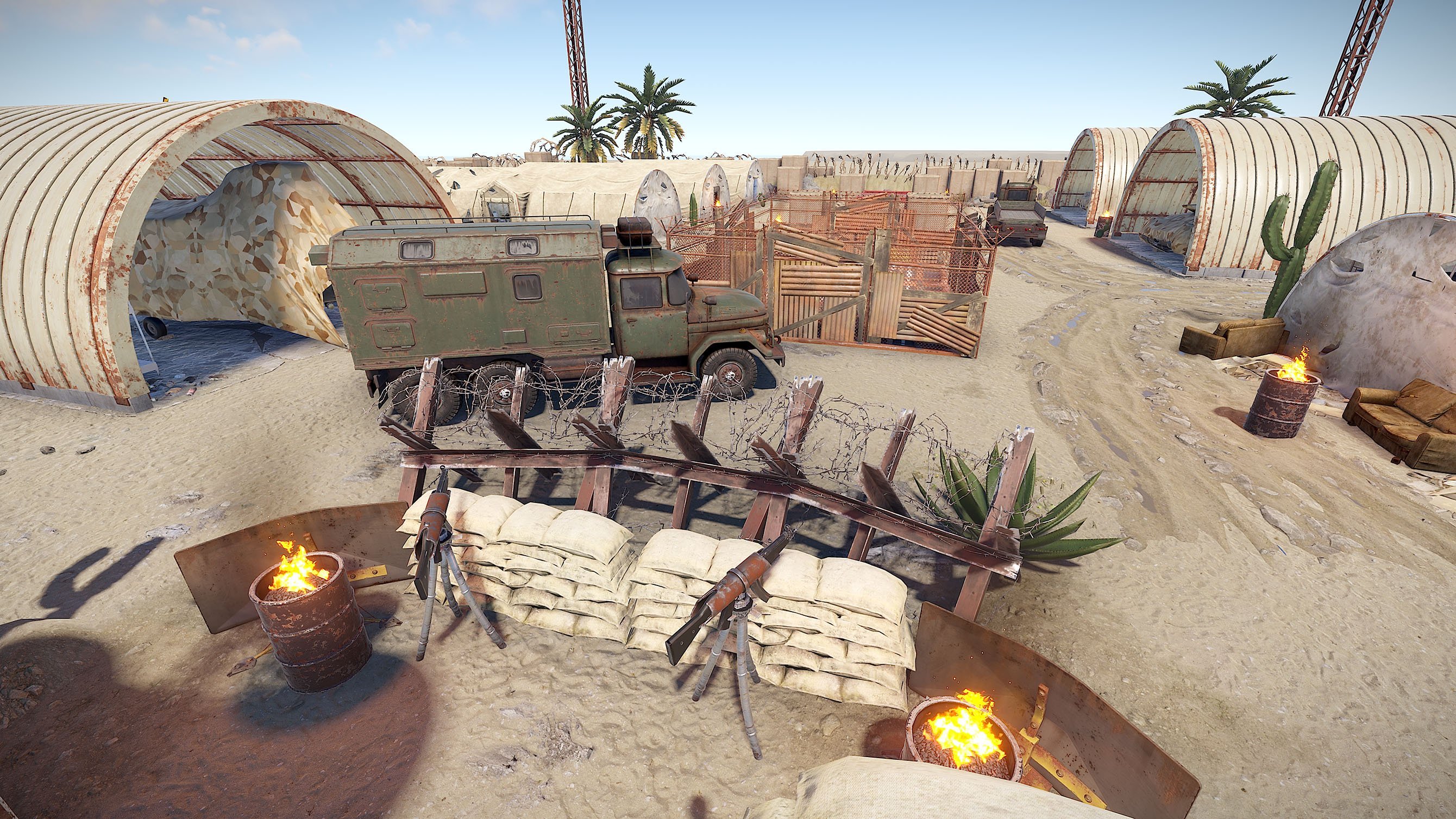
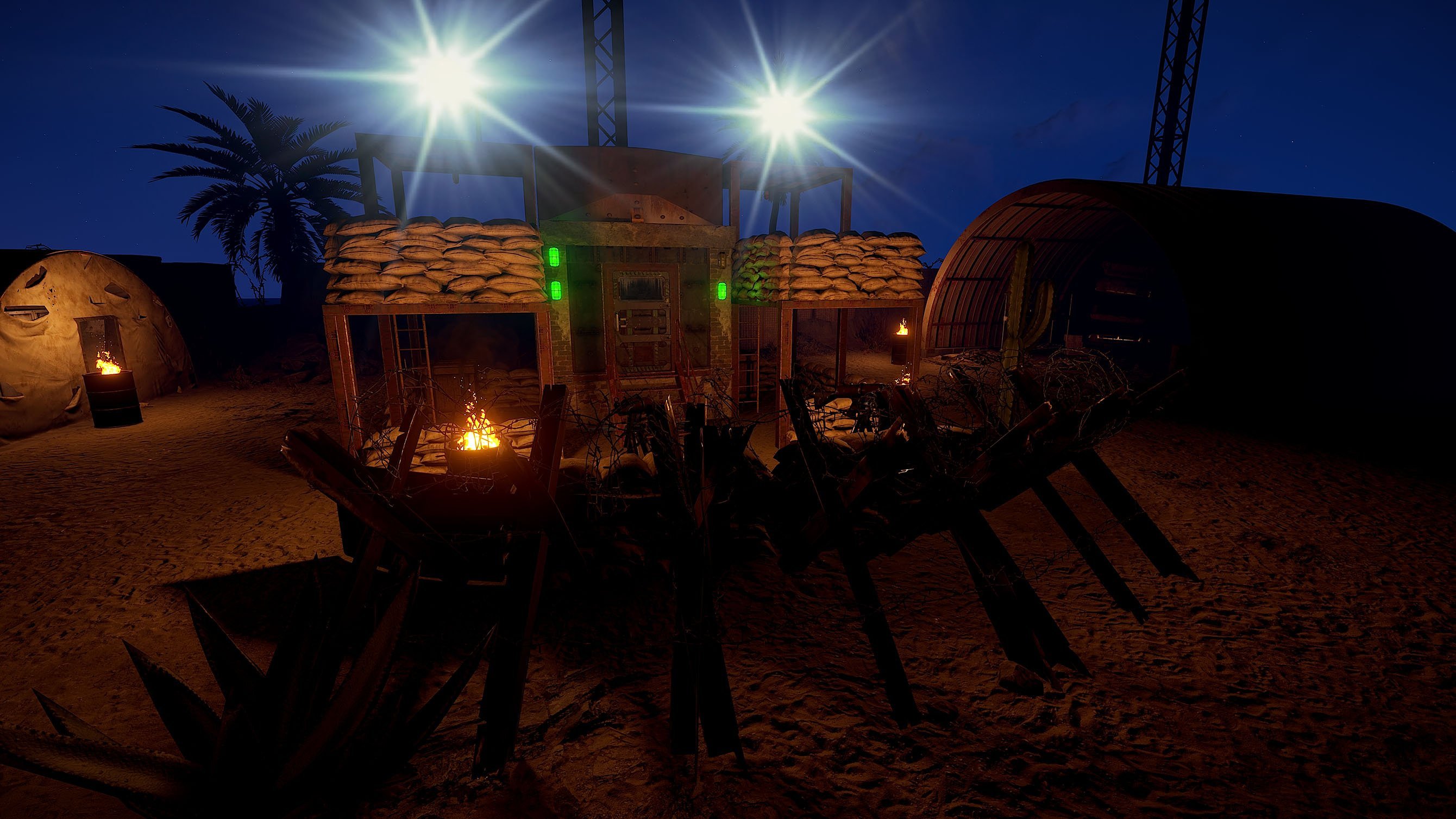
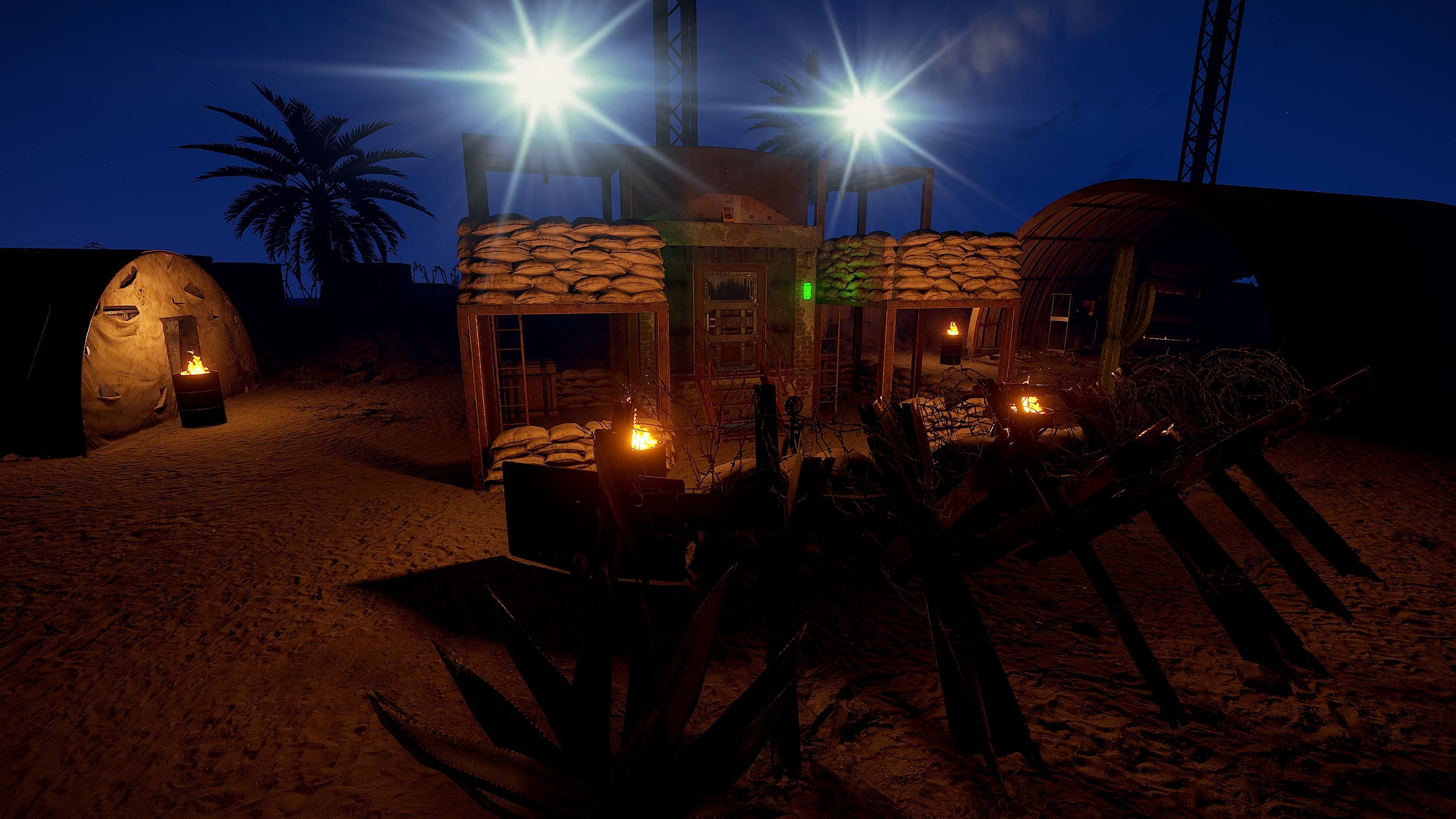
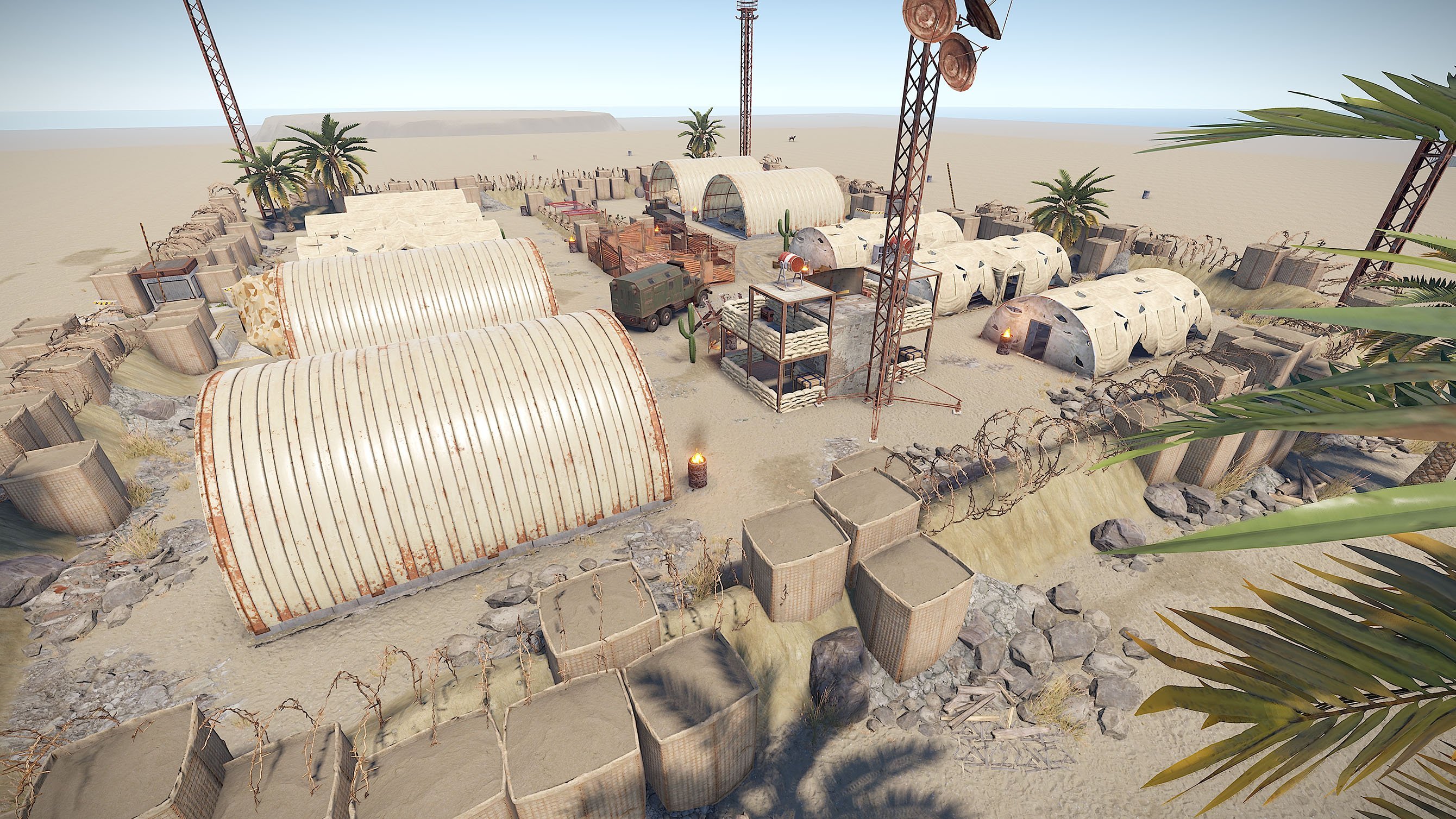
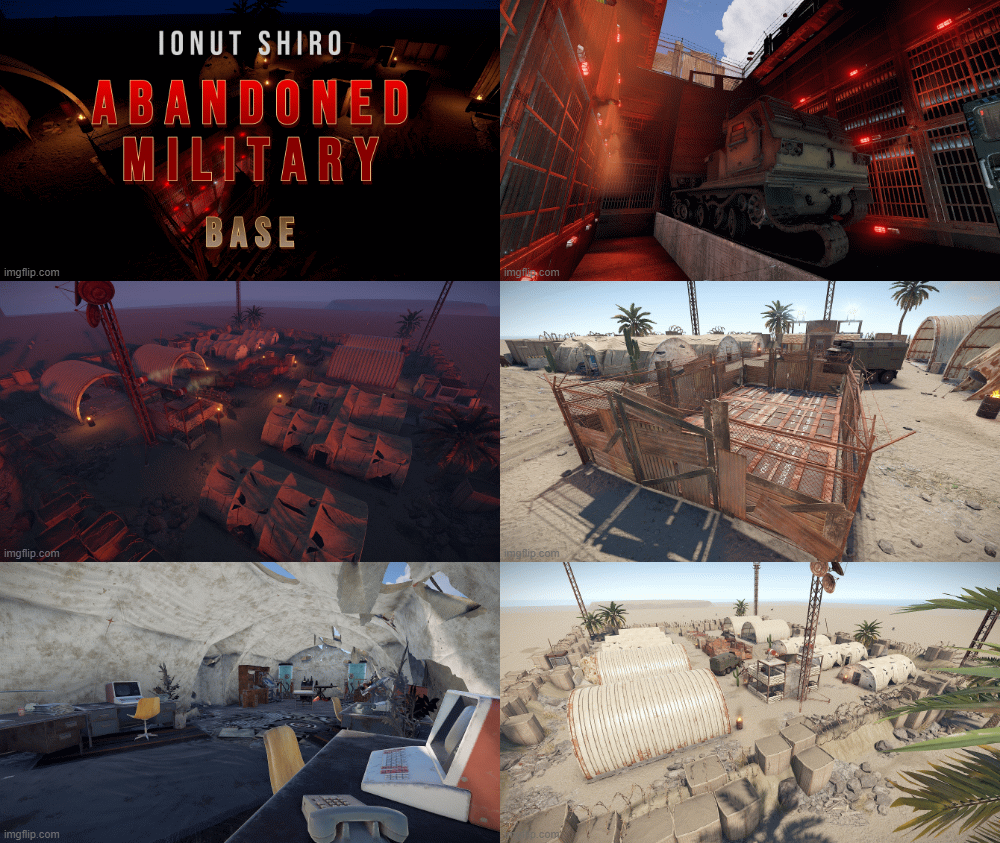

Accessing the MLRS is pretty easy for a strong weapon. We switched to a Card / Puzzle System for the MLRS to "stop" the easy access.
4-Switch Puzzle (overground) + Fuse to Access Underground Bunker (Normal Crates, 3x Tool Crates)
Greencard + Fuse to Access next Level (Green Crate, Tech Crate)
Bluecard + Fuse to Aceess Blueroom with Underground MLRS (Green Crate, Tech Crate)
Button Opens the Bunkerdoors for MLRS and also starts Siren-Lights & Redlights.
What's New in Version 1.0.0
Released
No changelog available for this version.
As soon as you purchase my content you agree to the terms and conditions.
Attached are are the following rules and TOS (Terms of Service) you are agreeing to when purchasing and using my content.
(Use of Product)
By downloading my products and content you are not allowed to resell or use it for commercial use without permission.
This includes minor editing, modifying or renaming any of my work and using it for your own commercial applications.
Any redistribution of my creations is STRICTLY prohibited.
Attached are are the following rules and TOS (Terms of Service) you are agreeing to when purchasing and using my content.
(Use of Product)
By downloading my products and content you are not allowed to resell or use it for commercial use without permission.
This includes minor editing, modifying or renaming any of my work and using it for your own commercial applications.
Any redistribution of my creations is STRICTLY prohibited.
You may only provide a review once you have downloaded the file.
There are no reviews to display.