



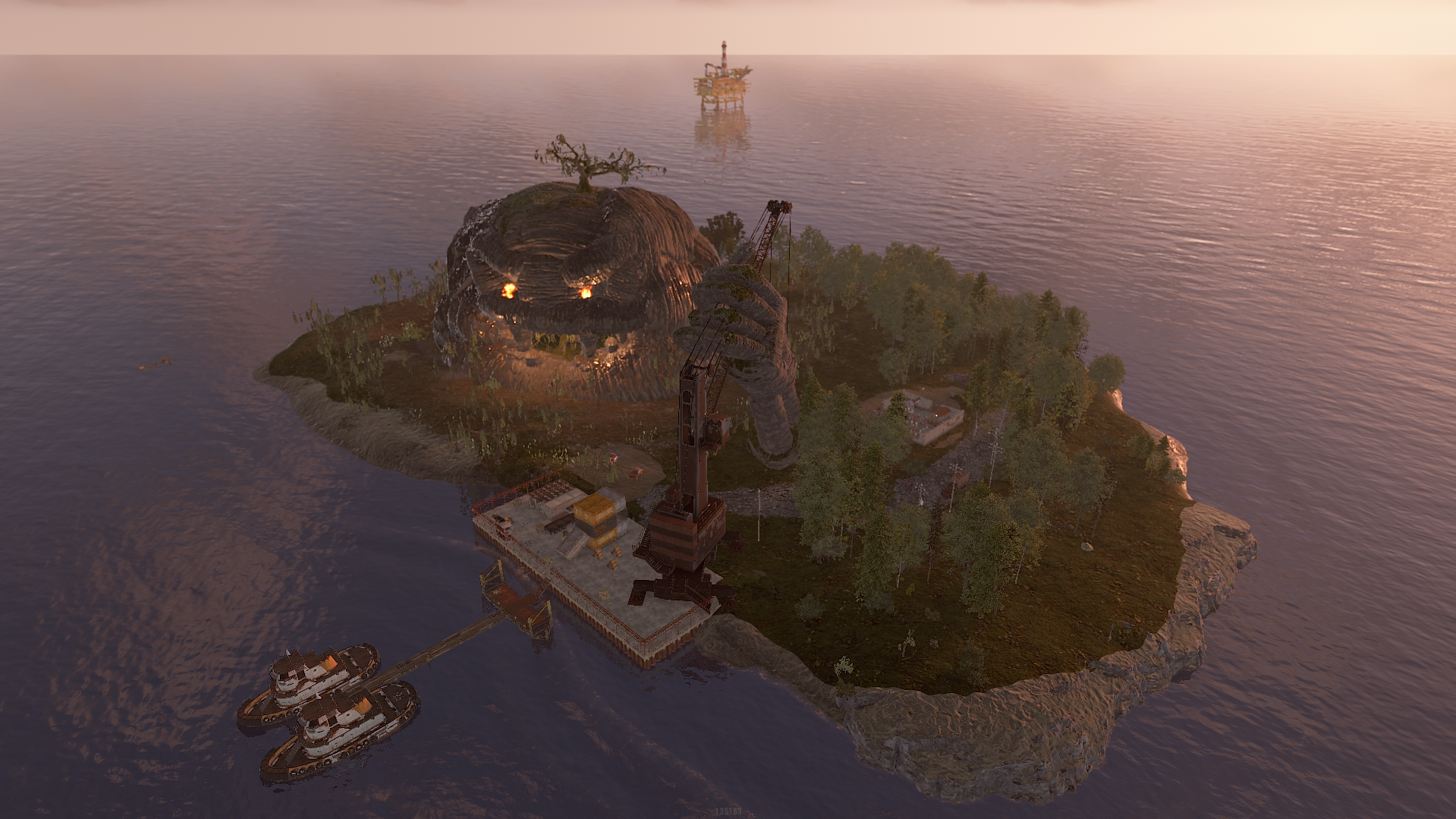
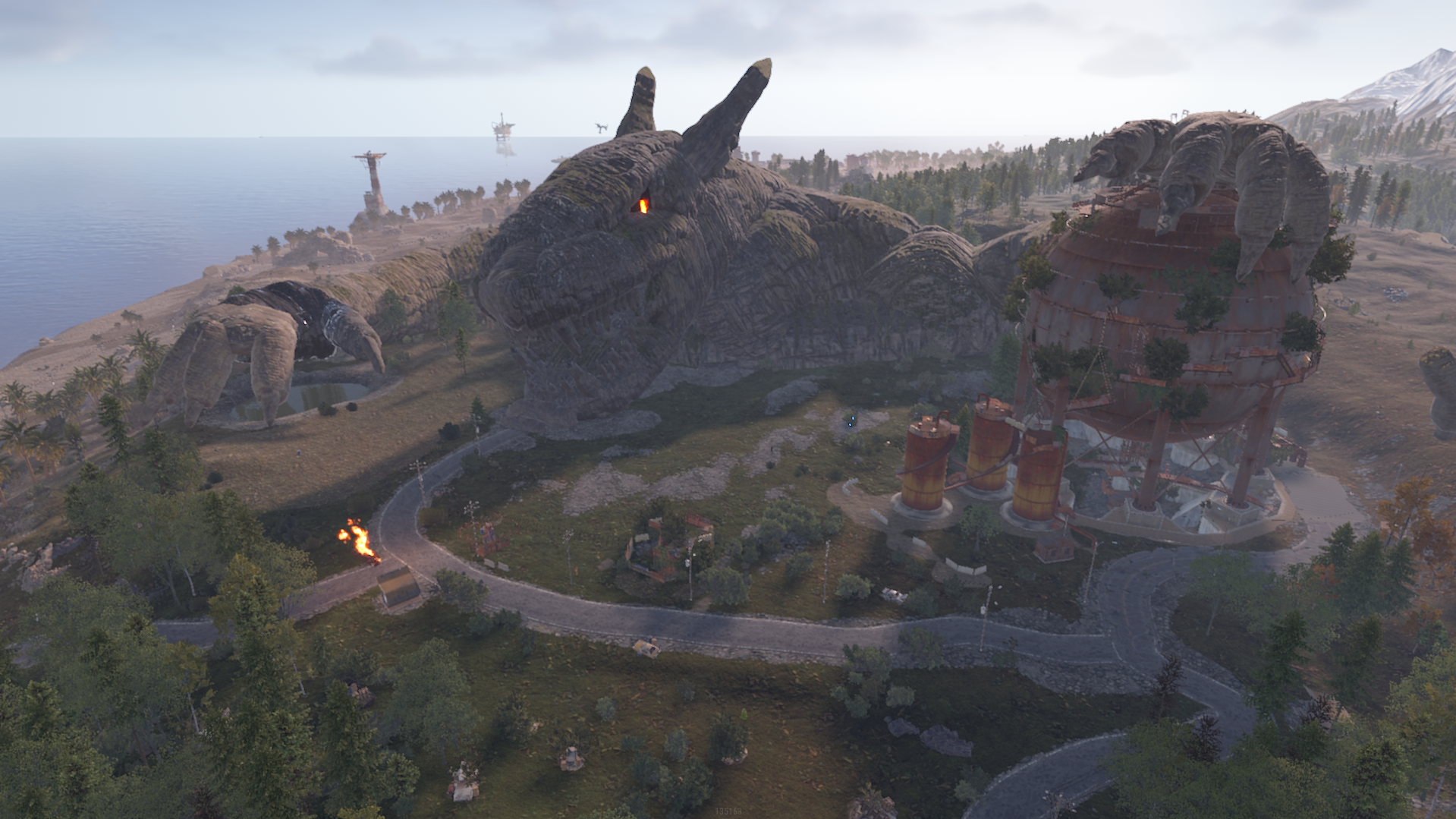
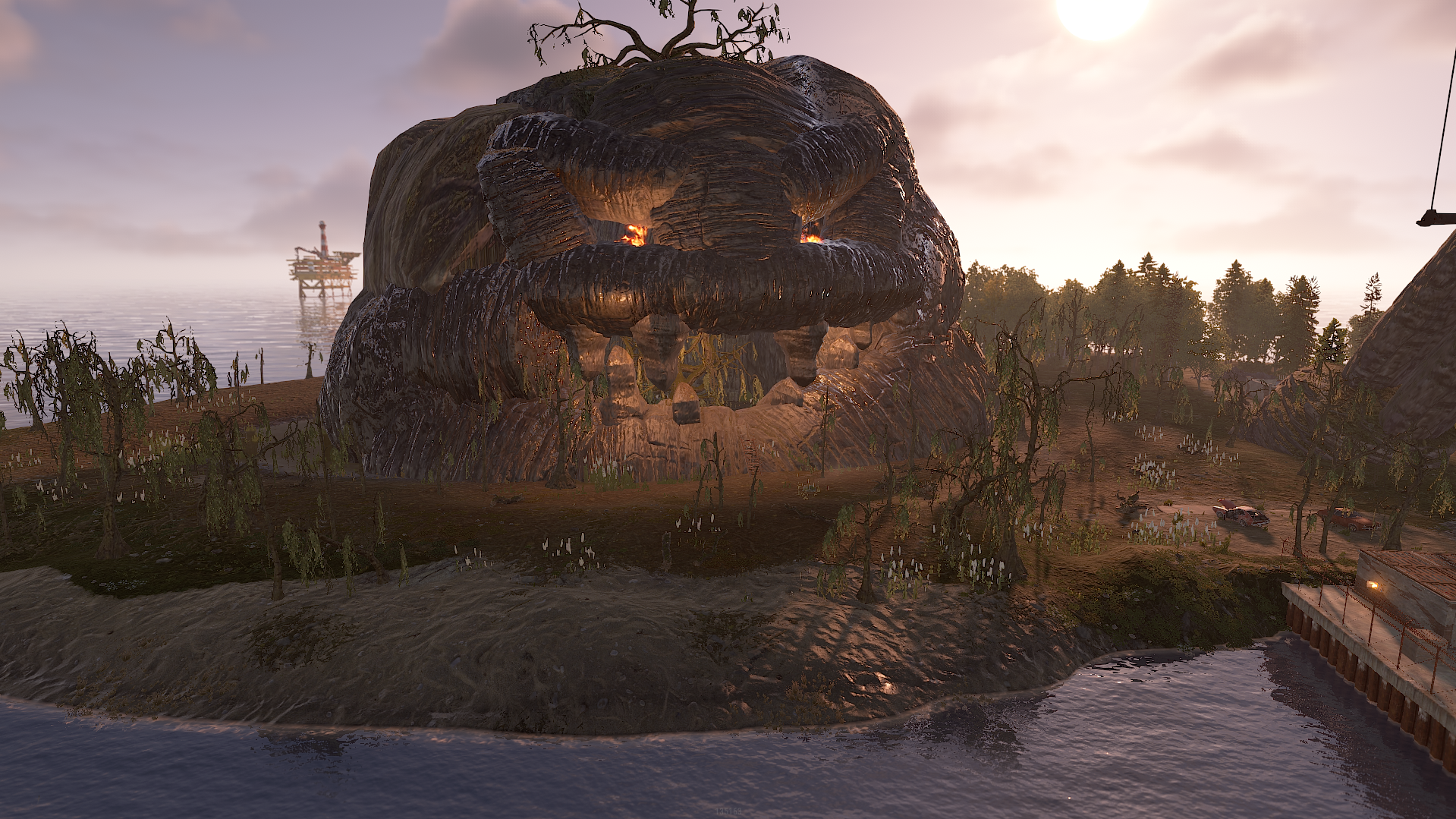
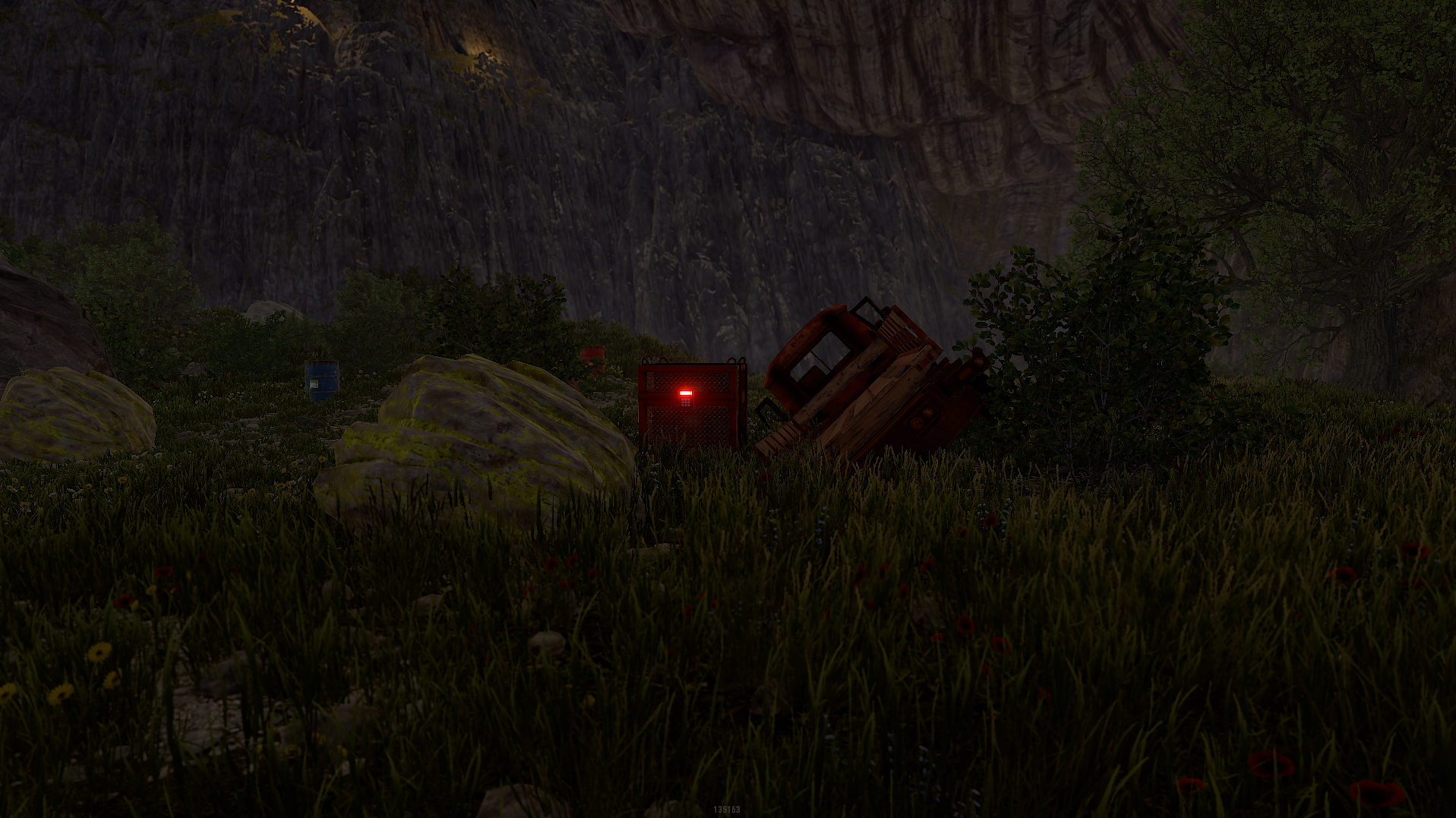
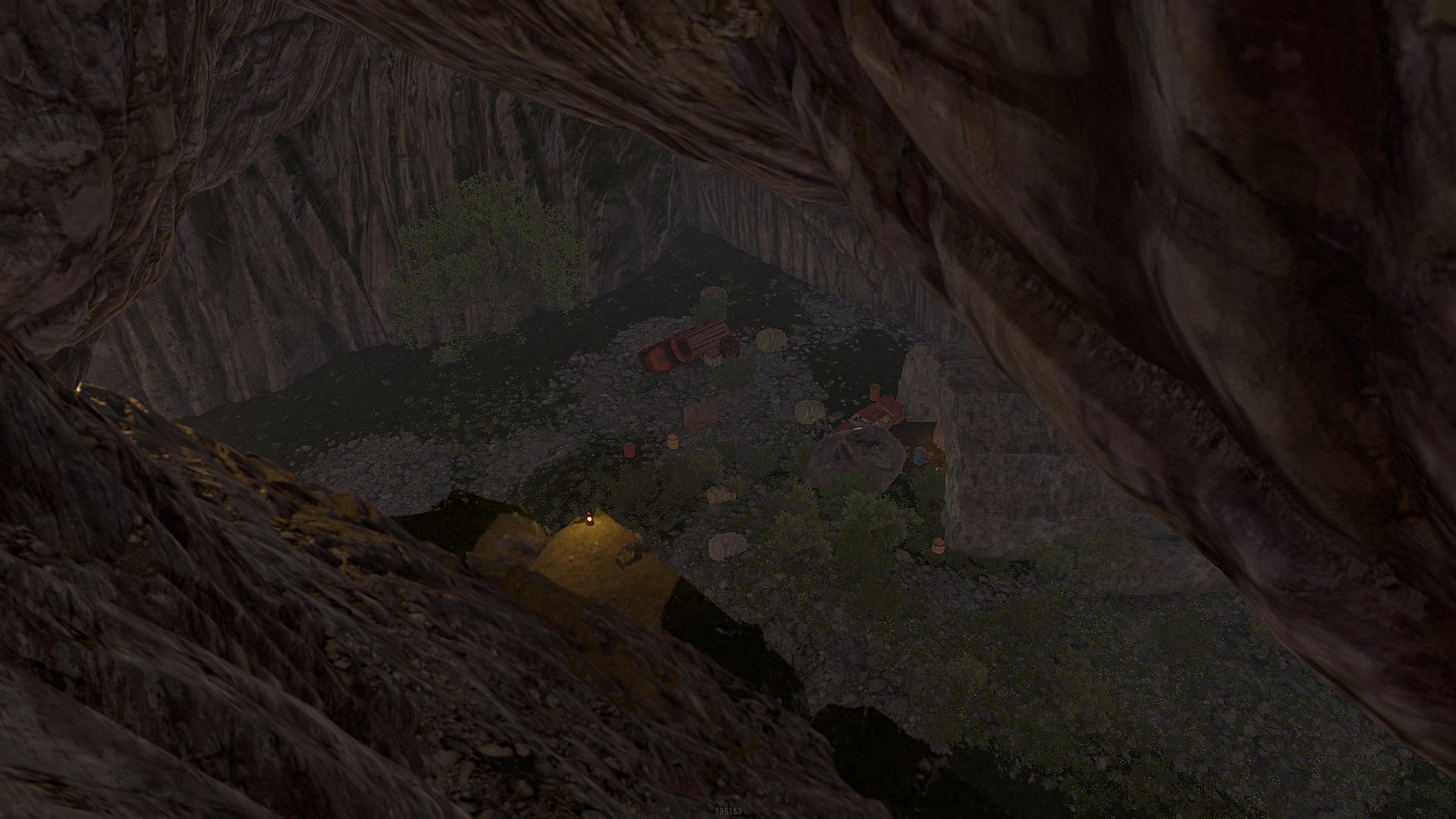
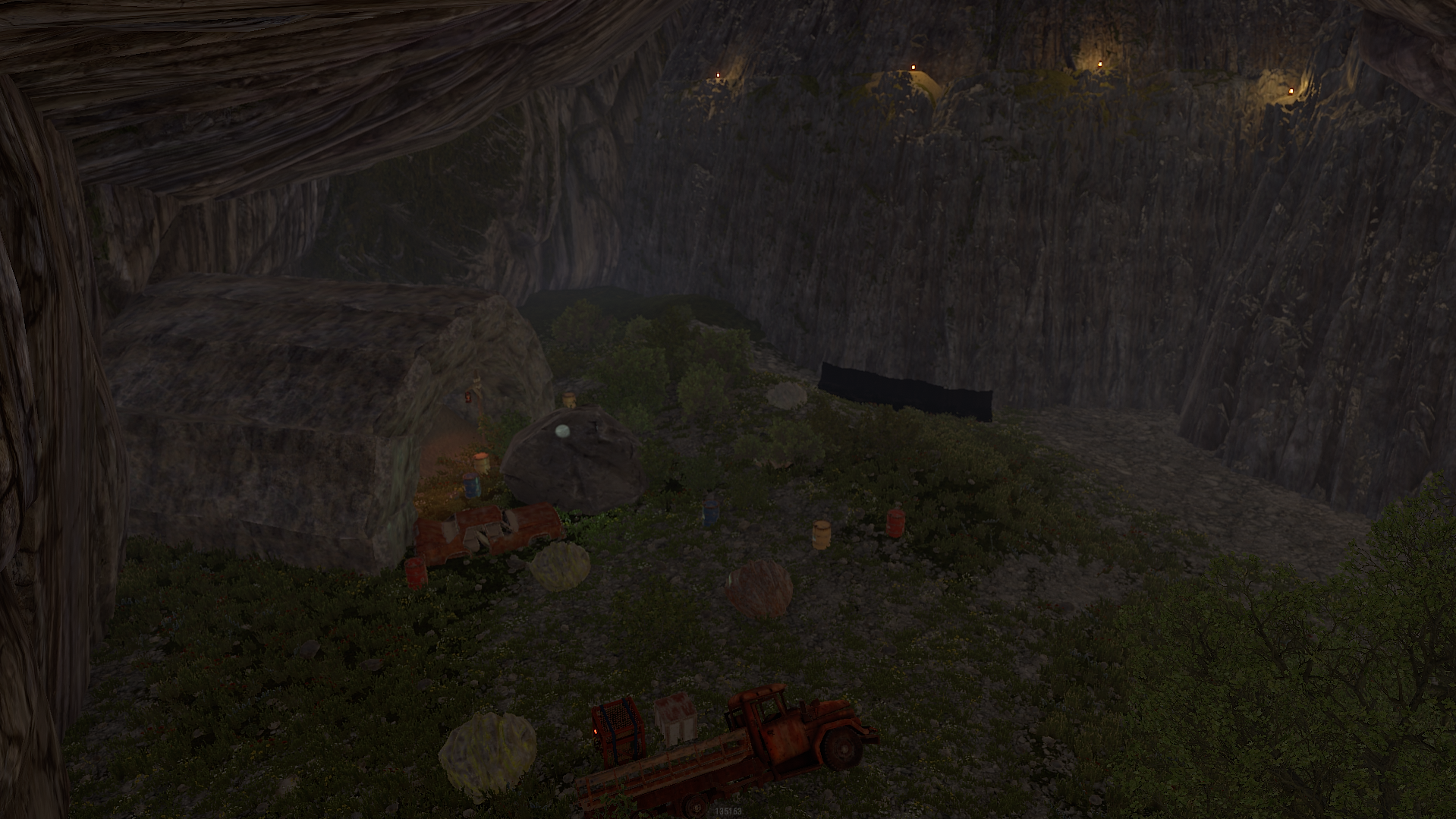
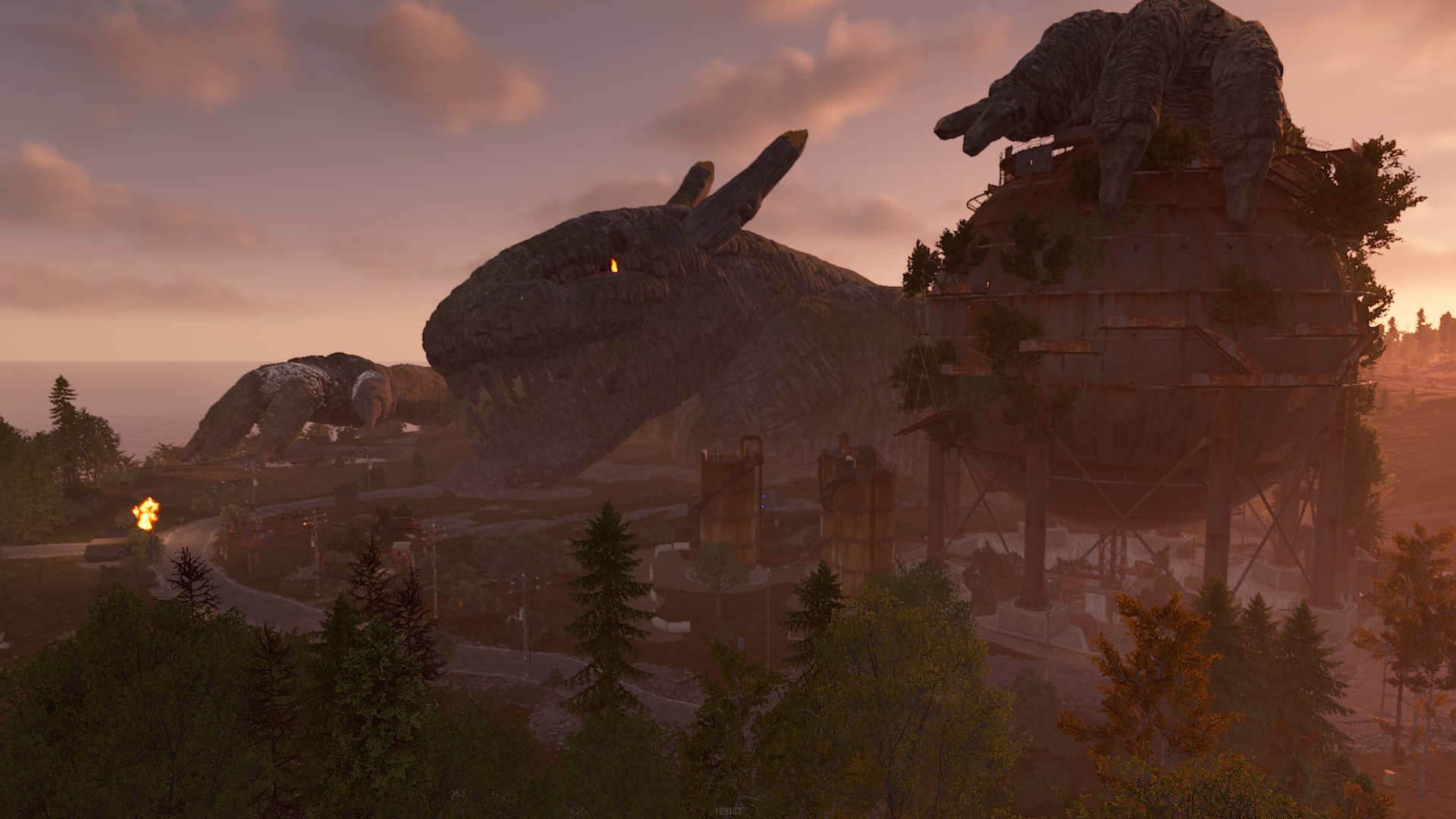
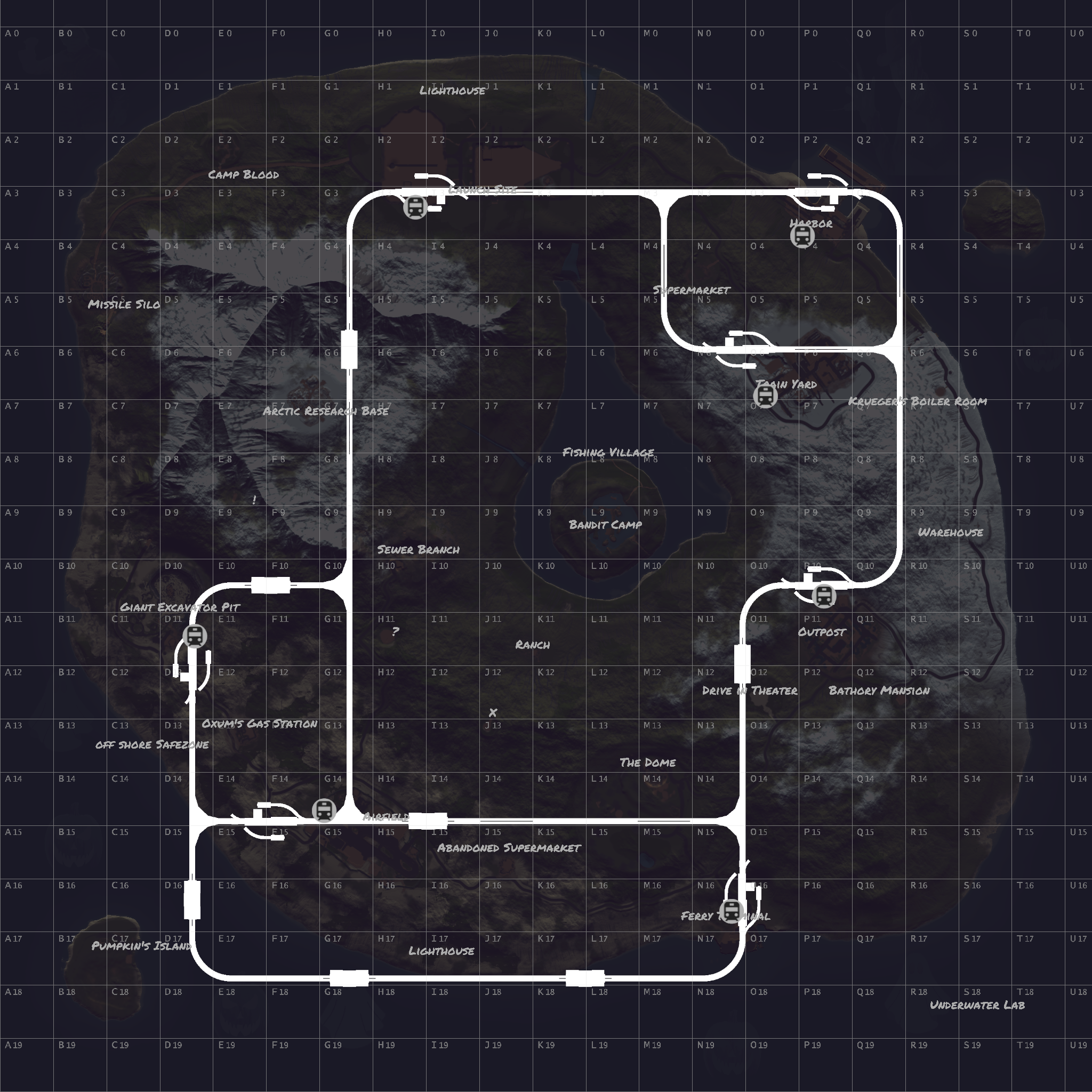
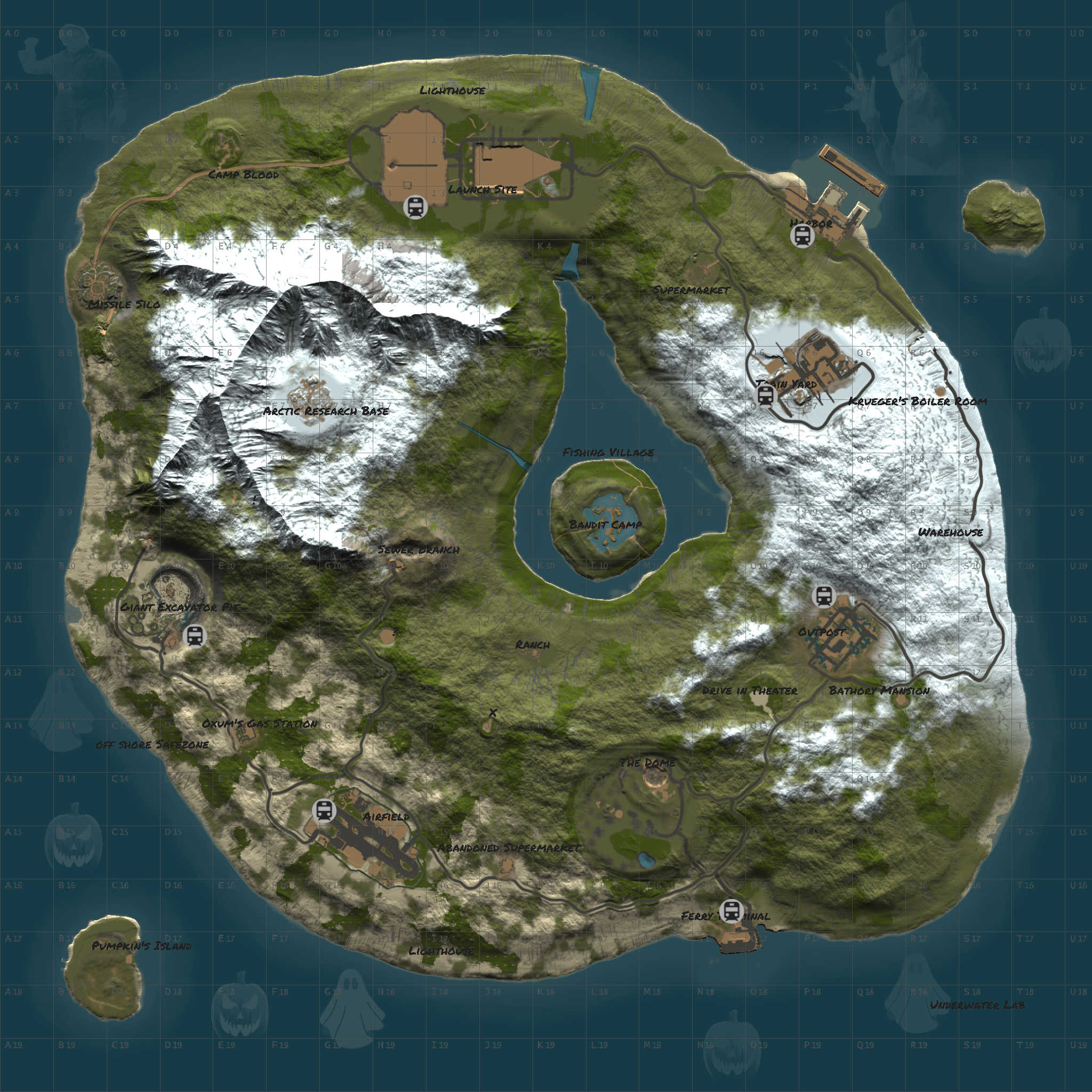
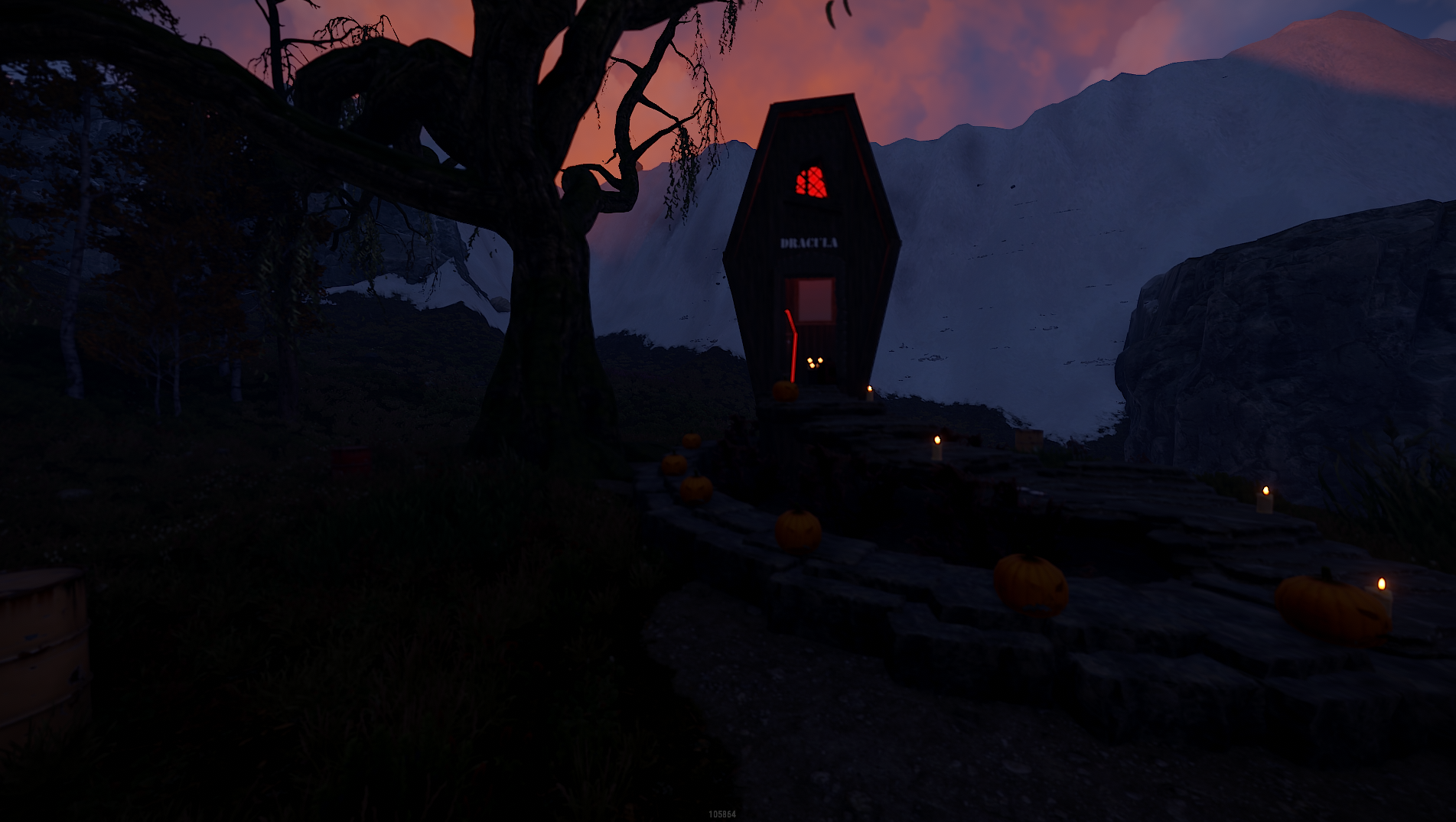
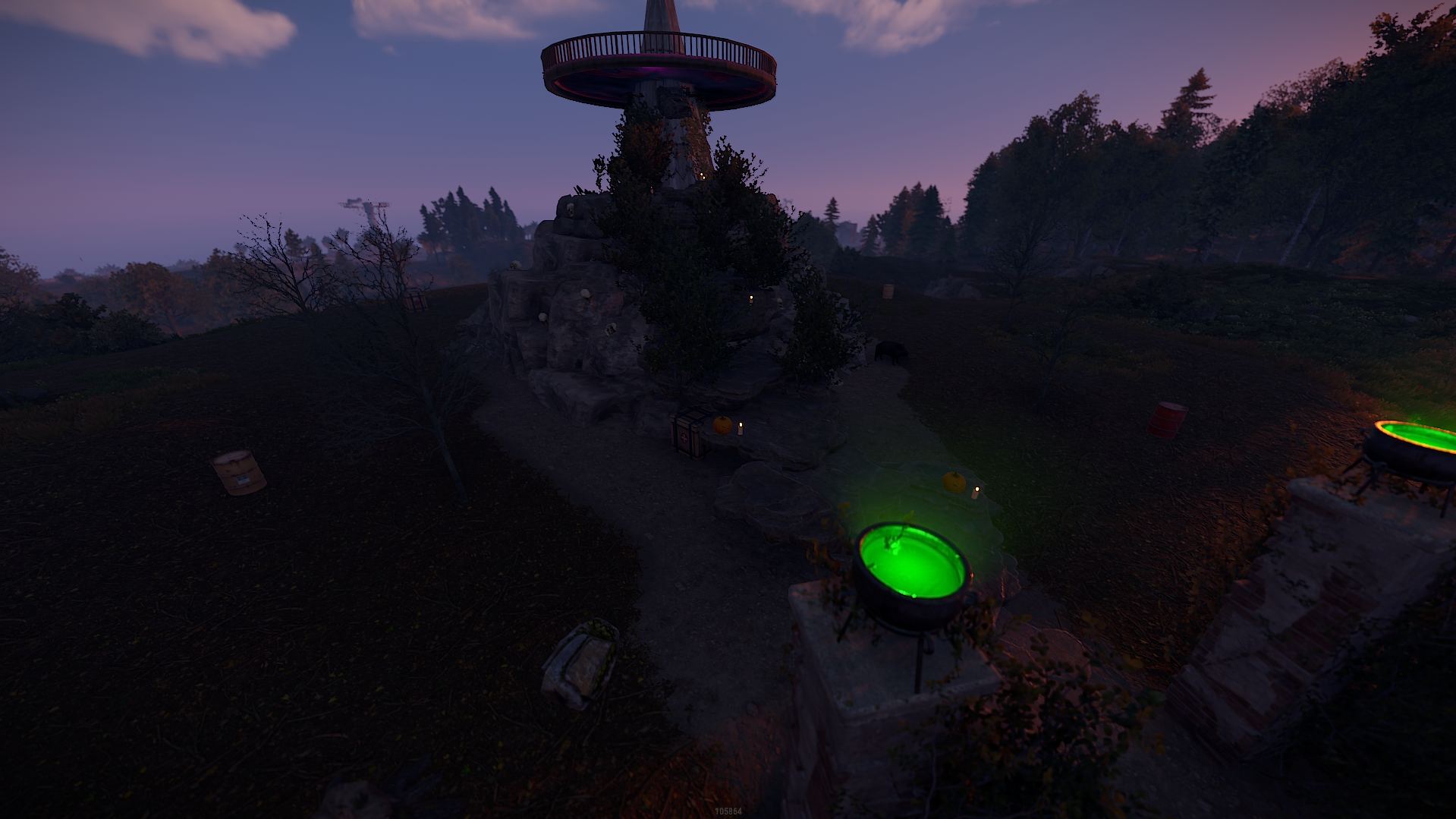
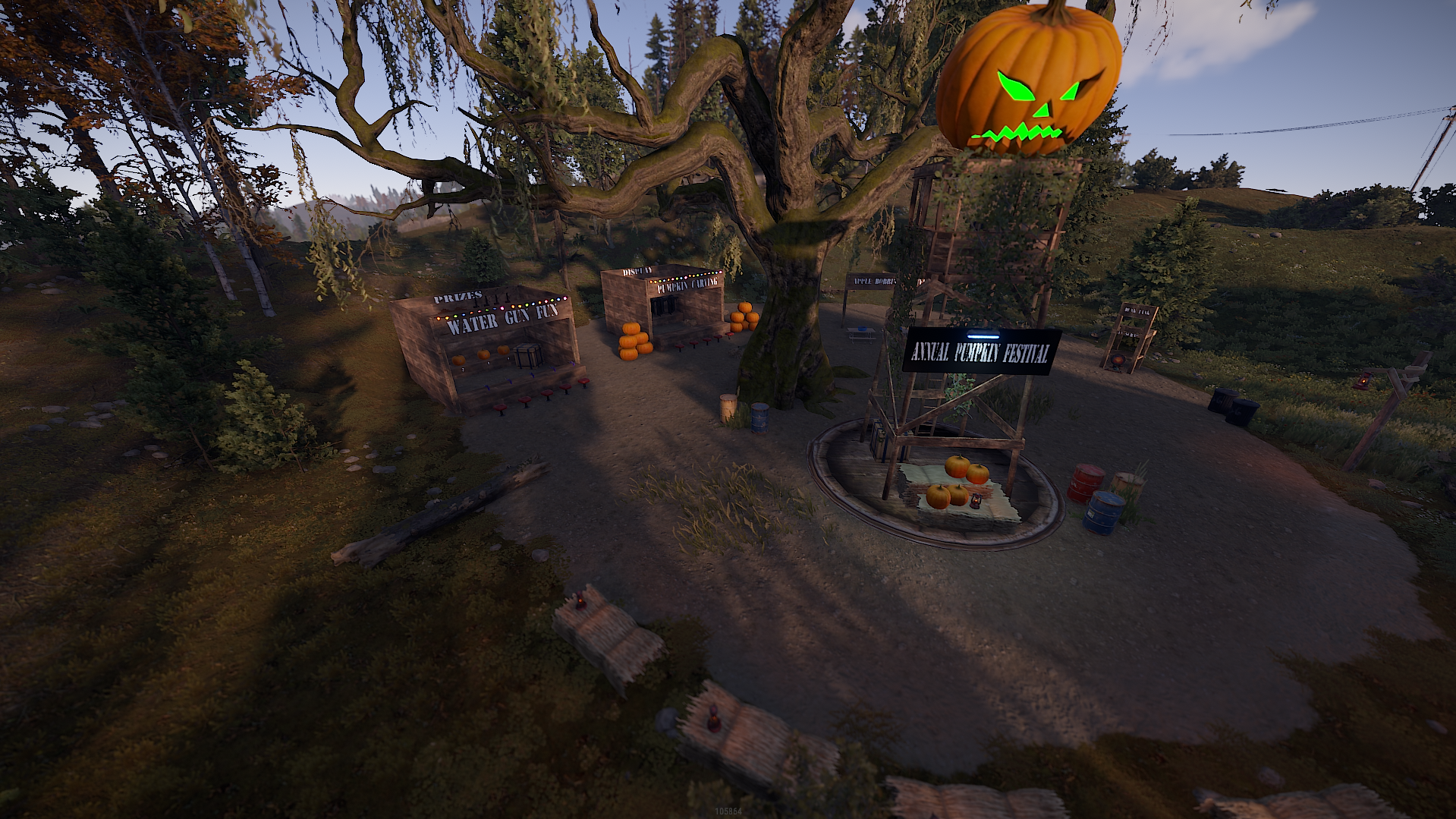
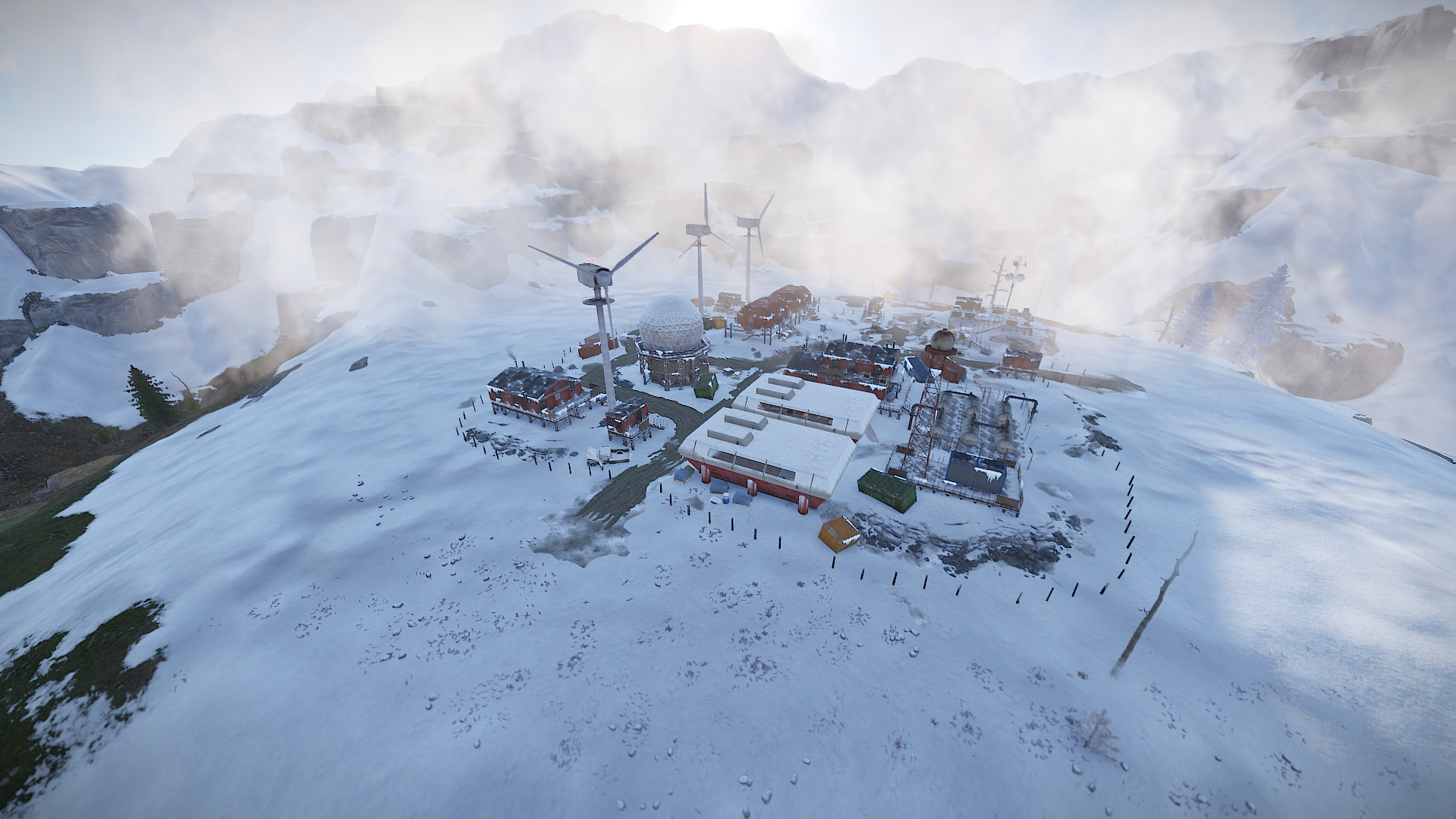
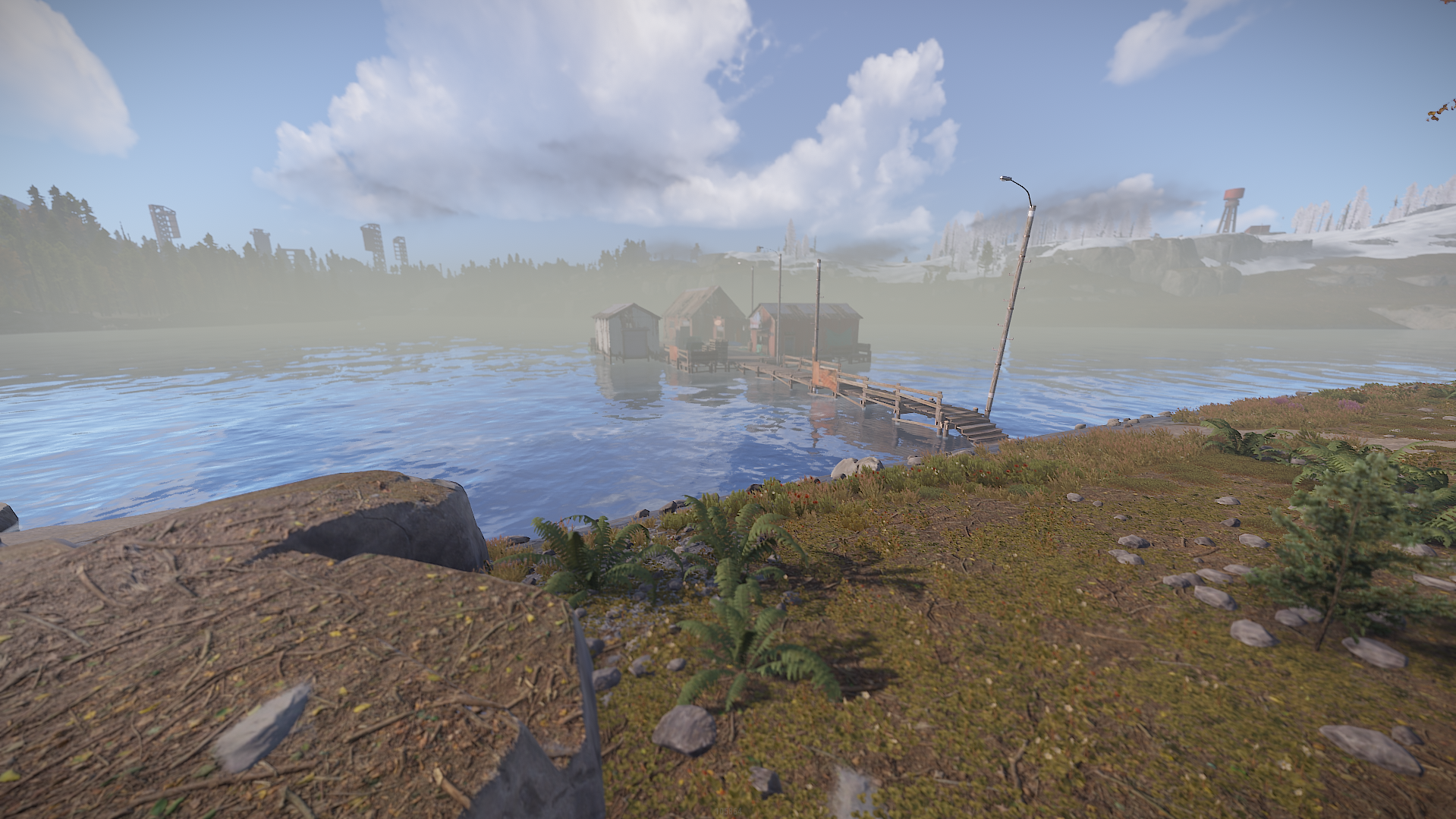
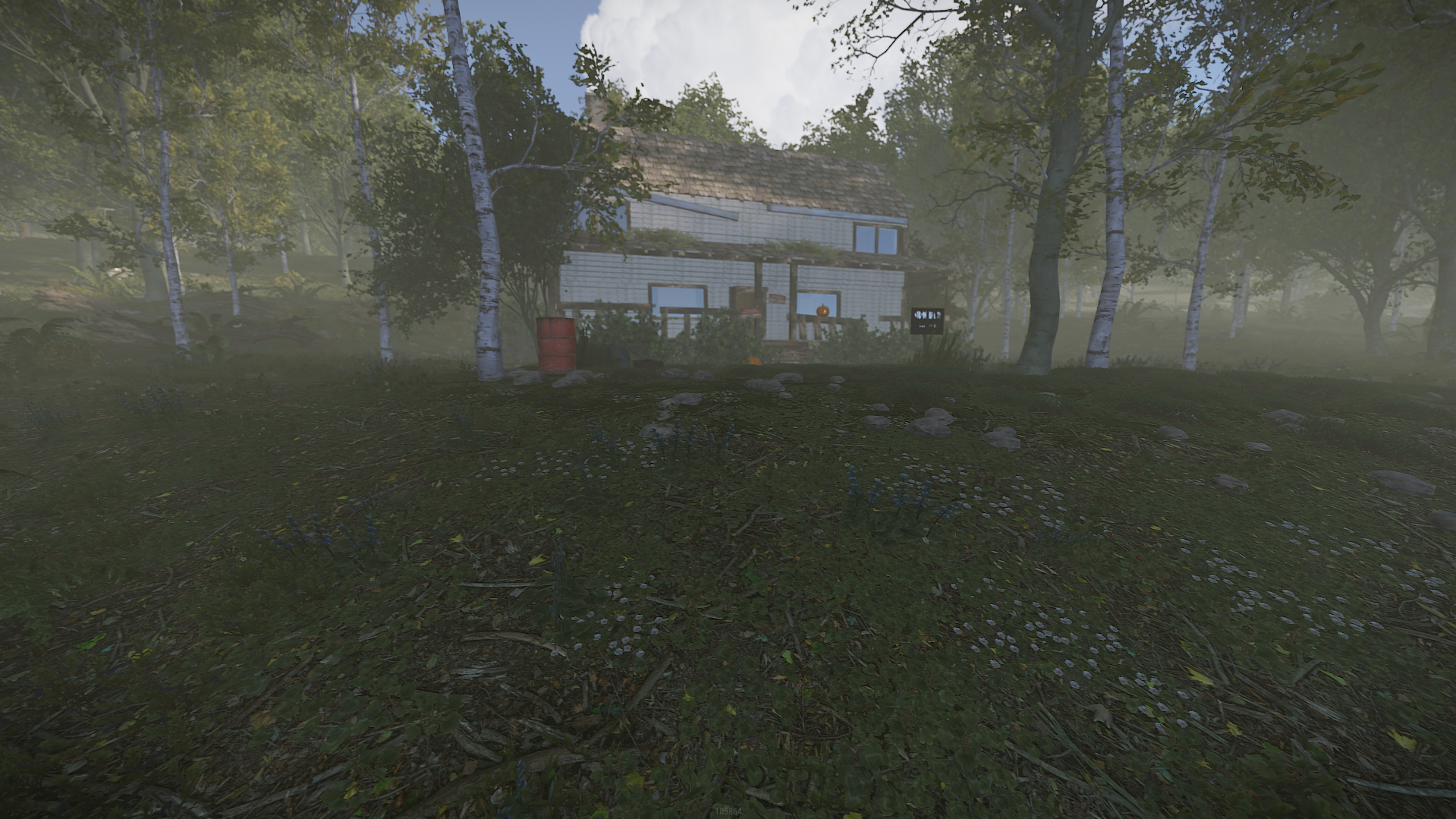
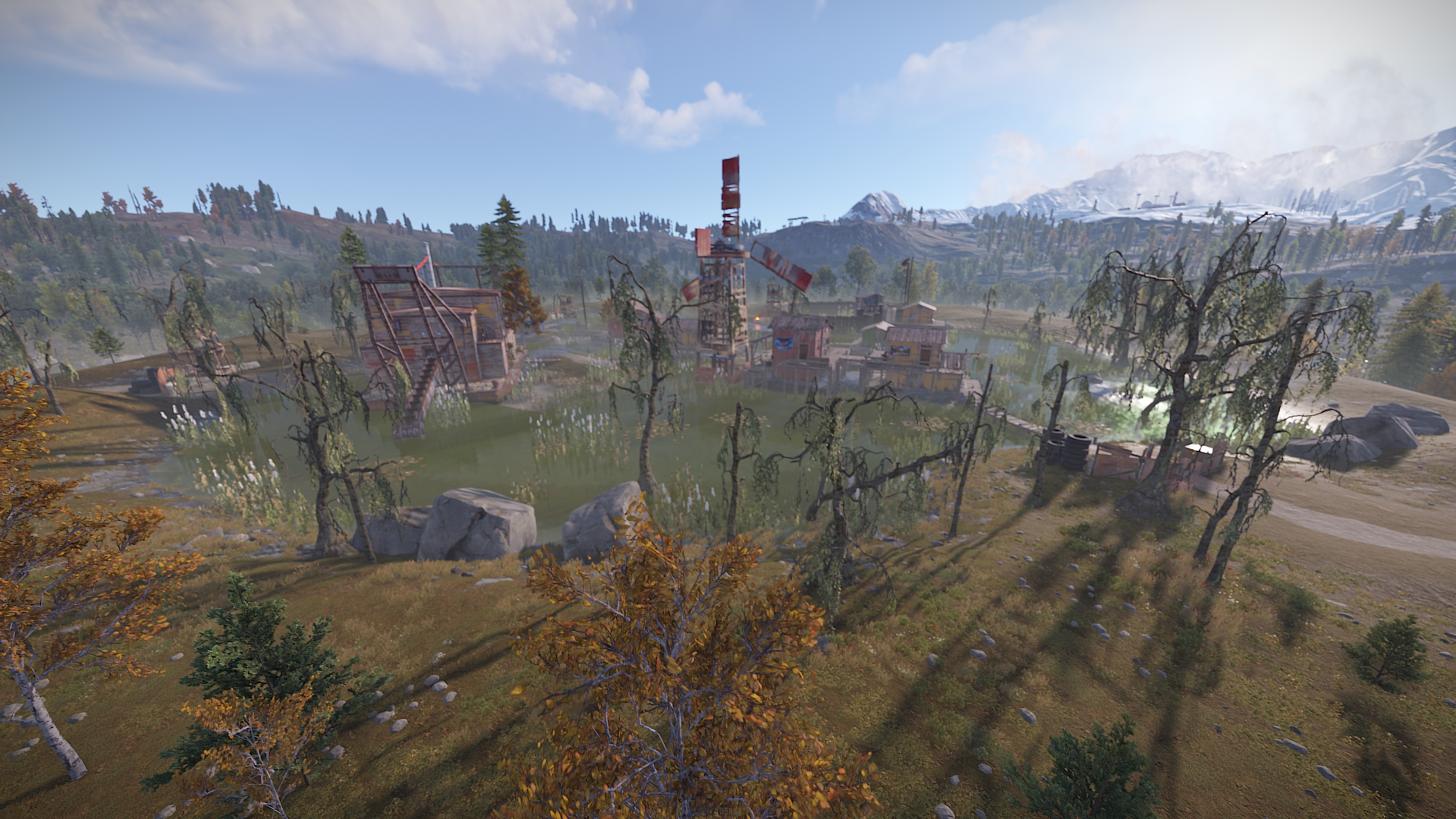
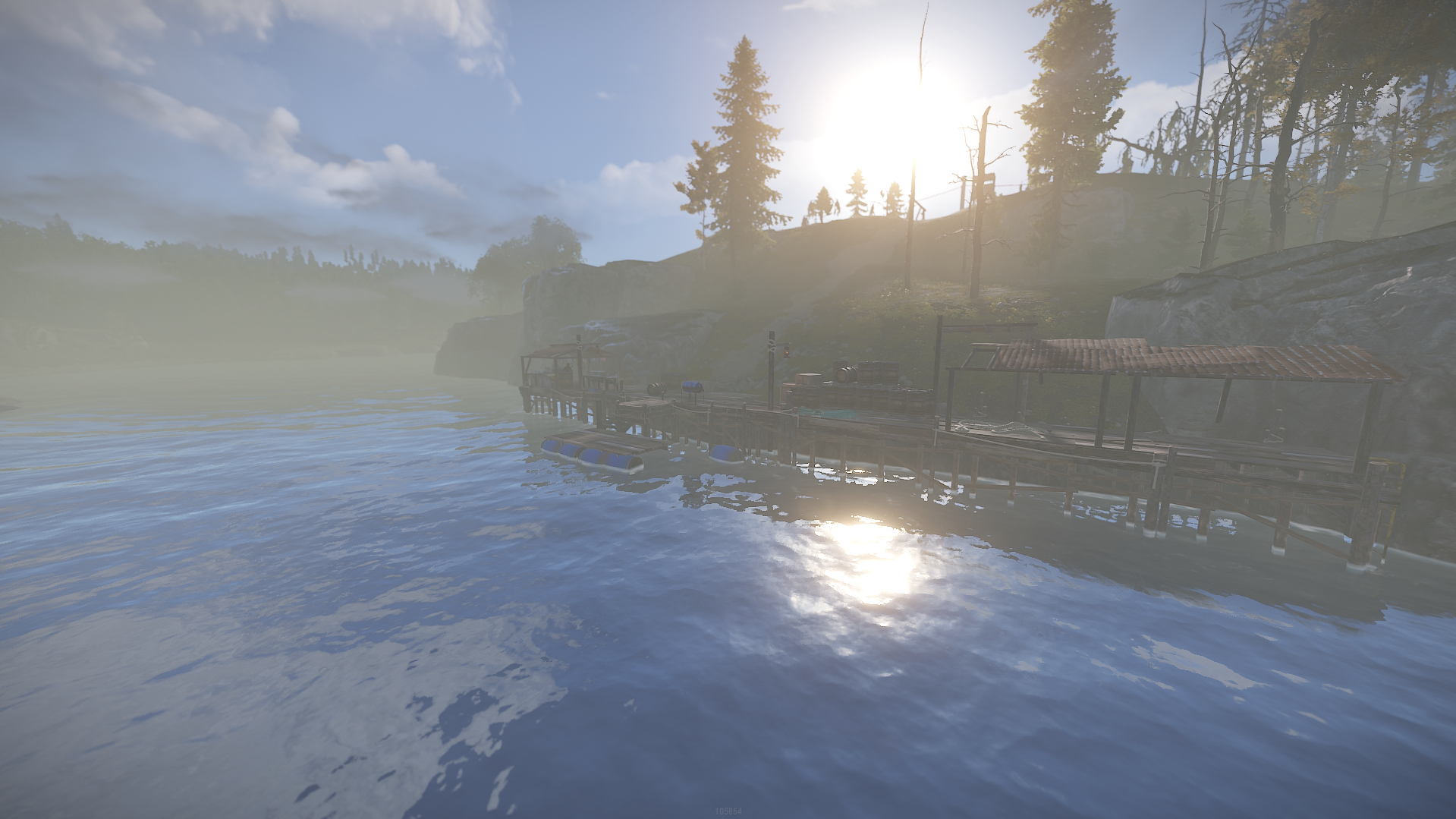
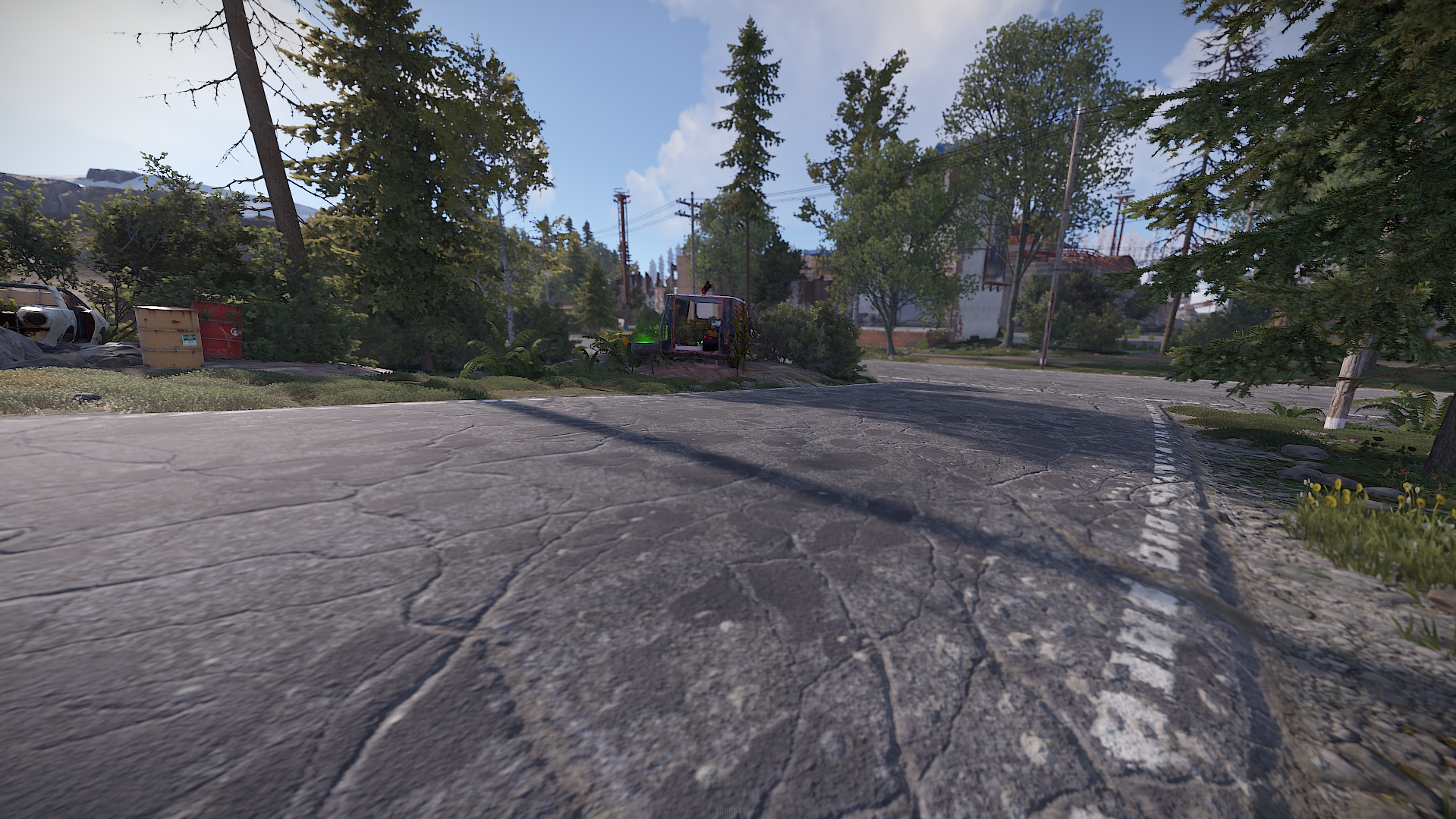
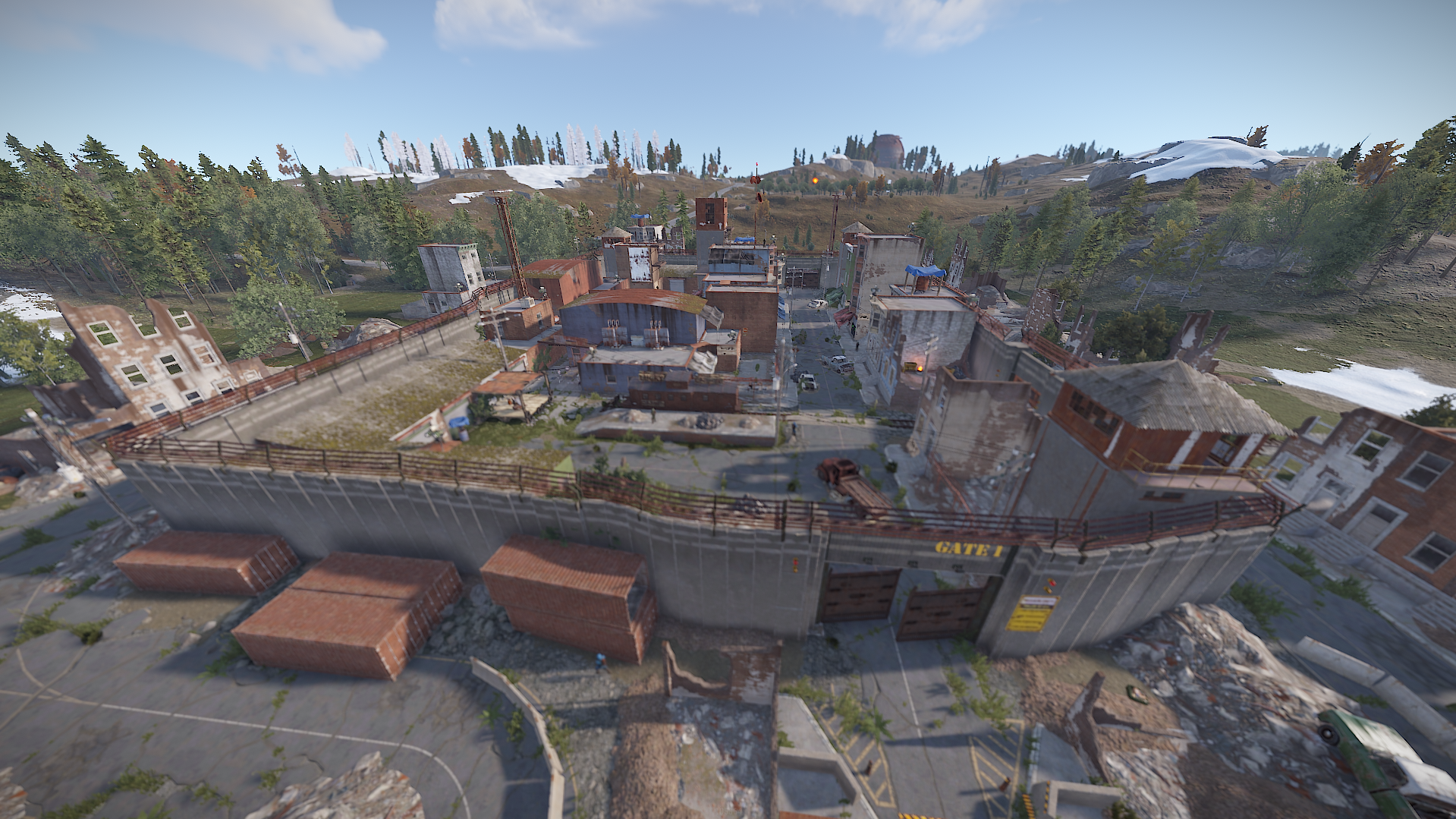

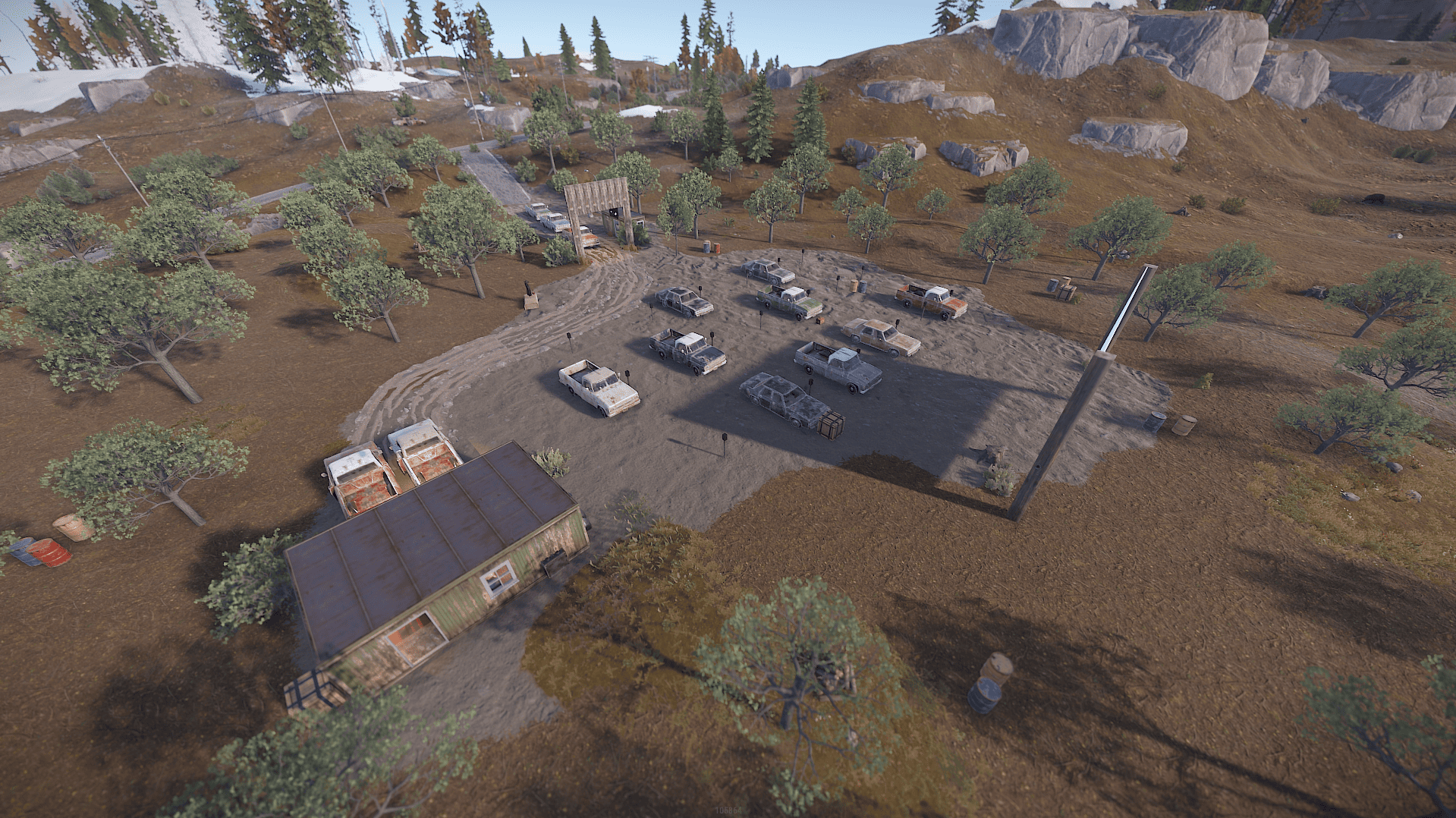
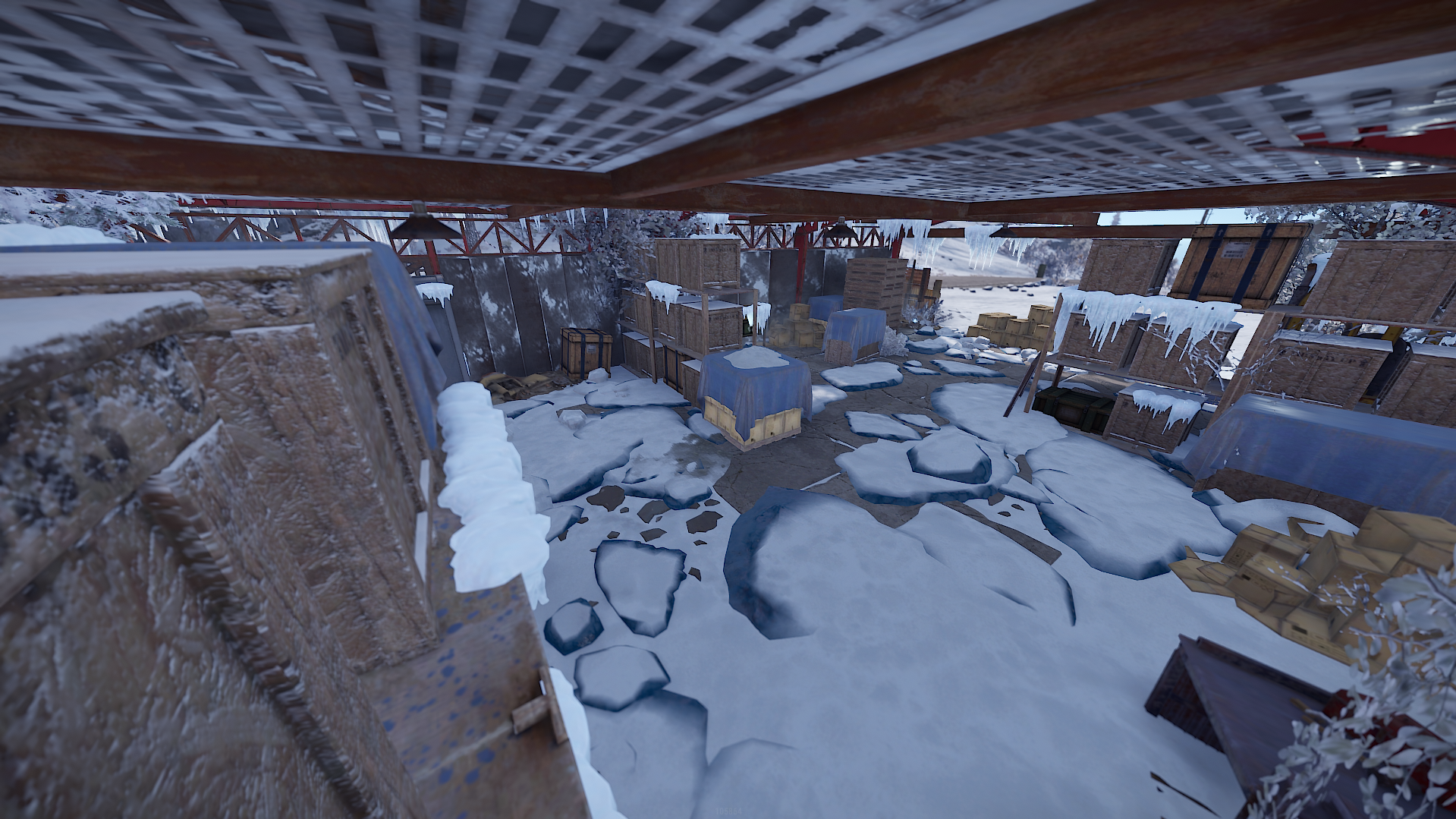
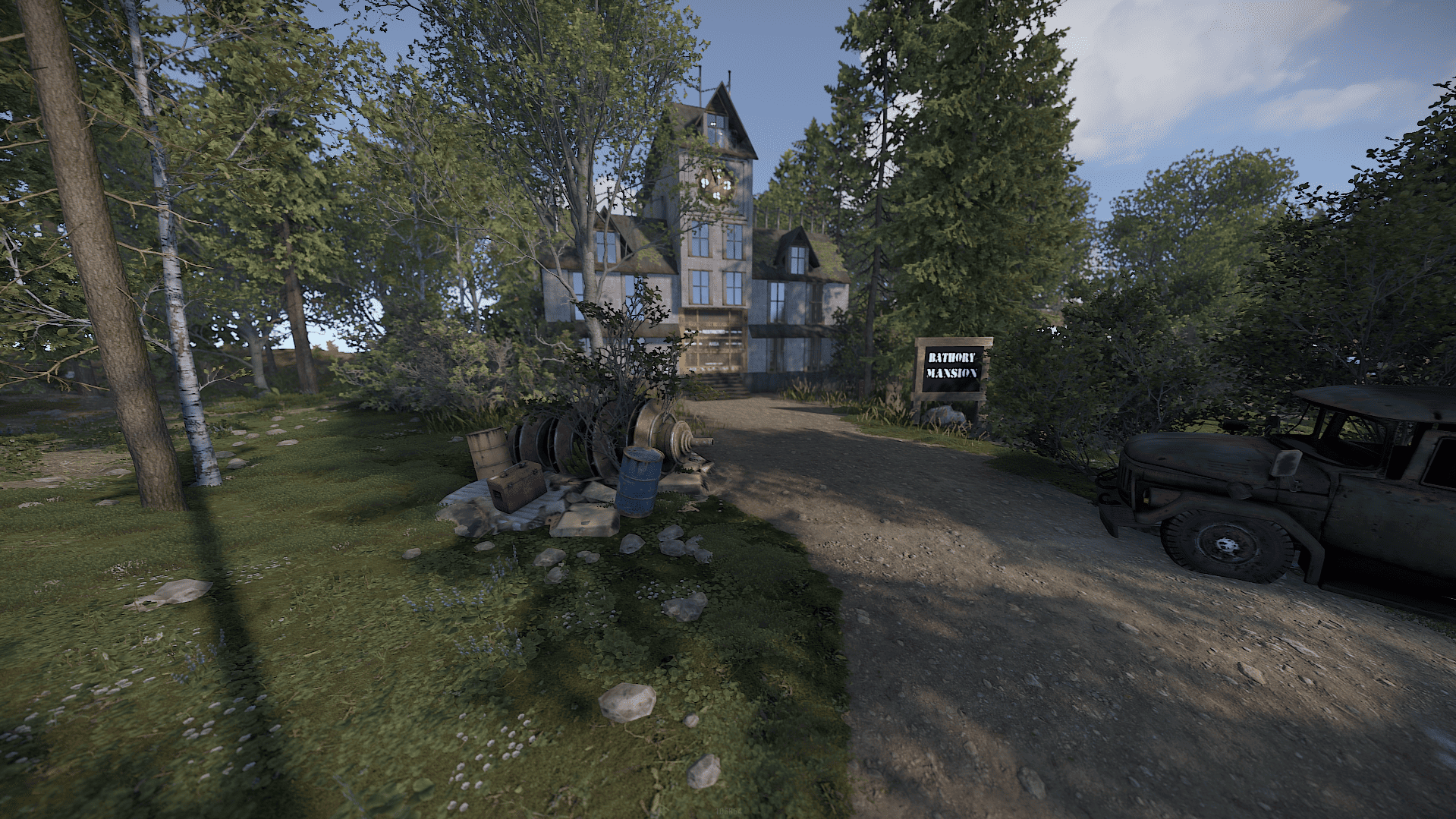
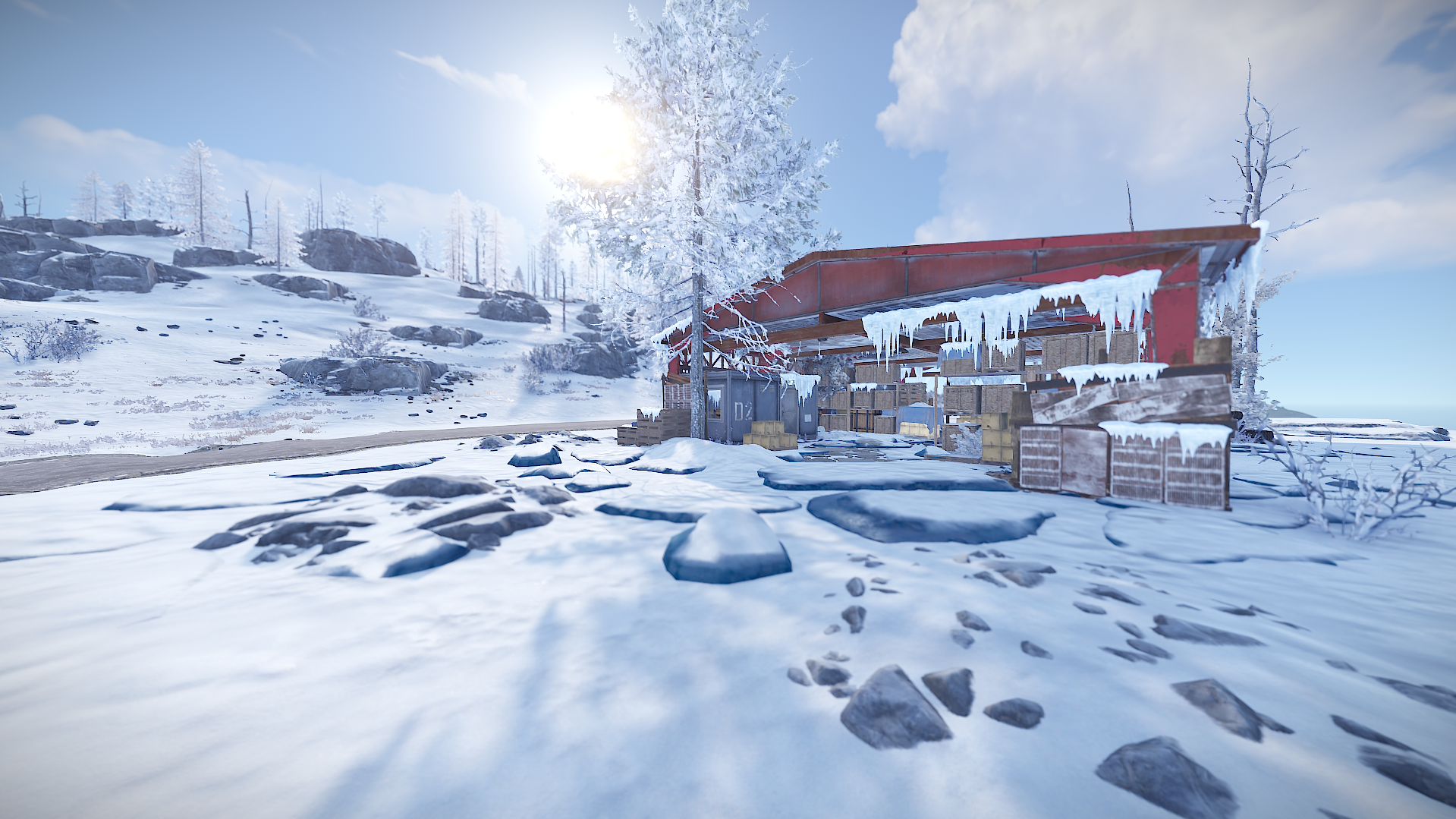
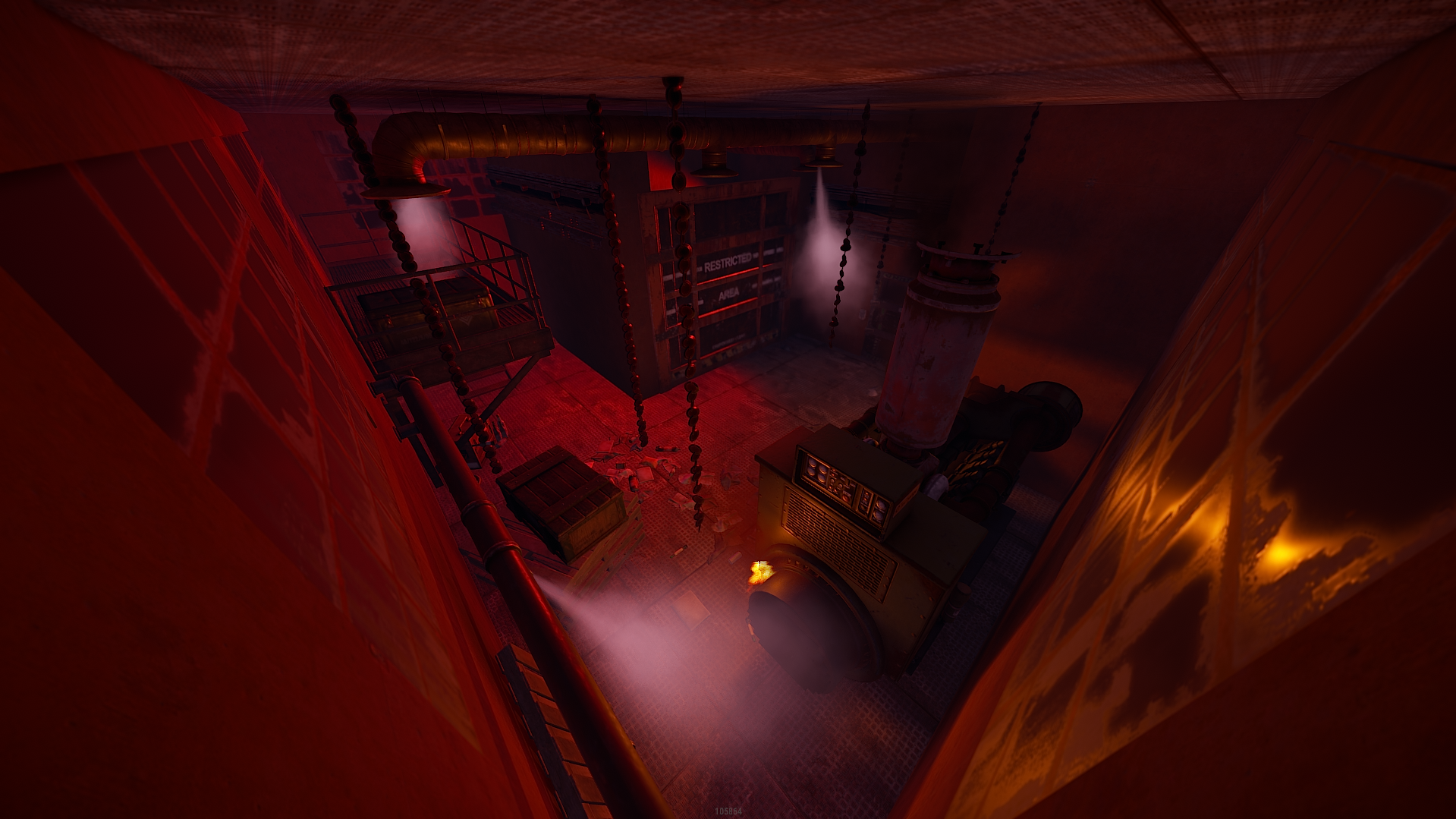
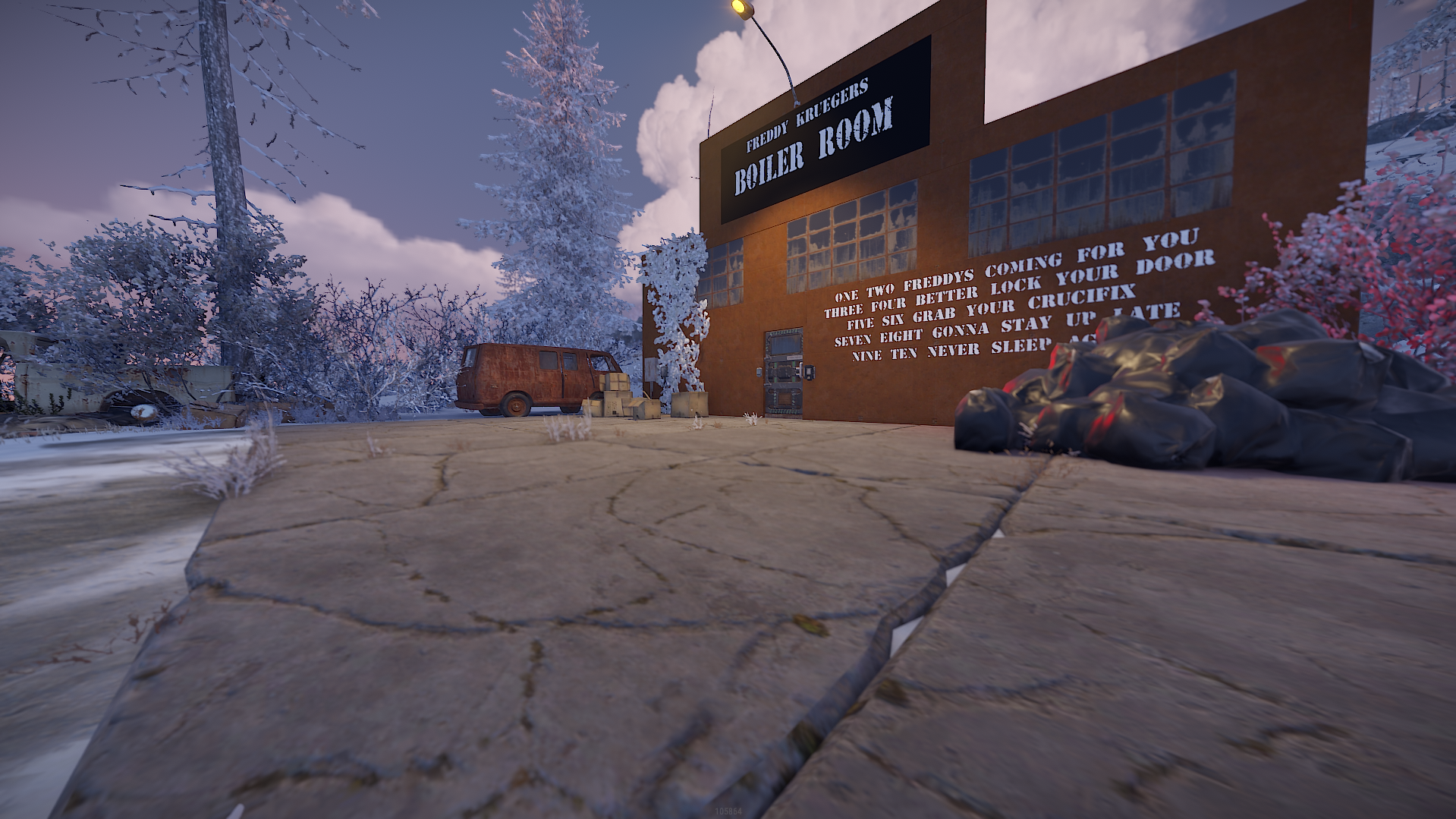
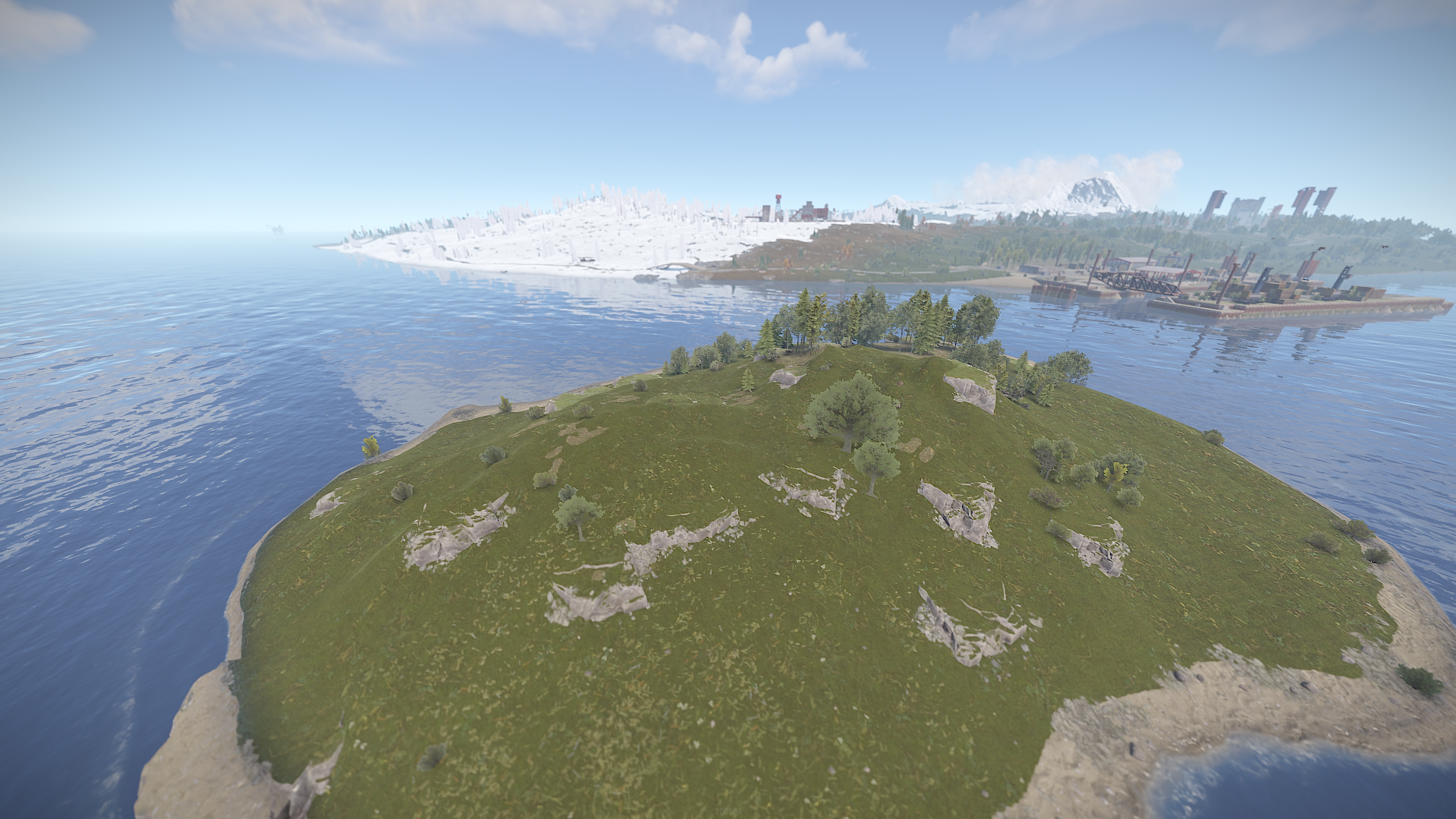
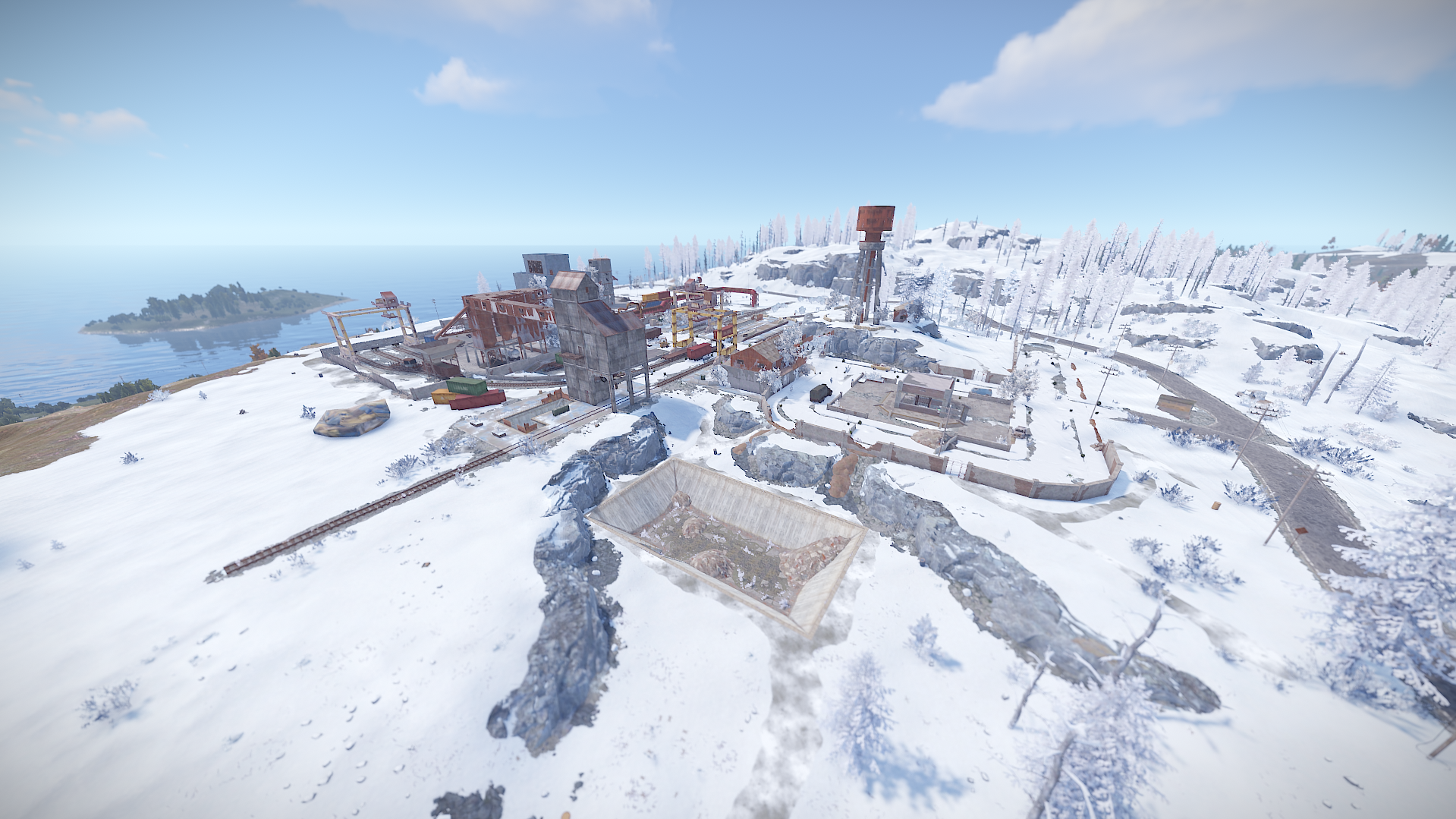
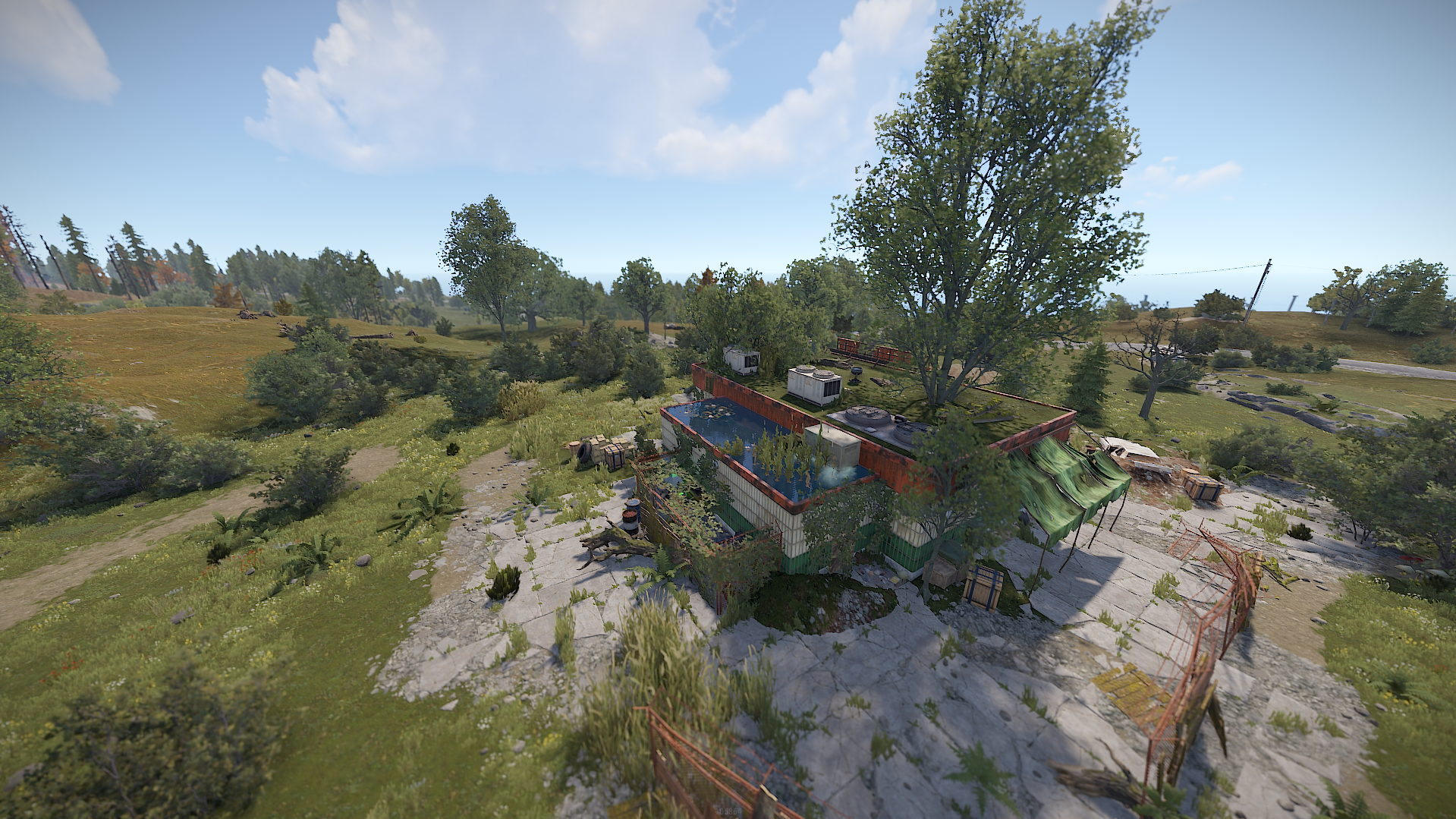
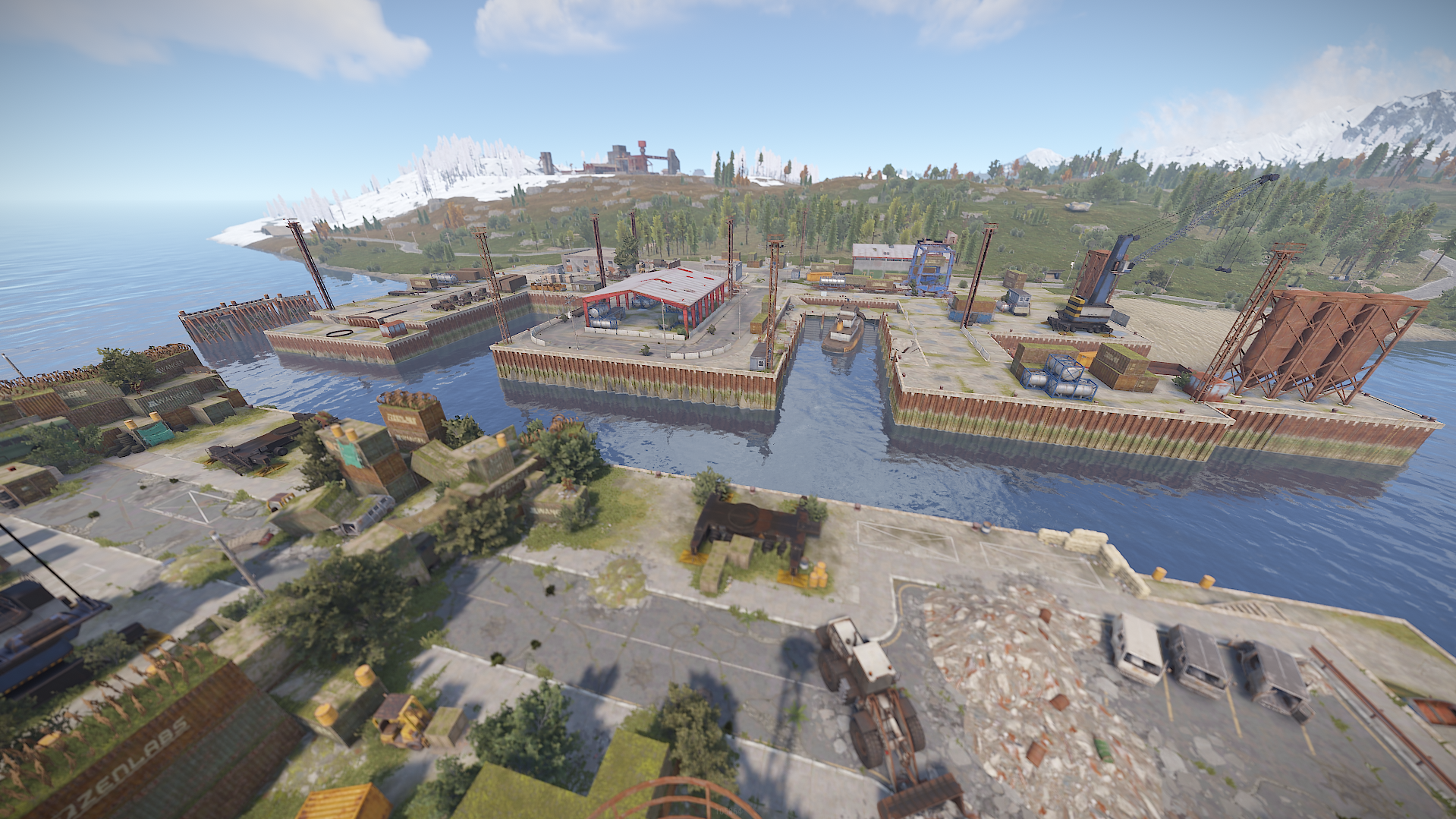
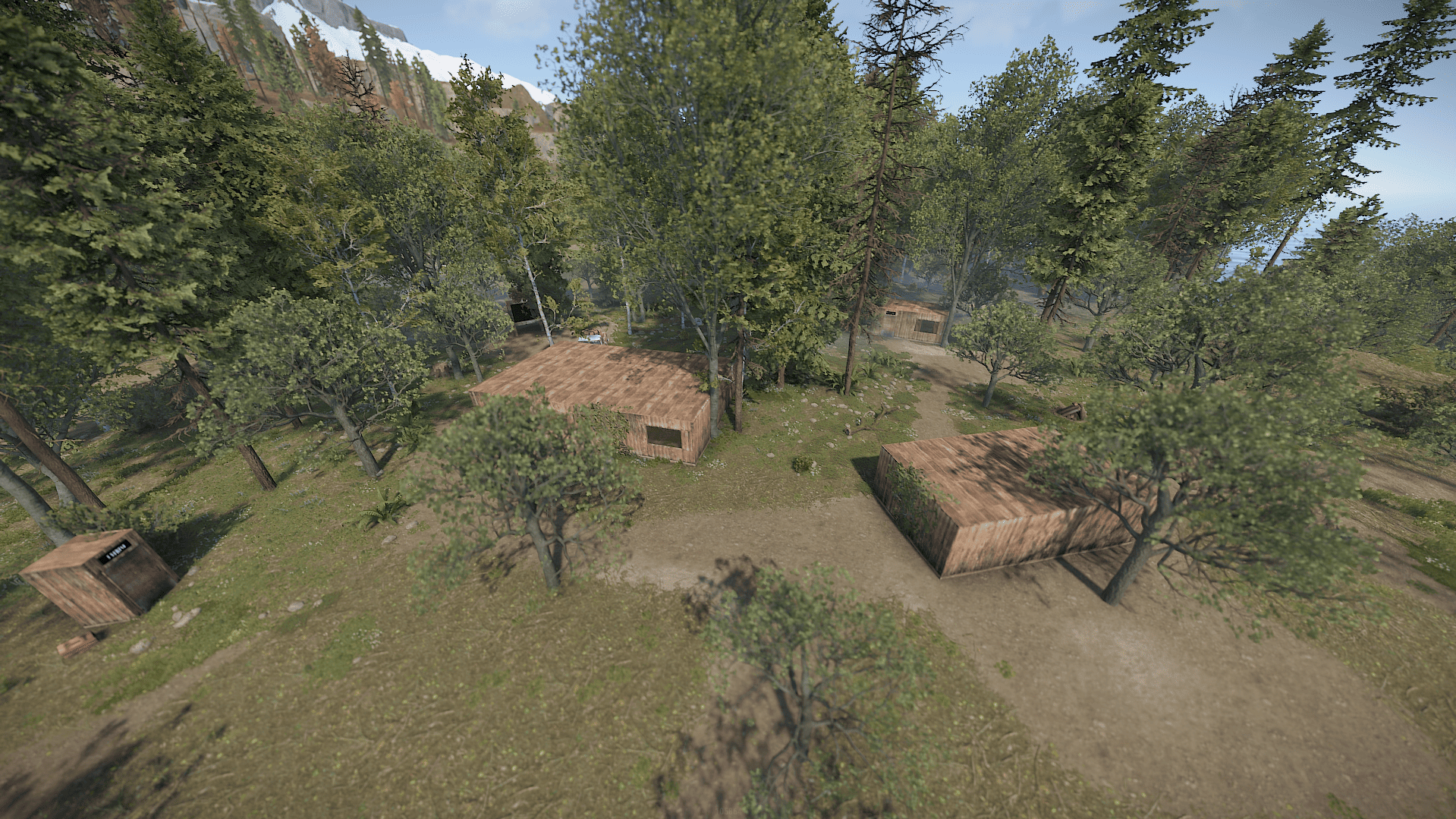
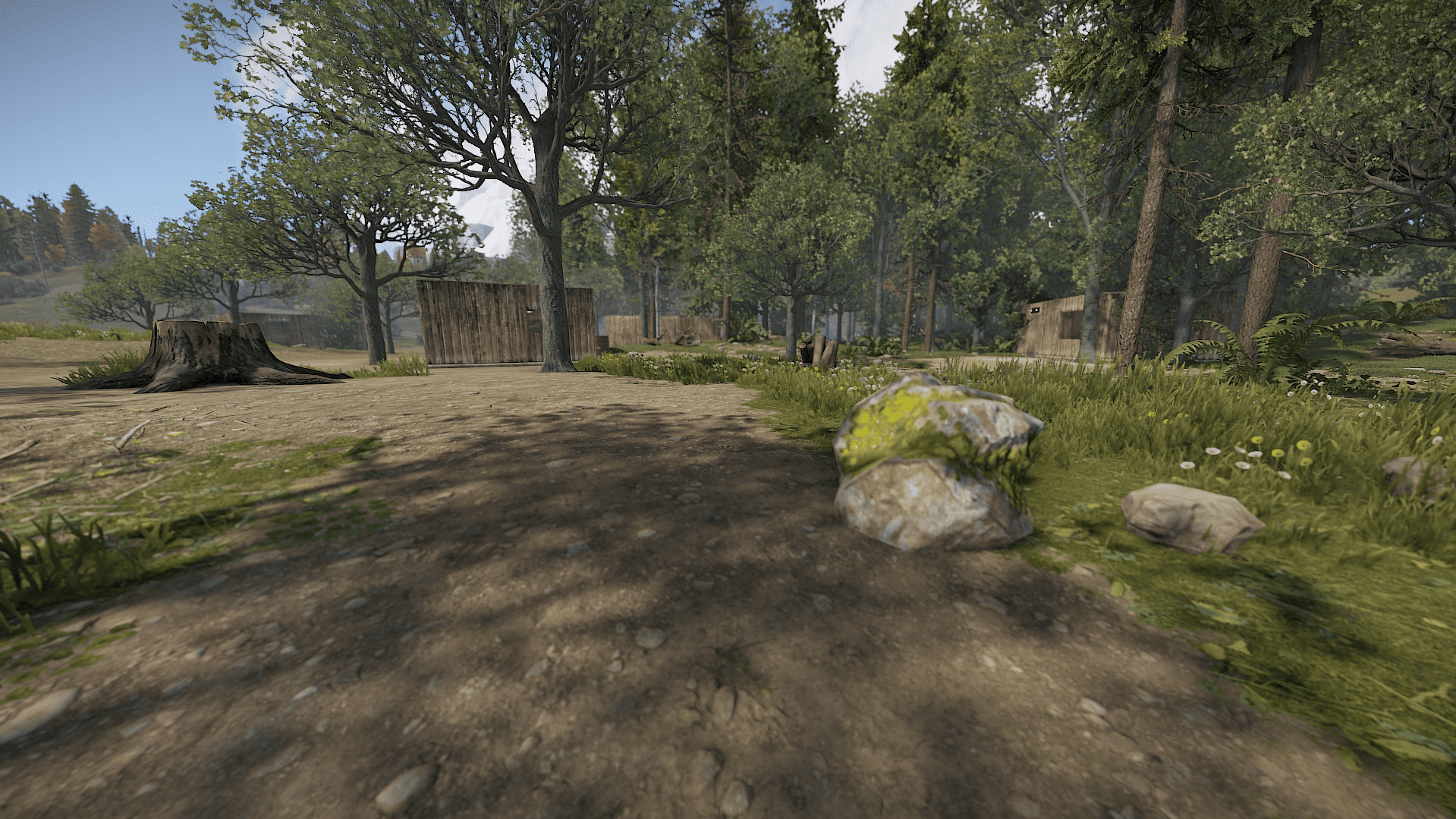
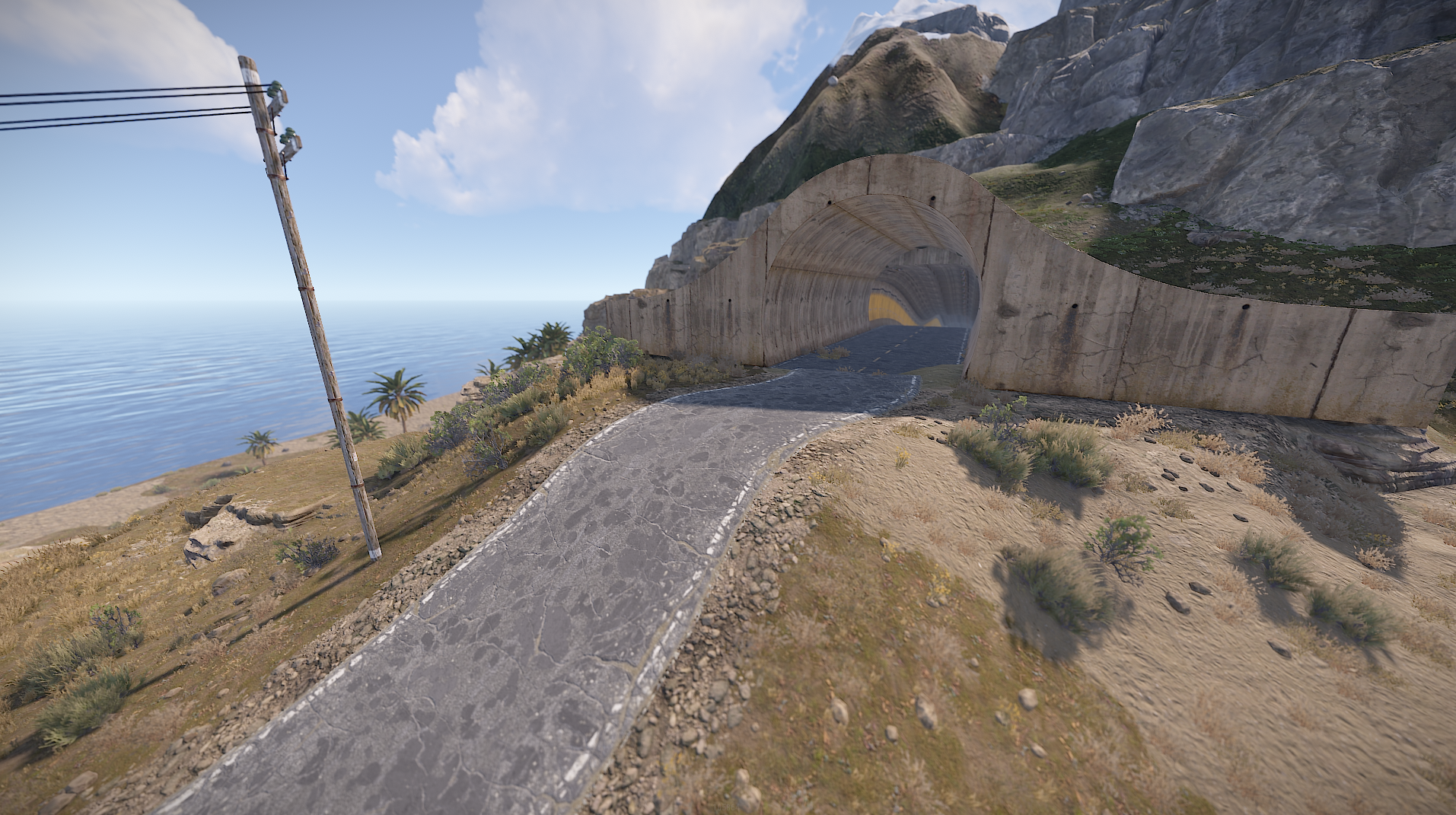
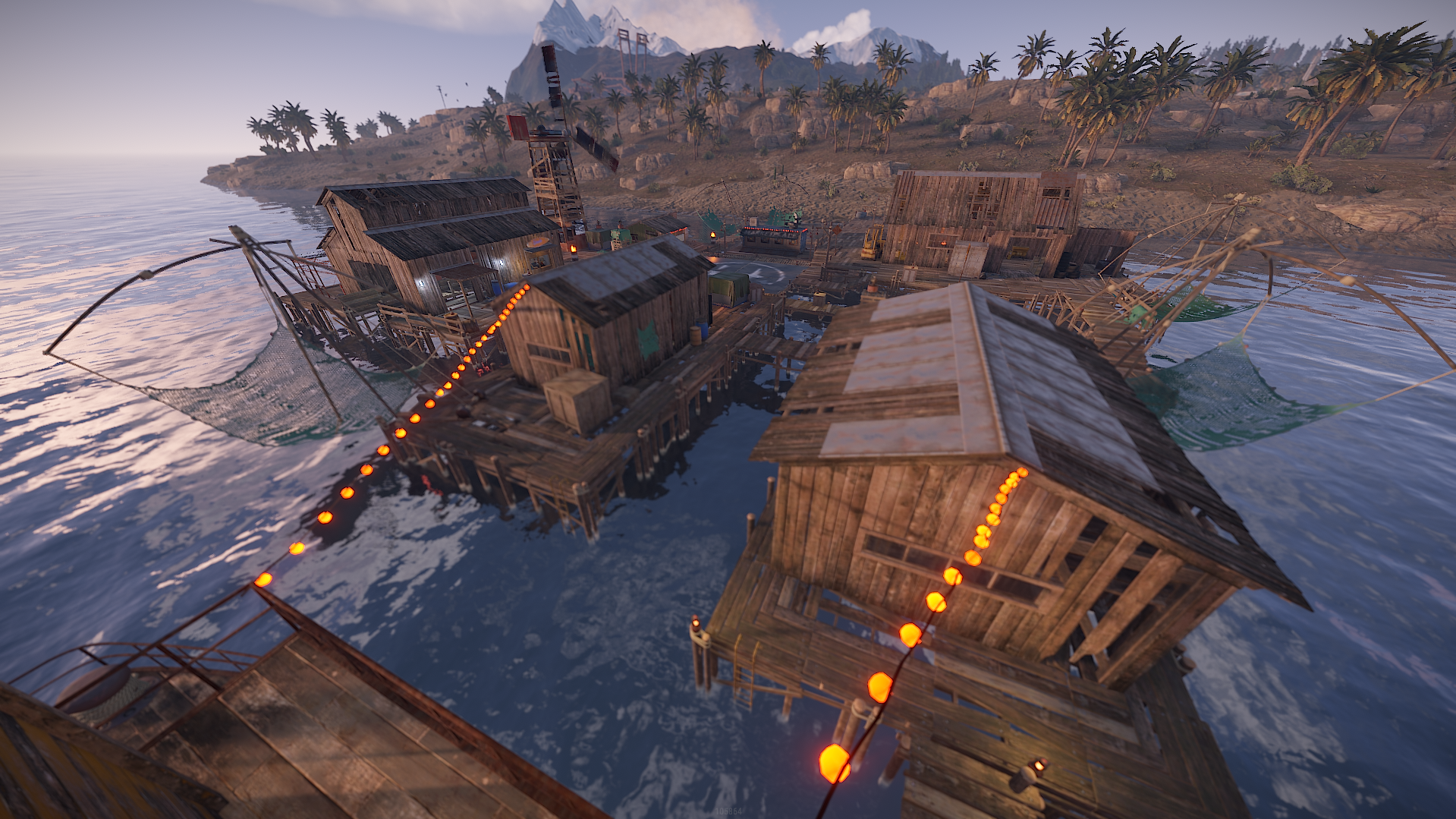
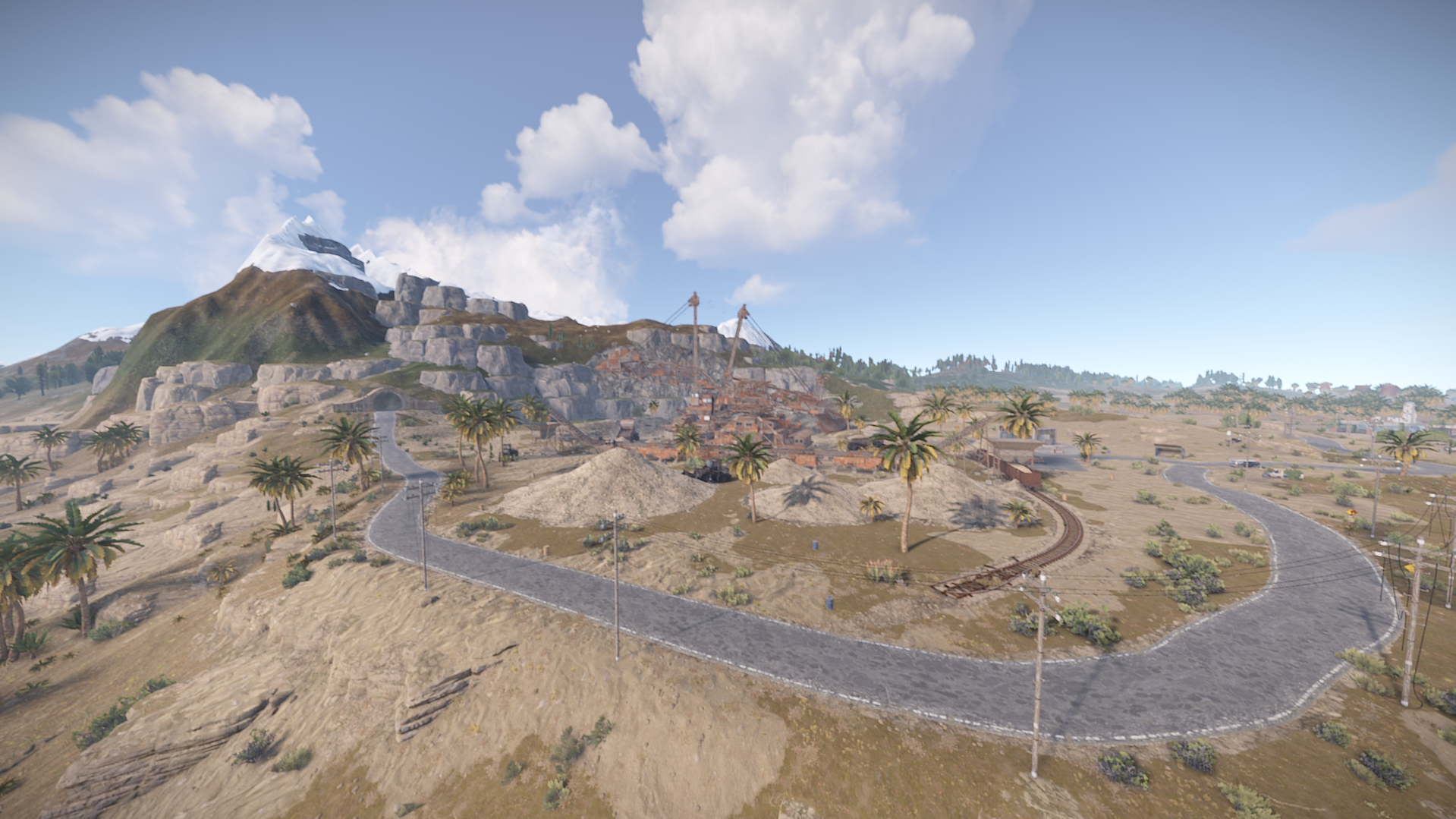
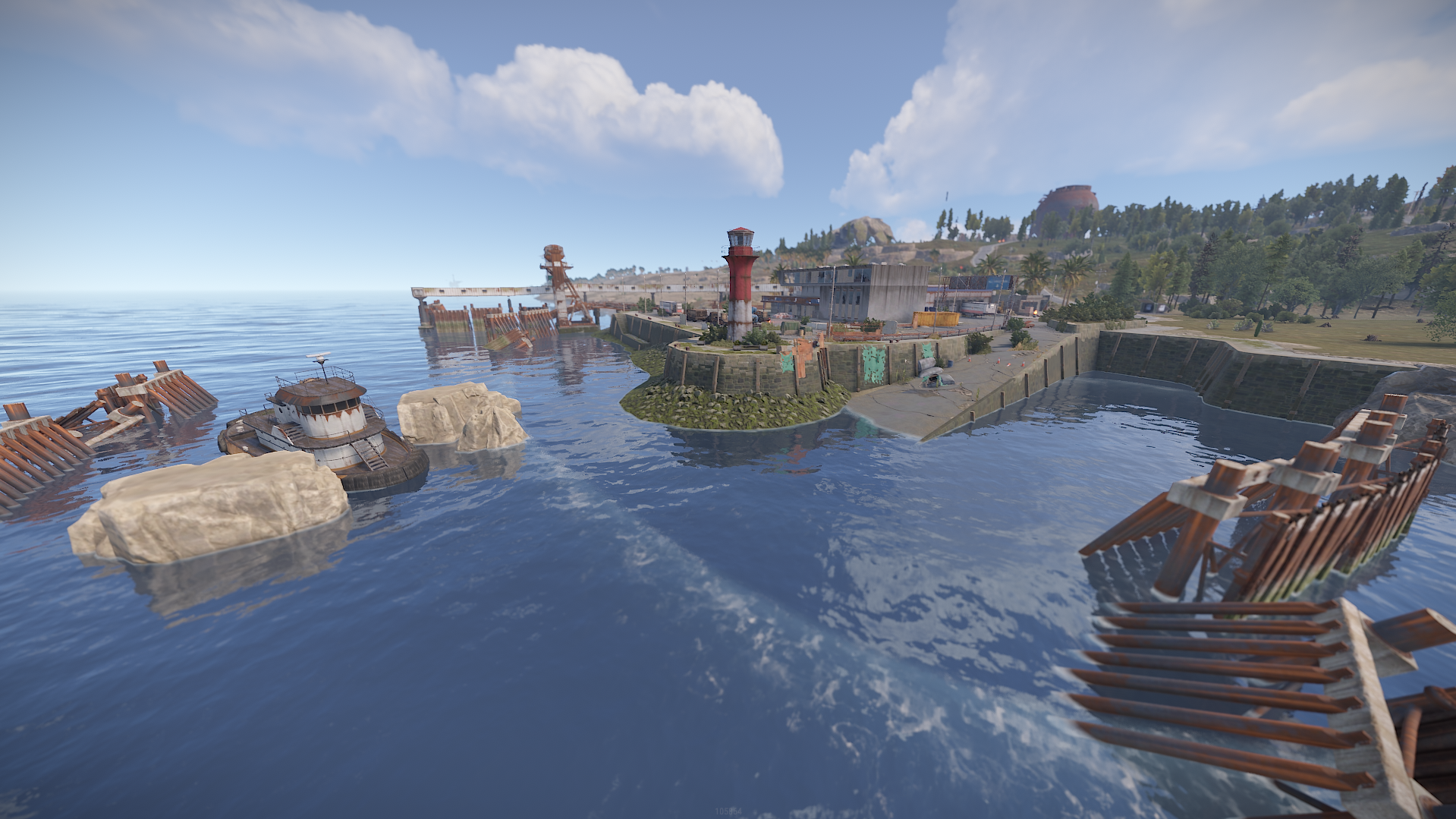
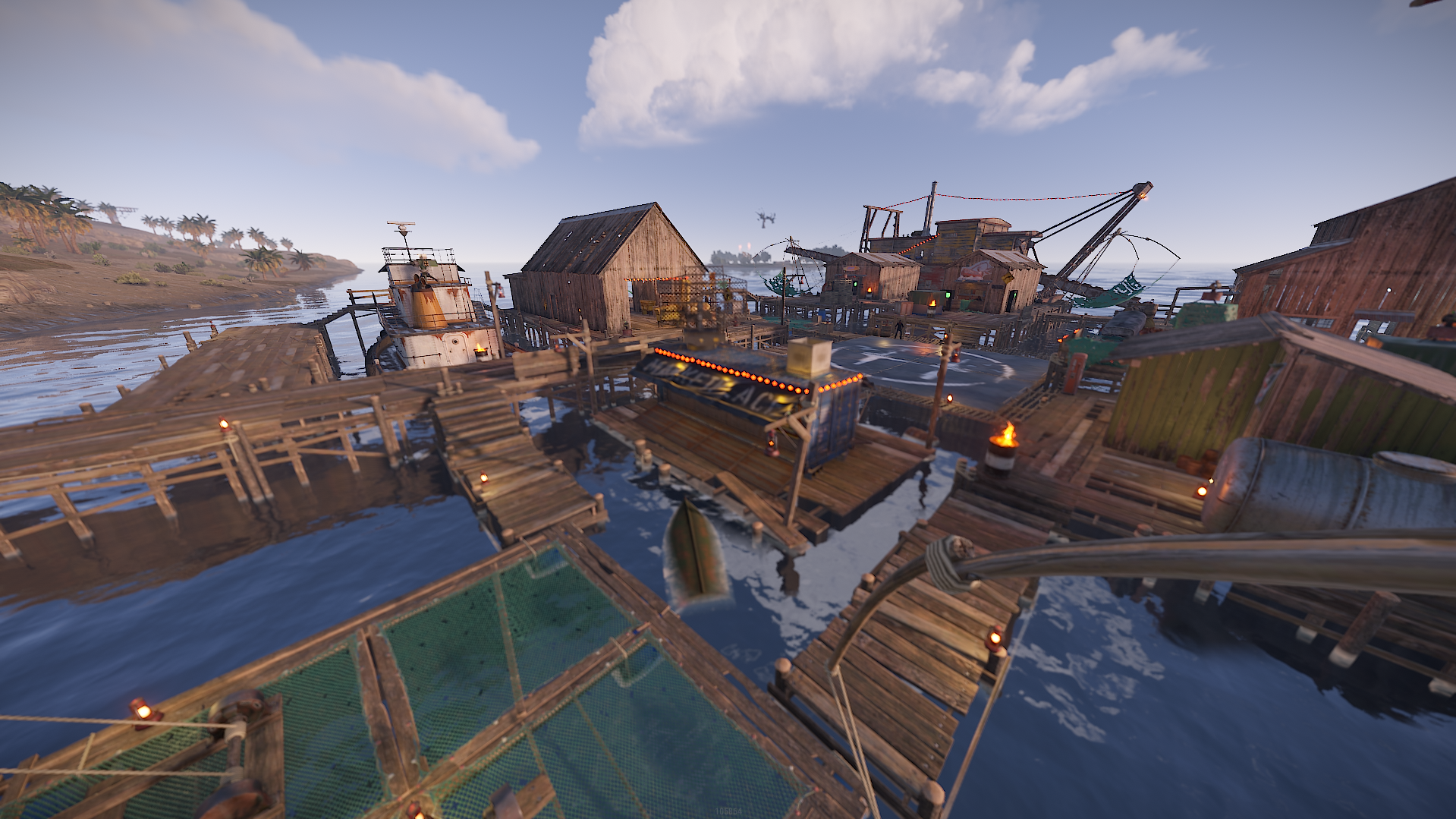
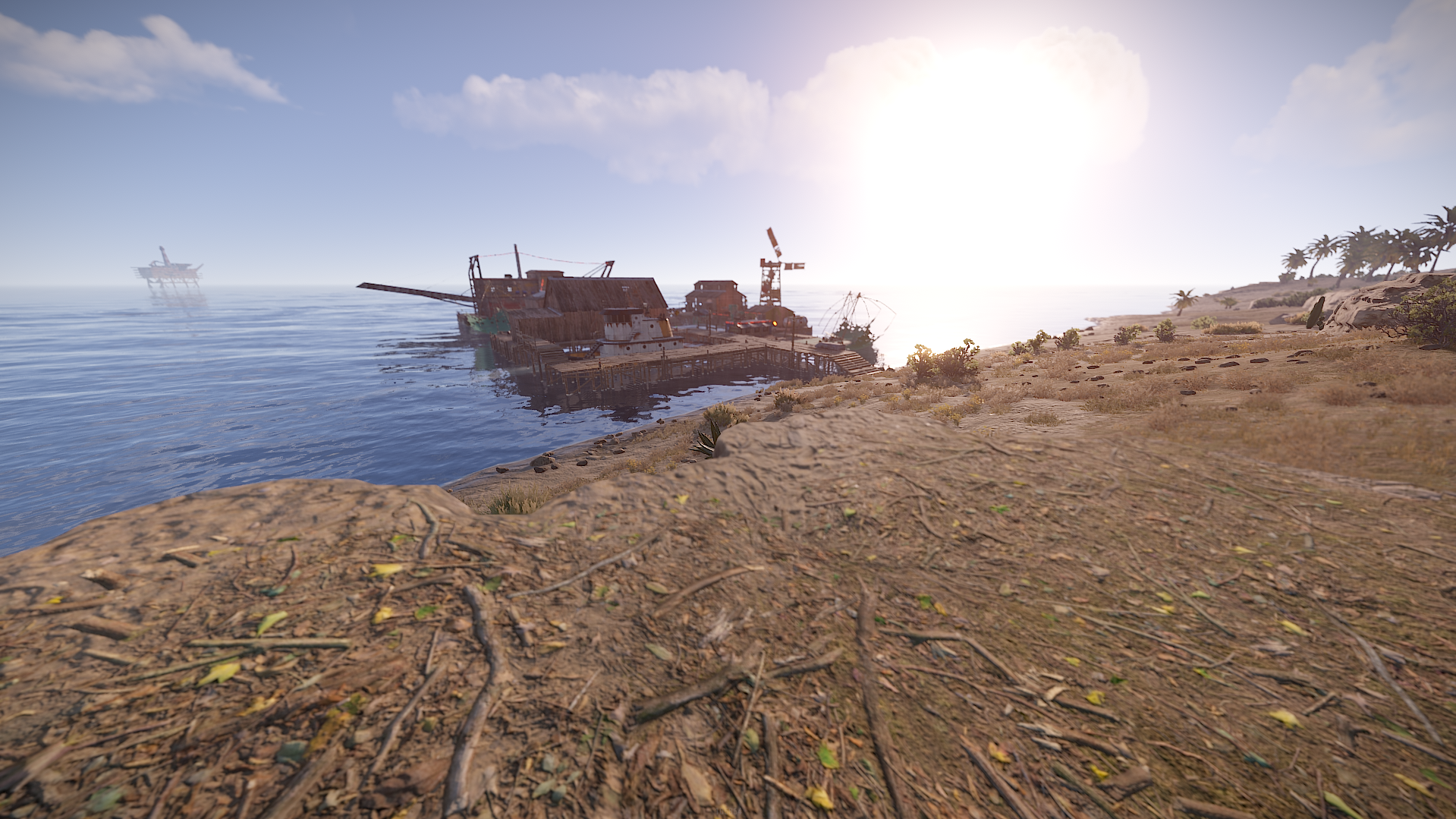
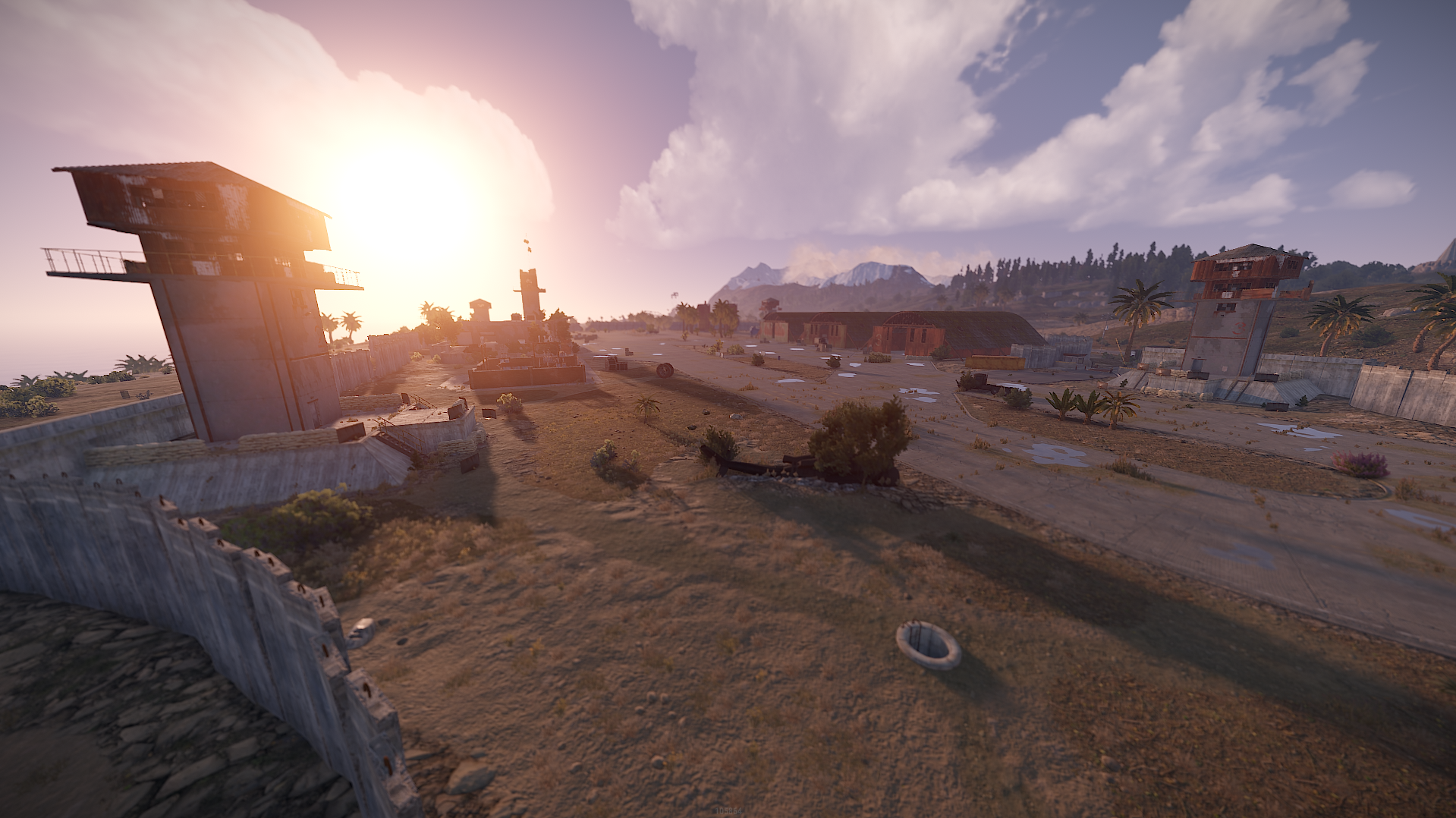
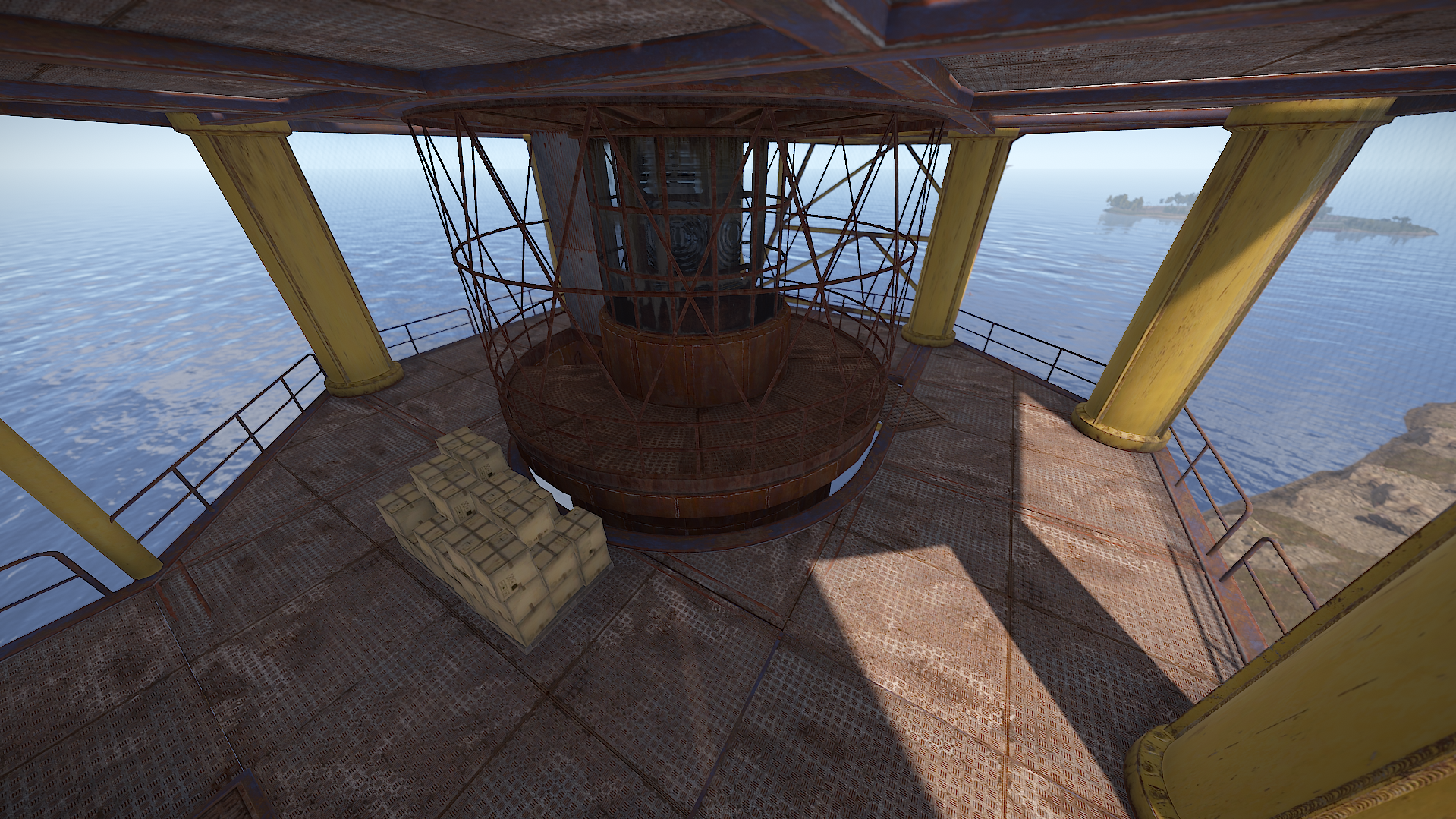
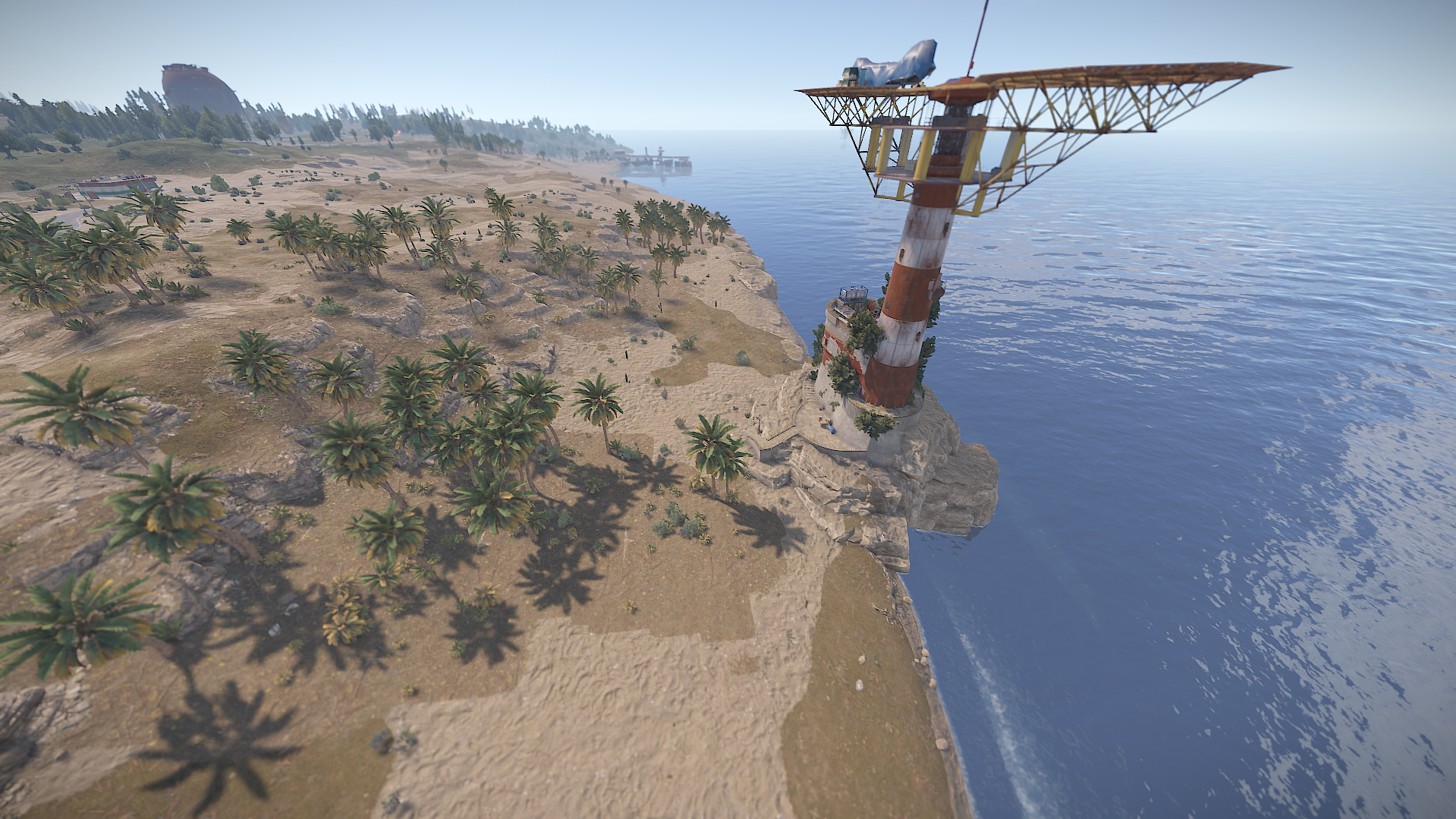
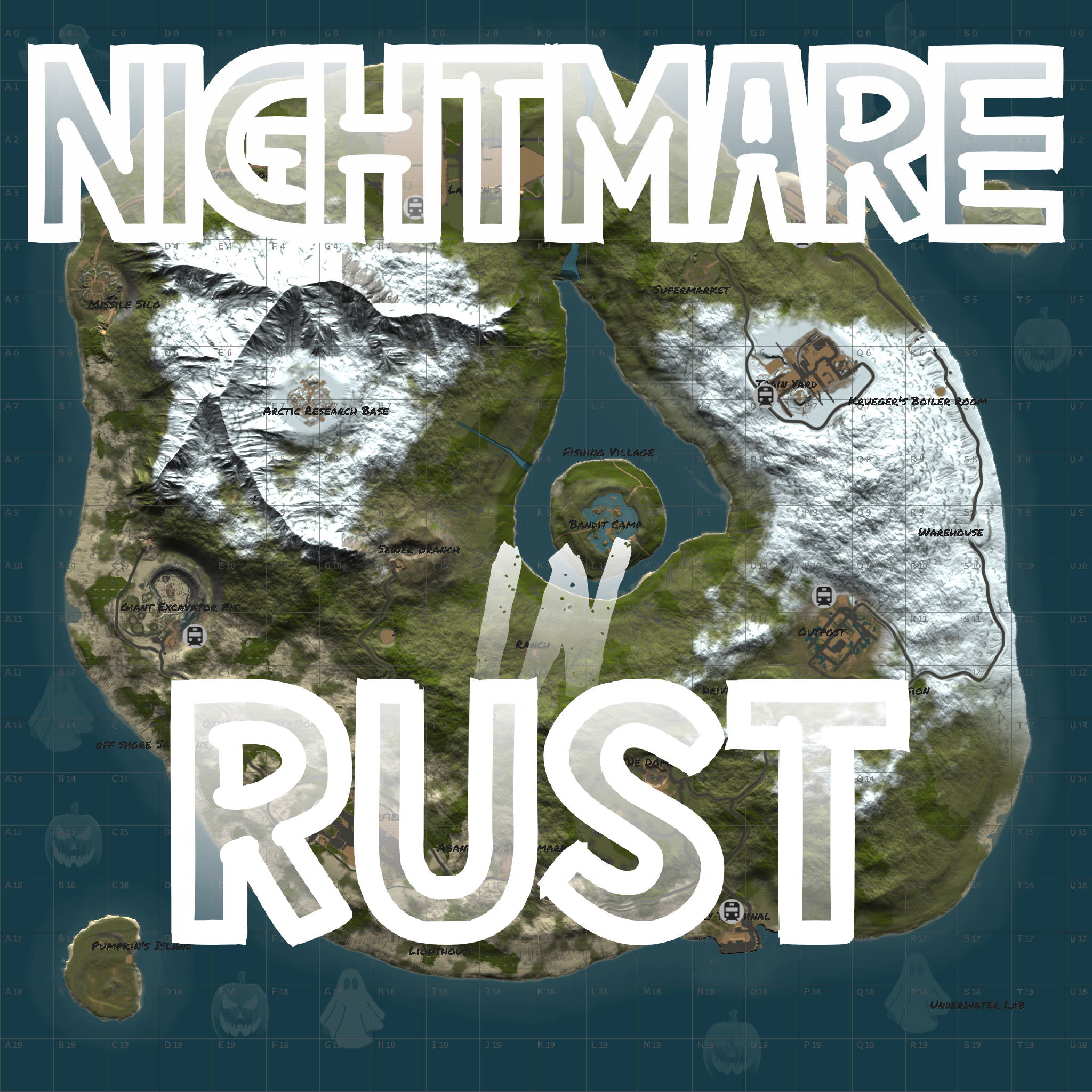
Nightmare in Rust is a 3000 in size rust custom map designed for this year's halloween festivities.
It features procedural & custom themed halloween monuments with a unique terrain showcasing the map's layout.
Venture onto this map and find unique spots to build your base or spooky monuments to get your loot!
Map been optimized to run on low entity count and ensure players satisfaction.
If you have any questions or need help don't hesitate to contact me via website or my discord https://discord.gg/54P3mv4n93
Password in the ReadMe file.
~Procedural Monuments :
- - Bandit Town
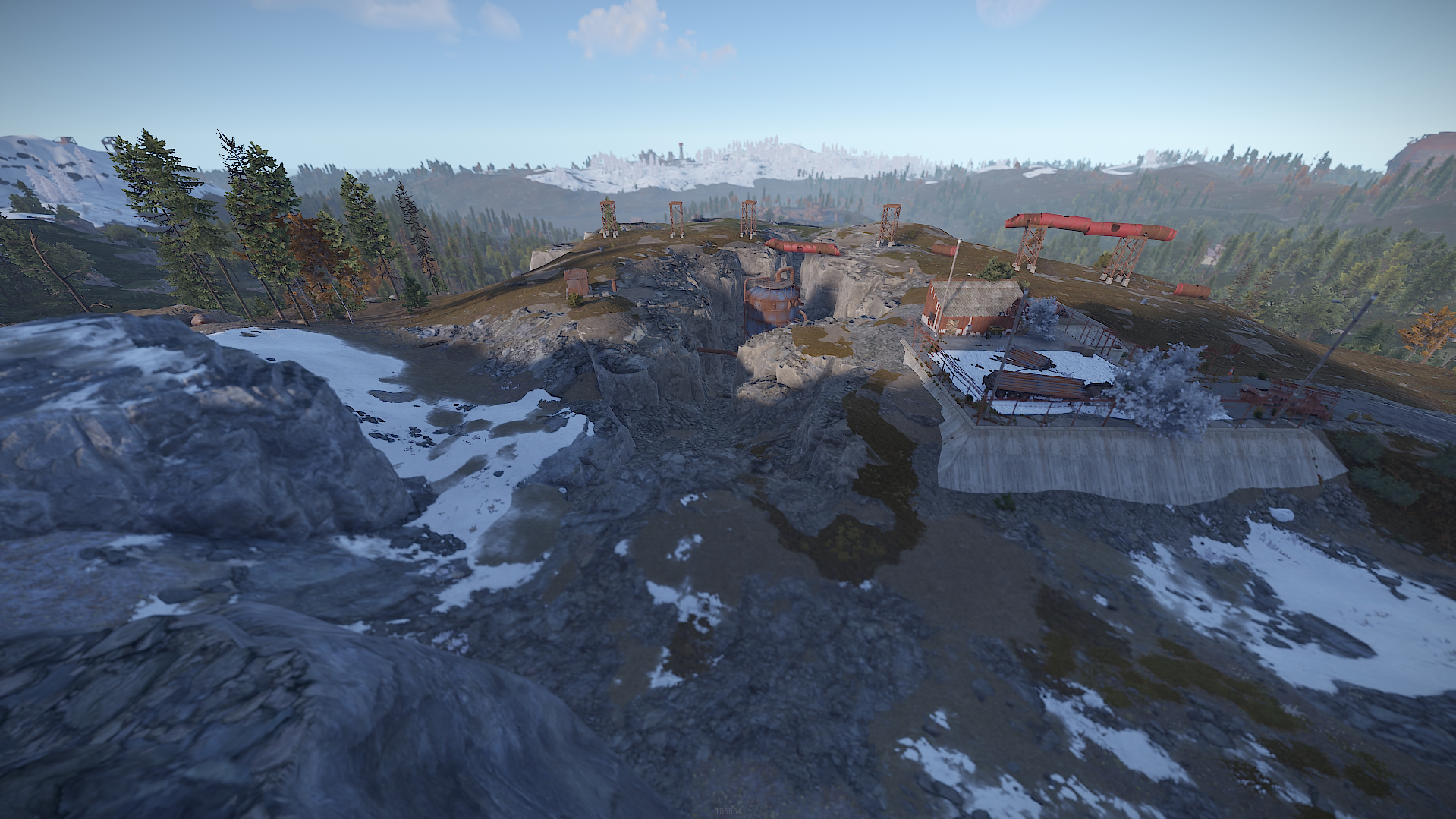
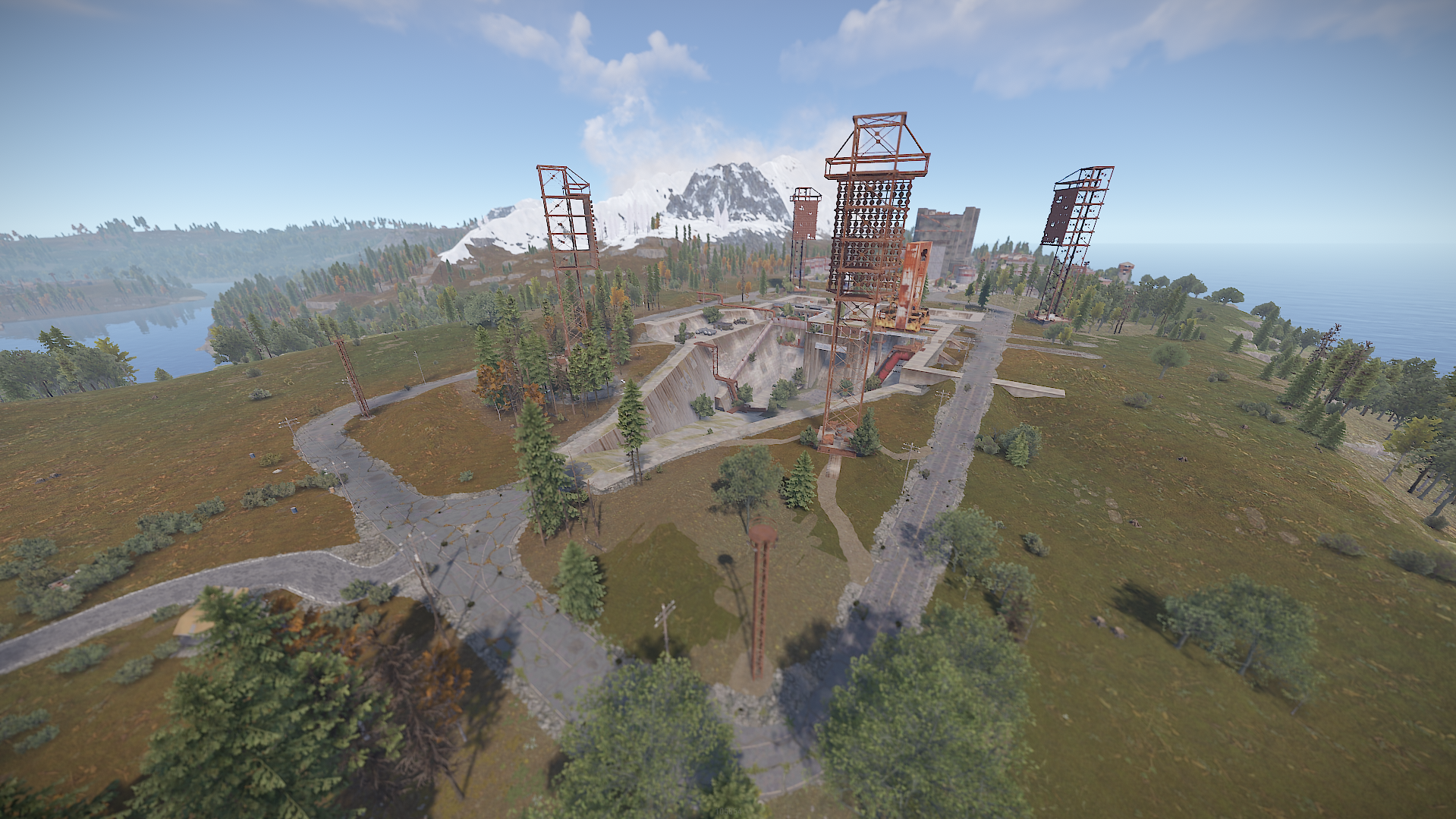
- - Launch Site
- - Sphere Tank
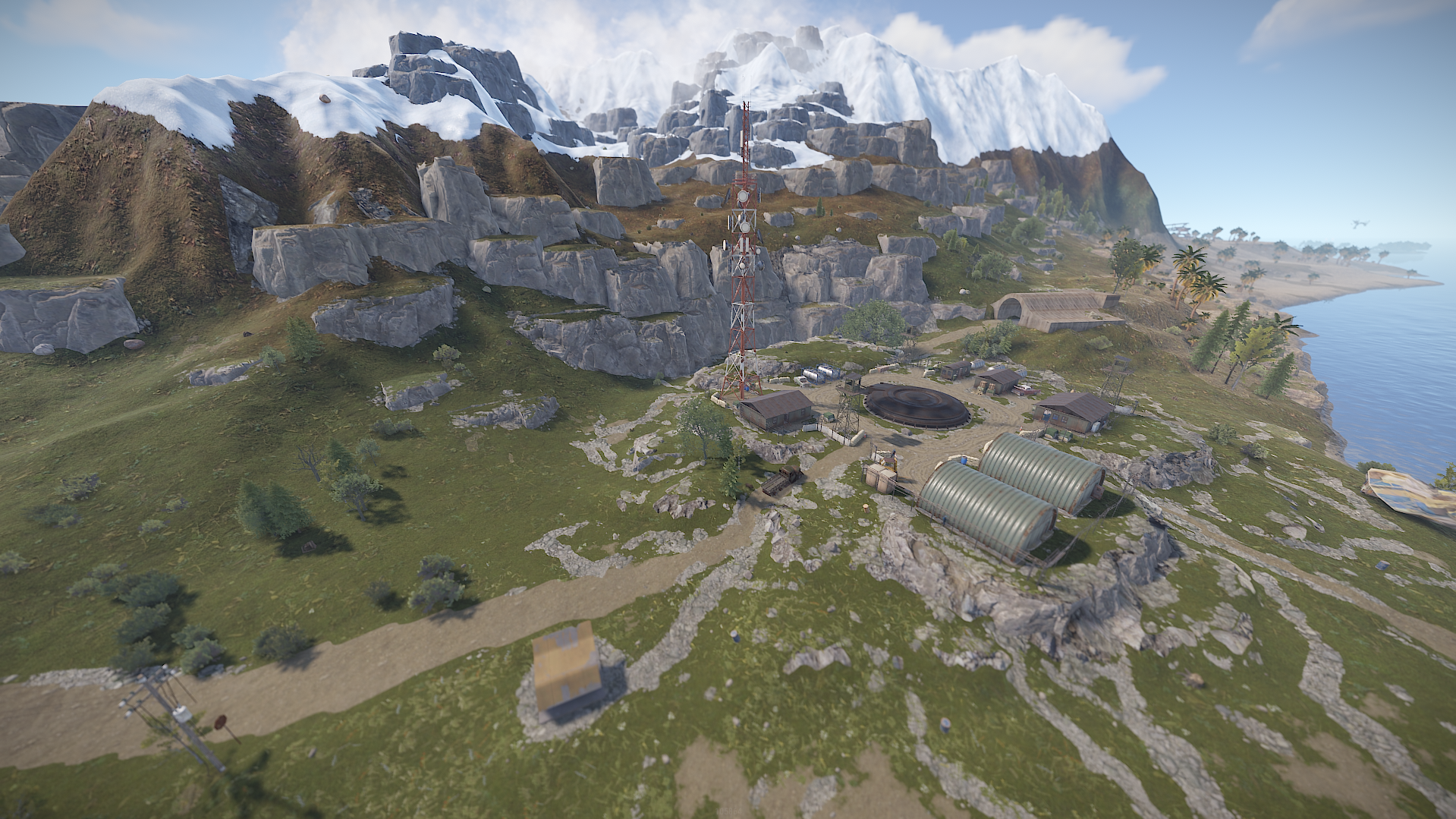
- - Arctic research Base
- - Ferry Terminal
- - Harbor
- - Airfield
- - Excavator
- - Trainyard
- - Nuclear Missile silo
- - Sewer Brnach
- - Outpost
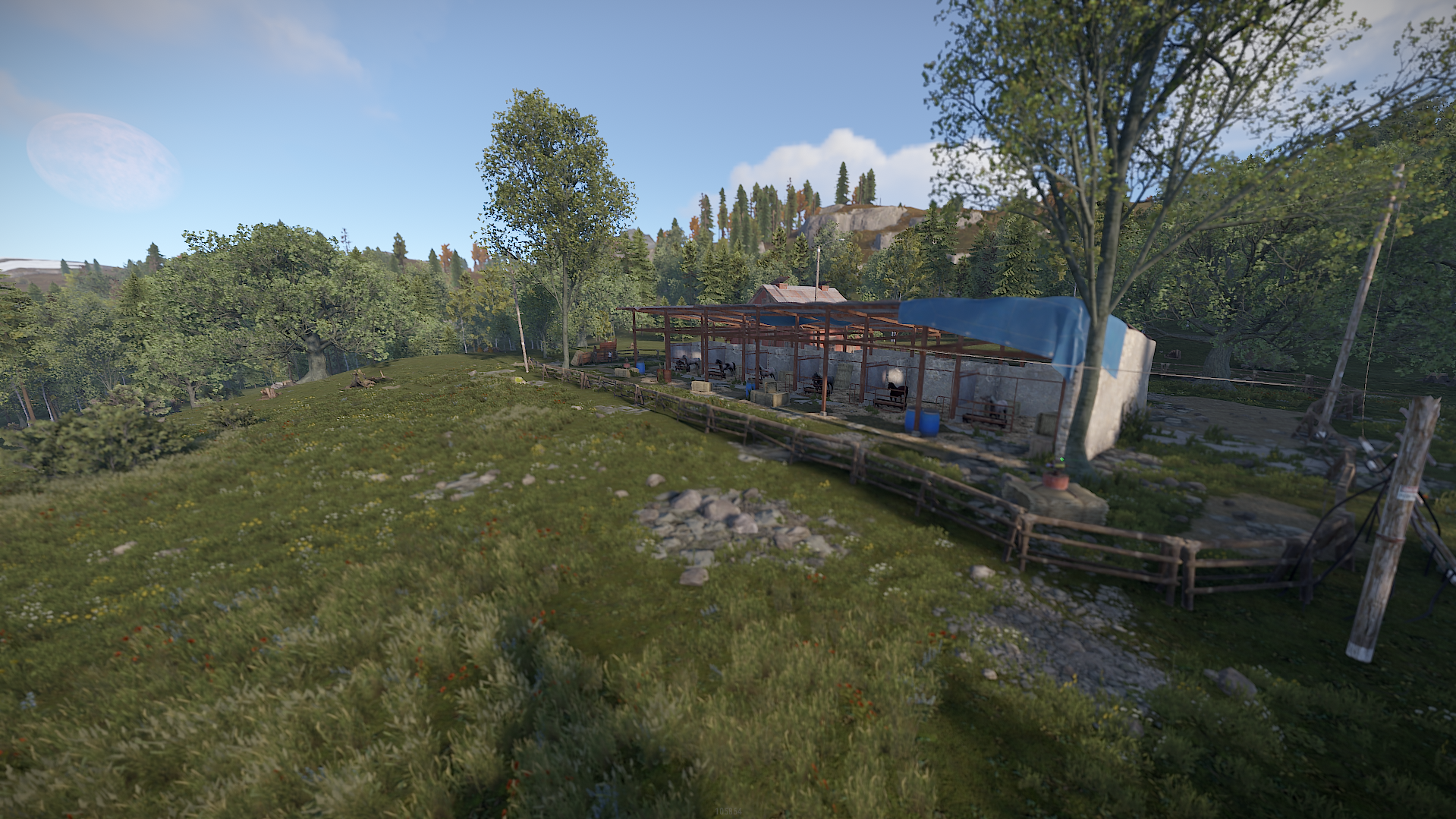
- - Stables
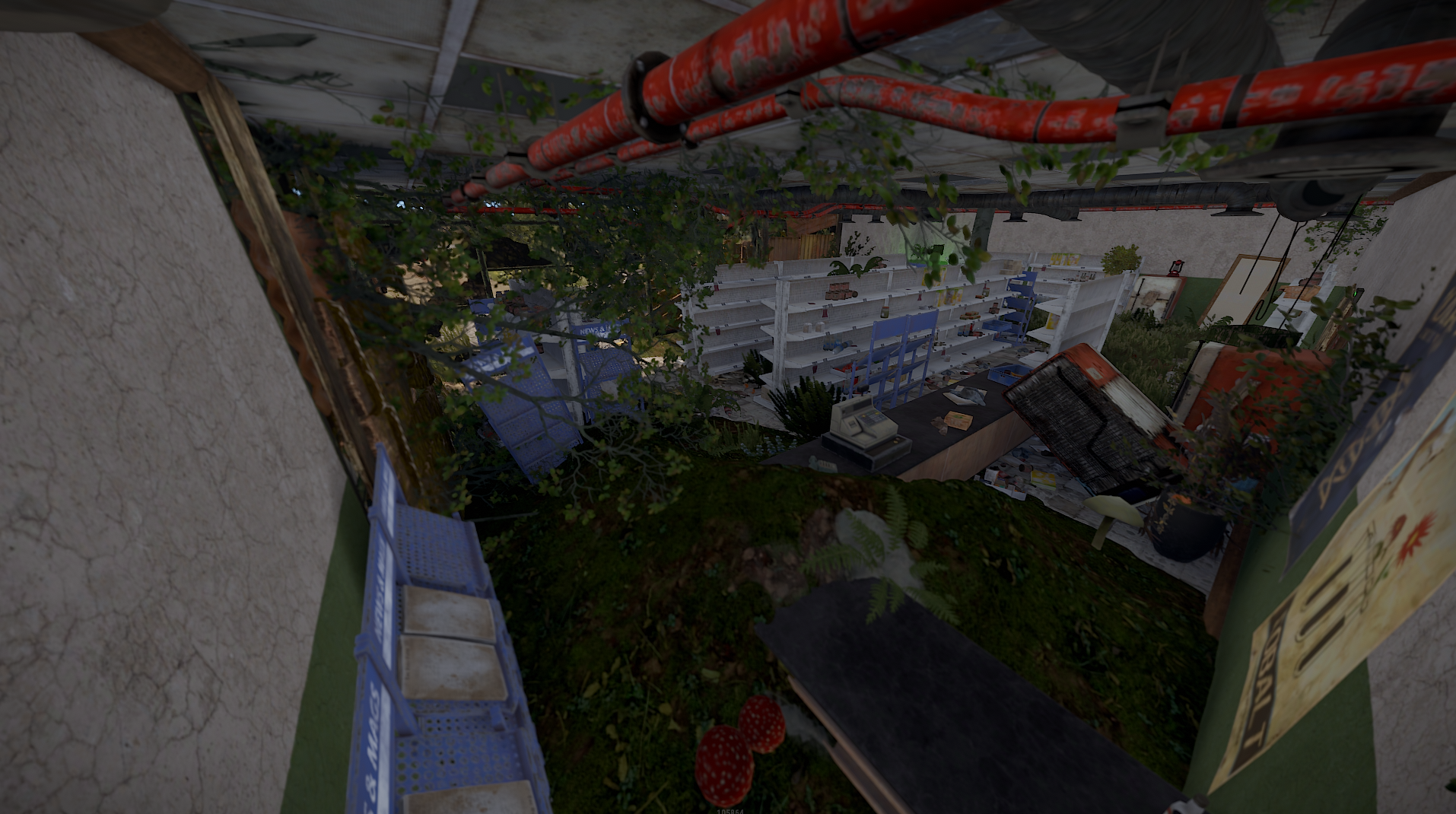
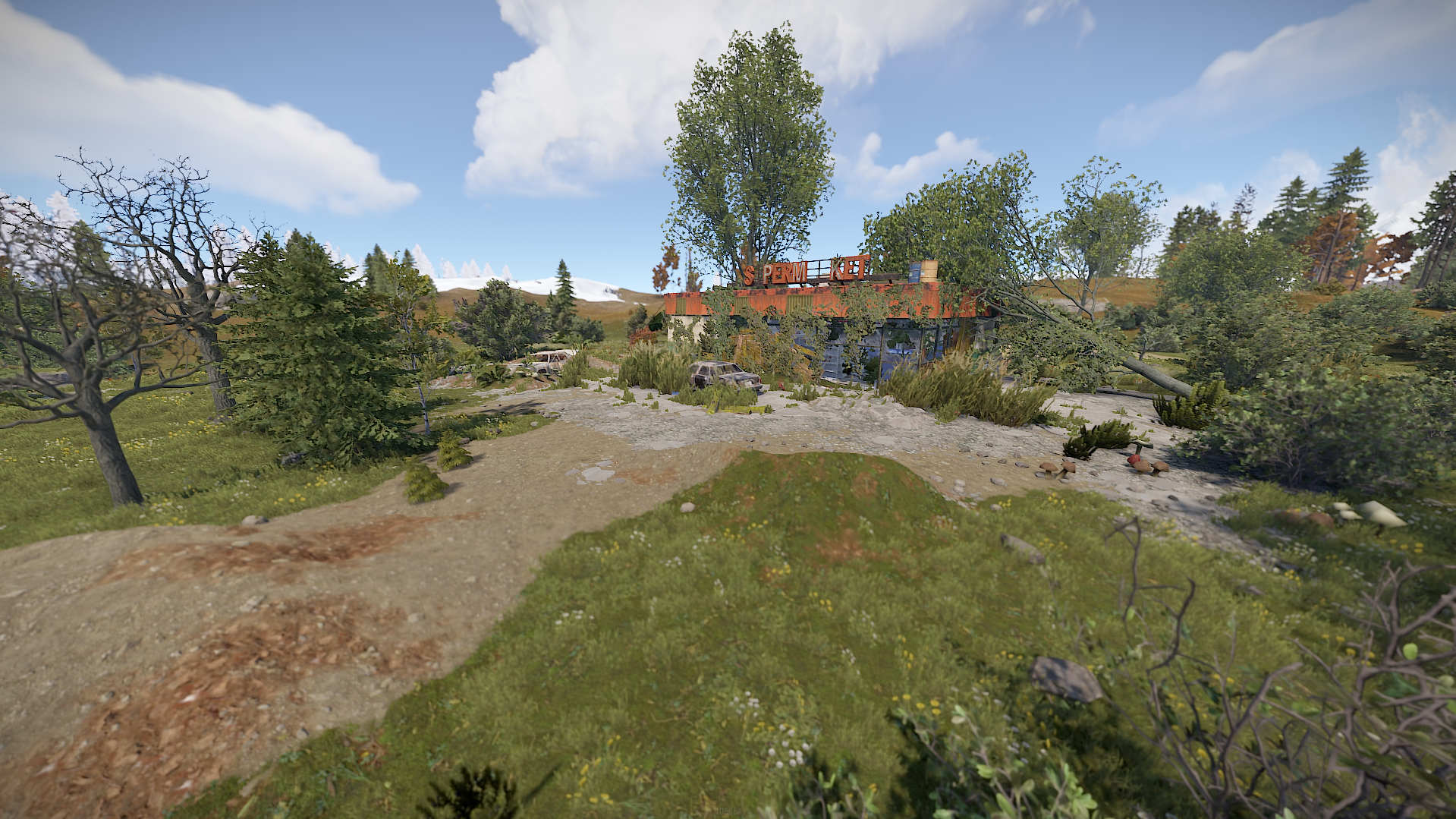
- - Supermarkets & Gas Station
- - Lighthouses
- - Large and Small Oil Rigs
- - Underwater Labs
~ Custom Monuments & Prefabs:
- - Drive IN Theater
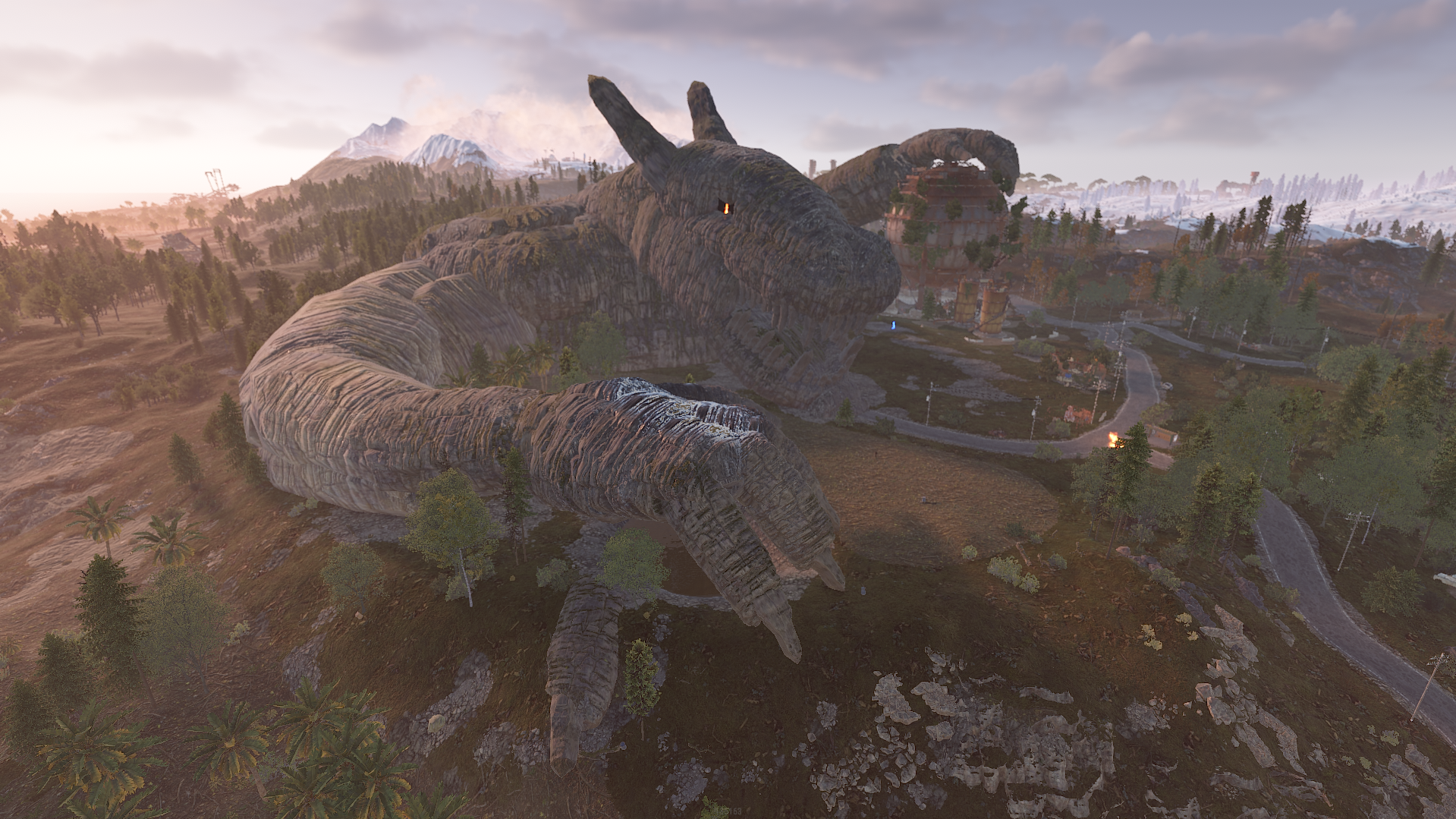
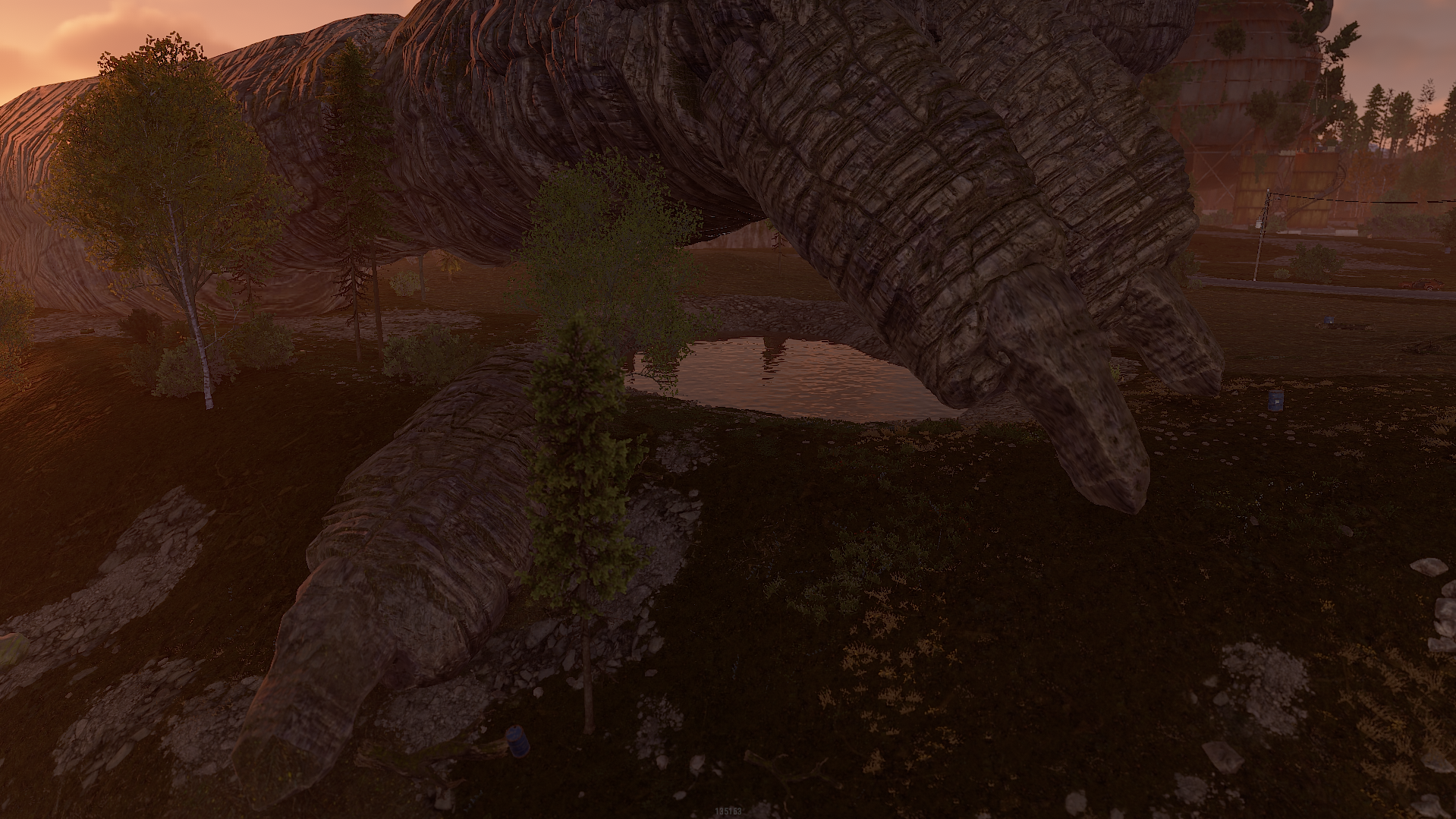
- - Dragon Guarding Dome
- - Bathory Masion
- - Custom Warehouse
- - Custom Marketplace
- - Krueger's Boiler Room
- - Camp Blood
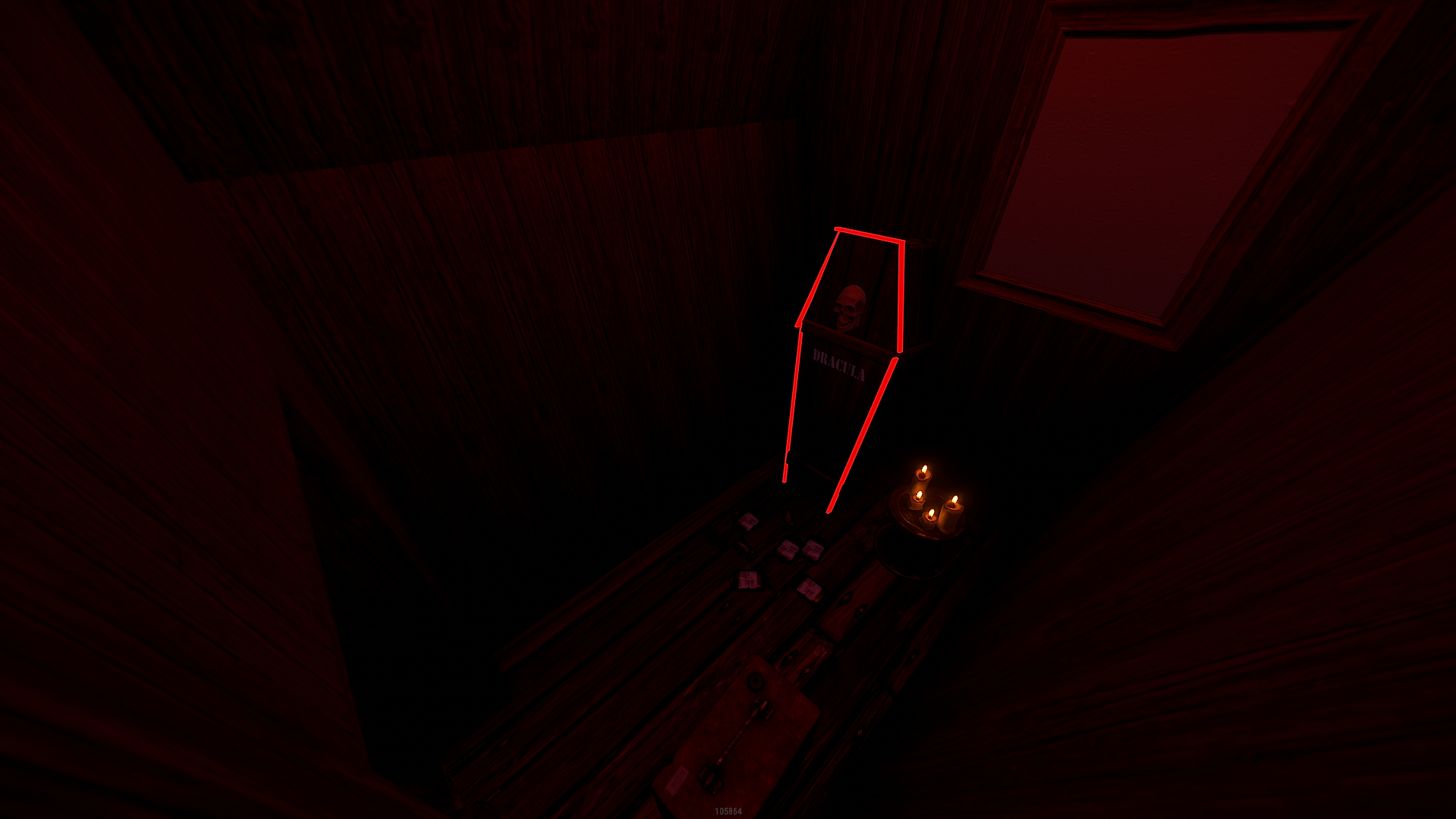
- - Dracula's House
- - Witches House
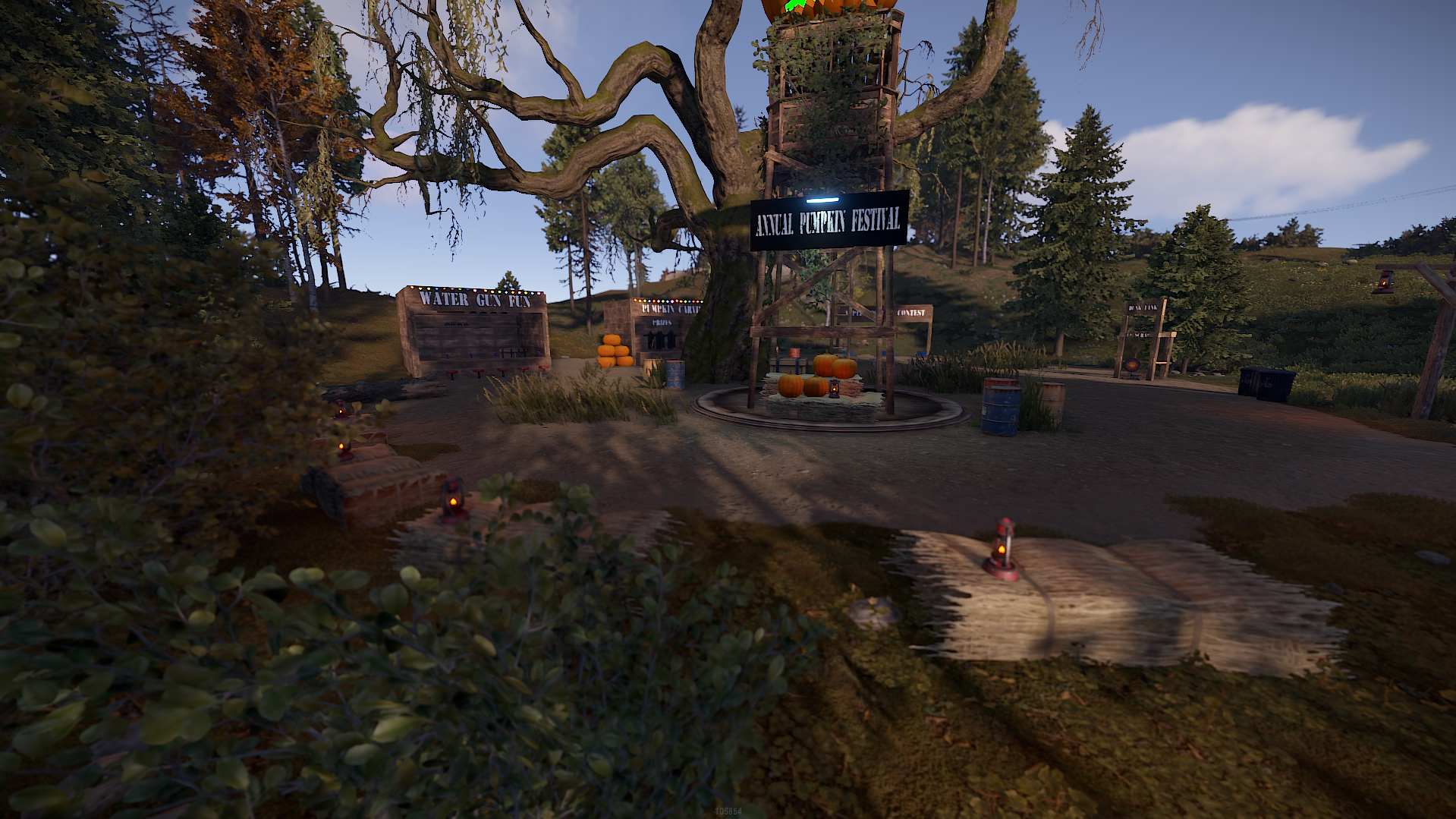
- - Annual Pumpkin Festival
- - Finklestein's Lab
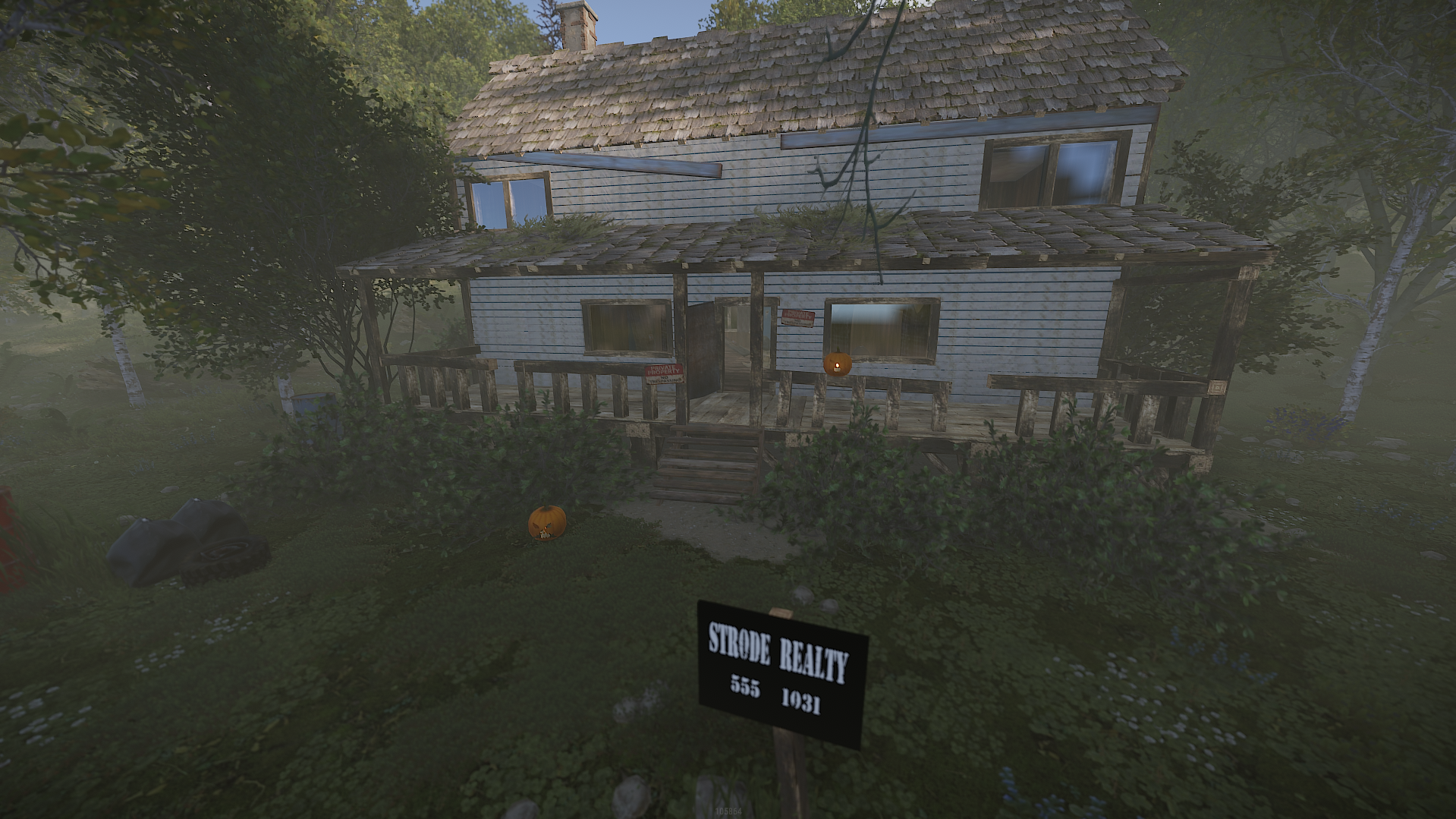
- - Myers House
- - Ravaged Lighthouse
- Pumpkin Island
~ Entity Count : 14841
~ Map Size : 3000
This map is only for your own personal use not to share or resell or claim as your own.
Any changes you wish to make on the map you can notify me via support or discord without issues.
Any changes you wish to make on the map you can notify me via support or discord without issues.
You may only provide a review once you have downloaded the file.
There are no reviews to display.