



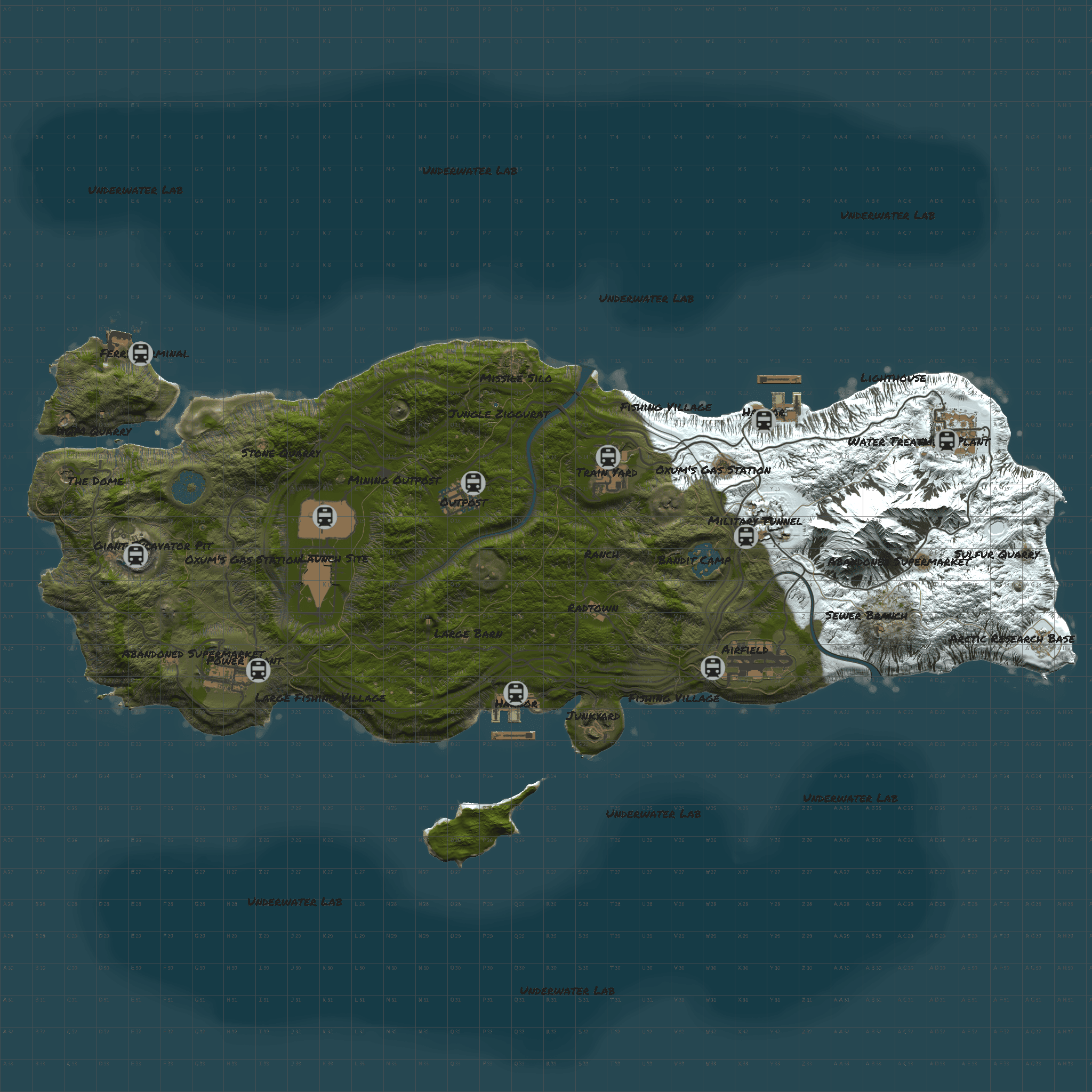
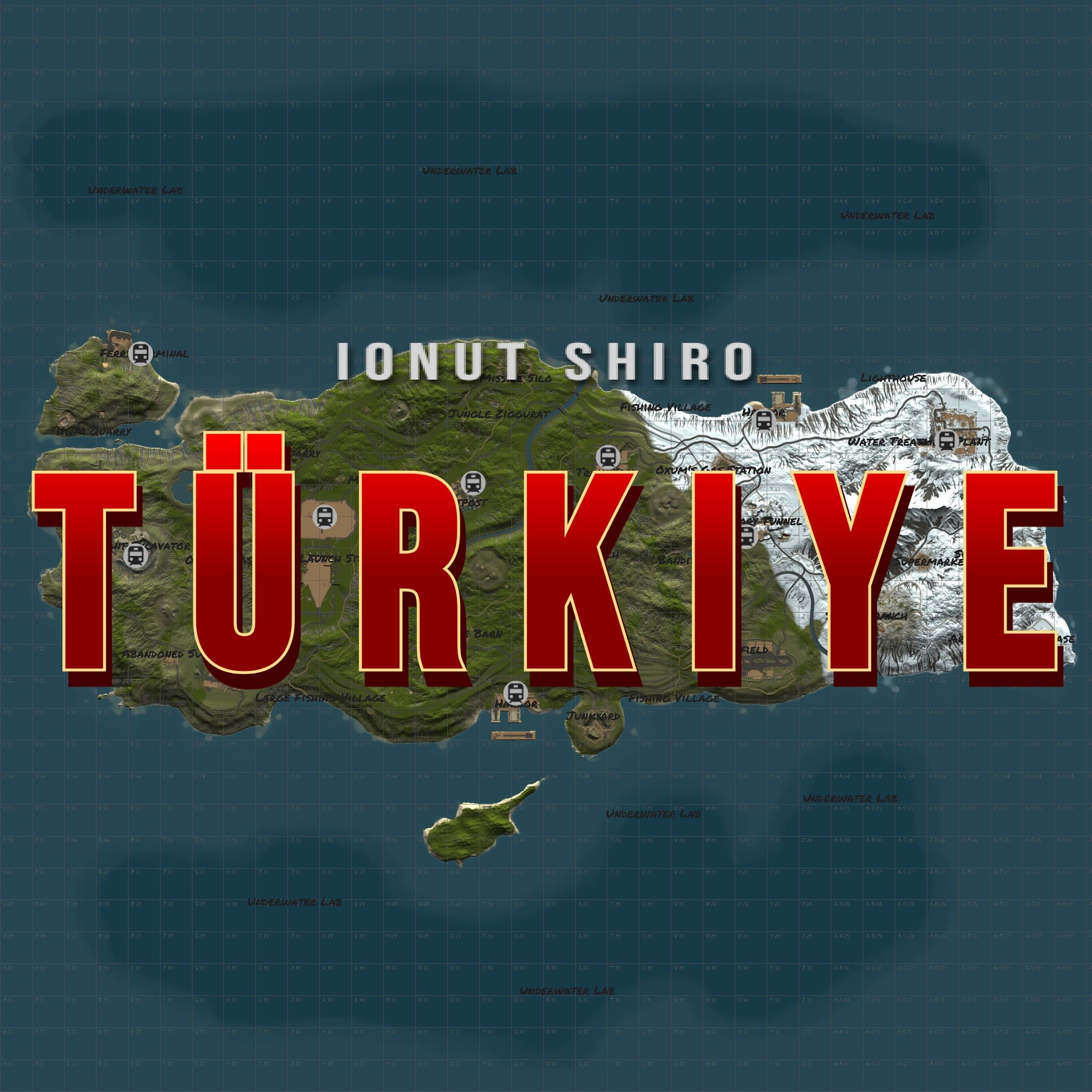
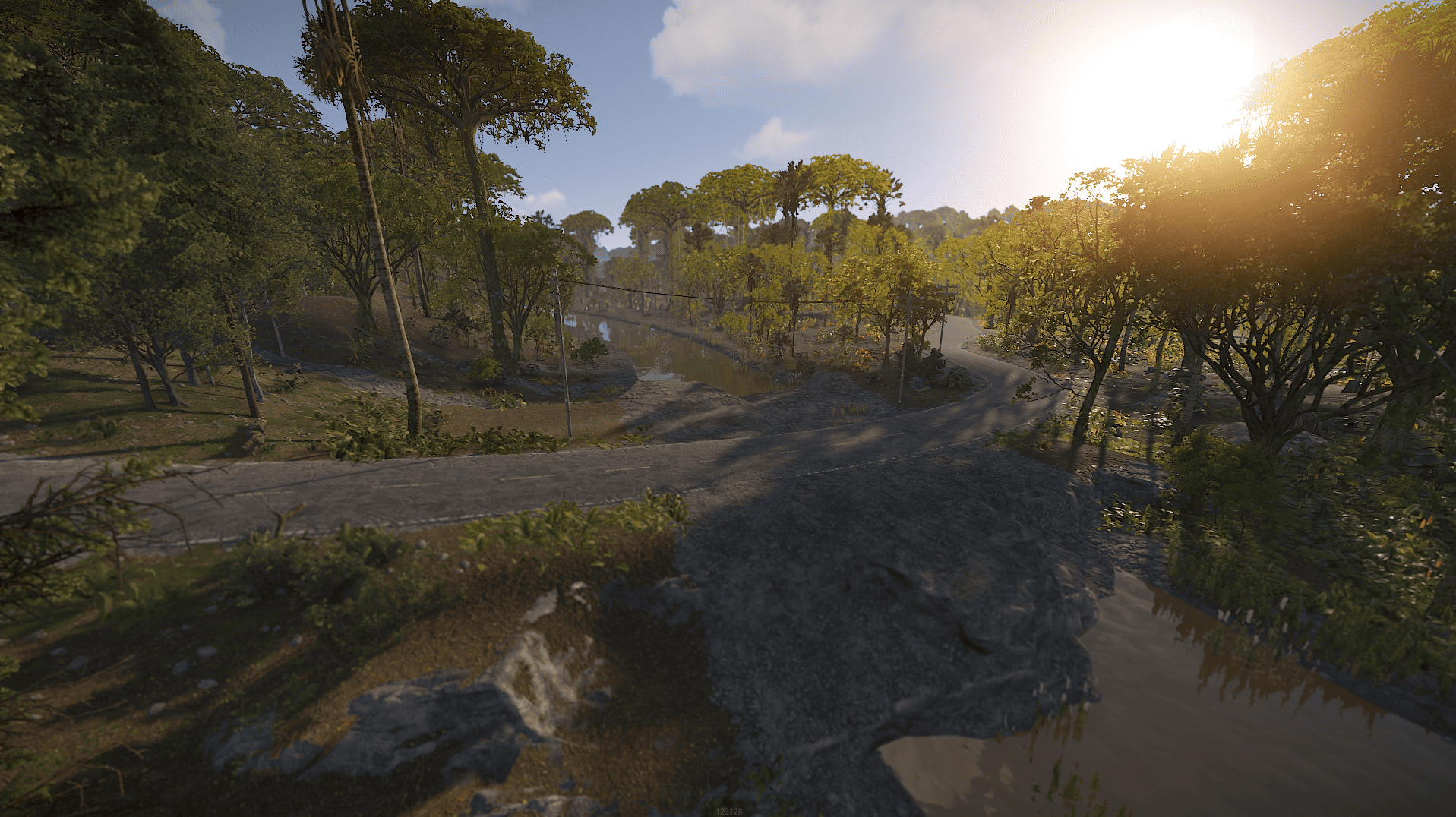
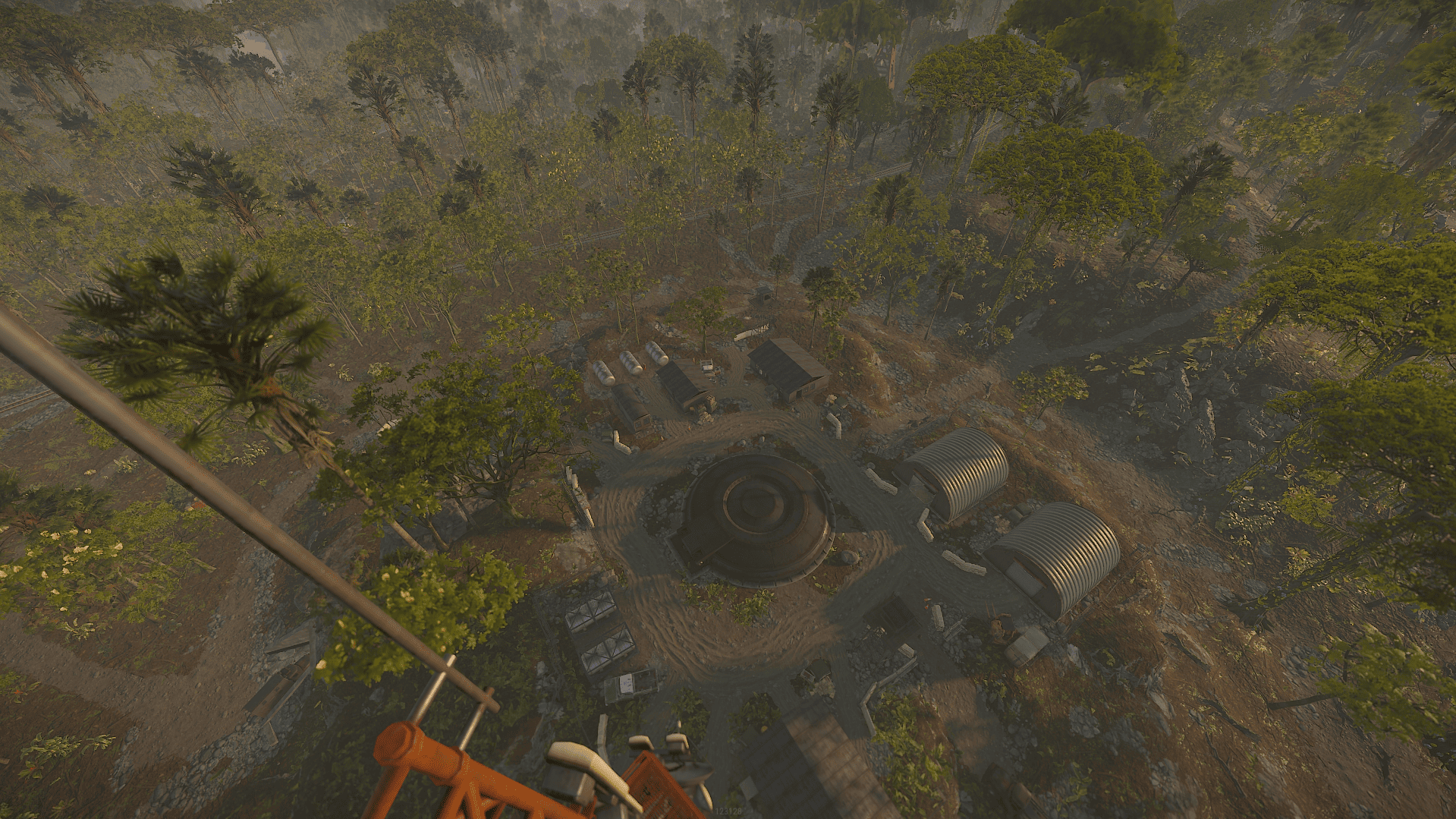
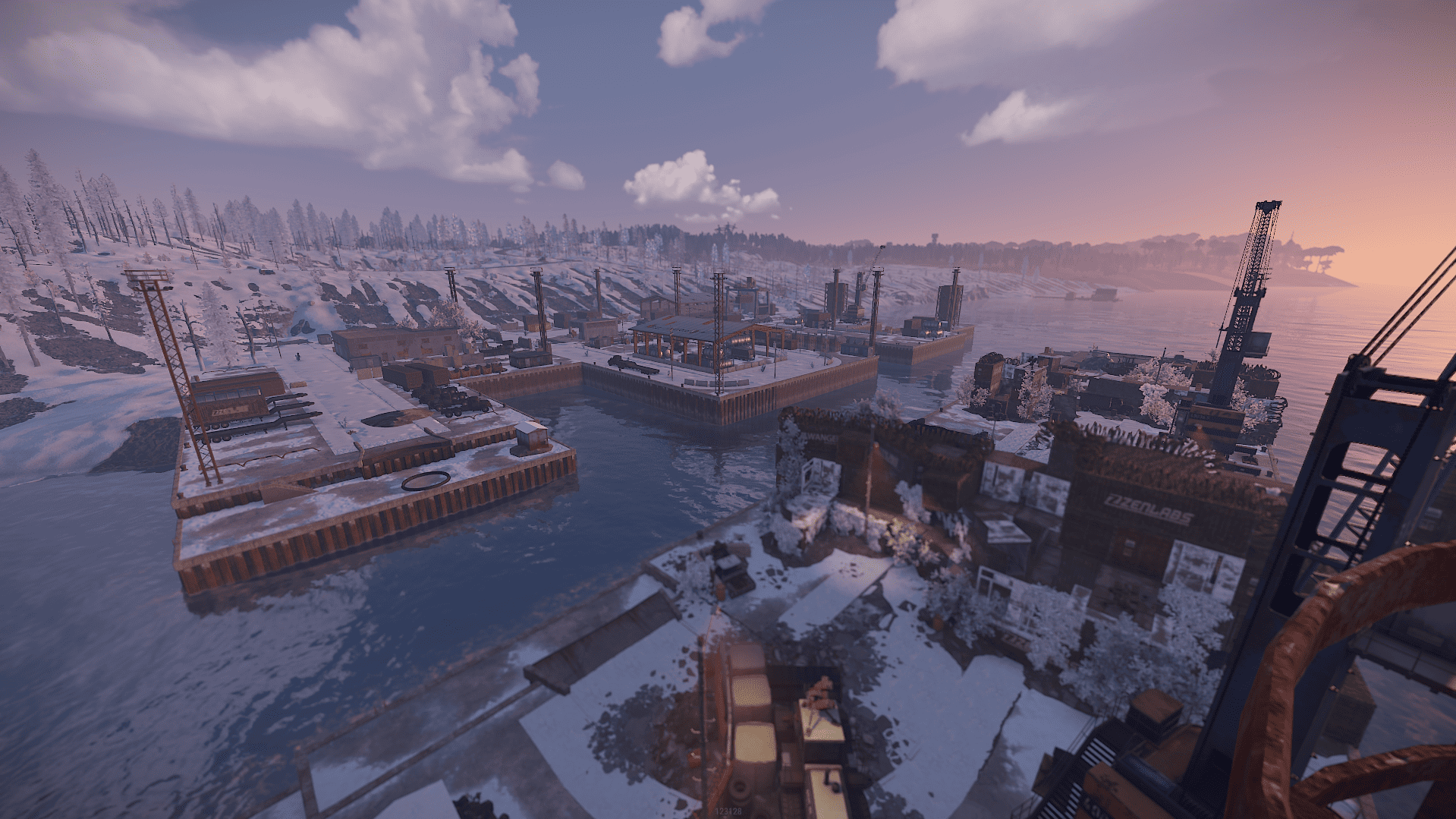
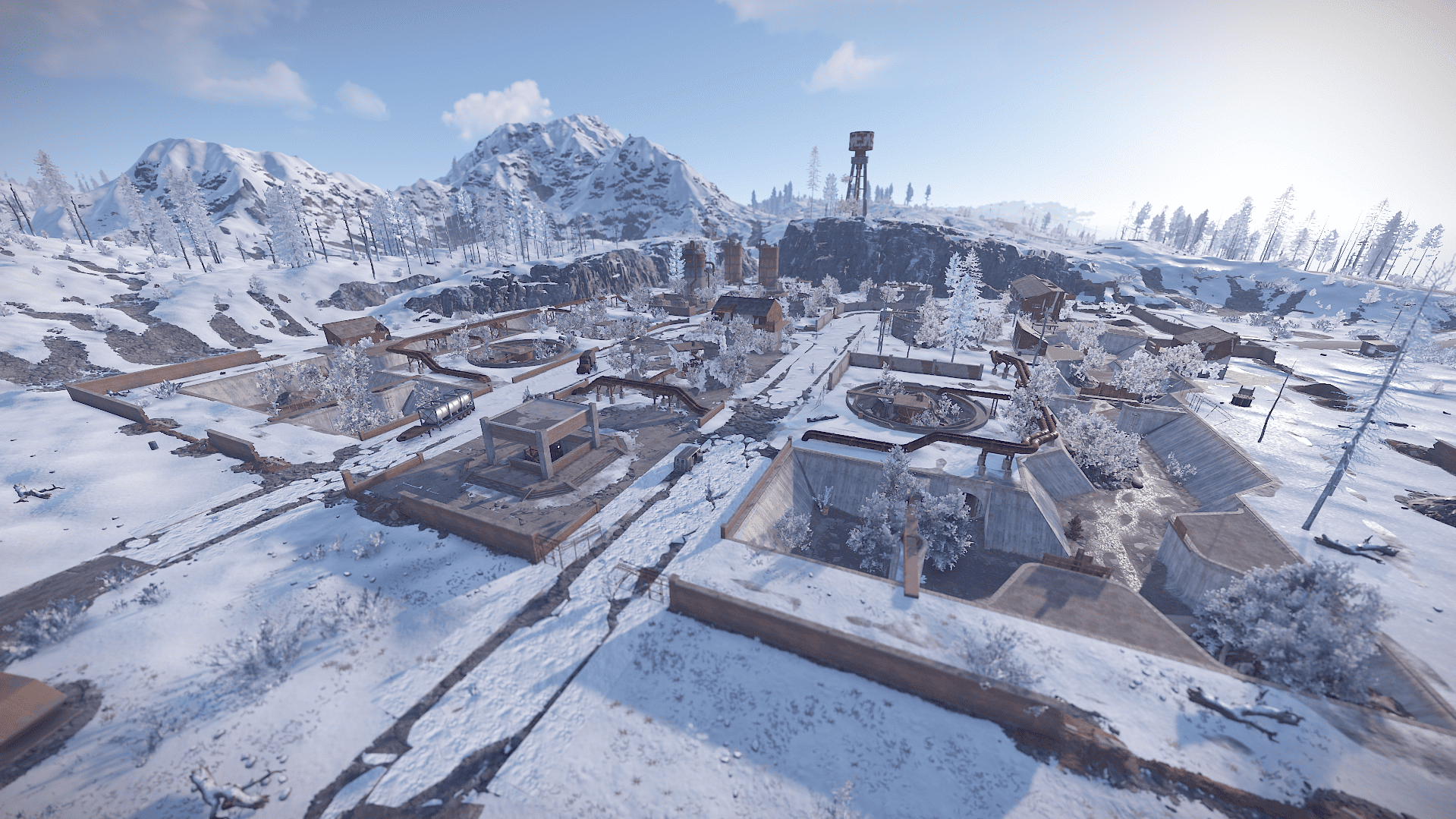
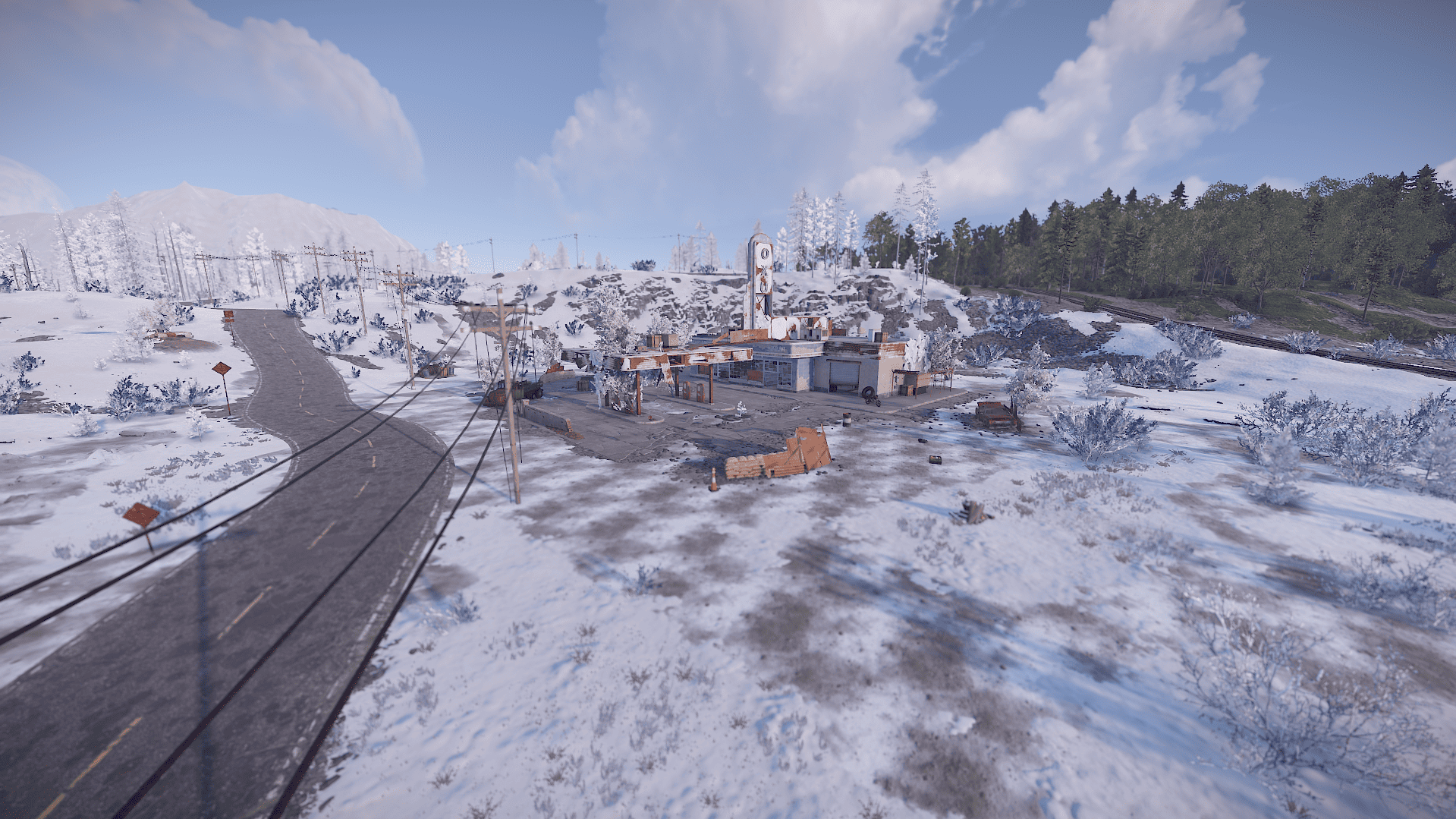
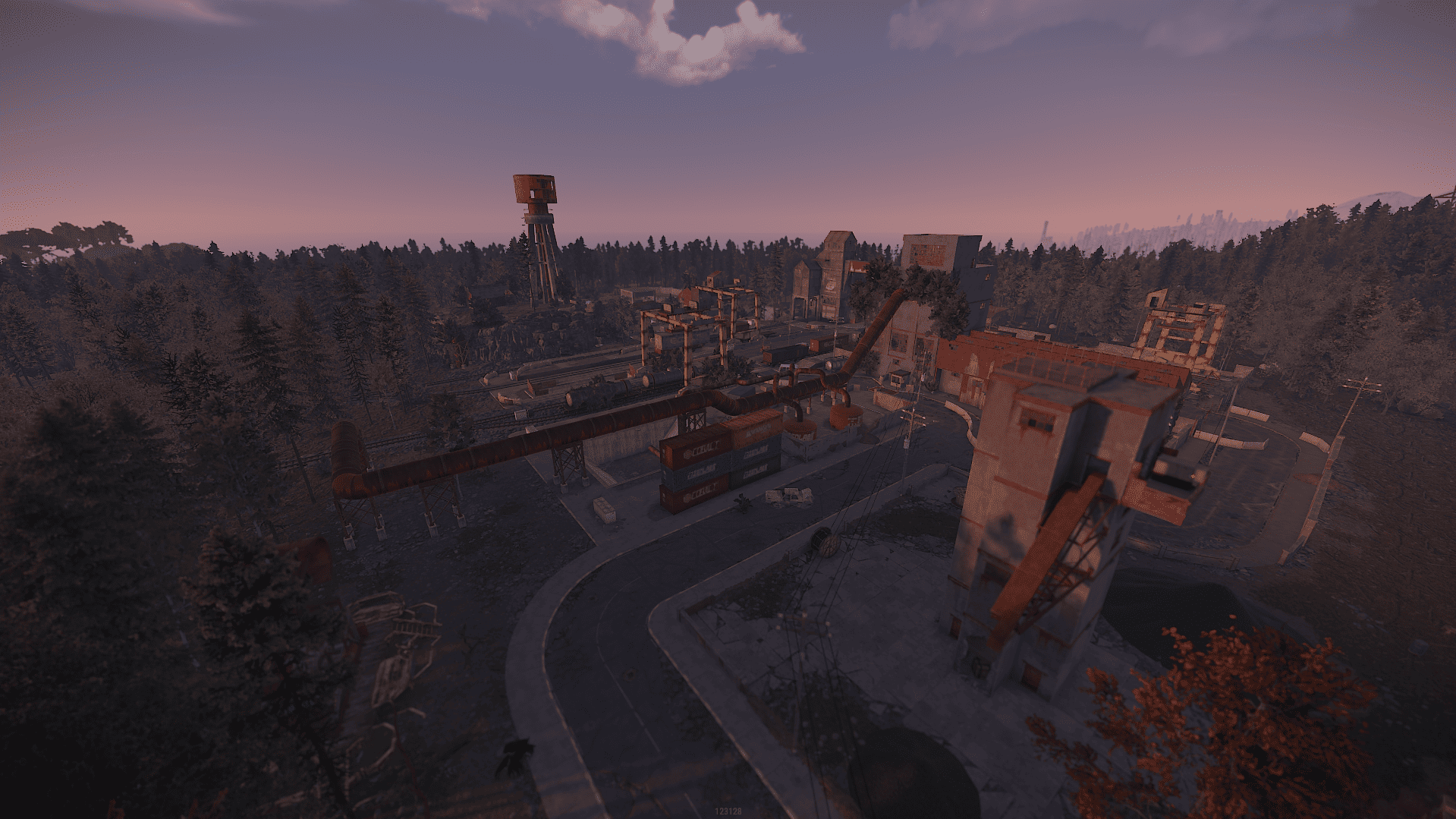

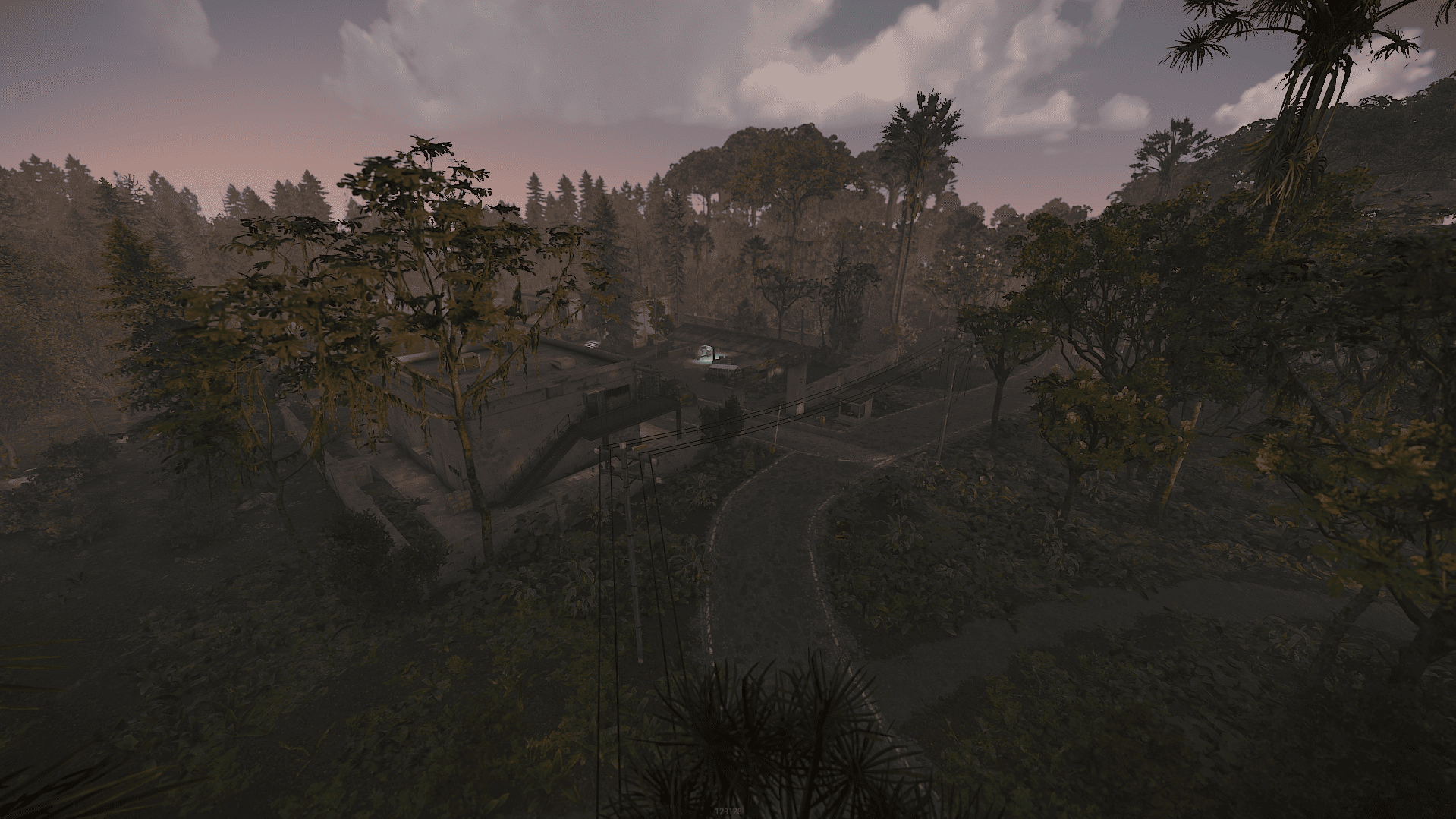
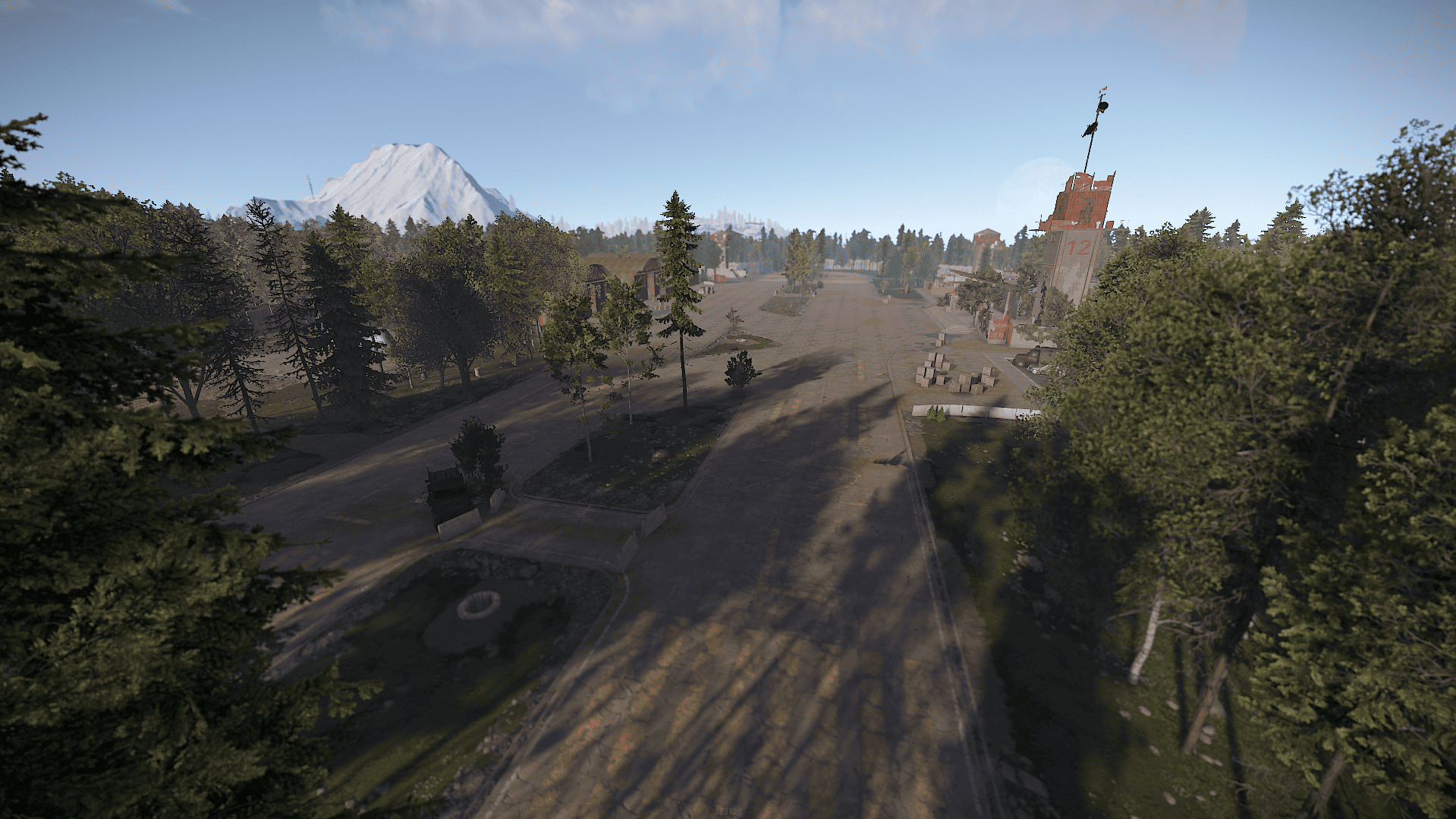
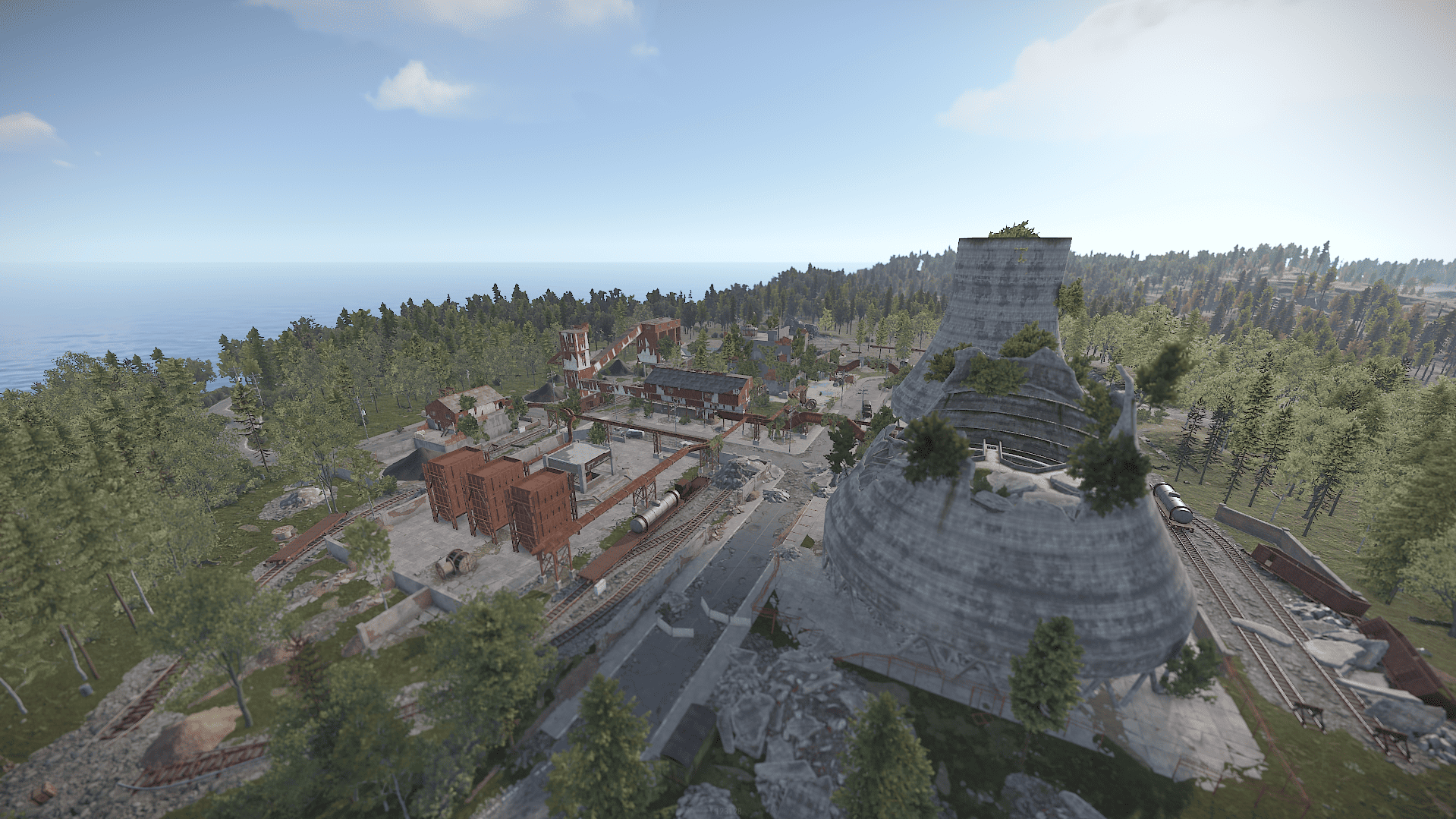
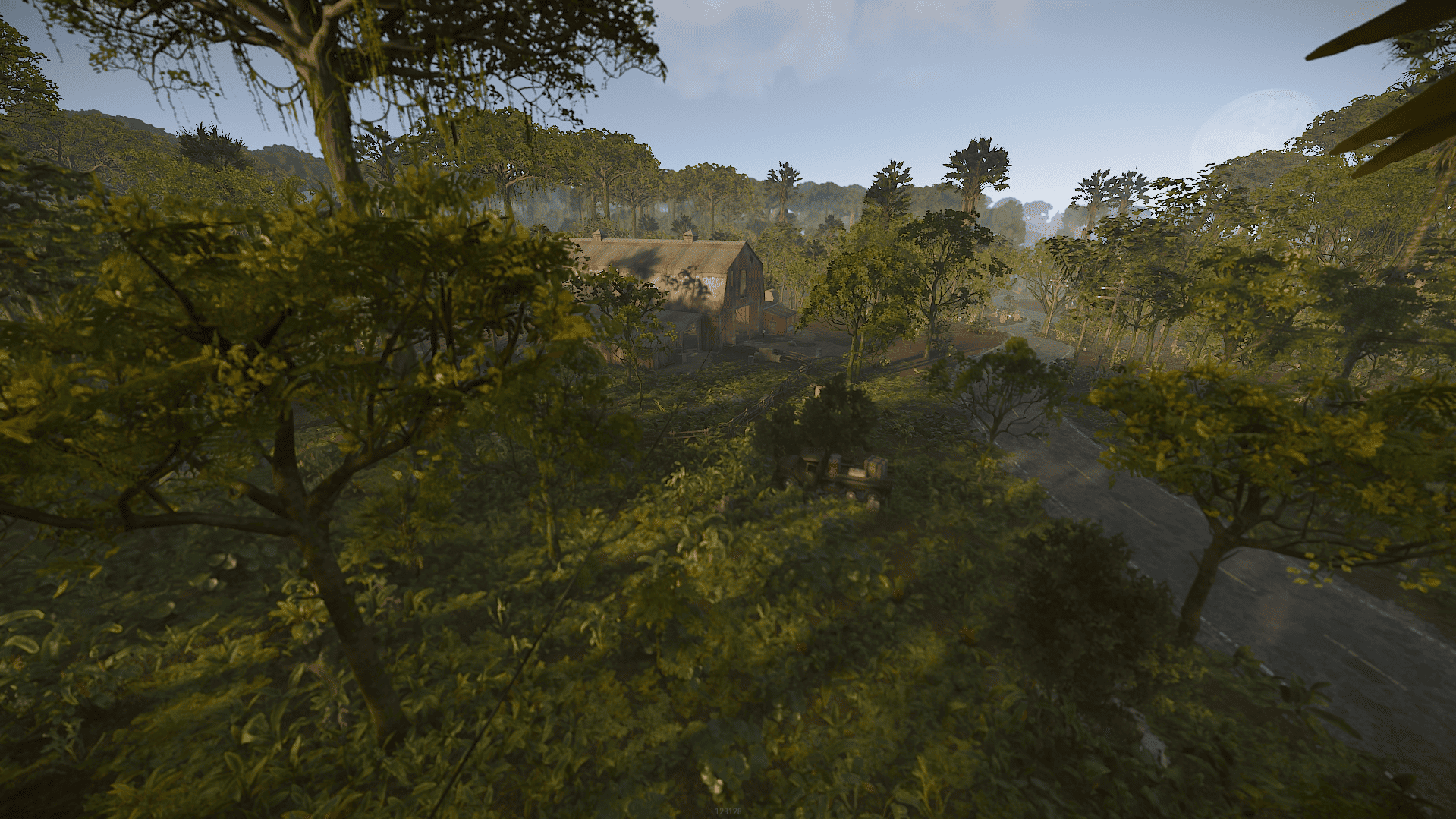
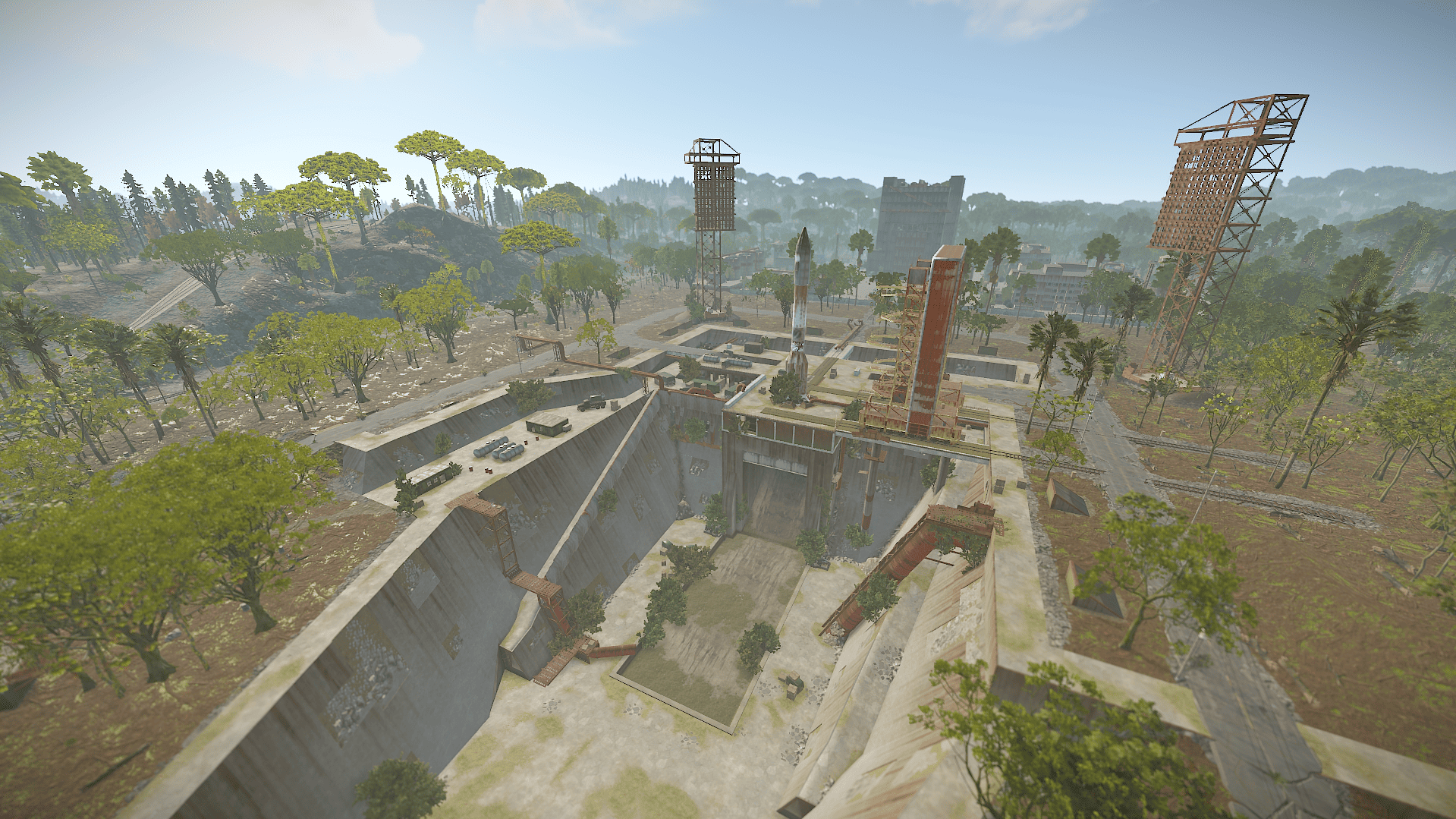
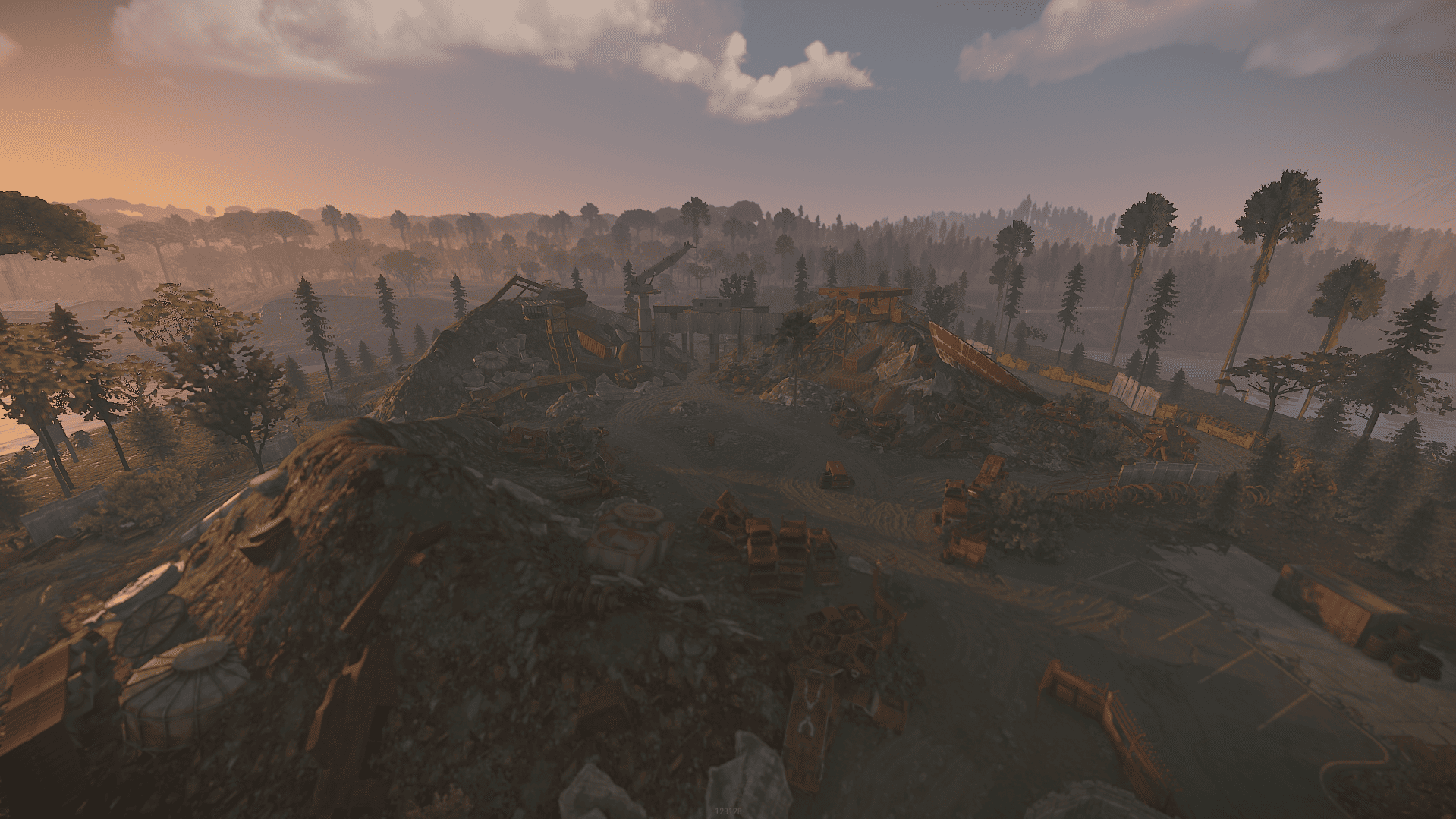

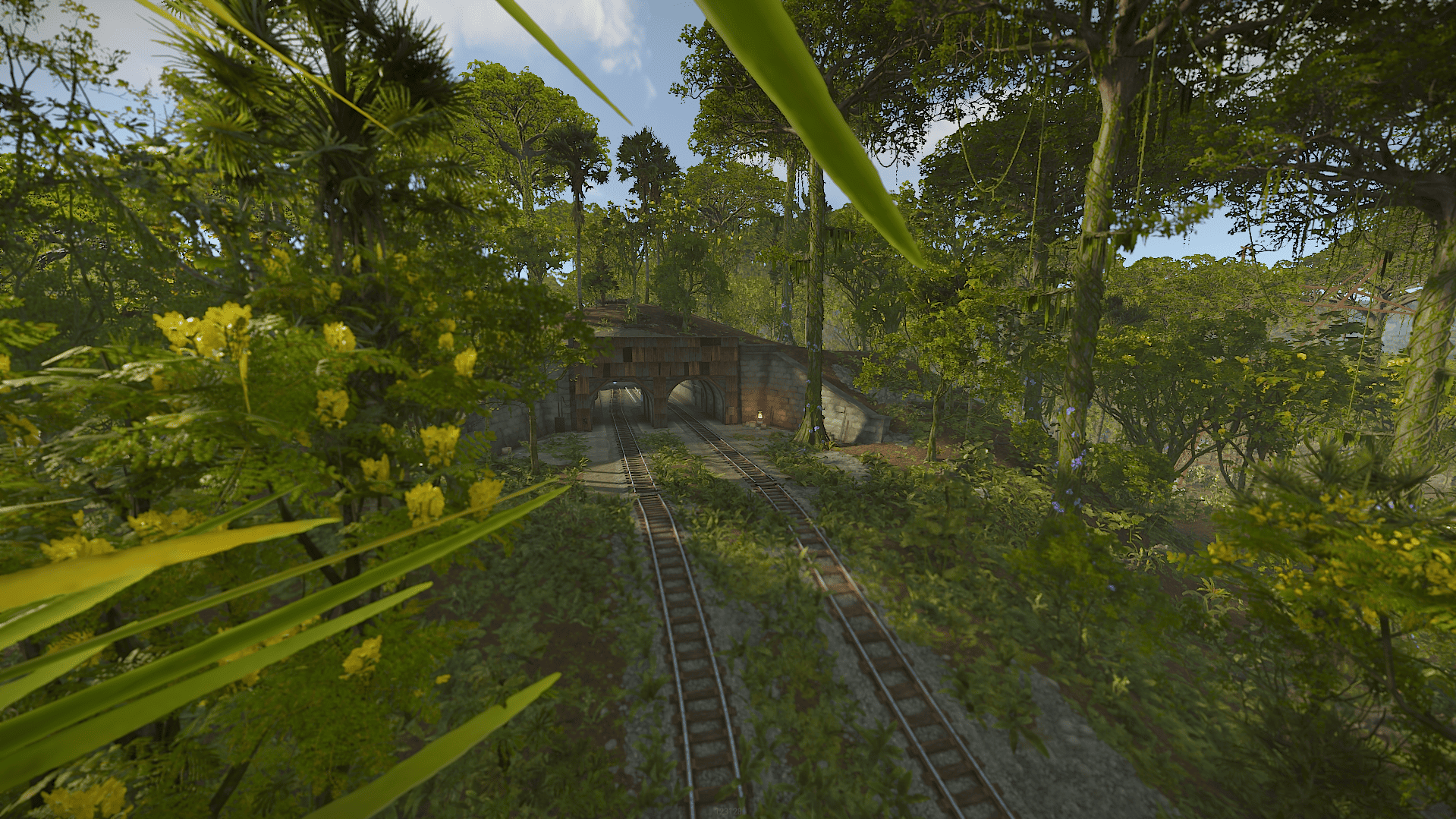
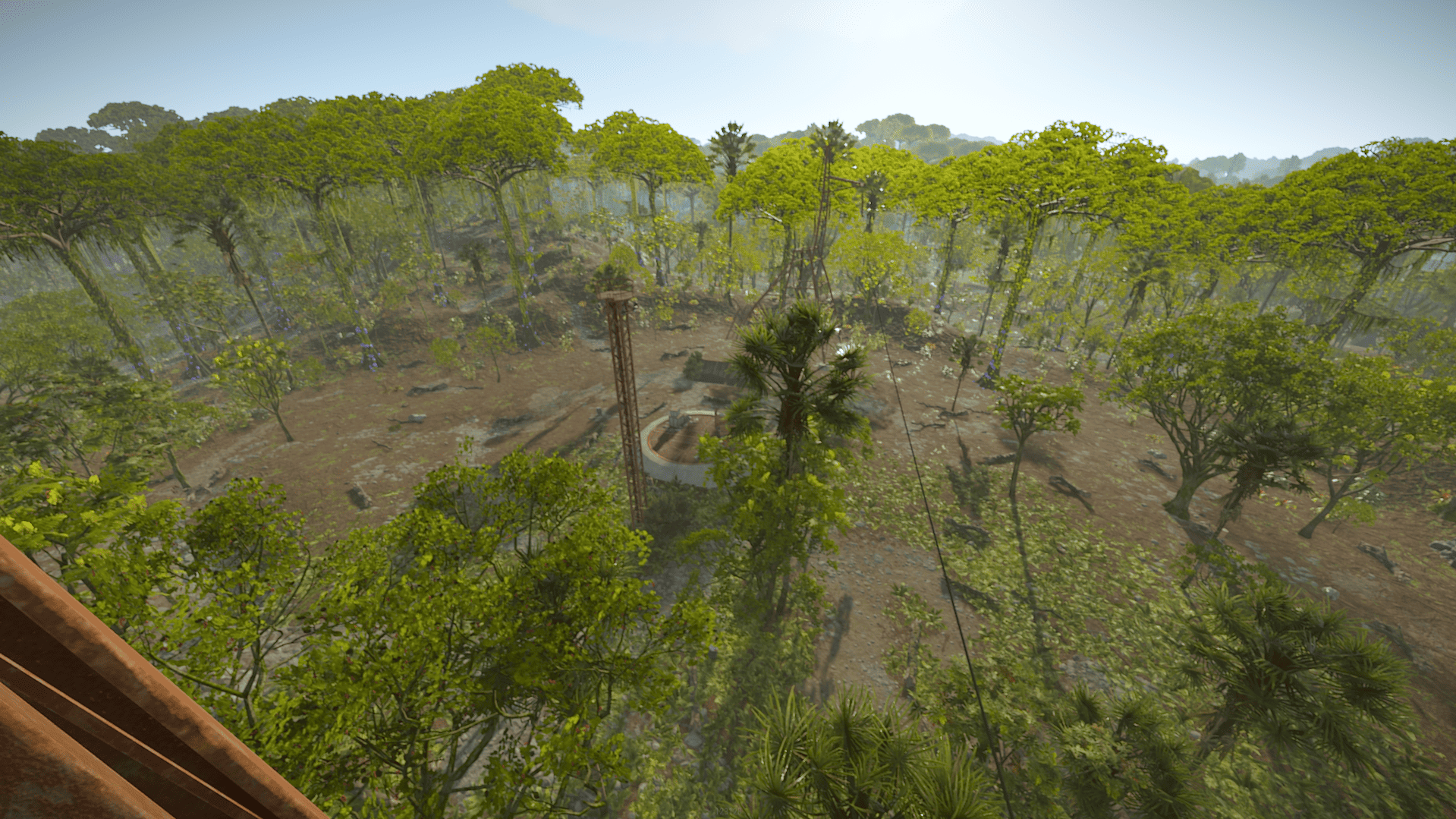

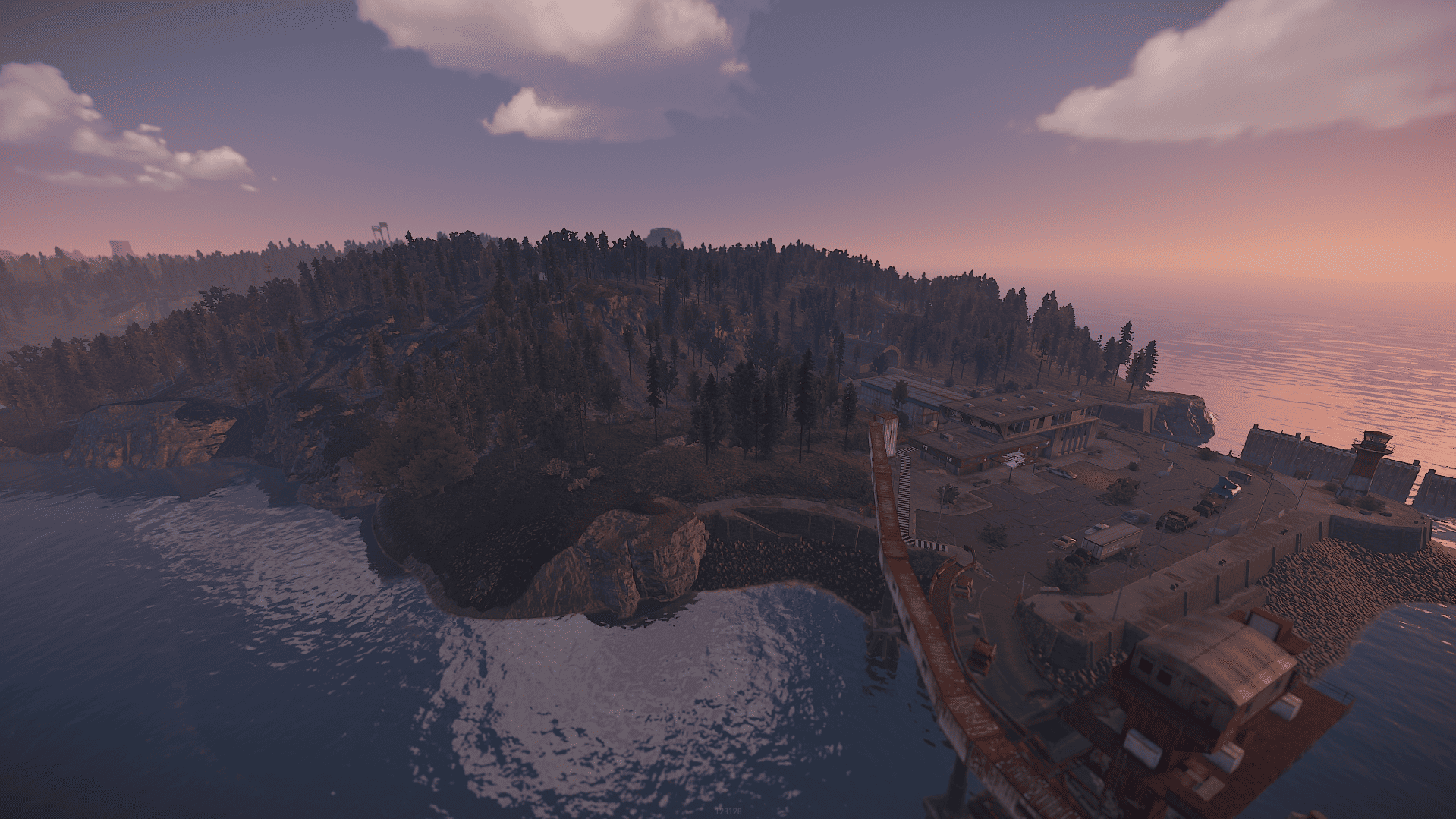
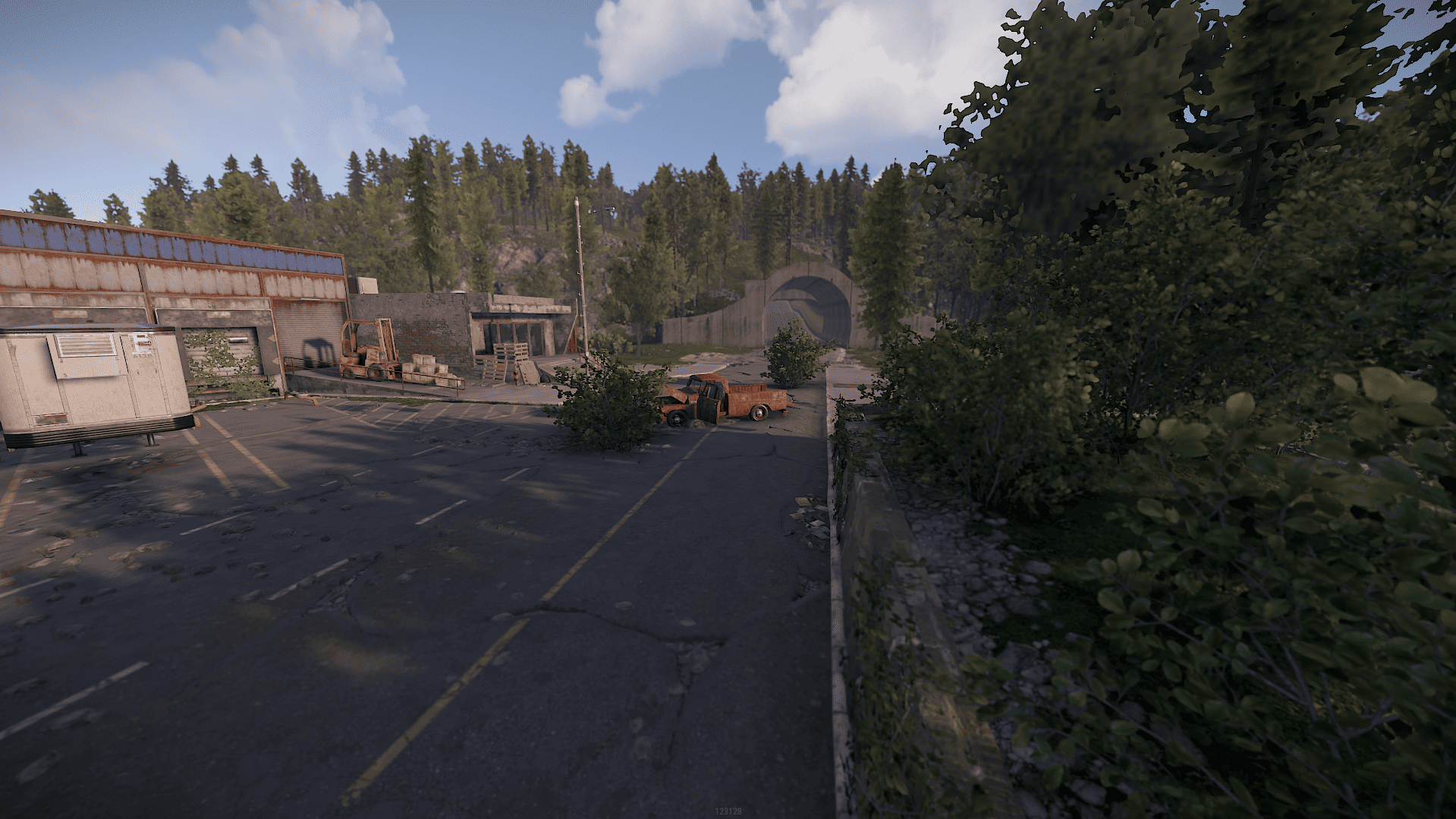
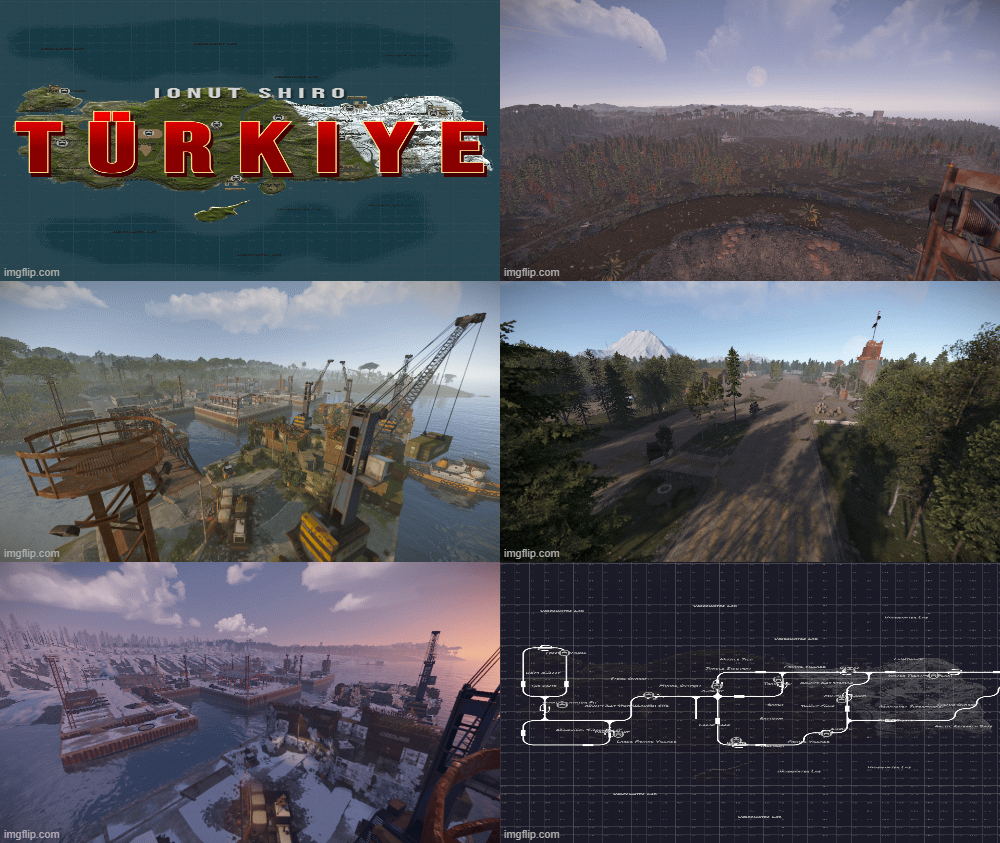
Turkiye is a rust custom map shaped after the country of Turkiye and it features all procedural monuments with unique building spots and tactical placement for fast paced action on your server.
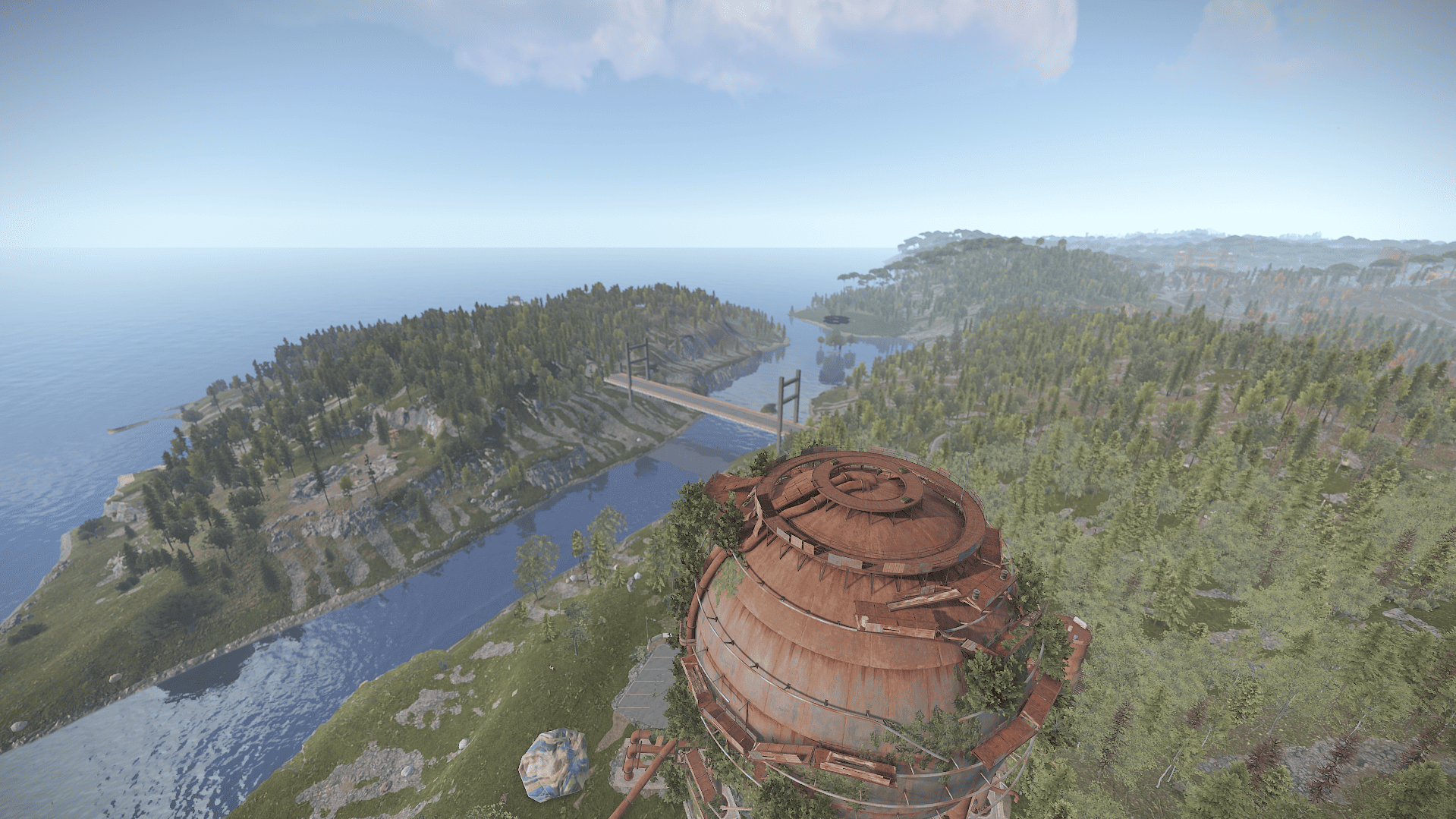
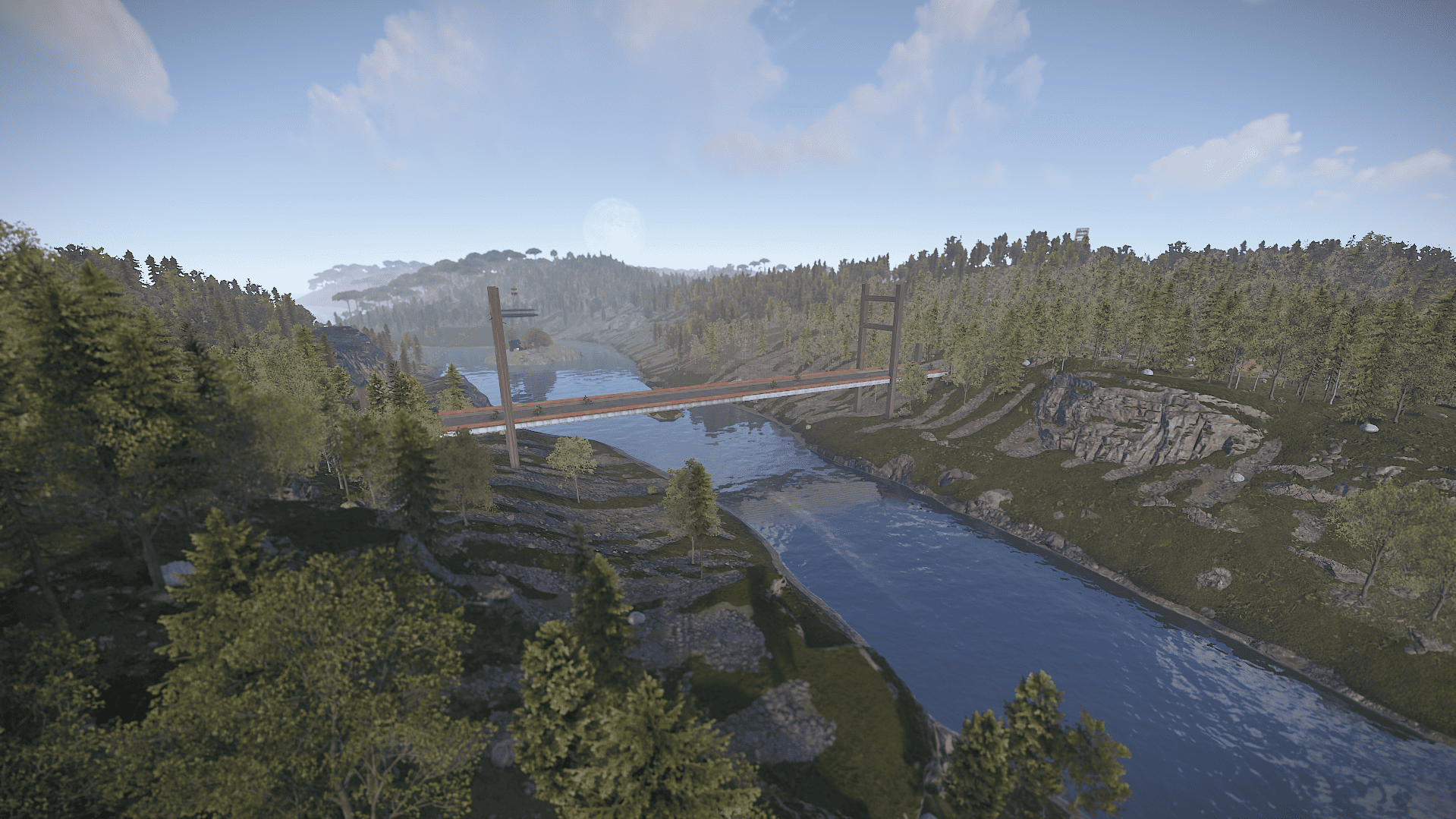
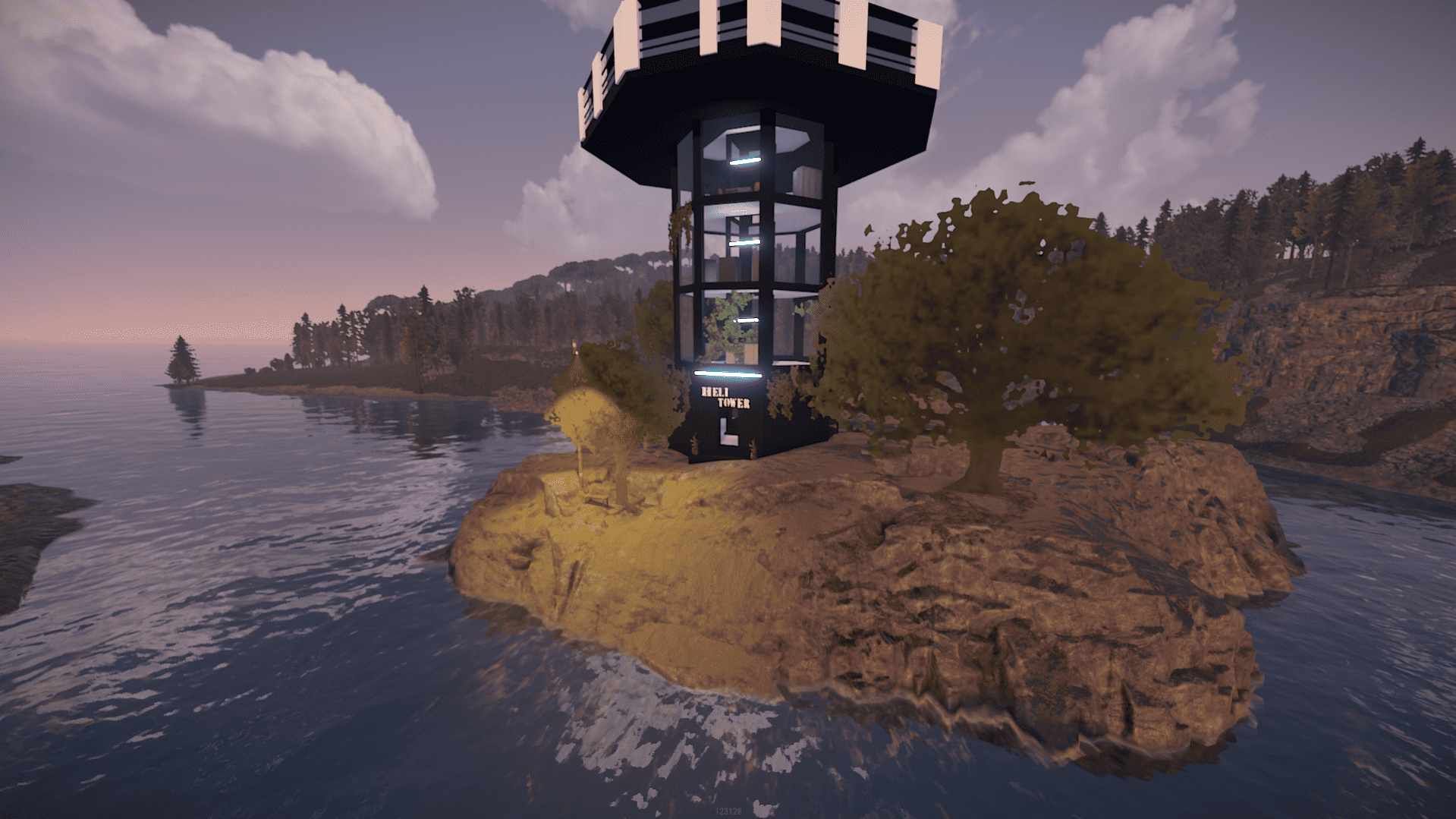
The island of Istanbul is connected with a bridge and between them is a helicopter tower.
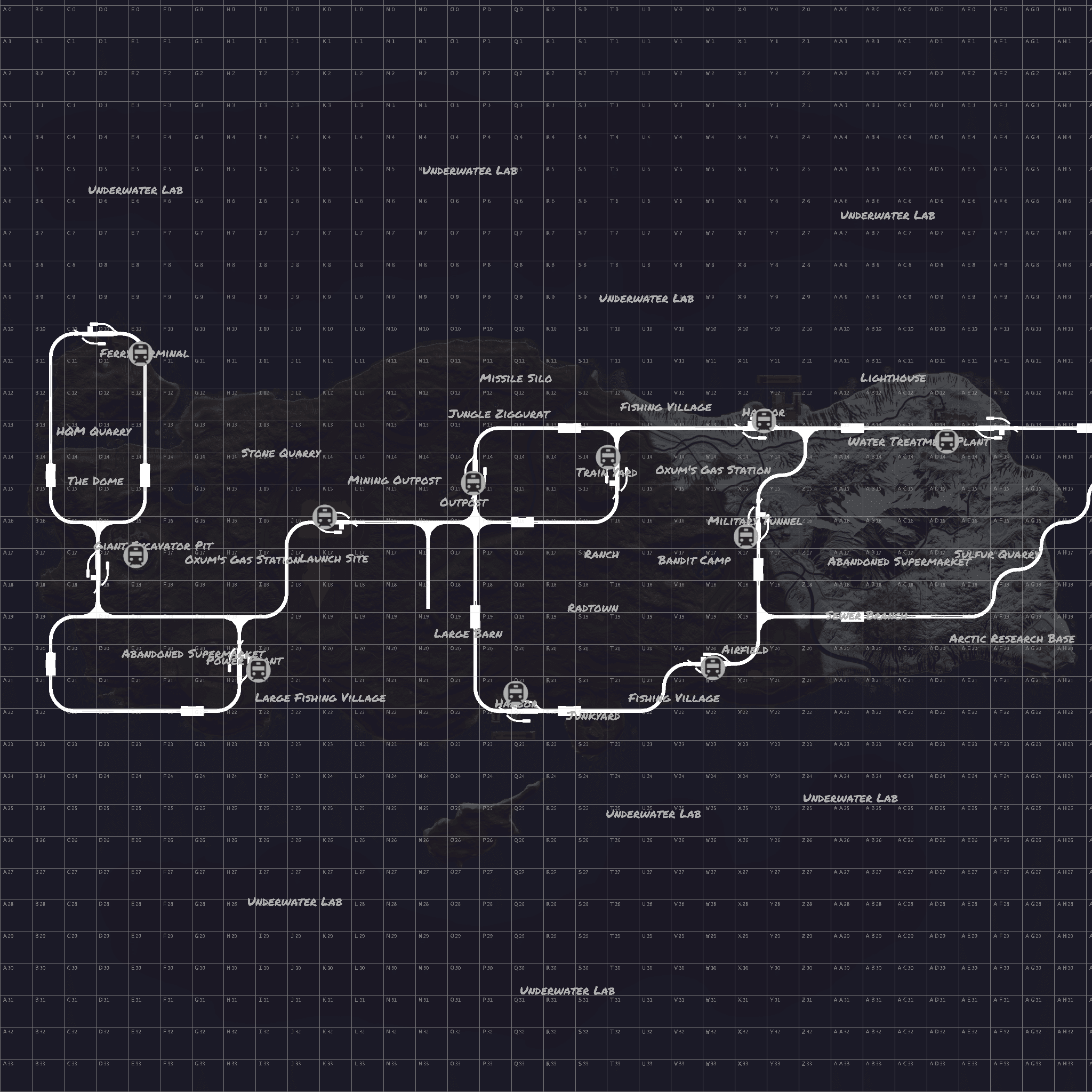
Railway system is functional and present both above and underground connected.
Map has been optimized with low entity count and suitable terrain formation to reduce rendering distance even for low-end computers.
Size: 4000 land / 1000 ocean
Entity Count : 12467
Map can be edited: Yes.
Monuments :
- Harbors
- Nuclear Missile Silo
- Arctic Research Base
- Ferry Terminal
- Airfield
- Excavator
- Military Tunnel
- Power Plant
- Train Yard
- Water Treatment Plant
- Junkyard
- Sewer Branch
- Radtown
- Sphere Tank
- Launch Site
- Oil Rigs
- Fishing Villages
- Lighthouses
- Gas Stations / Warehouses / Supermarkets
- Swamps / Ice Lakes / Caves
- Quarries
- Stables
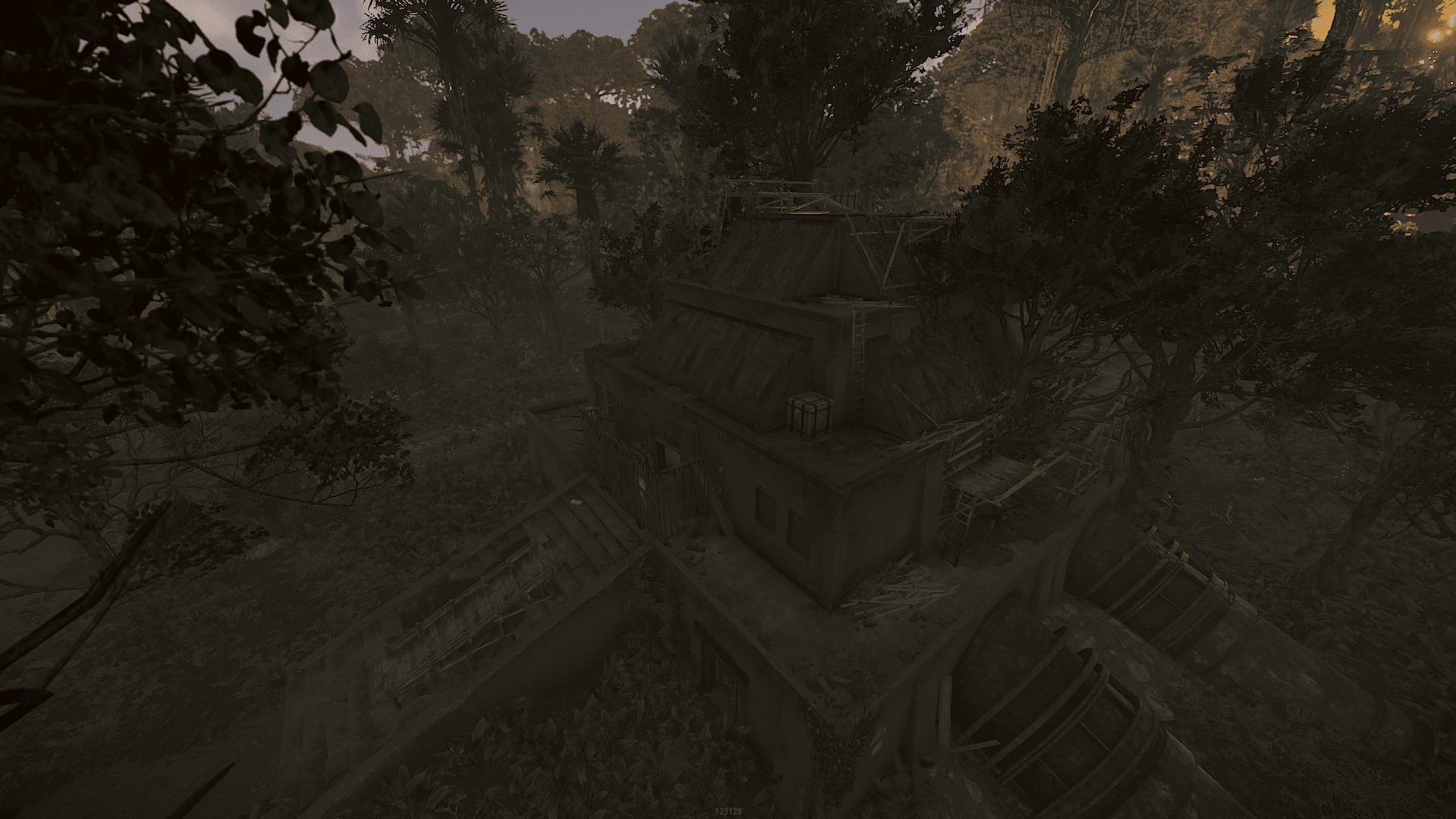
- Jungle ziggurat
- Outpost
- Bandit camp
- Underwater Laboratories
What's New in Version V1.1.1
Released
Visual glitch
This map is only for your own personal use not to share or resell.
Any changes you wish to make on the map you can notify me via support or discord without issues.
Any changes you wish to make on the map you can notify me via support or discord without issues.
You may only provide a review once you have downloaded the file.
There are no reviews to display.