



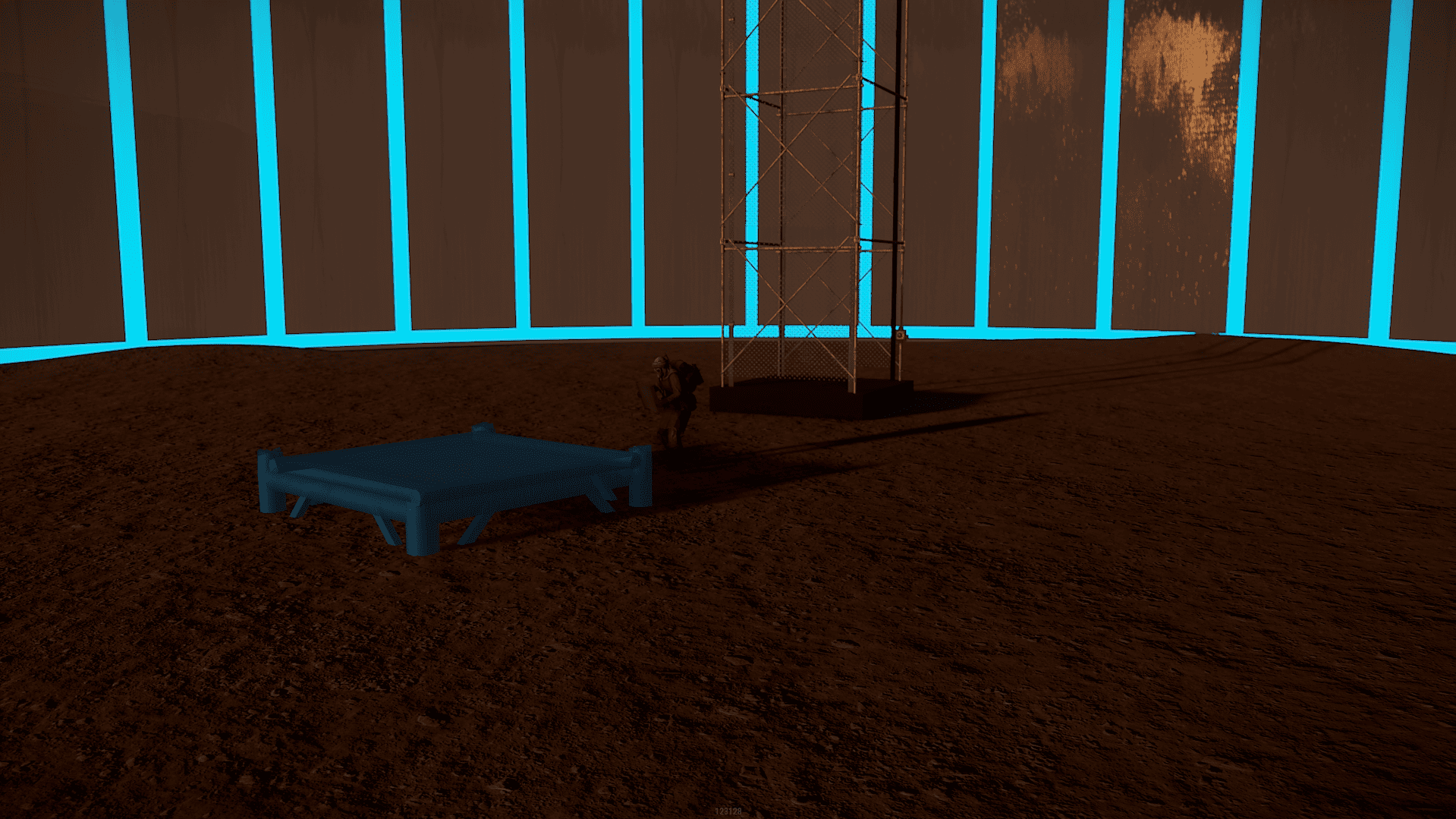
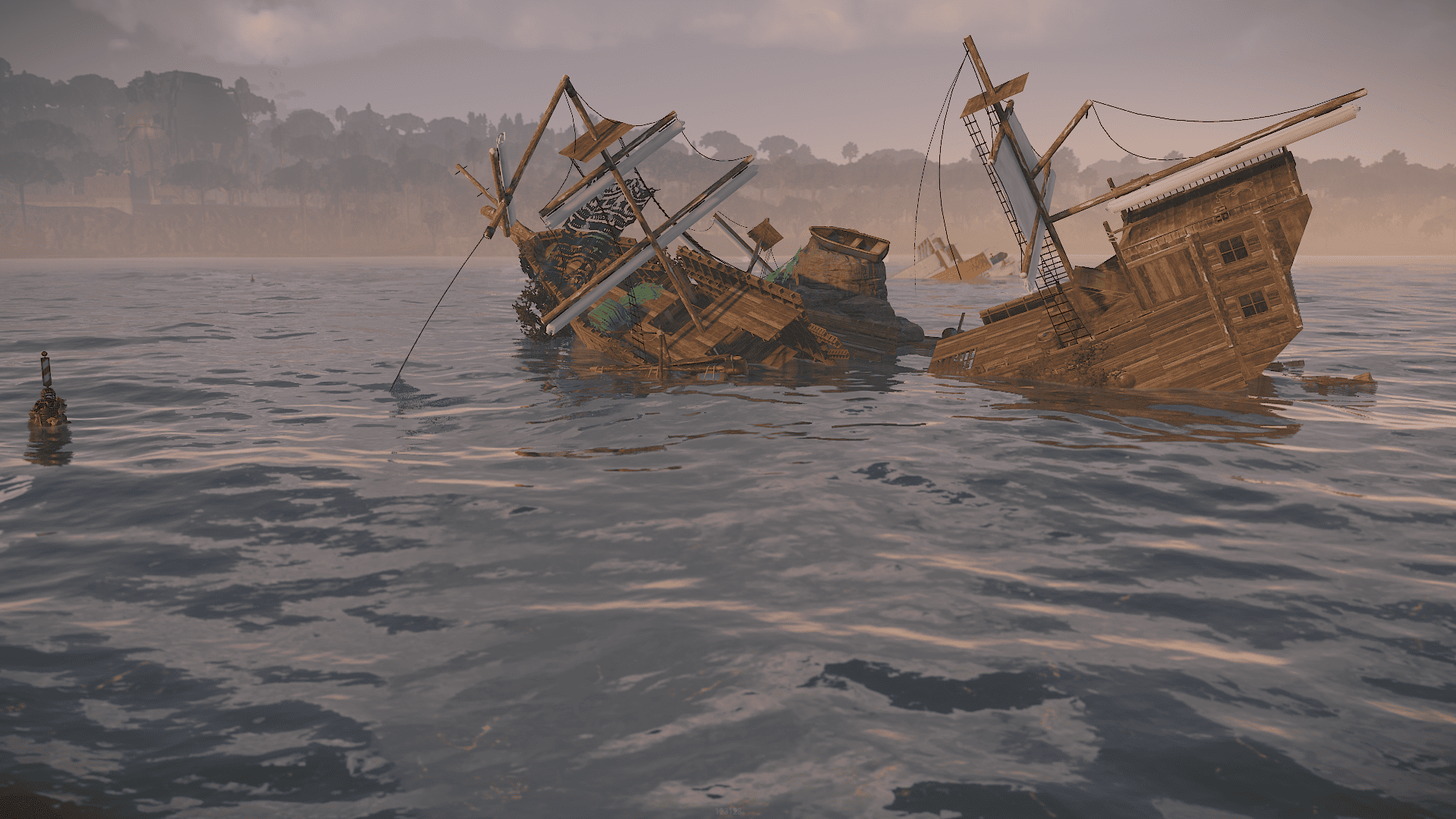
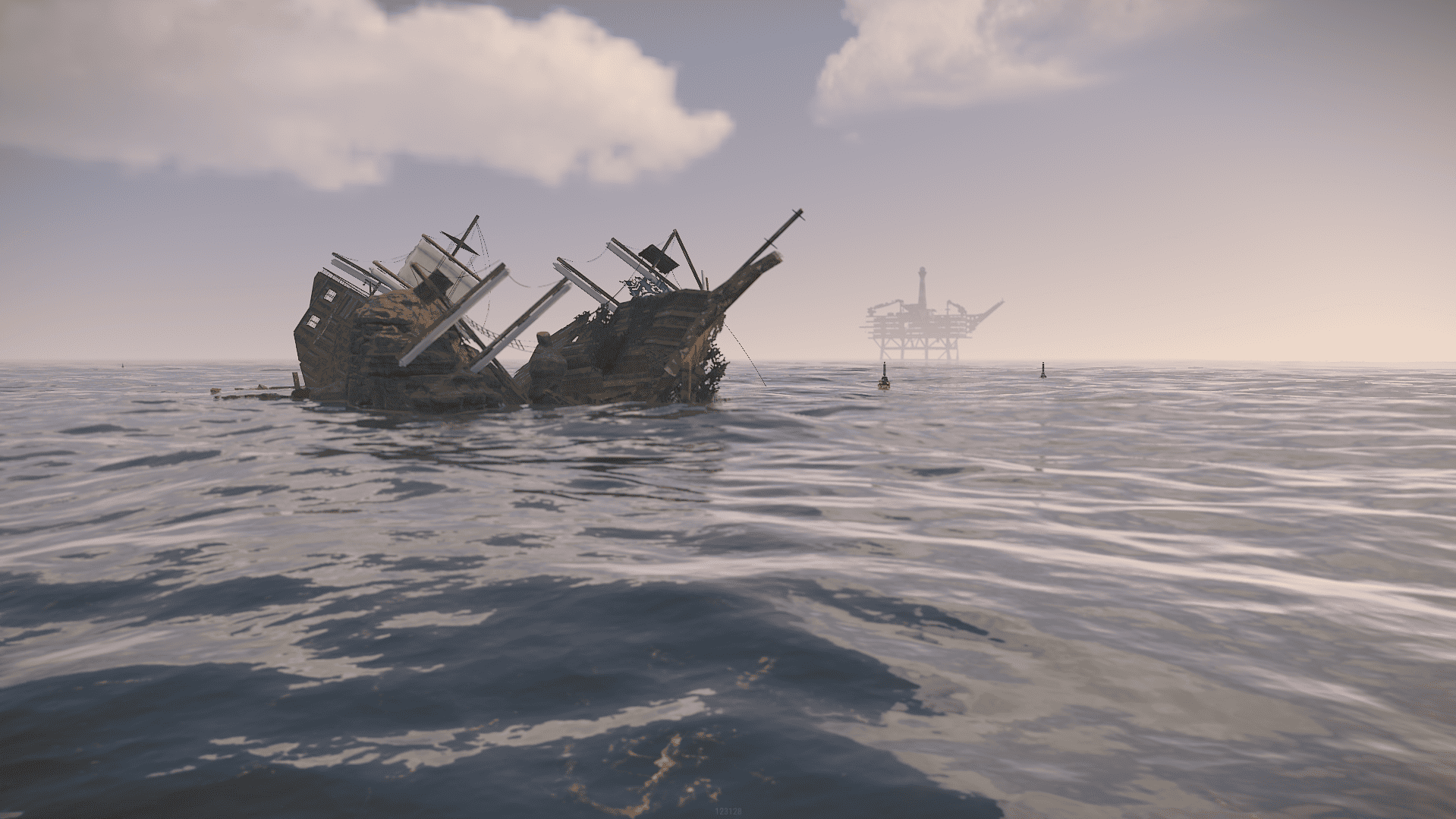
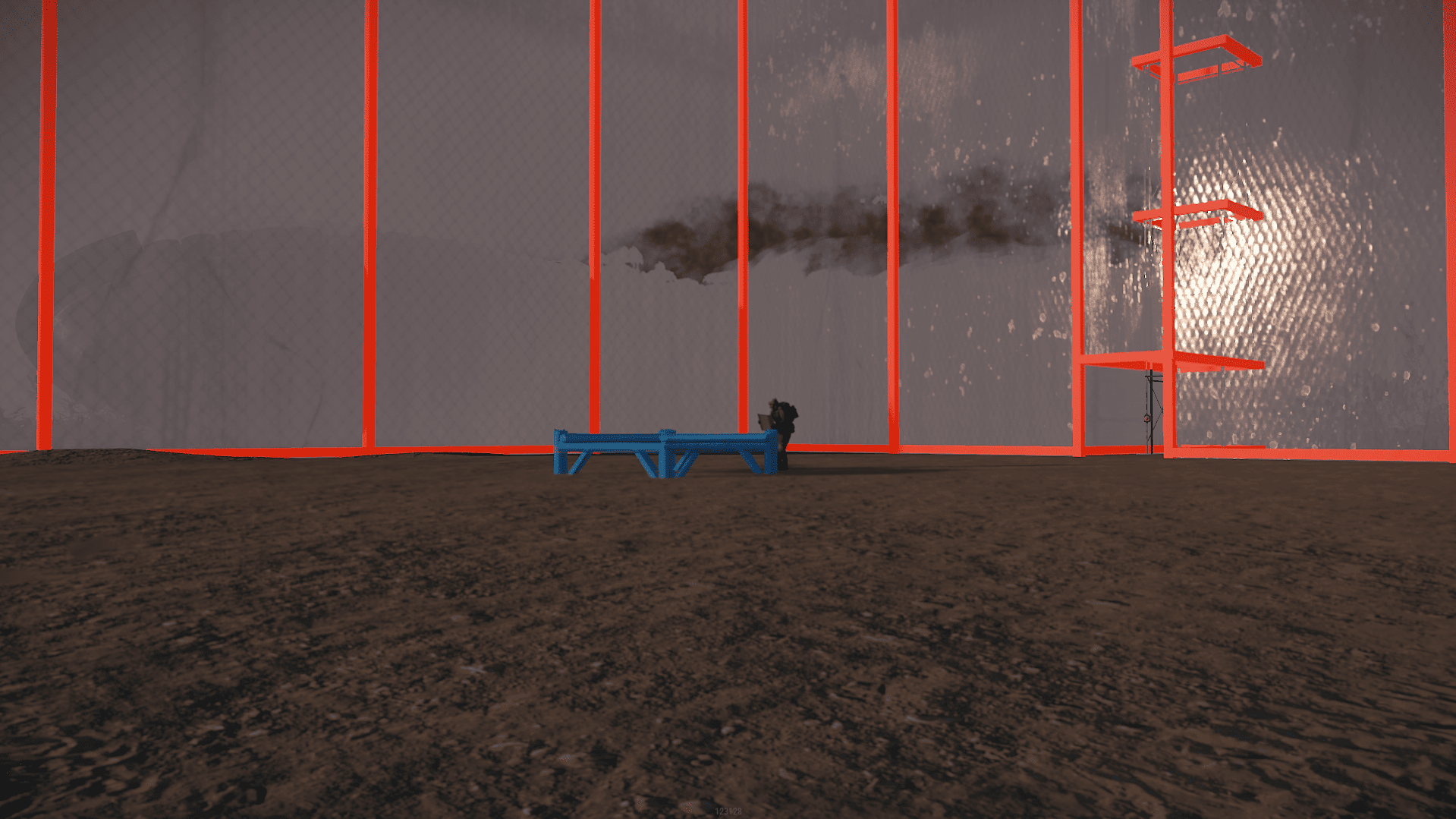
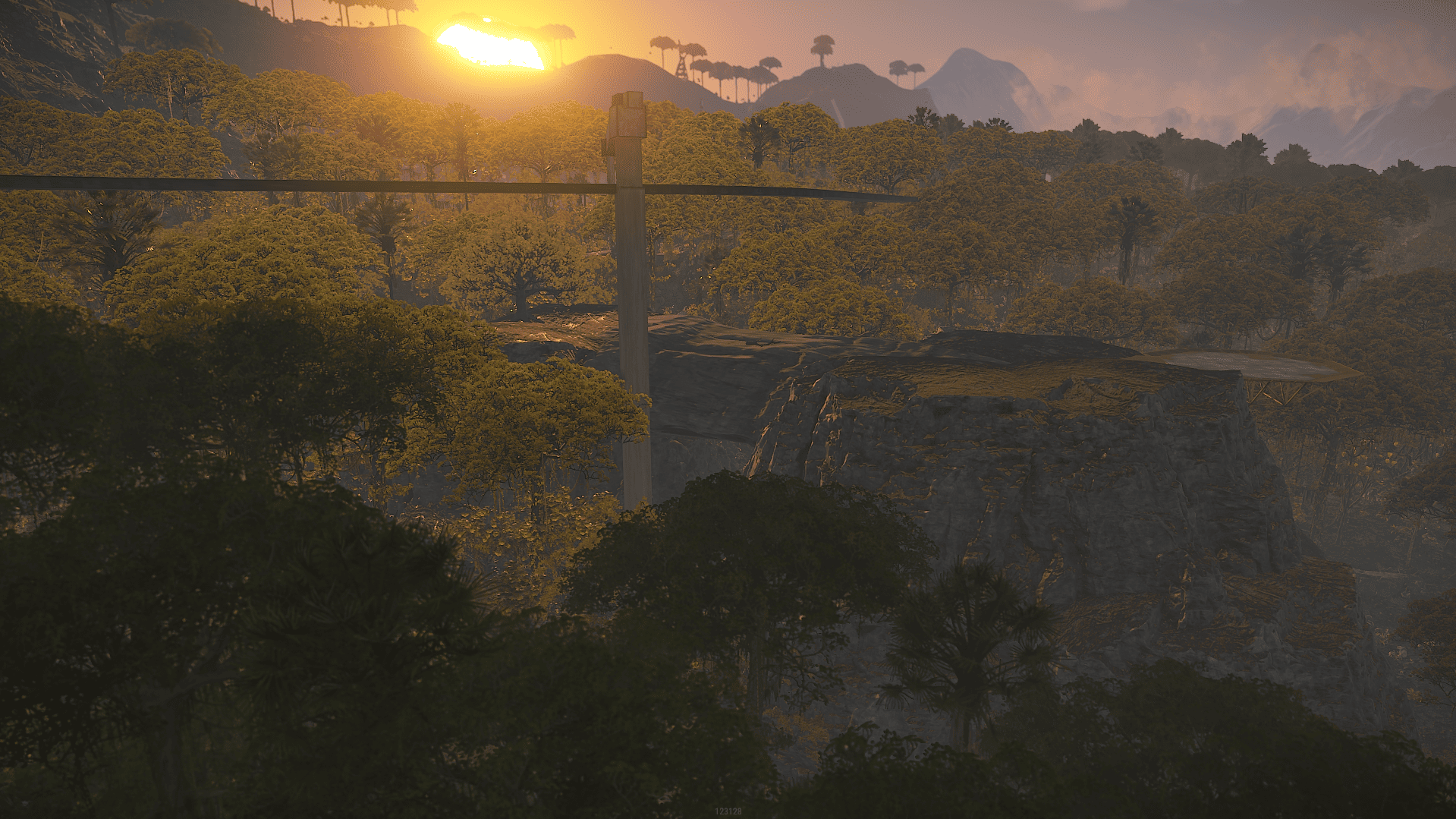
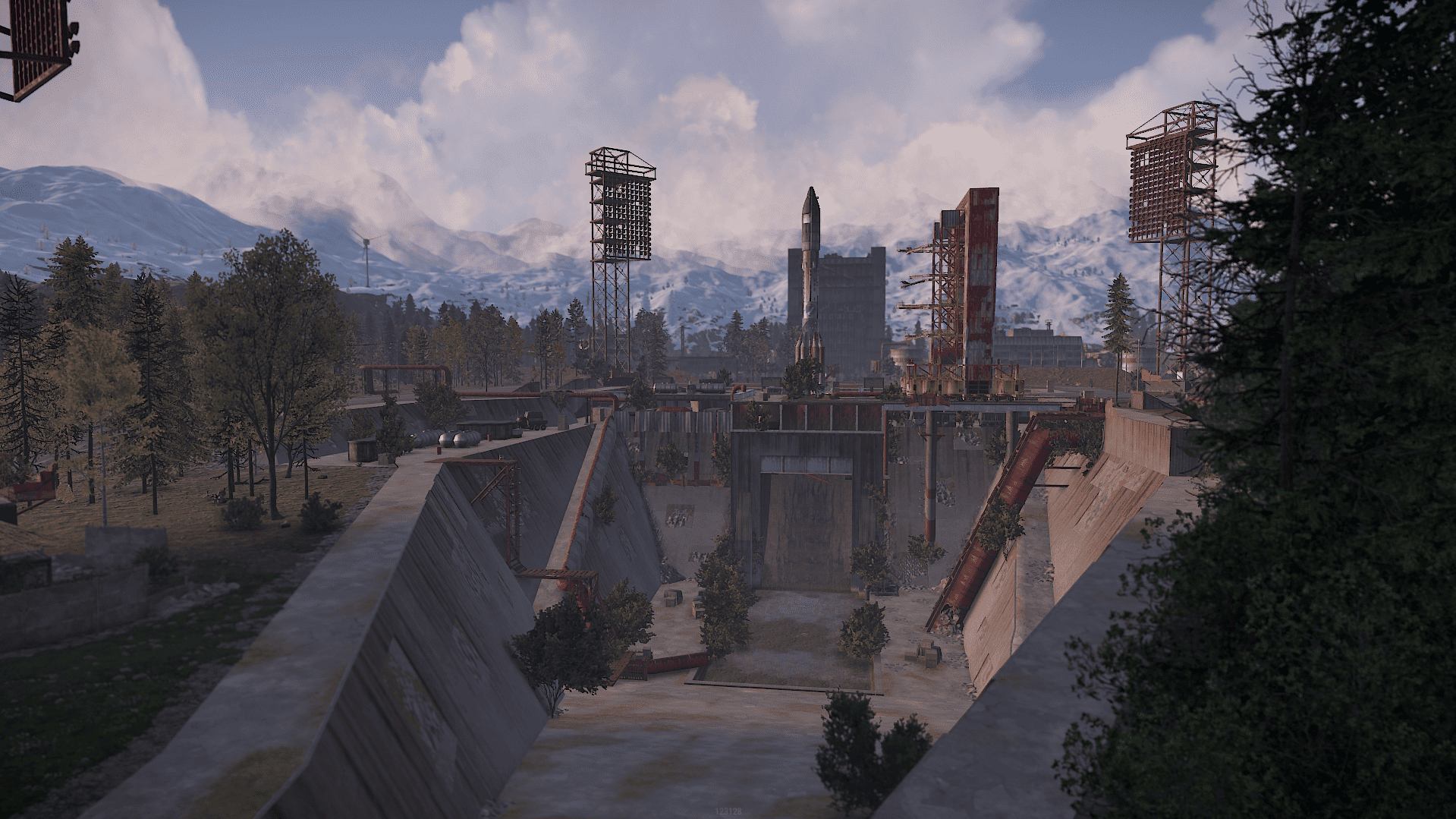
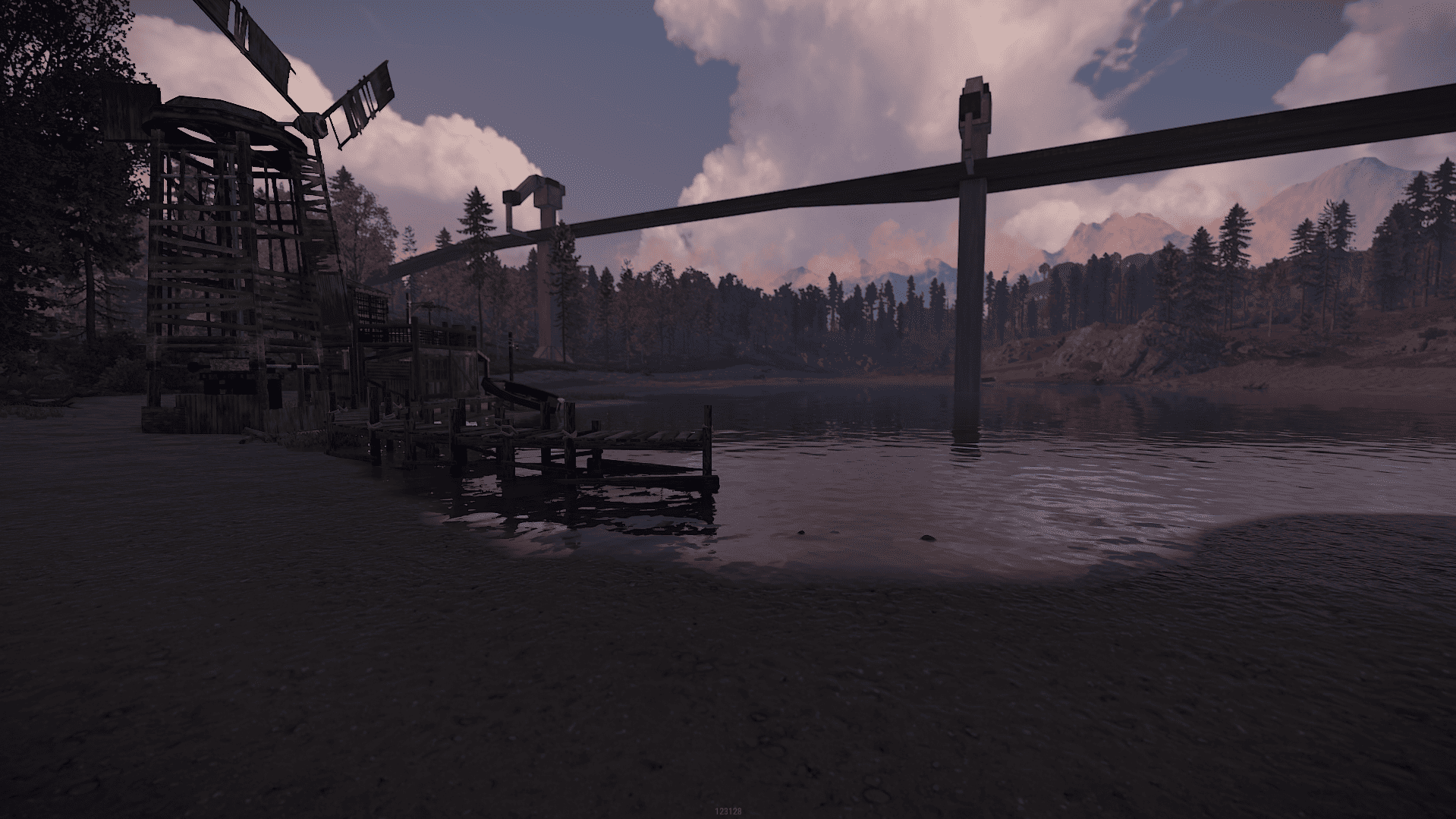
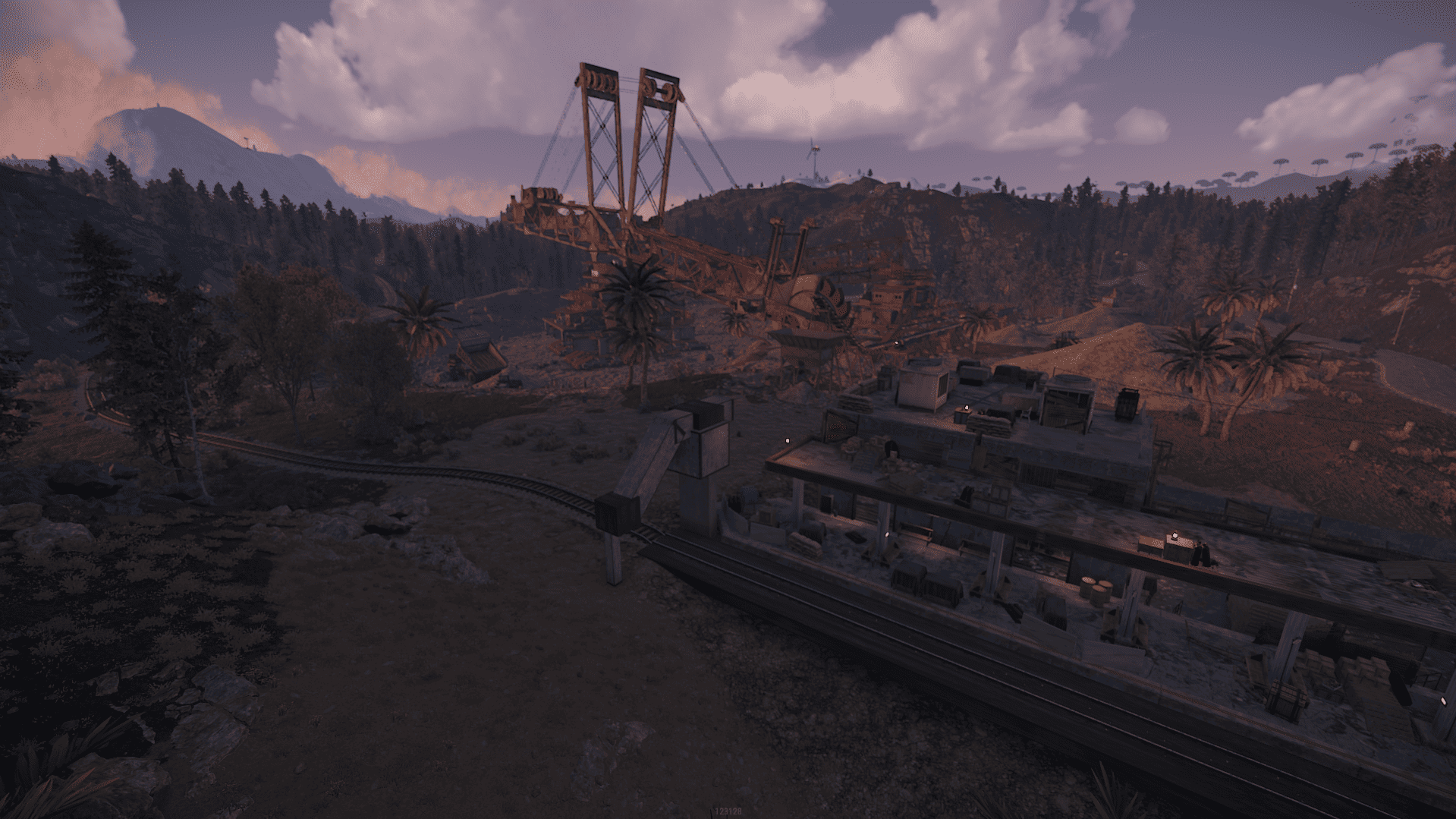
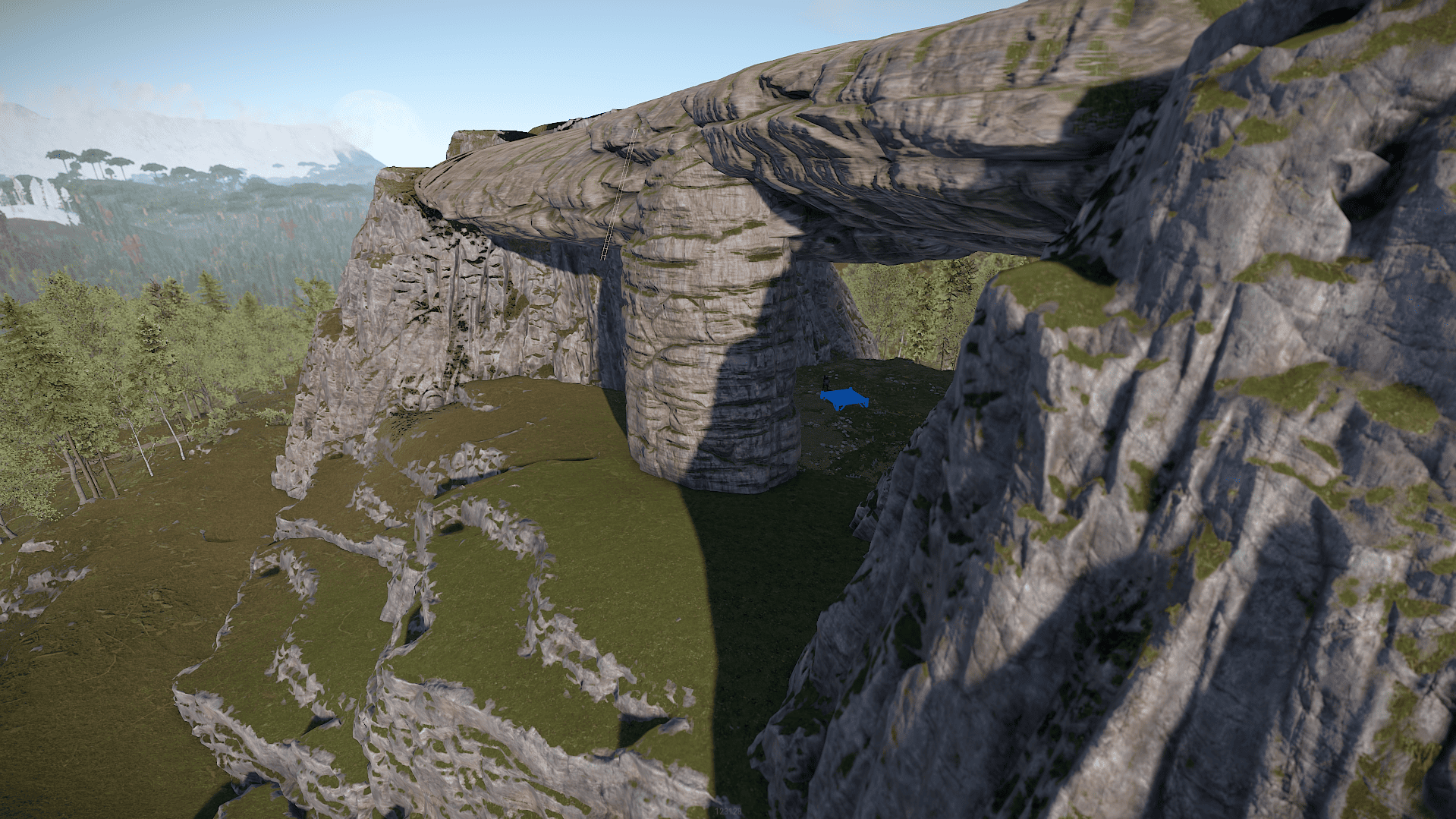
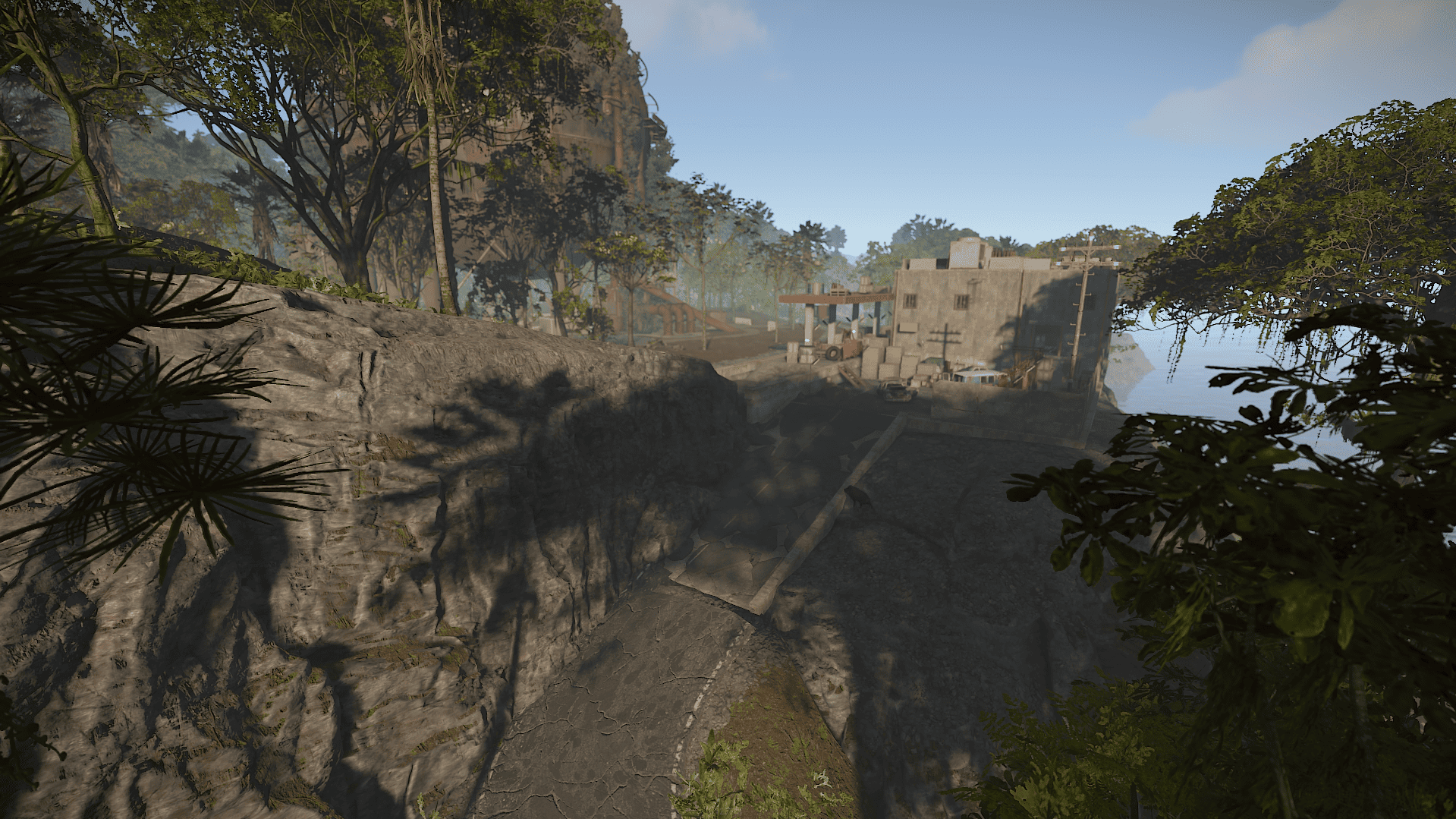
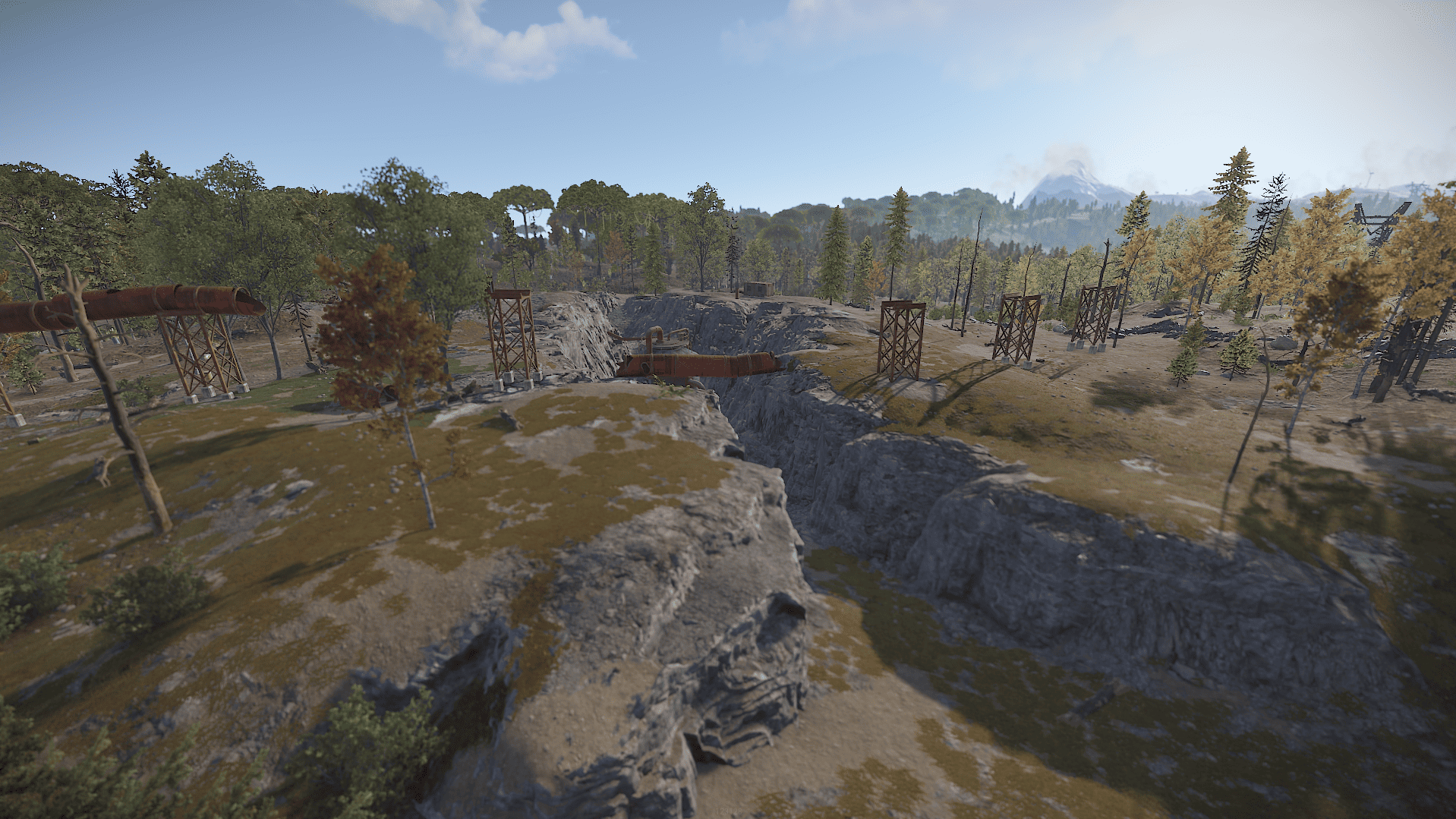
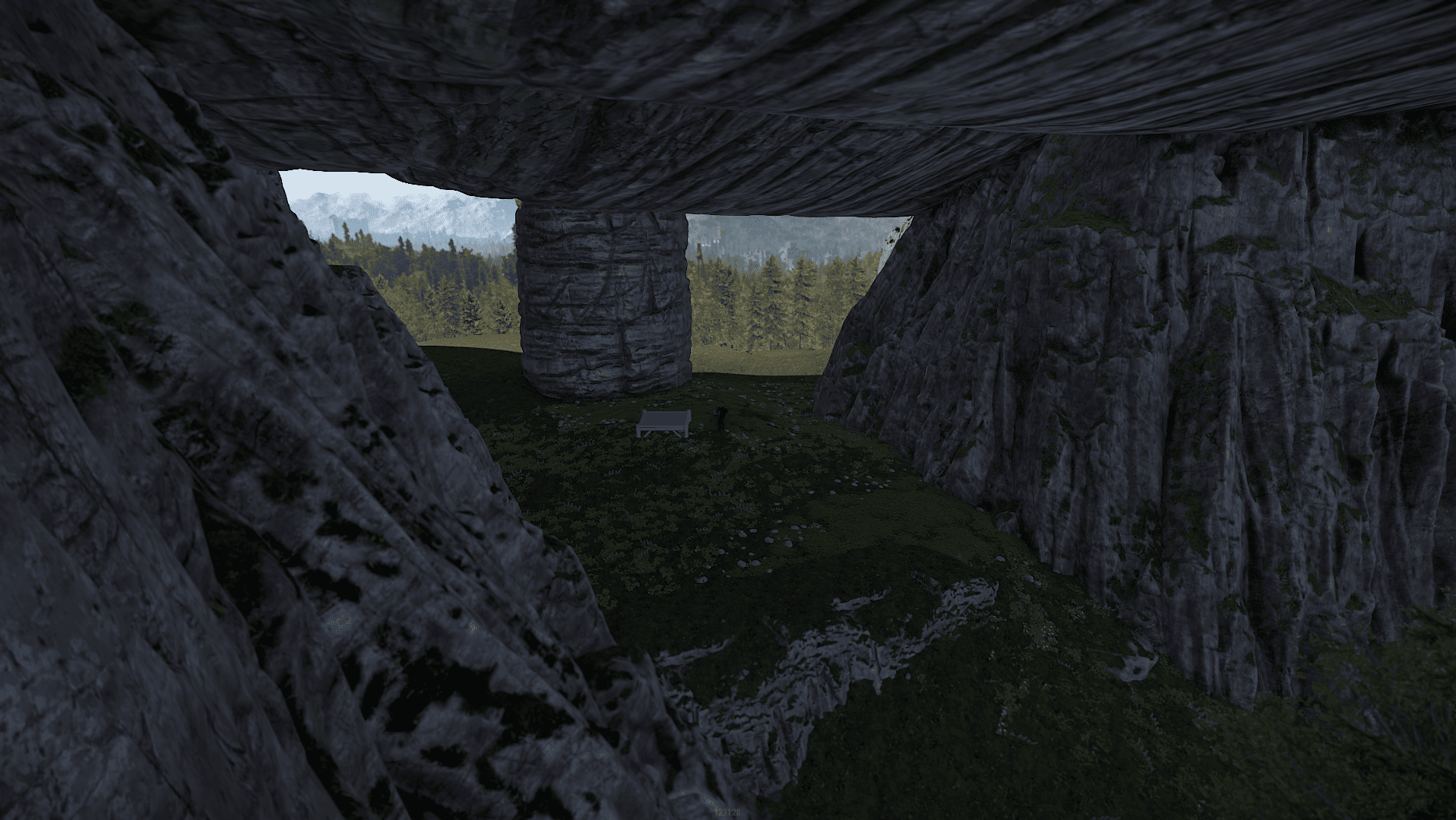
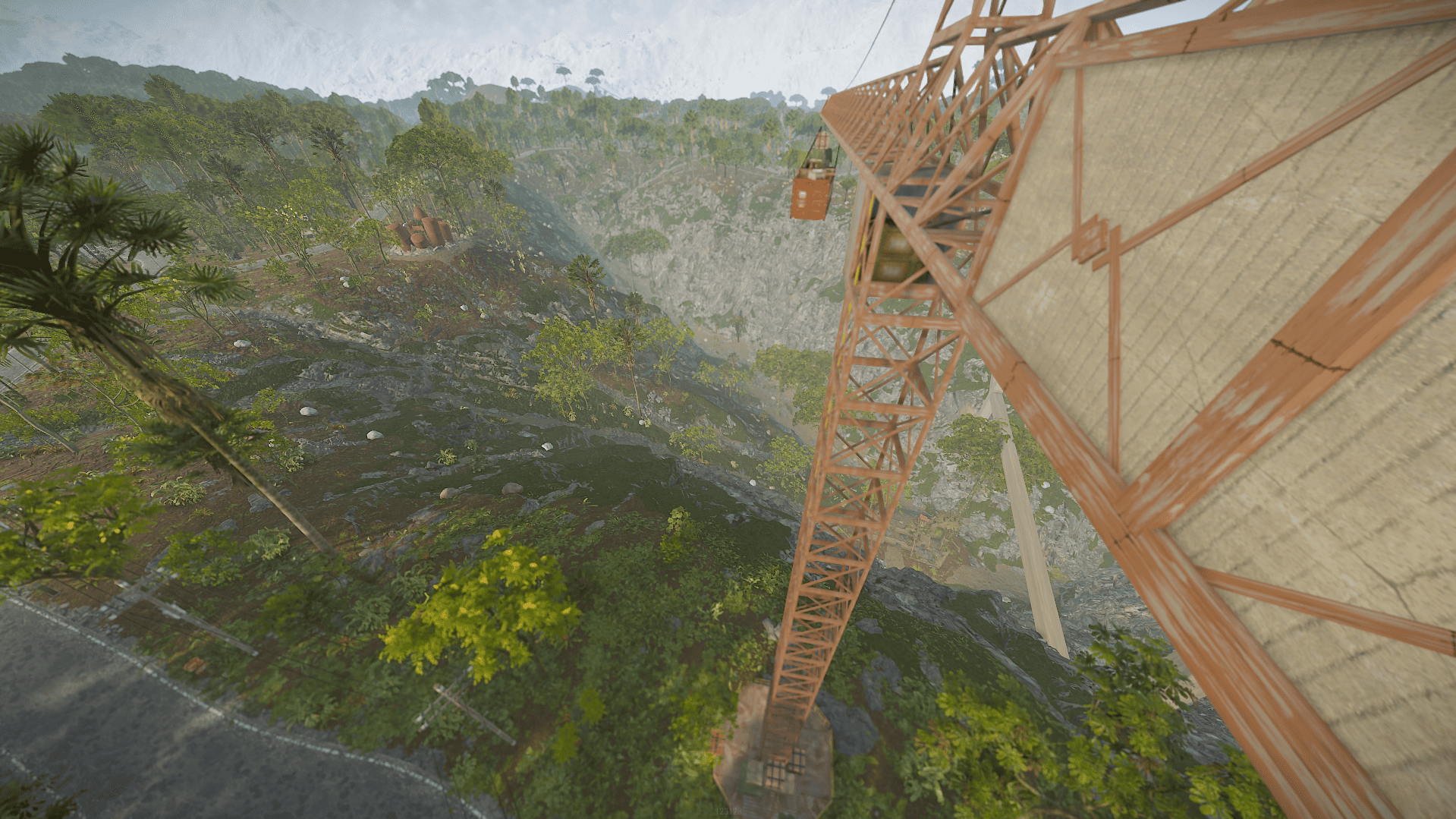
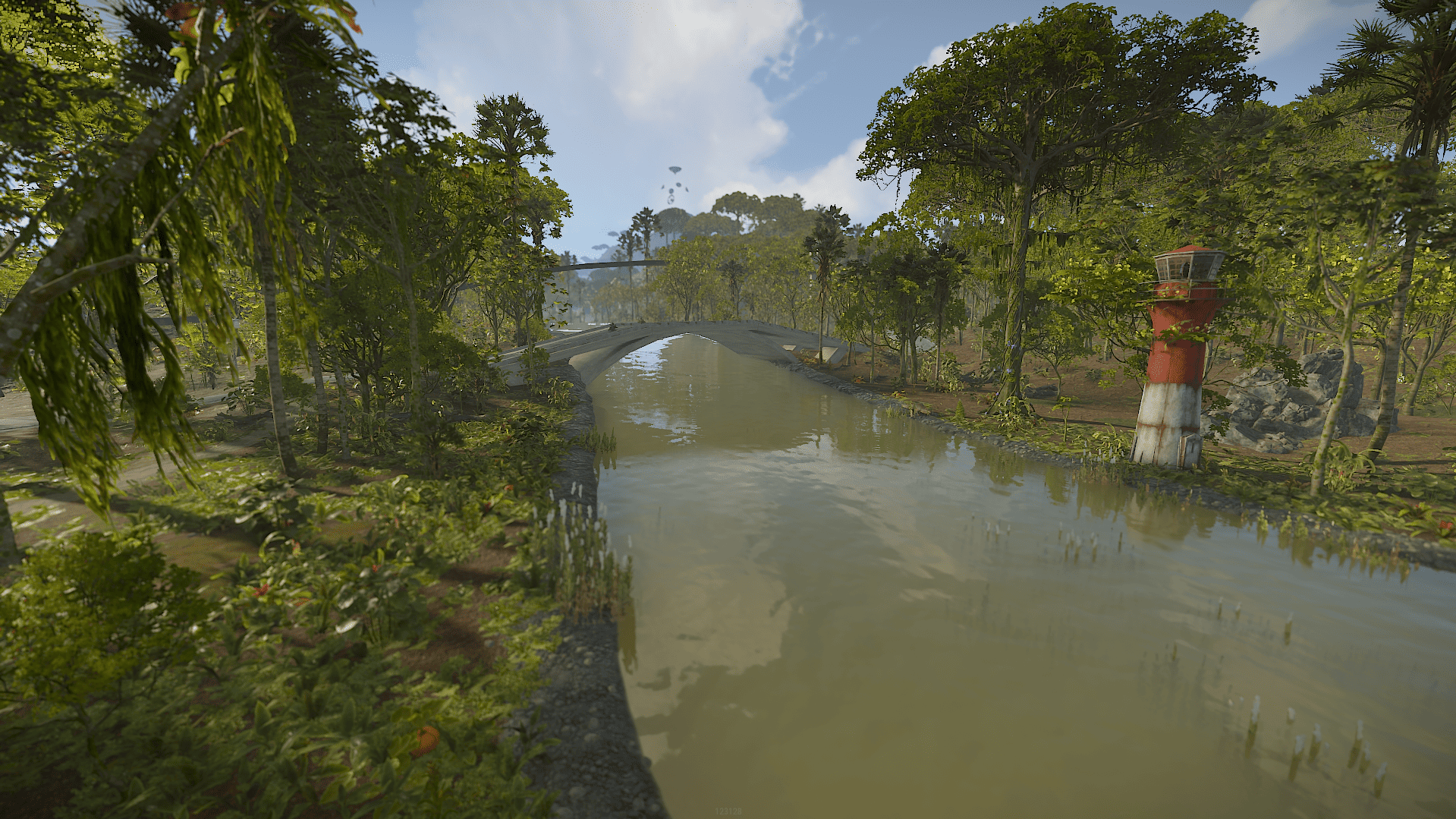
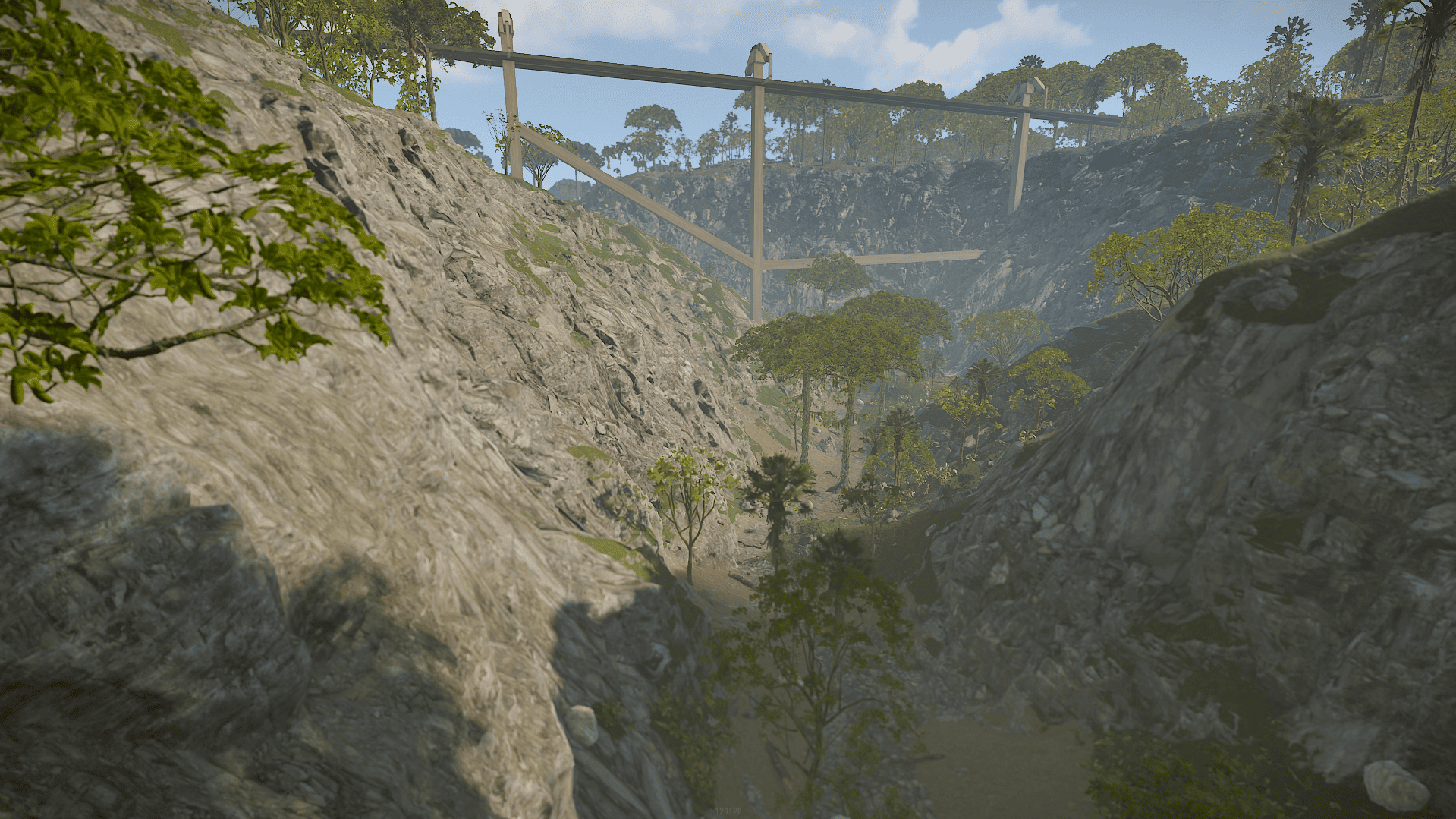
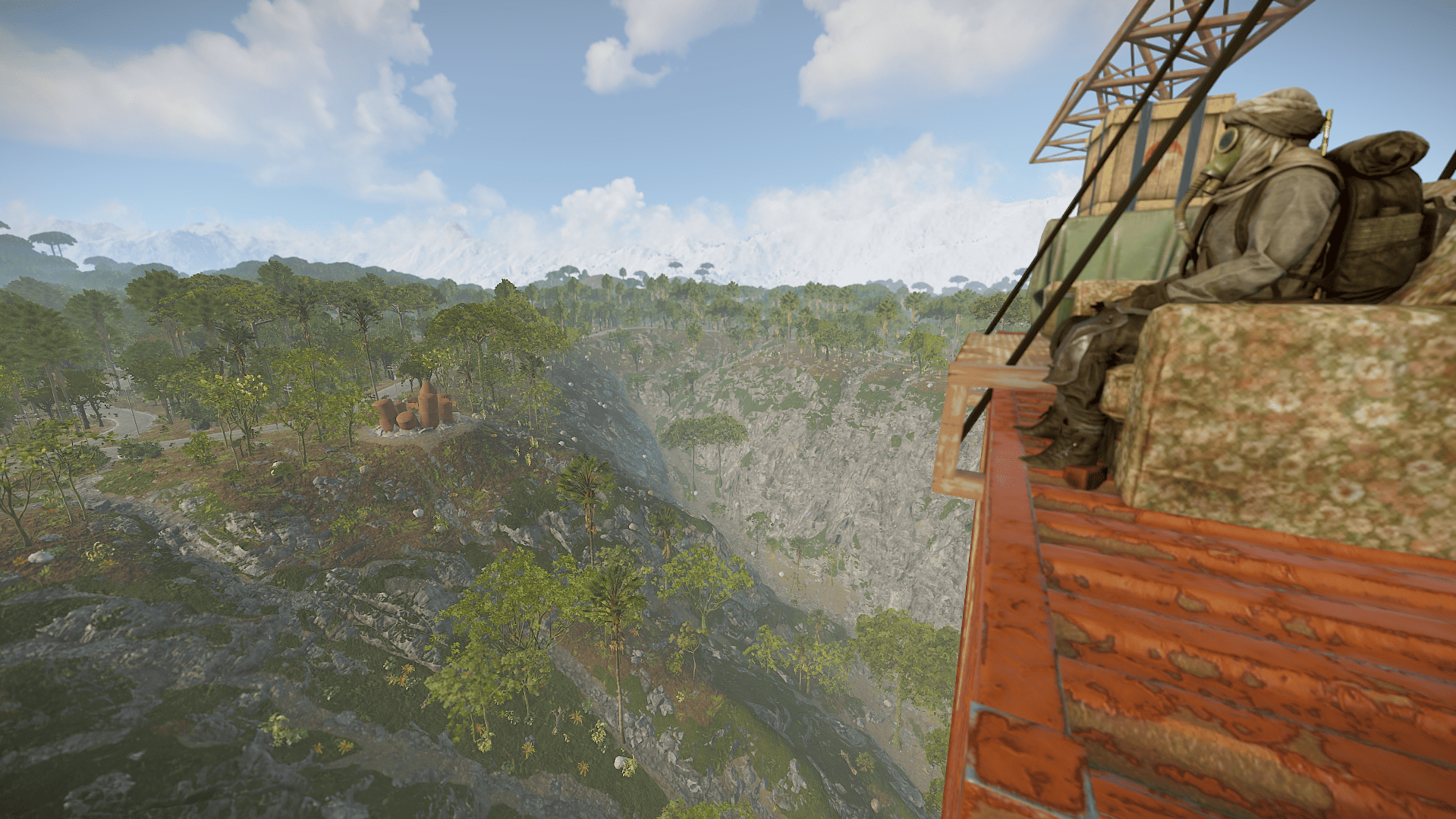
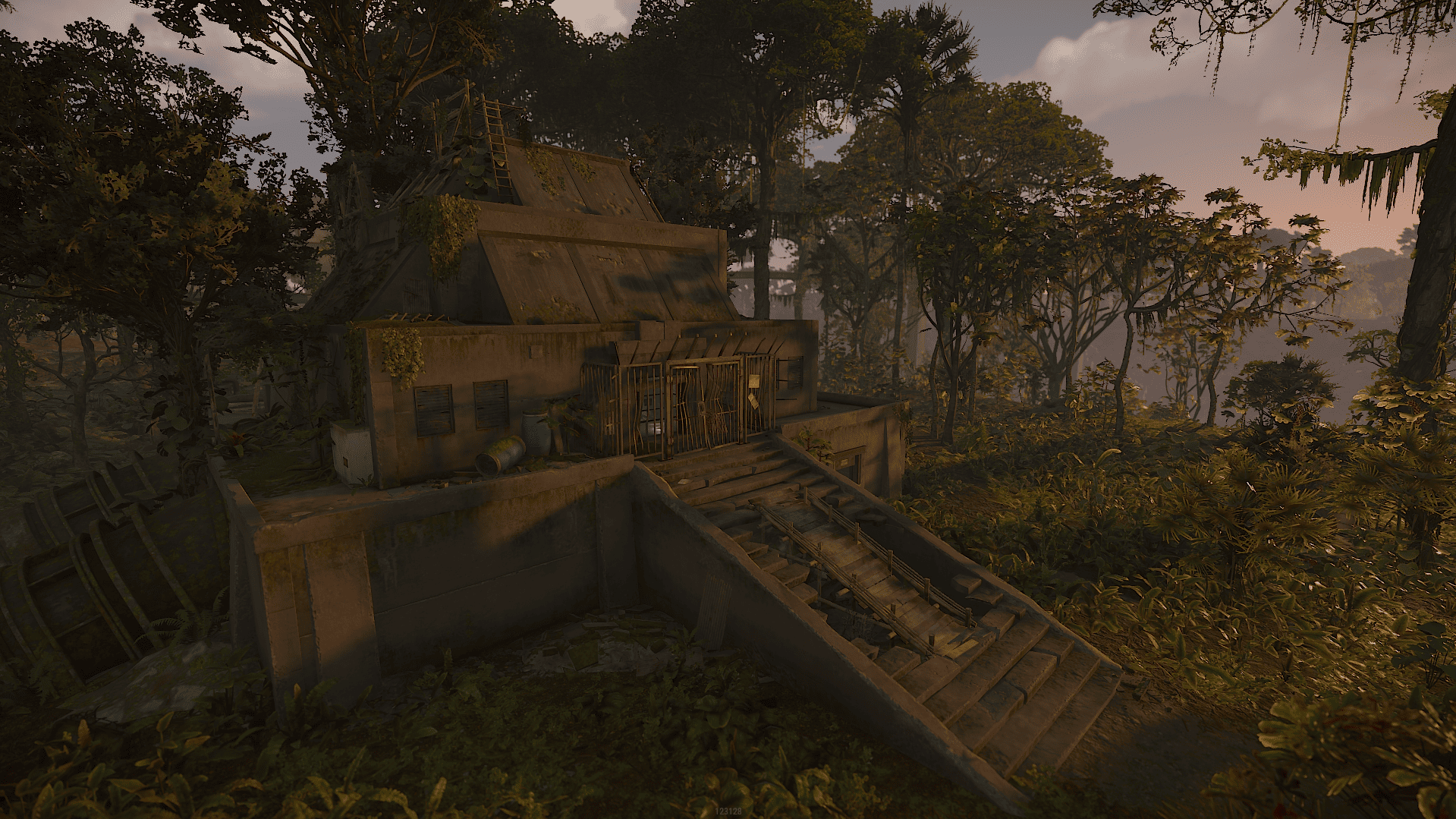
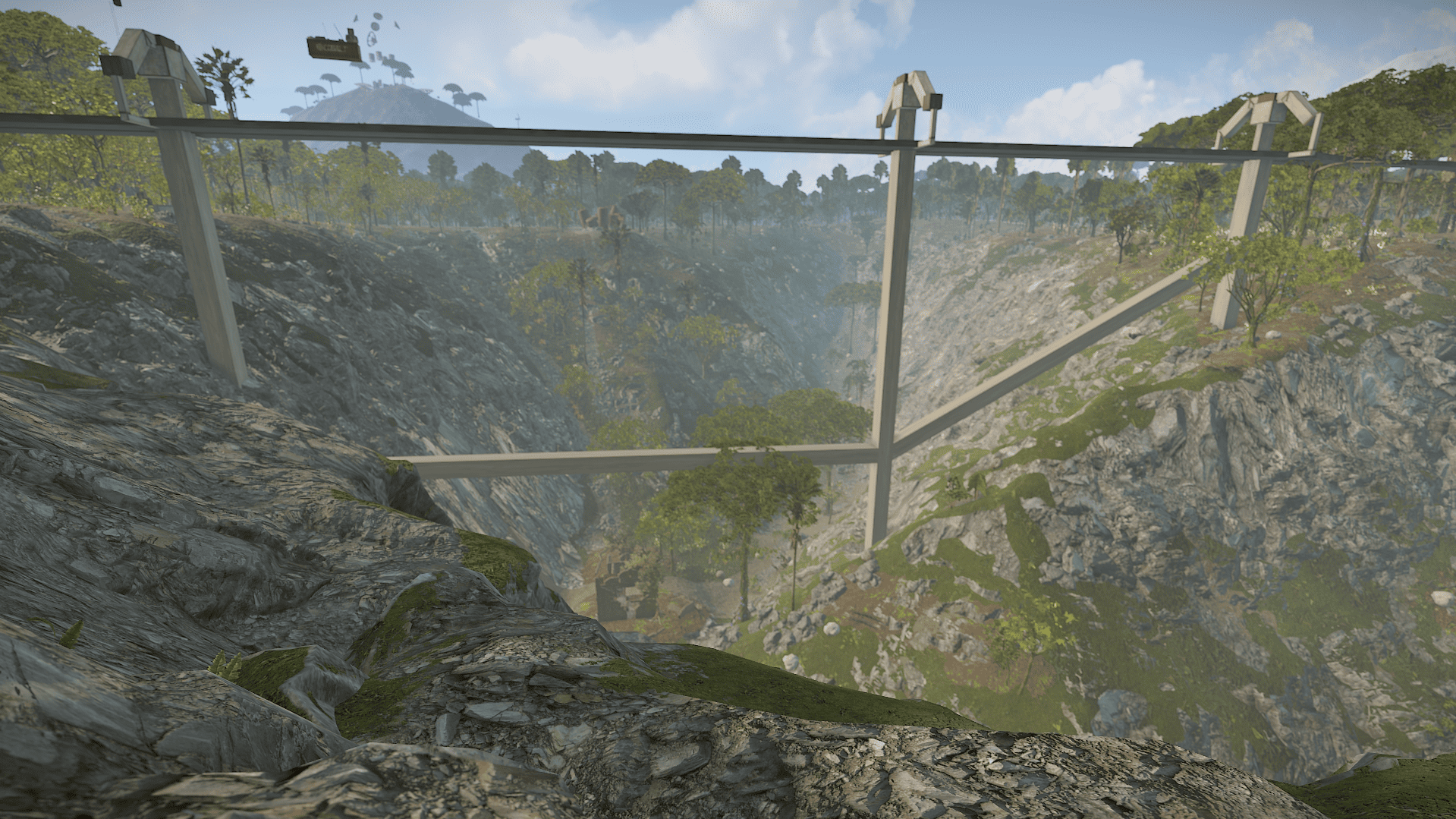
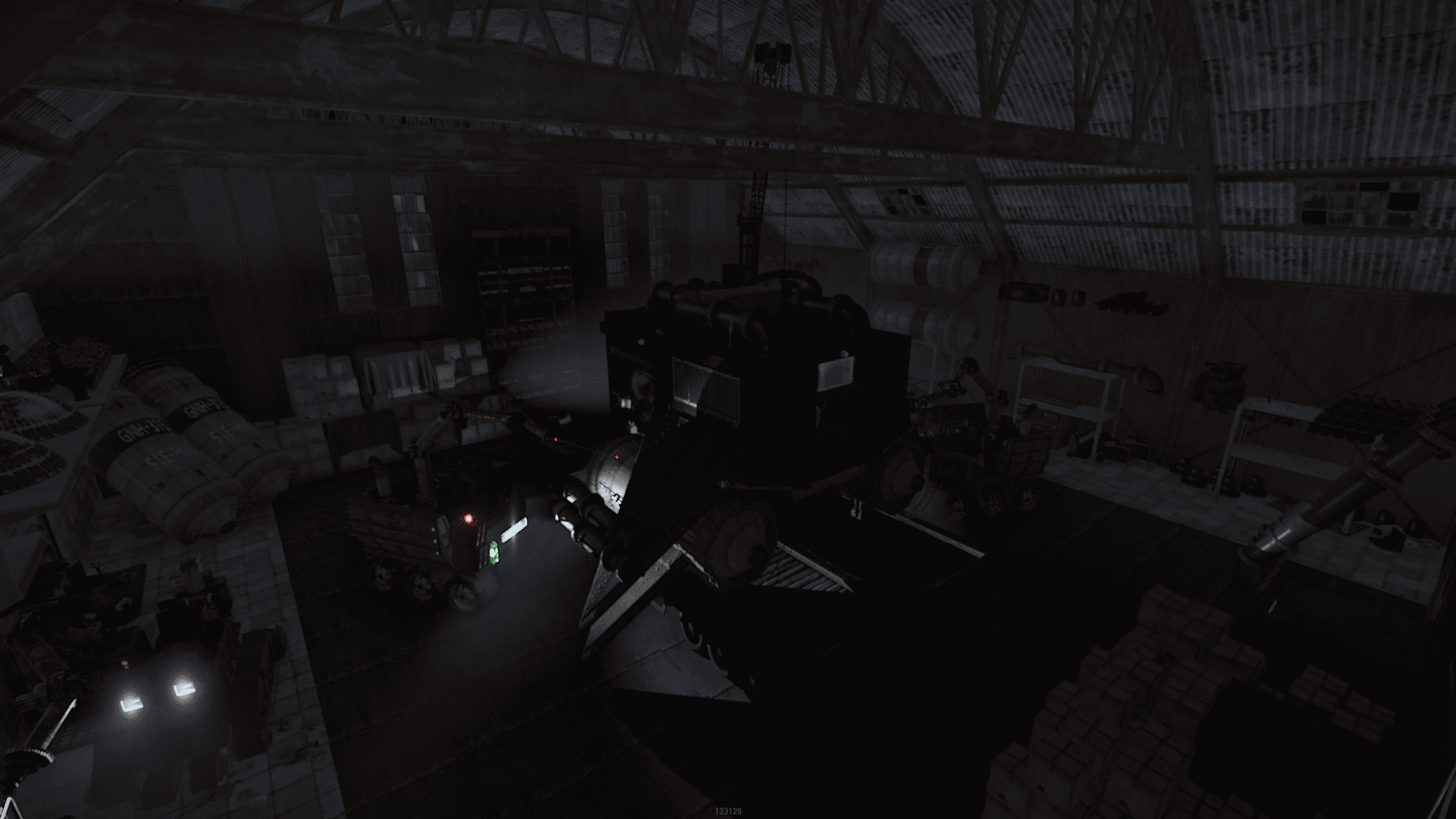
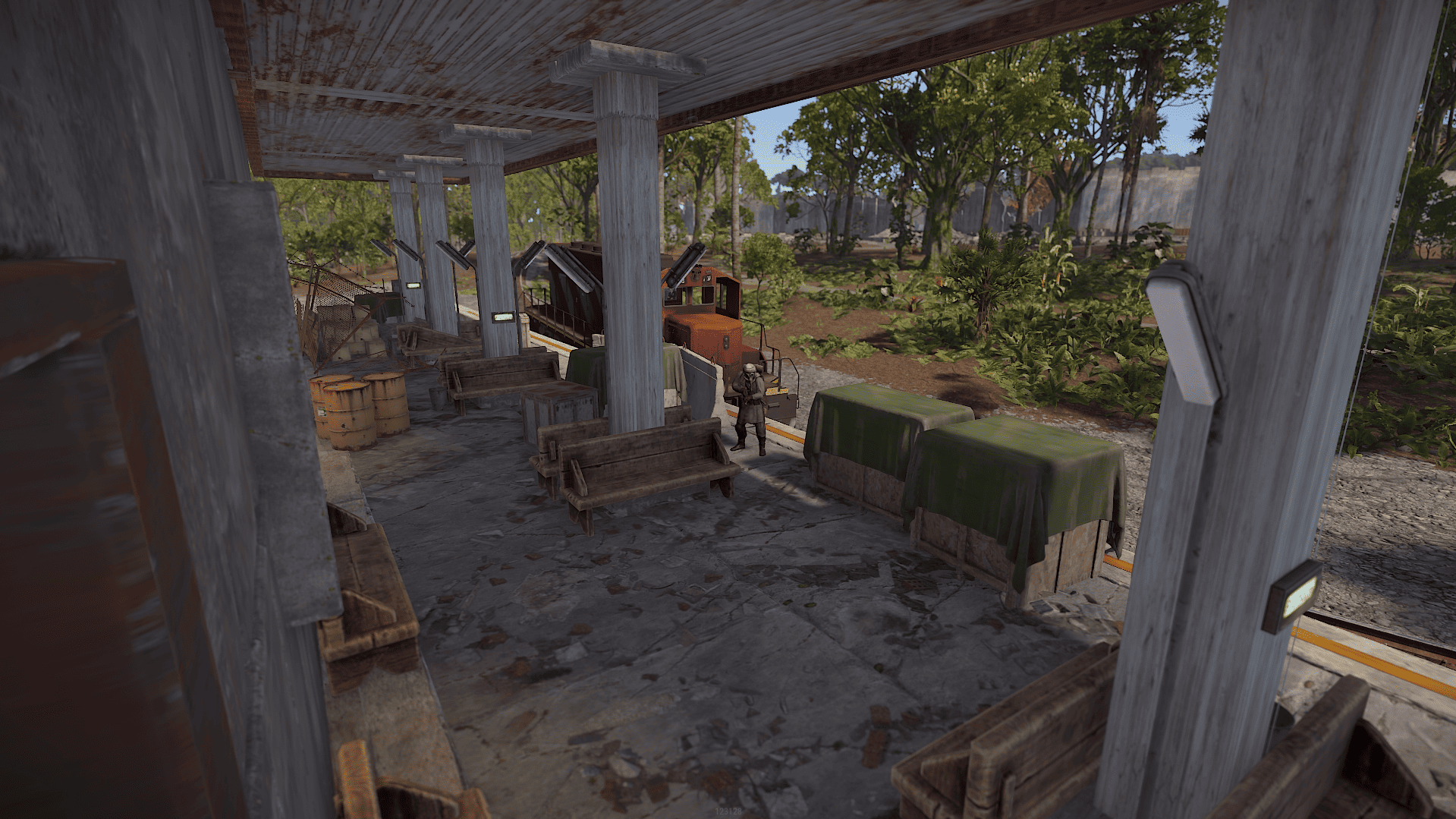
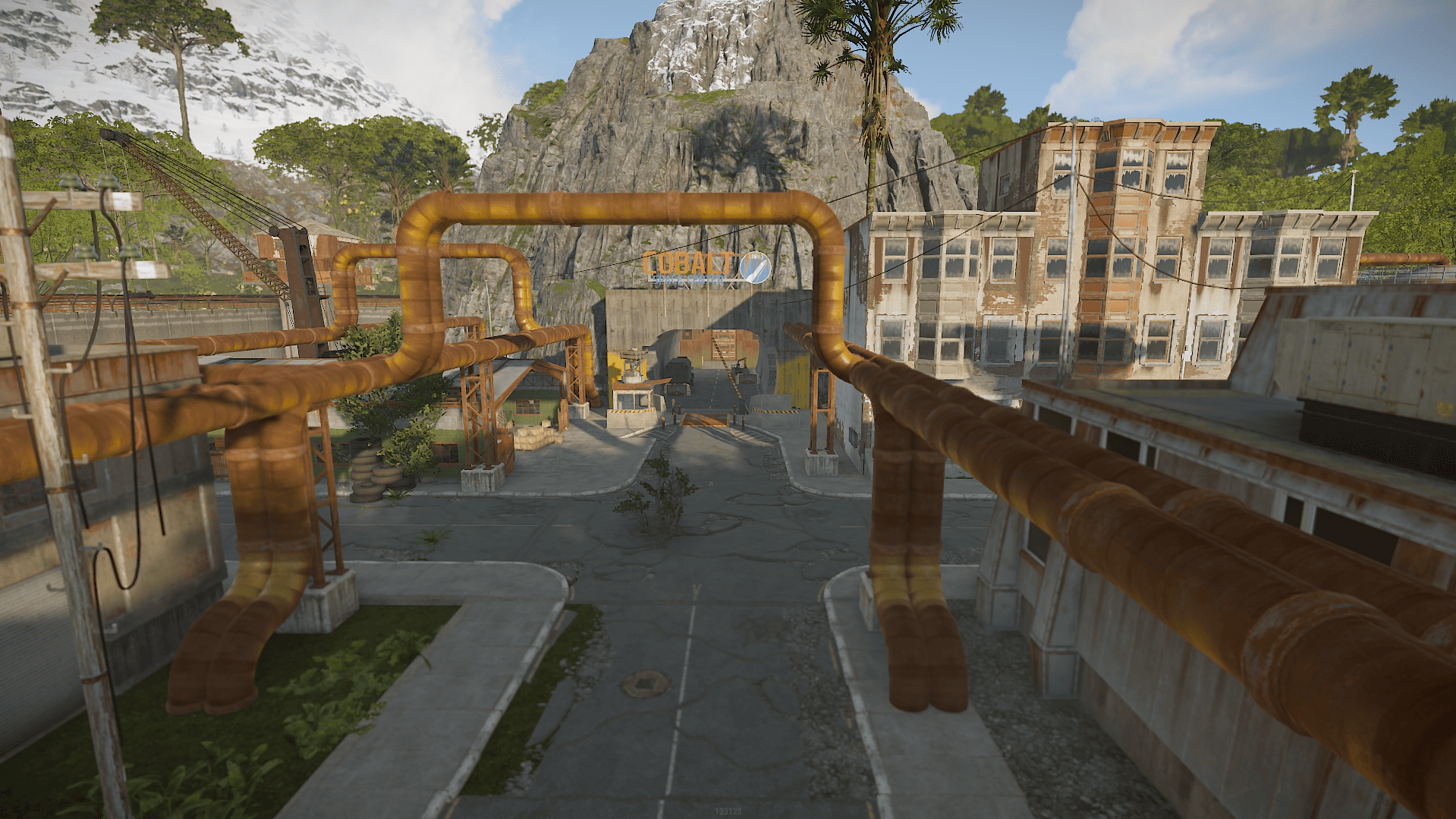
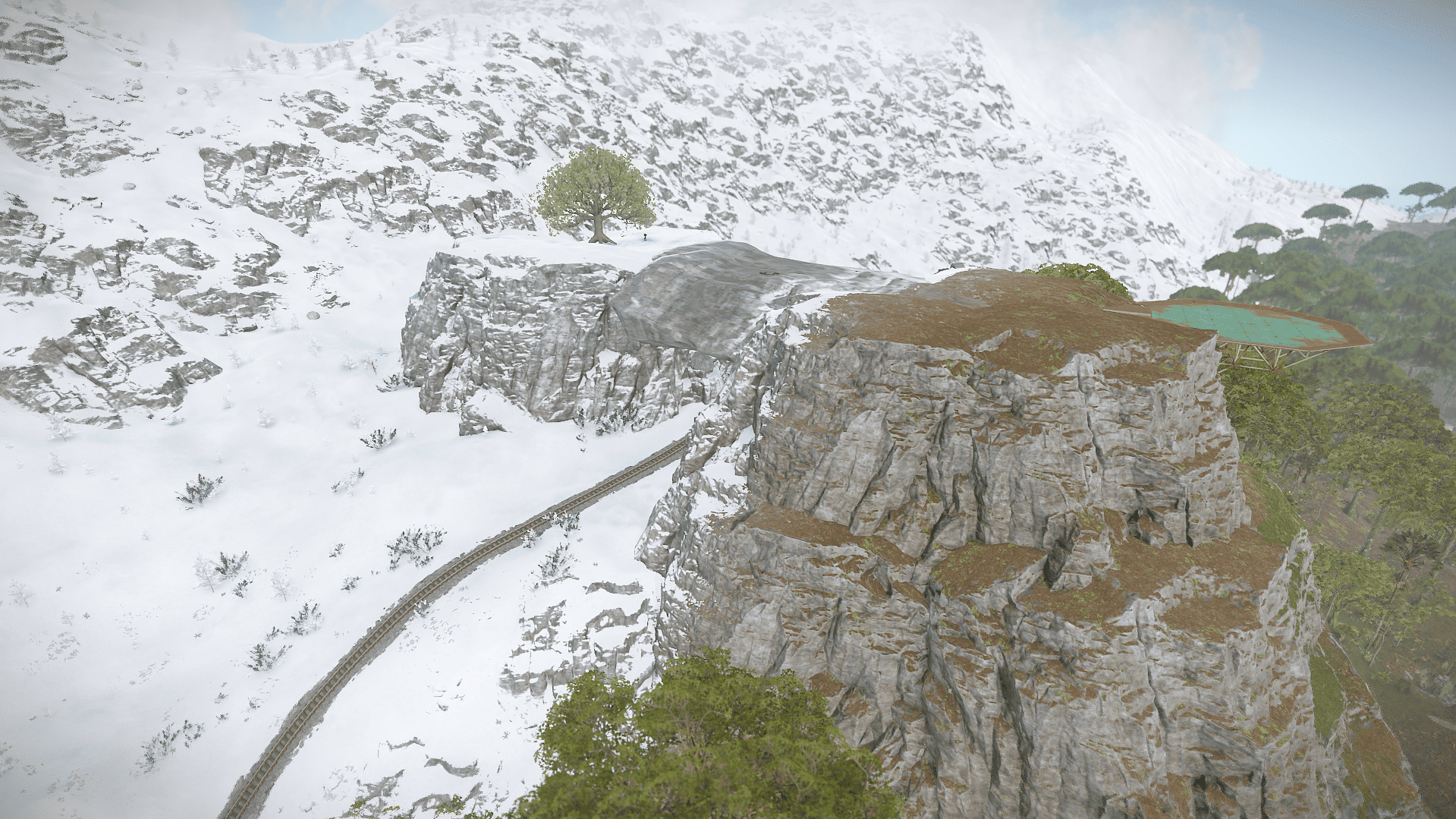
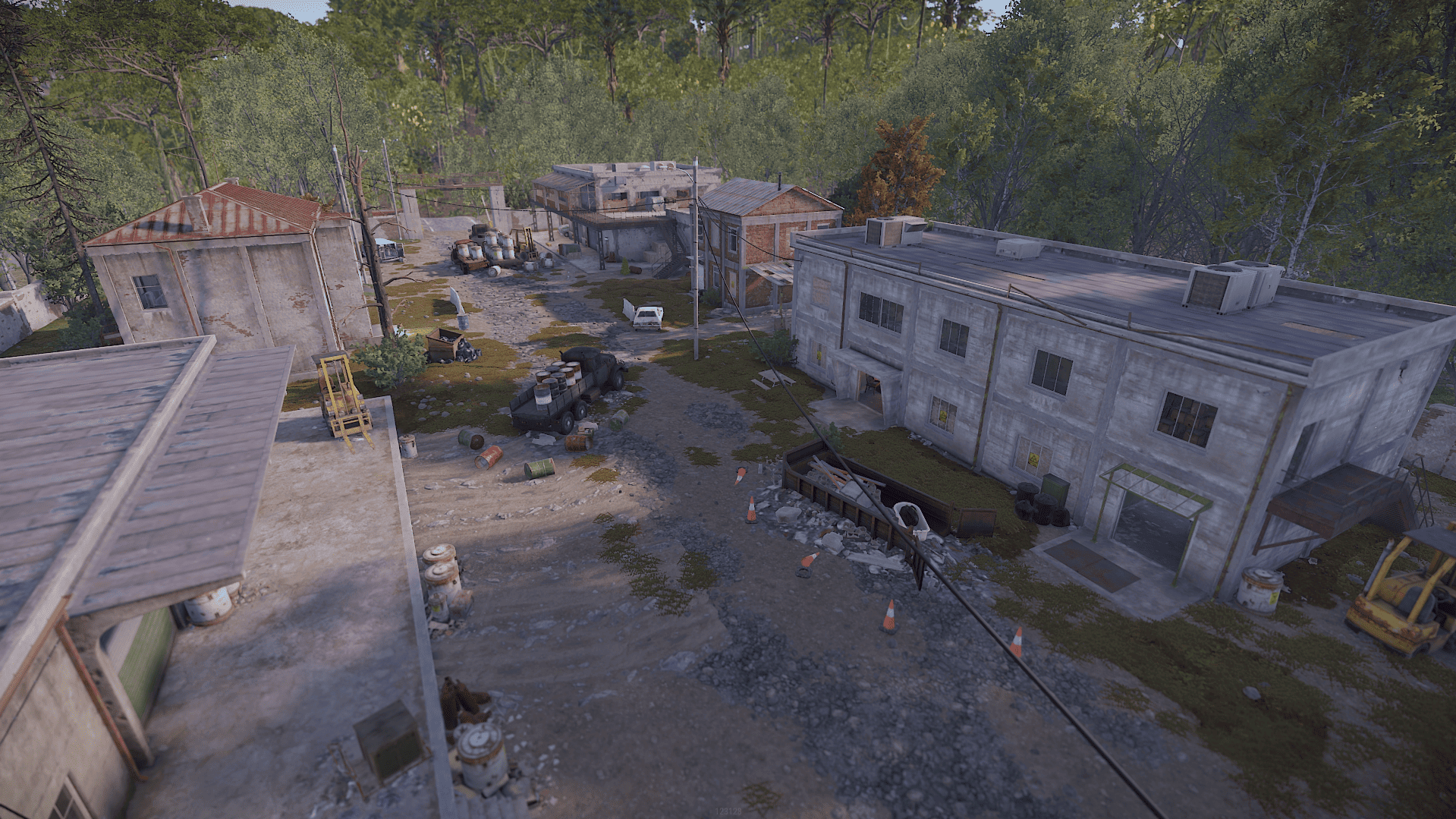
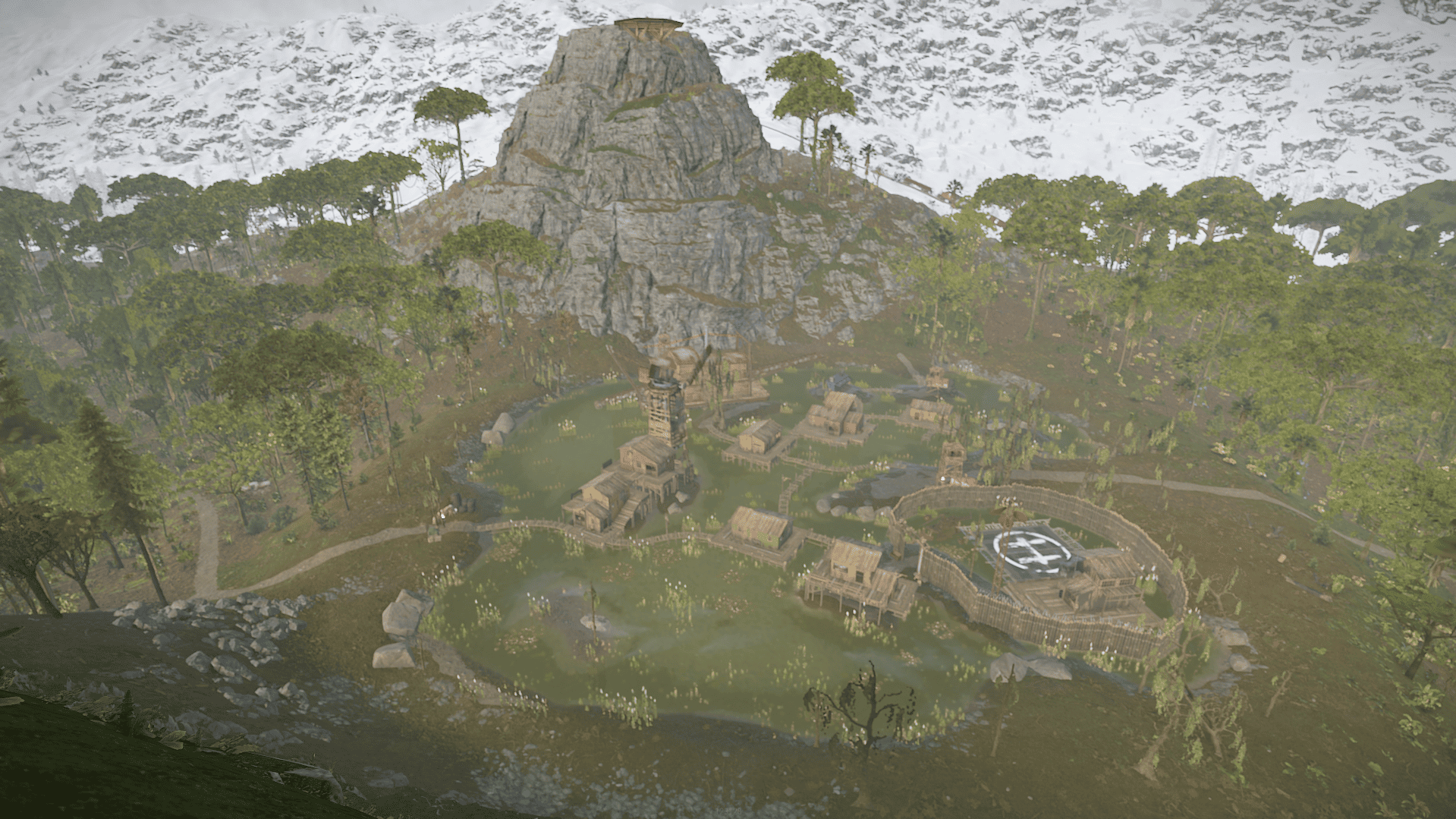
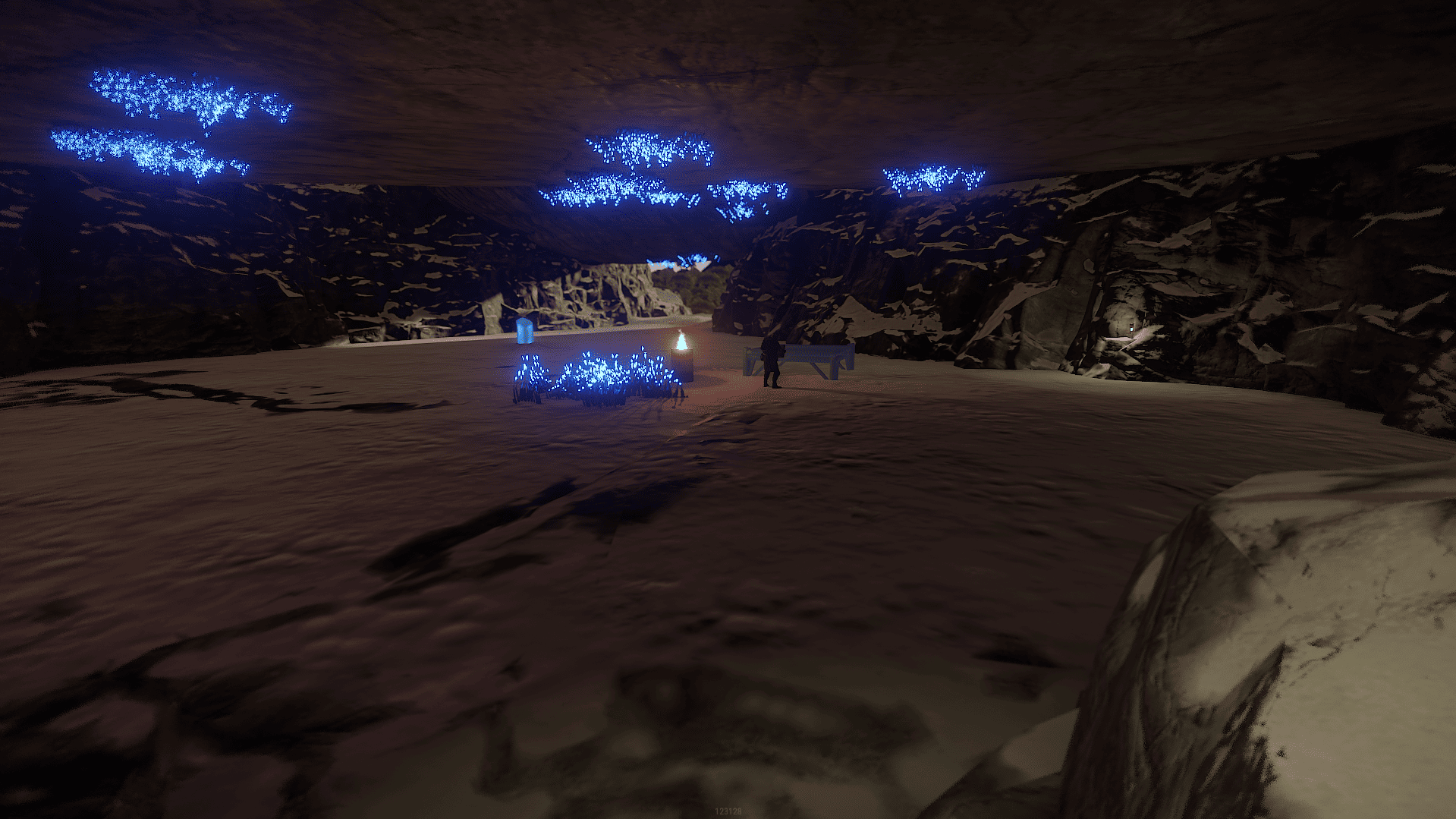
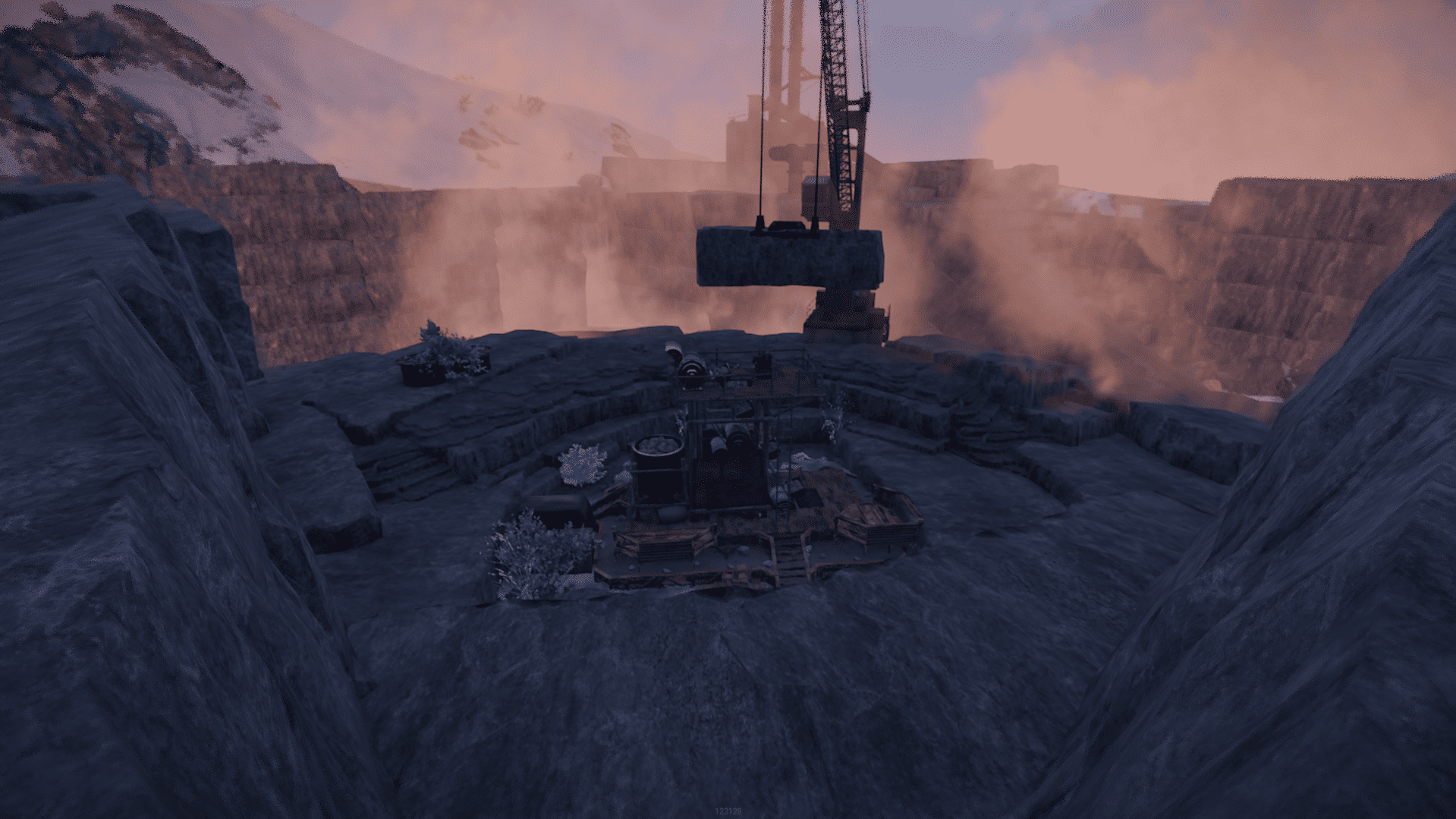
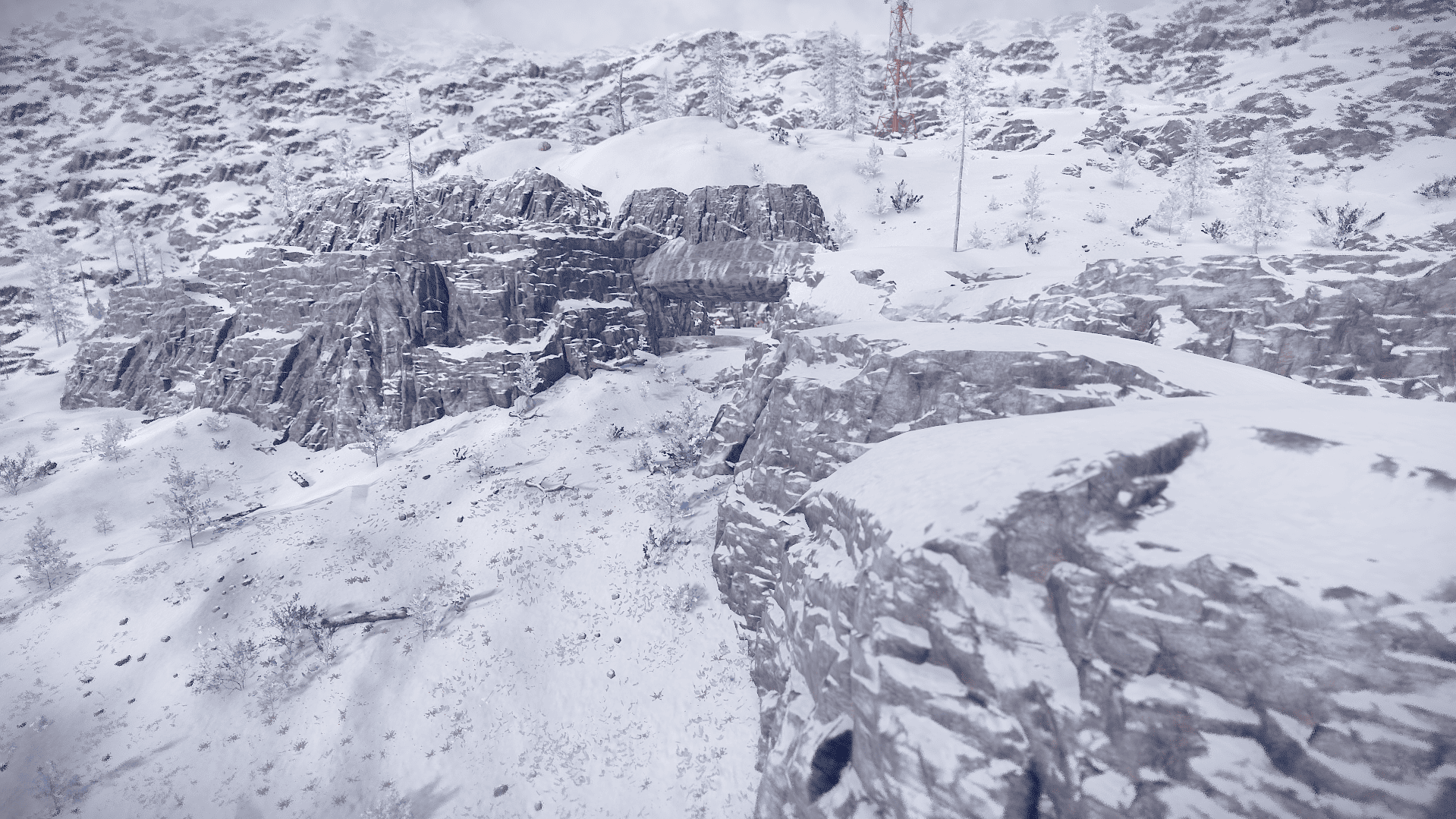
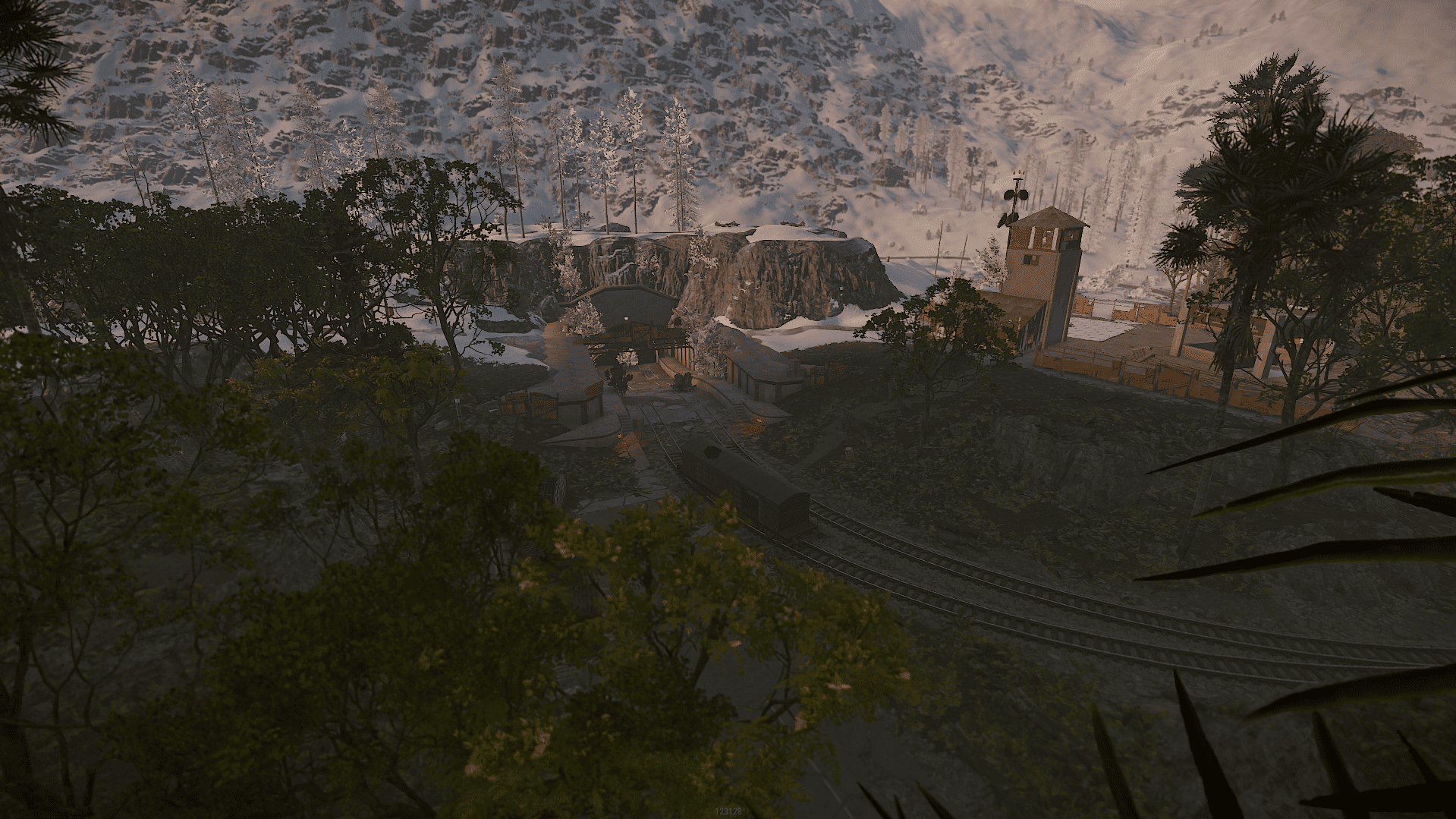
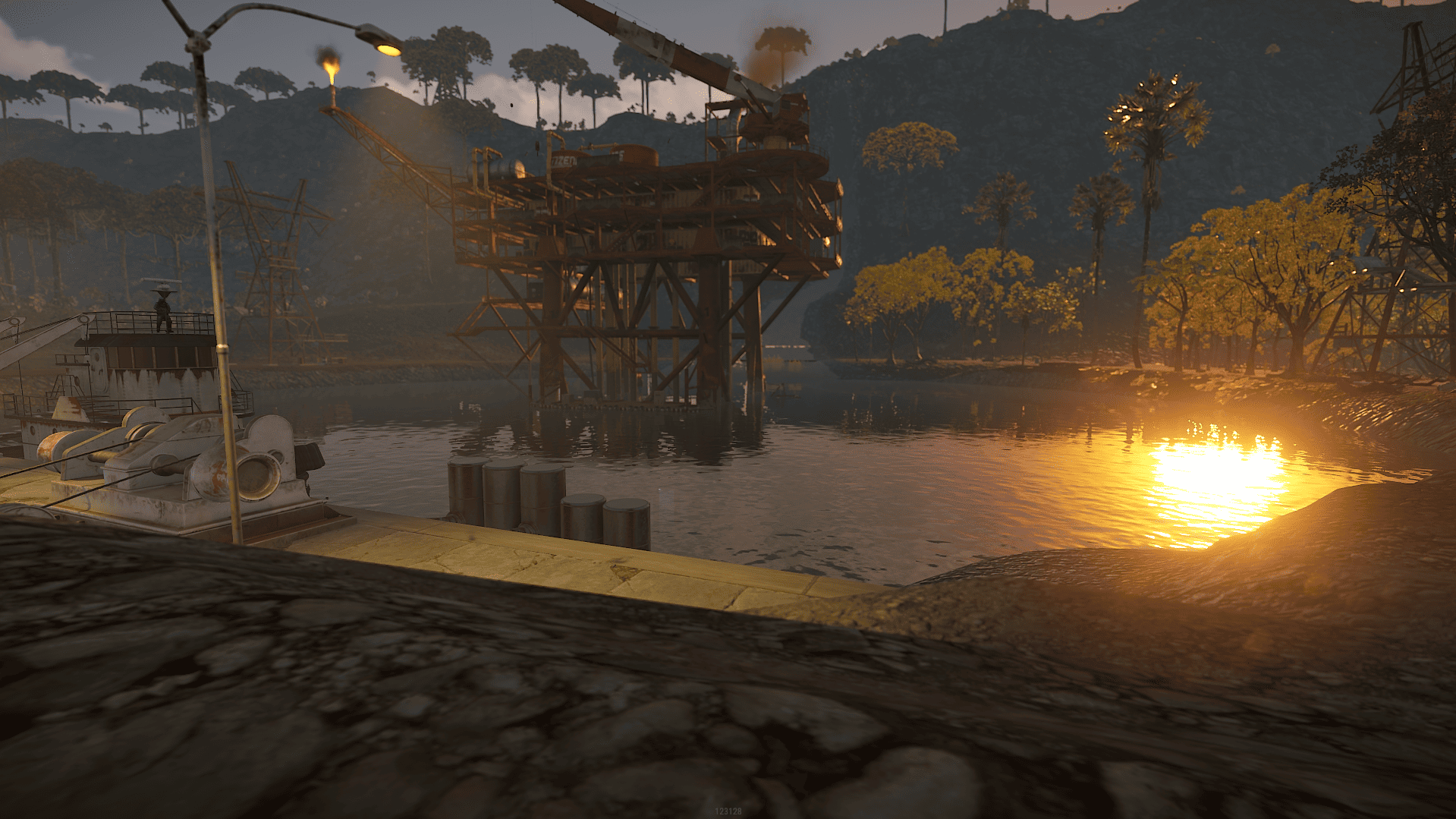
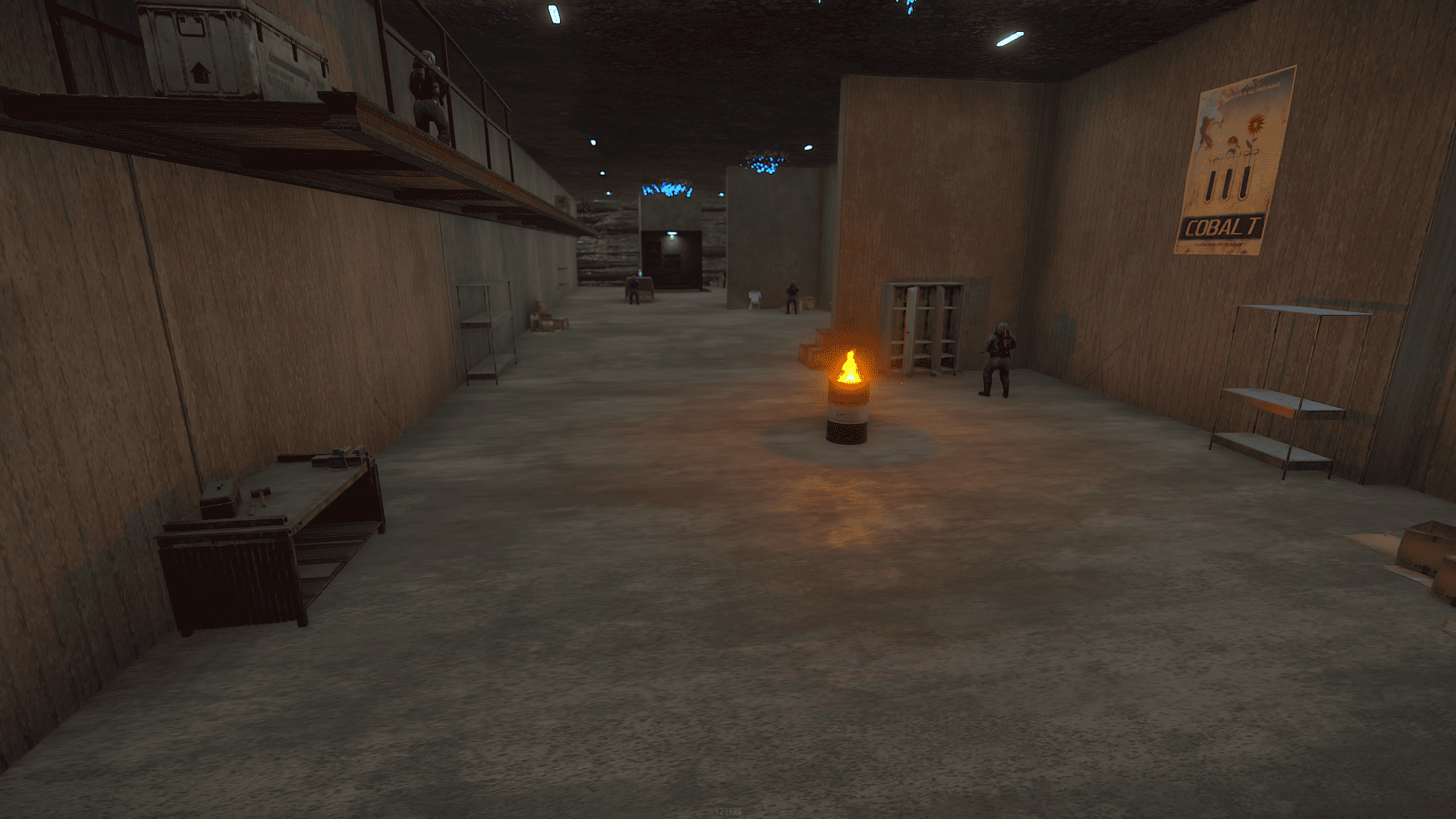
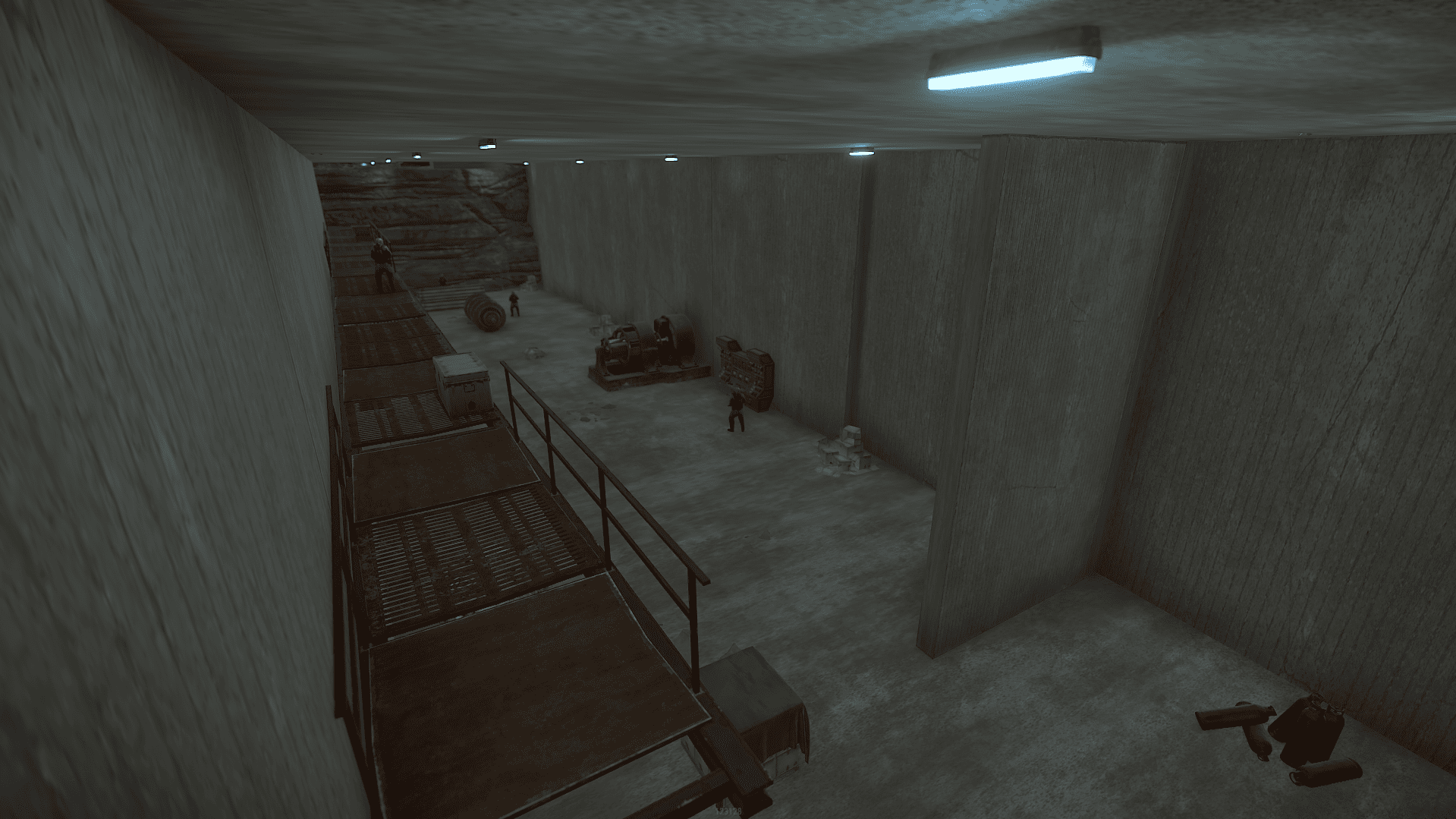
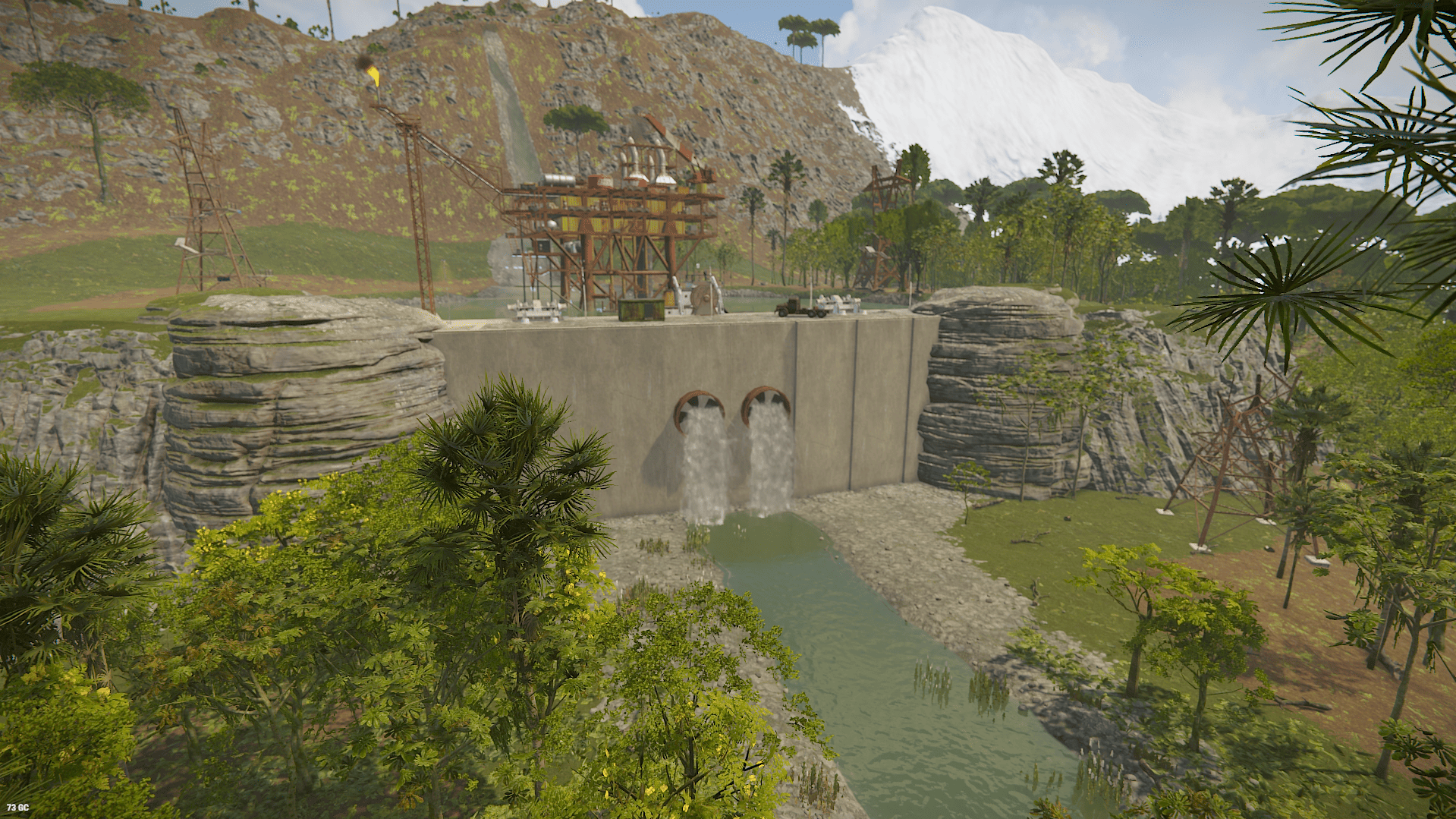
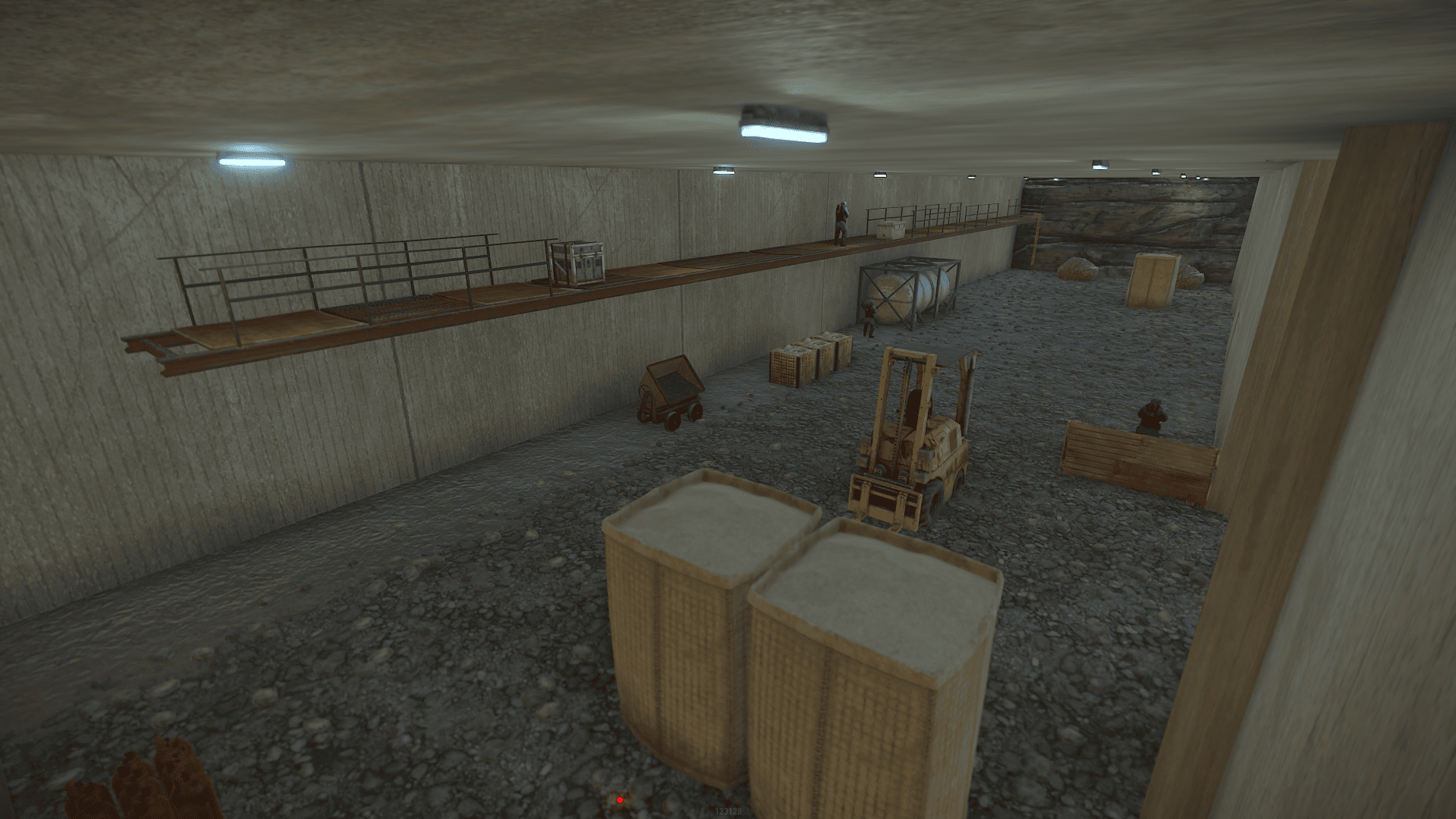
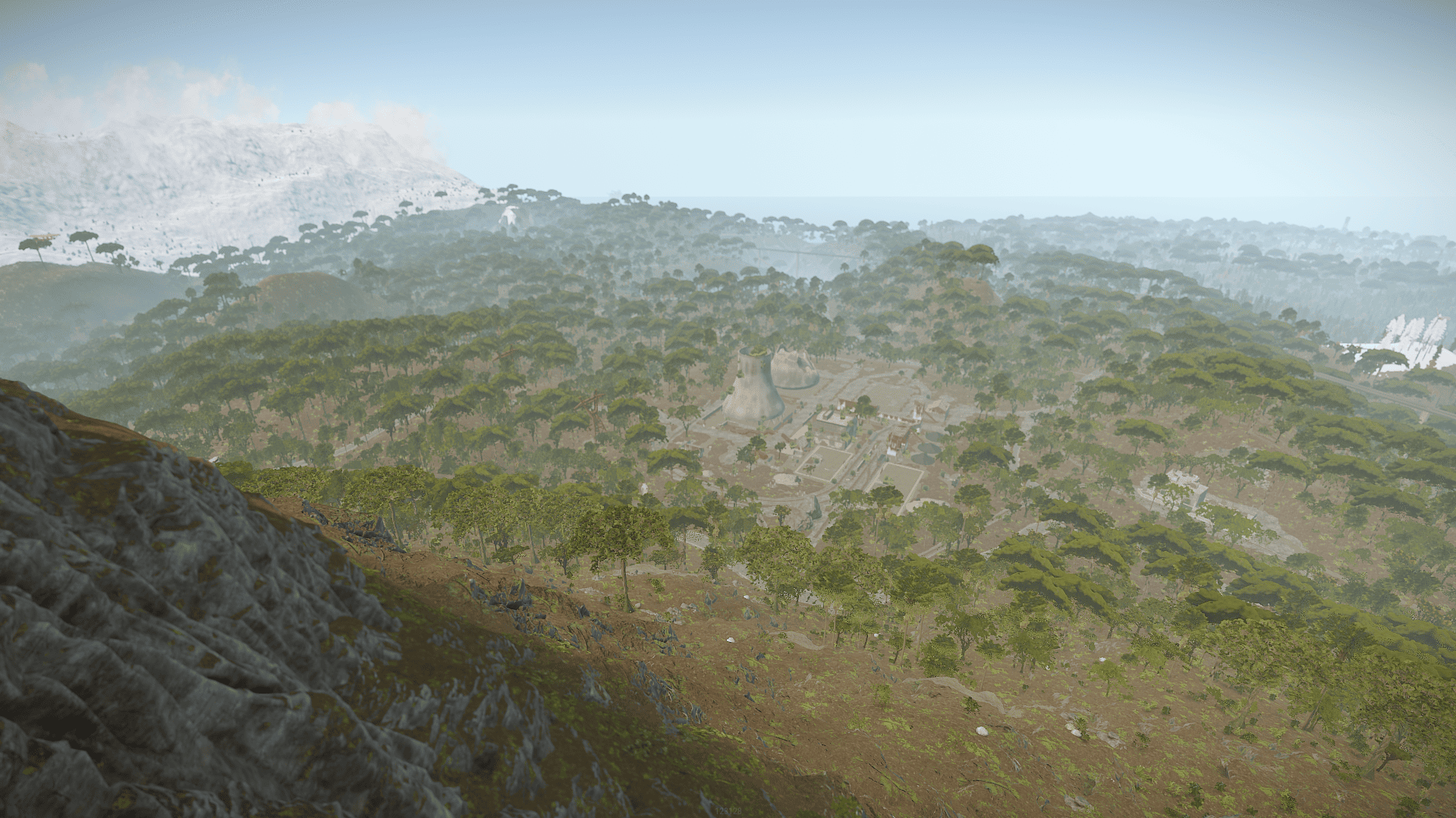
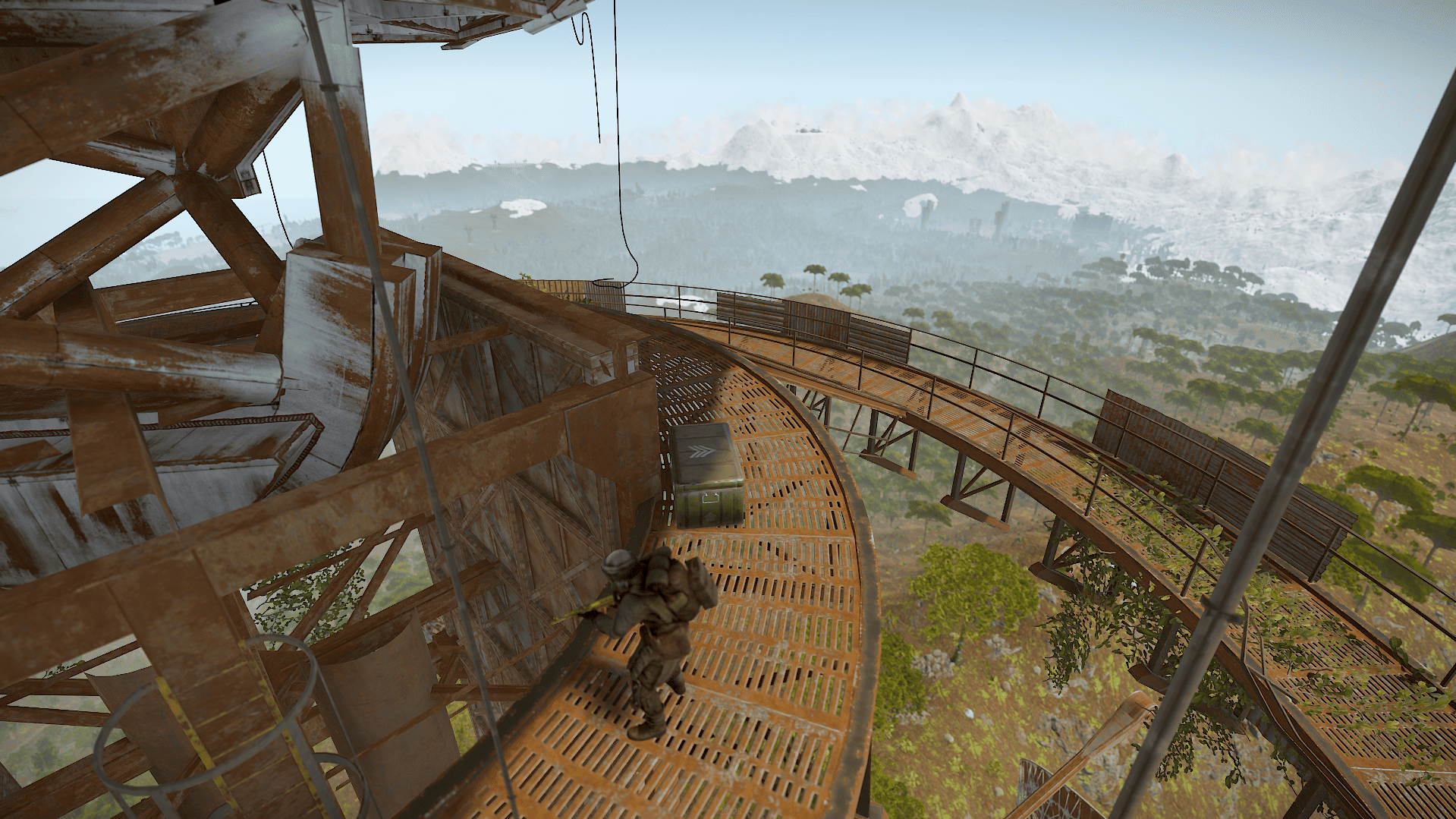
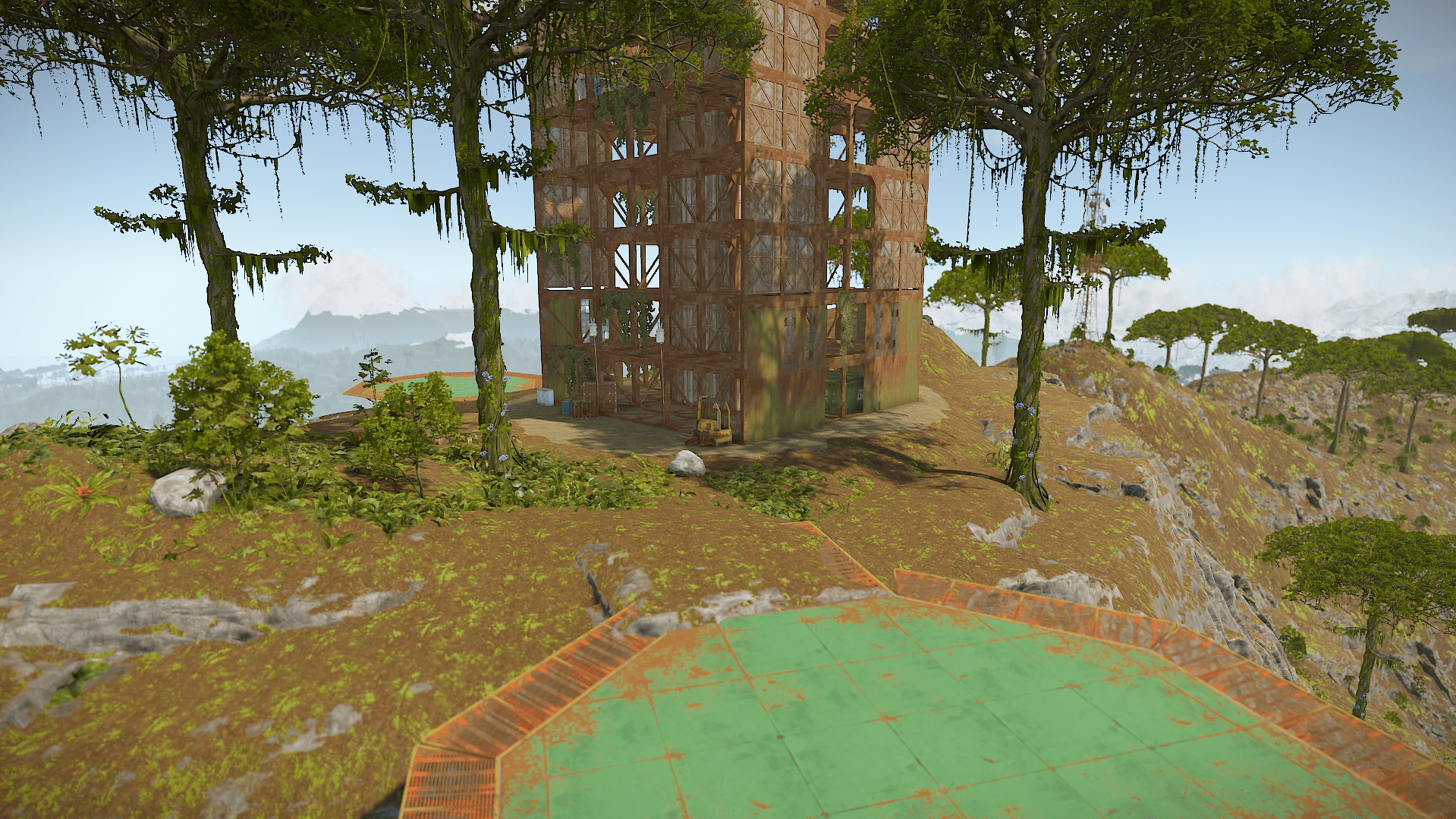

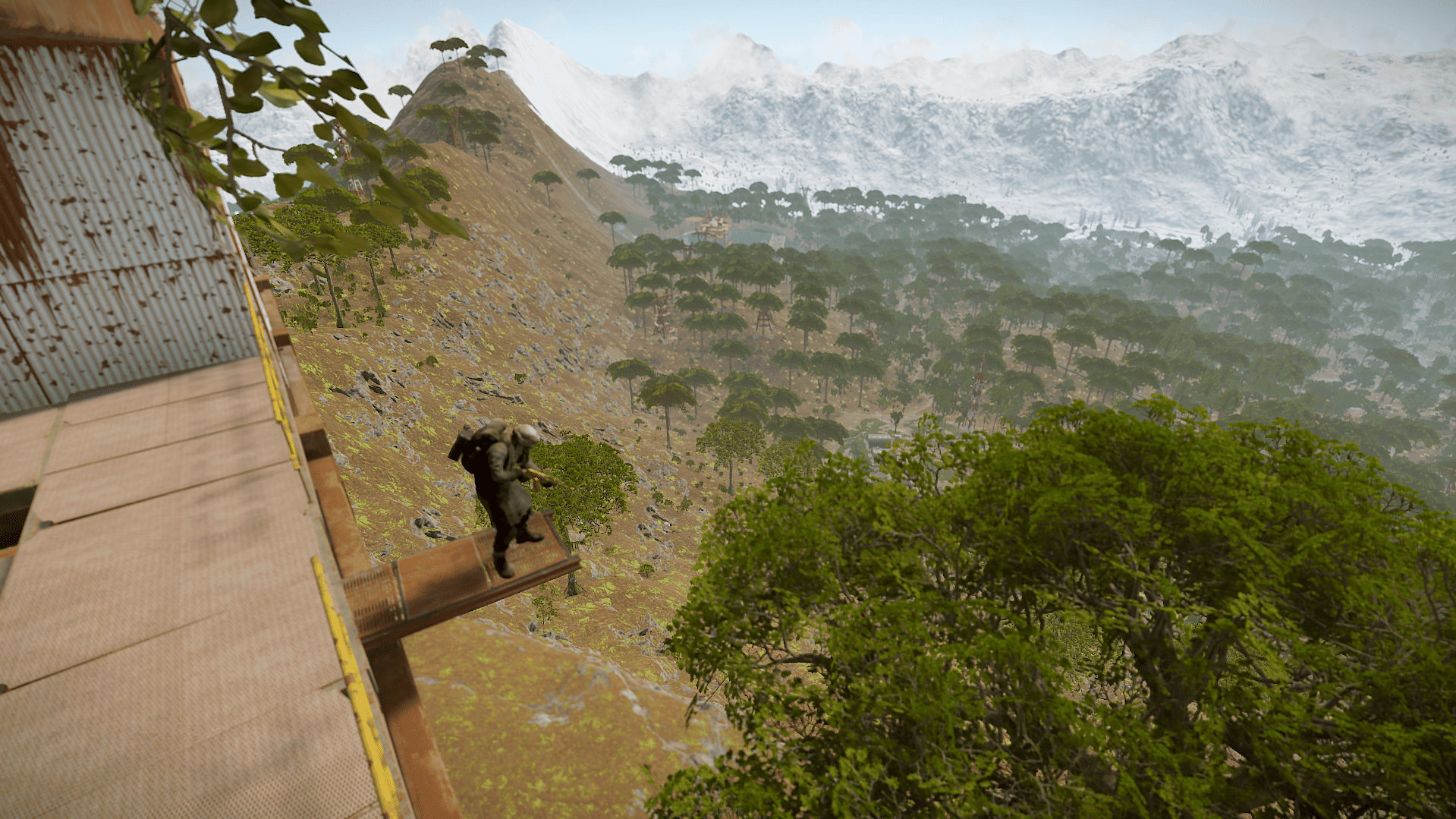
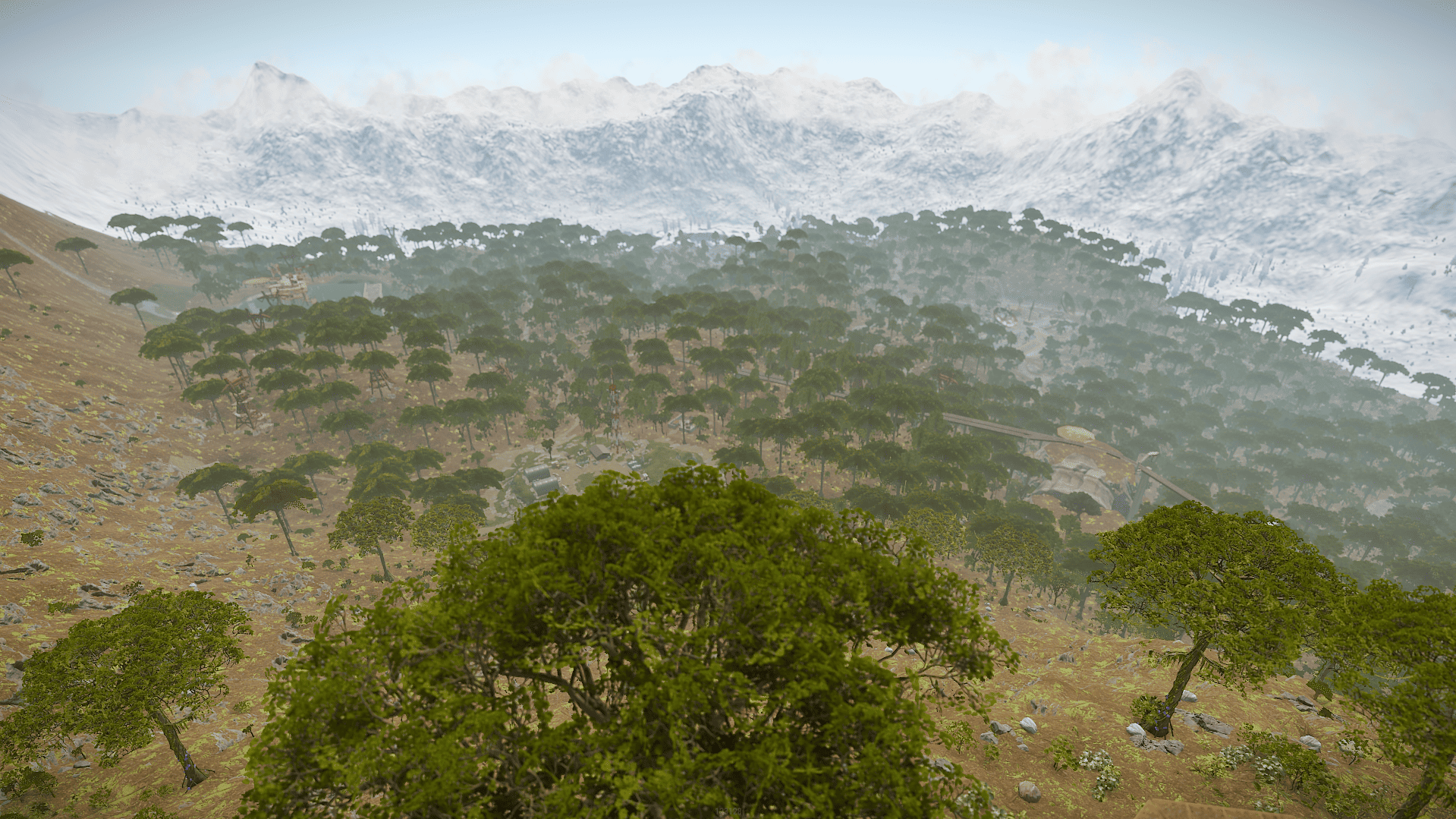
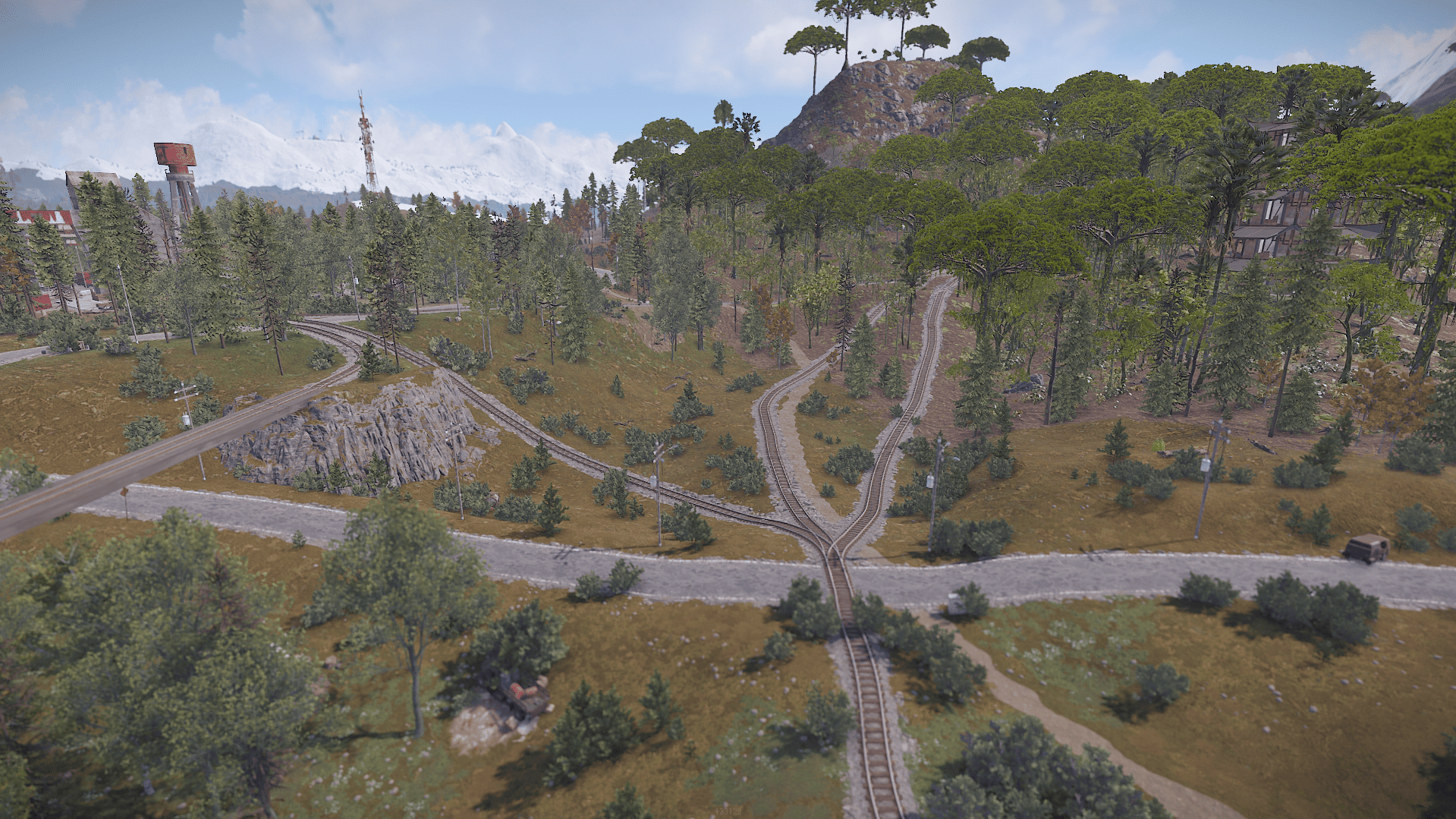
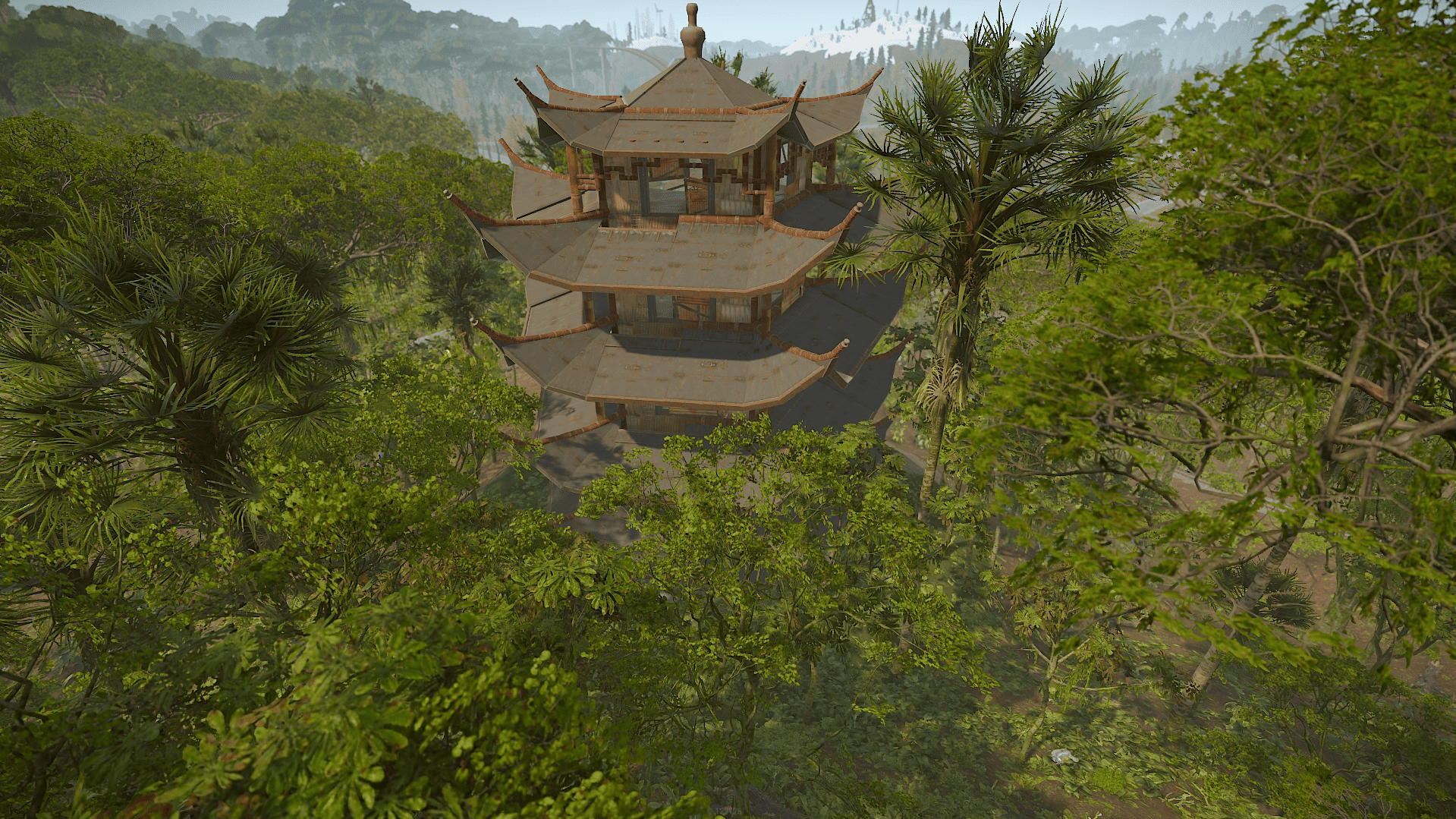
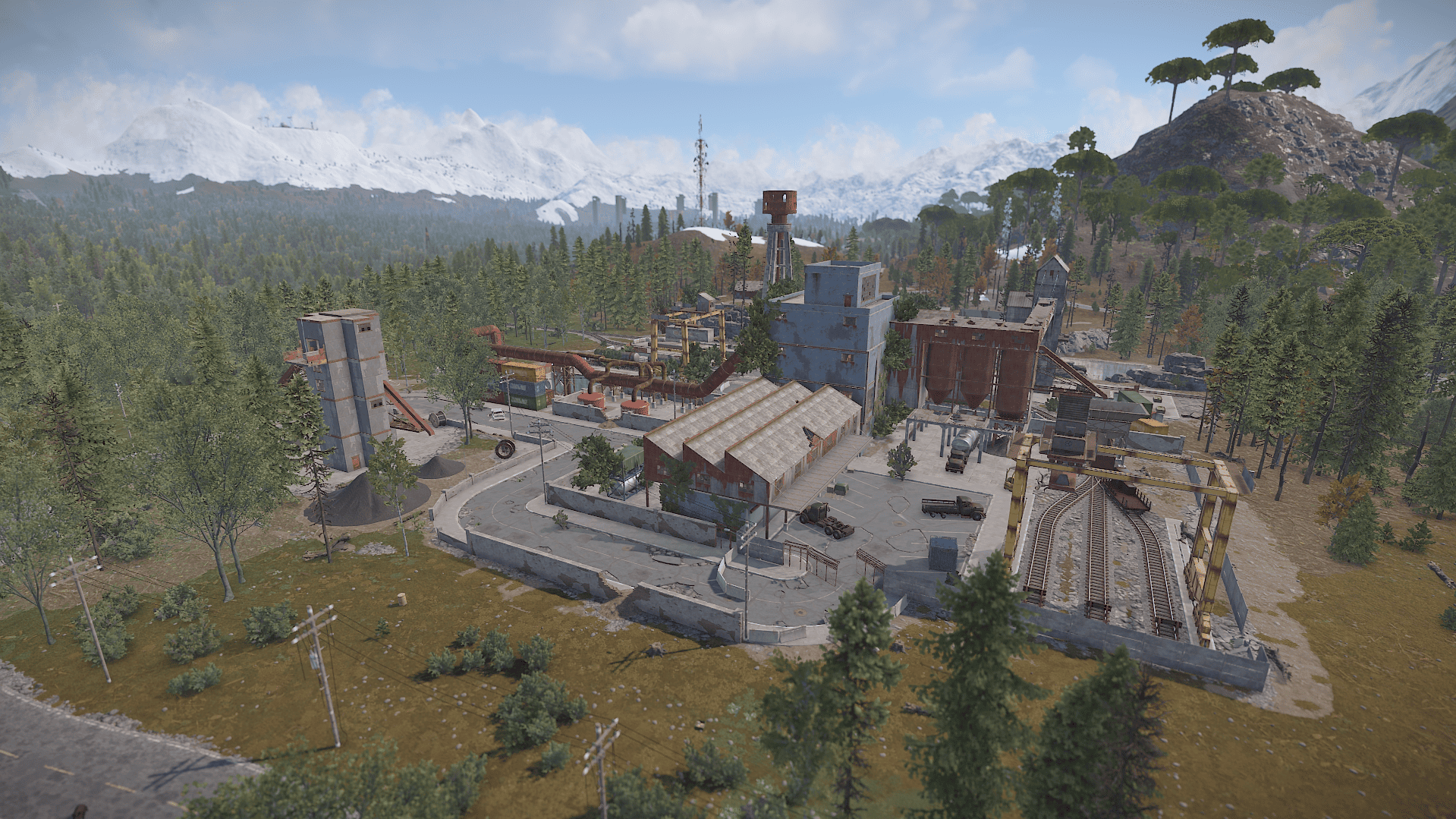
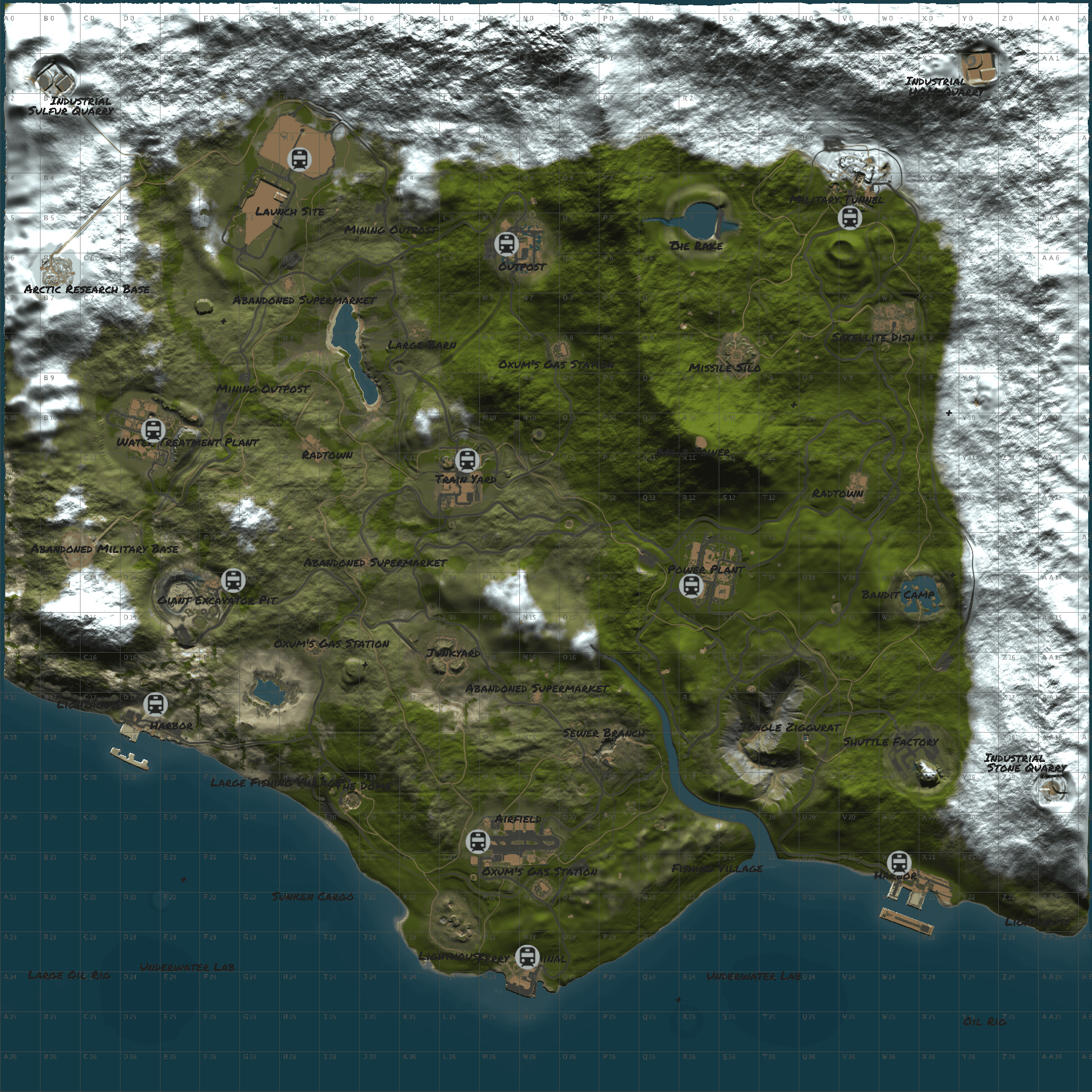
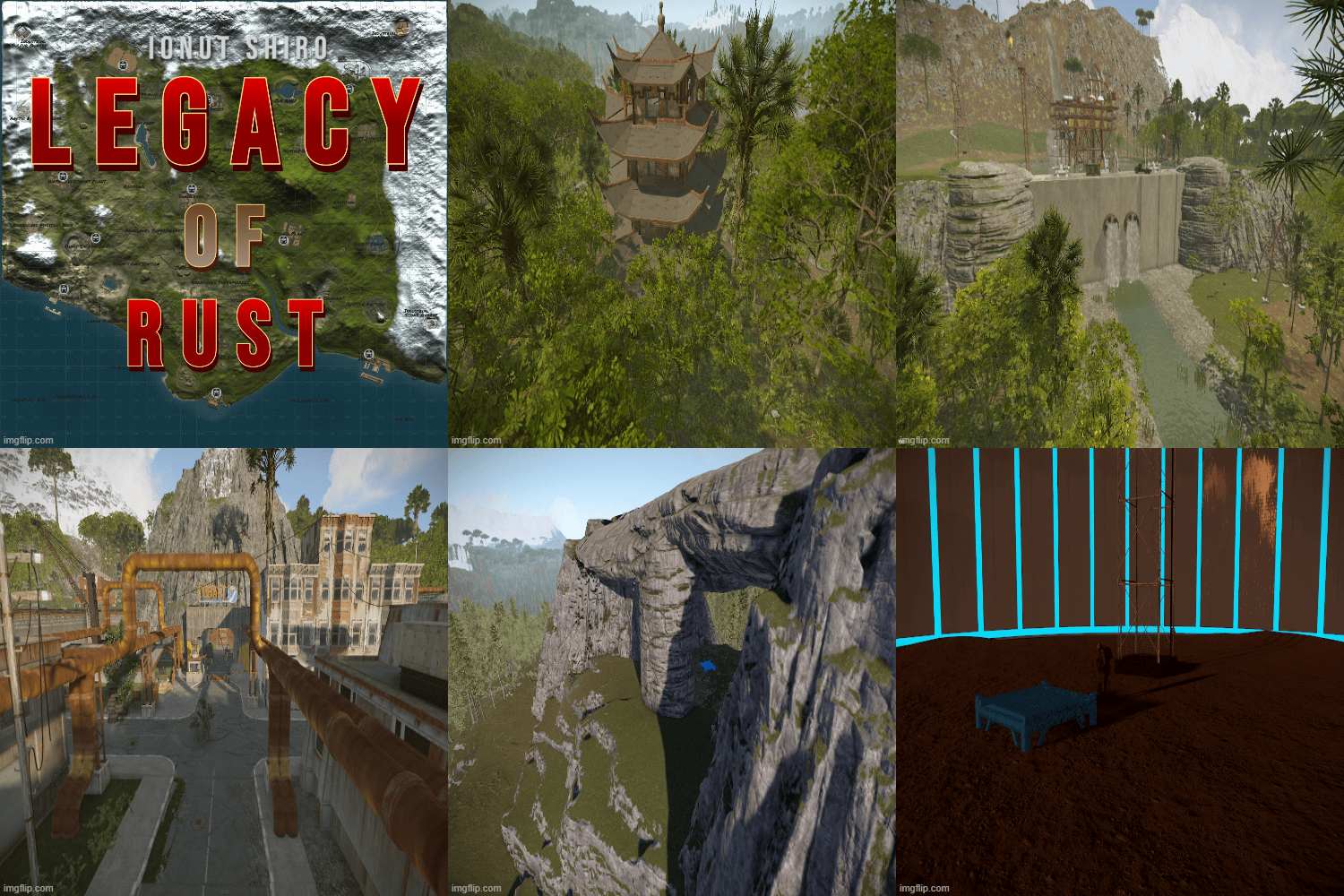
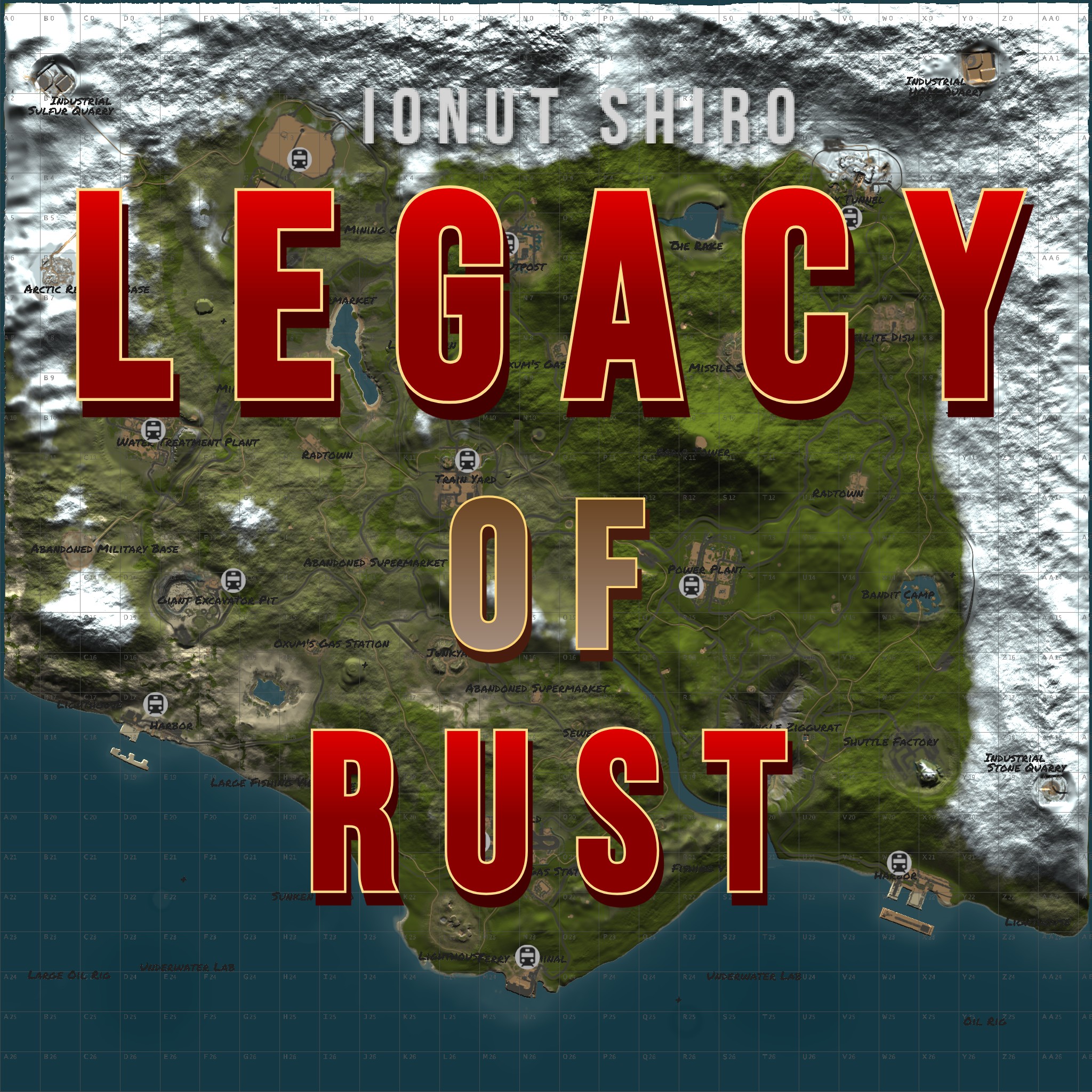
Legacy of Rust is a 4000 sized custom map shaped after the original and first Rust map in game with a custom monument twist and all procedural monuments to this moment added to it.
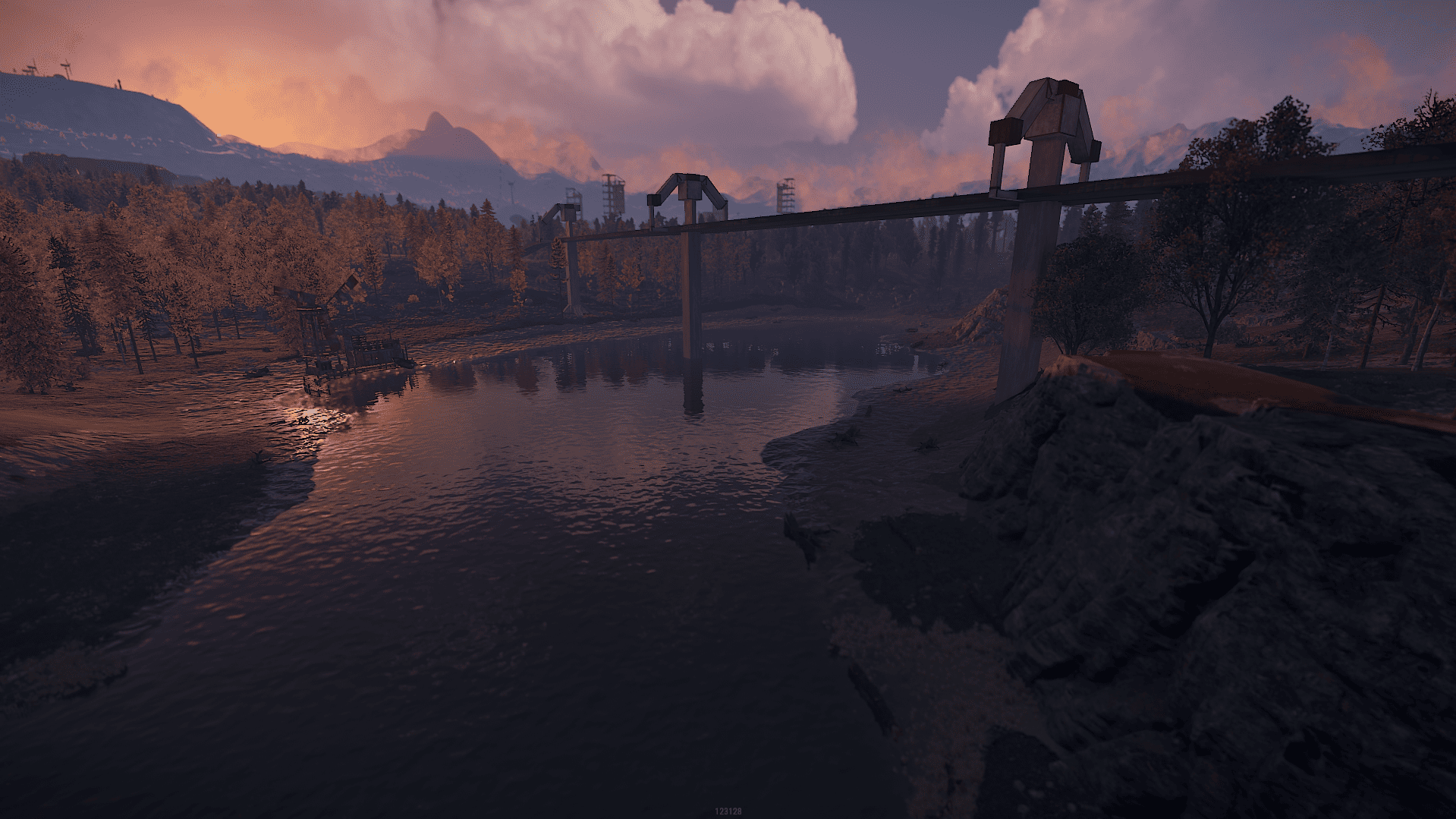
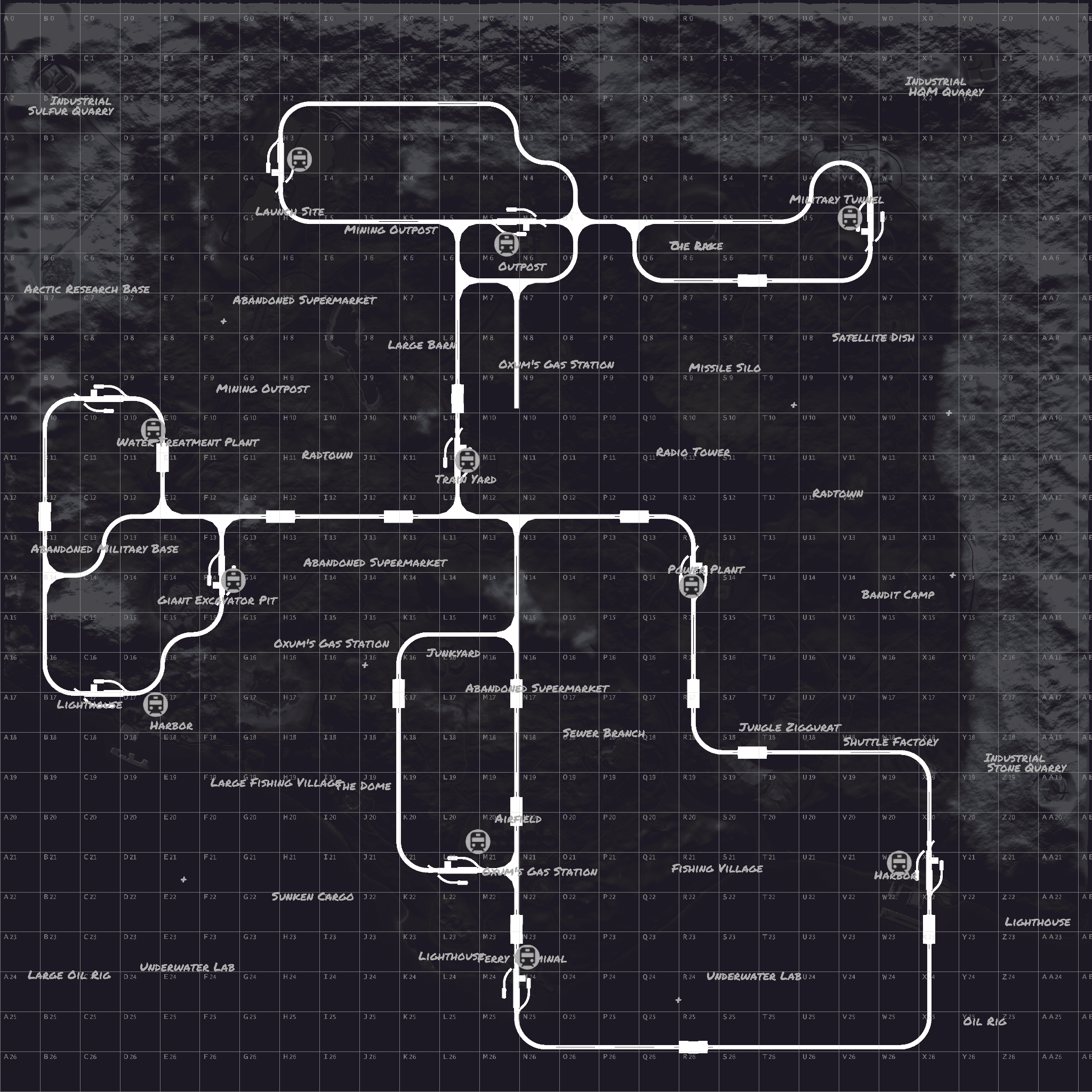
There is a railway system both above and underground connected taking you through breathtaking landscapes and monuments.
You can find unique building locations marked with + on the map.
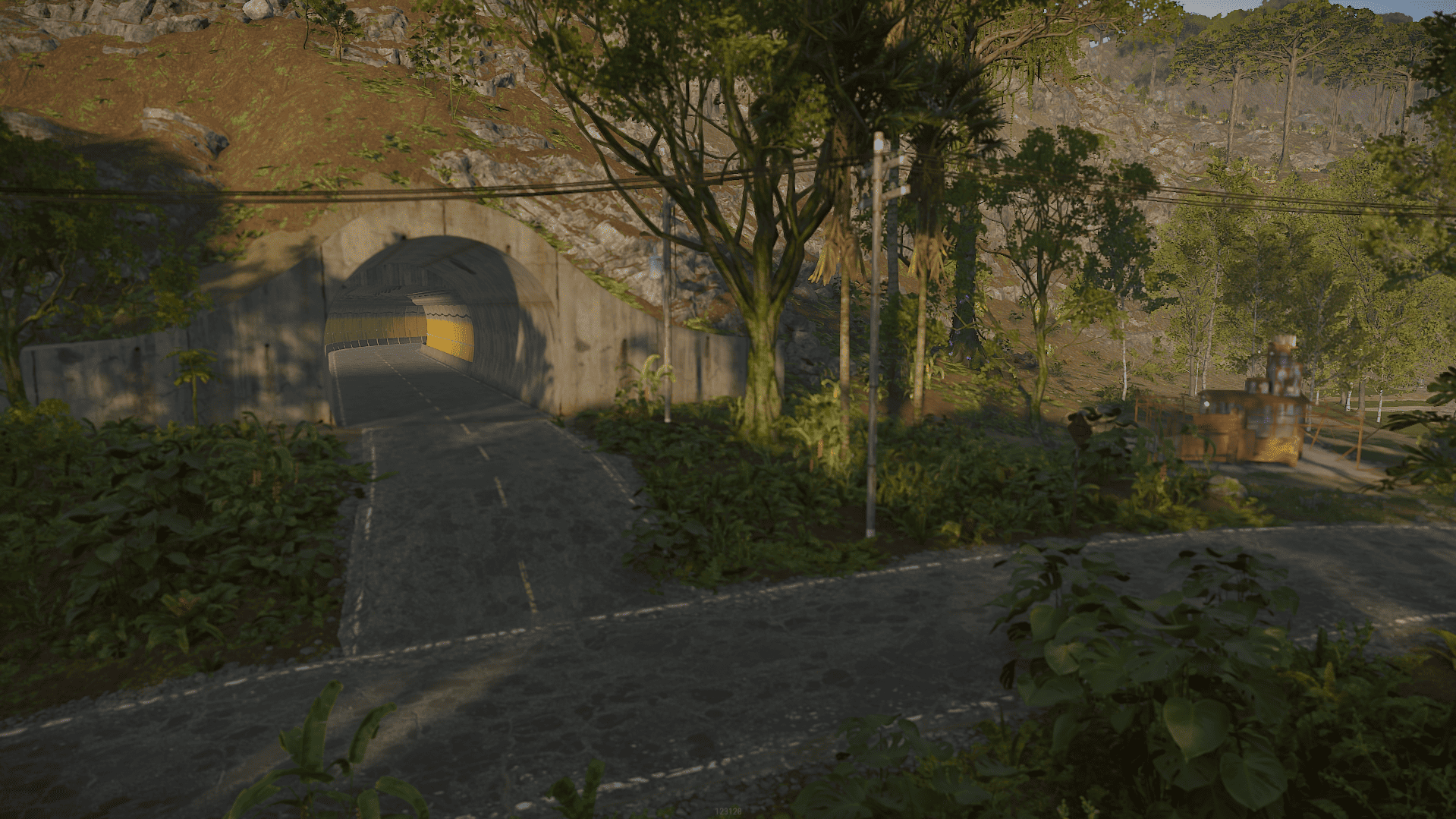
Passage from west to east can also be done through the mountains via road tunnels!
Monuments:
- Arctic Research Base
- Harbors
- Ferry Terminal
- Airfield
- Excavator
- Military Tunnels
- Power Plant
- Train Yard
- Water Treatment Plant
- Launch Site
- Junkyard
- Jungle Ziggurat
- Lighthouses
- Bandit Town
- Compound
- Nuclear Missile Silo
- Radtowns
- Oil Rigs
- Sewer Branch
- Quarries
- Sphere Tank
- Satellite Dish
- Gas Stations/ Supermarkets / Warehouses
- Stables
- Underwater Laboratories
- Fishing Villages
- Ruins / Water Wells / Caves
Custom Monuments :
- Radio Tower
- The Lake
- Custom Quarries
- Abandoned Military Base
- Shuttle Factory
- Various Building locations both above ground and underwater
- Sunken Cargo
Map Size : 4000
Entity Count : 48493
What's New in Version V1.1
Released
Misc
This map is only for your own personal use not to share or resell.
Any changes you wish to make on the map you can notify me via support or discord without issues.
Any changes you wish to make on the map you can notify me via support or discord without issues.
You may only provide a review once you have downloaded the file.
There are no reviews to display.