



Jump to content
View in the app

A better way to browse. Learn more.

WeOxide Marketplace ¬ Rust Custom Maps ¬ Prefabs ¬ Monuments and Plugins Free & Paid Assets

A full-screen app on your home screen with push notifications, badges and more.

To install this app on iOS and iPadOS
  1. Tap the Share icon in Safari
  2. Scroll the menu and tap Add to Home Screen.
  3. Tap Add in the top-right corner.
To install this app on Android
  1. Tap the 3-dot menu (⋮) in the top-right corner of the browser.
  2. Tap Add to Home screen or Install app.
  3. Confirm by tapping Install.

Canada 4K Custom Map v1.4.3

$15

(1 review)

29 Screenshots

test.gif.9d4f45e00cb84d2e8a8120816d6033a8.gif

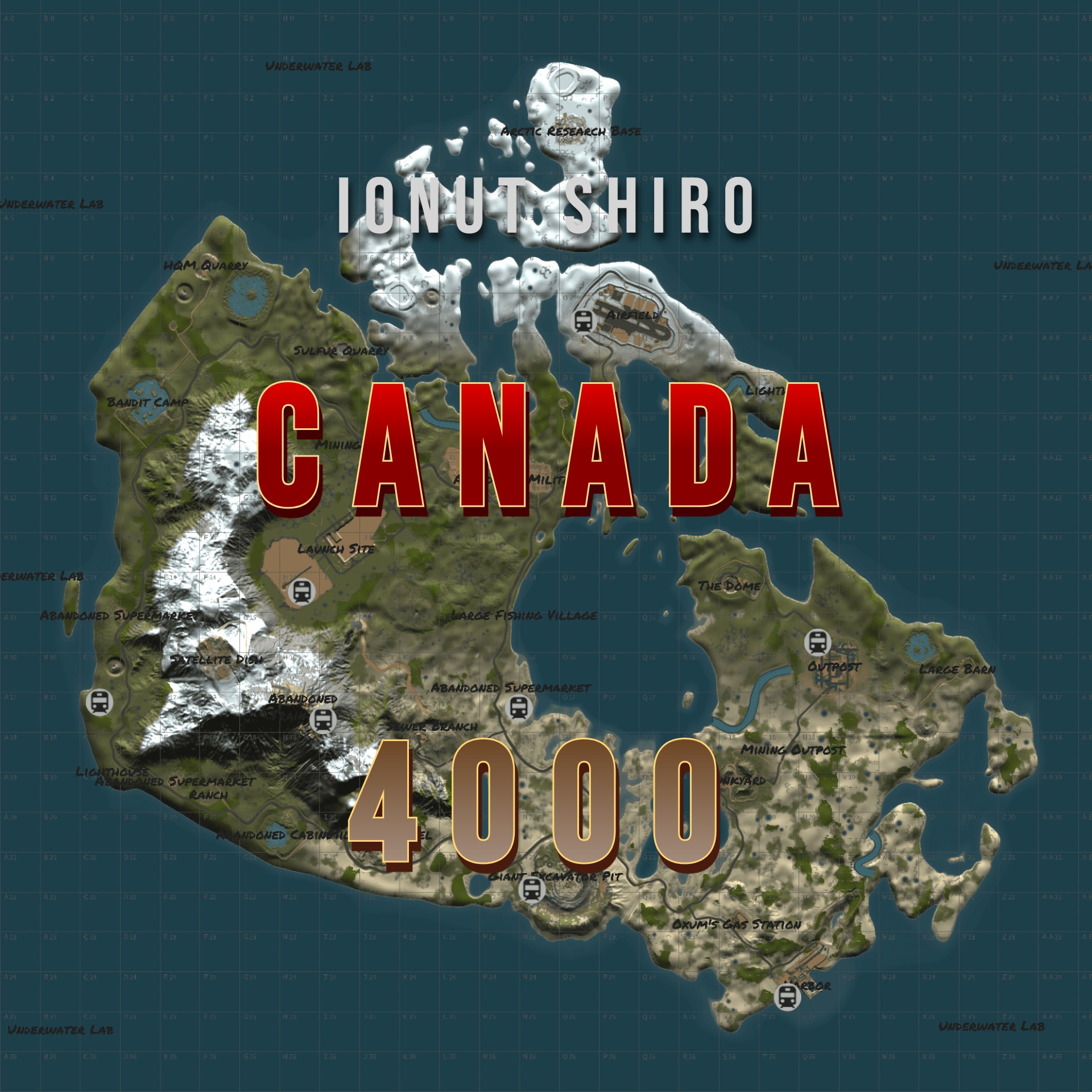
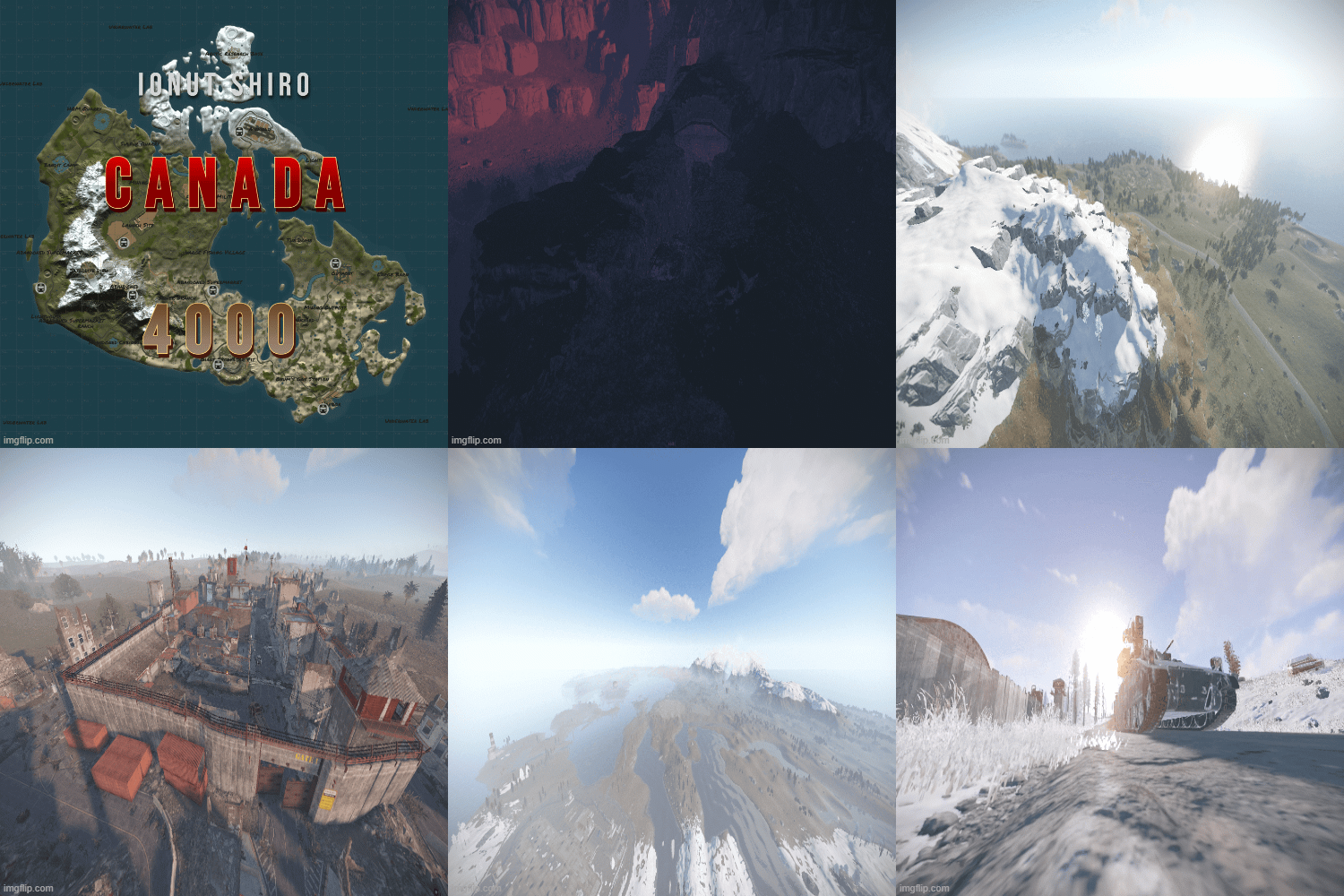
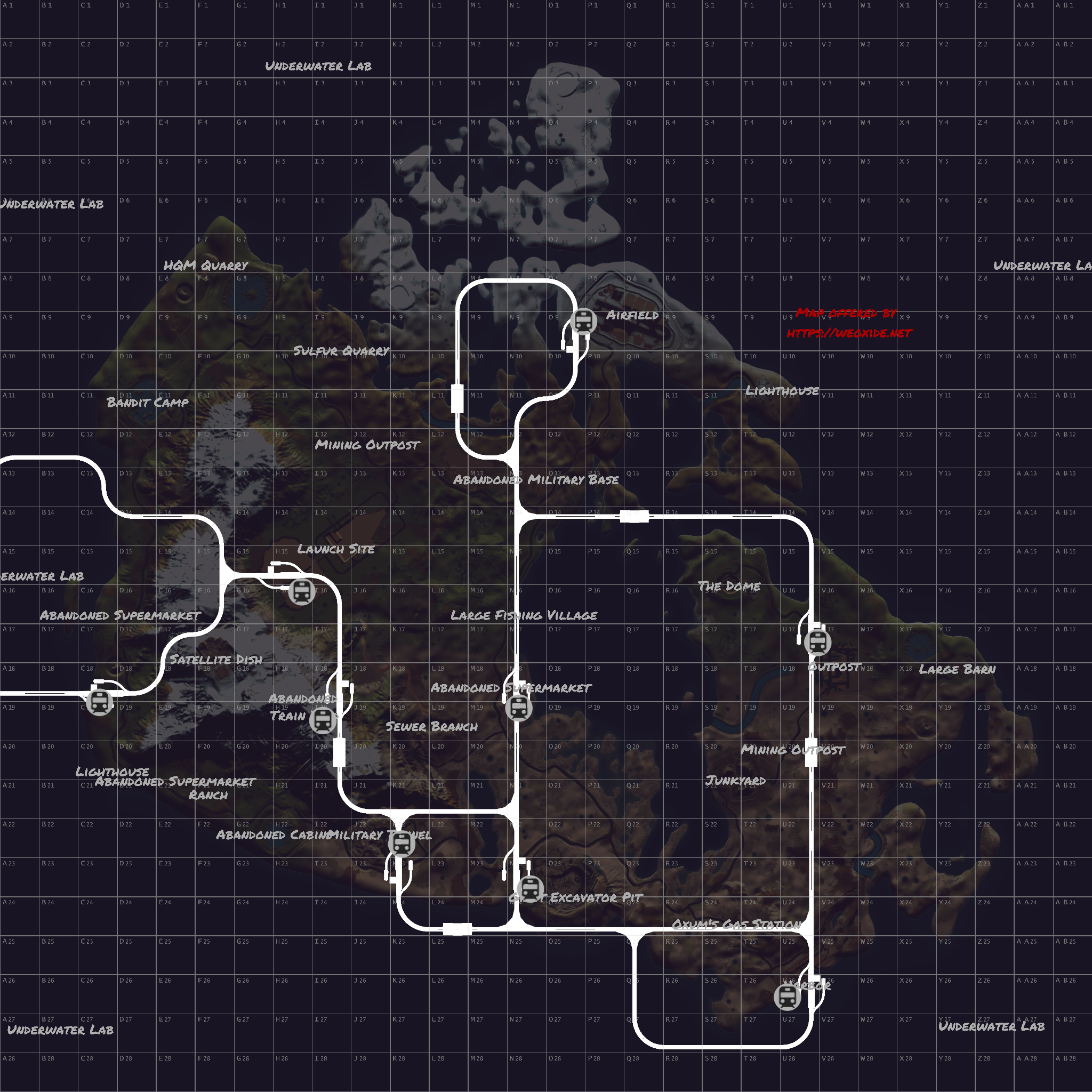
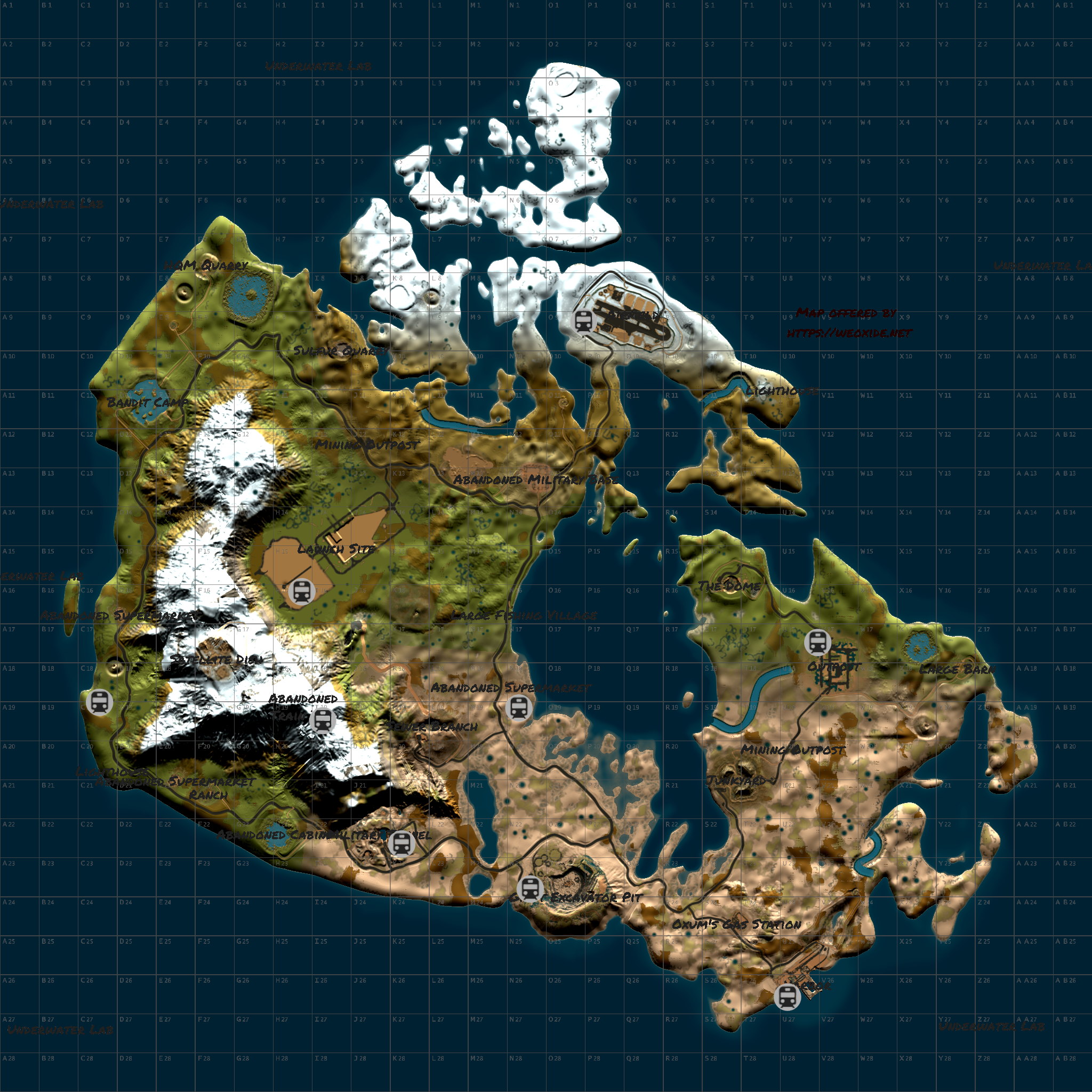
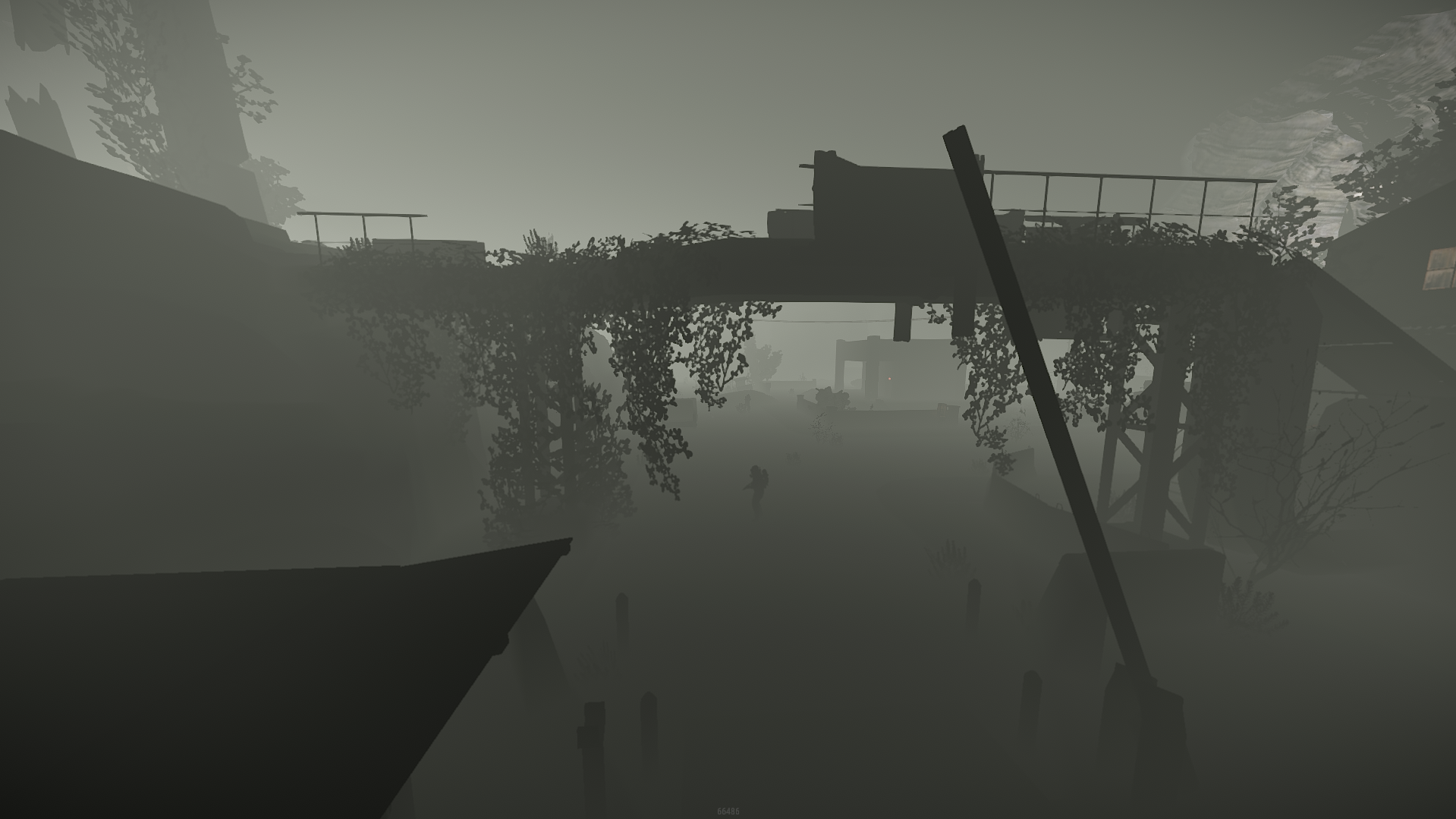
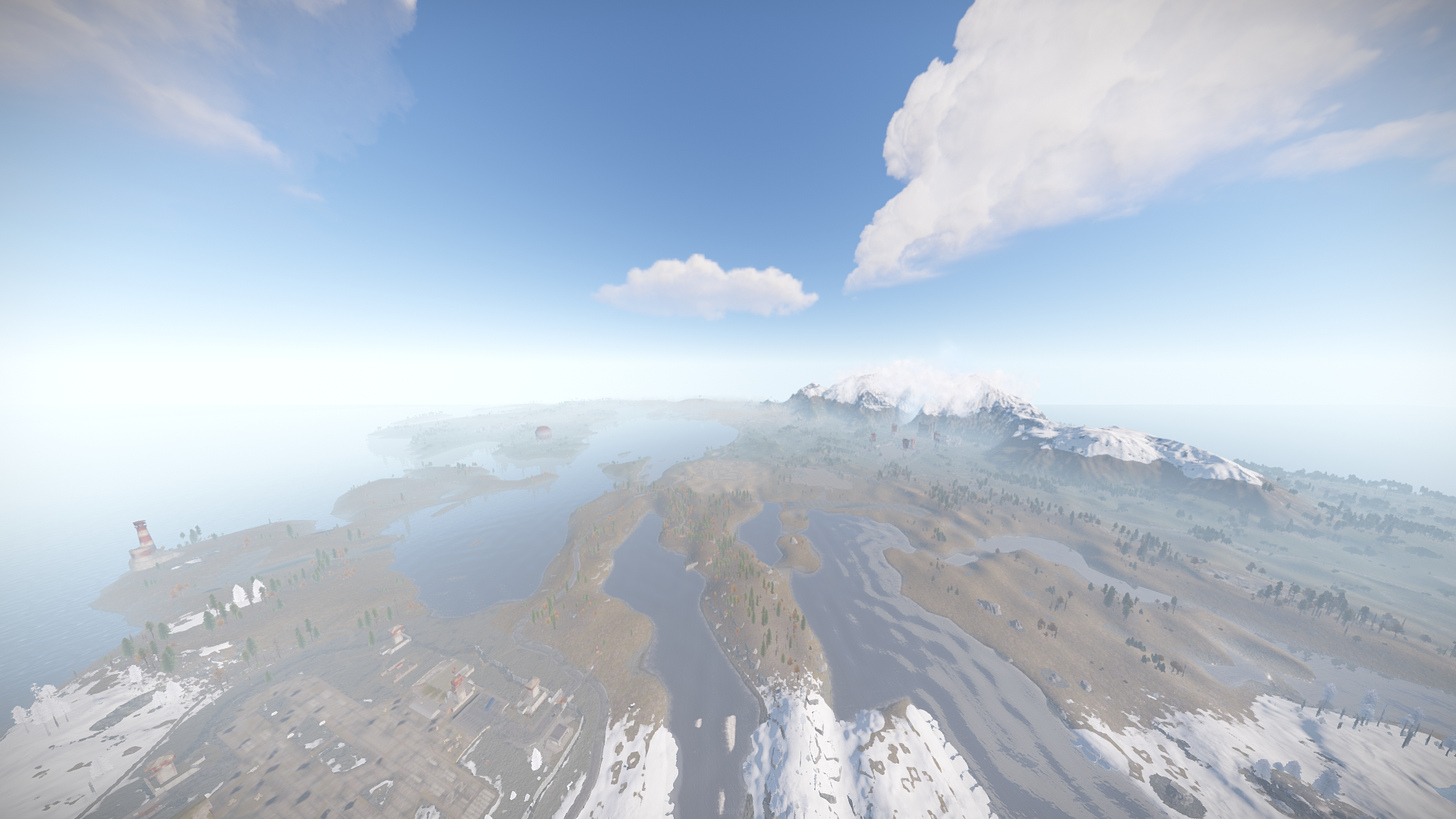
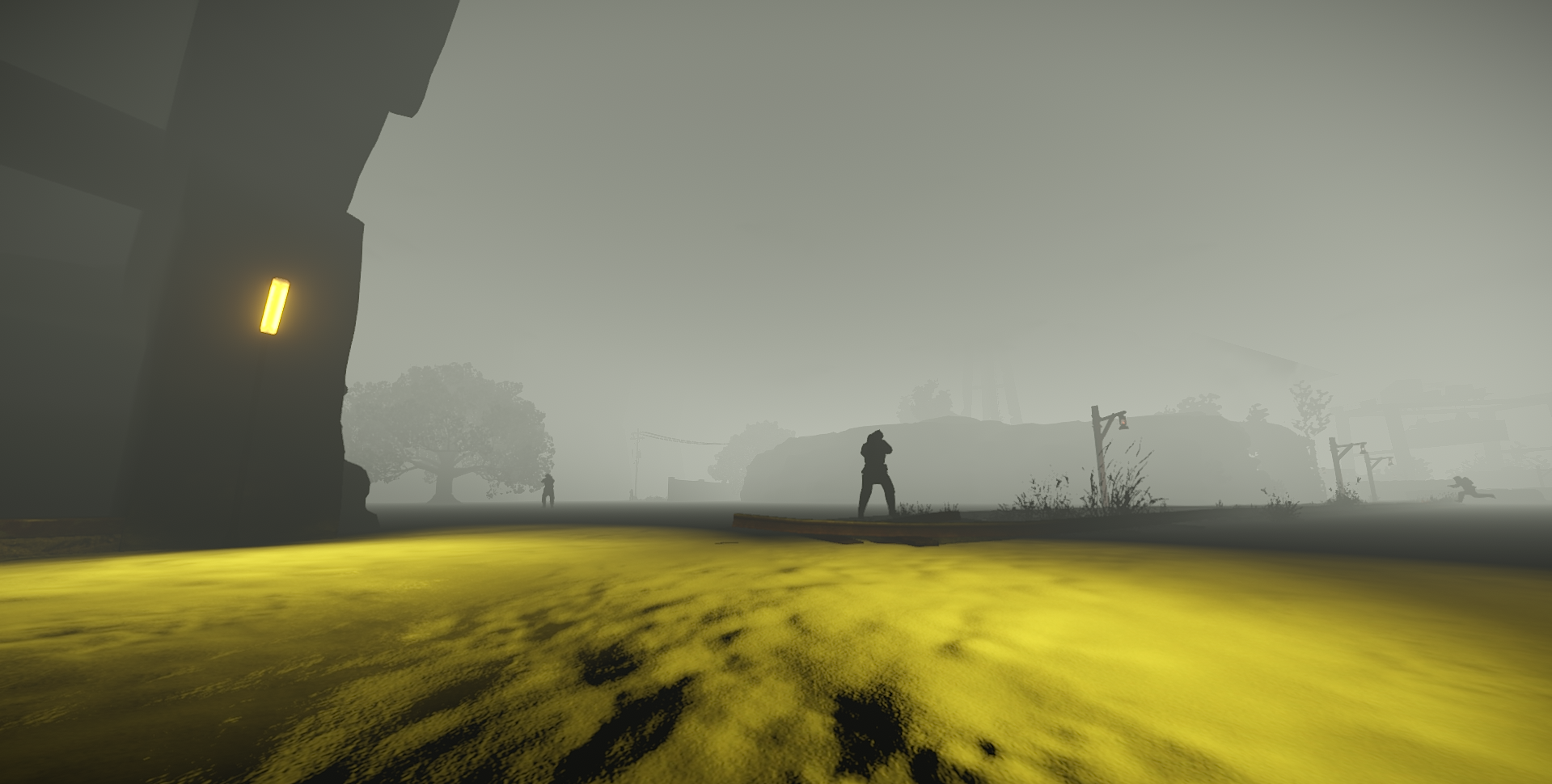
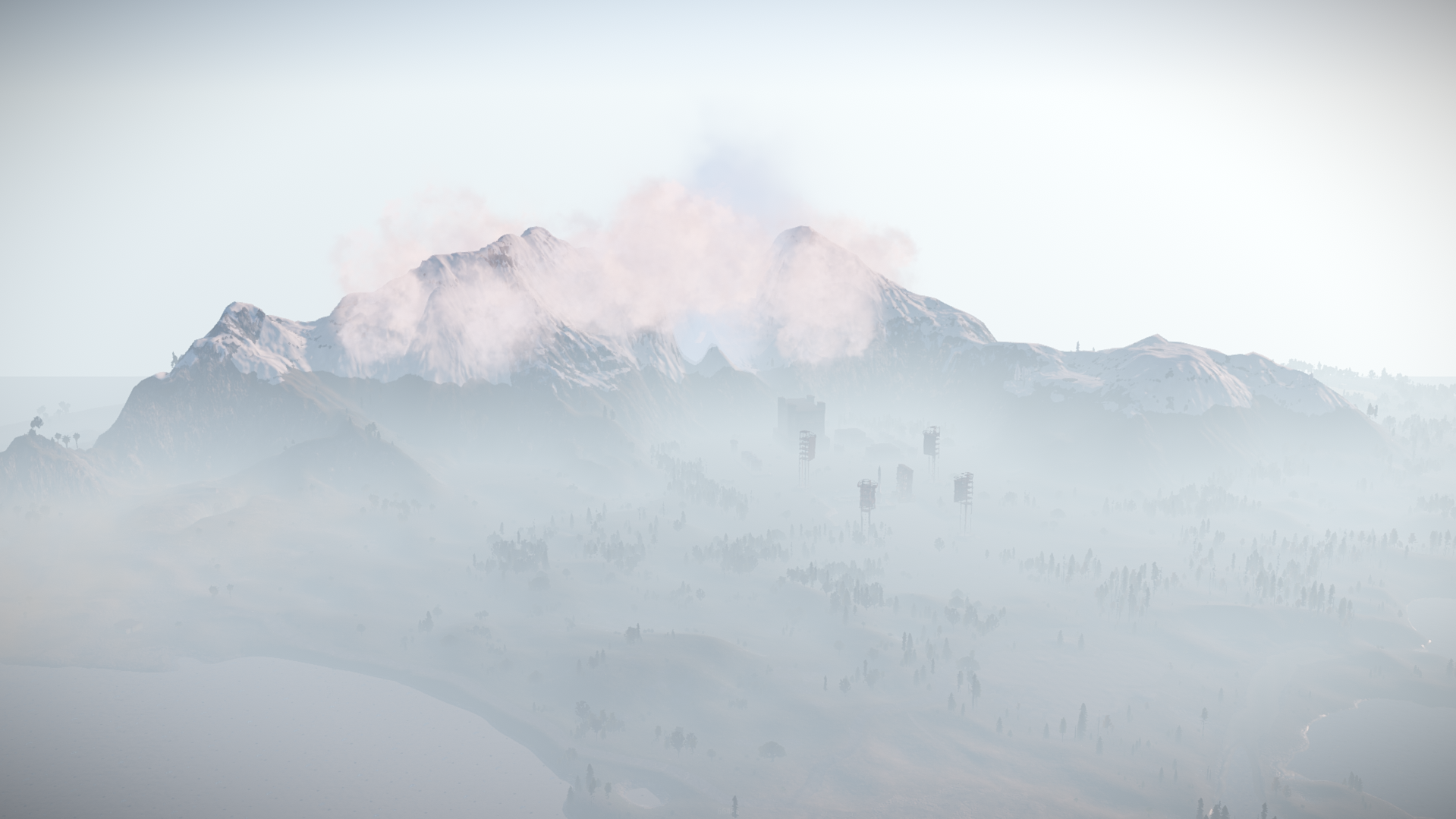
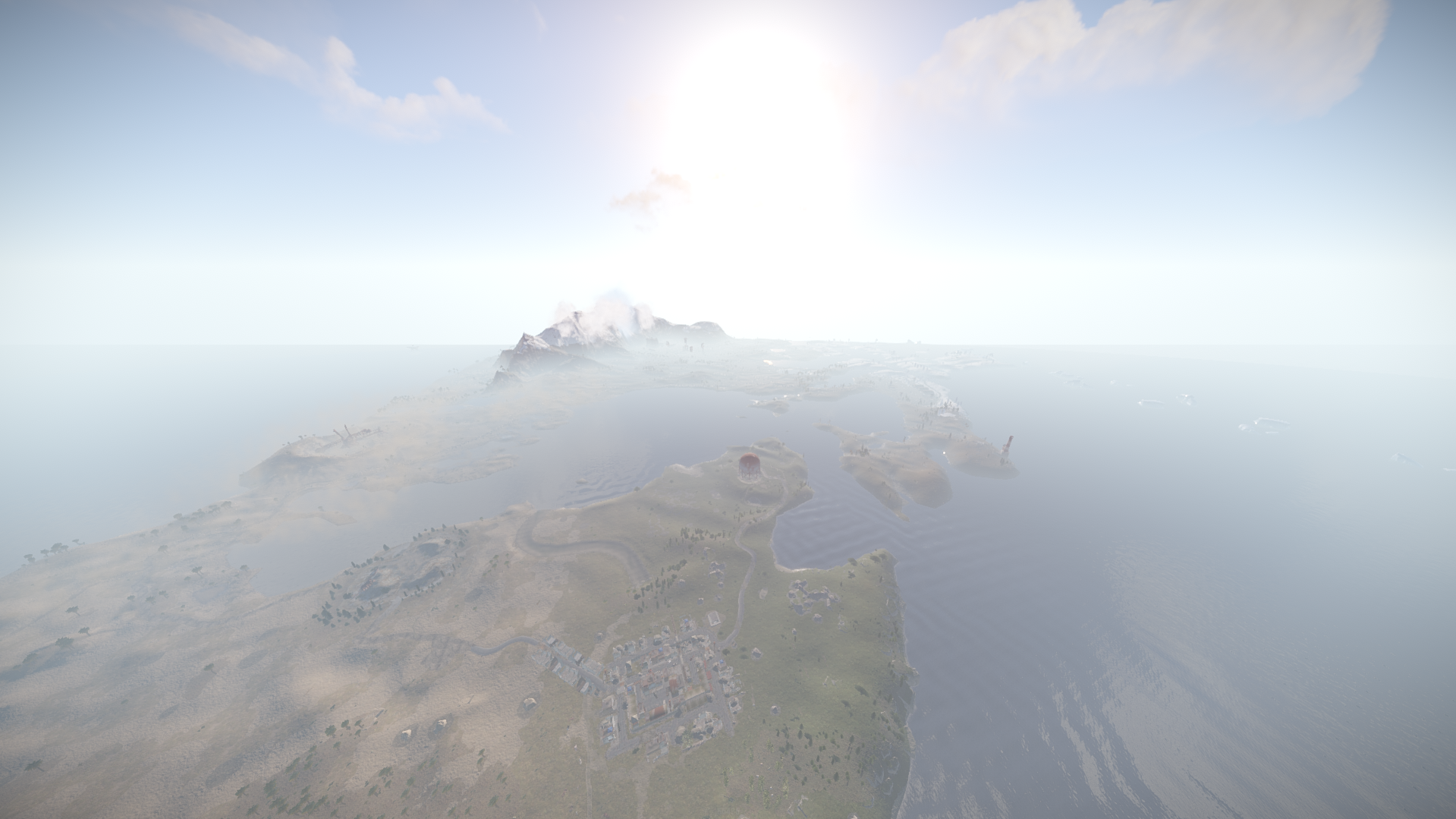
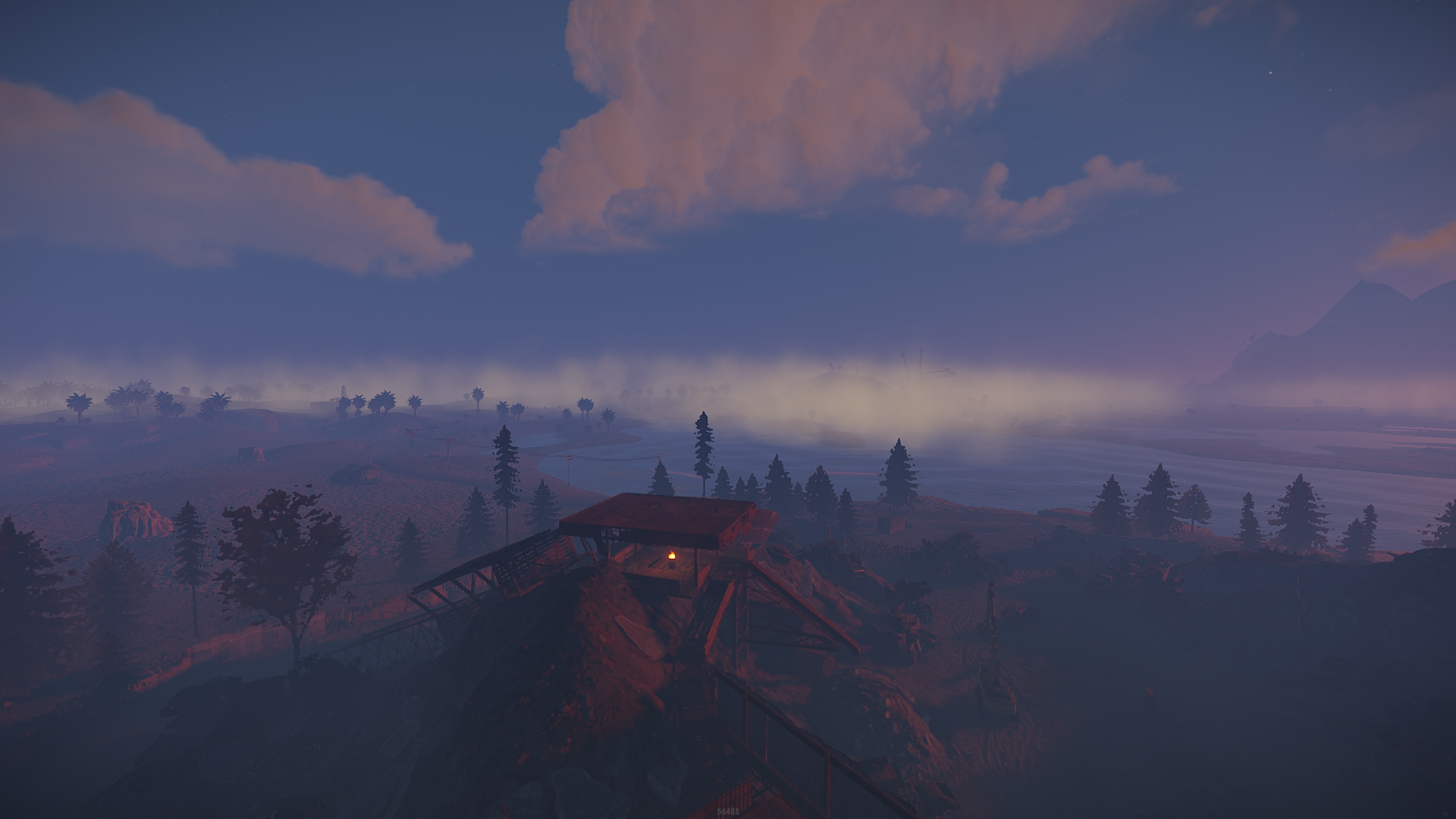
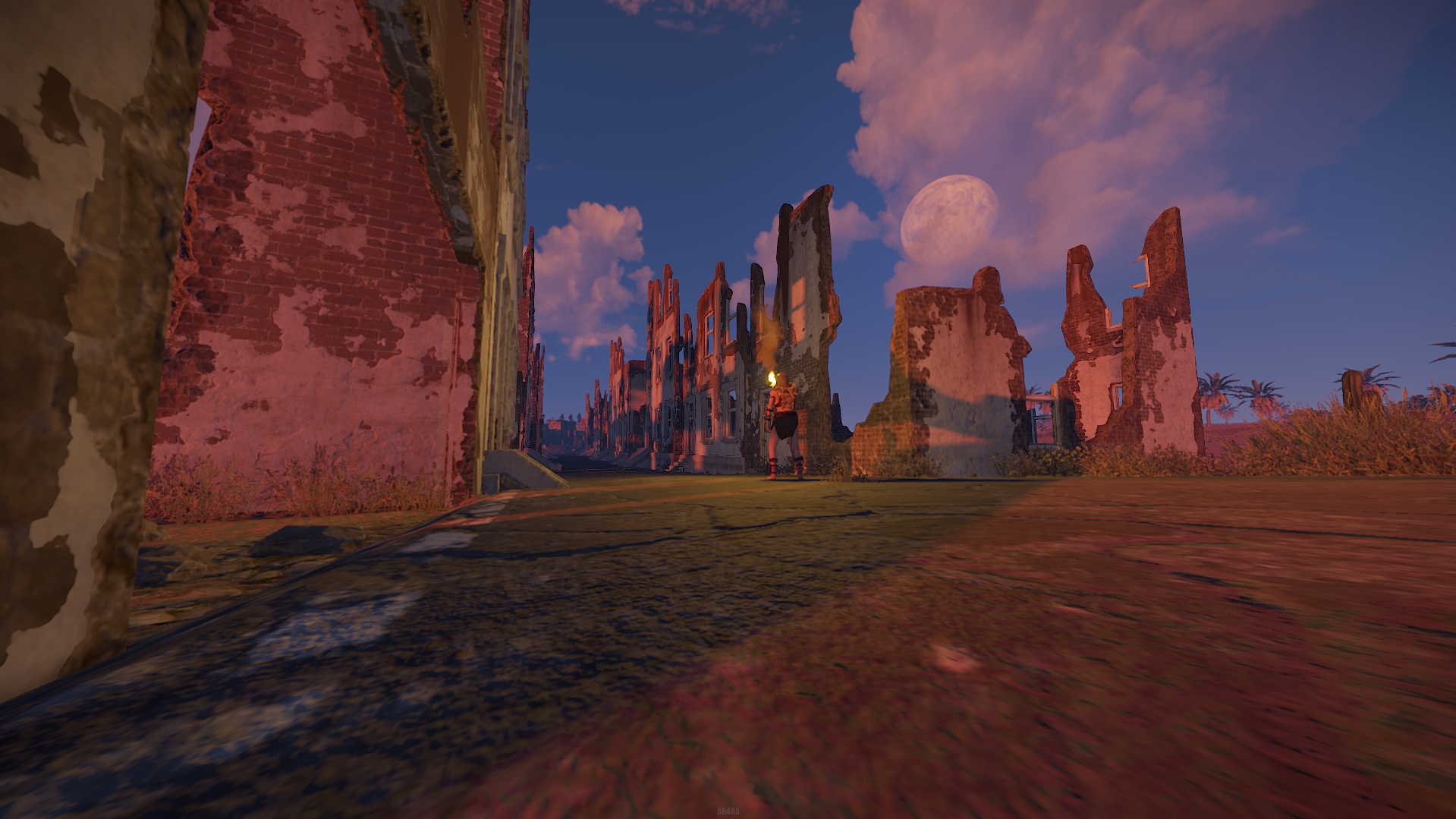
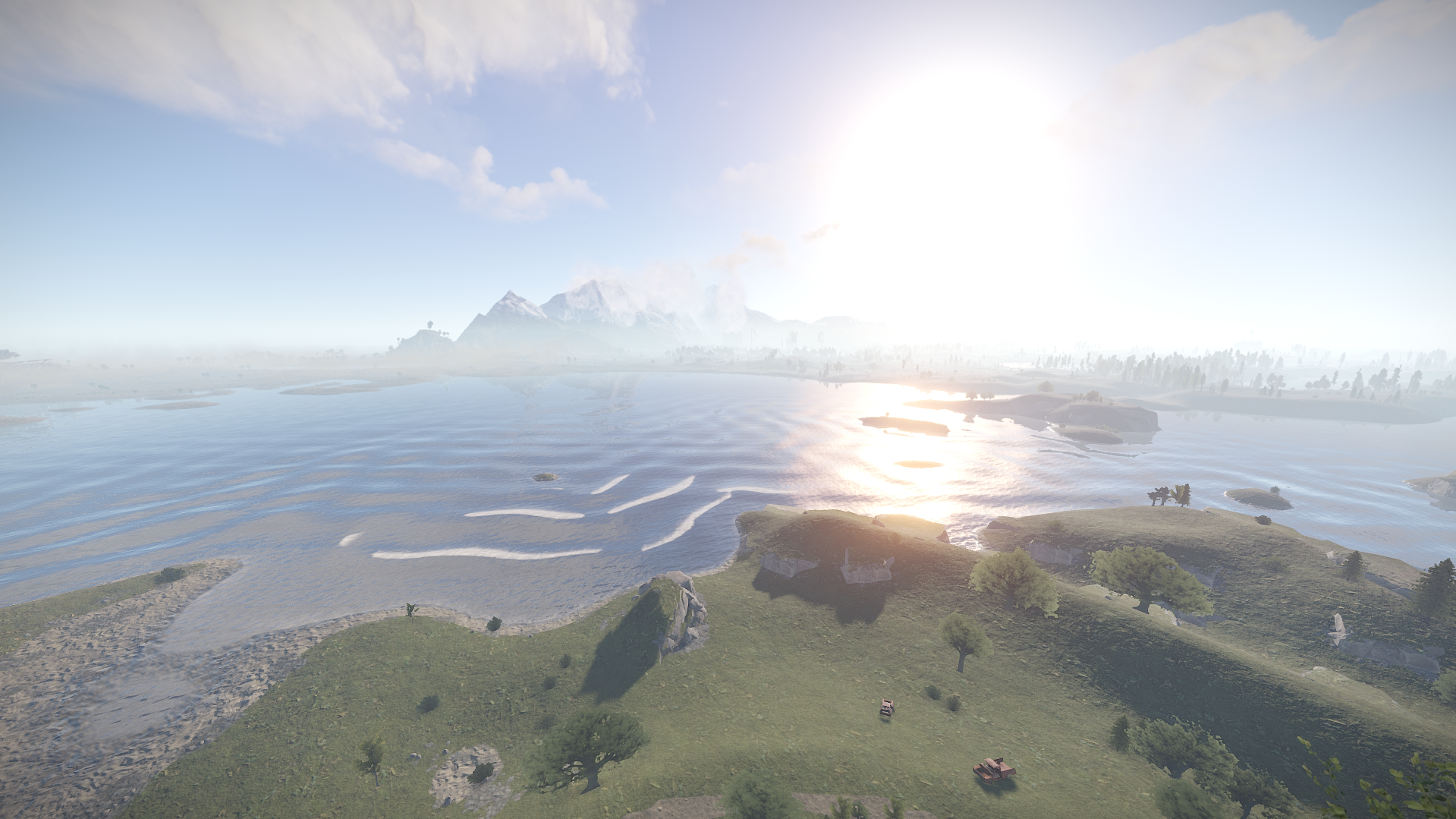
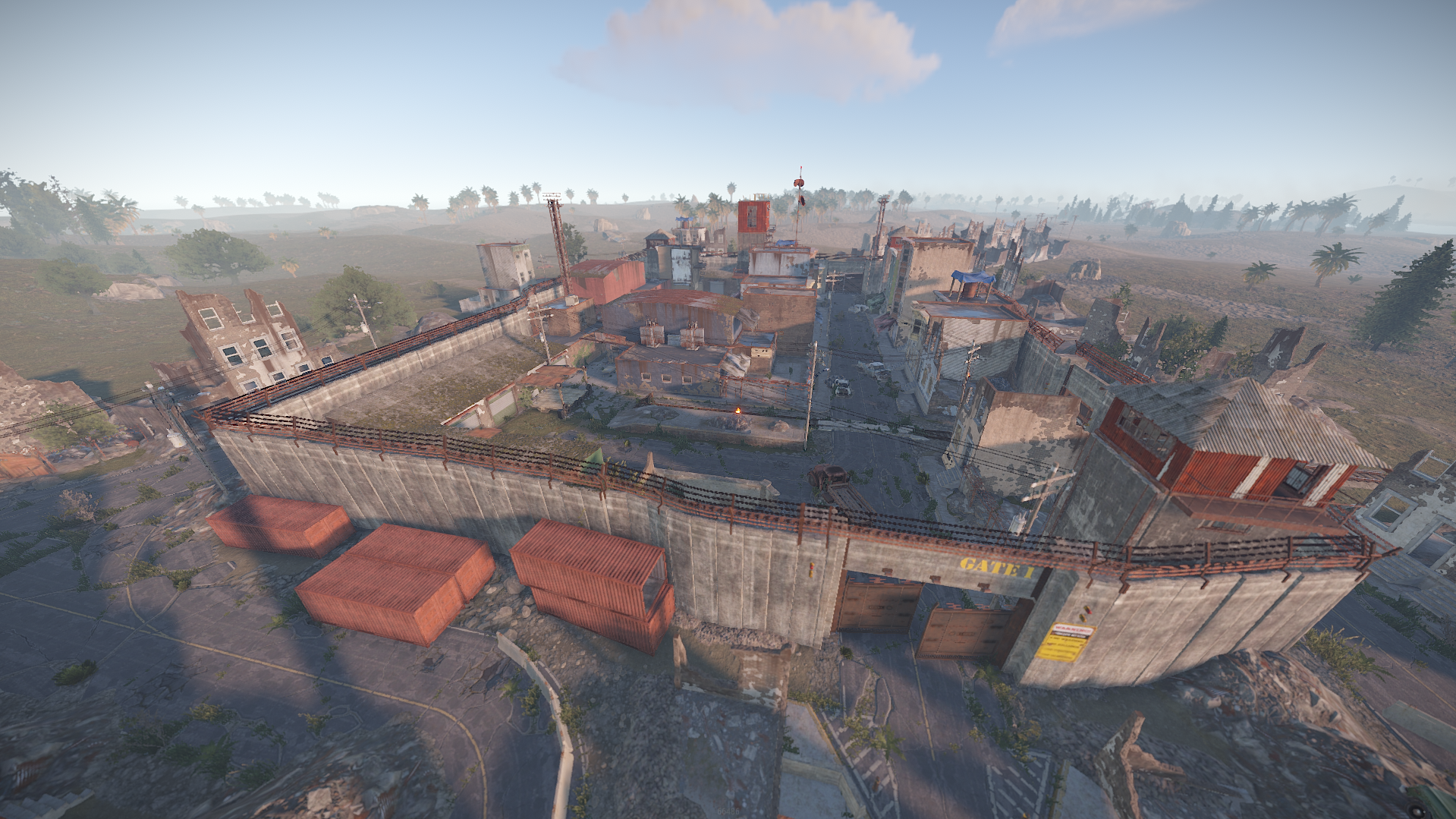
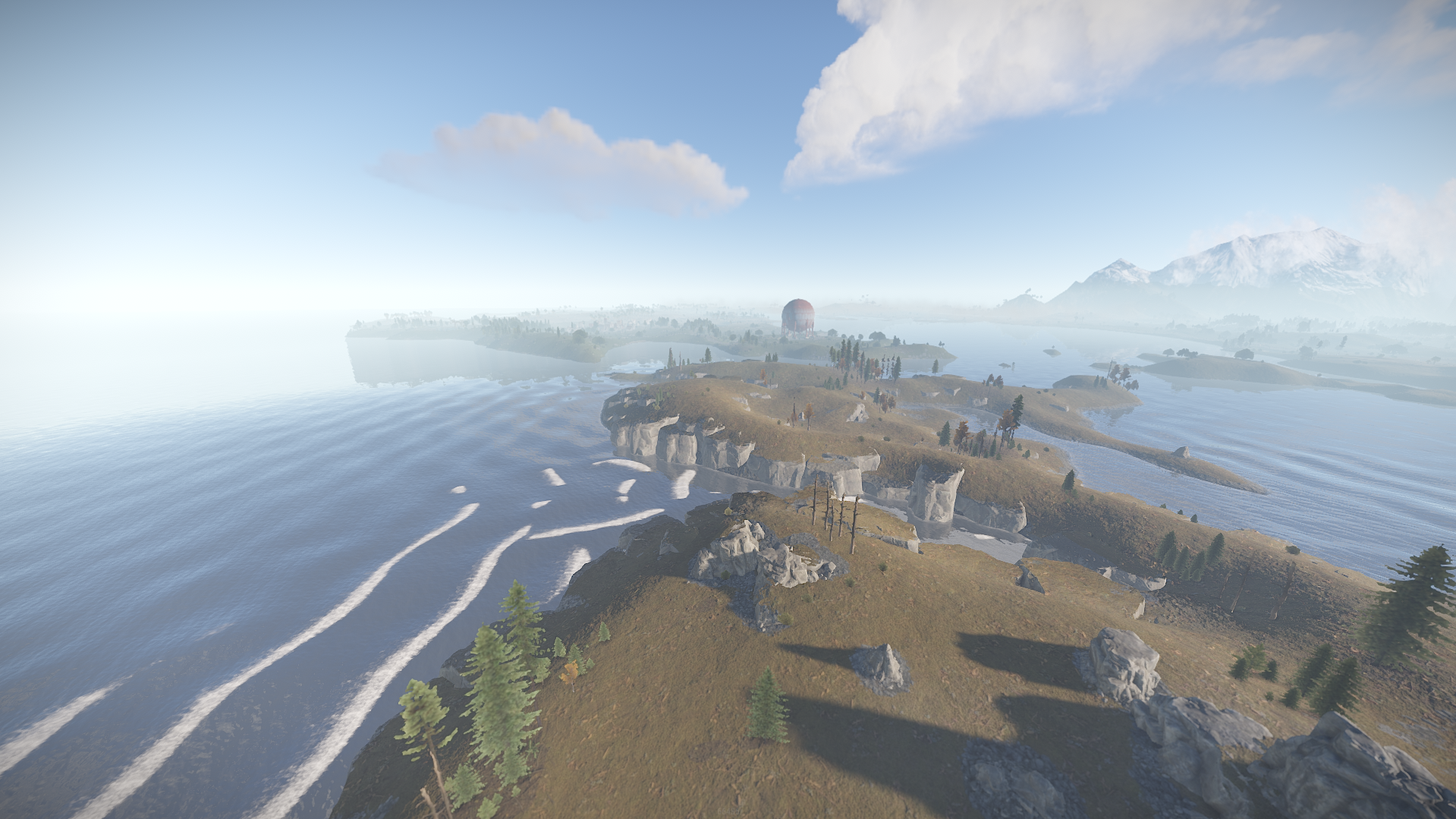
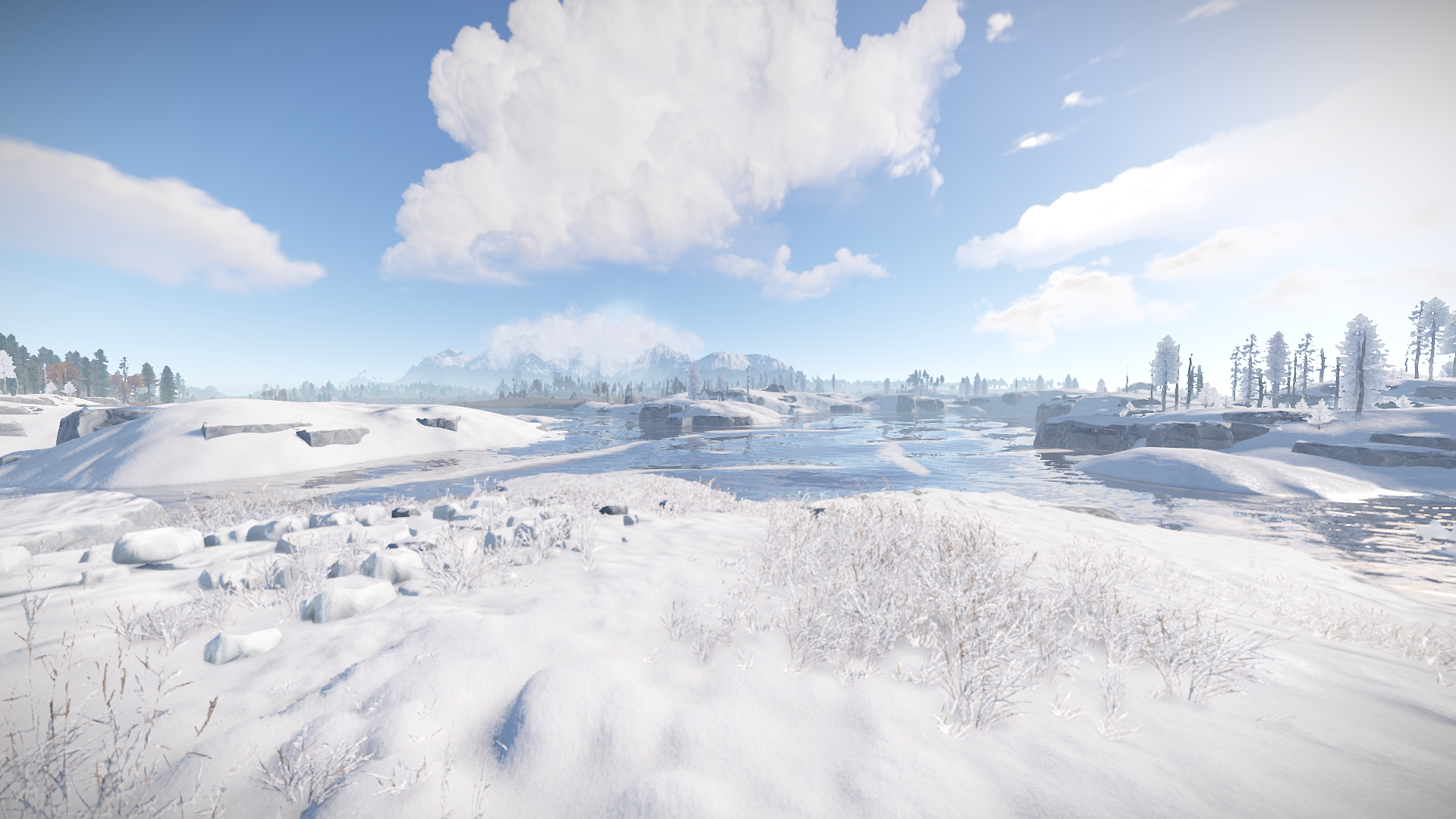
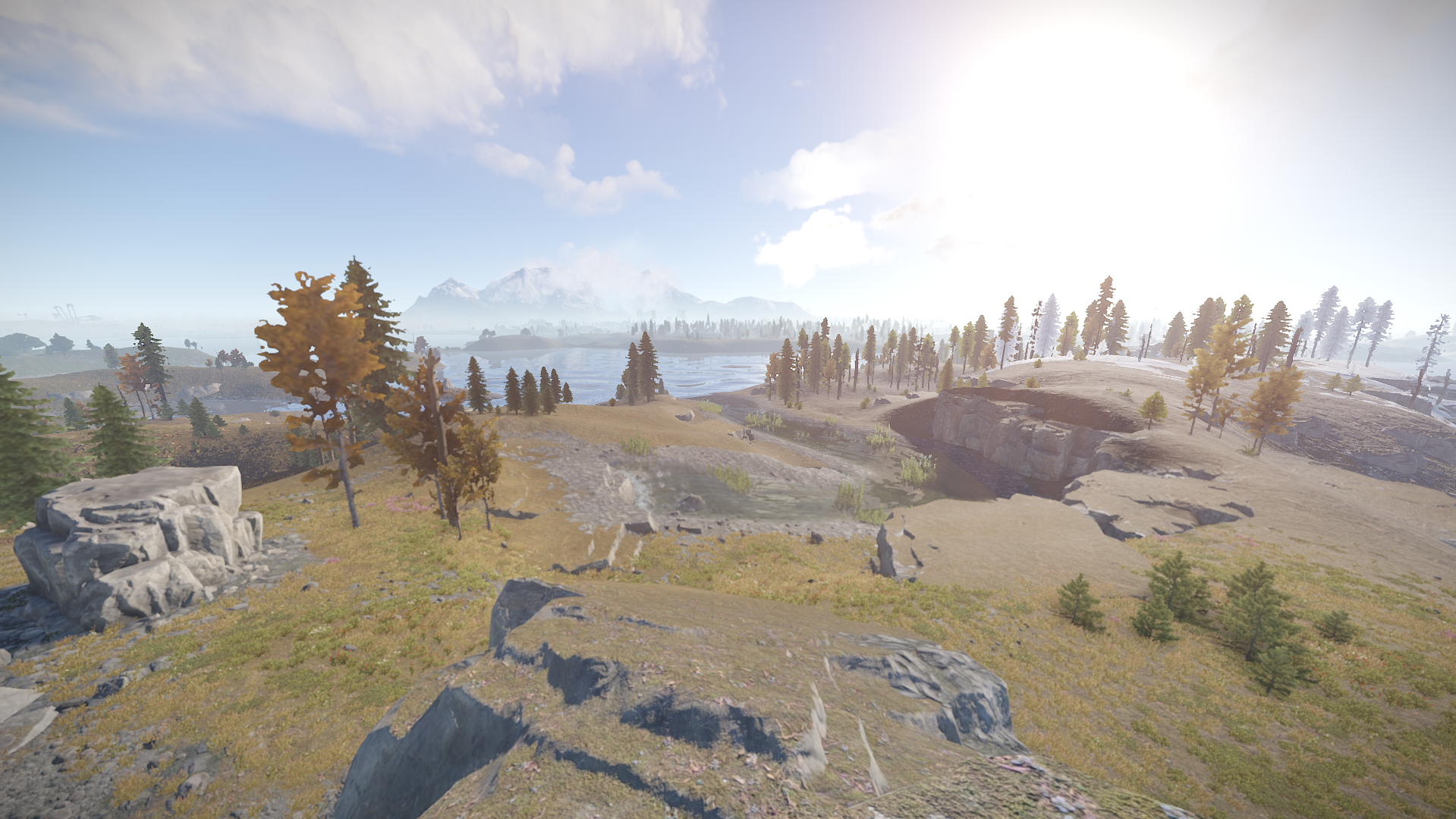
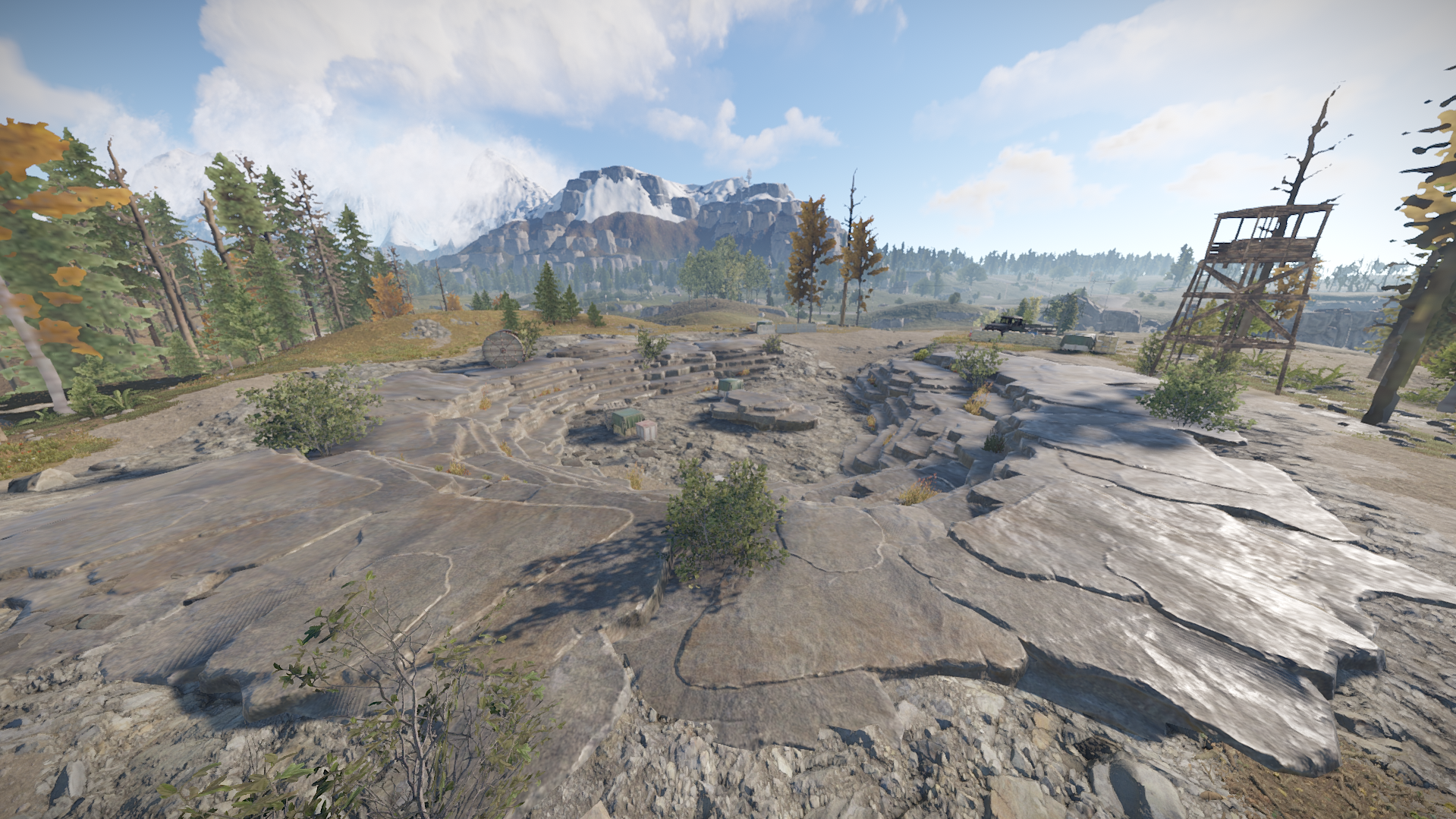
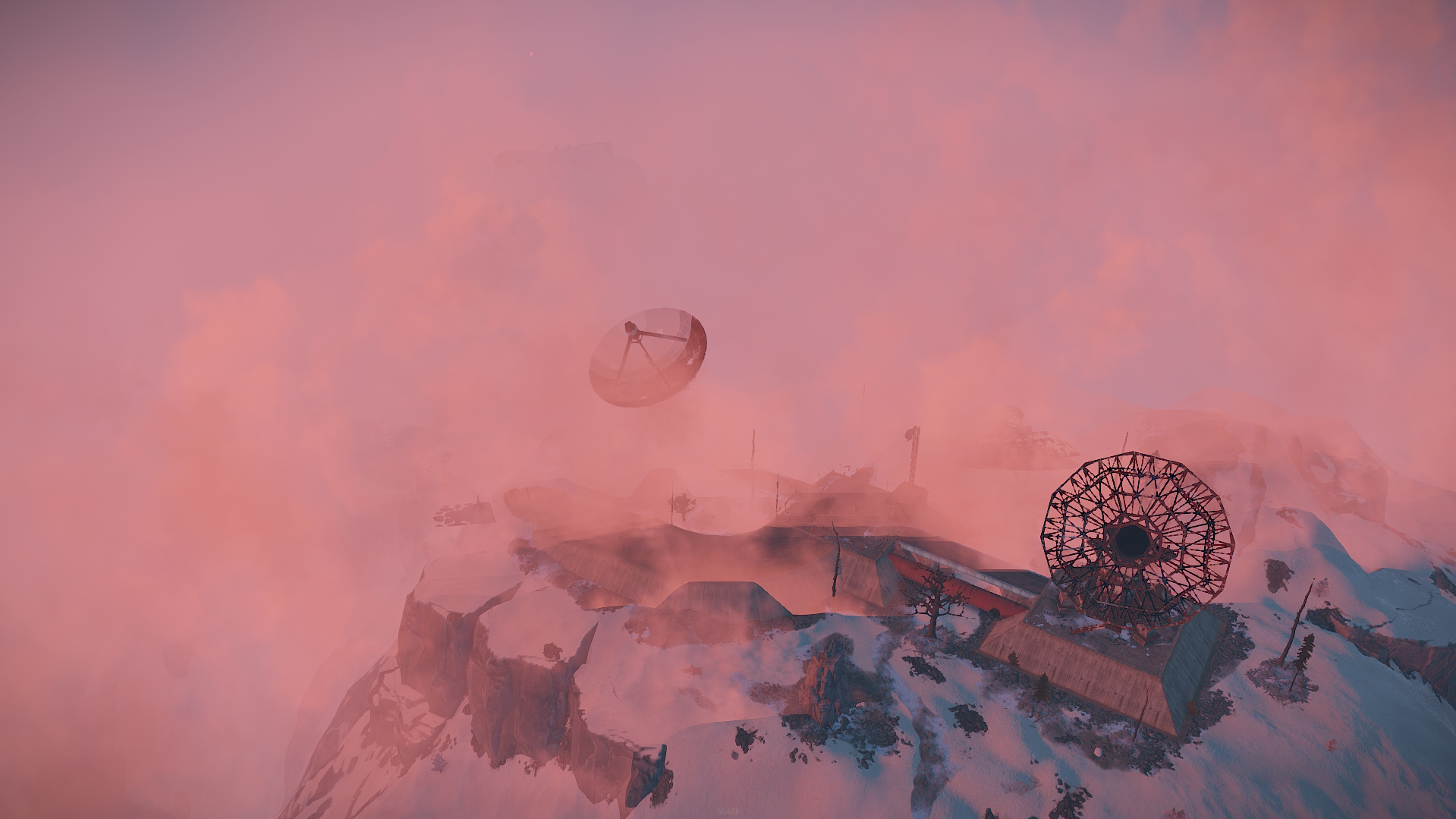
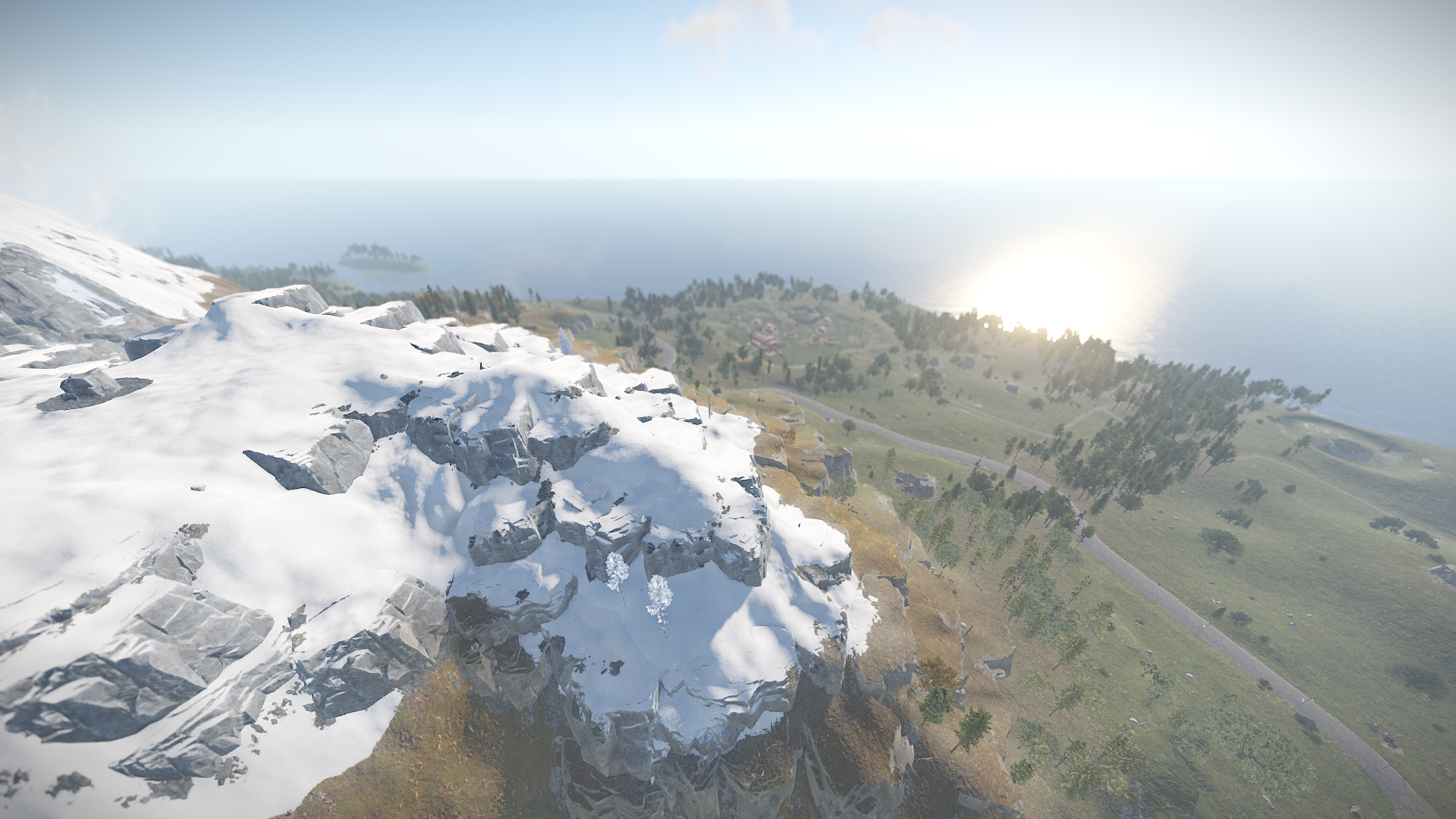
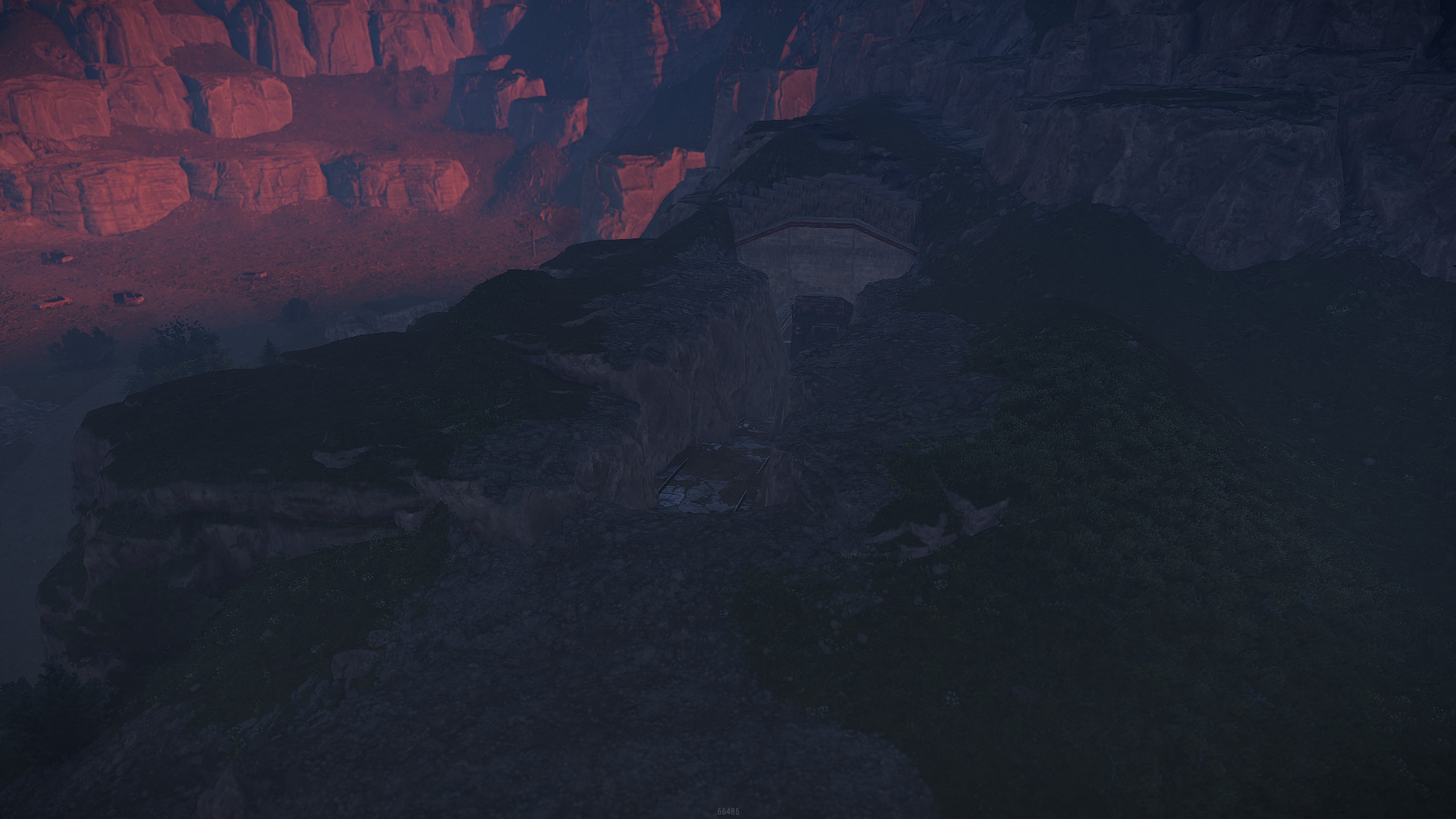
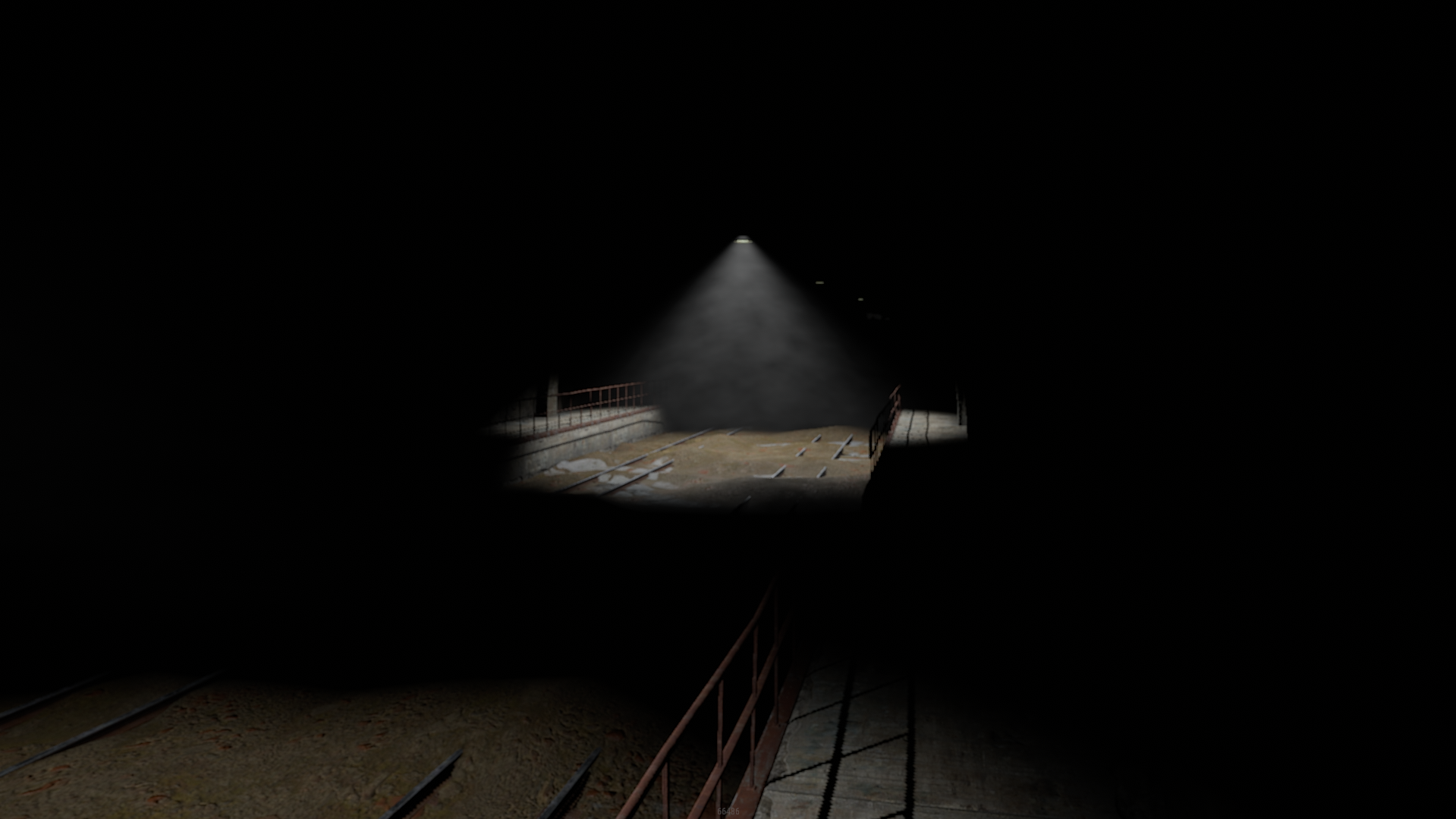
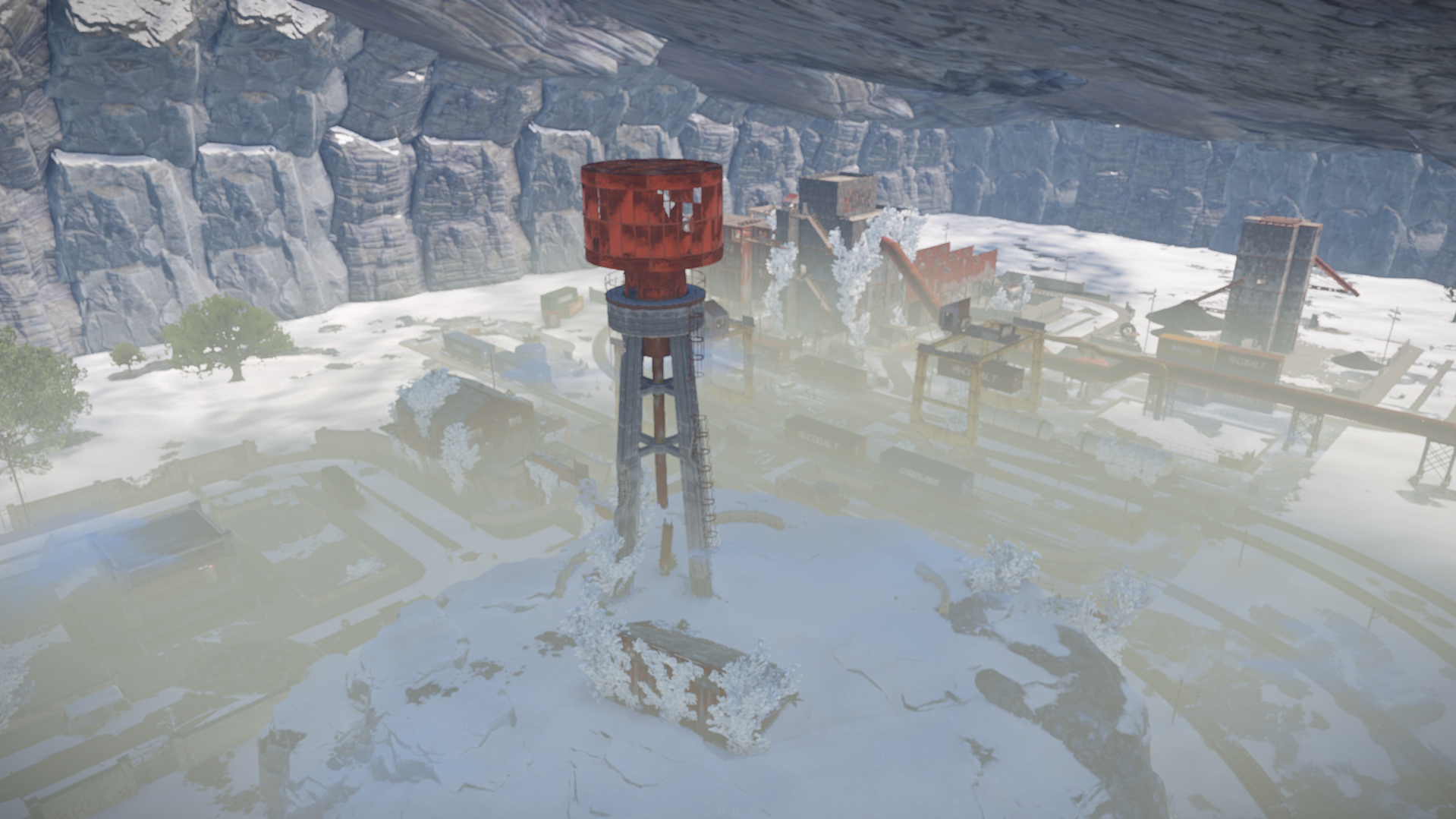
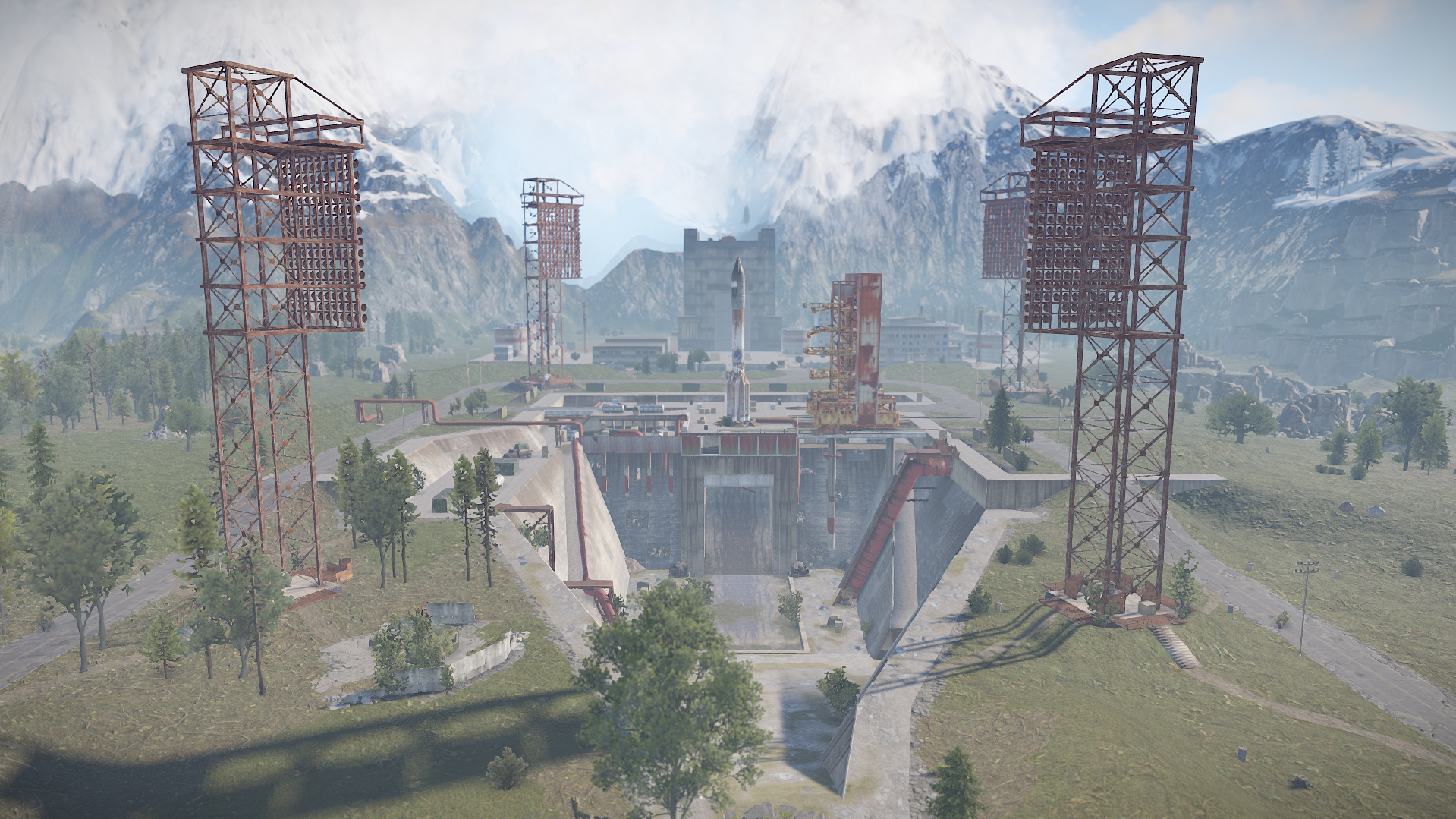
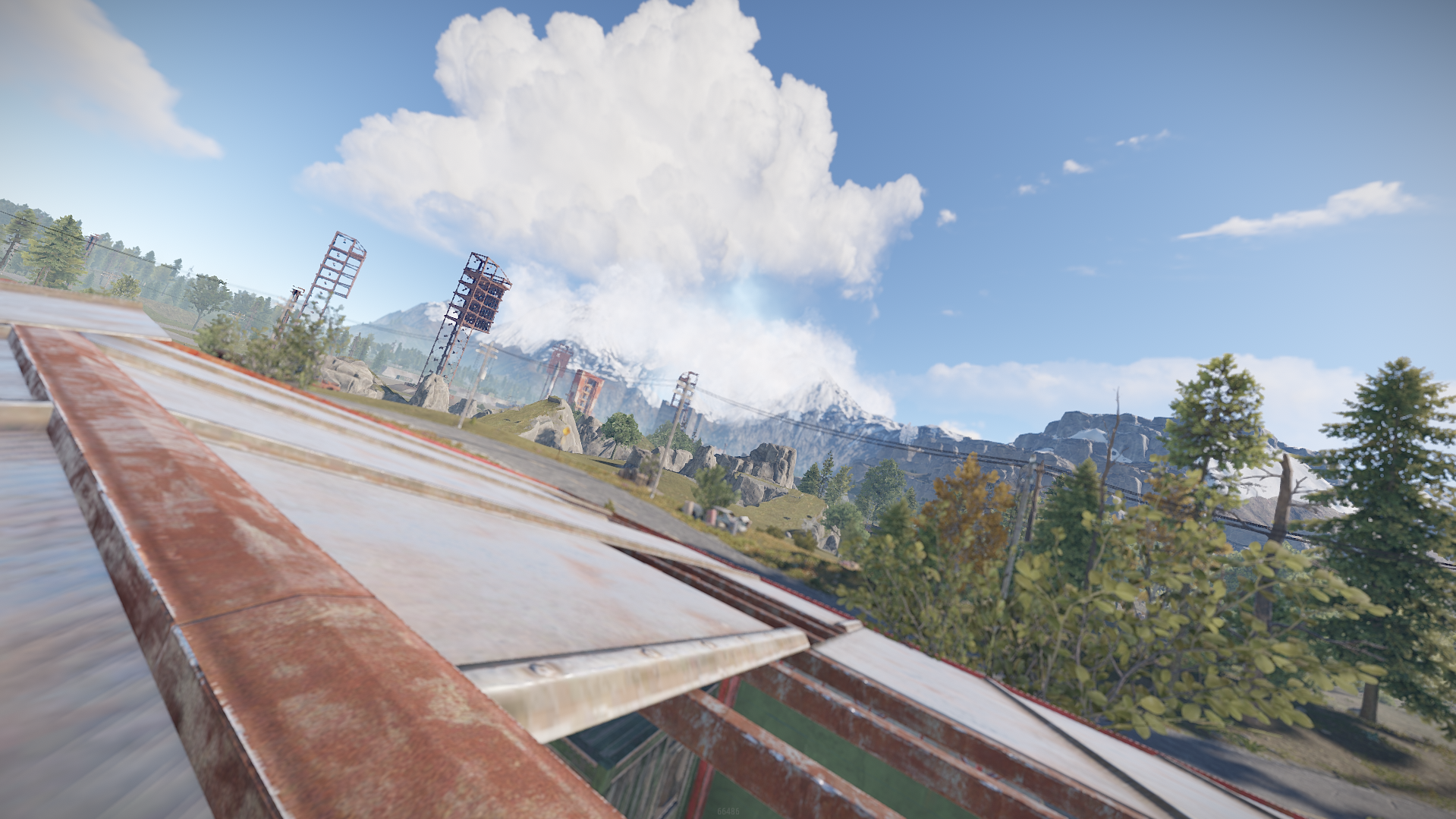
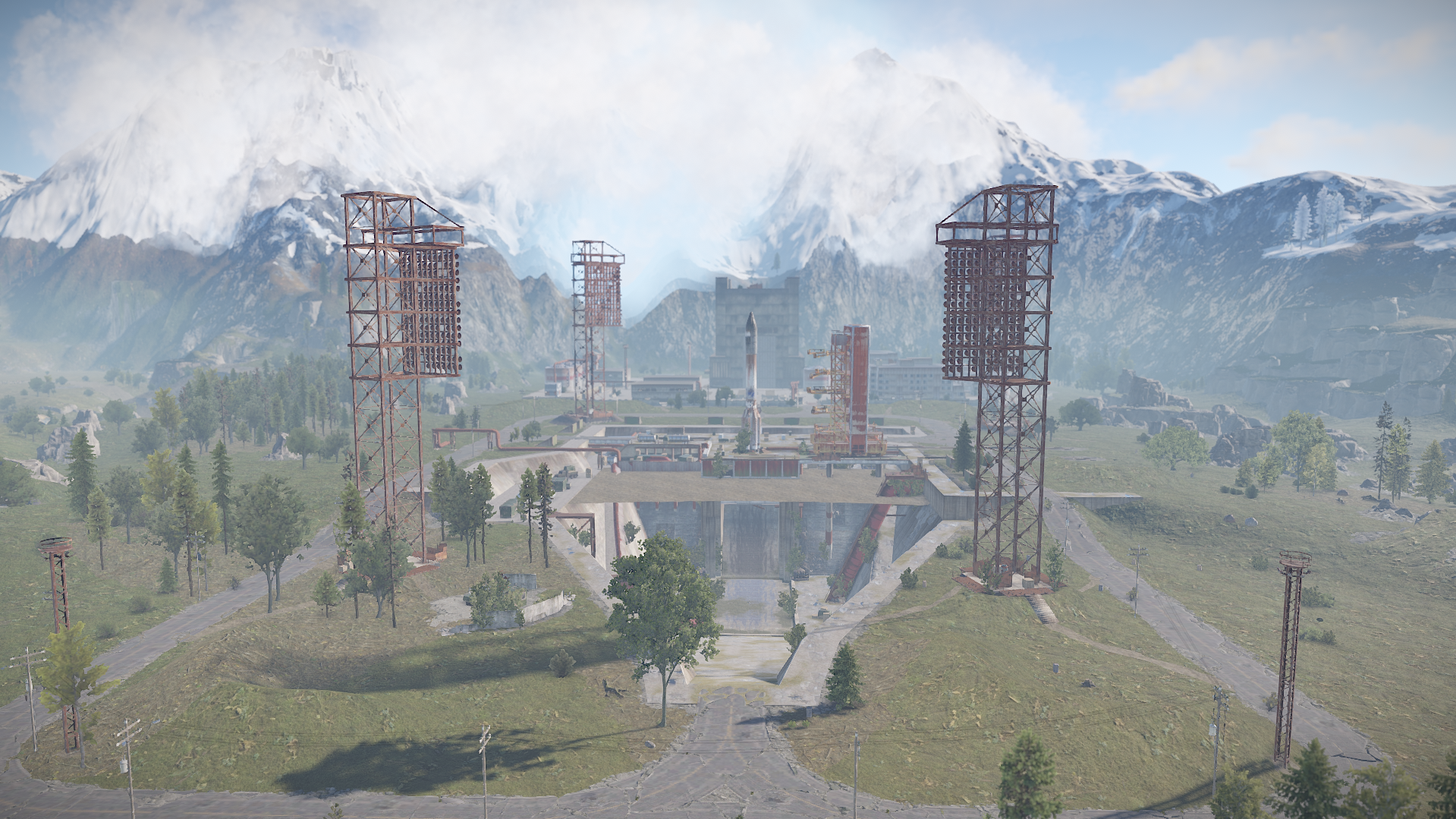
Canada Custom Map was made after the shape of Canada , it has procedural monuments spread across the map and few additions on the roadside including a hidden cave in the mountains with a procedural Train Yard inside it + several scientist spawns guarding 2 locked crates in the mysterious fog , cave is being locked behind a red key card door yet still accessible via subway entrance .

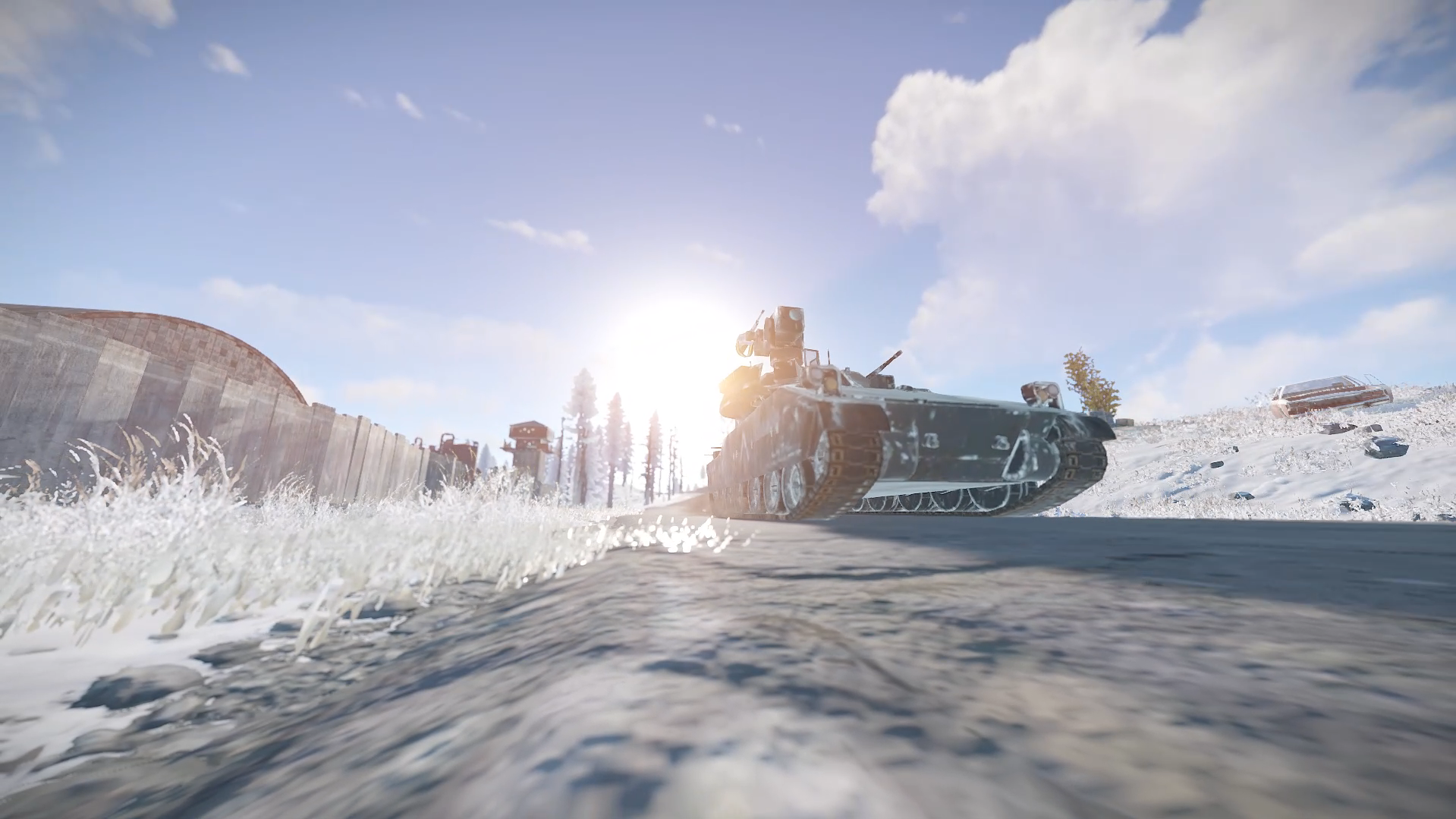
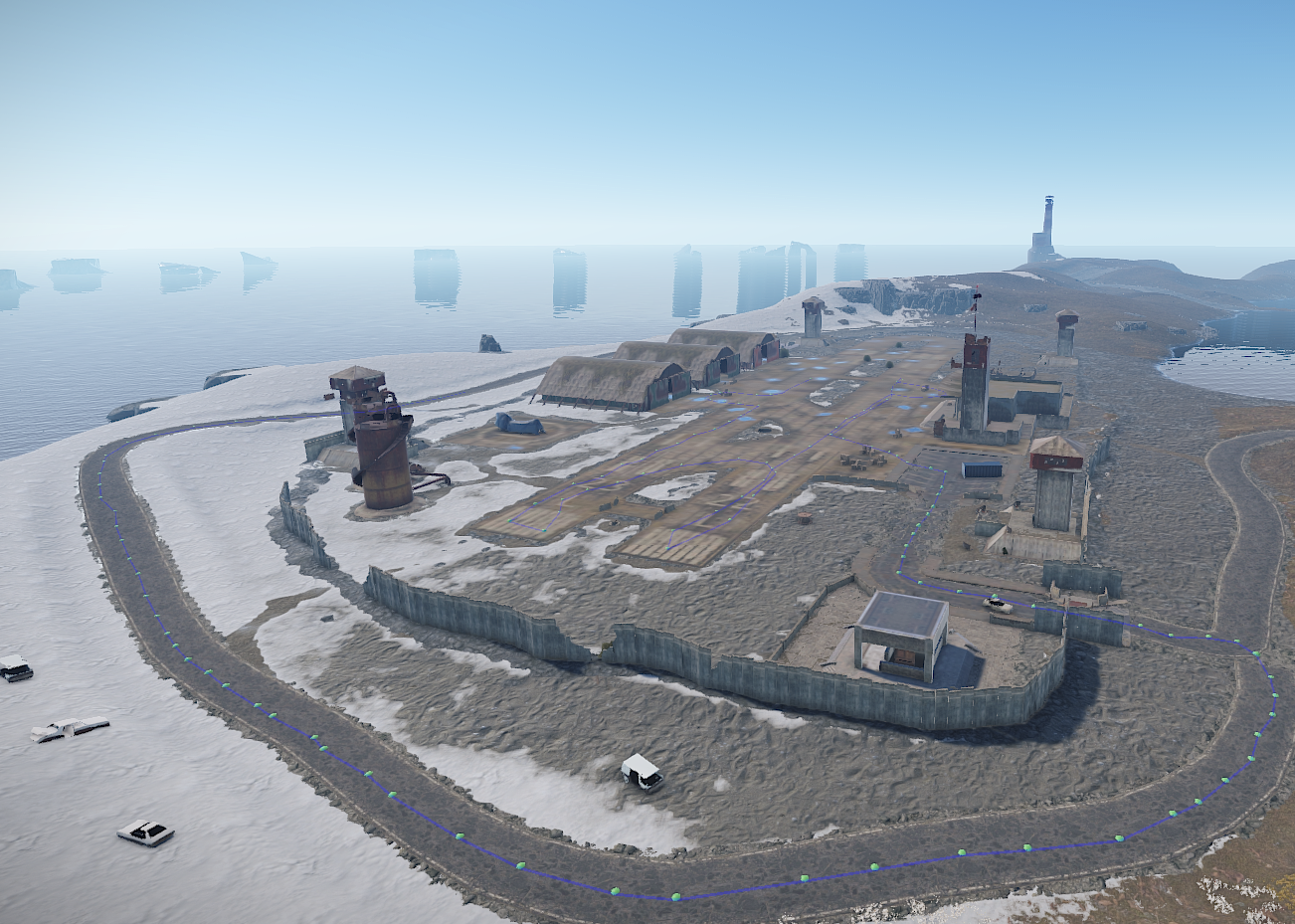
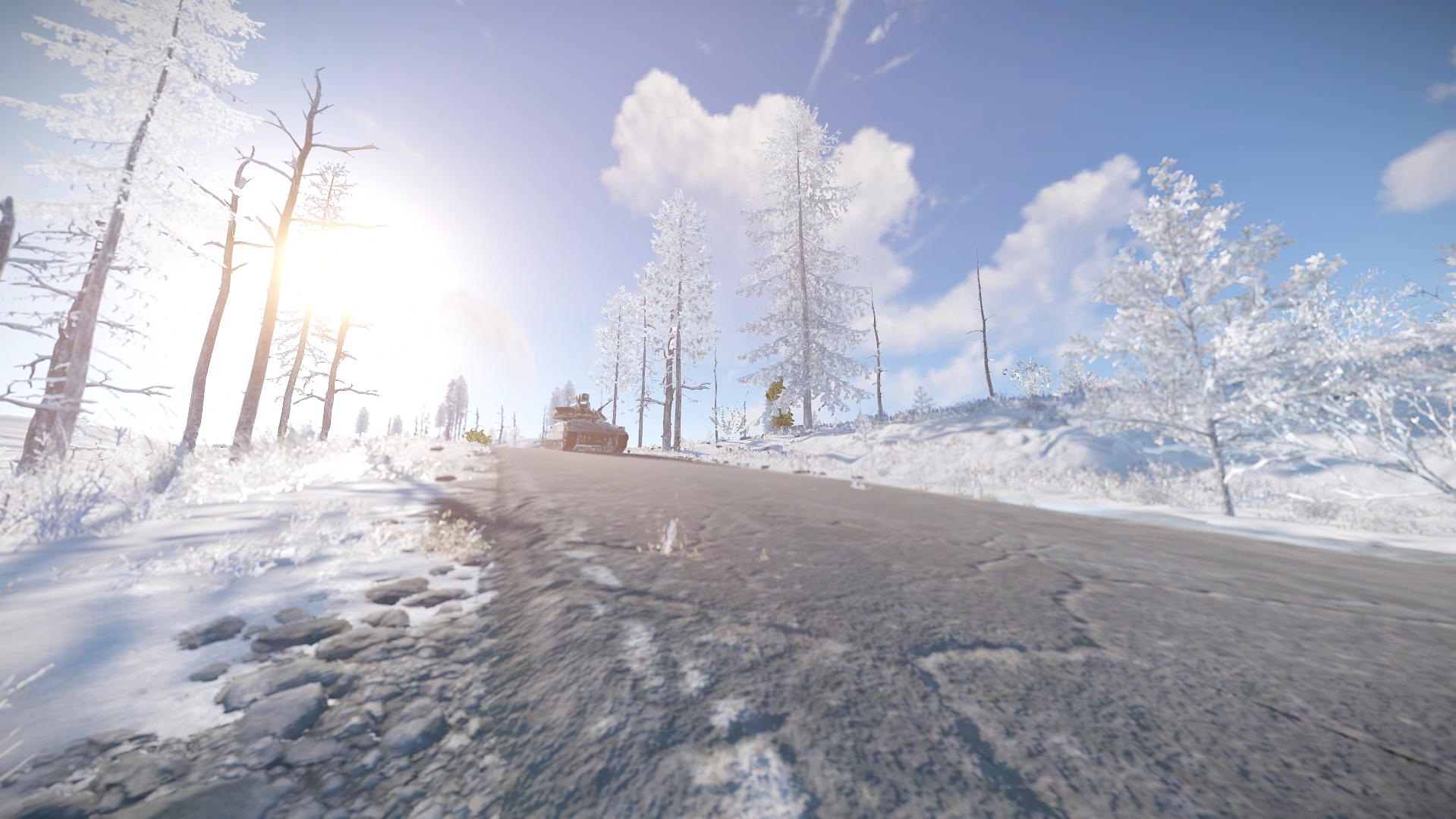
What makes this map special is obviously the shape and terrain of it and Bradley will roam Airfield inside and the road surrounding it in the snow biome.

Map contains 2 bradley paths

1 at launch site by default

1 at airfield custom

Bradleys can be removed on demand if you use a plugin for them or you just don't want them at all.

Map has been optimized even for the players with low spec computers to ensure quality and pleasure while playing on it !

Entity count is 5933

Map size : 4000


What's New in Version v1.4.3

Released

pic

User Feedback

You may only provide a review once you have downloaded the file.


The Canada 4K custom map for Rust offers a distinctive gameplay experience by replicating the geographical shape of Canada.  This 4000-size map integrates procedural monuments alongside unique features.  It a compelling choice for Rust server administrators seeking a fresh and immersive environment.

Configure browser push notifications

Chrome (Android)
  1. Tap the lock icon next to the address bar.
  2. Tap Permissions → Notifications.
  3. Adjust your preference.
Chrome (Desktop)
  1. Click the padlock icon in the address bar.
  2. Select Site settings.
  3. Find Notifications and adjust your preference.