




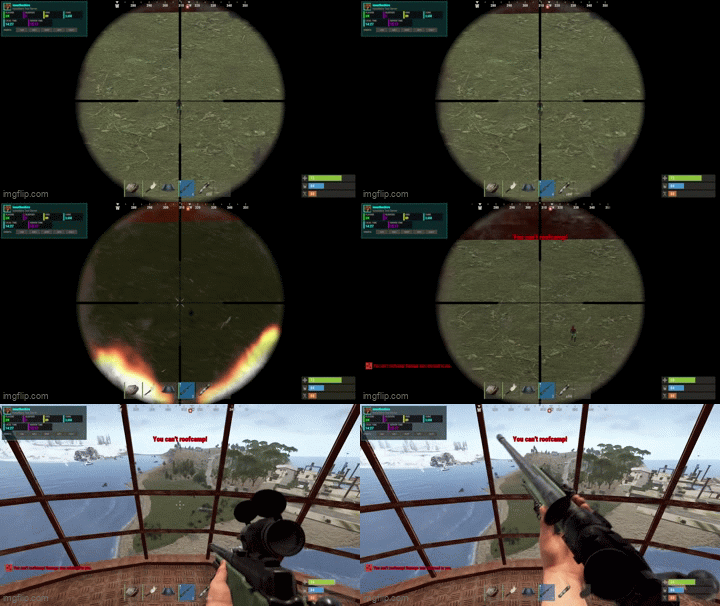
NoRoofCamp is a anti–roof camping plugin that prevents unfair elevated PvP without breaking legitimate gameplay such as base defense, raids, monuments, or helicopters.
Instead of blindly blocking damage, the plugin evaluates combat context, height, terrain, building ownership, and raid state to determine whether damage should be allowed, blocked, or reflected.
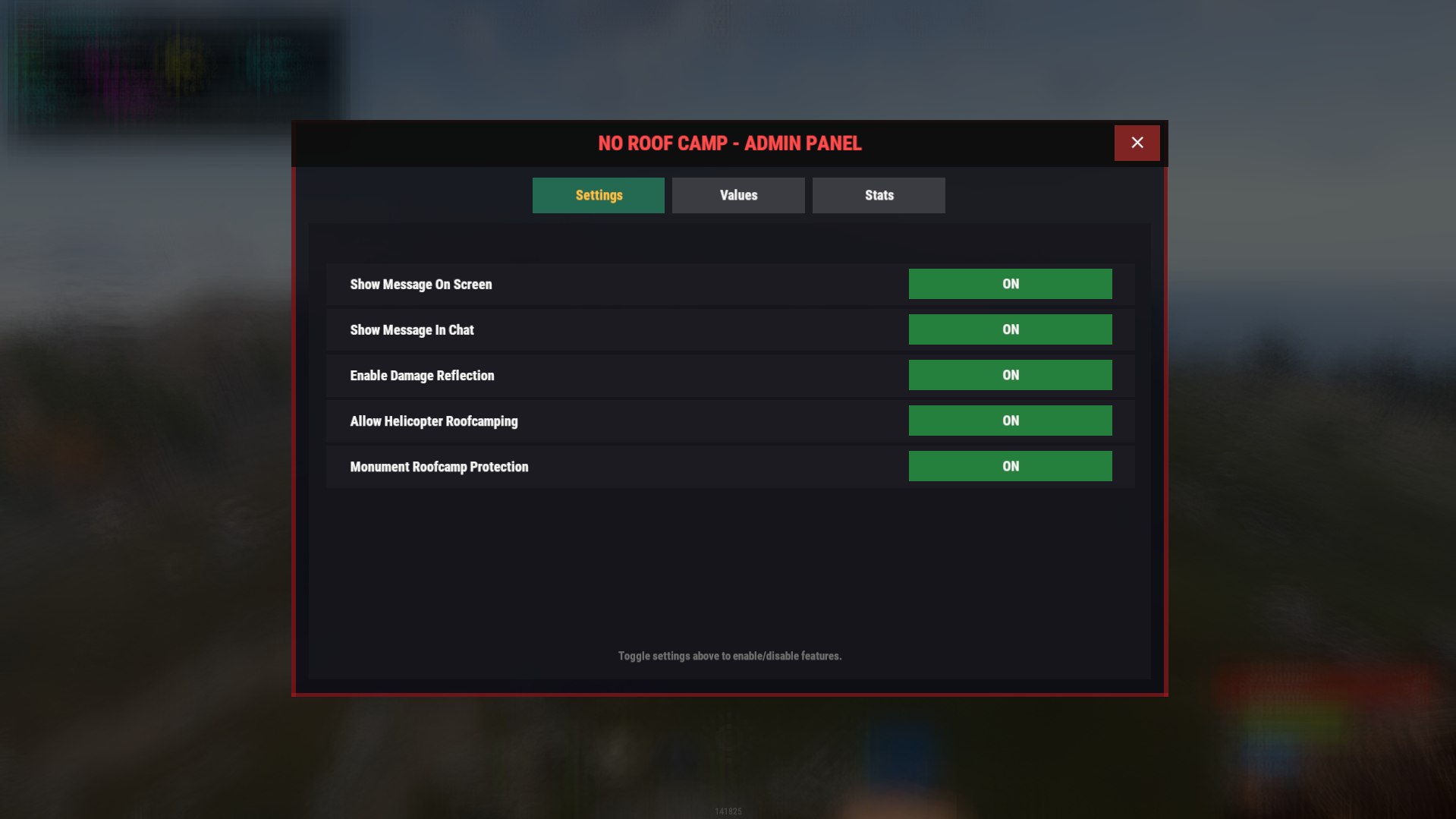
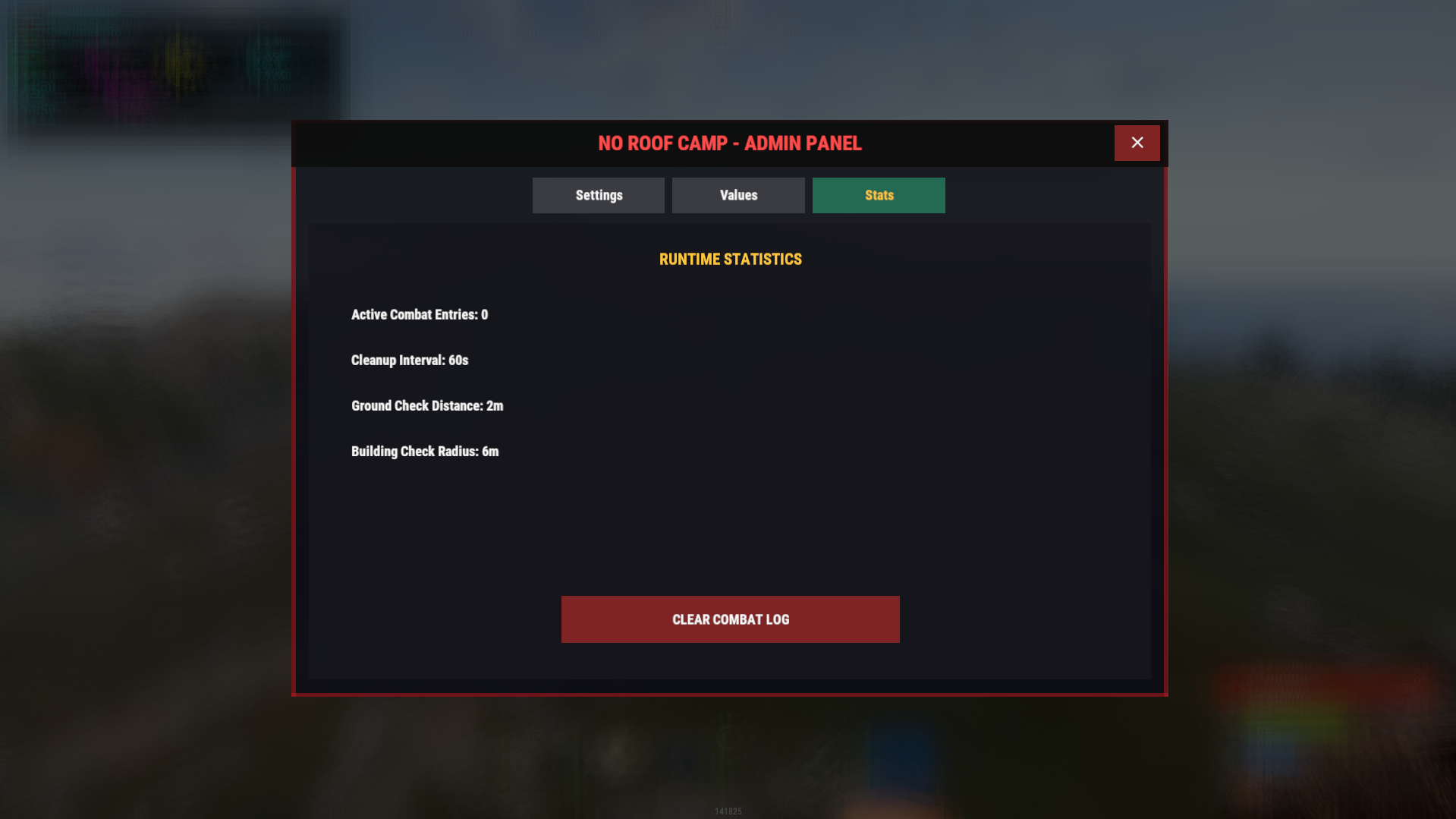
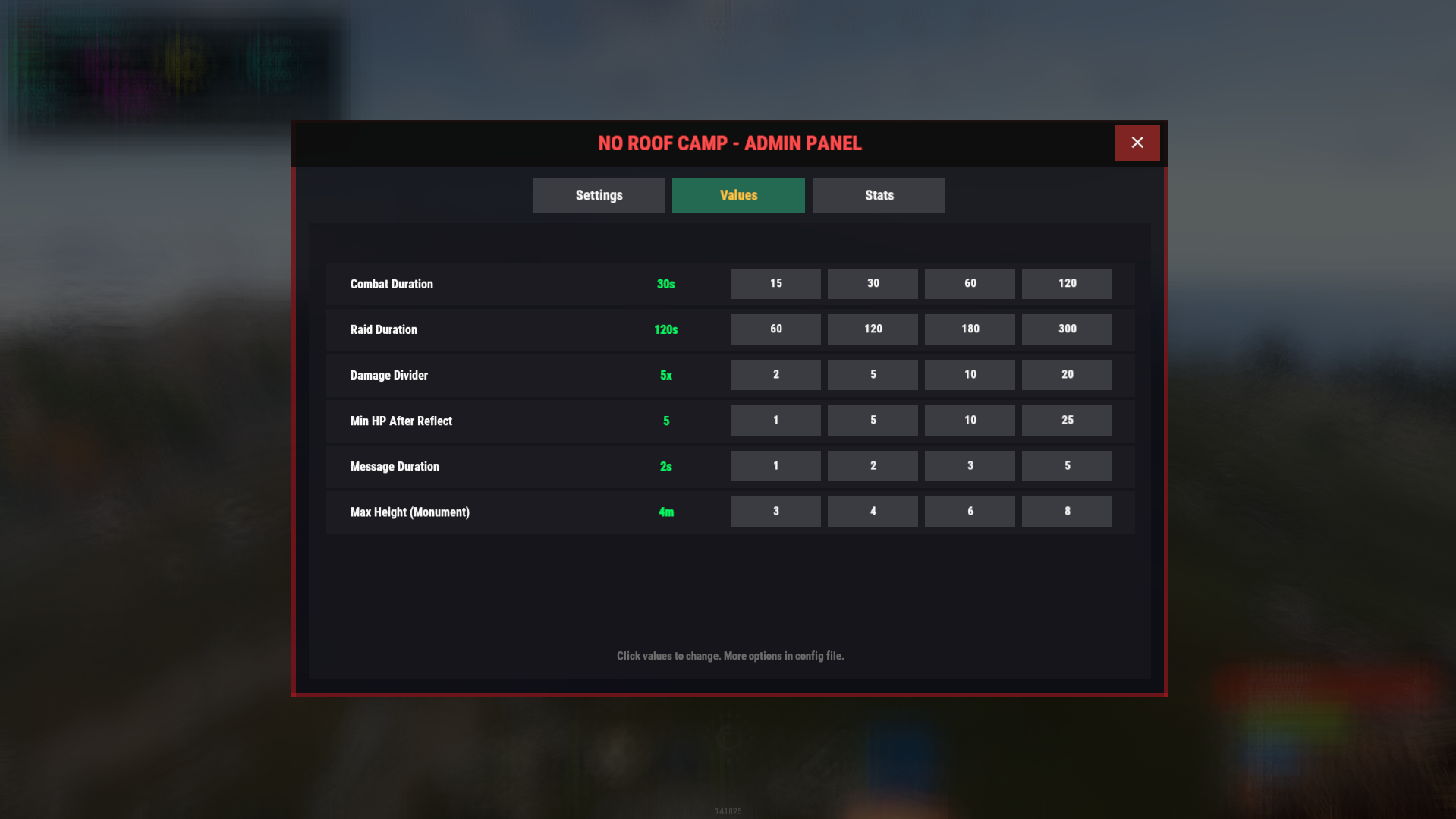
Everything is configurable and manageable through an in-game admin UI.
What it does ?
Detects and prevents unfair roof camping
Differentiates between:
Roof camping
Base defense
Active raids
Legitimate elevated combat
Supports:
Damage blocking
Damage reflection (optional)
Optional protection at monuments
Allows helicopter combat (optional)
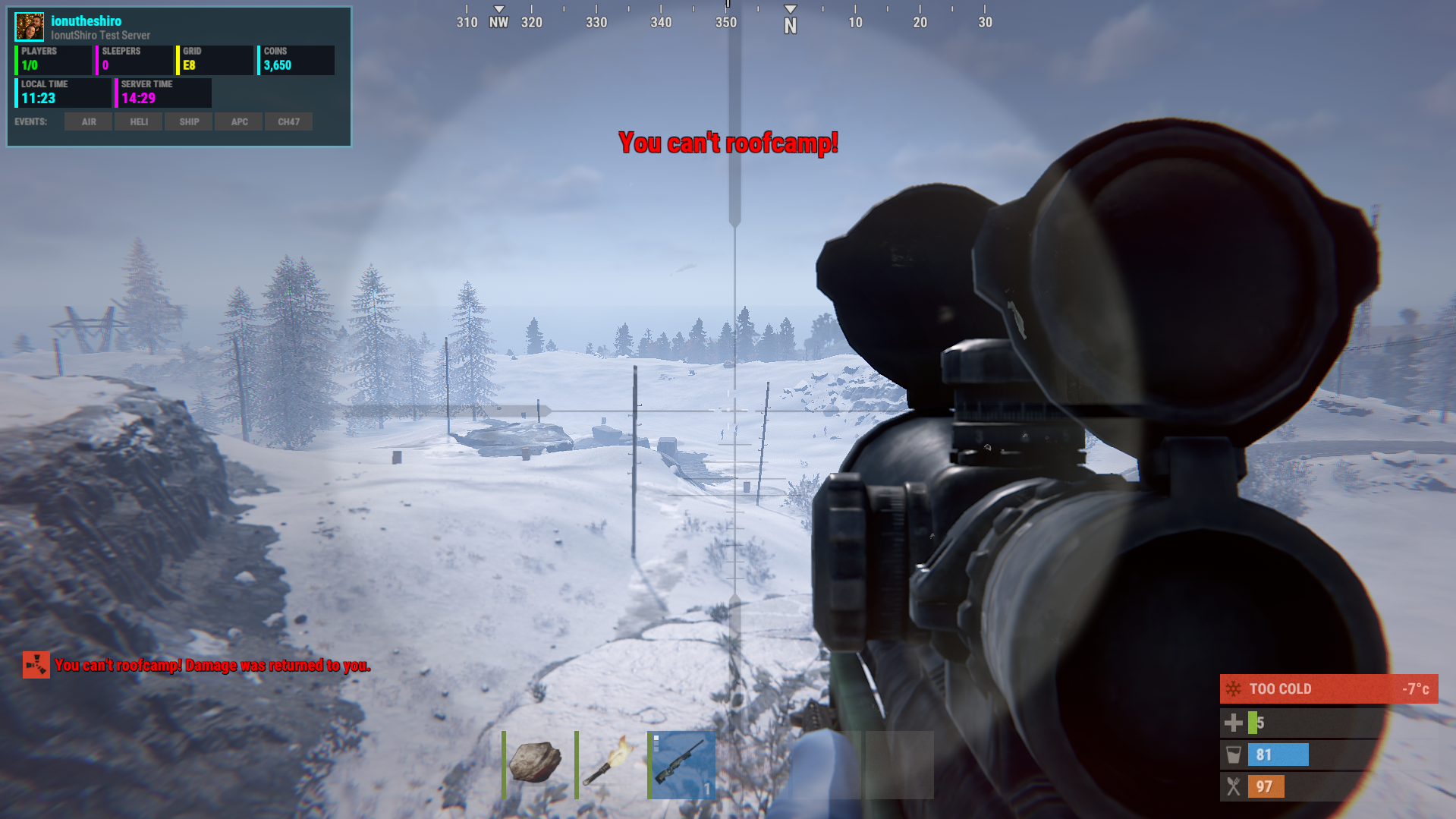
Displays configurable warnings (screen + chat)
Tracks combat and raid state to avoid false positives
Includes a live admin control panel
How detection works?
The plugin evaluates multiple conditions before acting:
Attacker height above terrain
Victim position (grounded vs elevated)
Distance between players
Building ownership and authorization
Active raid or combat state
Monument zones
Helicopter combat
Only when all roof camping conditions are met, damage is blocked or reflected.
Examples :
Elevated sniper shooting ground player → damage blocked
Player defending their own base → allowed
Active raid between teams → allowed
Roof camper at monument → blocked
Helicopter PvP → allowed
Explosives during raids → never blocked
Commands : | Description |
|---|---|
| Open the admin control panel |
| Reload the plugin configuration |
| View active combat / roofcamp tracking data |
| Clear all stored combat tracking entries |
Permission | Description |
|---|---|
| Grants access to admin UI and admin commands |
| Completely bypasses all roof-camp detection and restrictions |
Config :
{
  "Combat Duration (seconds)": 30,
  "Raid Duration (seconds)": 120,
  "Show Message On Screen": true,
  "Show Message In Chat": true,
  "Screen Message": "<color=#ff0000>You can't roofcamp!</color>",
  "Chat Message": "<color=#ff0000>You can't roofcamp! Damage was returned to you.</color>",
  "Message Display Duration (seconds)": 2,
  "Message Fade Out Duration (seconds)": 0.3,
  "Enable Damage Reflection": false,
  "Damage Reflection Divider": 5,
  "Minimum HP After Reflection": 5,
  "Allow Heli Roofcamping": true,
  "Ground Check Distance": 2,
  "Building Check Radius": 6,
  "Cleanup Interval (seconds)": 60,
  "Max Height Above Terrain": 4,
  "Enable Monument Roofcamp Protection": true
}
You may only provide a review once you have downloaded the file.
There are no reviews to display.