



.png.971df92381f4734423ee501323a46d83.png)
🧟 Core AI and Horde Logic
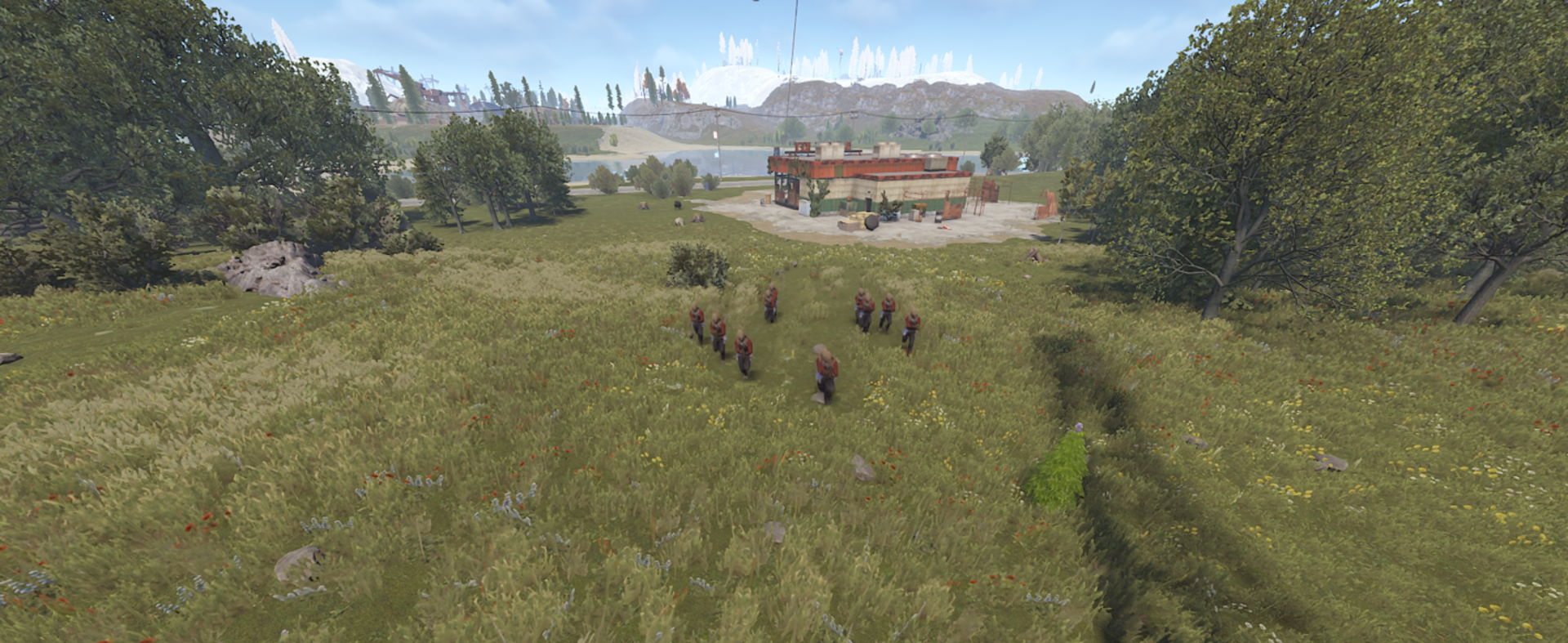
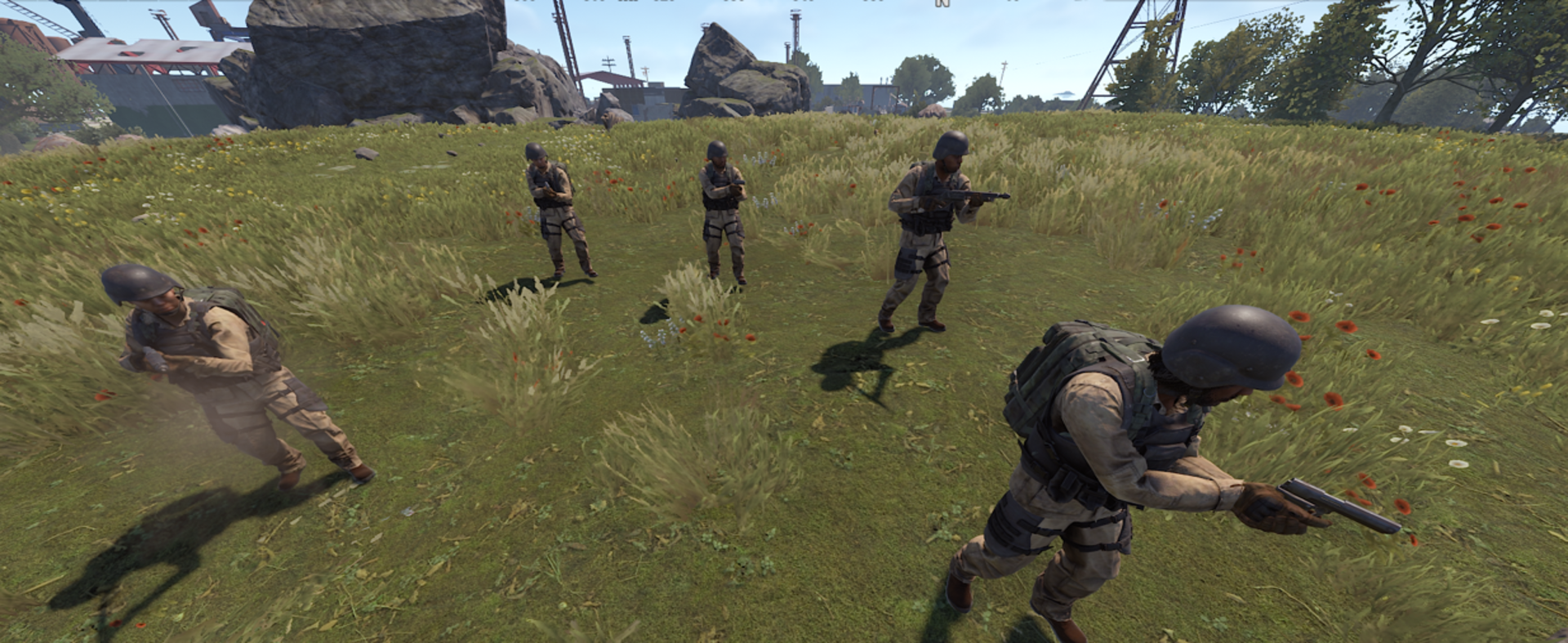
The zombies do not bunch up chaotically. The plugin continuously calculates and assigns dynamic position coordinates to each member.
Dynamic Grid Advance: Squads advance in structured ranks, increasing speed if they fall behind to maintain cohesive pressure.
Surround Protocol: When closing in on a target, NPCs transition into an 8-axis surrounding perimeter to trap the player.
Advanced Siege & Base Assault AI
When attacking players sheltering inside bases, the horde switches to raid mode:
Slot Distribution: NPCs spread out along structure perimeters rather than stacking on a single point, assaulting multiple sections simultaneously.
Target Prioritization: Melee units relentlessly attack foundations, doors, and barricades with material-based impact effects (wood, stone, metal) and configurable siege damage.
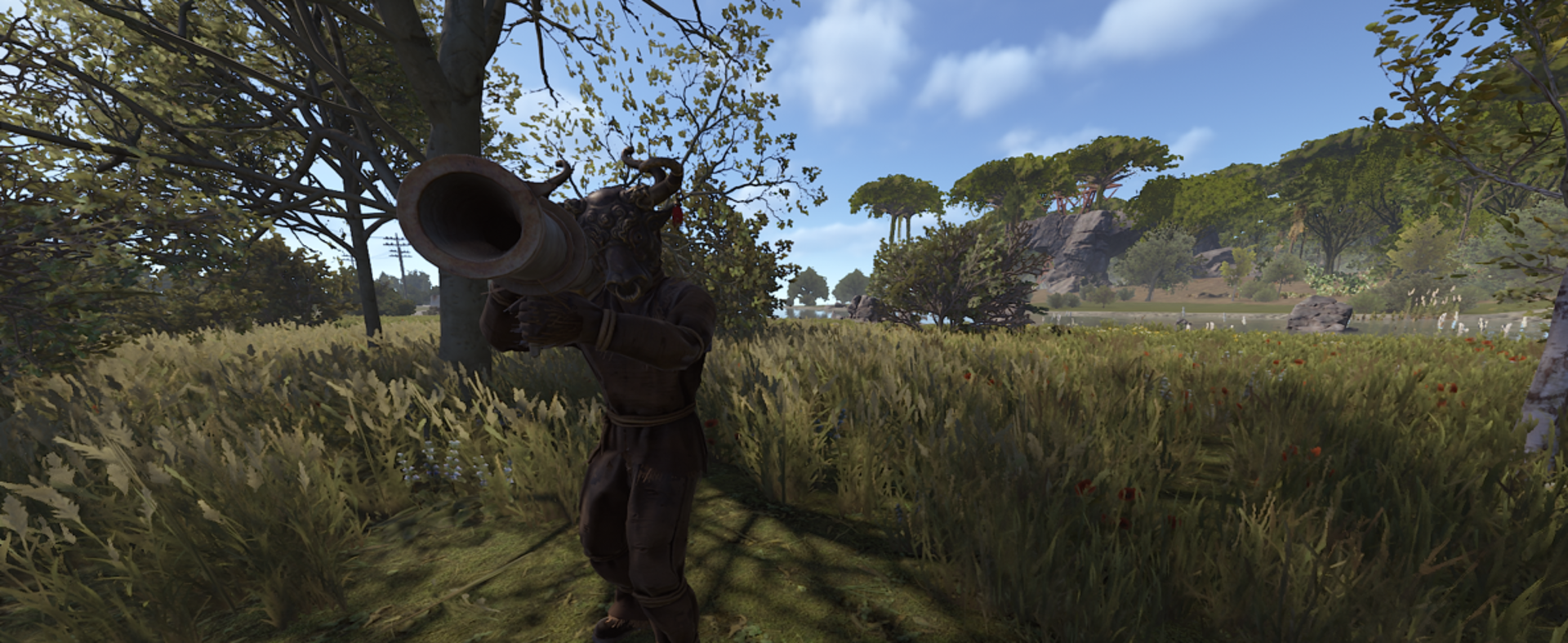
Breach Demolition: Boss units equipped with rocket launchers unleash heavy structural ordnance from optimal standoff distances.
Ranged Combat & Dynamic Reload System
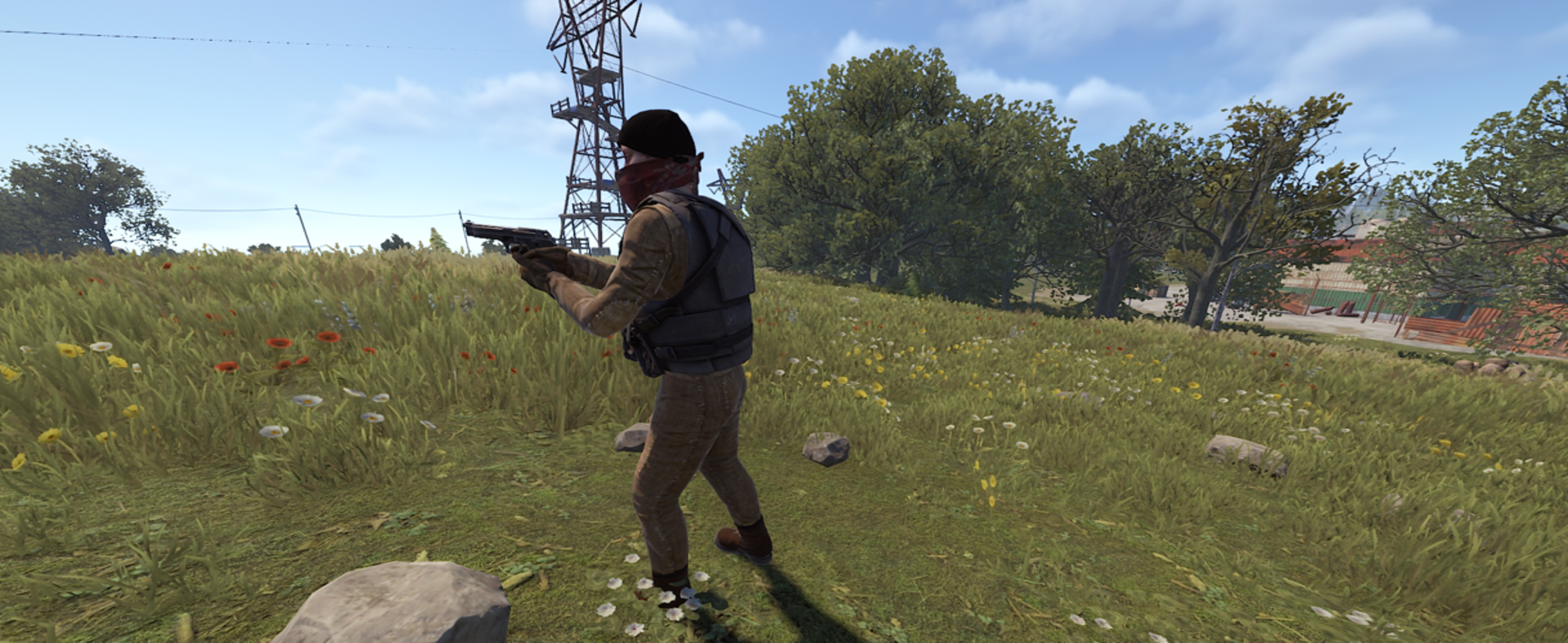
Humanoid NPCs can be equipped with ranged weaponry (pistols, shotguns, rifles, and flamethrowers):
Custom Aim Controller: Custom aimbot logic handles real-time pitch and yaw adjustments for lethal precision.
Realistic Reload Cycles: Running out of ammunition triggers network reload animations and pauses firing for a dynamic duration based on magazine capacity.
Automatic Ammo Supply: Integrated inventory management ensures NPCs replenish ammunition automatically without endless infinite-spam glitches.
Acoustic Gunshot & Threat Detection
Acoustic Sound Detection: Swarms possess directional hearing. Gunfire within configurable acoustic range immediately alerts nearby hordes, even if they have not taken damage.
Silencer & Suppressor Support: Fully respects weapon attachments - suppressed weapons significantly shrink the detection radius.
Retaliation Alert: Damaging any member of a squad or the commander instantly flags the attacker and turns the entire horde hostile.
NPC Interaction Modes
Administrators can fine-tune how hordes interact with external Rust NPCs (Scientists, Tunnel Dwellers, Patrols):
Attack: Engages any external NPC encountered on sight.
Passive: Defensive behavior only (retaliates when engaged).
Ignore: Completely bypasses external NPCs to focus exclusively on player targets.
Overhauled Elite Boss AI
Elite Commanders command the battlefield with dedicated tactical routines:
Rearline Positioning: The Boss maneuvers behind the frontline infantry (~5.5m behind the swarm centroid), using minions as meat shields while laying down support fire.
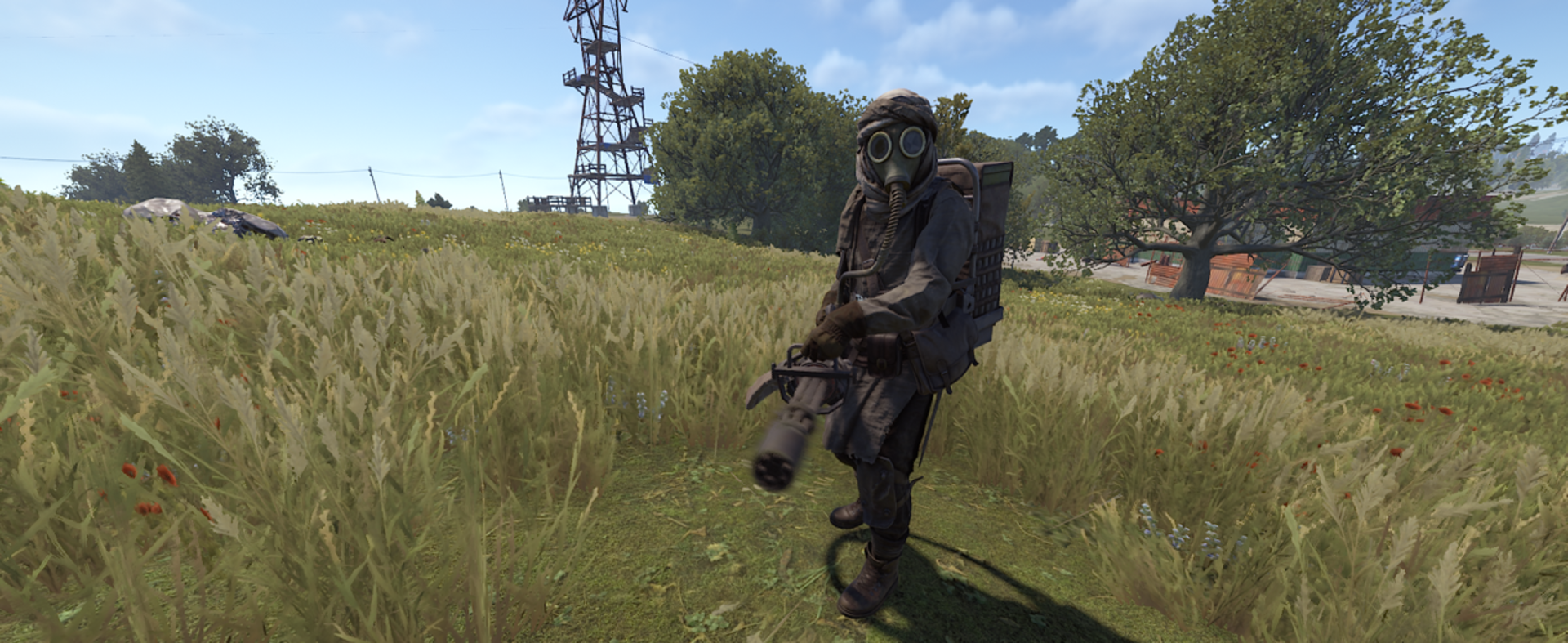
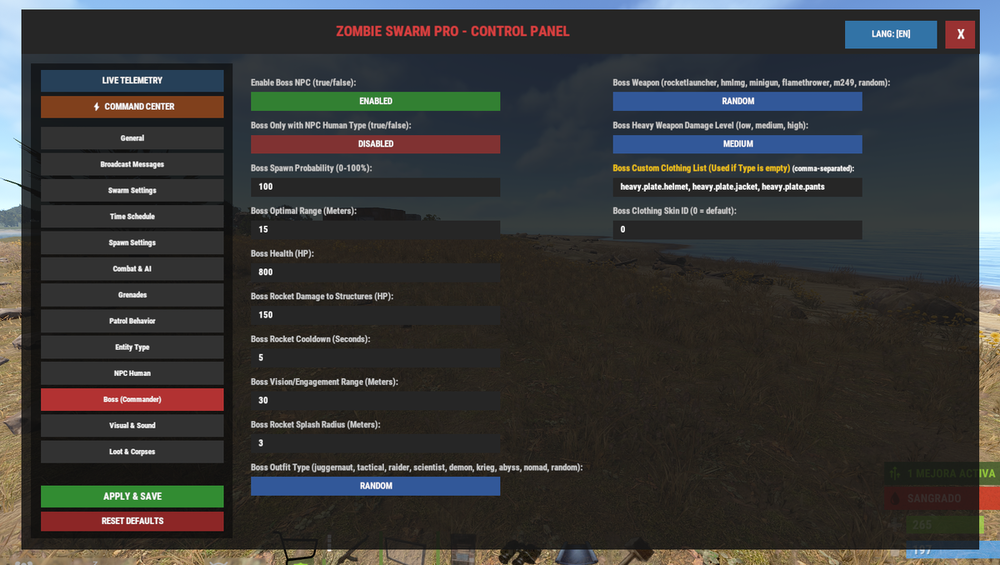
Heavy Weapon Tuning: Adjustable damage scaling (Low, Medium, High) for heavy armaments such as the Minigun, HMLMG, and M249.
Smart Rocket Trajectory: Calculates line of sight, vertical elevation, and pitch angles to launch real explosive rockets with configurable structural and splash damage.
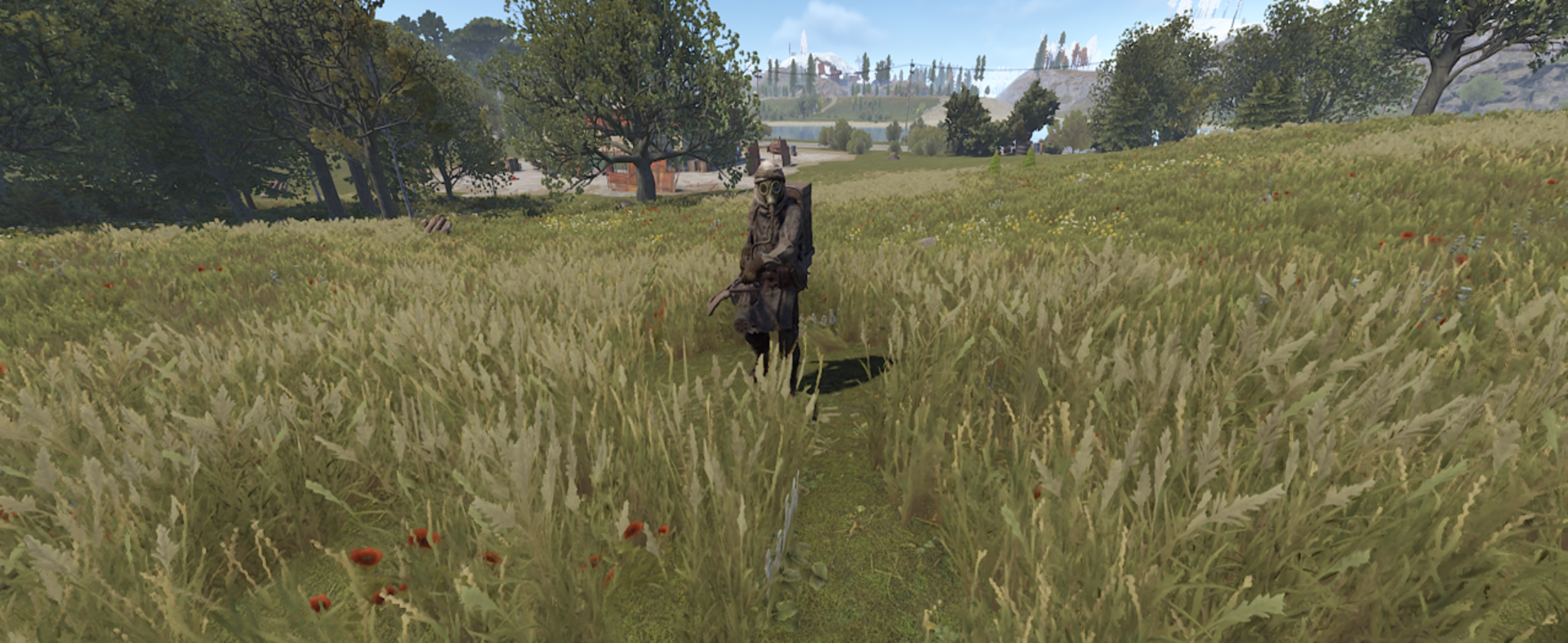
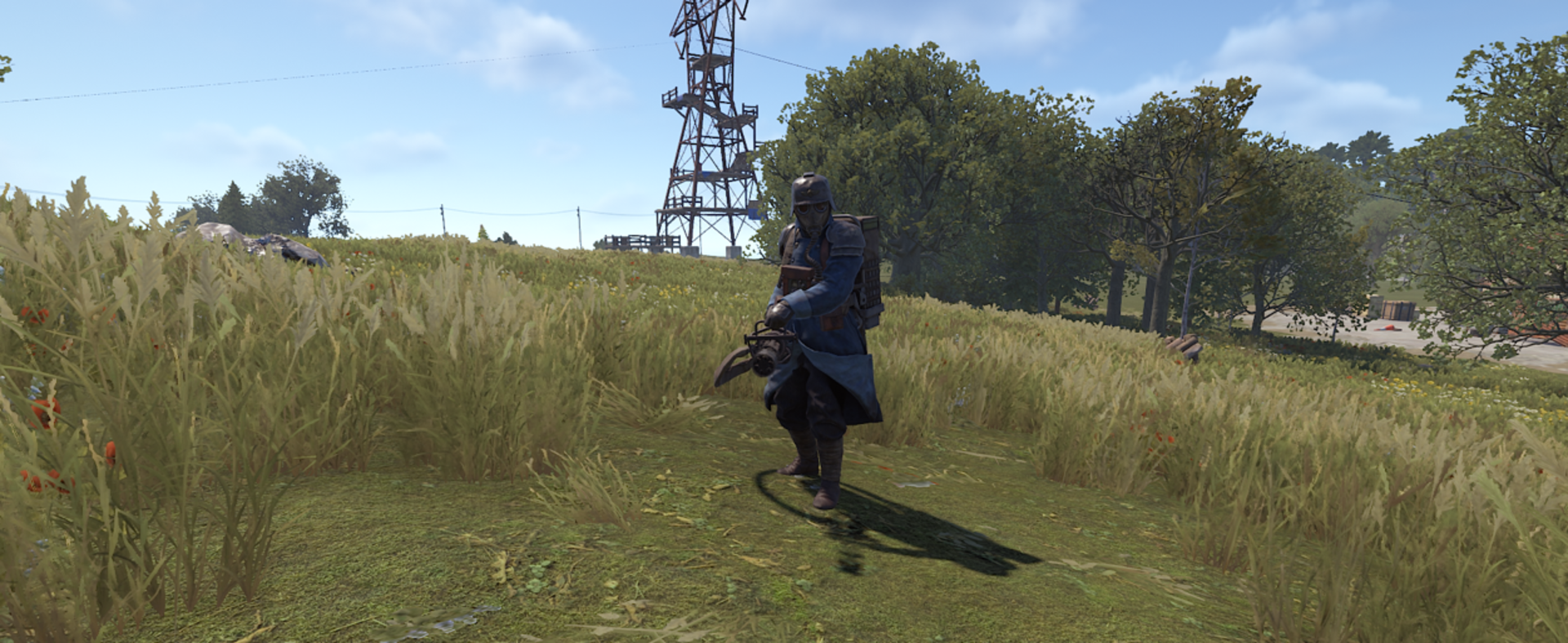
Dynamic Outfit Themes: Support for built-in visual archetypes (Juggernaut, Tactical, Raider, Scientist, Demon, Krieg, Abyss, Nomad) or custom skin configurations.
Advanced State Machine
Swarms transition seamlessly across three operational states:
Dynamic Patrol: Fluid patrol behavior with randomized actions (Walk, Halt & Scan, Sprint) calculated via NavMesh and terrain height validation.
Chase: Cohesive squad advancement maintaining structured spacing.
Attack: Coordinated melee strikes, suppressive gunfire, and tactical grenade throws (F1, Beancan, Molotov, Smoke).
⚔️🔥 Base Assaults and Humanized NPCs
Ordnance & Grenades
NPCs utilize explosive and tactical consumables to flush out entrenched players:
Ordnance Arsenal: Supports F1 Frag Grenades, Beancan Grenades, Molotov Cocktails, and Smoke Grenades (with toggleable smoke visibility).
Ballistic Trajectories: Real-time physics calculations apply realistic arc velocities based on distance to the target.
Squad Cooldown Control: A shared swarm cooldown prevents overwhelming grenade spam, while min/max distance thresholds (5m - 25m) ensure safe deployment.
Anti-Structure Safety: When Base Raiding is disabled, NPCs intelligently suppress grenade throws near building privilege and structures.
Intelligent Structure Sieging
The AI dynamically adapts its breach strategy according to equipped weaponry:
Melee Demolition: Close-combat zombies assault foundations, doors, embrasures, and barricades. Hits are staggered with subtle micro-delays to generate authentic rhythmic pounding sounds.
Suppressing Fire: Gun-wielding mercenaries do not waste bullets on indestructible walls - they lay down suppressive fire and track player sightlines while melee units breach.
Heavy Siege Demolition (Boss): Commanders armed with Rocket Launchers maintain standoff distance and unleash high-yield rockets directly against player fortifications.
Full Friendly Fire Protection
Entity Owner Resolution: Custom damage tracing tracks explosive origin (
creatorEntity), completely preventing zombies and bosses from killing each other with rockets, shrapnel, or lingering fire patches.Self-Damage Immunity: Protects throwers from accidental self-annihilation during close-quarters engagements.
Granular Combat Configuration
Configurable Siege Damage: Fine-tune exact HP damage dealt to structures per strike.
Melee Aggression Scaling: Adjust strike cooldowns (1.0x to 2.0x multipliers) to speed up or slow down zombie assault cadence.
Boss Weapon Balancing: Choose between Low, Medium, or High damage scaling for military heavy weaponry (M249, HMLMG, Minigun).
Dynamic Material FX
Every structural hit triggers precise visual particle effects and authentic impact audio based on the exact building tier:
Wood: Splinter debris and blunt impact sounds.
Stone & Concrete: Dust puffs and chipping sound effects.
Metal & High Quality: Spark bursts and heavy metallic clangs across doors, garage doors, sheet metal, and armored blocks.
🎭 Visual, Sound, and Loot Customization
Transform your horde from classic undead into apocalyptic mercenary factions with complete clothing and armor loadouts:
Humanoid NPC Archetypes (8 Presets)
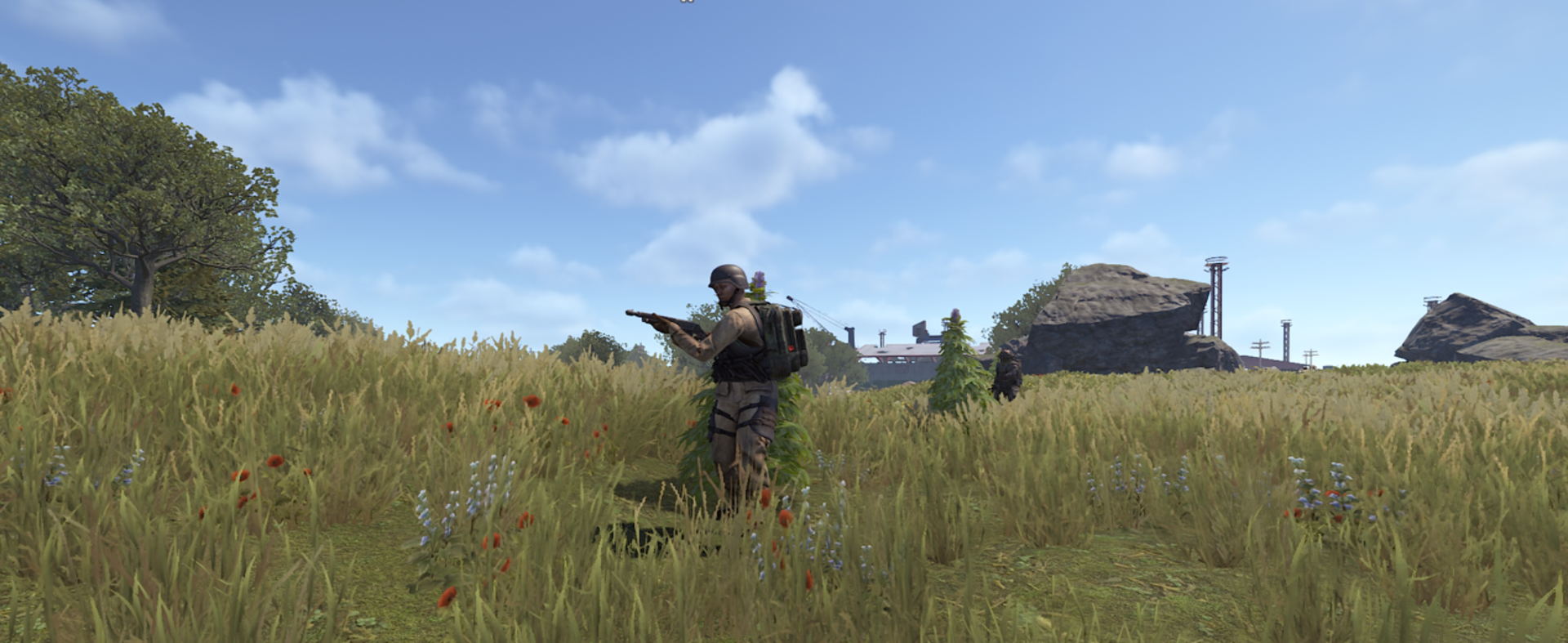
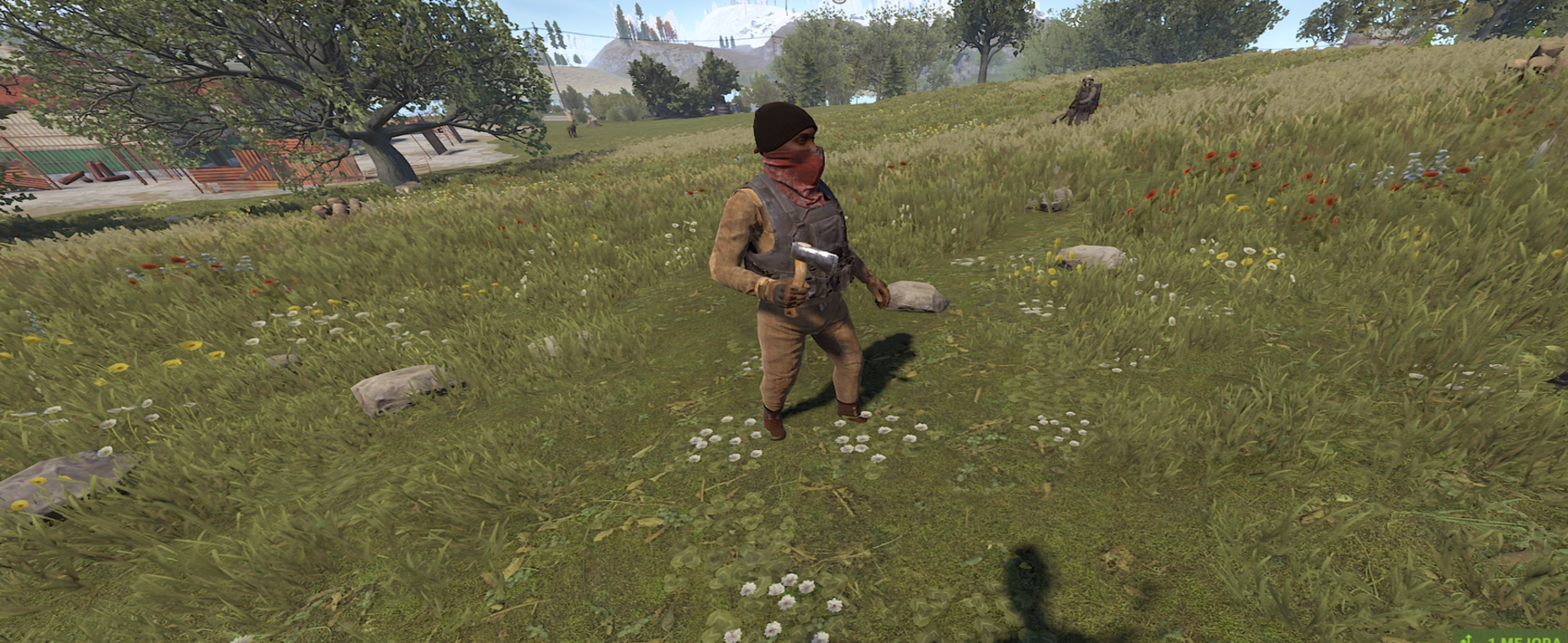
Military: Full BDU uniform, combat boots, tactical gloves, and ballistic armor.
Survival: Improvised wood armor, tank top, and beanie.
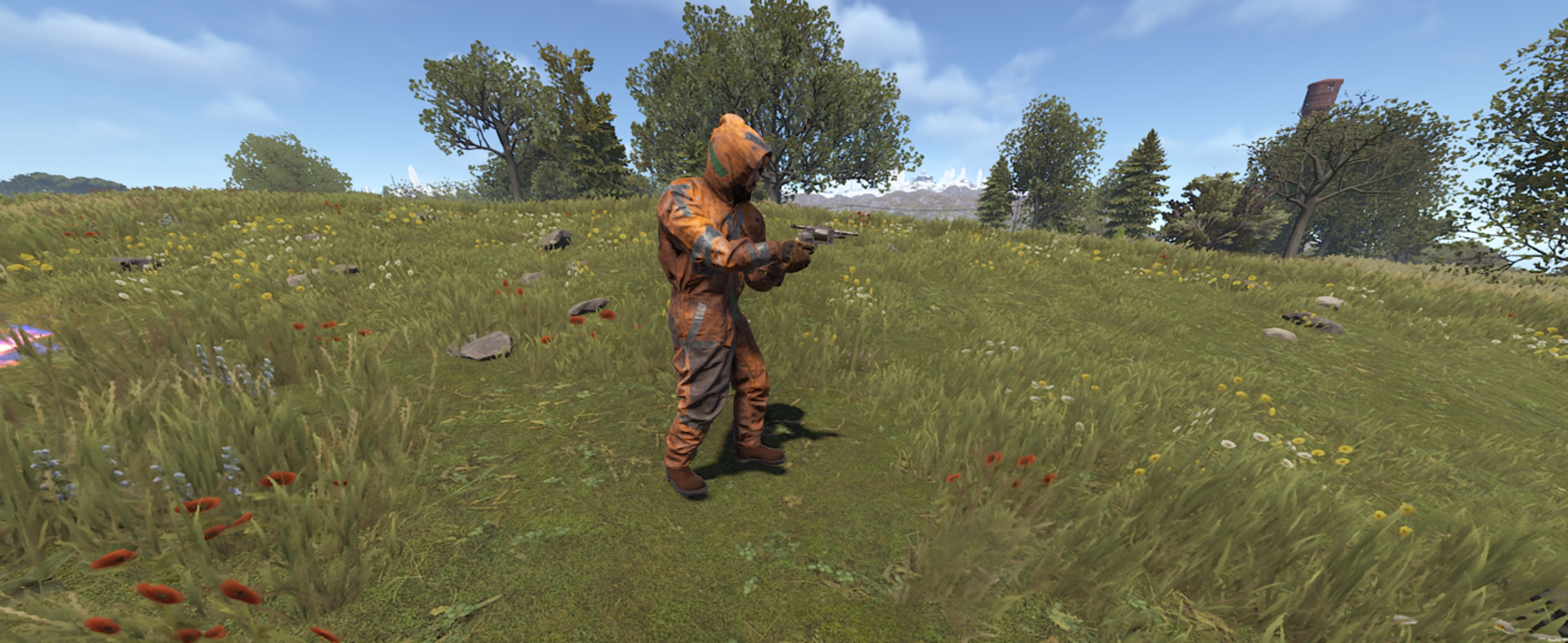
Scavenger: Paintball suit, work boots, and tactical gloves.
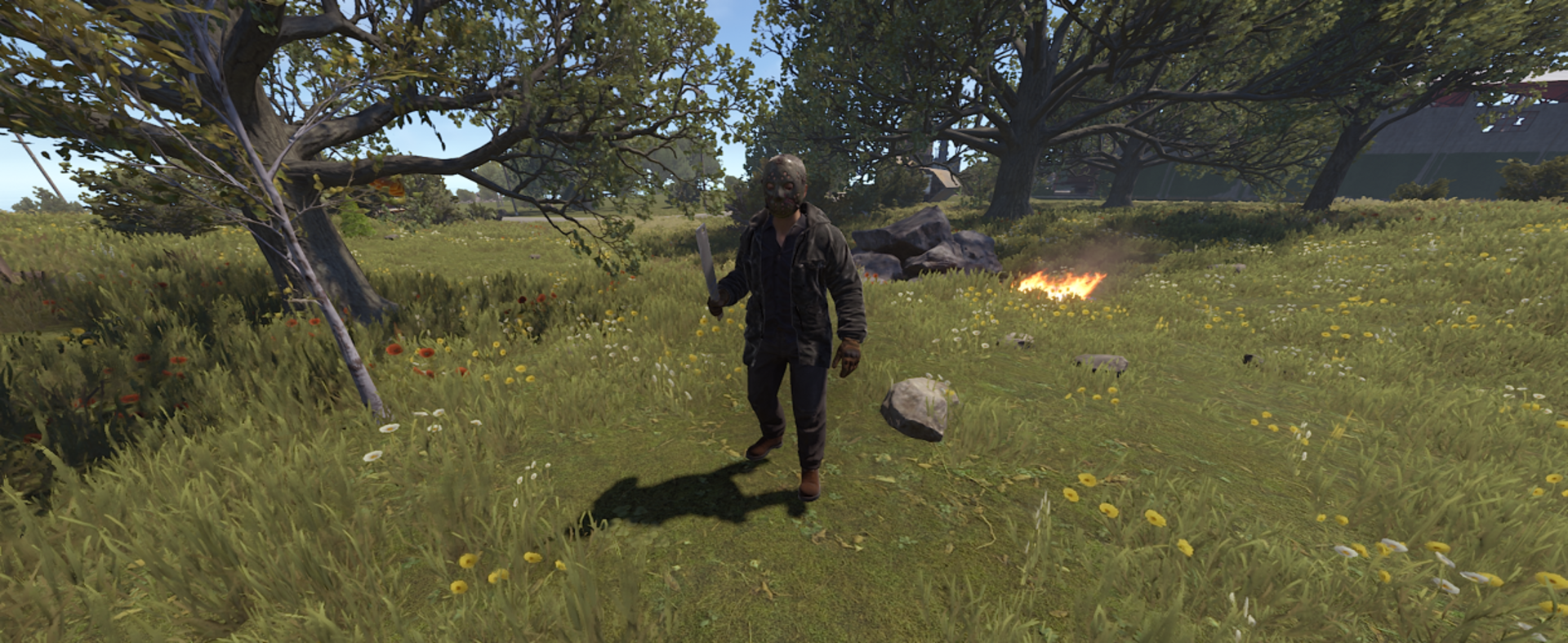
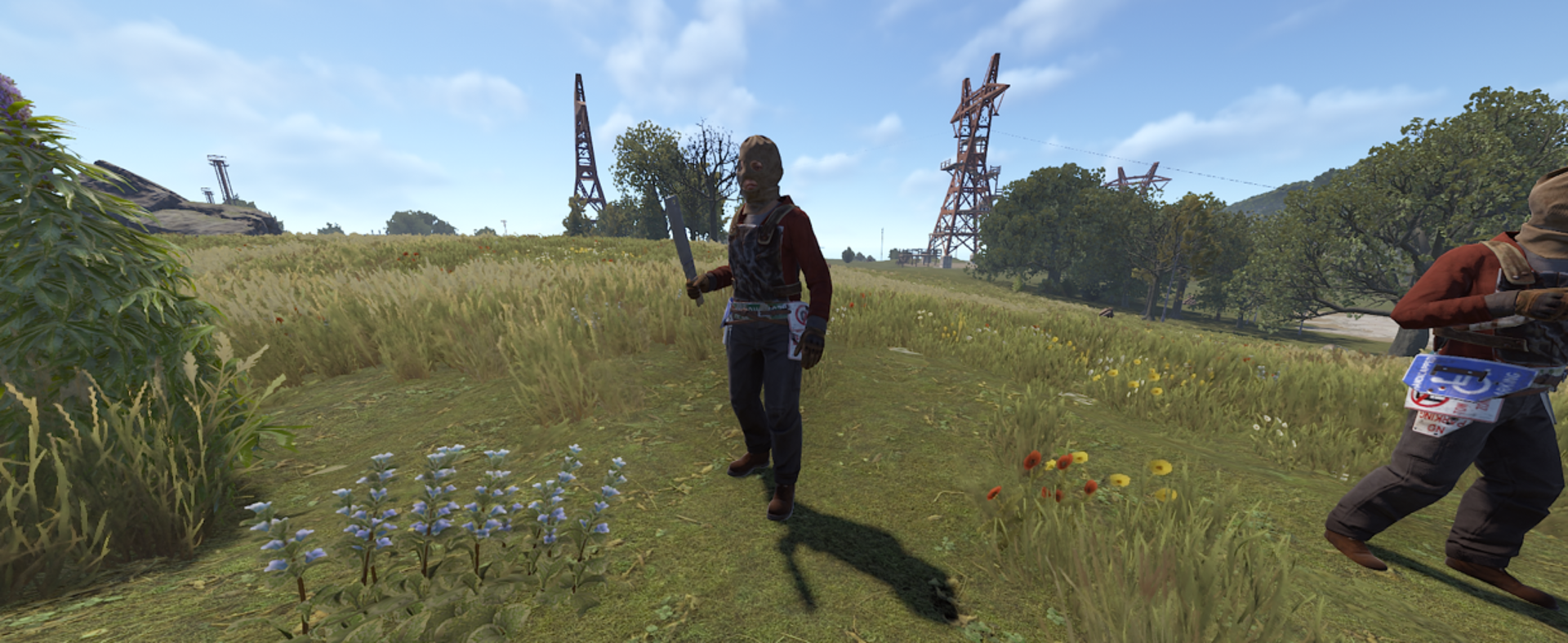
Jason: Collared shirt, jacket, work trousers, and the iconic hockey mask.
Raider: Balaclava, hoodie, boots, and roadsign armor.
Ghost: Spectral white ghost sheet and hide attire.
Maniac: Horse head mask, shorts, tank top, and combat boots.
Prisoner: Orange/burlap prison garments, bandana, beanie, and light protection.
Elite Boss Outfits (8 Presets + Custom Skins)
Juggernaut: Heavy plate helmet, jacket, and pants combo.
Tactical: Metal chestplate, metal facemask, hoodie, and combat pants.
Raider: Roadsign jacket, kilt, and heavy gas mask.
Scientist: Full heavy scientist hazmat protection.
Demon: Scarecrow suit paired with the demonic ox mask.
Krieg: Authentic militarized Krieg trenchcoat suit.
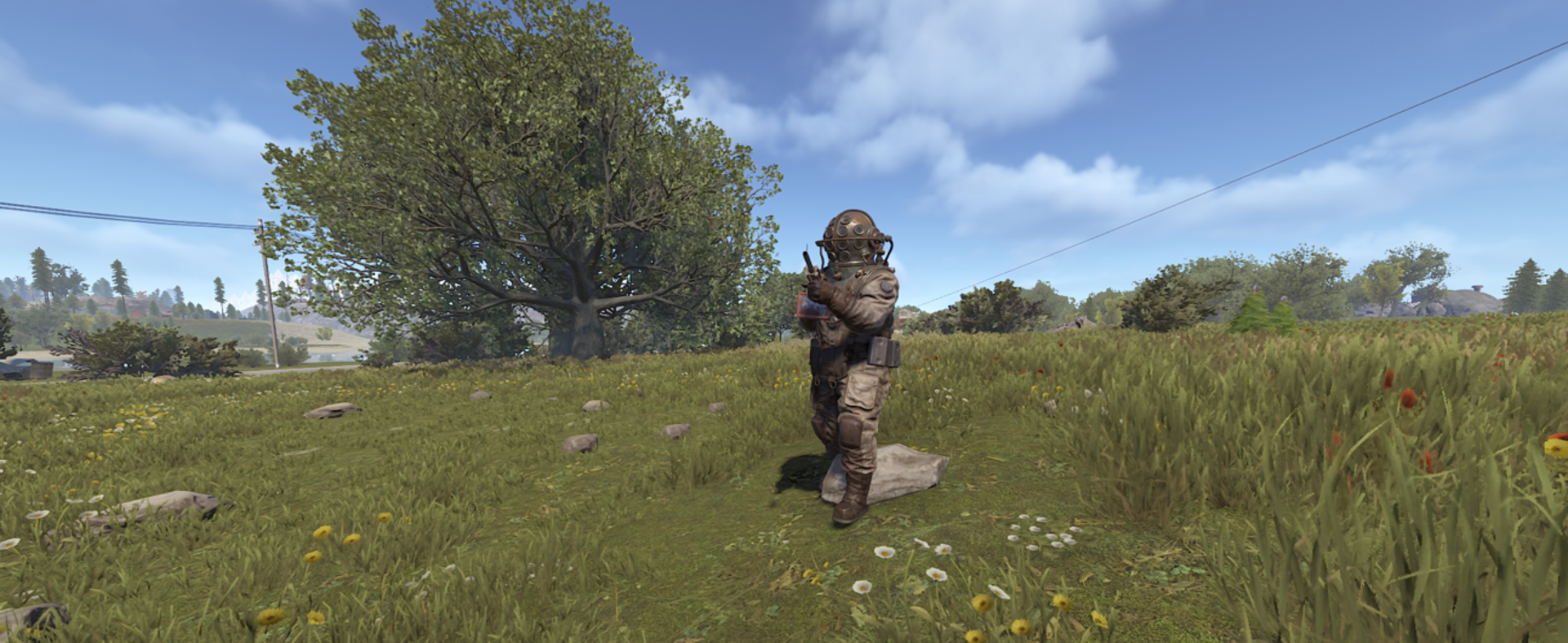
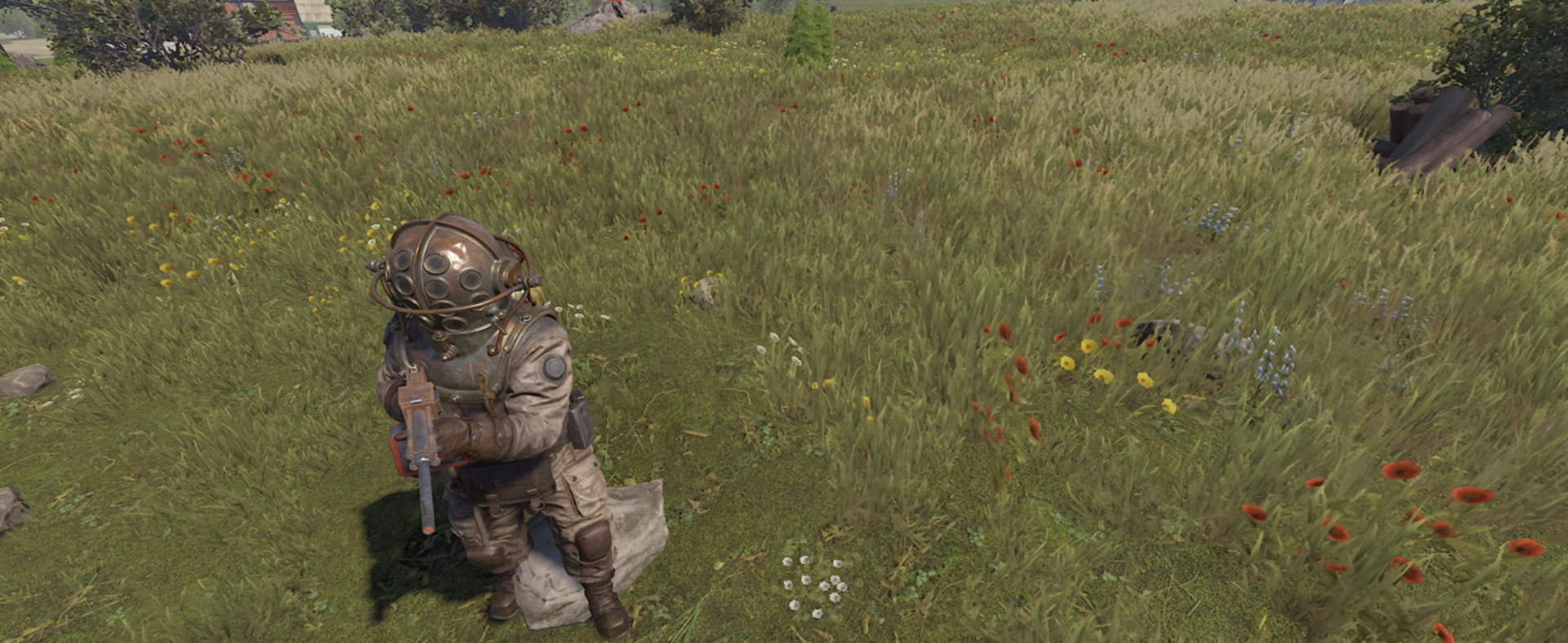
Abyss: Deep-sea diver atmospheric hazmat suit.
Nomad: Rugged post-apocalyptic nomad suit.
Custom & Skinned: Define custom clothing item lists or assign custom Steam Workshop Skin IDs (
bossSkinId).
Loot Control and Performance Optimization
Loot option: Choose whether NPCs leave behind corpses and loot backpacks or vanish without a trace.
Prohibited item blacklist: Specify the exact shortnames of items to be automatically removed from corpse inventories.
Exploit prevention: Removes heavy gear and large backpacks from inventories upon death if looting is disabled.
Automatic dawn cleanup: Automatically removes NPC corpses and abandoned backpacks at daybreak to maximize FPS and server performance.
⚙️ Population Control and Performance
Memory & Performance Optimization
Improved active swarm tracking.
Enhanced target validation.
Reduced CPU overhead.
Fixed boss routines that could continue after death.
Guaranteed memory cleanup.
Optimized formation system capable of handling large swarms (50+ NPCs).
Smart Spawning
Improved
/swarm herecommand.Hordes now spawn in front of the administrator.
Advanced NavMesh sampling.
Safety validation prevents spawns underwater or inside rocks.
Tool Cupboard (TC) Protection: Toggleable TC avoidance supports both standard vanilla building.
Safe Zone Immunity: NPCs will never spawn inside monuments or NPC safe zones (Bandit Camp, Outpost, Fishing Villages).
Strict Global Limits
Configure maximum simultaneous:
Zombies
Swarms
Across the entire server to protect performance.
Spawn Cycle & Cleanup
Configure zombies to:
Spawn only at night.
Self-destruct at dawn.
Smart Entity Cleanup
Automatic tracking and removal of:
Dropped backpacks
Expired event entities
Prevents unnecessary server bloat.
Detailed Debug Logging
Diagnostic messages for:
Swarm generation
Spawn attempts
Configuration troubleshooting
Featured by:
✅ New: Real-time Visual Config Panel (/swp)
✅ 50+ Configurable Settings
✅ 8+ Strategic Performance Checks
✅ 10+ Administrative Commands
✅ 85+ Granular Configuration Settings: : Total customization over combat, patrols, health and outfits
✅ Optimized for Servers with 50 - 150+ Players
✅ Languages: English, Spanish
📊 Administration Tools
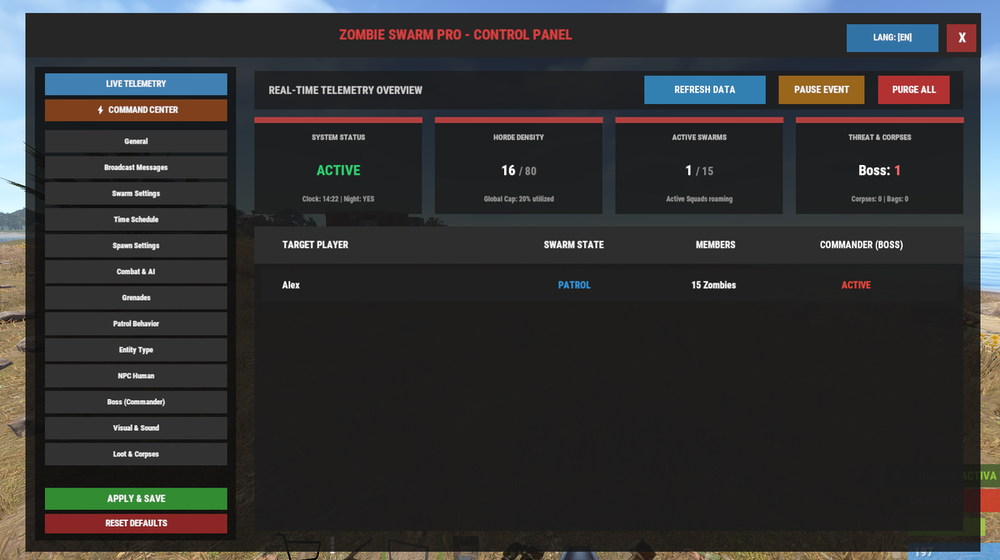
In-Game Graphical Interface (ZSProPanel Integration)
Full native integration with the optional ZSProPanel (
/swp) in-game GUI:Zero Restarts or File Edits: Modify all plugin settings directly through an intuitive visual interface without touching
.jsonfiles.Live Telemetry Dashboard: Real-time data feed displays active target players, individual squad states (Patrol / Chase / Attack), boss counts, server time, and memory sets.
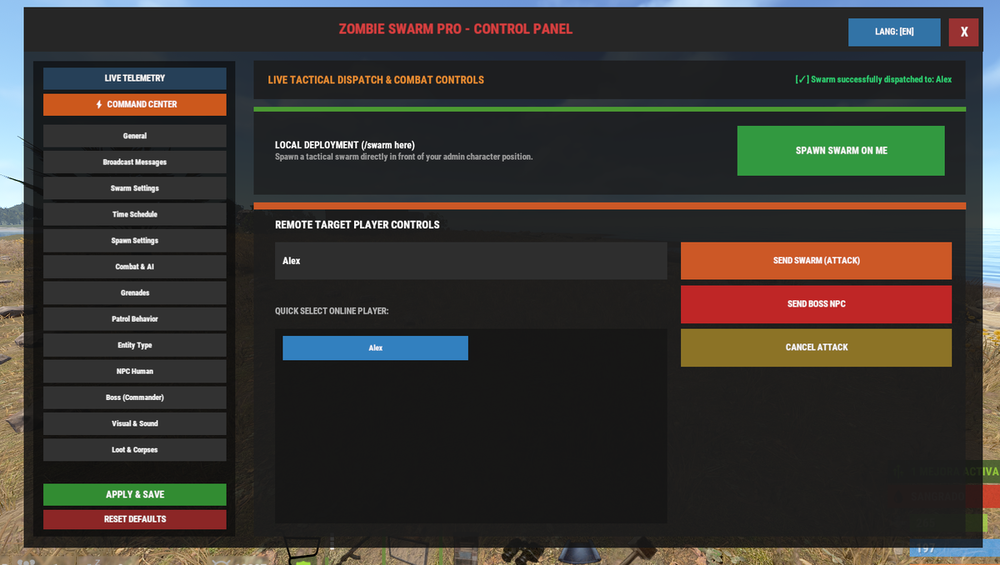
One-Click Triggers: Spawn squads, dispatch bosses, pause spawns, or purge the map directly from the panel.
Status Reports
The
/swarm statuscommand provides real-time information including:System State: Live operational status (
[ENABLED]/[DISABLED]).Active Swarms: Current active squads vs. maximum global swarm capacity.
Global Entity Counter: Active zombies alive vs. server-wide hard limit.
Active Boss Count: Real-time tally of spawned Elite Commanders.
Spawn Probability: Current per-player roll chance percentage.
Active Archetype: Displays the currently selected entity model (
scarecrowvs.npc_human).Automated Intervals: Optionally broadcast these telemetry reports to staff at custom minute intervals.
Full Multi-Language Support: Localized out of the box in both English and Spanish.
Advanced Debug Logging **
A new diagnostic layer provides detailed logs for:
Swarm generation
Boss spawning
Event cleanup
Failed spawn attempts
Allowing precise troubleshooting of configuration issues.
Custom Announcement System
Broadcast automated server messages with:
Custom HEX colors
Unique prefixes
Fully configurable formatting
🖥️ Server Integration, Commands & Permissions
Zombie Swarm Pro features a dedicated permission architecture to manage administrative access and staff immunity without requiring full server administrator (Auth Level 2) rights.
🔑 permission:
If you want to grant access to moderators, event organizers, or specific players without giving them full admin rights, use the following Oxide permission:
zombieswarmpro.admin
Grants full authorization to execute all
/swarmchat commands, monitor status telemetry, dispatch targeted swarms, and force event states.zombieswarmpro.ignore
Grants complete stealth and targeting immunity against all swarms:
NPCs will never spawn around or target players with this permission.
Gunfire from these players bypasses acoustic gunshot detection.
If a squad is chasing a target that gains this permission, it immediately abandons the pursuit and returns to patrol.
To grant this permission, use your console (F1) or RCON:
oxide.grant user <PlayerName or SteamID> zombieswarmpro.adminoxide.grant group <GroupName> zombieswarmpro.admin
🧩 Admin Commands:
/swp: Open the Pro Visual Configuration GUI (Panel).
/swarm status: Shows active swarms, total zombies on the map, and current entity type.
/swarm toggle: Pauses or resumes the automatic swarm generation on the server.
/swarm clear: Immediately clears all swarms, zombies, and corpses from the map.
/swarm reload: Reloads the configuration file without restarting the server.
/swarm entity [npc_human | scarecrow]: Changes the NPC type in real-time.
/swarm here: Forces a swarm to spawn exactly at your current position.
/swarm attack "Player Name": Summons a swarm against a specific player instantly.
/swarm boss "Player Name": Sends a Boss directly to attack a specific player.
/swarm cancel "Player Name": Cancels and removes an active swarm attacking a specific player.
/swarm msg: Broadcasts a custom announcement to all players.
⚙️ Configuration file:
🖥️ Control Panel (GUI):
Here 👇
🔷 Support
If you find any bugs or would like to see new features, please let me know and we’ll gladly find a way to implement them.
This plugin is constantly being maintained and will continue to evolve with smart new features, gameplay improvements, and more fun mechanics.
Your feedback helps shape the future of this project.
Edited by Alexprojects
What's New in Version 1.0.12
Released
Update 1.0.12
Hybrid & Randomized Squad Composition (“Random Mode”)
Extended Telemetry API
Fix: Adjustment to zombie health (HP)
Fix: Adjustment boss health (HP)
ZSProPanel (v1.0.4)
New "Swarm Type" Column in Live Telemetry
Copyright (c) 2026 Alexprojects
This software is licensed, not sold.
You are allowed to:
* - Use this plugin on your server
* - Modify the plugin for personal/server use
You are NOT allowed to:
* - Redistribute this plugin
* - Share this plugin with others
* - Resell or sublicense this plugin
* - Distribute modified versions of this plugin
Any unauthorized distribution is strictly prohibited.
You may only provide a review once you have downloaded the file.
There are no reviews to display.