



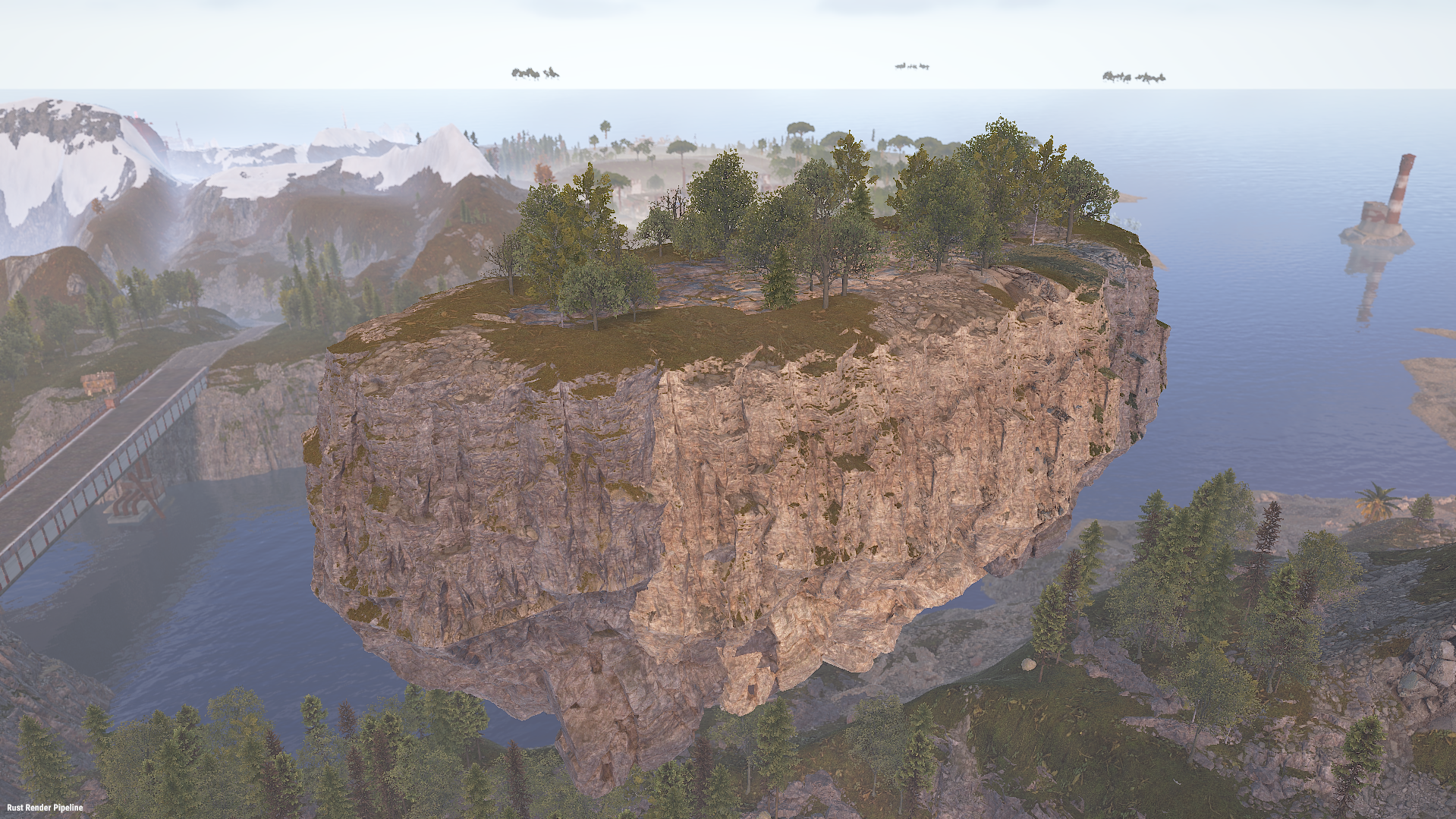
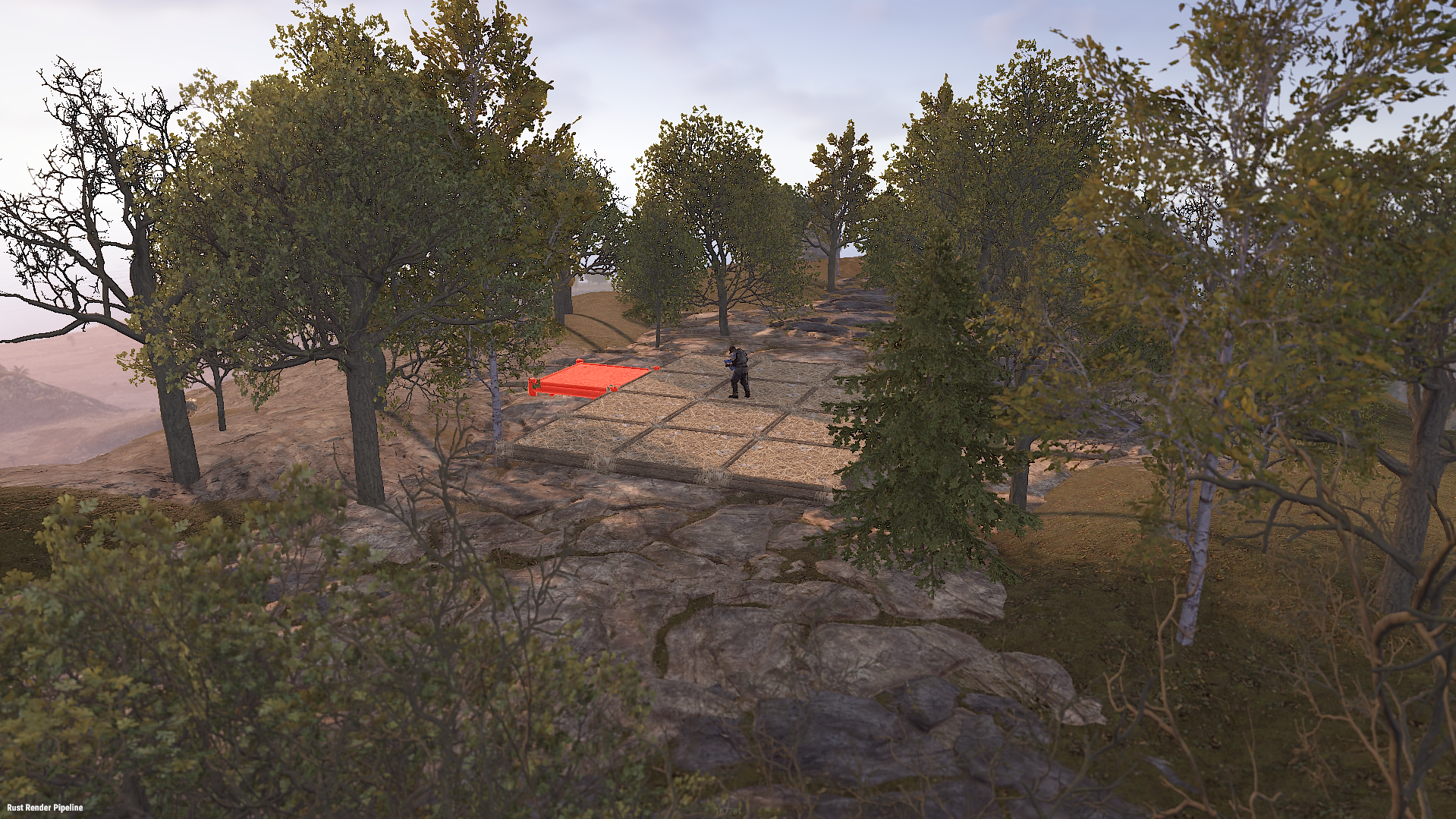
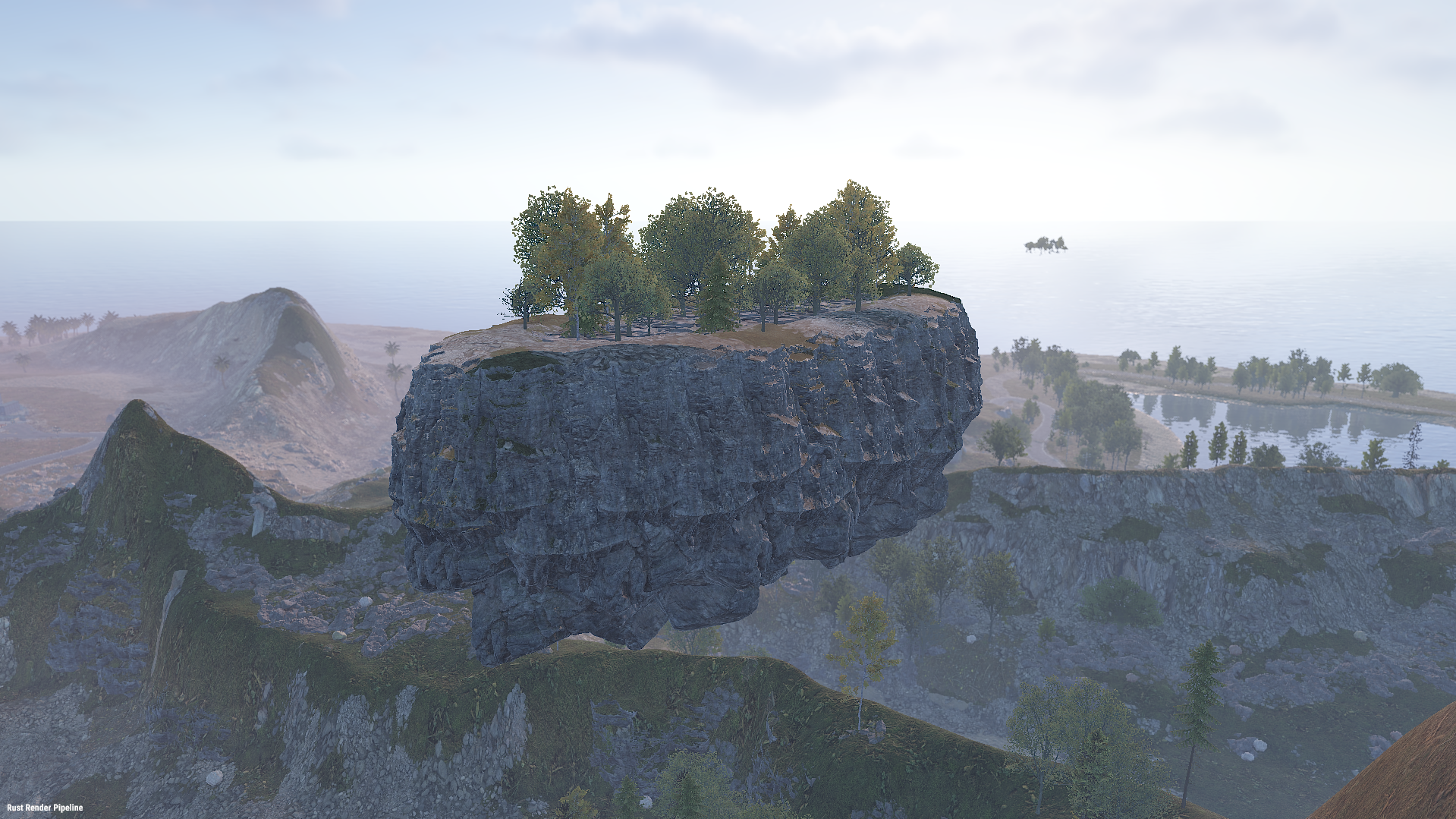
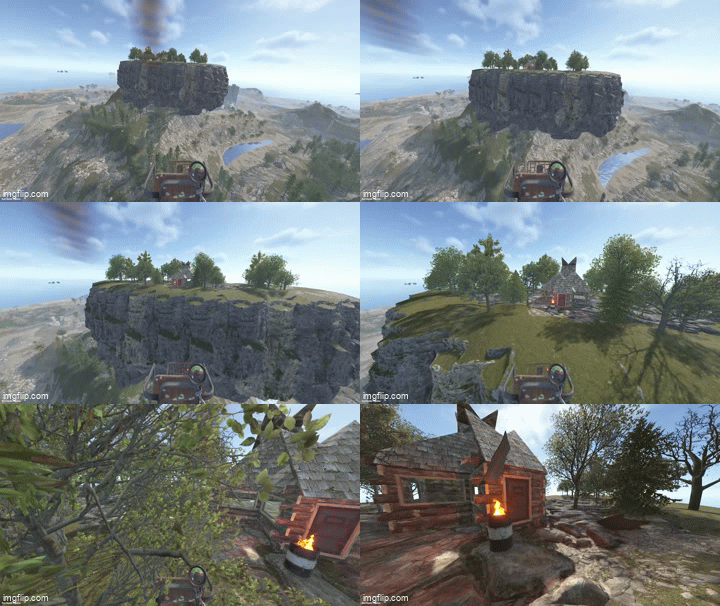
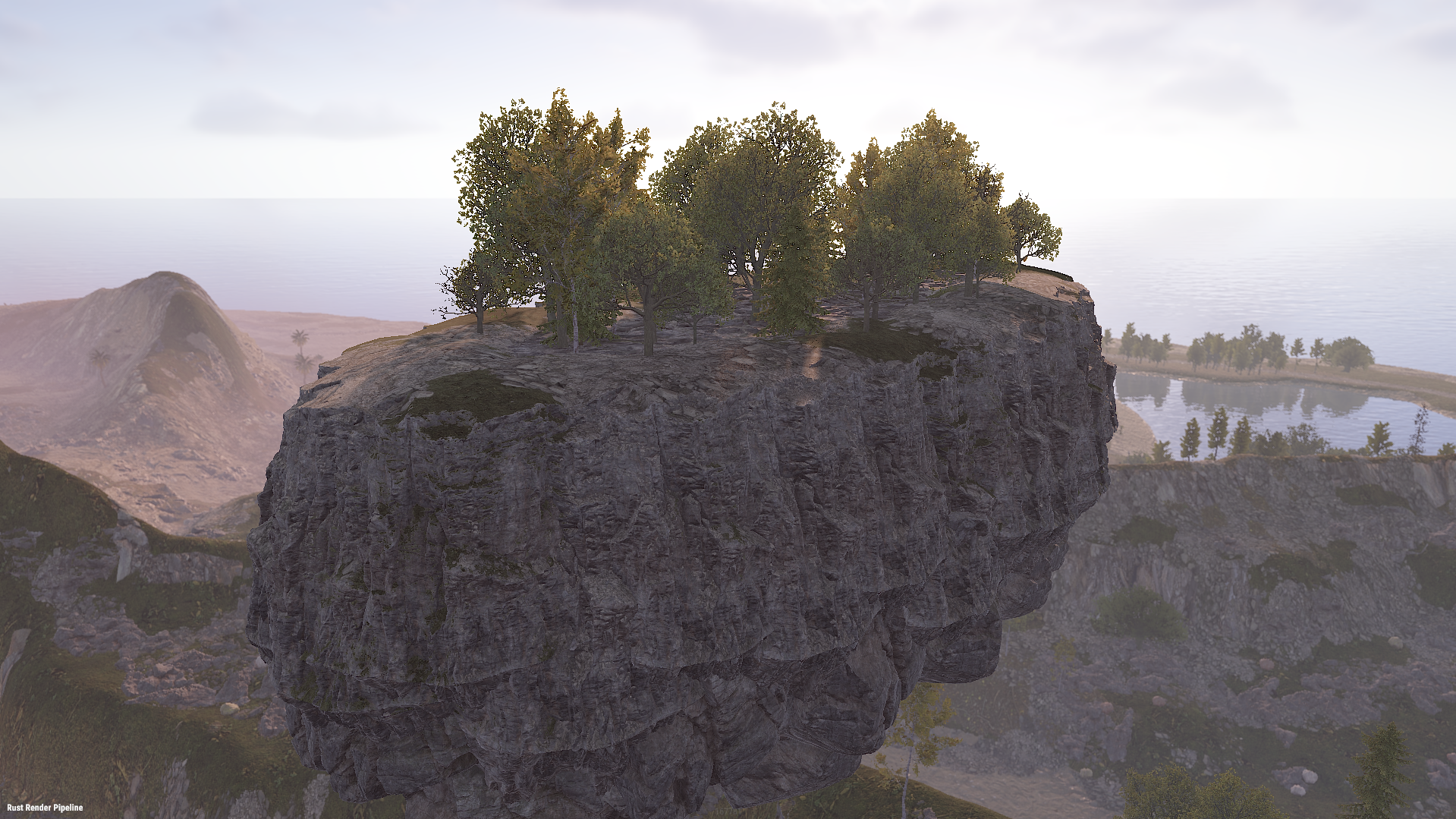
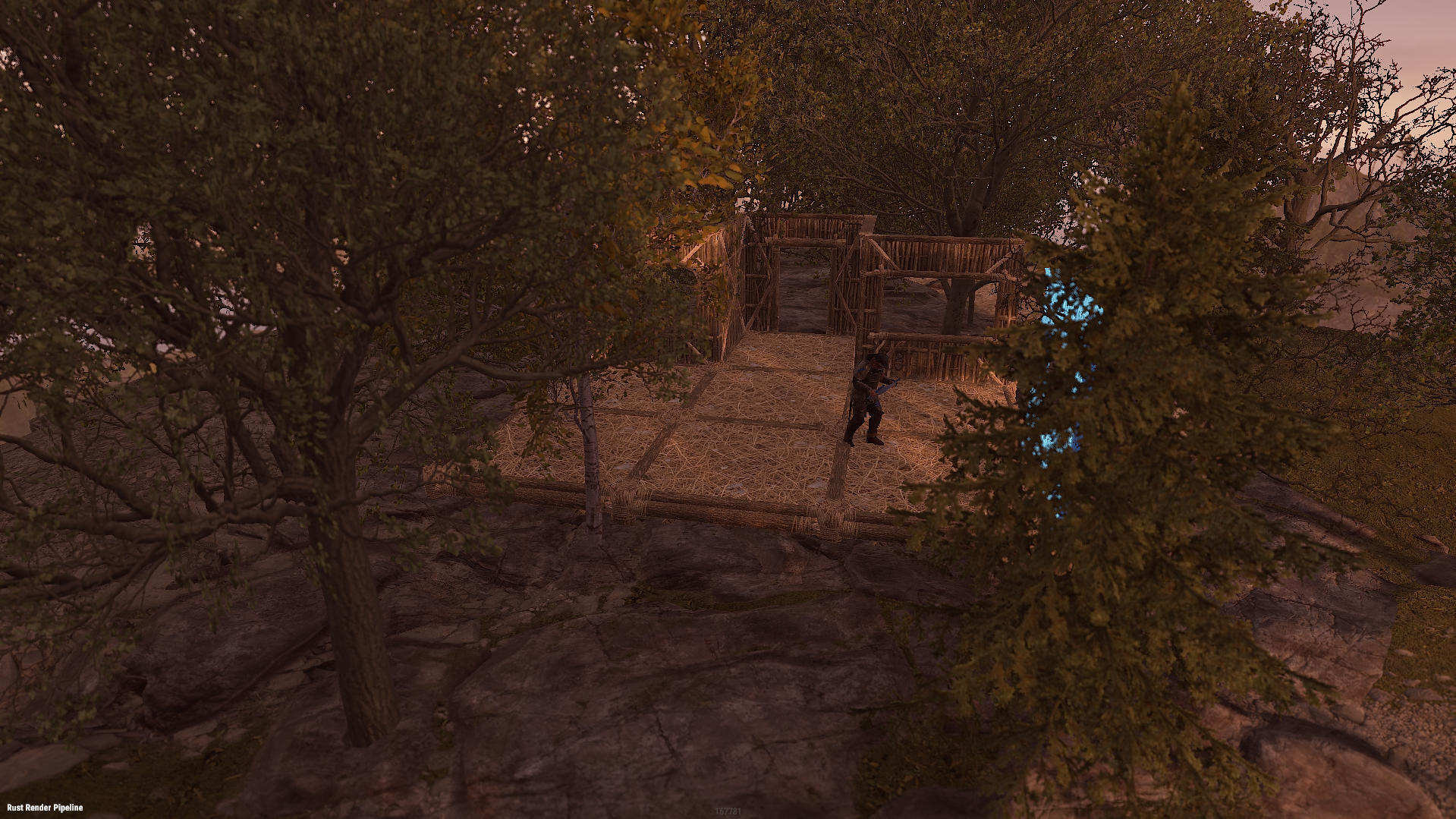
Floating Islands adds rock islands that float high above your map, with flat walkable ground, natural cliff sides, a hanging rocky underside and groves of trees. Players can reach them by minicopter and build bases, set up sky hubs or hold events on them. Spawn islands by hand or let the plugin place them across the map, away from monuments. No map editing, no RustEdit and no CopyPaste needed: everything is spawned at runtime and survives restarts.
Core Features
- 15 ready-made islands: 5 types in 3 sizes (Small, Standard, Large)
- Round: the classic floating island
- Pond: round island with a swimmable rock pond in the middle
- Long: up to 136 x 68 m, good for runways and long bases
- Wide: broad oval with plenty of building room
- Square: rounded-corner platform with the most flat ground for its size
- Flat walkable rock floor framed by a continuous cliff rim
- Mirrored cliff underside with no gaps or see-through edges
- 19 to 40 trees per island in groves of five (oak, beech, birch and pine)
- Built only from rock formations and trees, with no foundations or building blocks
- Islands spawn in small batches per frame, so the server doesn't stutter
- Islands are restored after a restart; an incomplete spawn is removed automatically
- Rocks can't be mined and trees can't be chopped (configurable)
- Islands are visible from about twice Rust's normal distance (configurable, up to the whole map)
Auto Spawn
- Optional: places a configured number of islands automatically when the server starts
- Finds free spots across the map, over land and over the sea
- Keeps a set distance from every monument, from other islands and from the map edge
- Floats each island a set height above the ground beneath it
- Keeps every island floor within minicopter reach
- Picks island types from your list without repeating until all have been used
- /island.spawnall places one of every island across the map in one command
- Fixed positions can be used instead of automatic placement
- After a map wipe, islands are placed fresh on the new map
Installation
1. Put FloatingIslands.cs in oxide/plugins/.
2. Put the 15 FloatingIsland-*.json files in oxide/data/FloatingIslands/.
3. Edit oxide/config/FloatingIslands.json if you want auto spawn, then run oxide.reload FloatingIslands.
Chat Commands :
/island.spawn [plan] [rotation]          Spawn an island at your position (floor at your feet)
/island.auto [count]                     Auto-place islands now (default: up to the configured number)
/island.spawnall                         Place one of every island across the map
/island.list                             List spawned islands with their IDs and positions
/island.cancel                           Stop a spawn that is still running
/island.remove [last|all|auto|id|plan]   Remove islands
Console Commands :
island.spawn <plan> <x> <y> <z> [rotation]   Spawn an island at exact coordinates
island.auto [count]                          Auto-place islands now
island.spawnall                              Place one of every island across the map
island.spots [plan]                          Show how many free auto-spawn spots a plan has
island.list                                  List spawned islands
island.cancel                                Stop a running spawn
island.remove [last|all|auto|id|plan]        Remove islands
Permissions :
floatingislands.use - Use all island commands (admins always can)Config :
{
  "Runtime plan file name (without .json)": "FloatingIsland-Standard",
  "Permission": "floatingislands.use",
  "Entities spawned per server frame": 10,
  "Keep spawned entities across restarts": true,
  "Prevent damage to spawned island entities": true,
  "Island visibility range (Medium = Rust default, Large = double, Global = whole map)": "Large",
  "Auto spawn": {
    "Enabled": false,
    "Number of islands": 3,
    "Plans to pick from at random": [
      "FloatingIsland-Standard",
      "FloatingIsland-Standard-Pond",
      "FloatingIsland-Standard-Long",
      "FloatingIsland-Standard-Wide",
      "FloatingIsland-Standard-Square"
    ],
    "Minimum distance from monuments (m)": 150.0,
    "Minimum distance between islands (m)": 250.0,
    "Minimum distance from the map edge (m)": 150.0,
    "Height of the island bottom above the ground below it (m)": 30.0,
    "Keep the island floor within minicopter reach": true,
    "Allow spawning over the ocean": true,
    "Share of islands placed over land (0-1)": 0.5,
    "Random rotation": true,
    "Spawn missing islands when the server starts": true,
    "Fixed positions instead of auto-detect (x, y, z; y 0 = automatic height)": []
  }
}
You may only provide a review once you have downloaded the file.
There are no reviews to display.