



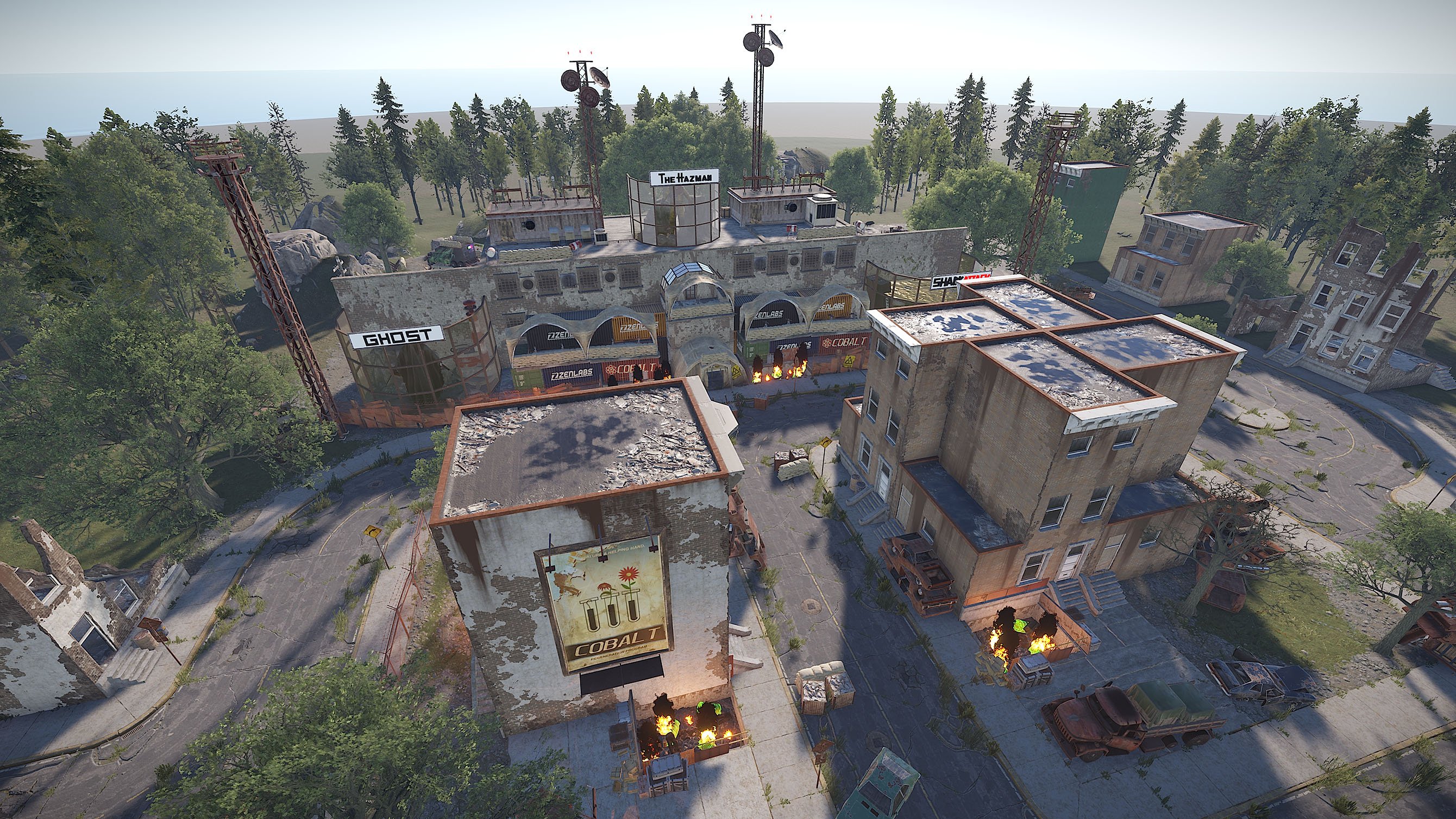
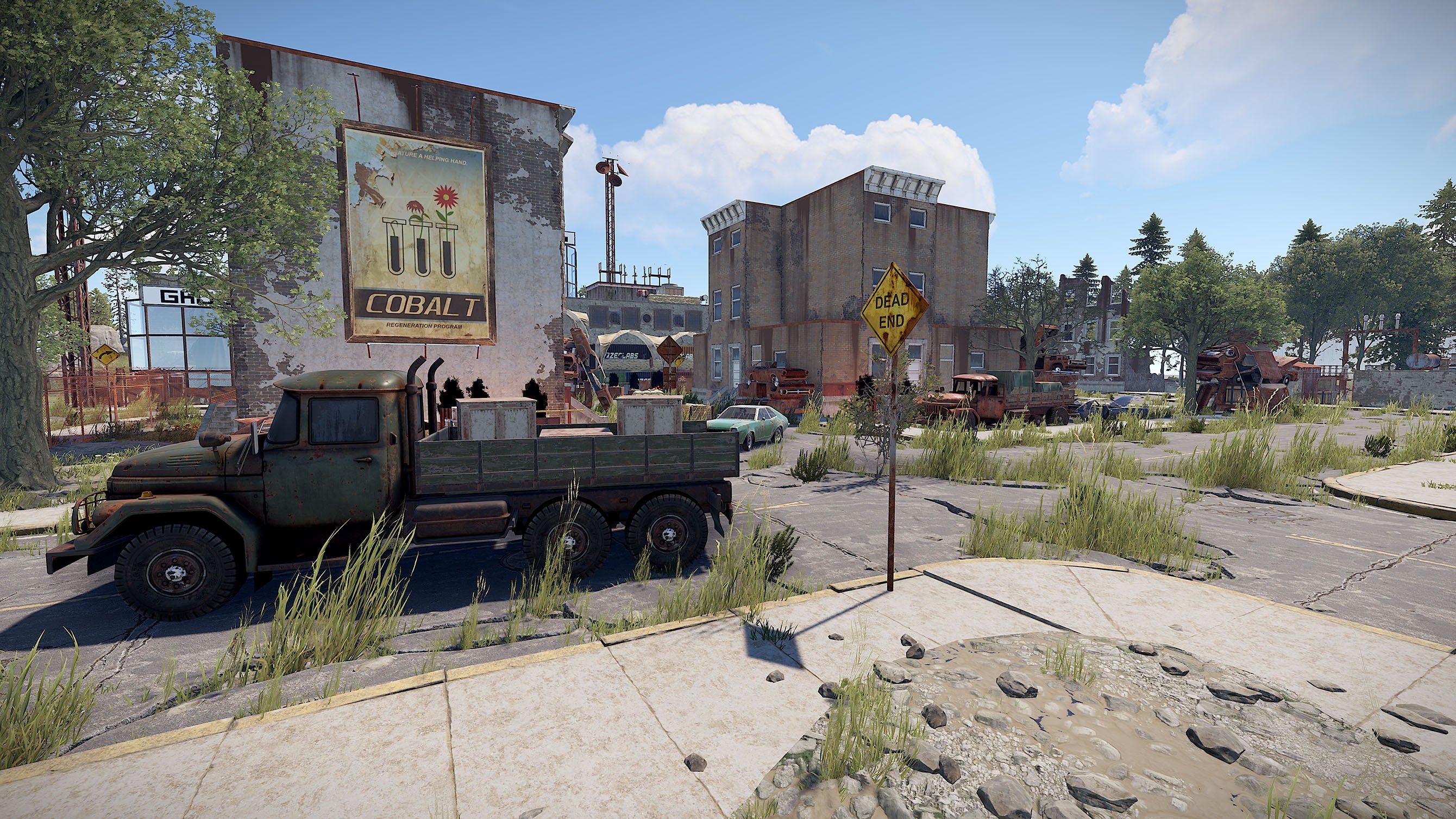
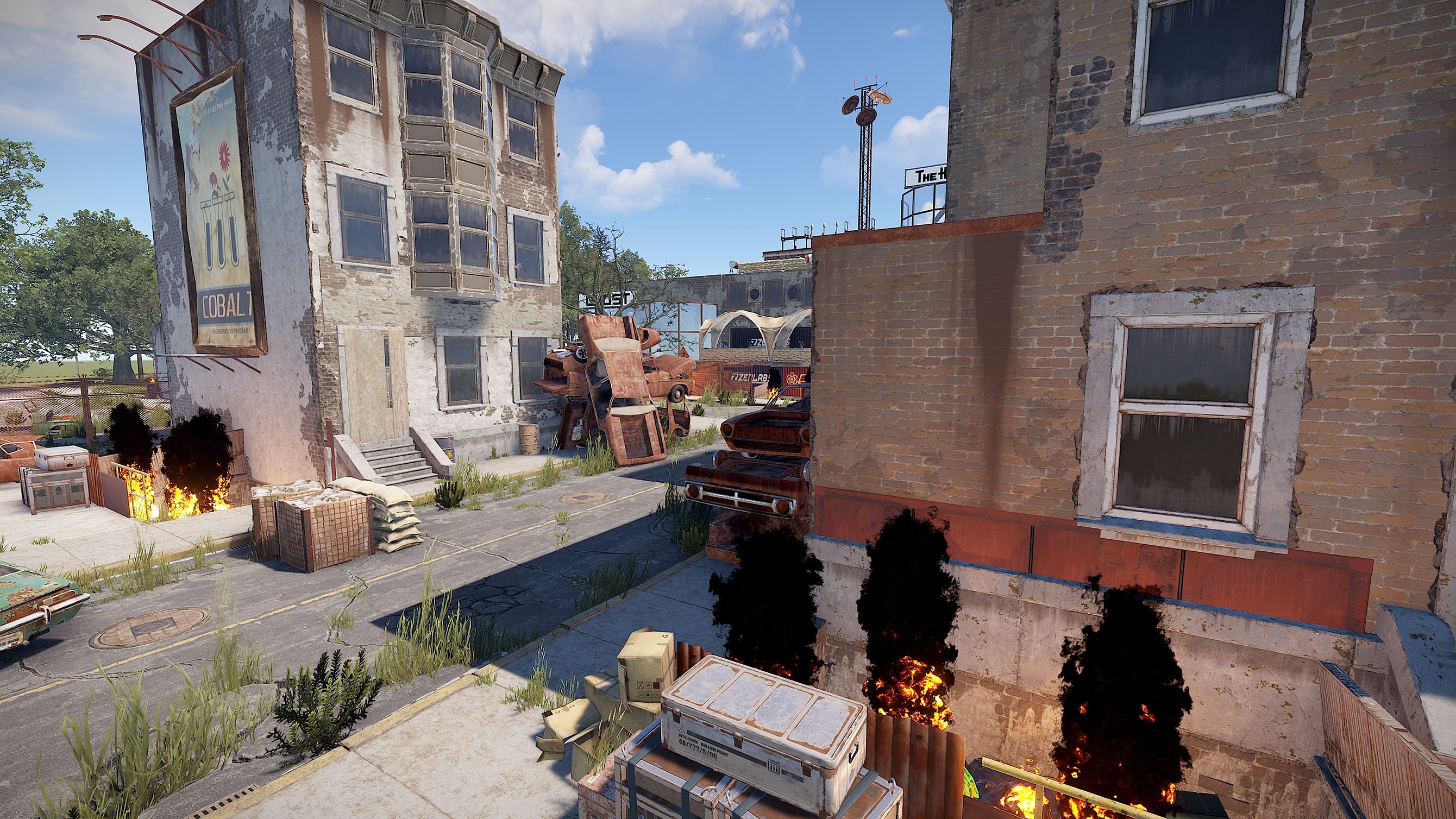
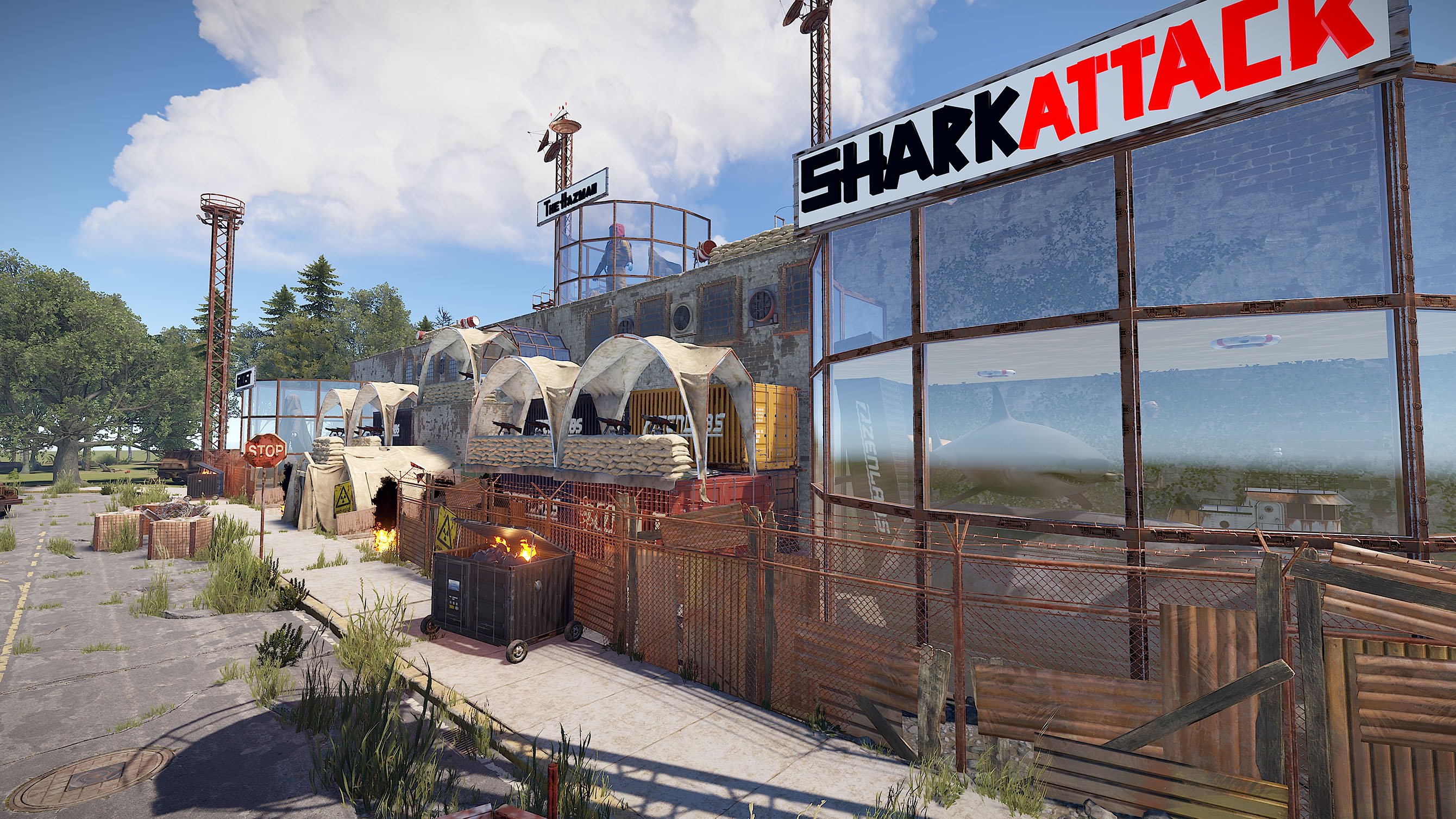
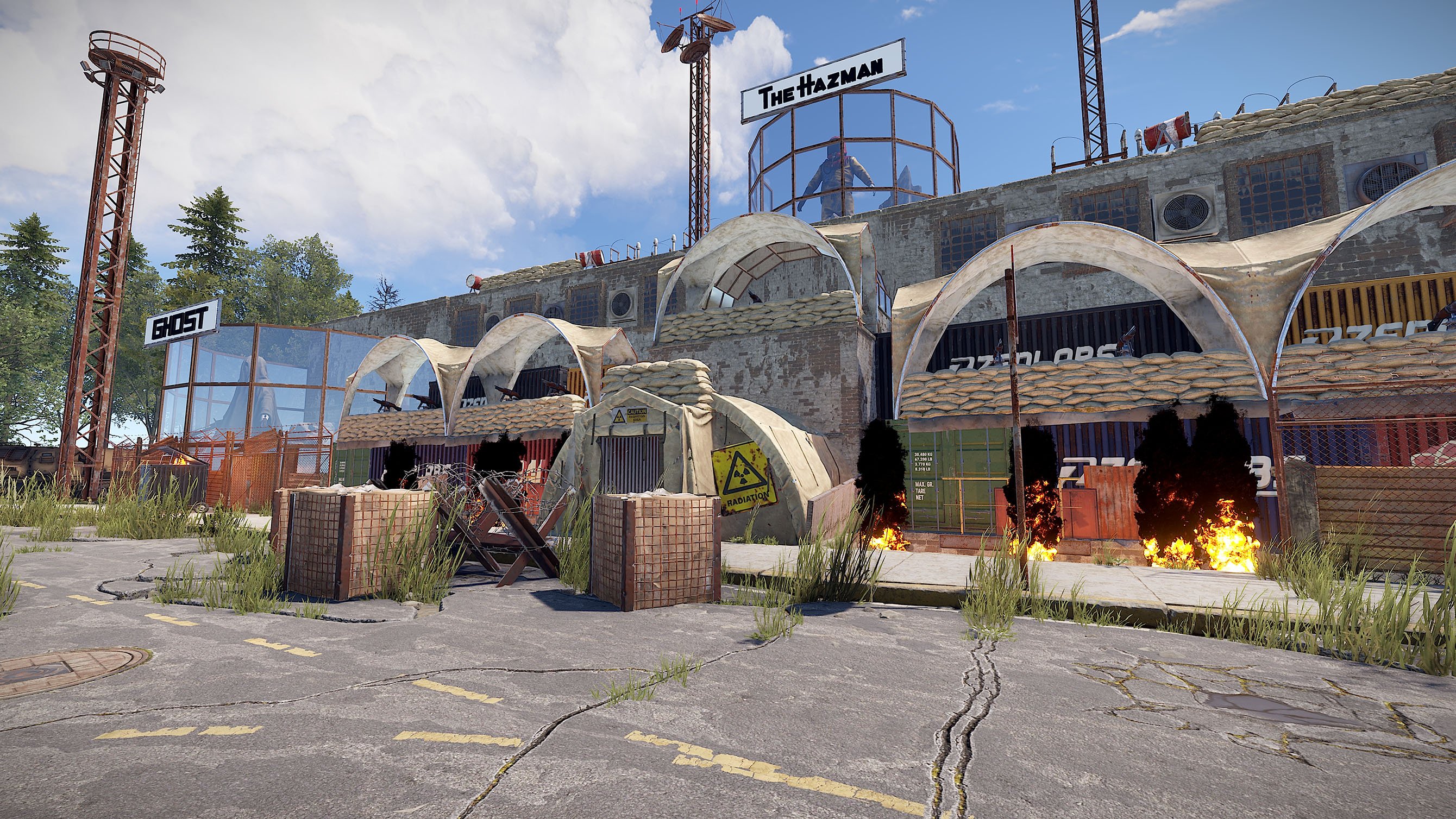
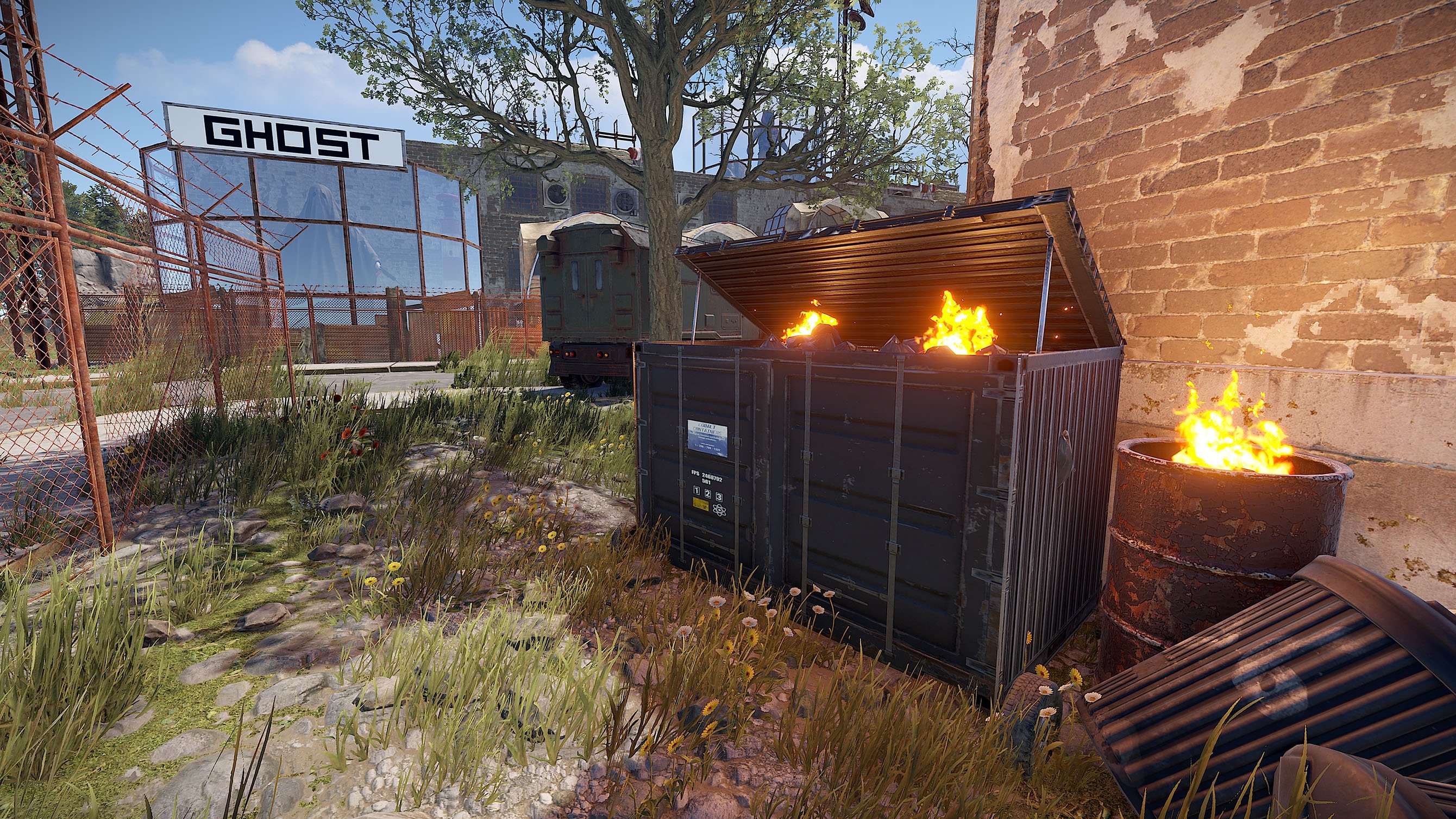
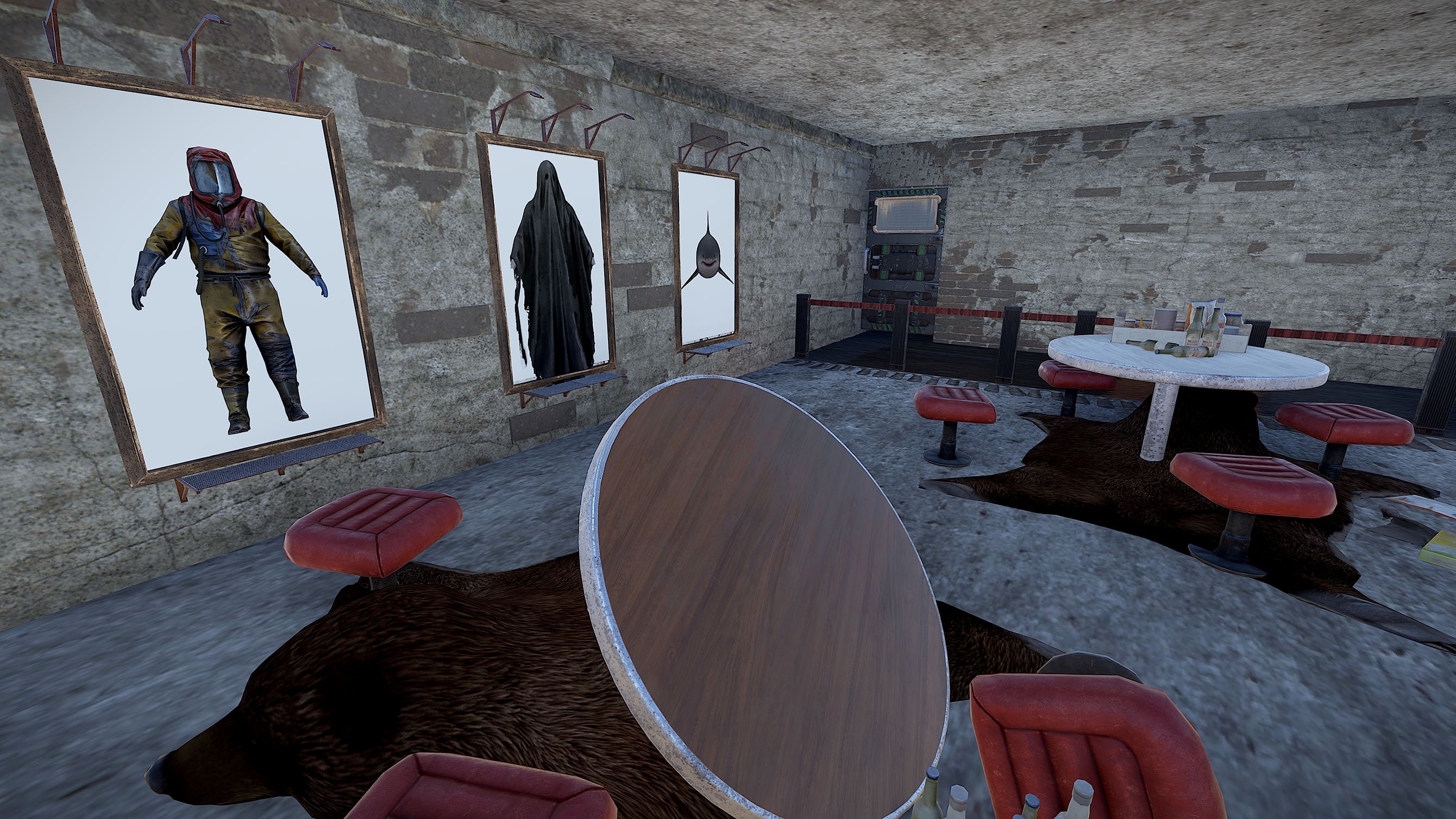
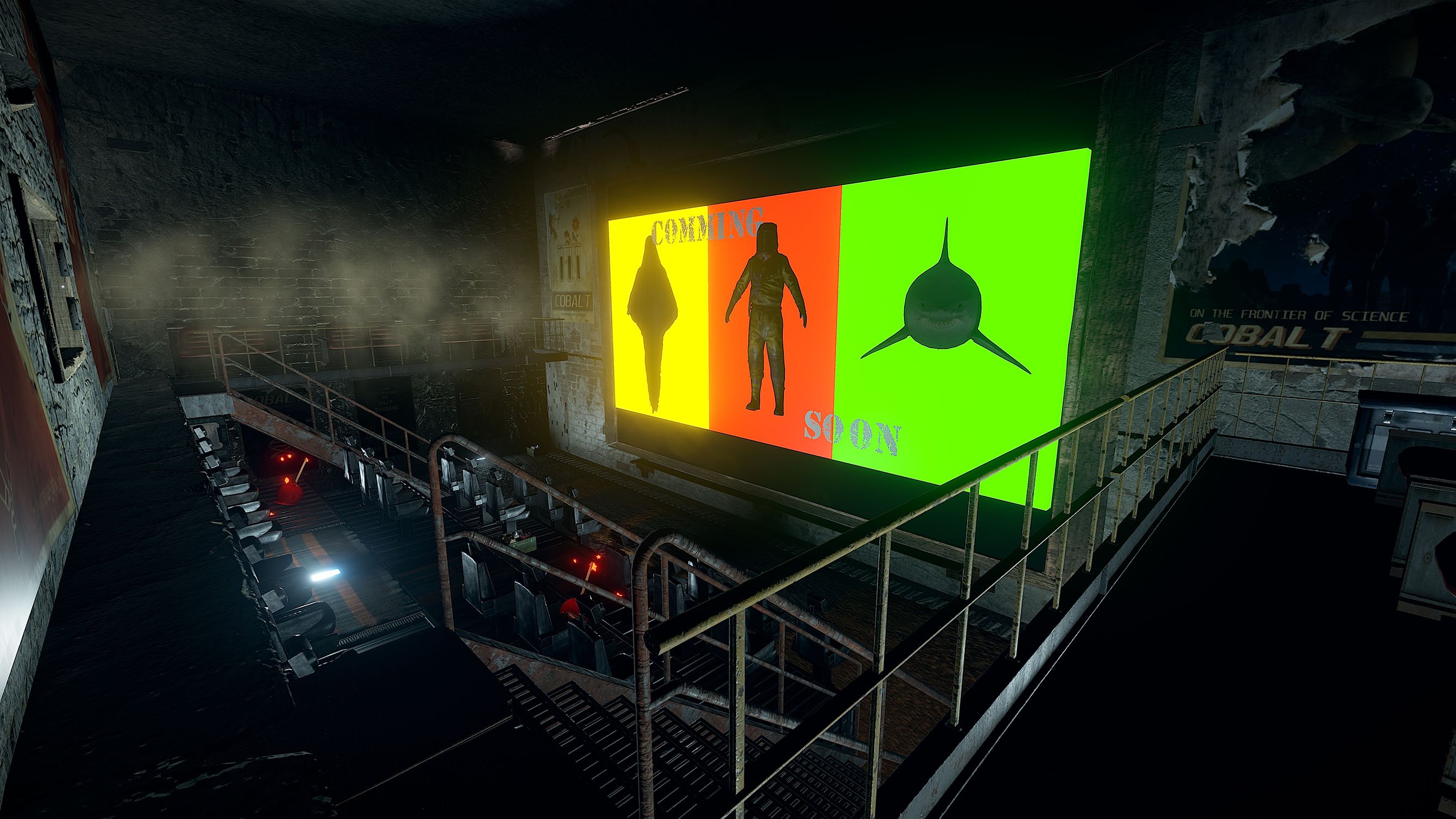
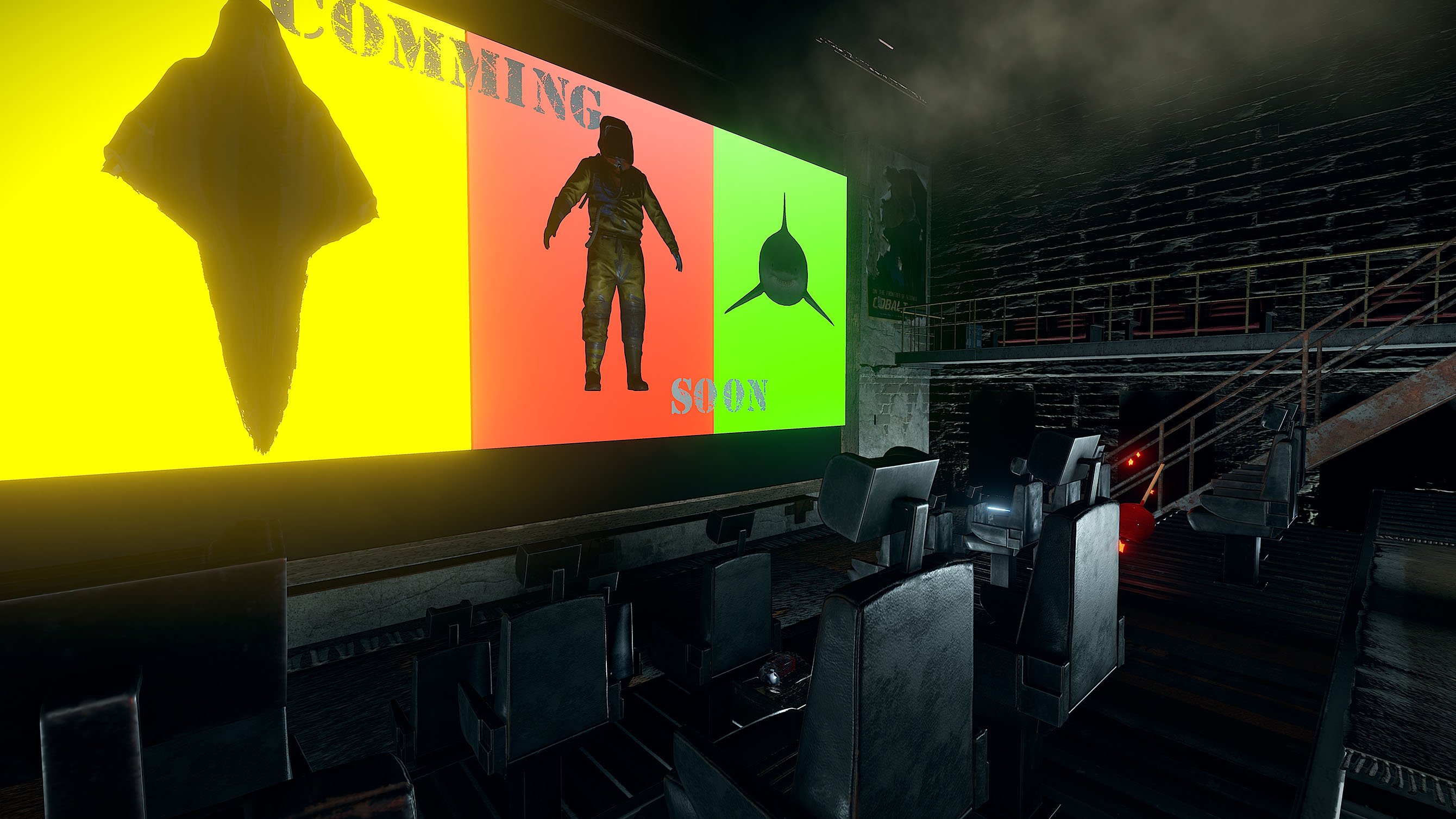
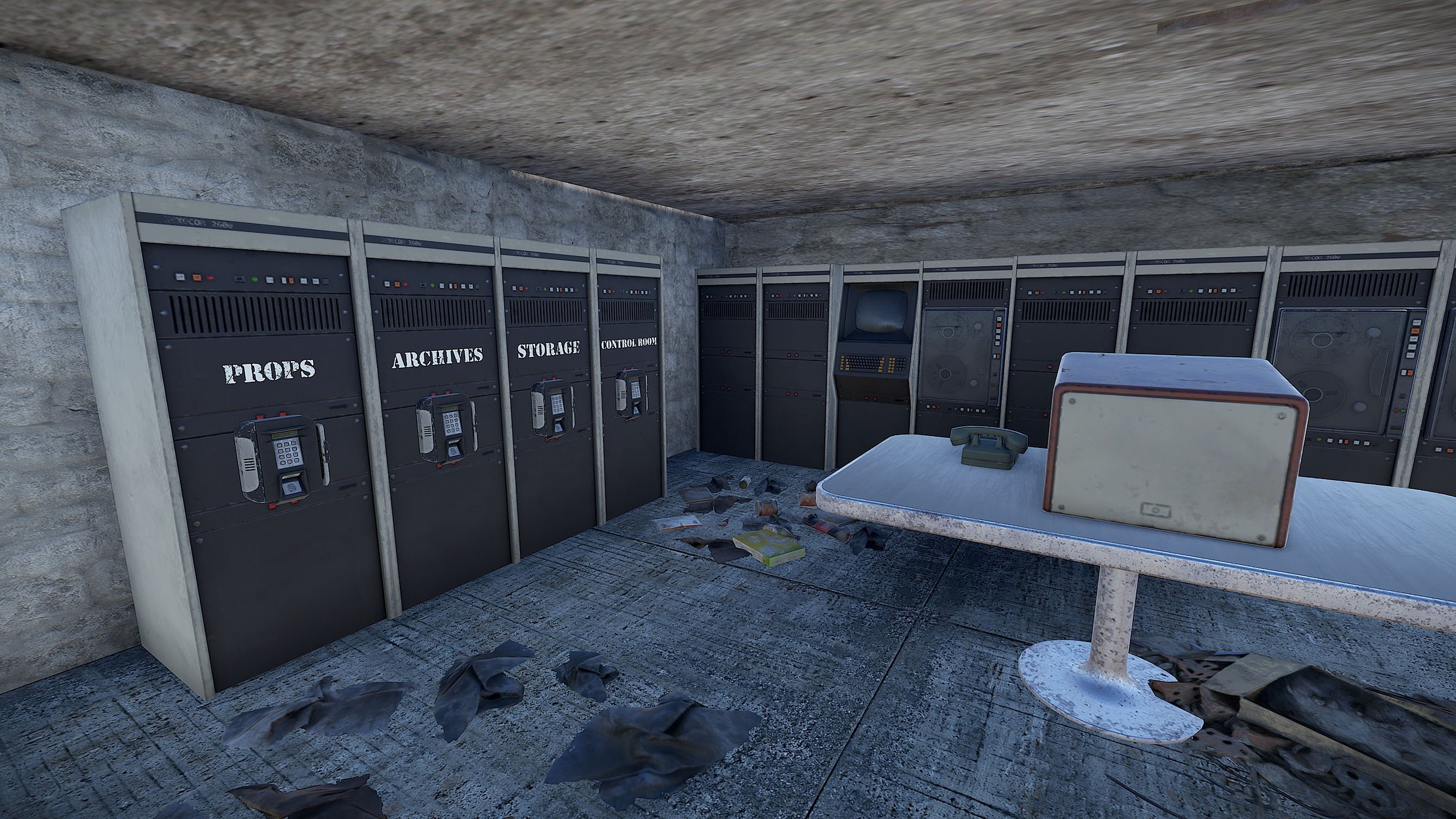
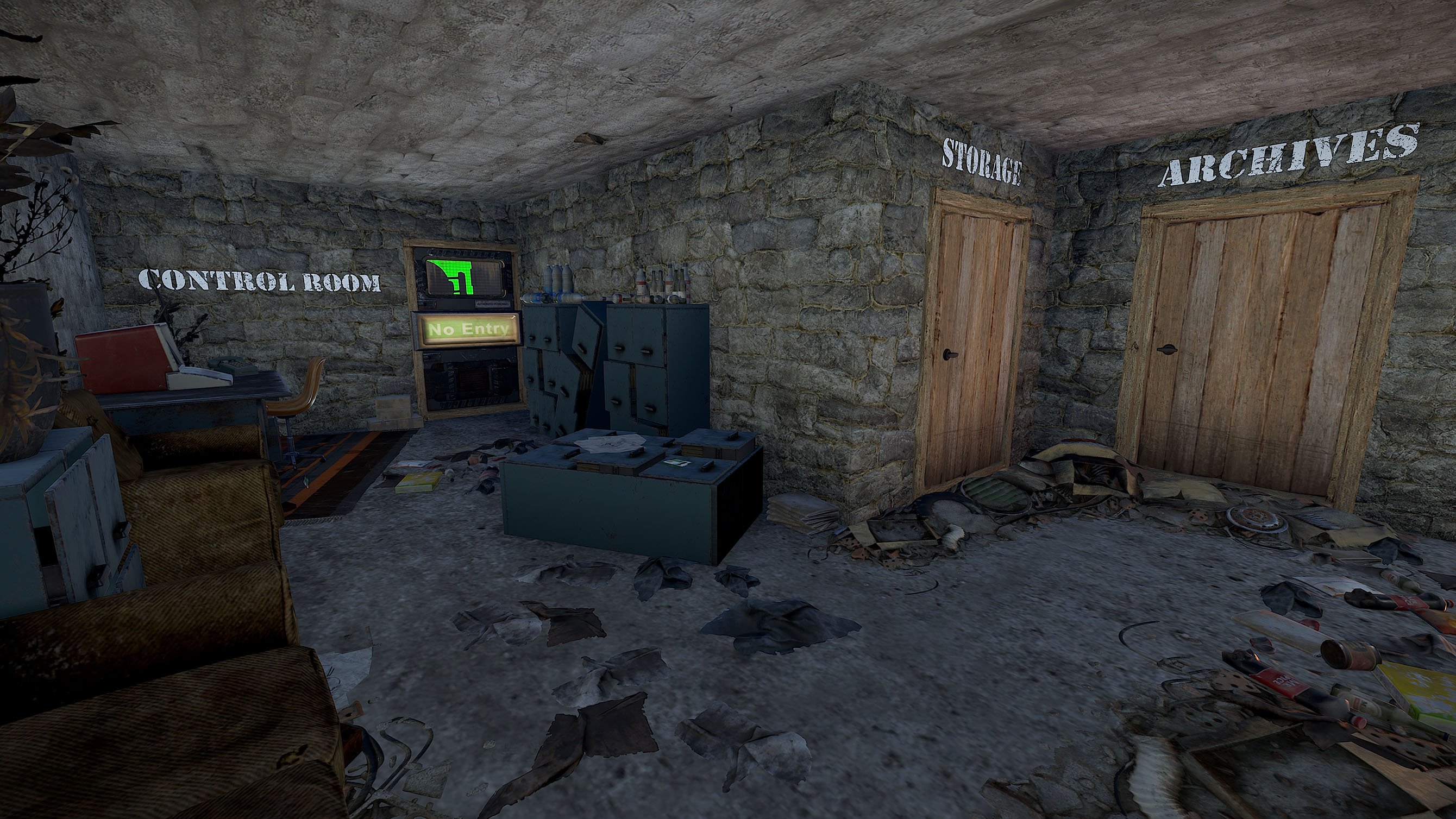
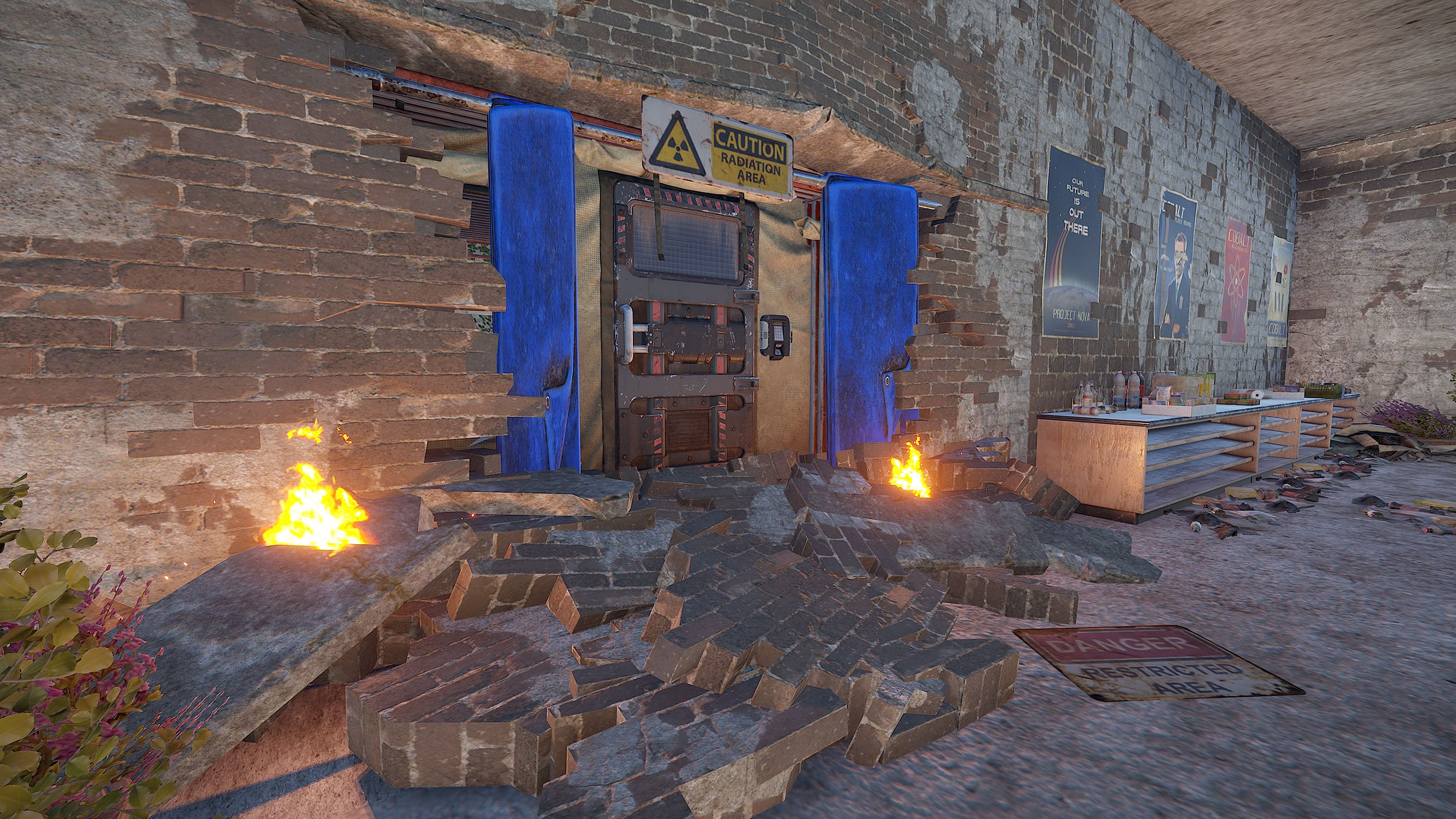
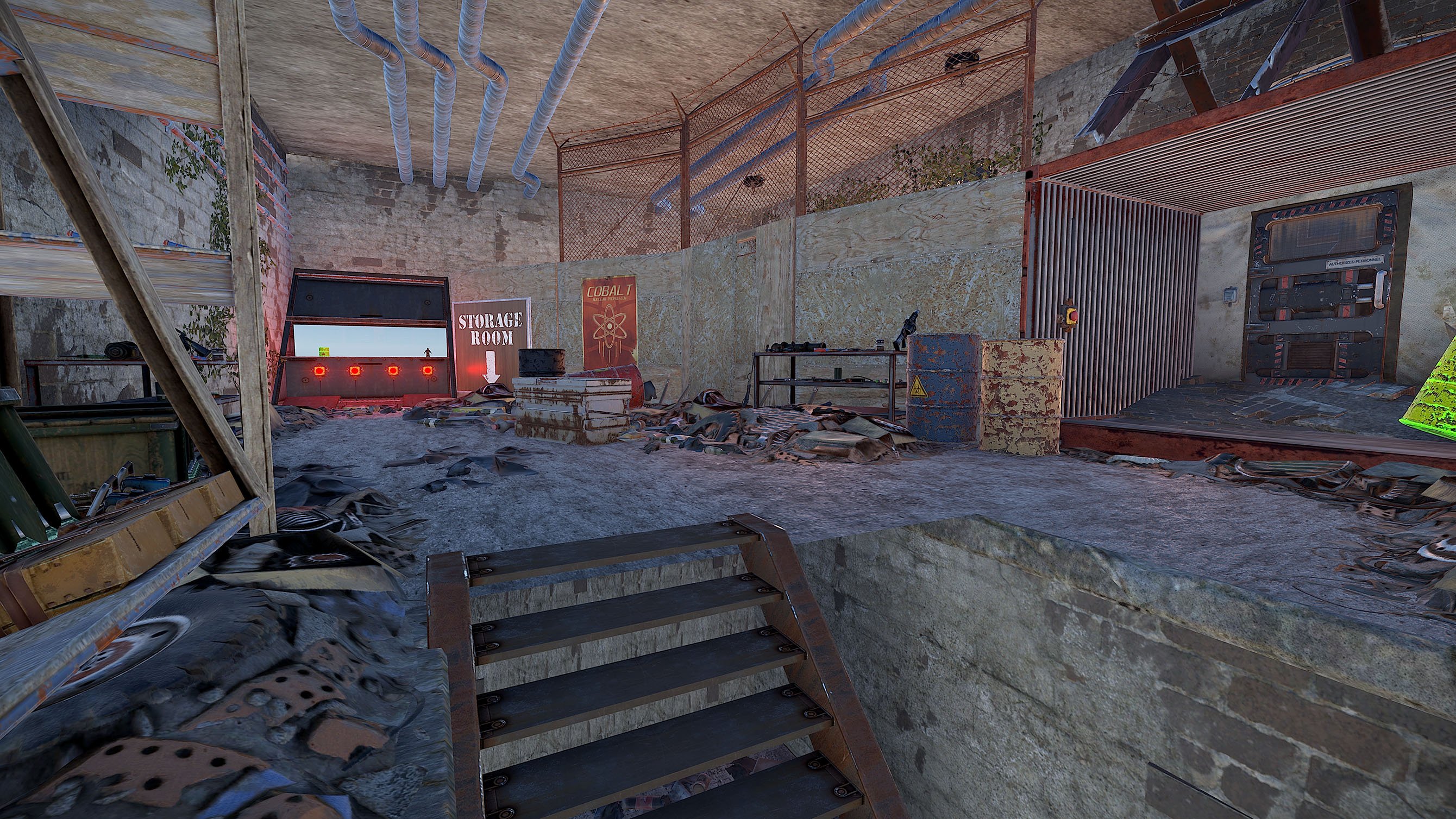
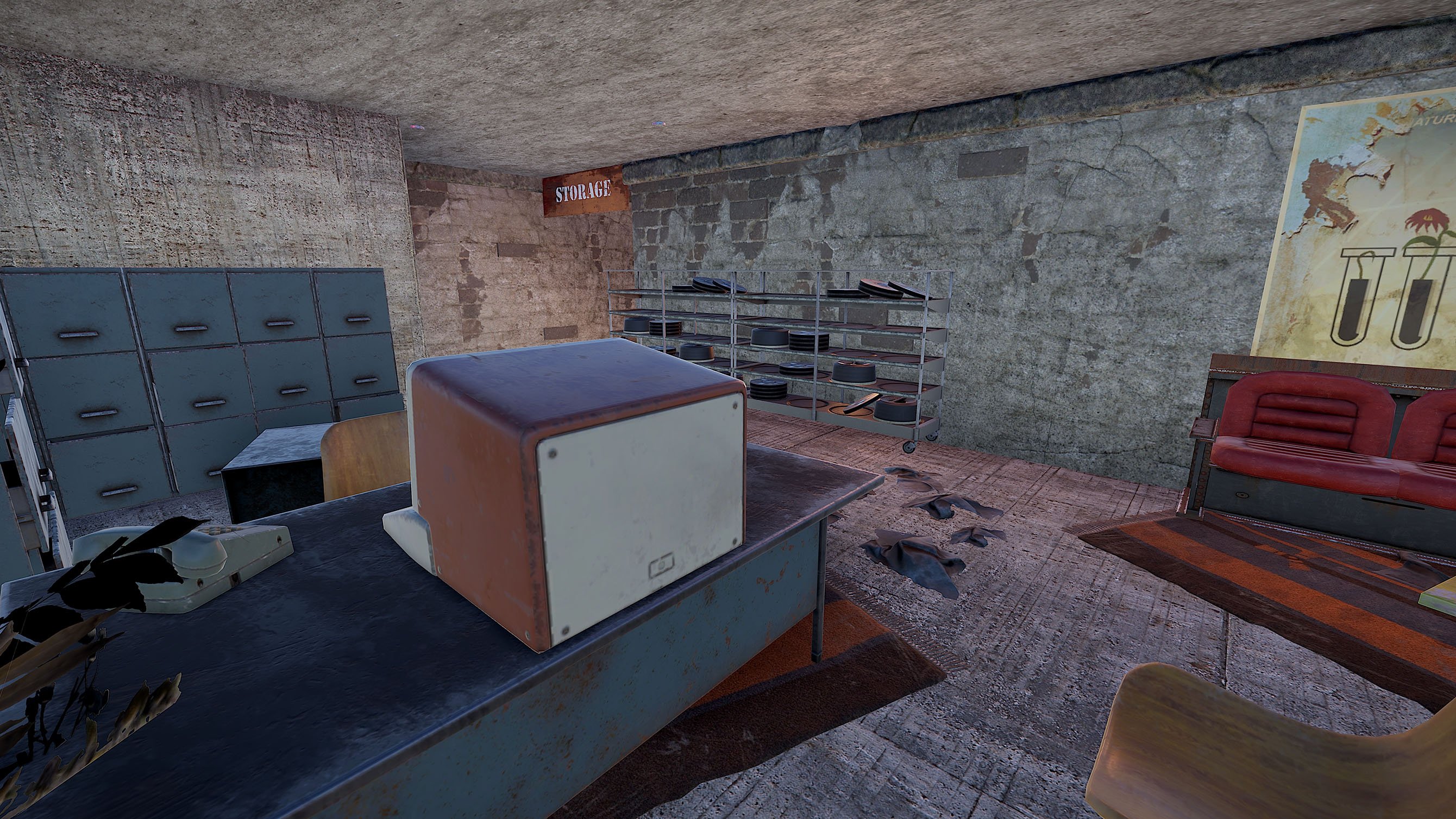
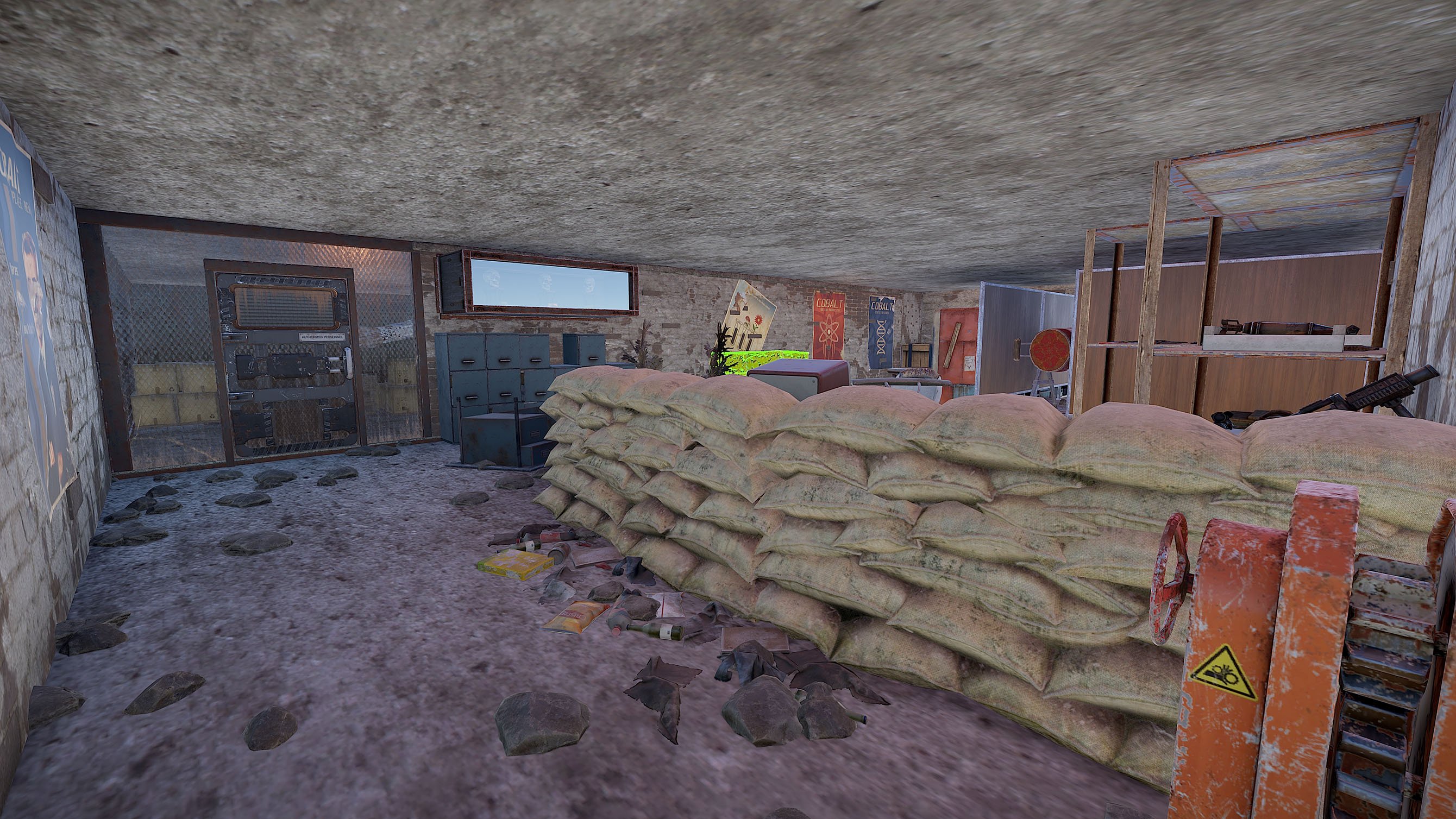
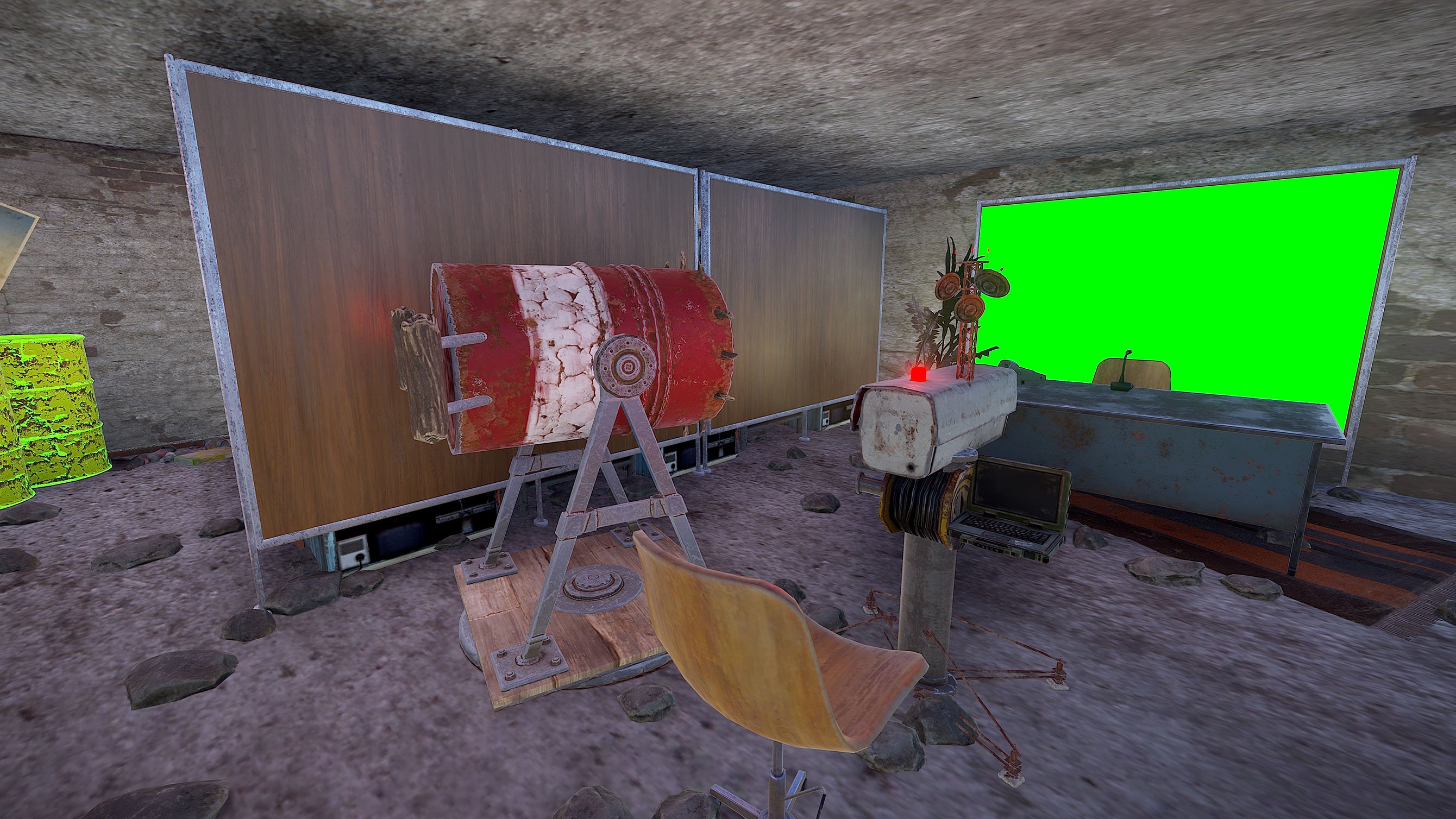
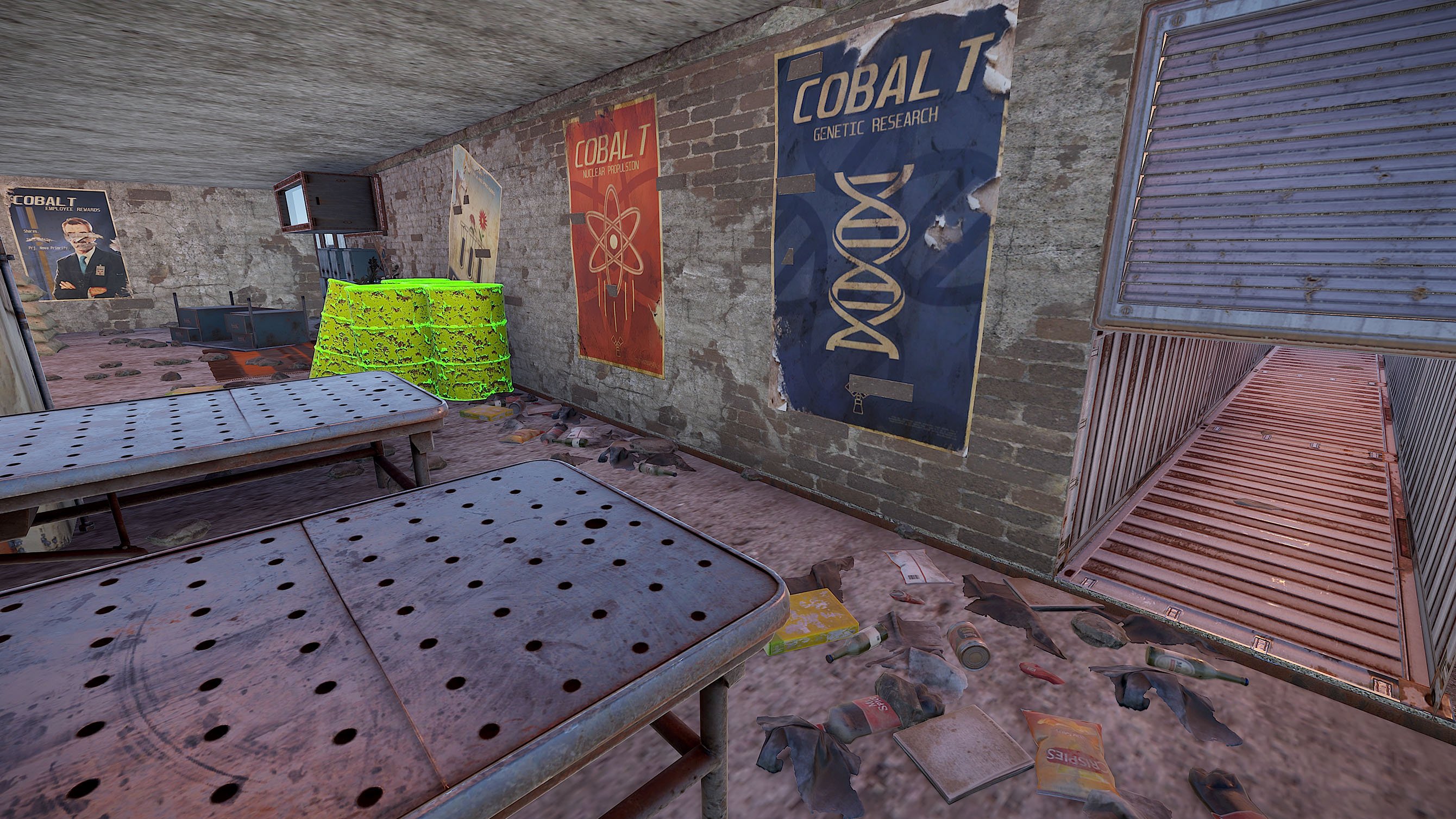
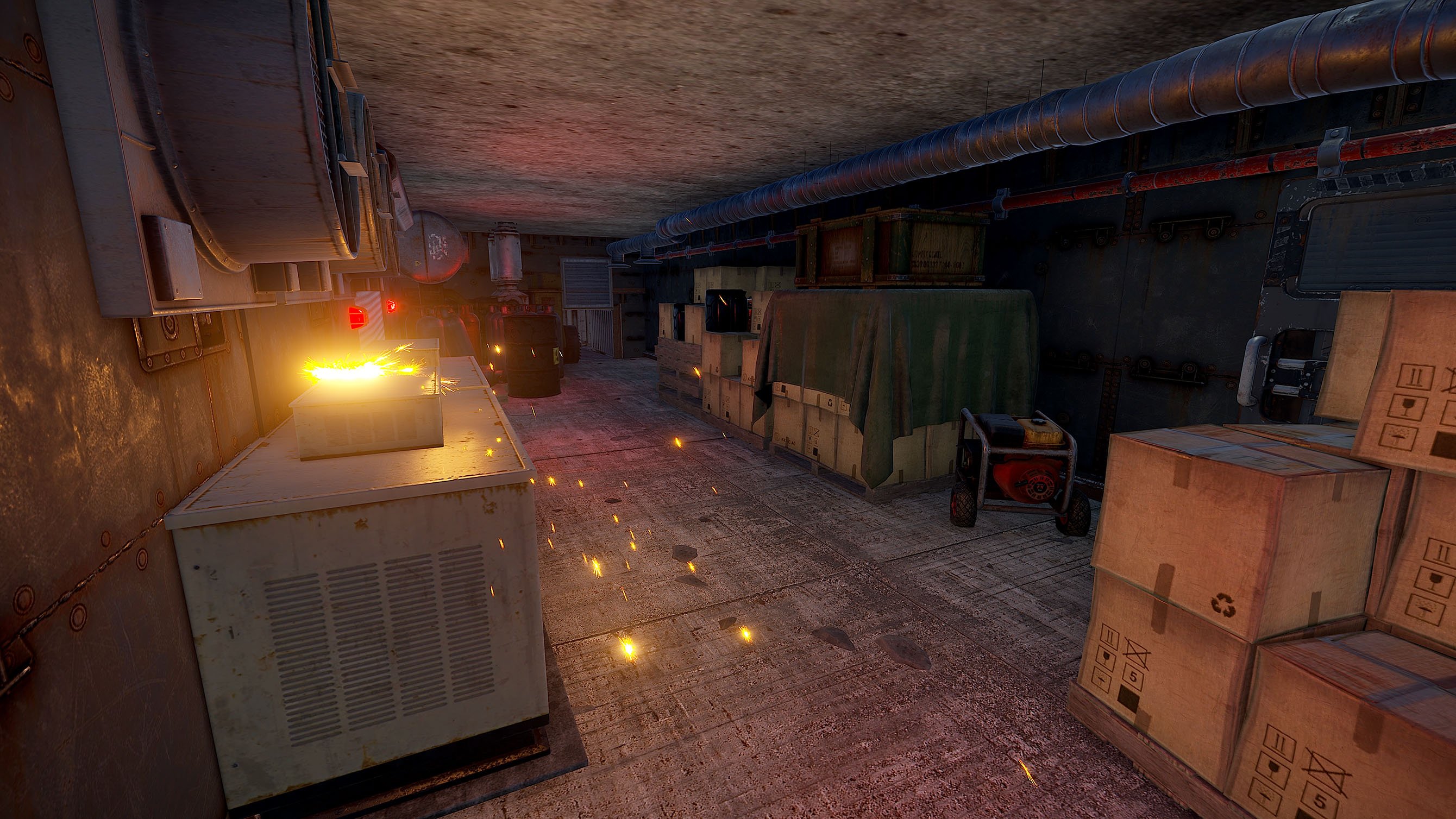
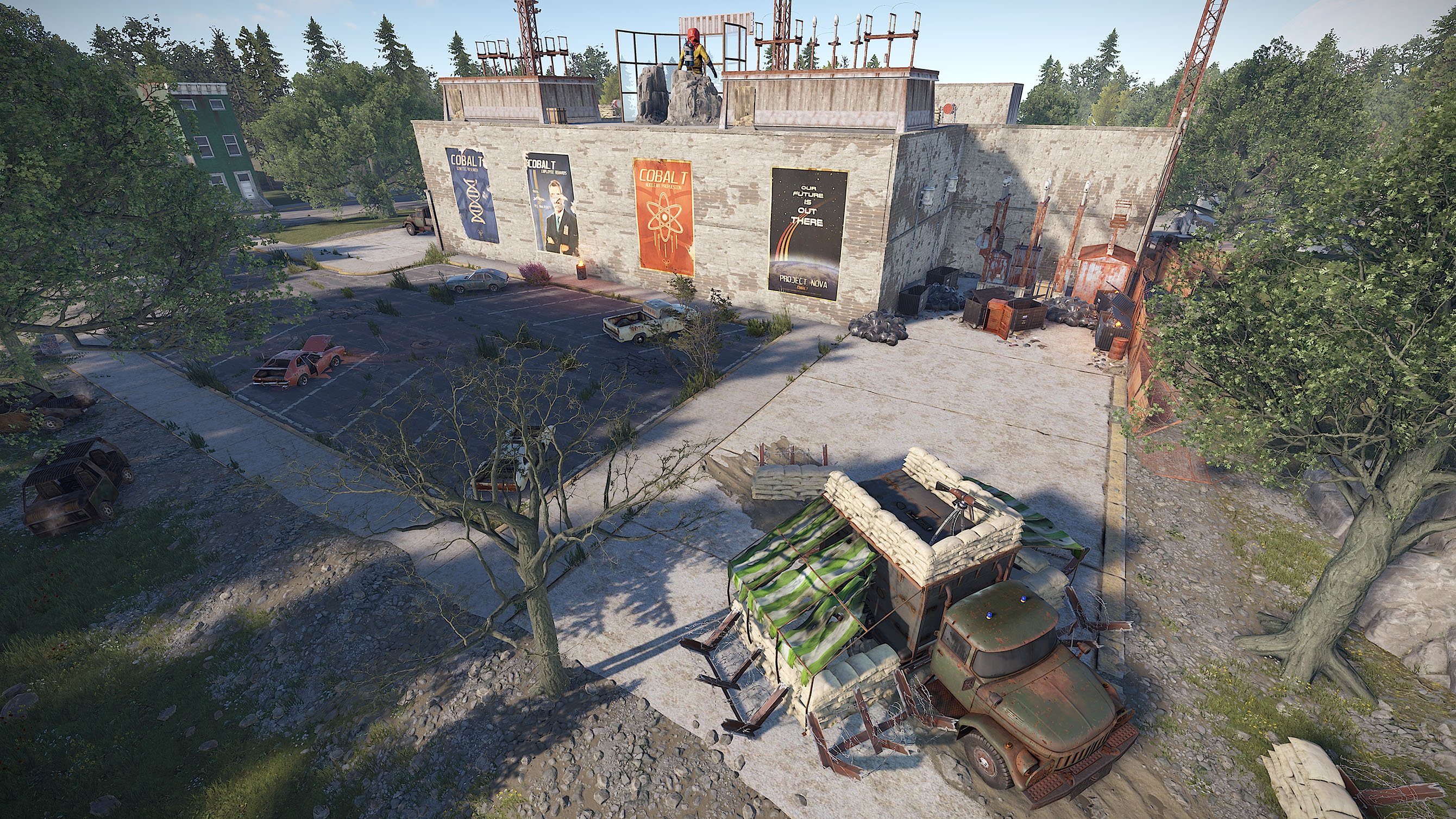
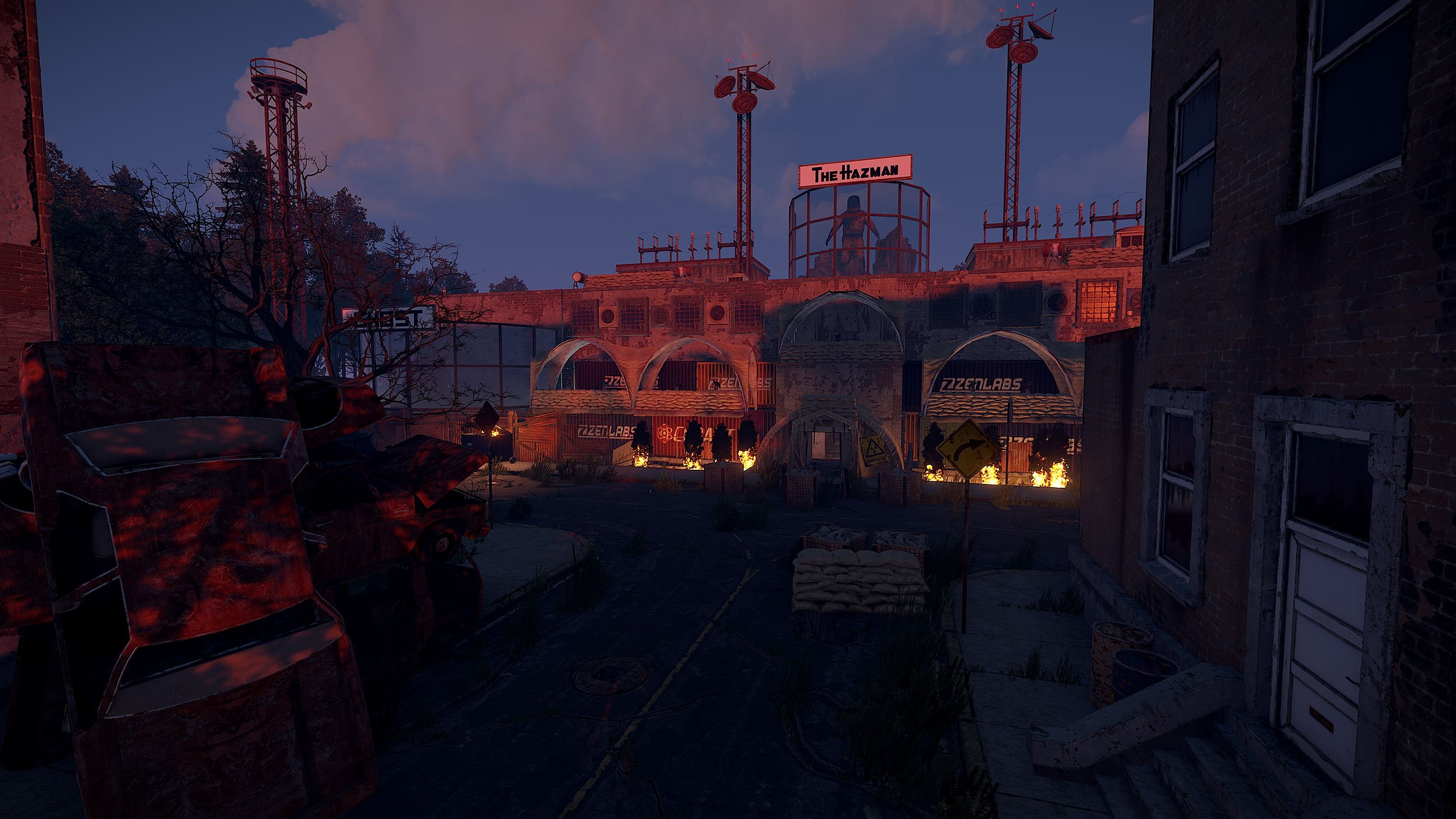
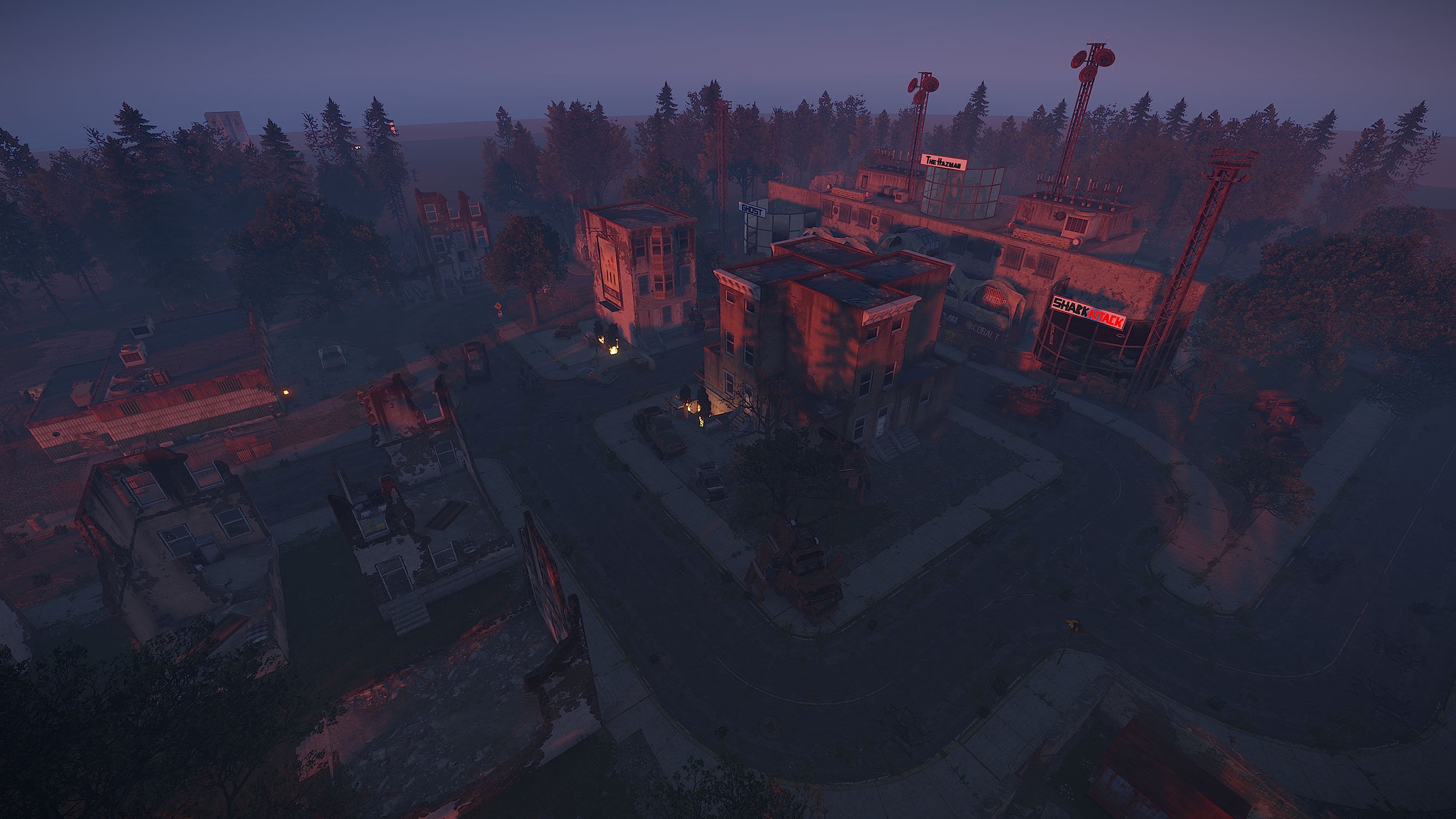
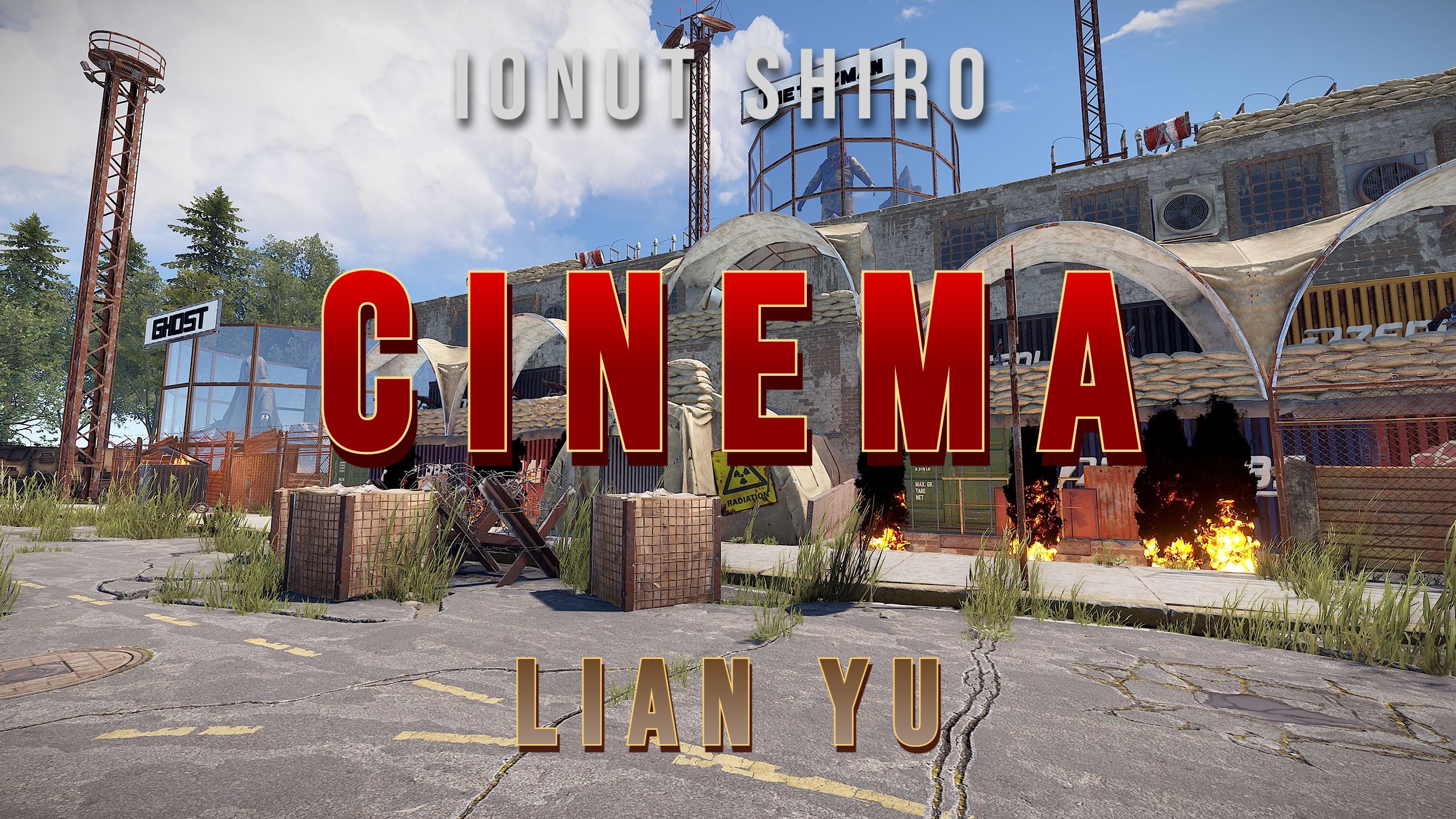

"We will use this last working Cinema for Propaganda purpouse. Use it to Store Radiationjunk and dont let people get it.
Burn the death corpses and spread the true words using the civil broadcast system of the Cinema!" - Last message before the Cobalt Scientist disappear
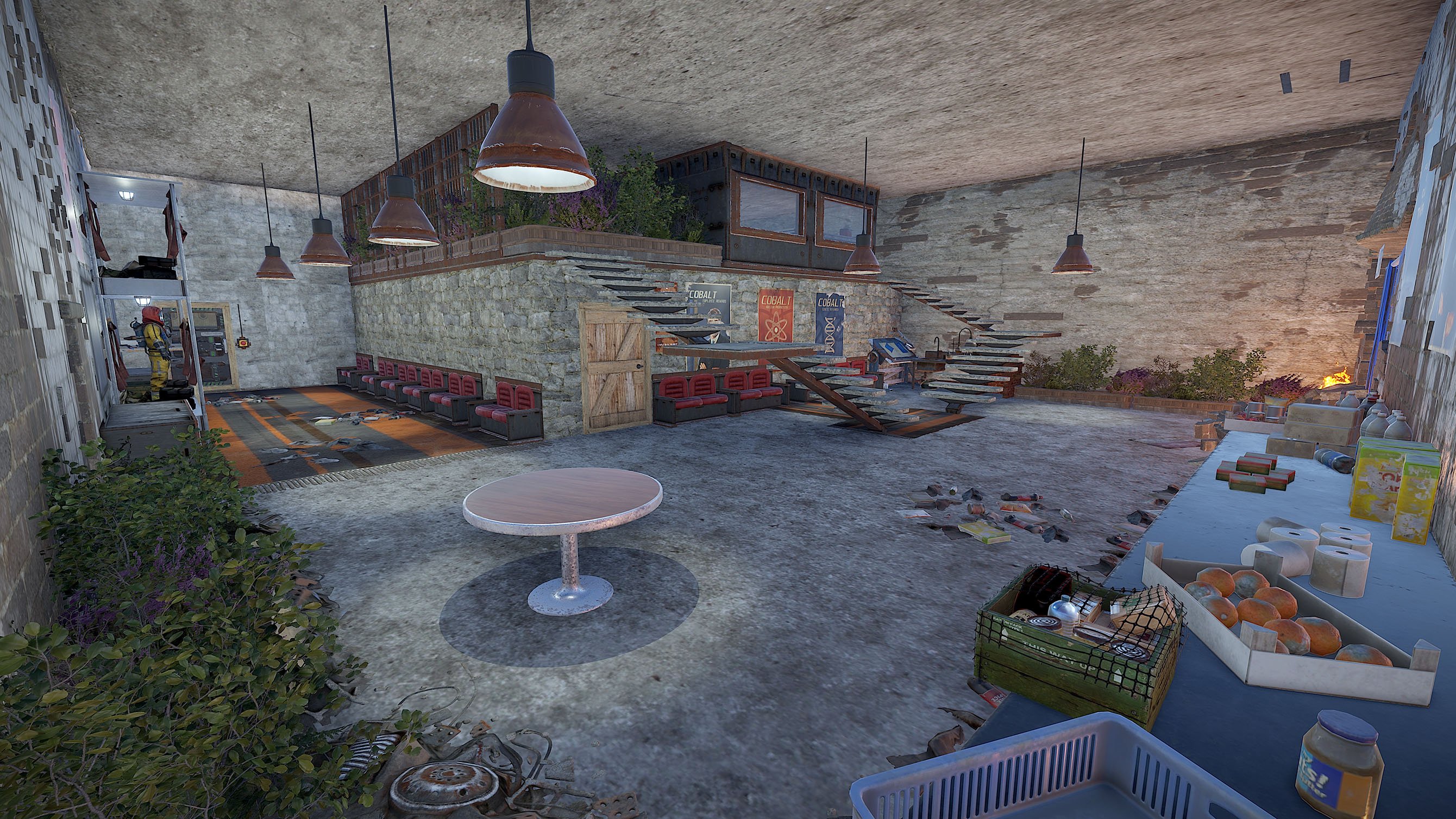
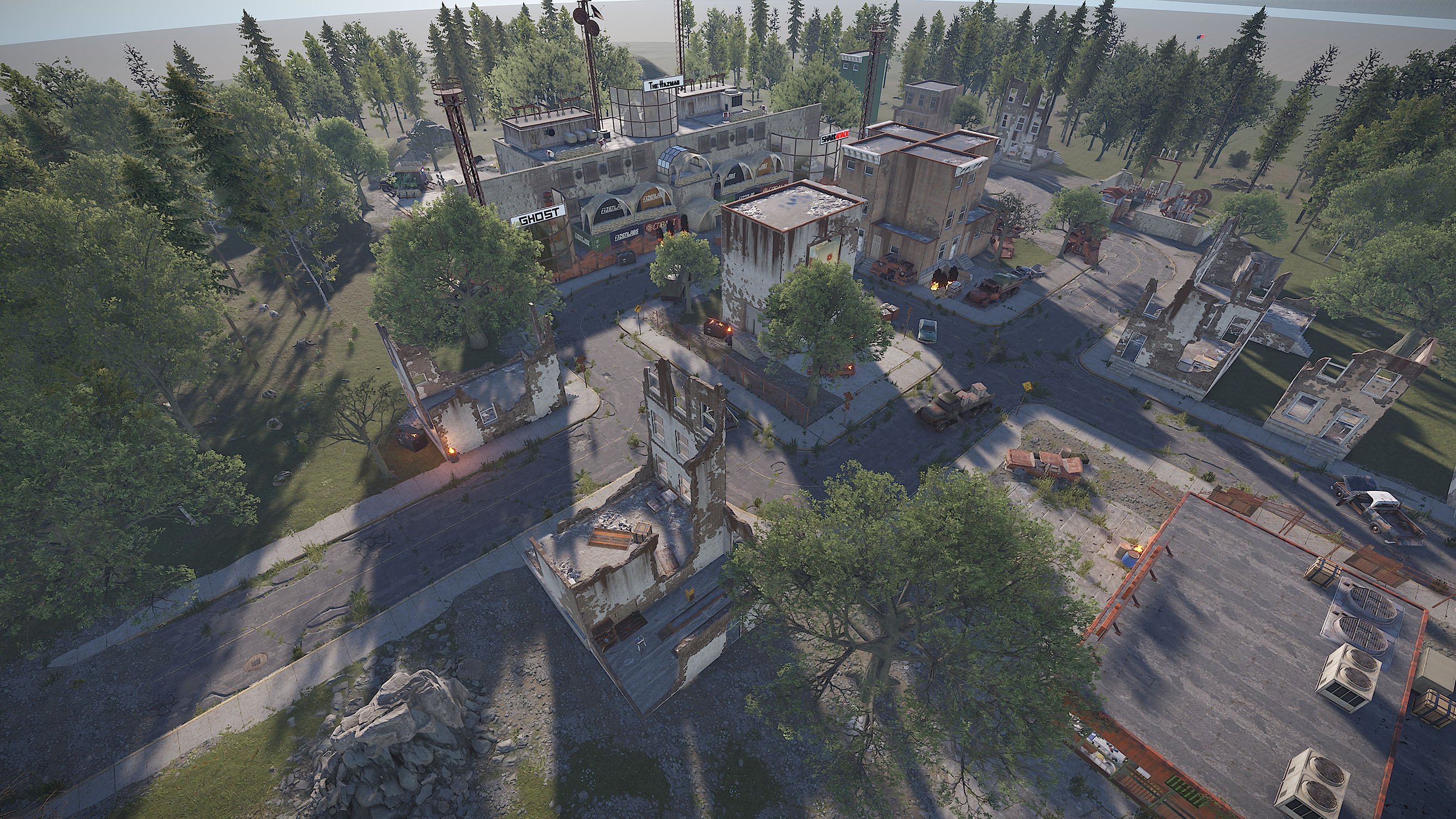
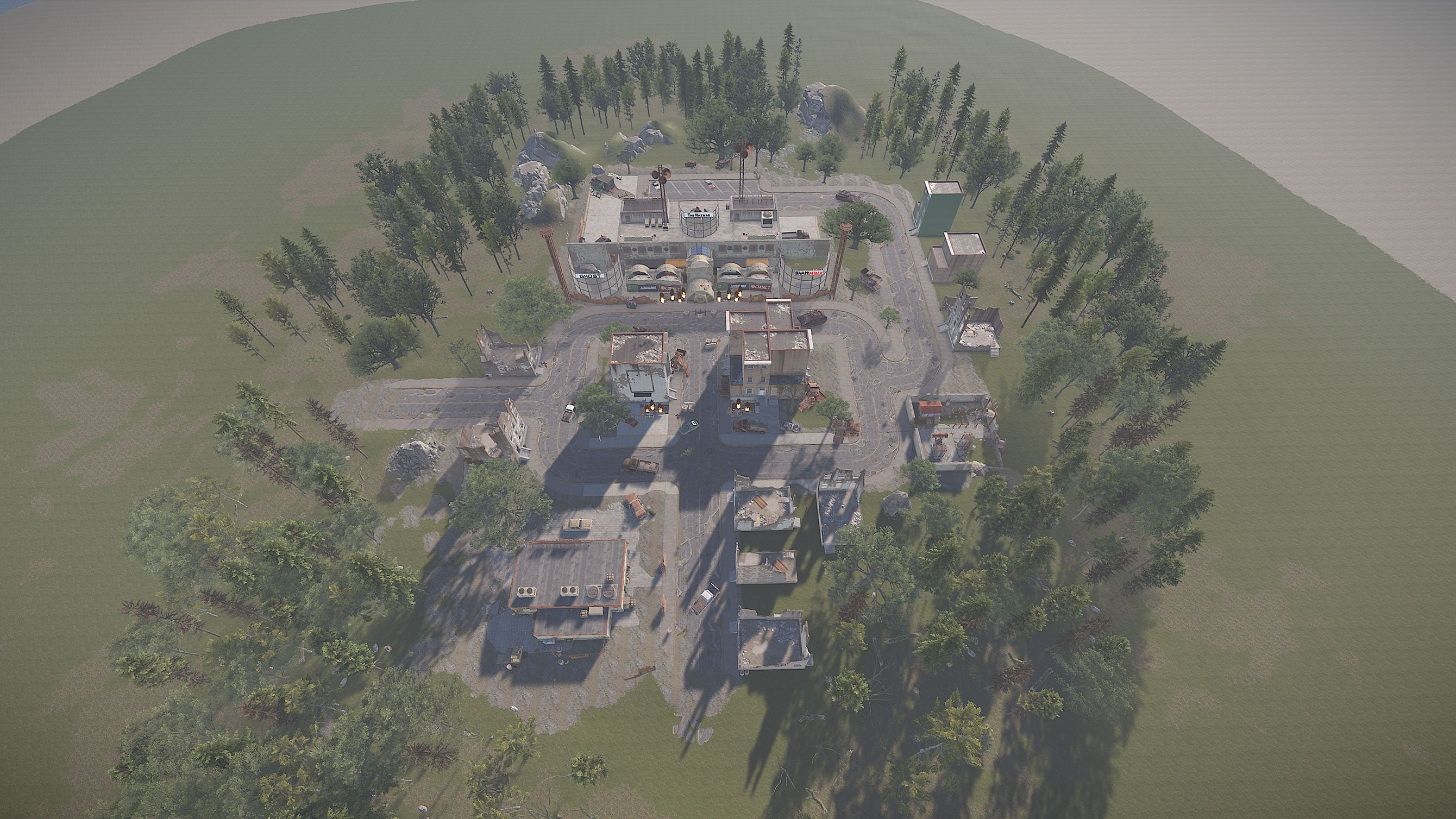
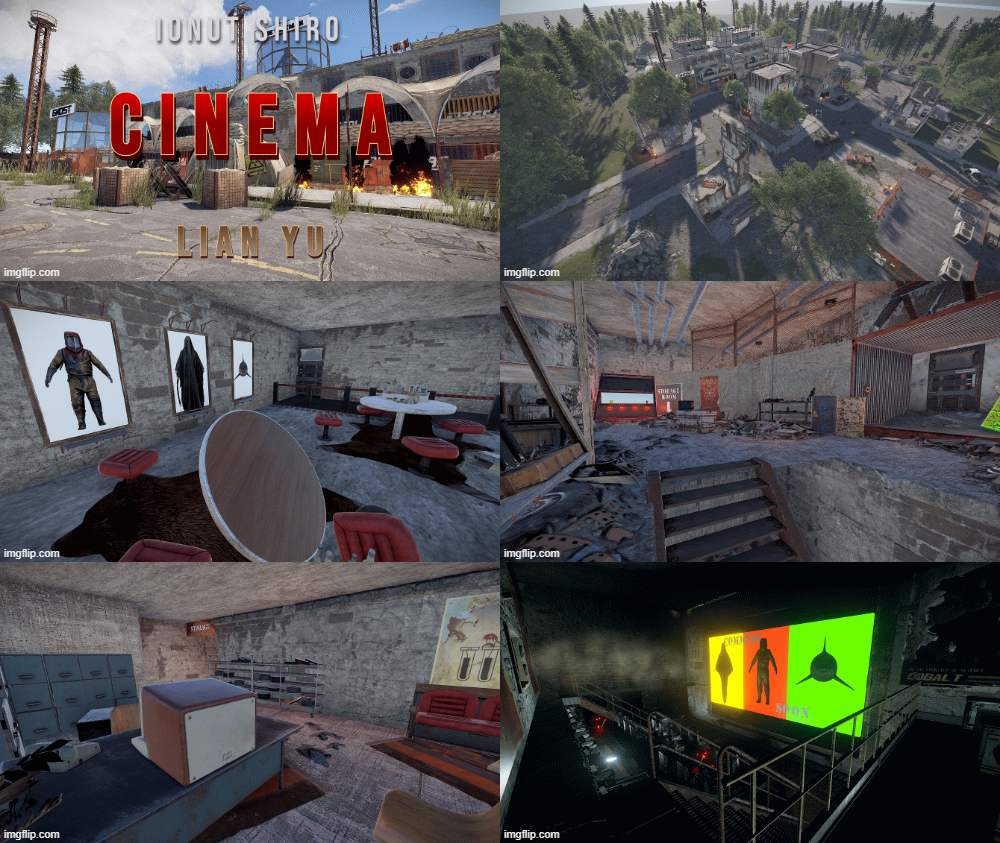
Custom Monument with three Puzzles
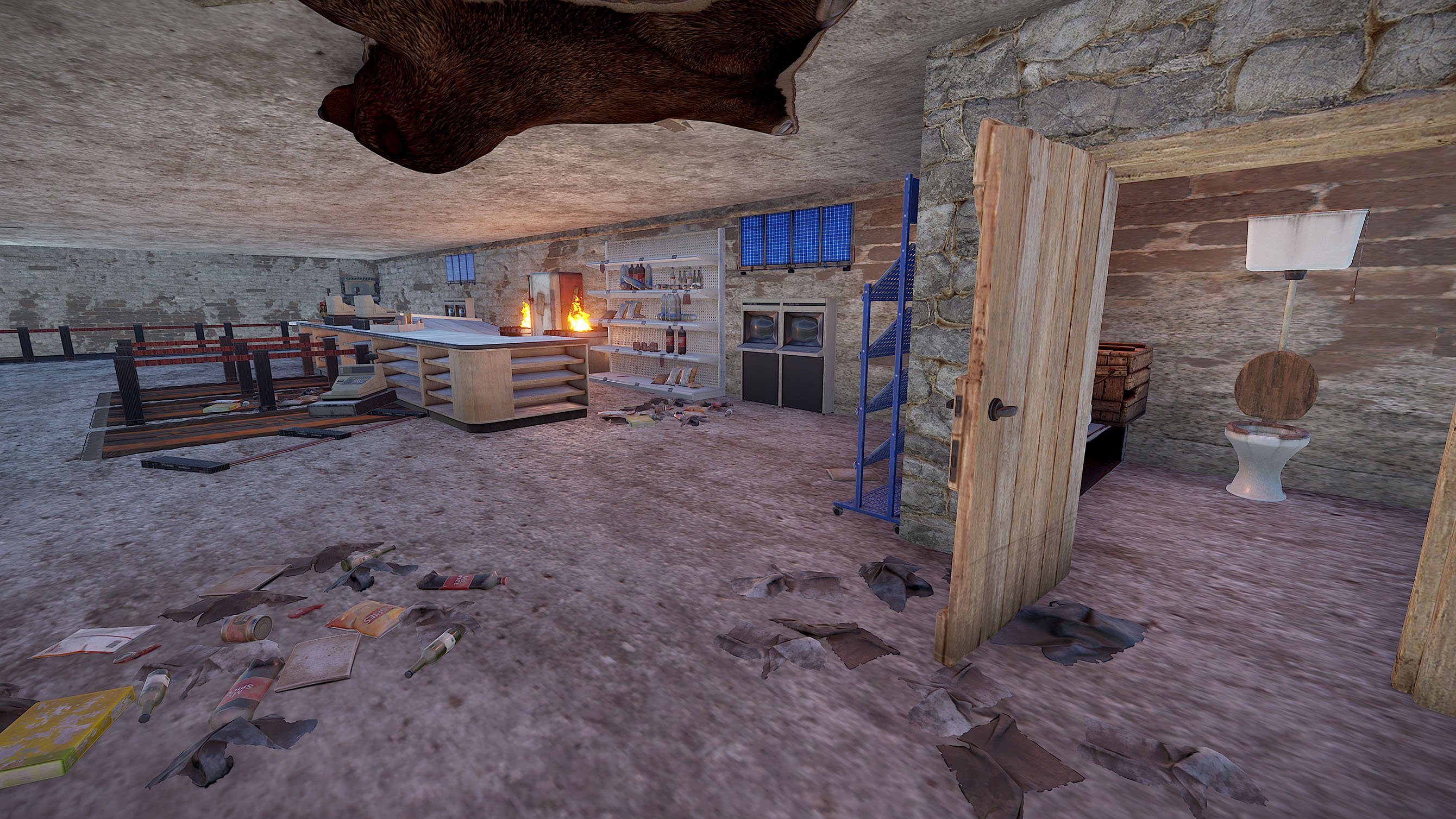
Cinema Inside:
- Fuse + Greencard for Access to the Cinema Room
- Loot: Greencrate, Foodcrate
Cinema Room:
- Target to activate the Door to the first big Puzzle
- Loot: normal Crate
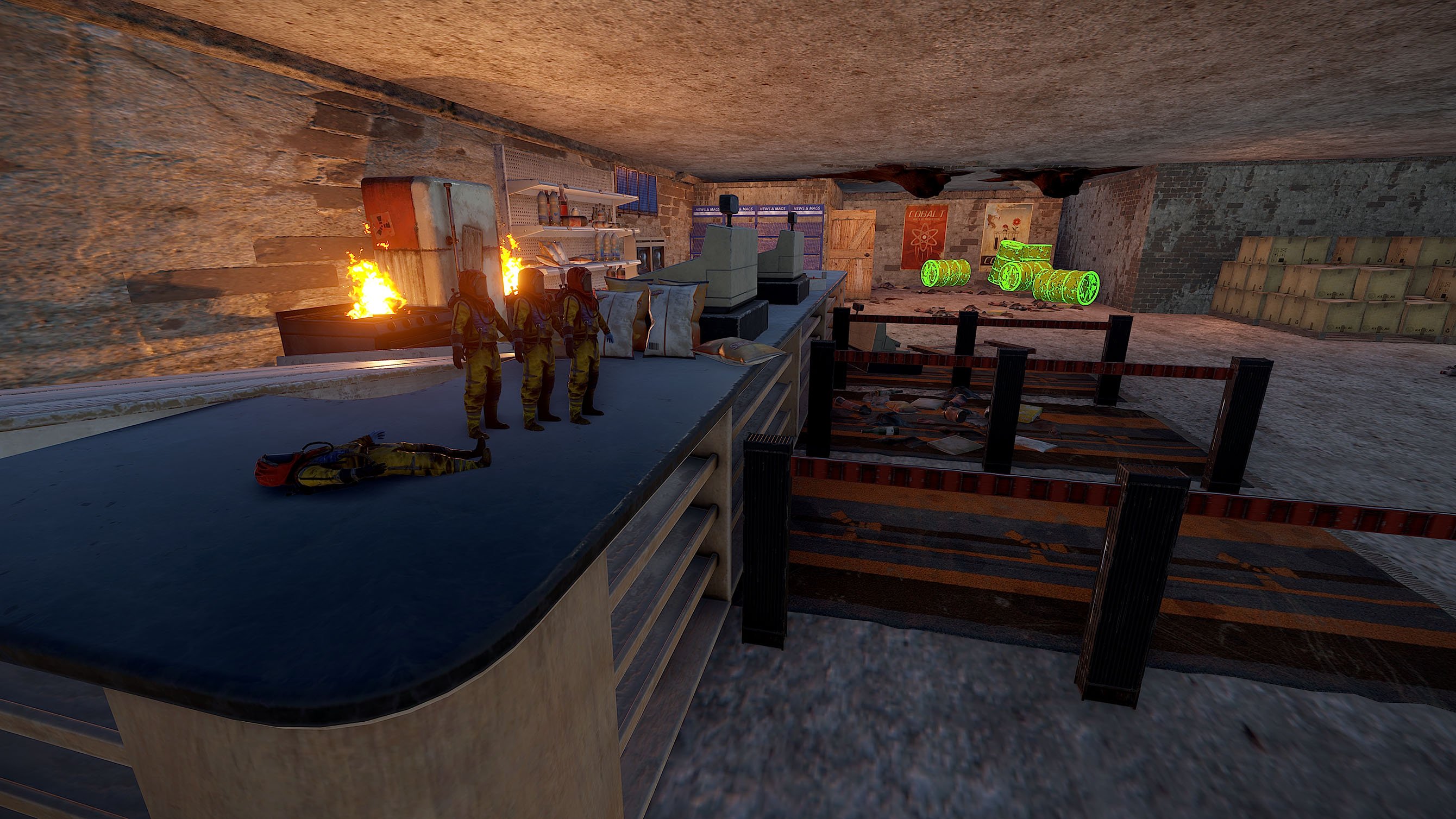
Cinema Backroom:
- Search the for Timers and activate them
- Swipe alll Cardreaders at the same time (Greencard)
- Redcardreader can now be used to get into the next Room
- Loot: Normal Crate, 2x Greencrate, 1x hidden Elite Crate
Redcard Backroom:
- You need a Code to get into the Redroom Mainloot Room
- Loot: Some Barrels, Normal Crate, Hidden Elite Crate
Redcard Room provides access to the Exit
- Take the Airshaft to the Generator Room. Fuel up Generator to Open the Exit Door.
- Loot: Green Crate
Pack Provides
Full Monument like Screenshot (Streets, Housed included)
Hight-, Splat-, Topology included
What's New in Version V1.2
Released
misc update
As soon as you purchase my content you agree to the terms and conditions.
Attached are are the following rules and TOS (Terms of Service) you are agreeing to when purchasing and using my content.
(Use of Product)
By downloading my products and content you are not allowed to resell or use it for commercial use without permission.
This includes minor editing, modifying or renaming any of my work and using it for your own commercial applications.
Any redistribution of my creations is STRICTLY prohibited.
Attached are are the following rules and TOS (Terms of Service) you are agreeing to when purchasing and using my content.
(Use of Product)
By downloading my products and content you are not allowed to resell or use it for commercial use without permission.
This includes minor editing, modifying or renaming any of my work and using it for your own commercial applications.
Any redistribution of my creations is STRICTLY prohibited.
You may only provide a review once you have downloaded the file.
There are no reviews to display.