


.png.4161fb09eb3454444f67da267118f4d1.png)
.png.39957c4f1c7c1b96f0499eae57495bda.png)
Everything posted by timhpu
-
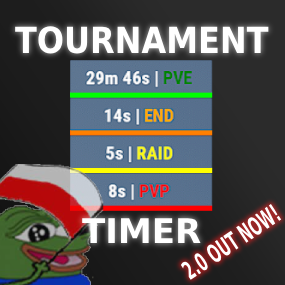 About Tournament Timer Simple tournament plugin with UI that has four game modes: PVE, PVP, RAID and END. YT SHOWCASE: PVE_TIME = 0 PVP_TIME = 30 RAID_TIME = 120 END_TIME = 300 Permissions: TimerPlugin.use TimerPlugin.status Chat commands: "/start" - starts the timer. "/stop" - stops the timer, resets the time and game mode. "/status" - displays information about the current game mode and time.$15
.thumb.png.5c121eb3919e0aabc3e1aba81d1522a8.png)