



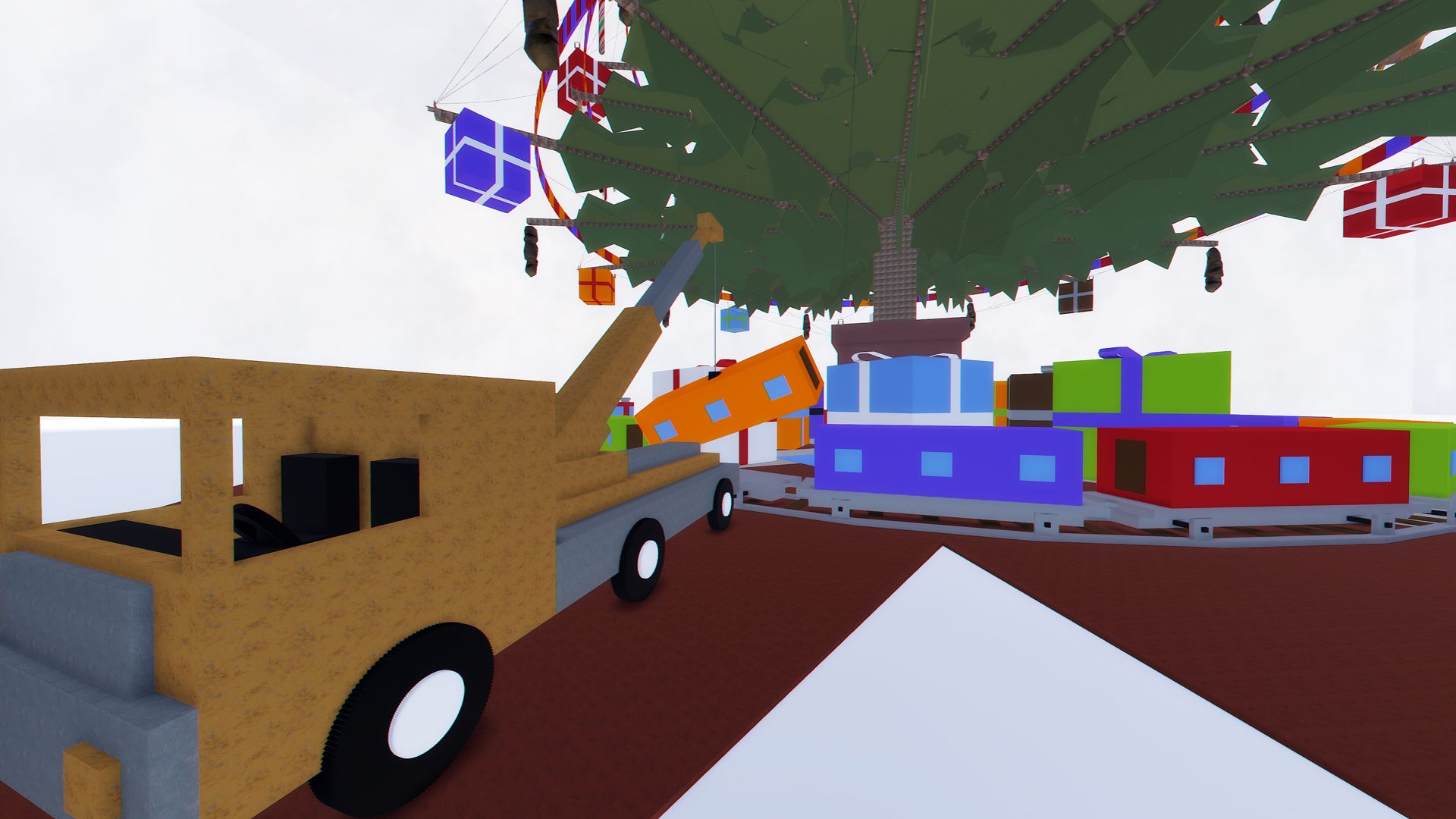
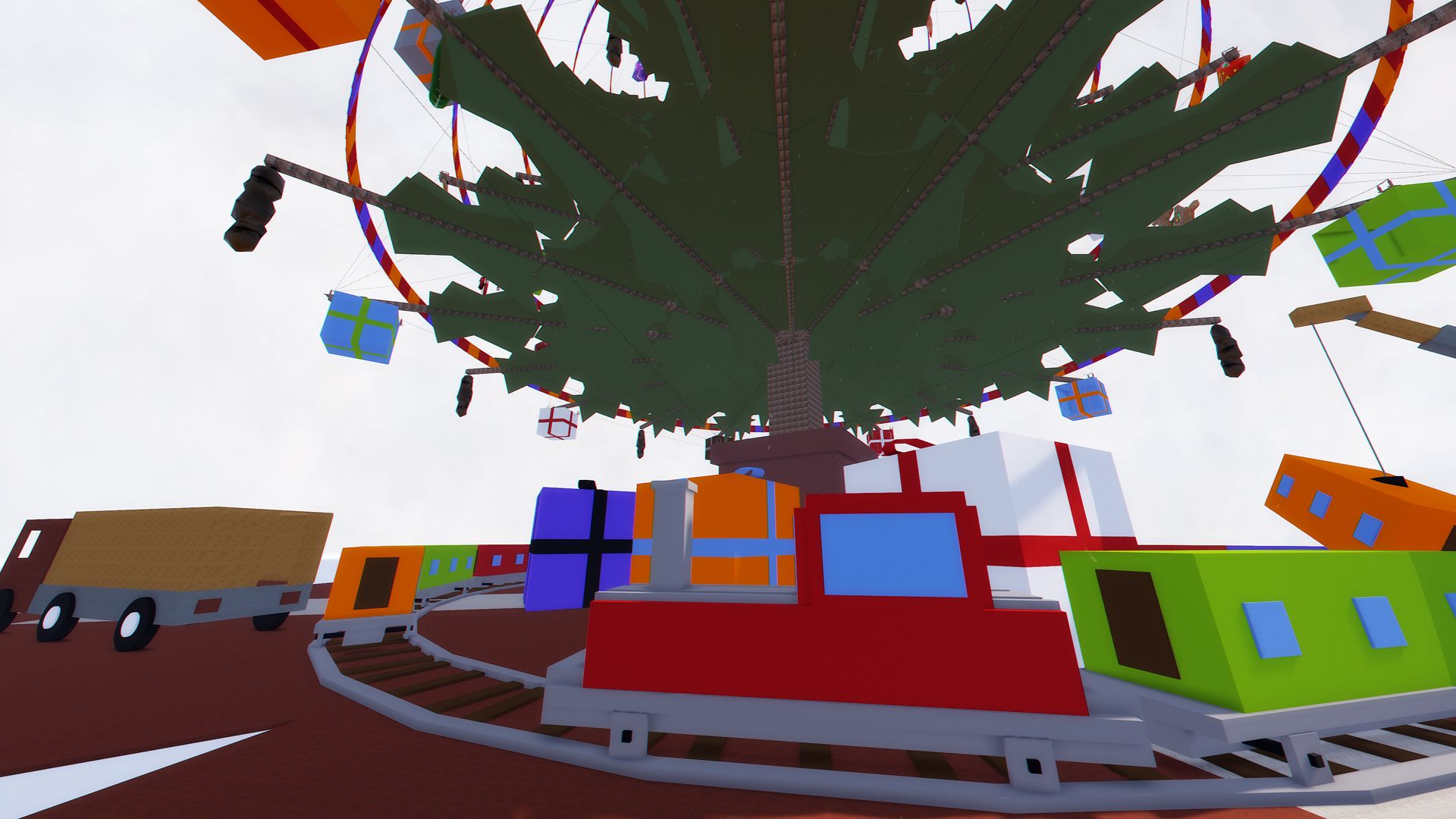
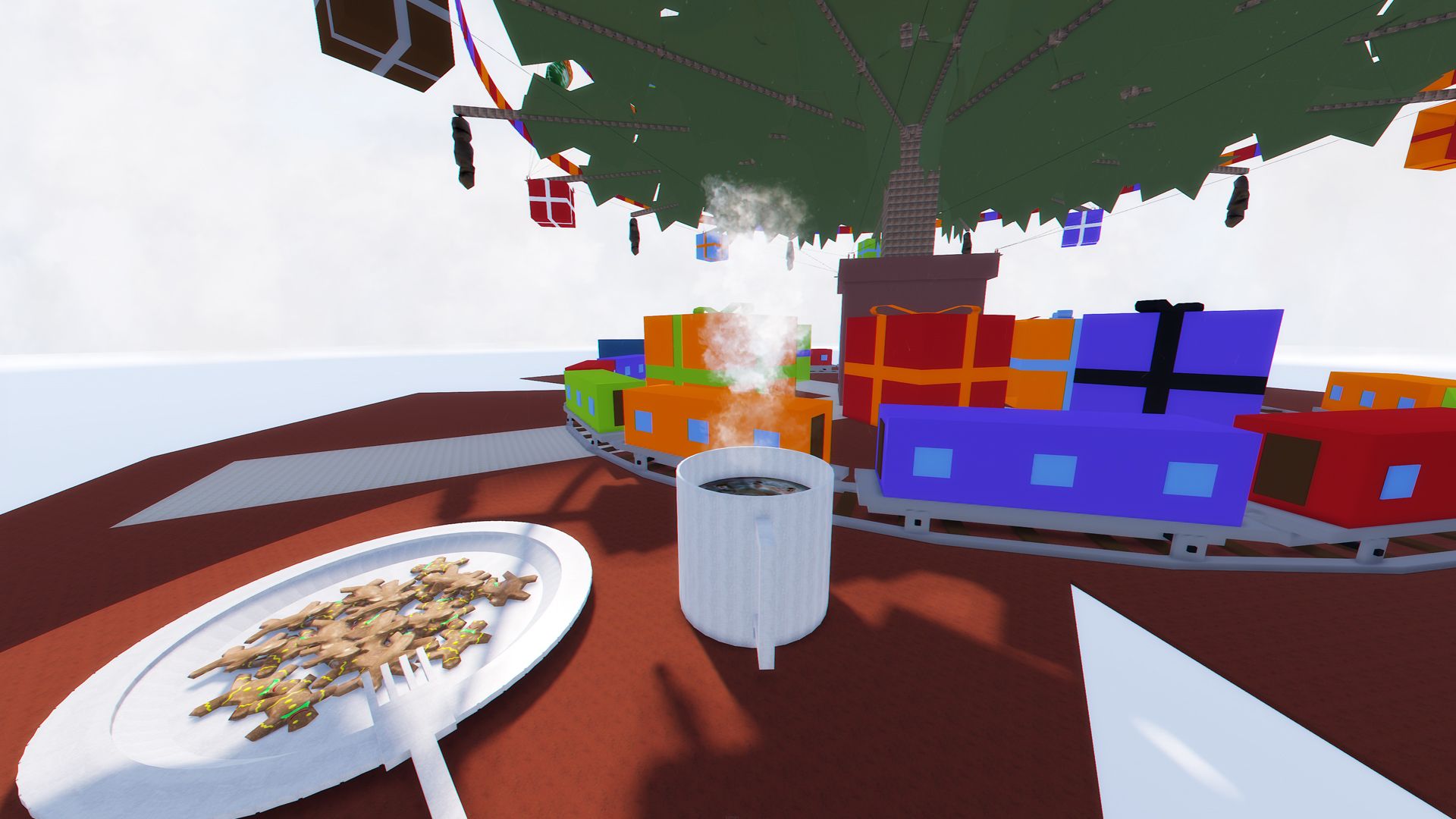

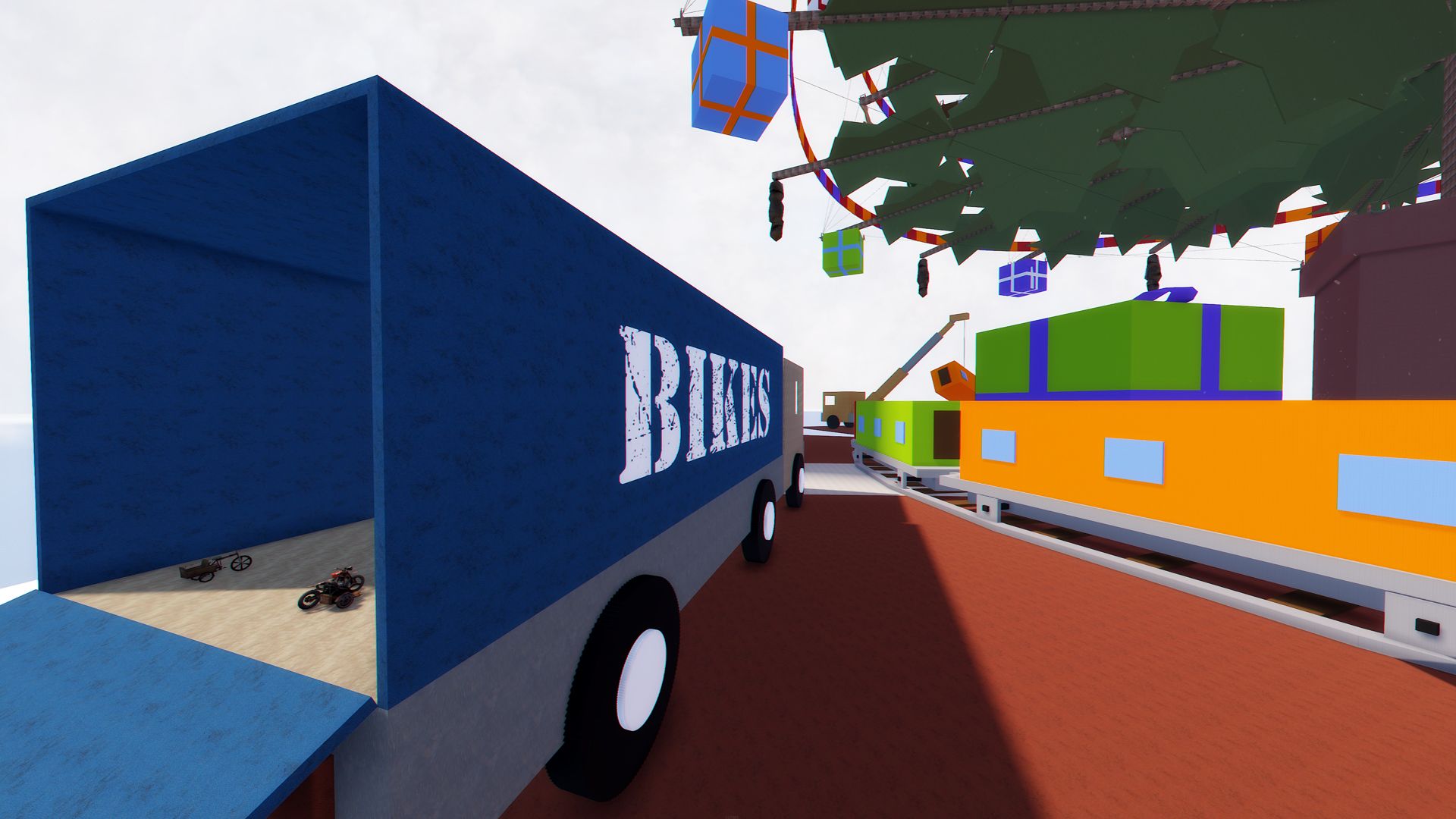


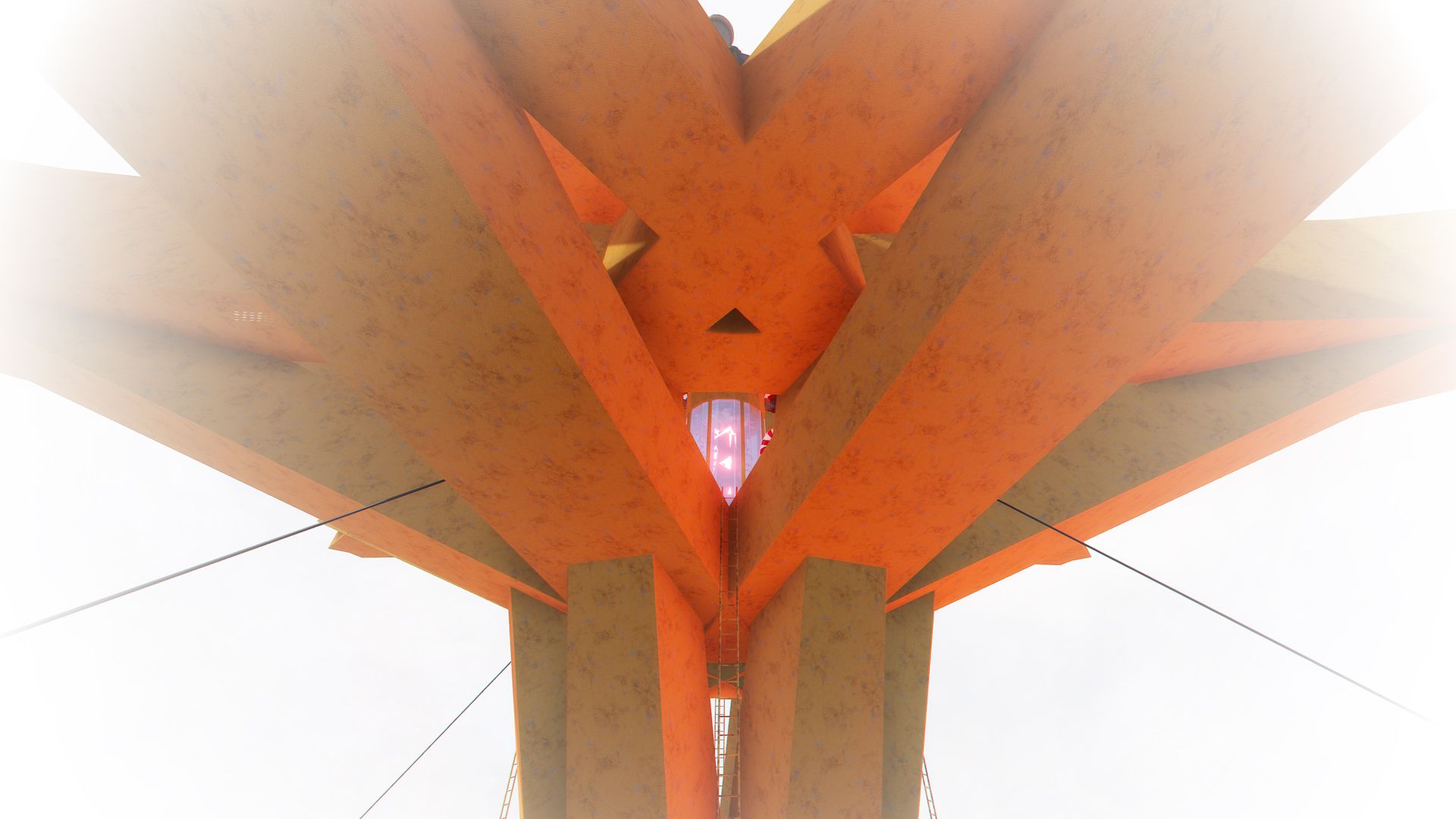
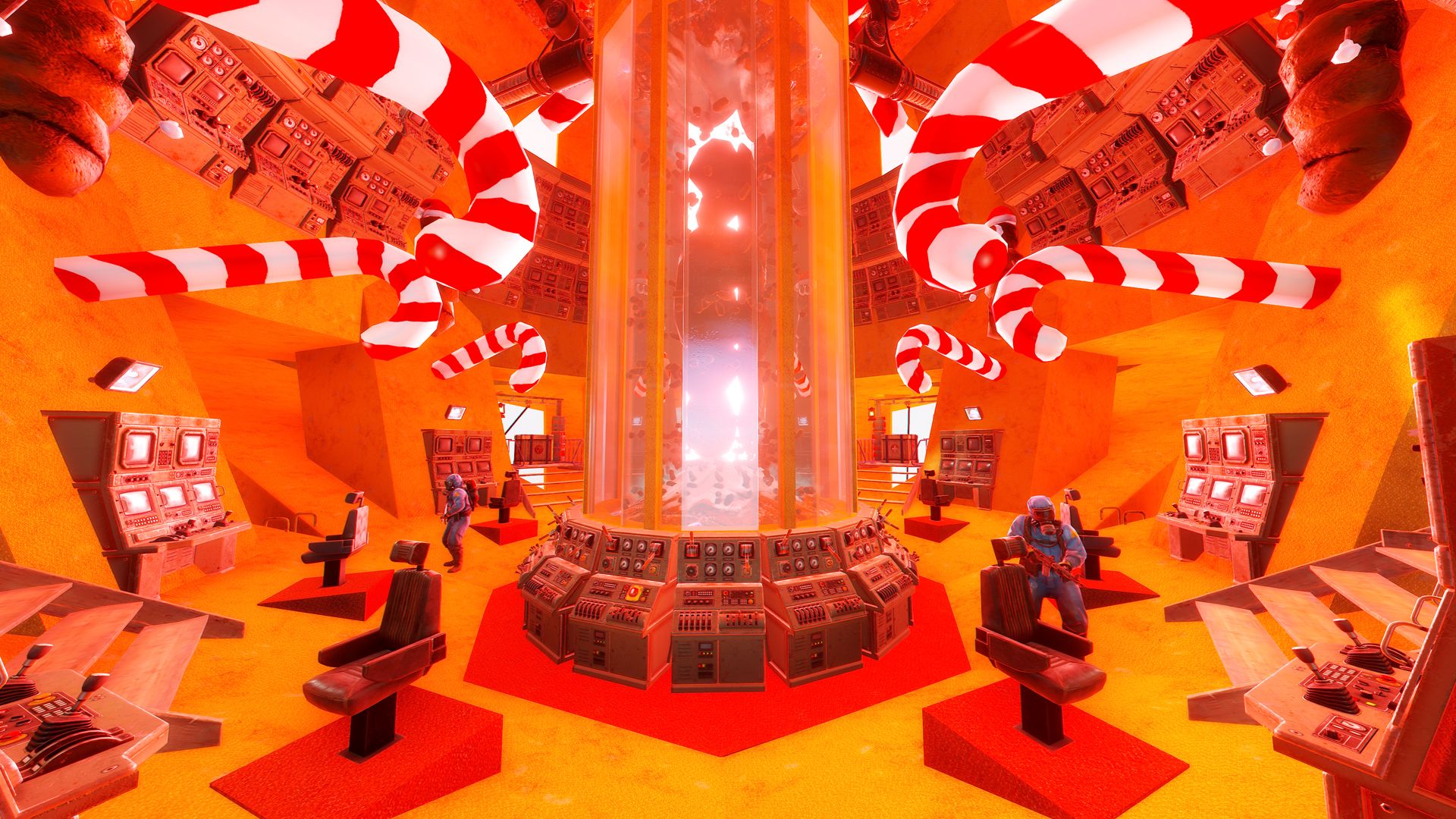
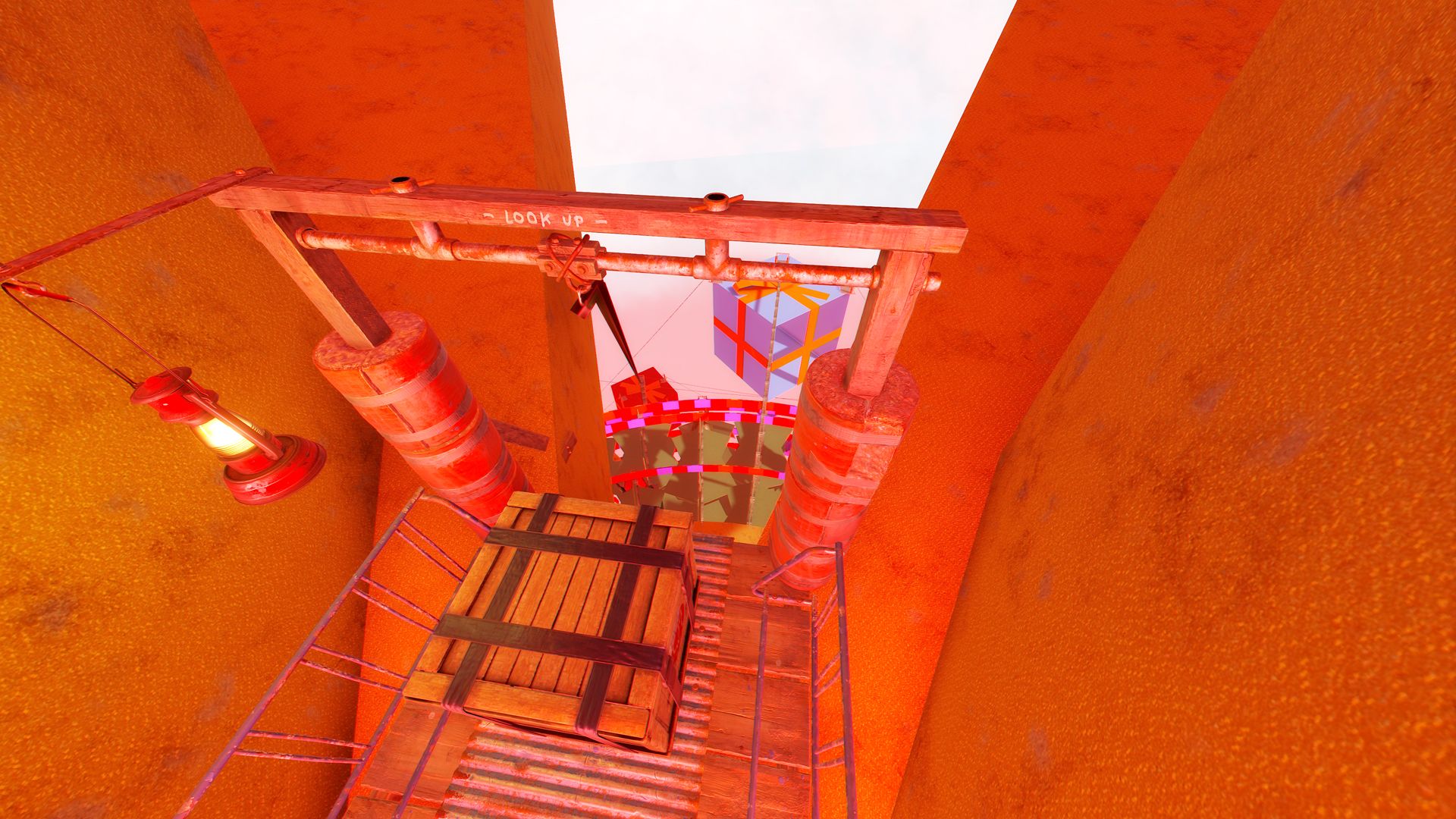
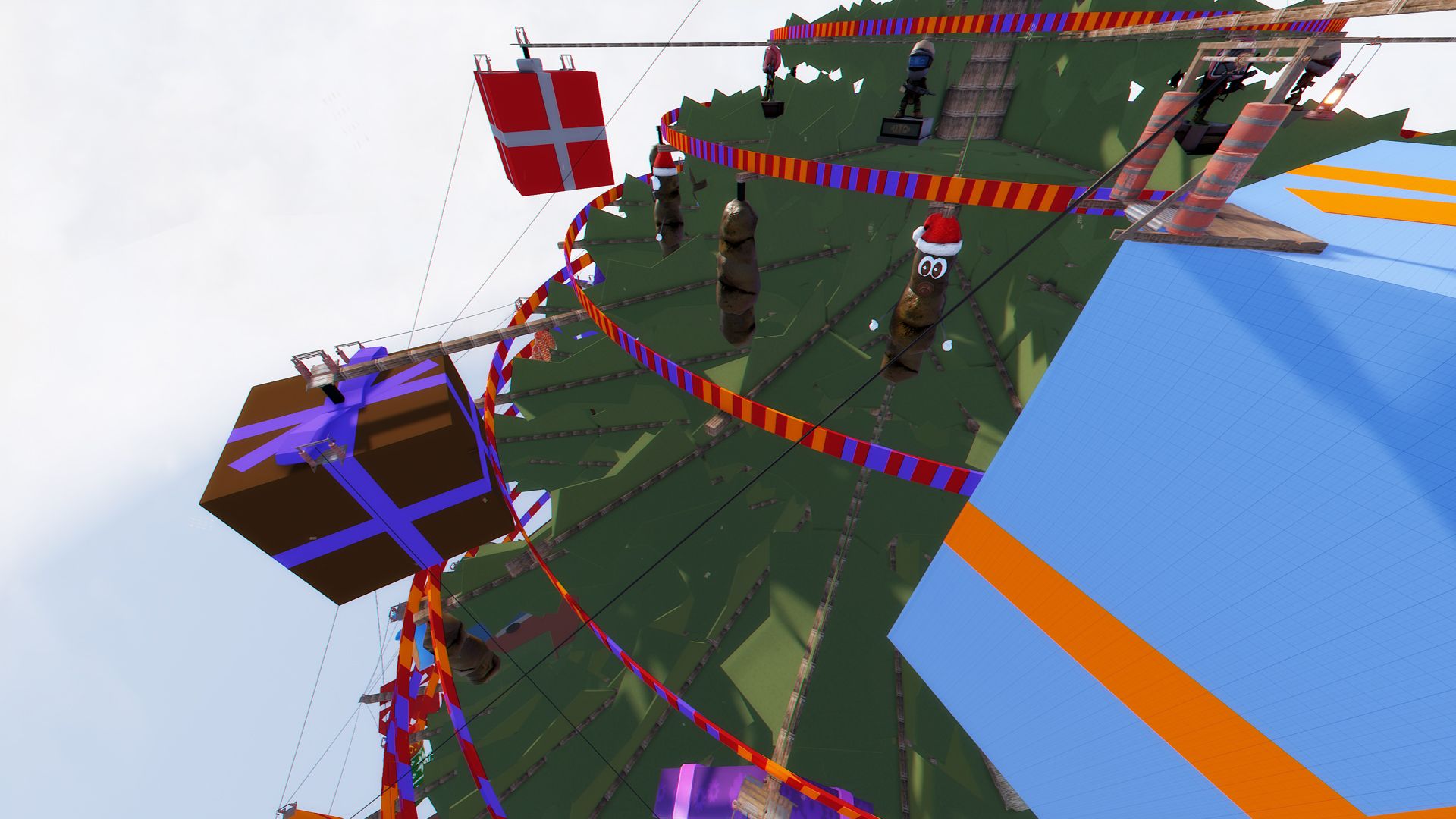
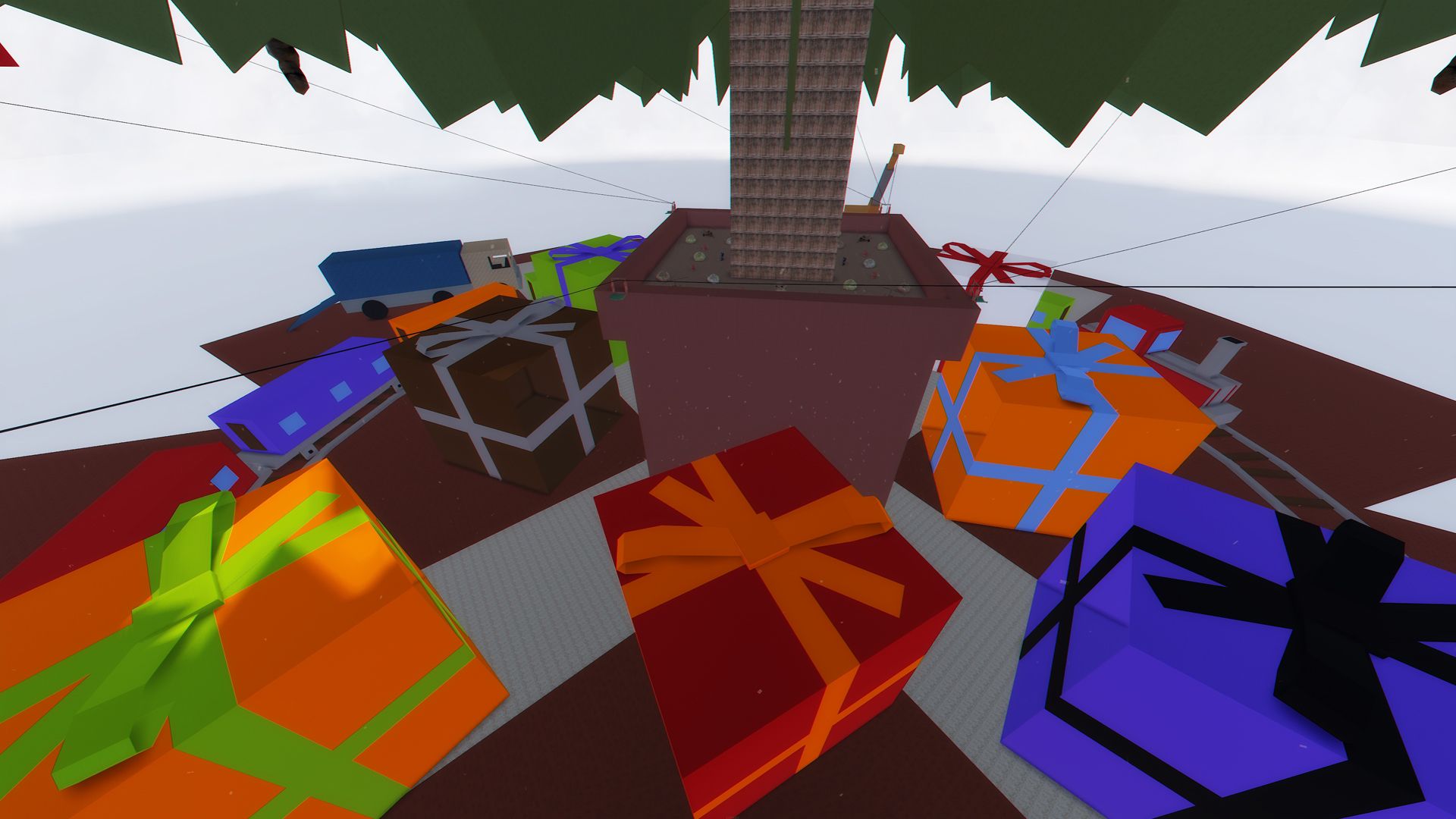
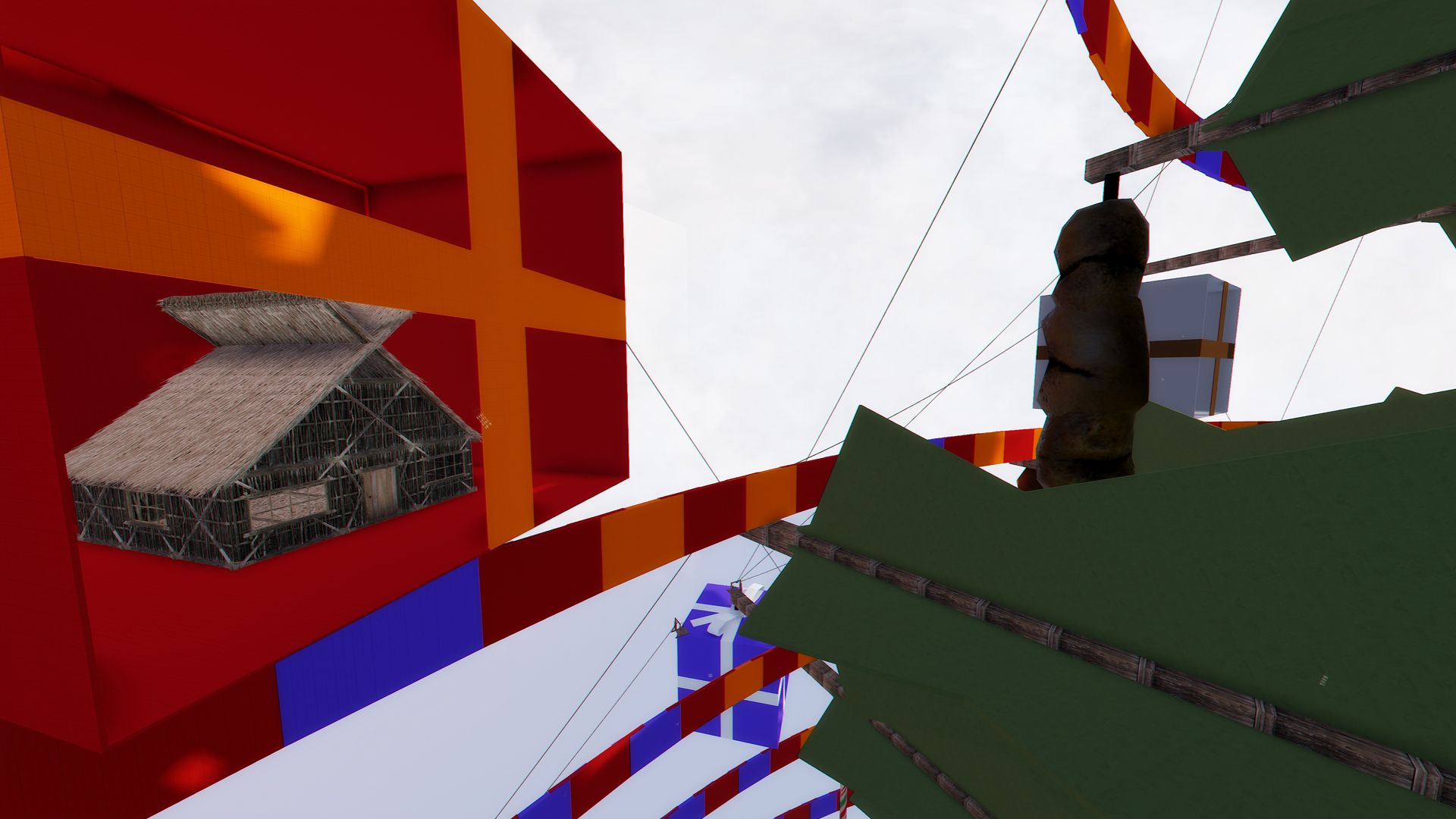
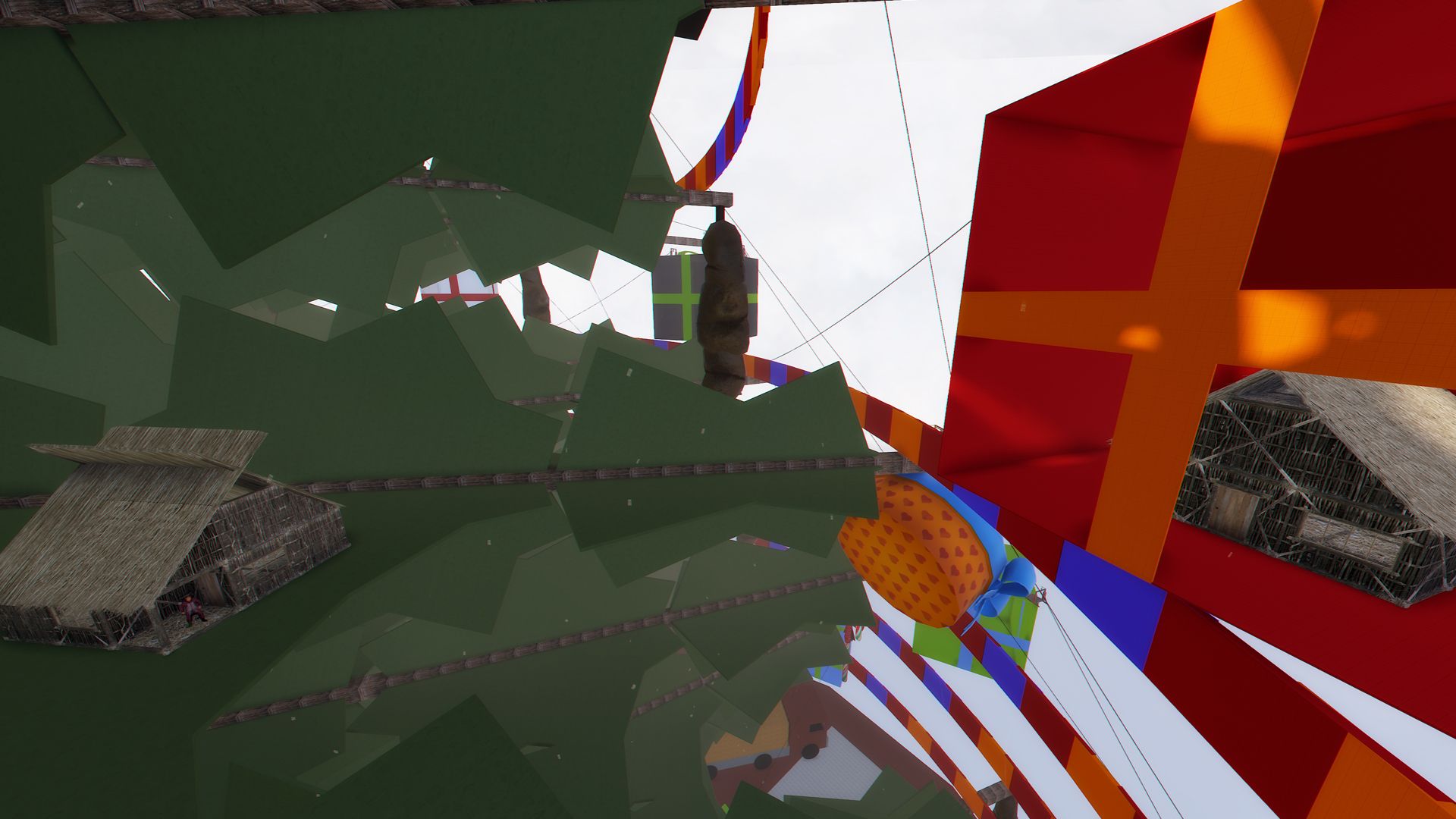
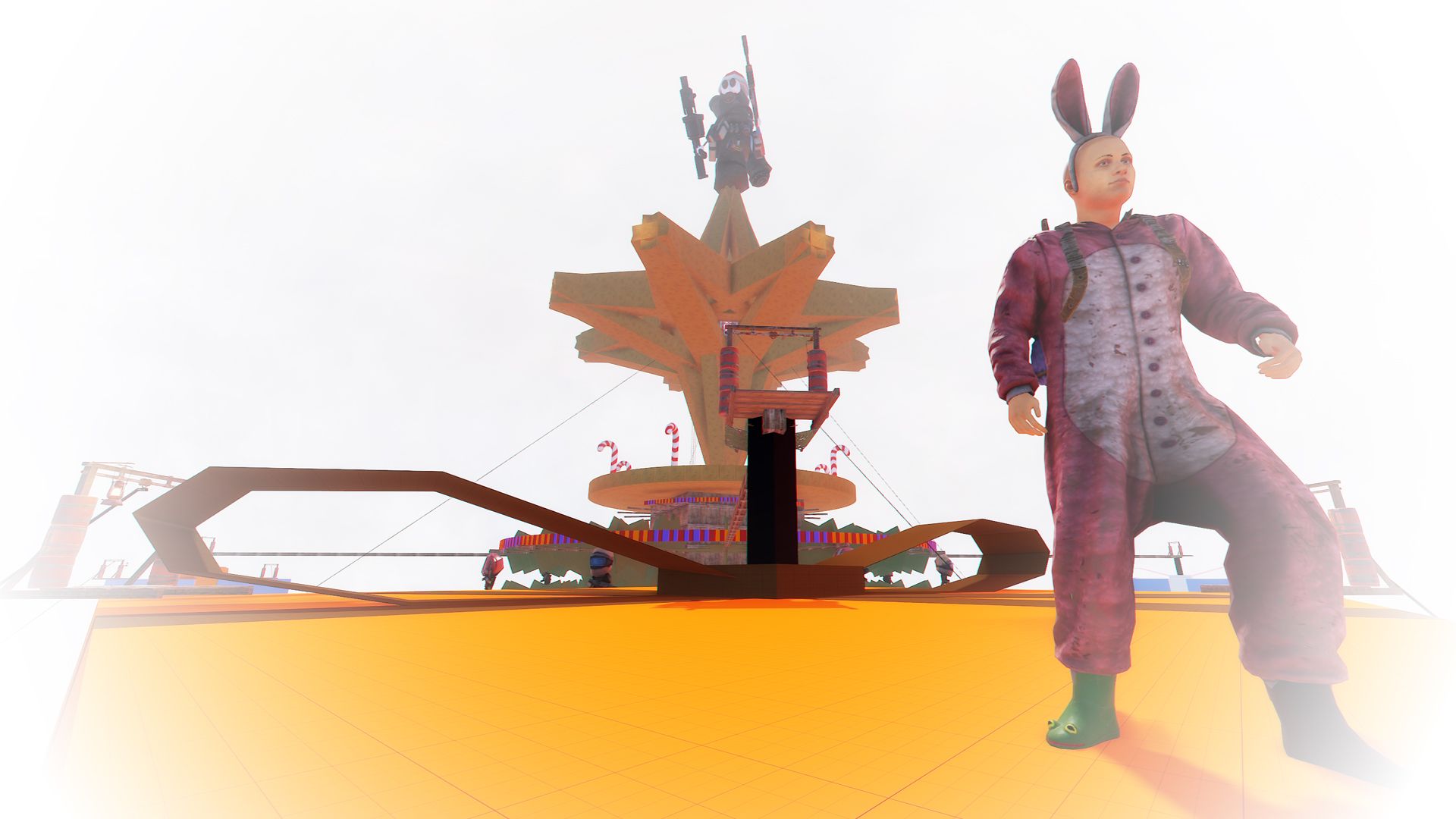
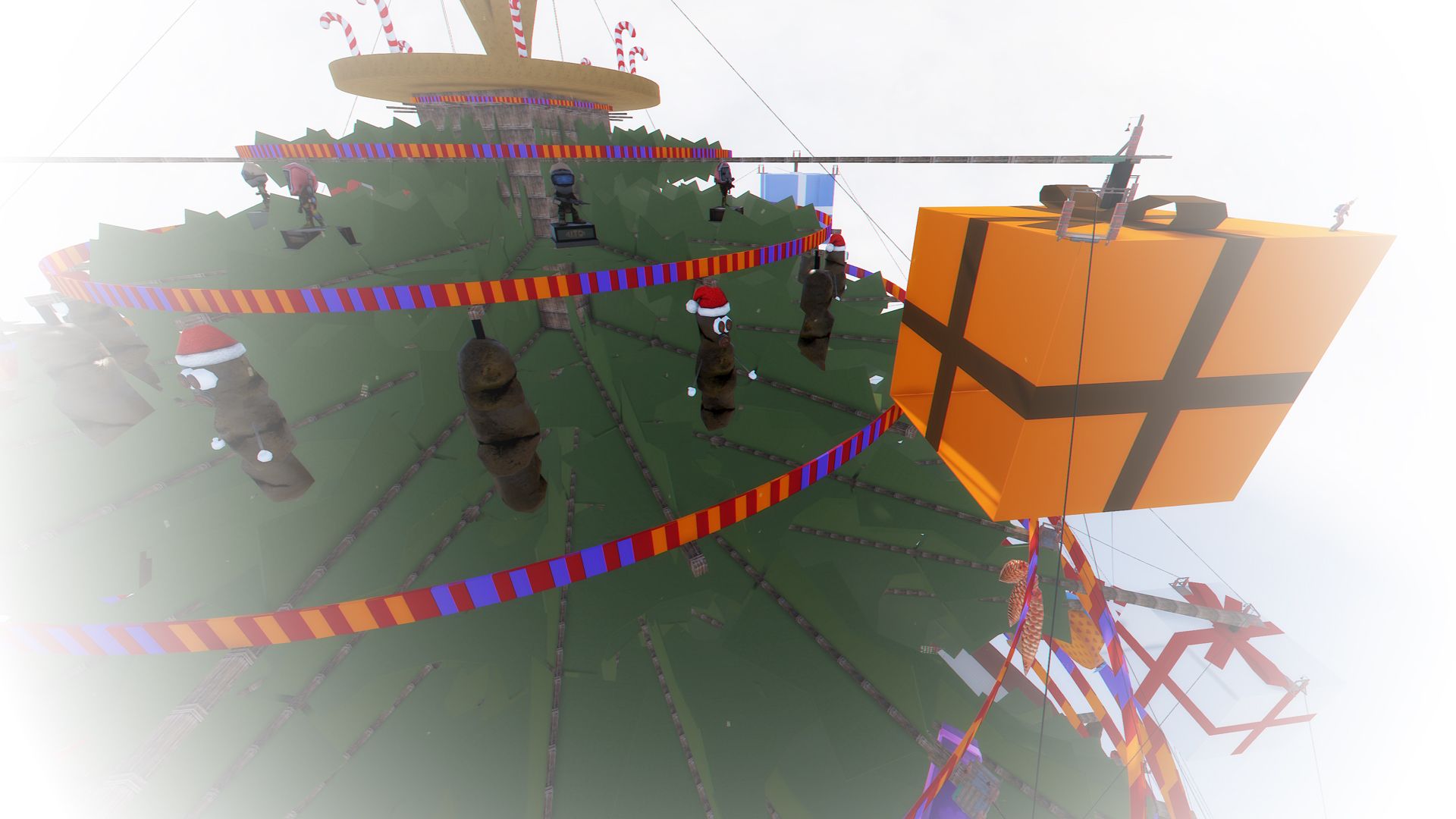
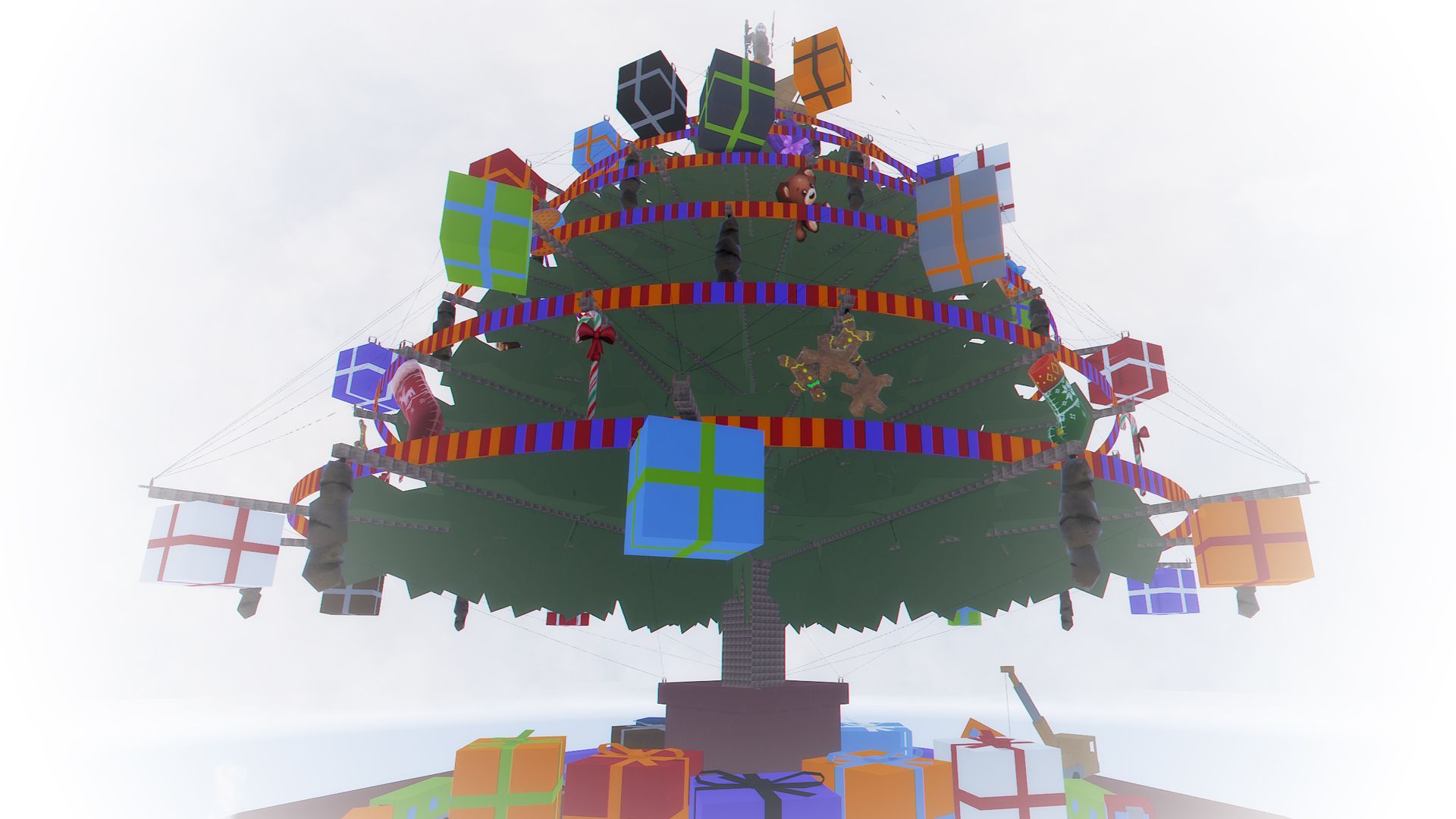
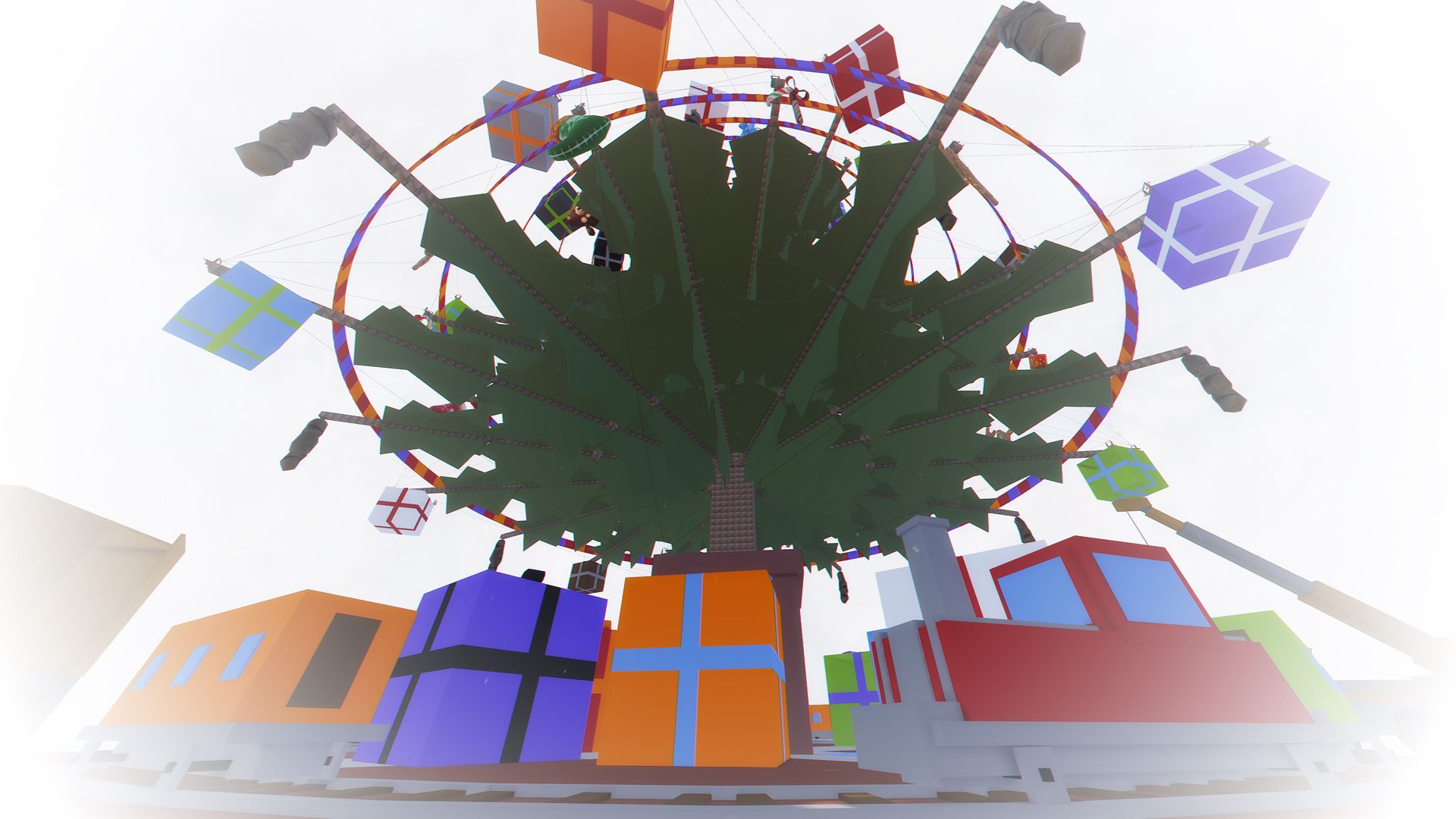
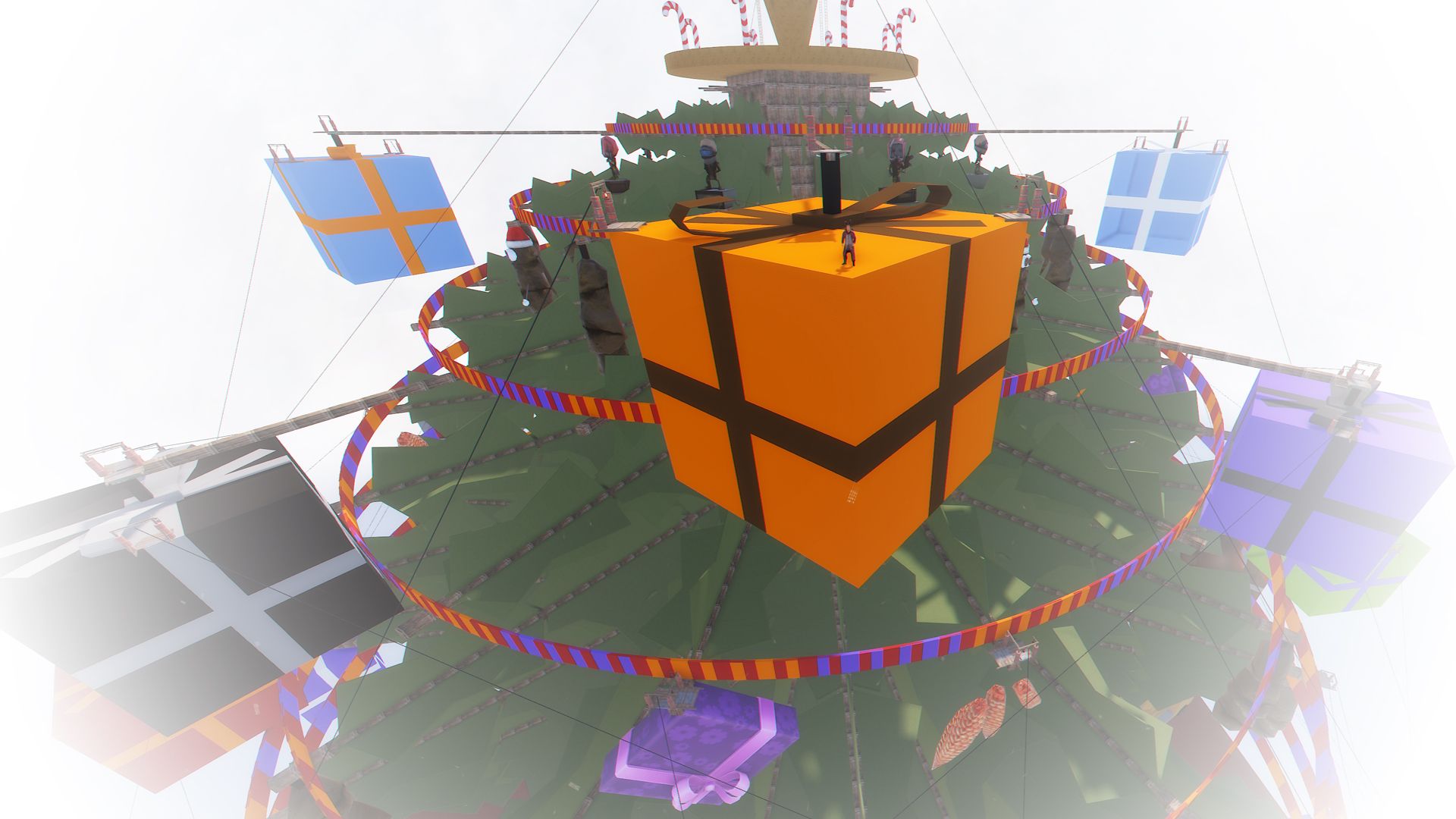
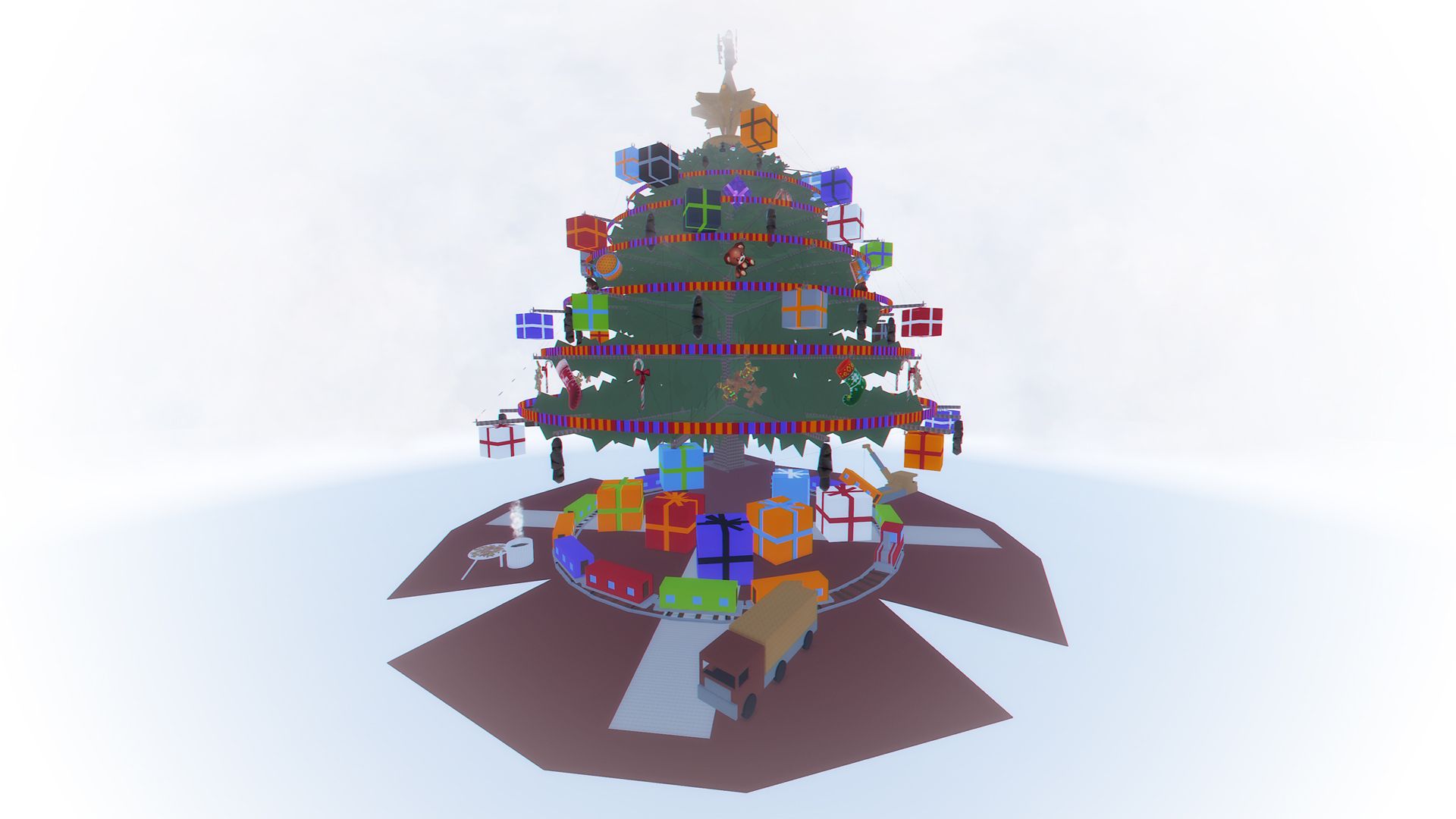
- BIG Xmas Tree is a gigantic Xmas Tree. Build your base anywhere on the Xmas Tree.
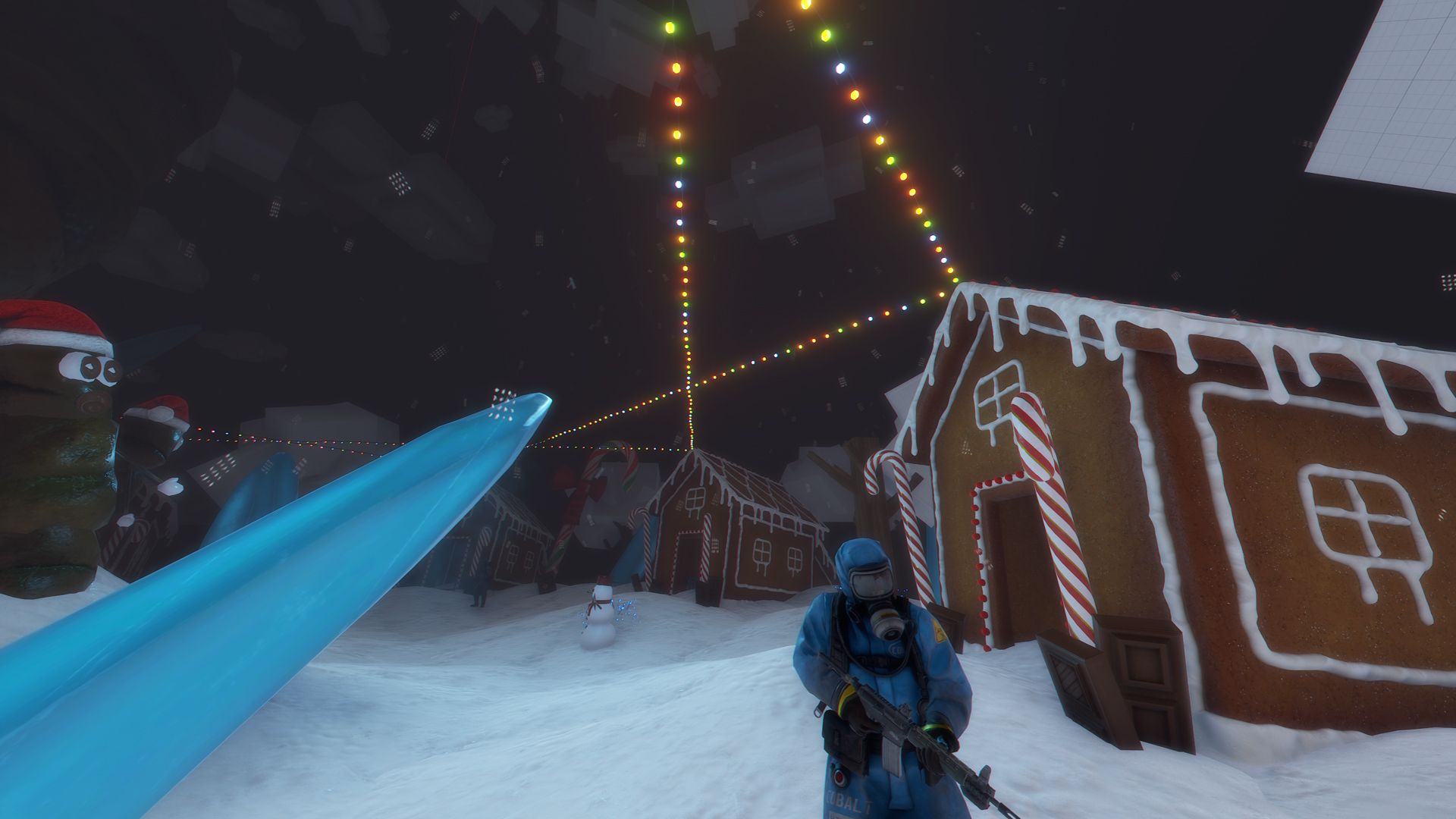
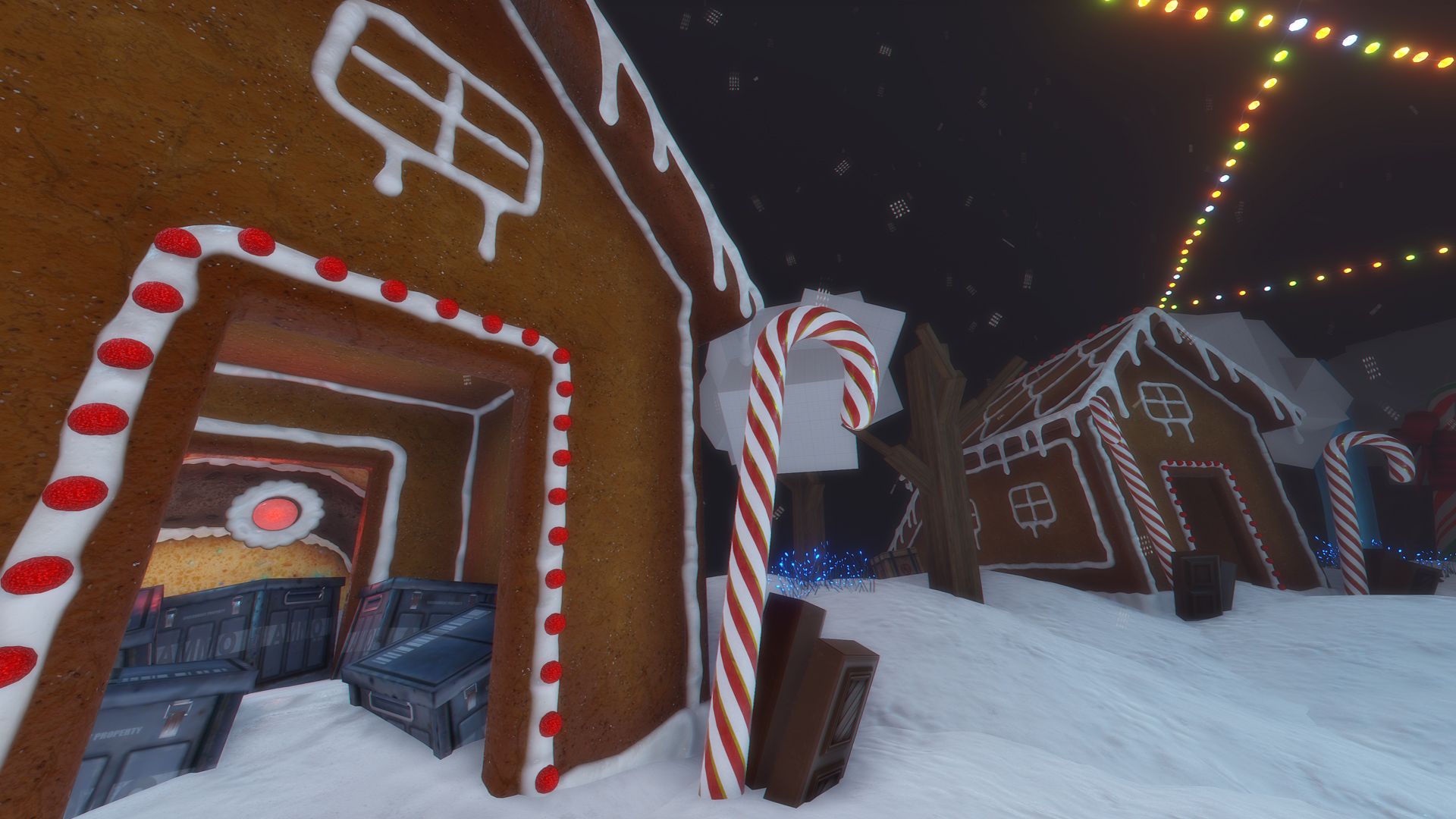
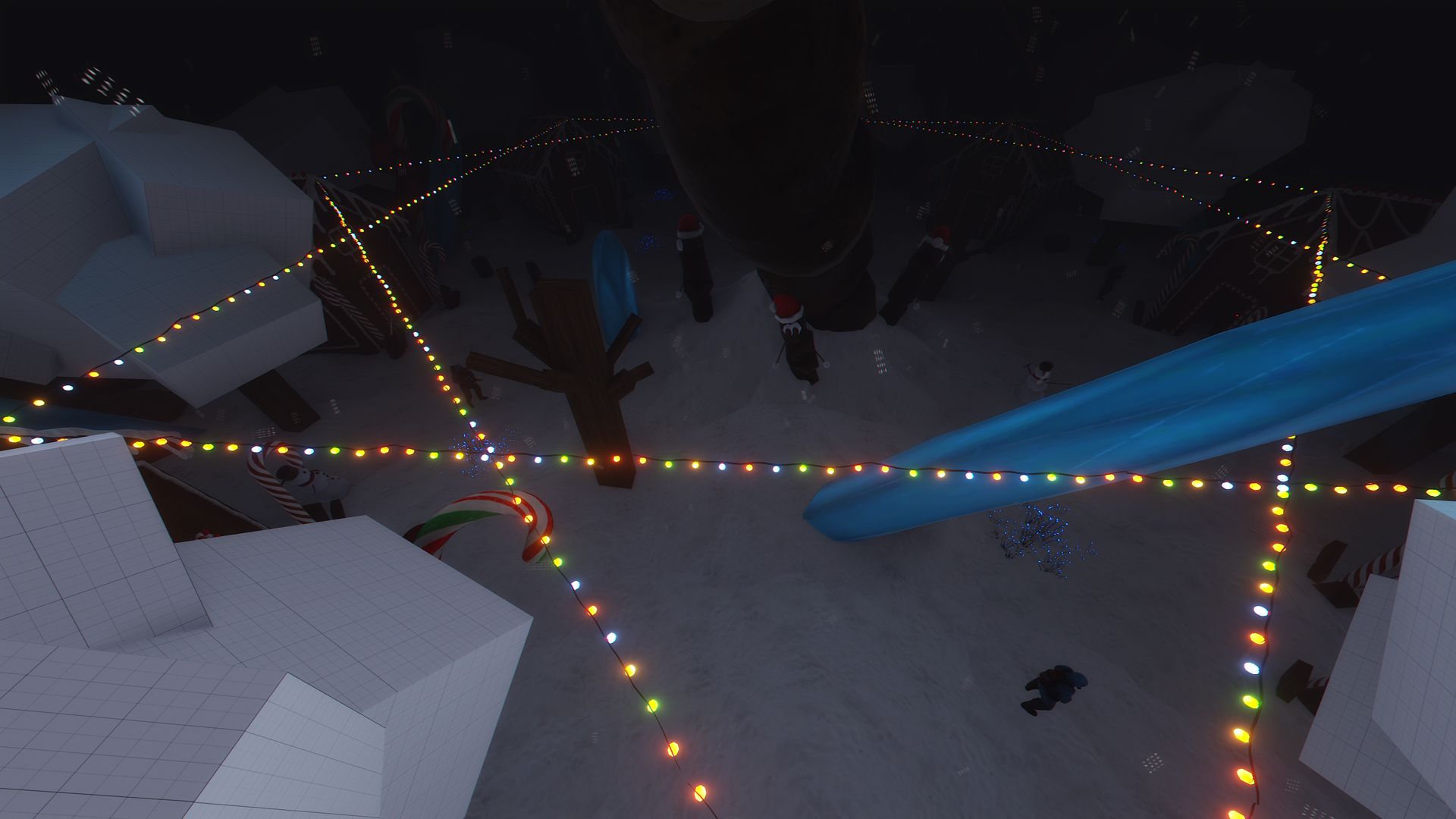
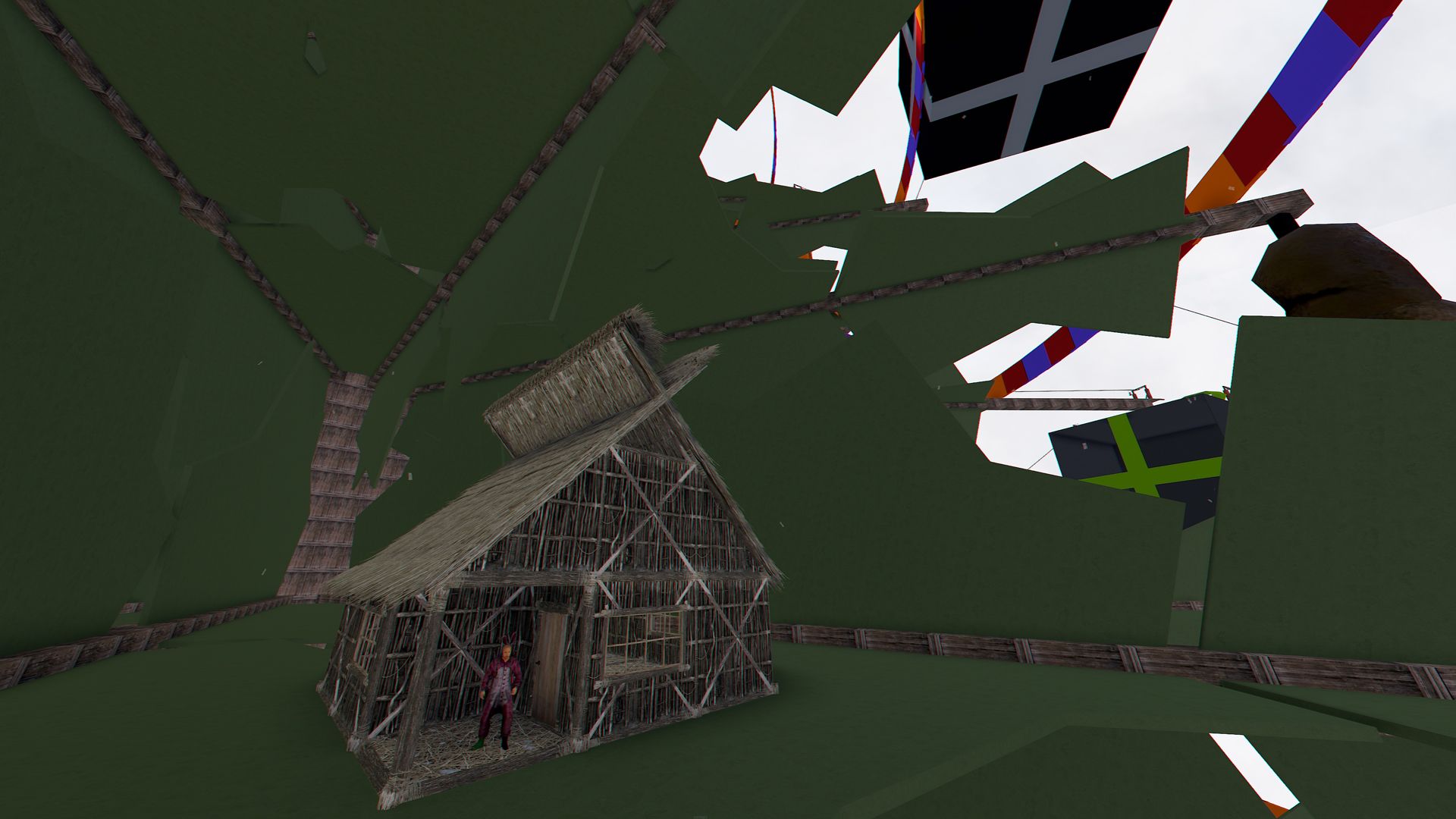
- Moreover, BIG Xmas Tree is not only a decoration, it also contains a snowy village inside the pot.
This village is known as Shit Village, your goal will be to get access to it, overcome different challenges such as:
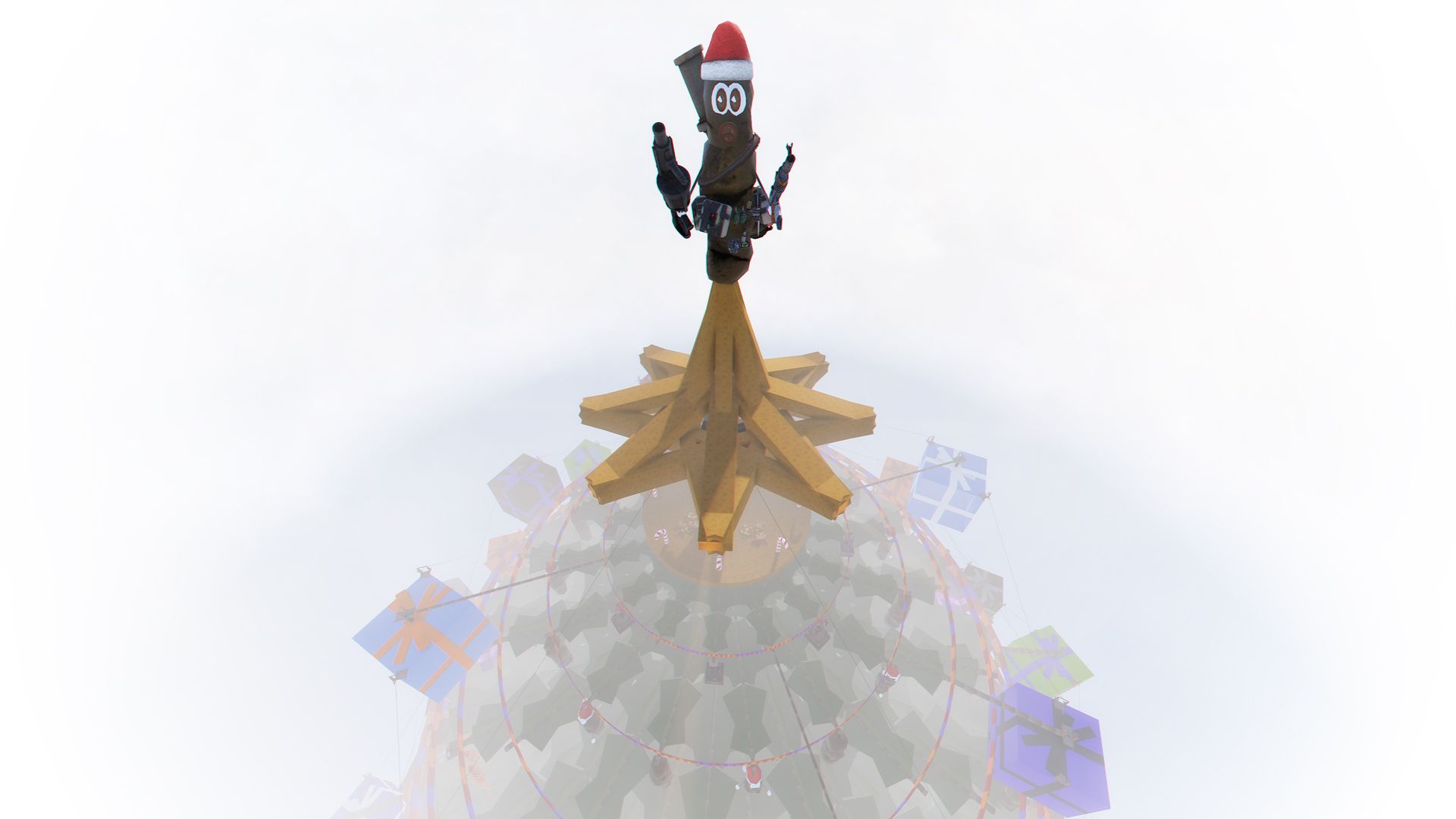
- The Star: Conquer the star to give energy to the Great Cairn of Power.
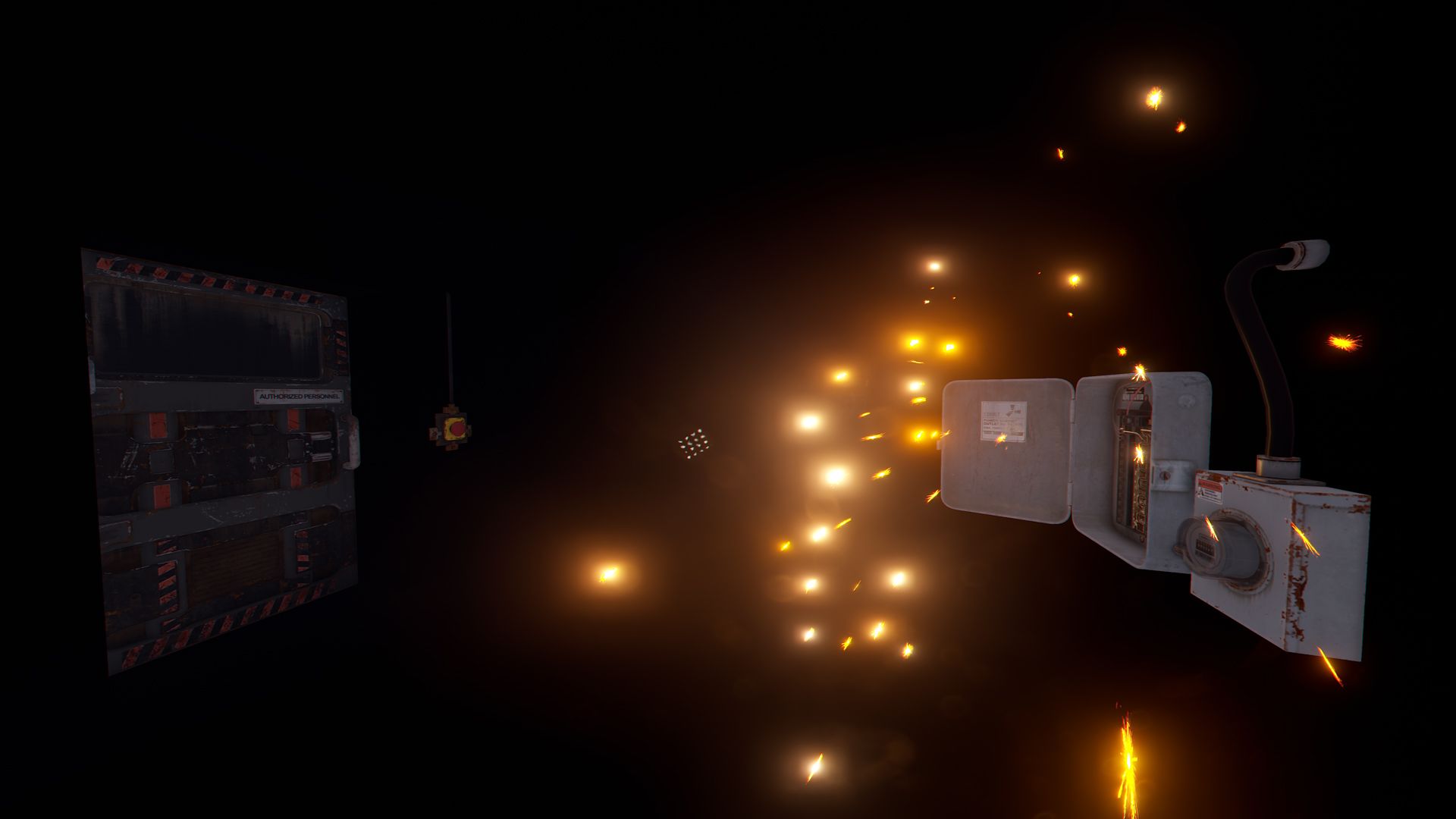
- The Zipline: Your goal is to reach the pot under the Xmas Tree, move with the ziplines, but be very careful, some zip lines are sabotaged.
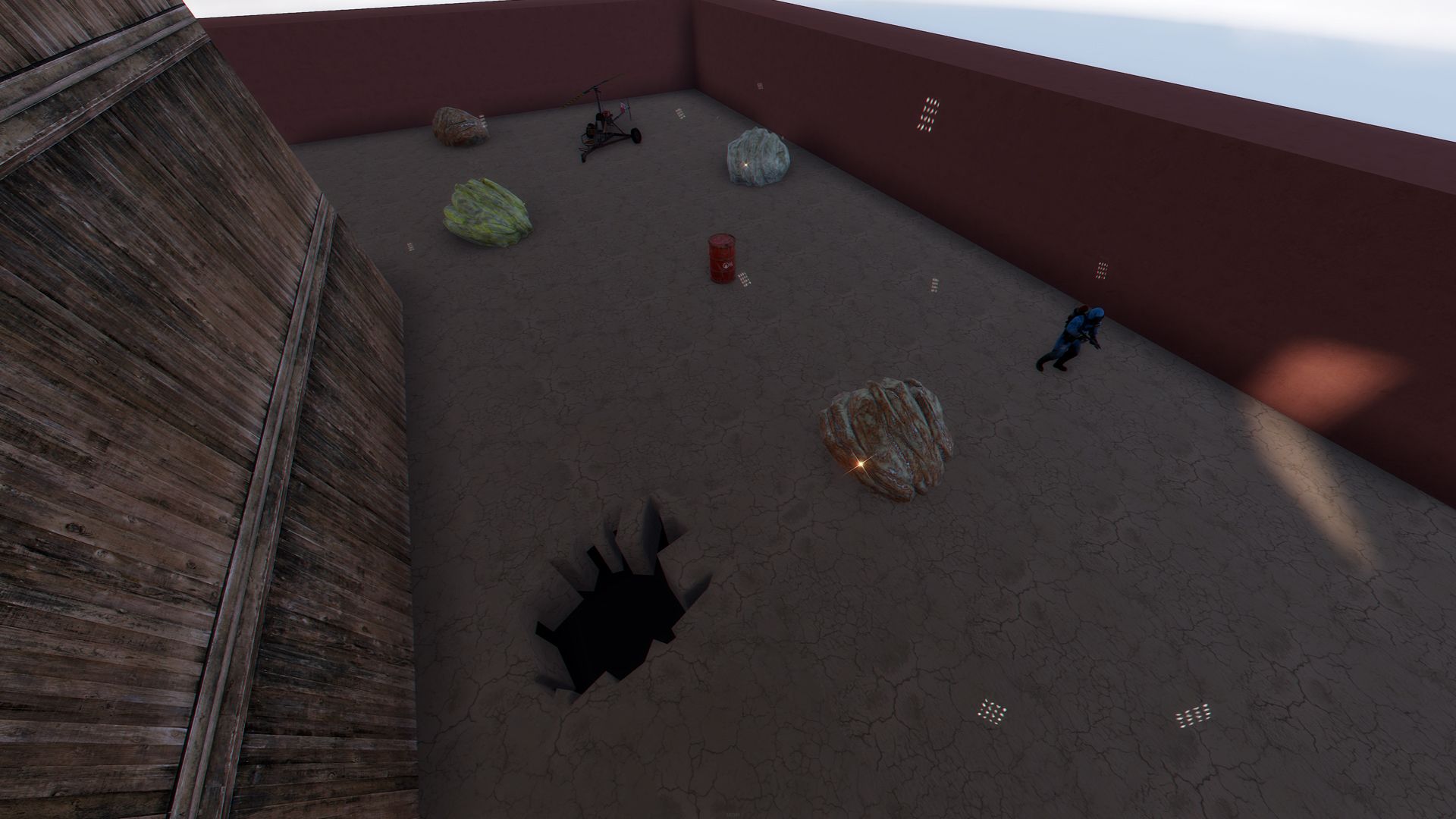
- The Flowerpot: Access the inside of the Flowerpot to start the first test.
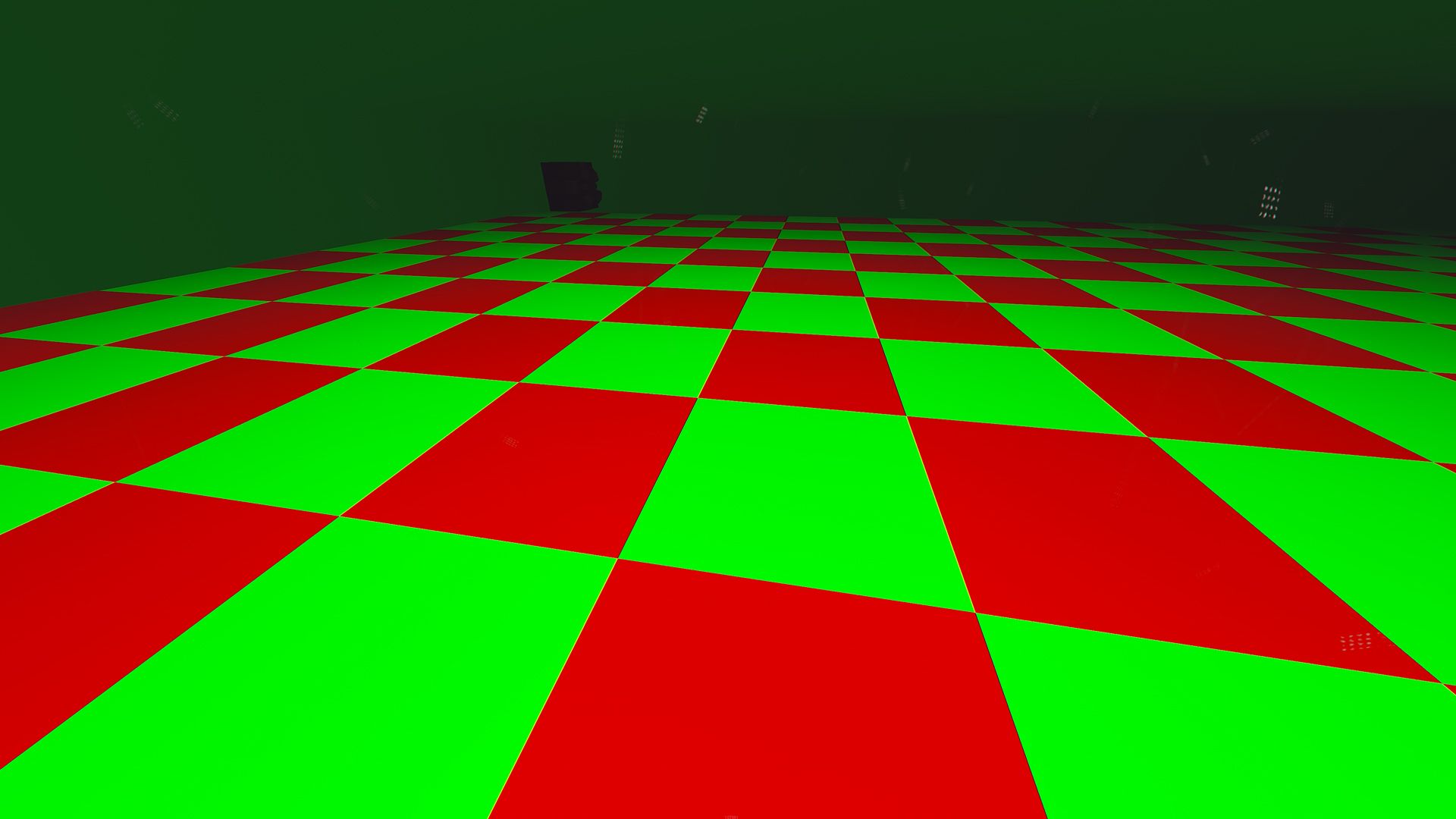
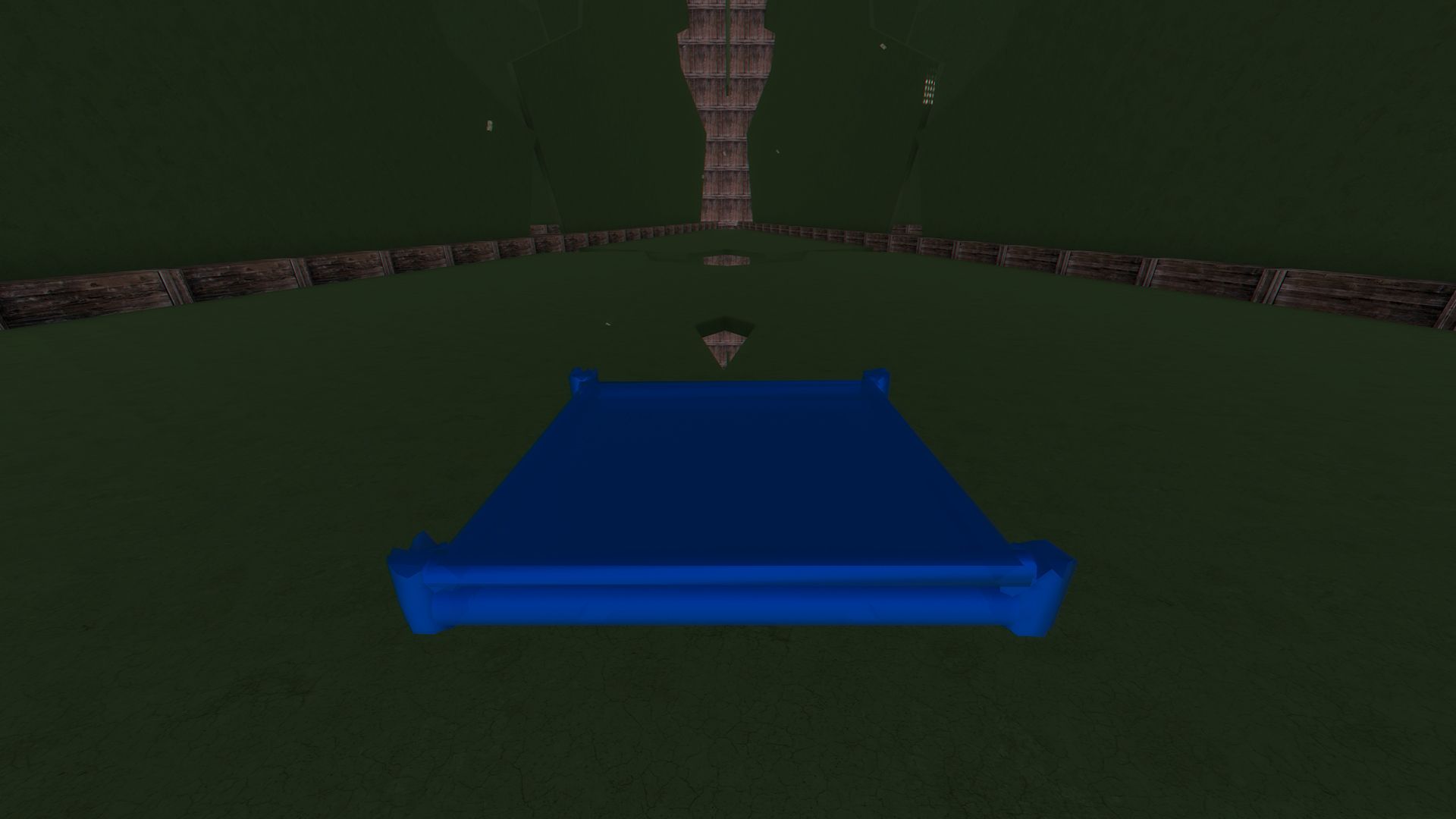
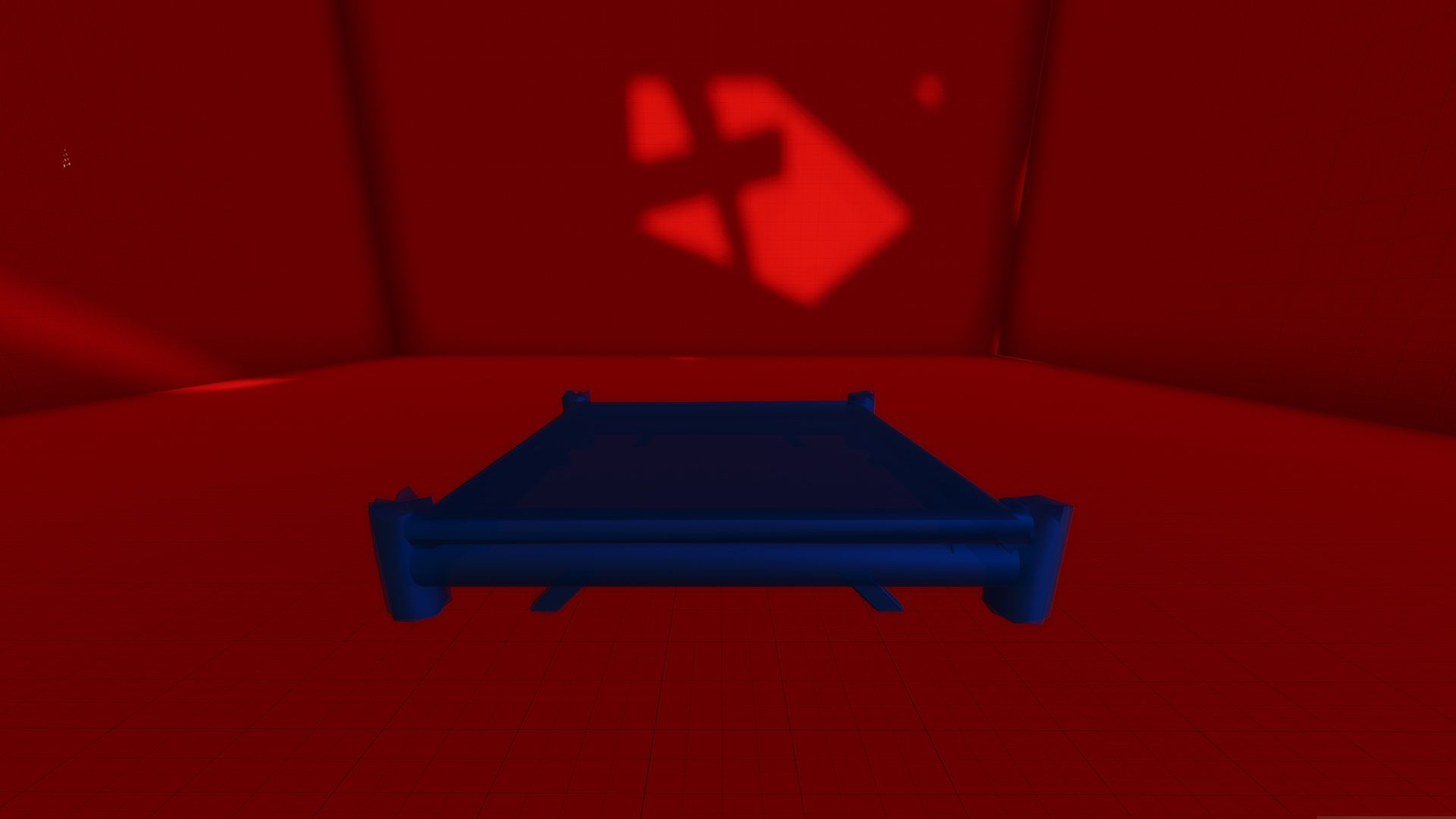
- The Killer Tiles: Find the hole to access the next test, be very careful, some tiles contain traps.
- The Maze: Your goal is easy, find the exit and you will master the clouds.
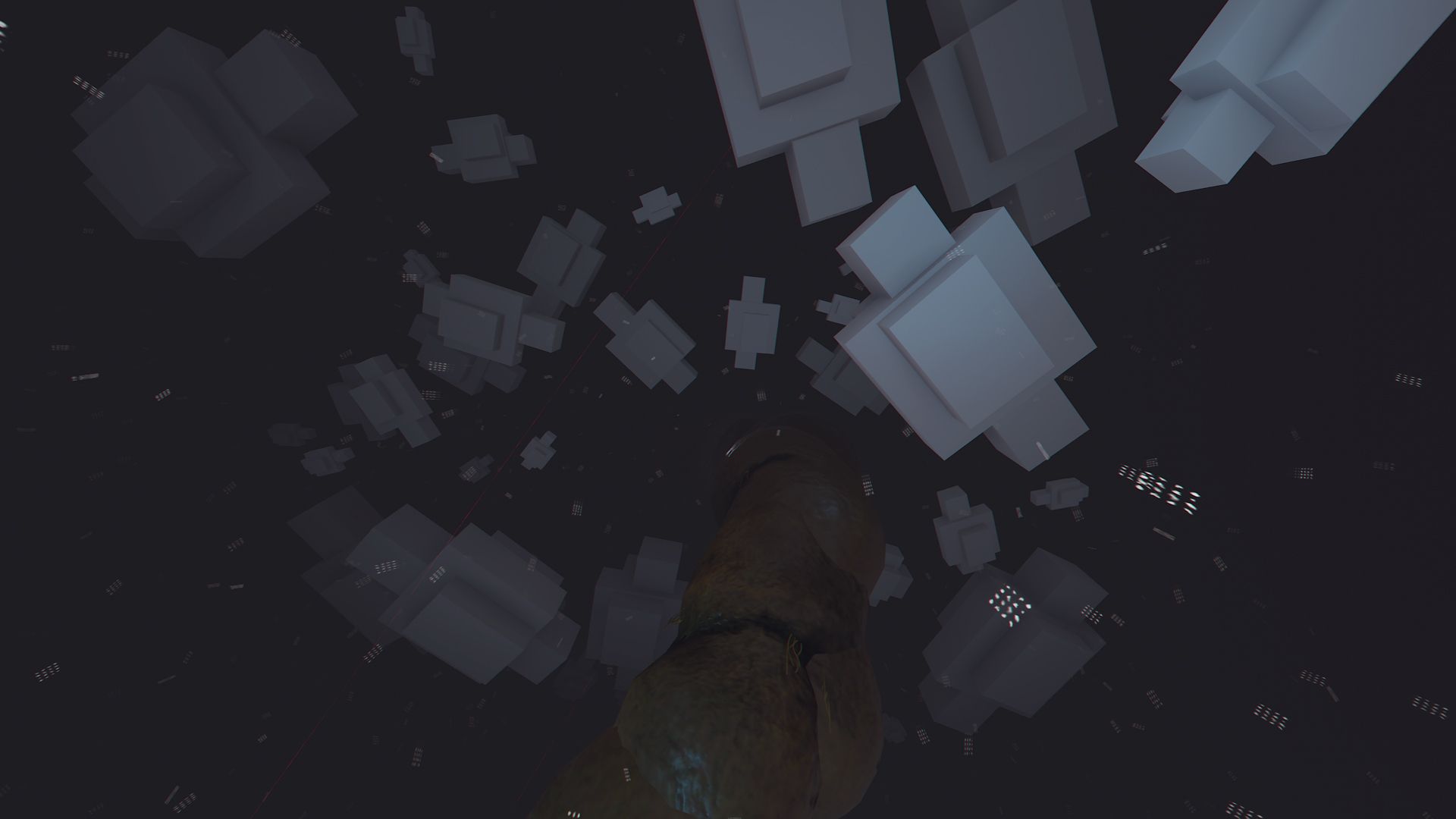
- The Clouds: Show your courage in this original parkour created with clouds, jump between the clouds to go down to the Village of Shit.
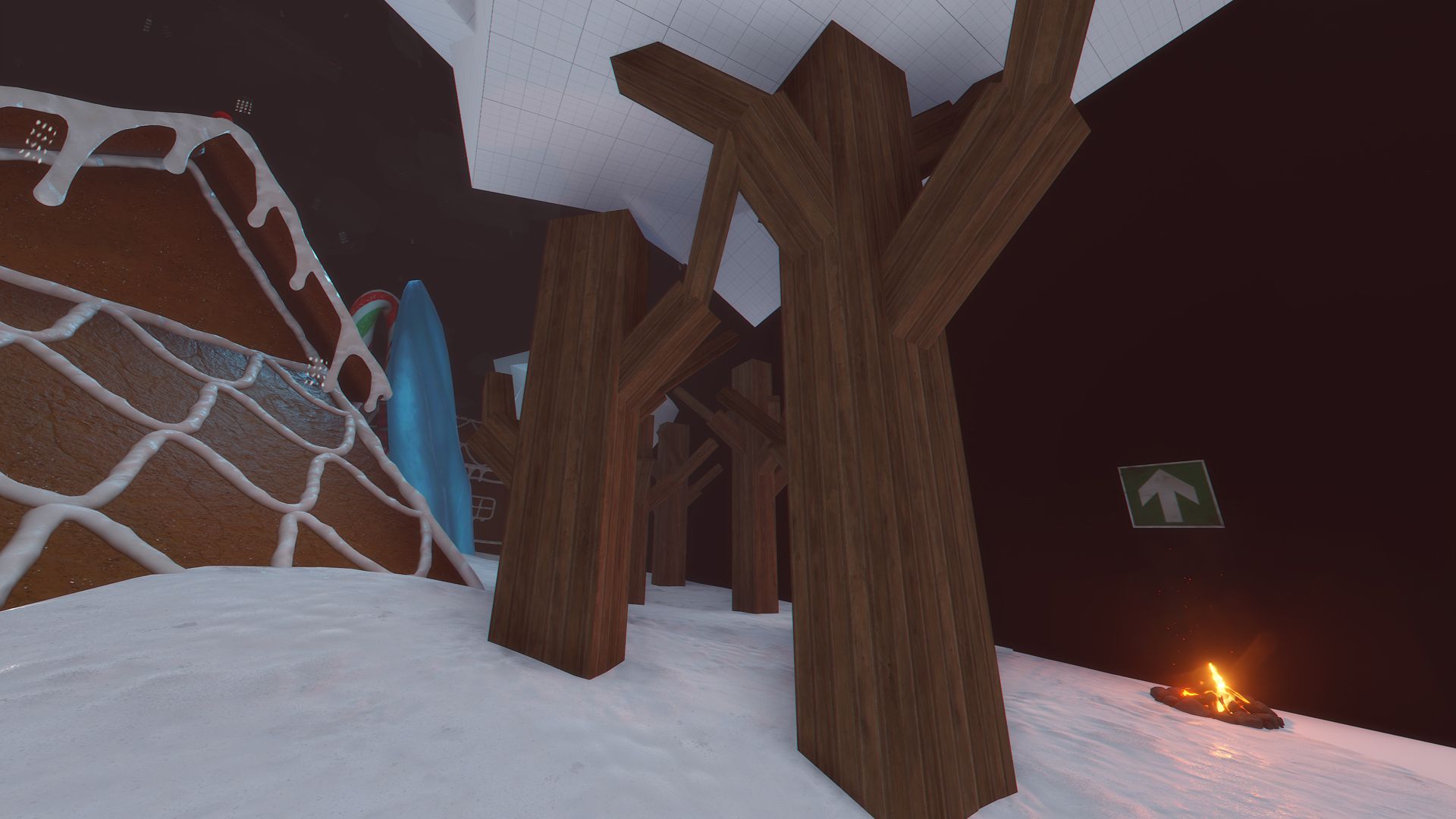
- The Shit Village: Take over the power of the village, kill the NPCs and get your reward.
- The Exit: You will find the exit in a corner of the Shit Village, the exit is marked with a fire.
- Duplicating, sharing or reselling this file is not allowed.
You may only provide a review once you have downloaded the file.
There are no reviews to display.