



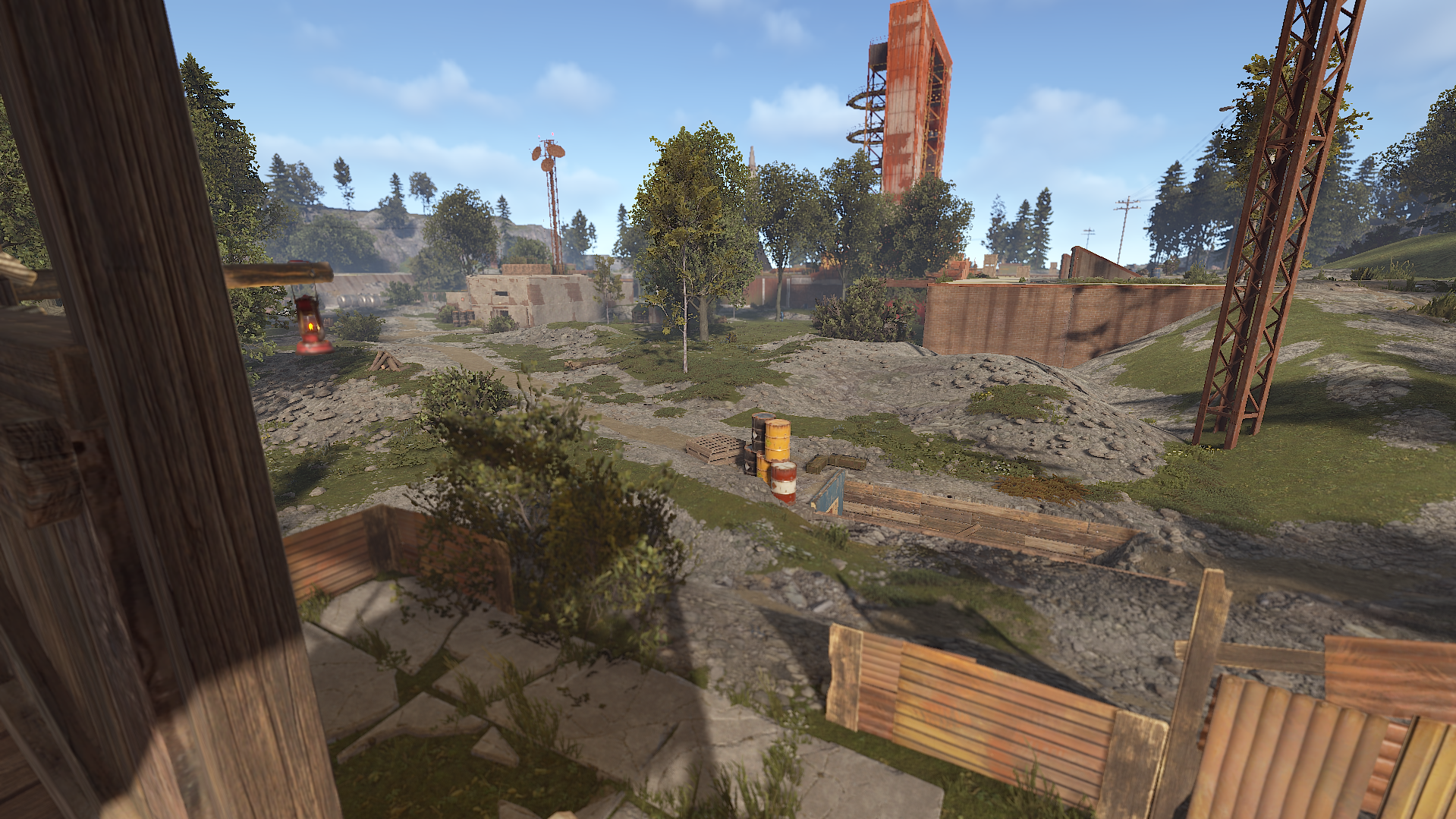
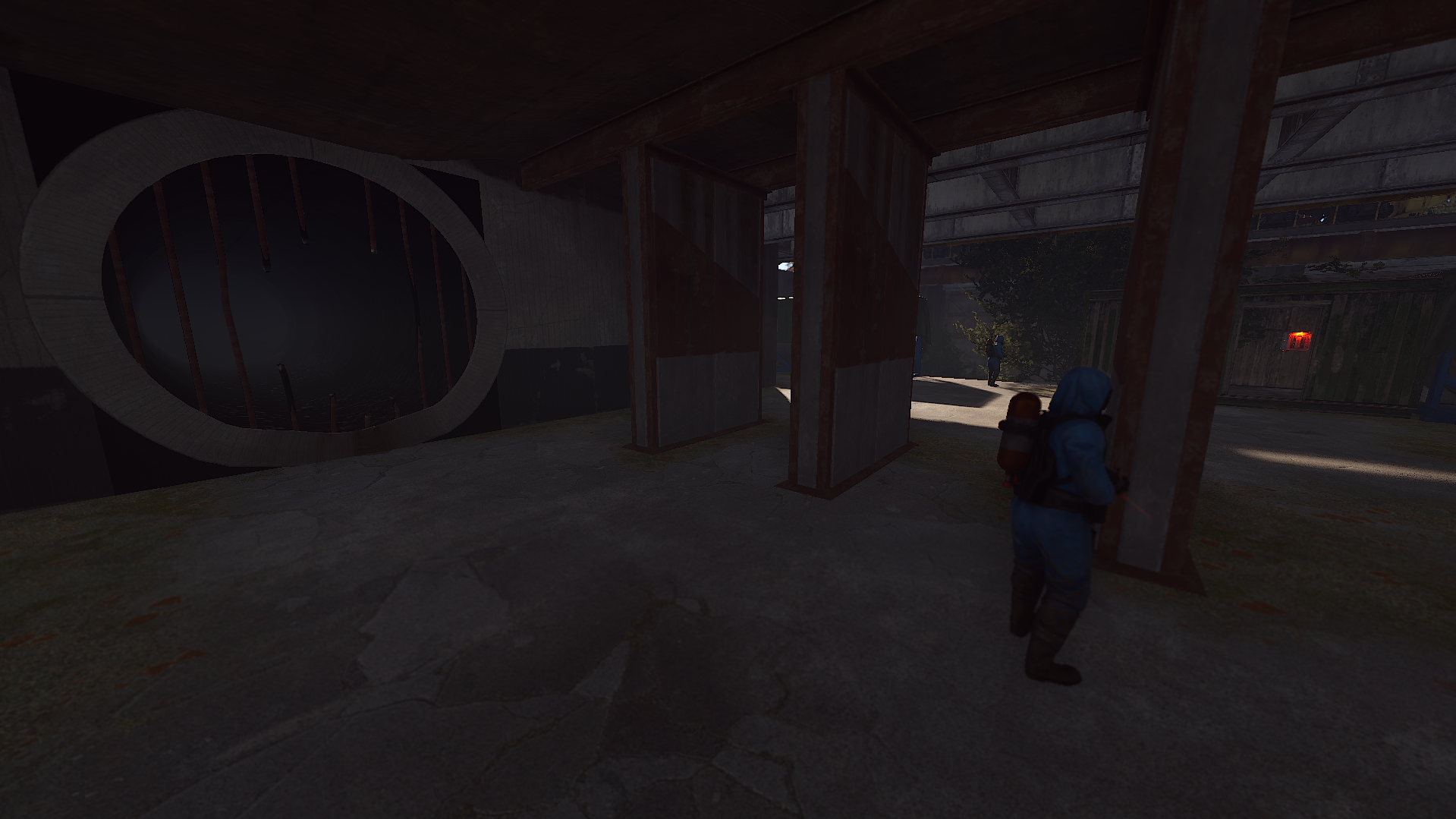
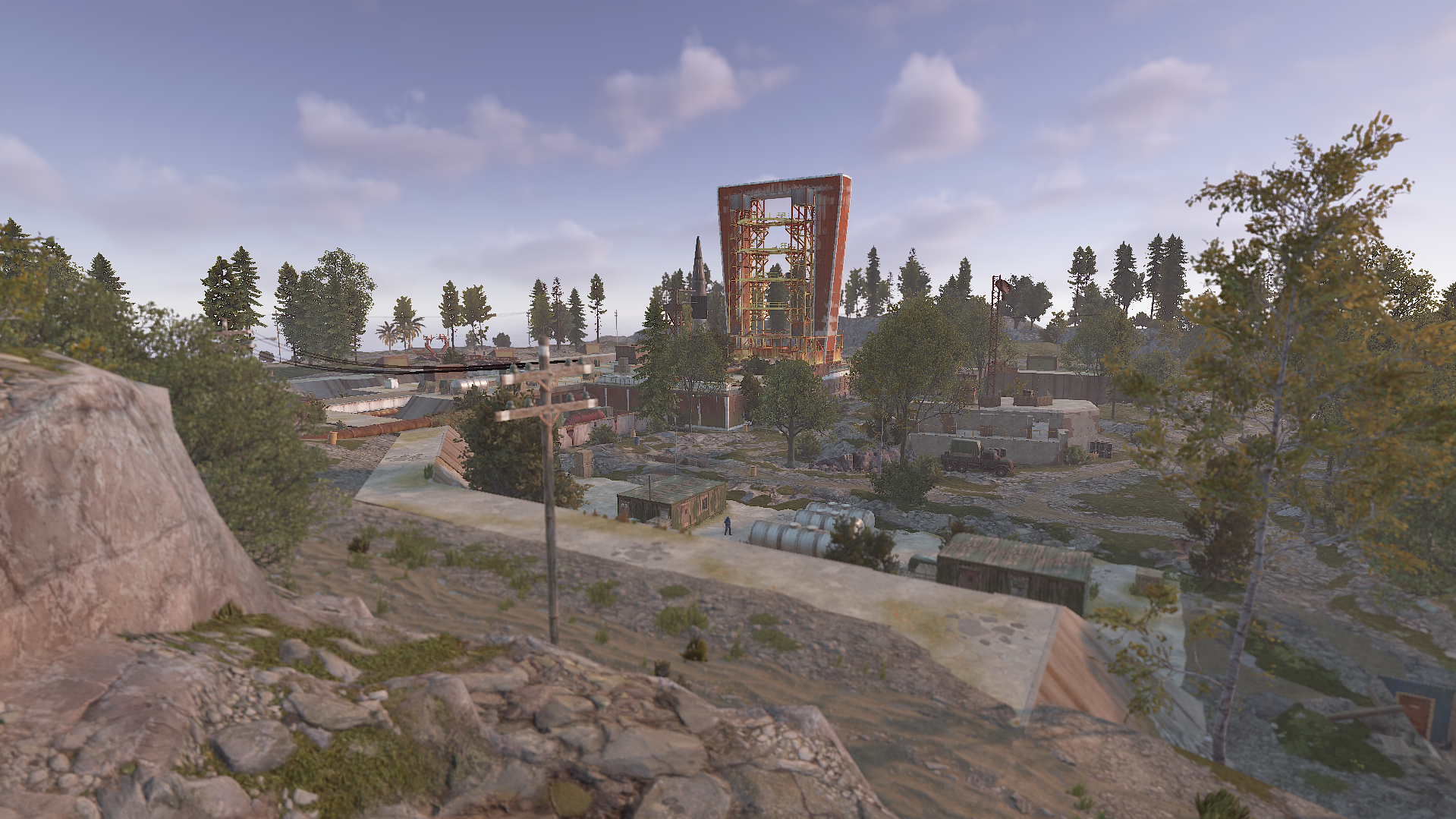
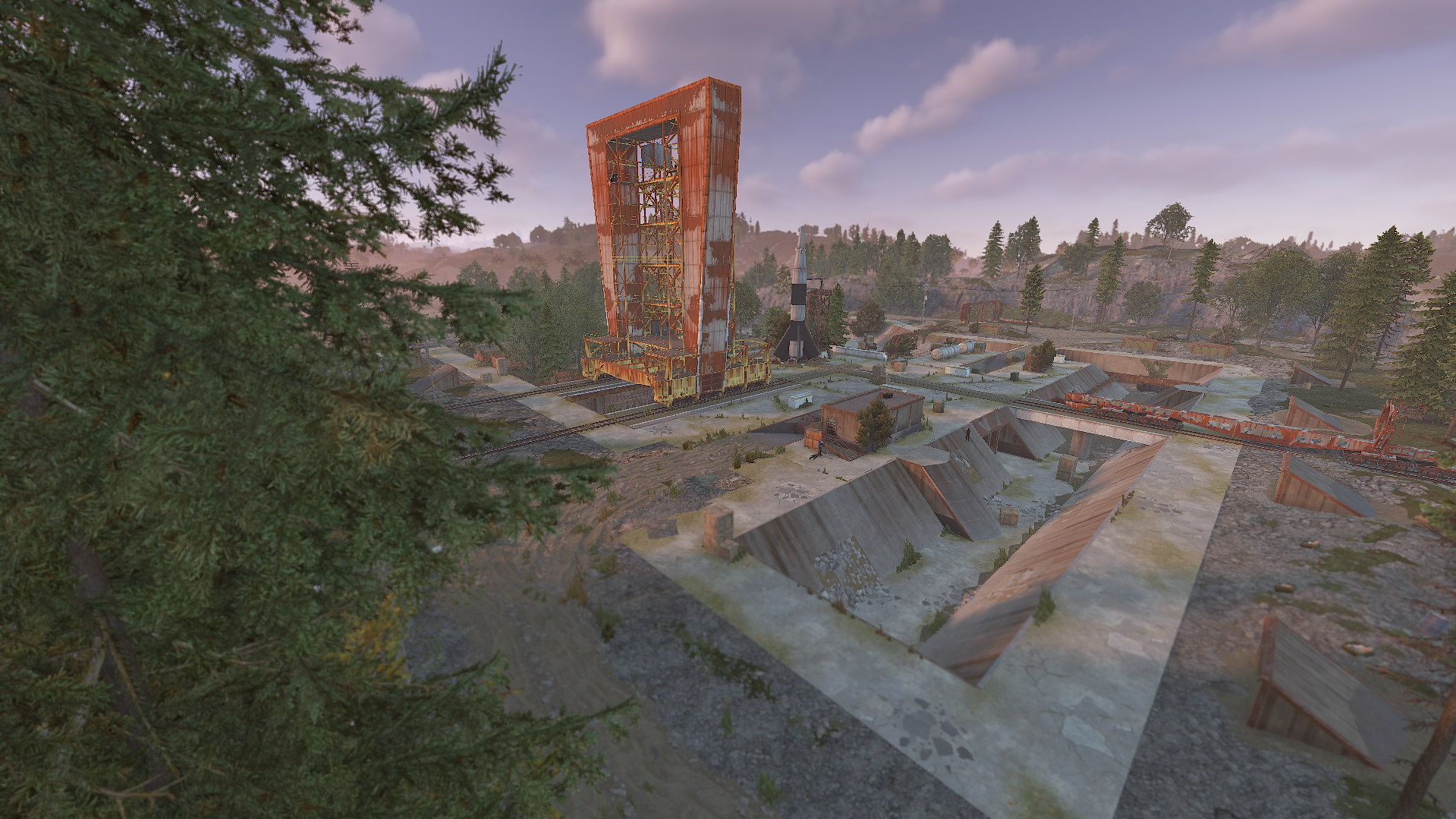
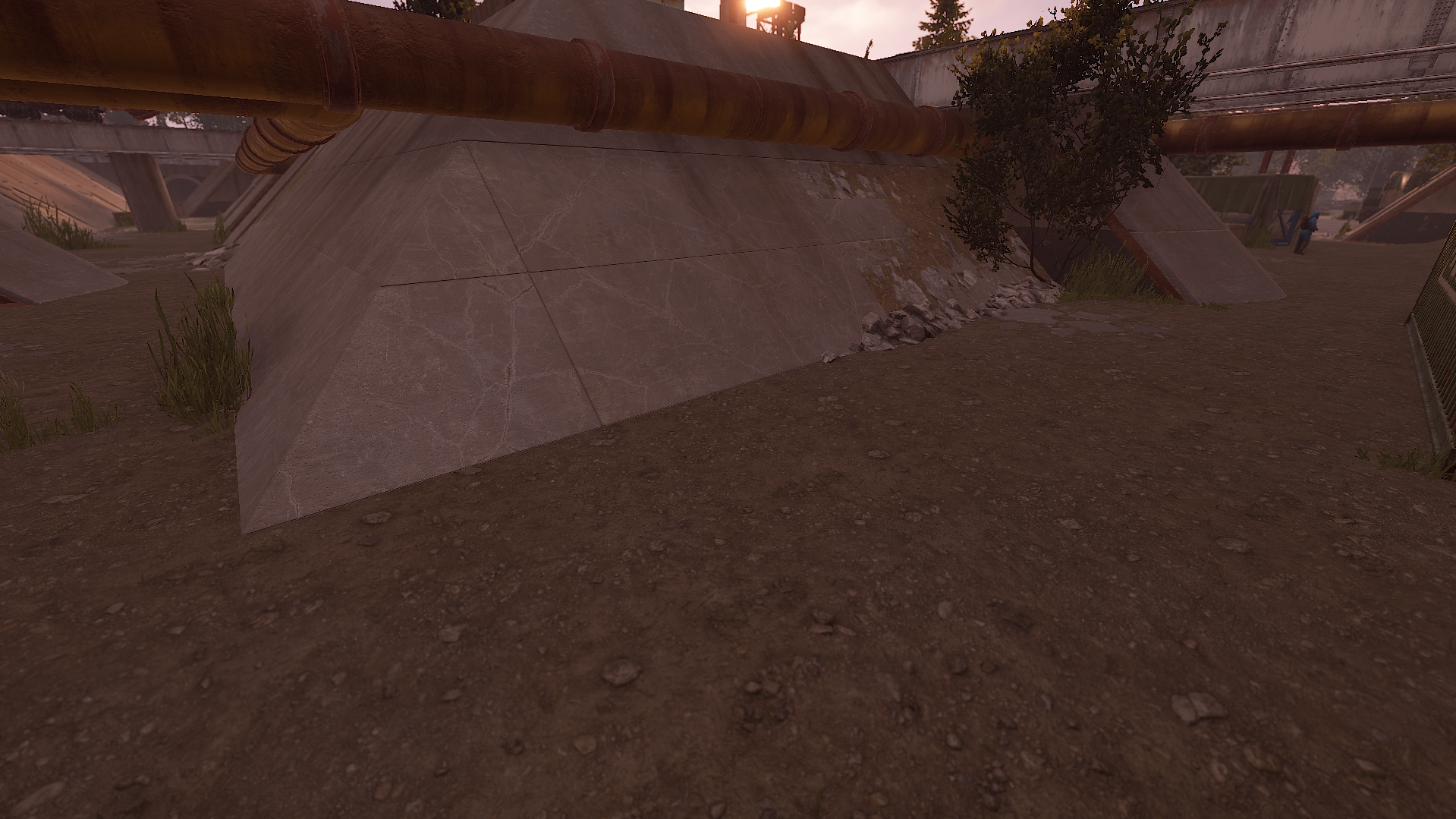
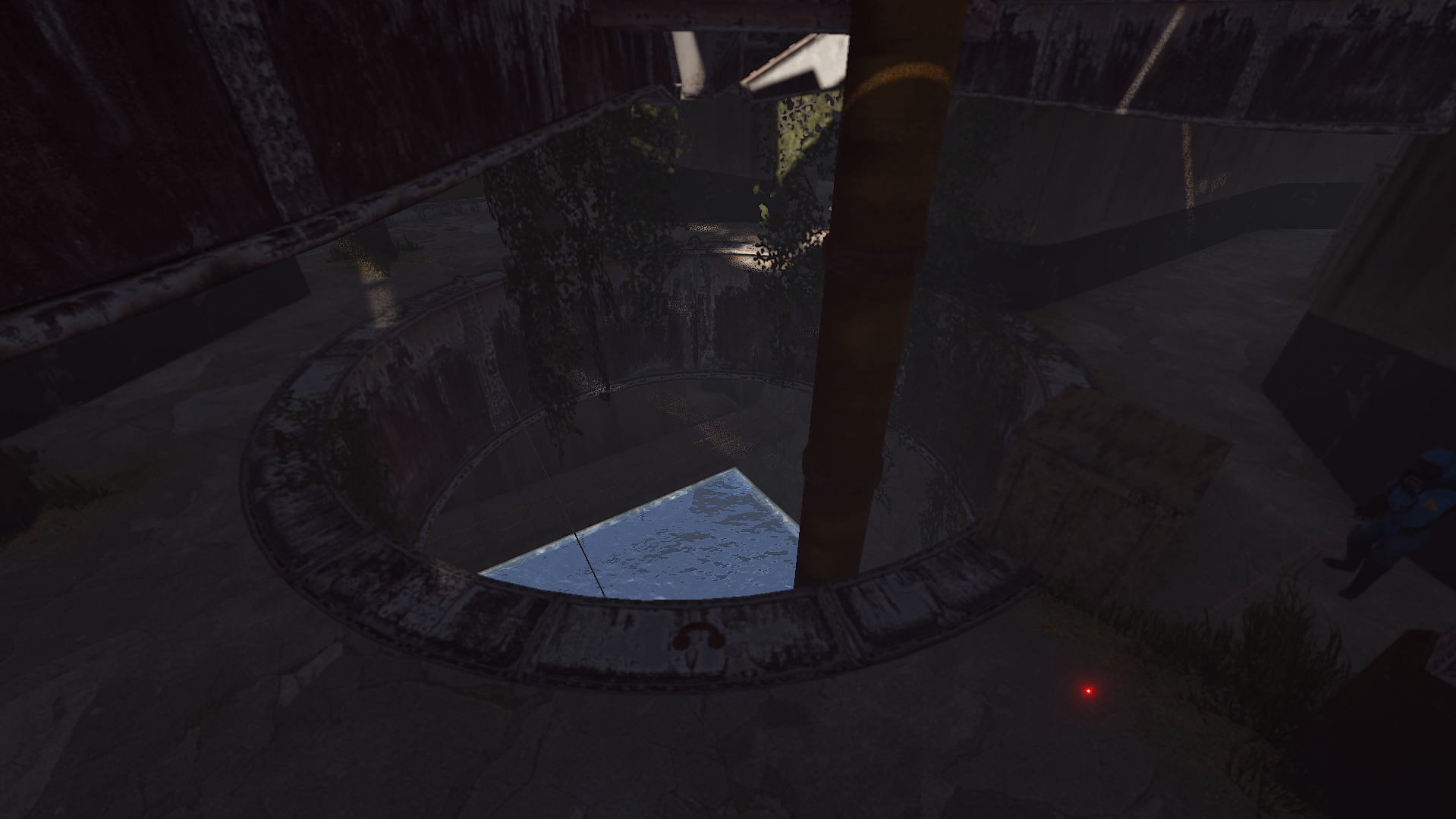
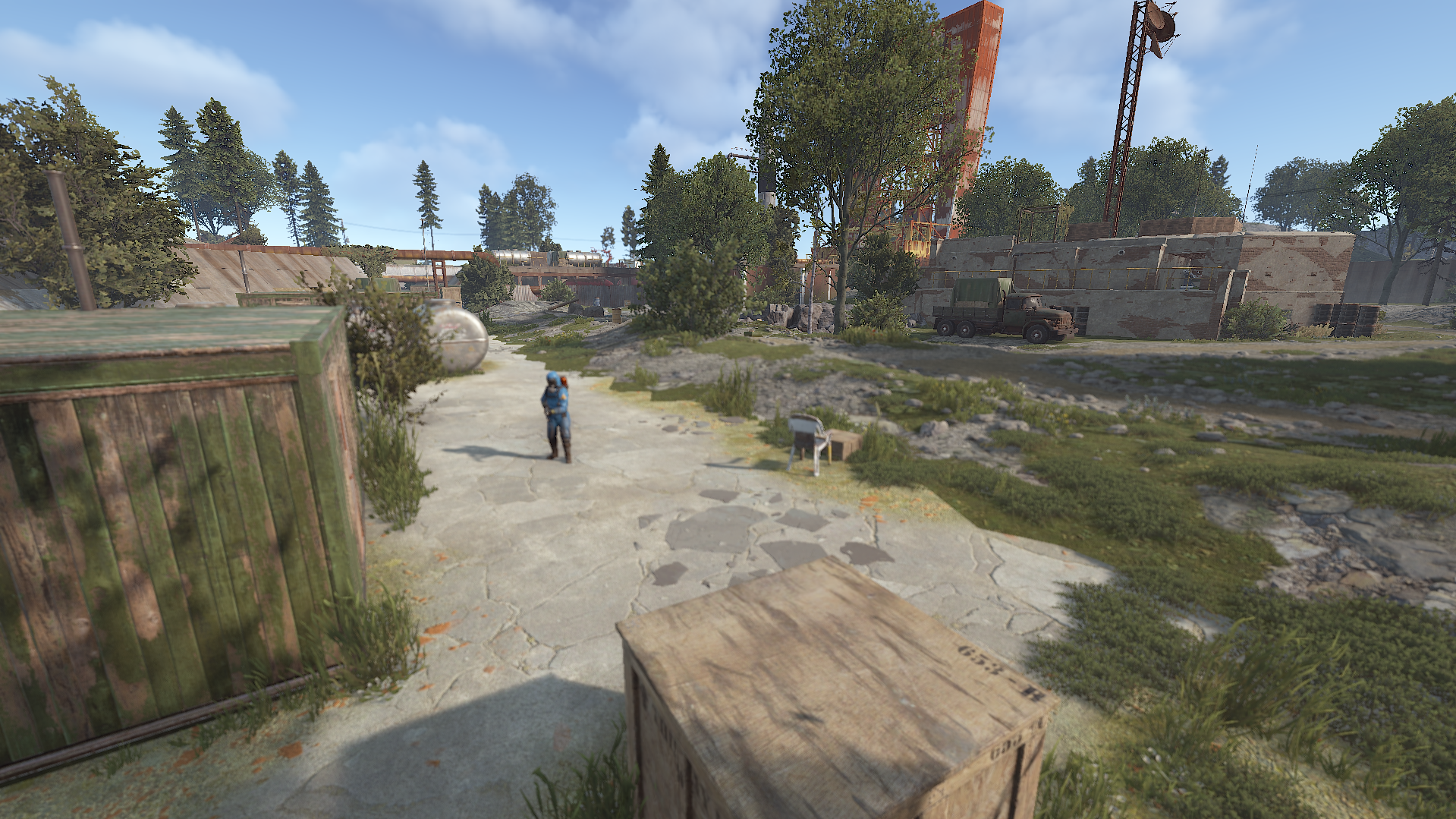
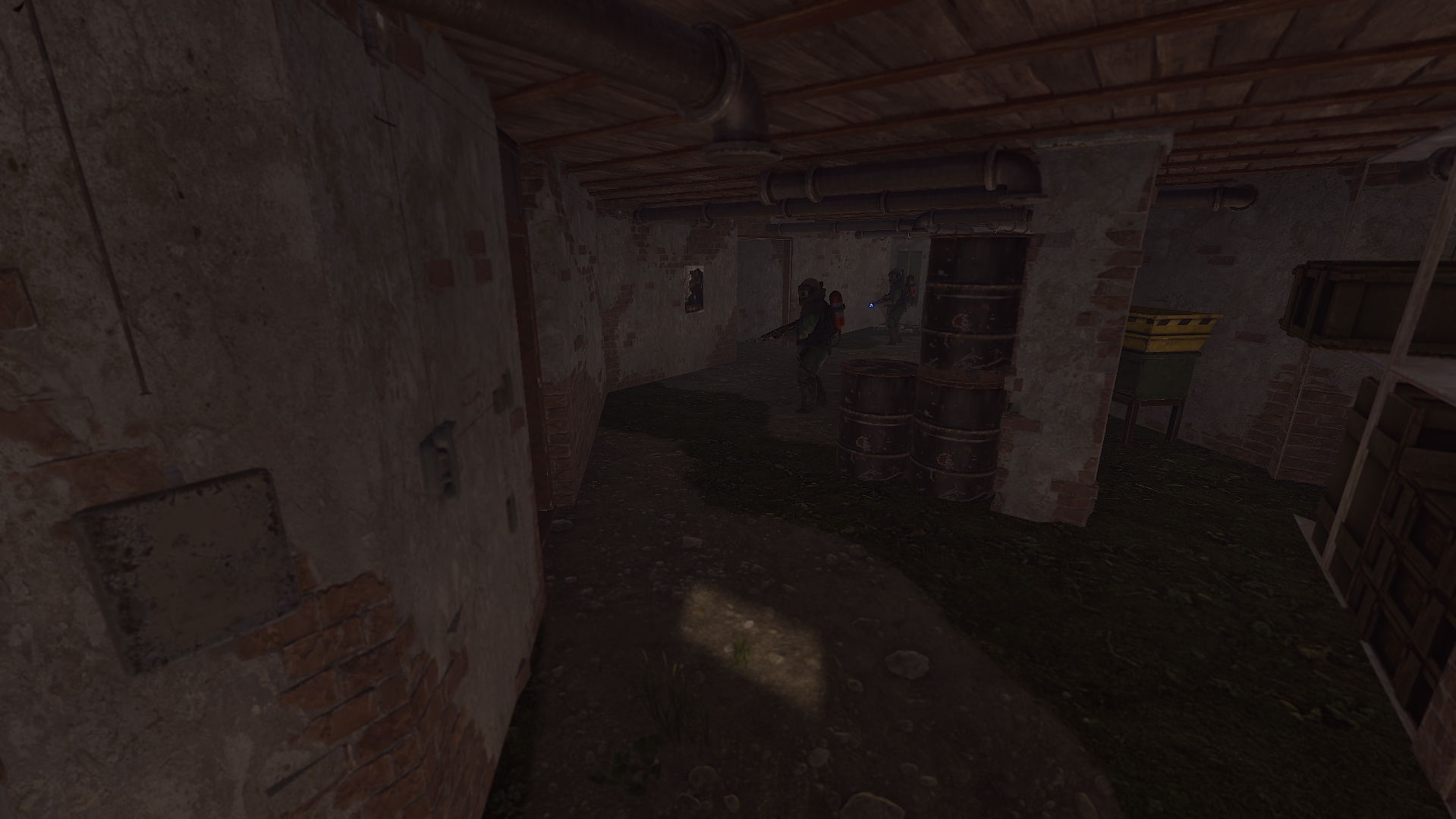
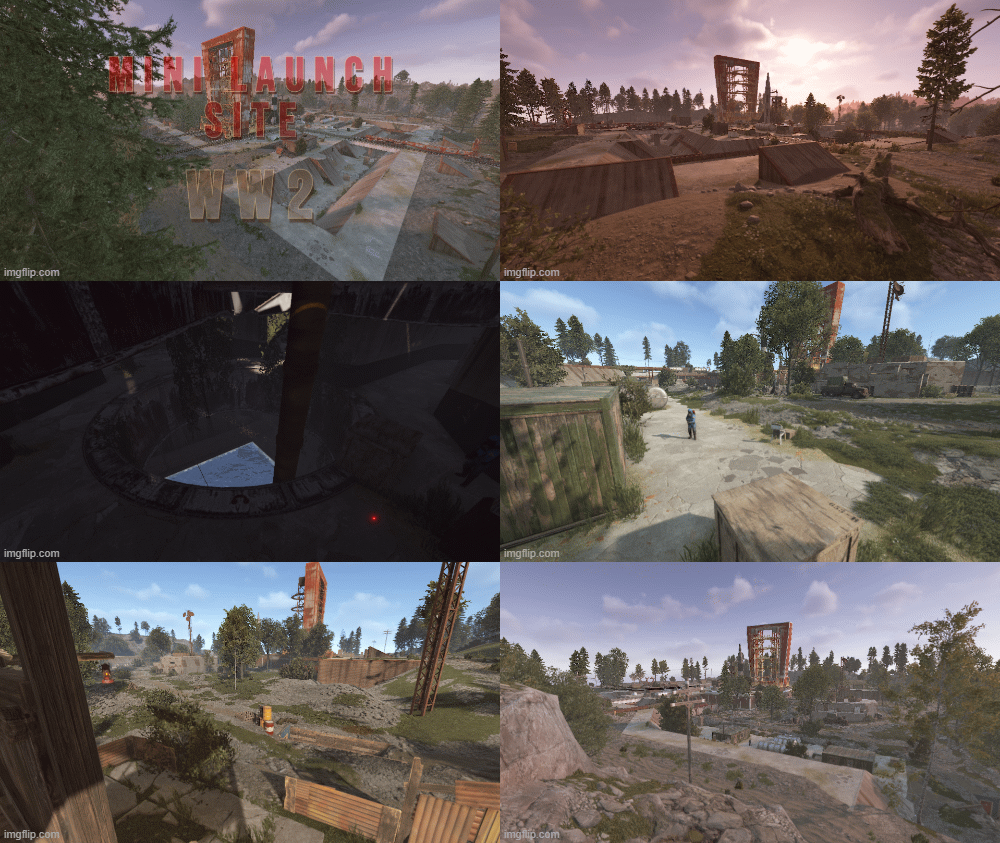
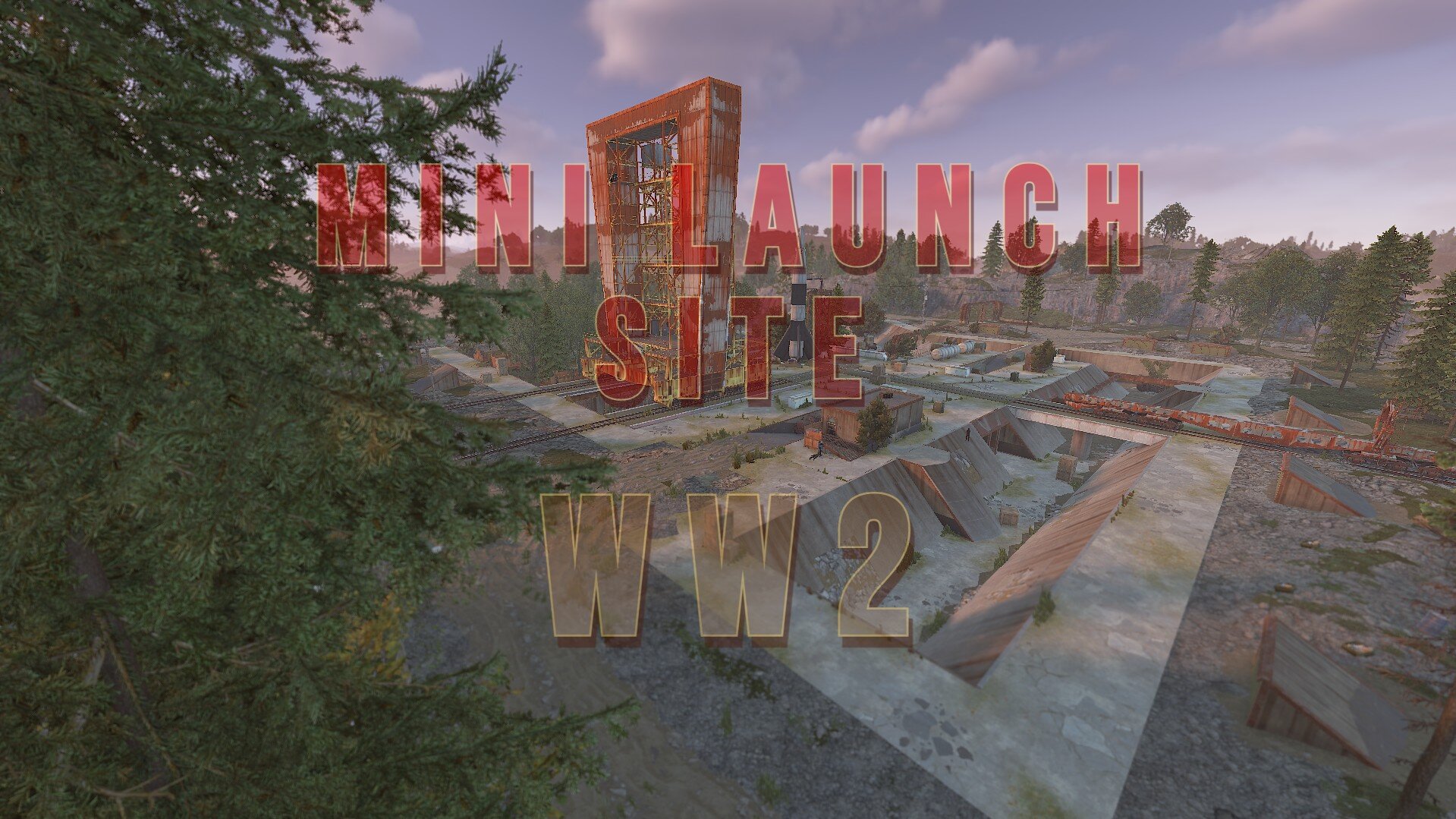
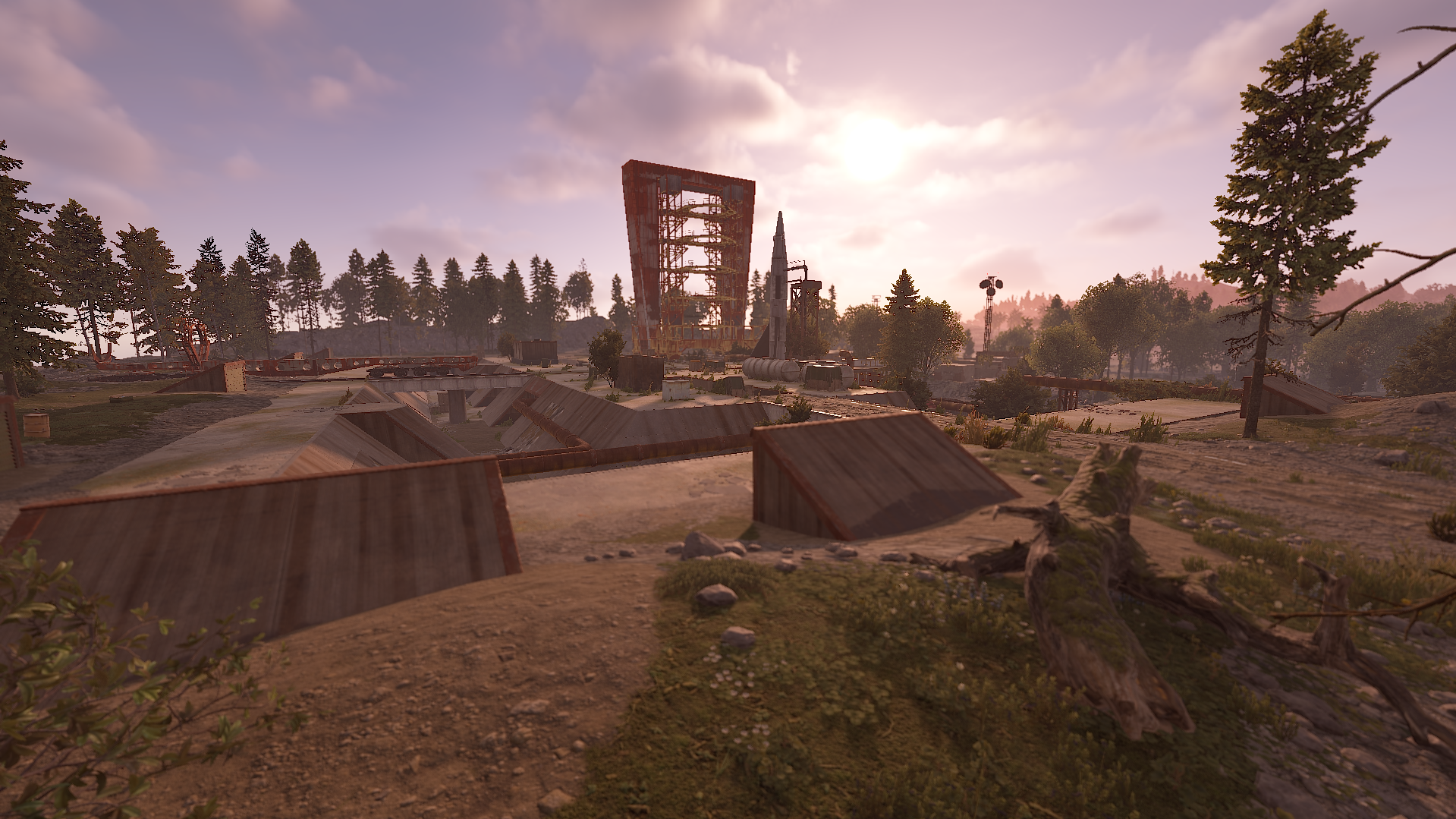
This Mini launch has a military theme to it, it can fit into any map as a new monument or as a main monument on a small map. This prefab will take a little extra work to place on a map due to its size and what it contains.
Placing the prefab for the flooded part is best at Y height 21.076. This allows for the beach-side as well on one side.
There is a mine entrance on one side that can be added to or removed and filled in. If you have any requests then please get in touch with us on our Discord listed below.
This is a Green/Blue/Red custom puzzle that gives electric power for 18 minutes to the central outpost in the center after the Red card has been swiped.
There is a Sentry Turret at the back which closes after the Red Card has been swiped. This allows other players to counter the hacked crate.
To try and prevent camping the central outpost there is 2 sentry turrets inside with some scientists. Normal scientist spawns outside.
Its best to watch the video showcasing the monument to get a better idea what it contains and the terrain around it.
Contains Bradley APC path going around the dirt path.
Contains
Recycler inside the outpost.
Workbench and research table above and is accessible all the time.
Hackable crate.
6 Normal crate
11 Military crate
2 food crate
3 barrel spawners
Red Card spawner
Prefab count 3952
are and shall at all times remain our sole and exclusive property. You agree that under no circumstances,
whether the product has been modified or not, shall you have or attempt to claim ownership of any intellectual property rights or copyright in the product.
You can only use this for your server, for your own personal purposes.
You are prohibited from reselling and distributing this content to others.
You are not allowed to impersonate my content as a rework or not.
After posting this content on your map, please in case you break it. Before saving, re-create all my content in the custom prefab.
You may only provide a review once you have downloaded the file.
There are no reviews to display.