



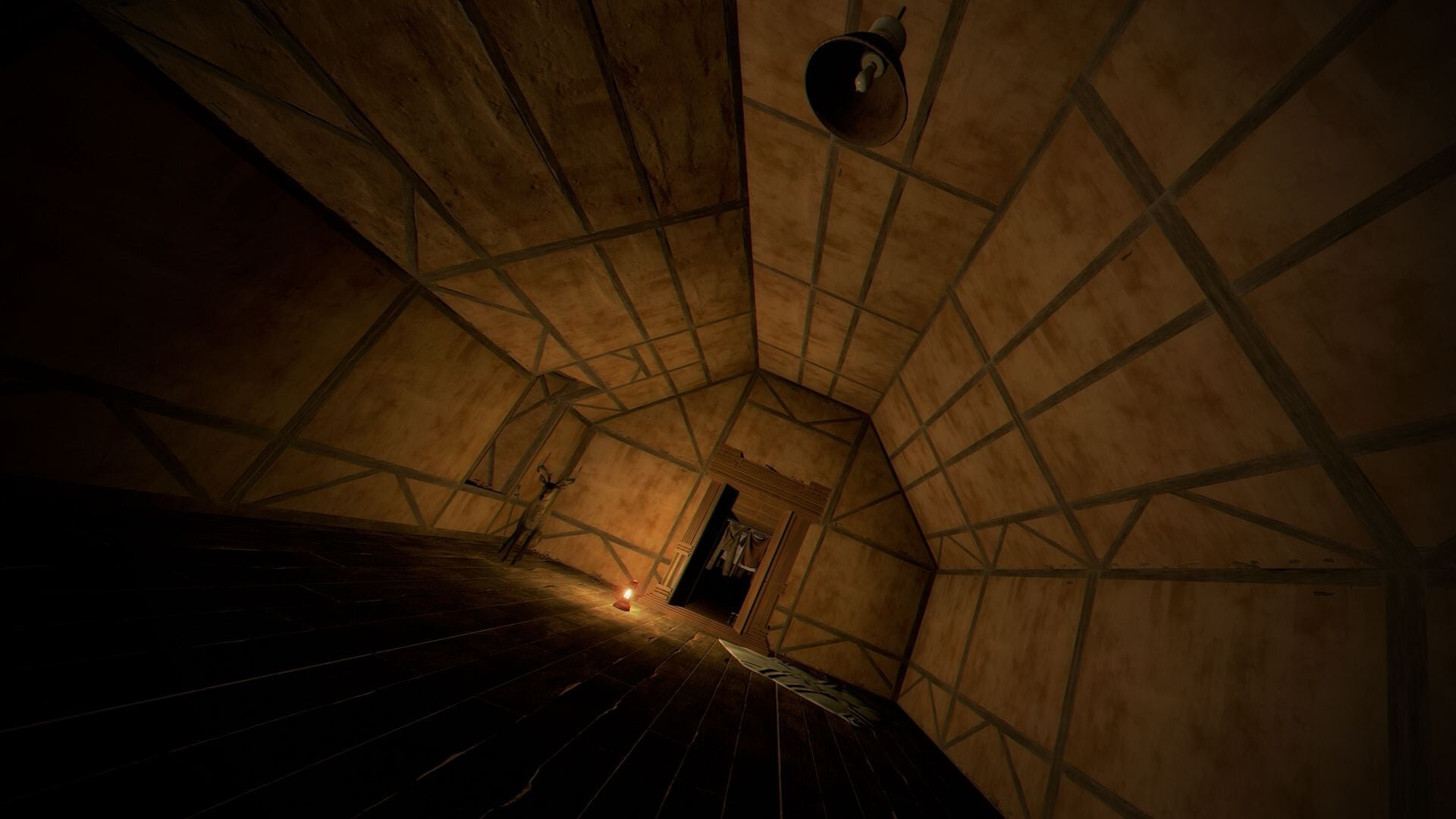
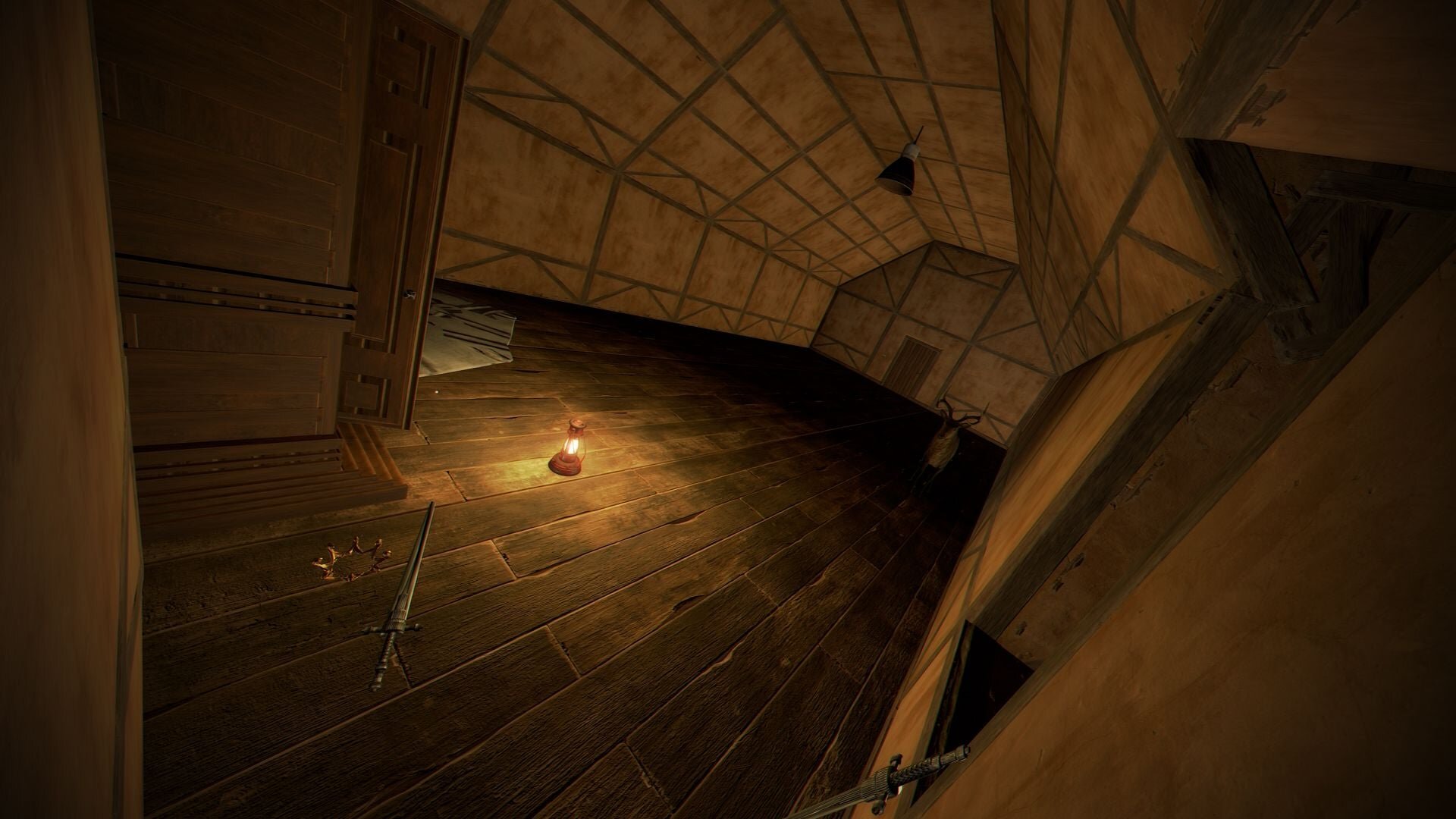
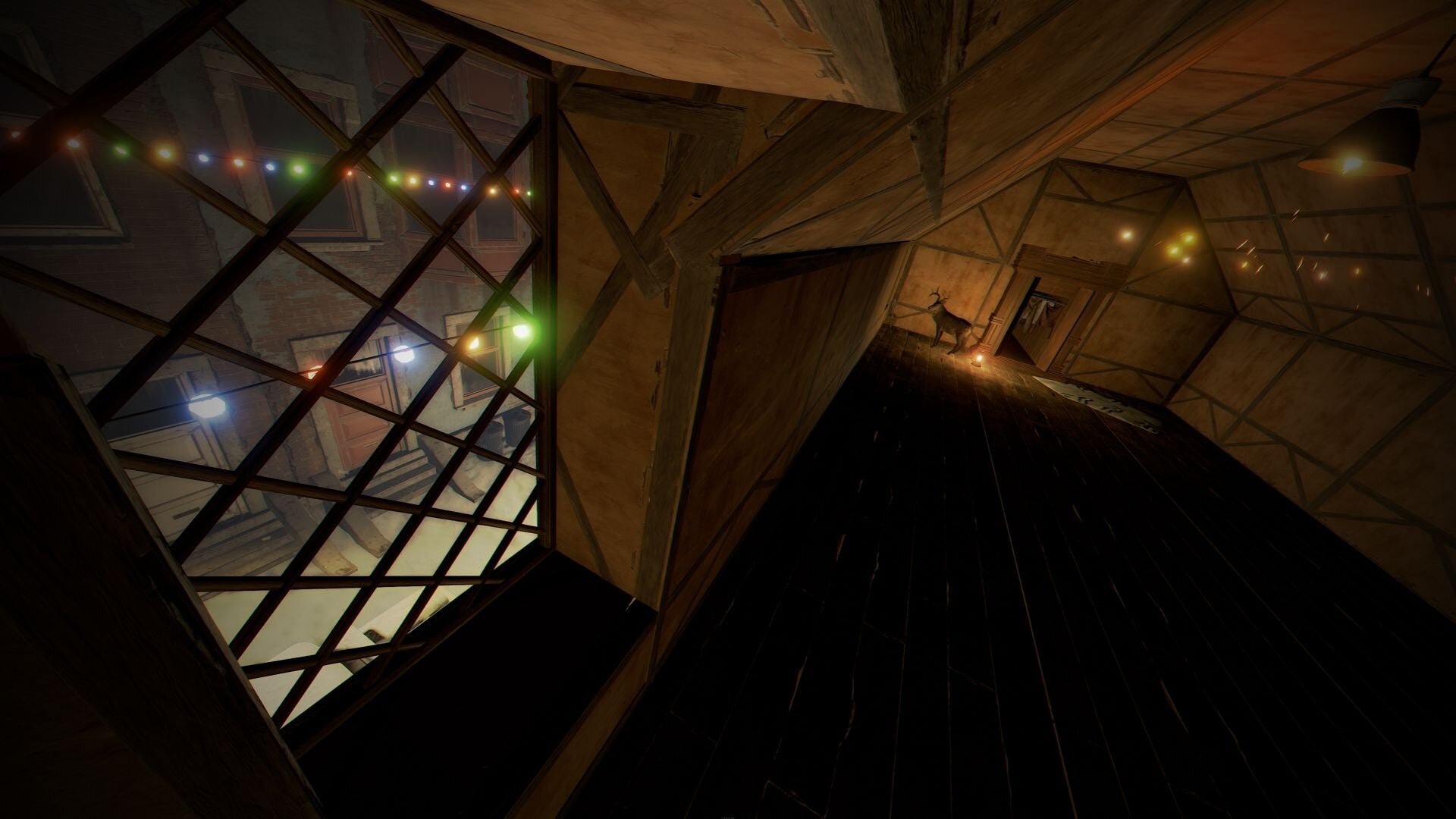
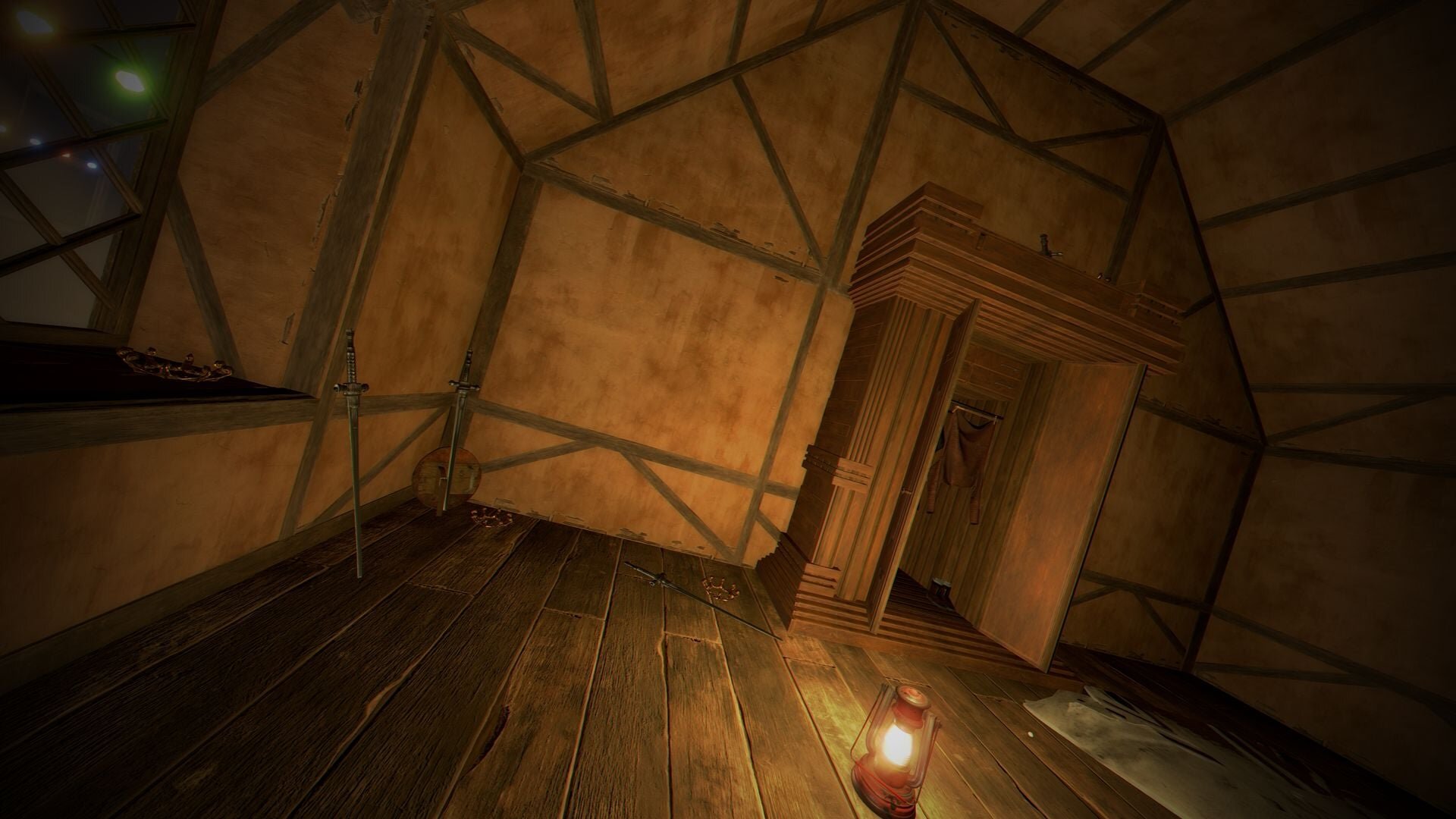
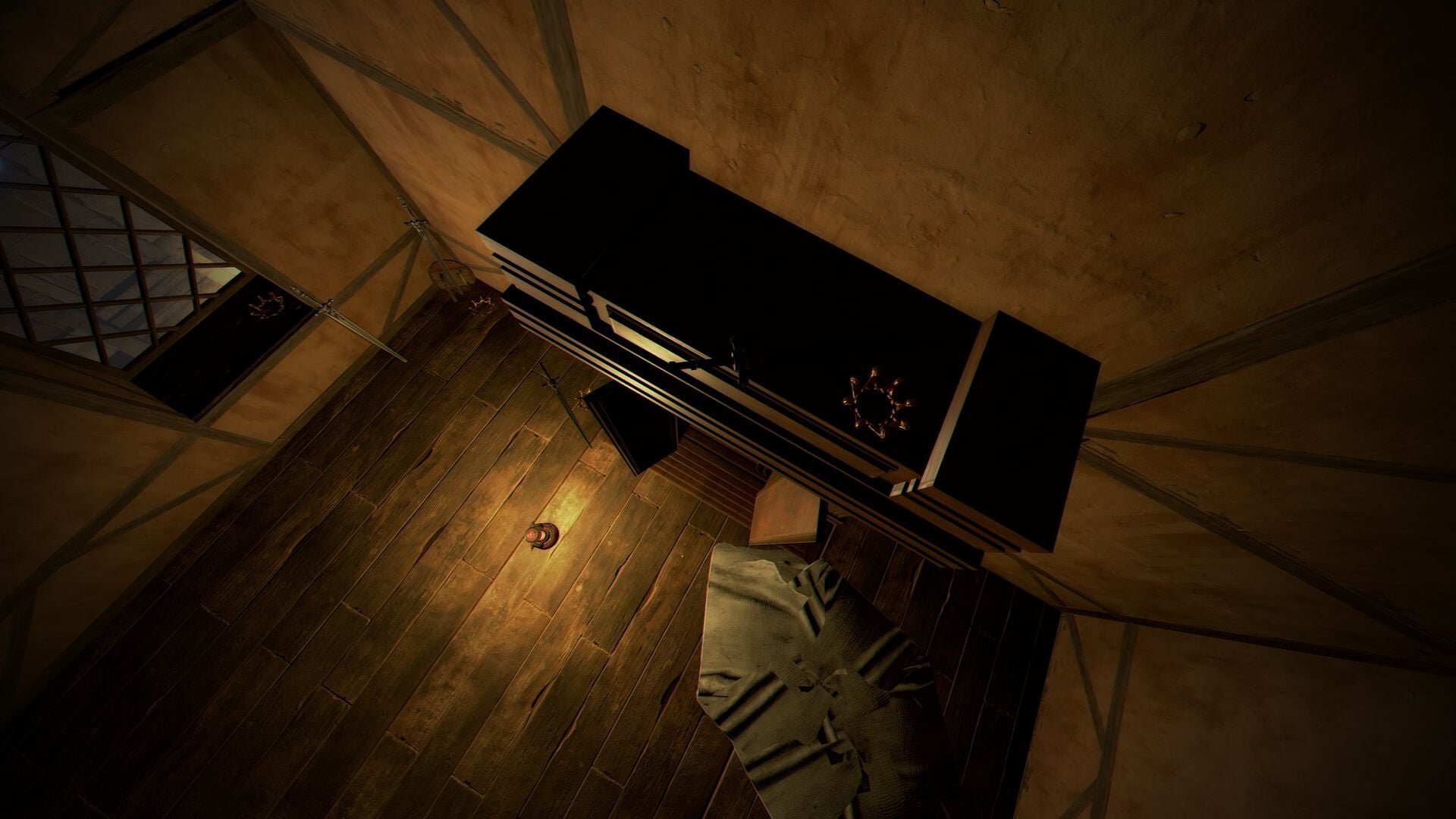
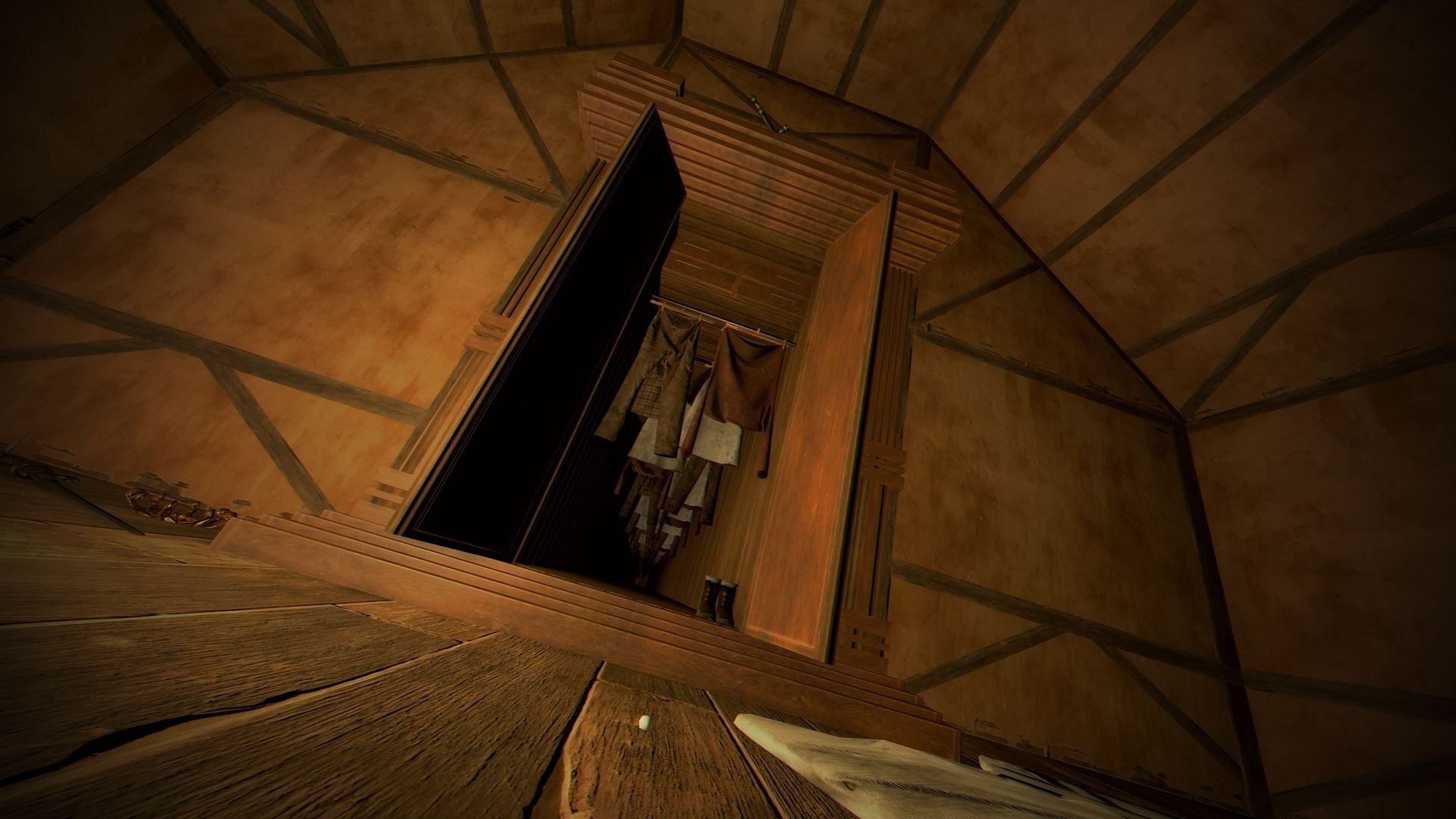
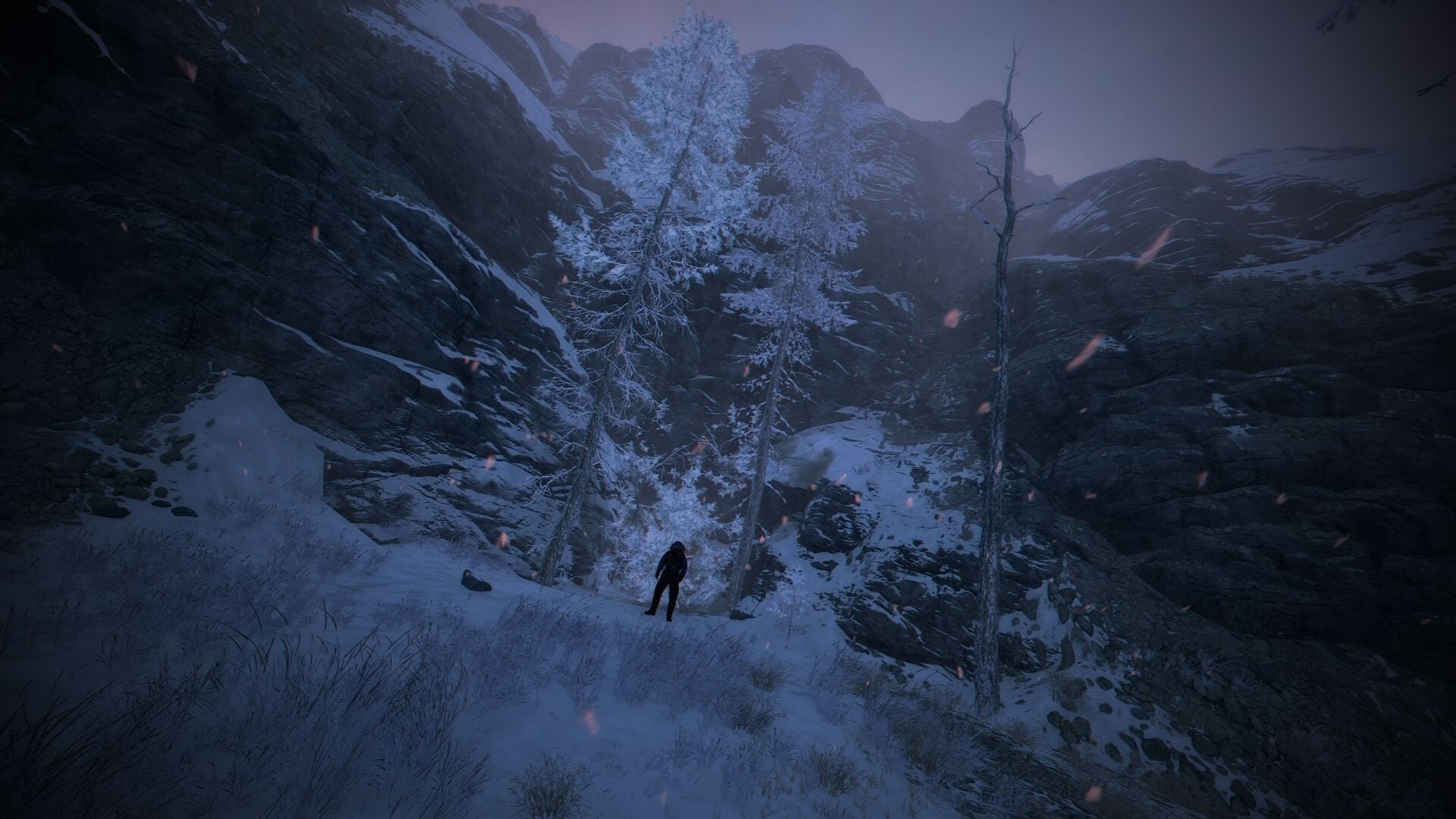
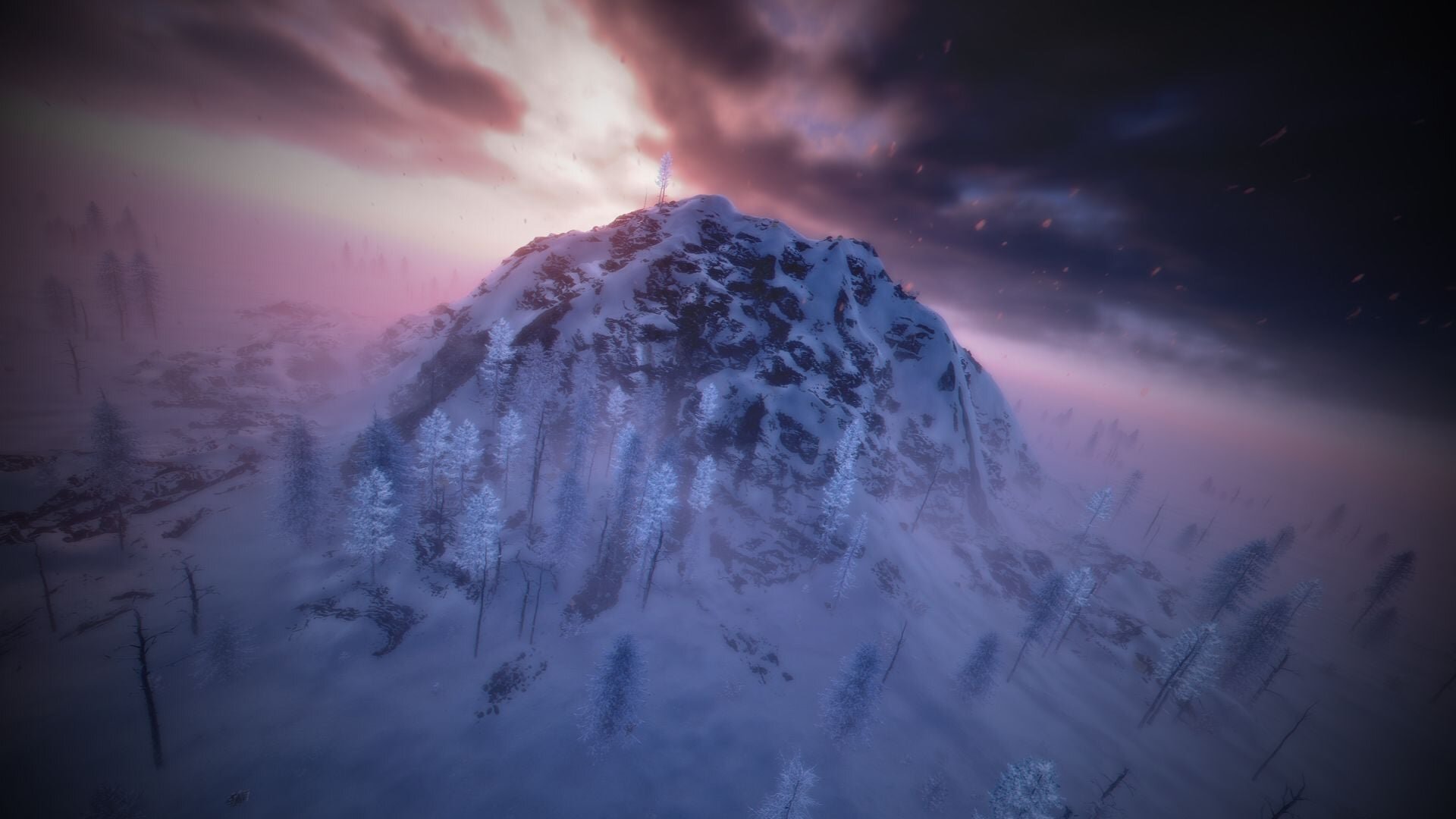
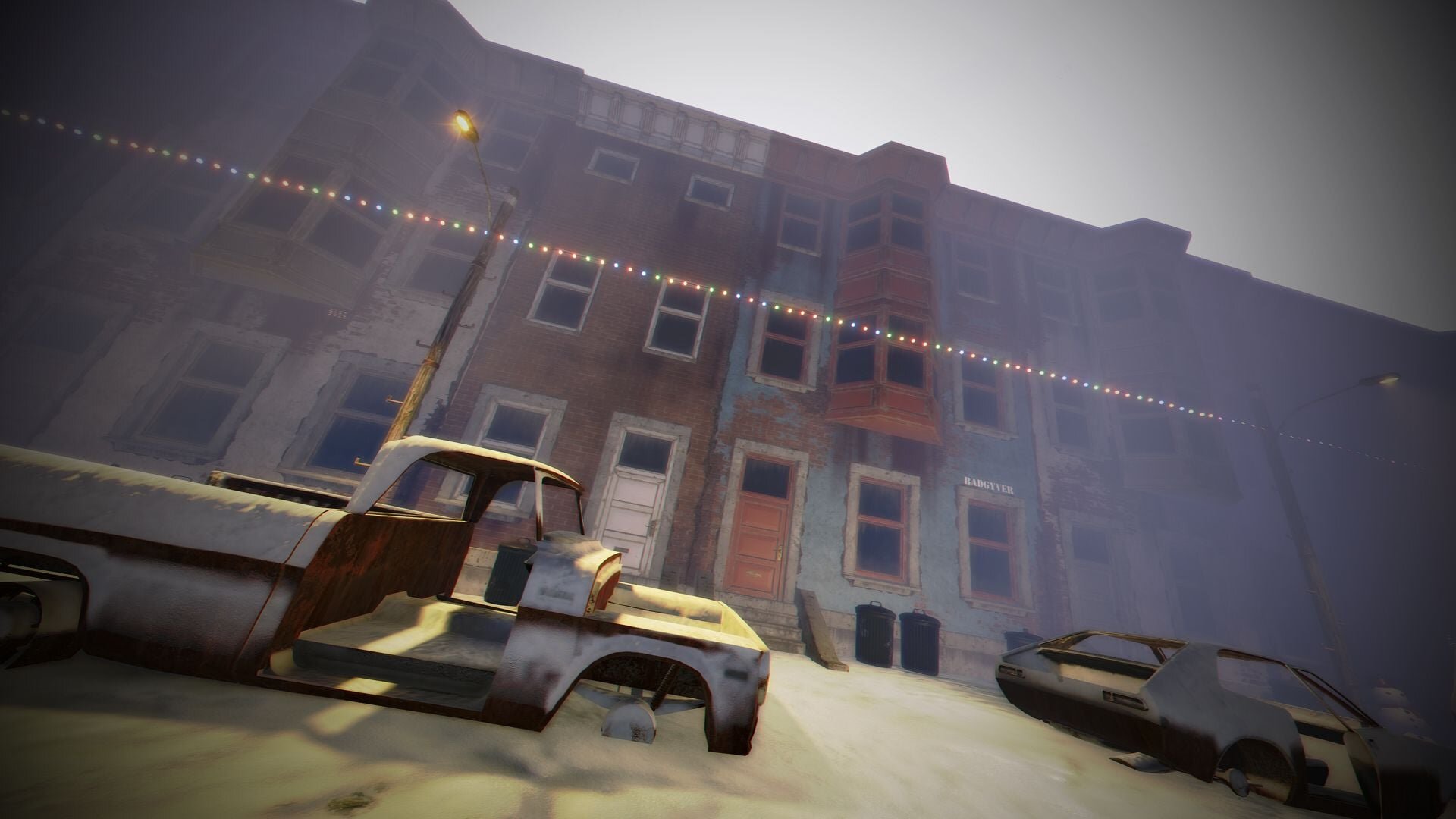
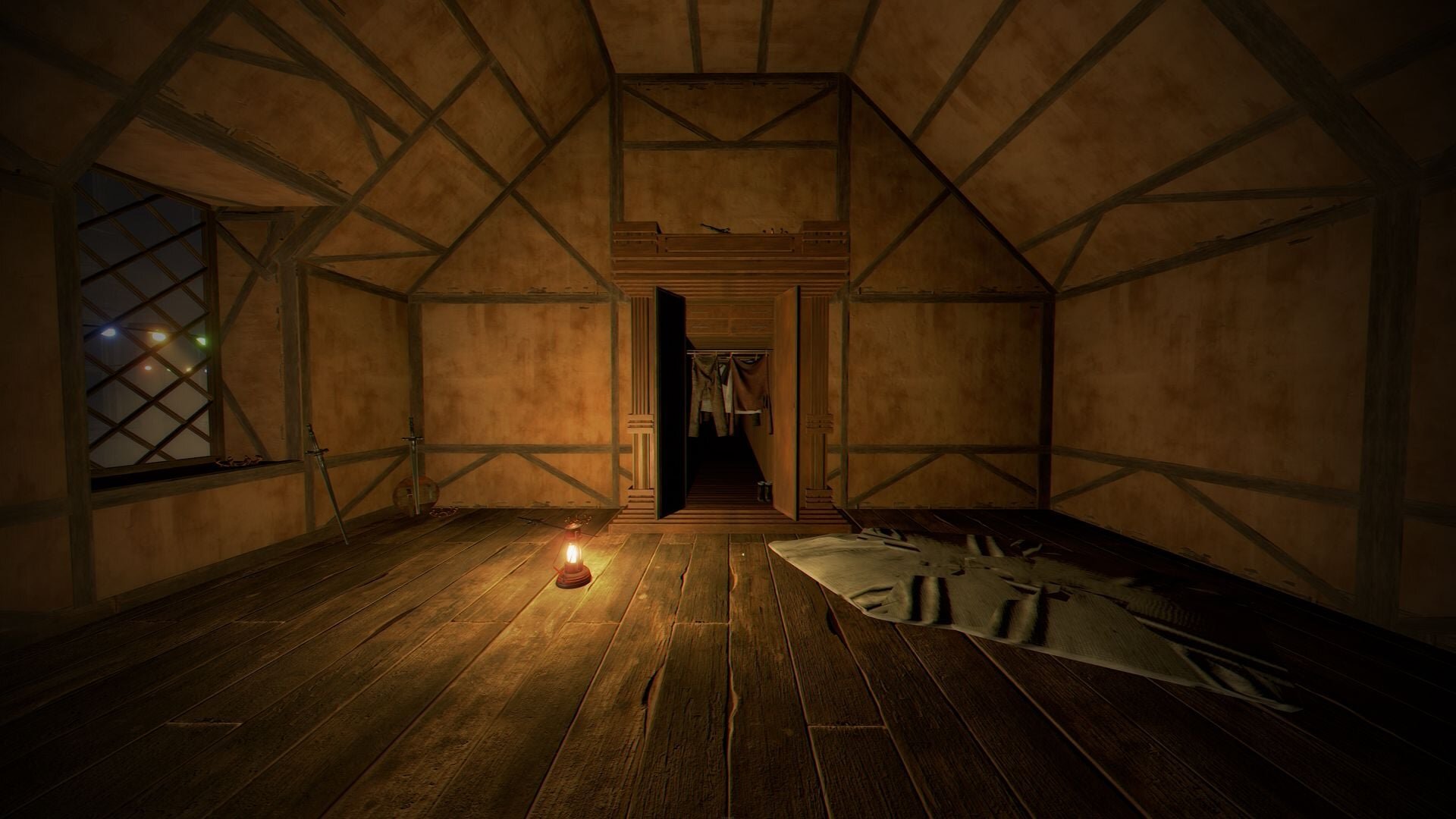
Narnia Lobby is a custom Rust prefab that gives your players an unforgettable first moment on your server. It is a safe zone where they spawn surrounded by decorations inspired by The Chronicles of Narnia, the fantasy saga in which a wardrobe opens onto an enchanted, snow-covered world. Here the idea works the other way round: your players arrive in Narnia and step through the wardrobe to reach the outside.
What the lobby includes
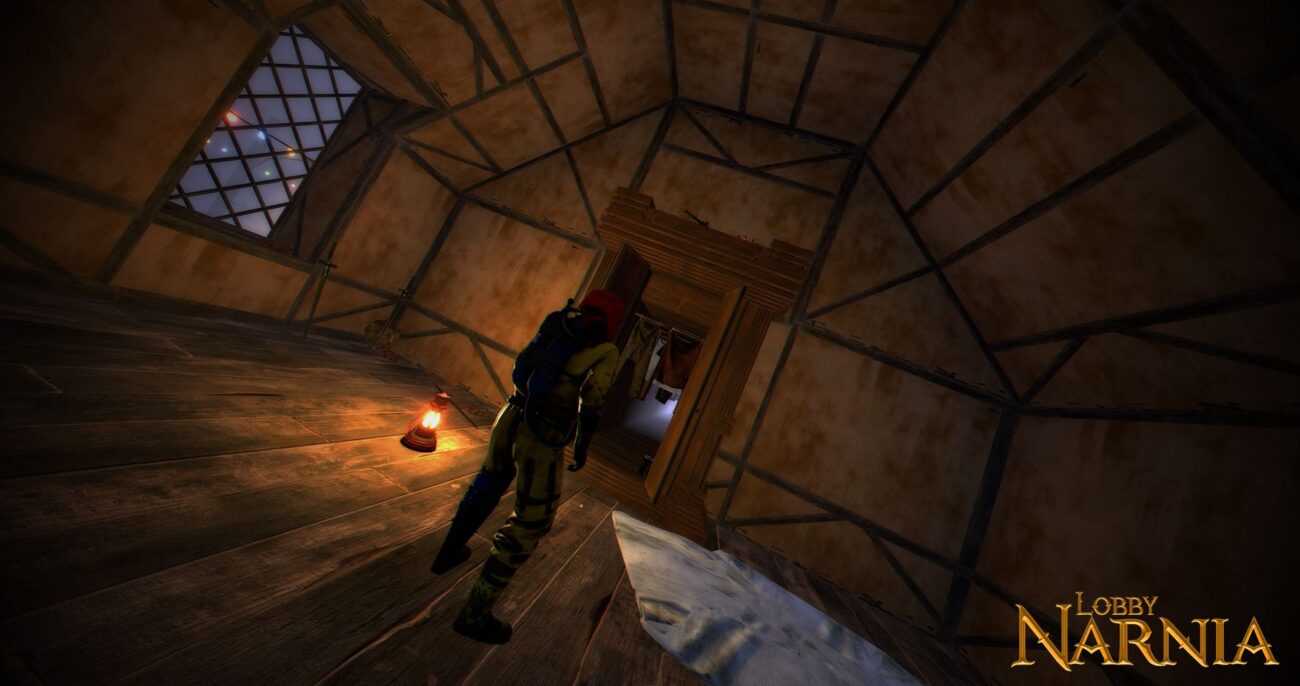
Four spawn points for players.
One deer spawn point.
A wardrobe with access to the outside.
Decorations from The Chronicles of Narnia throughout the lobby.
A mountain as part of the setting.
A spawn area that sets the tone
The place where players appear is the first thing they see of your server, and often the first thing they remember. A themed lobby makes a fresh spawn feel like the opening of a story rather than a random stretch of beach. It suits Christmas and winter seasons, fantasy servers, or any community that wants new arrivals to feel special.
Map data at a glance
The lobby is built from 1,707 prefabs of 106 unique prefab types, with a placement span of 339.8 × 97.3 × 415.9 m. It also brings its own terrain layers: heights to shape the ground, splat layers for the ground textures, and topology, which defines the rules of the area on the map.
Installation
Unzip the file you downloaded.
Copy the prefab files into RustEdit's CustomPrefabs folder.
Open your map in RustEdit, pick Narnia Lobby in the Prefab List and set it in place.
Save the map, then load it on your server.
SUPPORT: http://discord.badgyver.com/
Edited by BADGYVER
- Duplicating, sharing or reselling this file is not allowed.
You may only provide a review once you have downloaded the file.
There are no reviews to display.