



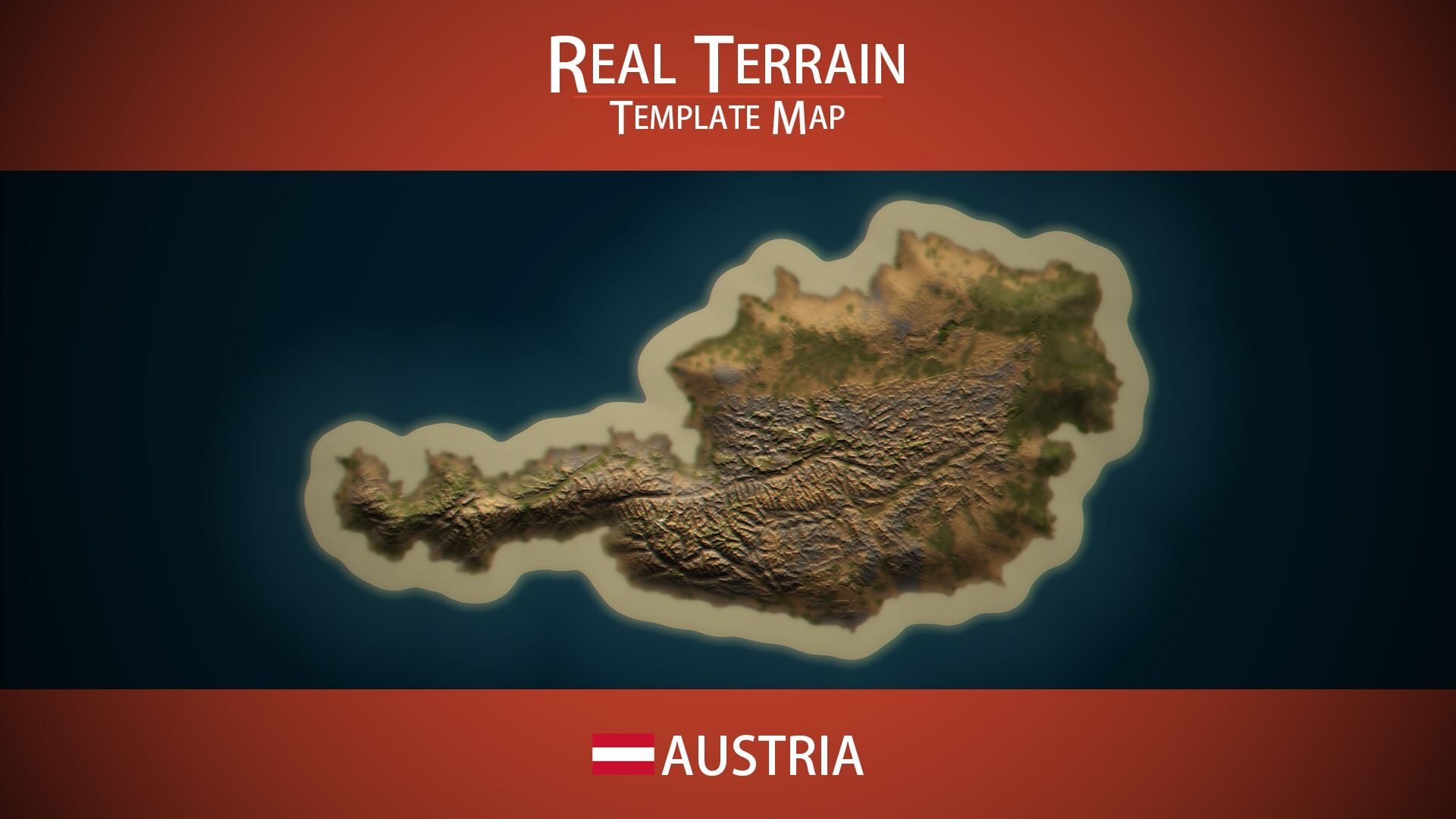
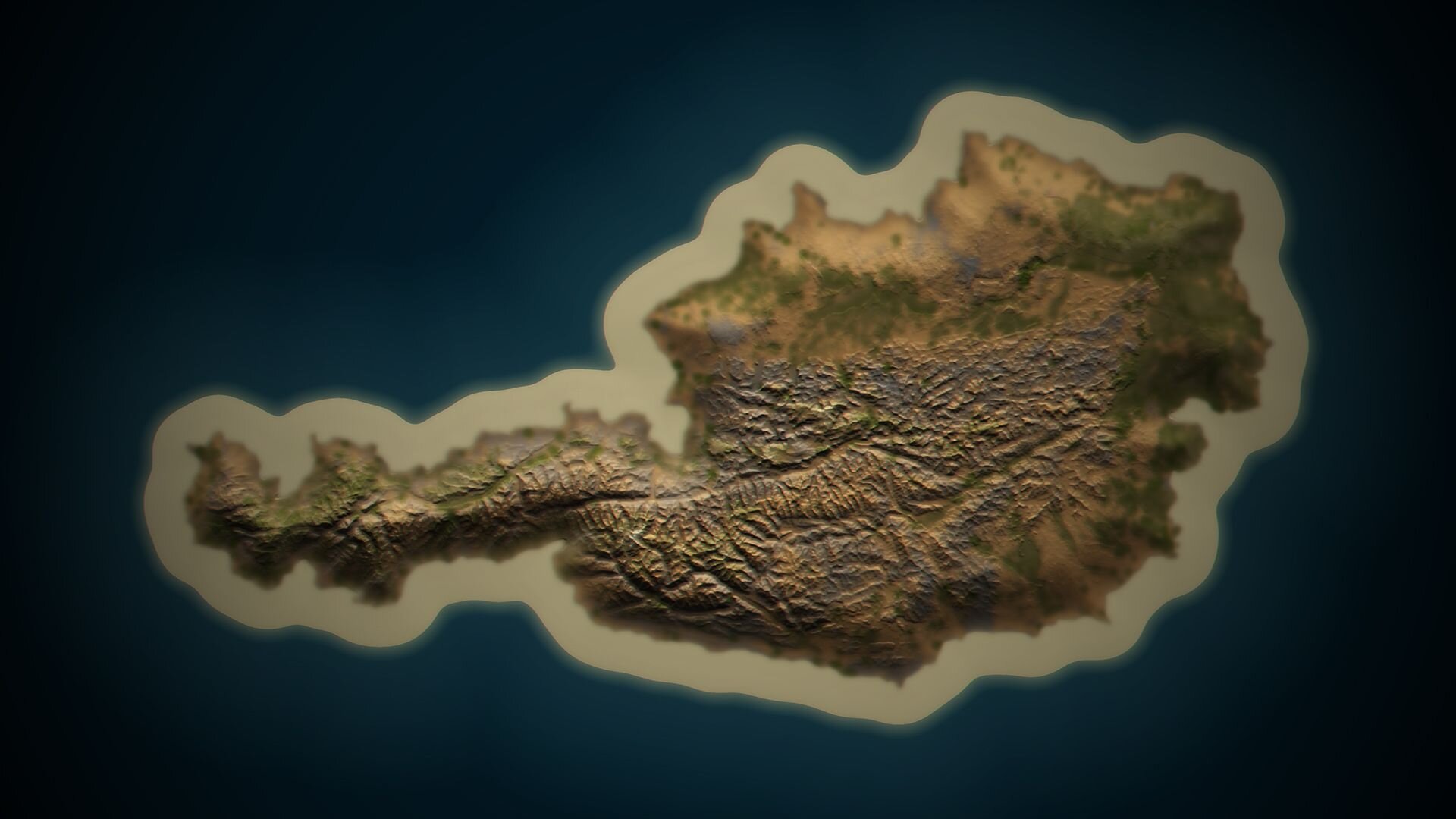
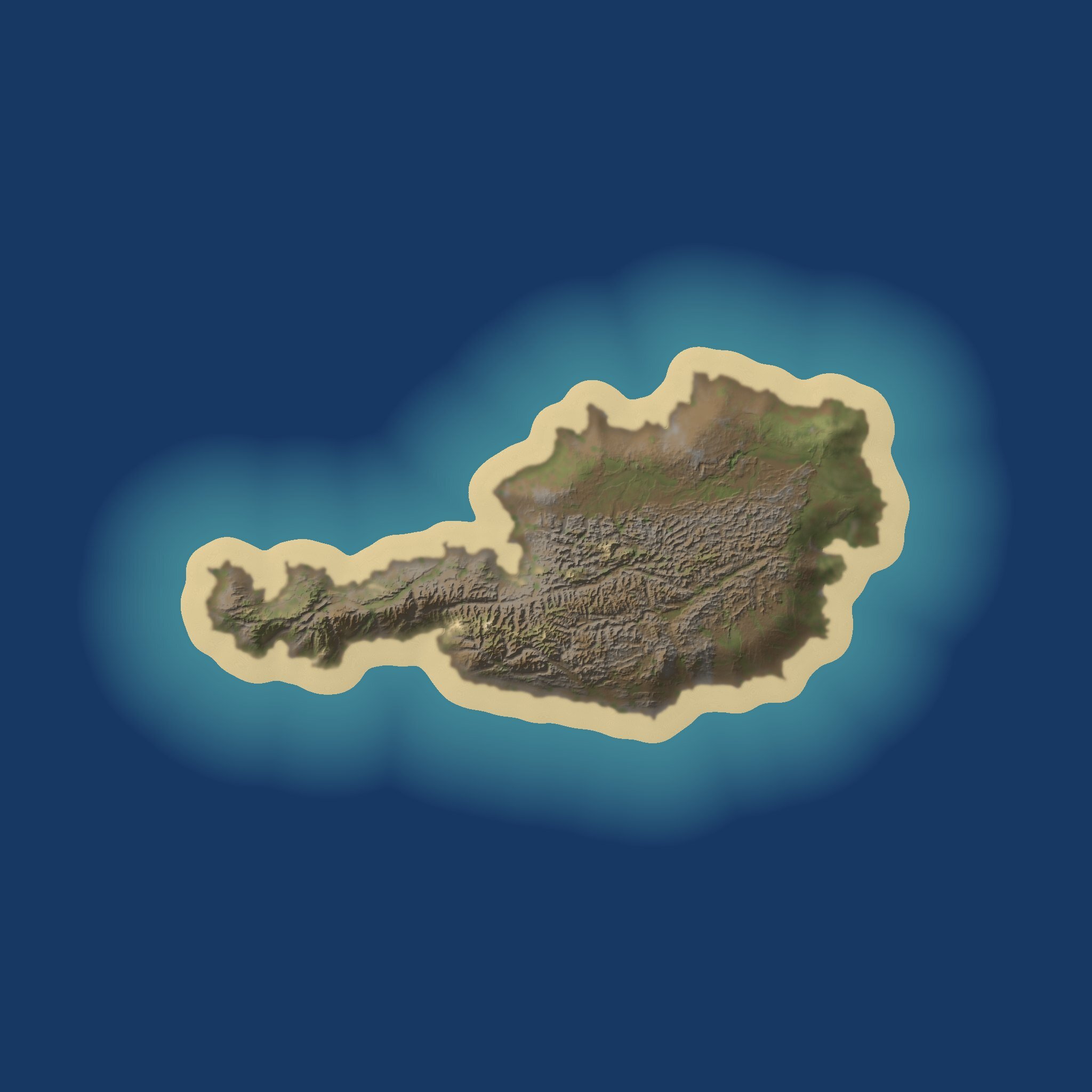
The Austria Template Map is a Rust map template drawn from the real terrain of Austria, one of the most mountainous countries in Europe. If your idea of a great Rust map involves cold peaks, deep valleys and bases tucked into hillsides, this is the ground to start from.
The Alps, the Danube and the eastern plains
The Alps cover most of Austria, running from the west through the centre and the south. The land only opens out in the north and east, along the Danube valley and towards the Vienna Basin and the plains near the Hungarian border. Austria has no coast at all, so on your map the shoreline is a design choice, not a given.
Building a Rust map on Alpine ground
Even with all those mountains, the template is rated at 84.6% buildable land, so there is plenty of room for bases once you know where to look.
High ridges for snow-themed monuments, lookout points and cliffside bases.
Valley floors that funnel roads and railways, creating natural ambush points.
The flatter north-east for big monuments, farms and large clan builds.
Strong height differences that turn every monument approach into a tactical decision.
Alpine terrain rewards careful planning. Put your highest-tier loot where the climb is hardest, and let the valleys carry the traffic between them.
Contents of the download
Austria's real elevation on a 6,000 m map.
A realistic splat map and a biome map that follows the landscape.
Zero monuments, rivers, railways and caves, so nothing needs clearing.
The topology map is not included. Shape the terrain first; RustEdit will then generate the topology beneath the splat map, which keeps errors away after editing.
How to use it
Unpack the .zip from your account.
Start a new project in RustEdit from the template's .map.
Add the monuments, roads, rivers and prefabs your server needs, and generate the topology.
Save, put the file at a public URL and start the server with +server.levelurl; switching maps requires a map wipe.
SUPPORT: http://discord.badgyver.com/
- Duplicating, sharing or reselling this file is not allowed.
You may only provide a review once you have downloaded the file.
There are no reviews to display.