



.jpg.48f81b9160ce0d387f325f7bf22e1644.jpg)
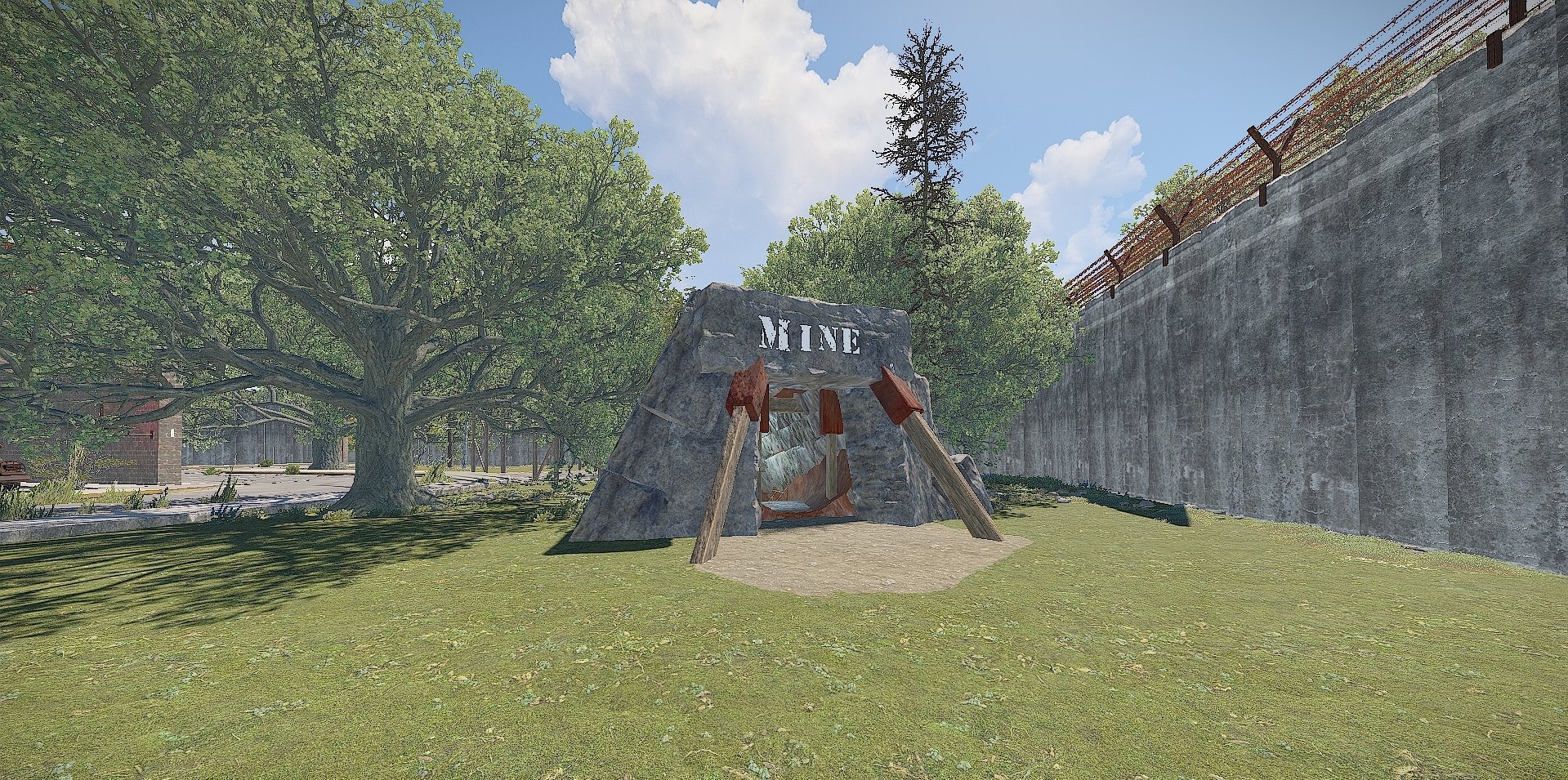
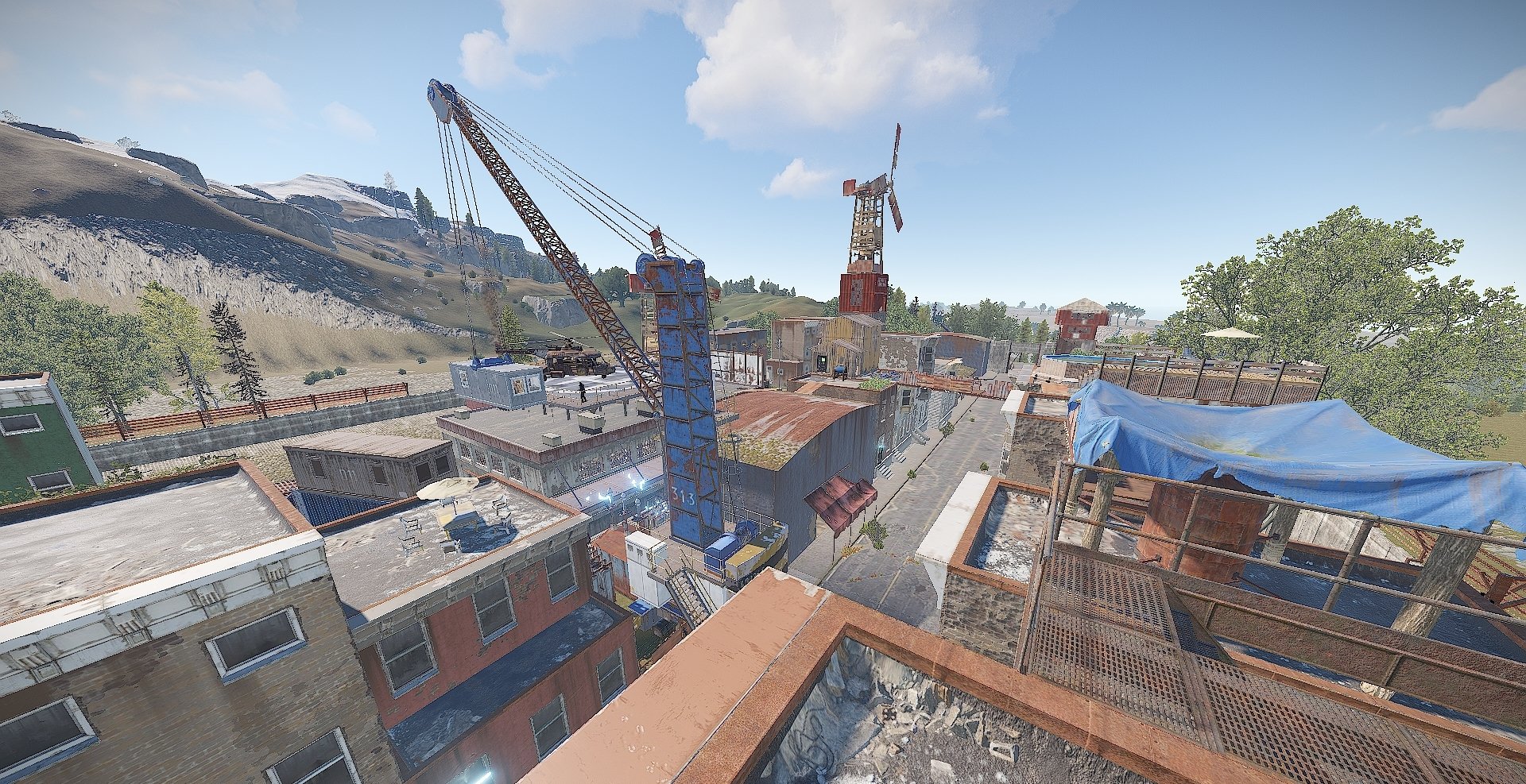
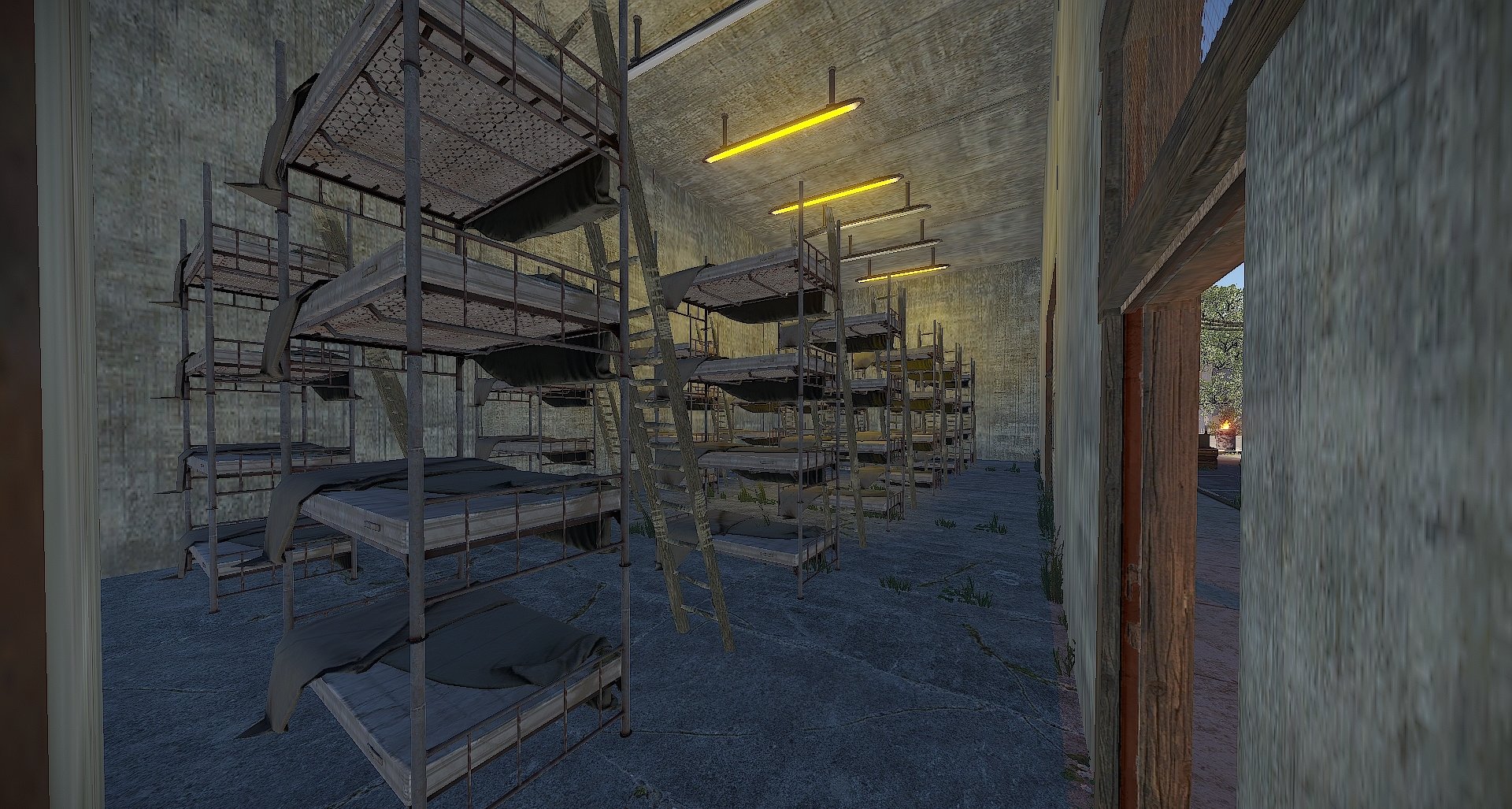
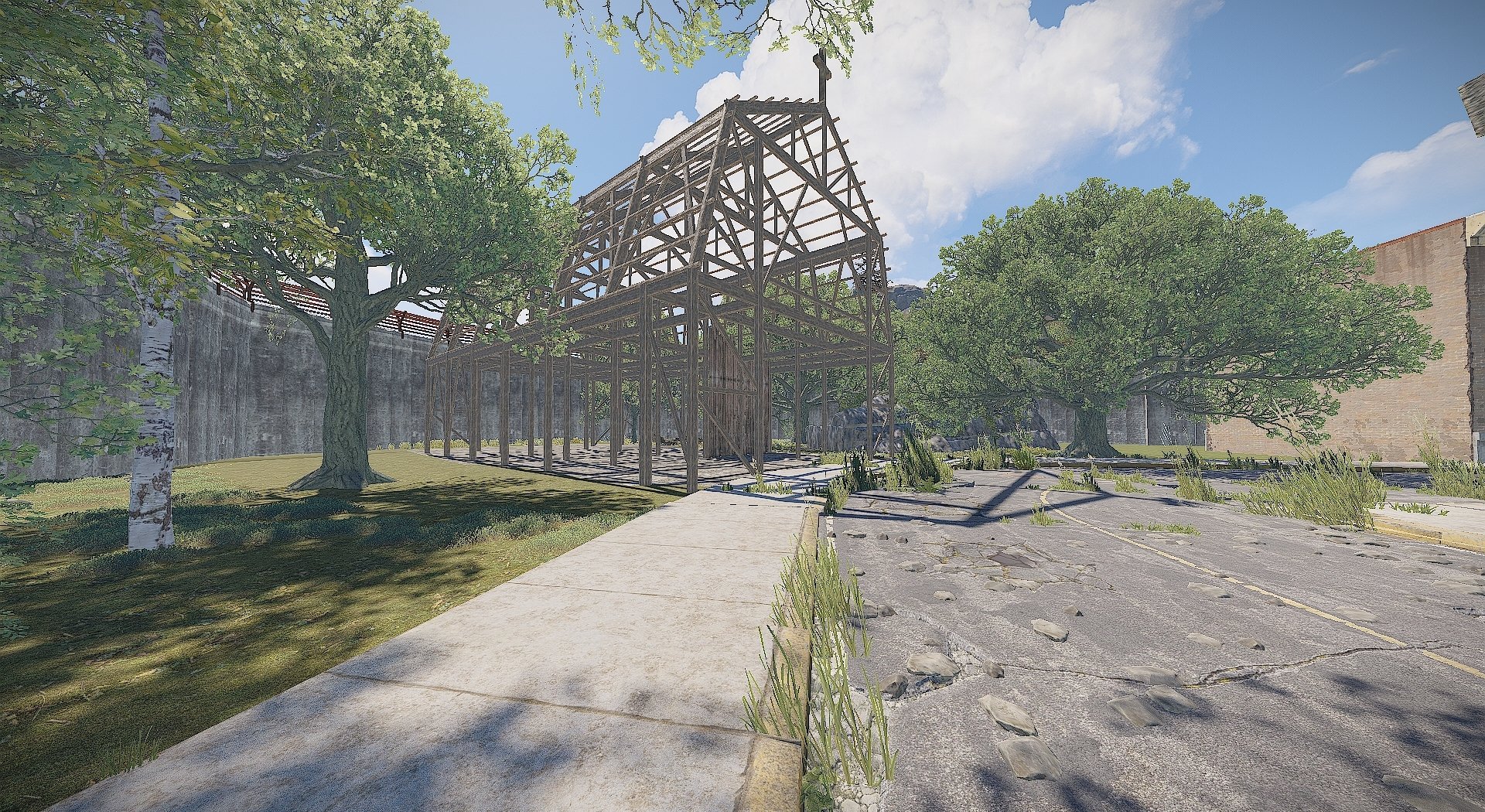
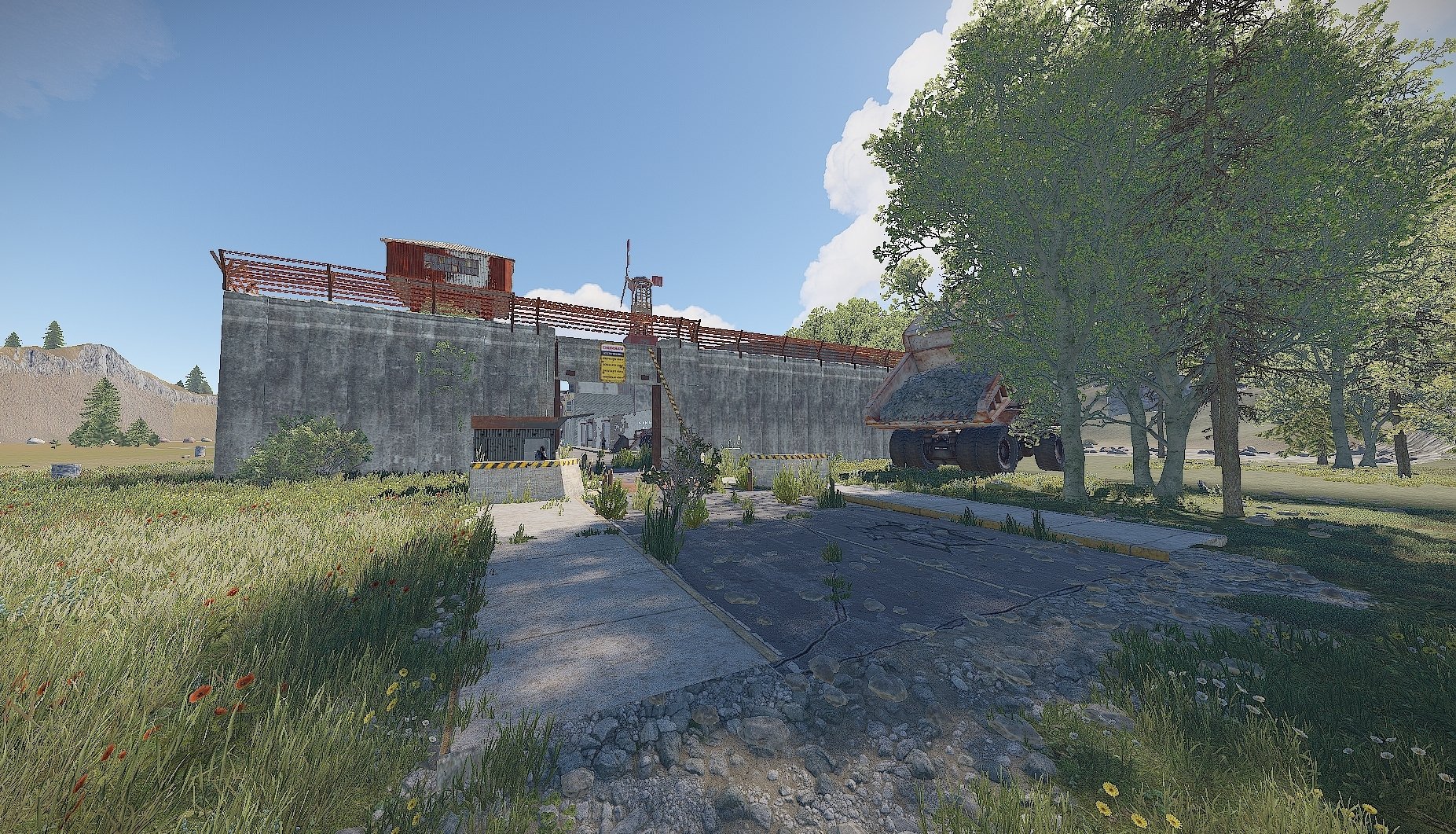
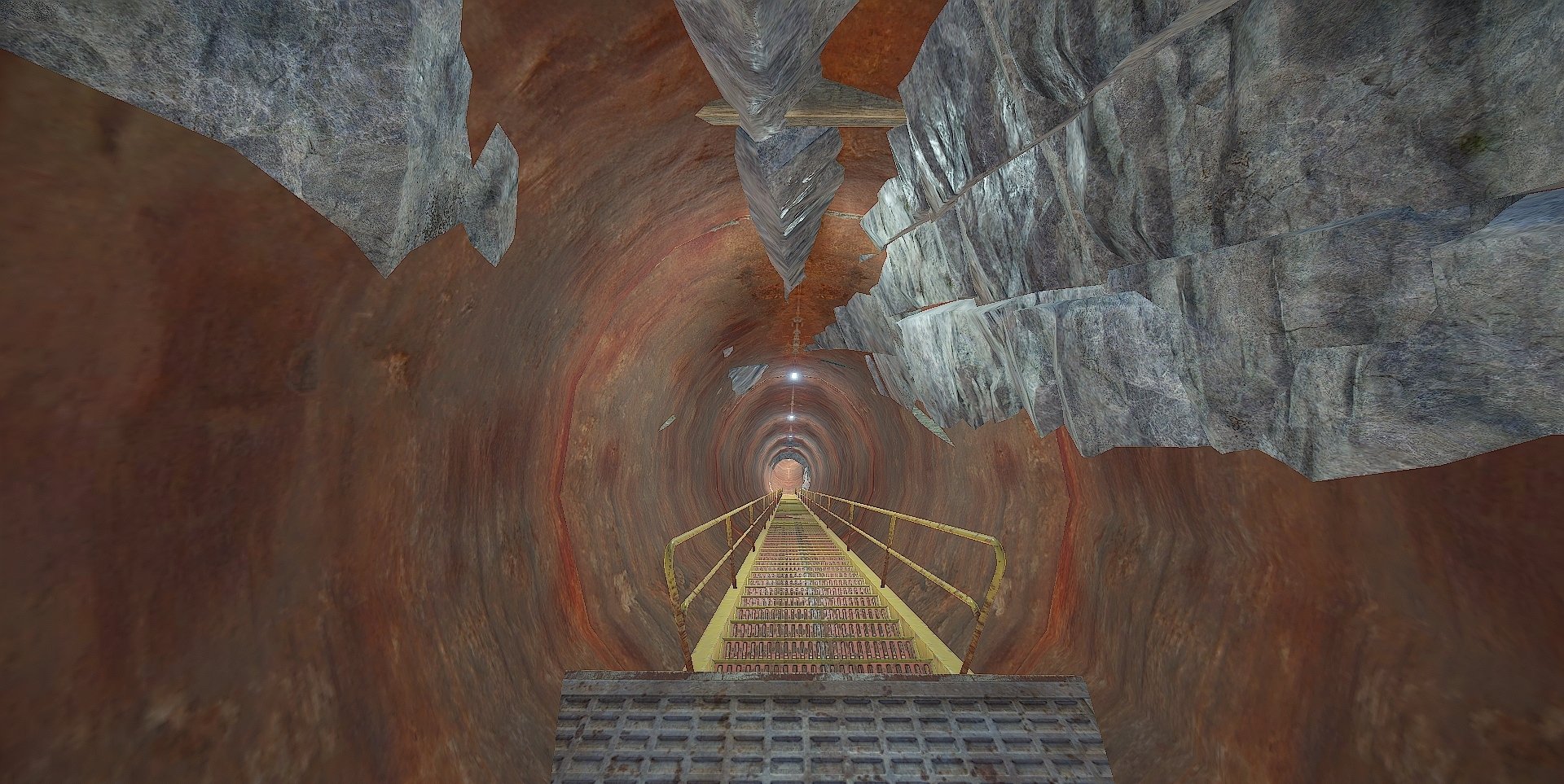
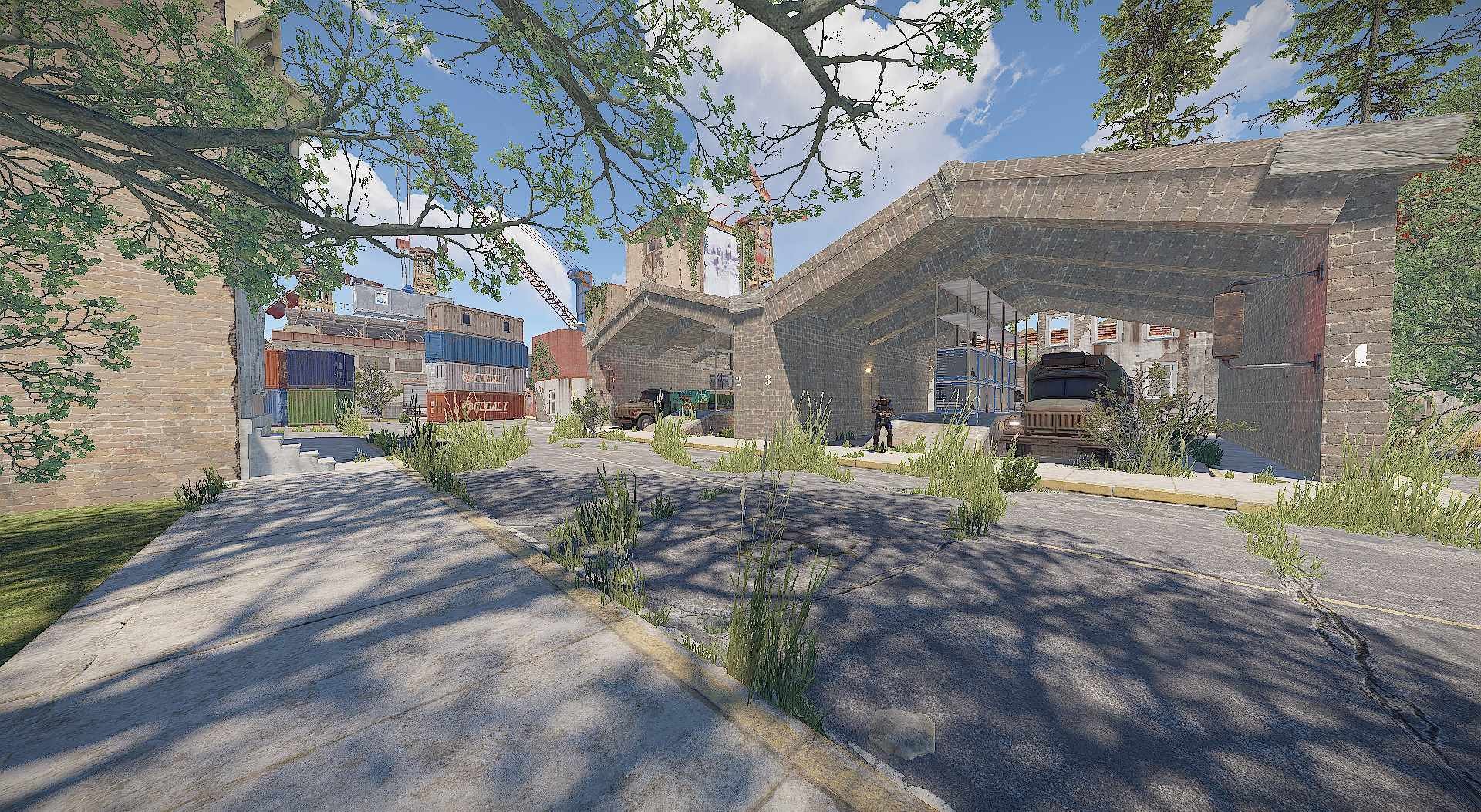
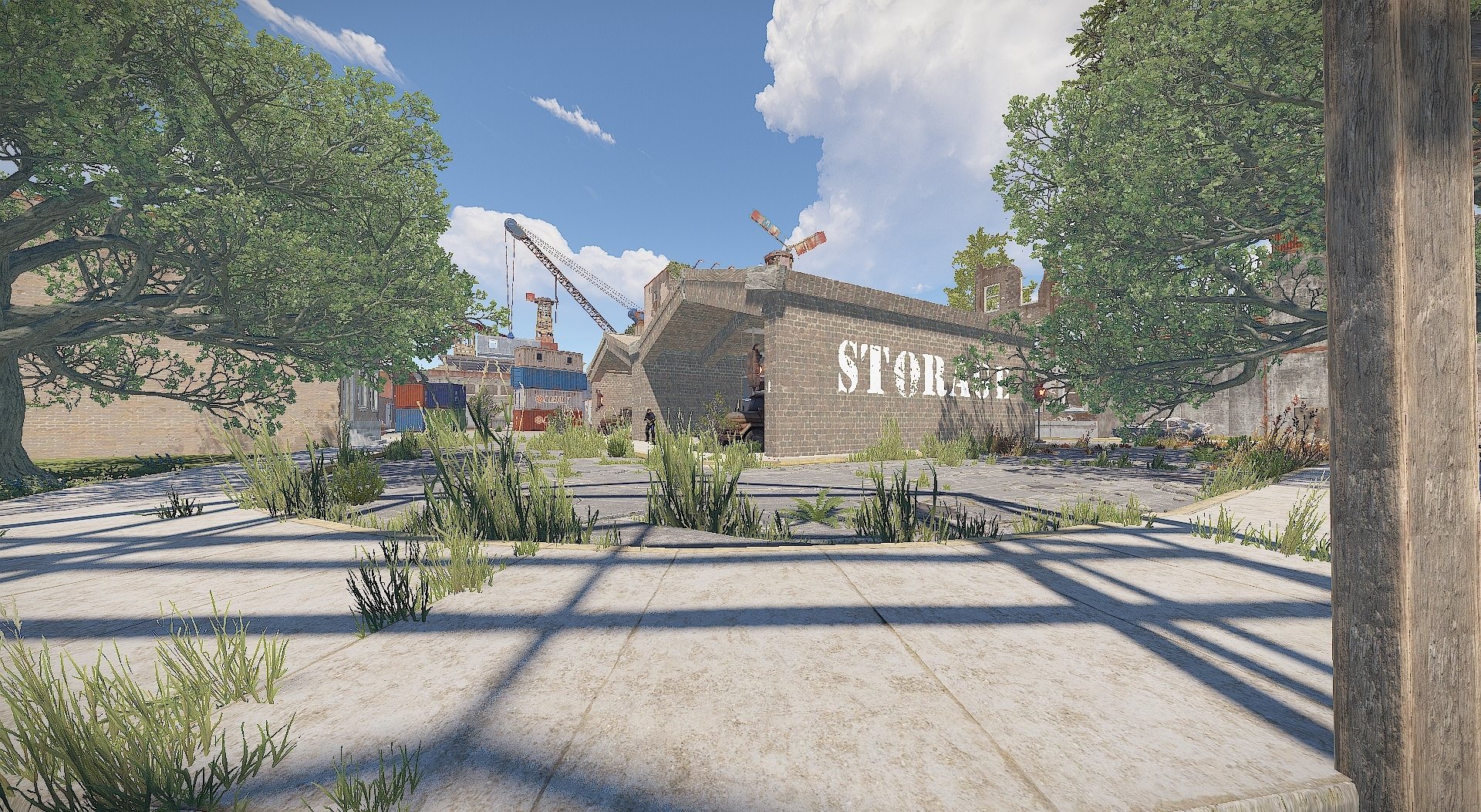
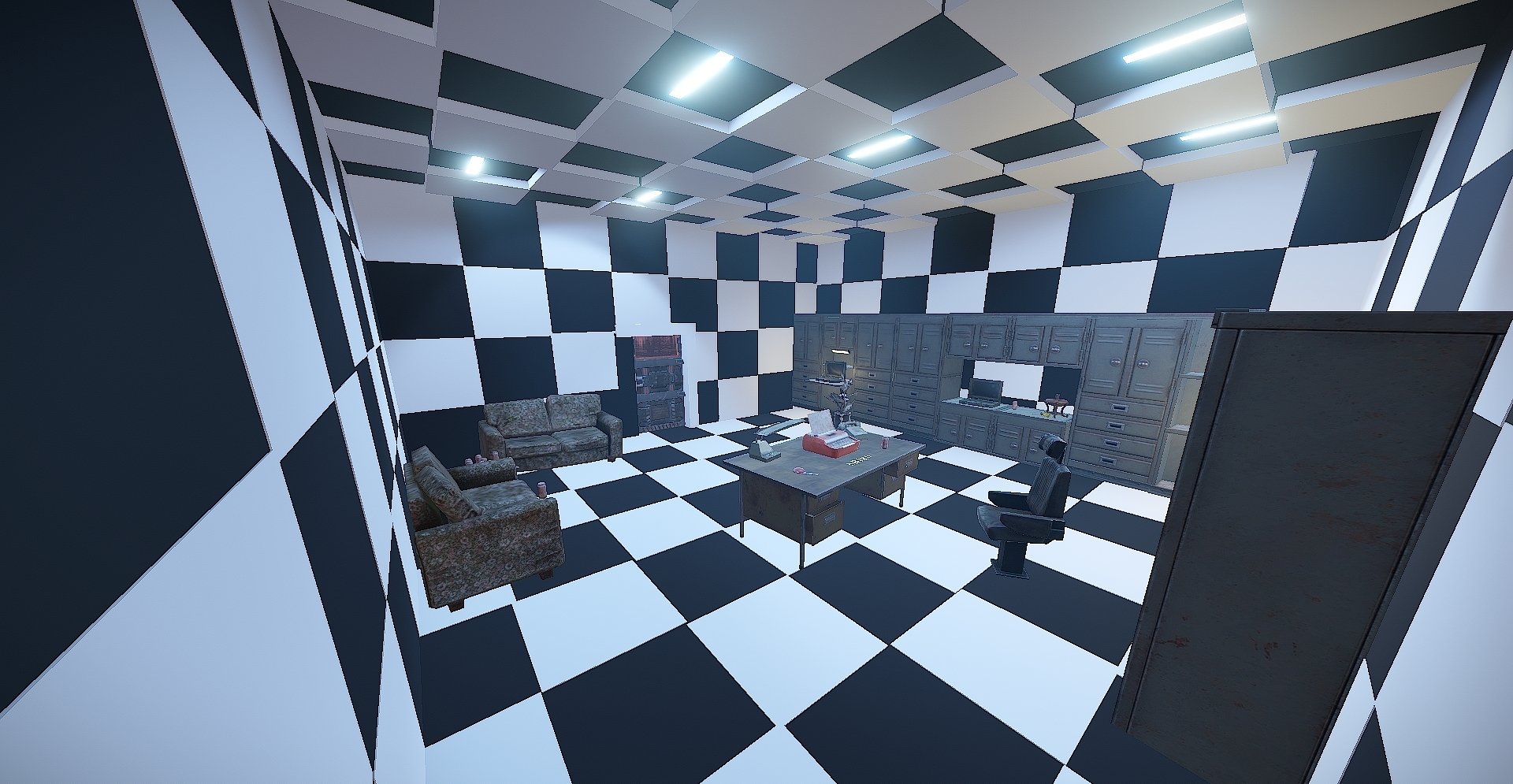
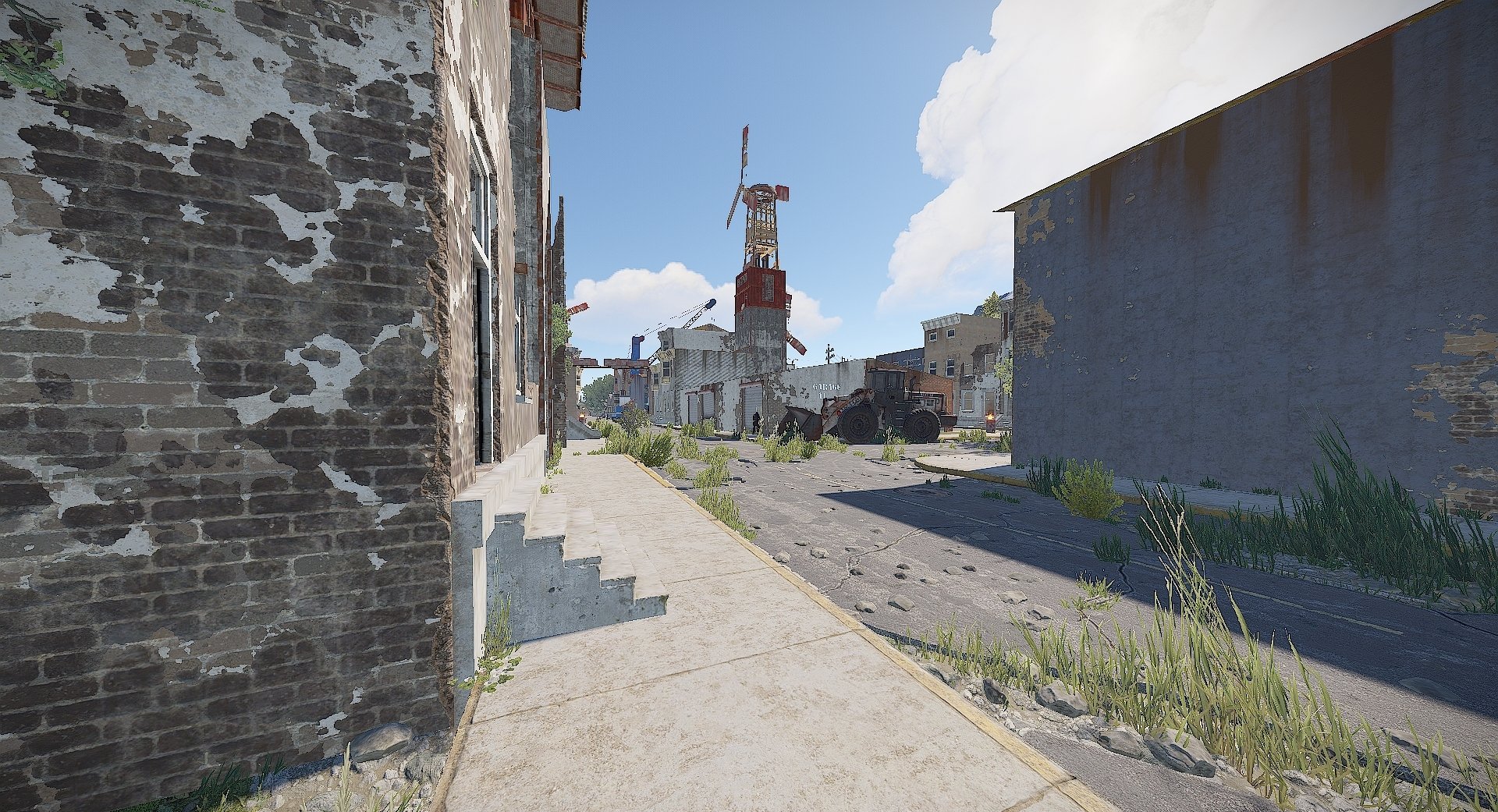
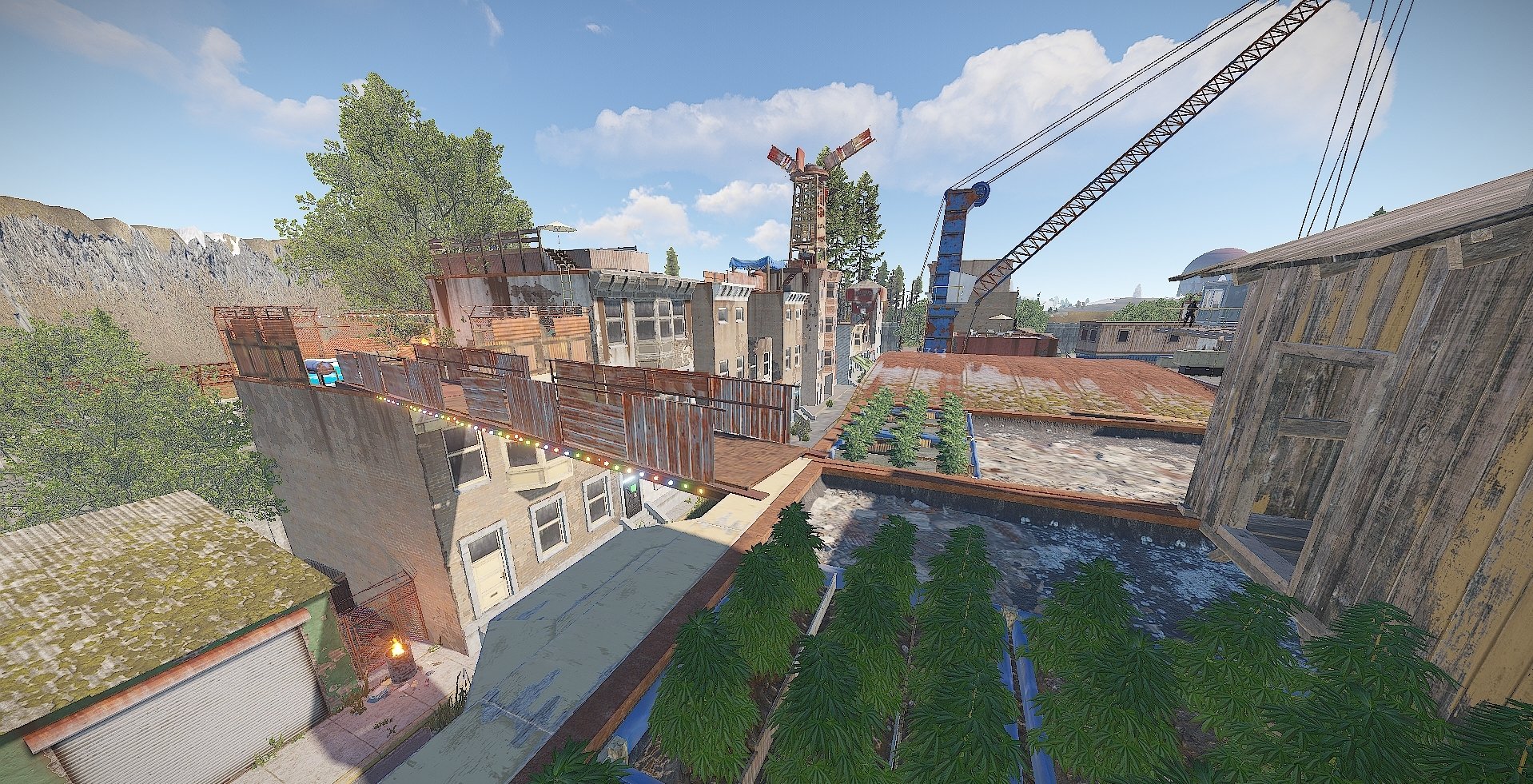
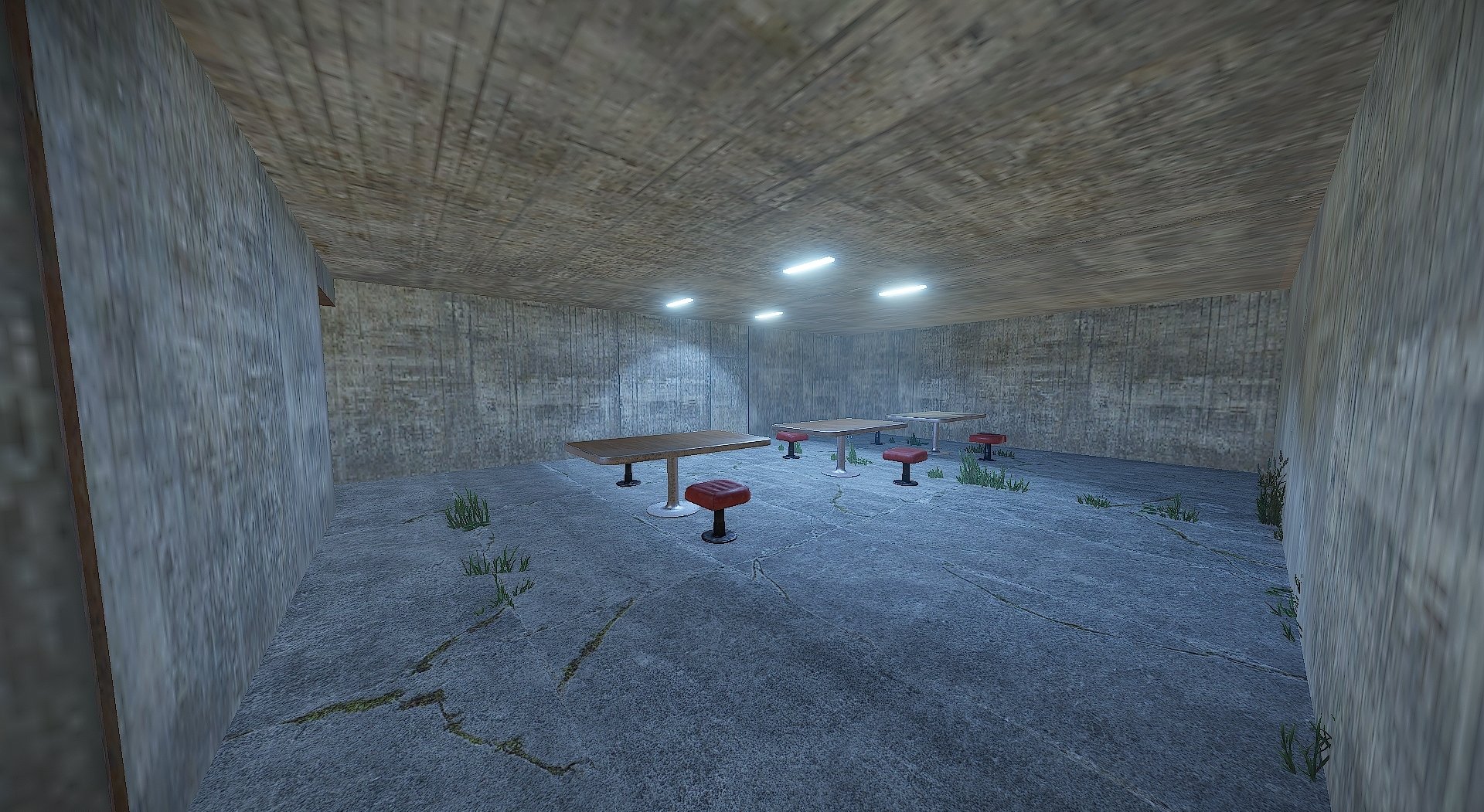
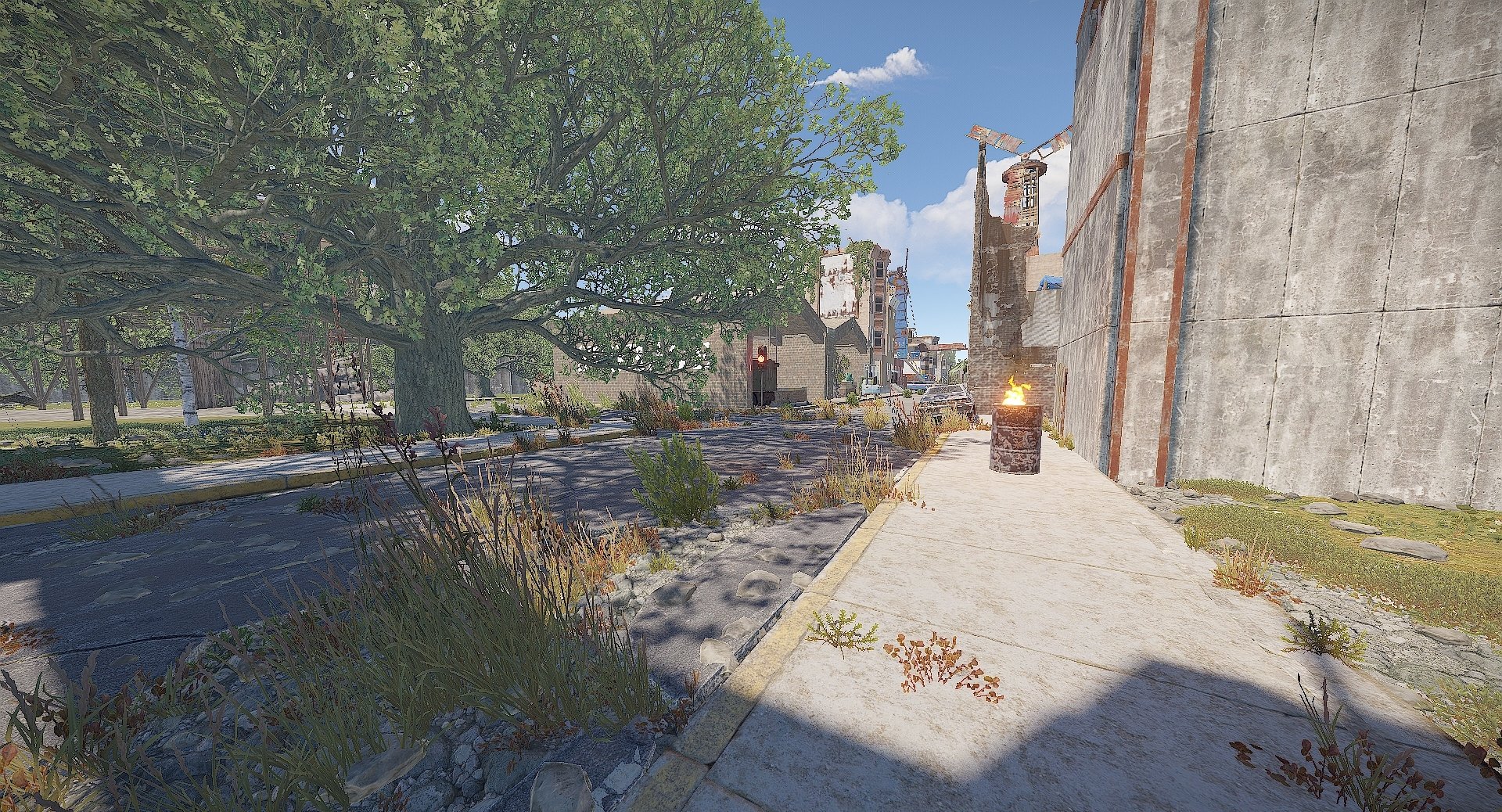
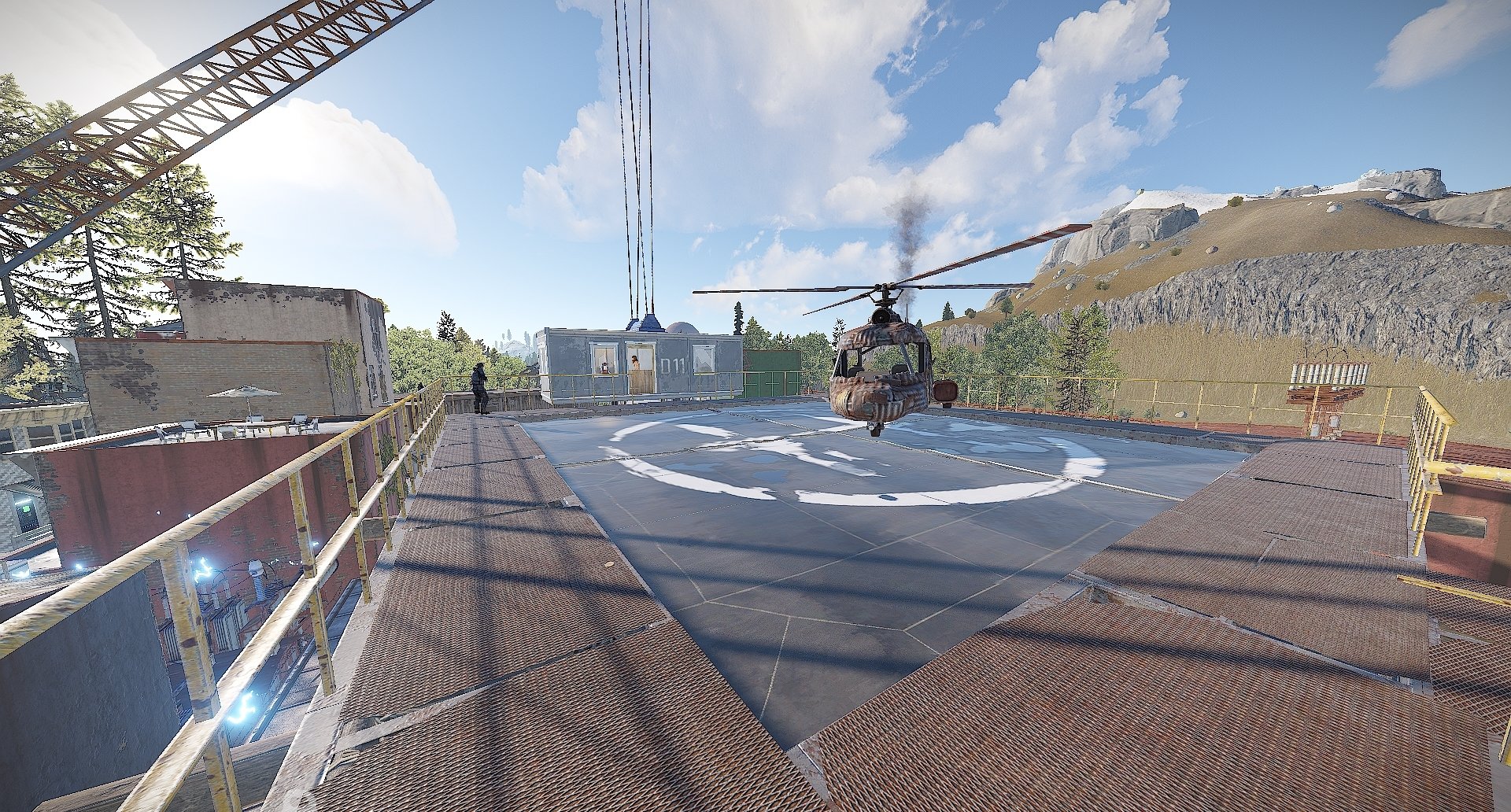
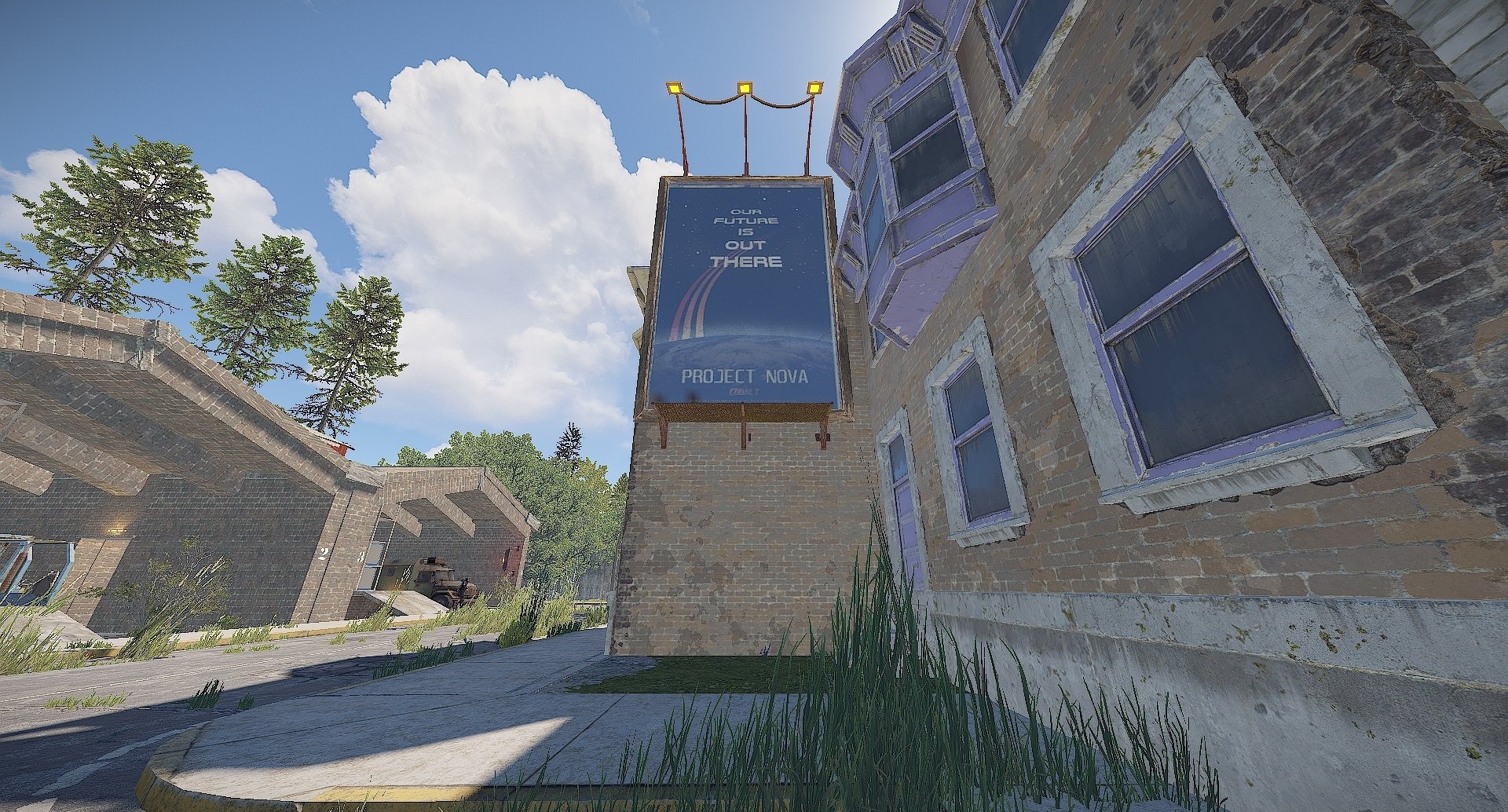
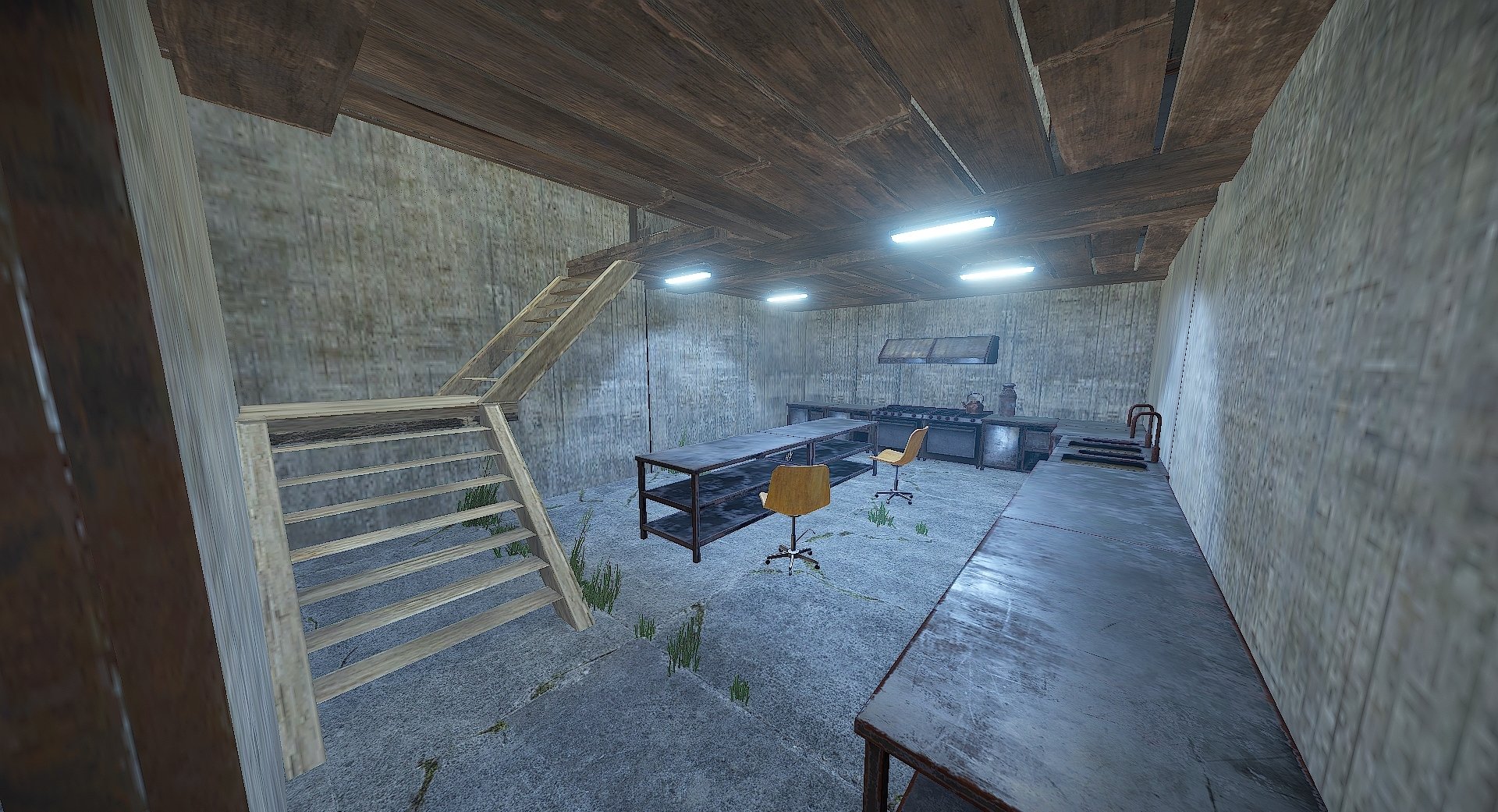
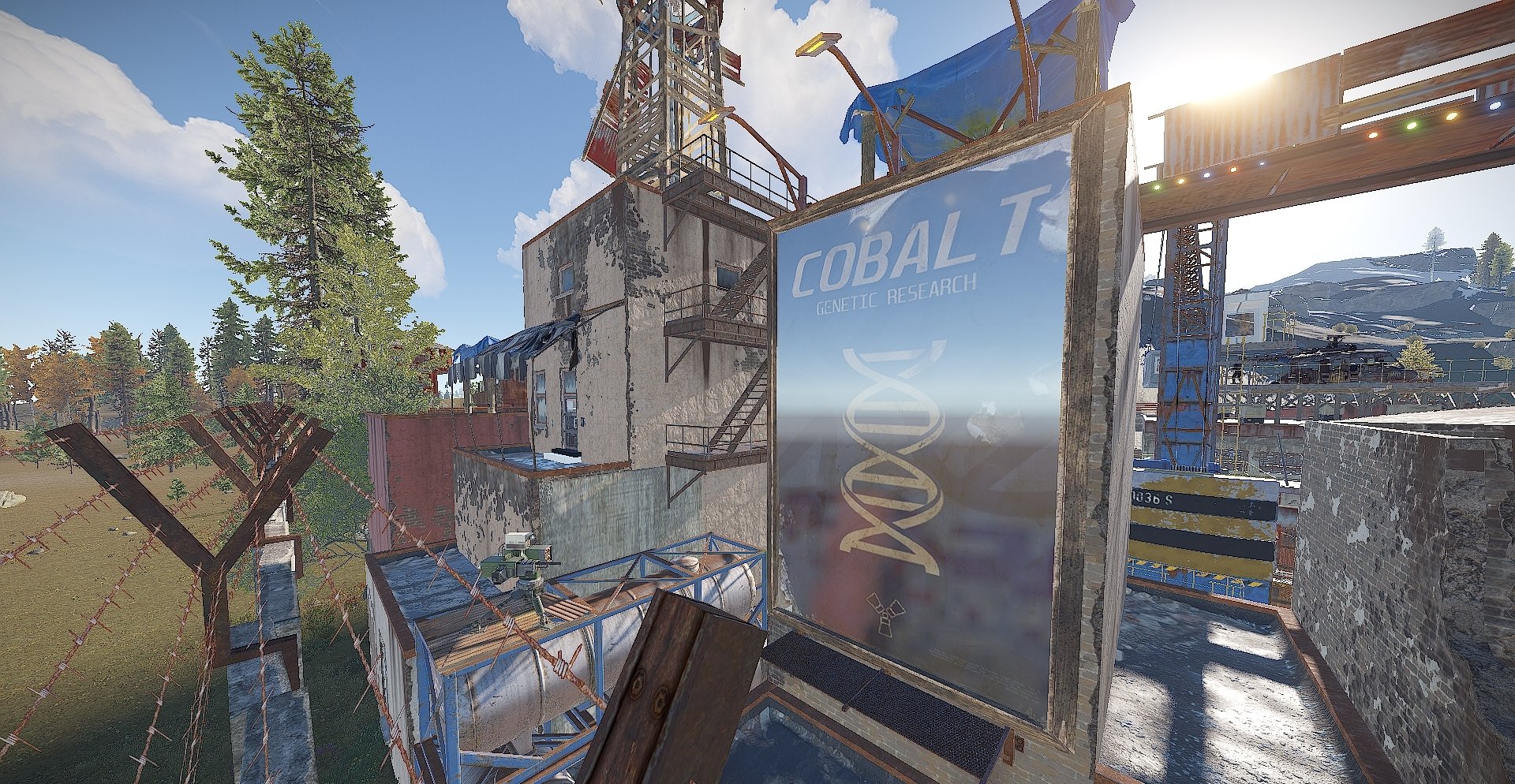
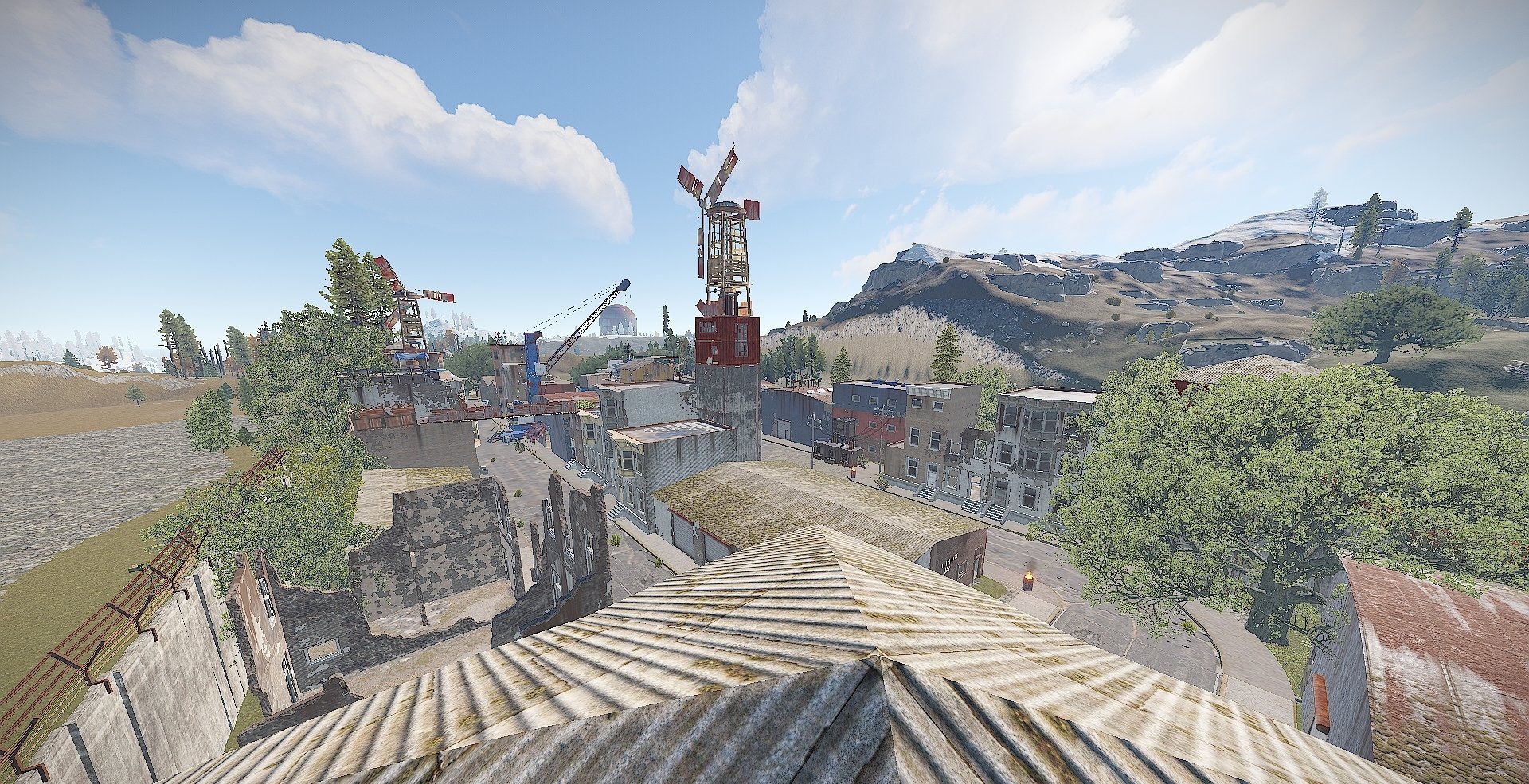
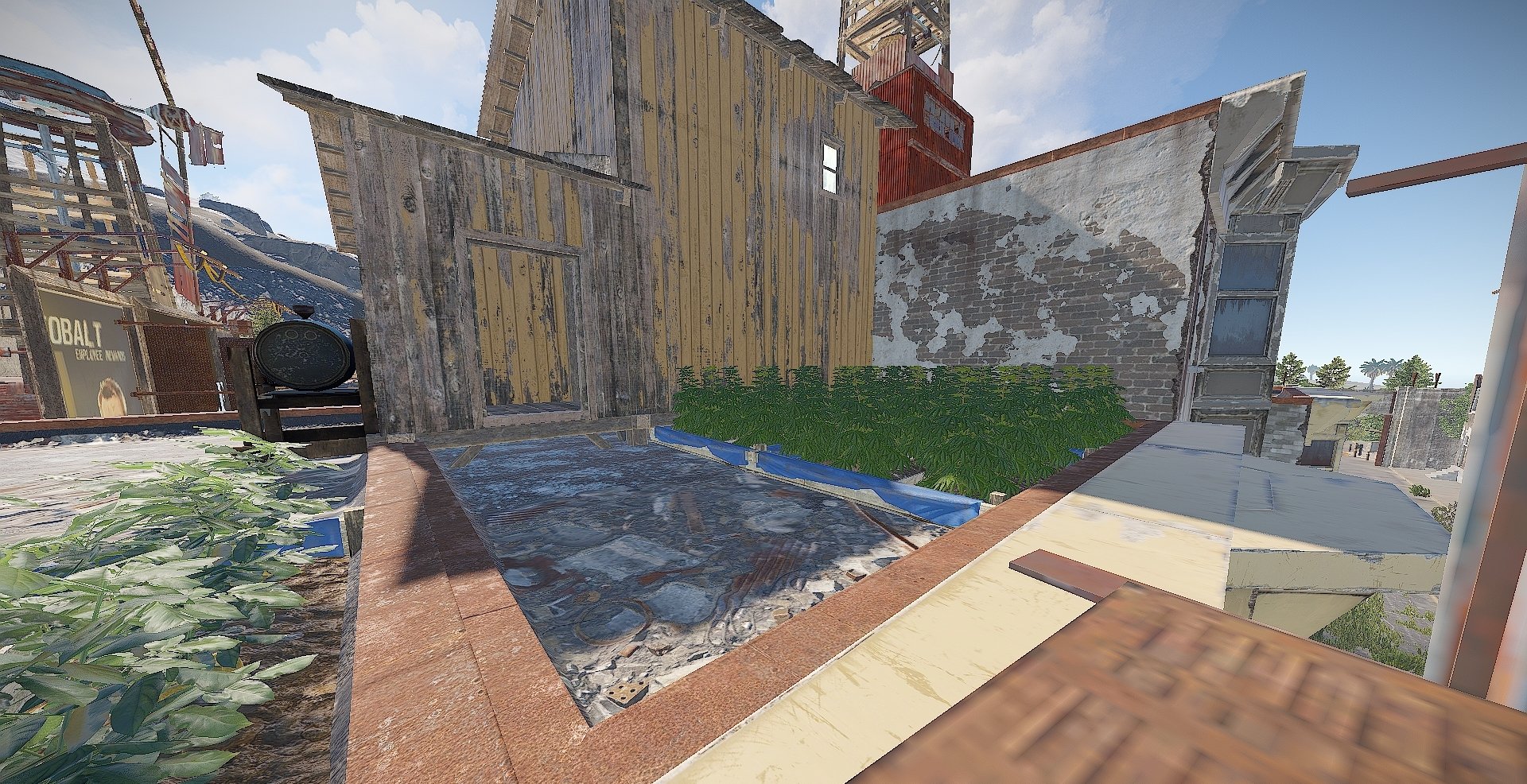
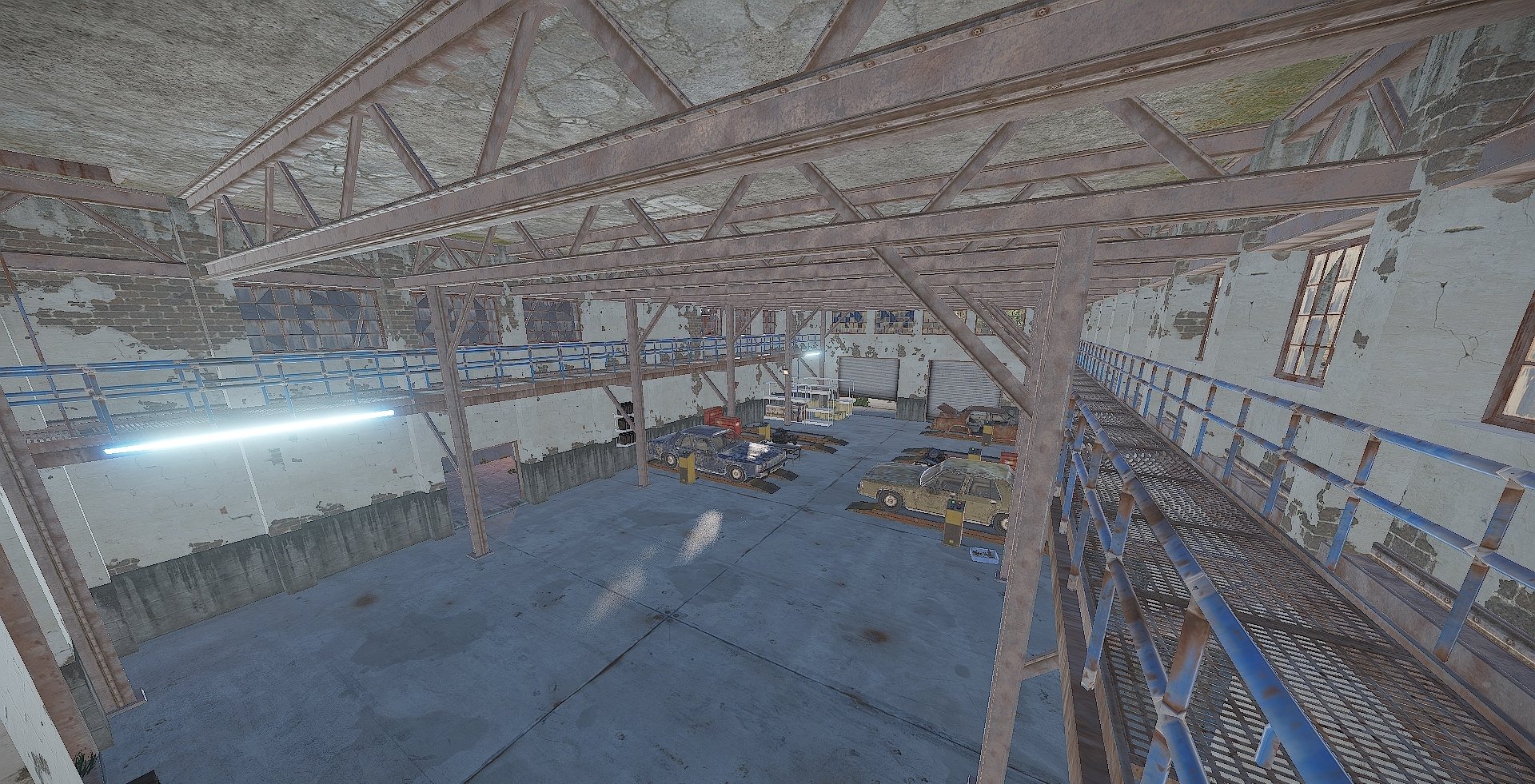
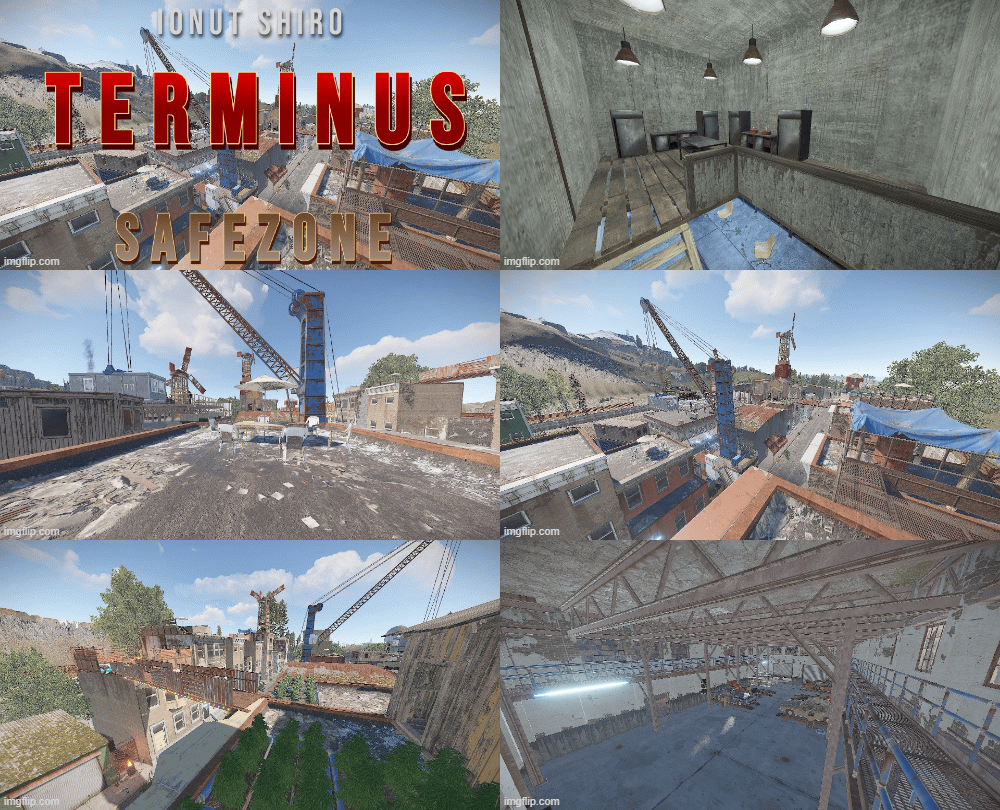
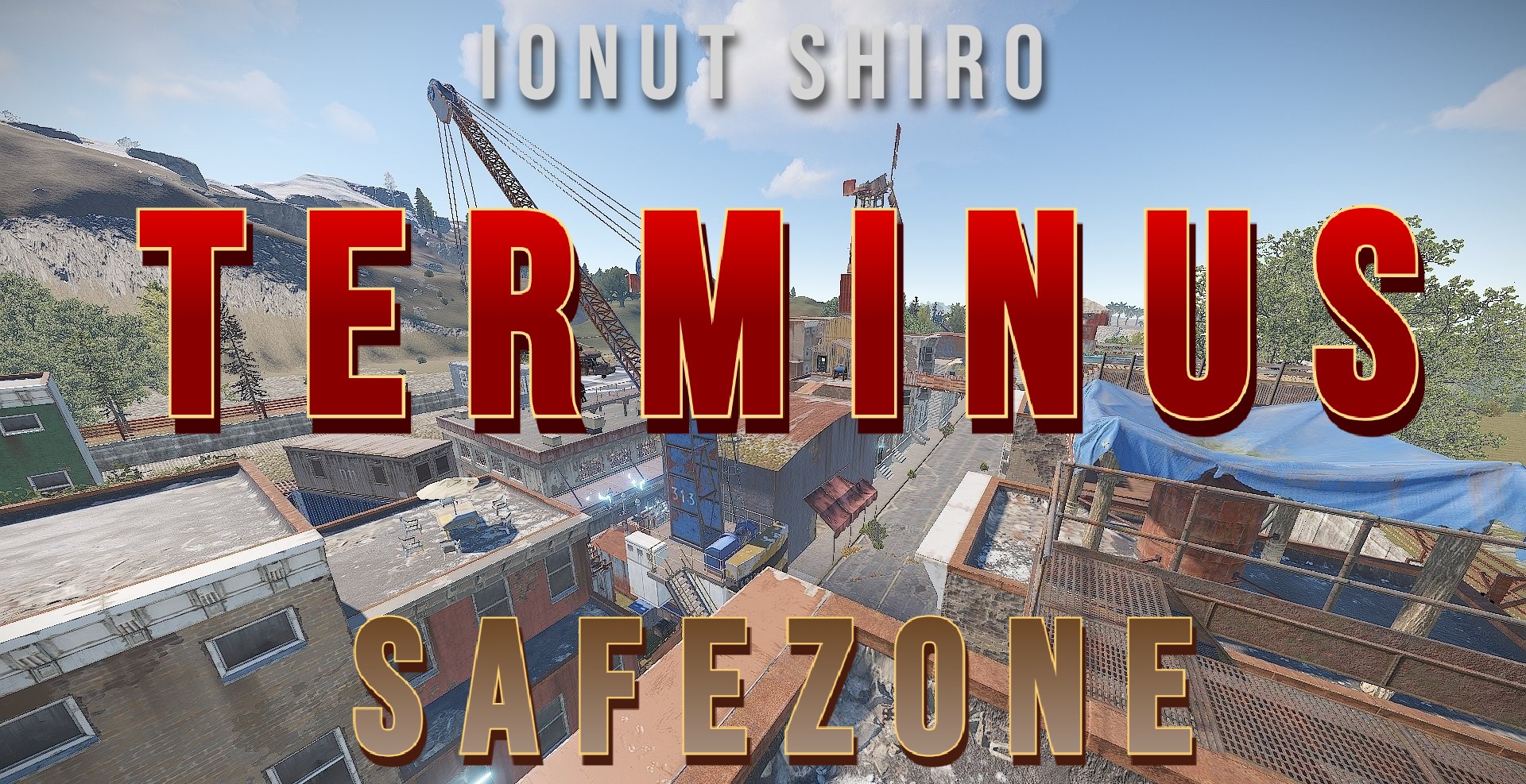
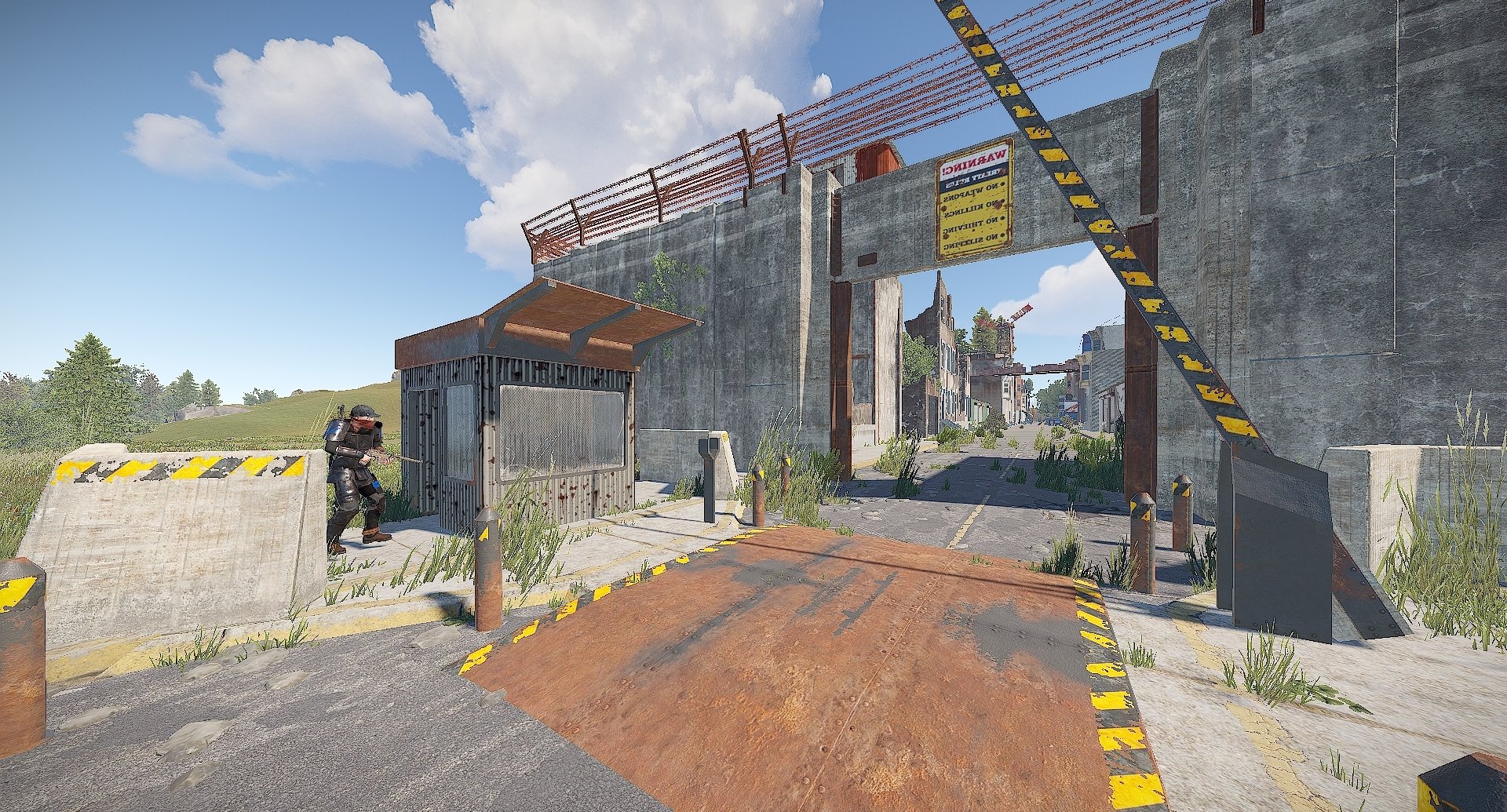
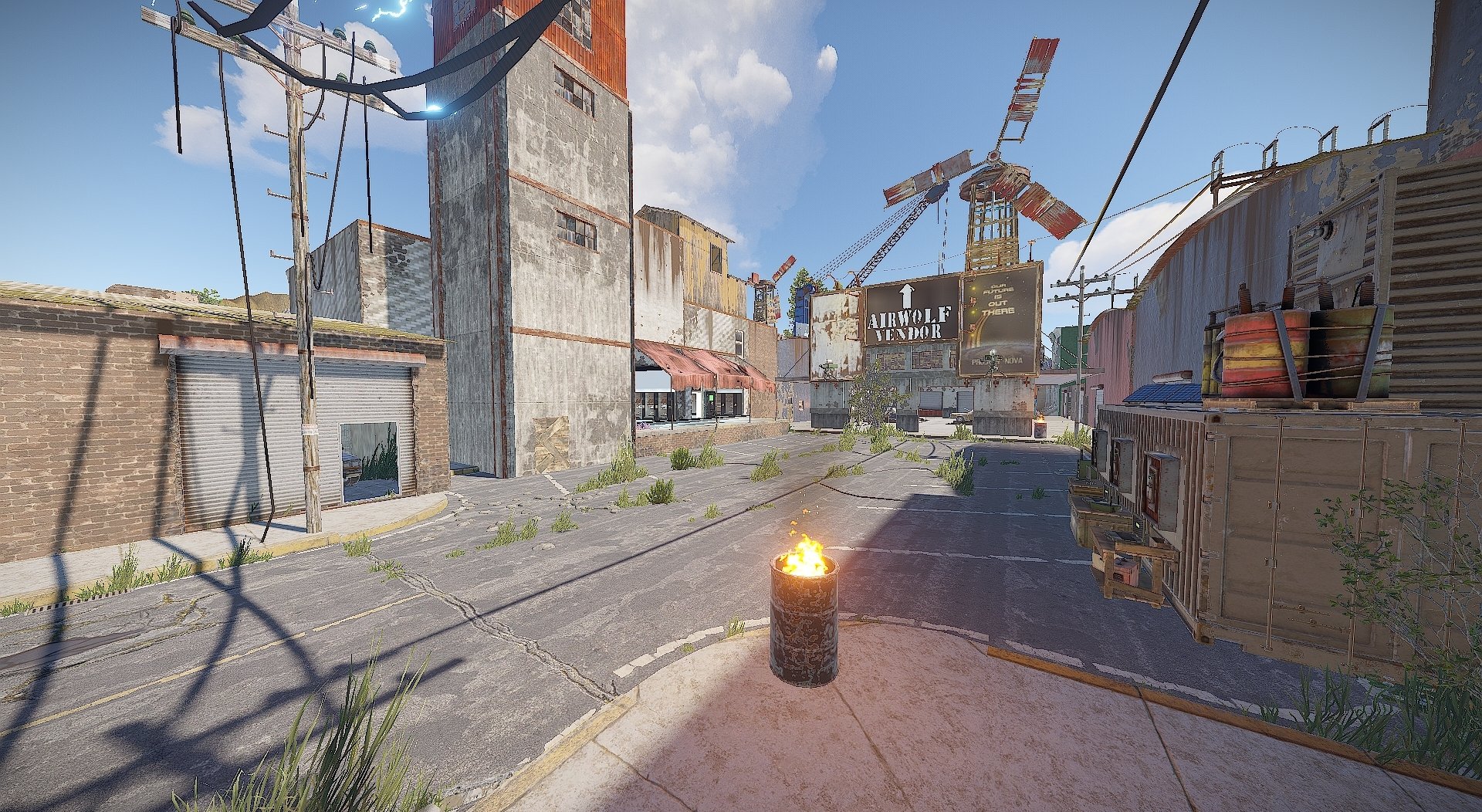
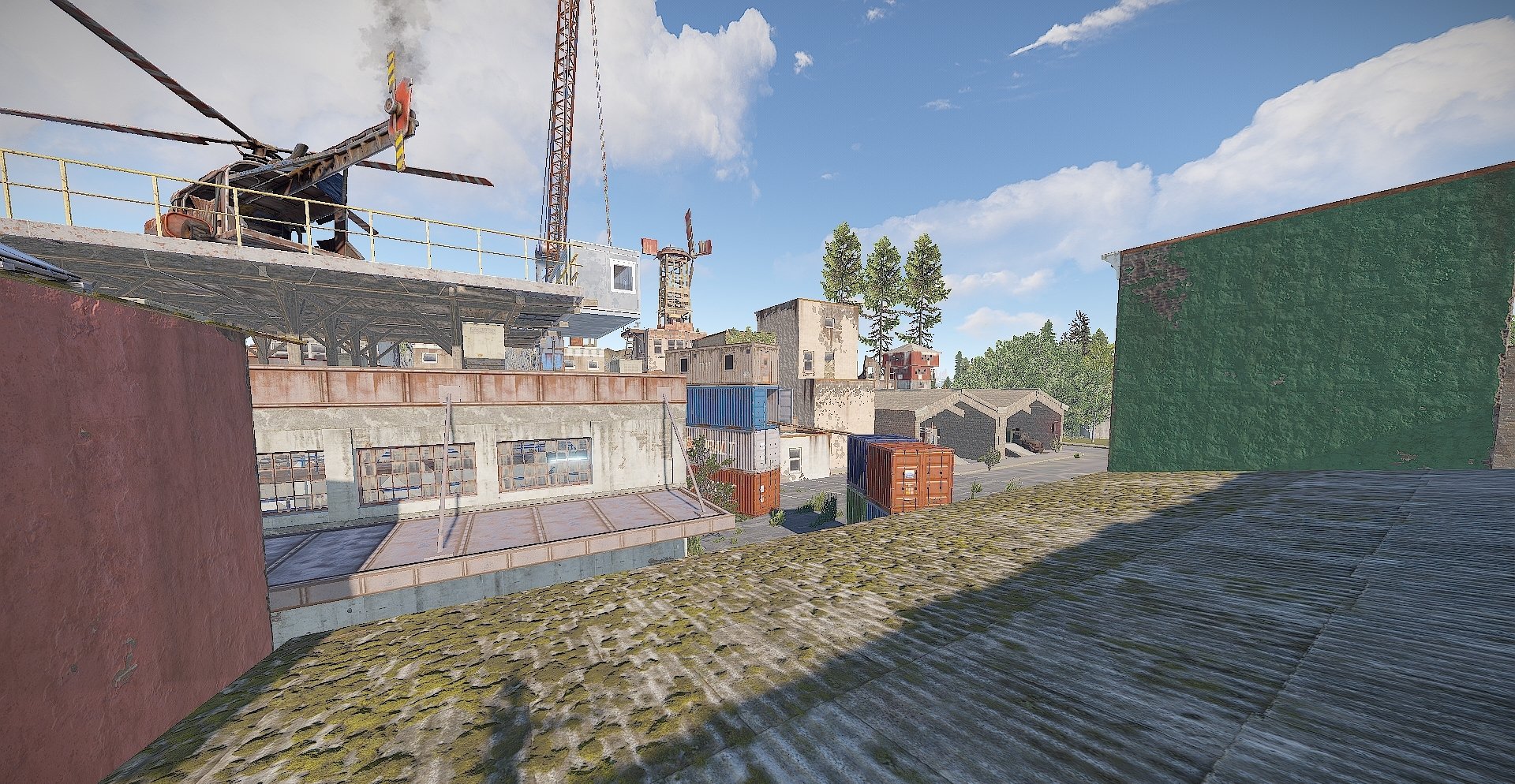
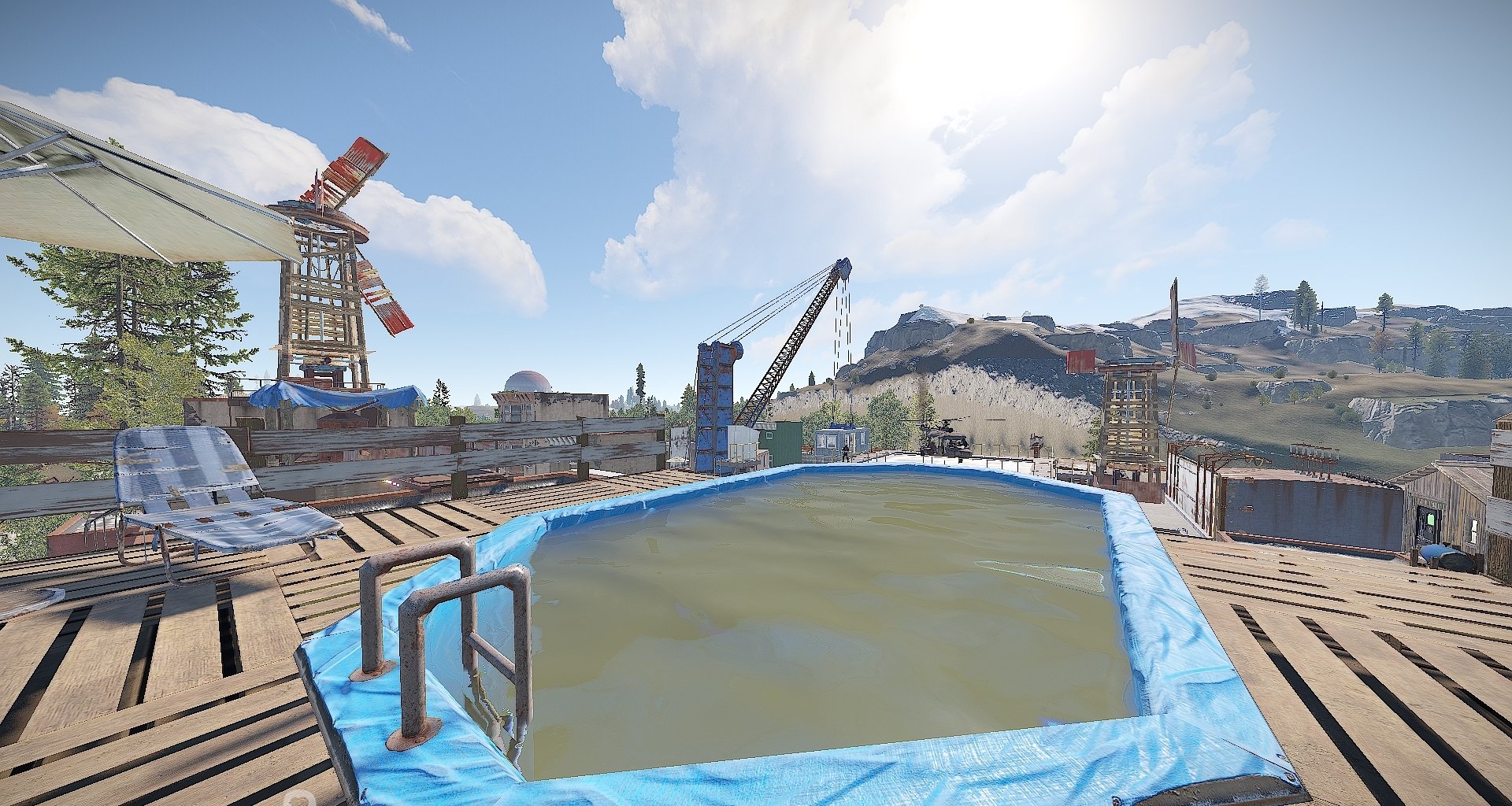
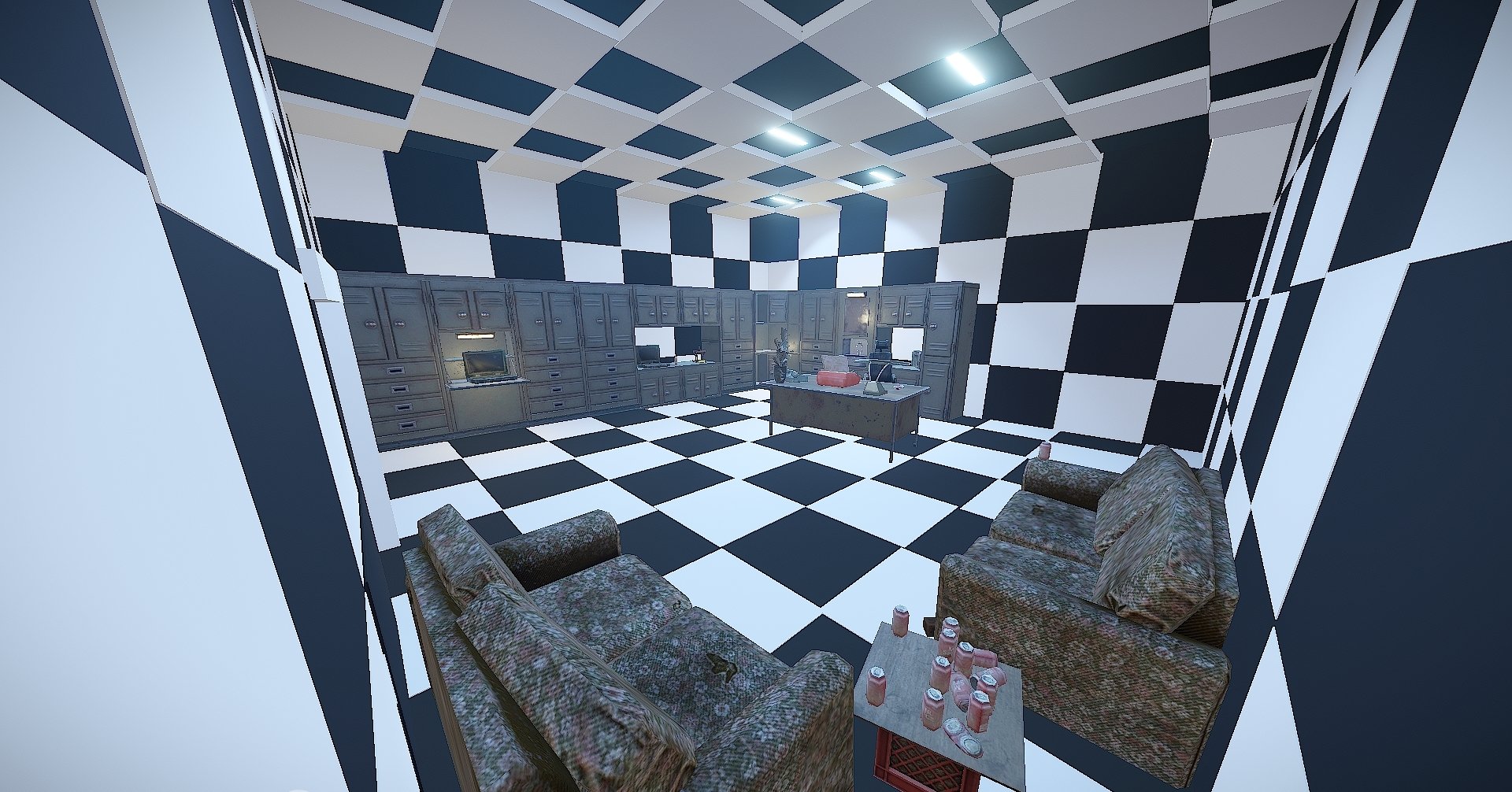
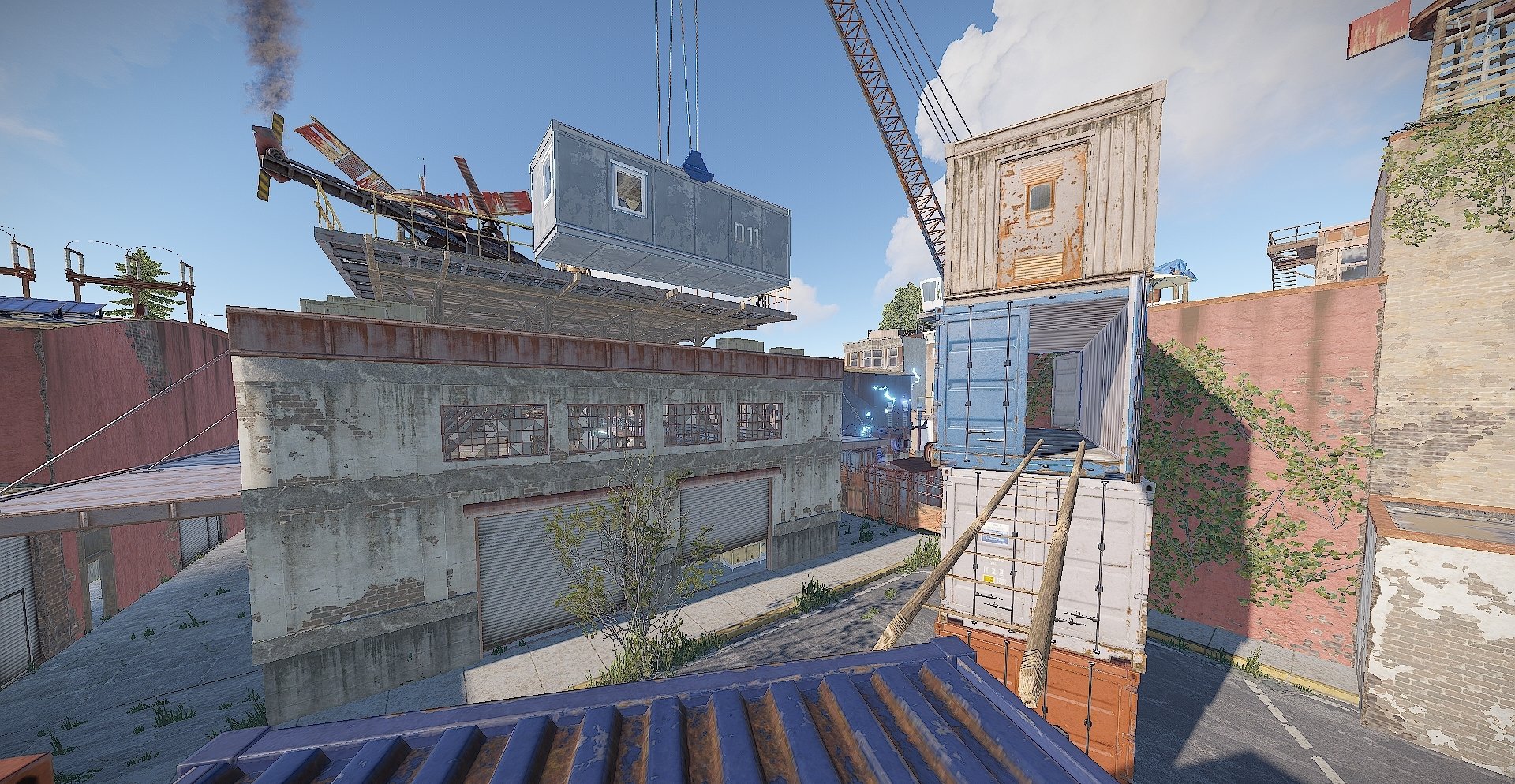
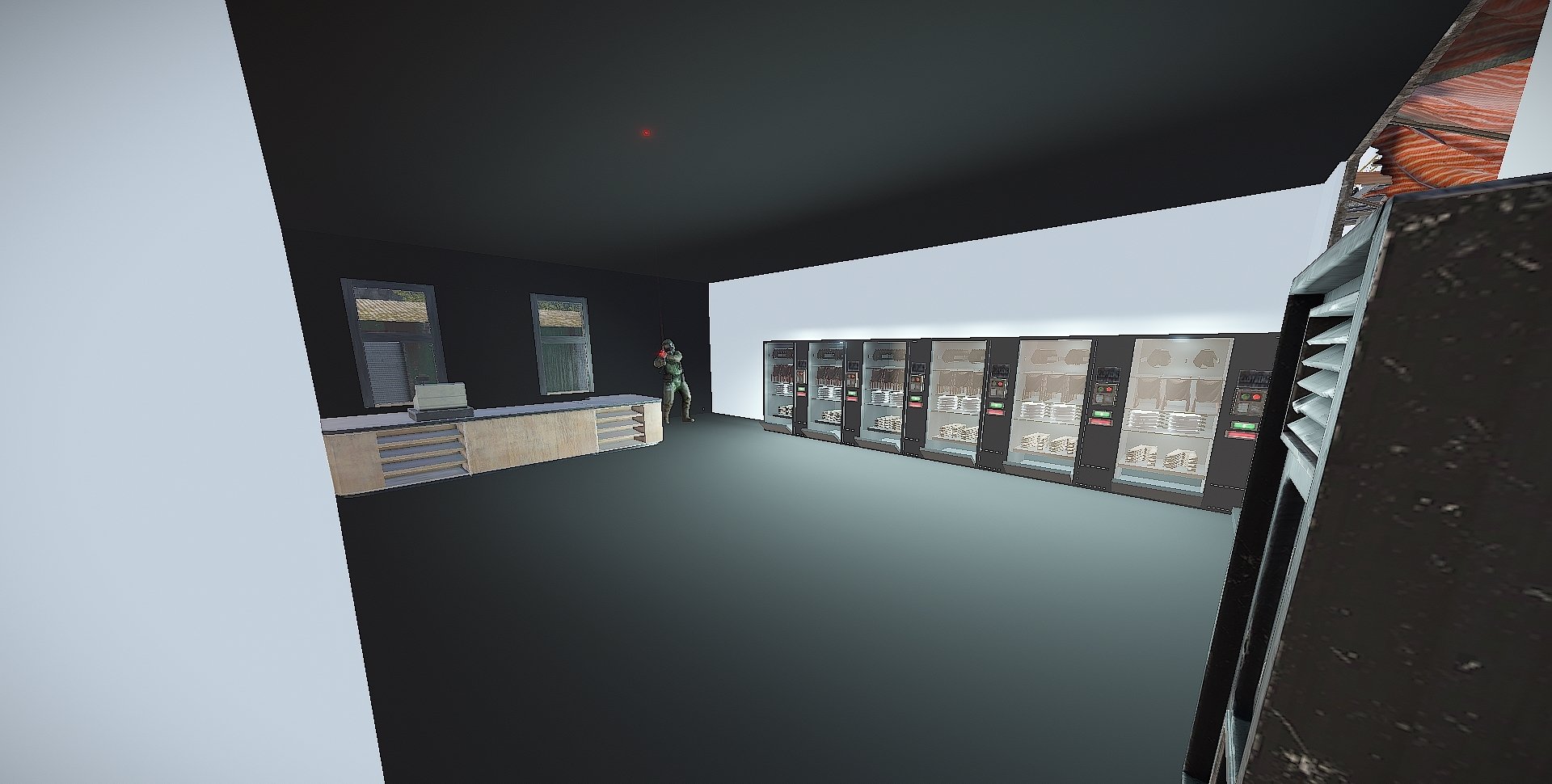
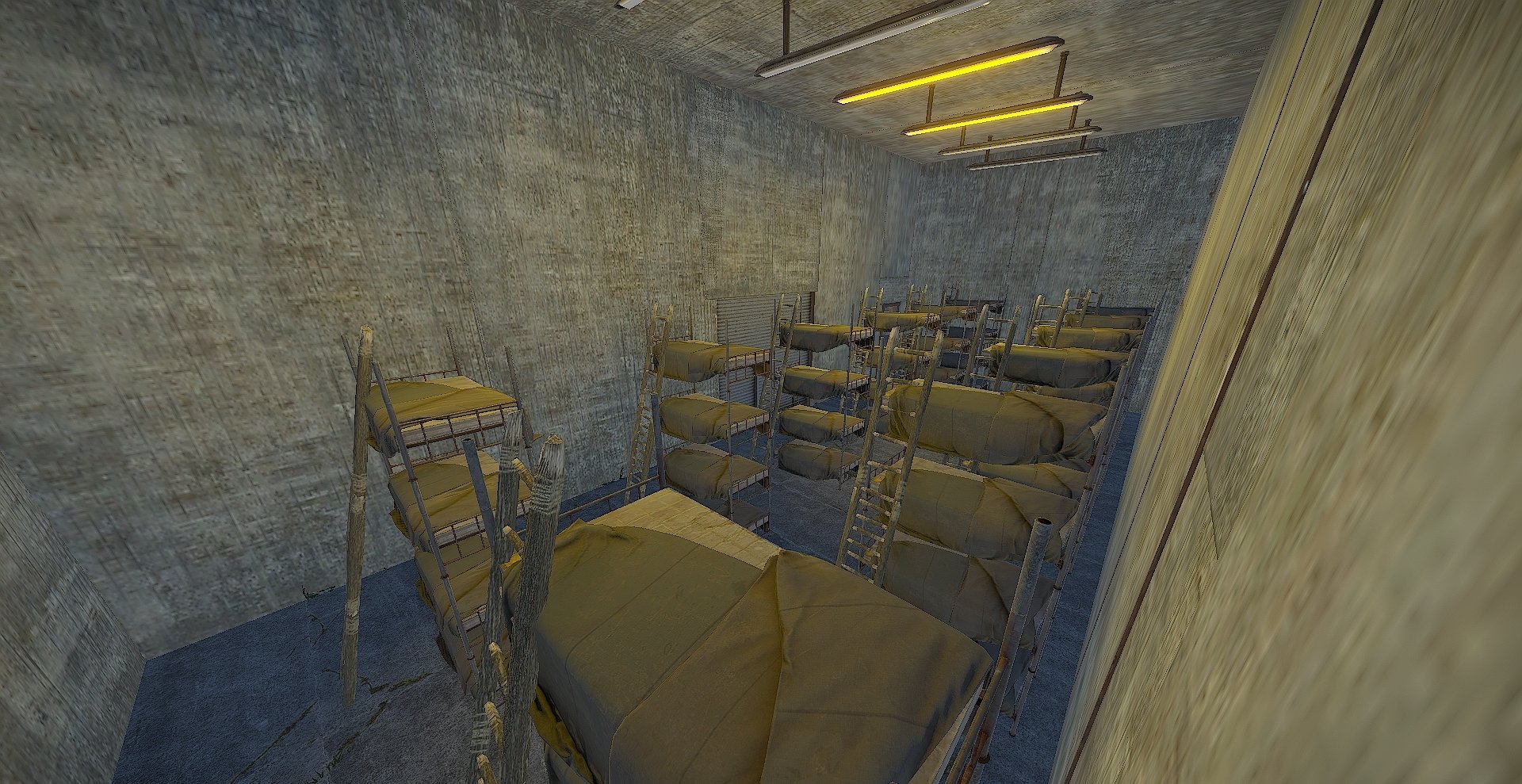
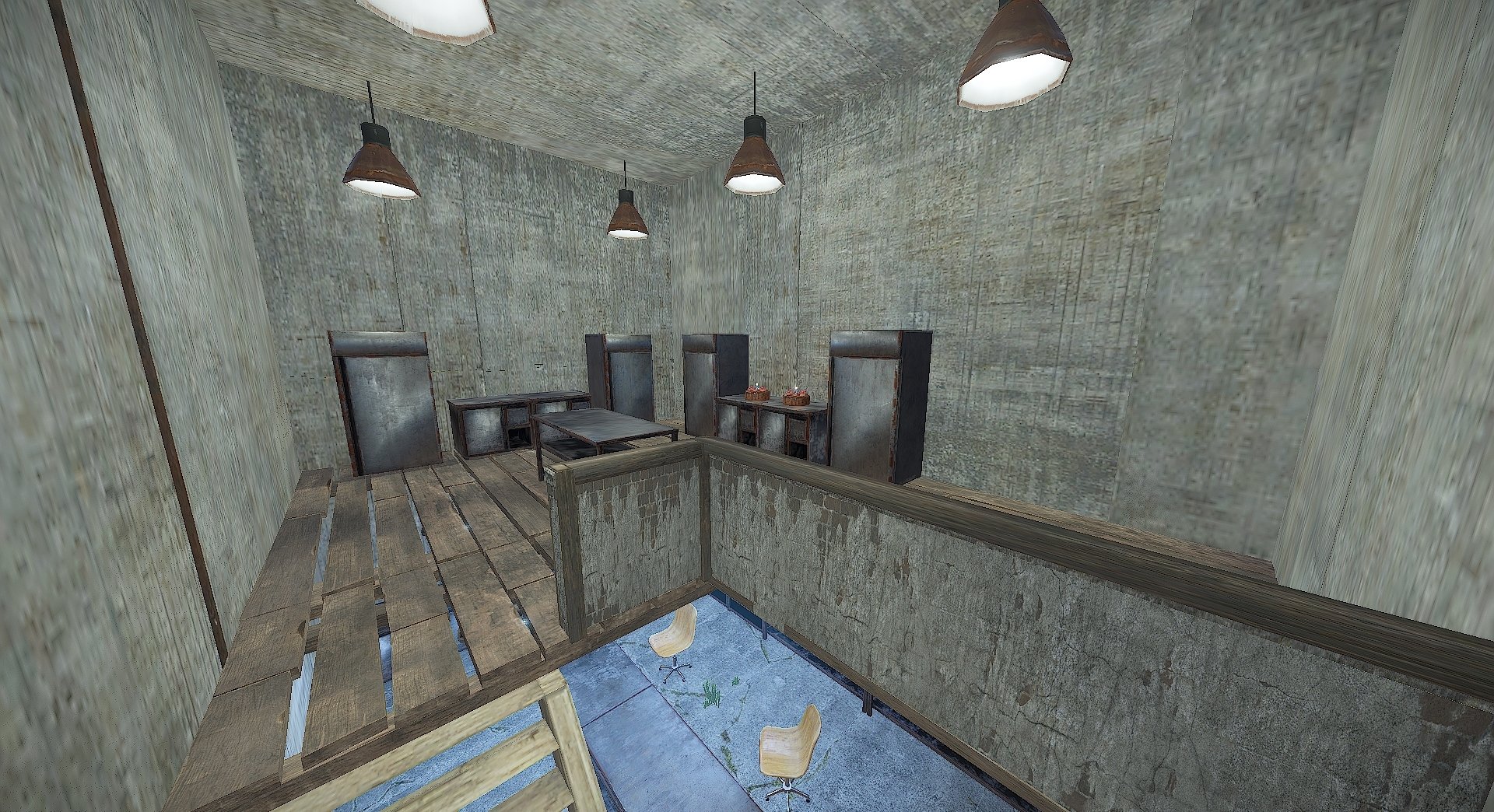
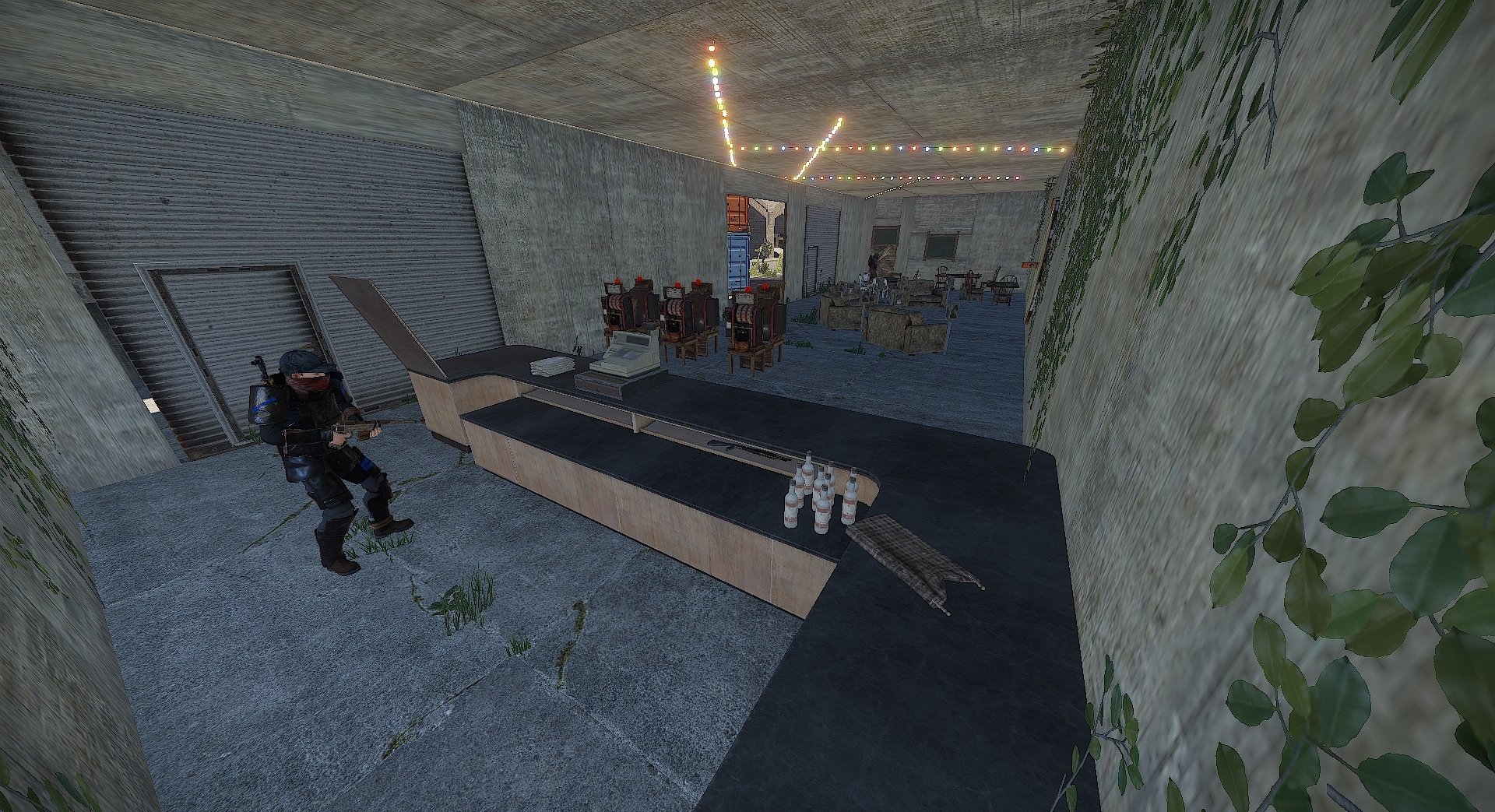
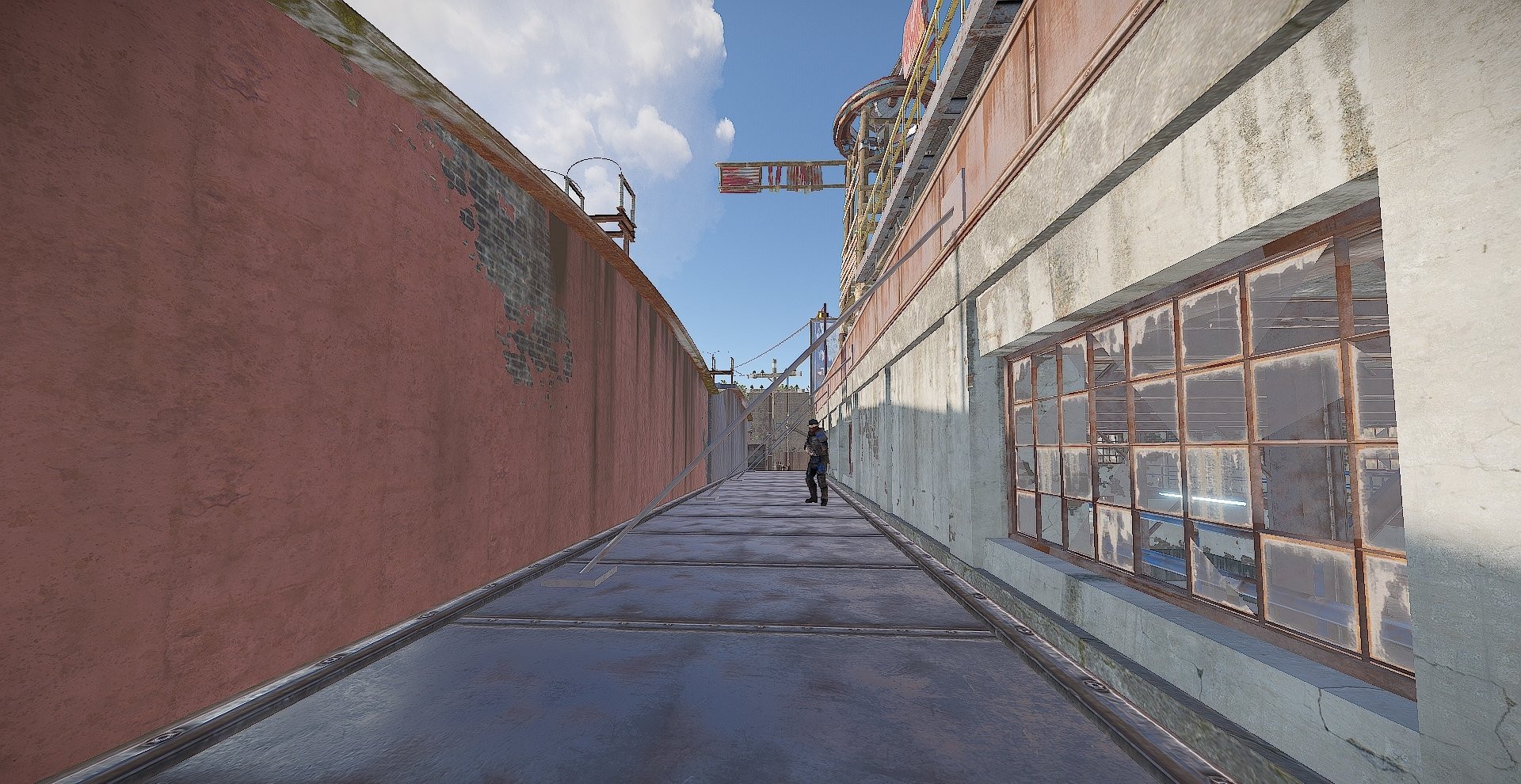
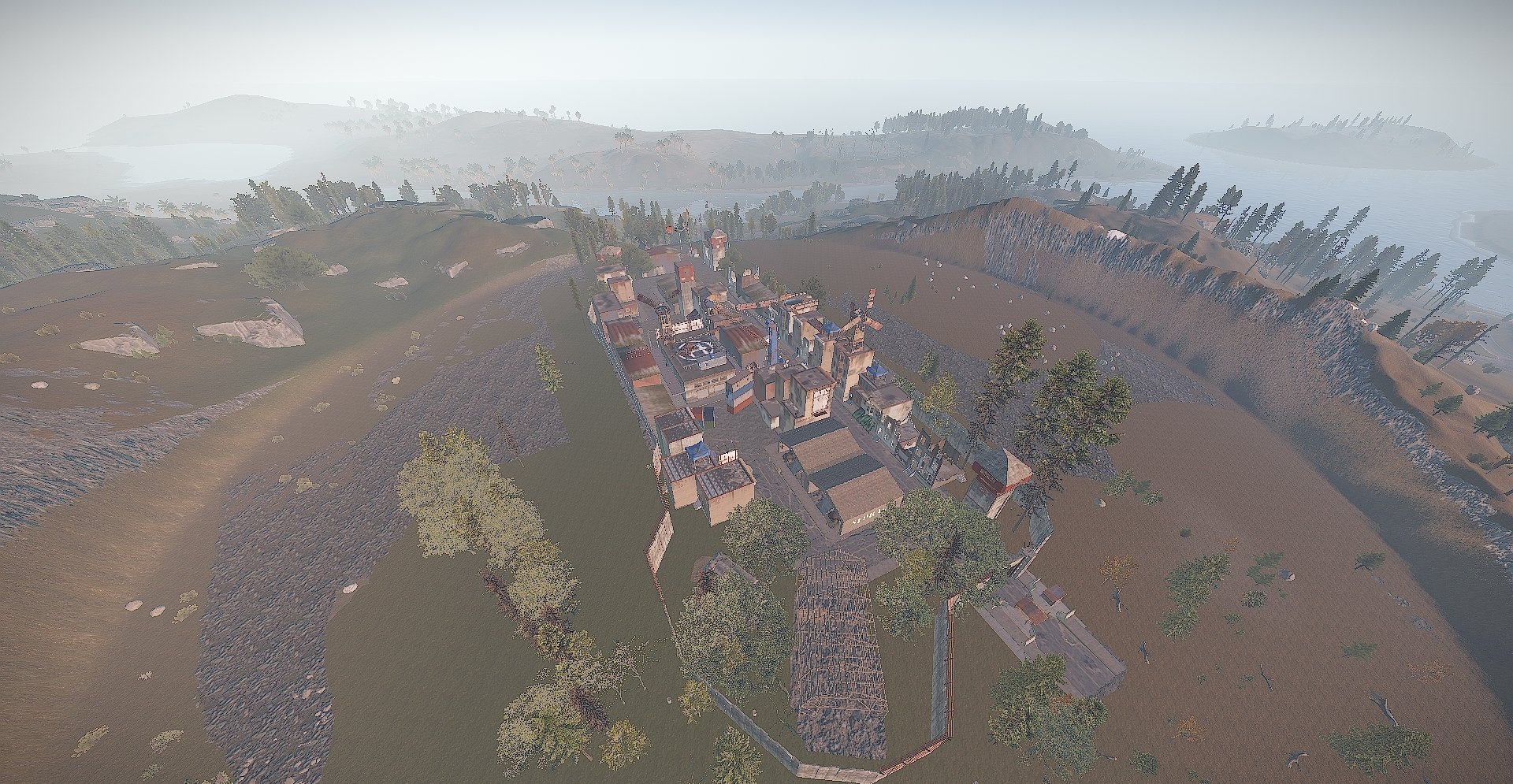
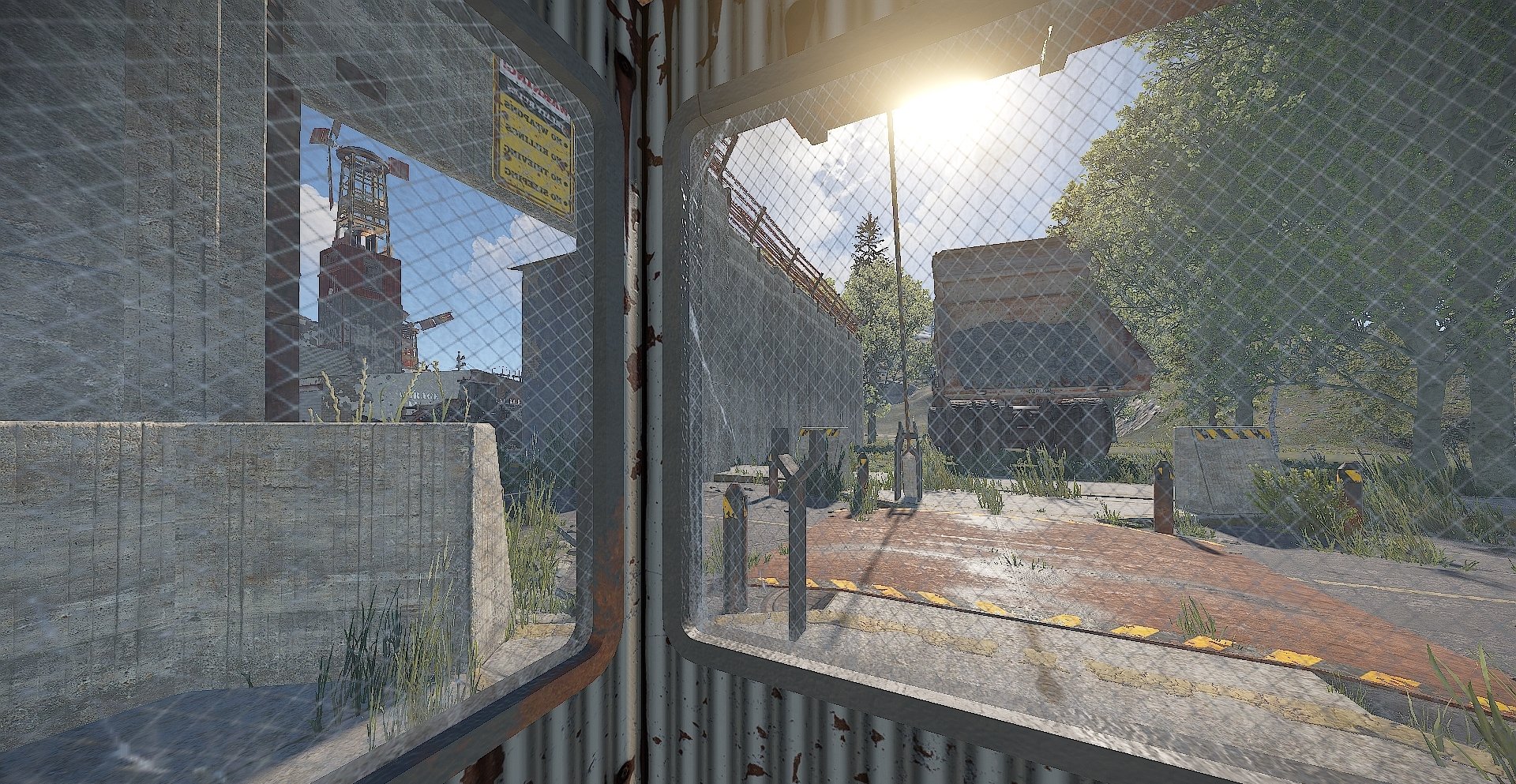
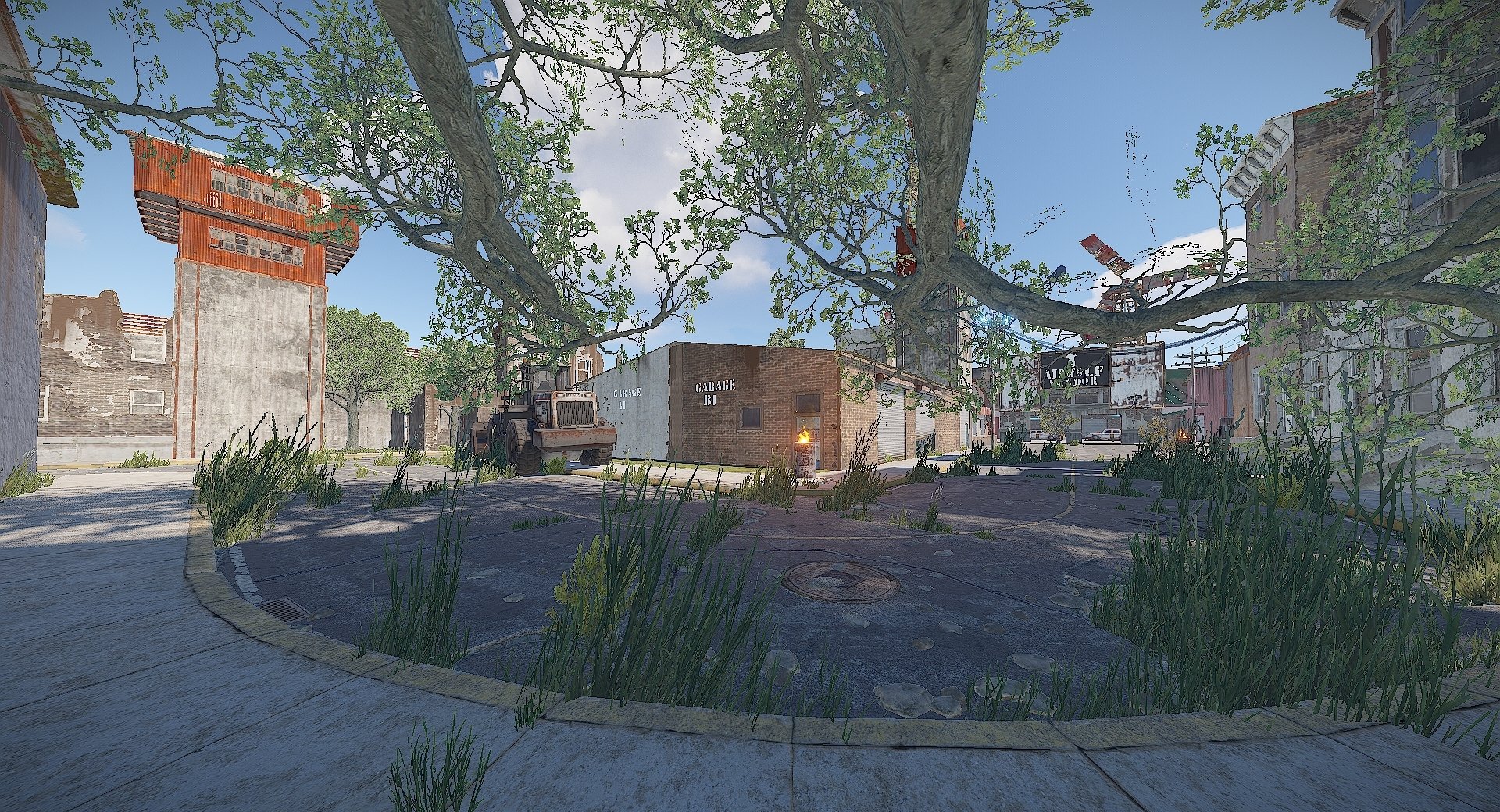
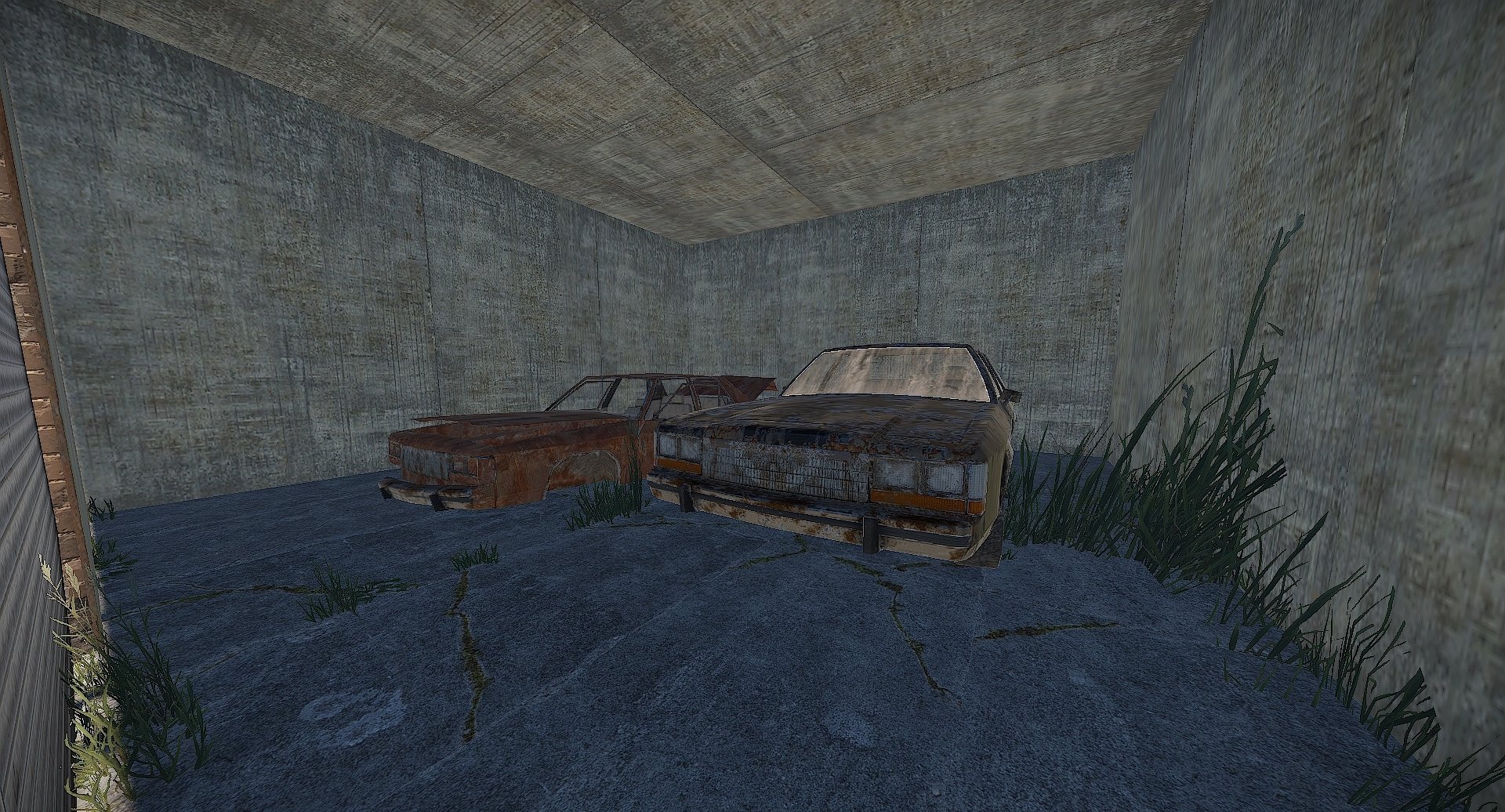
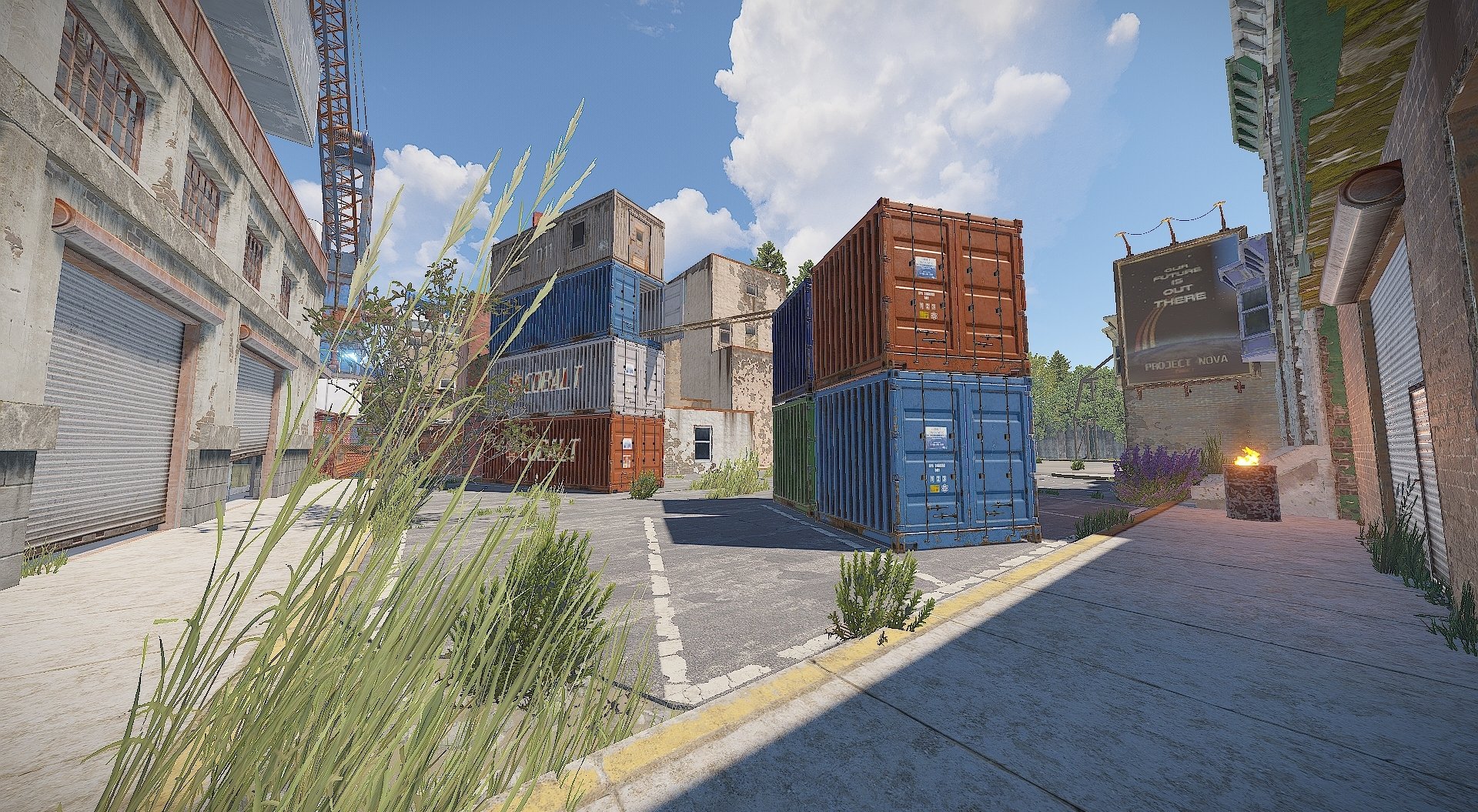
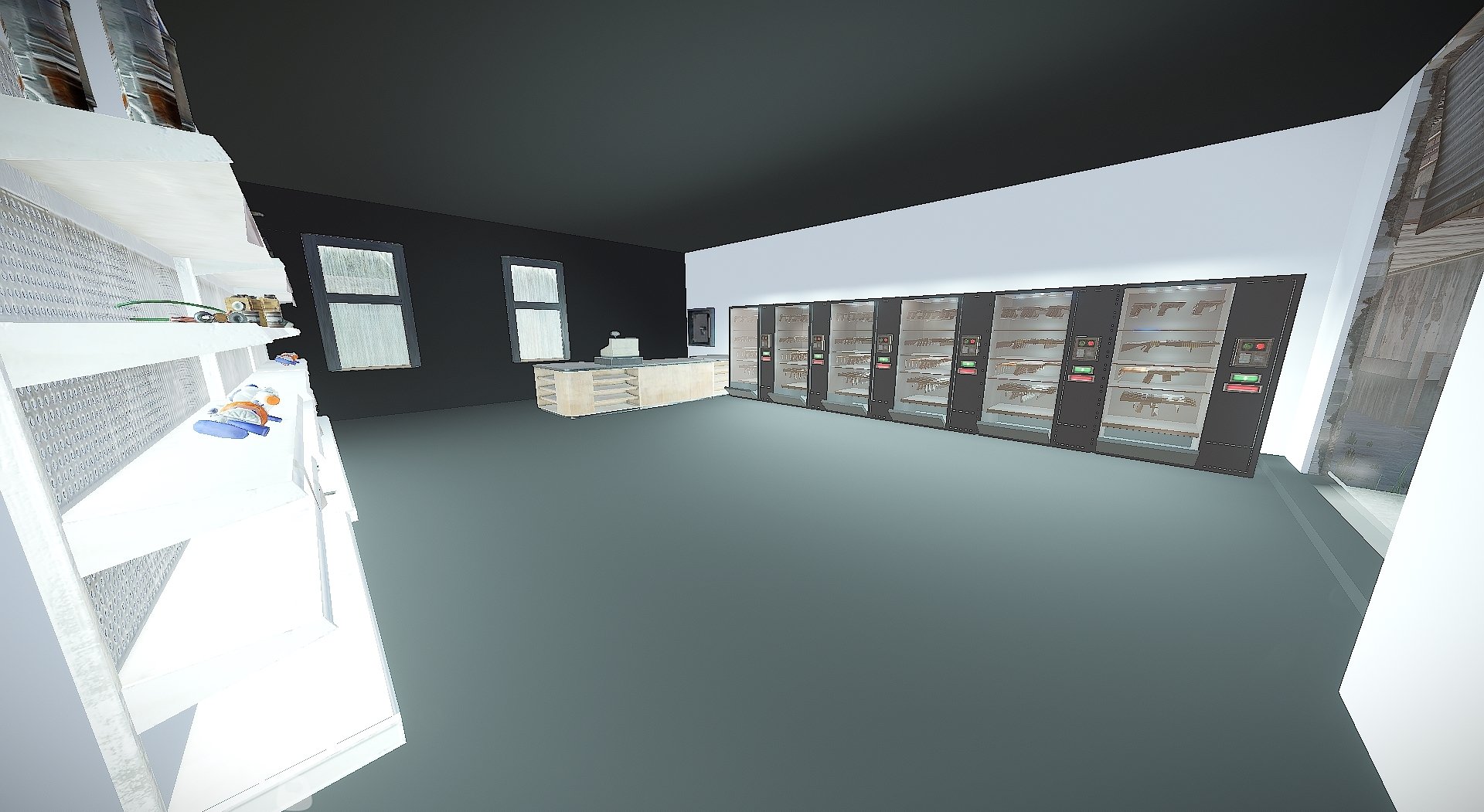
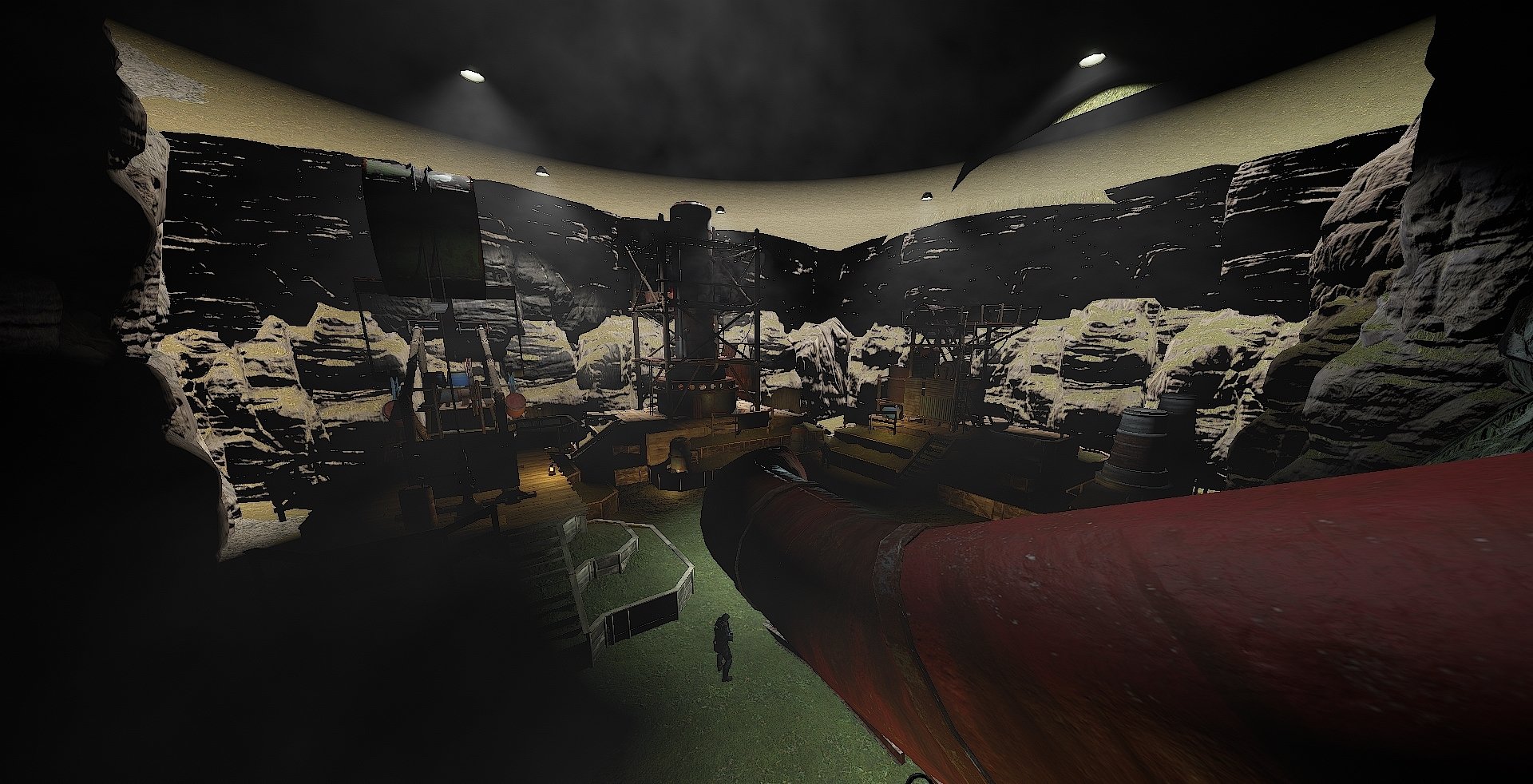
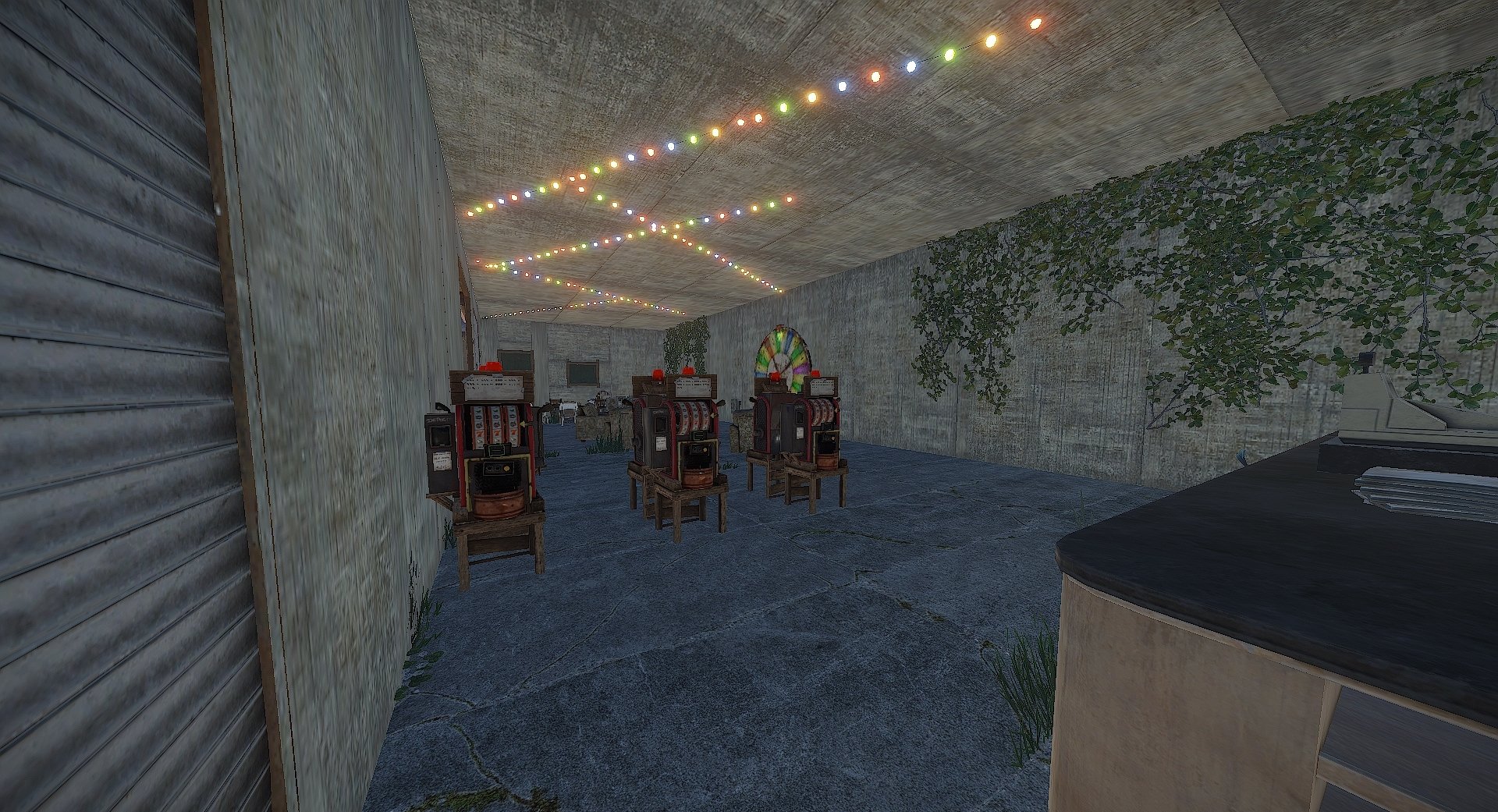
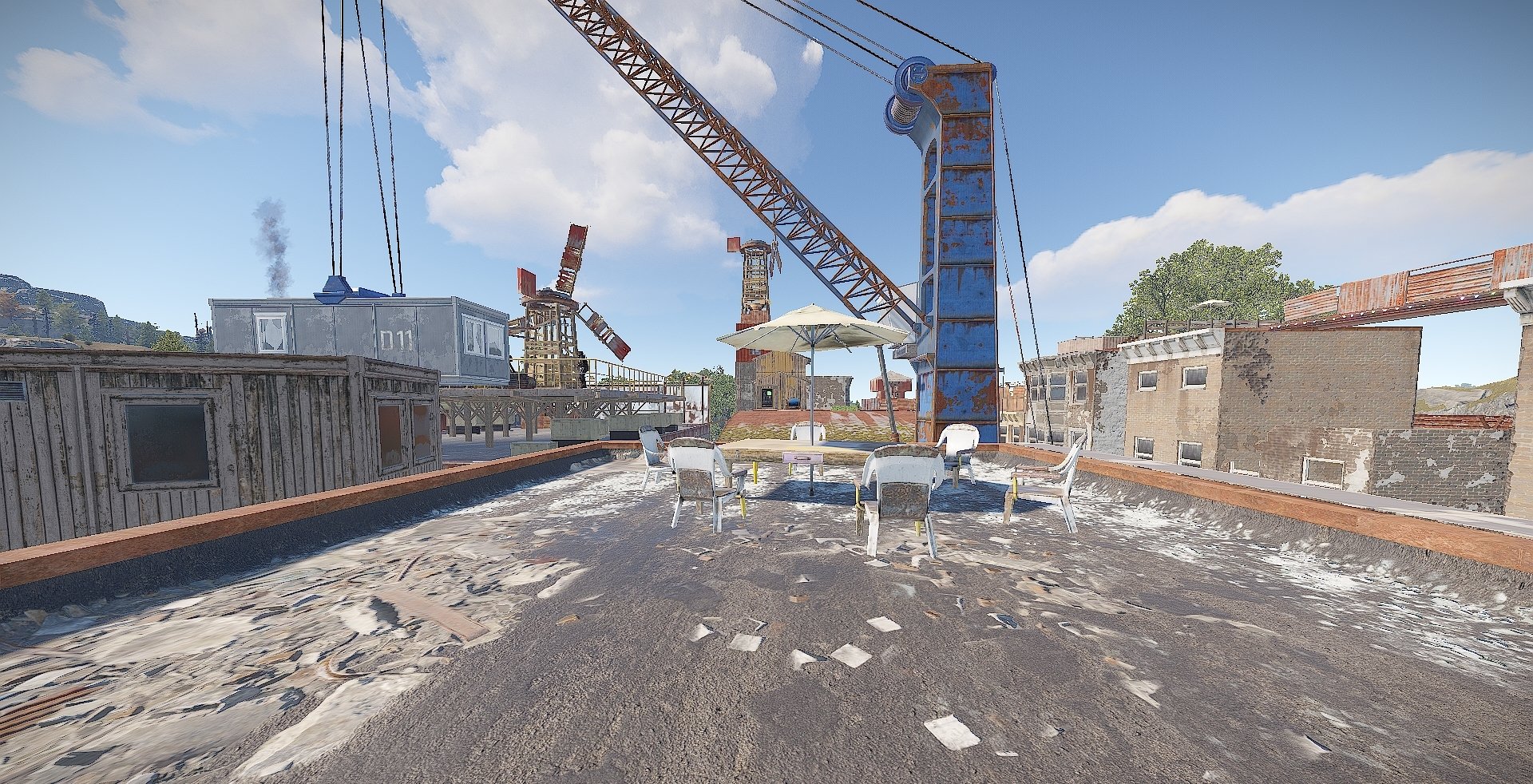
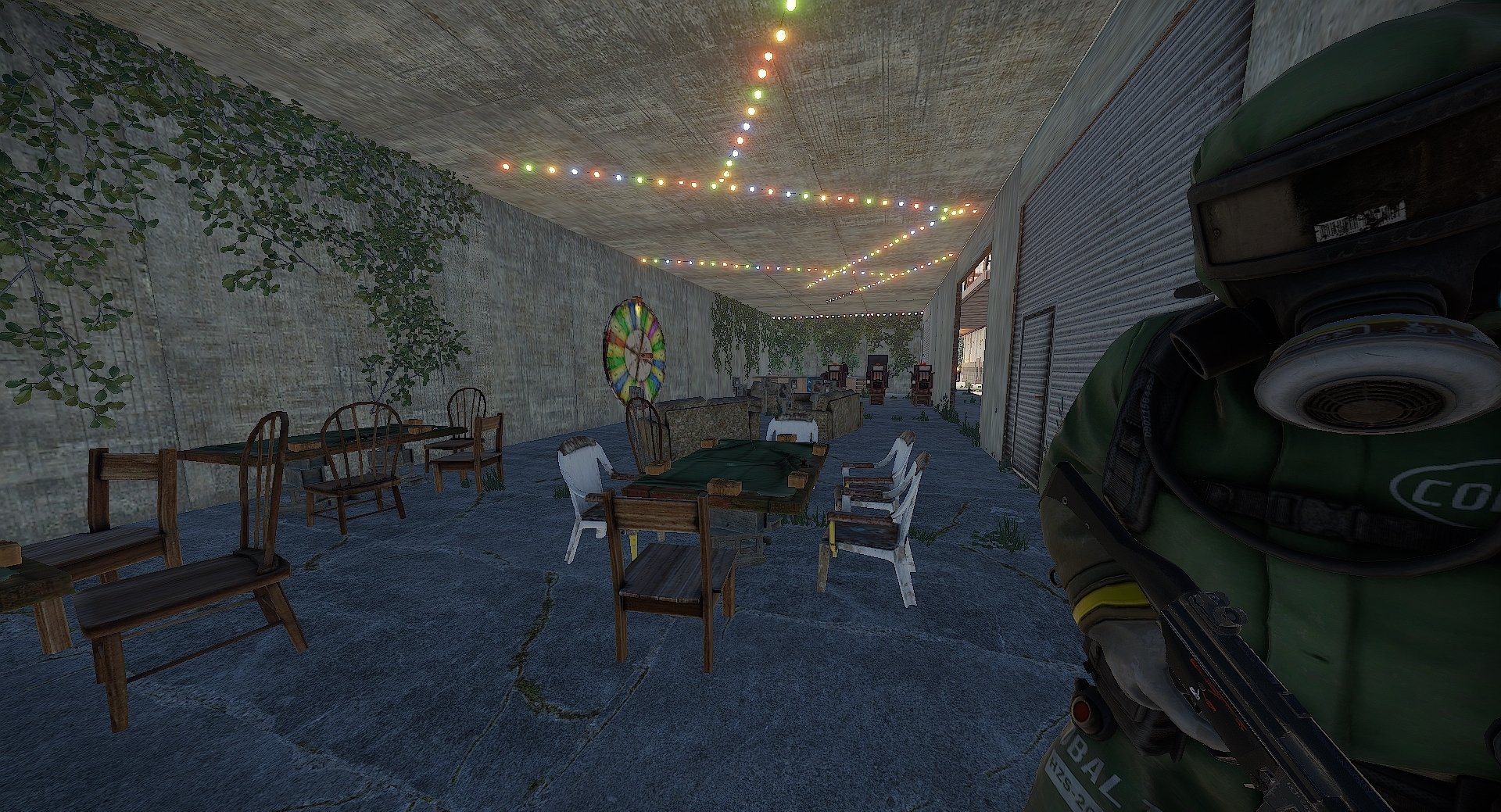
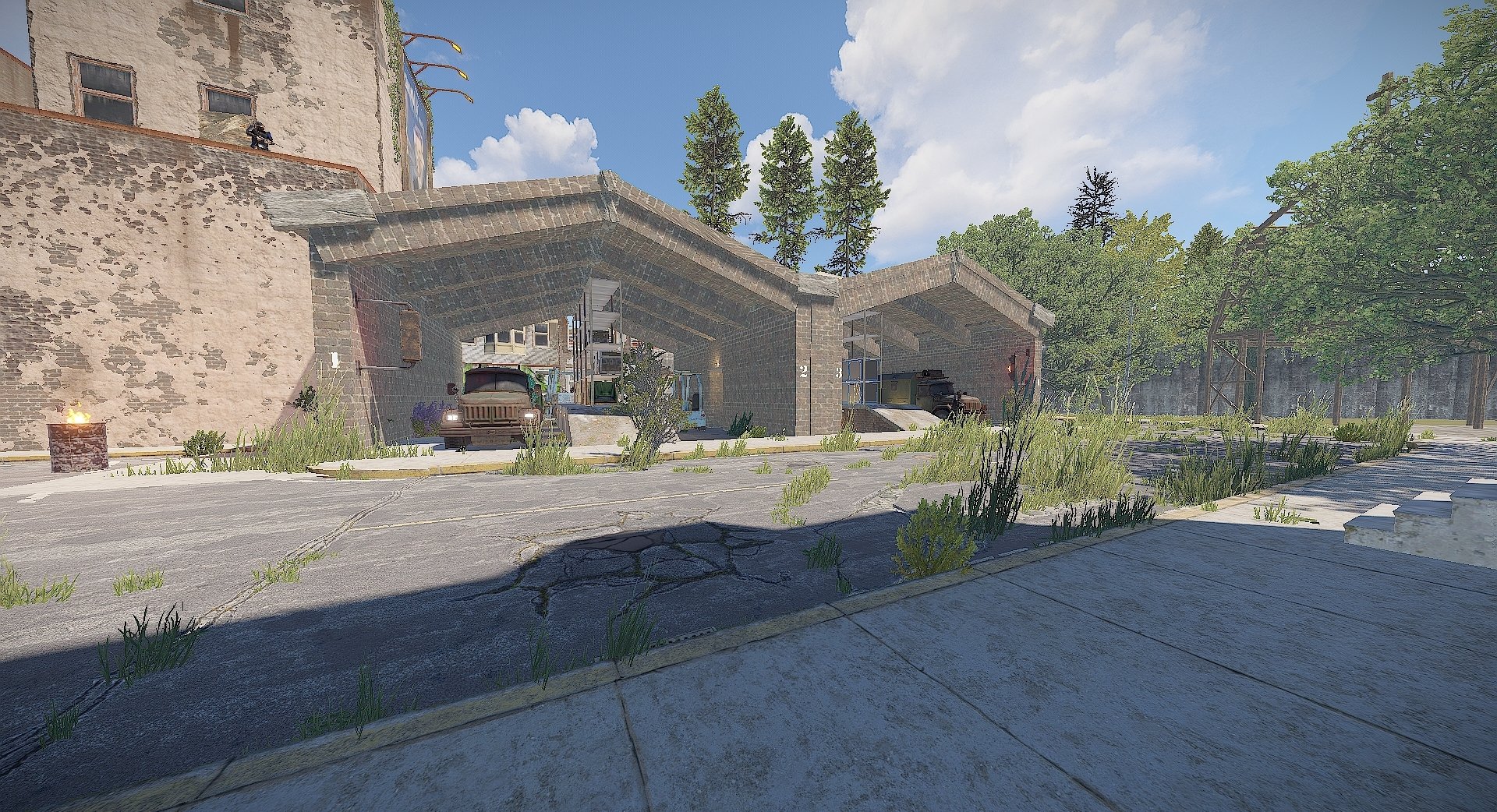
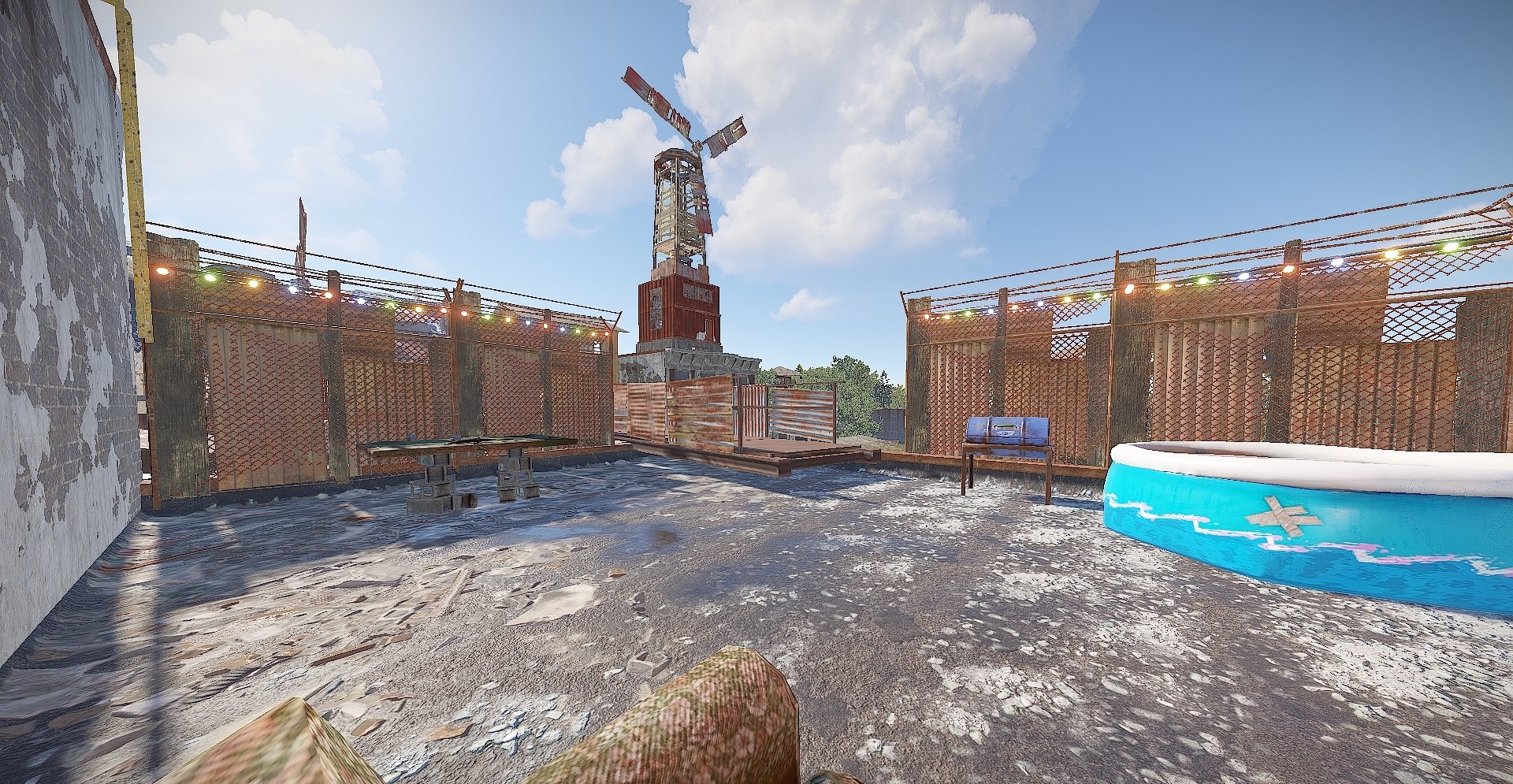

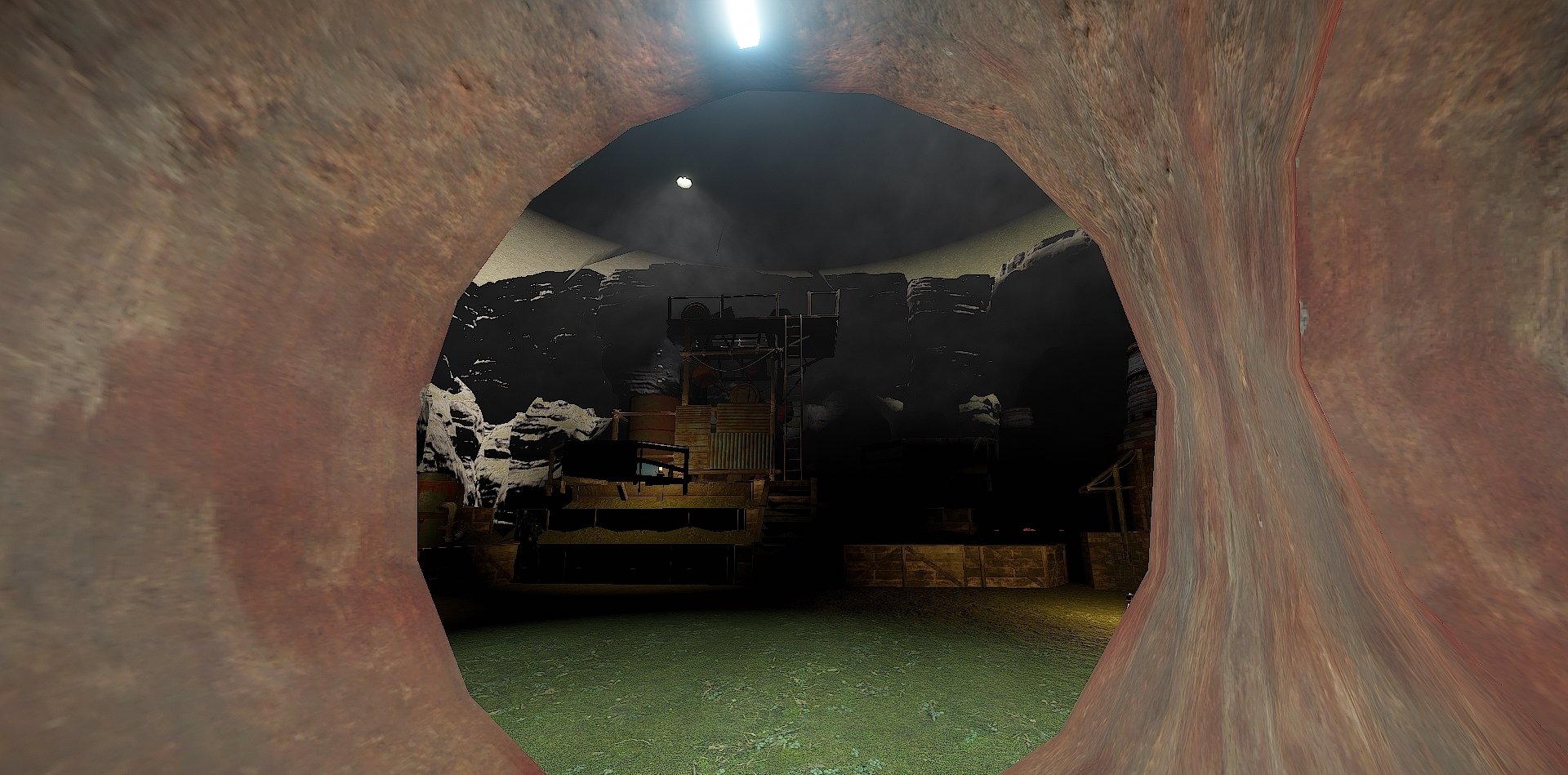
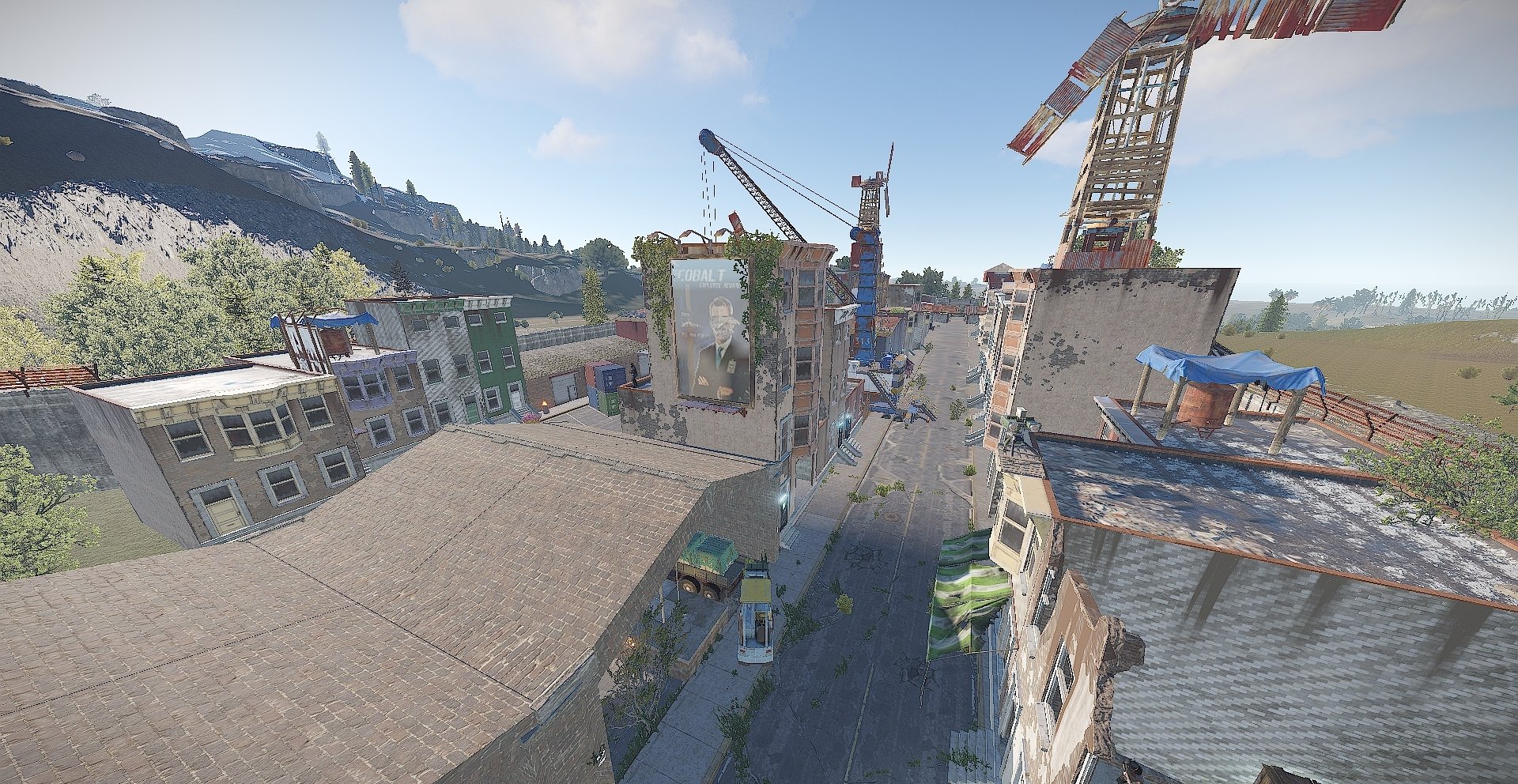
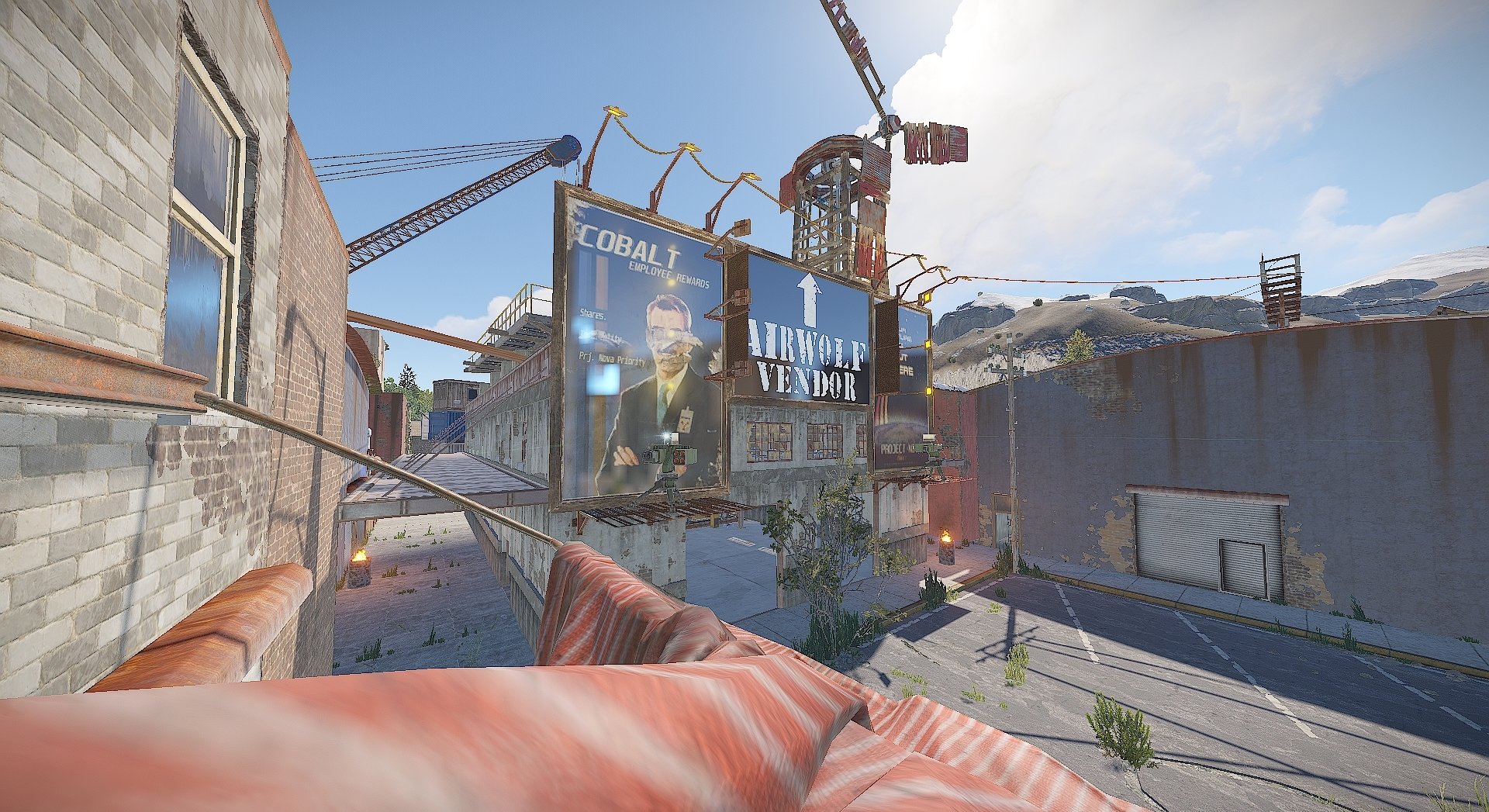

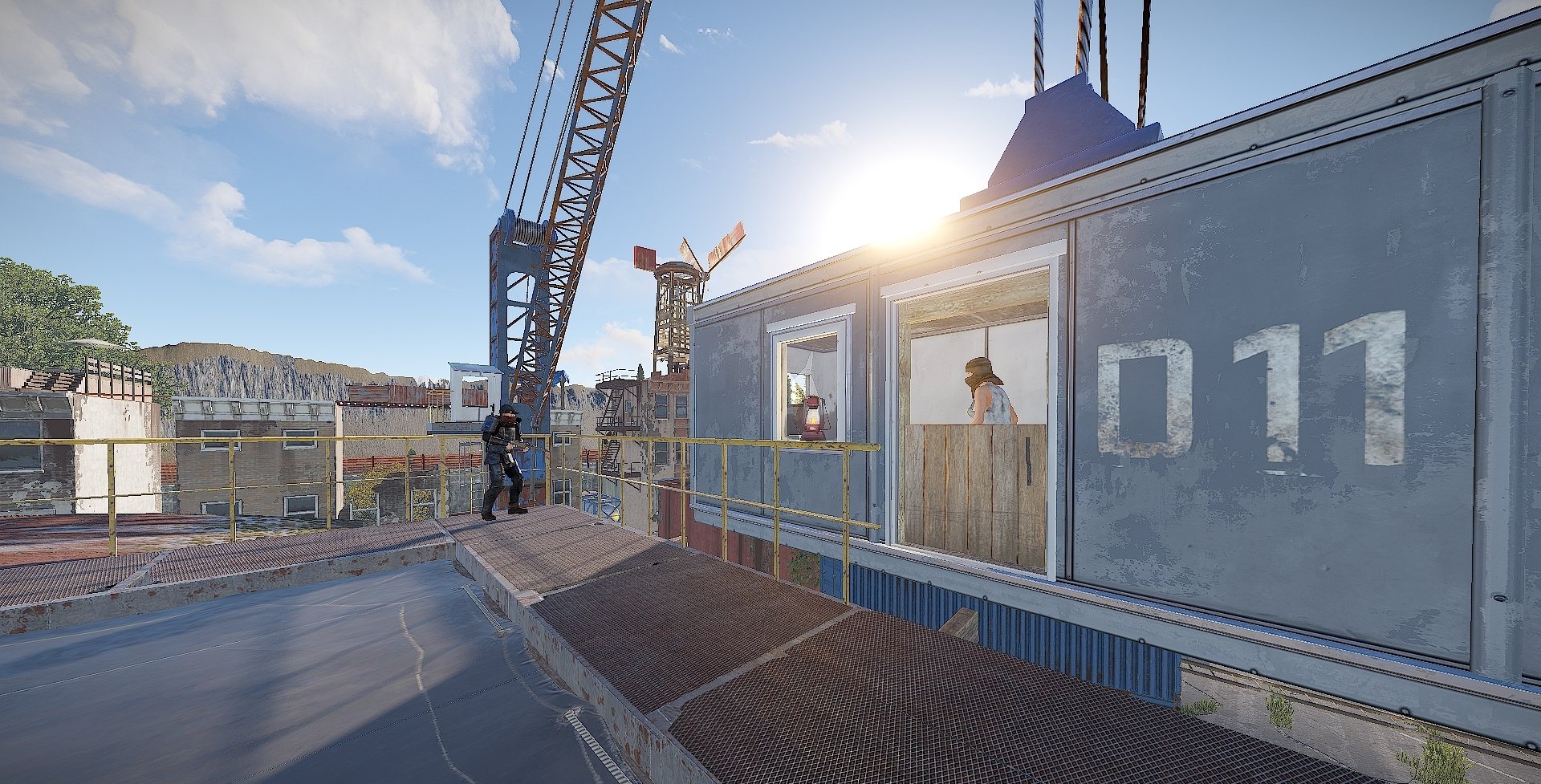
A custom safezone with elements from both procedural safezones Outpost and Bandit Camp.
Terminus Safezone is inspired from The Walking Dead giving aspects and vibes of both Alexandria Safezone and Terminus for the ones who know
Terminus includes
~A library
~Garage
~Workbench area
~Sleeping quarters
~Canteen
~Small gambling area
~Loading / unloading station
~Airwolf Vendor
~Mission NPC's spread across the various buildings in the safezone
~ An underground mining cave
~And a couple of recreational area also including a hidden red room puzzle with not big loot but a gift , room can only be opened with 2 persons due to only access to is via a jumping puzzle and the fuse box is below it.
Entity Count is roughly 7000
All triggers are placed to prevent building in the area and around it and also enforce it as a safezone! Bunch of NPC's and Sentry Turrets to make everyone feel safe.
What's New in Version 1.0.0
Released
No changelog available for this version.
are and shall at all times remain our sole and exclusive property. You agree that under no circumstances,
whether the product has been modified or not, shall you have or attempt to claim ownership of any intellectual property rights or copyright in the product.
You can only use this for your server, for your own personal purposes.
You are prohibited from reselling and distributing this content to others.
You are not allowed to impersonate my content as a rework or not.
After posting this content on your map, please in case you break it. Before saving, re-create all my content in the custom prefab.
You may only provide a review once you have downloaded the file.
There are no reviews to display.