



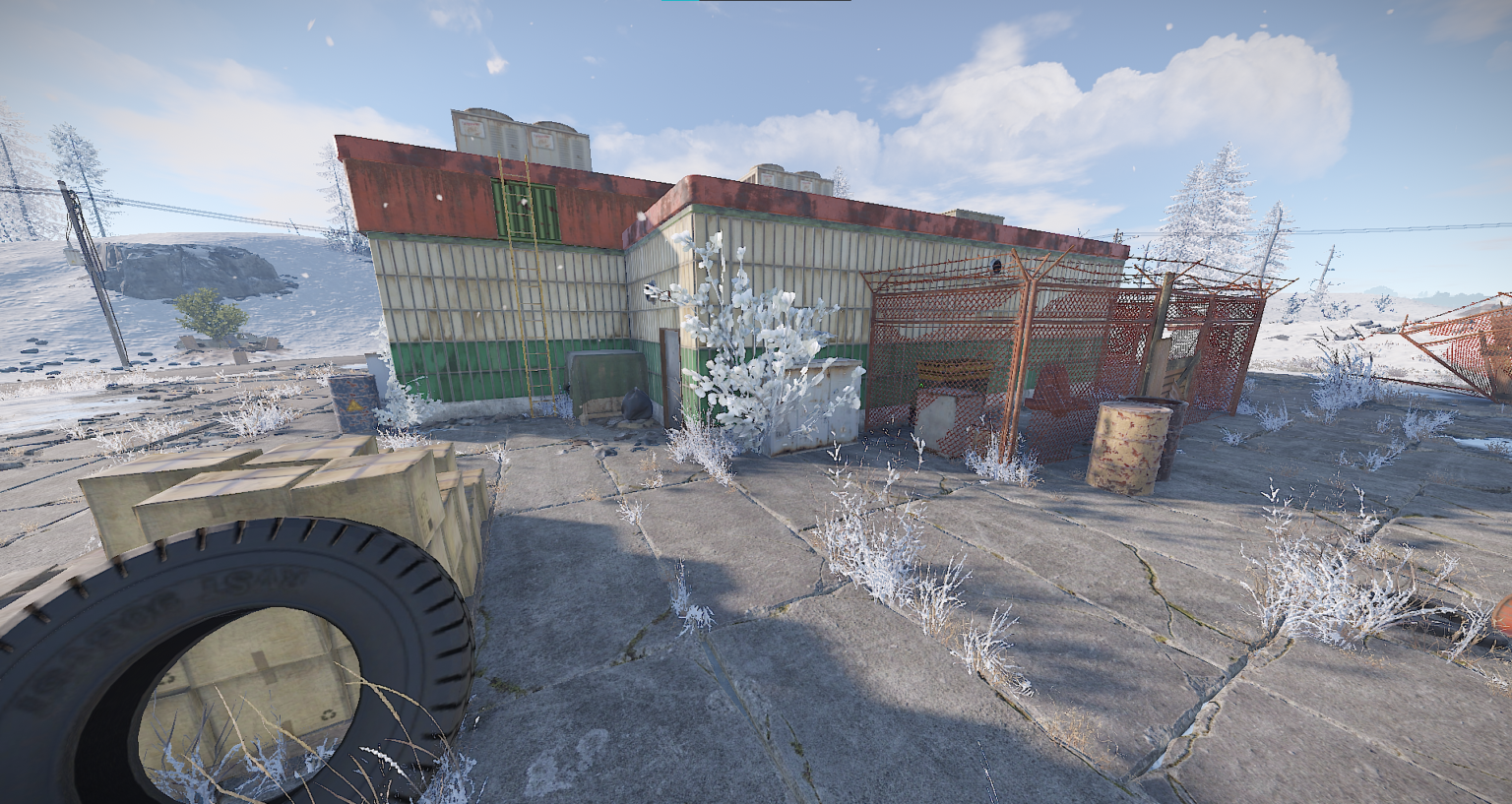
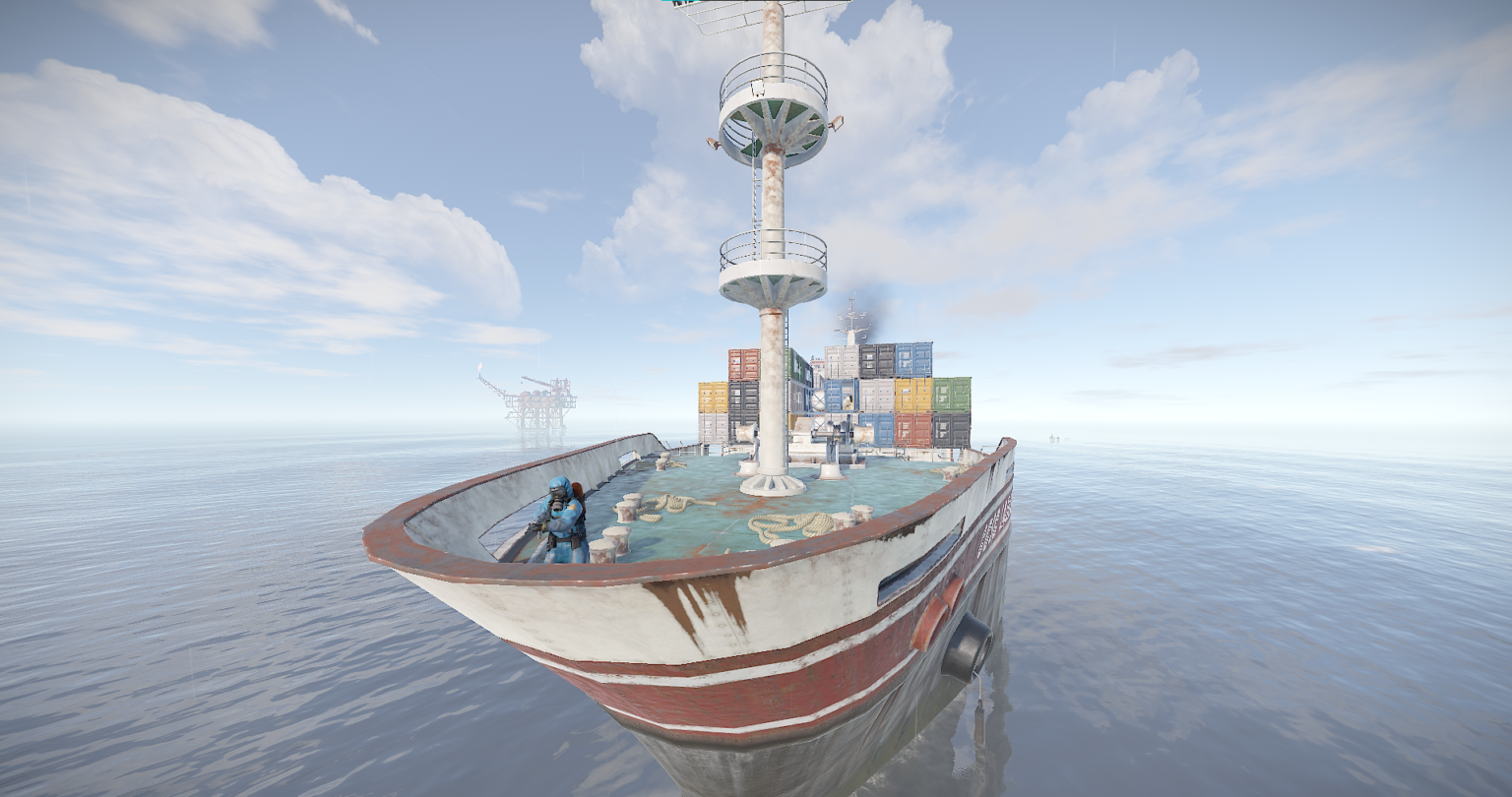
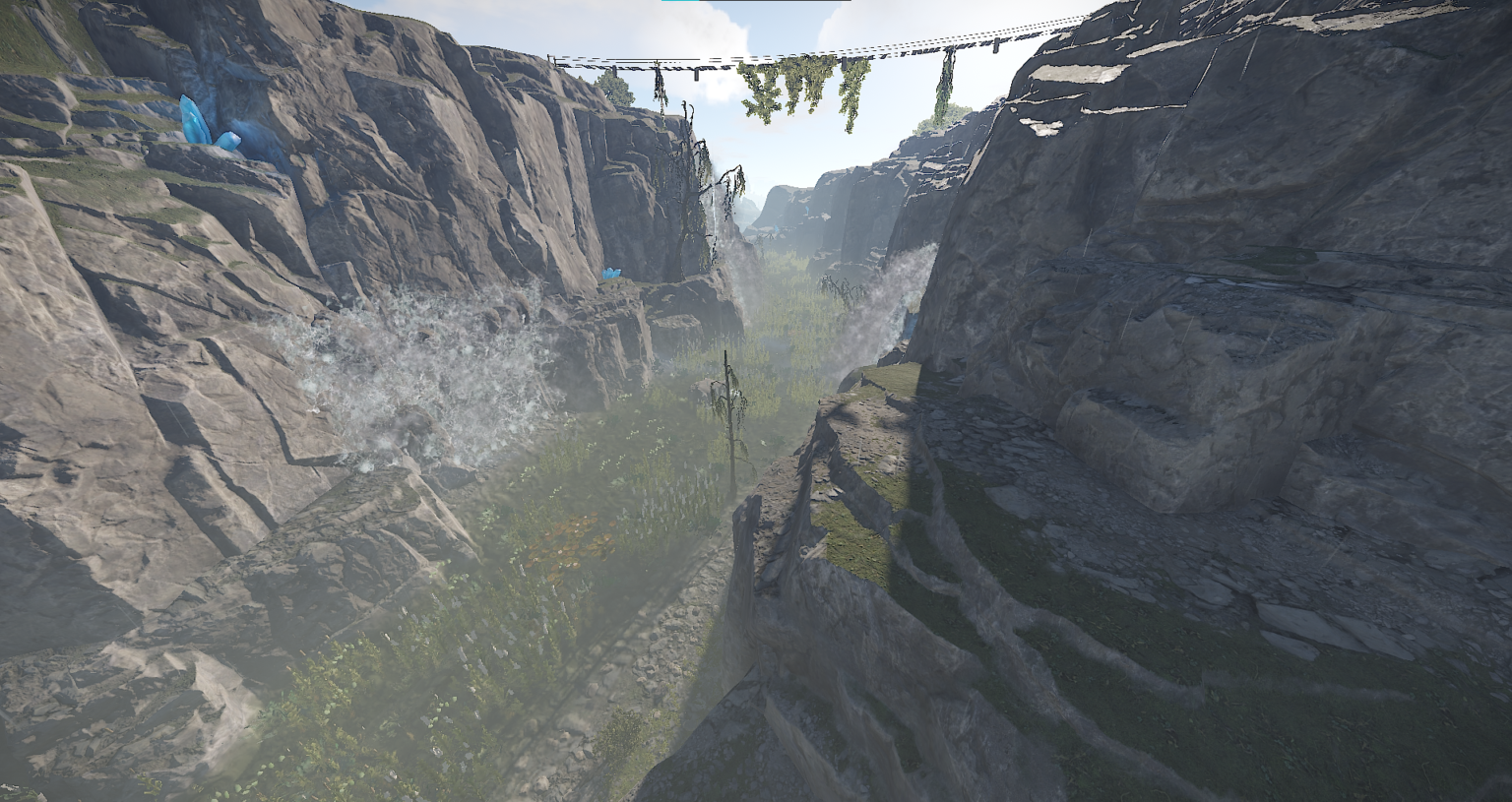
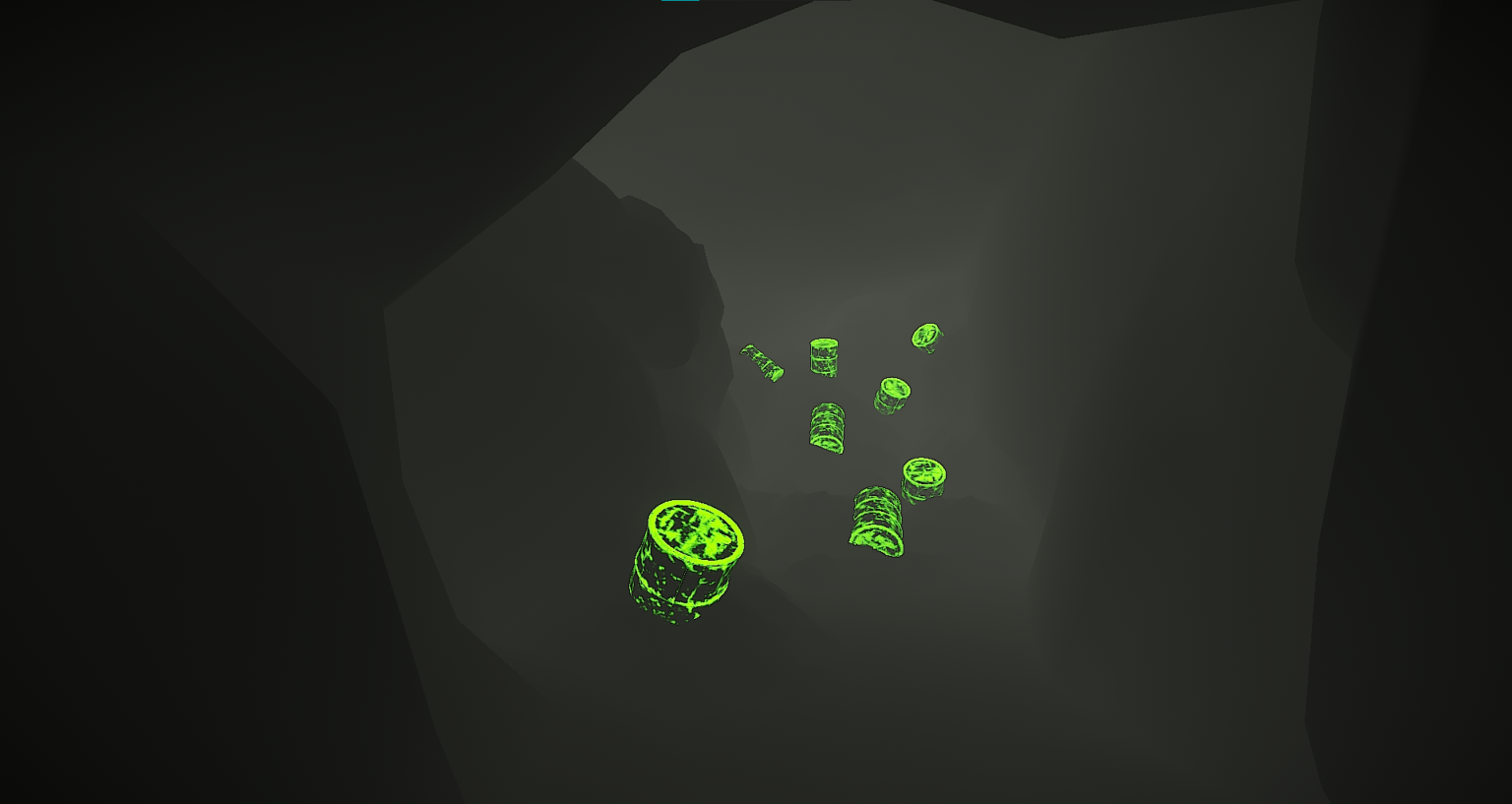
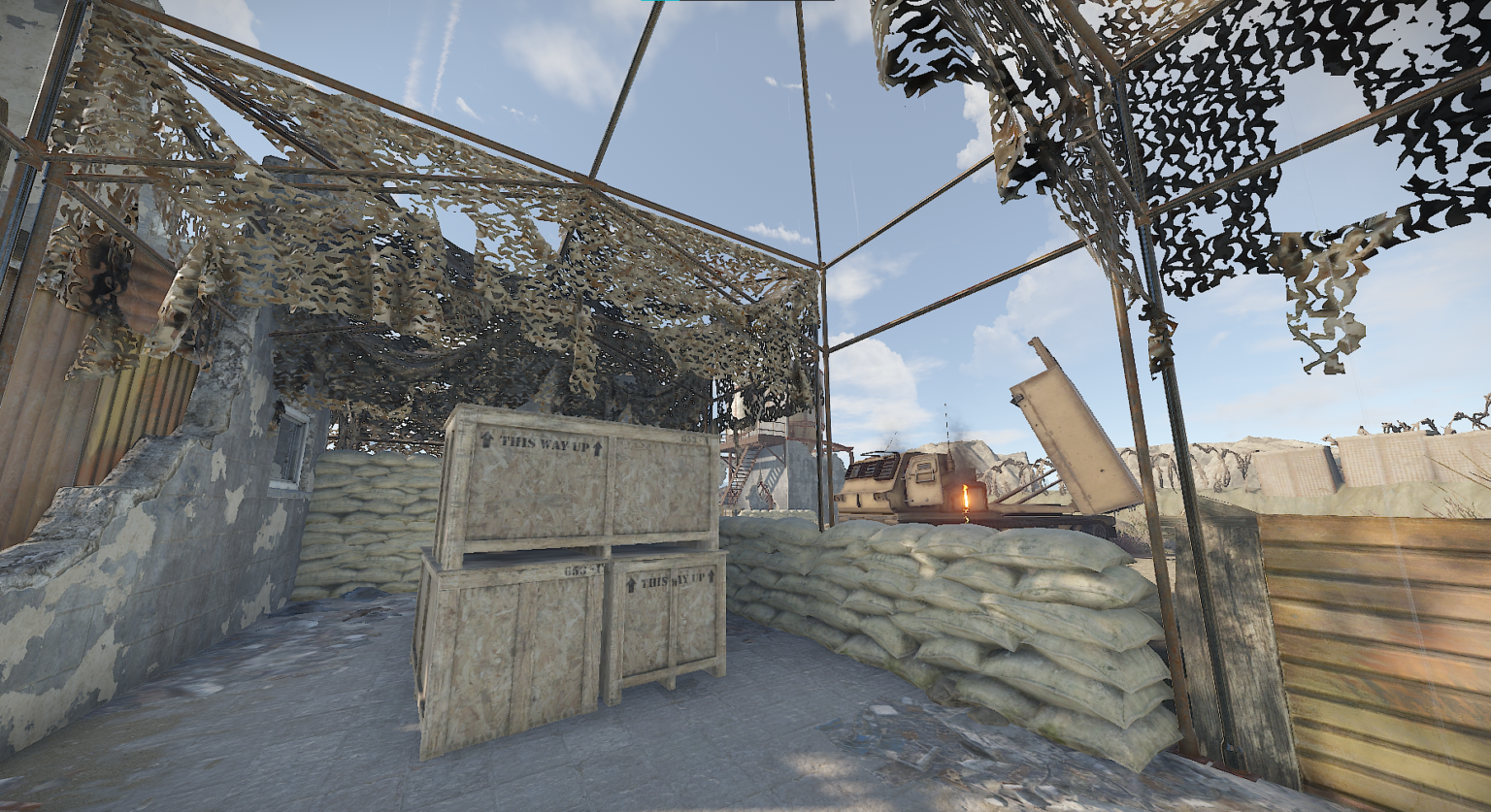
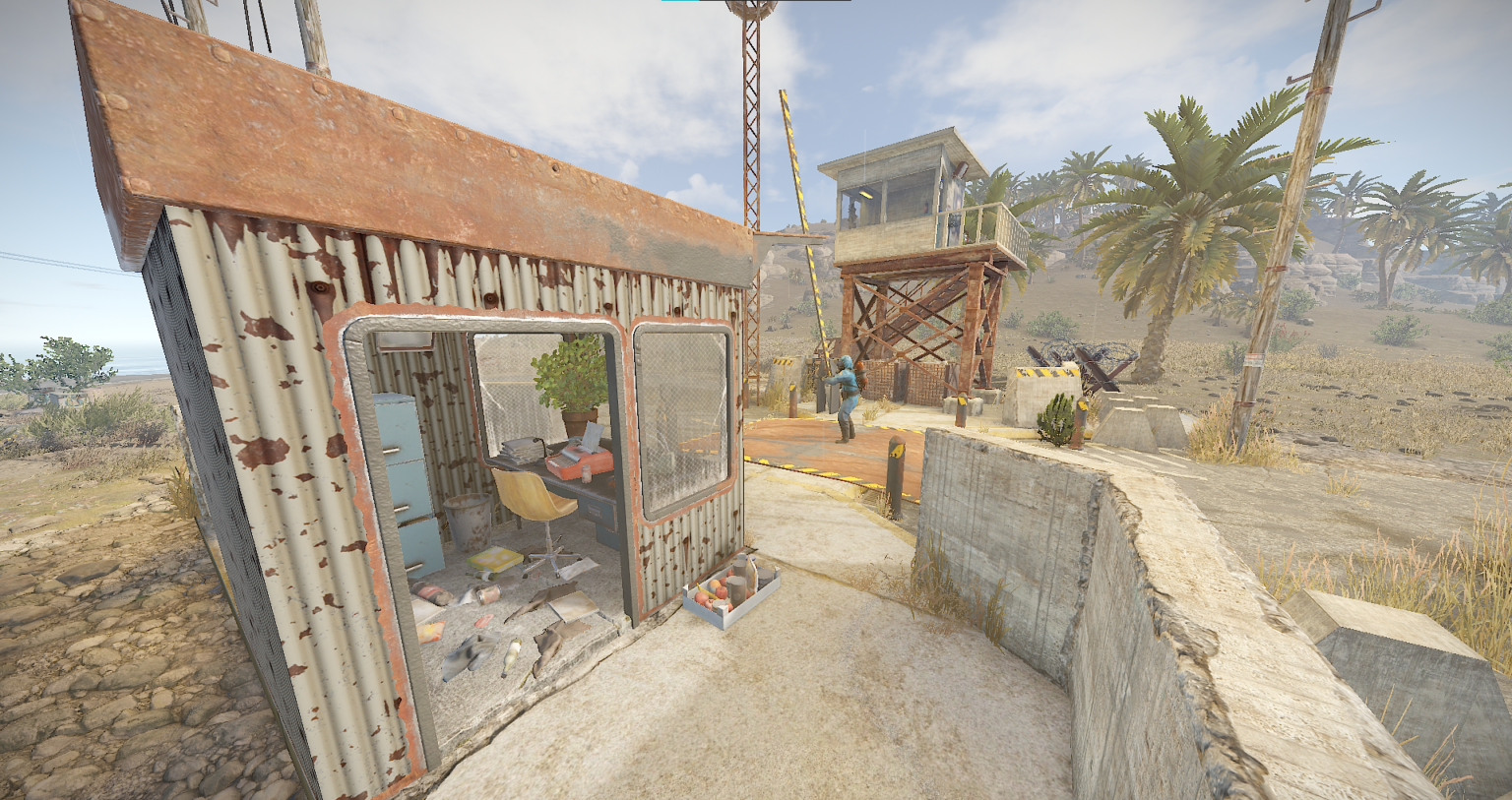
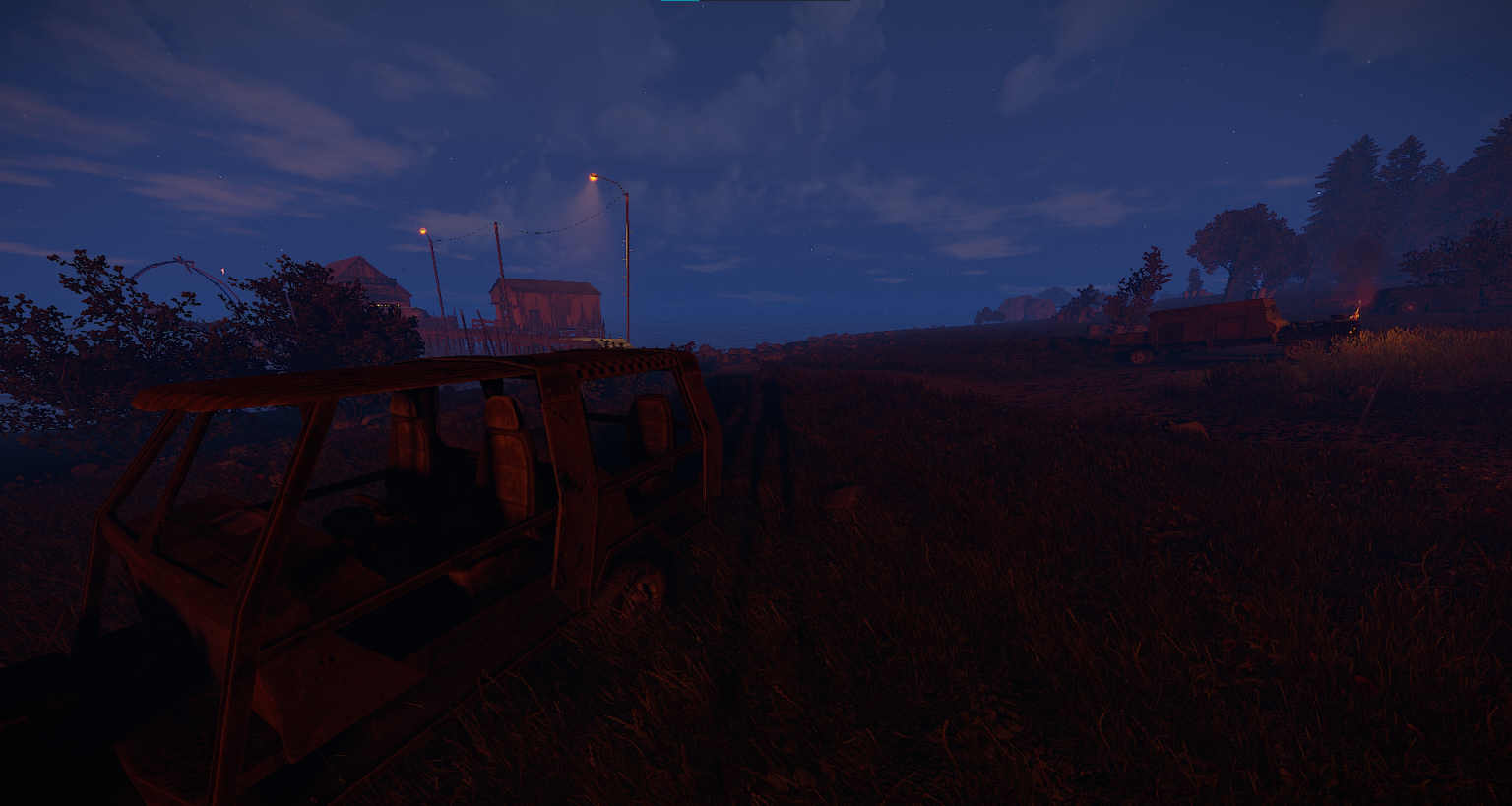
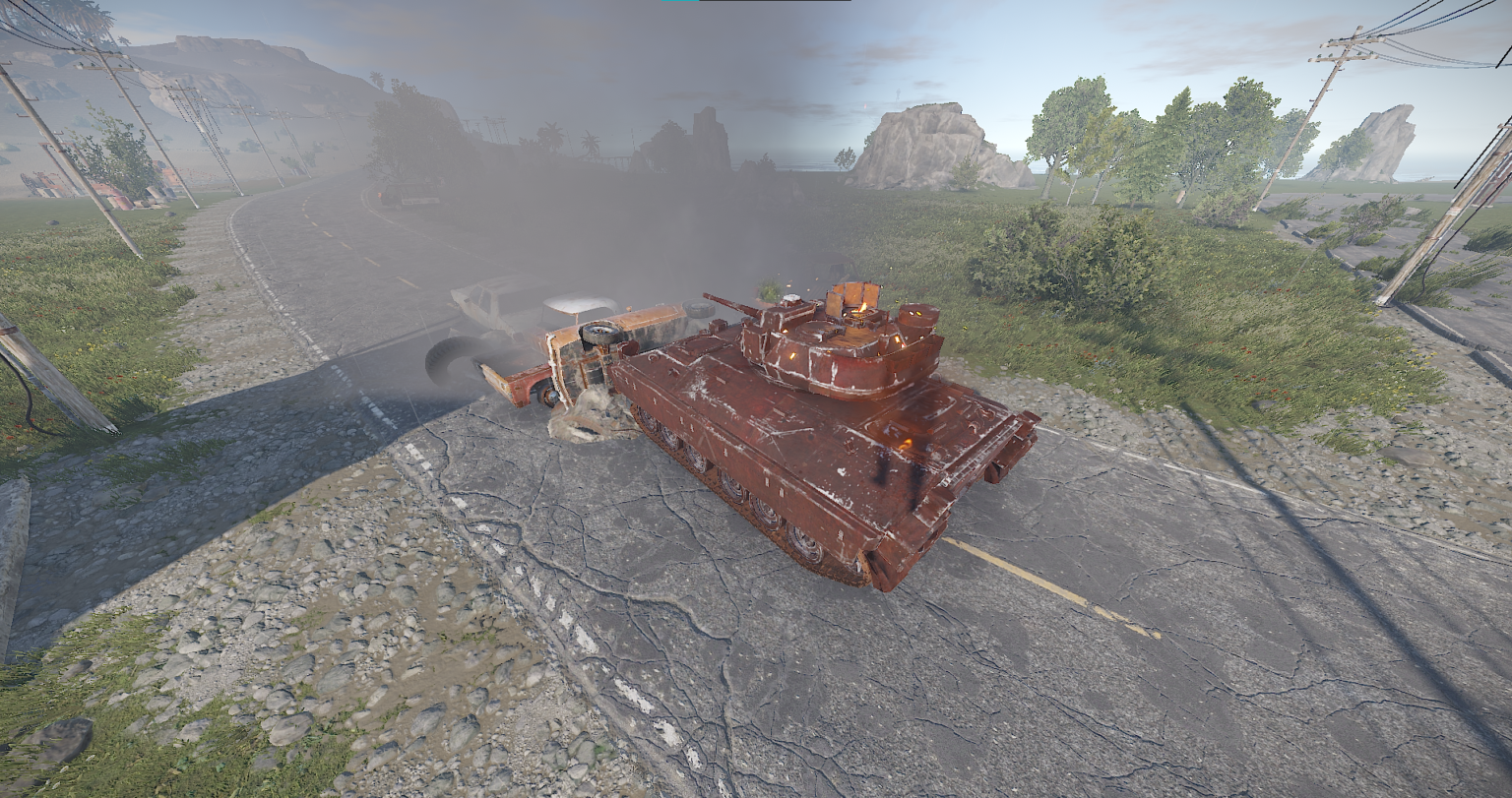
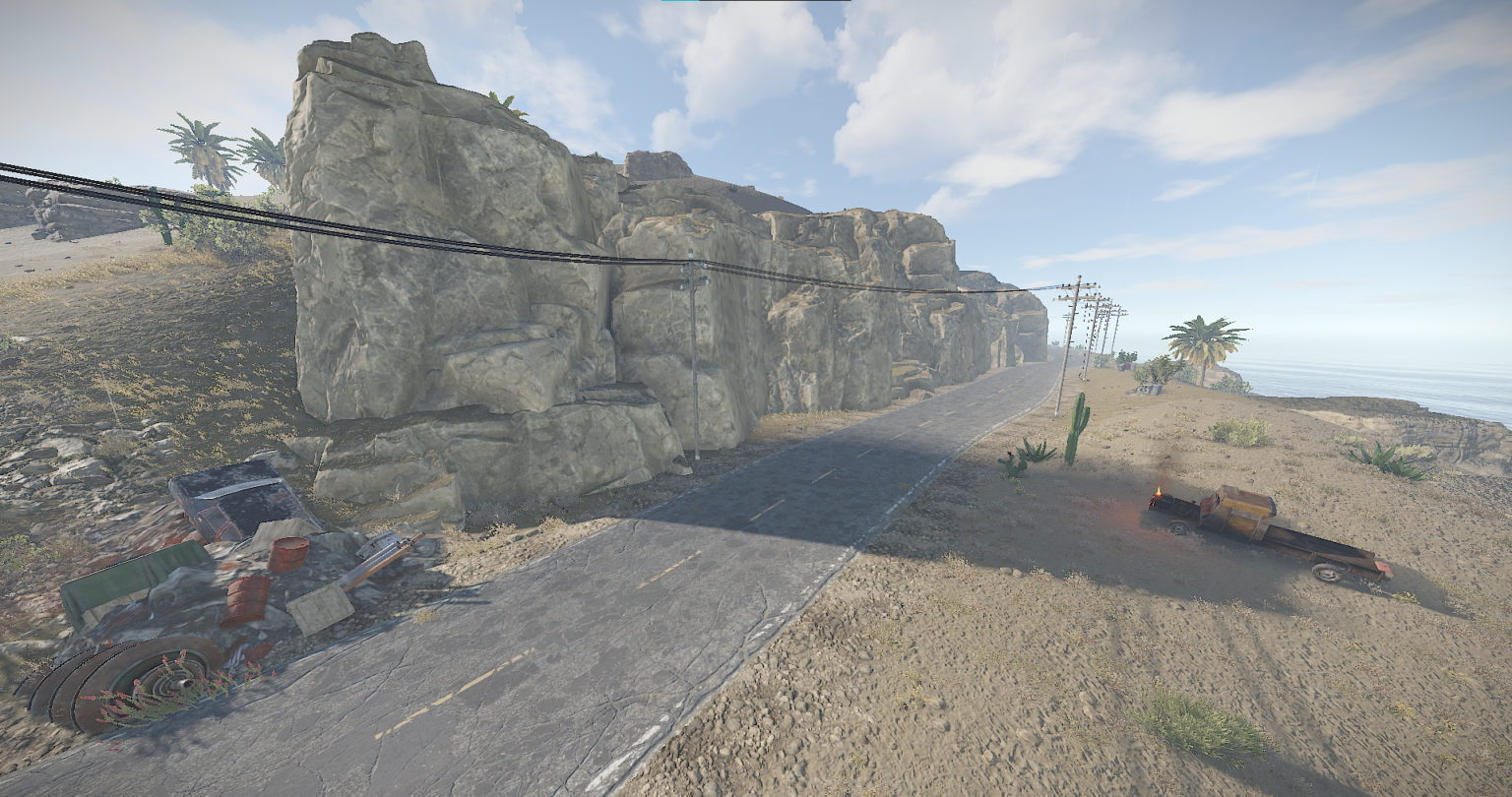
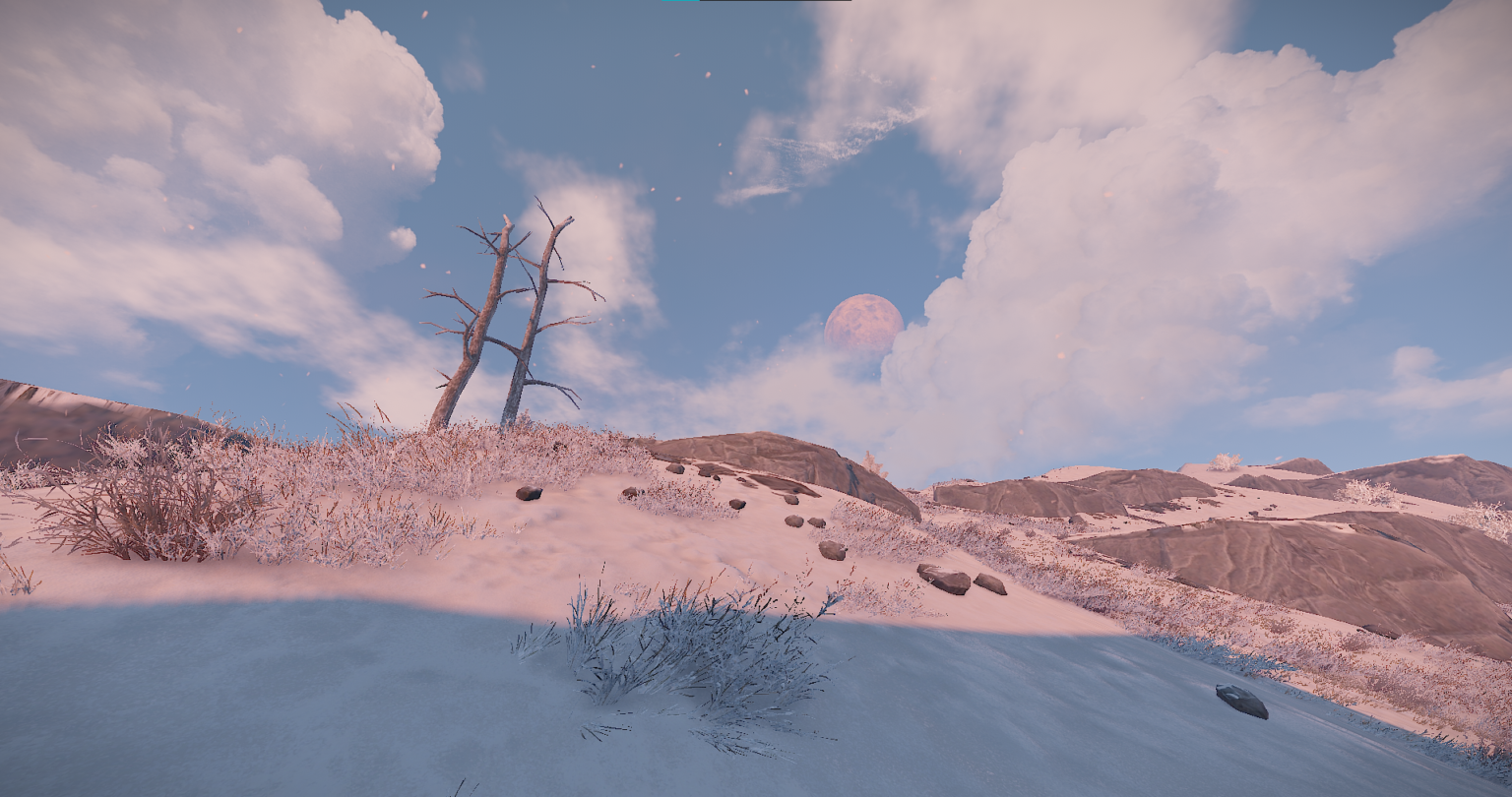
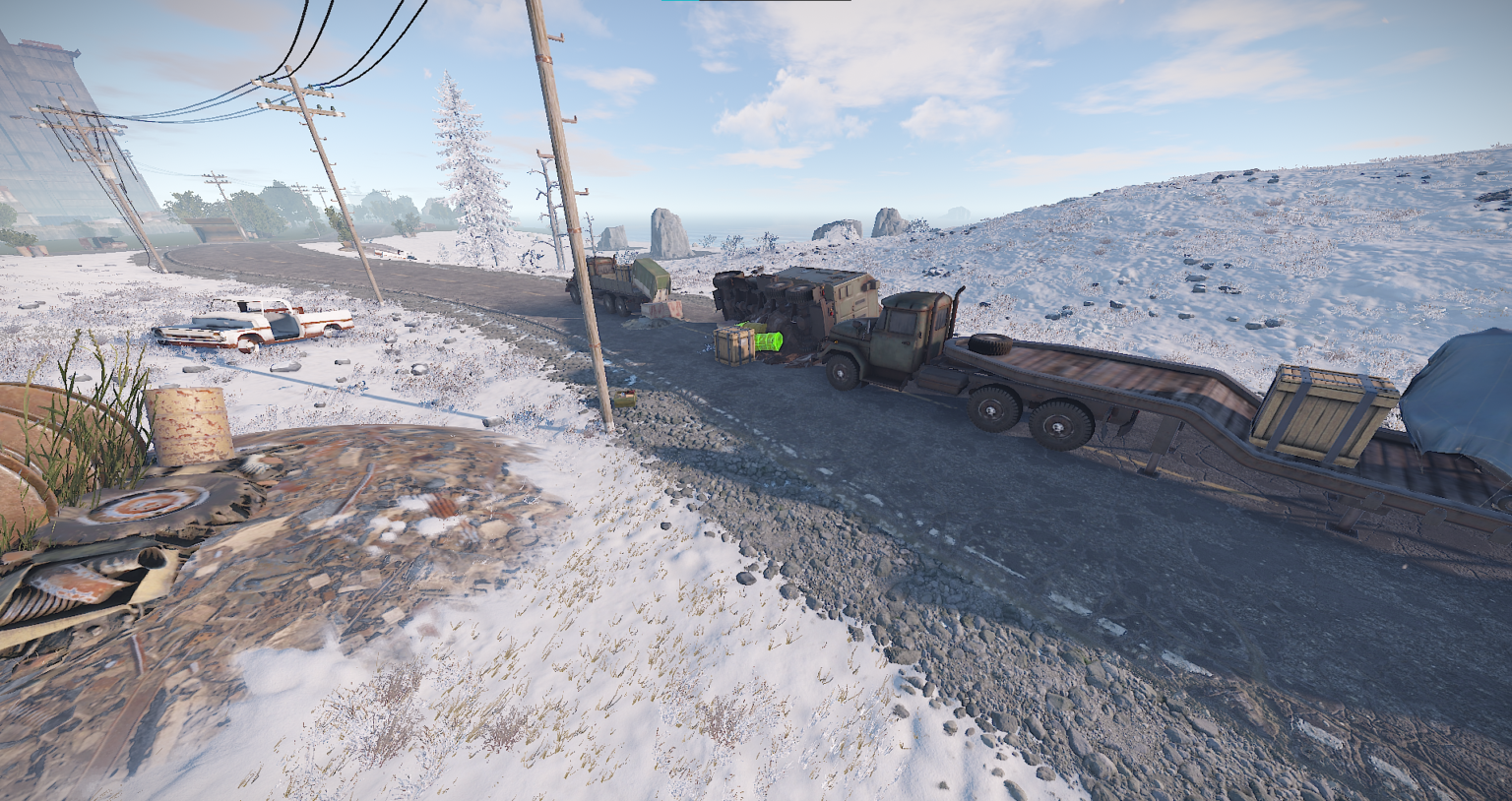
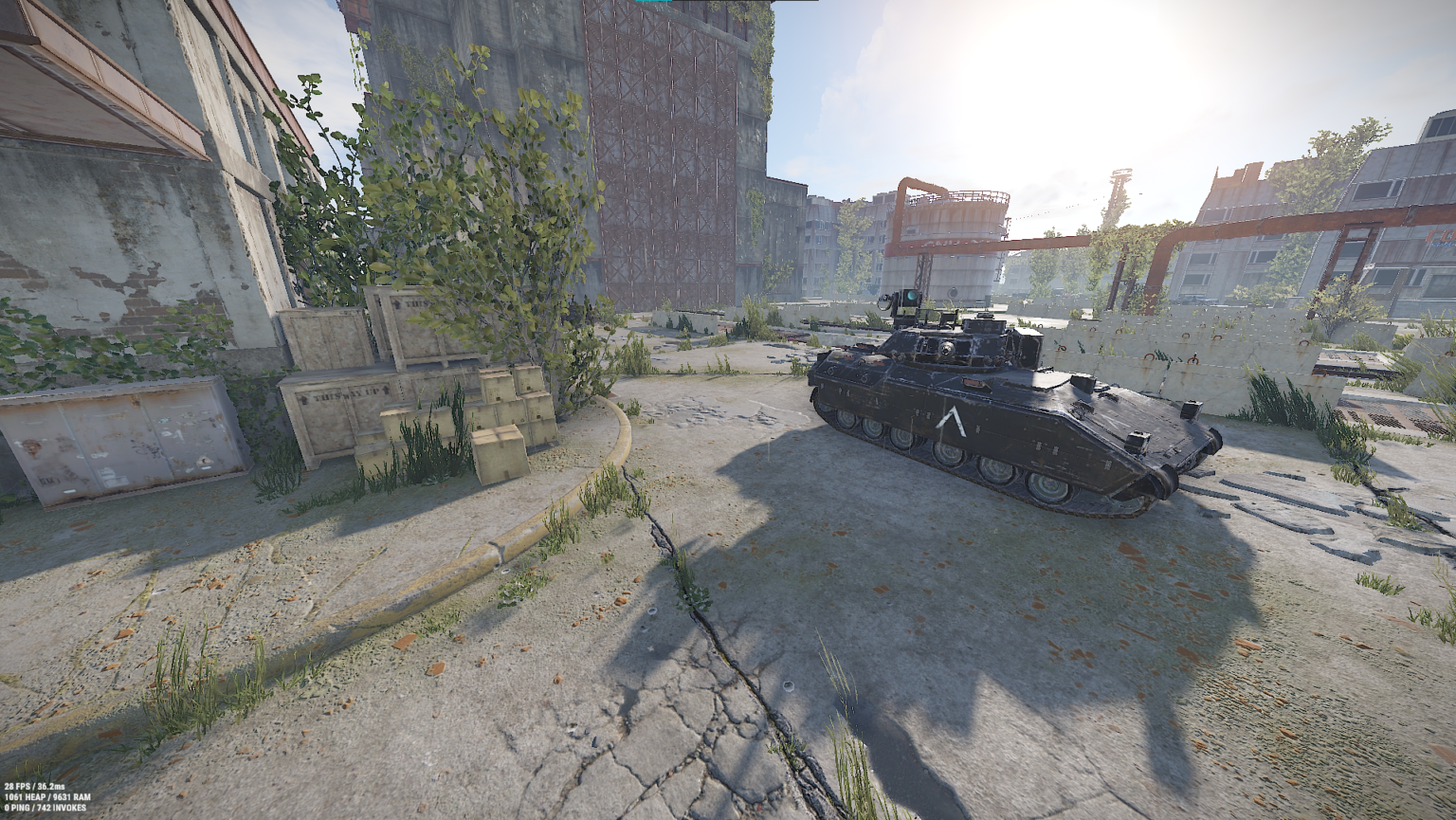
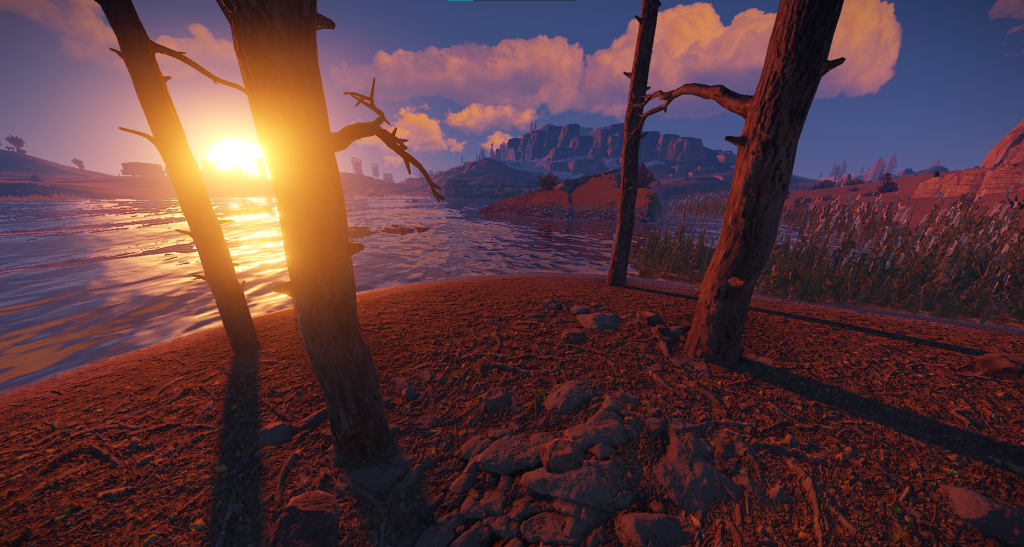
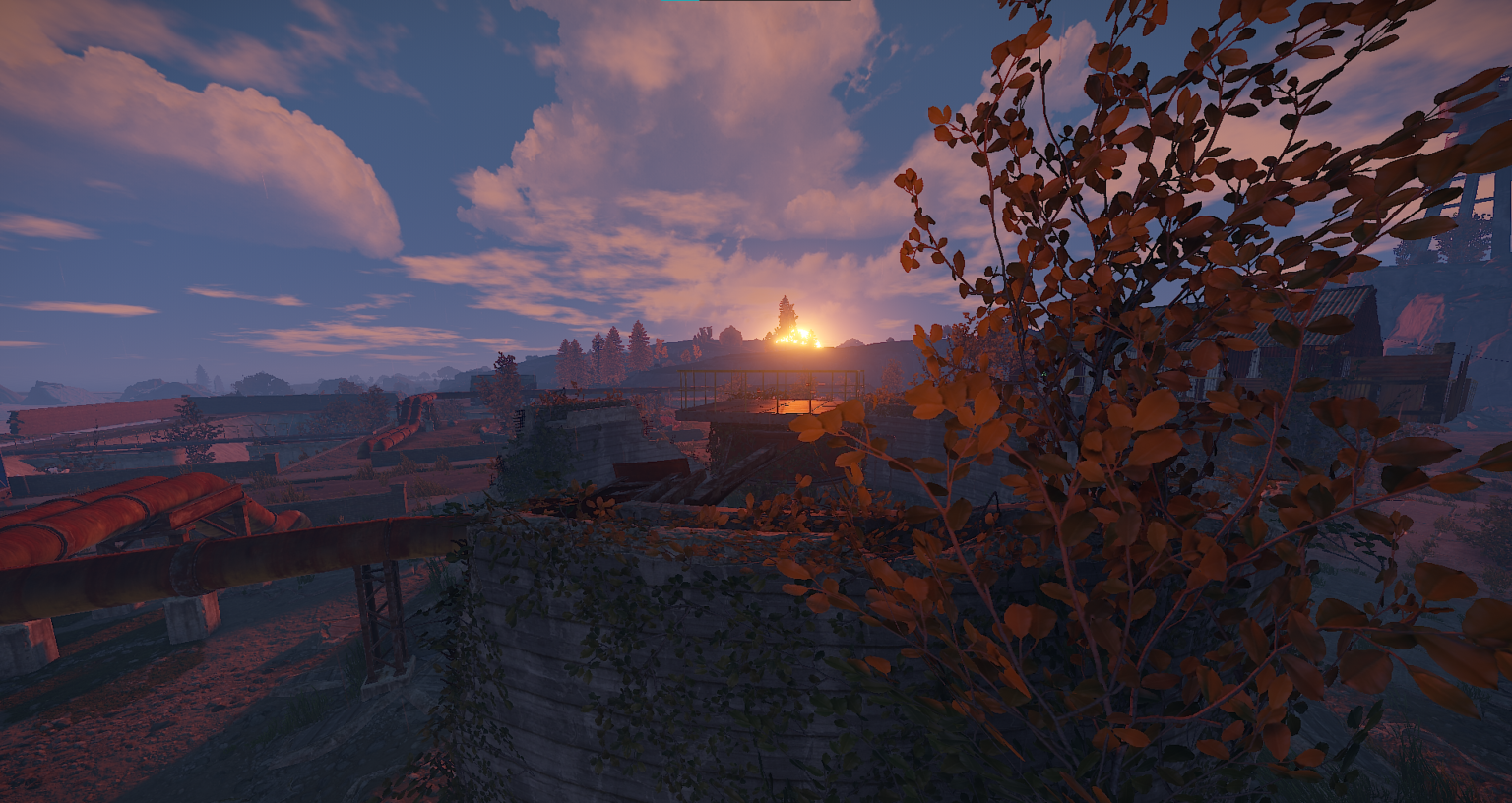
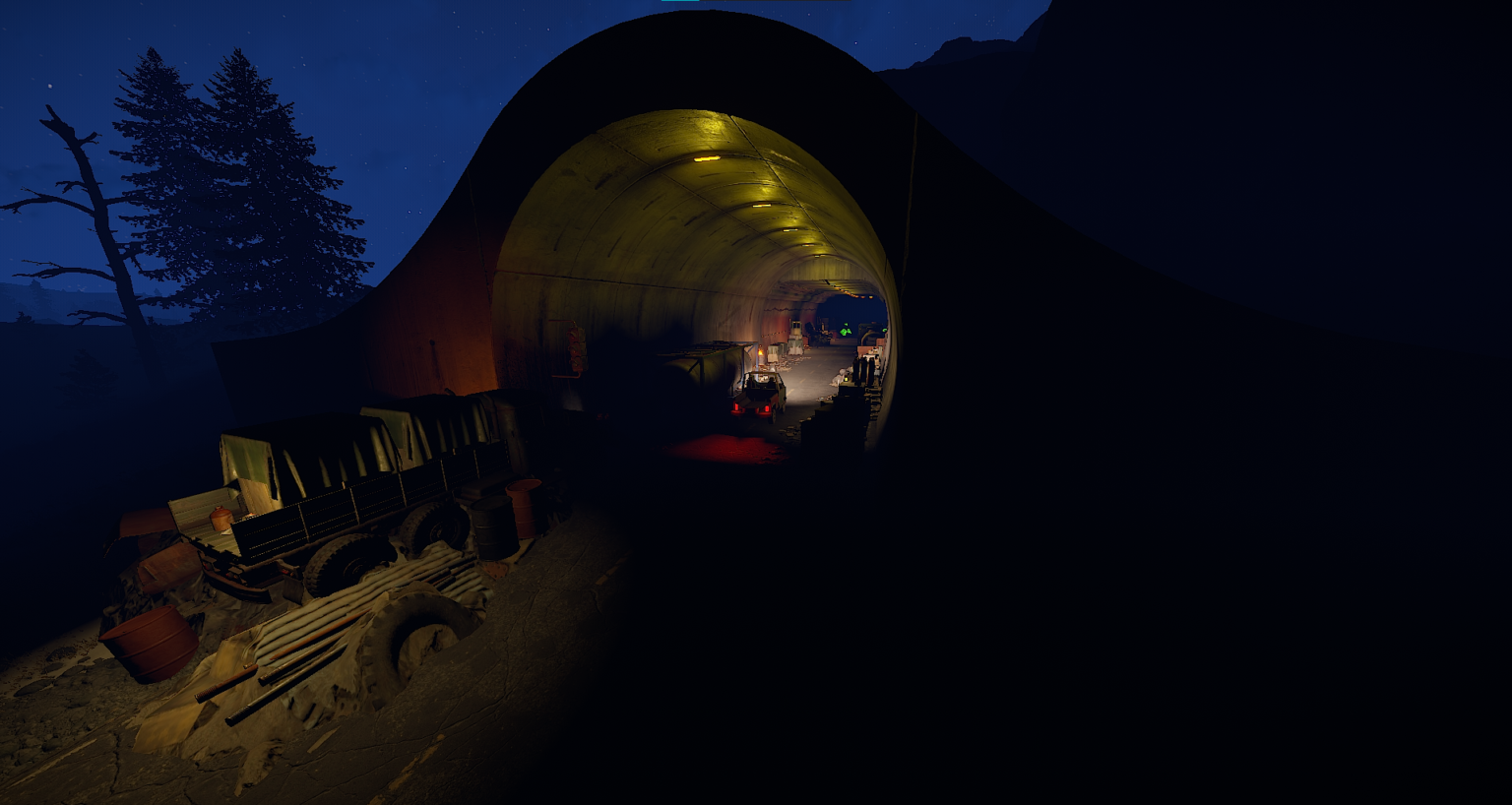
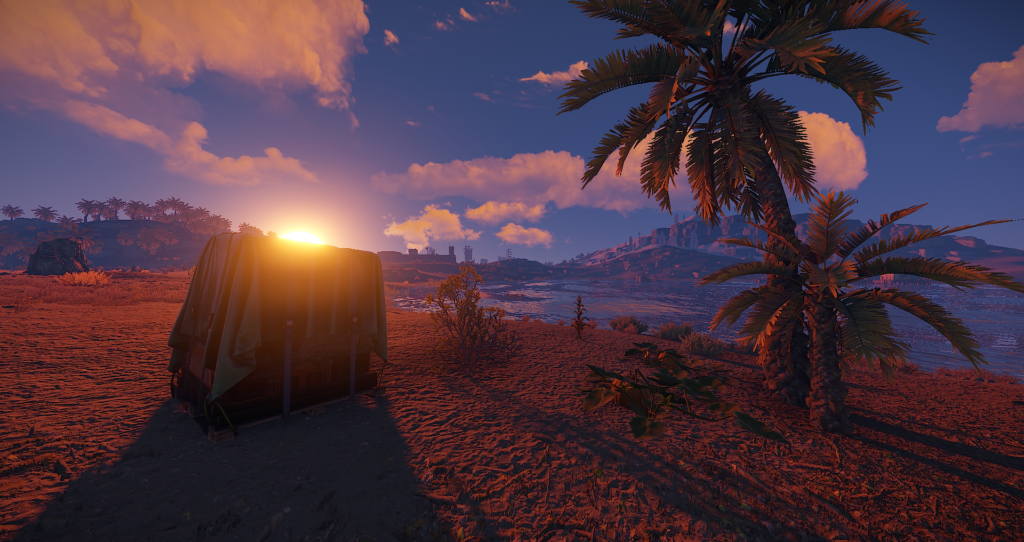

This map is fully editable, though all edits will be lost when the map is updated. This map also includes a few premium monuments, as all of the custom monuments are broken down.
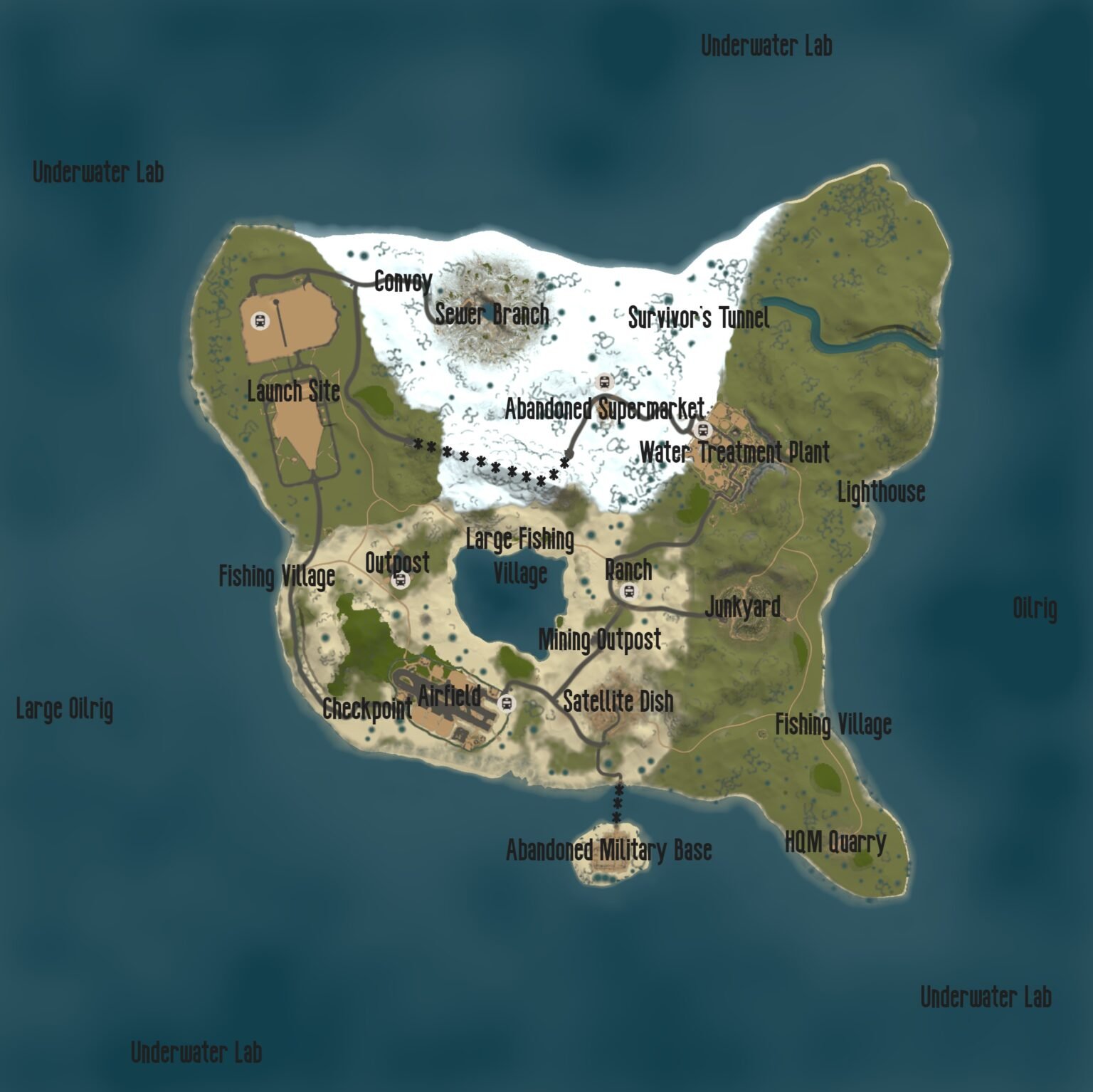
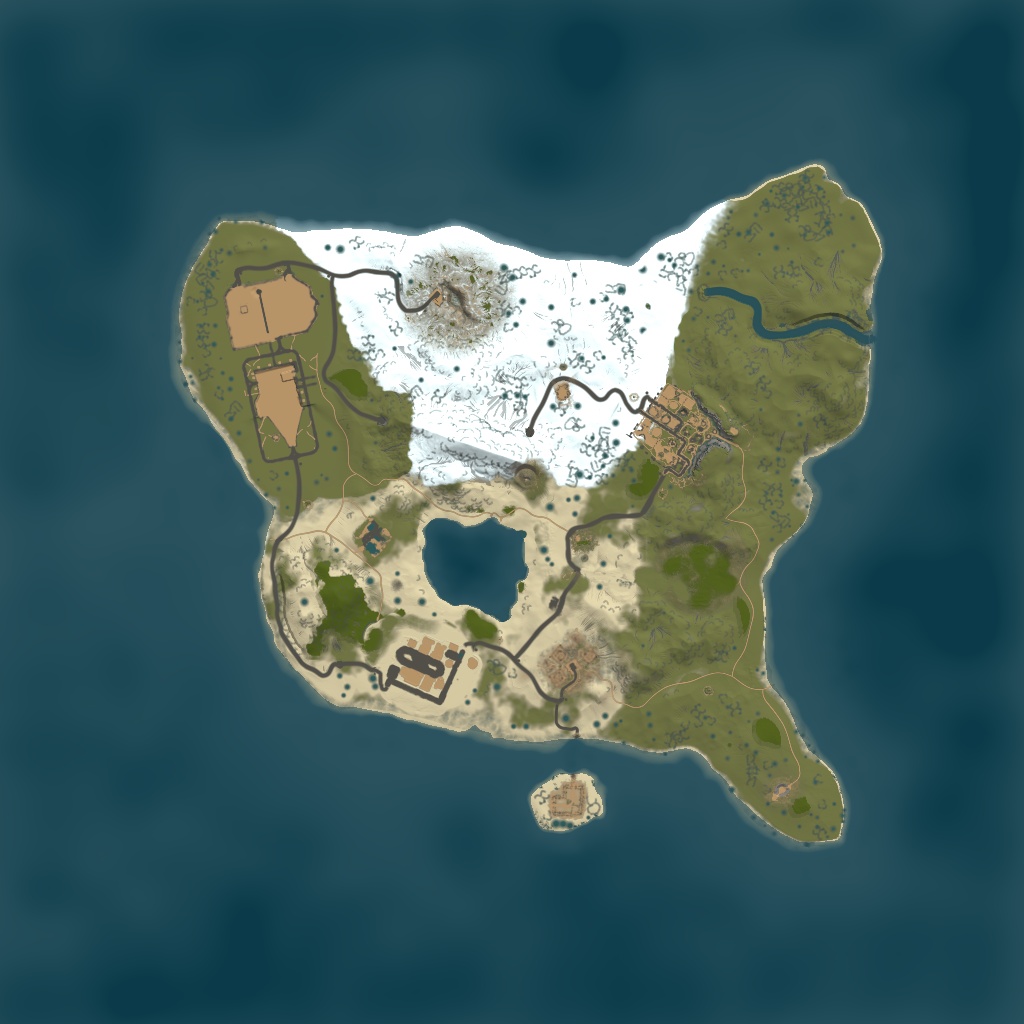
Research Island is a small, 3000 sized map. It contains all of the main procedural monument which normally can't be generated in such a small map. With this there are also a bunch of small, unmarked points of interest. This gives players a variety of things to do, keeping them active.
Monuments:
Underwater Labs
Oilrigs
Convoy
Launch Site
Sewer Branch
Survivor's Tunnel
Lighthouse
Water Treatment Plant
Abandoned Supermarket
Fishing Villages
Small Outpost + Bandit Camp
Checkpoint
Airfield
Ranch
Satellite Dish
Mining Outpost
Junkyard
HQM Quarry
Abandoned Military Base
This will most likely be the last map/prefab I will ever make, I will still keep this map updated though. It has been a good run and I love every single one of you. ❤️ Peace! ✌️
What's New in Version V1.3
Released
May update
• No Sharing Password.
• No Selling.
• No Sharing Map.
You may only provide a review once you have downloaded the file.
There are no reviews to display.