




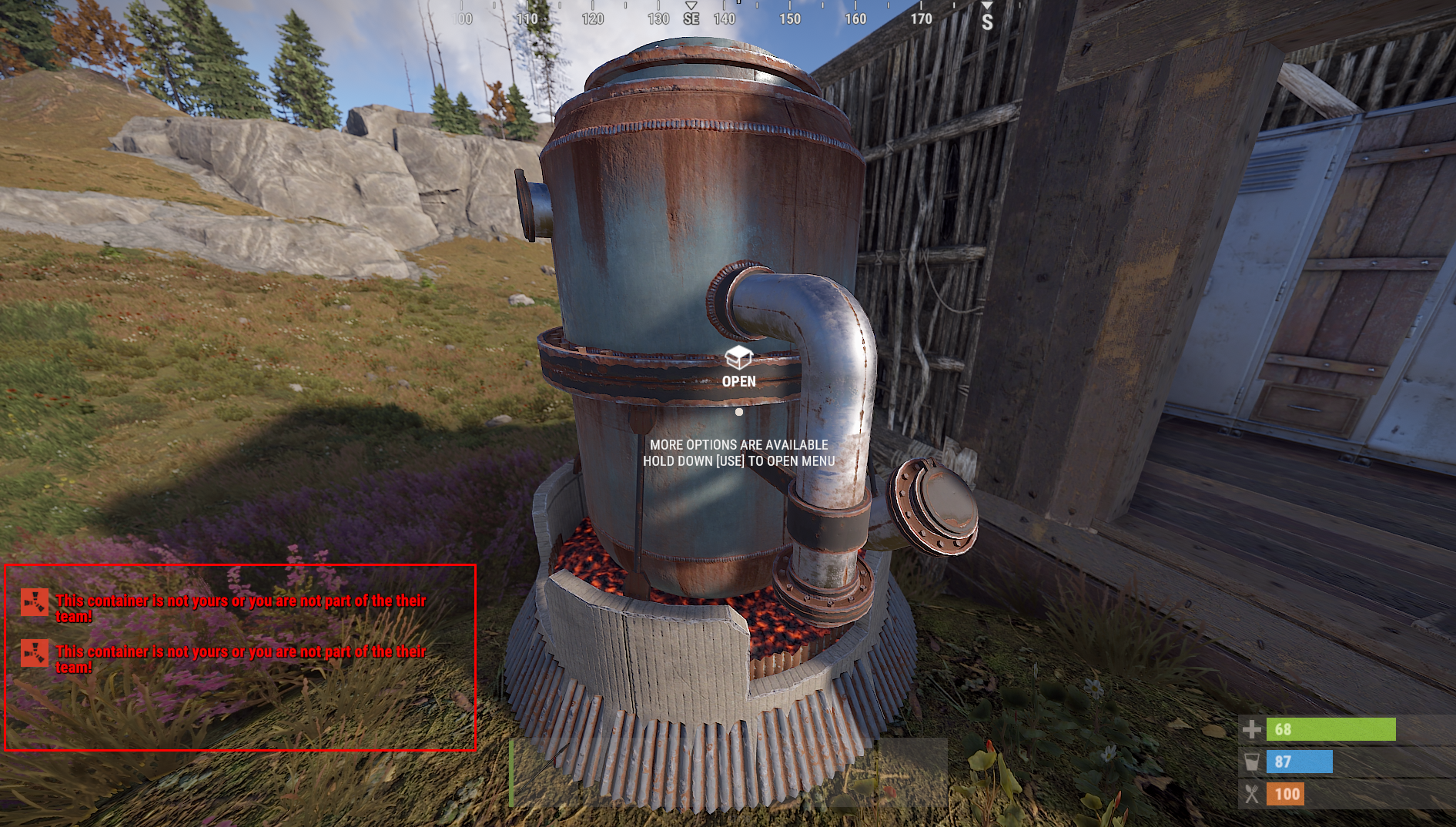
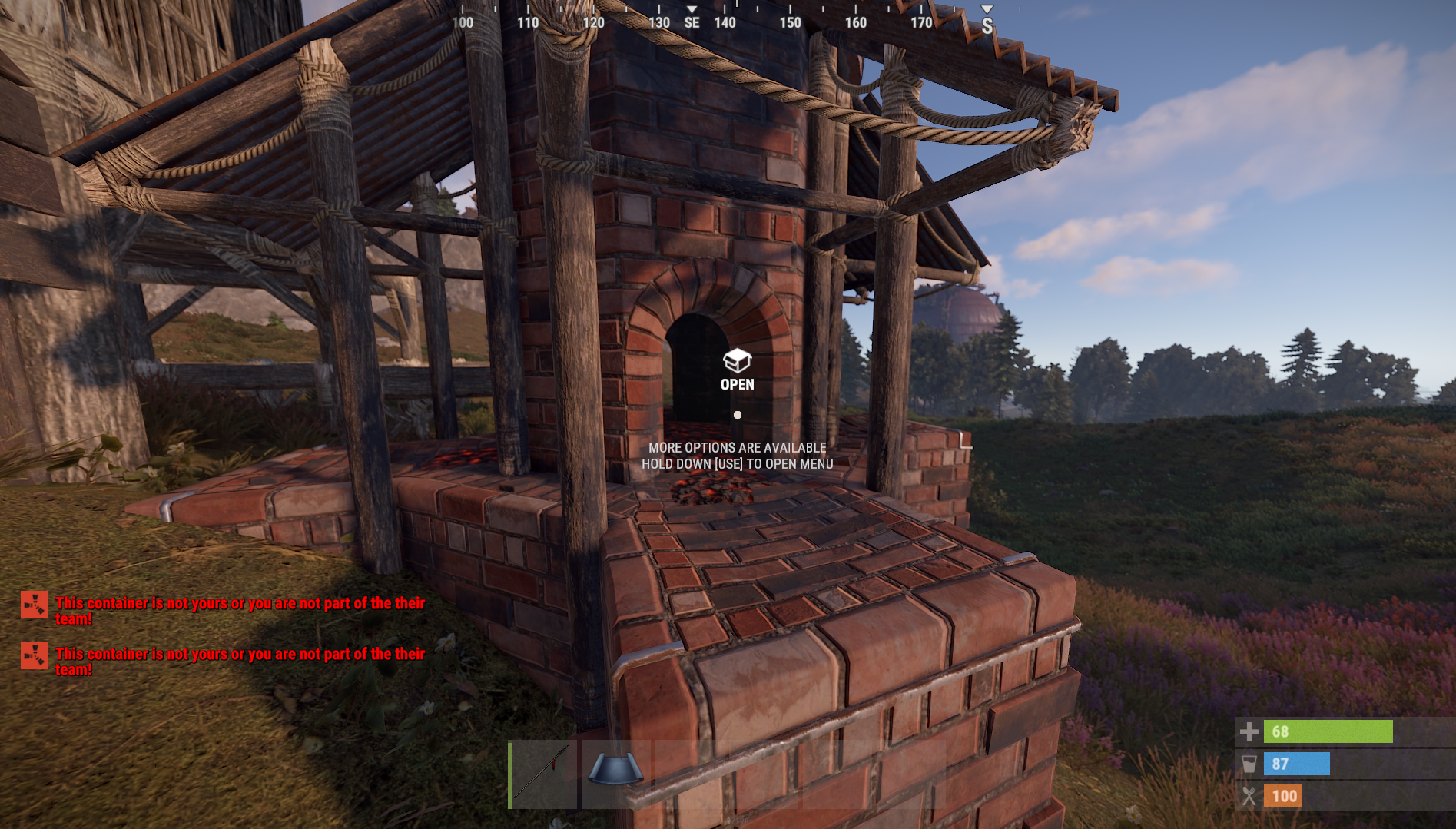
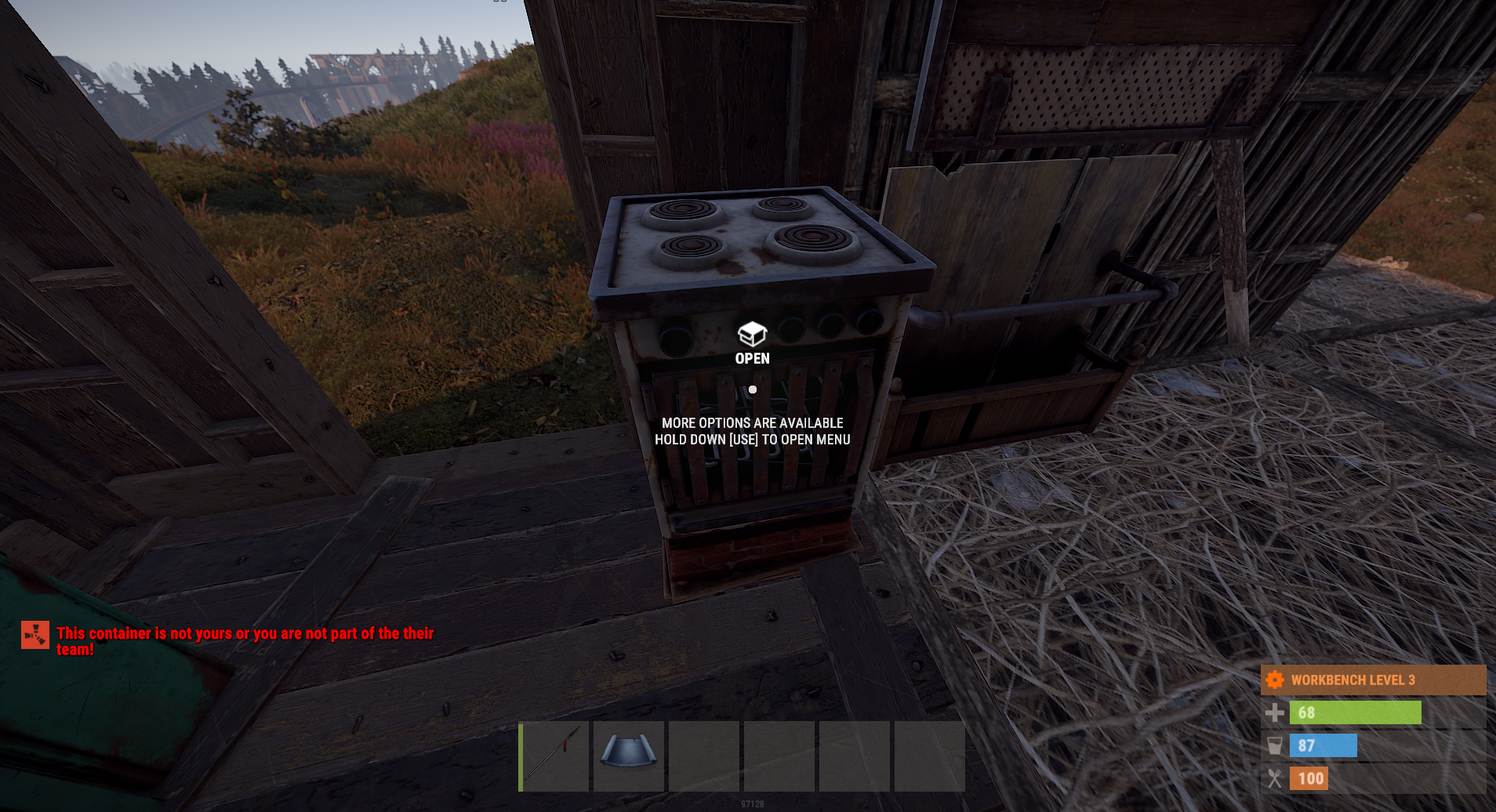
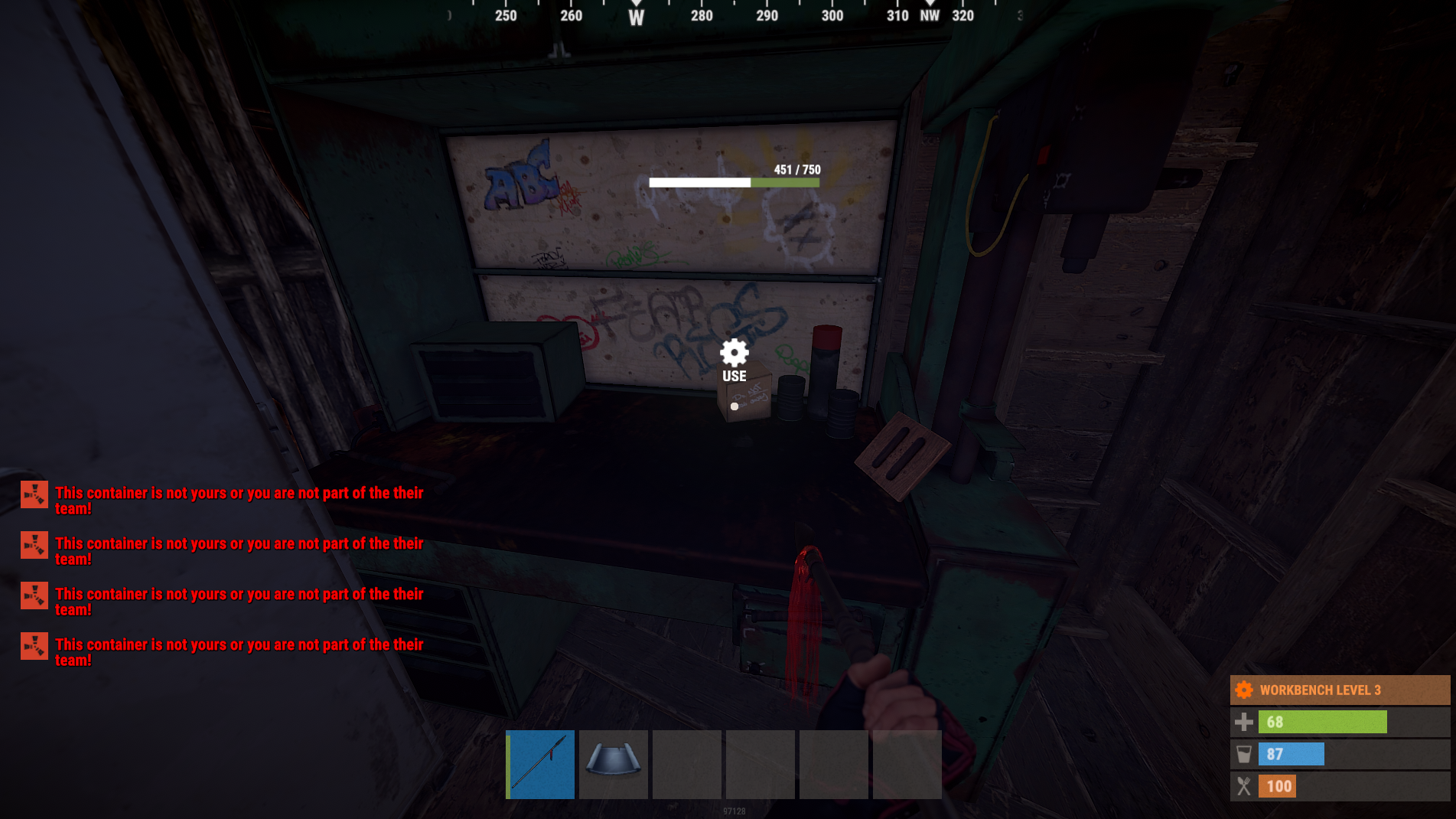
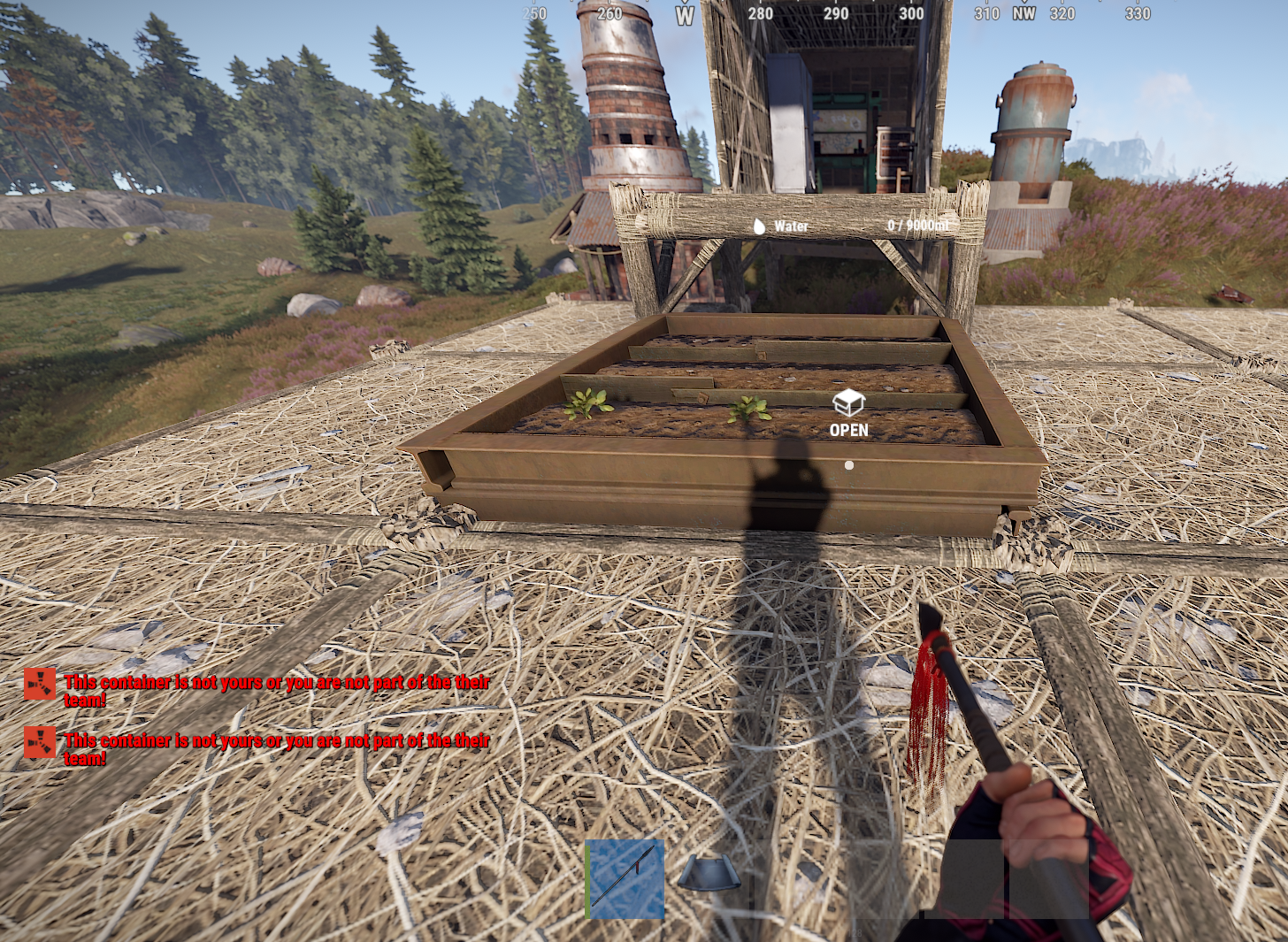
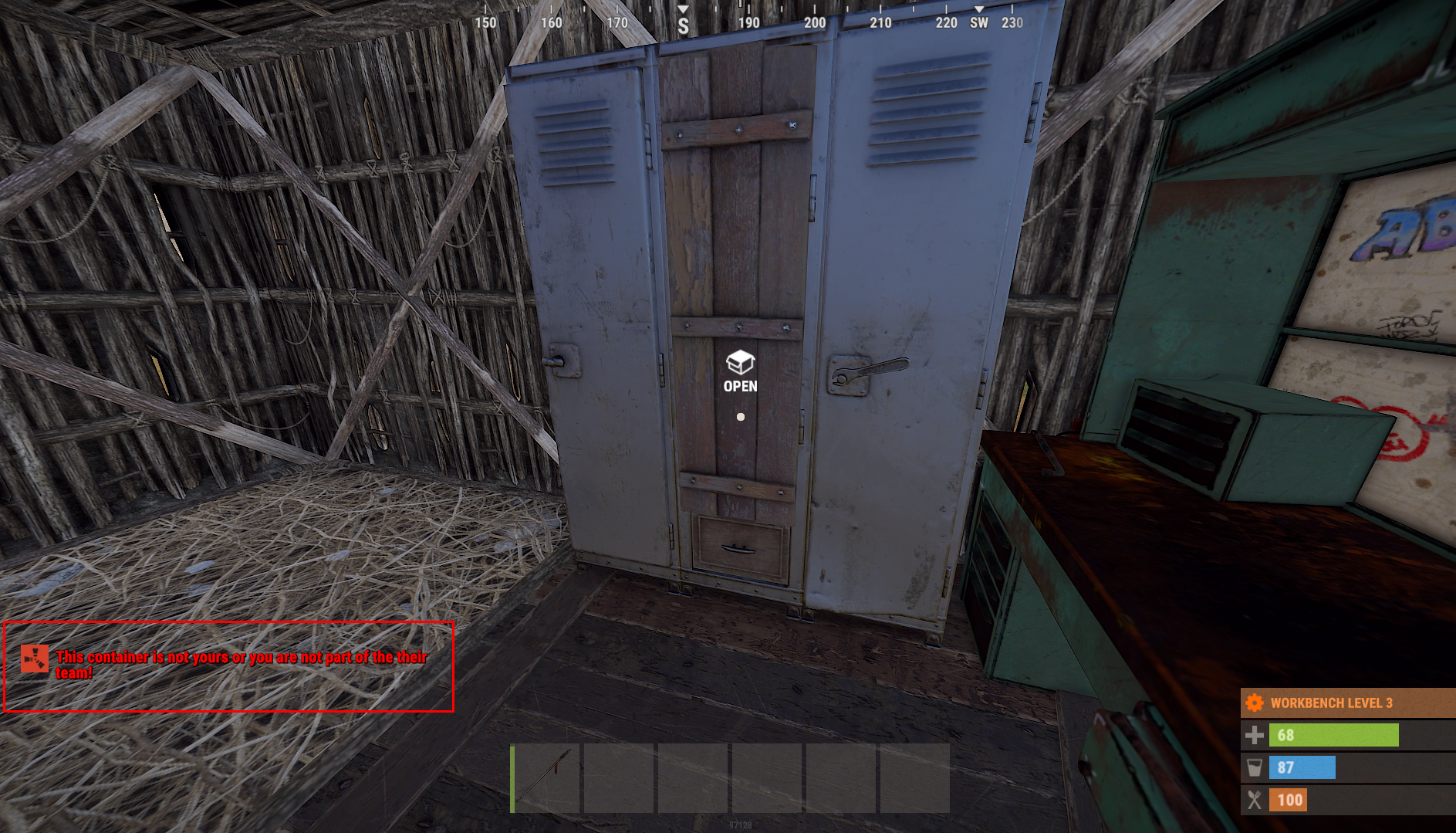
Protect your loot! This is the best plugin to protect your Storage Boxes, Research Table, Repair Bench, Furnace, Large Furnace, ETC! Anything that is a placeable storage object, in or around your base from being looted, or picked up! Super optimized at under 80 lines of code! With Team feature!
You can only pick up or loot an object if you are the original owner of the object, or you are authorized on the tool cupboard, or if teams is enabled the owner of the object is in your team/You in their team!
Permissions:
lootguard.bypass - Bypass the protection restrictions!
Configuration:
Quote{
"ExcludedEntitys": [
"mailbox",
"wall.frame.shopfront.metal"
],
"UseTeams": false
}
Language:
Quote{
"Blocked": "<color=red>Action Denied!</color>"
}
What's New in Version 1.0.0
Released
No changelog available for this version.
But you have the right to use LootGuard for personal use "This means you can use the plugin, but it cannot be copied and/or distributed, or Resold"
Copyright © 2020 NubbbZ
You may only provide a review once you have downloaded the file.
There are no reviews to display.