



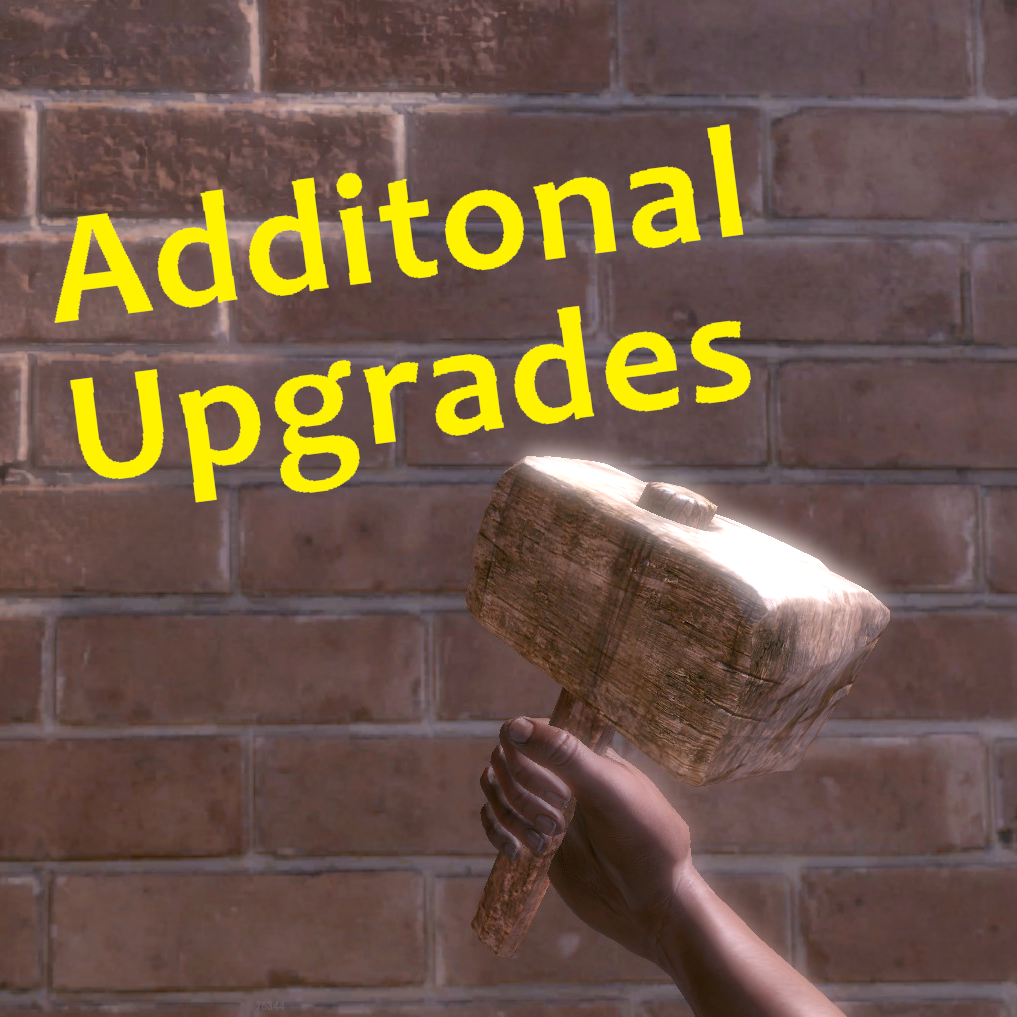
Want to make upgrading bases more in depth? Got a RP server? Welcome AdditionalUpgrades, In this plugin you are able to make custom items, add them to loot sources or be obtainable through gathering wood/ore! Configure what tier of upgrade needs what, and with this amazing system you are able to make upgrading bases more in depth!
Notes:
- To obtain ItemIDs use this website https://www.corrosionhour.com/rust-item-list/
- Need more custom items? Contact me directly...
Permissions:
- additionalupgrades.give - For the command augive
- additionalupgrades.giveto - For the command augiveto
Commands:
- /augive "customitemname" "quantity"
- /augiveto "playernamorid" "customitemname" "quantity"
What's New in Version 1.0.0
Released
No changelog available for this version.
Upon purchase or download of this plugin, you automatically agree to follow our license guidelines.
You are granted the ability to use this plugin for personal and commercial purposes, but you are denied the ability to modify, share, distribute, or sell the plugin.
Copyright © 2022 NubbbZ (Discord: NubbbZ#4586)
You are granted the ability to use this plugin for personal and commercial purposes, but you are denied the ability to modify, share, distribute, or sell the plugin.
Copyright © 2022 NubbbZ (Discord: NubbbZ#4586)
You may only provide a review once you have downloaded the file.
There are no reviews to display.