



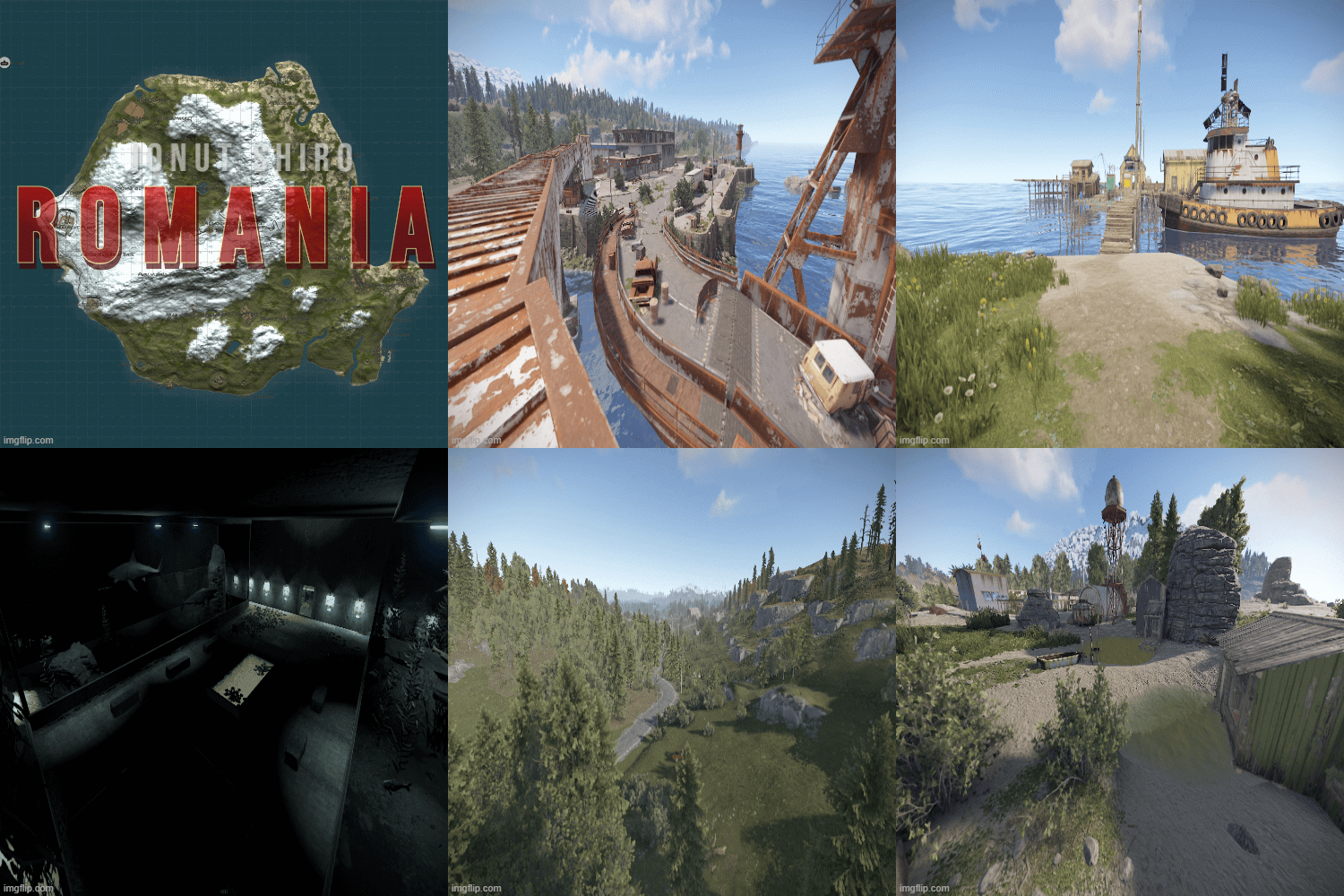
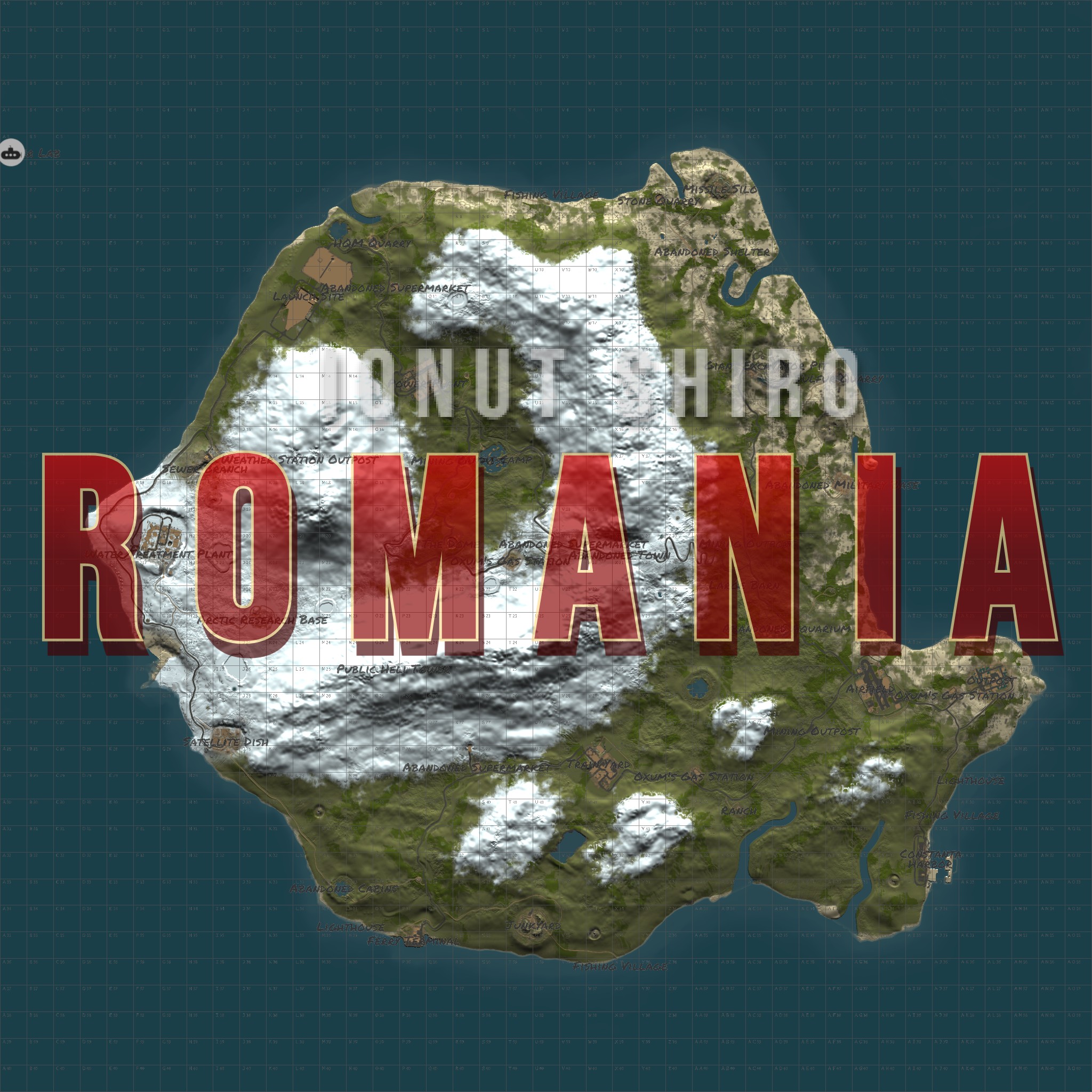
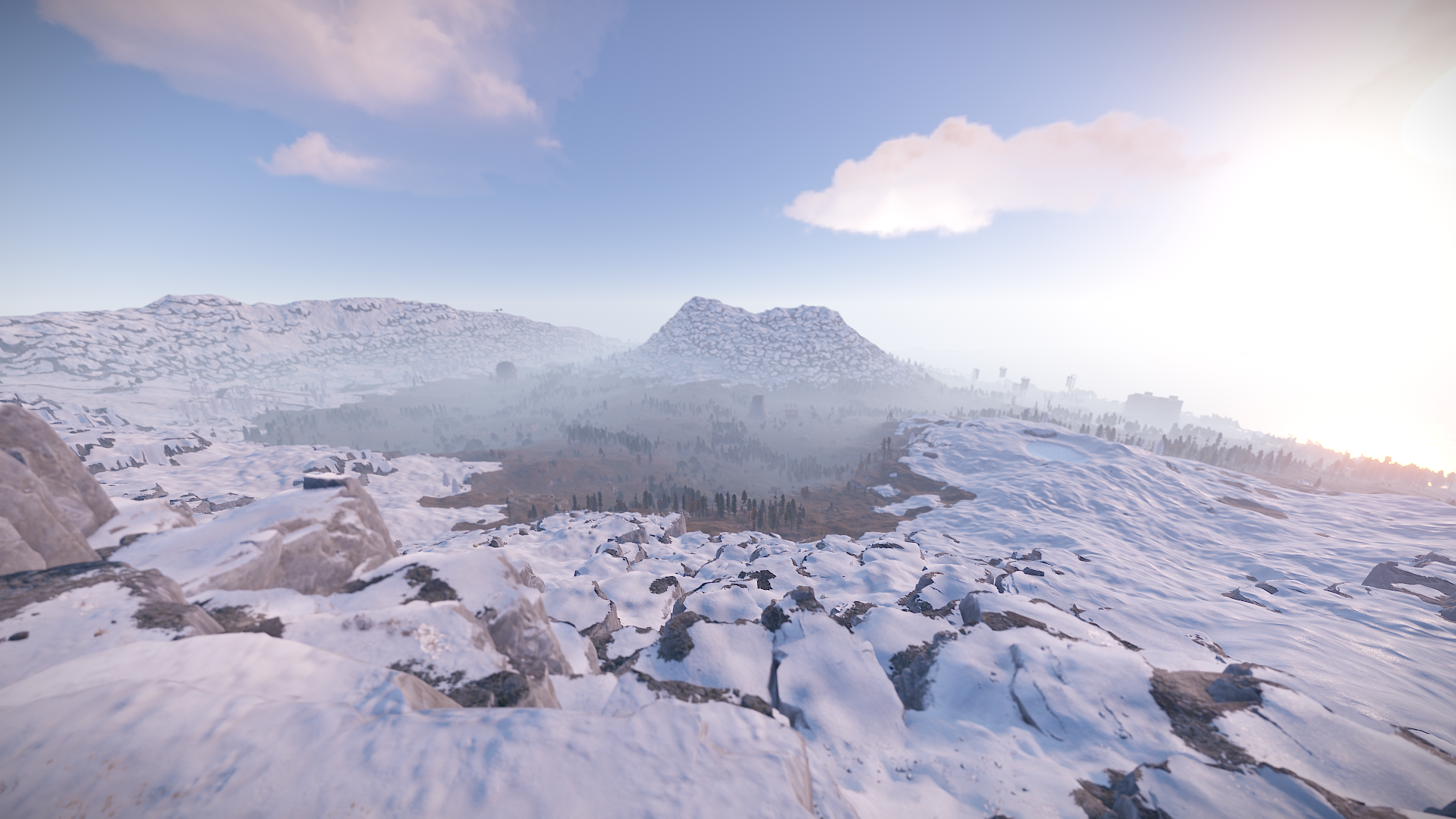
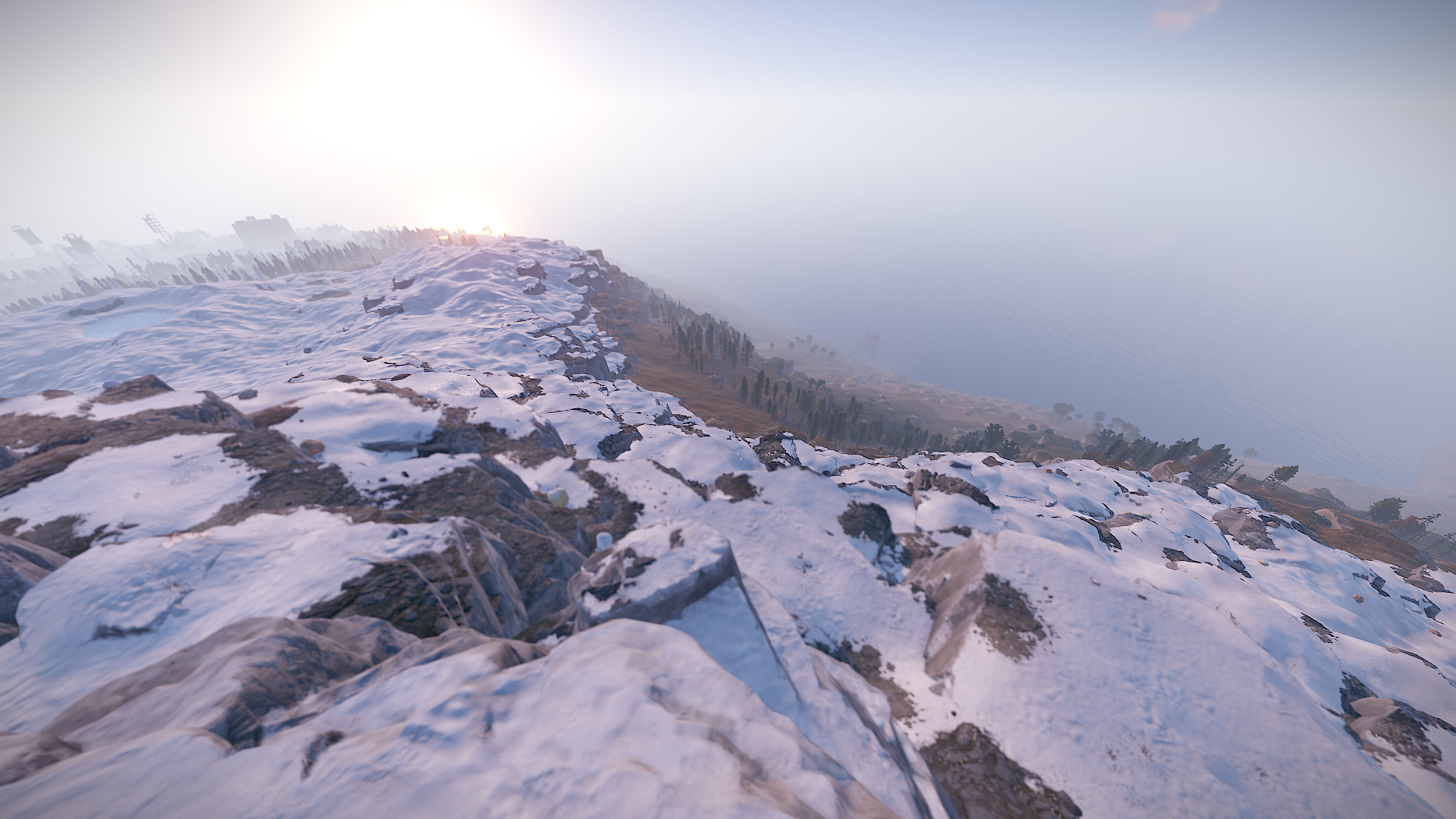
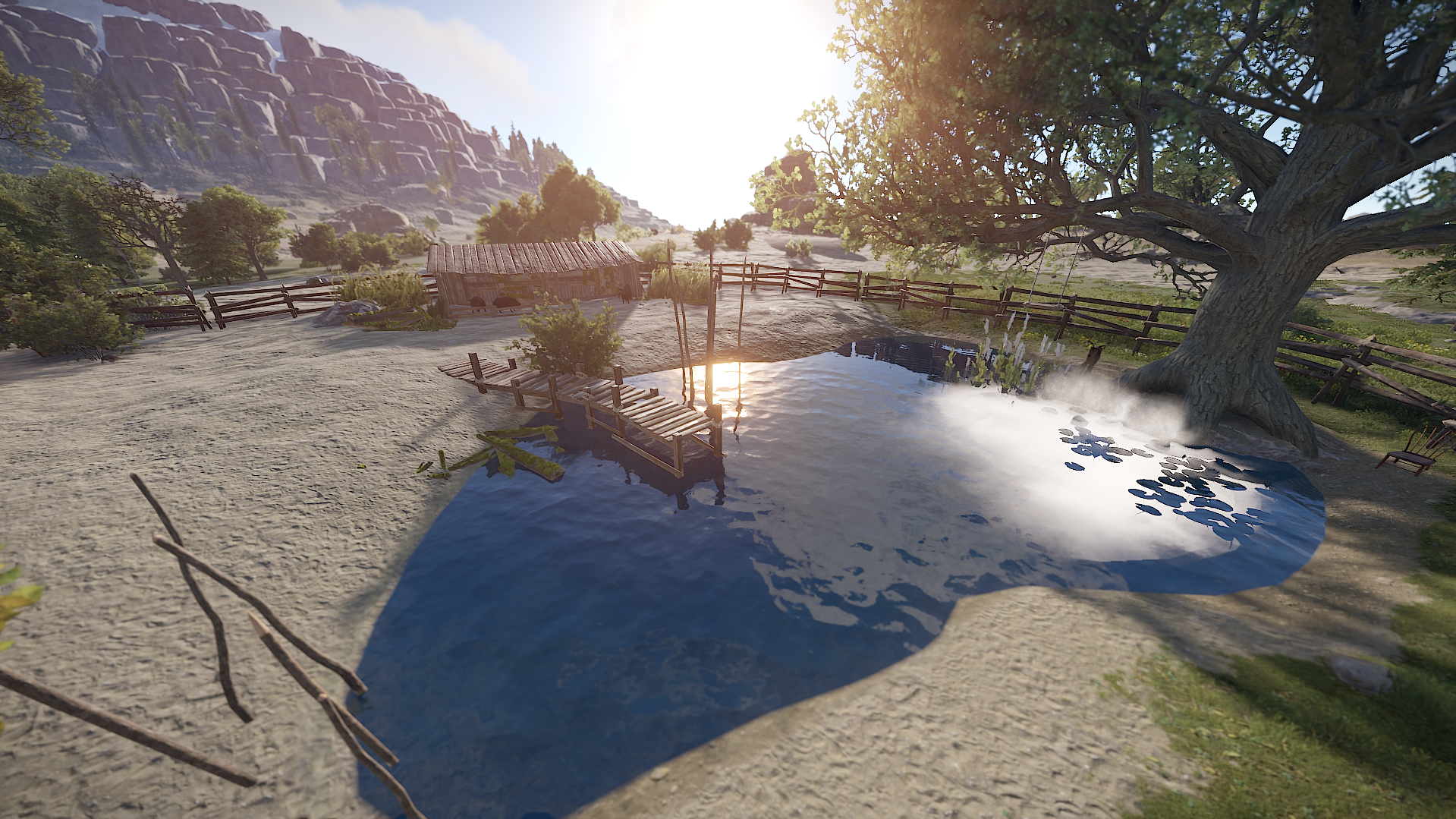
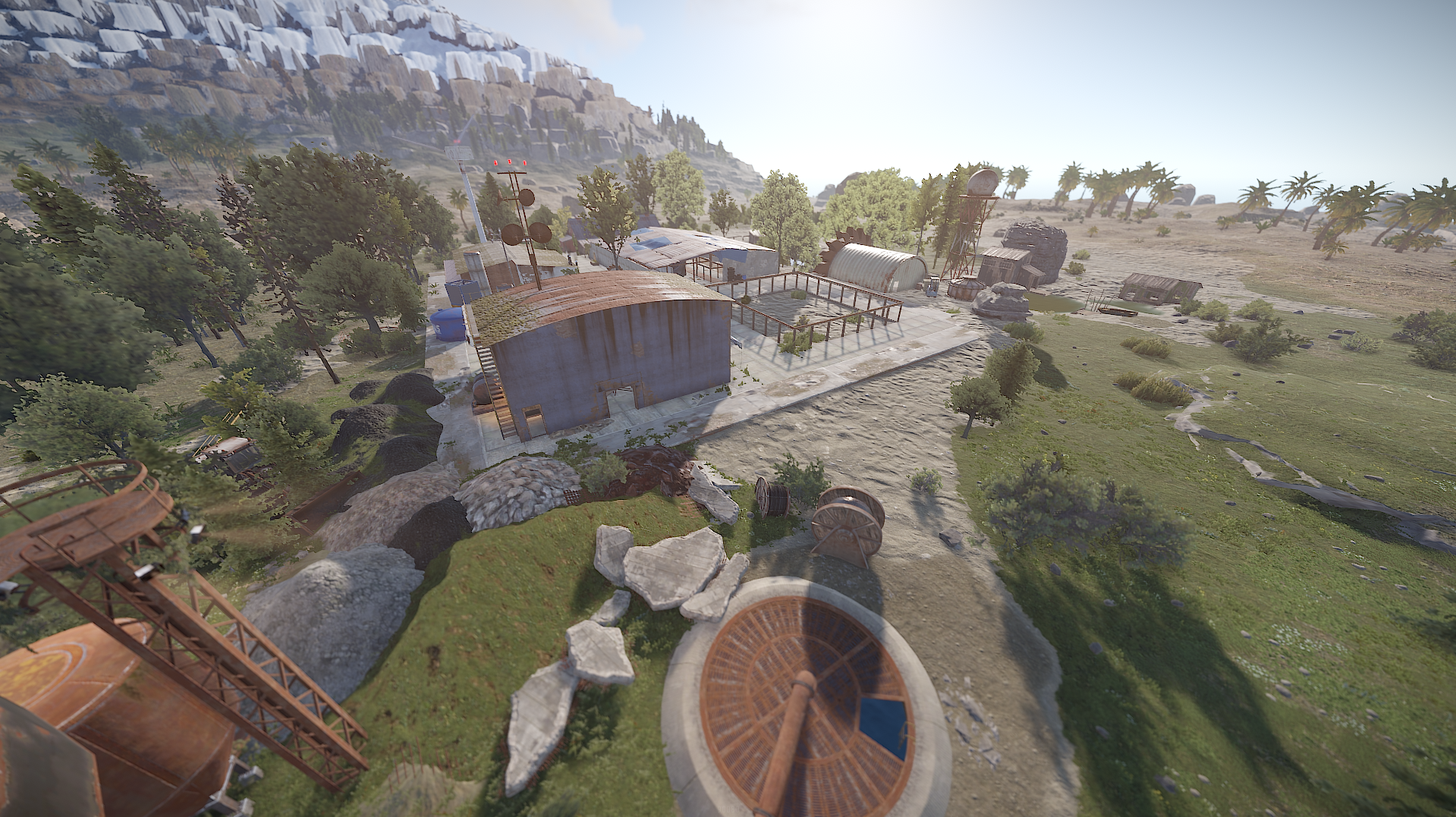
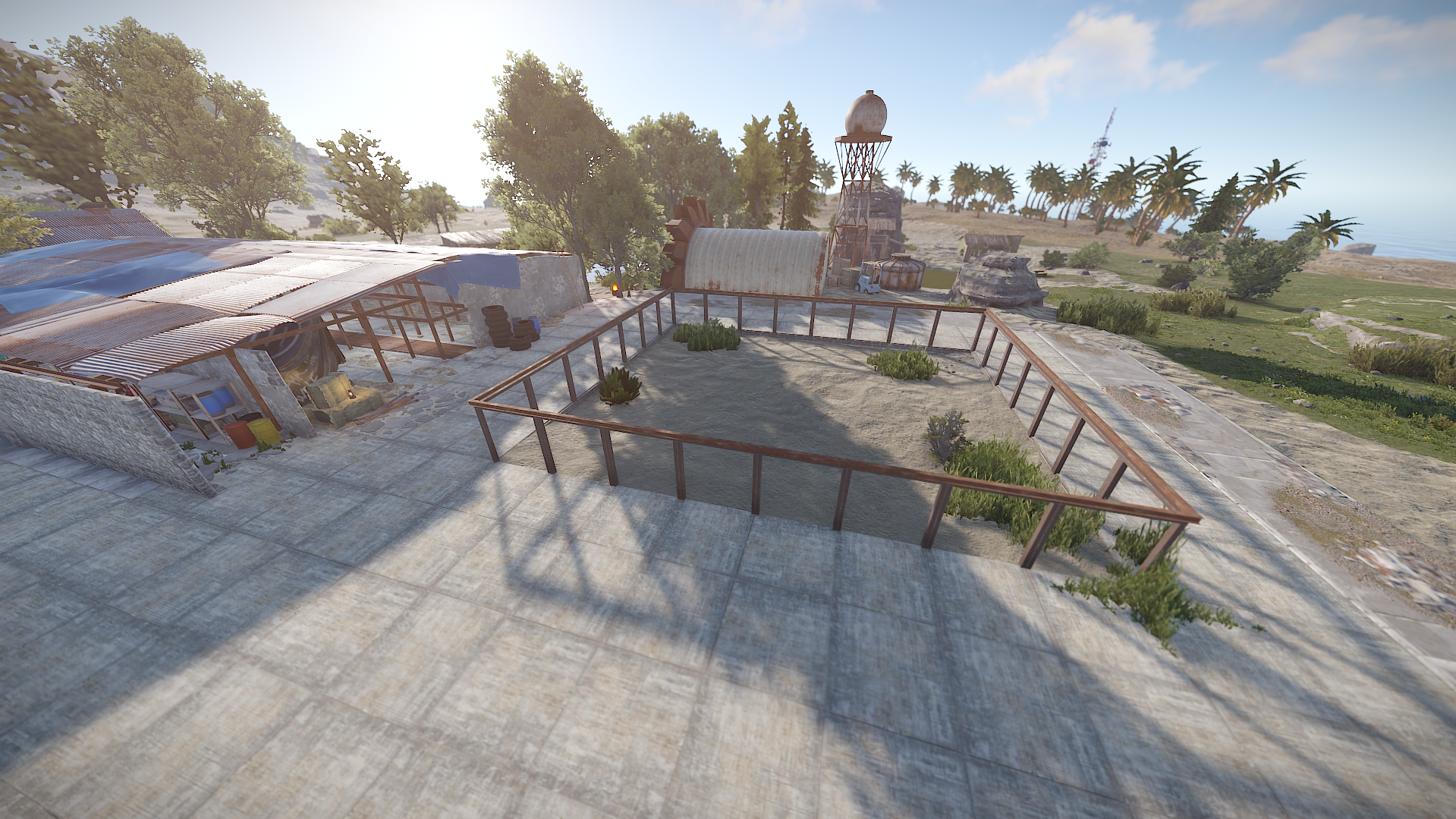
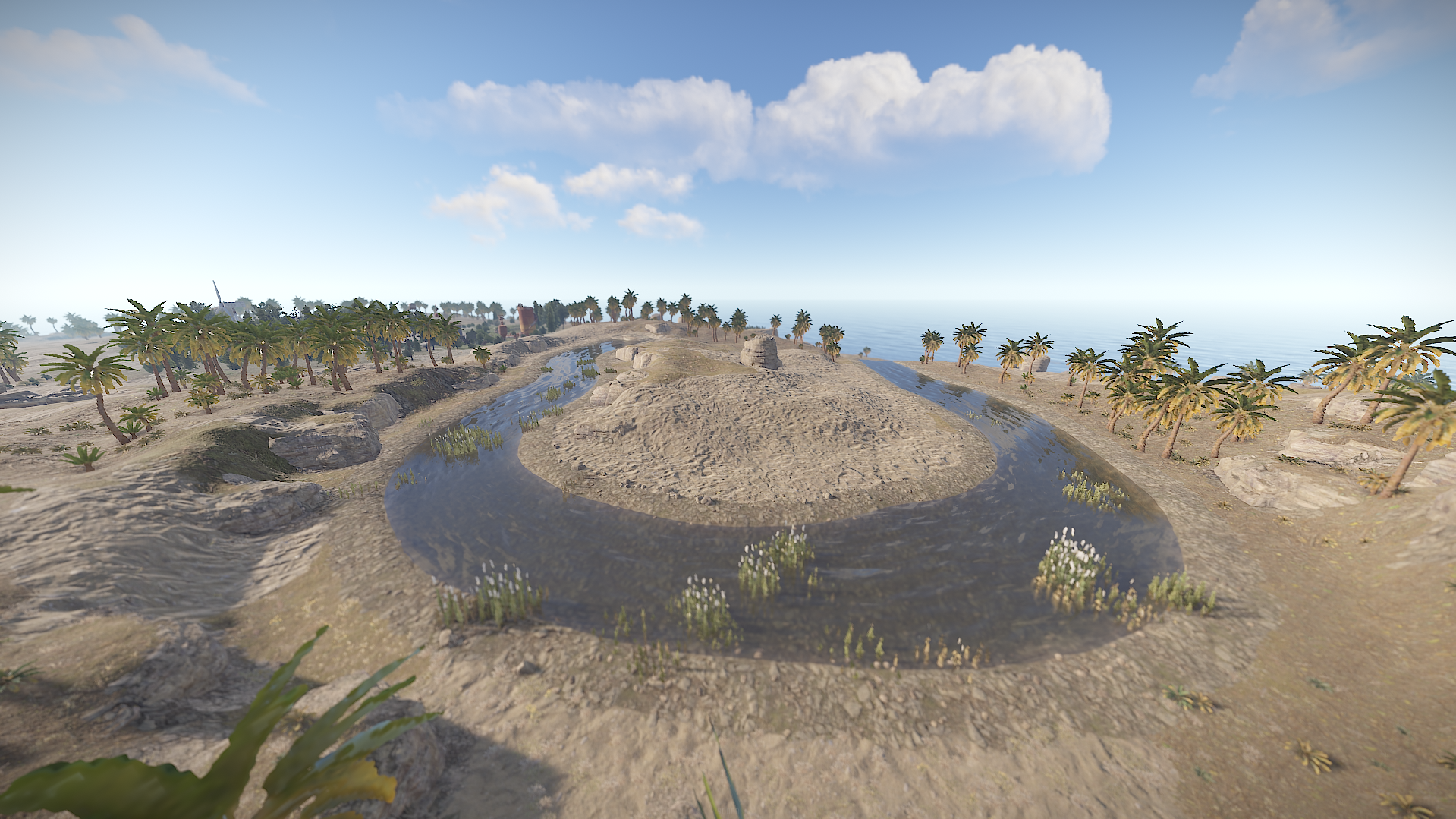
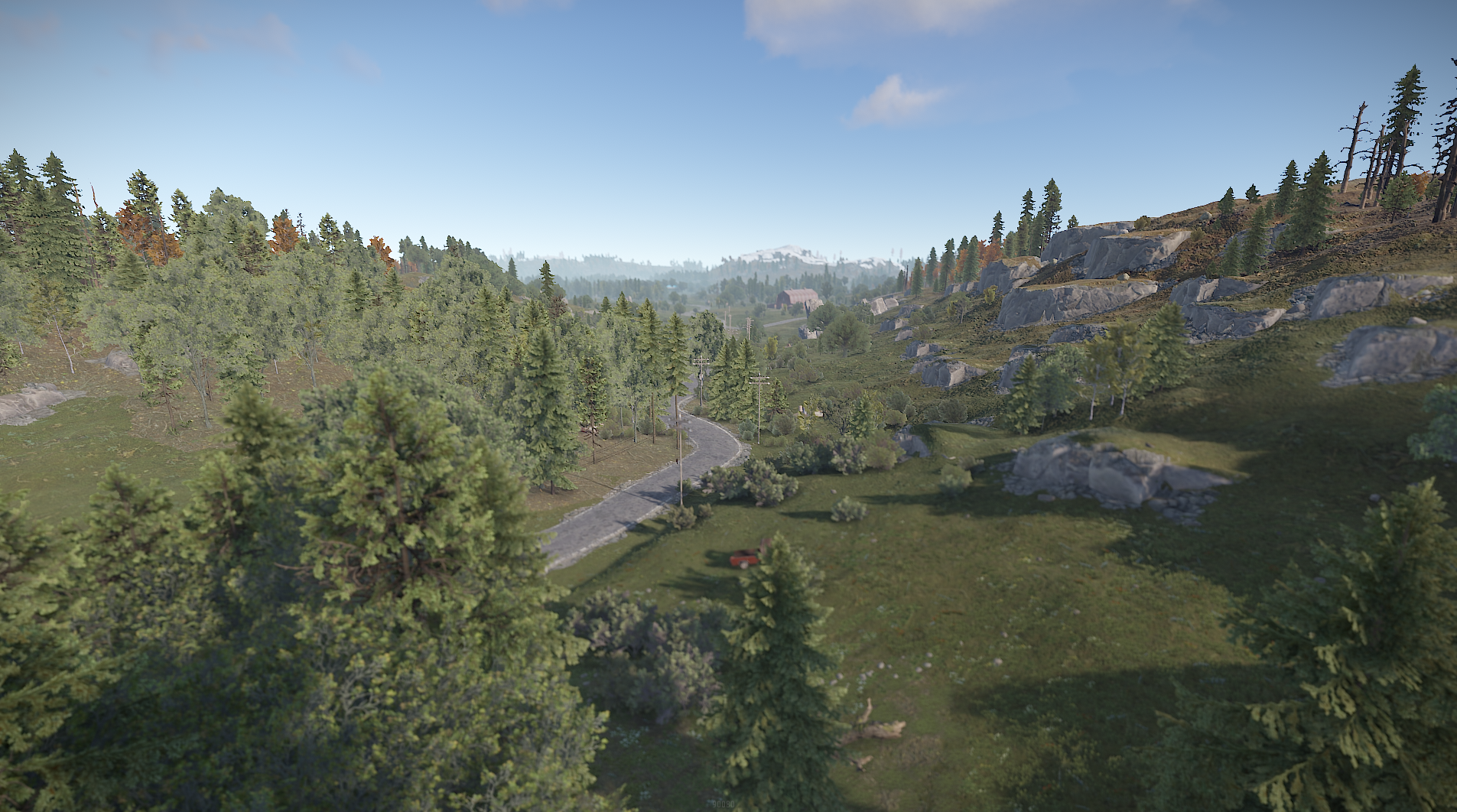
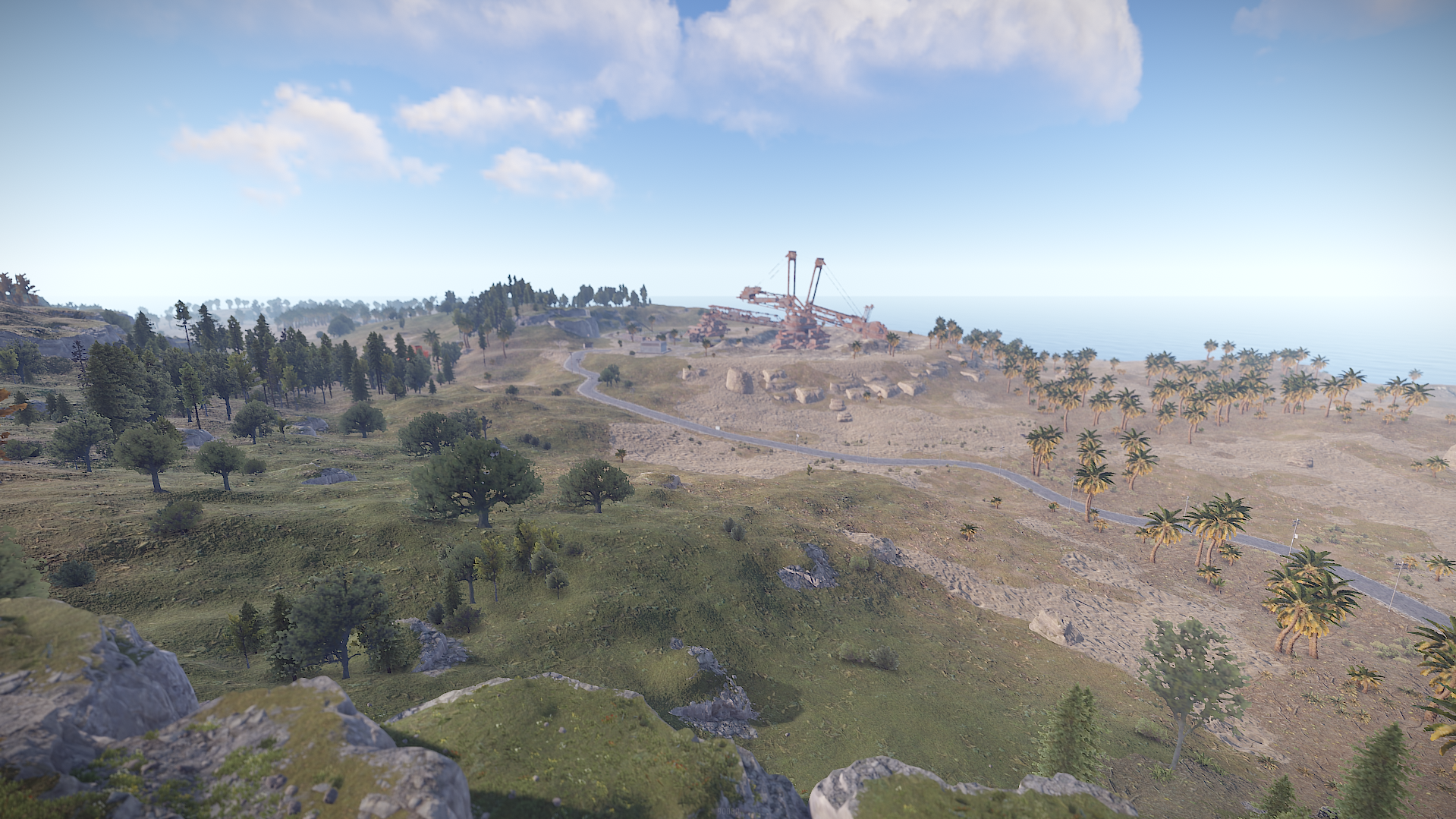
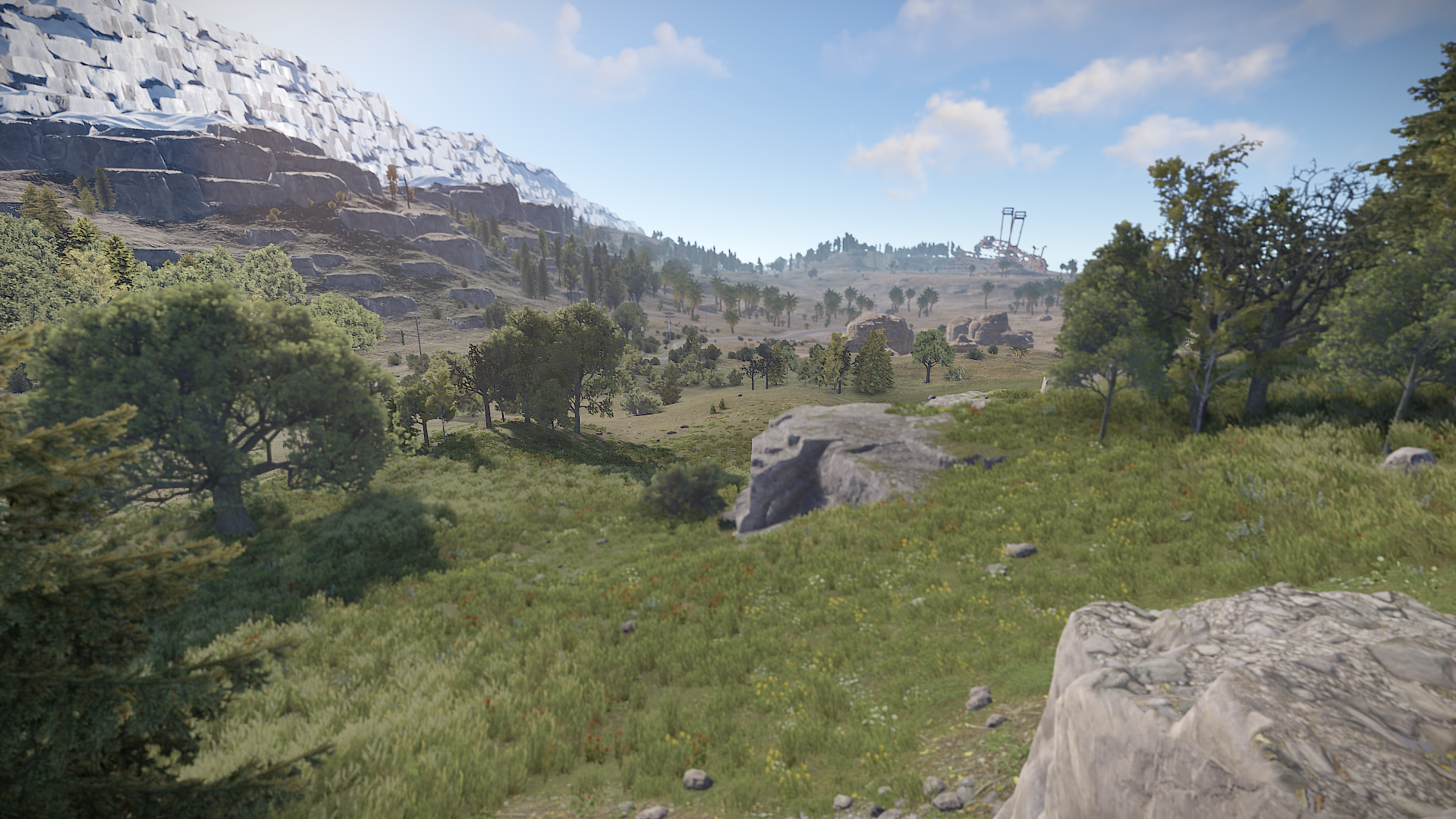
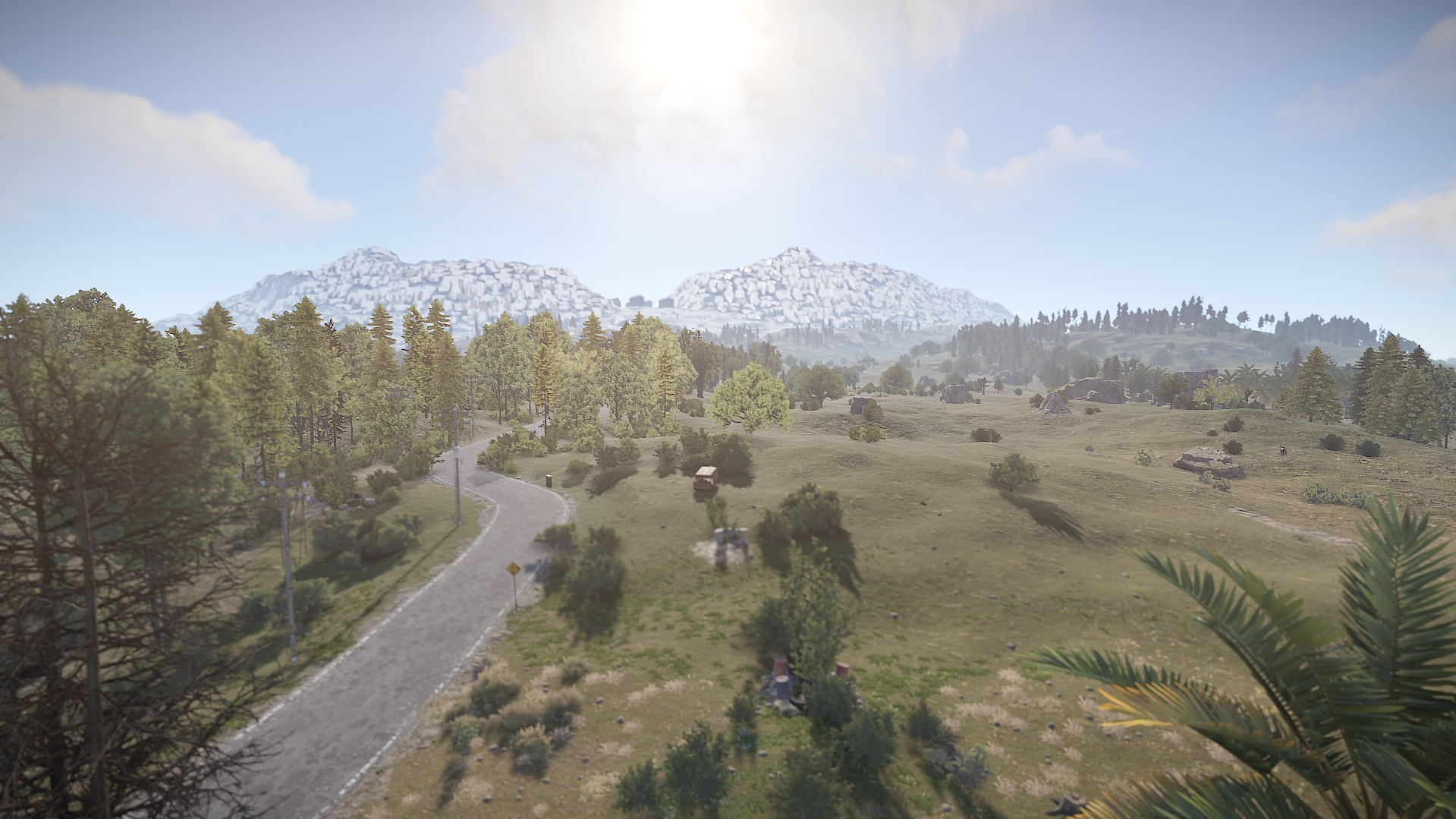
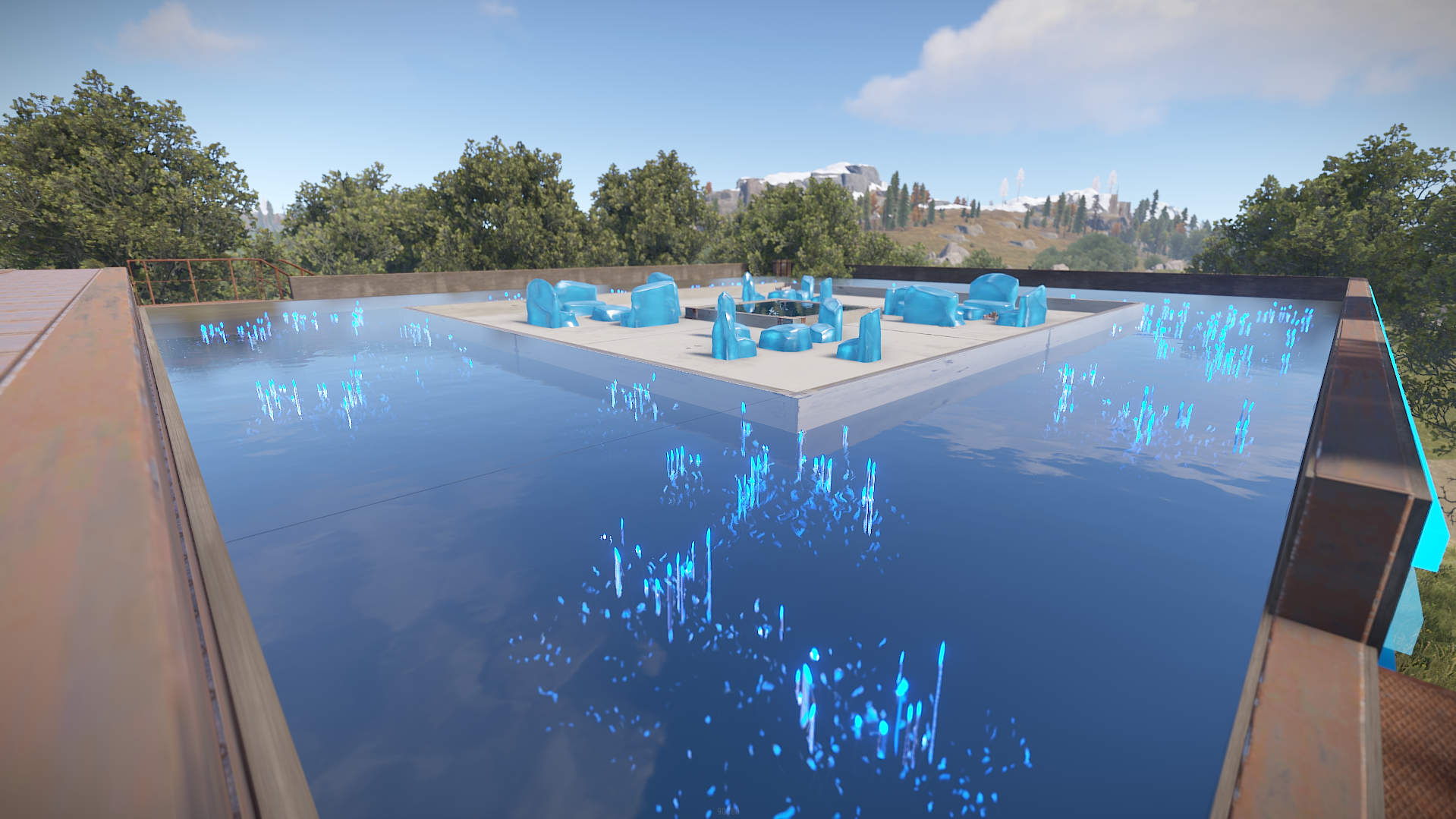
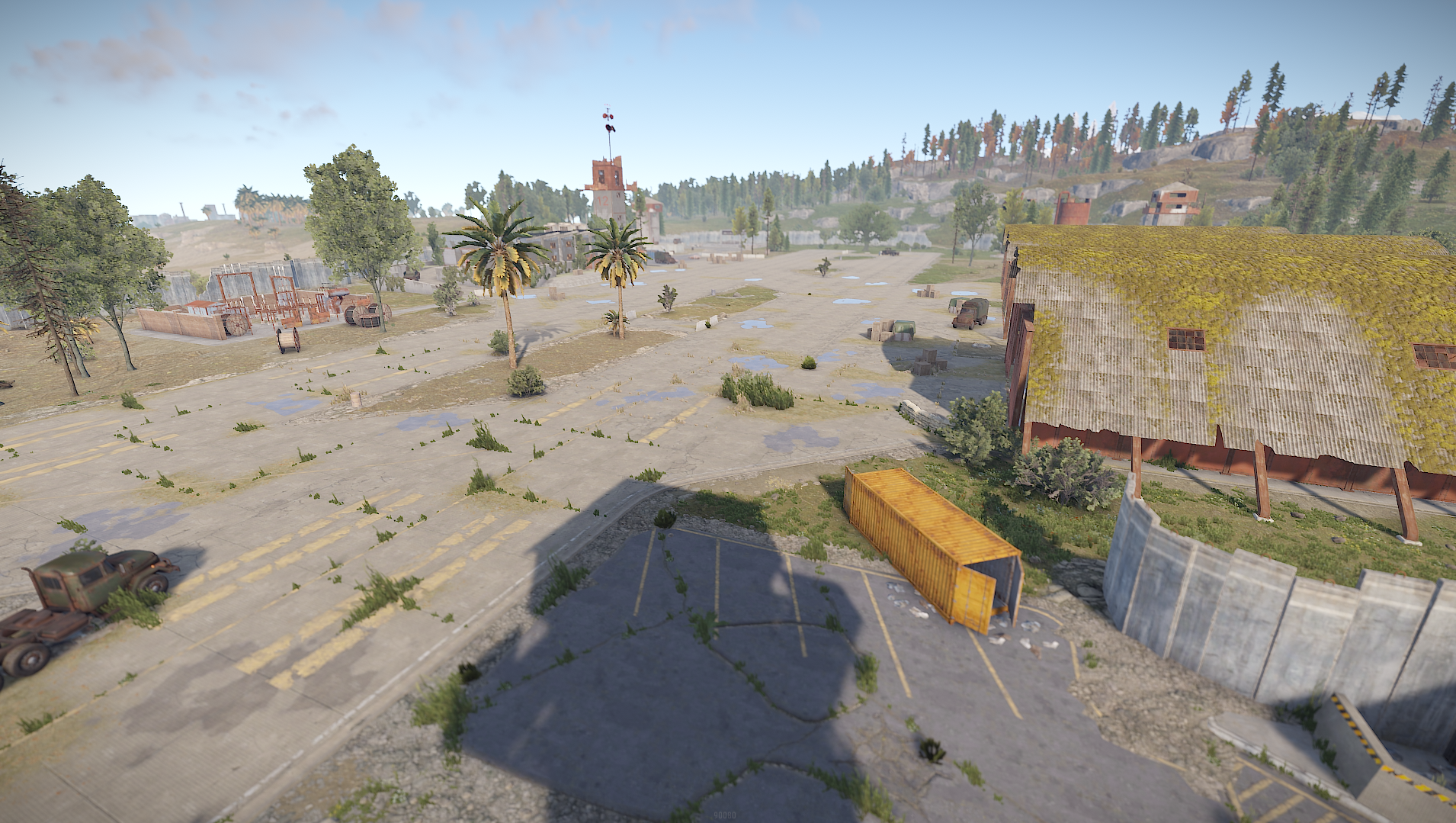
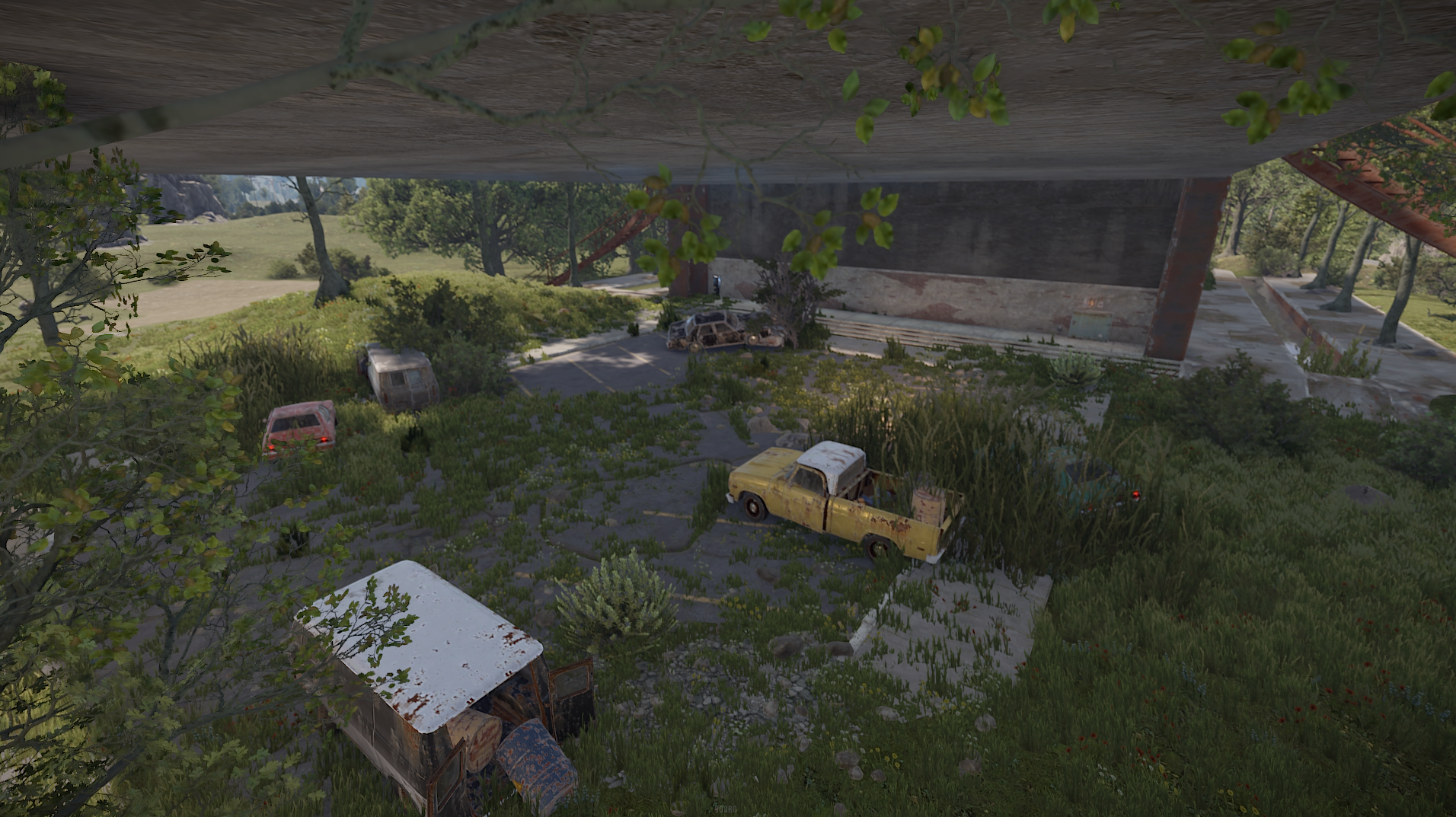
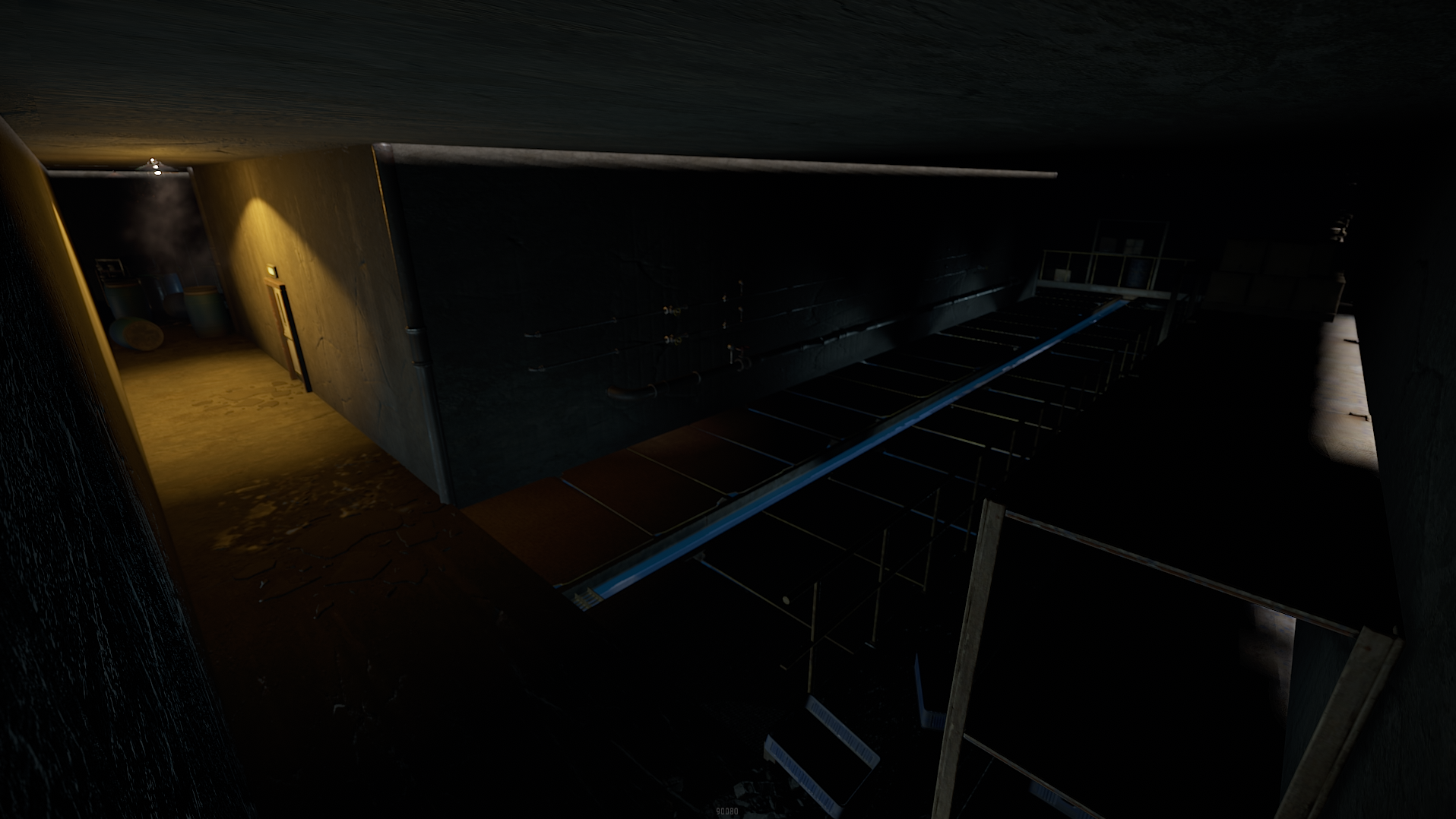
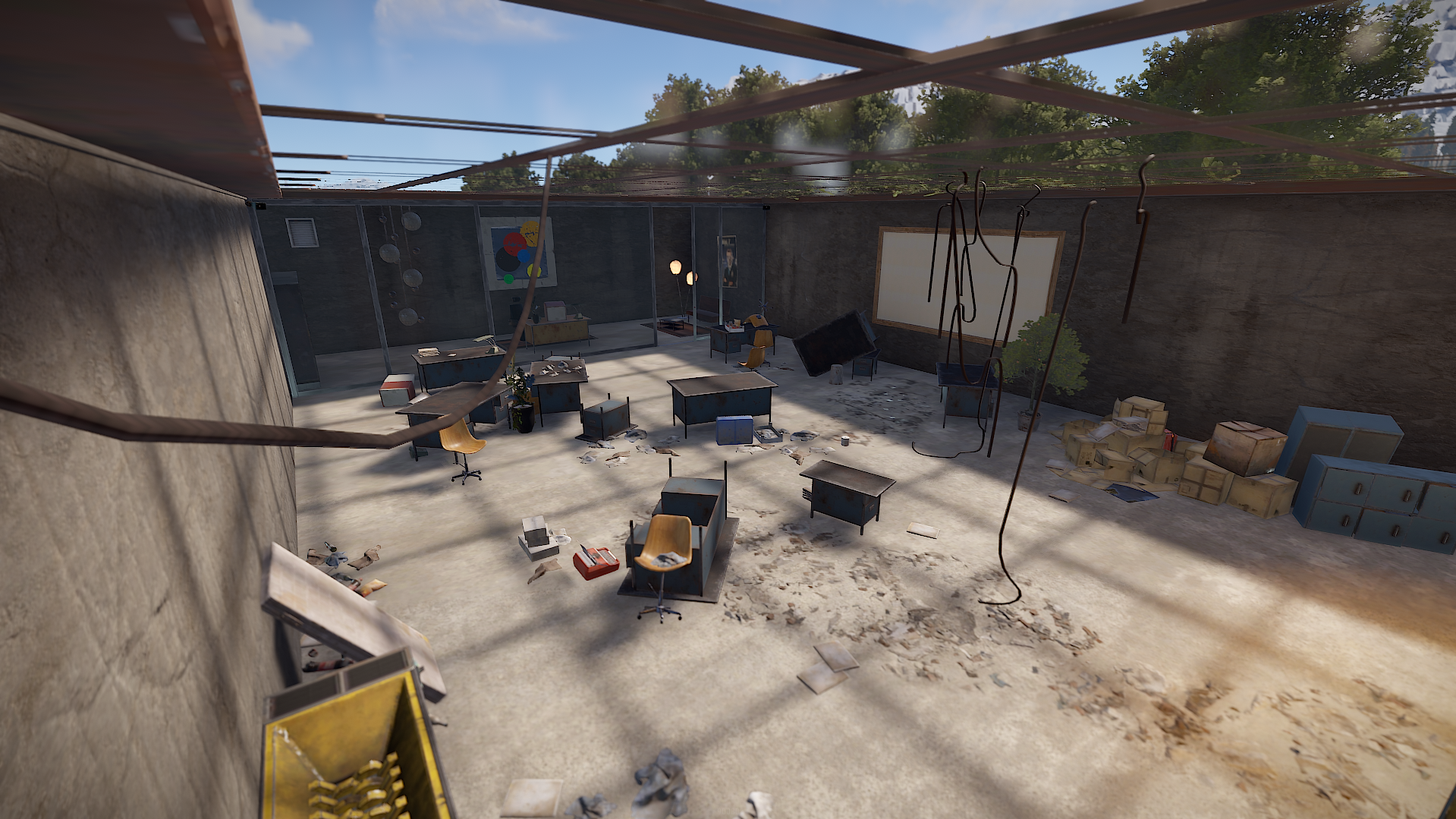
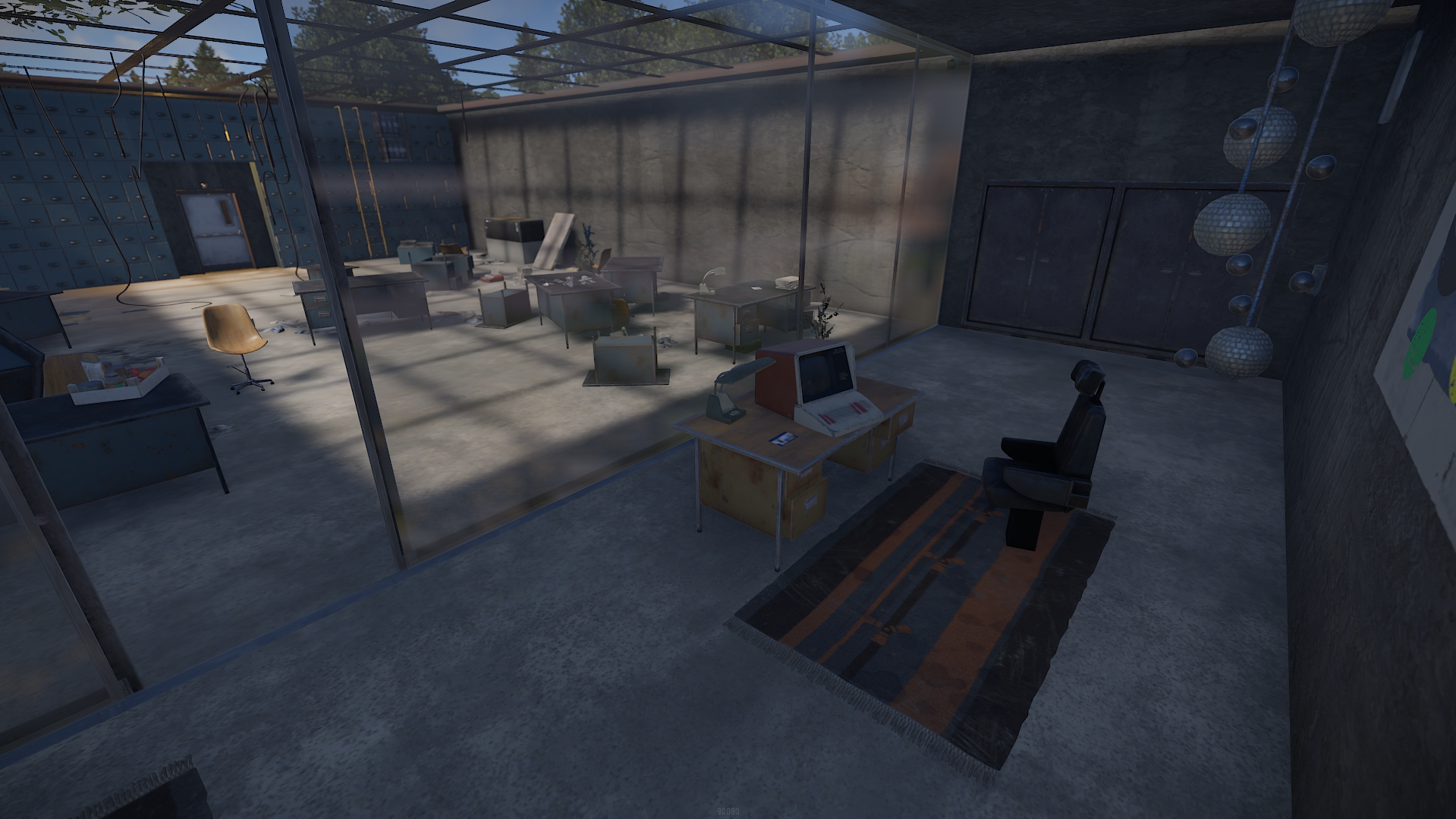
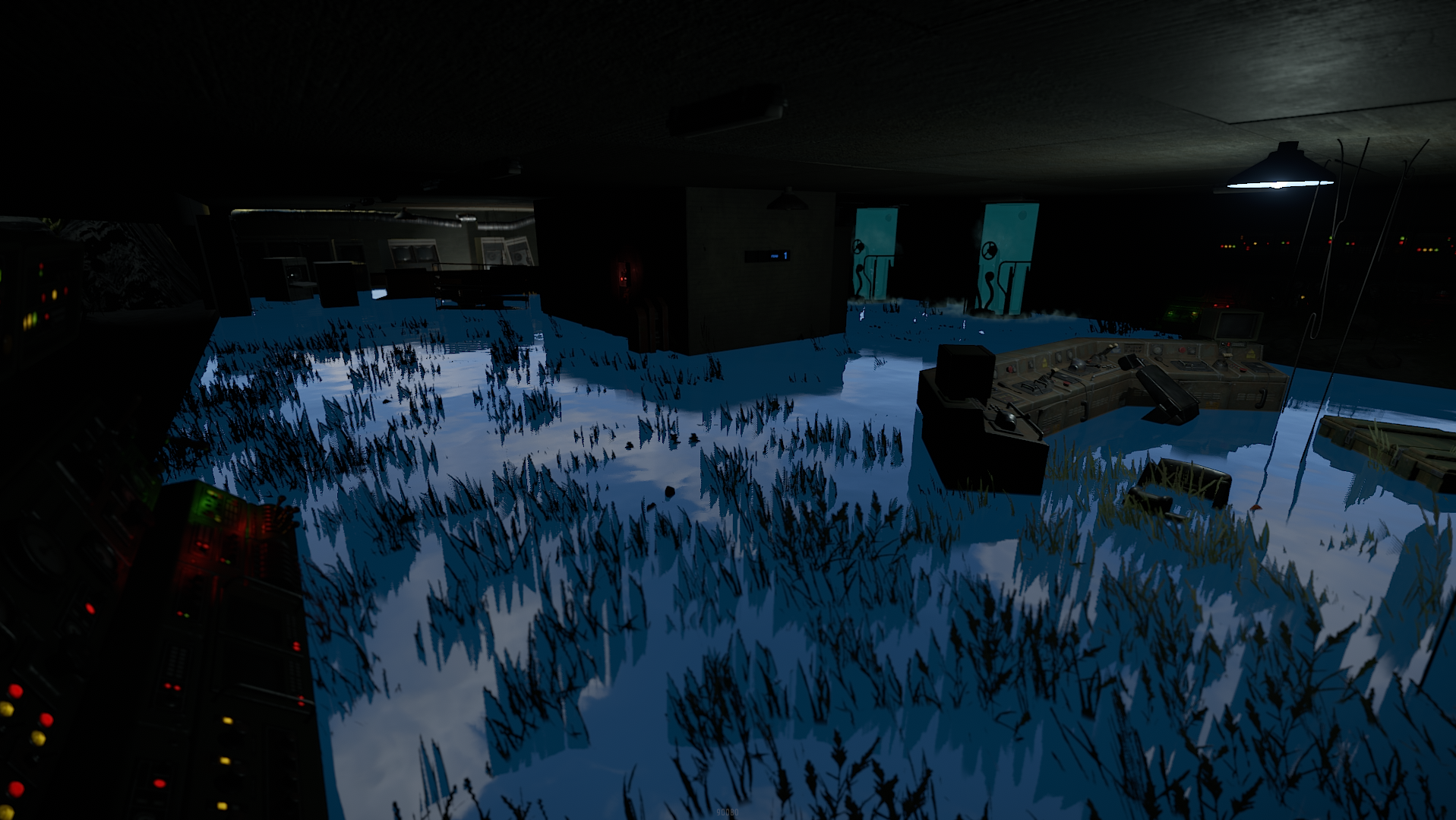
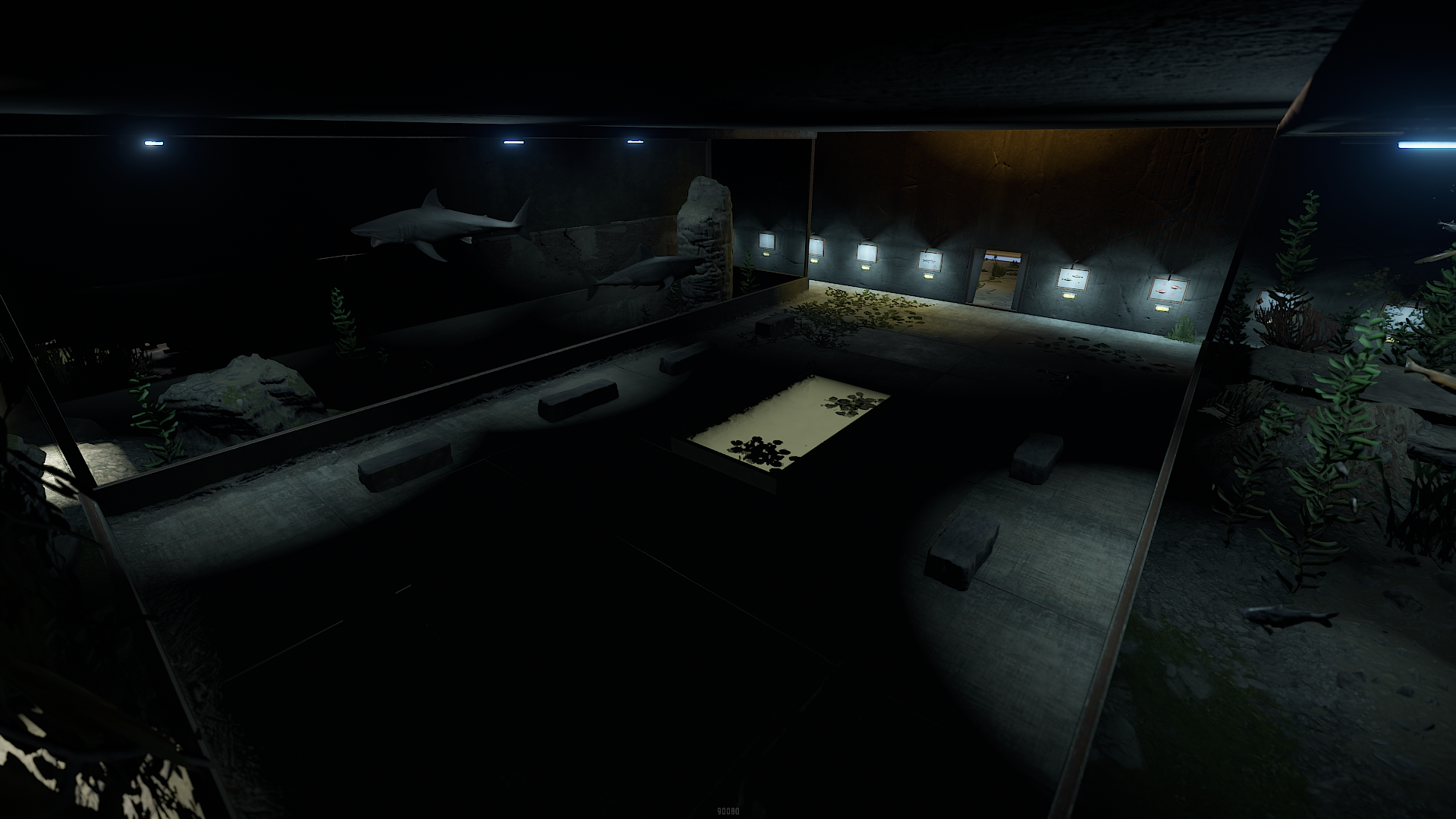
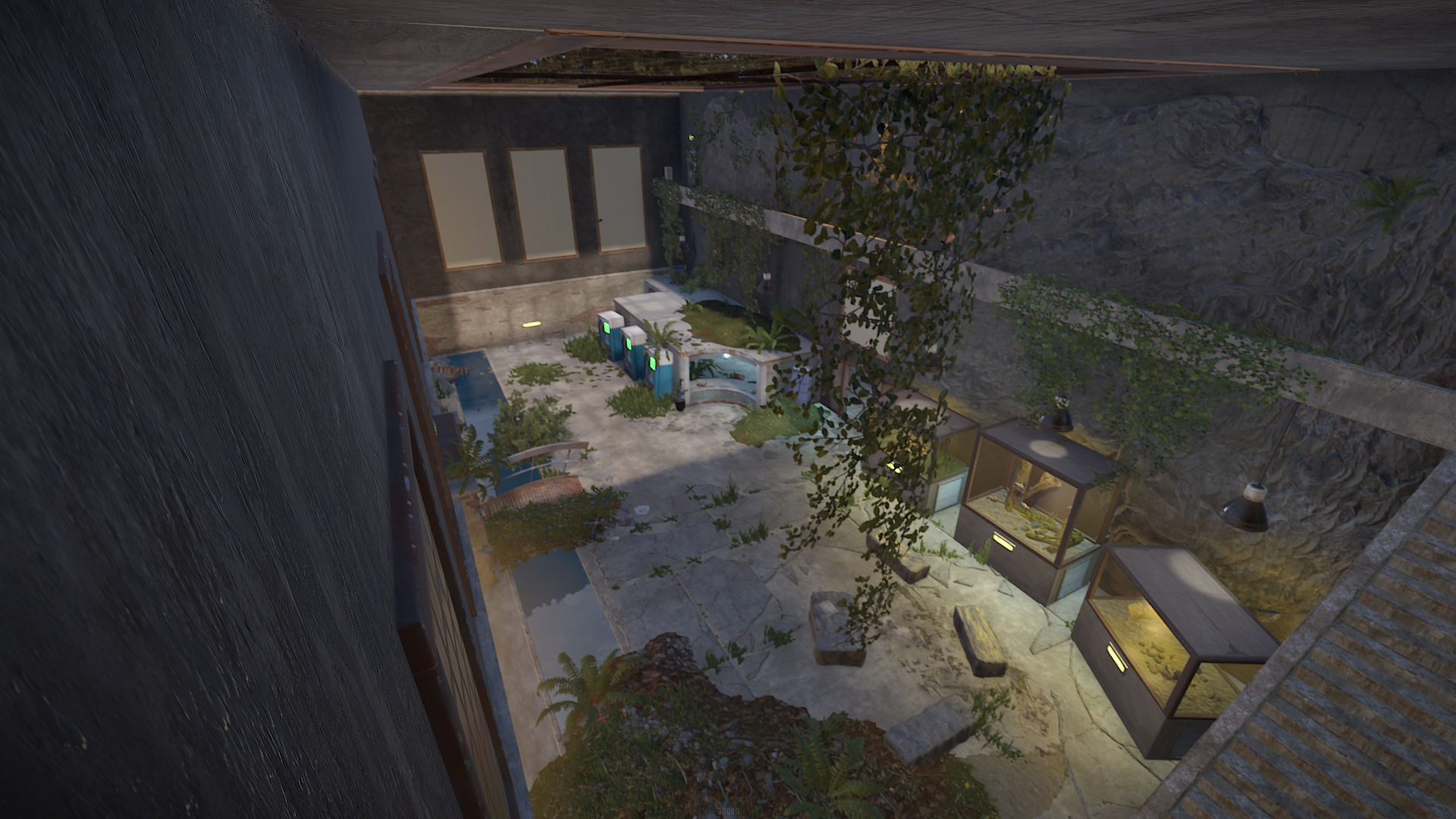
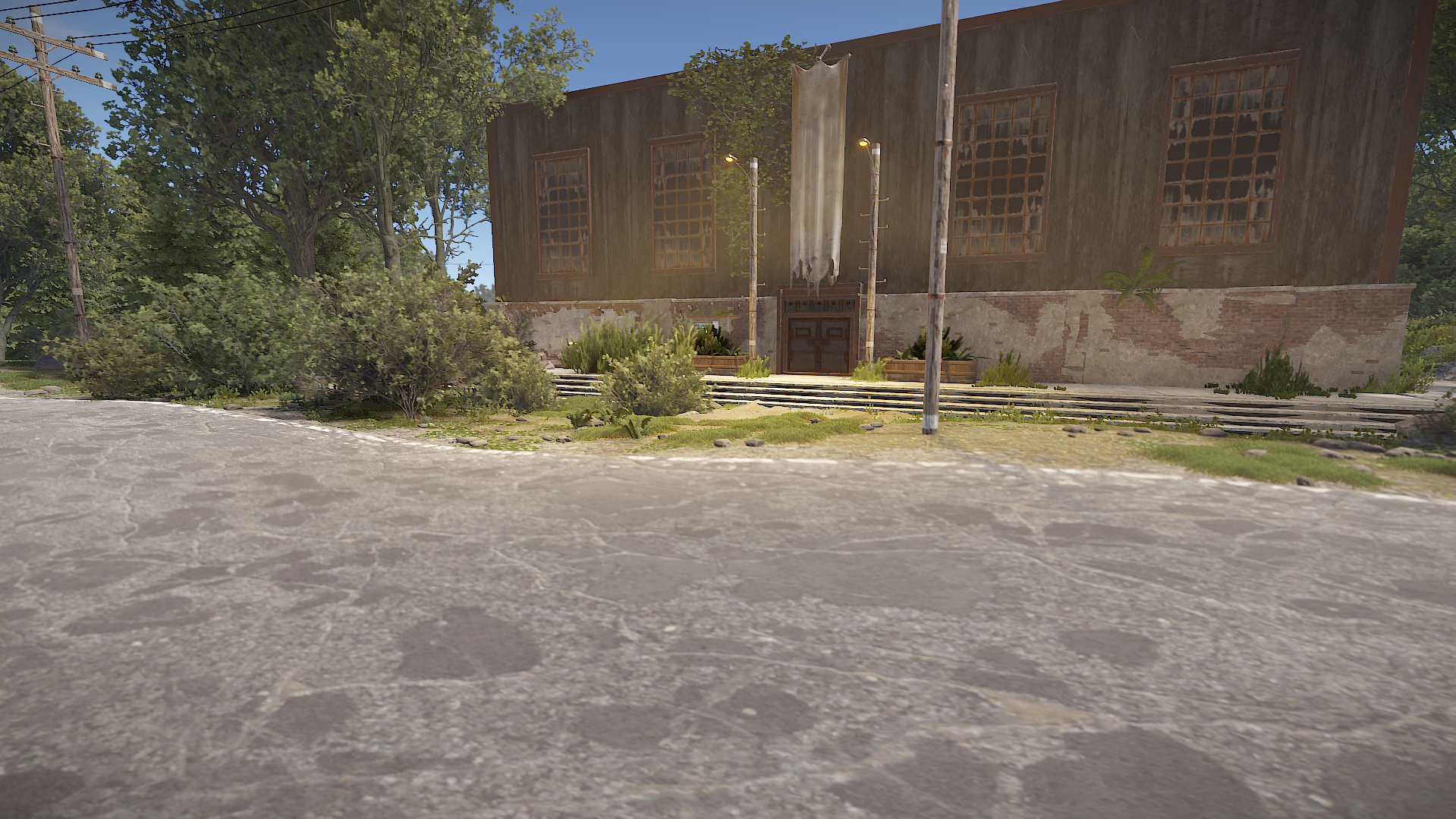
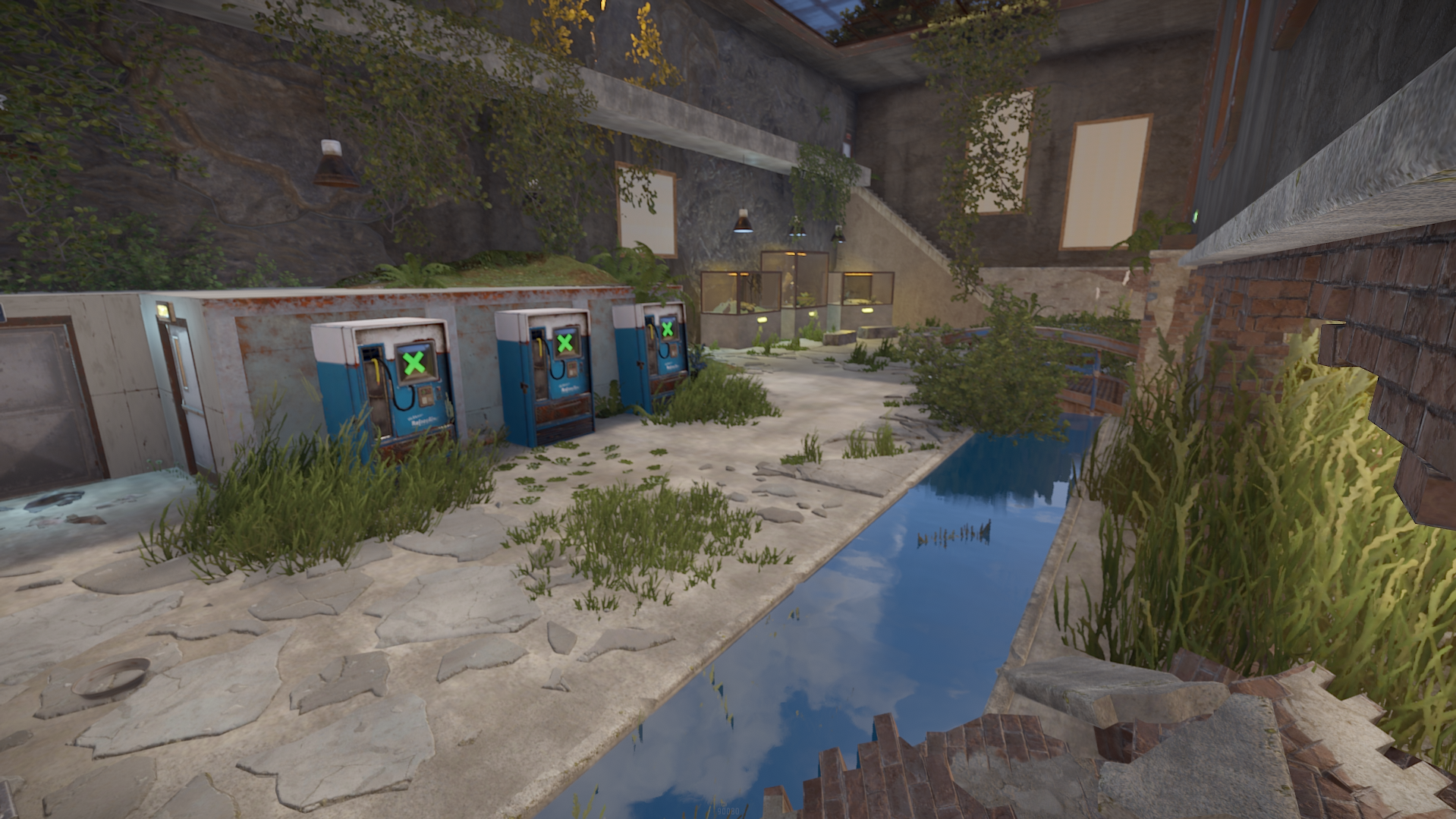
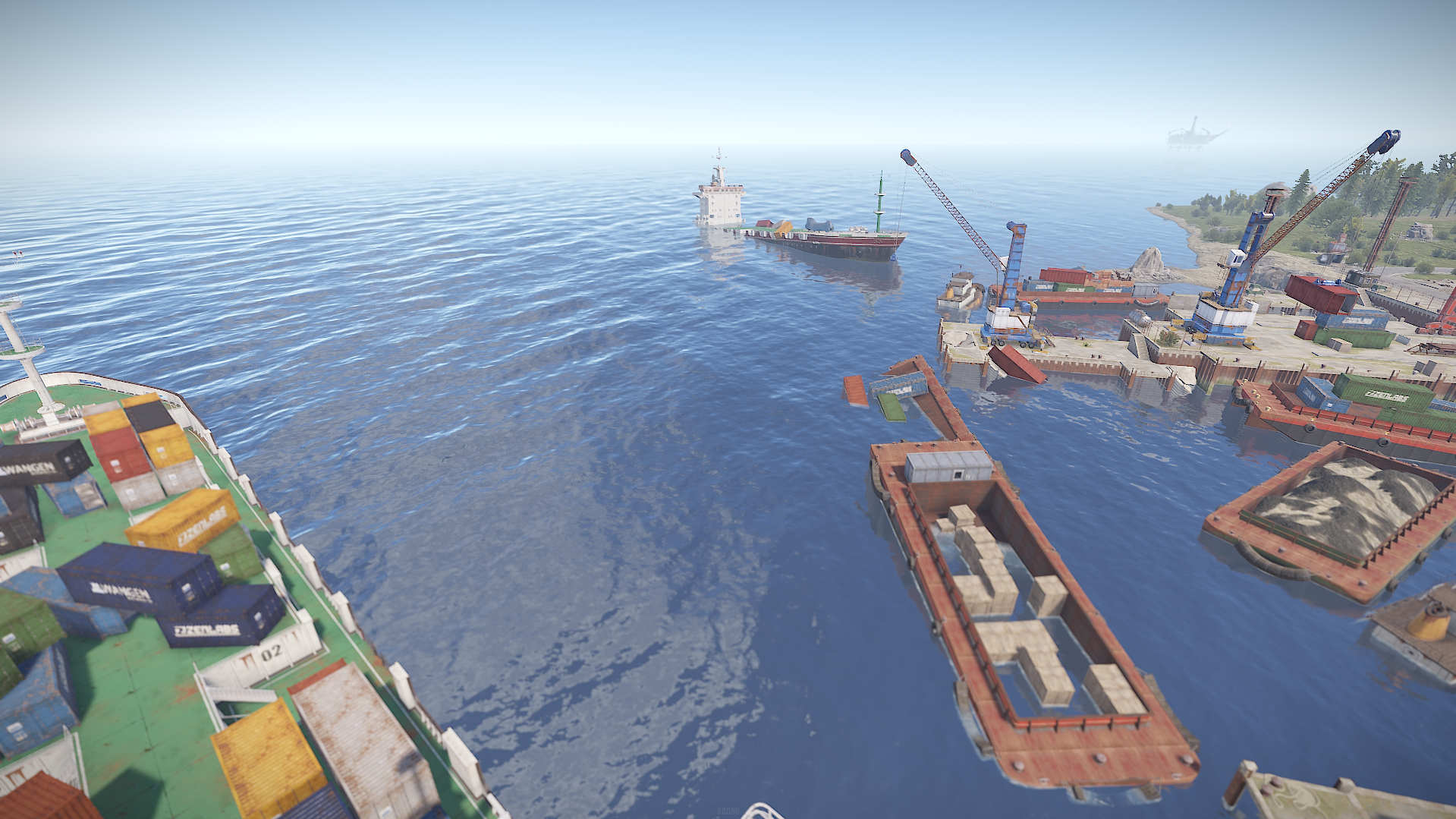
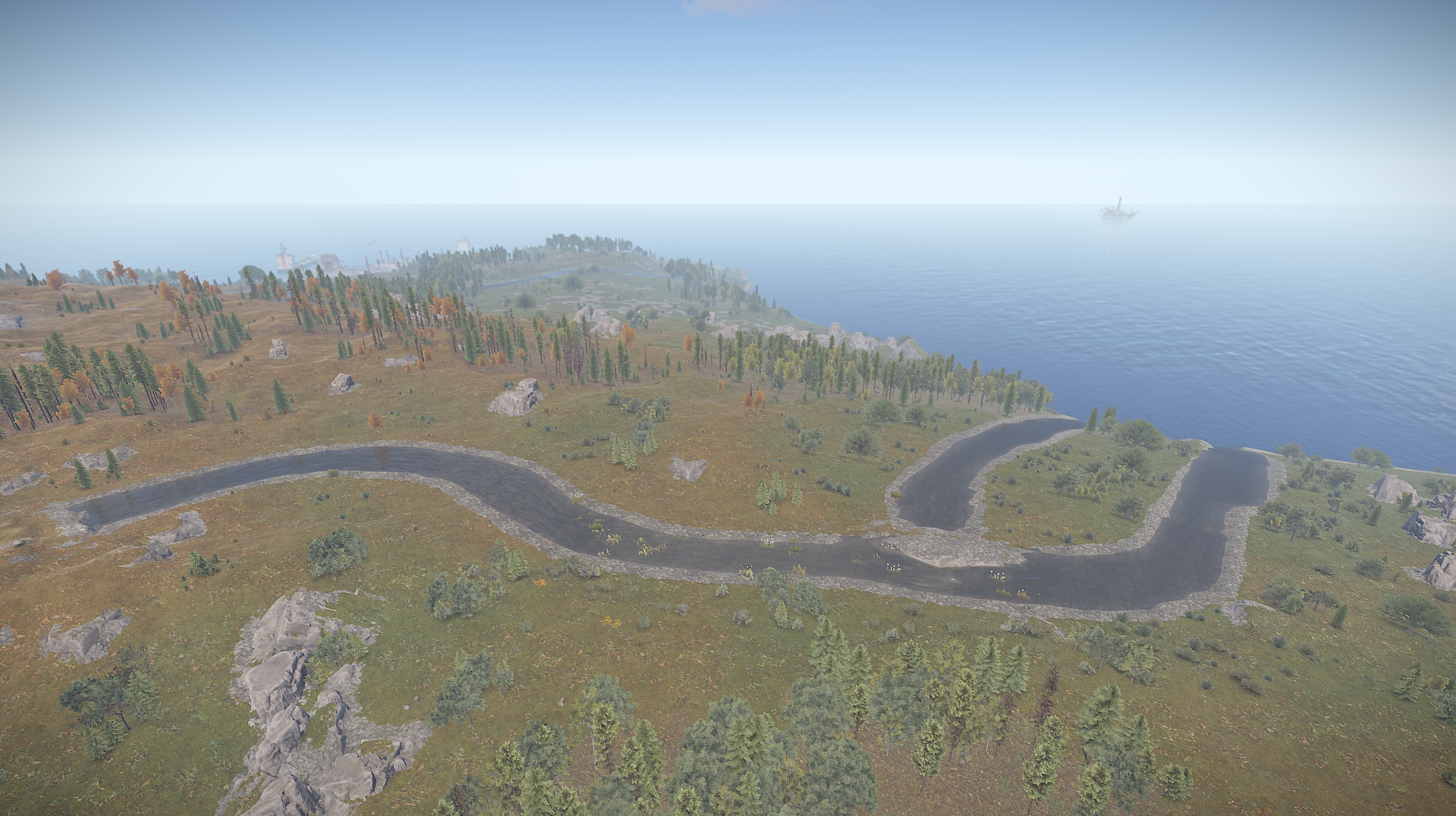
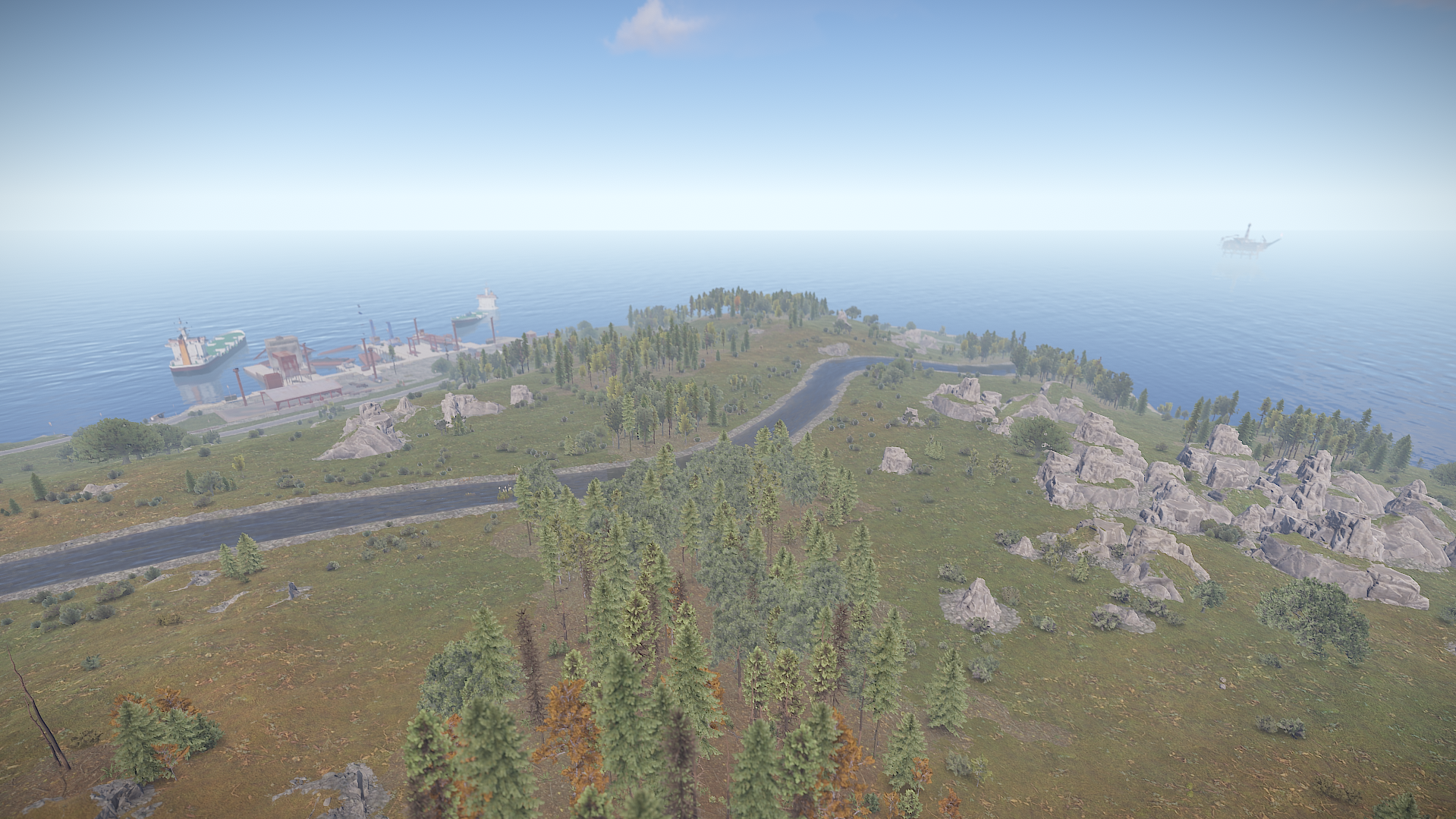
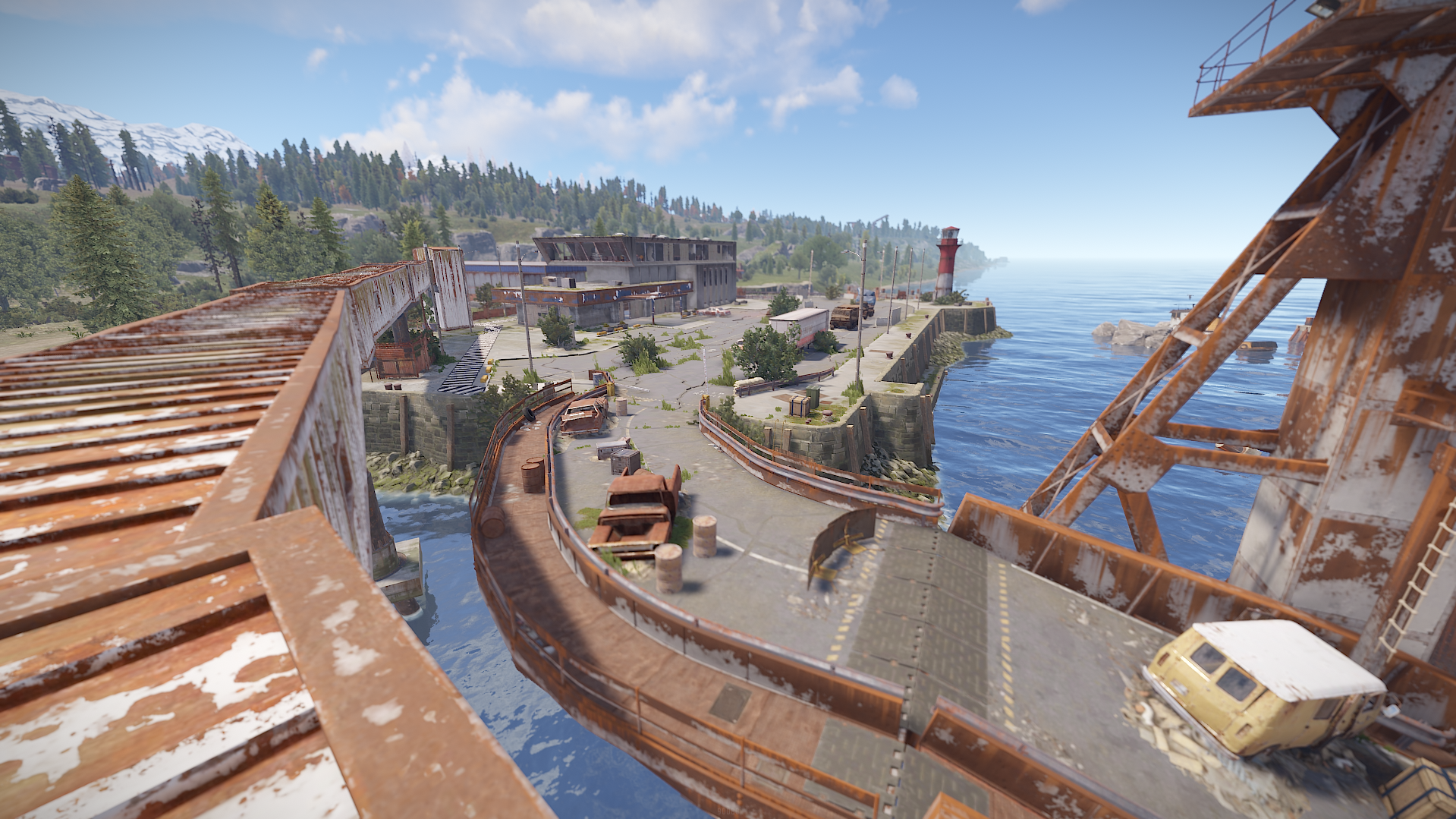
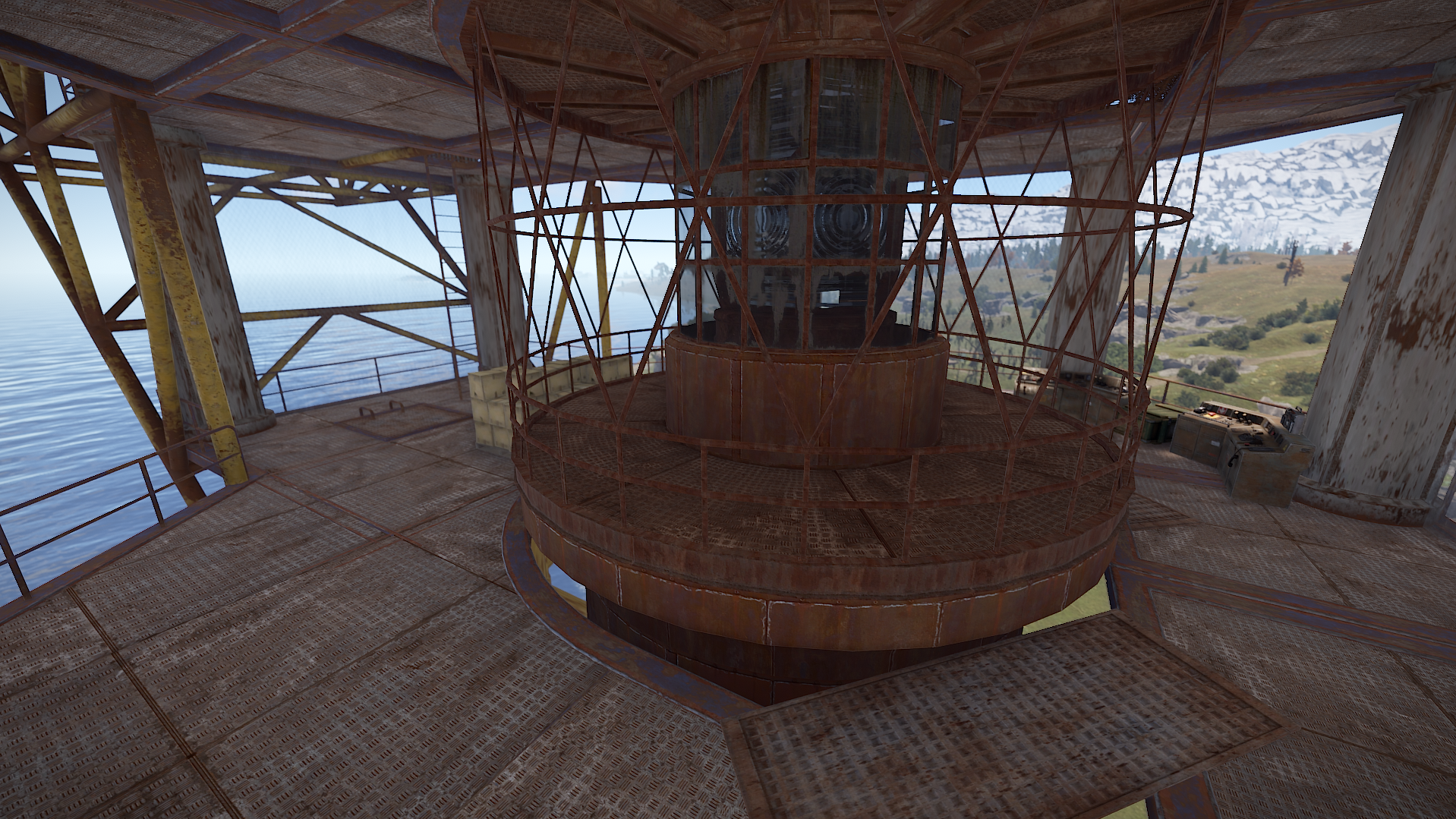
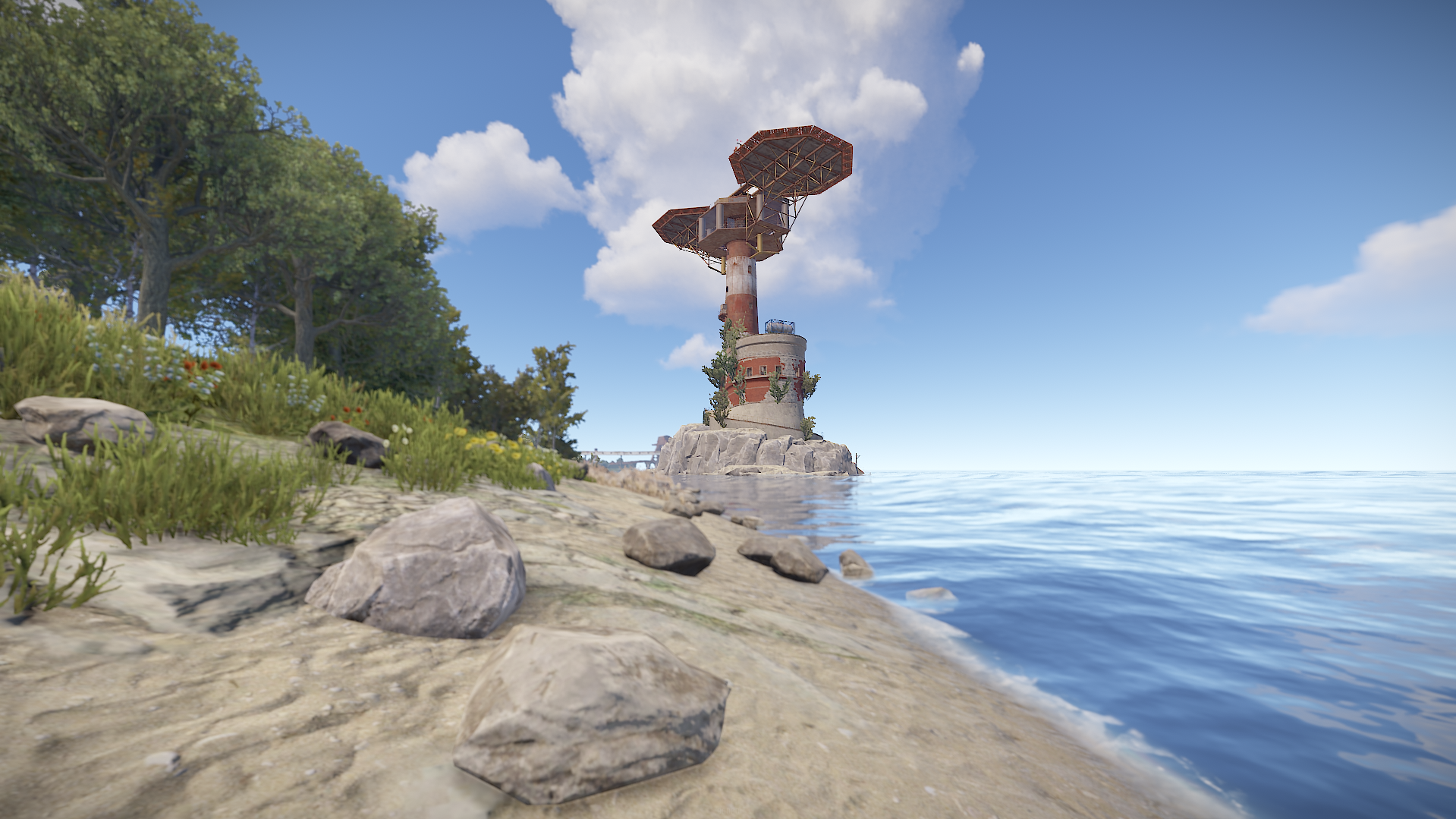
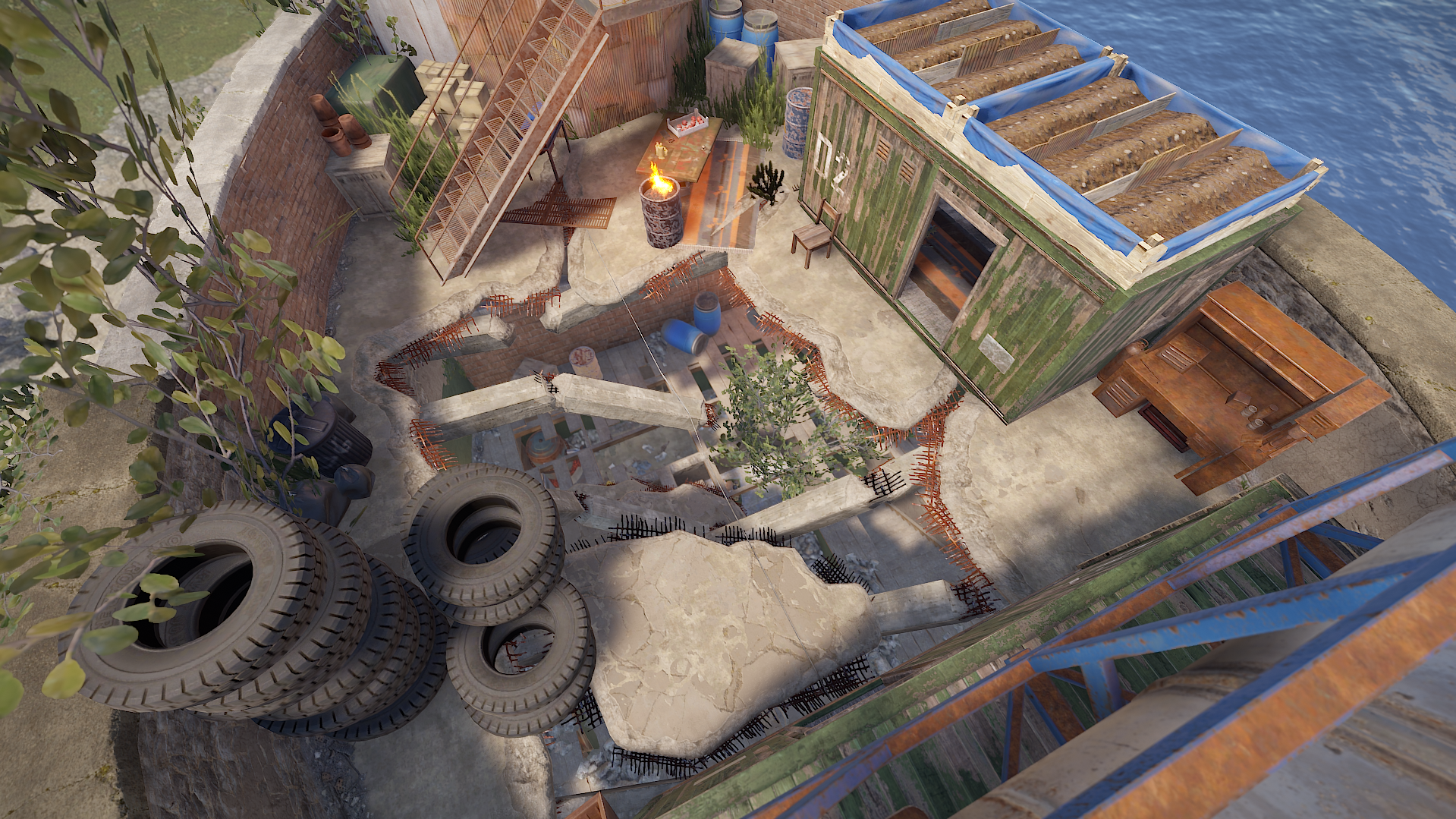
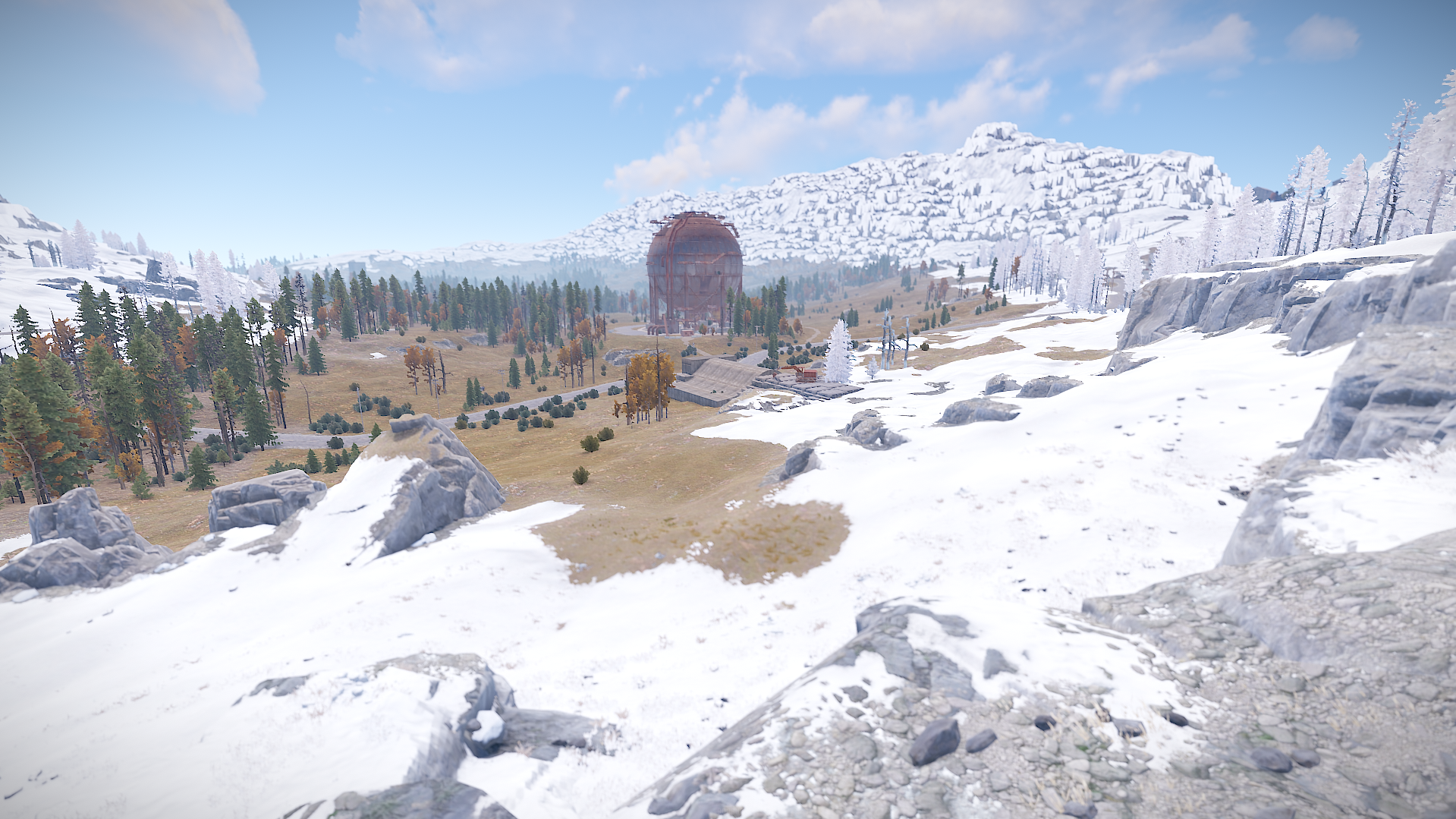
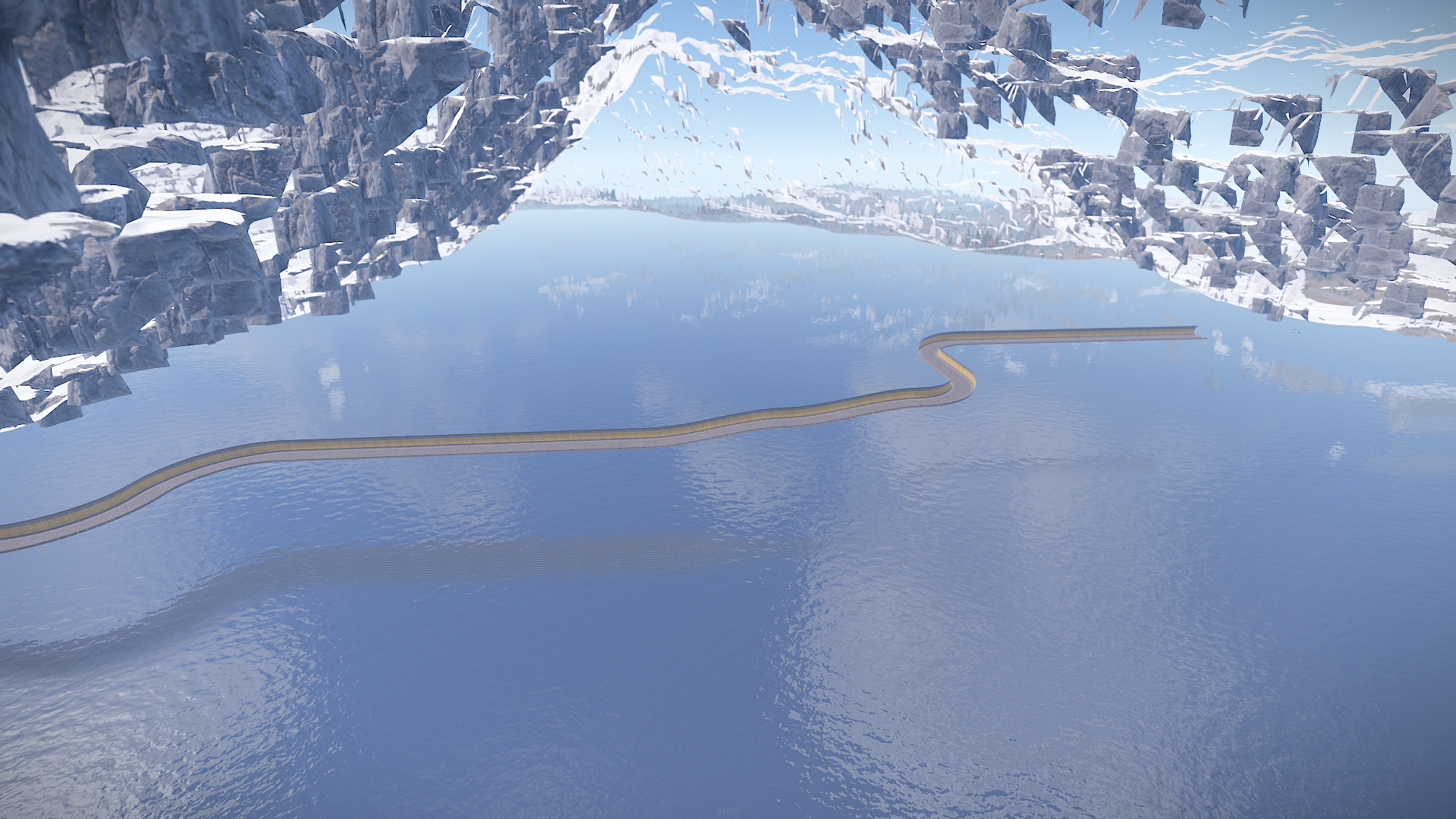
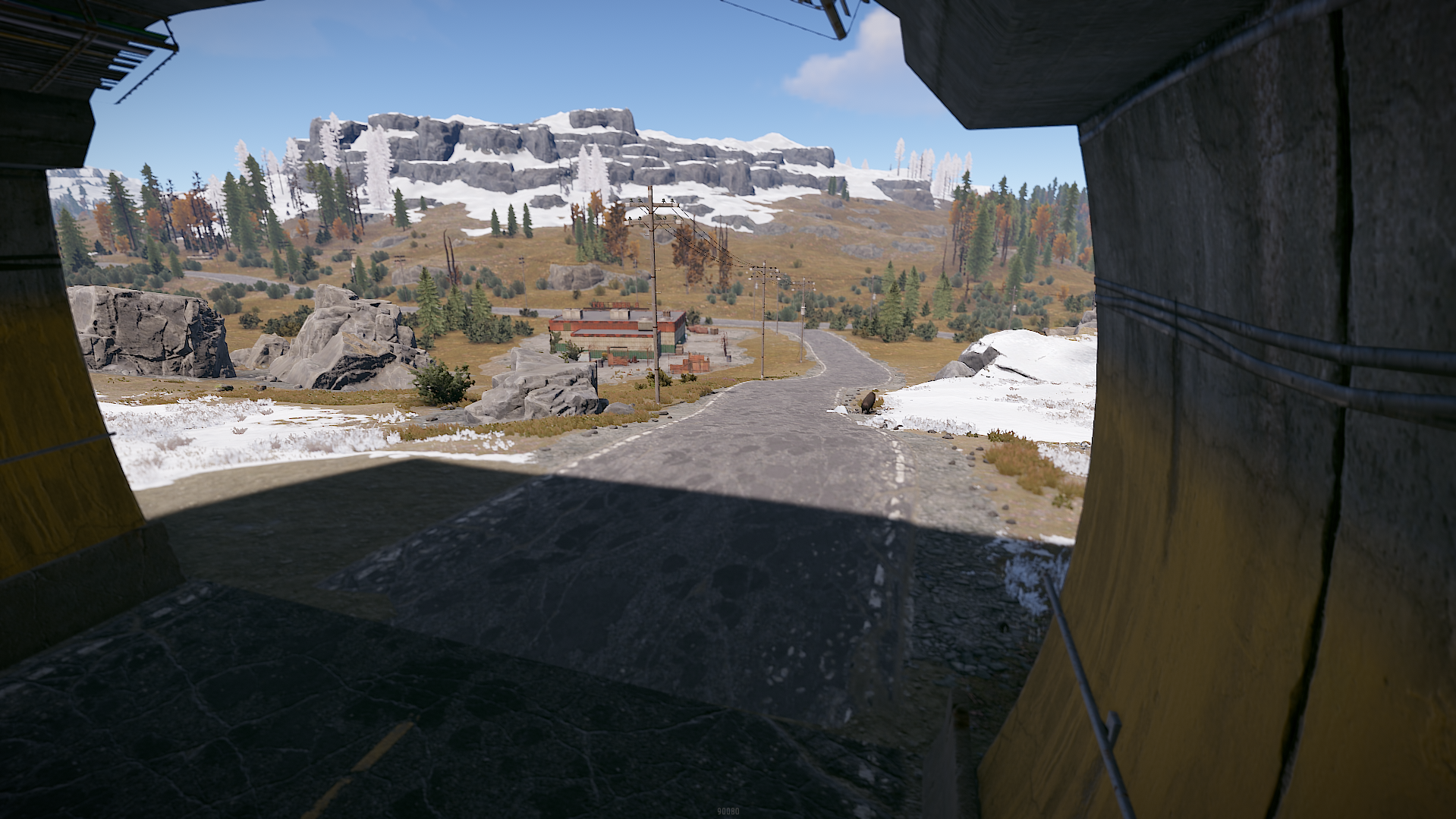
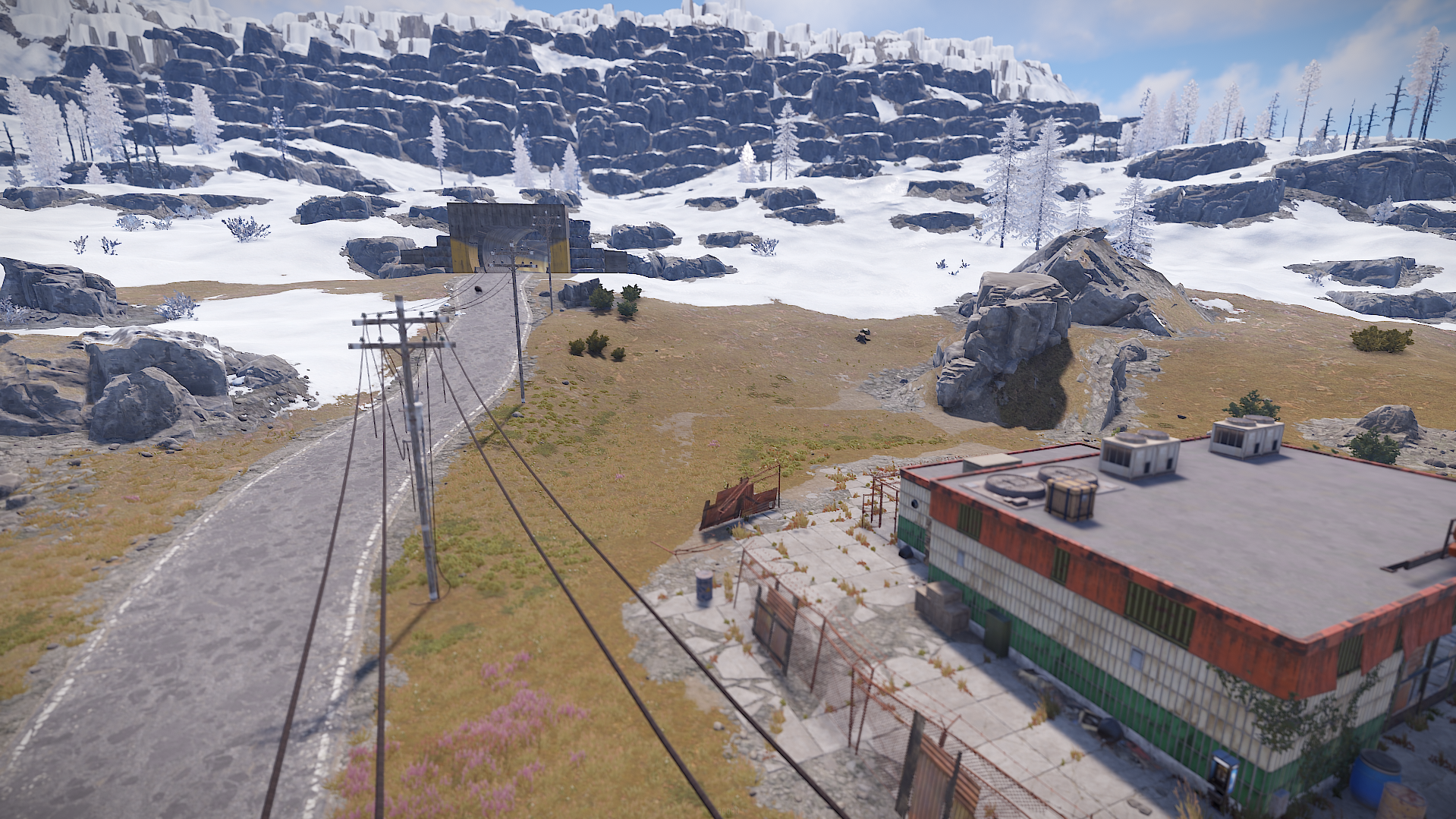
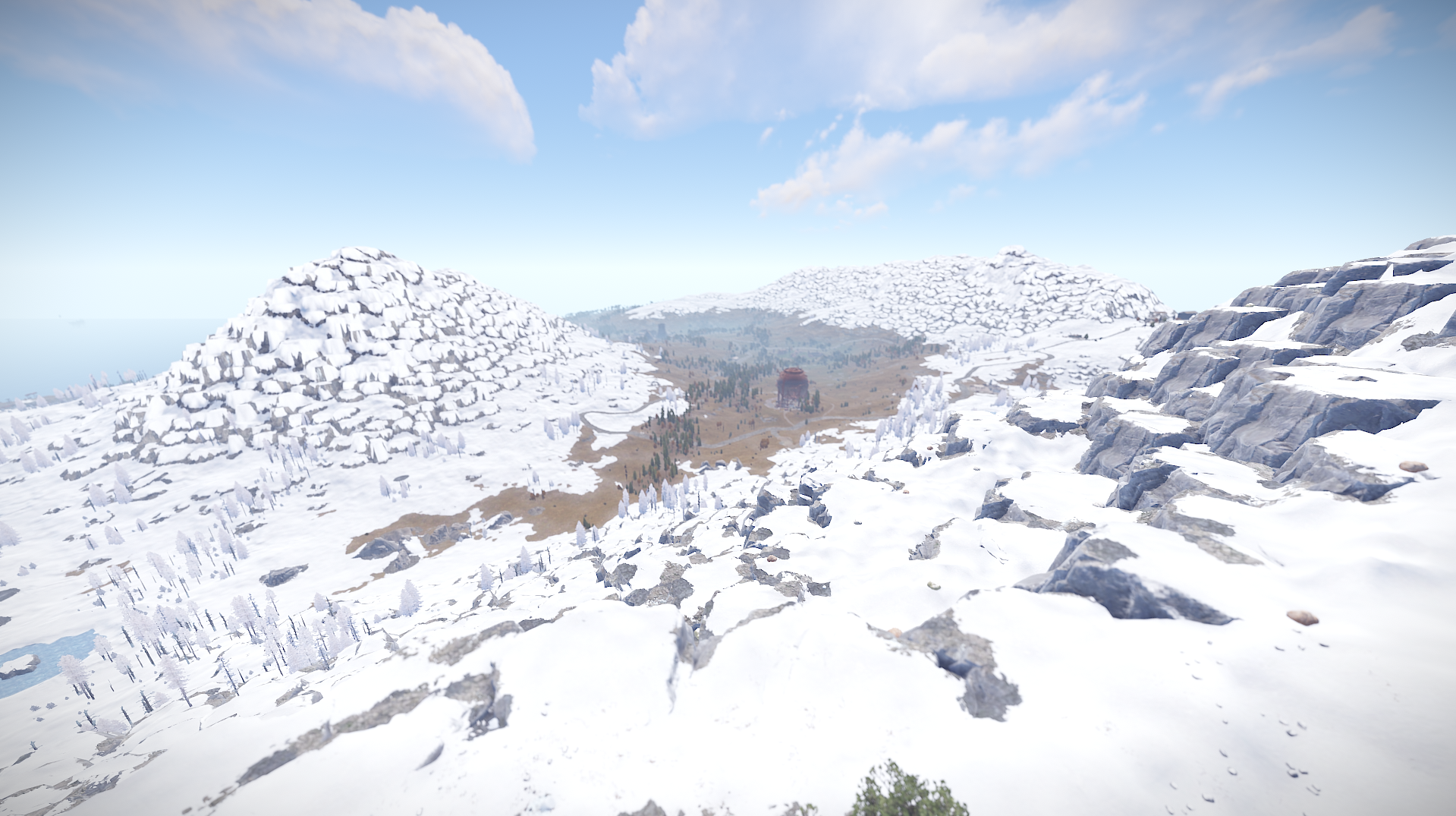
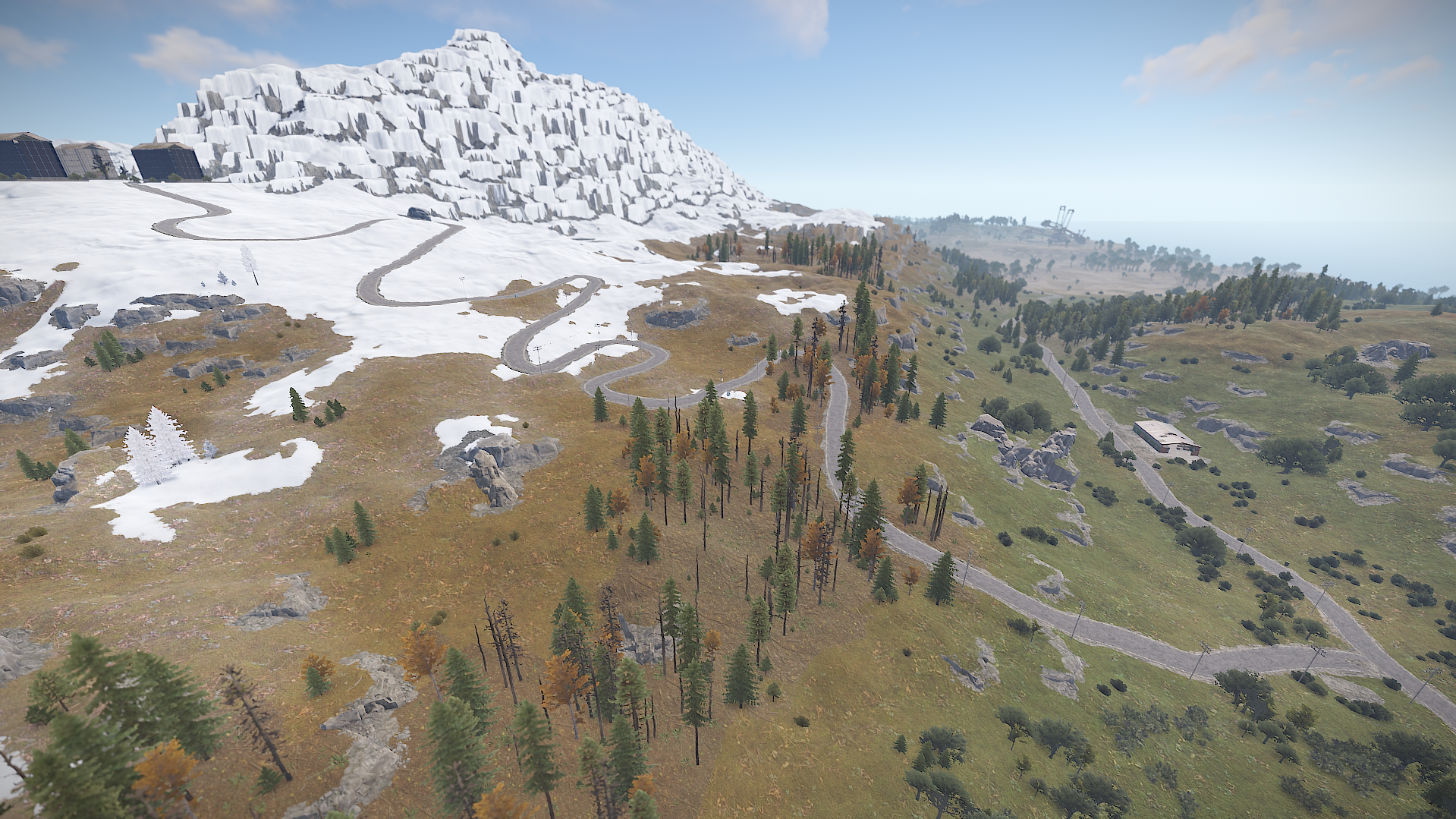
Romania 4K is a custom map shaped after the country of Romania , terrain and mountains are made to be a replica of the country's landscape.
The famous Carpathian Mountains and Transfagarasan road , various lakes , rivers and many other terrain wonders are to be found on this map.
Terrain's been worked to be at advantage for both PVP and PVE players.
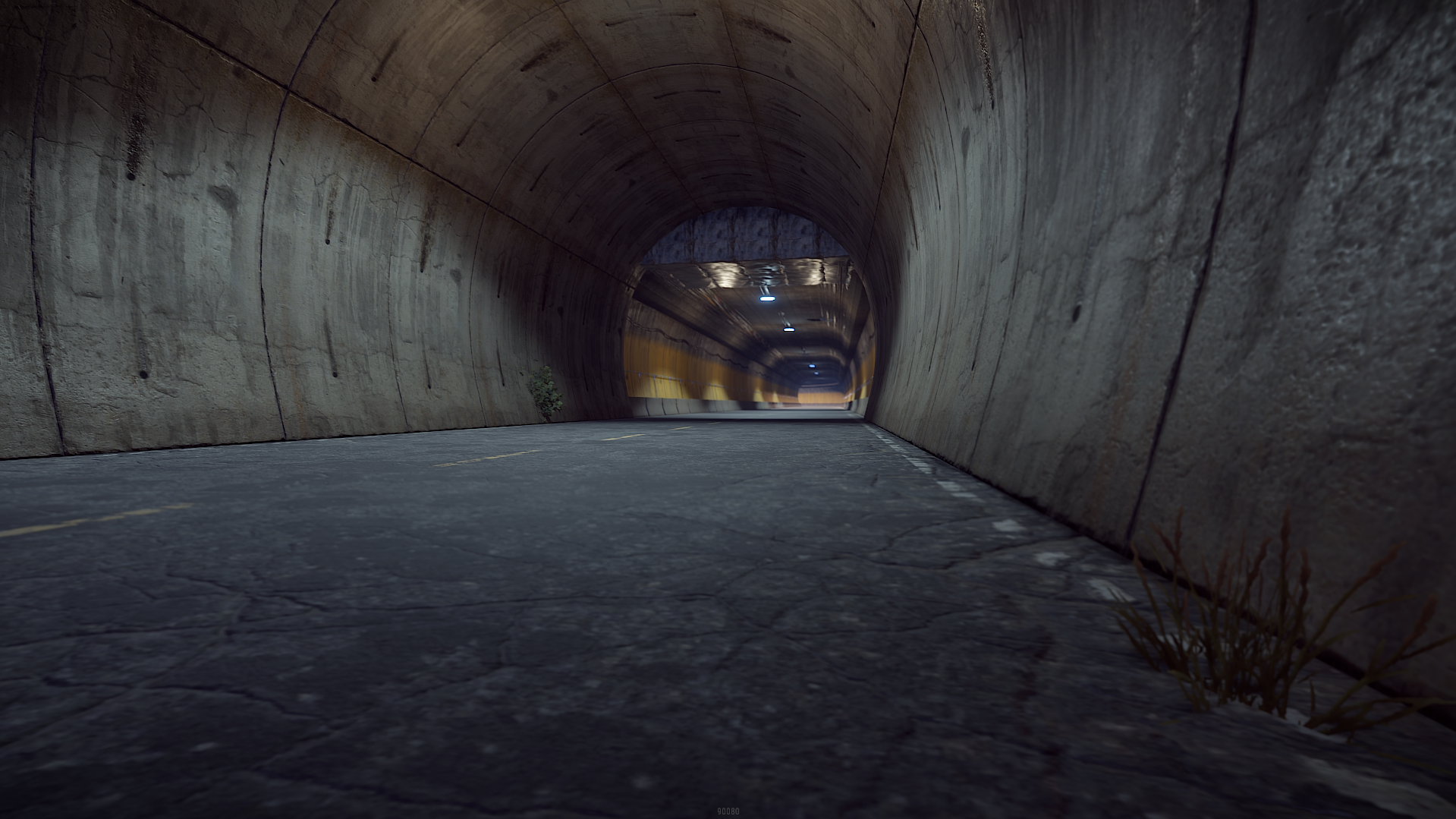
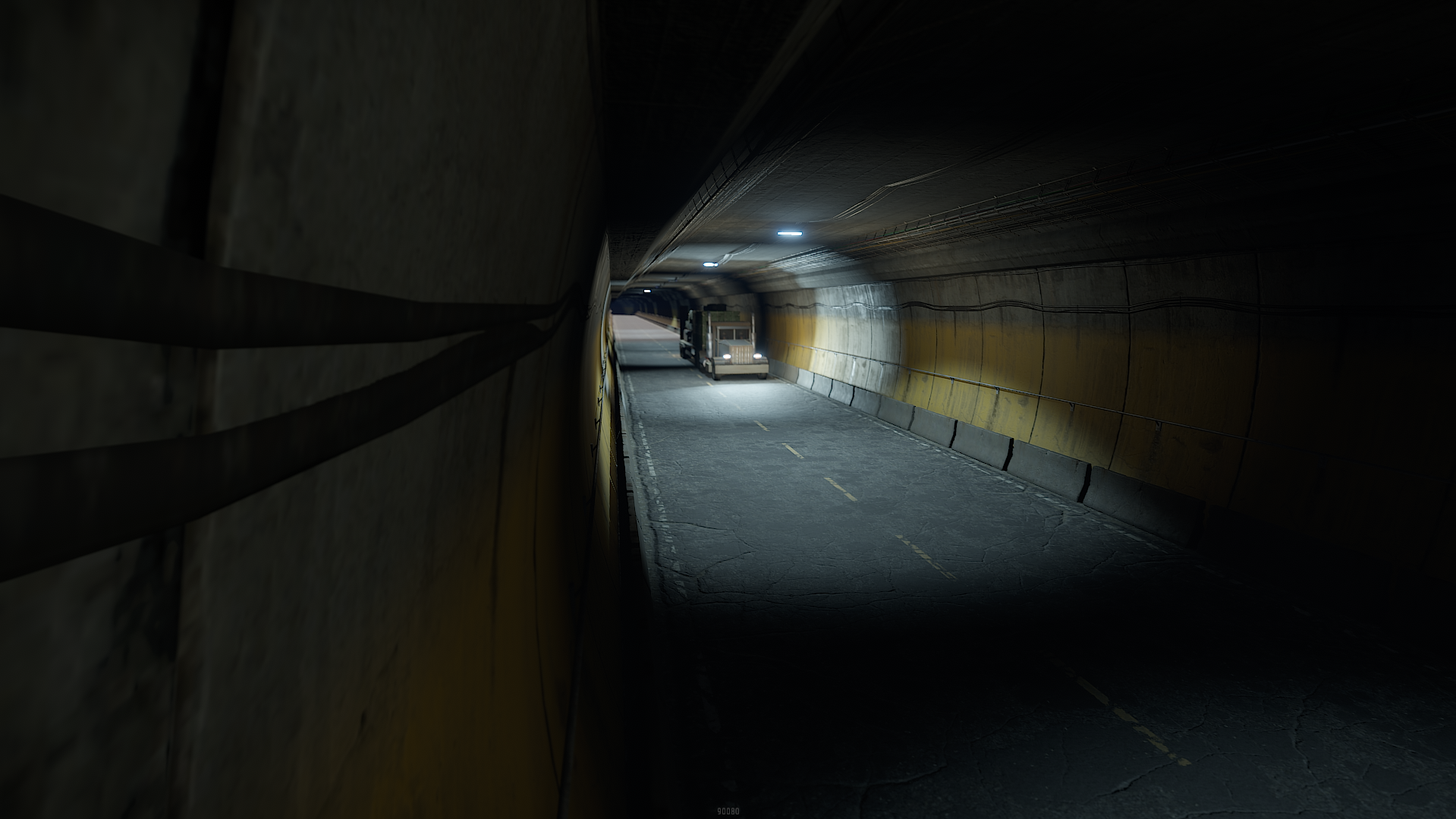
The big Carpathian Mountains feature a massive tunnel going thru the mountain from one side to the other.
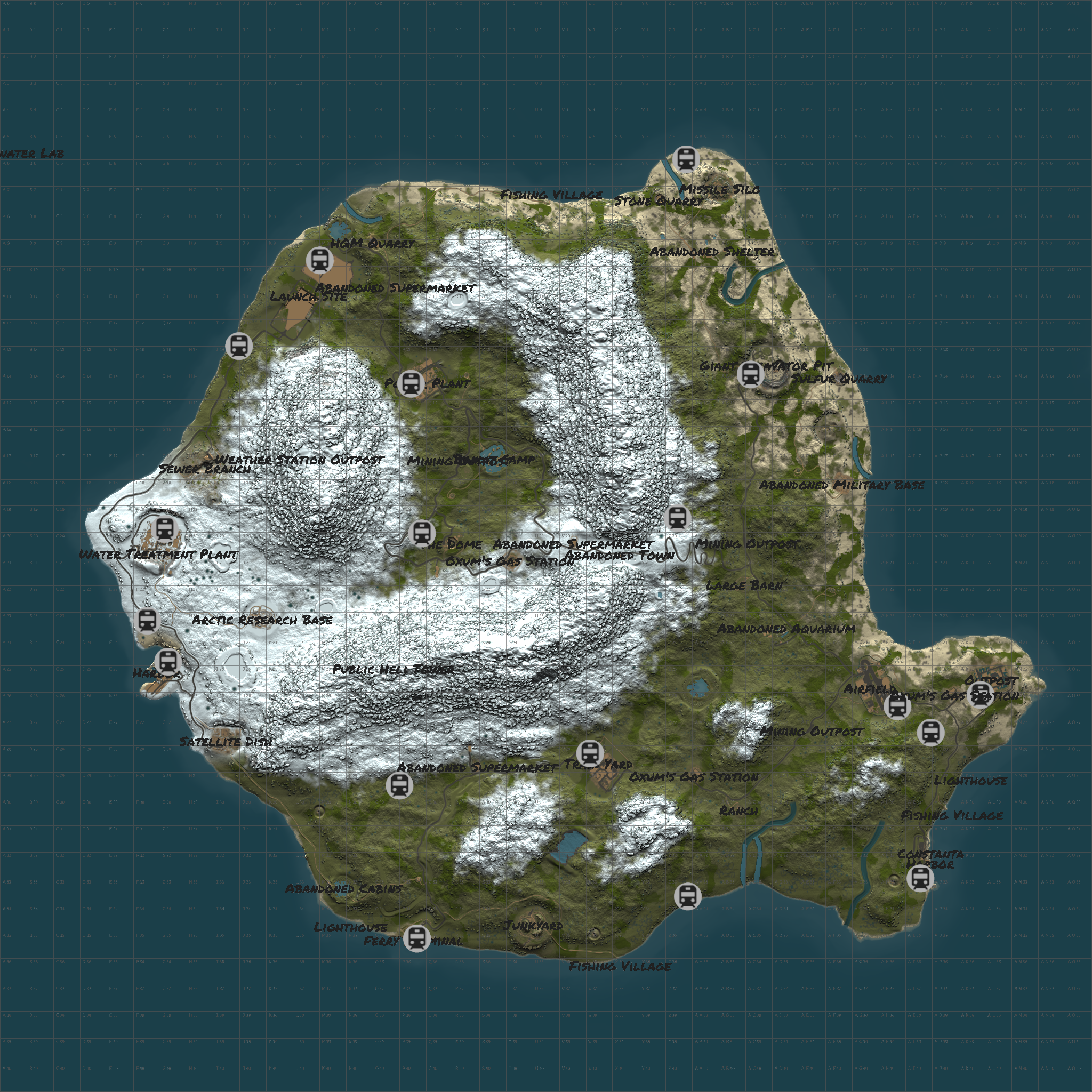
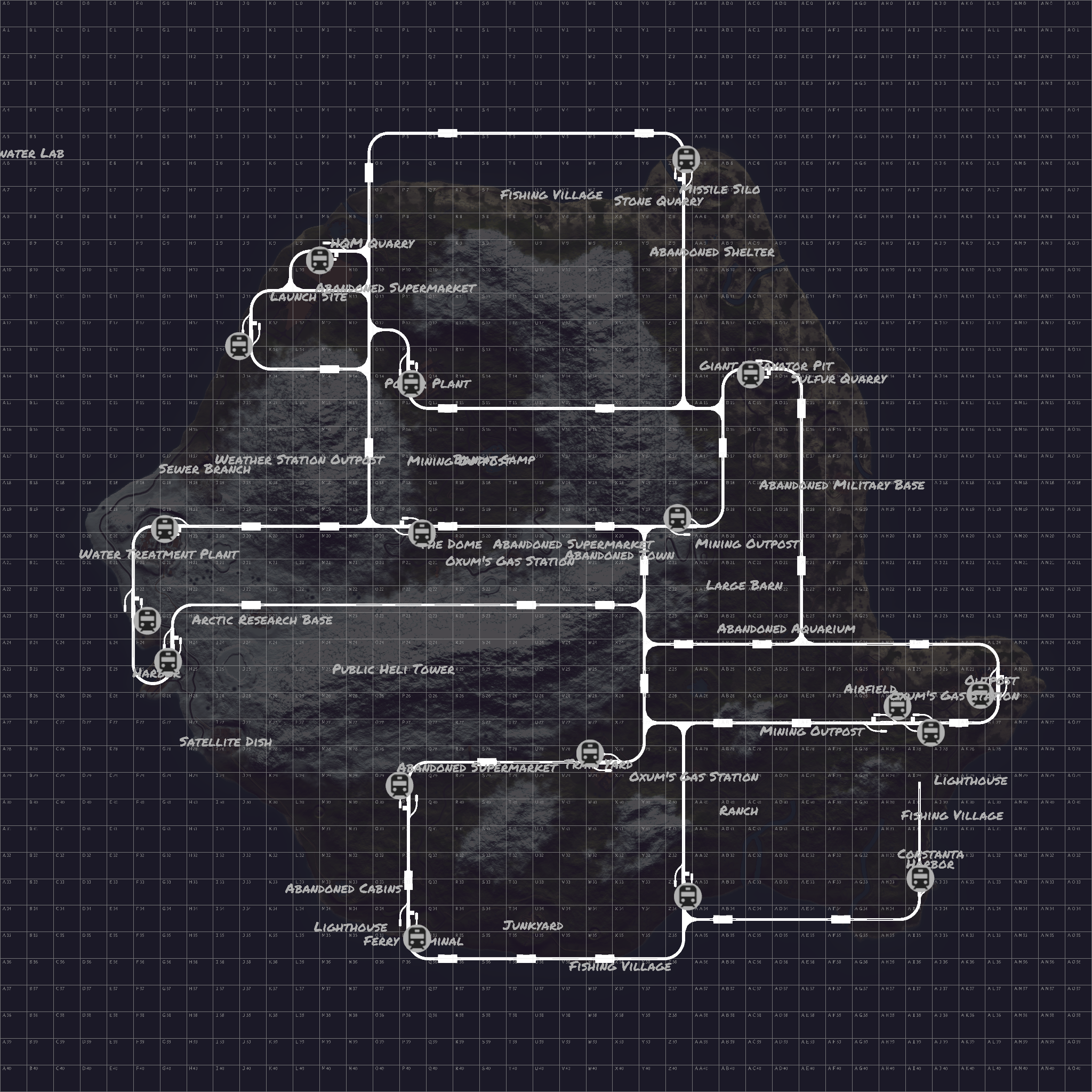
**Railways will be added at a later date to the map on a different version like Bermuda's , map will have 2 versions to download with and without railways**
~Procedural Monuments :
- Launch Site
- Excavator
- Military Tunnels
- Airfield
- Power Plant
- Water Treatment Plant
- Trainyard
- Sewerbranch
- Harbor
- Junkyard
- Sphere Tank
- Satellite Dish
- Desert Military Base
- Roadside monuments including Supermarkets - Mining Outposts
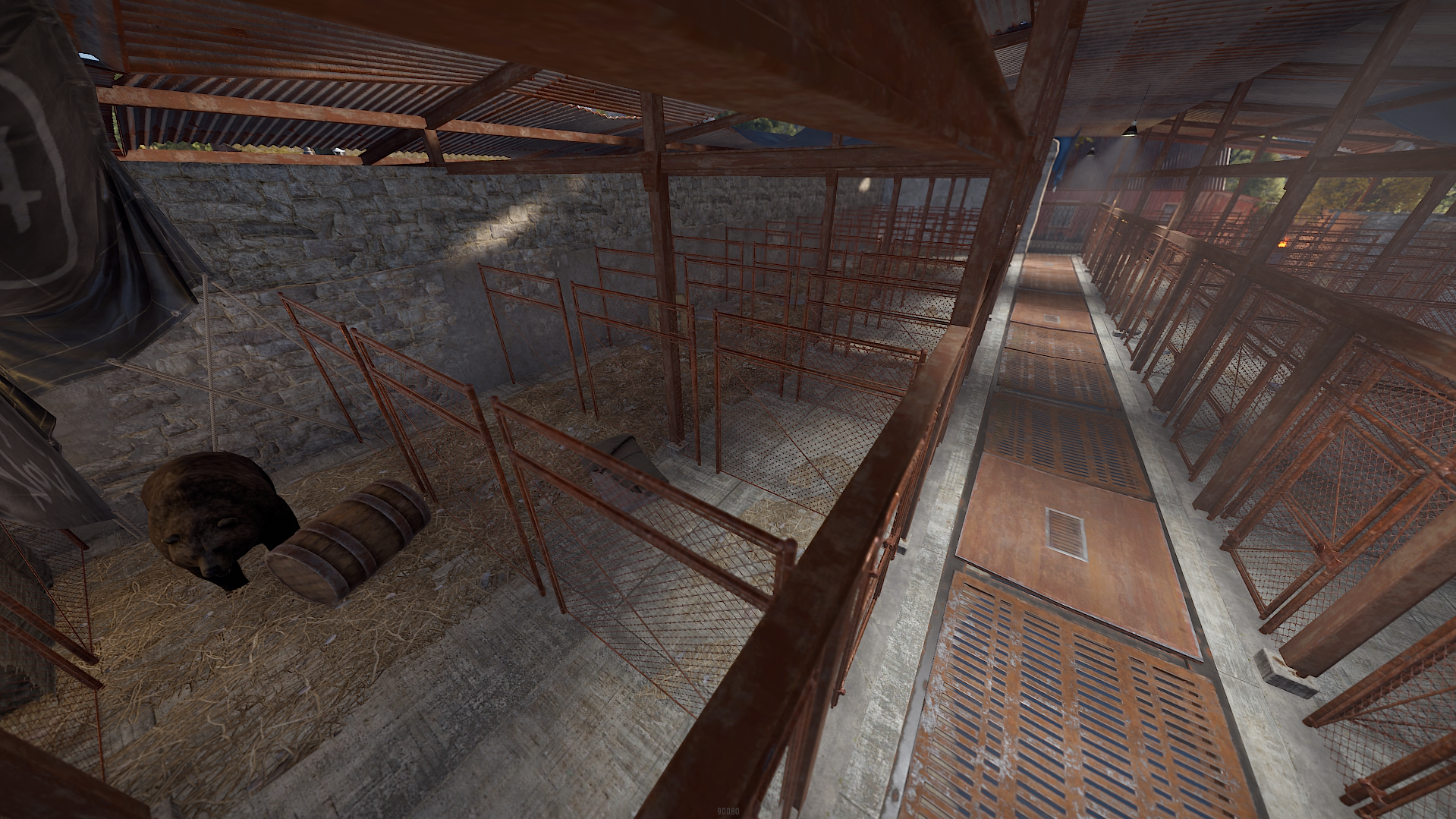
- Stables
- Nuclear Silo
- Arctic Military Base
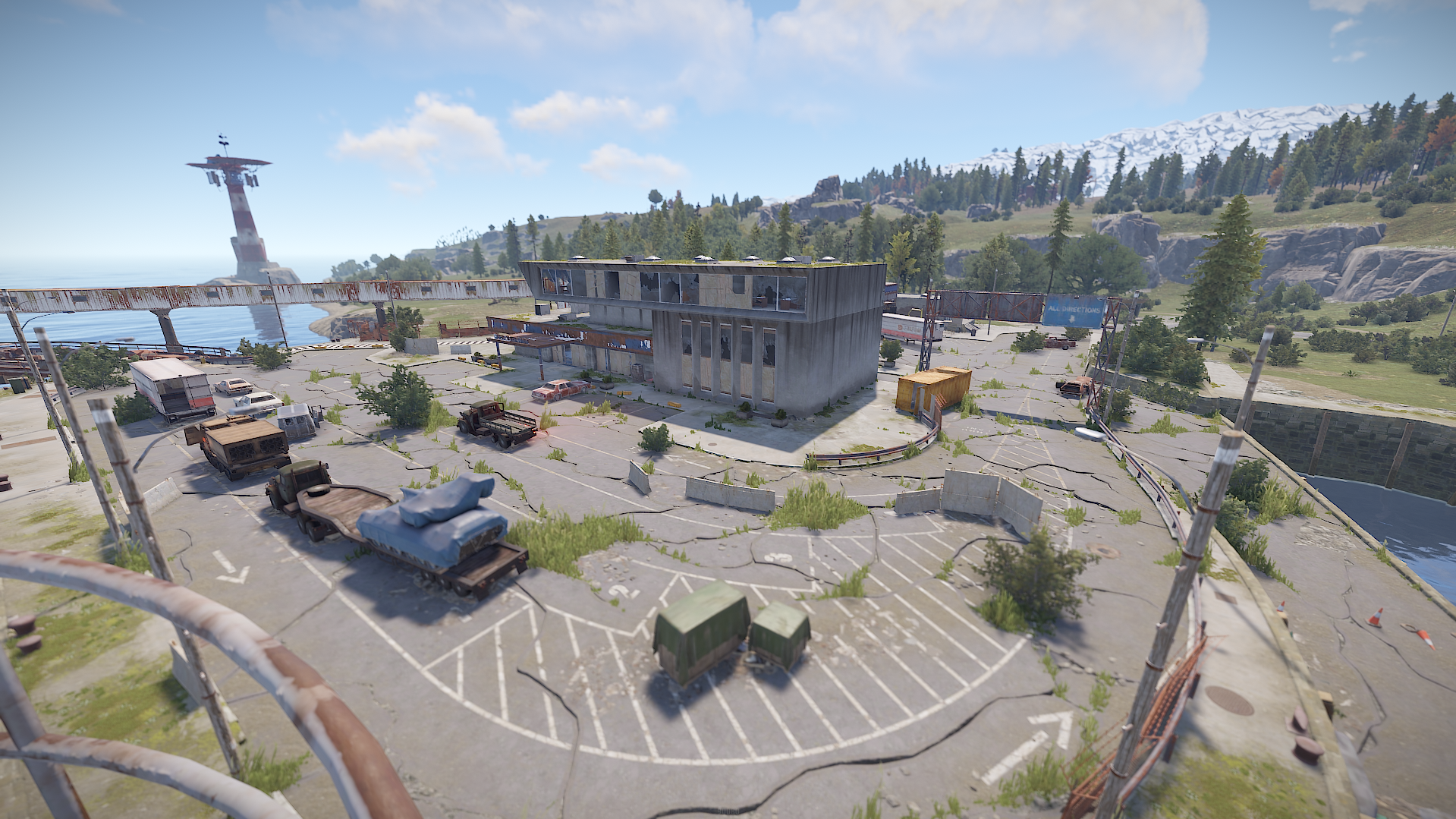
- Ferry Terminal
- Large and Small Oil Rigs
~ Custom Monuments & Prefabs:
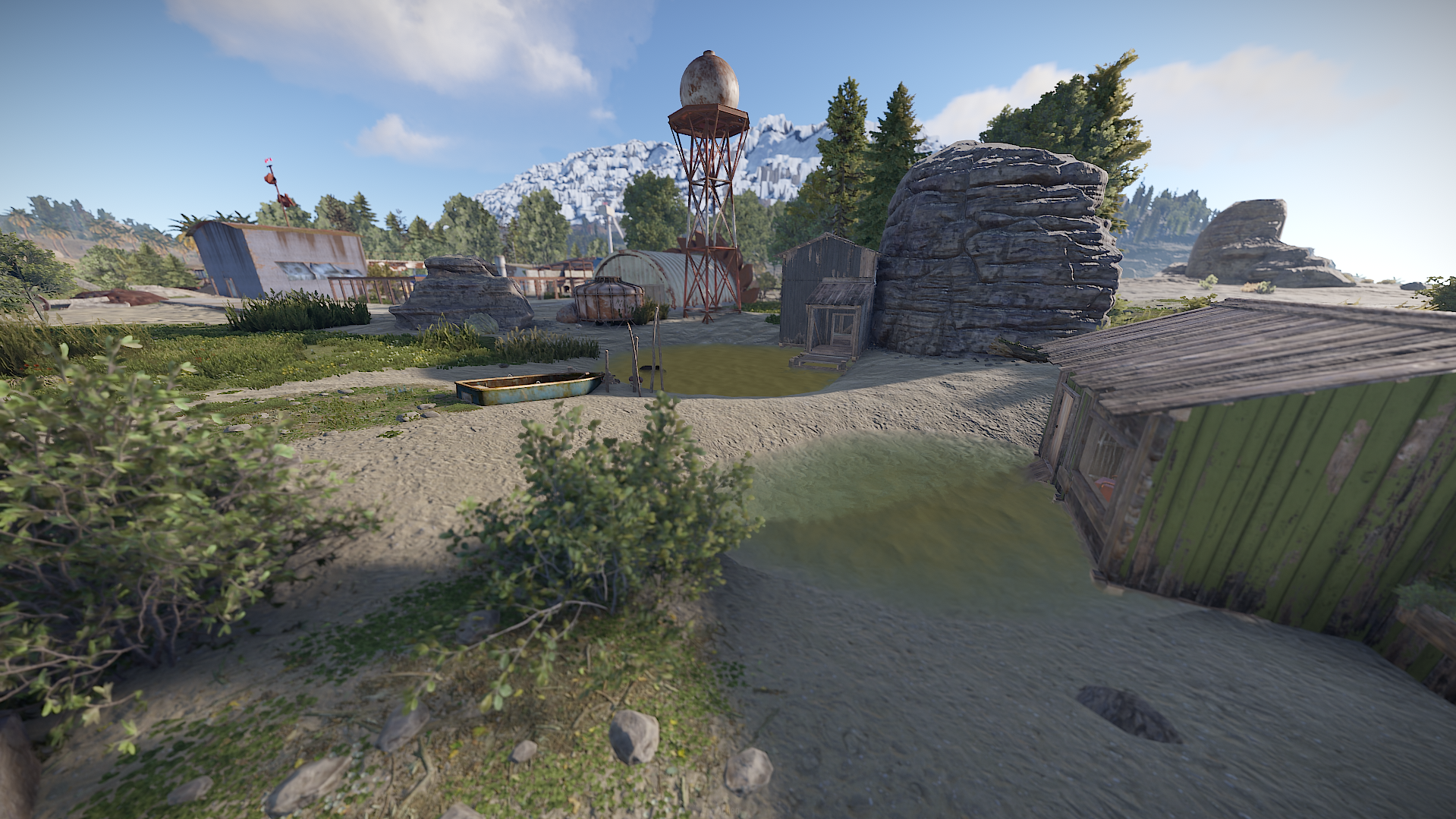
- Bandit Swamps
- Custom Lighthouses
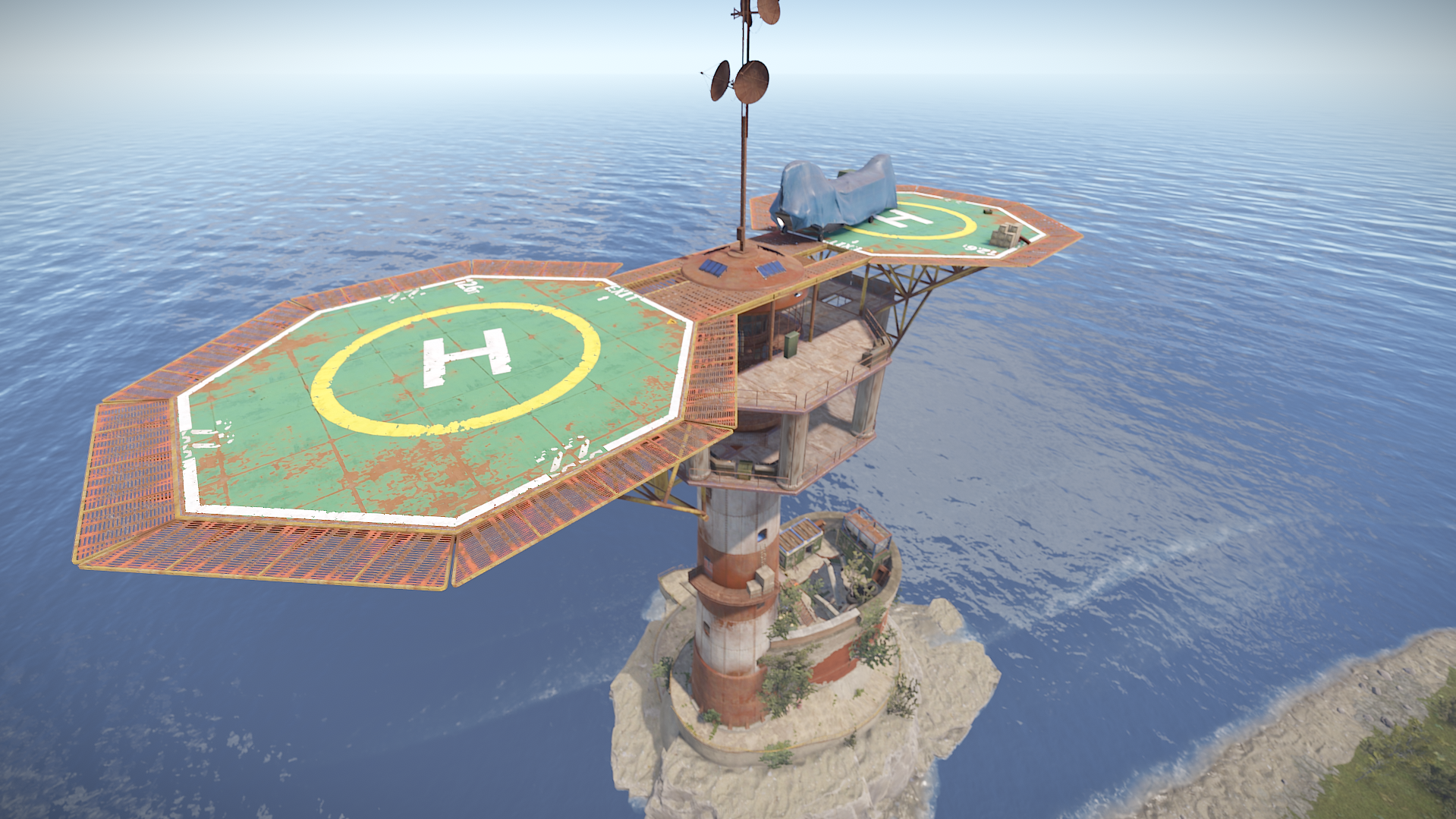
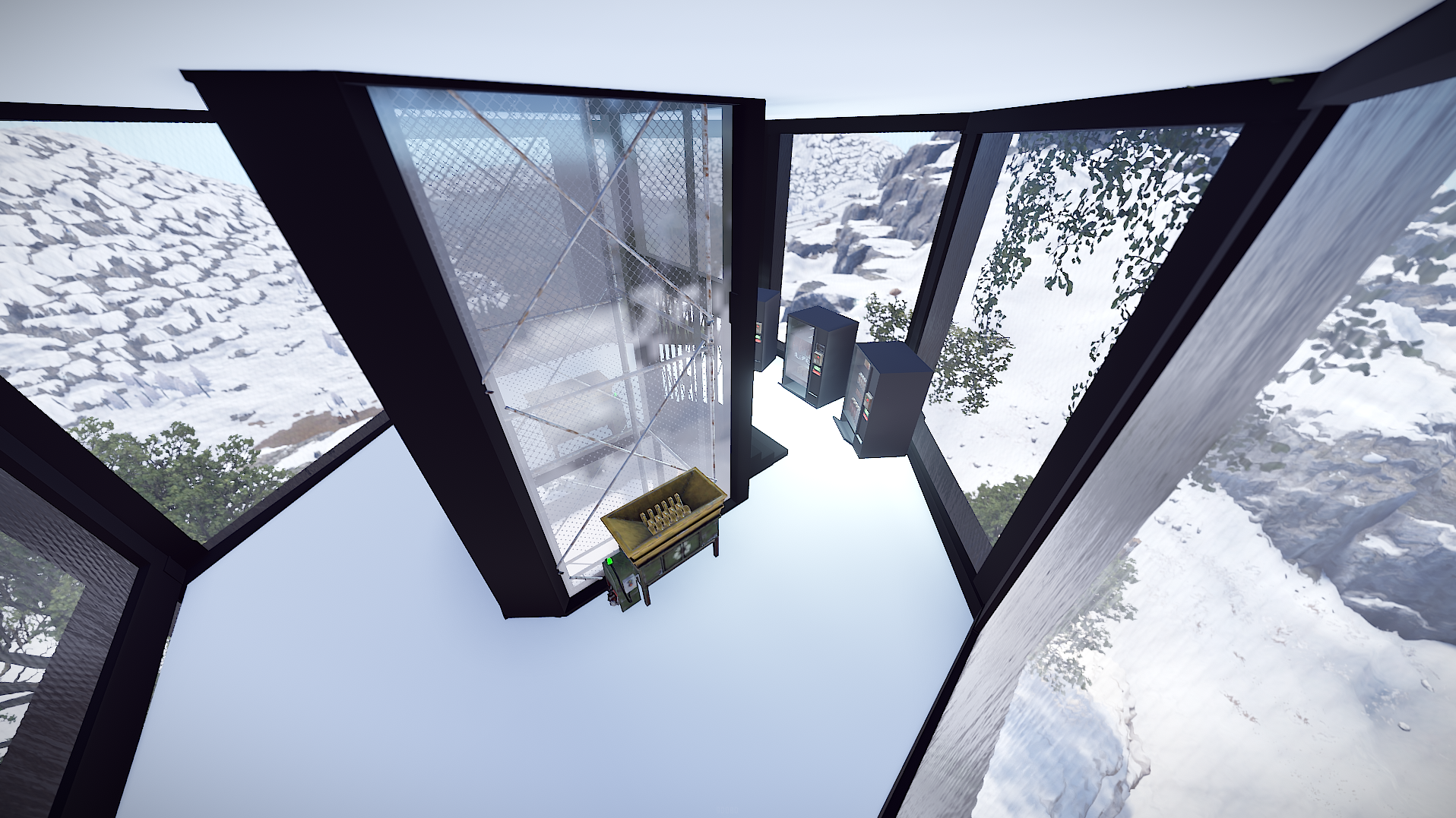
- Public Heli Tower
- Weather Station Outpost
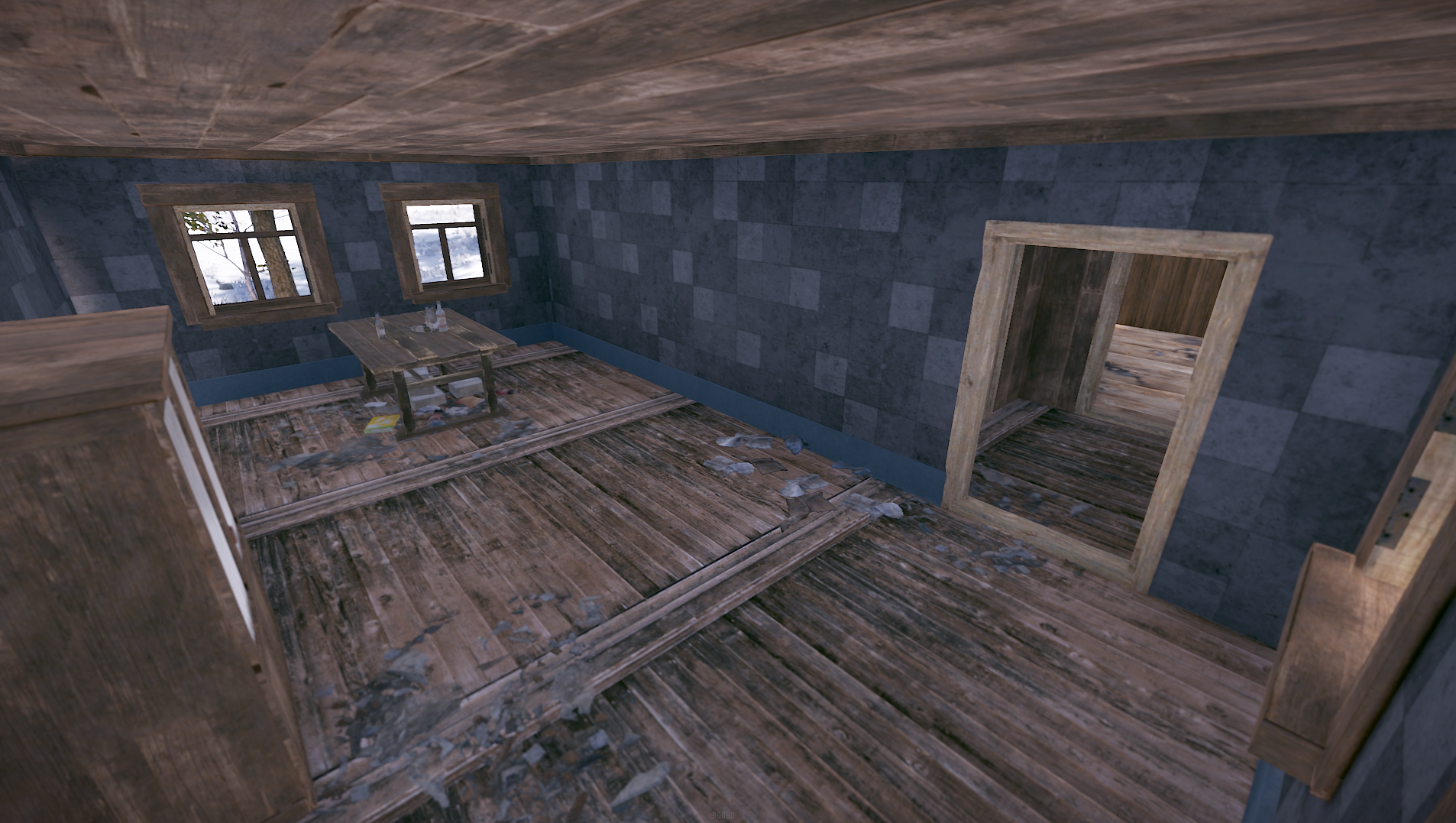
- Abandoned Shelter
- Abandoned Aquarium
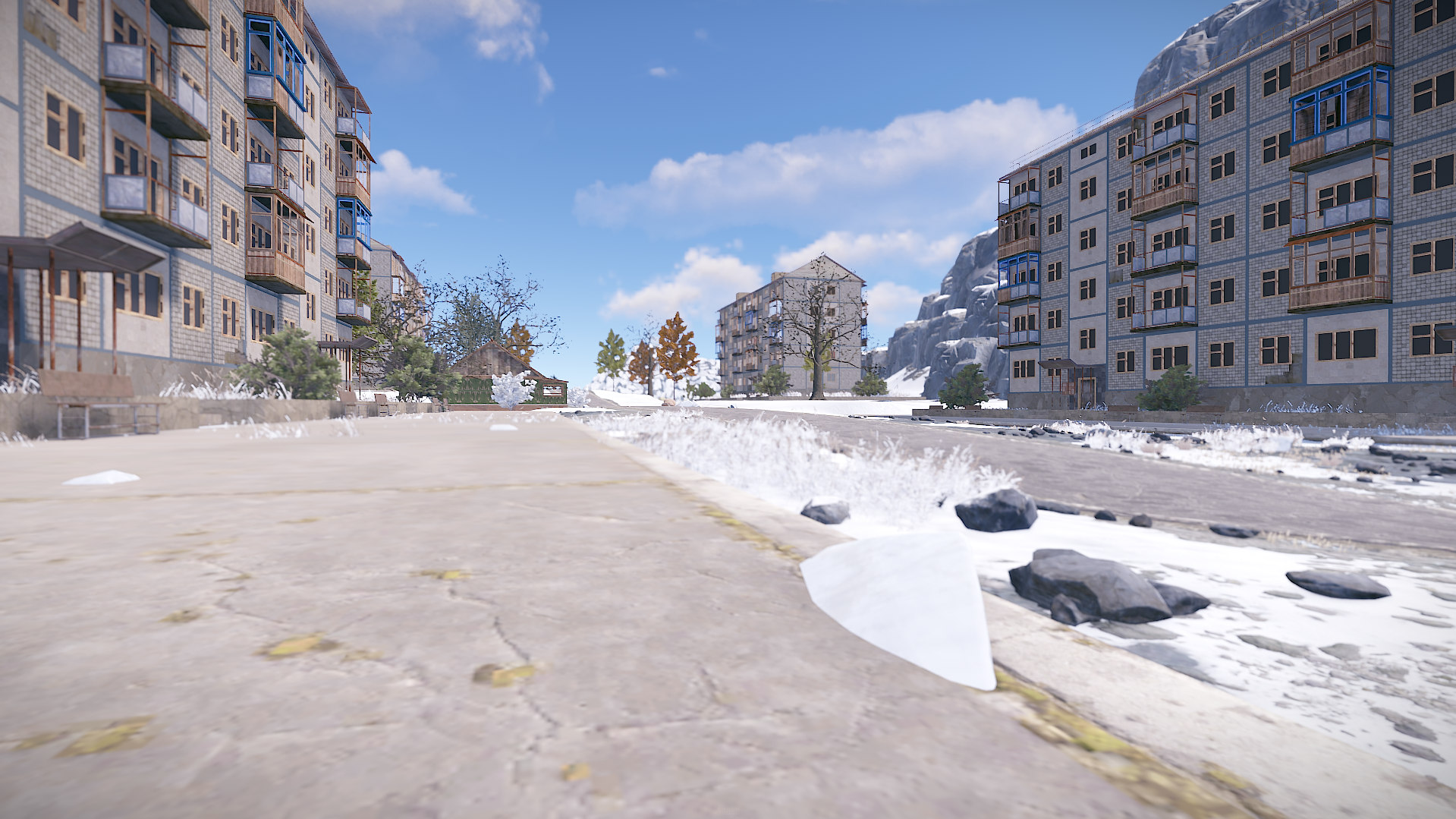
- Abandoned City
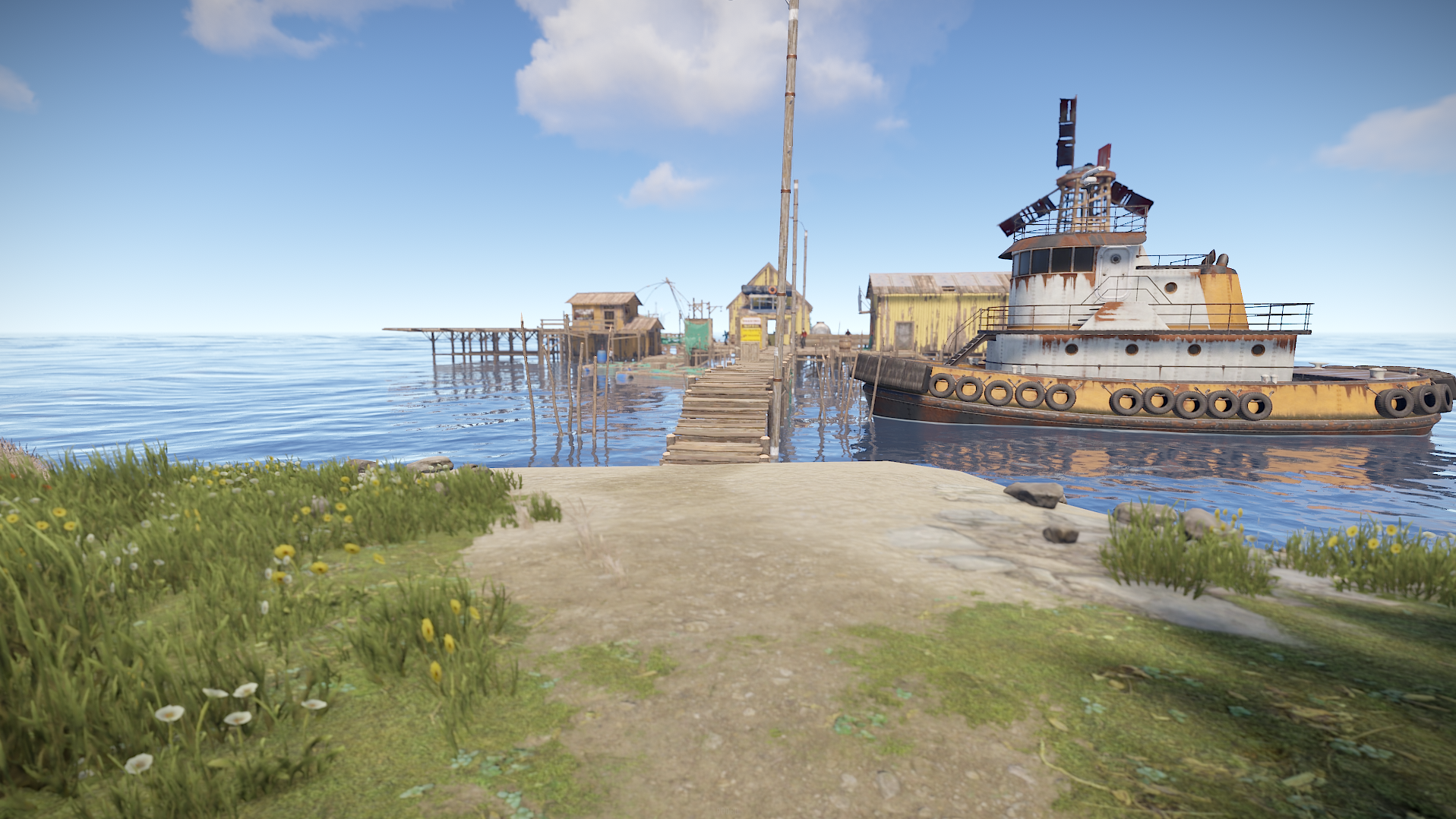
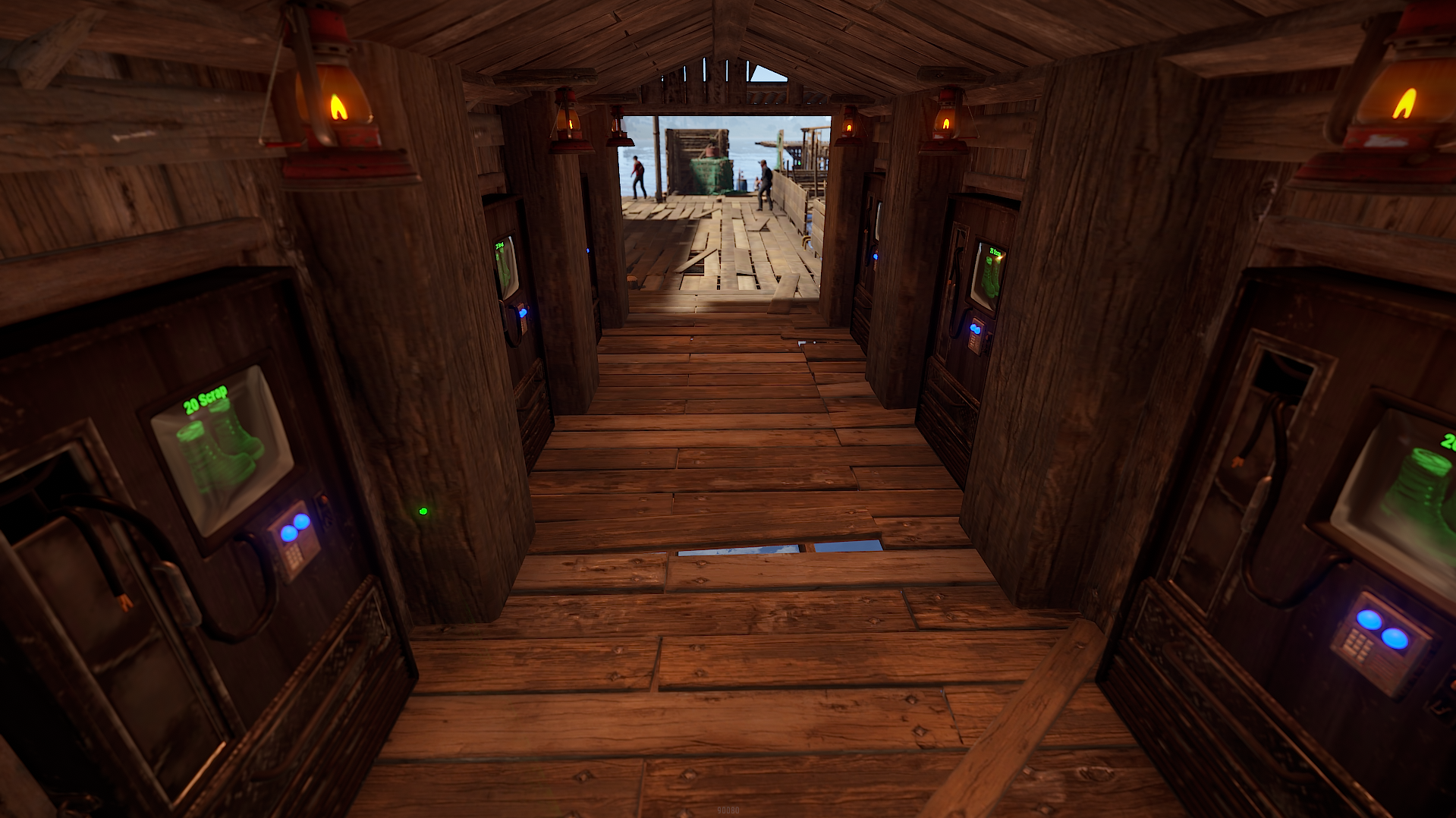
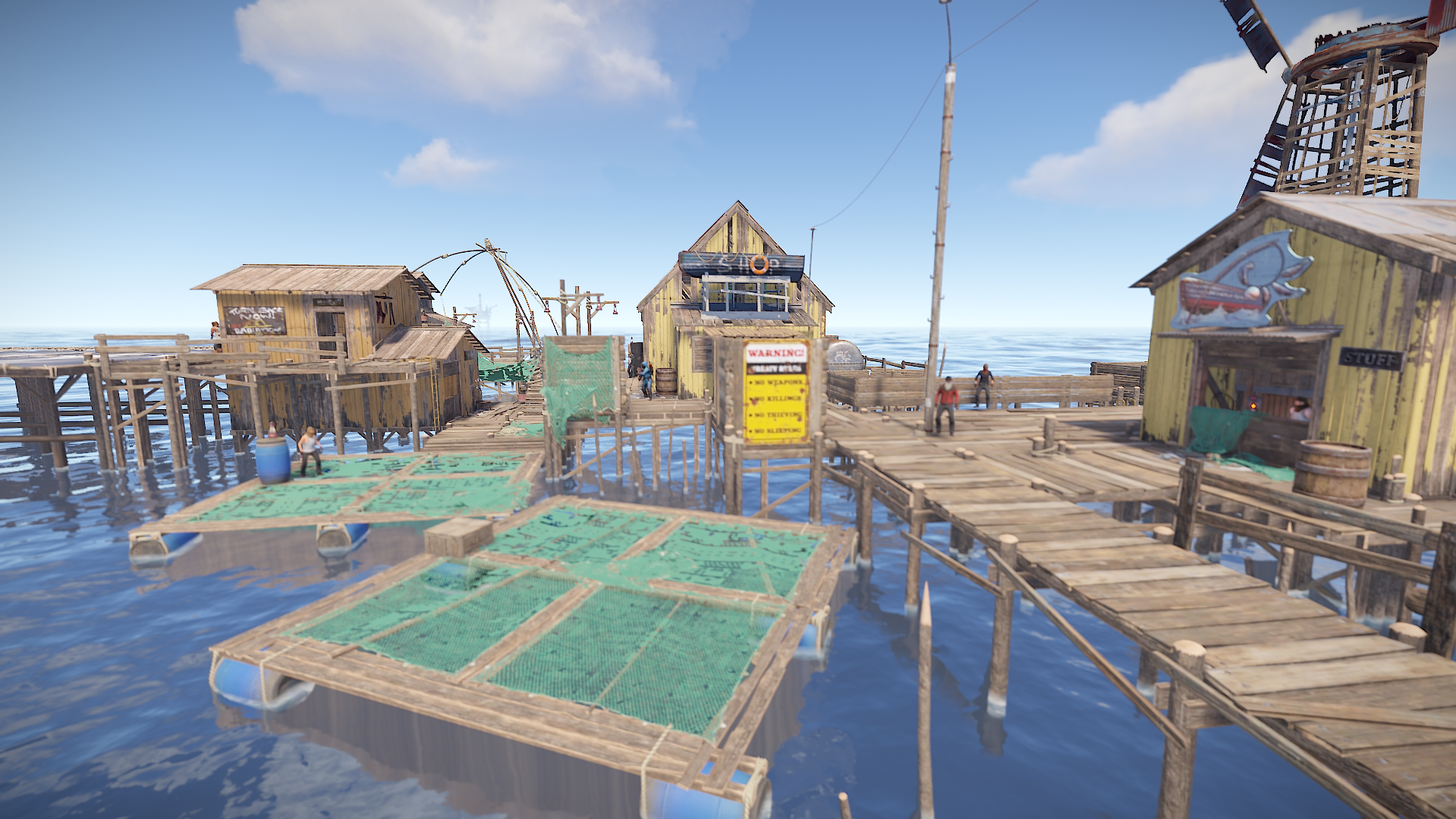
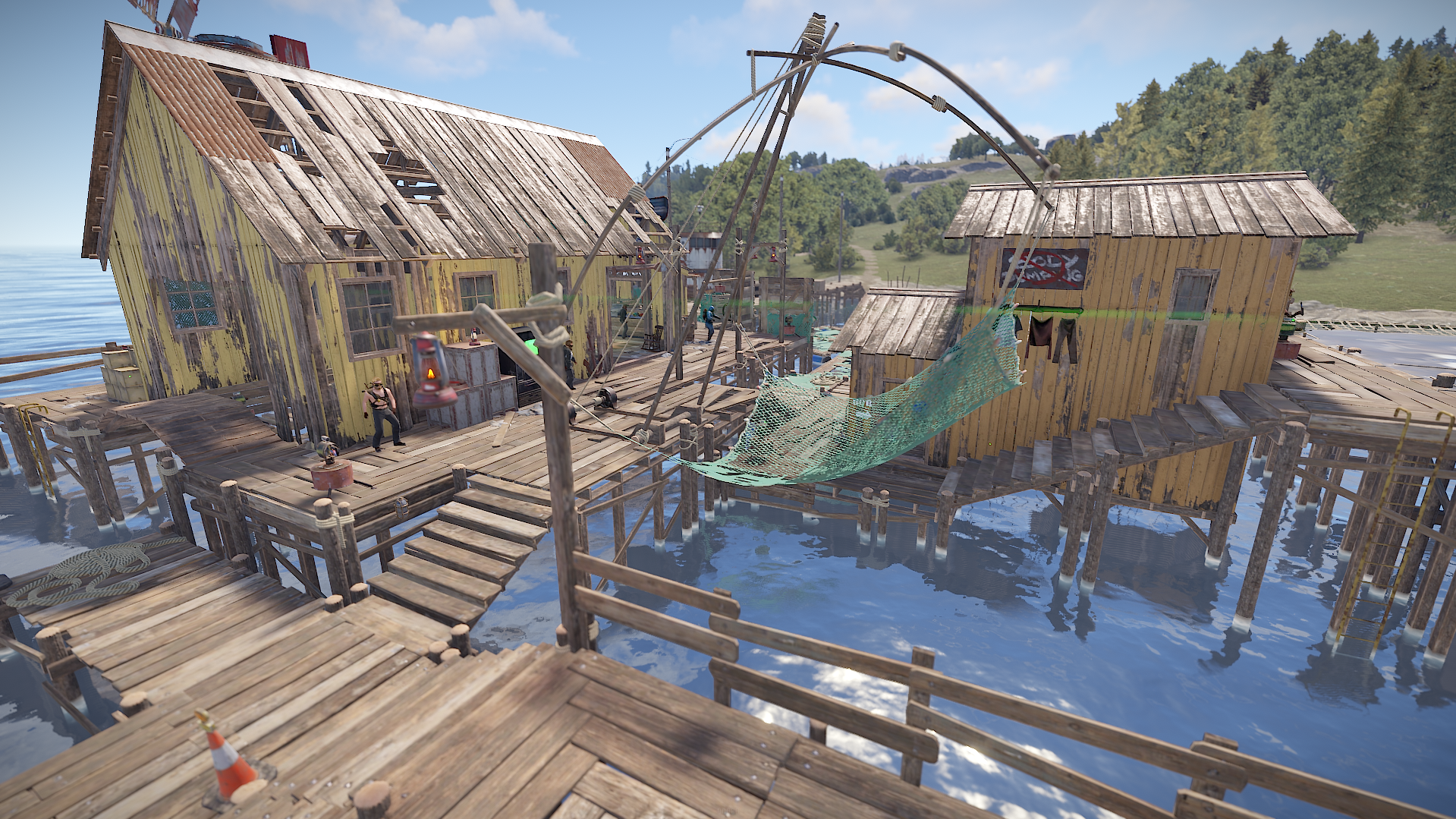
- Custom Fishing Villages
~ Entity Count : 47657
~ Map Size : 4000
What's New in Version v1.3.1
Released
May update
Password included in ReadMe file.
Any changes you wish to make on the map and do not know how to you can notify me via support or discord without issues
You may only provide a review once you have downloaded the file.
There are no reviews to display.