



Hey everyone.
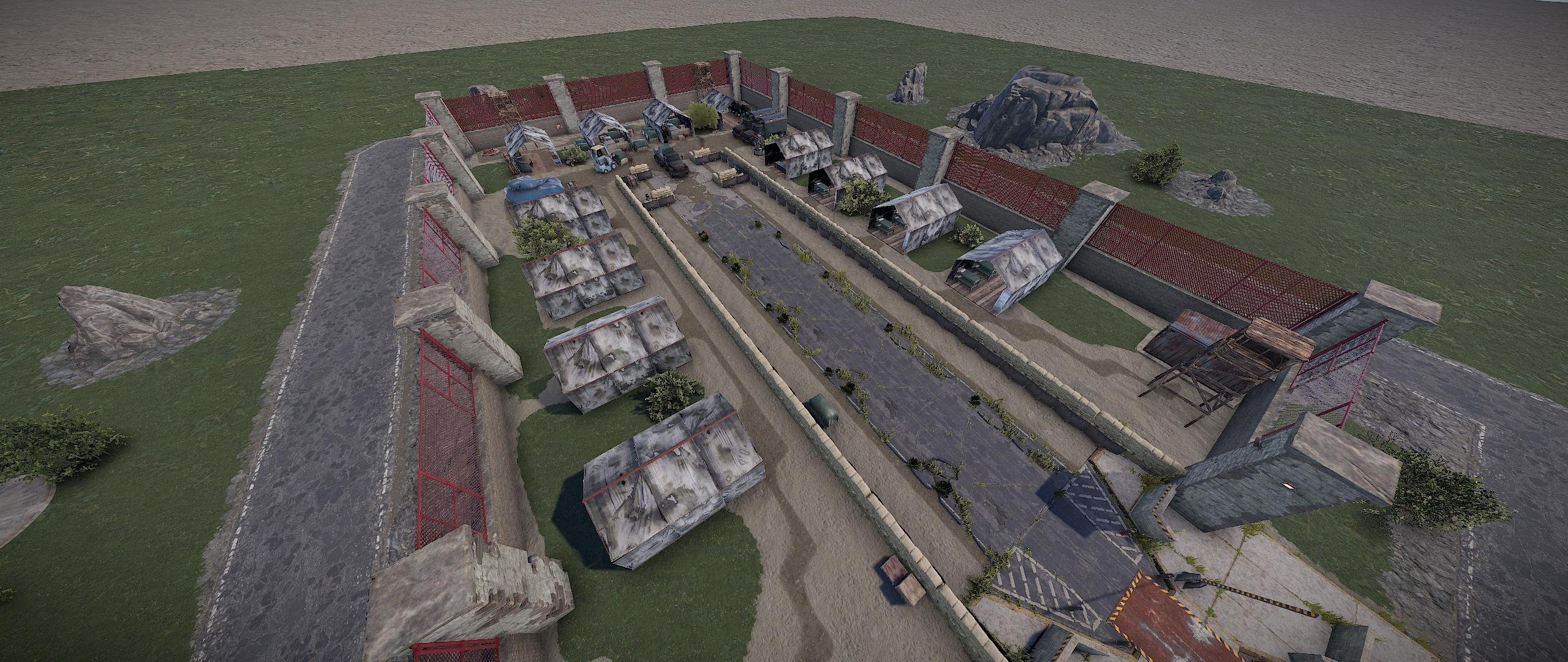
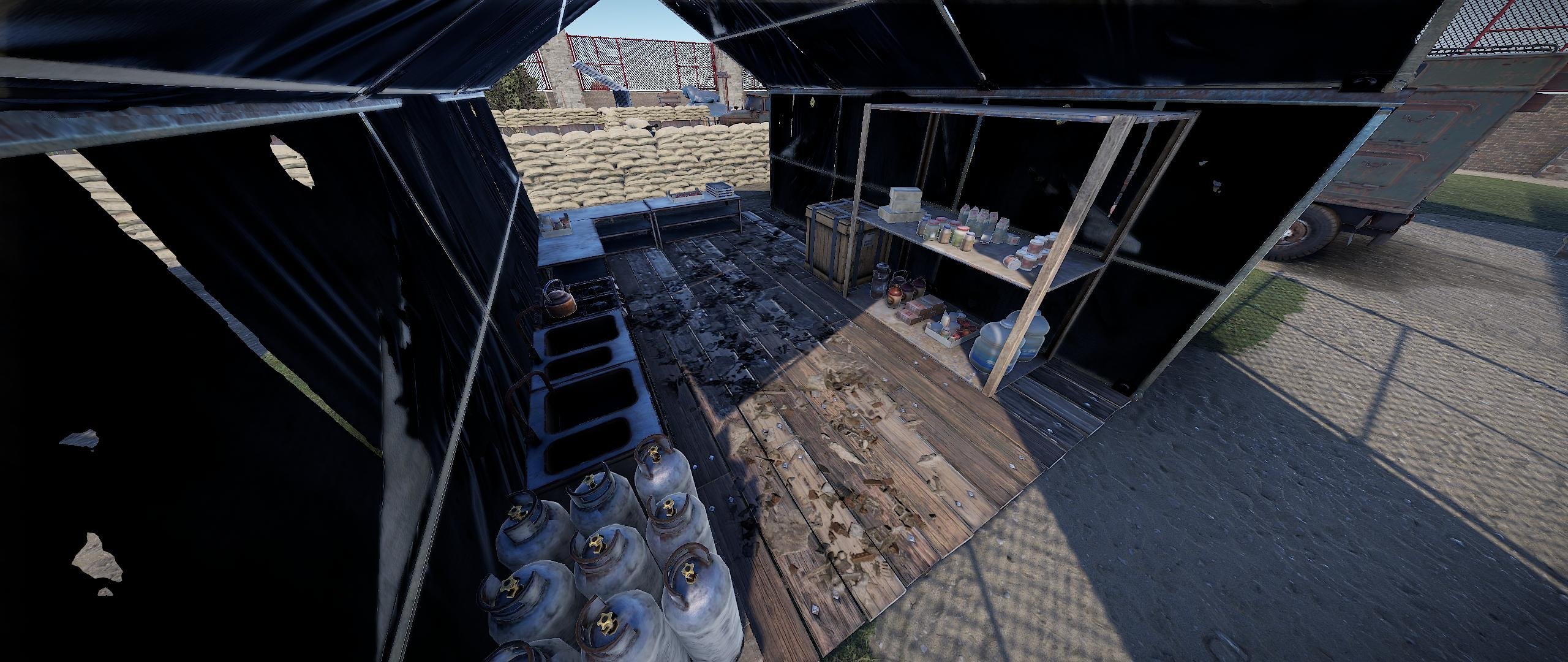
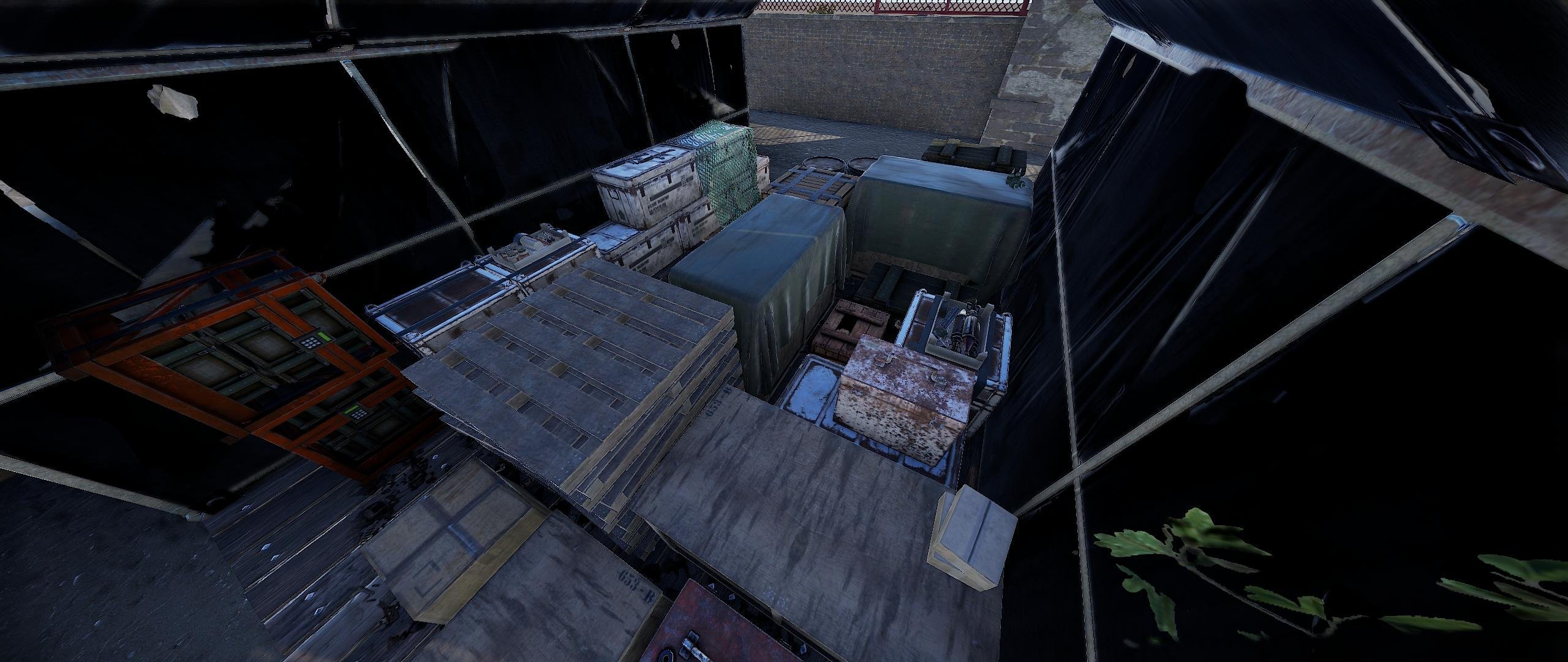
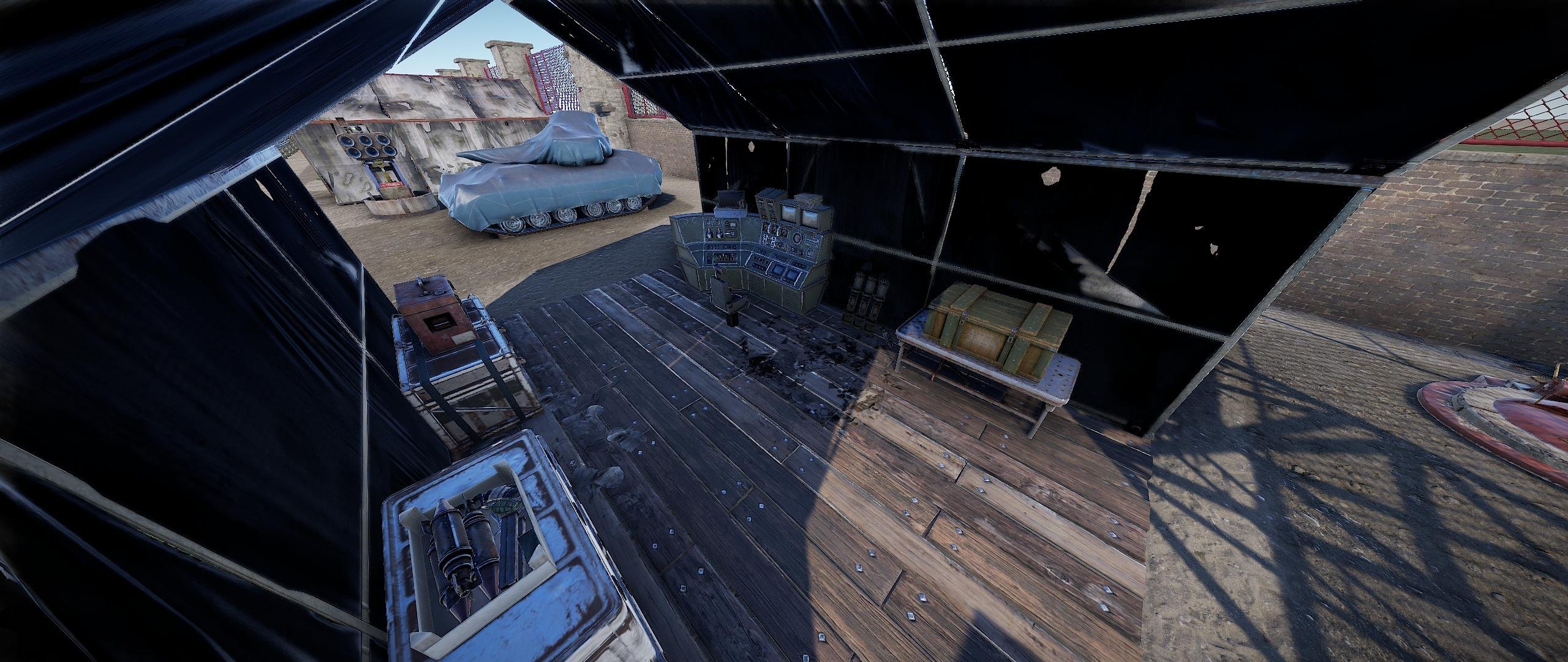
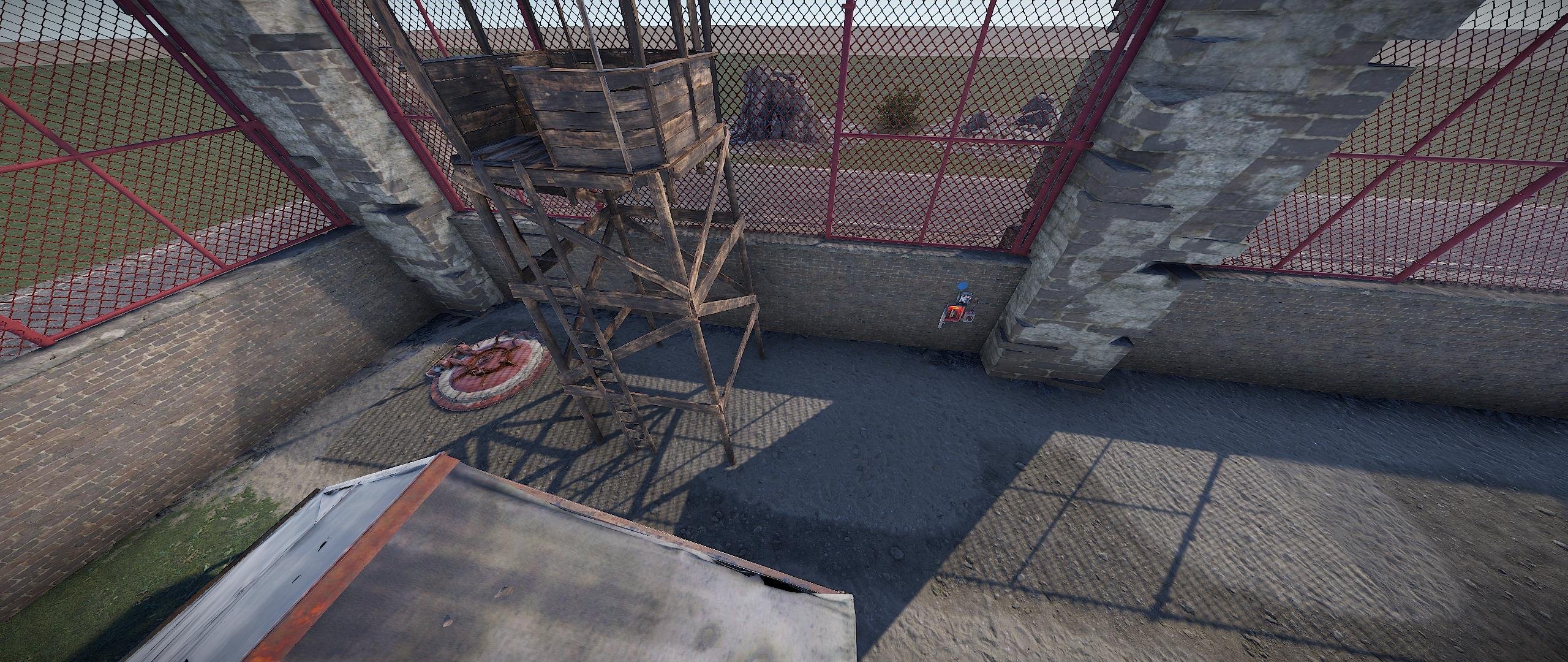
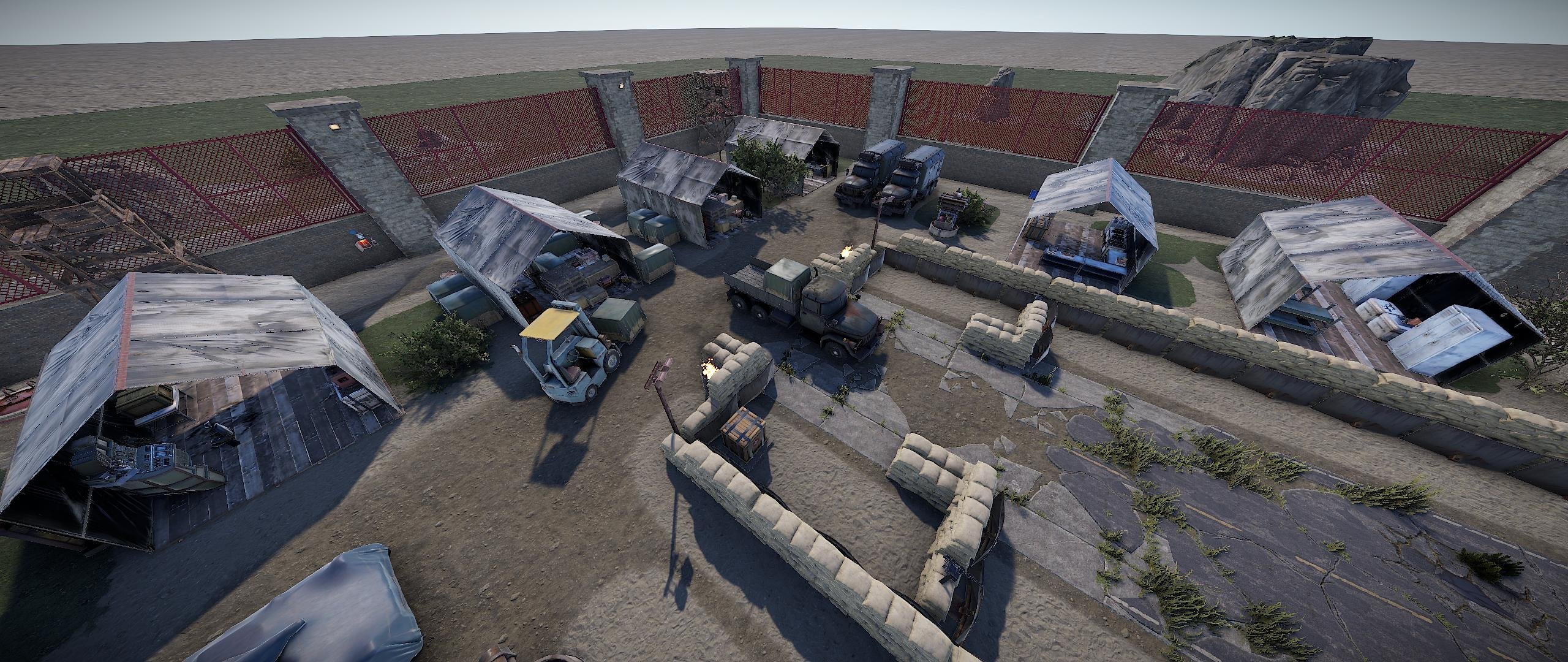
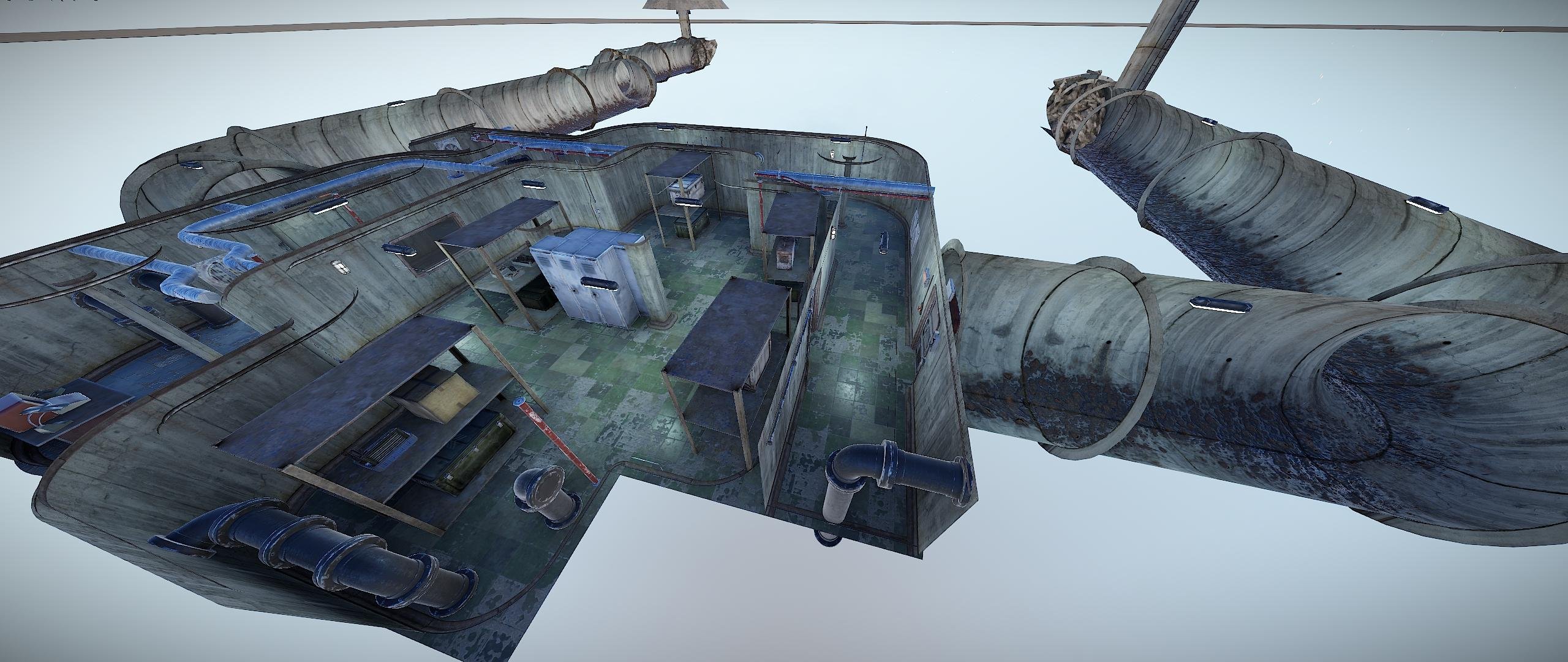
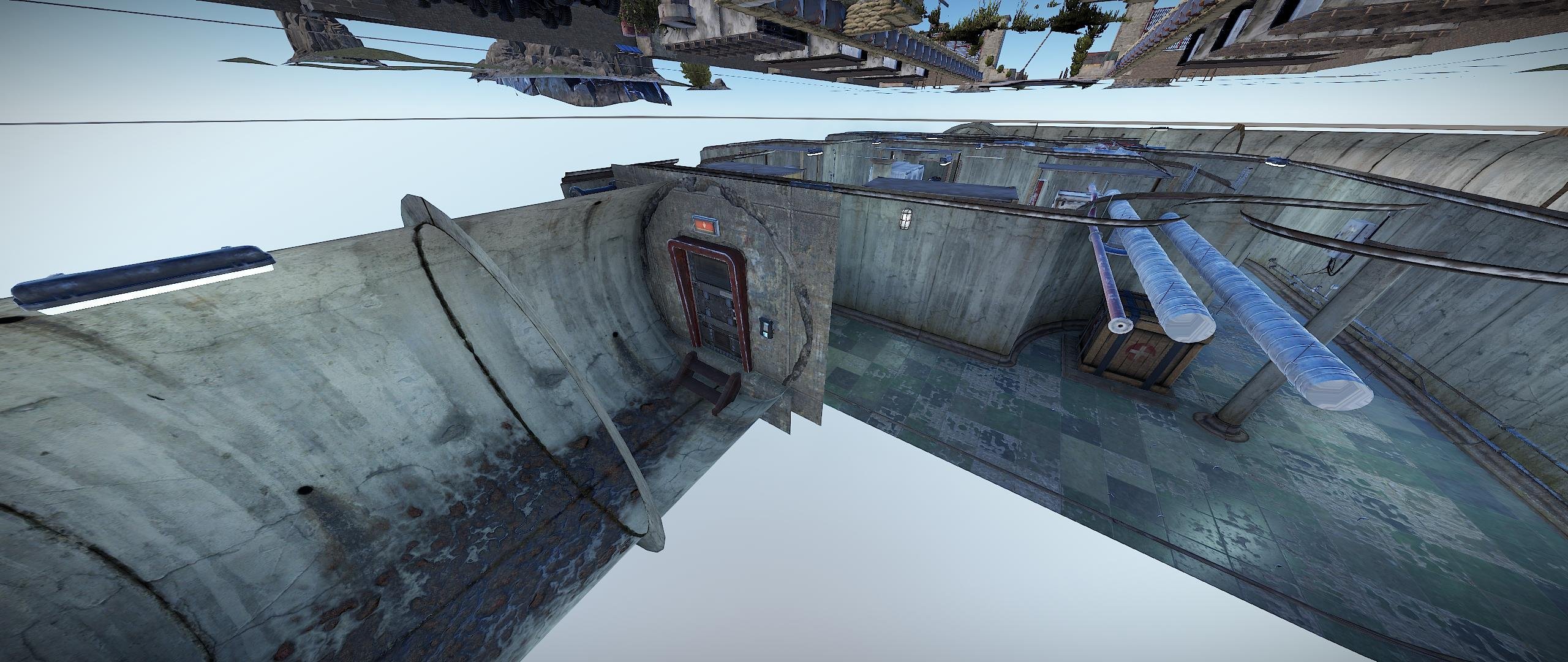
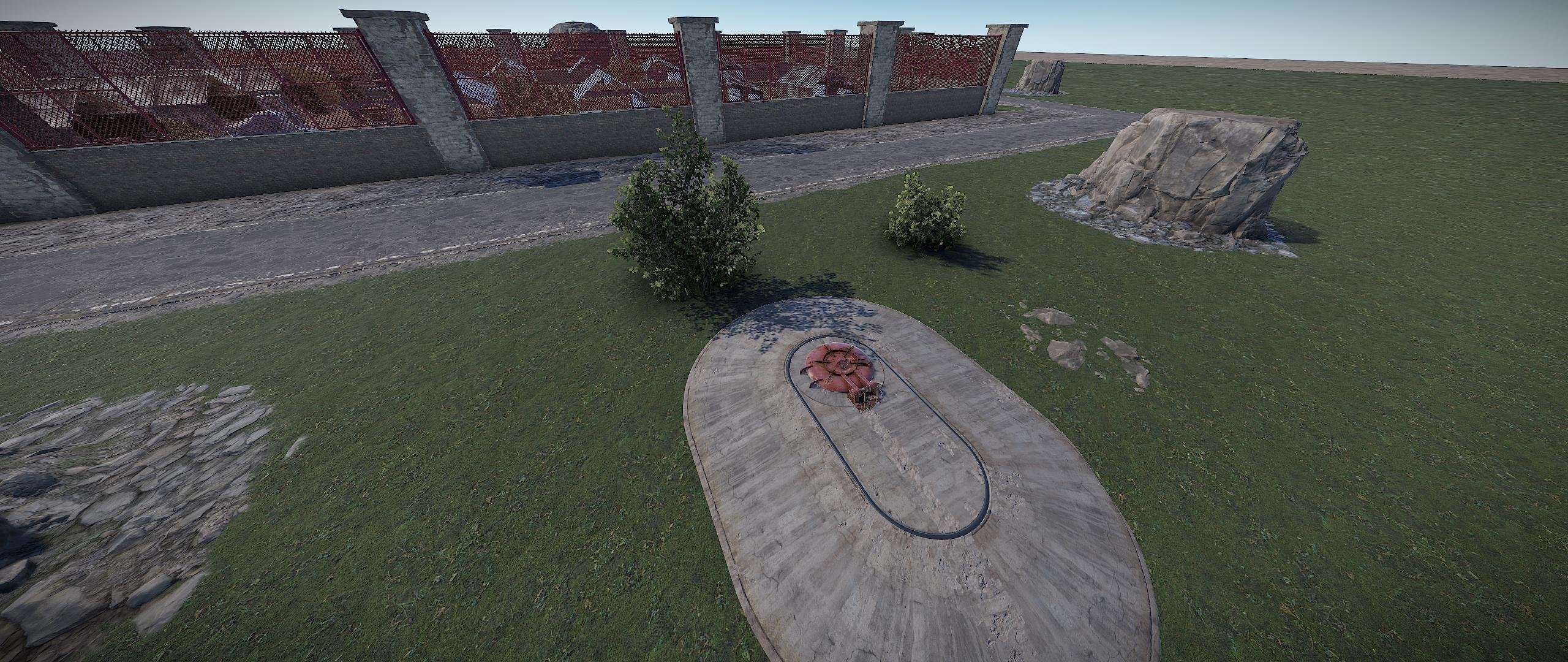
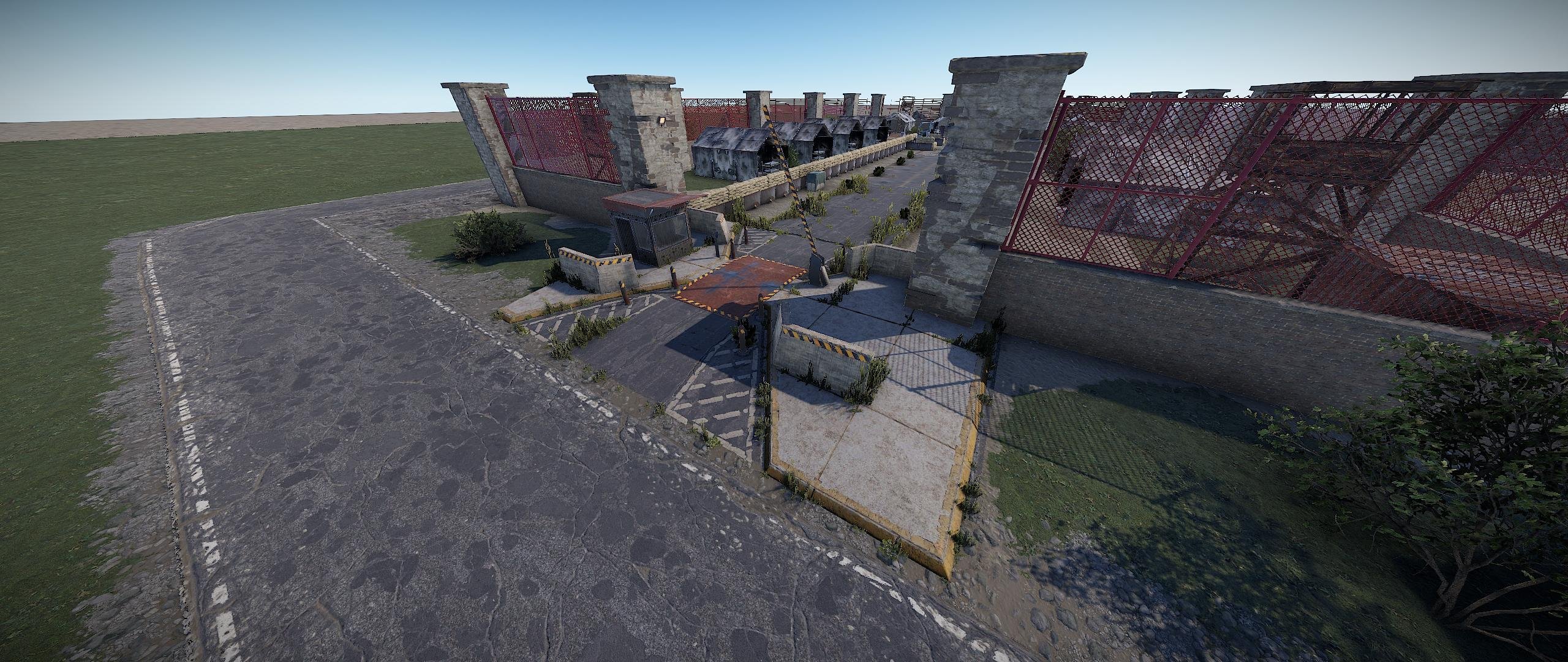
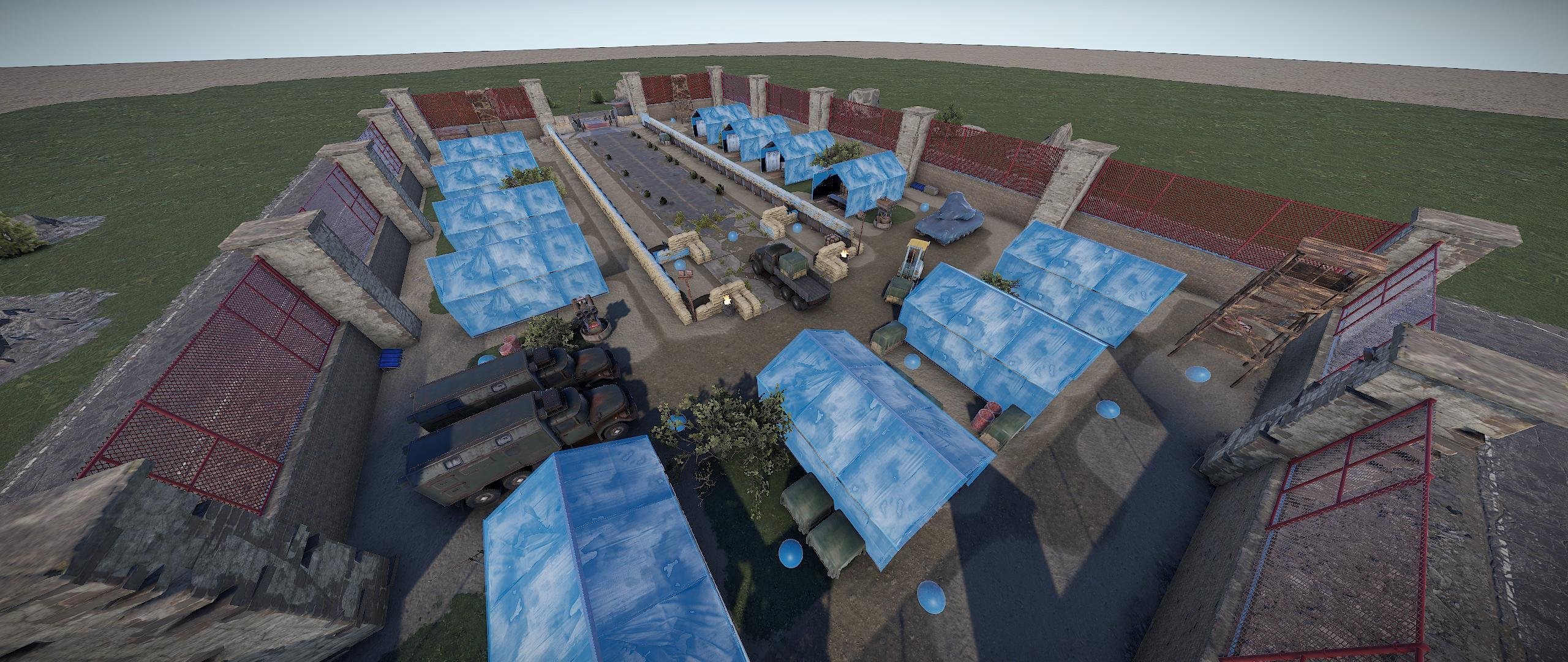
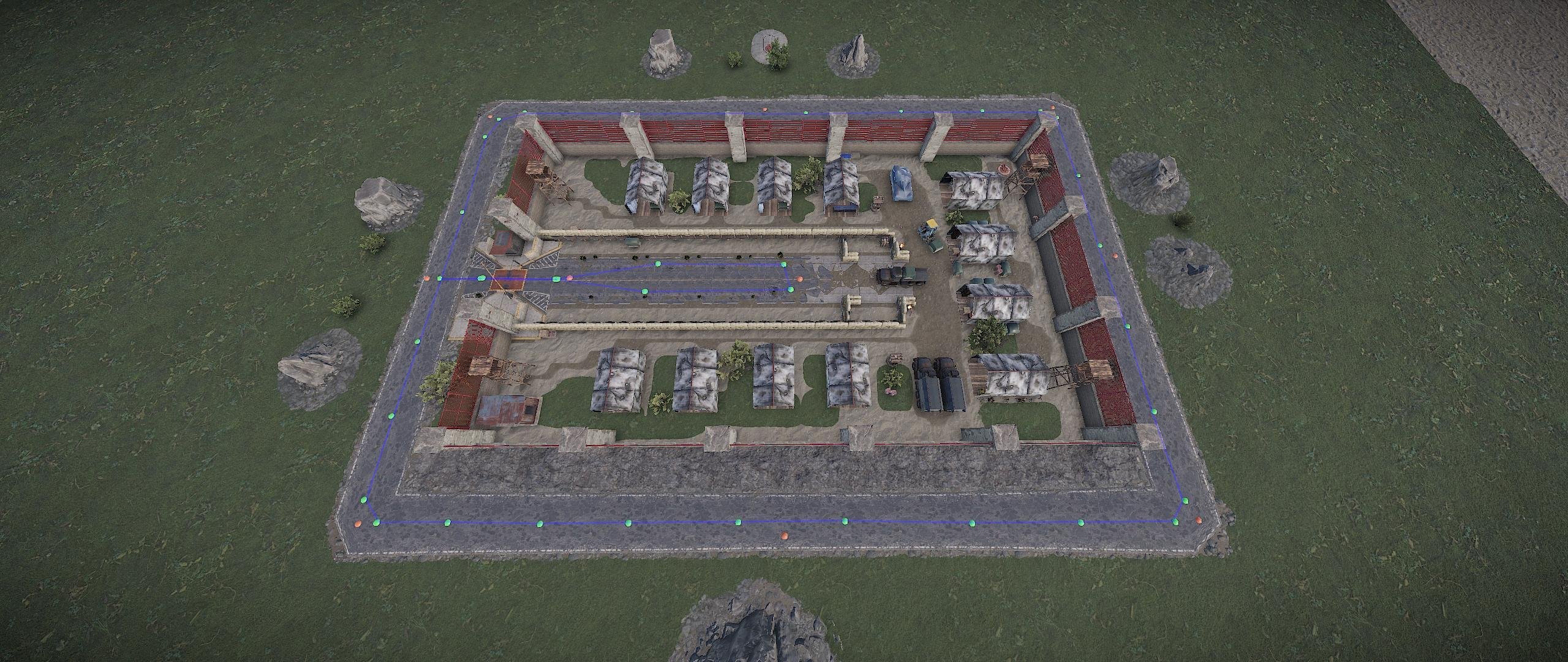
Military Camp, is an open area military base designed for PvE/PvP enhancement and to place on any map, even small maps. The entire monument is about the size of the Sphere Tank (The Dome) and has Elite crates, Military crates, Normal crates, Medical and Food crates, including some barrels, Tech Part loot, and a dropzone for the Chinook helicopter event. Roaming and protecting the loot are NPC Scientists and an APC Bradley along the road.
MAIN FEATURES:
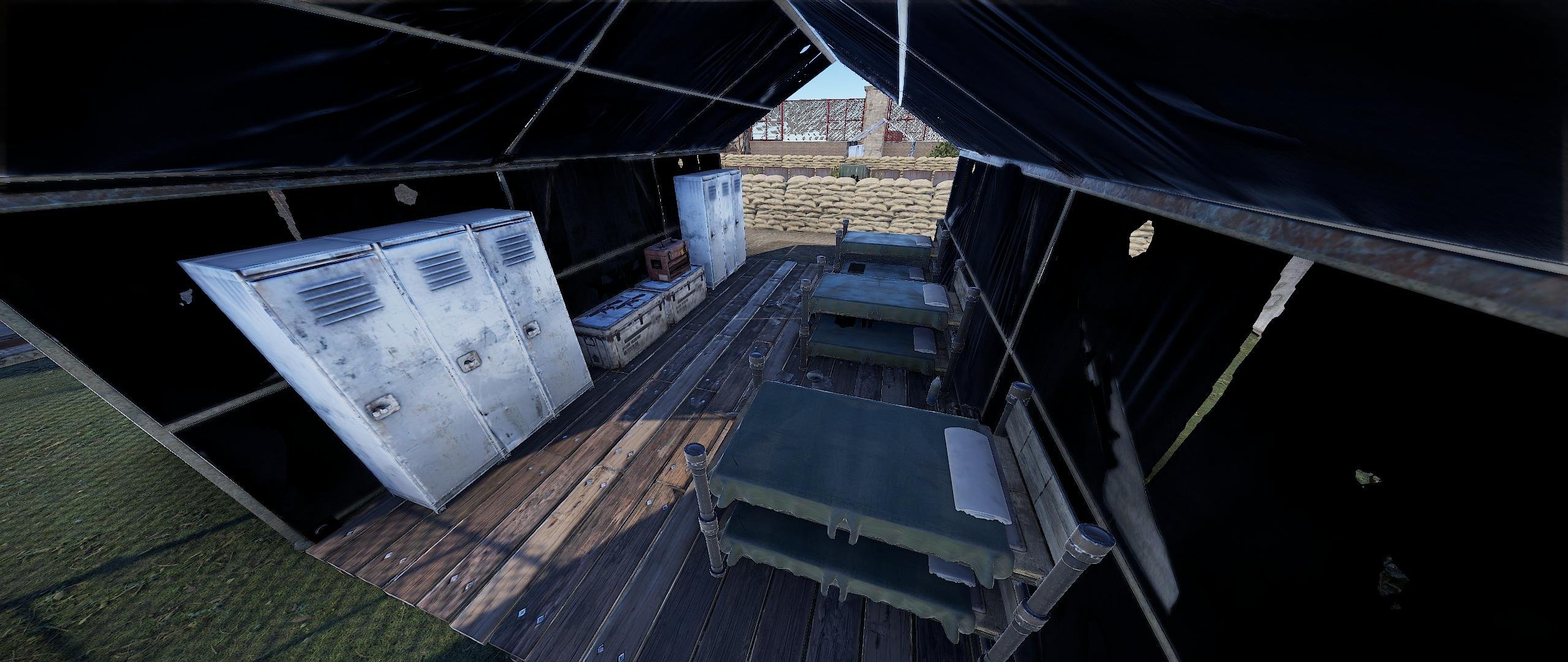
- Military camp, open design, with NPC spawns above ground and underground in Blue keycard room.
- Bradley APC patrols on the road, leading inside and outside of the camp.
- Multiple crates, from starter to advanced crates.
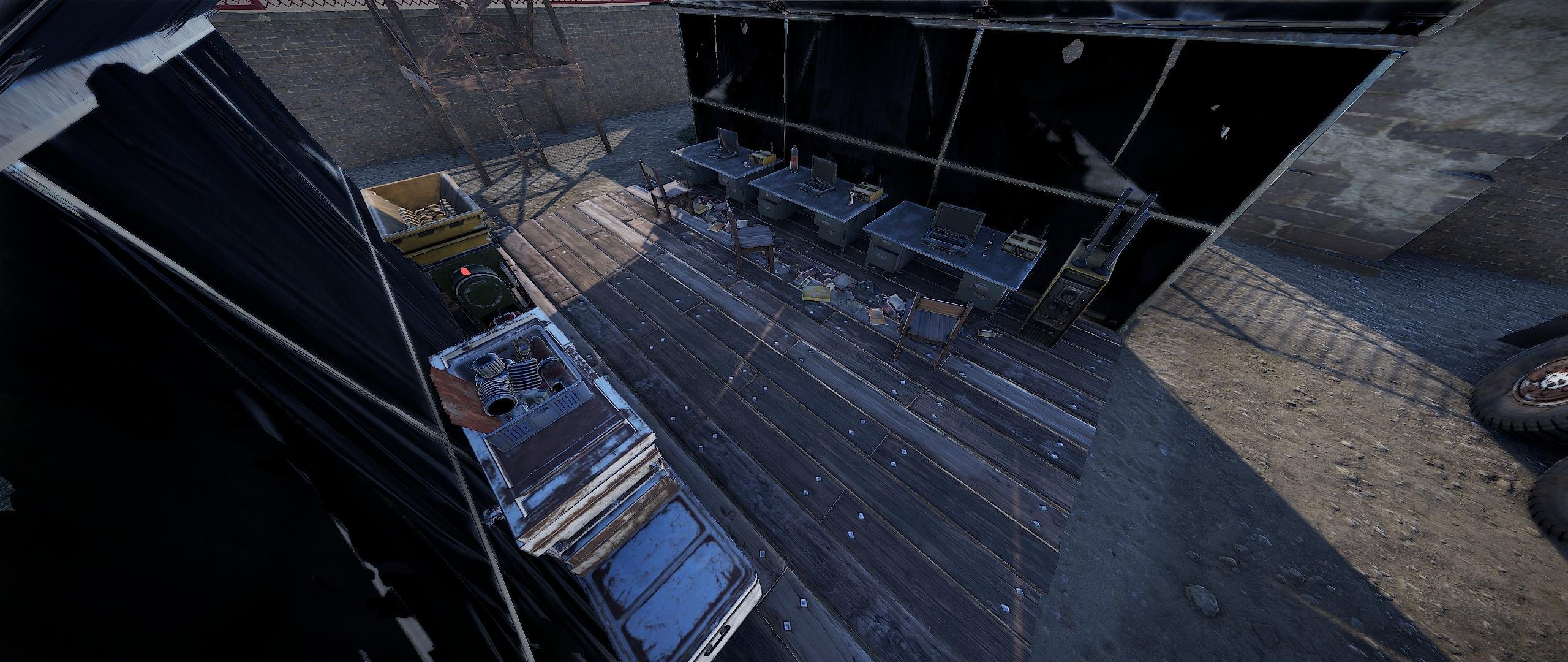
- Recycler, repair bench and research table found inside the camp.
- Chinook dropzone for Locked Crate.
- Underground BLUE keycard room, that gives players a RED keycard. (Requires 1x Electric Fuse, and BLUE keycard. )
- Great replacement for the Launchsite for smaller maps with limited space.
- About 1450 Prefabs in total.
- Multiple custom military tent designs.
Installation:
When placing Military Camp, please remember to remove all previous roads/APC path spawns before you apply the "Spawn Roads" feature.
(Failure to do this may cause more than one Bradley APC to spawn and could impact server performance greatly.)
Requirements: Military Camp requires either of the following for the spawning of loot, NPC, APC and all puzzles to be active :
- Either latest versions of Oxide and the Oxide.Ext.RustEdit.dll file in the servers Rust_Dedicated\Managed folder.
- Or the latest version of the Carbon in-game system.
Thank you very much for your time and have a great day.
Edited by Ionut Shiro
What's New in Version 1.3.0
Released
No changelog available for this version.
You are not allowed to sell this product, or any part of it, or advertise it on any other website. You do not hold the claim to this product, nor do you have permission to post it, or share it with any other person.
You are entitled, without any additional payment, for further updates, and/or support when needed. This includes updates to the game Rust, where product may become unstable or cause any issues, then you are granted full support. Exceptions may be caused by the game itself, Rust and any change of coding within the game, resulting in the broken state of the prefabs, and/or cause of usable state other than by mistake by the author, causing this product to become discontinued, and such, all support, sales and/or updates may become terminated.
This monument was originally designed and developed by gpsmit84.
You may only provide a review once you have downloaded the file.
There are no reviews to display.