



SUPPORT: https://discord.gg/ASxJynGndj
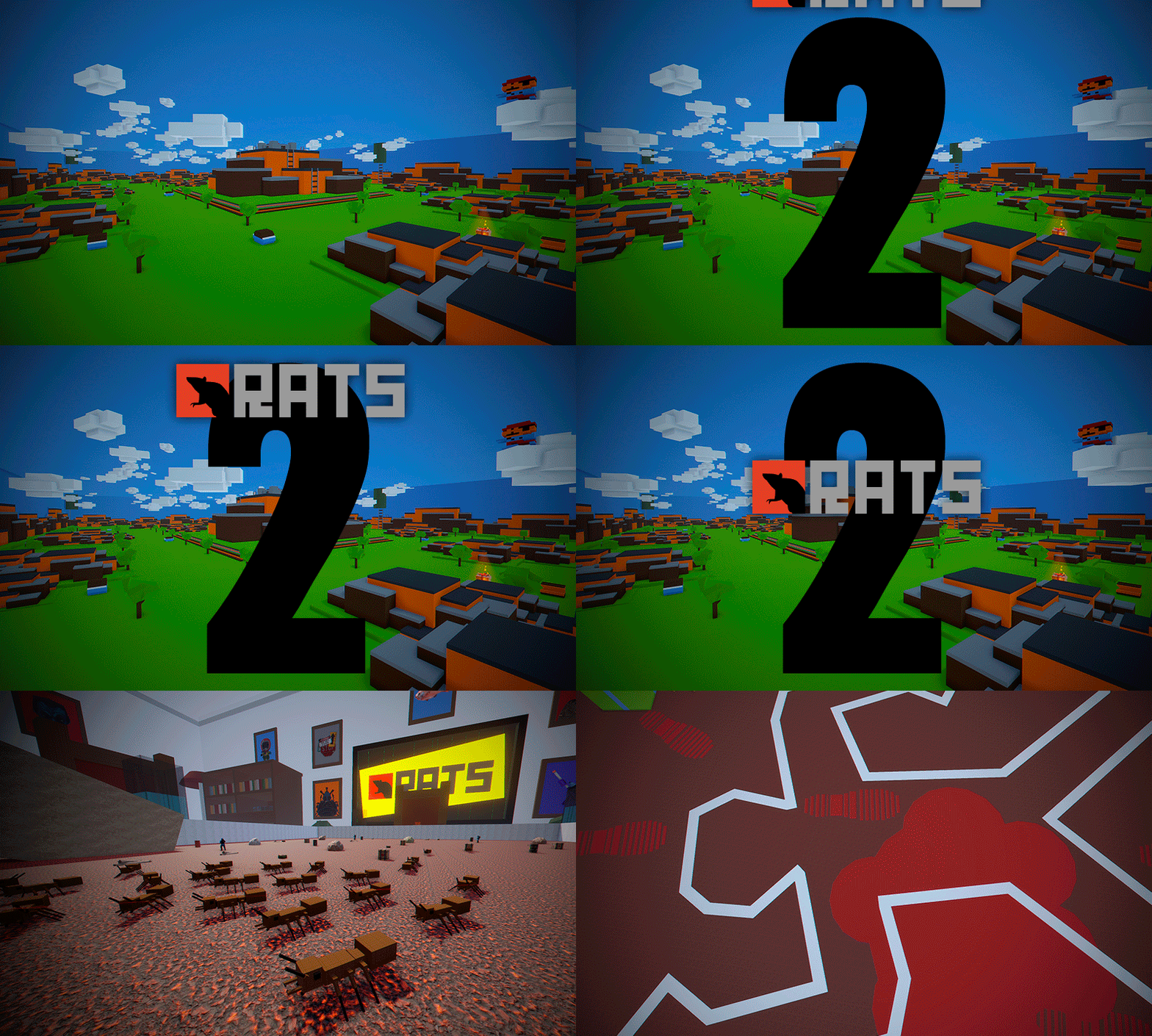
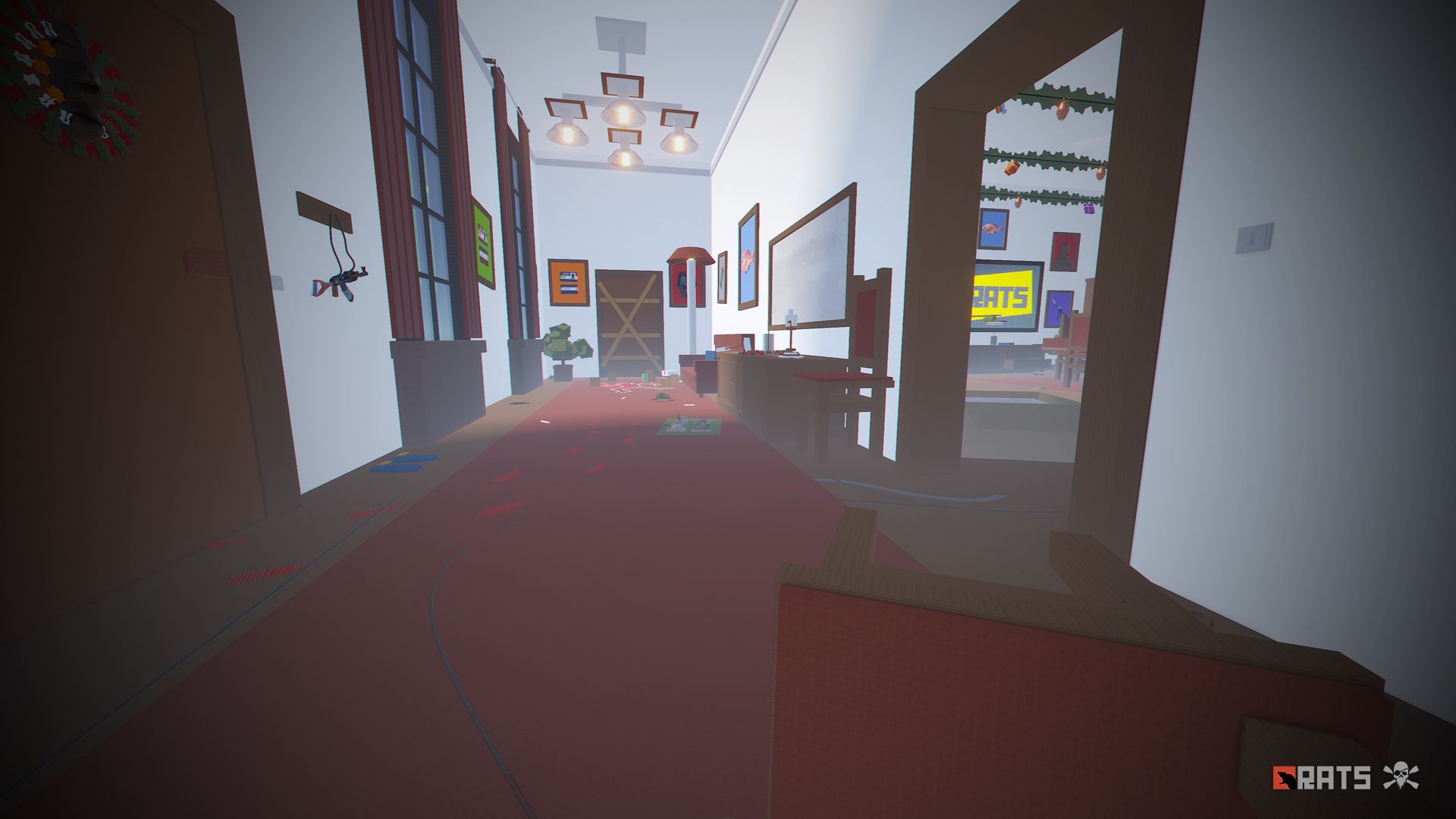
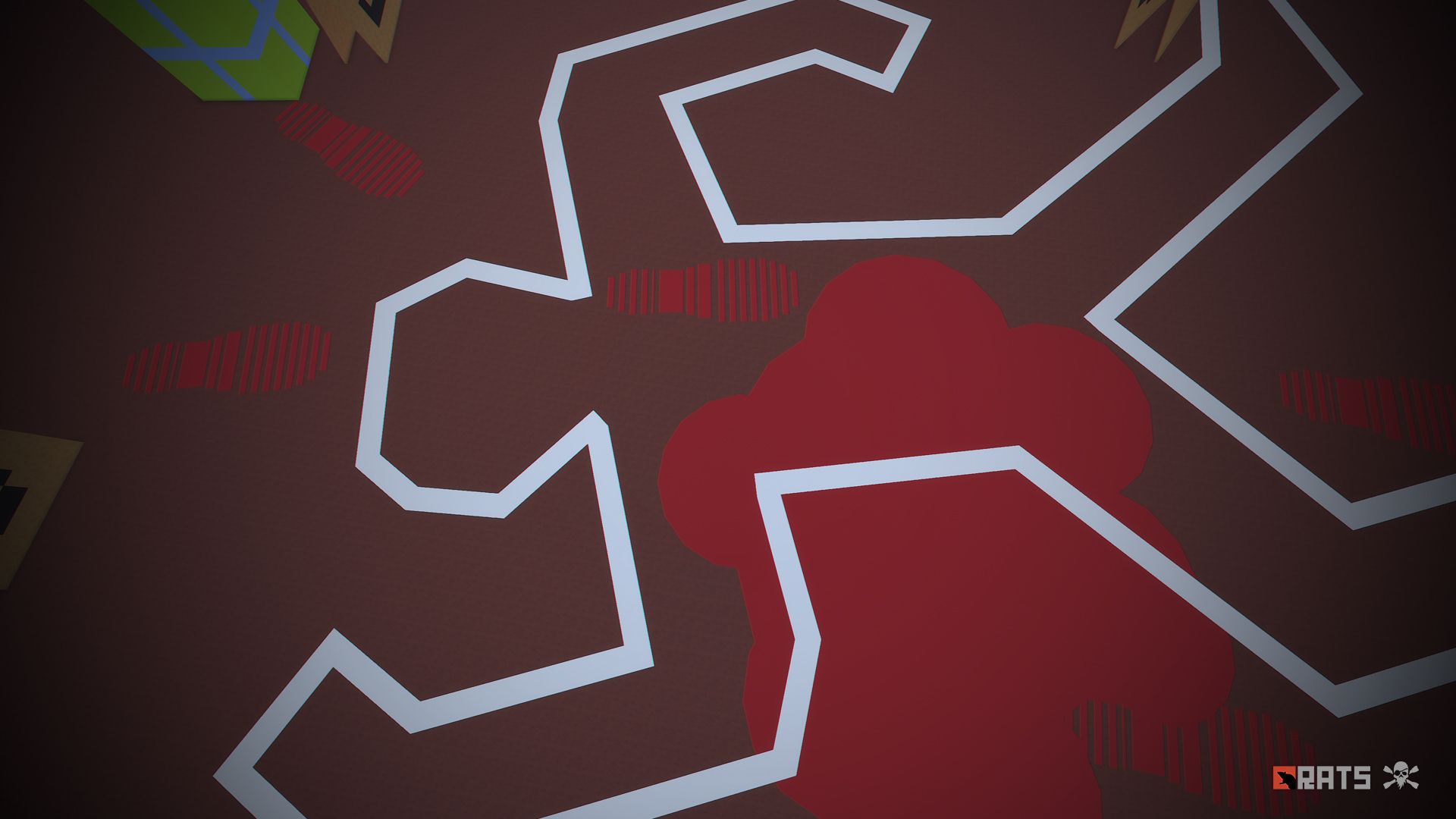
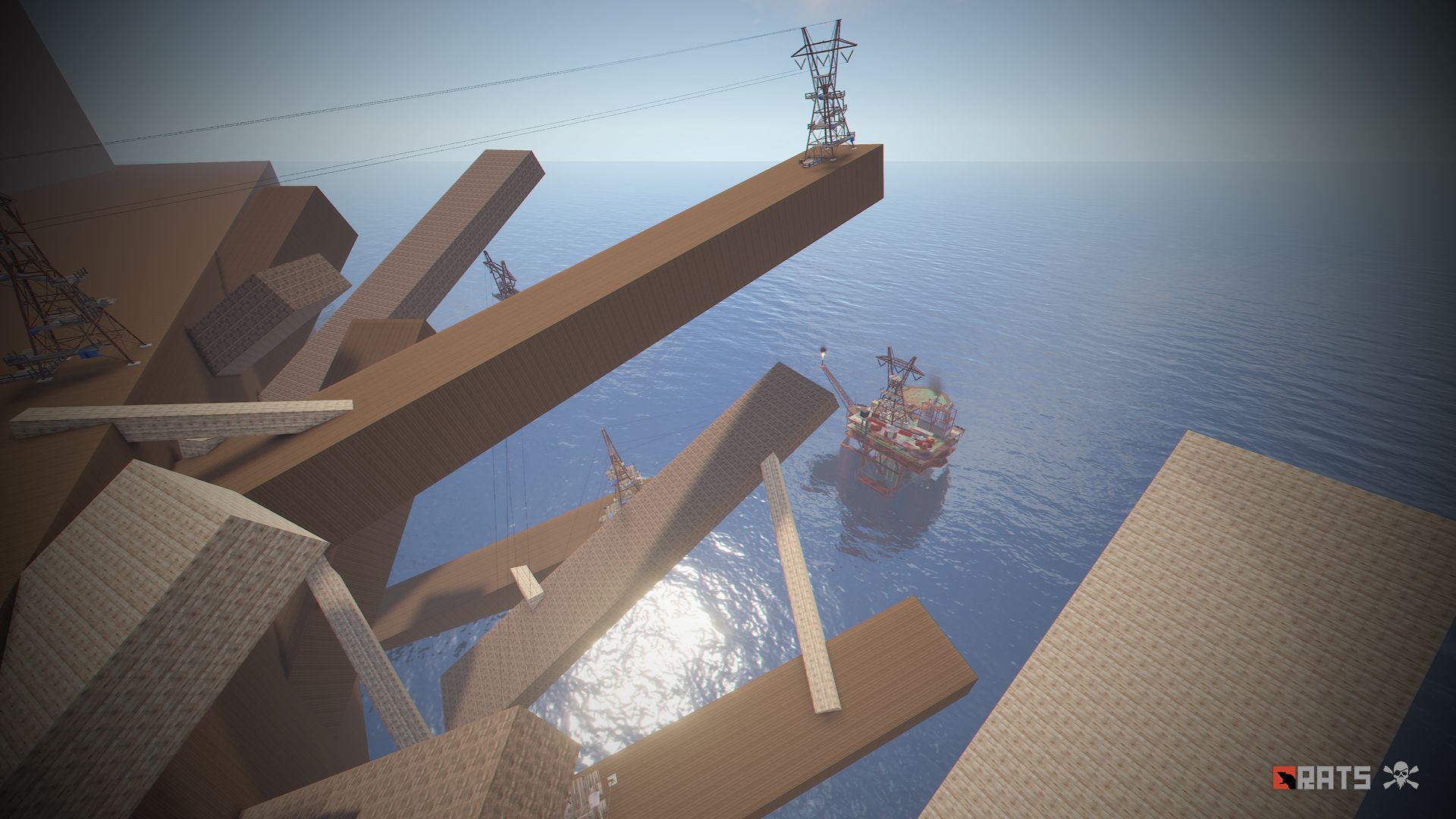
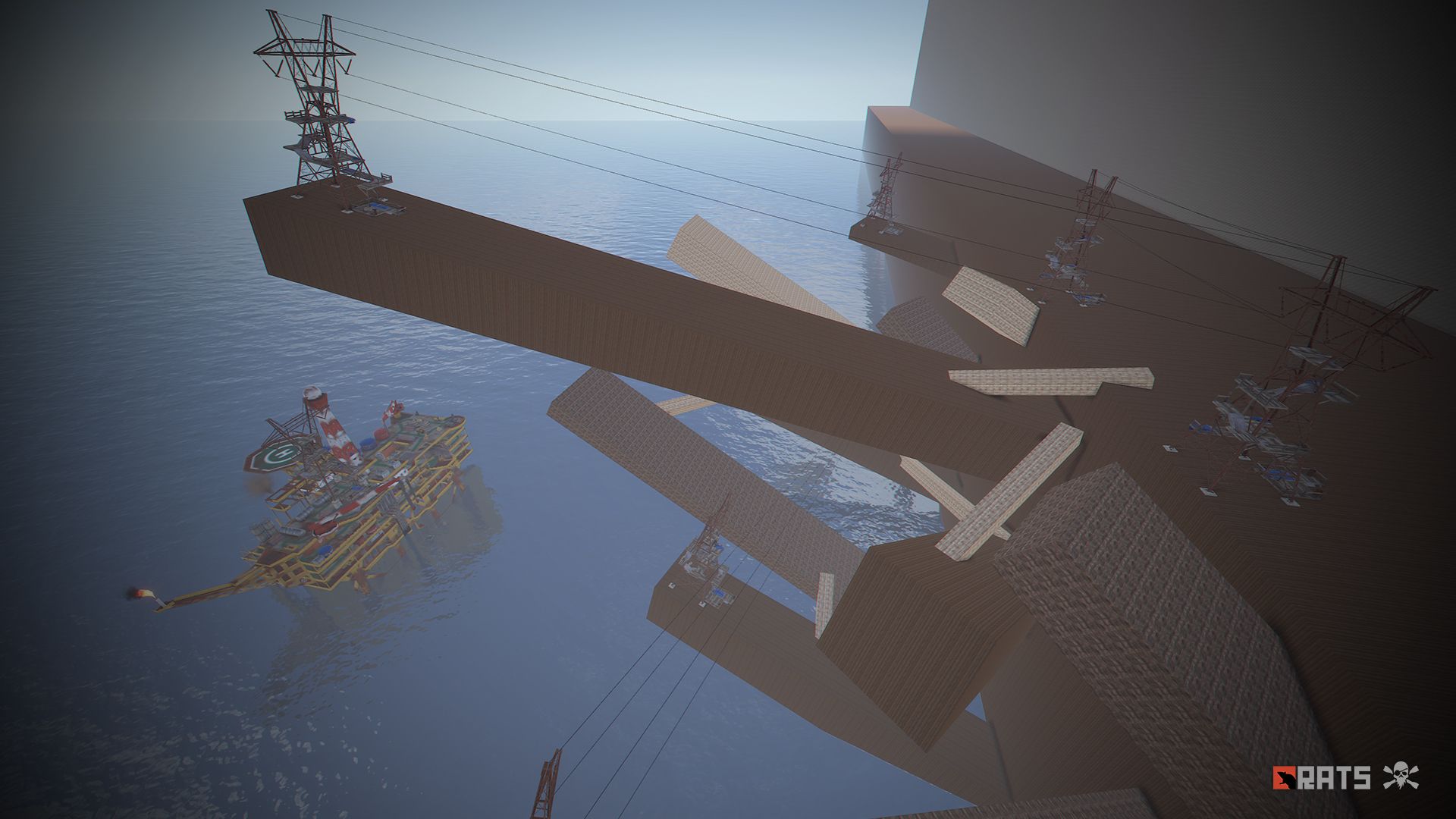
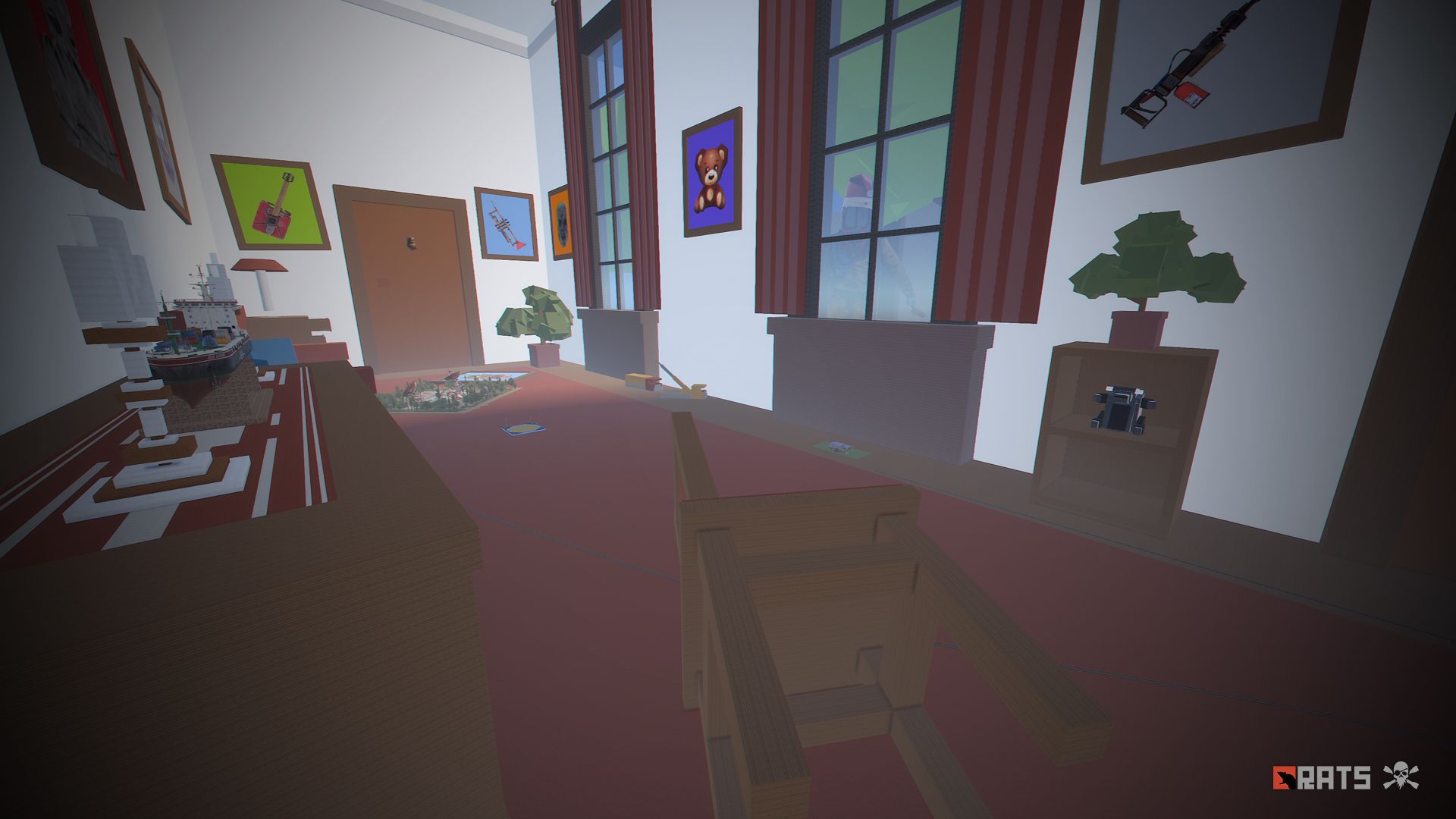
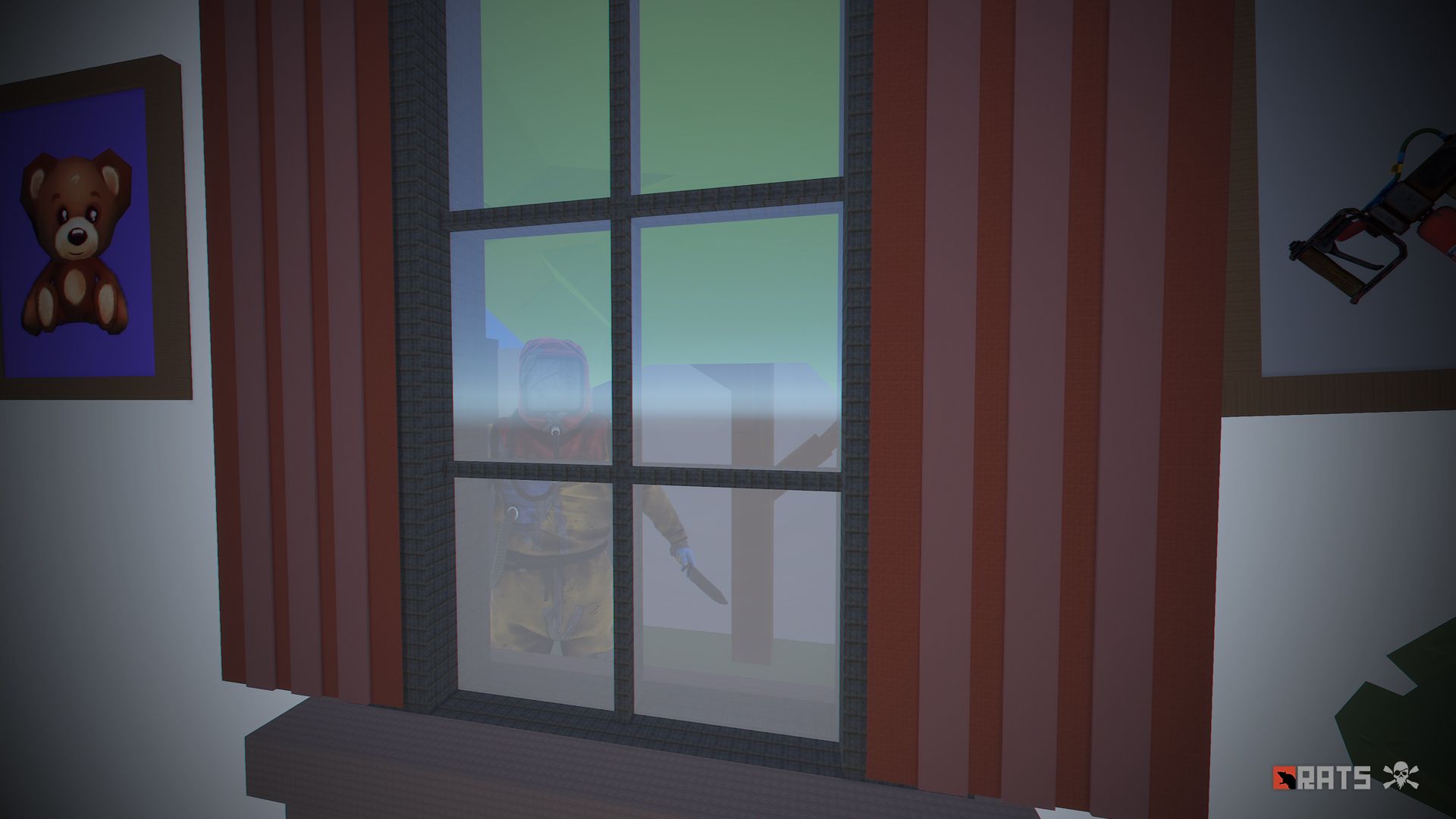
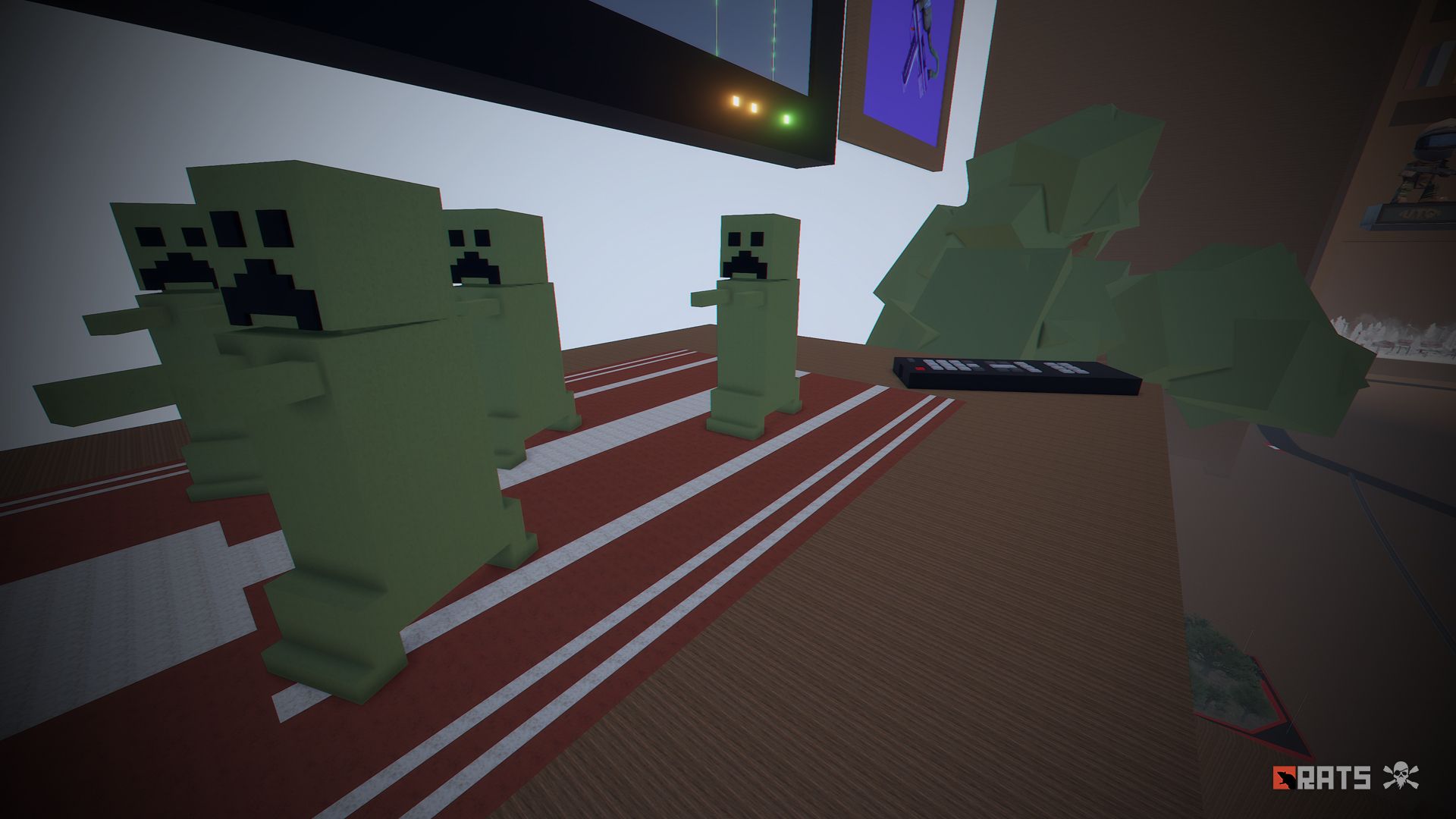
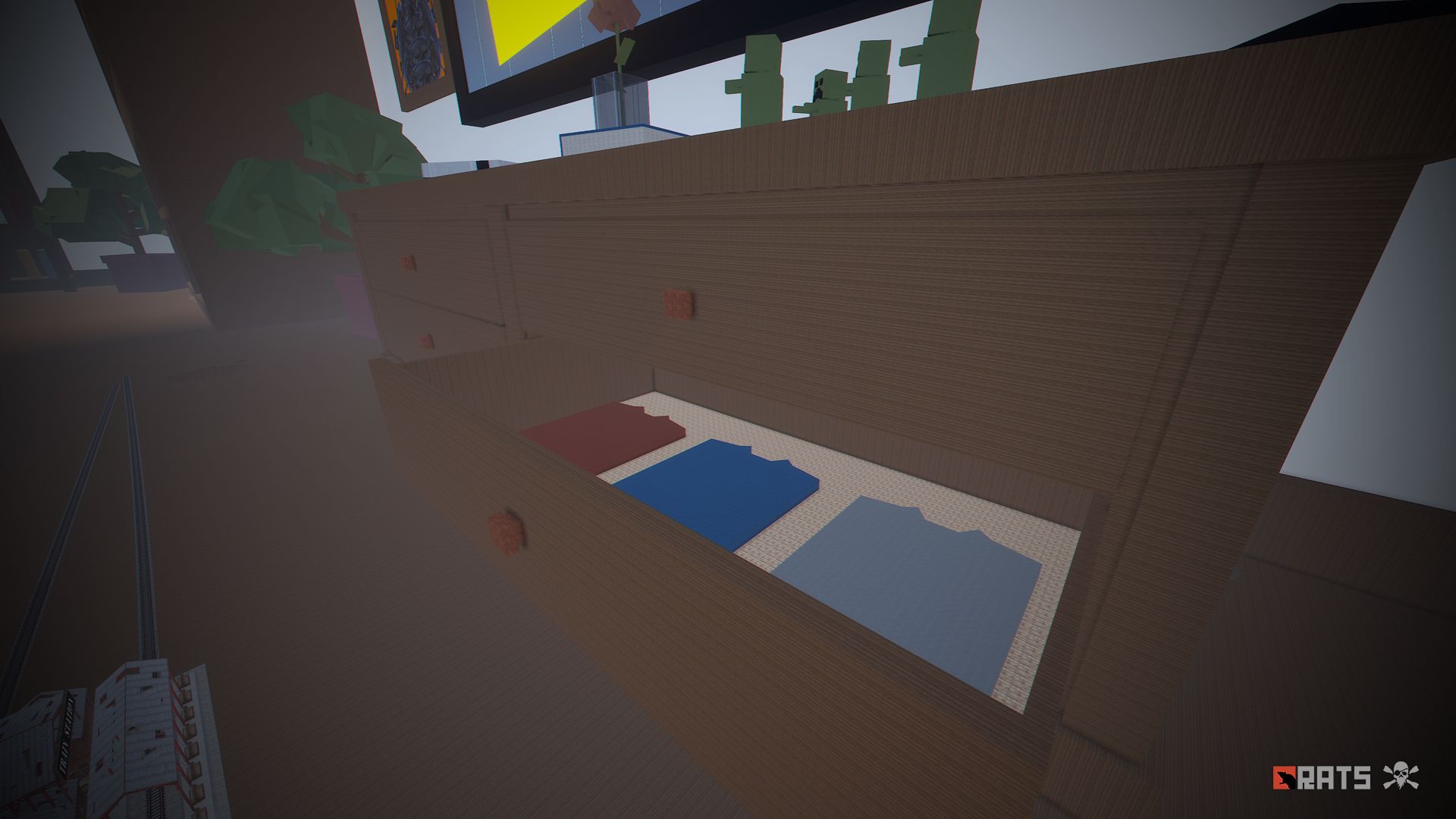
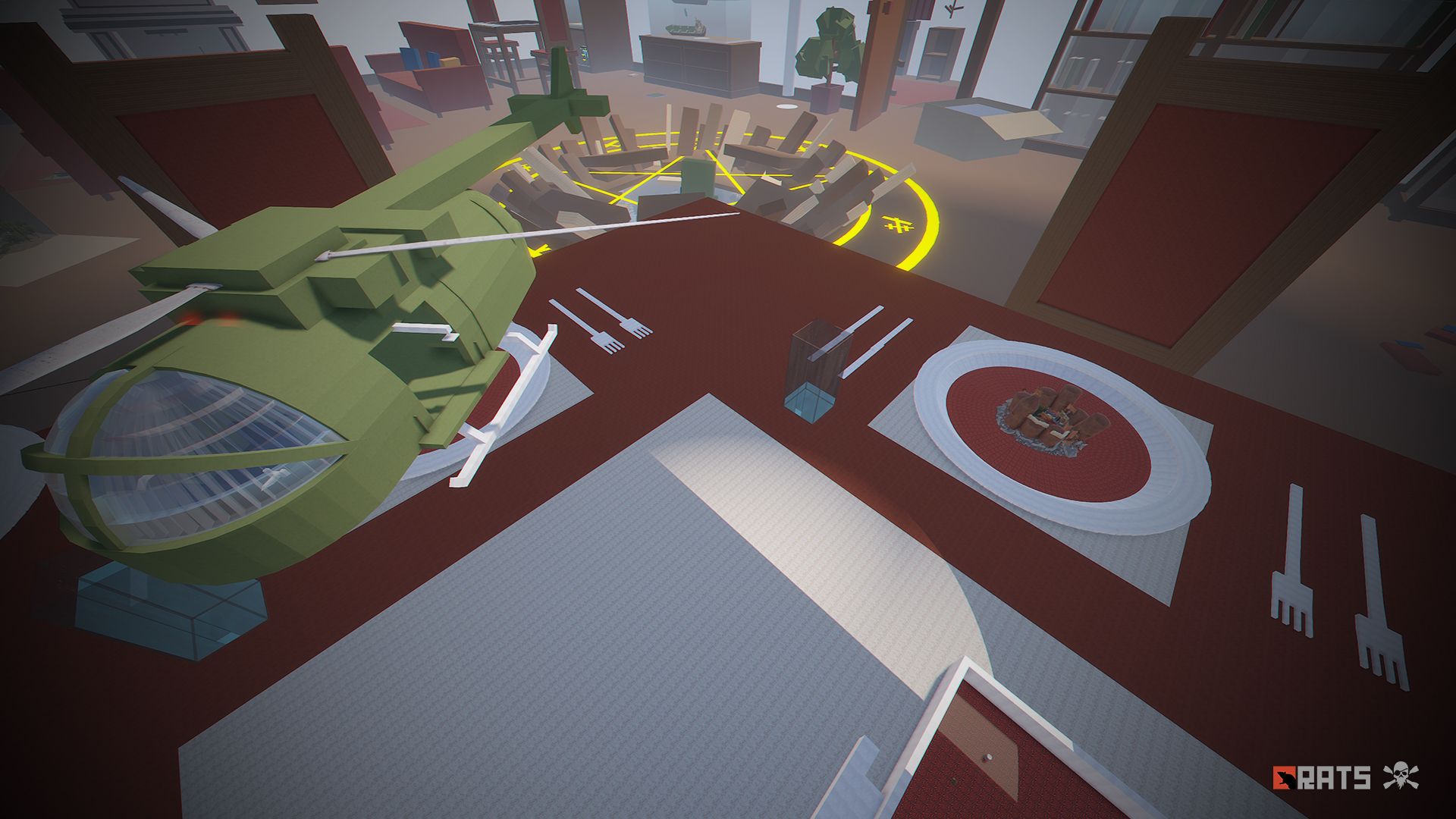
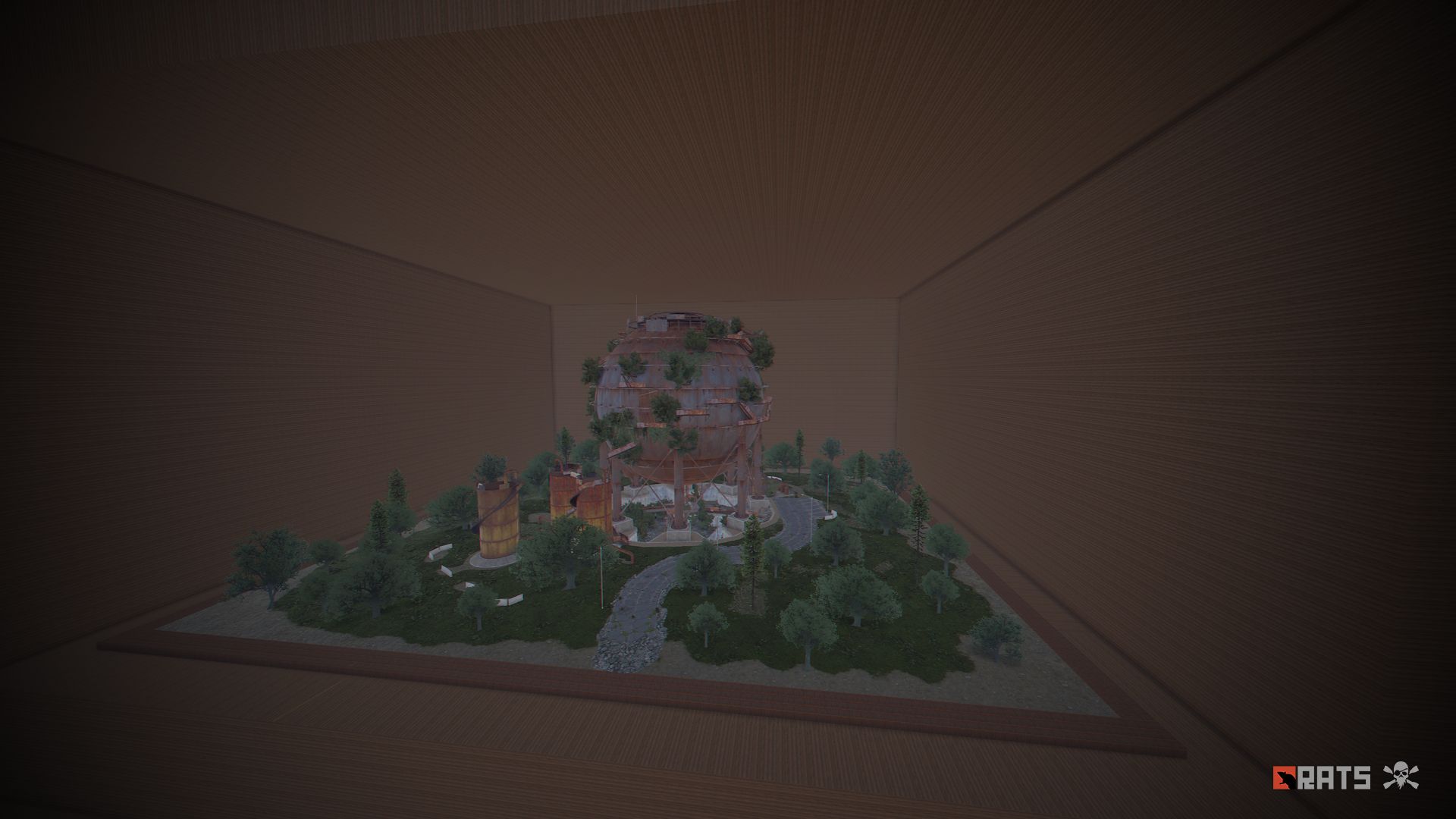
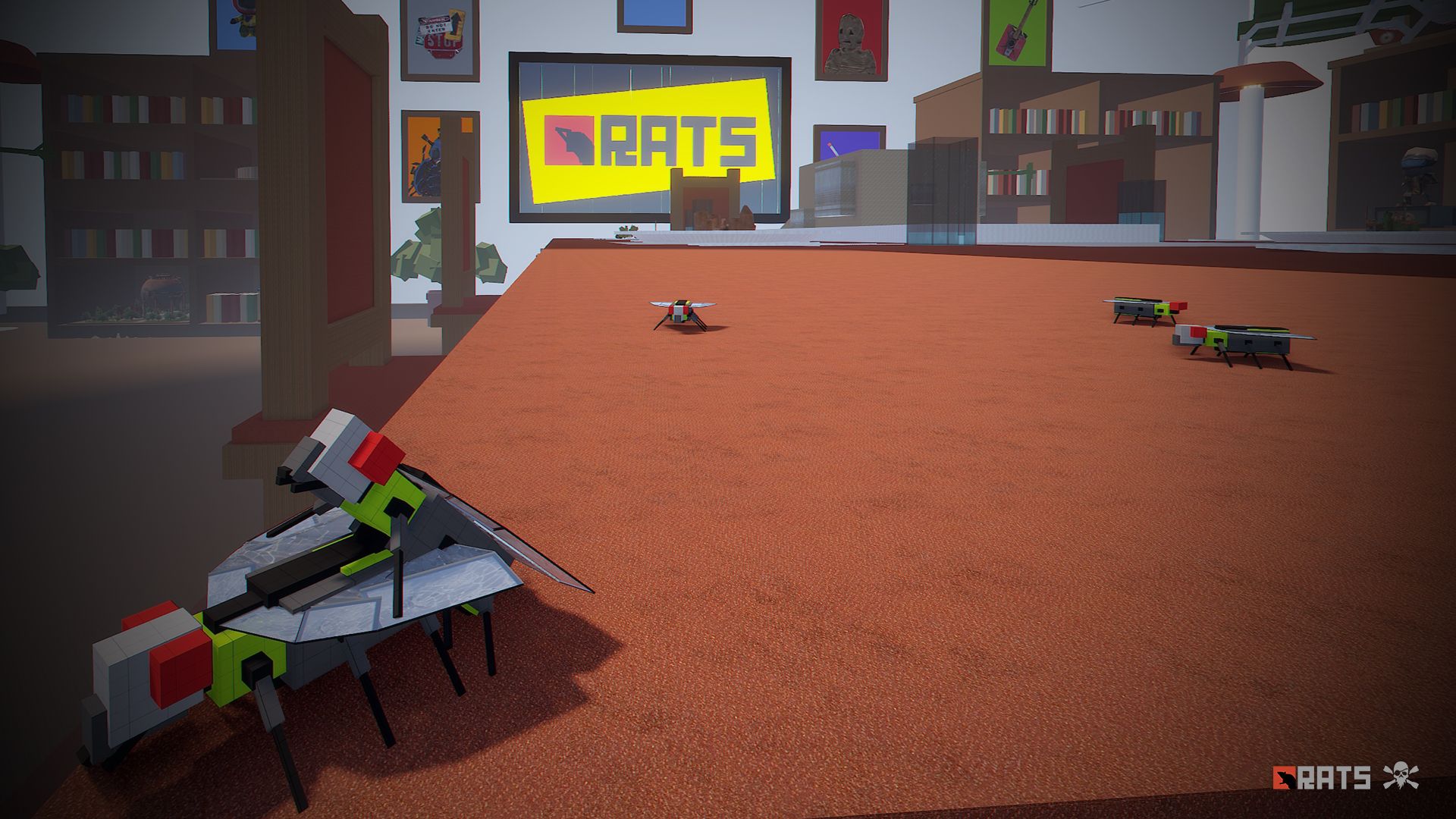
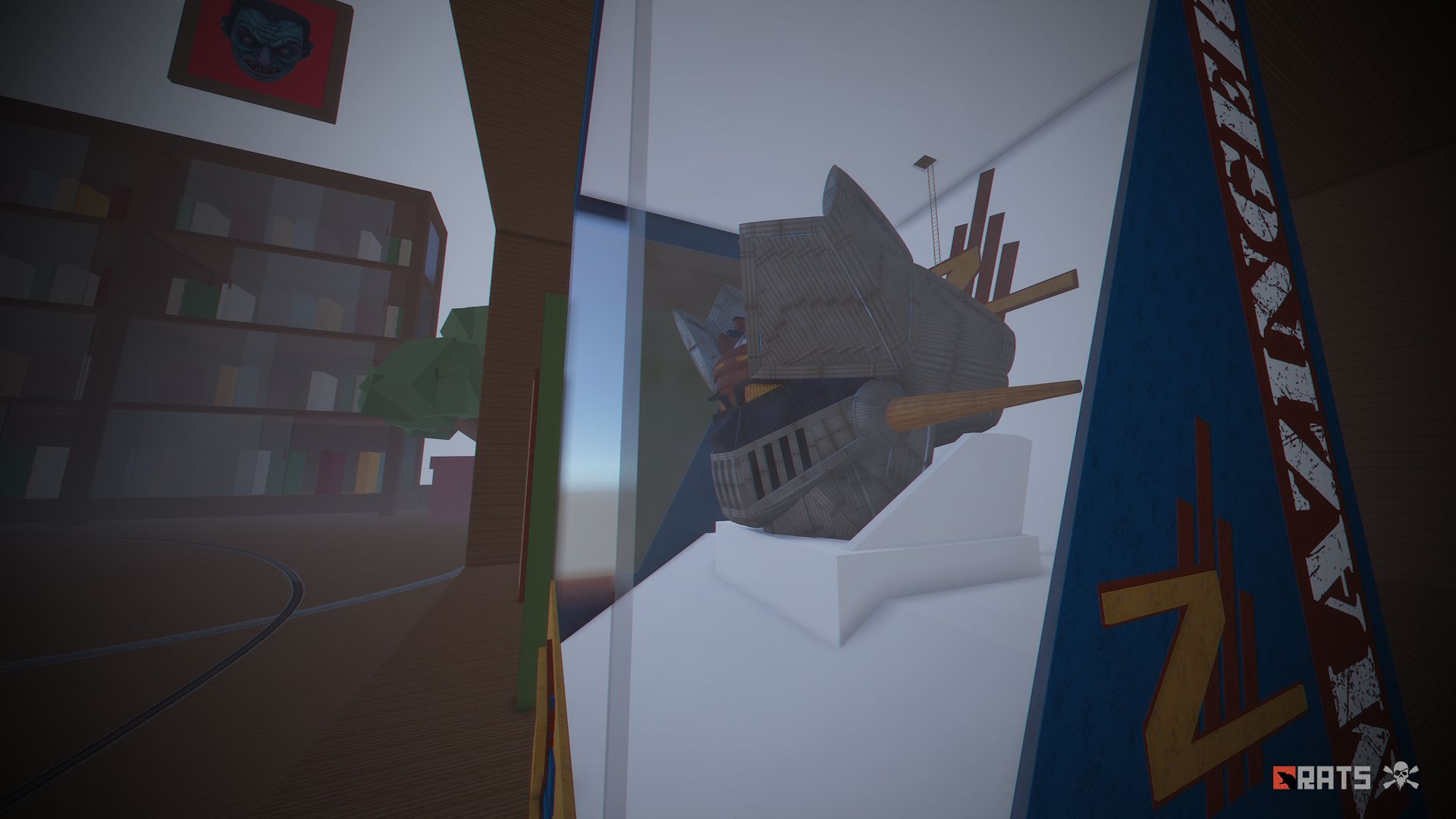
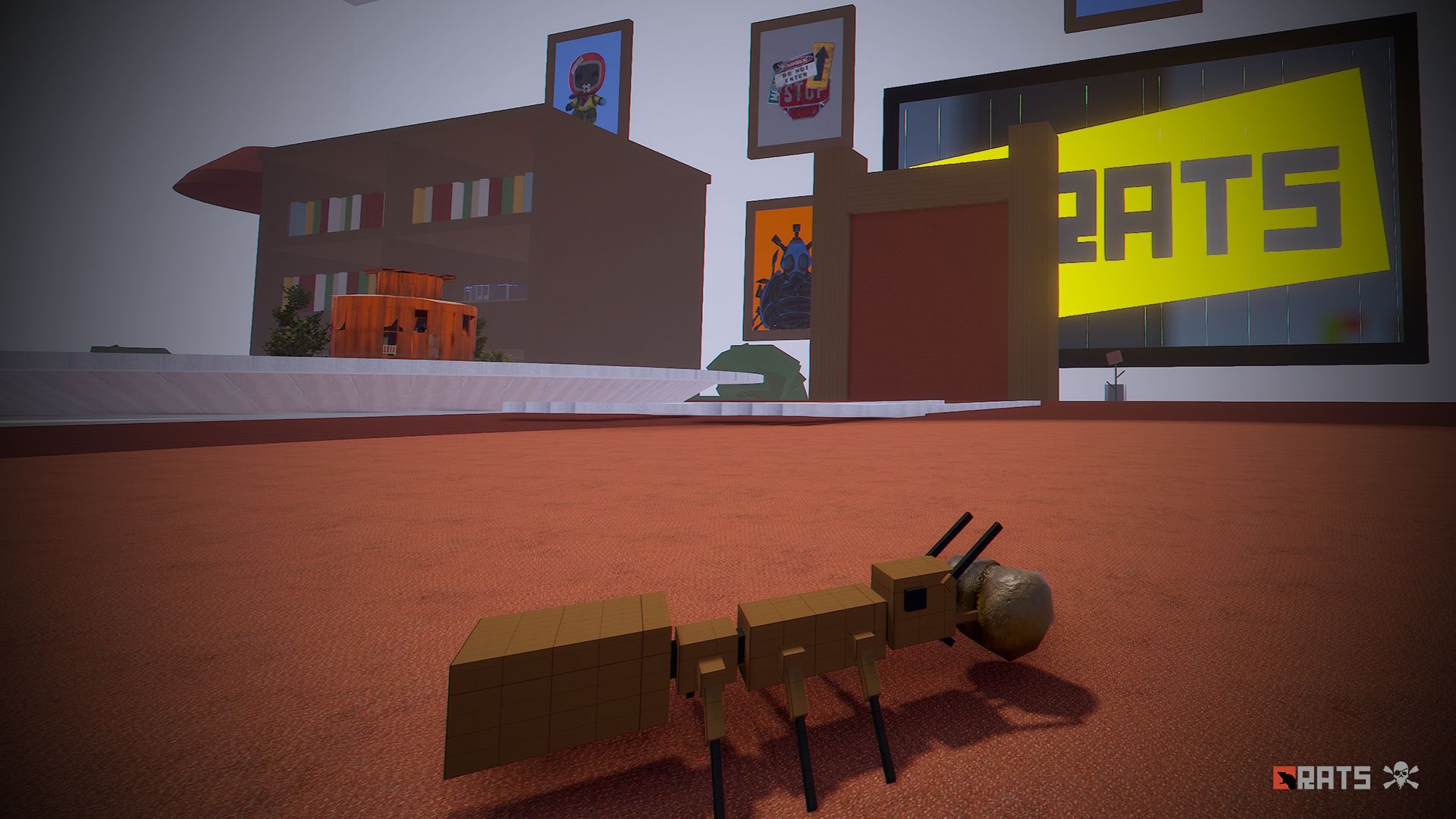
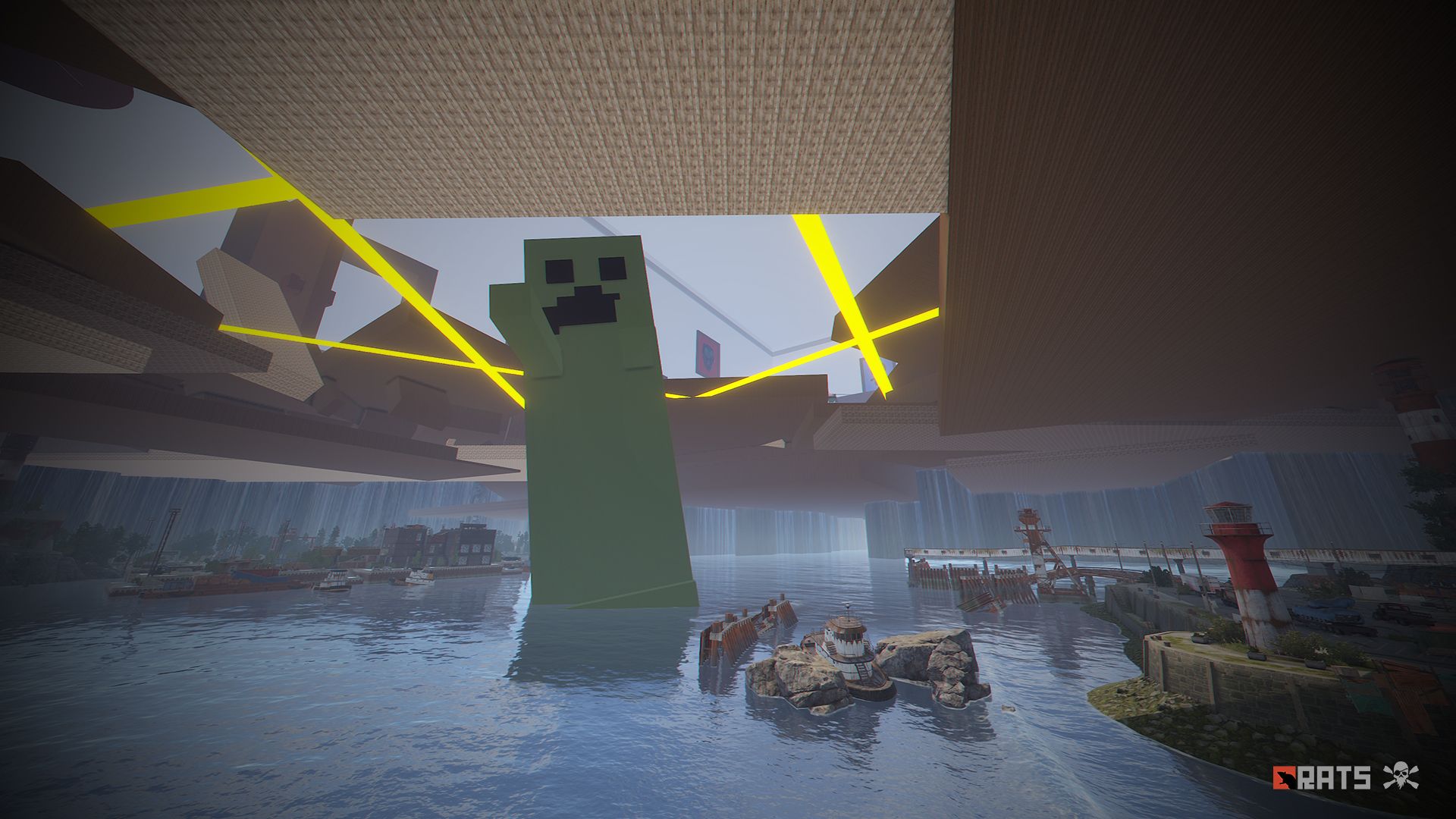
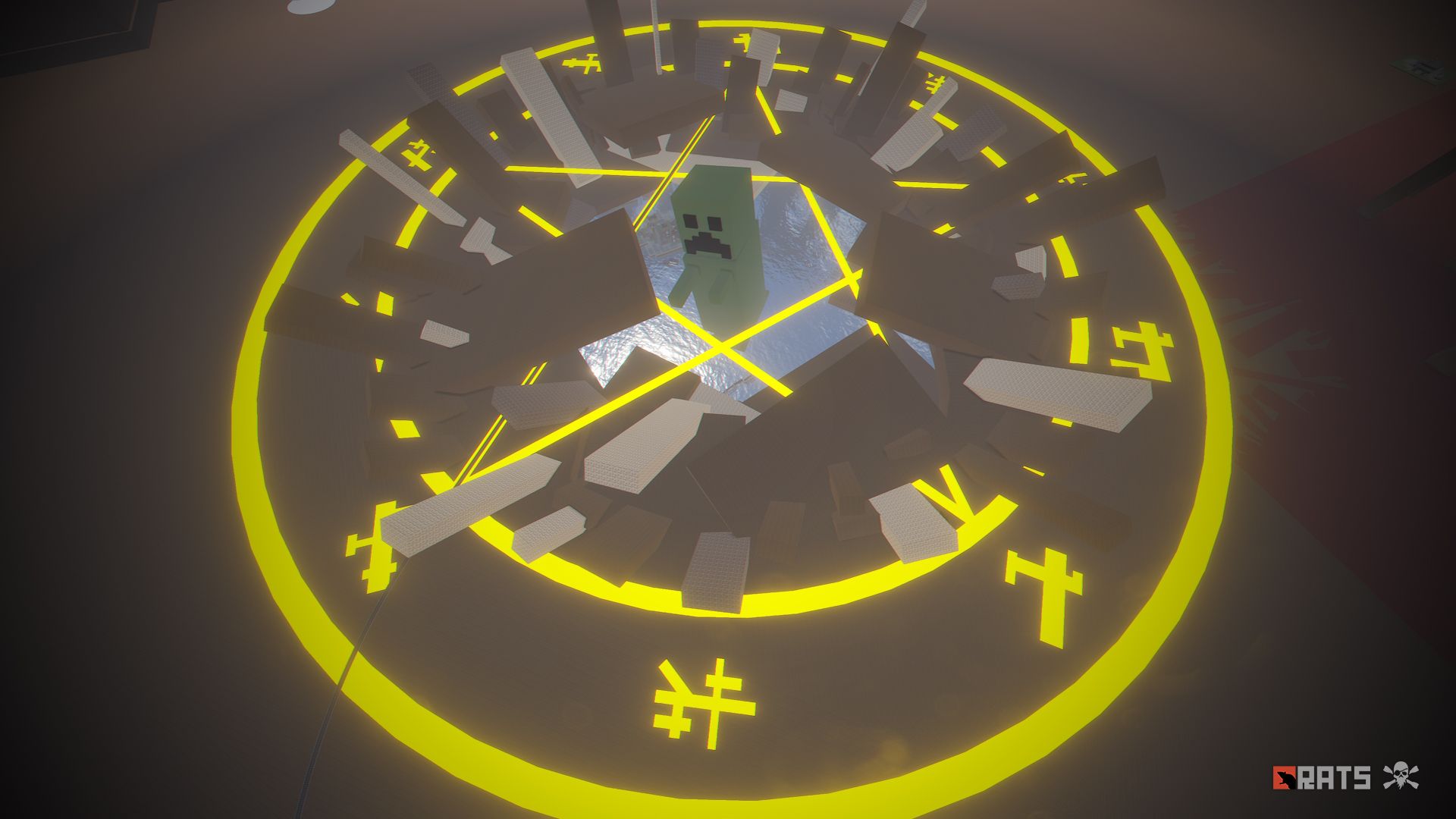
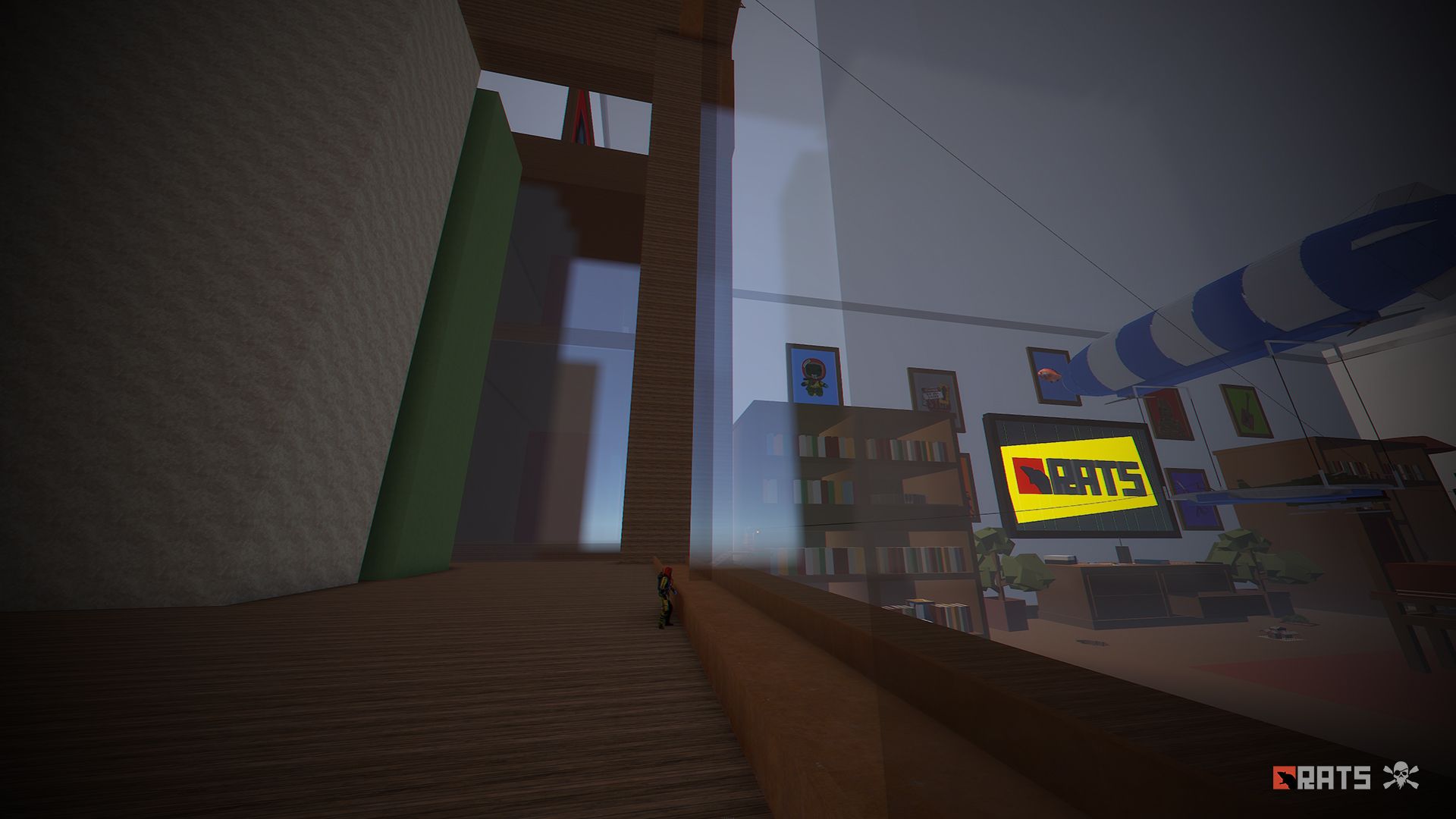
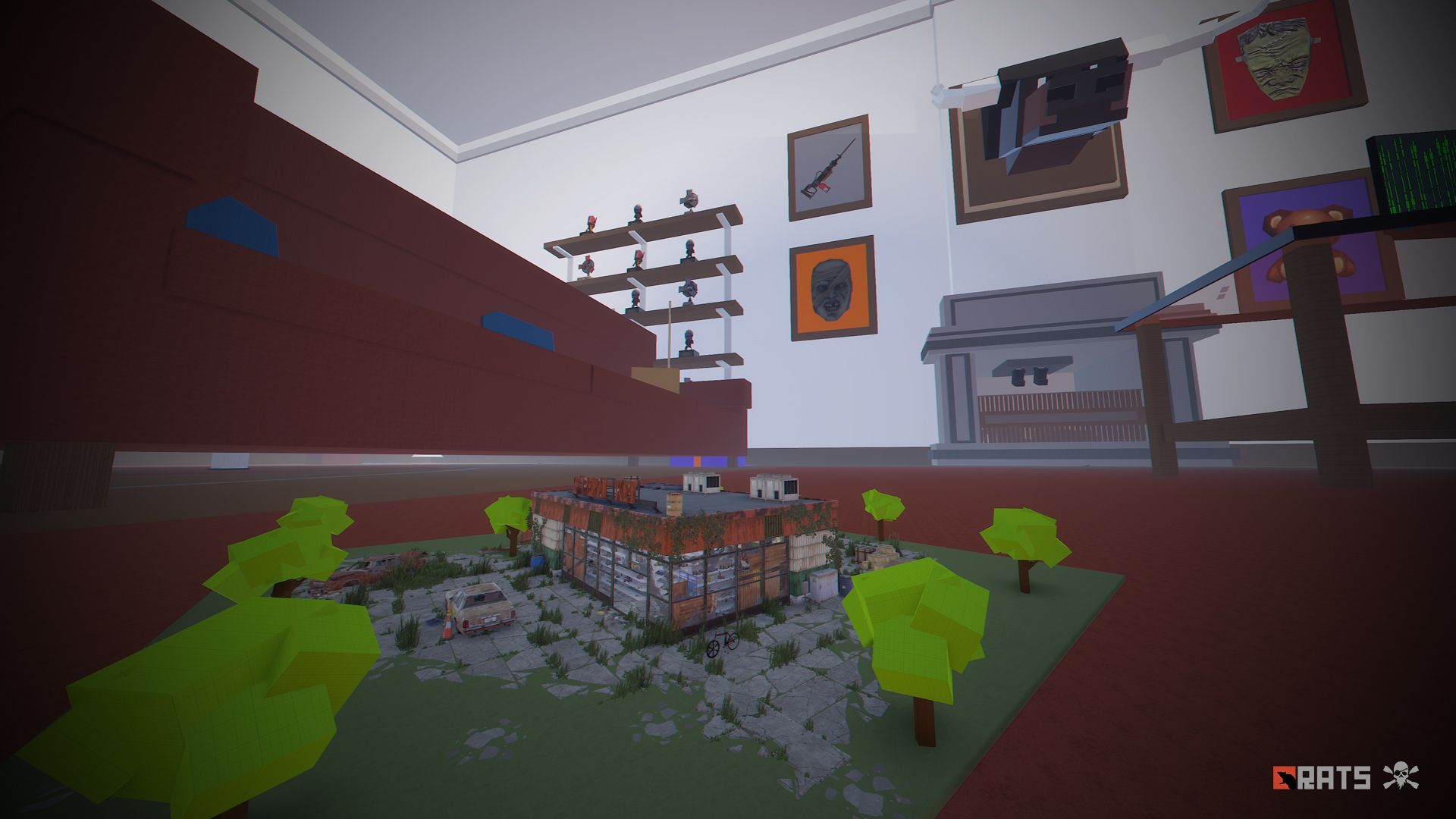
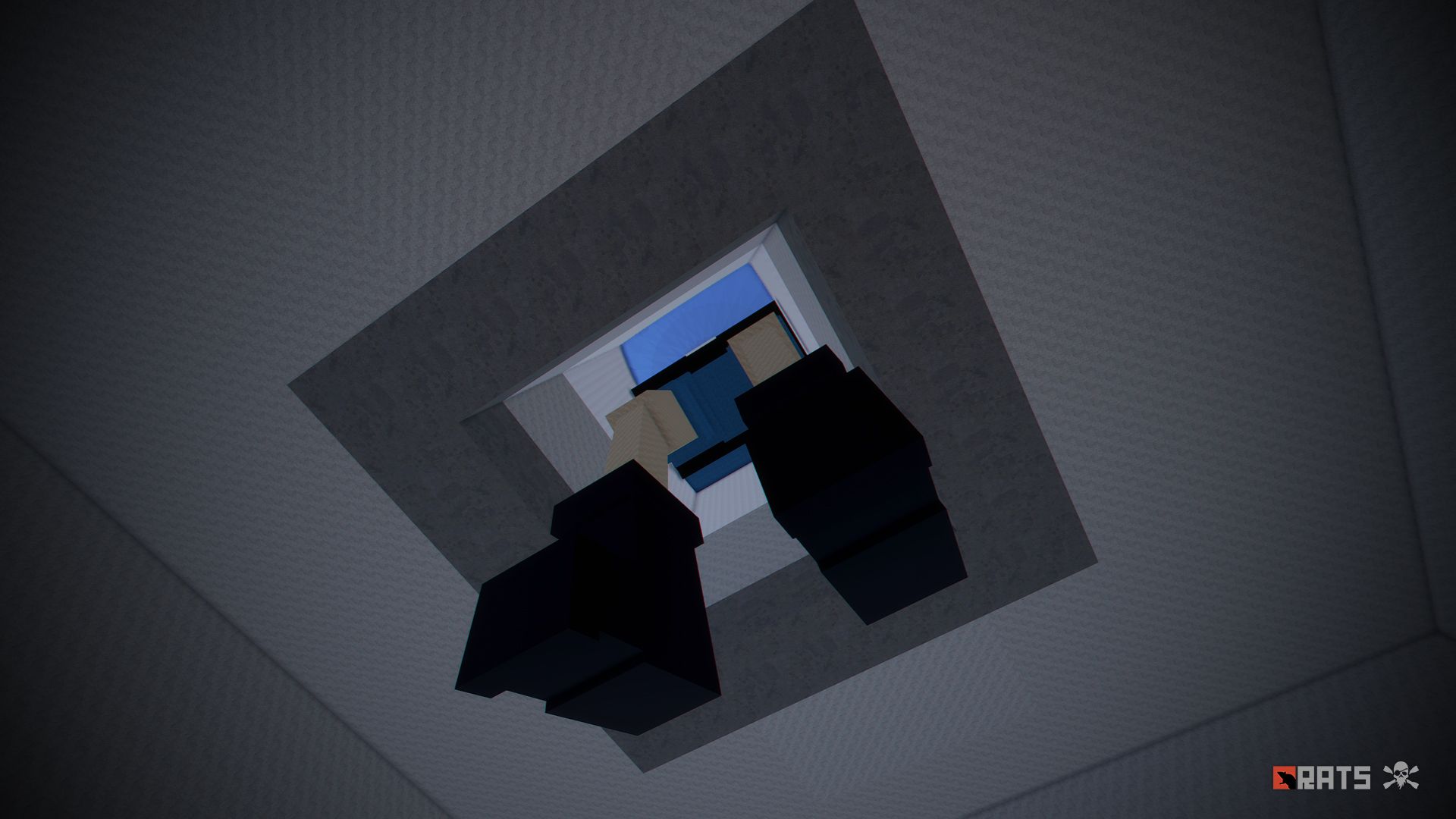
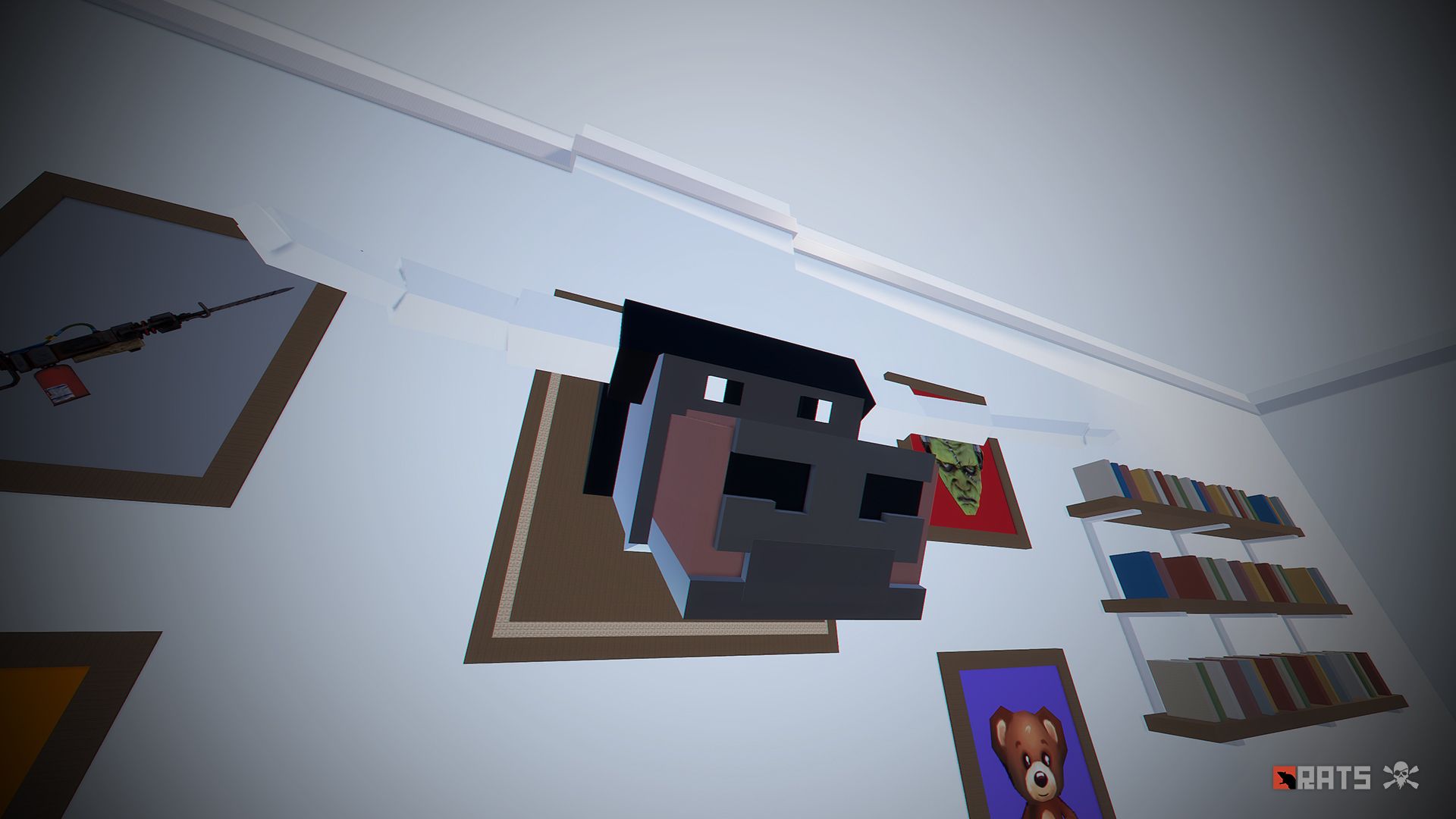
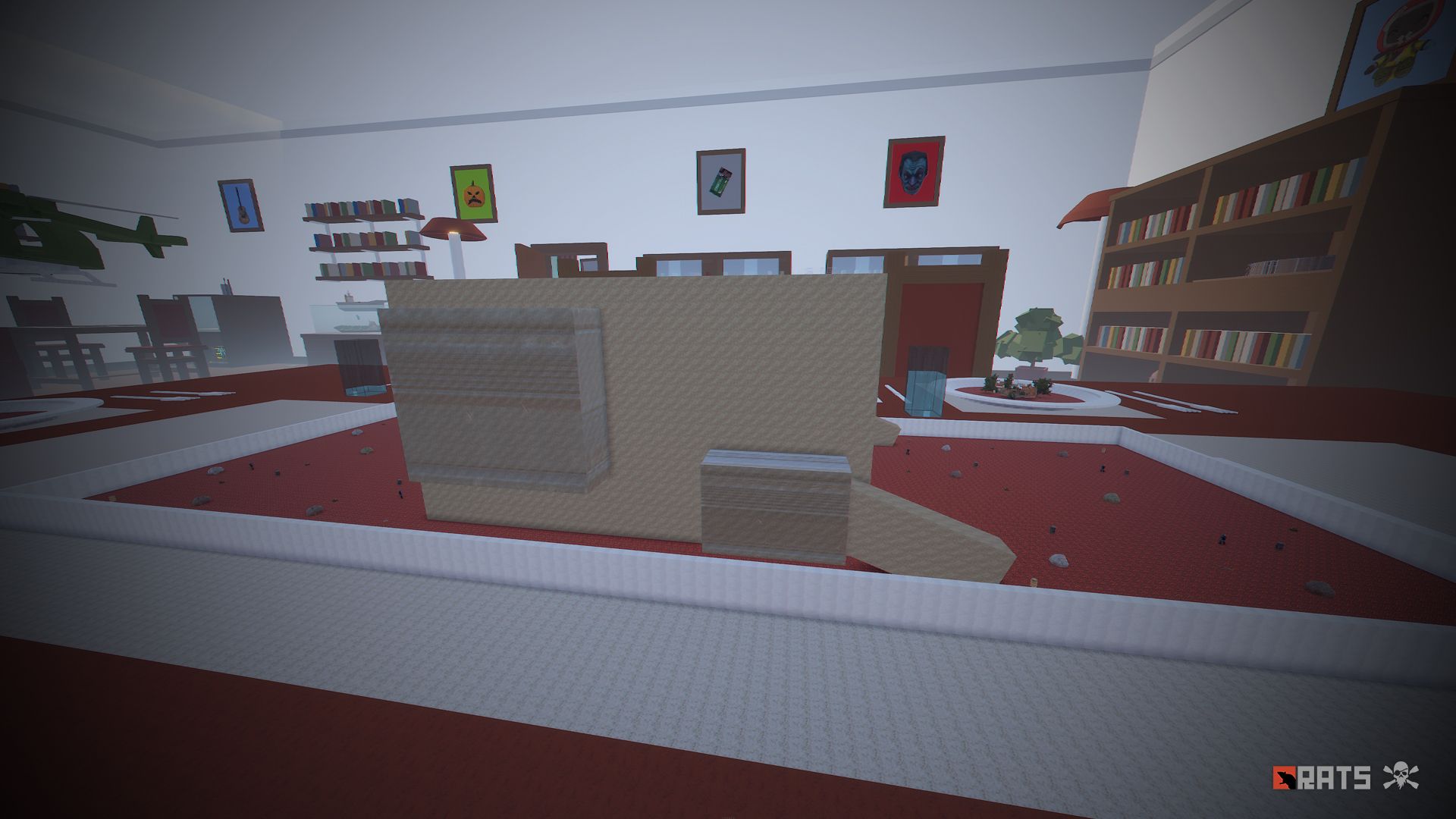
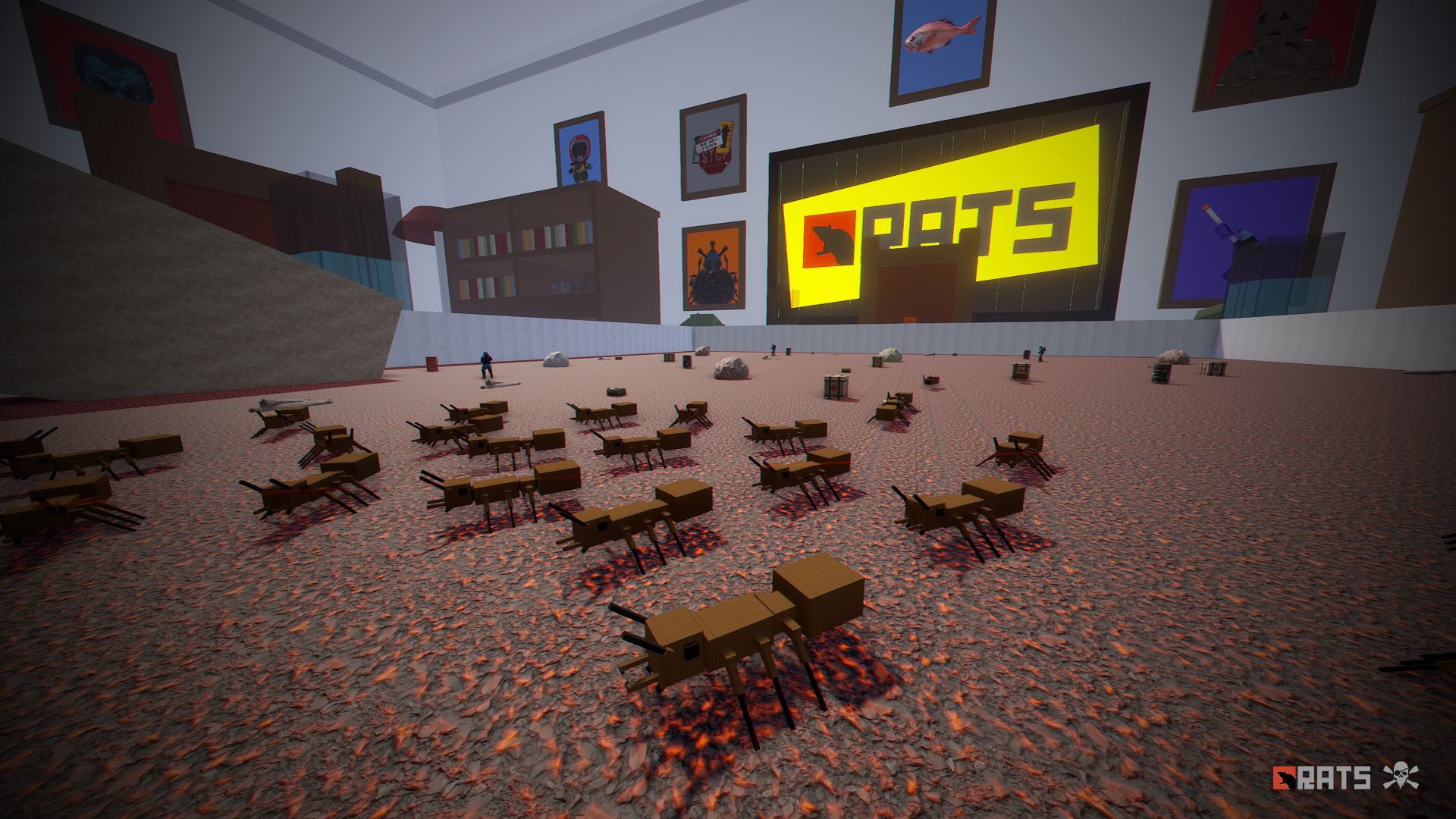
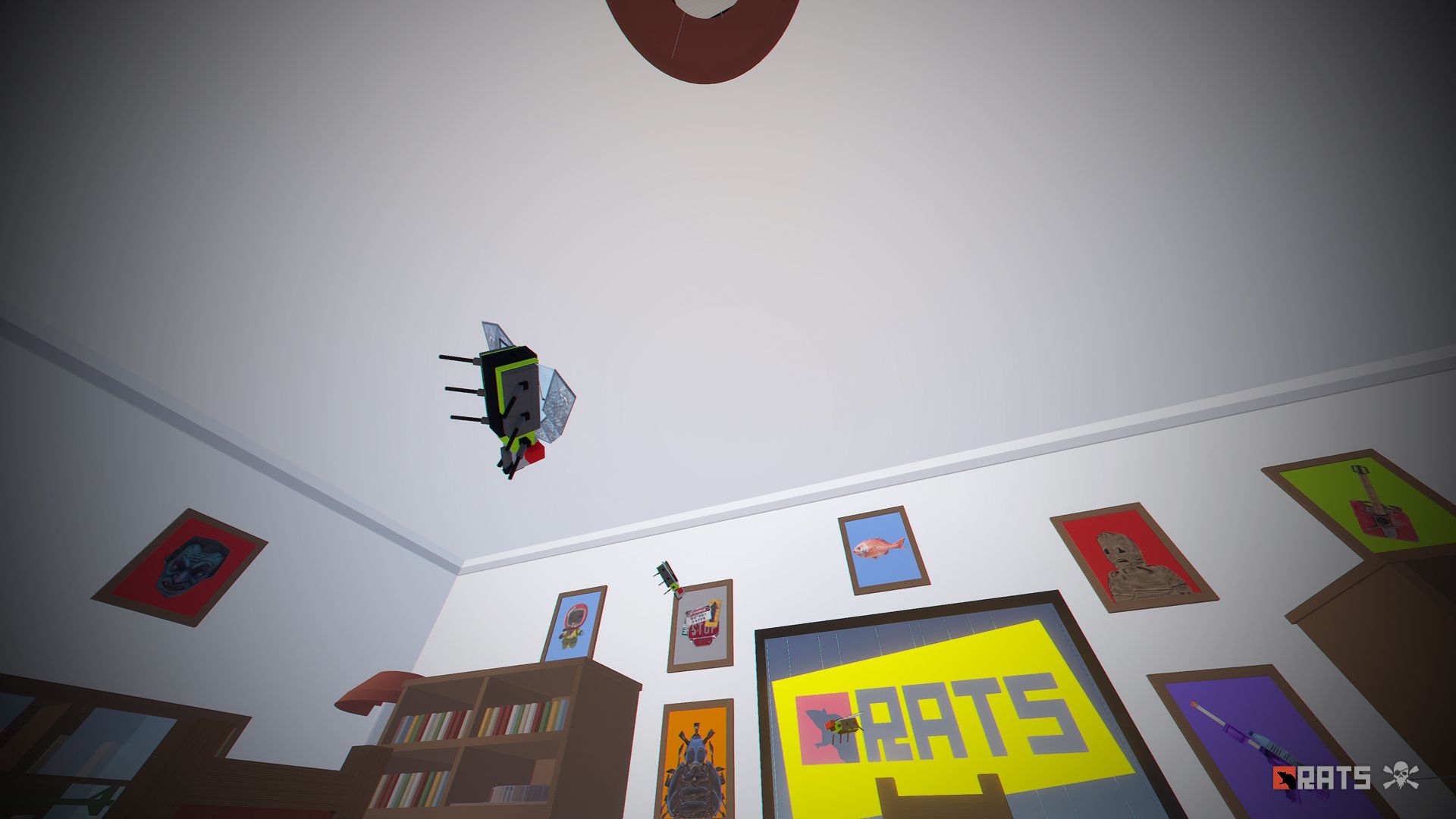
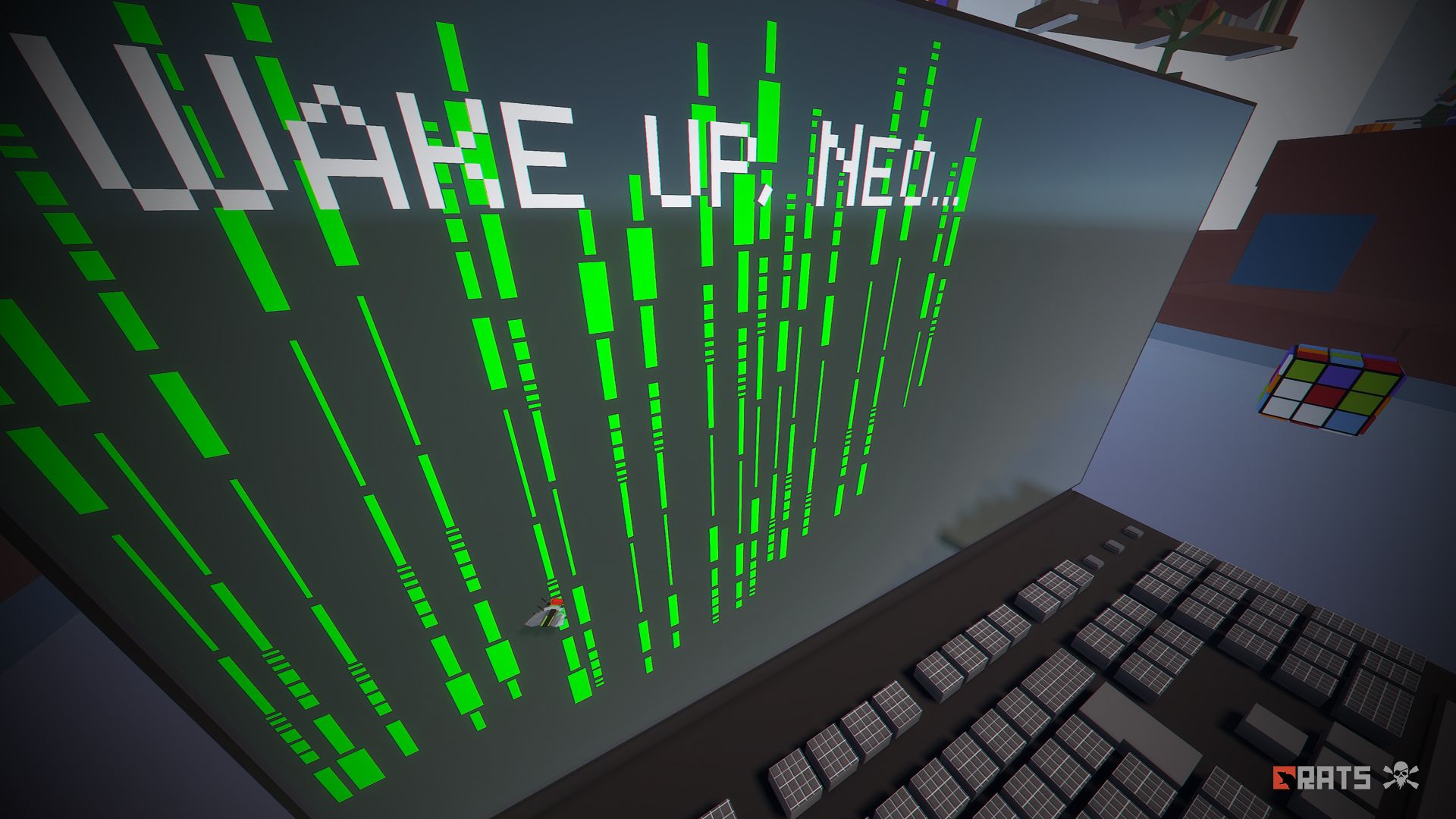
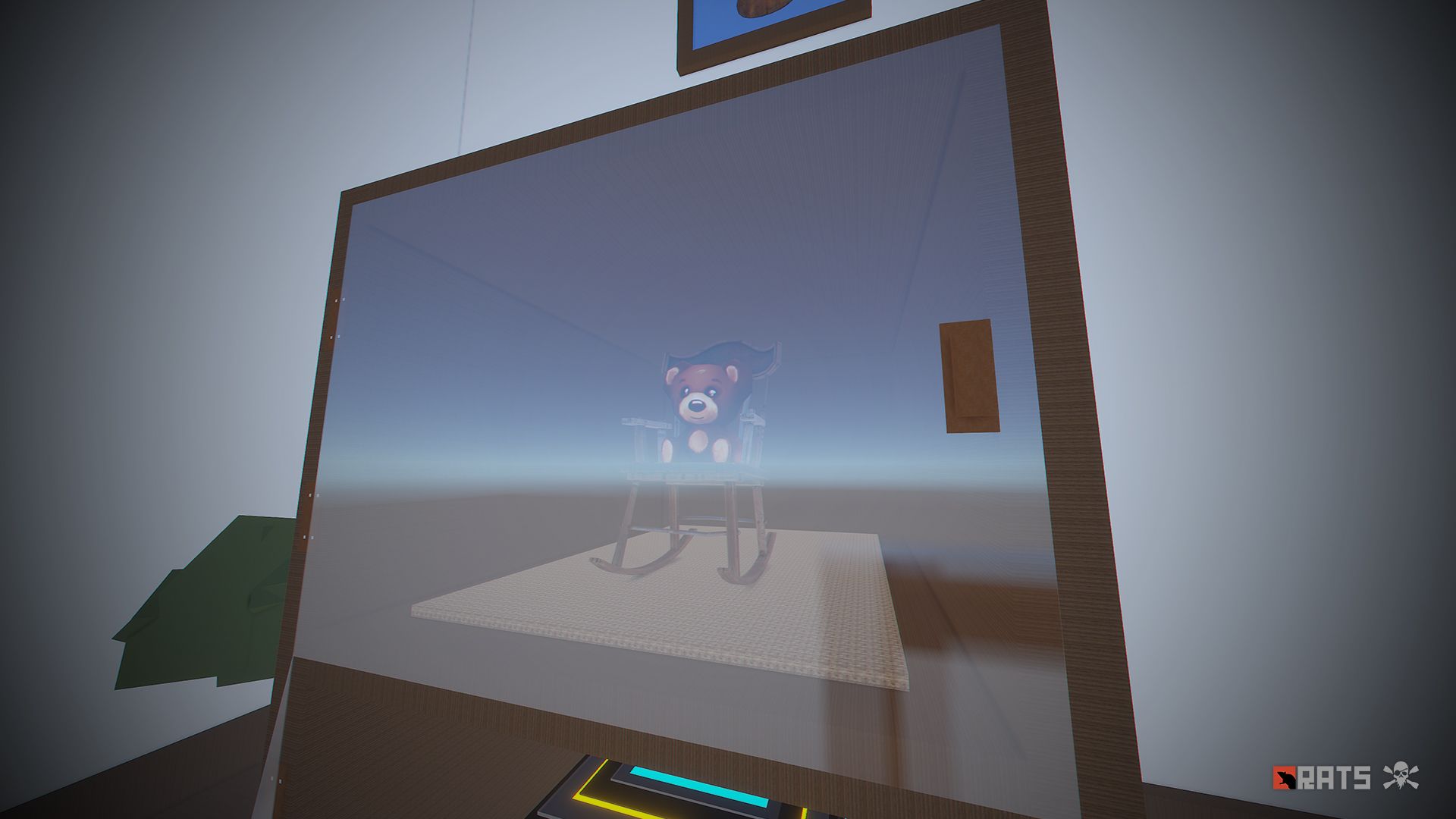
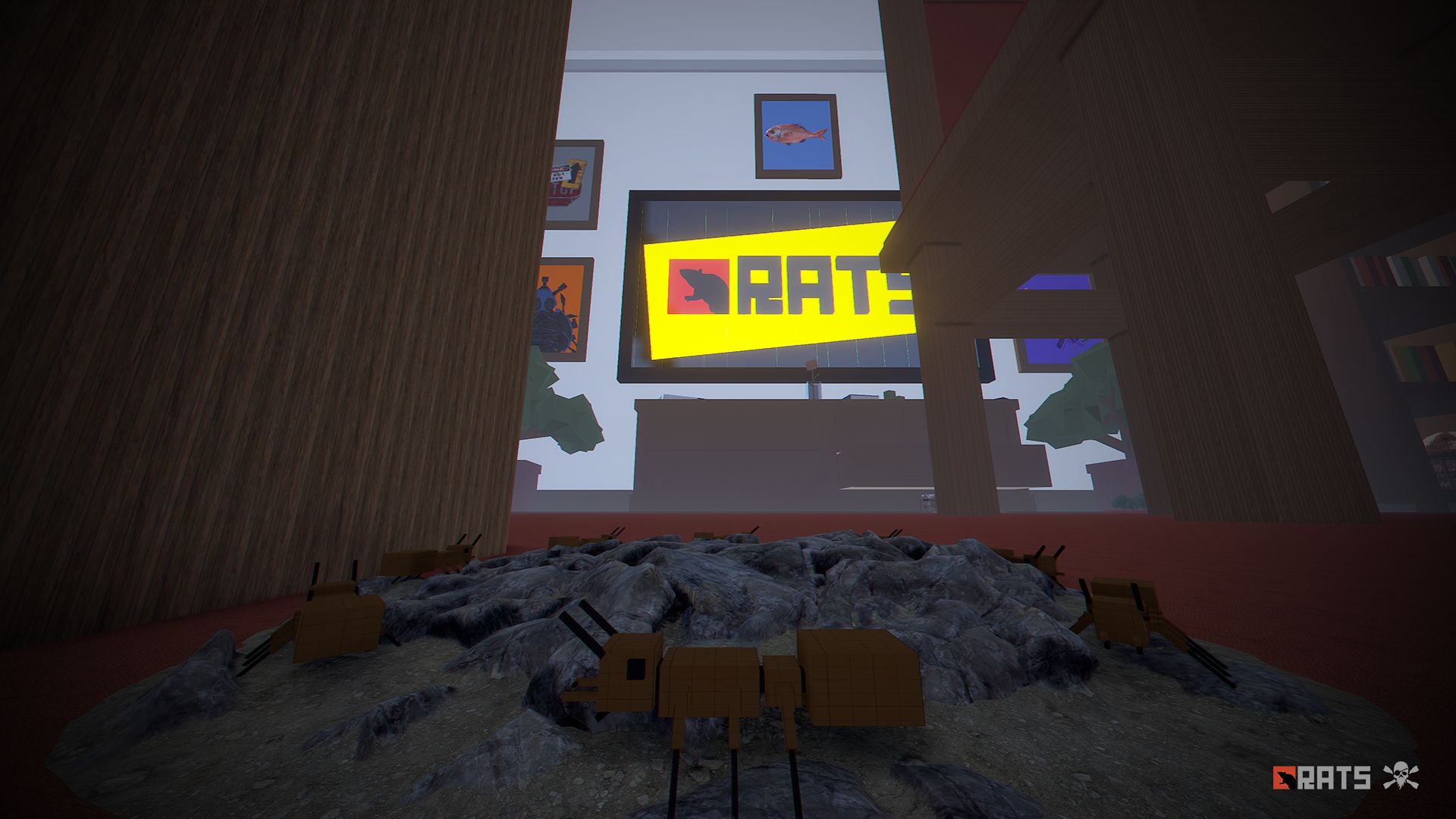
The adventure continues in RATS 2, live a crazy and great miniature adventure in this brand new map.
- FEATURES
• Size: 4000.
• Objects: 143772.
• Map protection plugin included.
• The map can be edited: Yes.
- CONTAINS ALL OFFICIAL MONUMENTS
• Radtown
• Ferry Terminal
• Nuclear missile silo
• Large oil platform
• Small oil platform
• Submarine laboratories
• Harbor
• Large fishing villages
• Fishing villages
• Launch site
• Satellite dish
• The Dome
• HQM Quarry
• Stone quarry
• Sulfur quarry
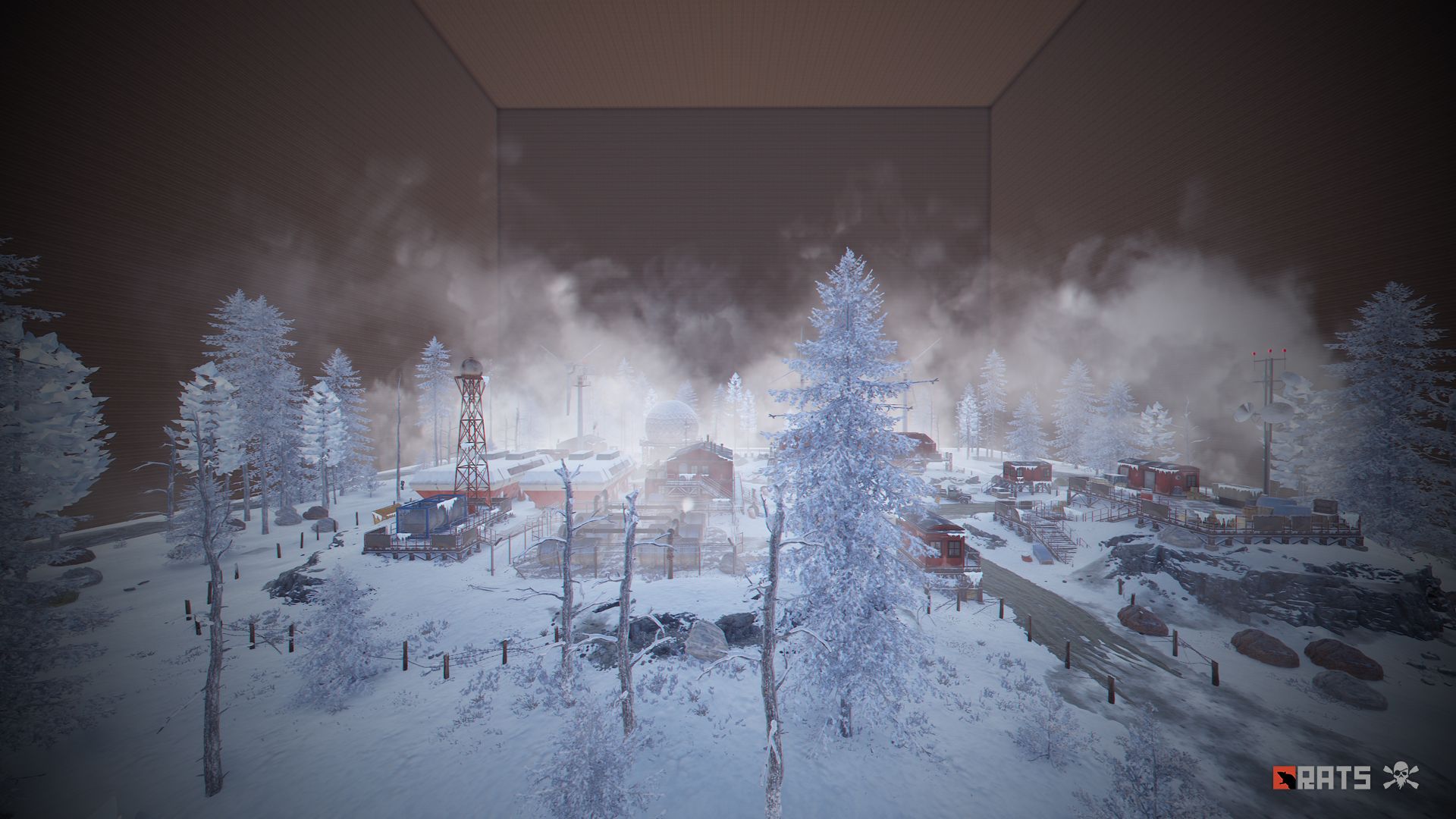
• Arctic Research Base
• Sewer Branch
• Train yard
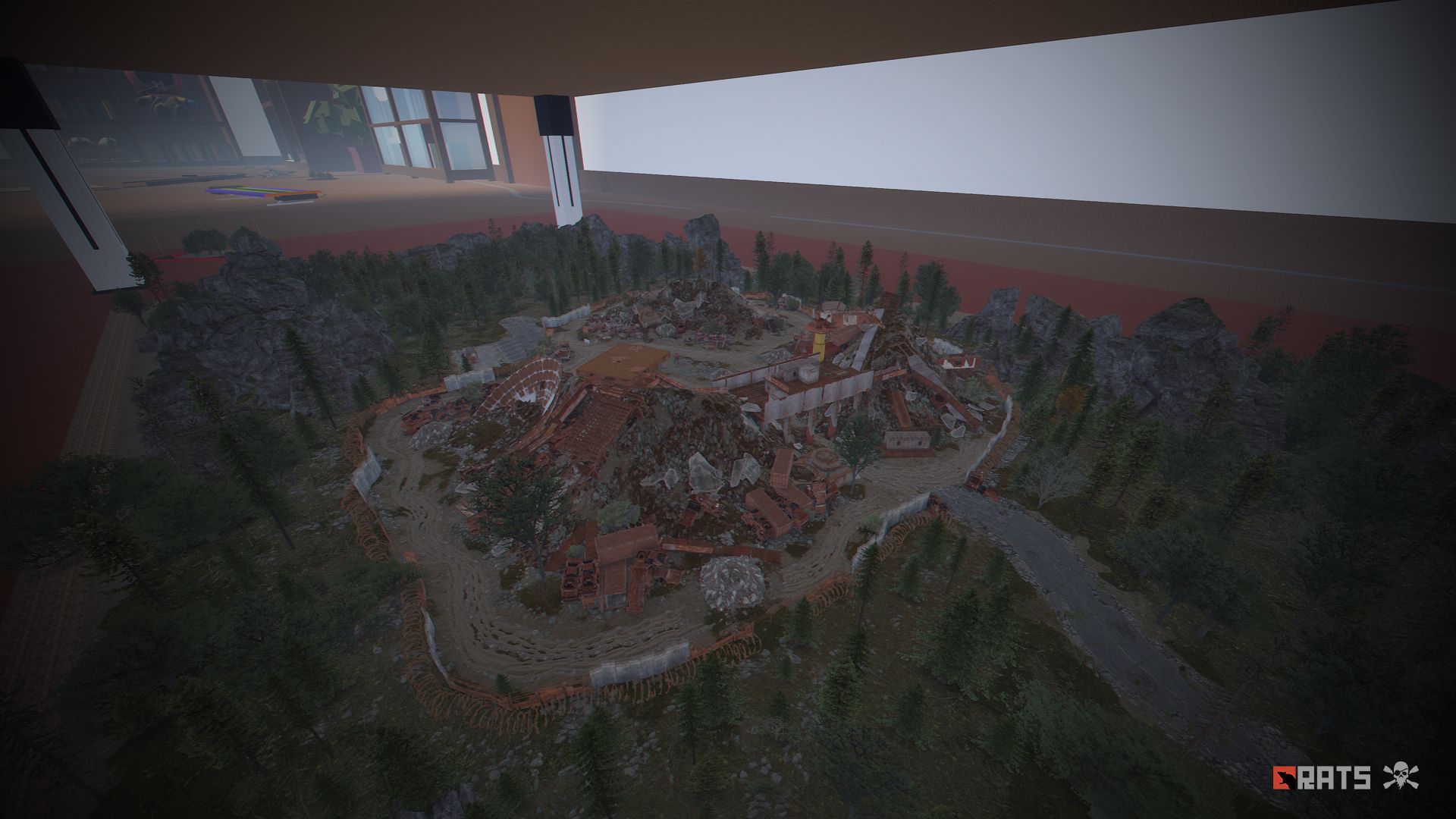
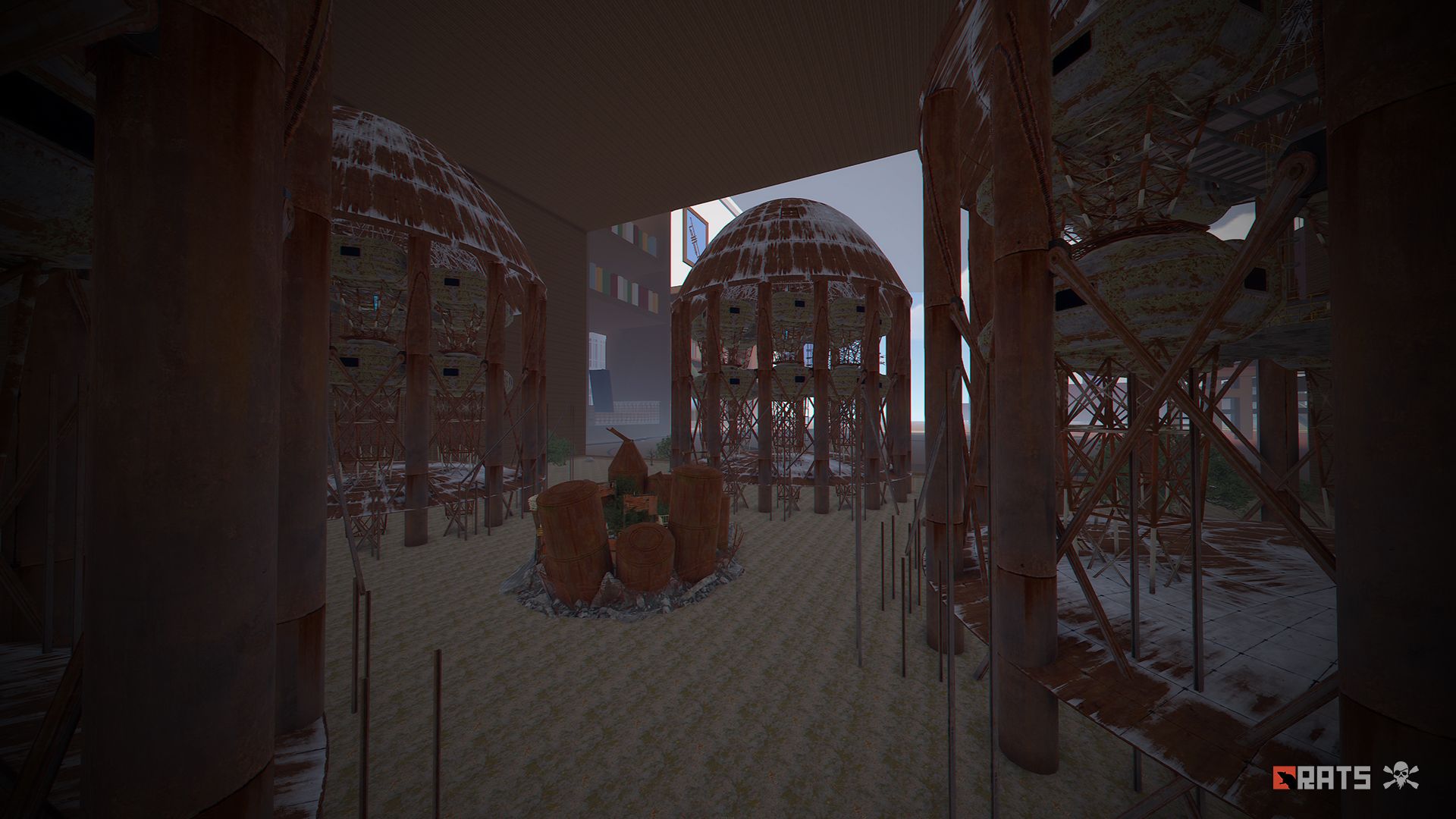
• Junkyard
• Abandoned military bases
• Military tunnel
• Caves
• Large barns
• Ranch
• Bandit camp
• Power plant
• Swamp
• Airfield
• Giant excavation
• Outpost
• Lighthouse
- PREFABS AND CUSTOM MONUMENTS
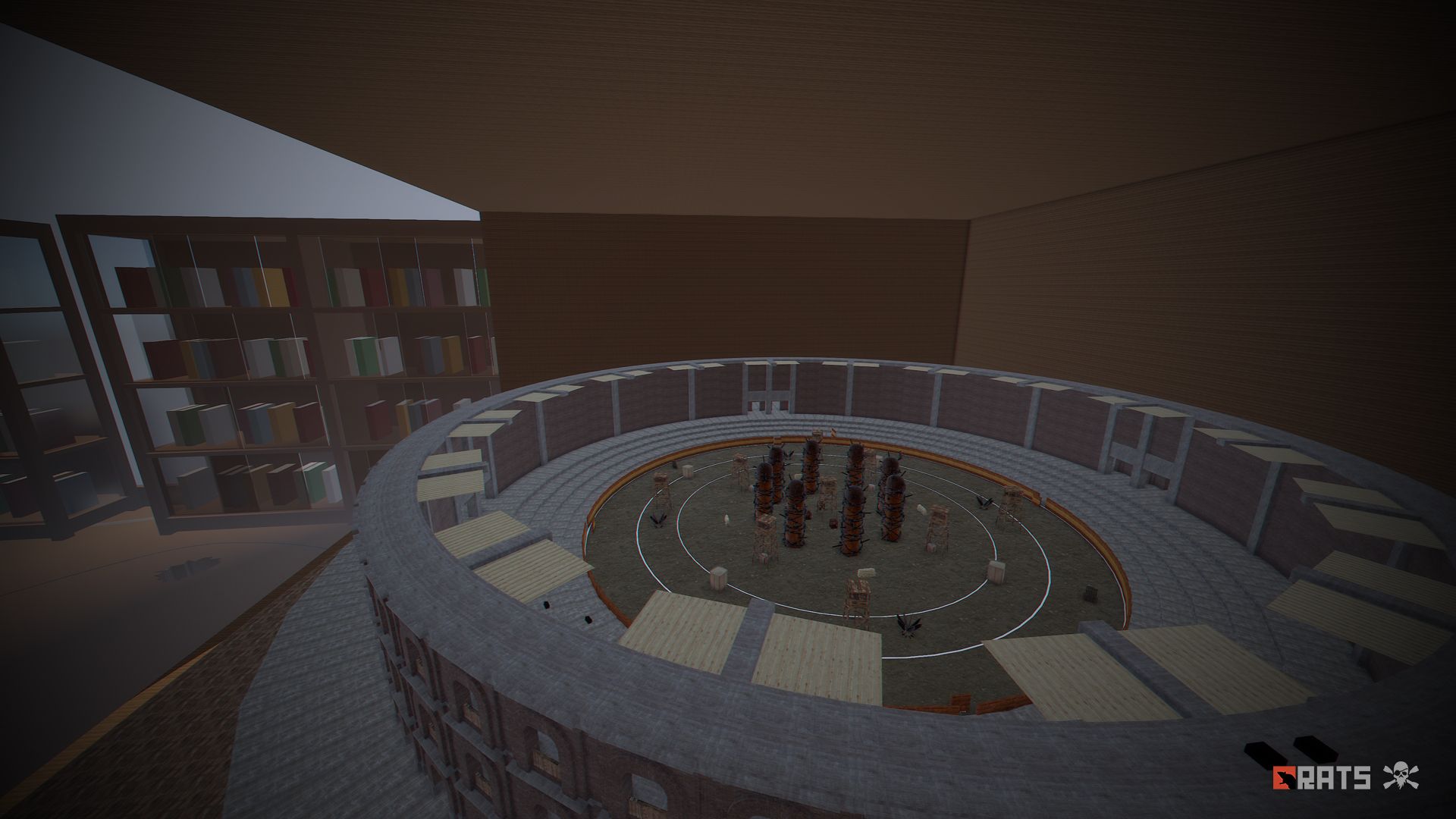
• Bradley Arena, a great battle against Helldivers style tanks.
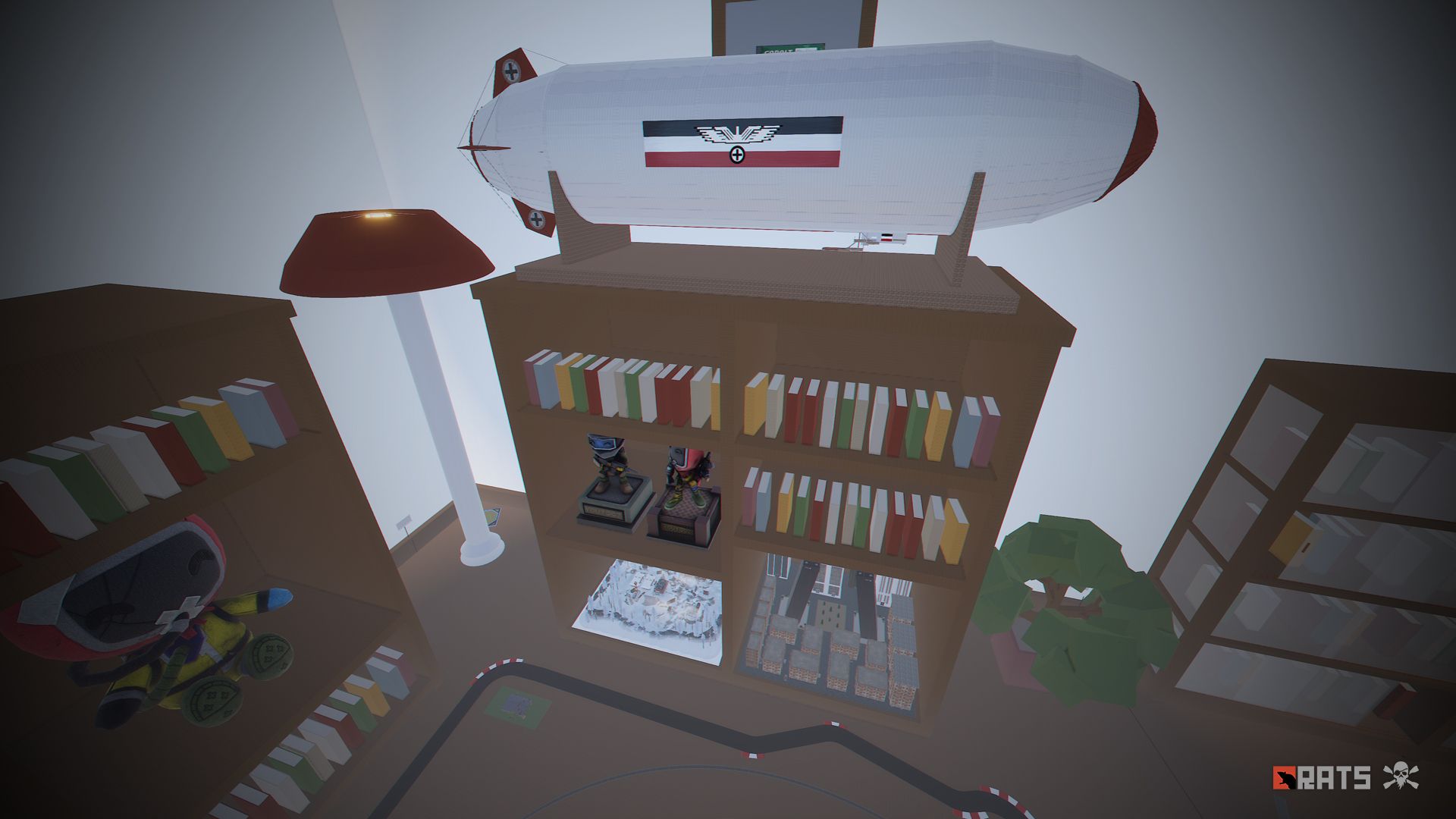
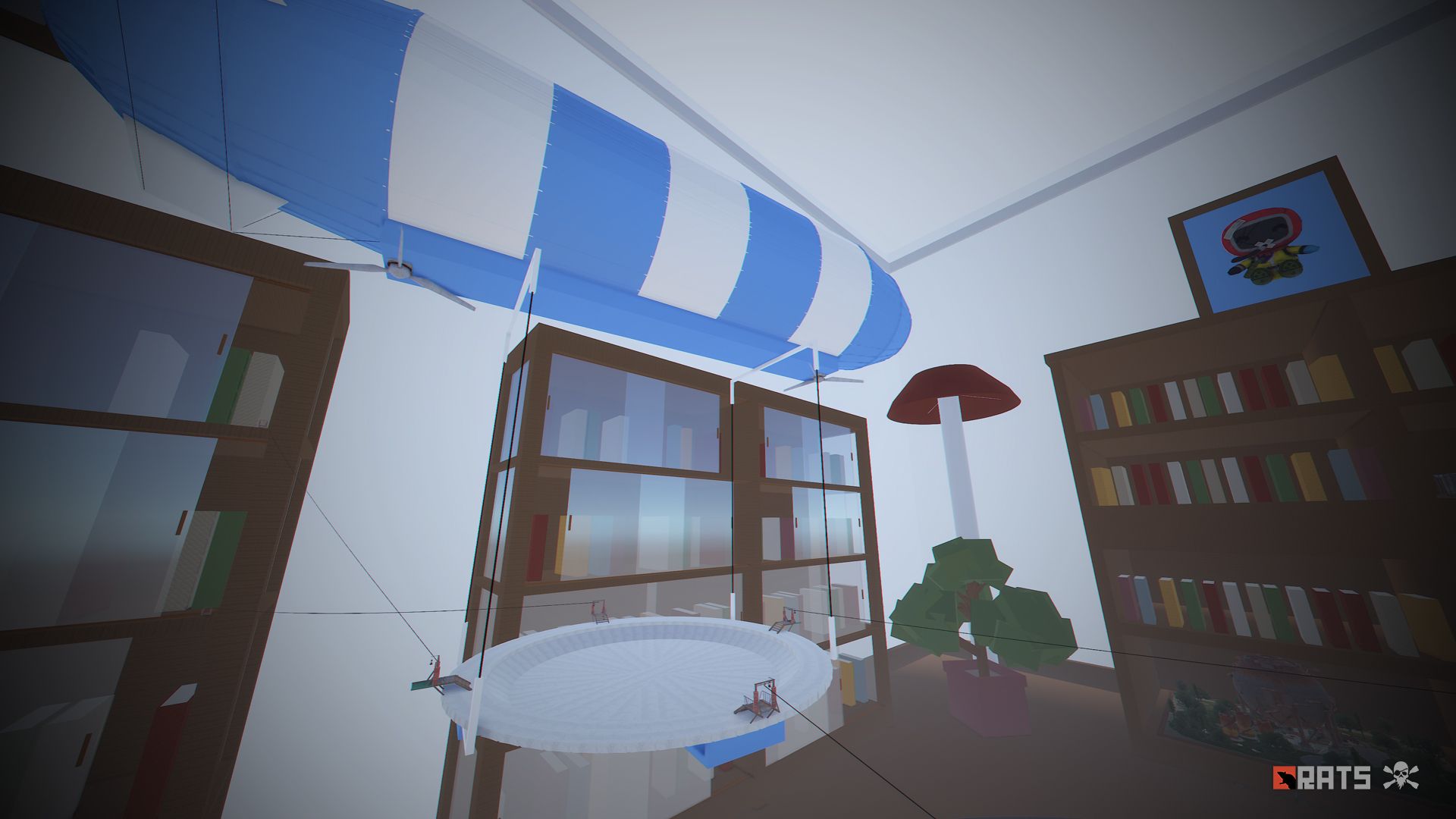
• Zeppelin (Puzzle-parkour).
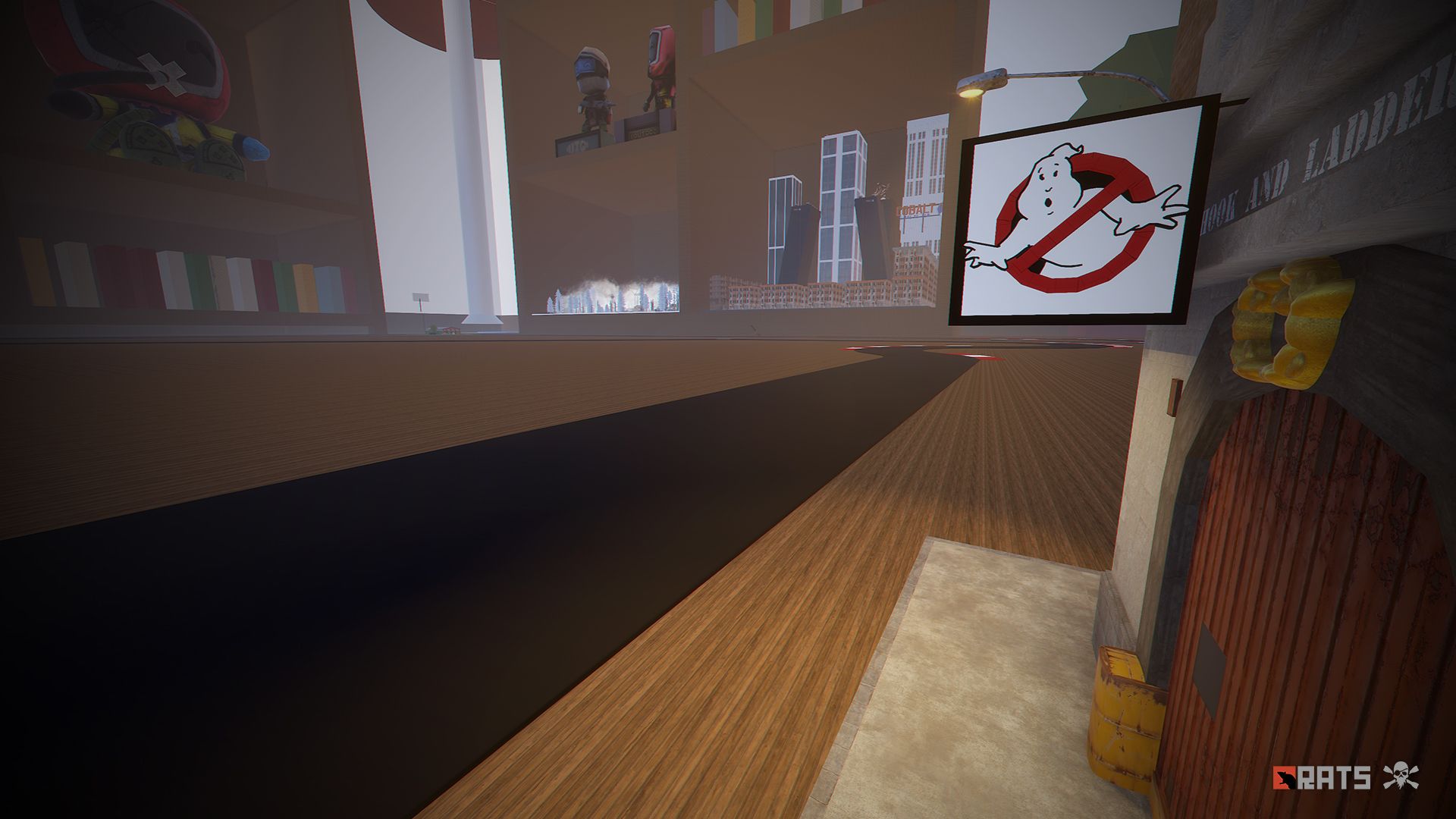
• Ghostbusters Barracks, this is a faithful monument to the fire station used by the ghostbusters, contains puzzles, traps, loot, npc, ghostbusters logo.
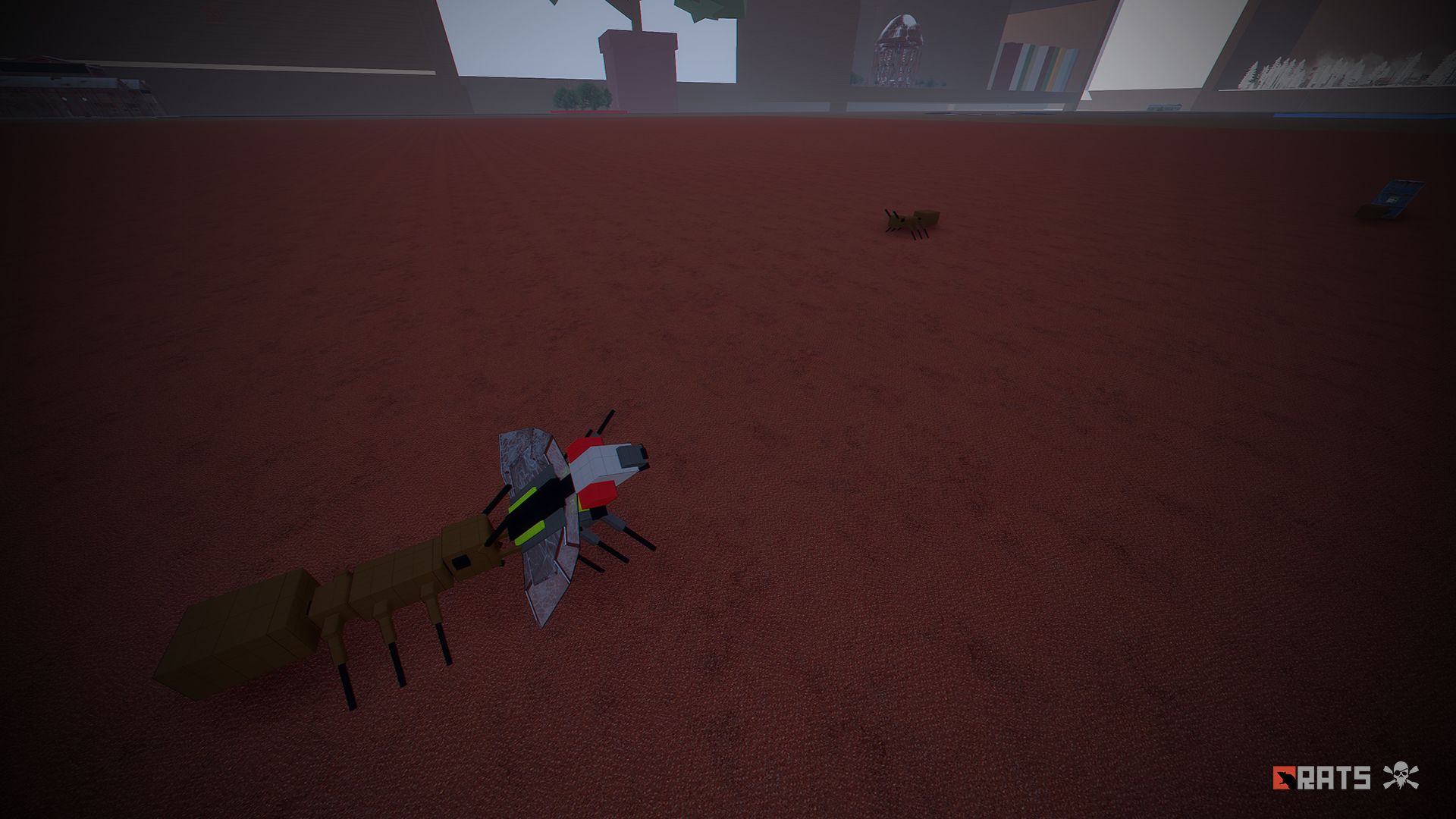
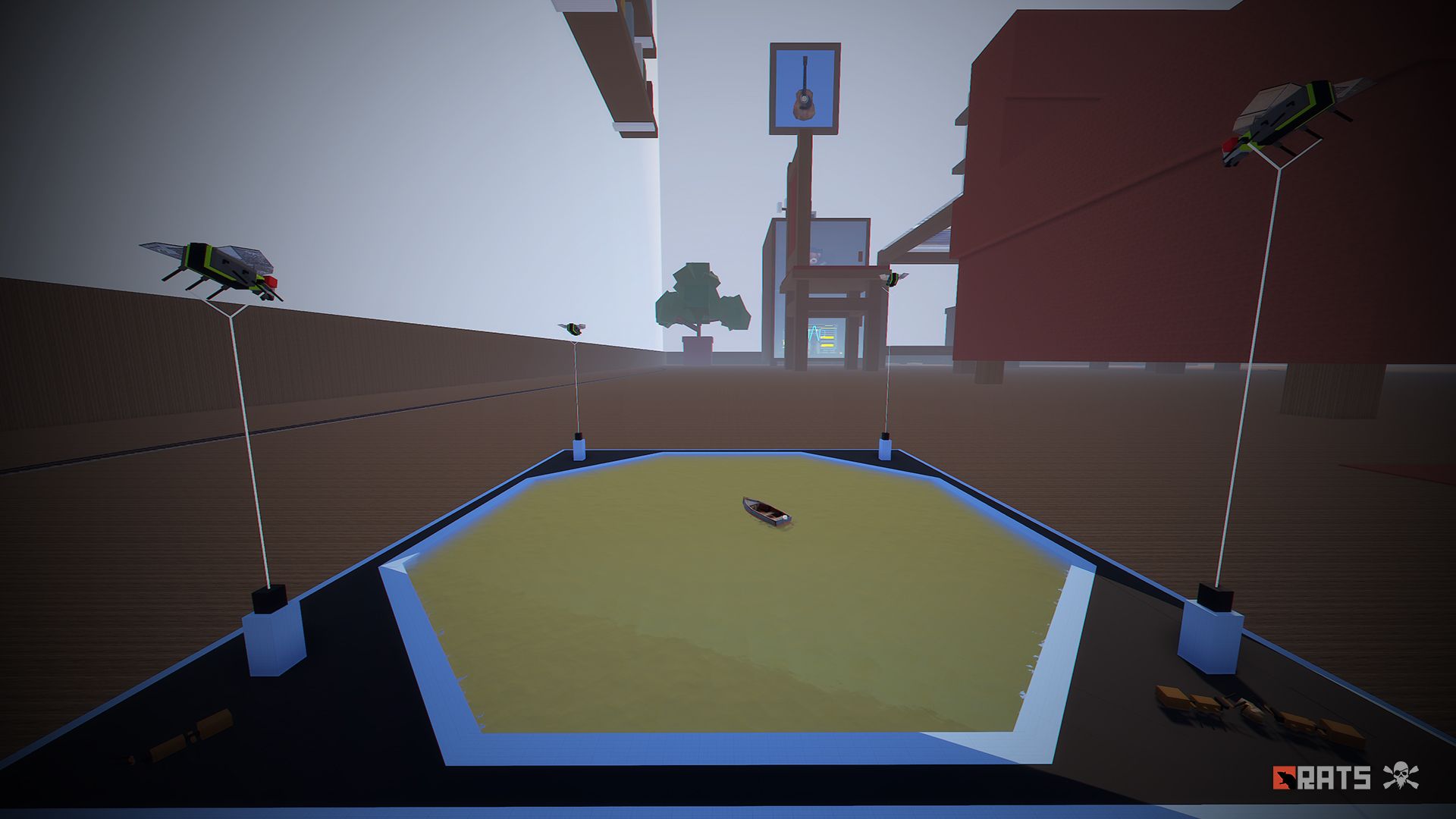
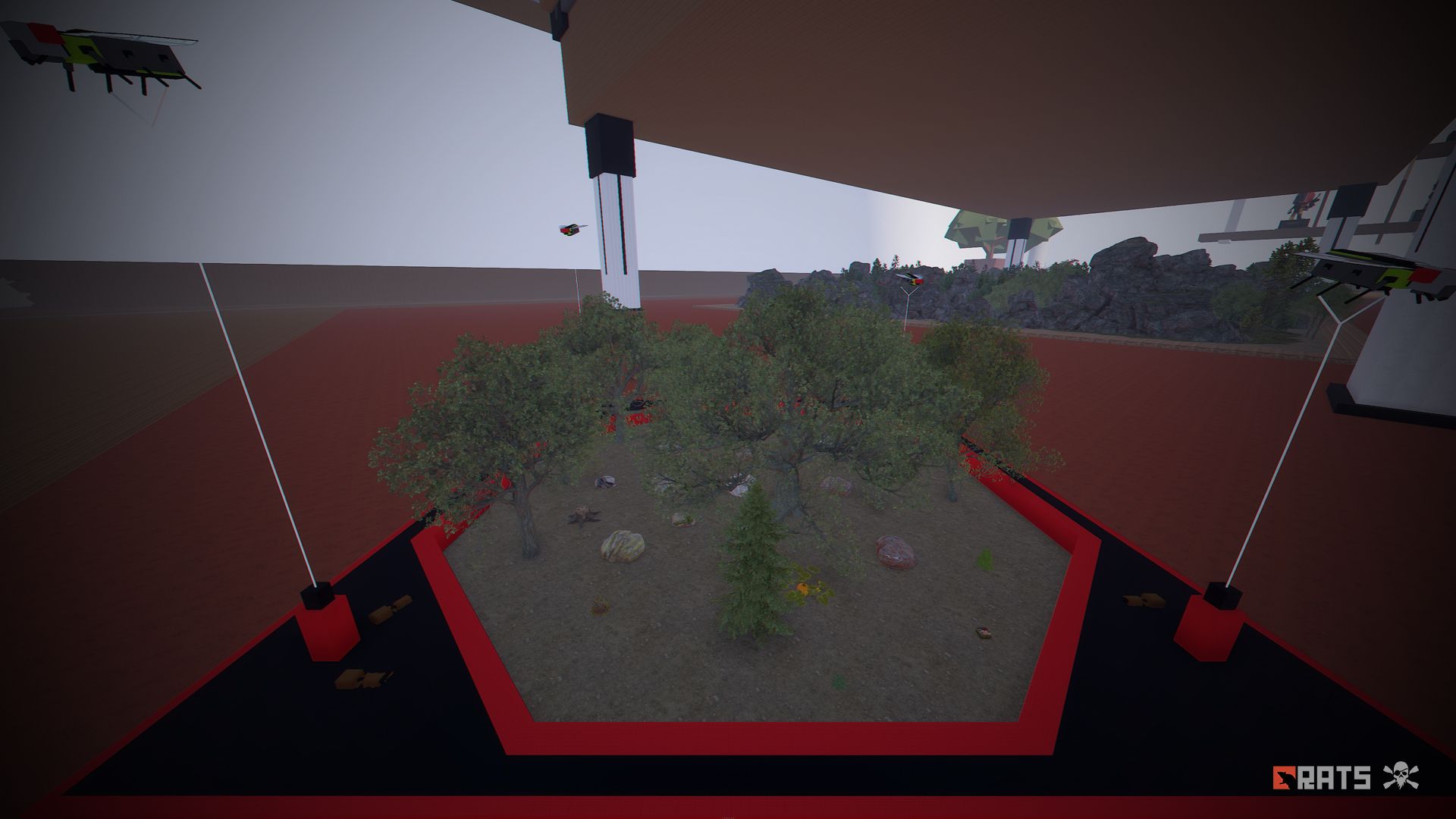
• Resource areas with flies: Lakes, Ore, Wood, Food.
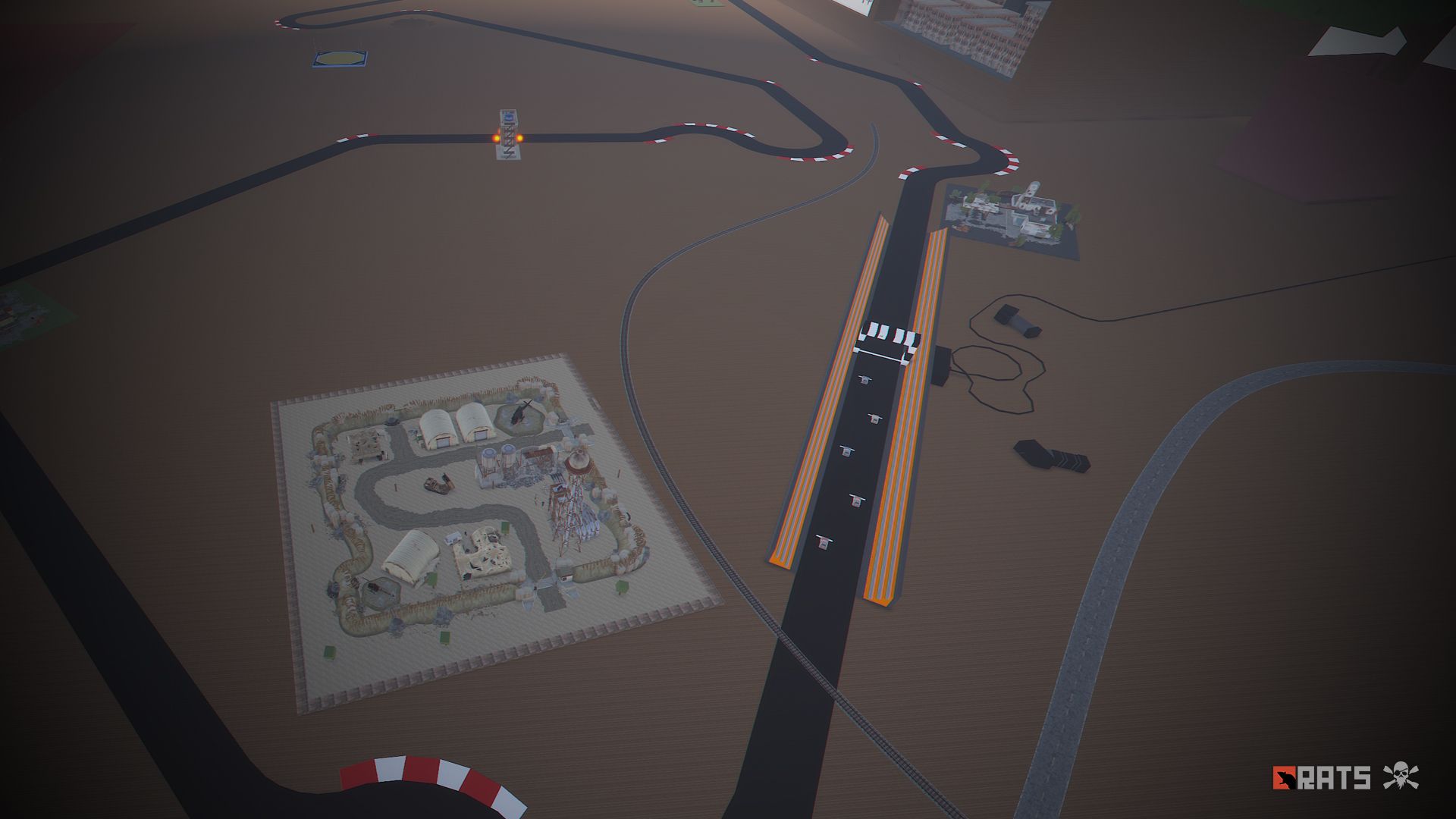
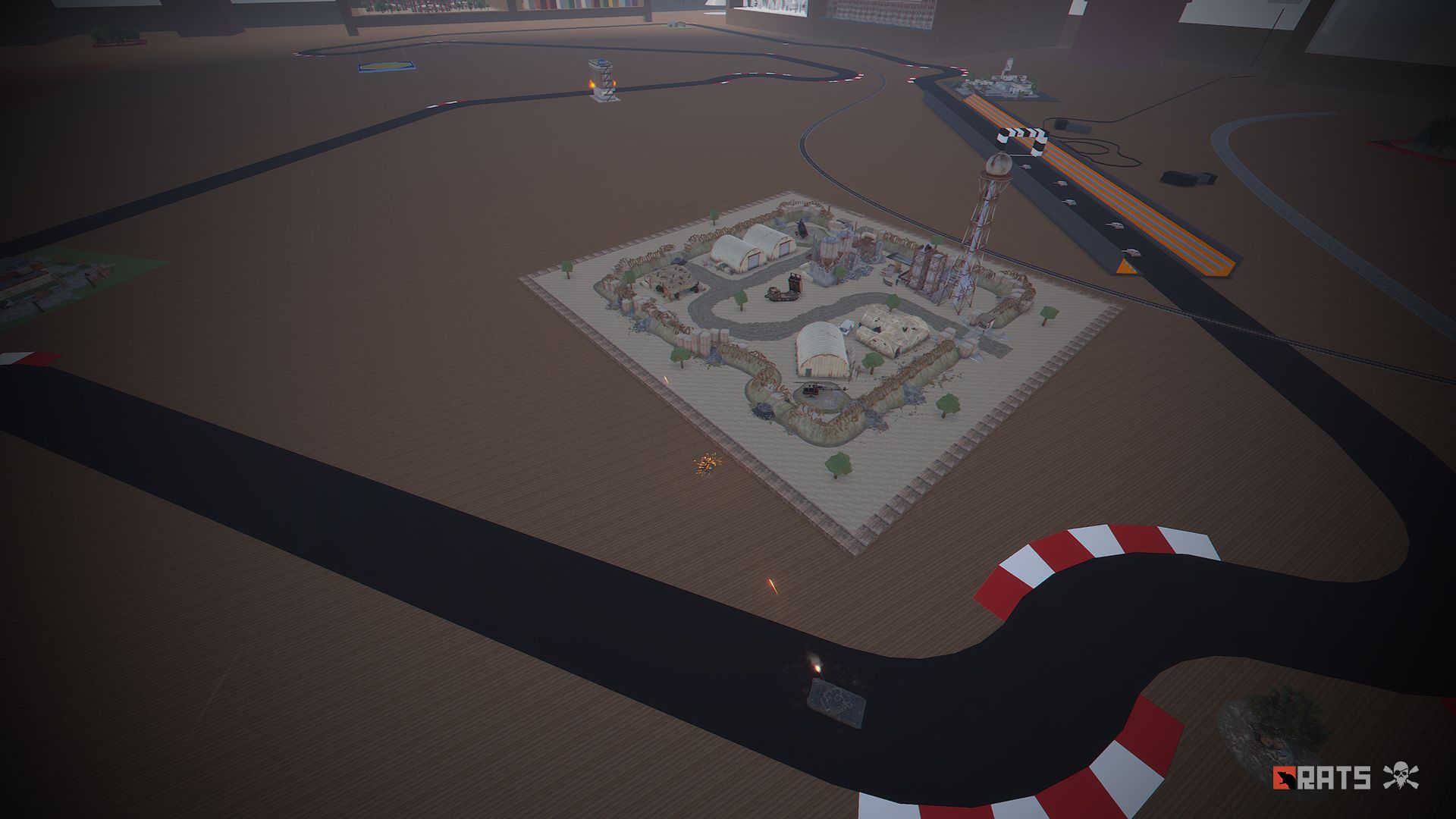
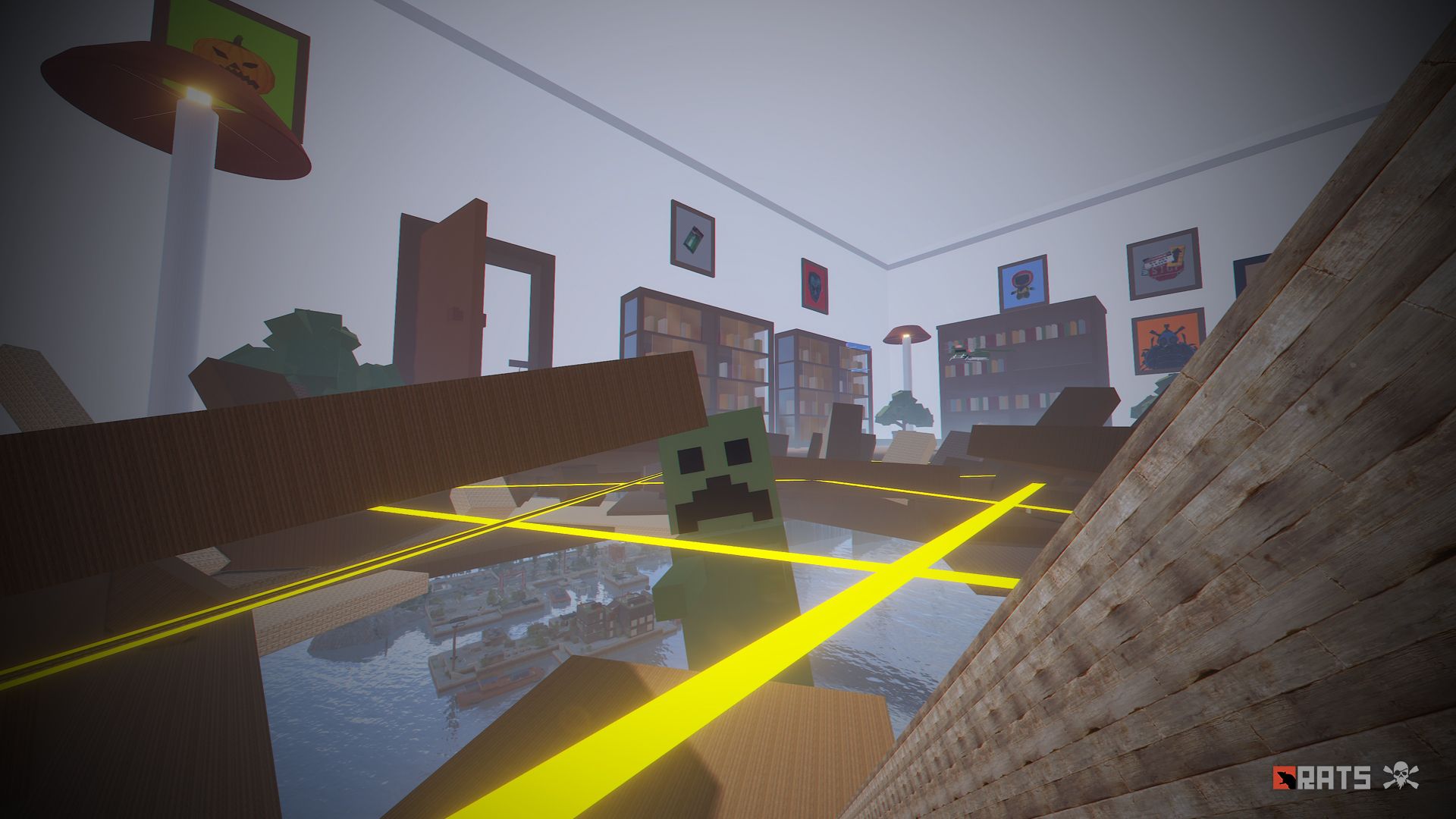
• Scalextric: A huge racing track with remote control, a tank watches over the tracks.
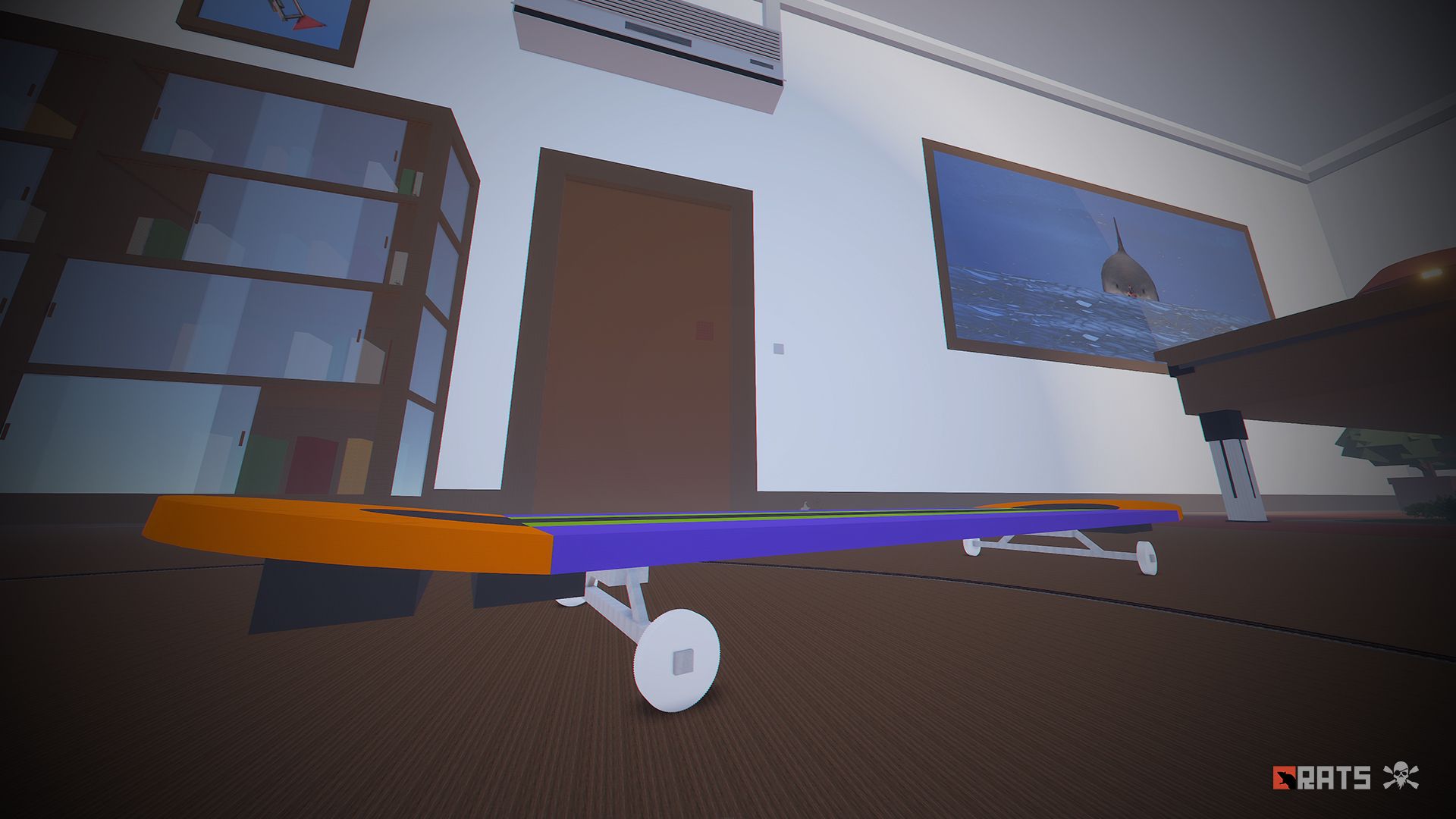
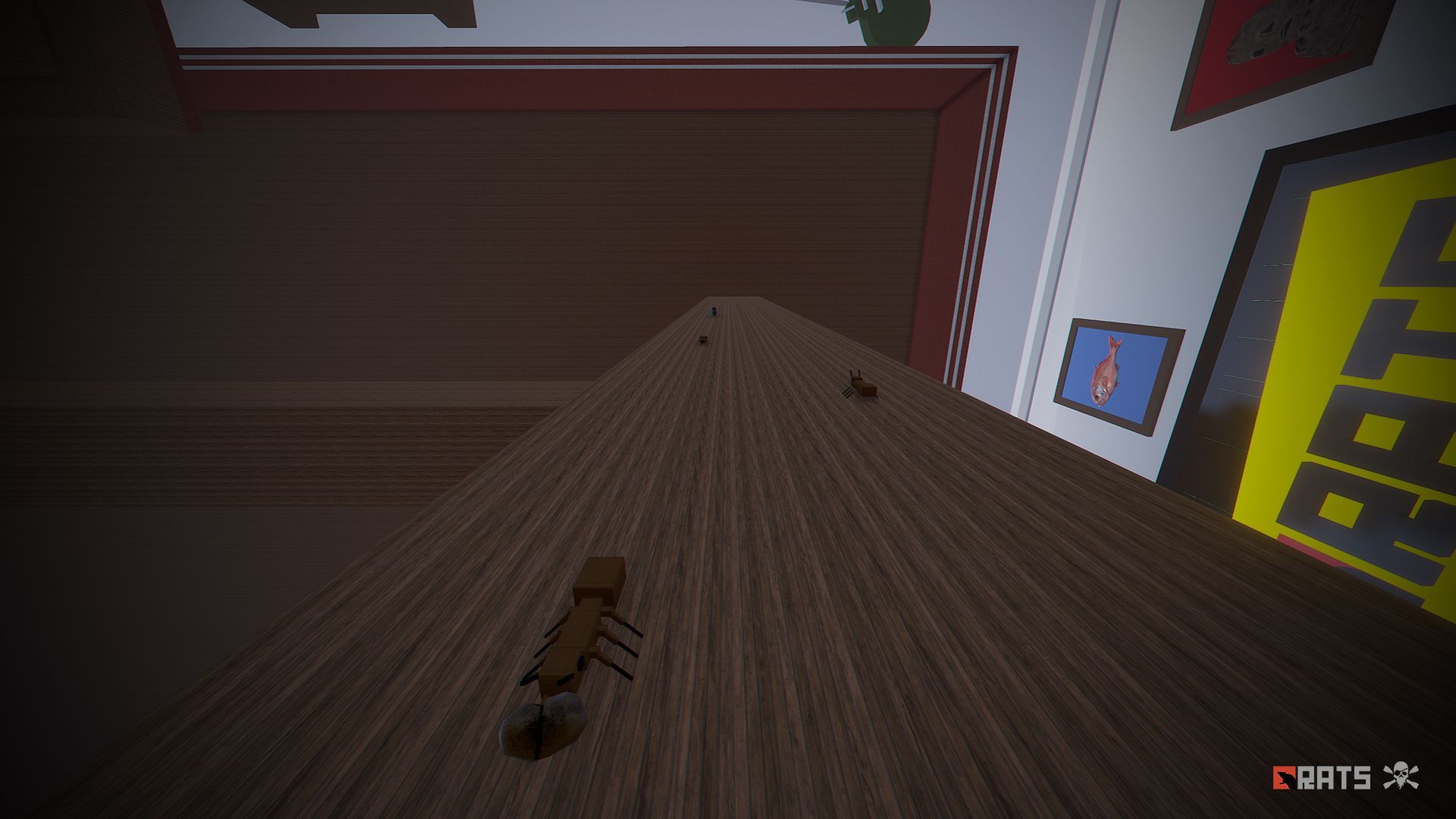
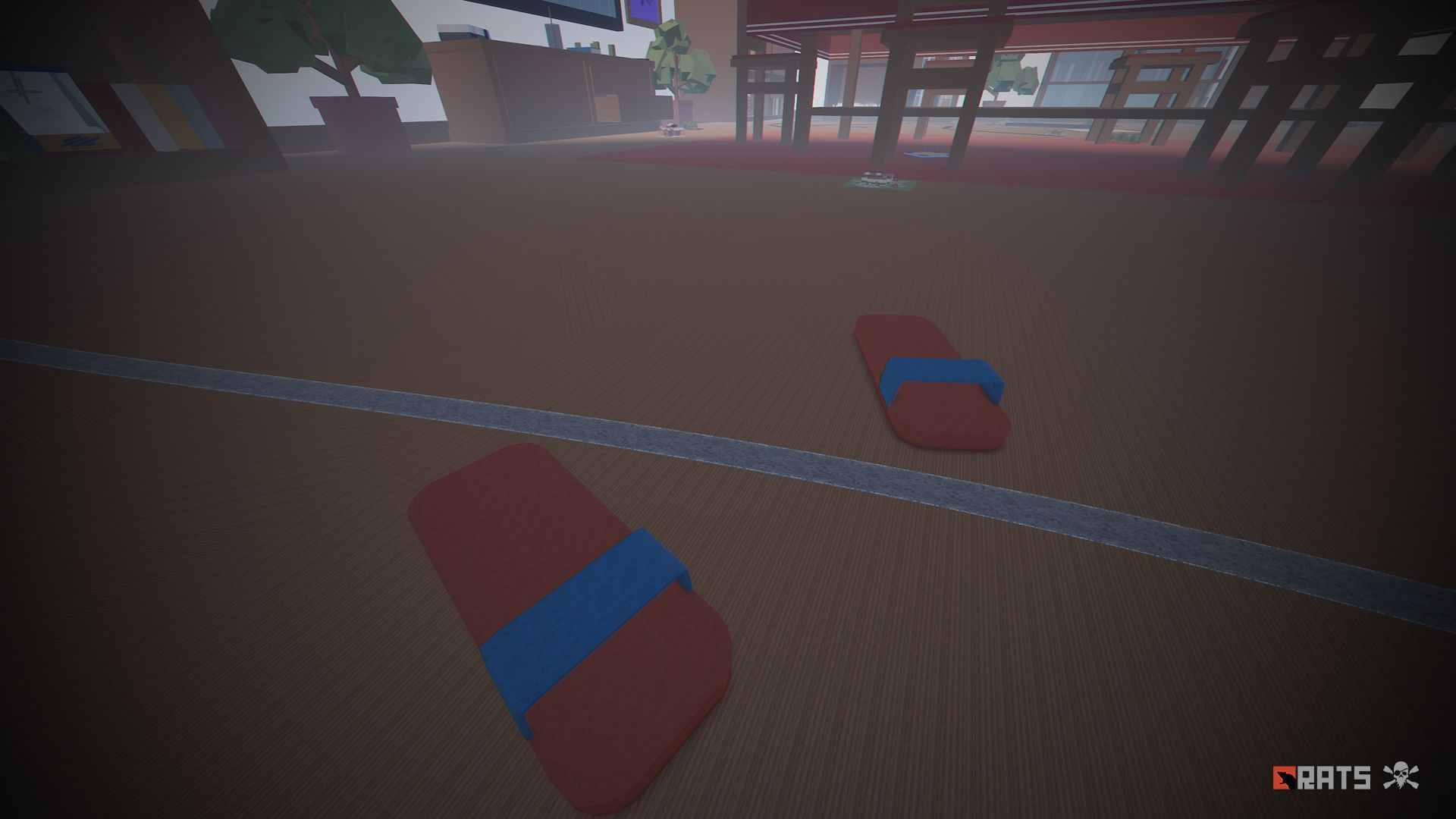
• Skateboard: Build your base here.
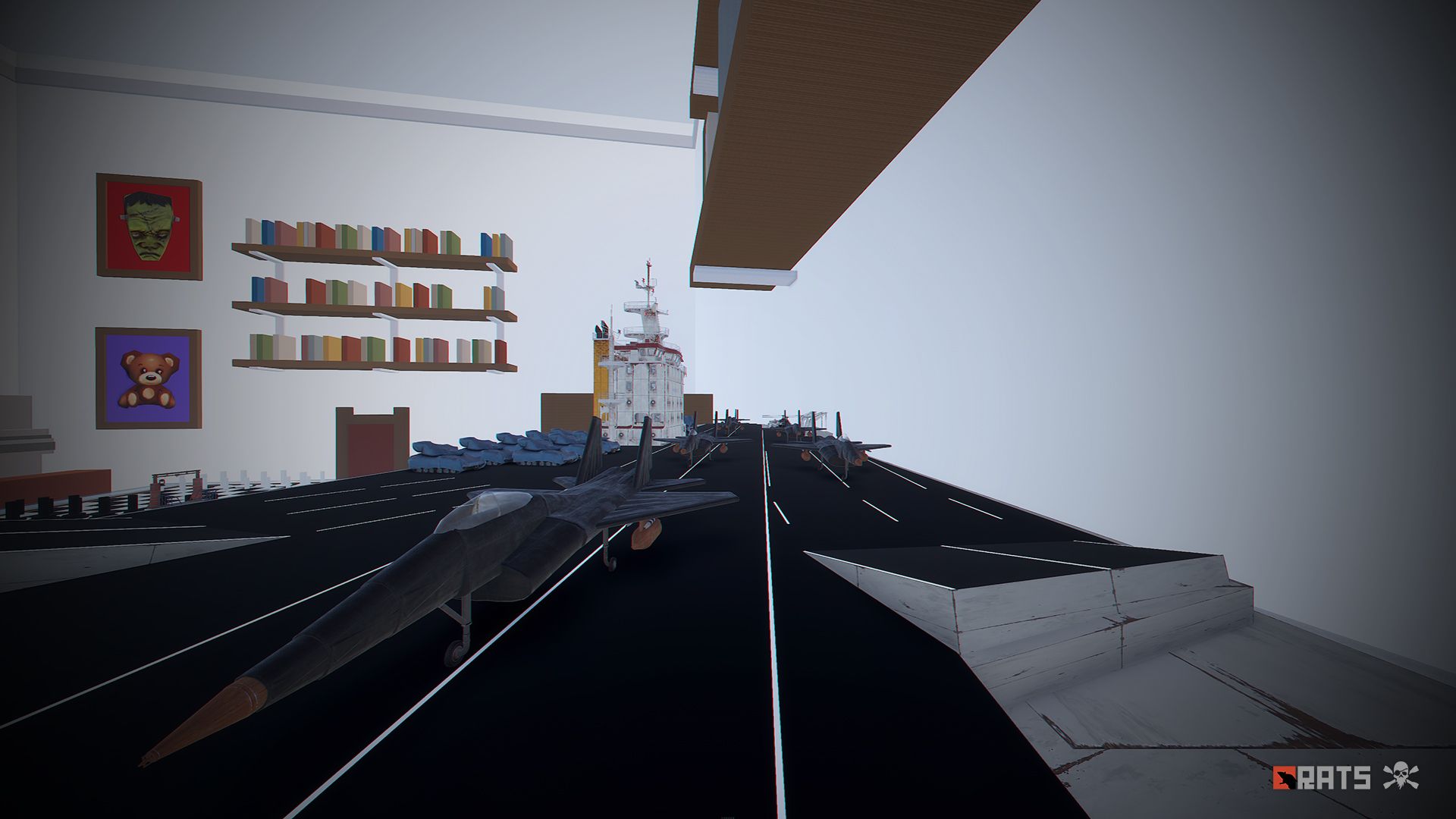
• Cargo Ship model: Full of loot, but watch your step sailor because you will find enemies on board.
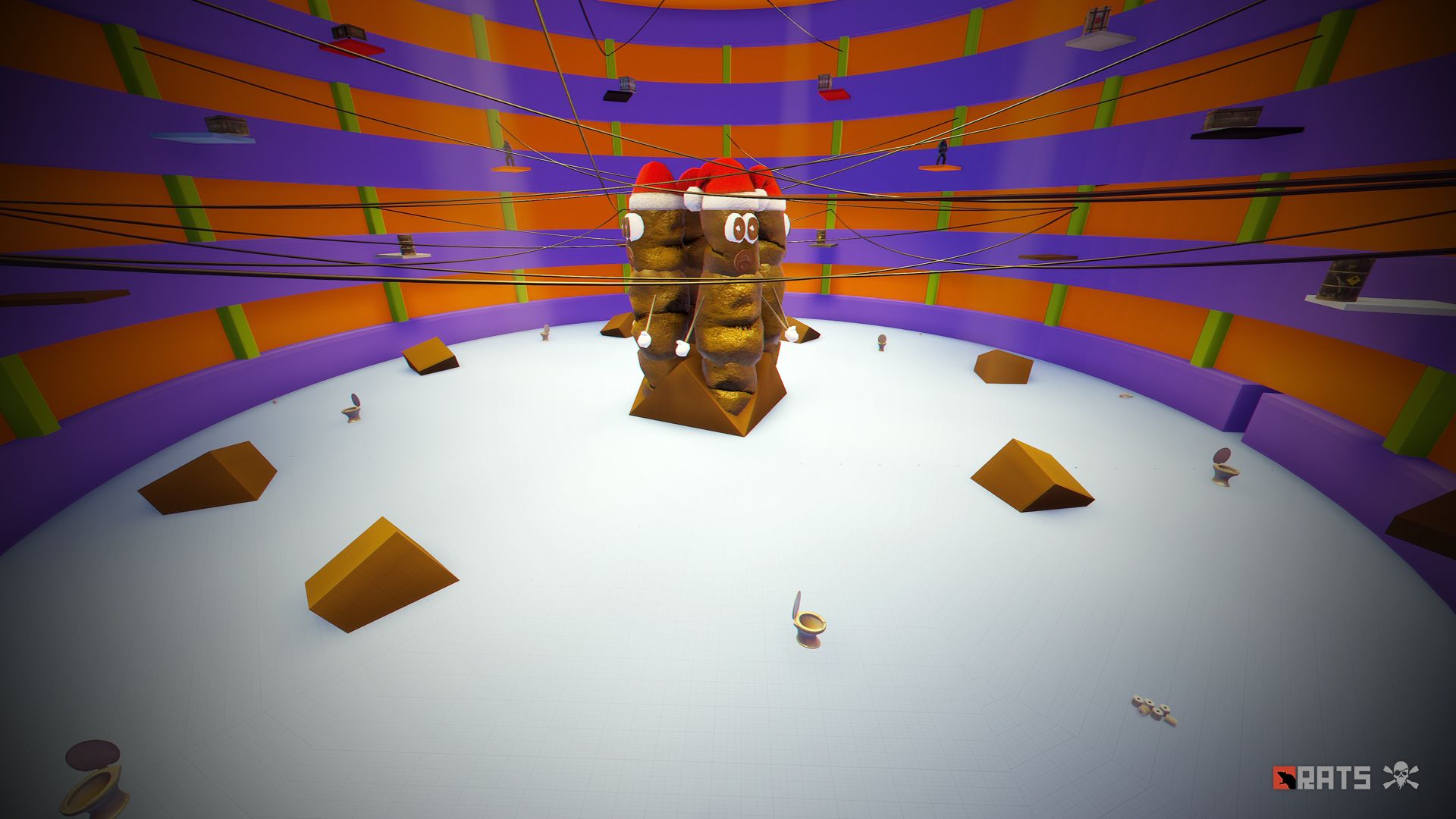
• Bullring: Use the Zone Manager plugin to place an event.
• Ball: Build your base indoors.
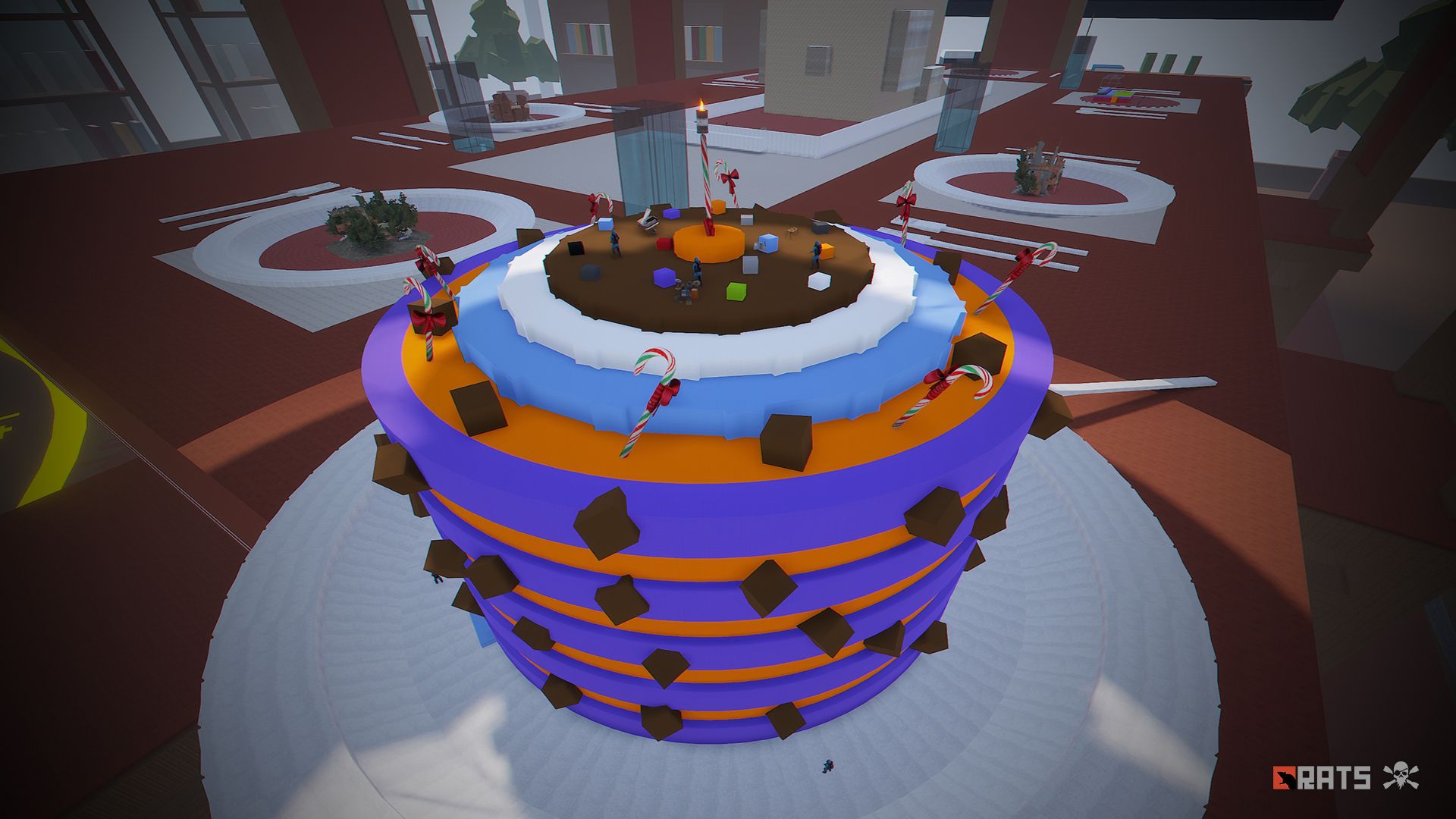
• Cake, a huge and delicious chocolate cake, inside you will find a not very pleasant surprise.
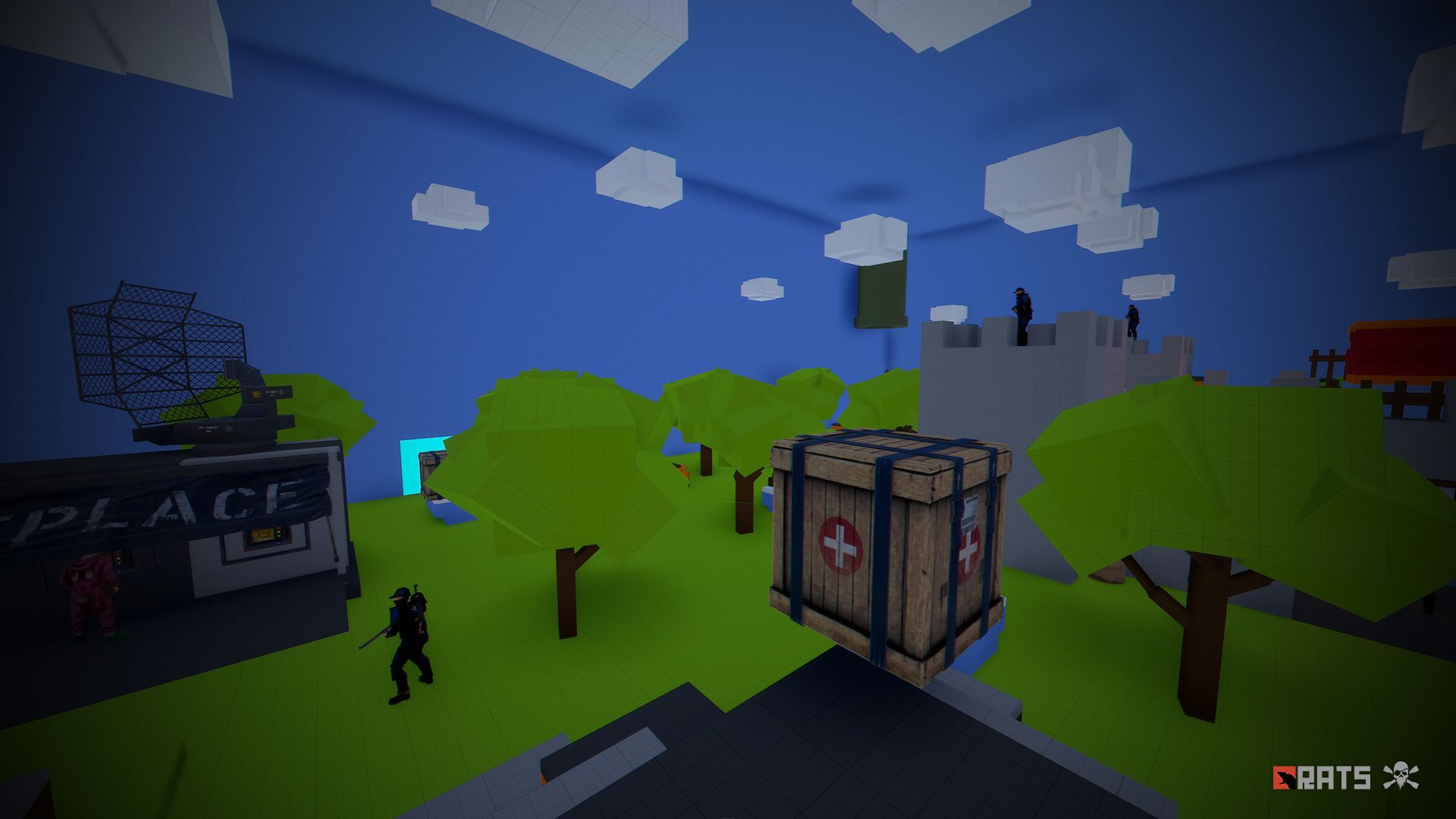
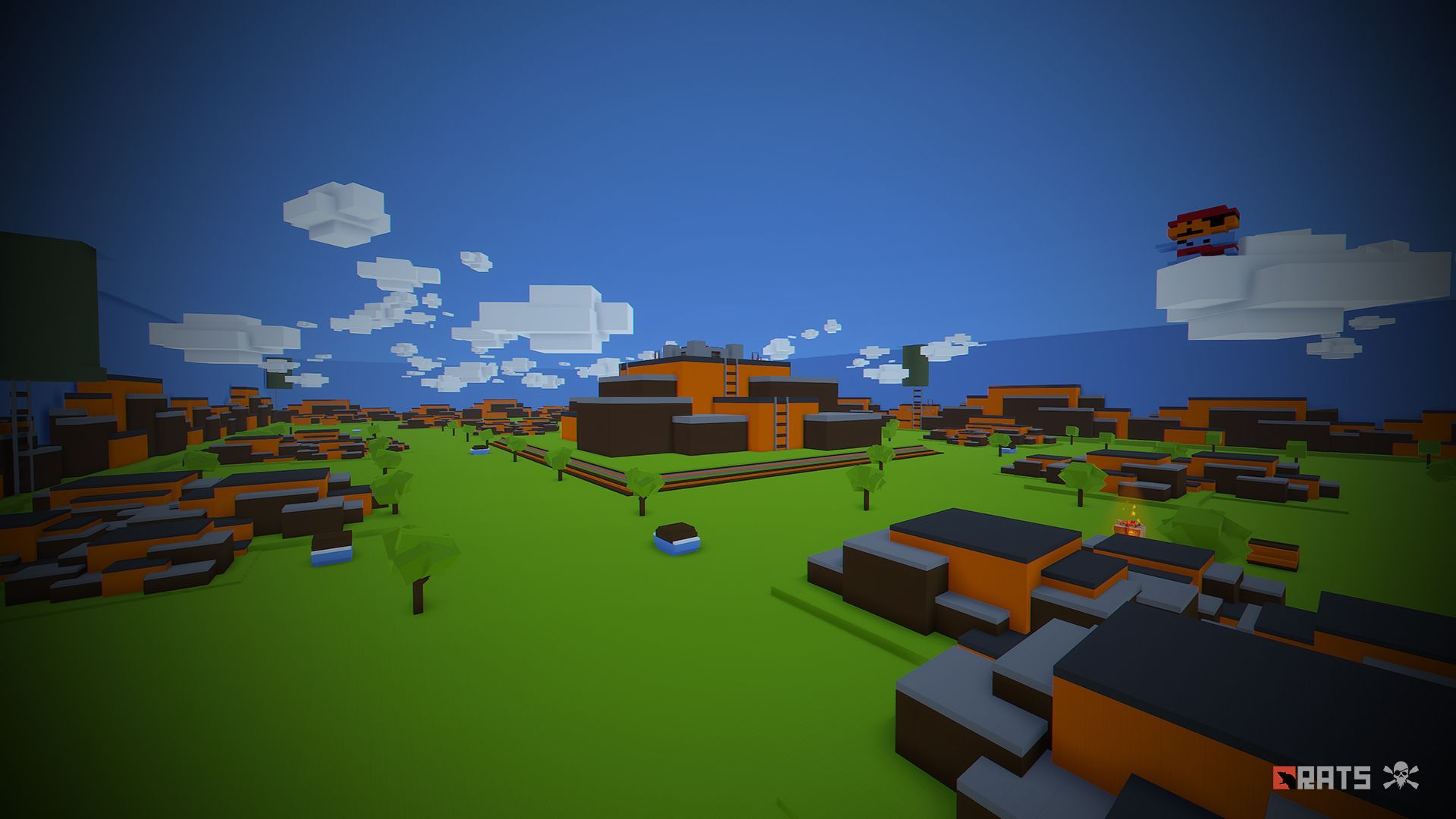
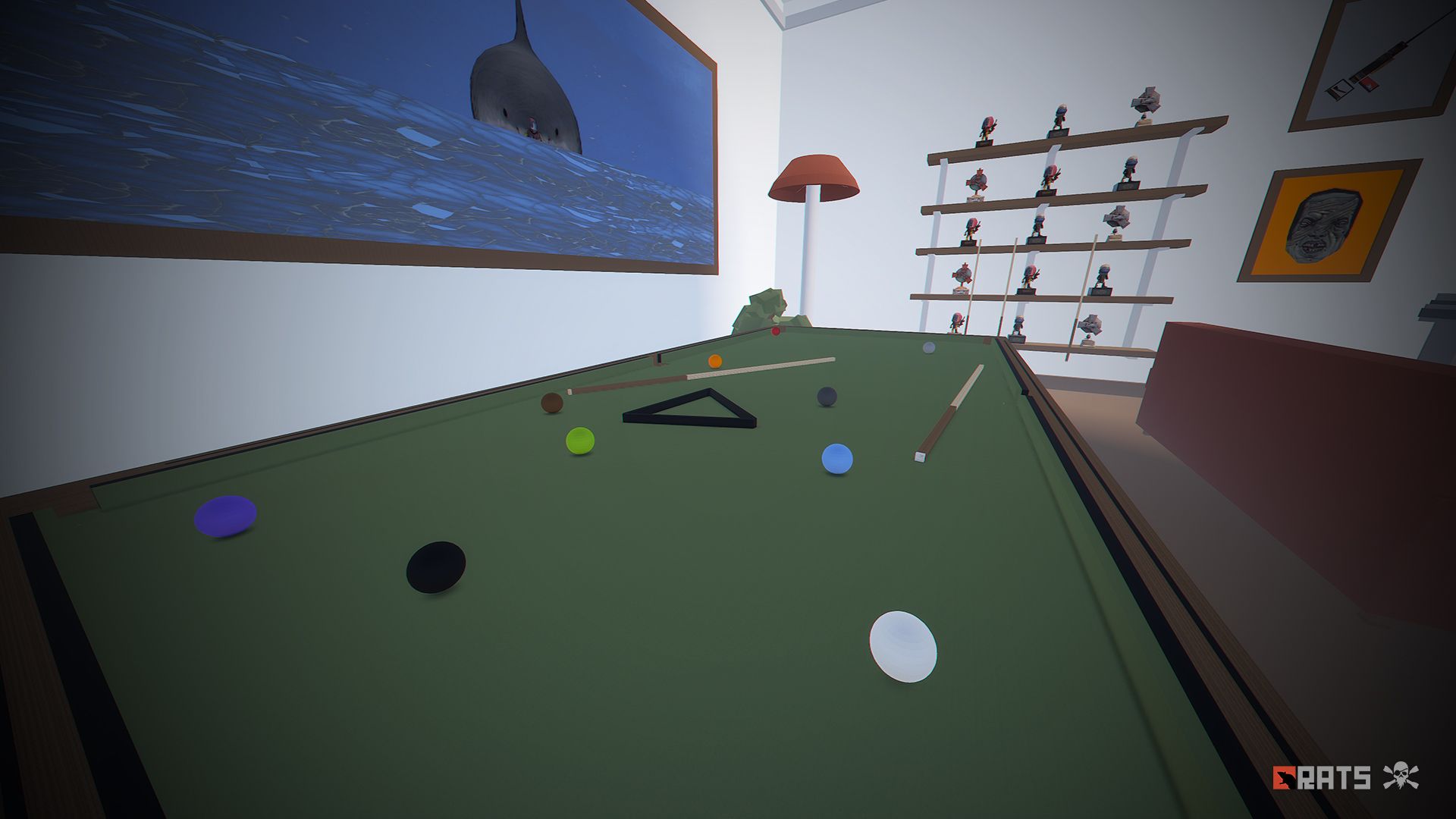
• Billiard: An original area to build your base, access through the holes to discover a new world inspired by Mario Bross.
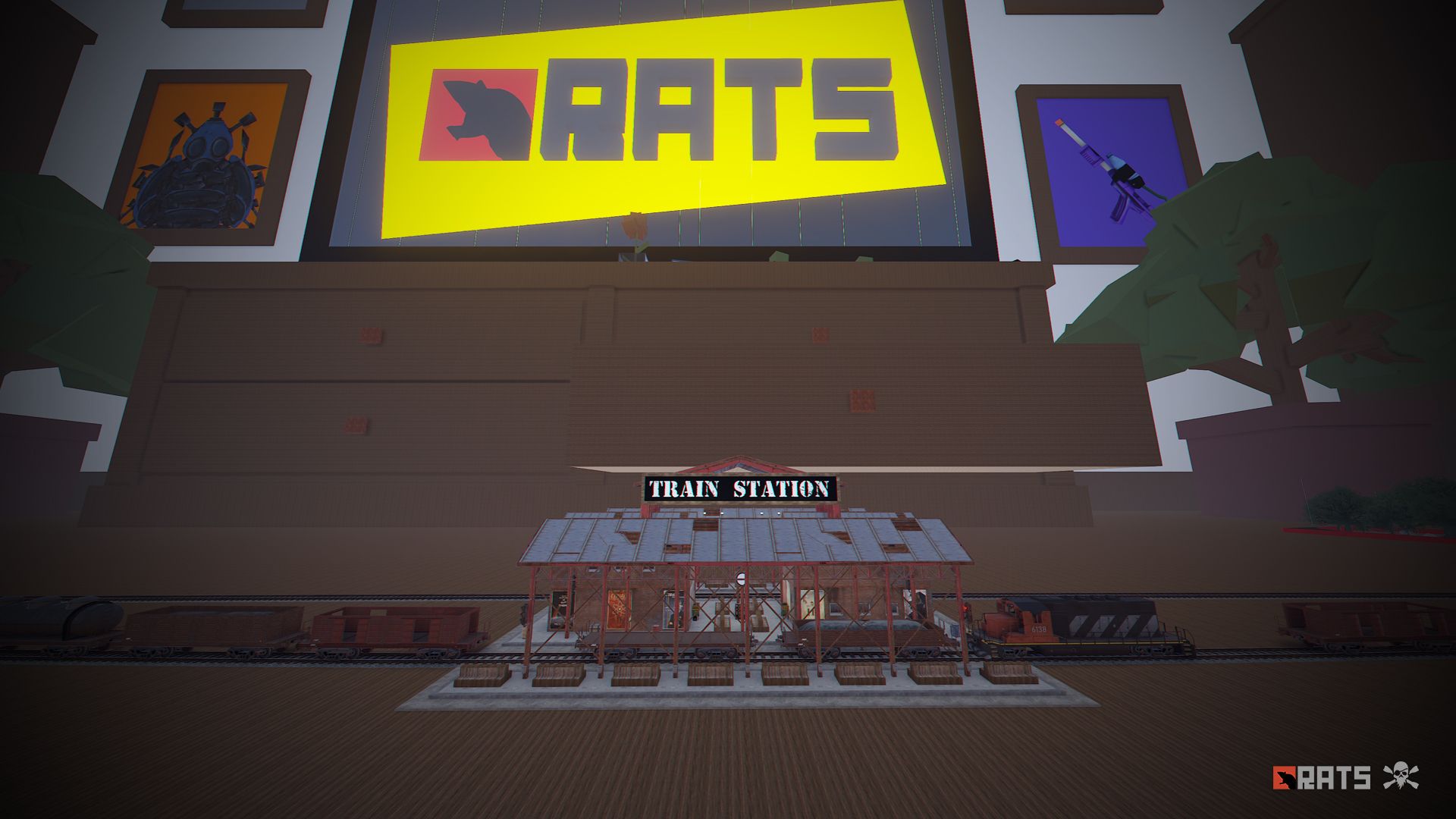
• Train Stations, with waiting room, loot and NPC, with secondary rail respawn.
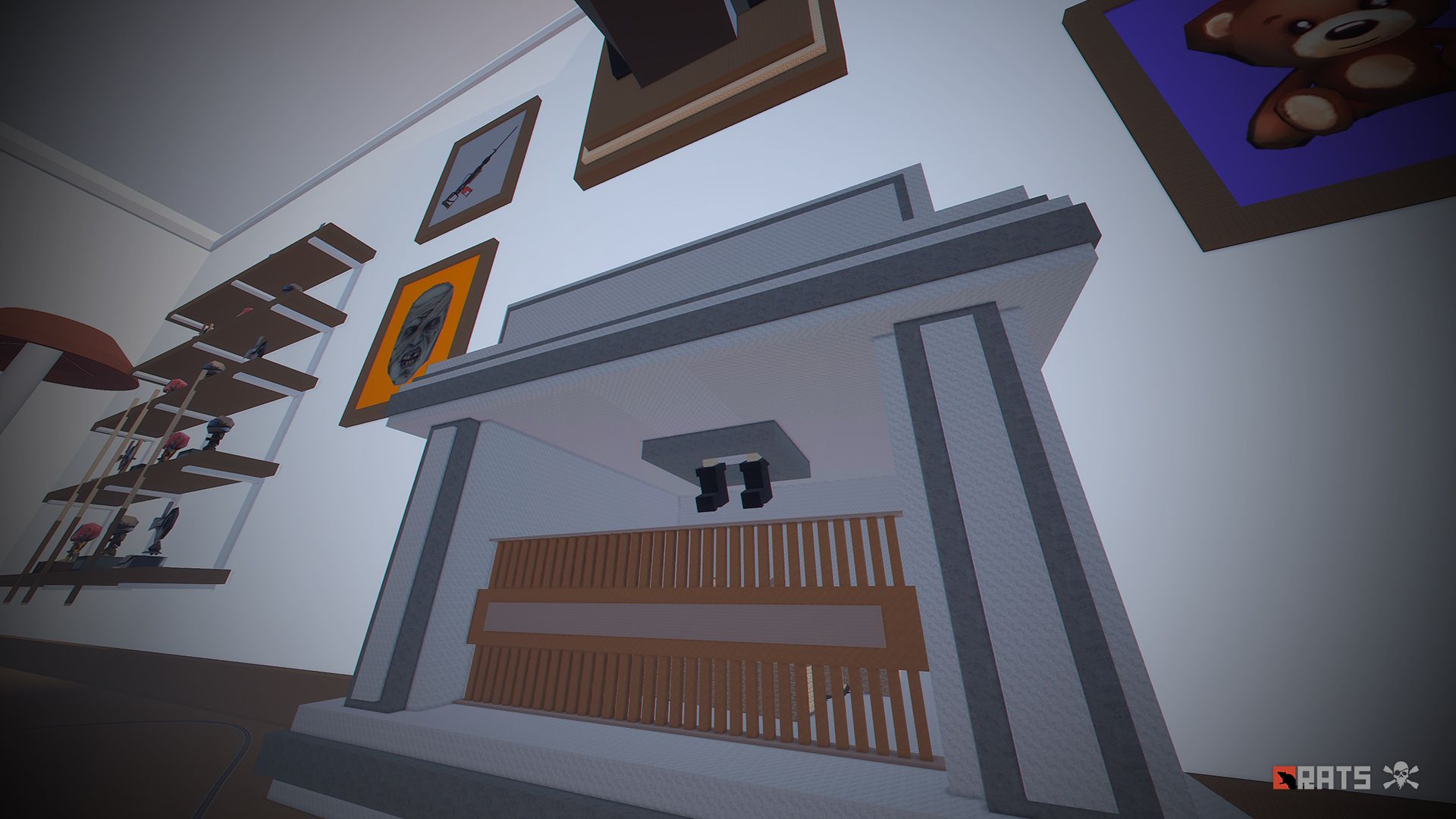
• Fireplace: Look up, the Grinch is stuck.
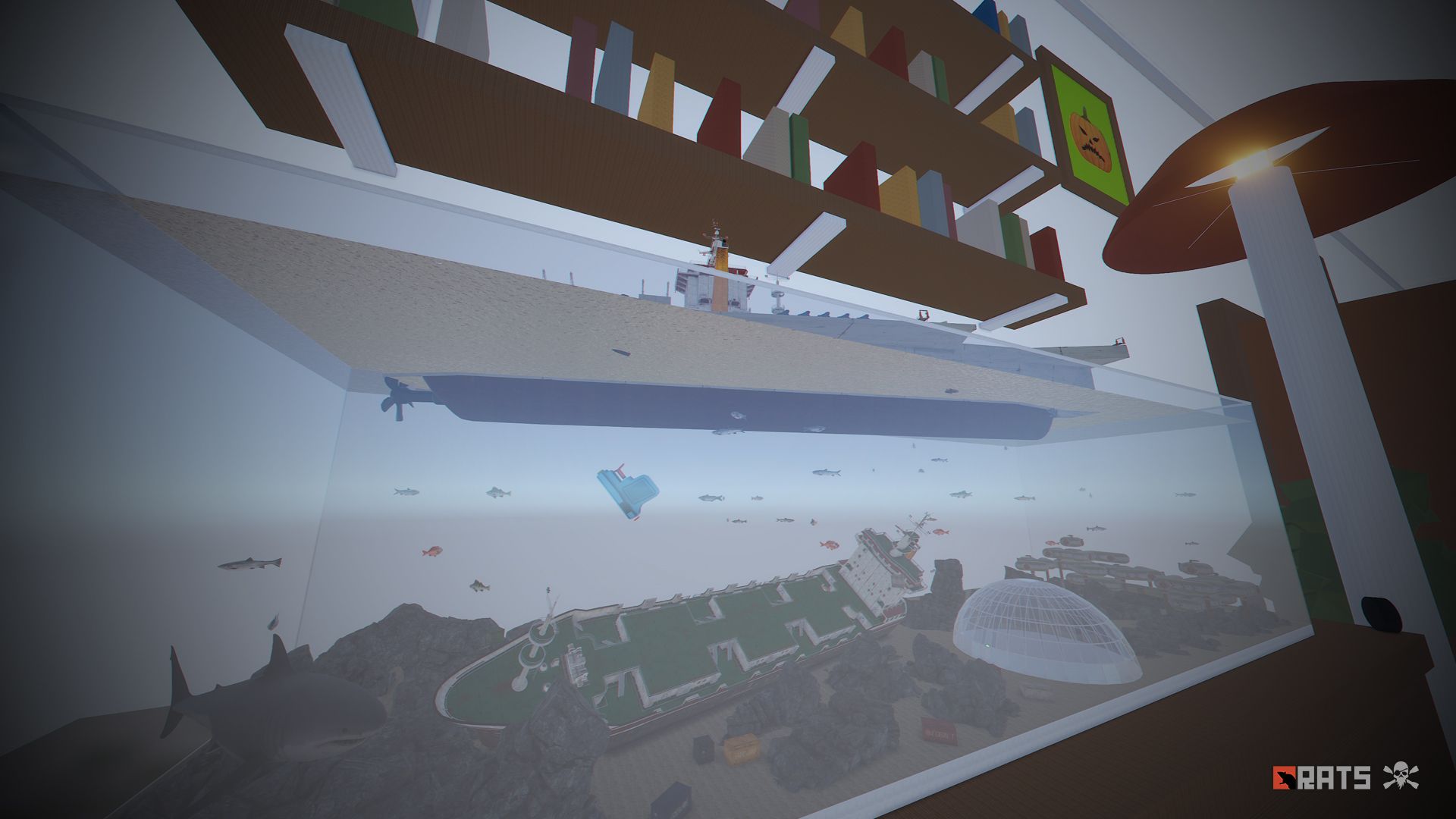
• Fishbowl, a huge aquatic area, contains a great variety of fish, in this area you will find the laboratory among other things.
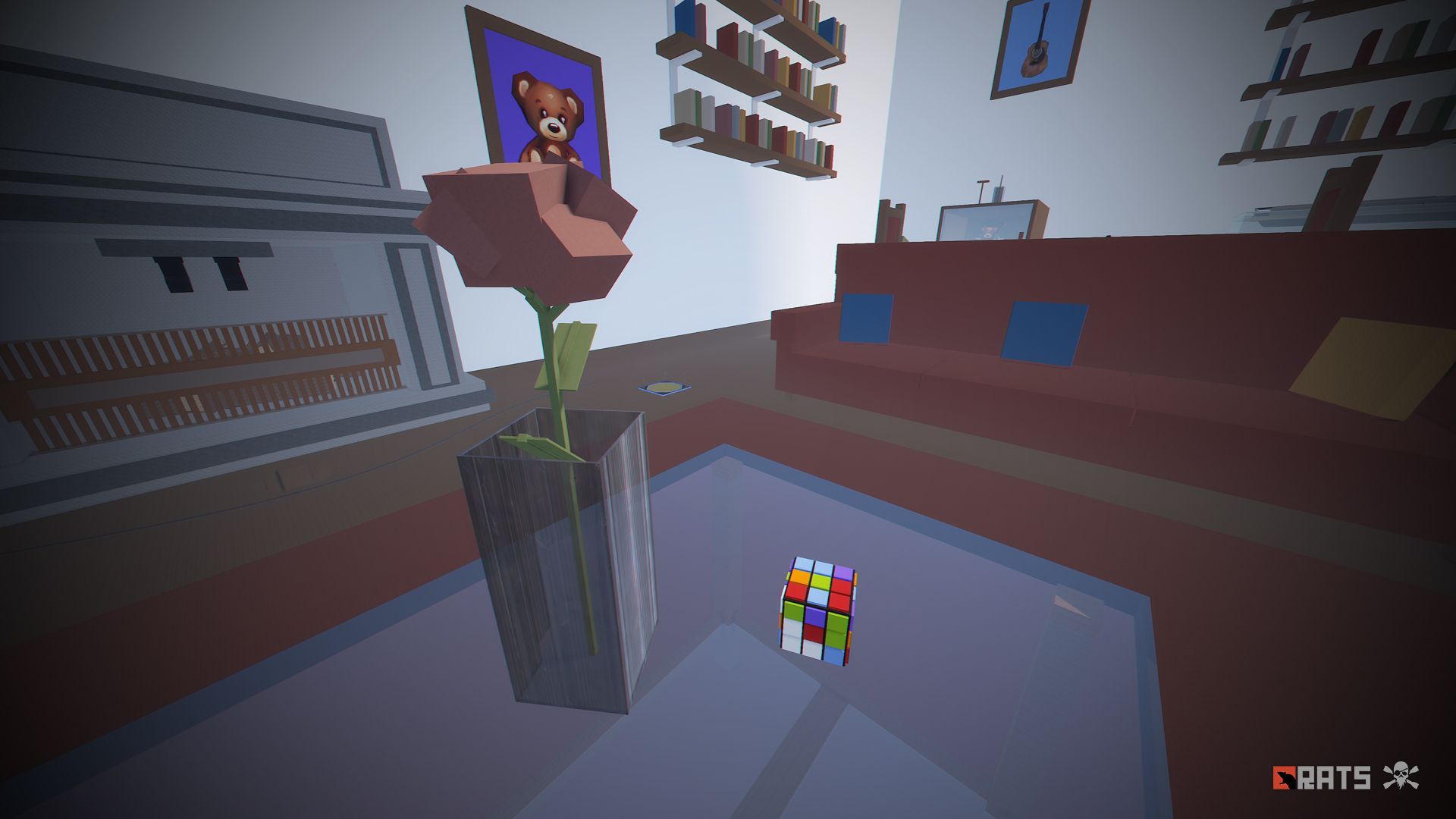
• Rubik's Cube: A colorful place to build your base.
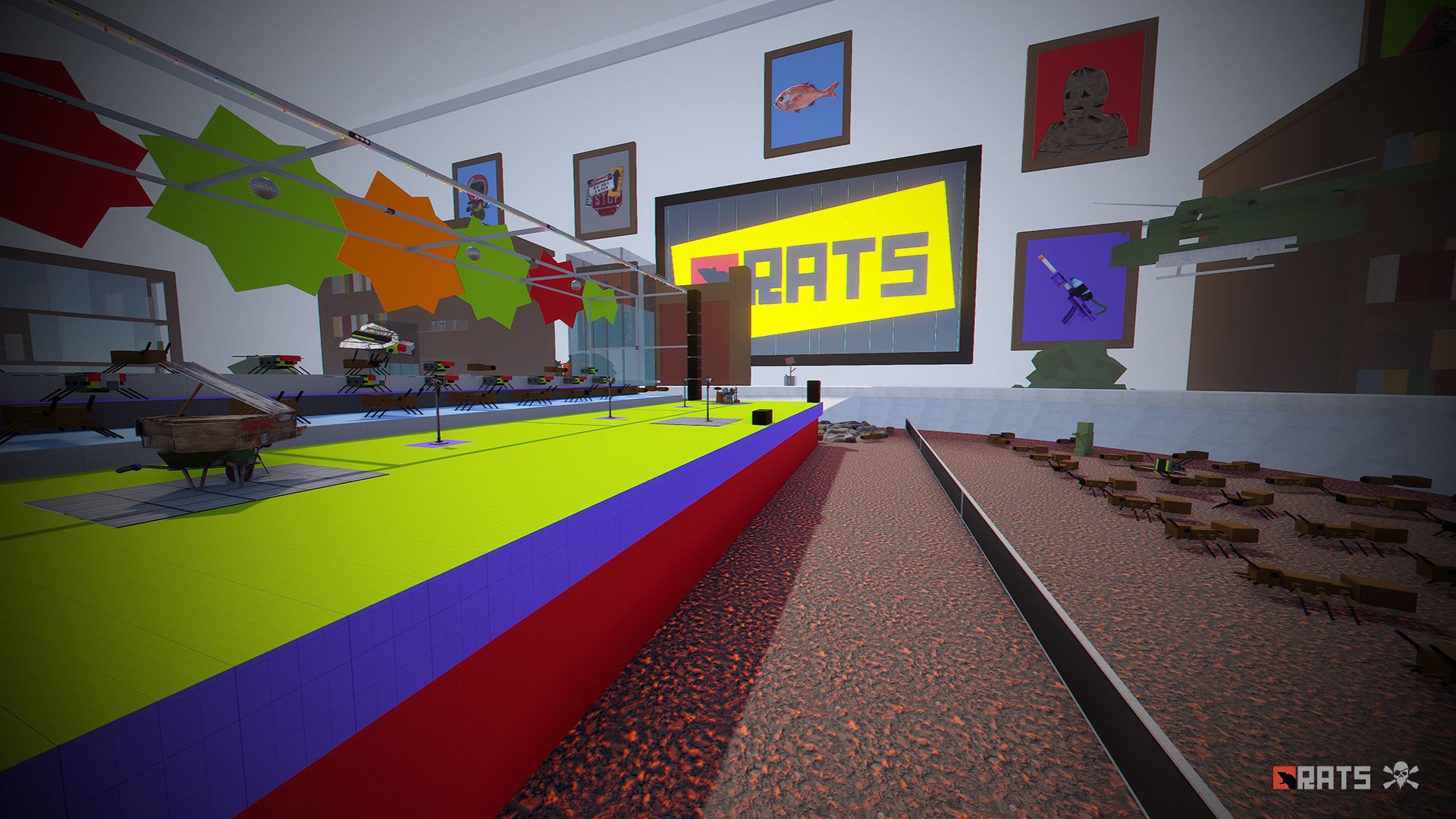
• Concert: Make your players have fun in this music zone. Turn on the music and lights, ants and flies will be your chorus.
• Zeppelin with dish, if you need a place far away from your enemies this is a good option to build your house, besides it is located in the air.
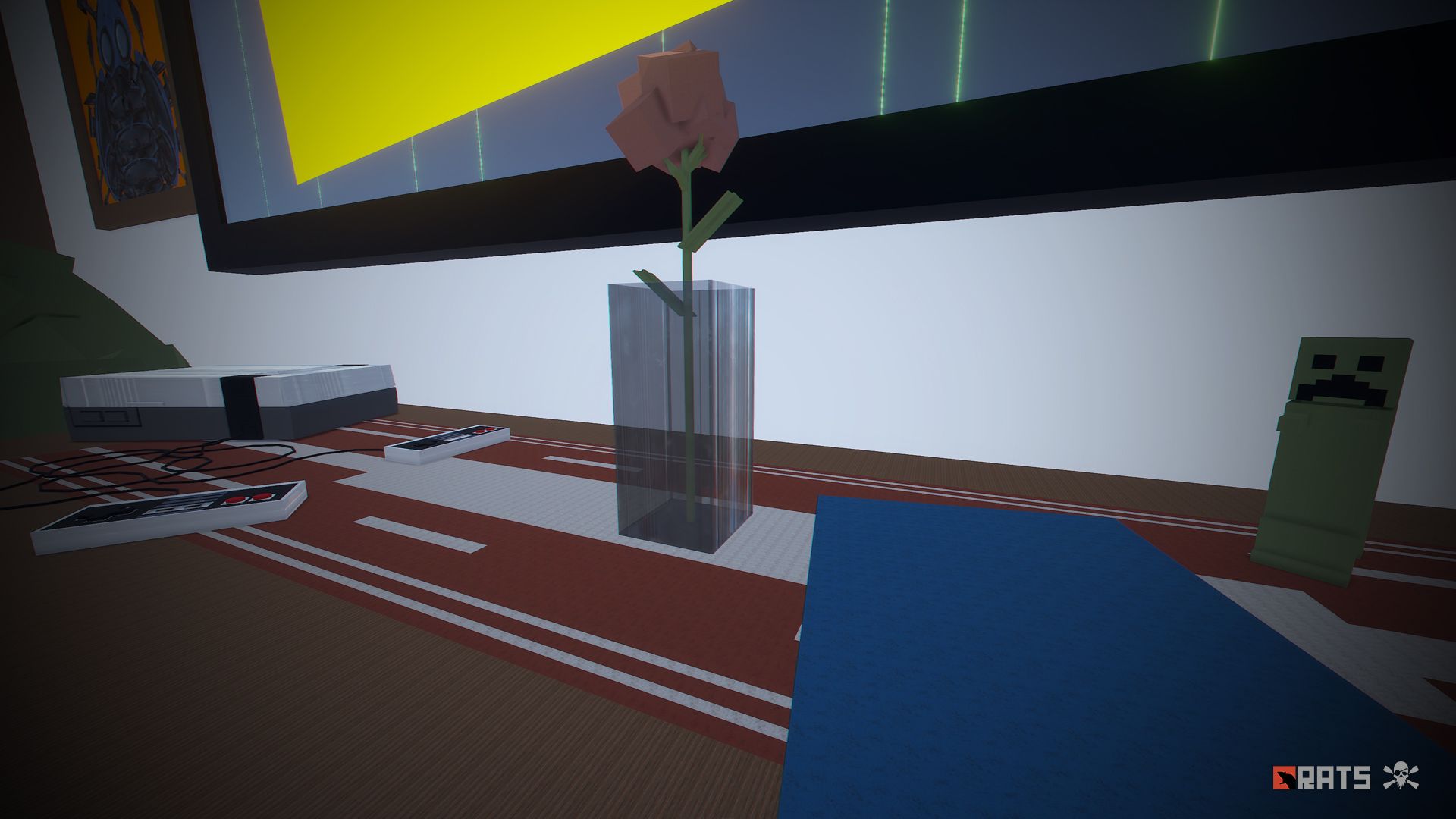
• Nintendo: A safe area to recycle, buy and trade. build your base on the controls.
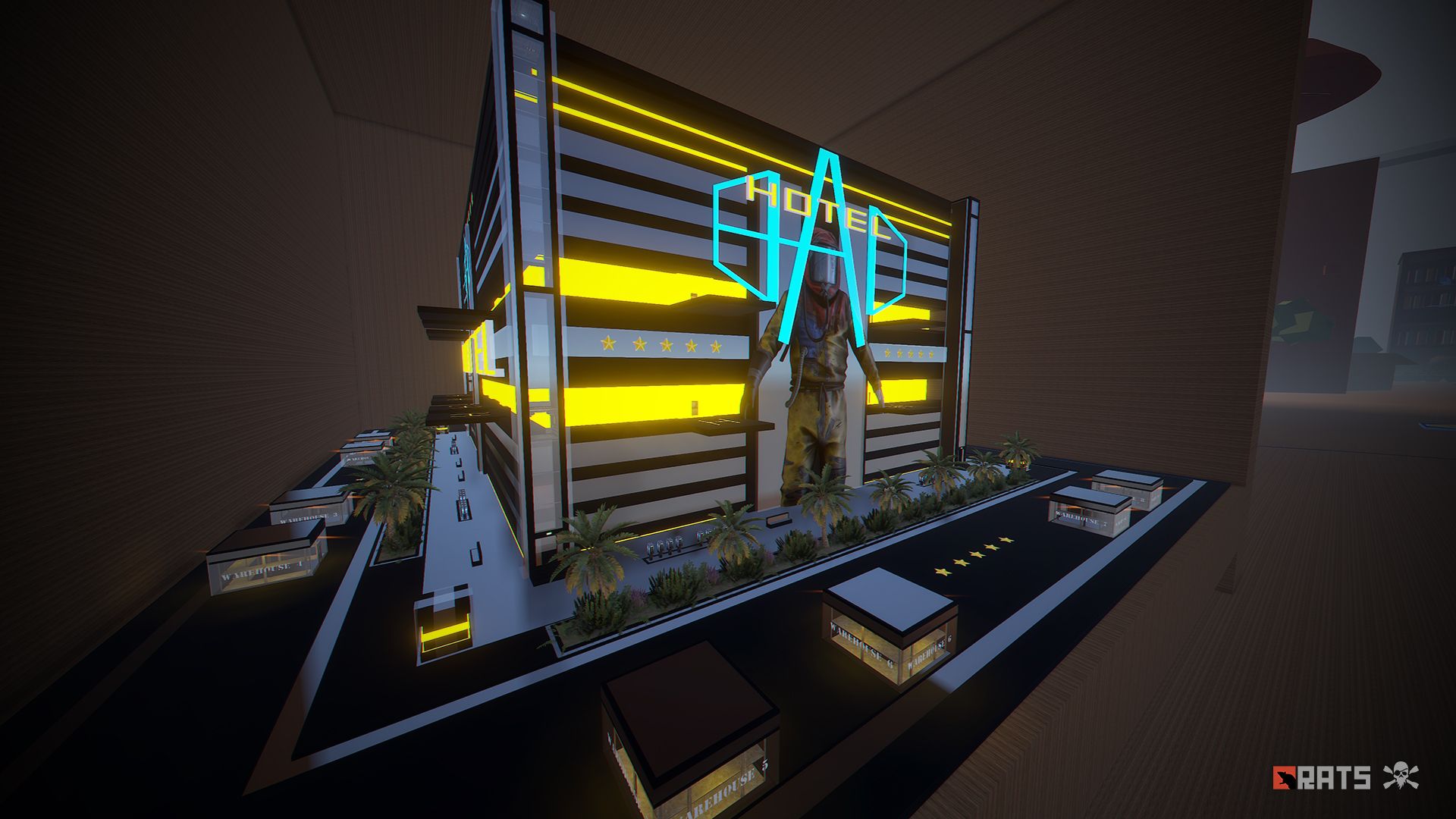
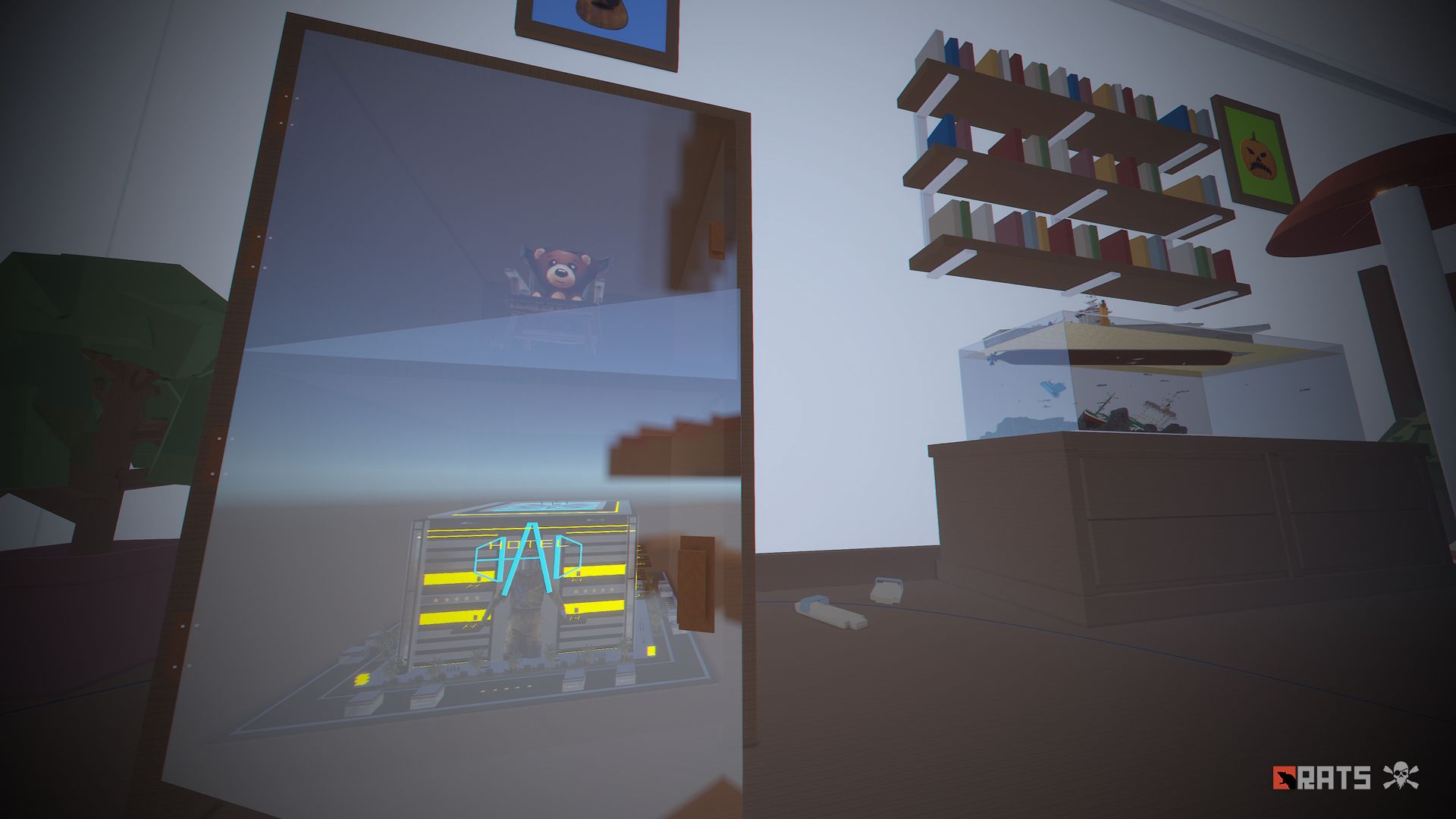
• Hotel: This three-storey hotel has two floors with a leisure area, rooms, a third floor with a shop-casino and an area prepared for defence in case of a helicopter attack.
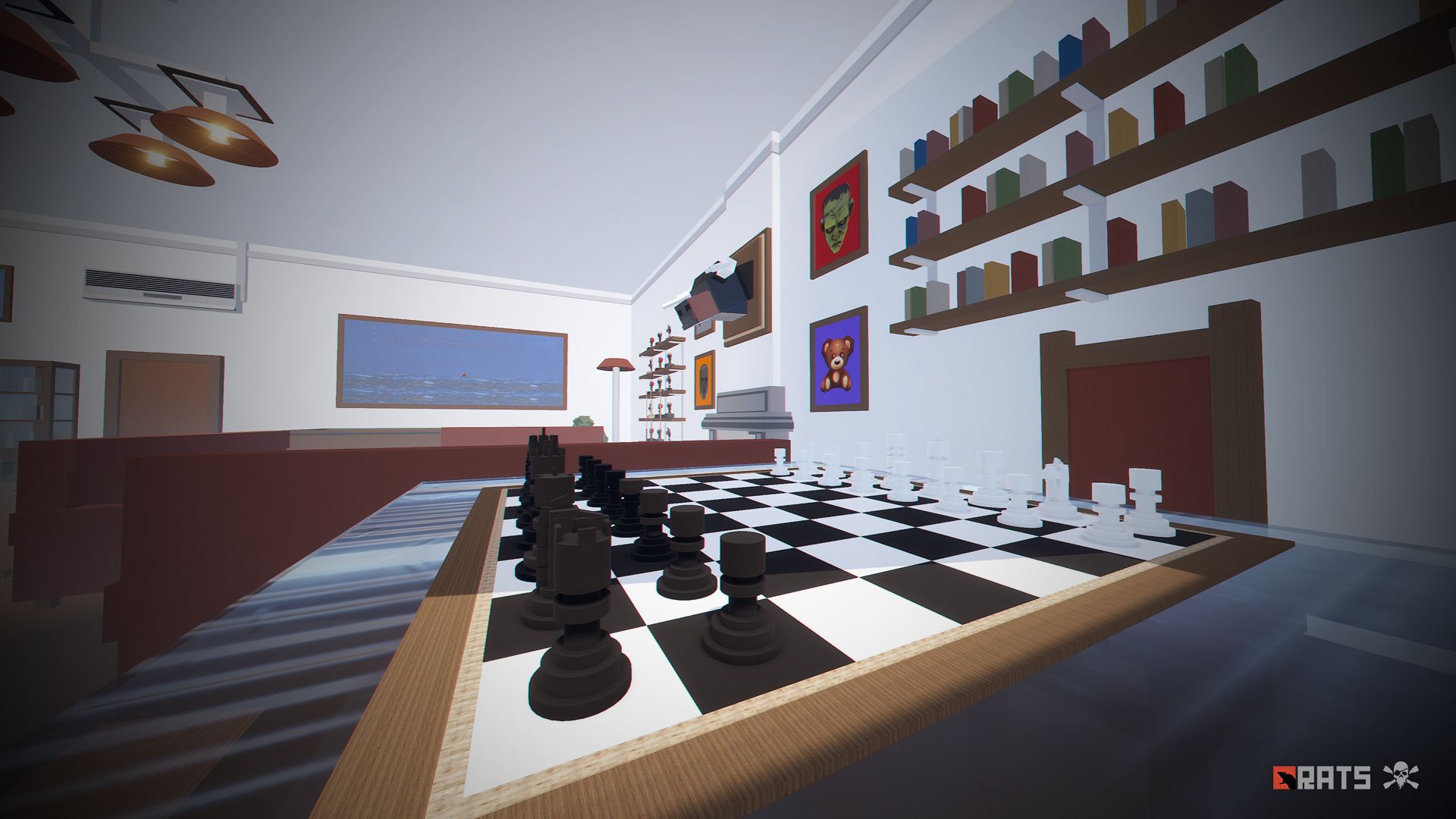
• Chess: A huge area to build anything you can think of.
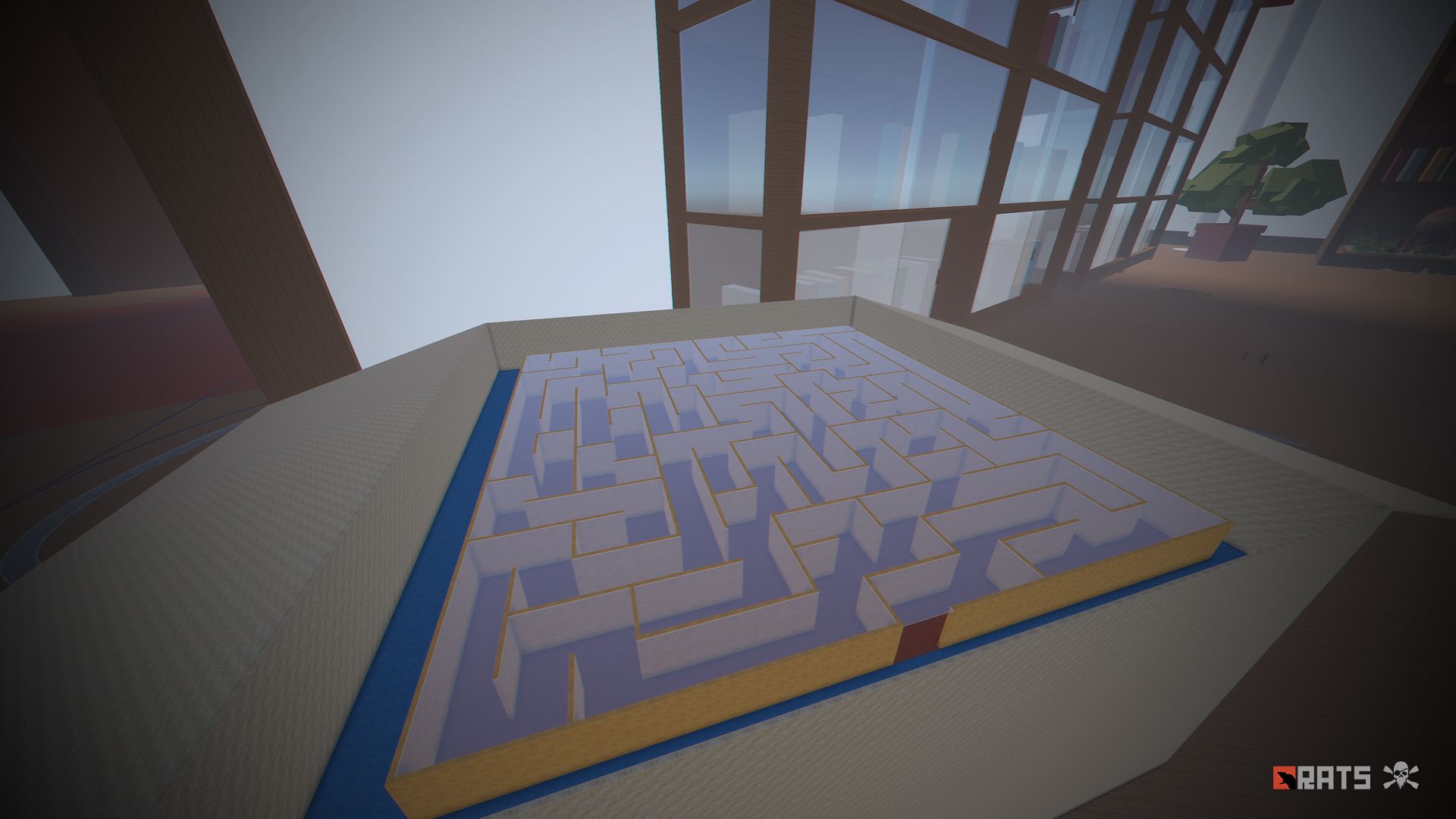
• Maze: Be careful and don't get lost, this maze contains loot, but also NPCs.
• Roast chicken: Build inside, you will find resources around, watch out for NPCs.
• Mazinger Z: Access its interior and complete the parkour to get your prize.
"In RATS 2 you will find many hidden areas that have not been mentioned, so equip yourself and explore this great miniature adventure"
- TIPS
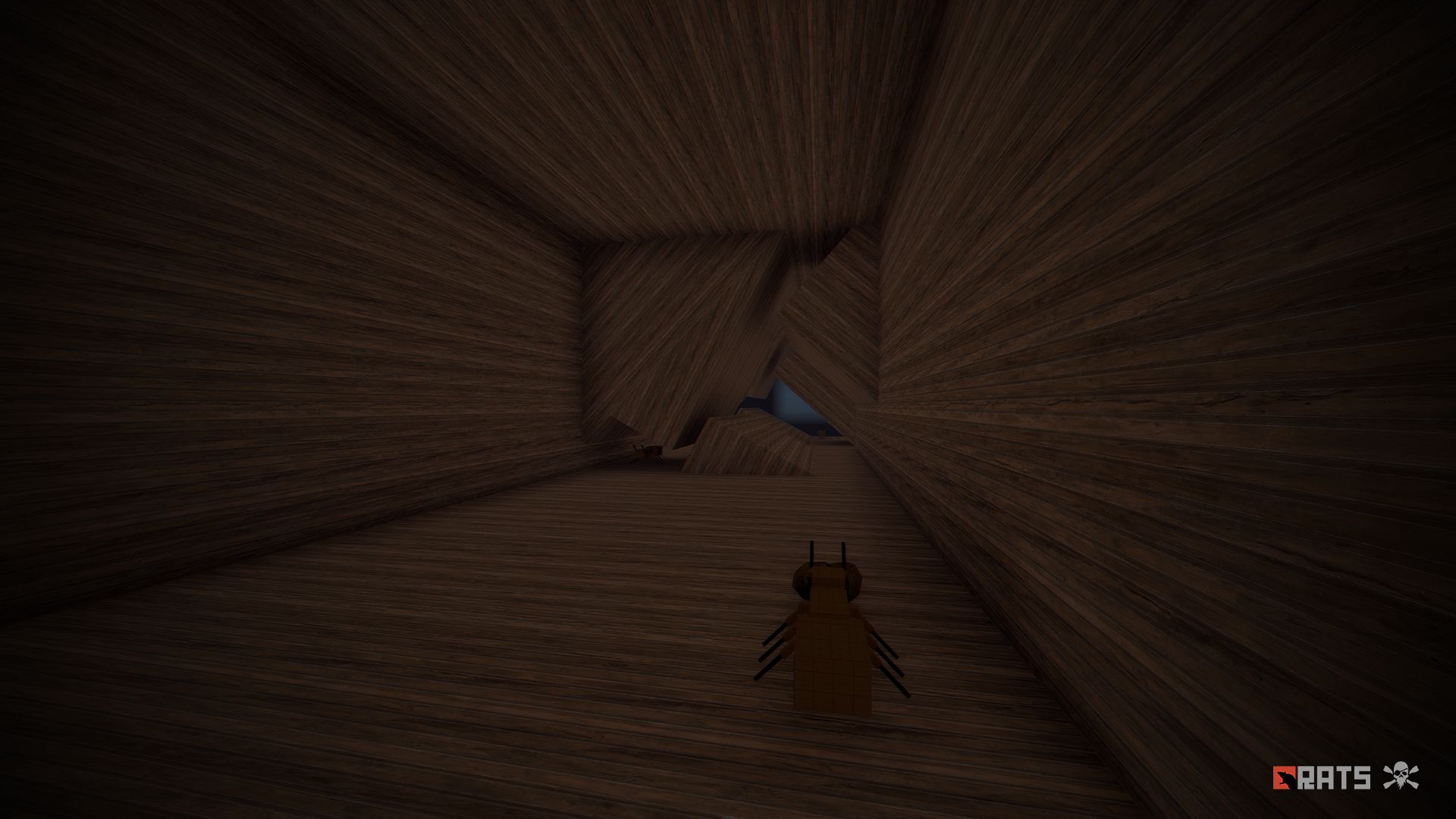
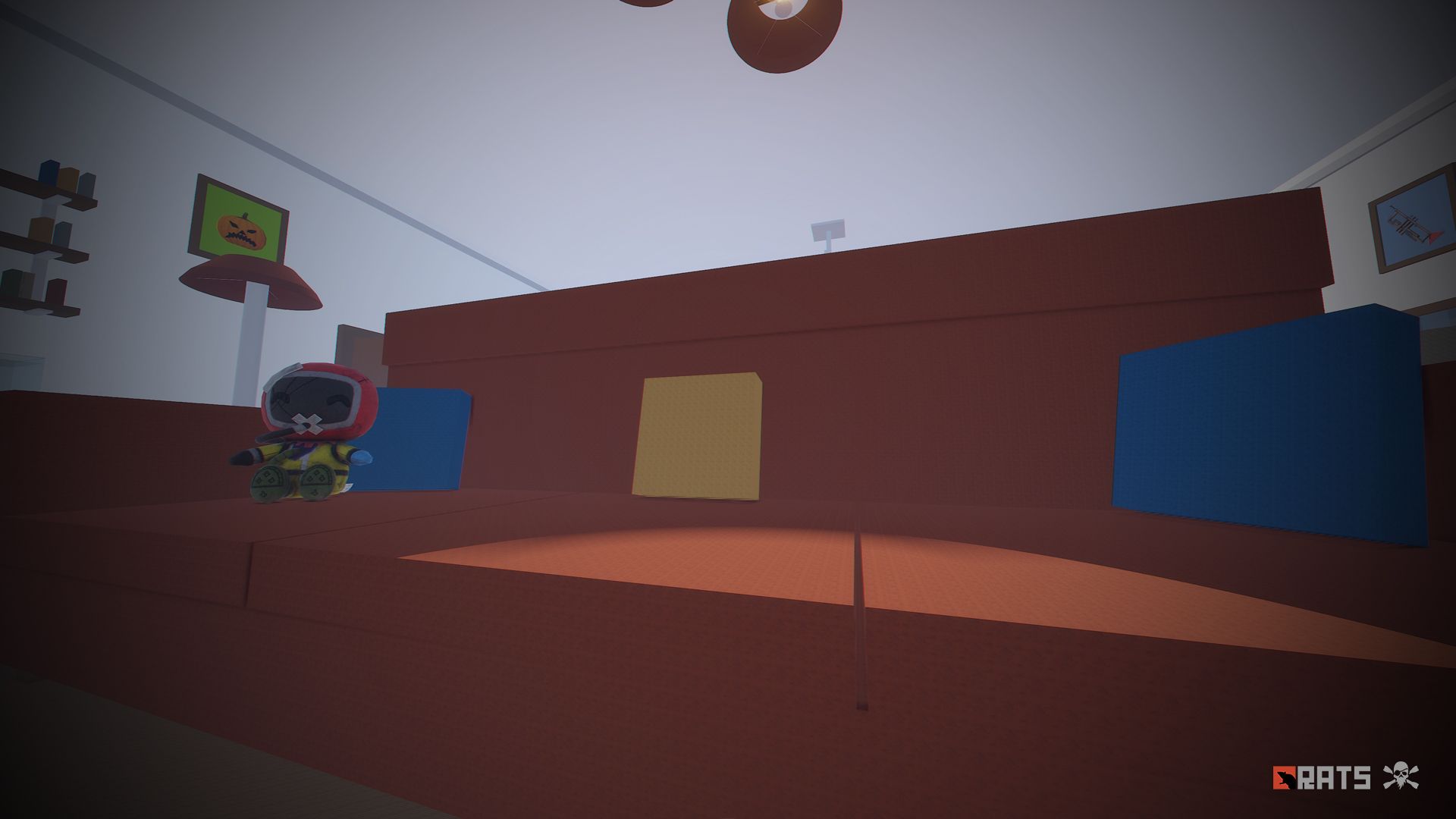
• Climb through walls, furniture and ceilings.
• Take advantage of any area with total freedom to build your home.
• Have fun :)
What's New in Version 1.2.5
Released
- Fixed roads.
- Fixed visual errors.
- Added resources to roads.
- Added a large number of general resources.
- Removed one of the security plugins.
- Duplicating, sharing or reselling this file is not allowed.
You may only provide a review once you have downloaded the file.
There are no reviews to display.