



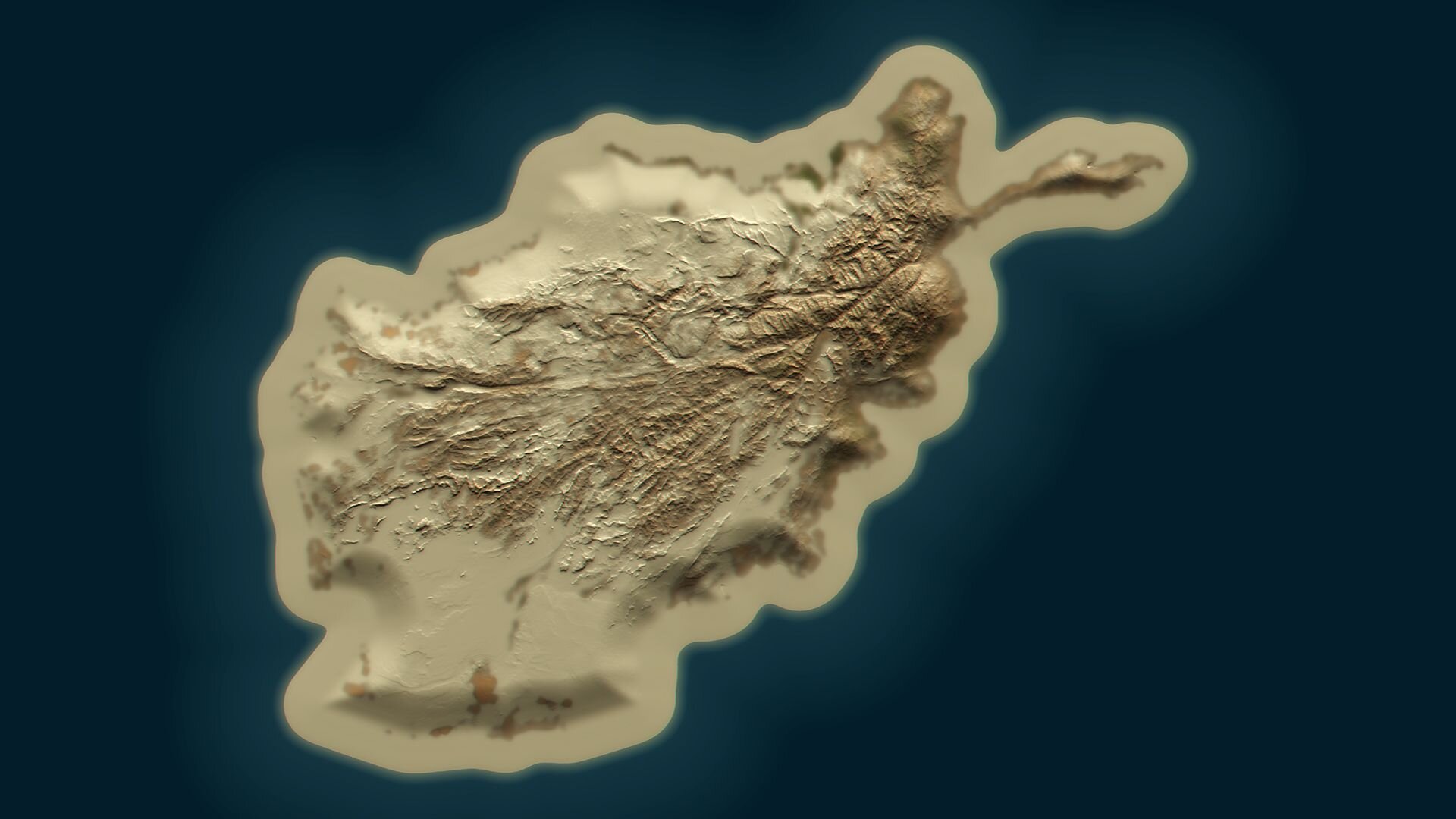
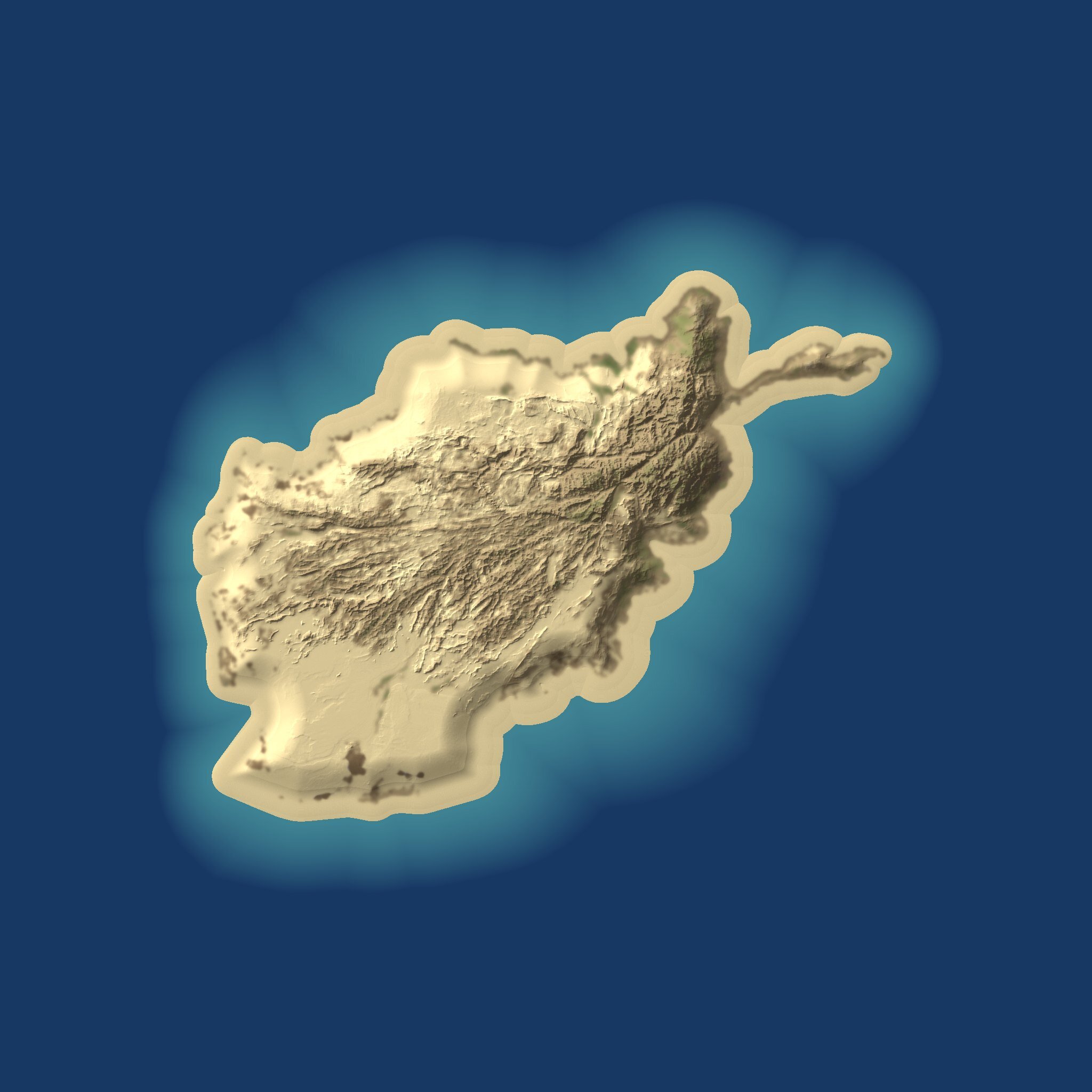
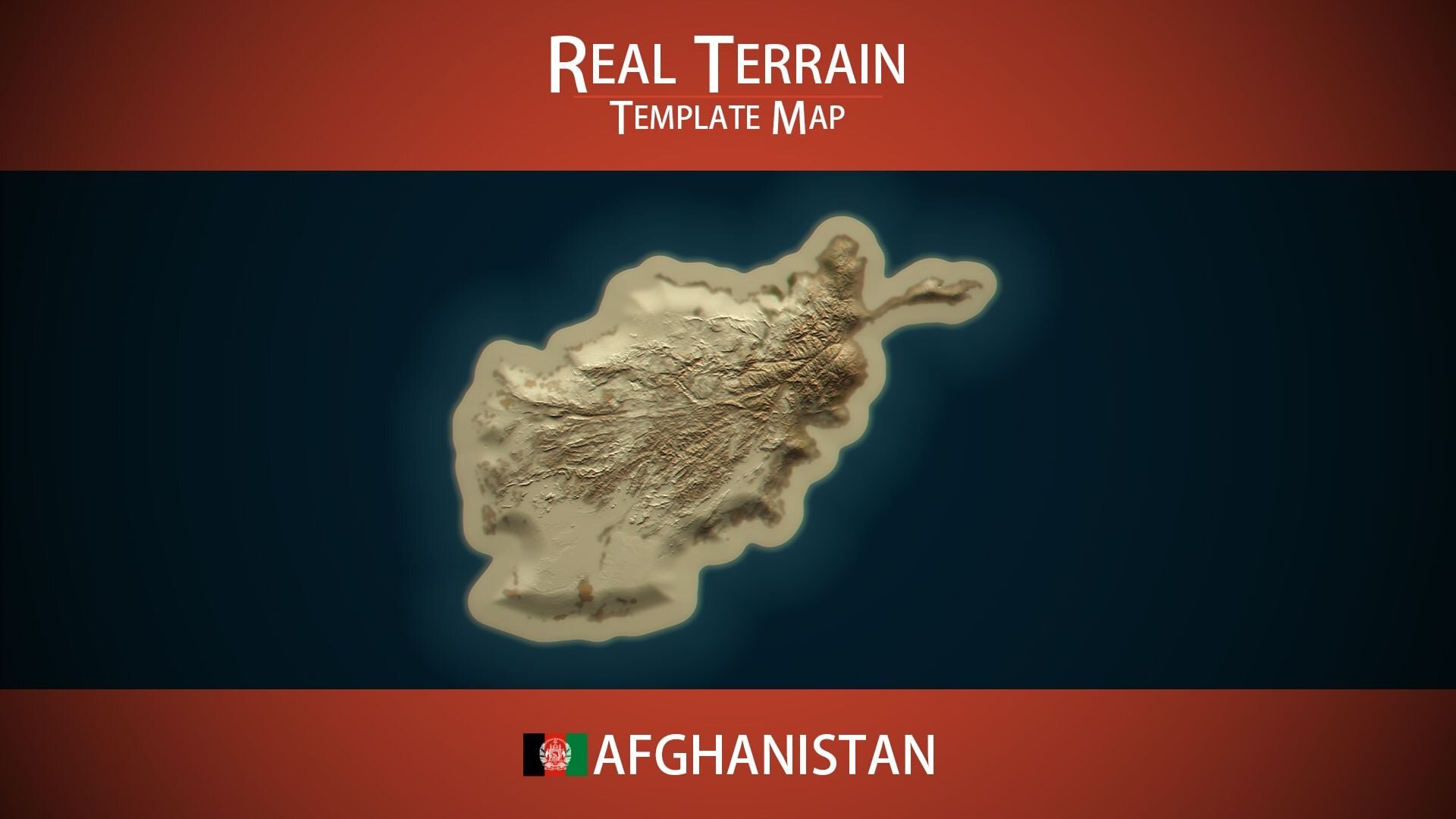
The Afghanistan Template Map is a Rust map template built from the real terrain of Afghanistan. It combines two landscapes that rarely share a map, high cold mountains and dry open desert, which gives you natural zones for harder and easier play on the same server.
Hindu Kush, deserts and northern plains
The Hindu Kush runs through the heart of Afghanistan from the north-east towards the west, splitting the country in two. North of the range, the land falls to plains near the borders with Central Asia. To the south and south-west, it dries out into deserts and arid plateaus. In the far north-east, the narrow Wakhan Corridor reaches out towards China. There is no sea anywhere.
Designing a Rust map here
Despite the mountains, 90.3% of the template is rated buildable land, so most of the map can take a base.
A central mountain spine that divides the map and pushes players through passes.
Desert lowlands in the south for arid monuments and wide-open fights.
Northern plains where groups can farm and build large.
Cold, high ground for snow biomes and remote, high-risk monuments.
Because the real country is landlocked, the coastline of your map is entirely your decision, from a narrow beach to a wide shelf for oil rigs.
Included
Afghanistan's real elevation on a 6,000 m map.
A realistic splat map and biome map.
An empty canvas with no monuments, rivers, railways or caves.
No topology map comes with it, so the terrain stays open to edits. Generate one in RustEdit when the shape is final; it is placed under the splat map to prevent errors.
How to install
Once you have paid, download and unzip the file.
Open the template in RustEdit.
Place monuments, roads, rivers and prefabs wherever the terrain suits them, then generate the topology.
Save the map, host it online and start your server with +server.levelurl set to that link.
SUPPORT: http://discord.badgyver.com/
- Duplicating, sharing or reselling this file is not allowed.
You may only provide a review once you have downloaded the file.
There are no reviews to display.