



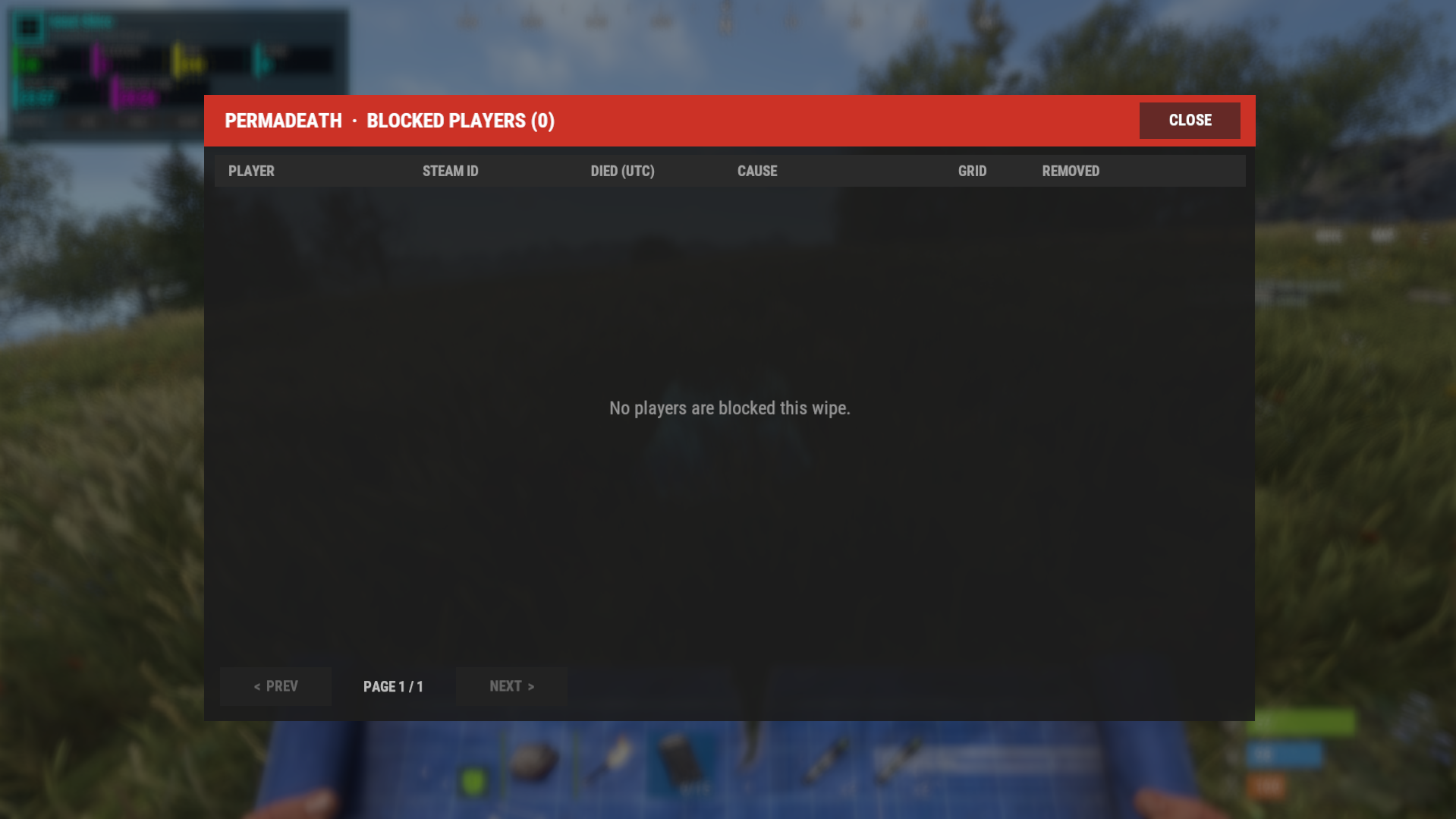
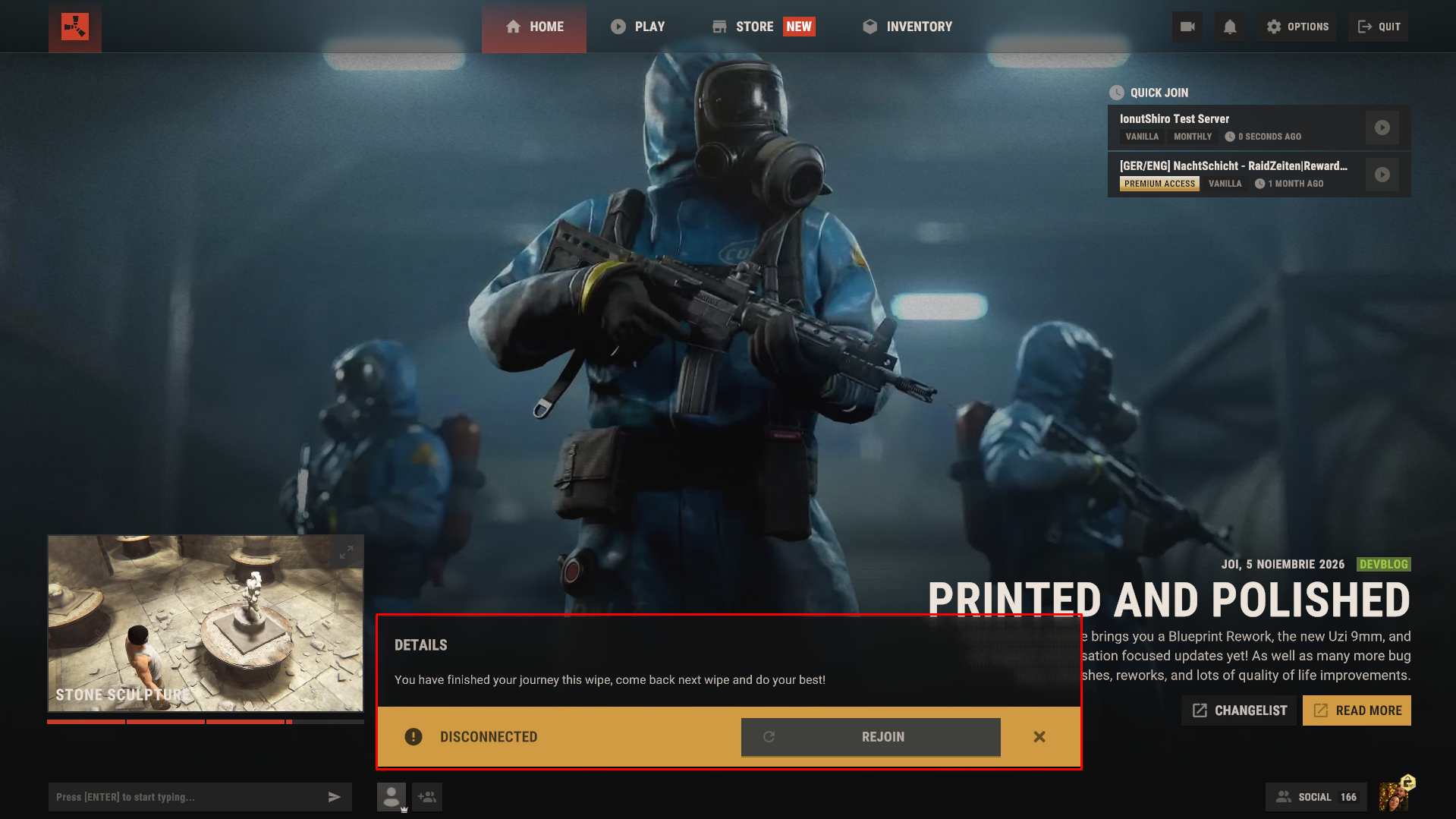

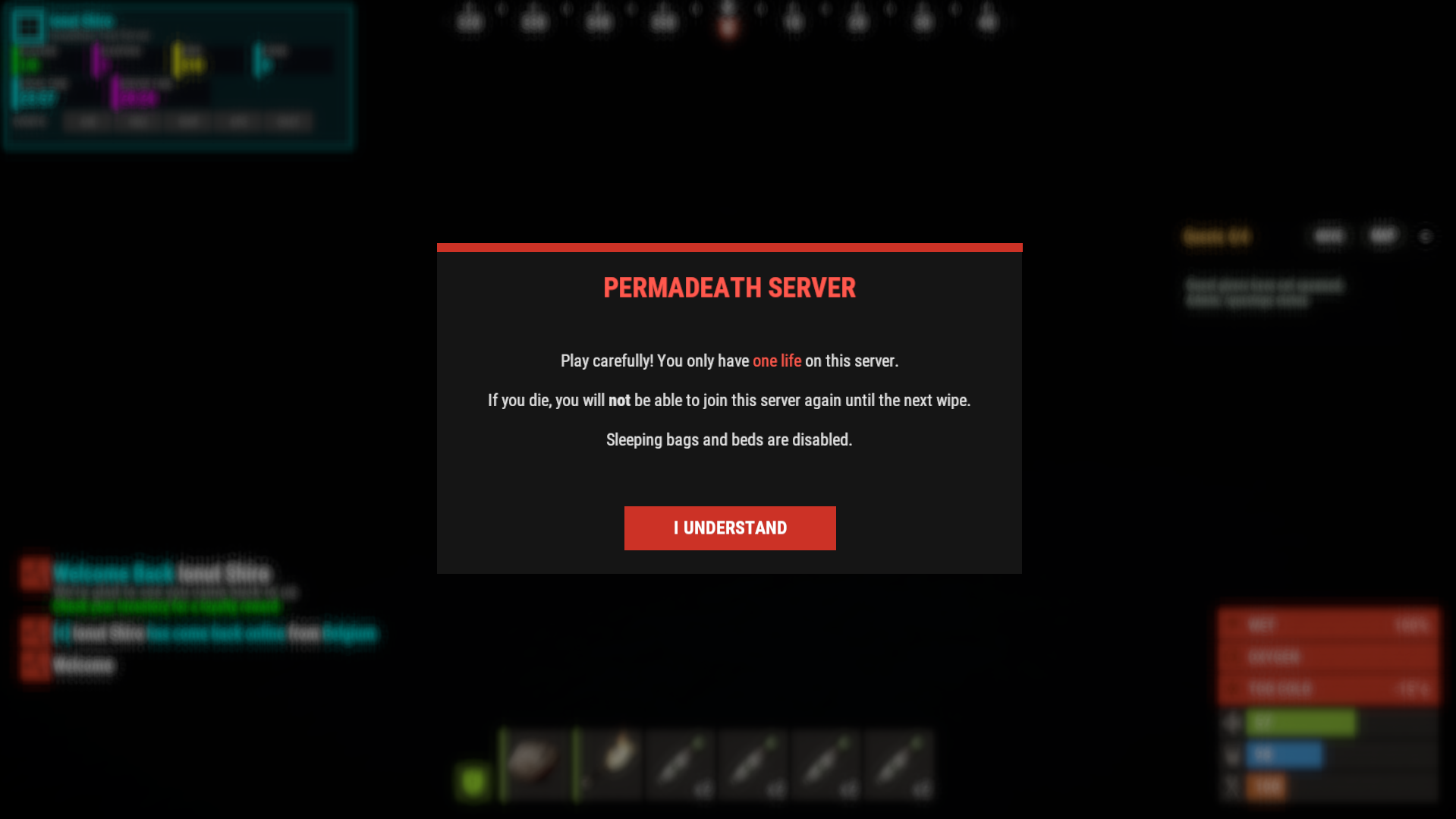
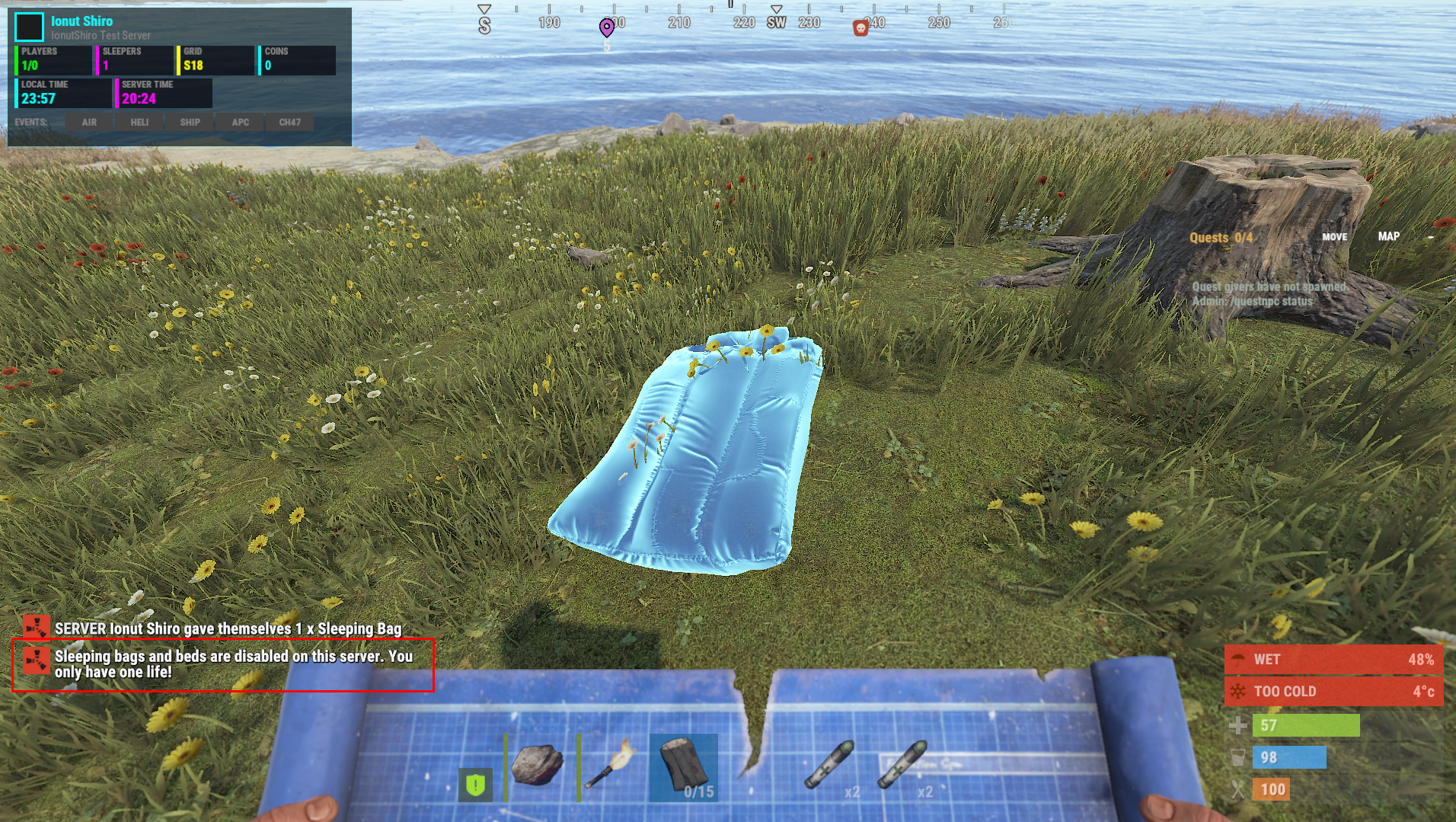
- Locked out until wipe. A player who dies is kicked after a short delay and cannot join again until the map is wiped. They see your custom message right on the loading screen:
> You have finished your journey this wipe, come back next wipe and do your best!
- Join warning popup. Every player gets a clean warning when they join, telling them that dying means they can't come back until wipe. You can show it every time or only once per wipe.
- Admin panel. Type /permadeath to open an in-game panel listing every blocked player with their name, SteamID, time of death, cause of death, map grid and how many of their entities were removed. Unblock players one at a time, or all at once (with a confirmation click). The panel updates live while it's open.
- No sleeping bags or beds. Players cannot place sleeping bags, beds, beach towels or any other respawn point, including skinned and seasonal versions.
- Optional base cleanup. When enabled, everything the dead player built or placed is deleted from the map. Deletion runs in small batches so the server doesn't lag, even for large bases.
- Automatic wipe detection. Uses Rust's own wipe ID stored in the save file. The blocked list clears itself on a map wipe, and a normal server restart never clears it by mistake.
- Offline deaths. Choose whether players killed while sleeping (offline) are blocked too.
- Bypass permission for staff and VIPs.
- Fully configurable messages plus language file support.
## Permissions
| permadeath.admin | Open the admin panel and use the unblock commands. |
| permadeath.bypass | Never blocked when dying, and can still place sleeping bags and beds. Useful for staff. |
---
## Chat Commands
|---|---|
| /permadeath | Opens the admin panel. |
| /permadeath unblock <name or SteamID> | Unblocks a player. |
The chat command name can be changed in the config.
## Console / RCON Commands
|---|---|
| permadeath.list | Lists all blocked players with time, cause and grid. |
| permadeath.unblock <name or SteamID> | Unblocks a player. Partial names work; if several players match you'll be asked to use the SteamID. |
| permadeath.unblockall | Unblocks everyone. |
Console commands work from the server console, RCON, or the in-game F1 console for players with permadeath.admin.
---
## Configuration
oxide/config/Permadeath.json (Oxide) or carbon/configs/Permadeath.json (Carbon):
```json
{
"Message shown on the loading screen when a blocked player tries to join": "You have finished your journey this wipe, come back next wipe and do your best!",
"Message shown when a player is kicked after dying": "You have finished your journey this wipe, come back next wipe and do your best!",
"Seconds to wait after death before kicking the player": 5.0,
"Block players who die while offline (killed as a sleeper)": true,
"Prevent players from placing sleeping bags and beds": true,
"Delete everything a player built or placed when they die and get blocked": false,
"Entity deletion: entities removed per batch": 50,
"Entity deletion: seconds between batches": 0.1,
"Show warning popup when joining": true,
"Show warning popup only once per wipe (after the player accepts it)": false,
"Warning popup title": "PERMADEATH SERVER",
"Warning popup text": "Play carefully! You only have <color=#ff5a4e>one life</color> on this server.\n\nIf you die, you will <b>not</b> be able to join this server again until the next wipe.\n\nSleeping bags and beds are disabled.",
"Warning popup button text": "I UNDERSTAND",
"Admin panel chat command": "permadeath"
}
You may only provide a review once you have downloaded the file.
There are no reviews to display.