



125 files
-
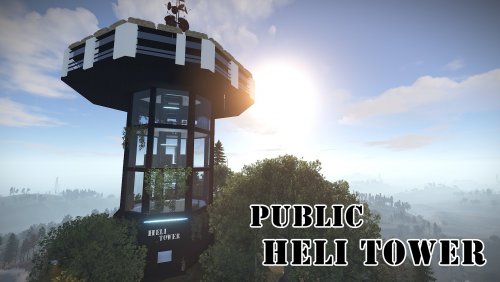
A modern heli tower which can fit perfectly on any PVE/PVP modded server.
No masks , simply drag and drop anywhere on your map.
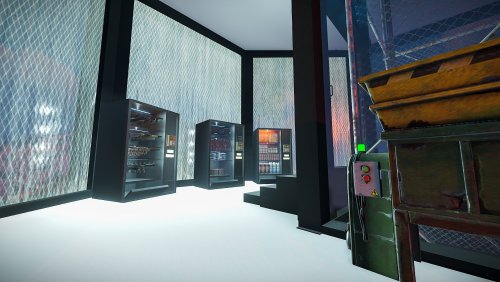
Vending machines from the screenshots work just like a normal vending machine with the custom vending profiles which are provided with the prefab.
CCTV Cameras are :
helitower1 - helitower2 - helitower3 - helitower4 - helitower5 - helitower6 -helitower7
To use this on your map copy the files from "Custom Prefabs" and "Vending Presets" folders into your "CustomPrefabs" and "VendingPresets" folder in RustEdit directory and after that you can see your new prefab in the Custom Prefabs list in Rust Edit and be able to edit the vending profiles if you wish so.
- $9.99
- 20 Downloads
-
Custom and modern looking vending machines that can be used just like normal vending machines they come with all the necessities to make them work properly like any other vending machine.
Vending presets are provided with the file if you wish to edit the items put on sale.
Entity Count :
Guns Vending Machine : 257
Clothing Vending Machine: 294
Snacks Vending Machine : 300
To install and use those vending machines copy the files from "Custom Prefabs" and "Vending Presets" and paste them into your "CustomPrefabs" and "VendingPresets" folders in your RustEdit Directory and you are good to go!
- $3.50
- 7 Downloads
-
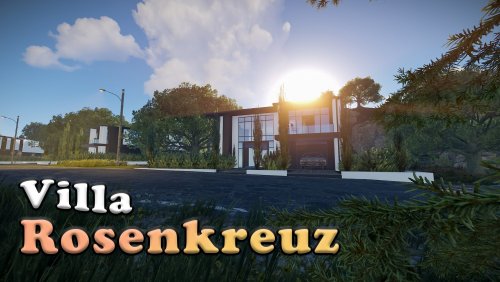
A modern styled PVE prefab that can be used for Roleplay purposes and not only .
It comes with height mask , splat mask , biome mask and topology mask.
It comes mostly empty due the fact that most people in my experience preffer to furnish them themselves than have them already furnished if requested it can be furnished.
~Car from the pictures is not provided ~
Entity Count : 1089
To use this on your map copy the files from "Custom Prefabs" folder into your "CustomPrefabs" folder in RustEdit directory and after that you can see your new prefab in the Custom Prefabs list in Rust Edit.
- $5
- 13 Downloads
-
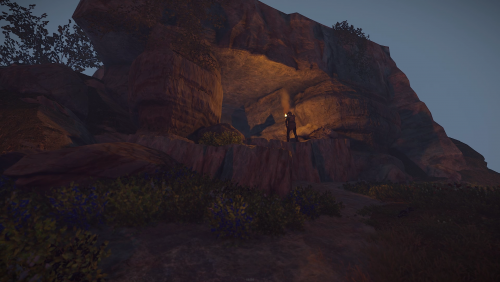
This cave has been built getting inspiration from the old rust caves after someone asked me in discord if they can be rebuilt so i had a go at it and this is how far i could make it to look like the old rust caves
Enjoy it
- Free
- 188 Downloads
-
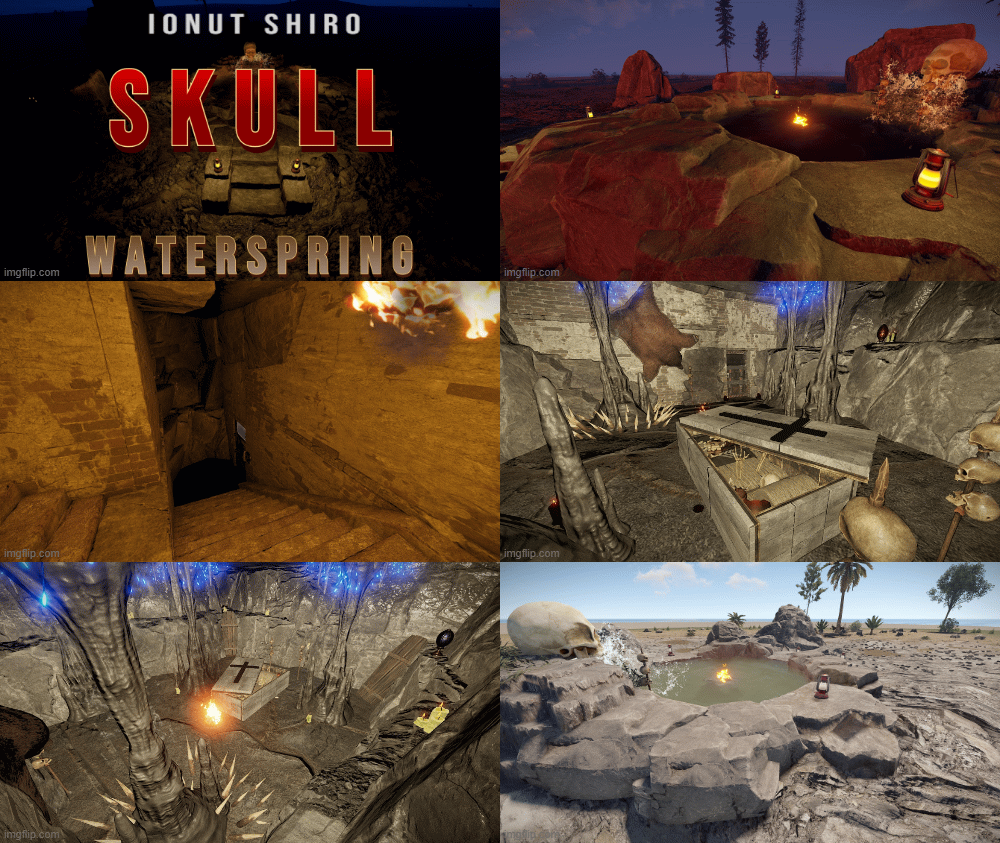
Waterspring with Greencrate, Redroom and Elite Crate
Pool with 6 Invisible Chairs to sit in the Pool
Greencrate under the Skull
To Access Red Room place Fuel into the Generator on the Backside of the Skull
Elite Crate in the Stone Coffin
Button on the Backside of the Stone Coffin (Skull with Candle on Top)
Height, Alpha, Topologie included
- Free
- 124 Downloads
-
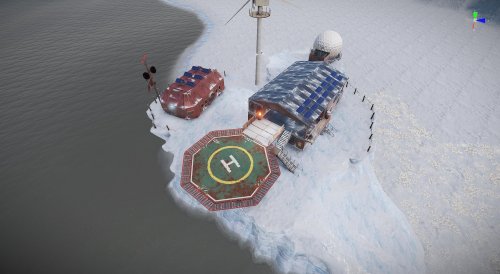
SnowBandit Prefab for Rust / Free to use. For placing in arctic surroundings. Contains:
AirWolf, Drone Delivery, Gambling, SaveZone, Greencard Spawner, FoodMarket, Water....
Prefabs count: 618
Please like it if you like it. 😉 Have fun with it!!! Thx
- Free
- 211 Downloads
-
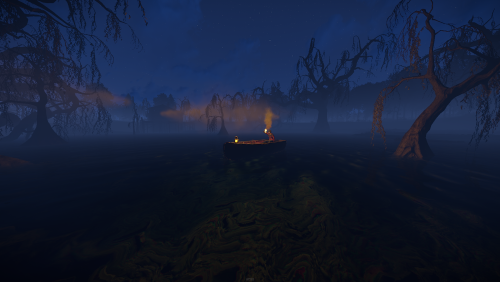
A custom swamp made for building purpouses , not a monument , no loot inside it.
The mysterious swamp has a hidden rabbit hole that will lead you to a massive underground cave system with space for building , you can find down there a hobo barrel and a recycler!
It comes with height mask , splat mask , biome mask, alpha mask and topology mask.
Entity Count : 150
To use this on your map copy the files into your "CustomPrefabs" folder in RustEdit directory and after that you can see your new prefab in the Custom Prefabs list in Rust Edit.
- $3.50
- 5 Downloads
-
Hello everyone , giving away my Boeing. Here is video:
You not gonna find NPC inside , you need plugin or add it manually.
- Free
- 117 Downloads
-
- Free
- 88 Downloads
-
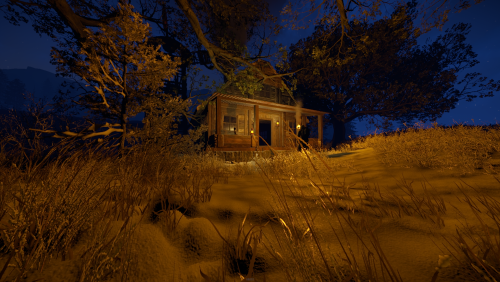
A small cozy hand made winter cabin with a hidden underground shelter behind the bookshelf and spacious attic to spend your cold winter in peace!nIt comes with height mask , splat mask , biome mask, alpha mask and topology mask.
Entity Count : 245
To use this on your map copy the files from "Custom Prefabs" folder into your "CustomPrefabs" folder in RustEdit directory and after that you can see your new prefab in the Custom Prefabs list in Rust Edit.
- $3.50
- 8 Downloads