



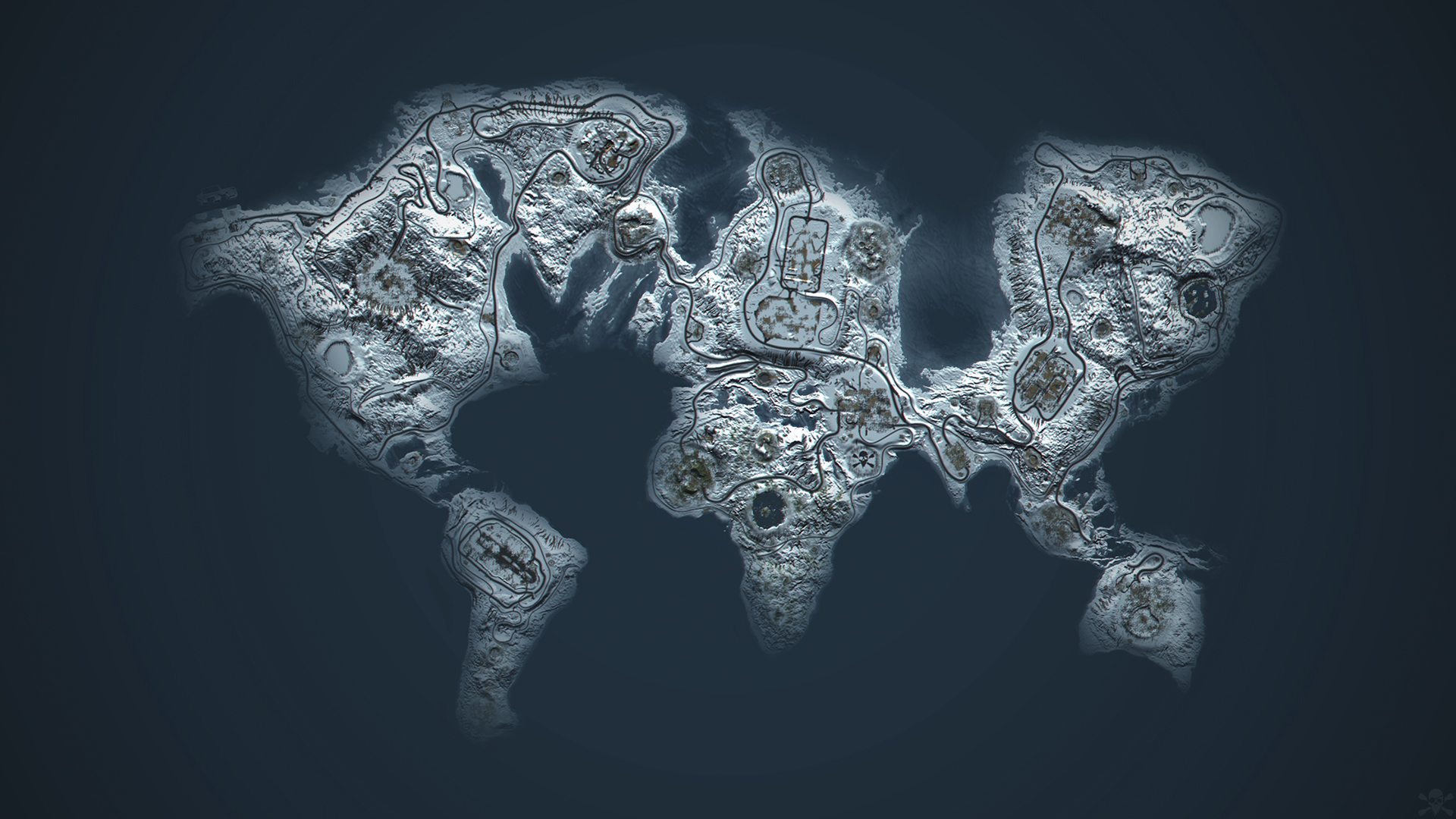
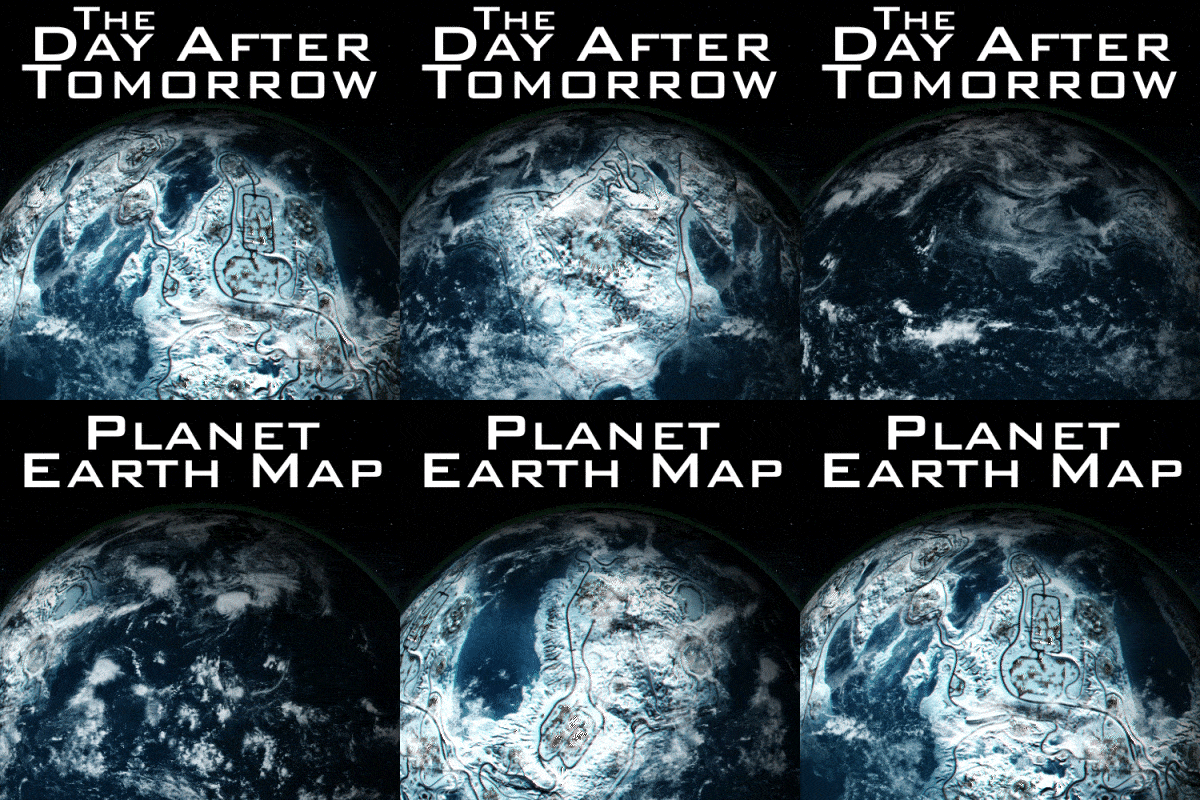
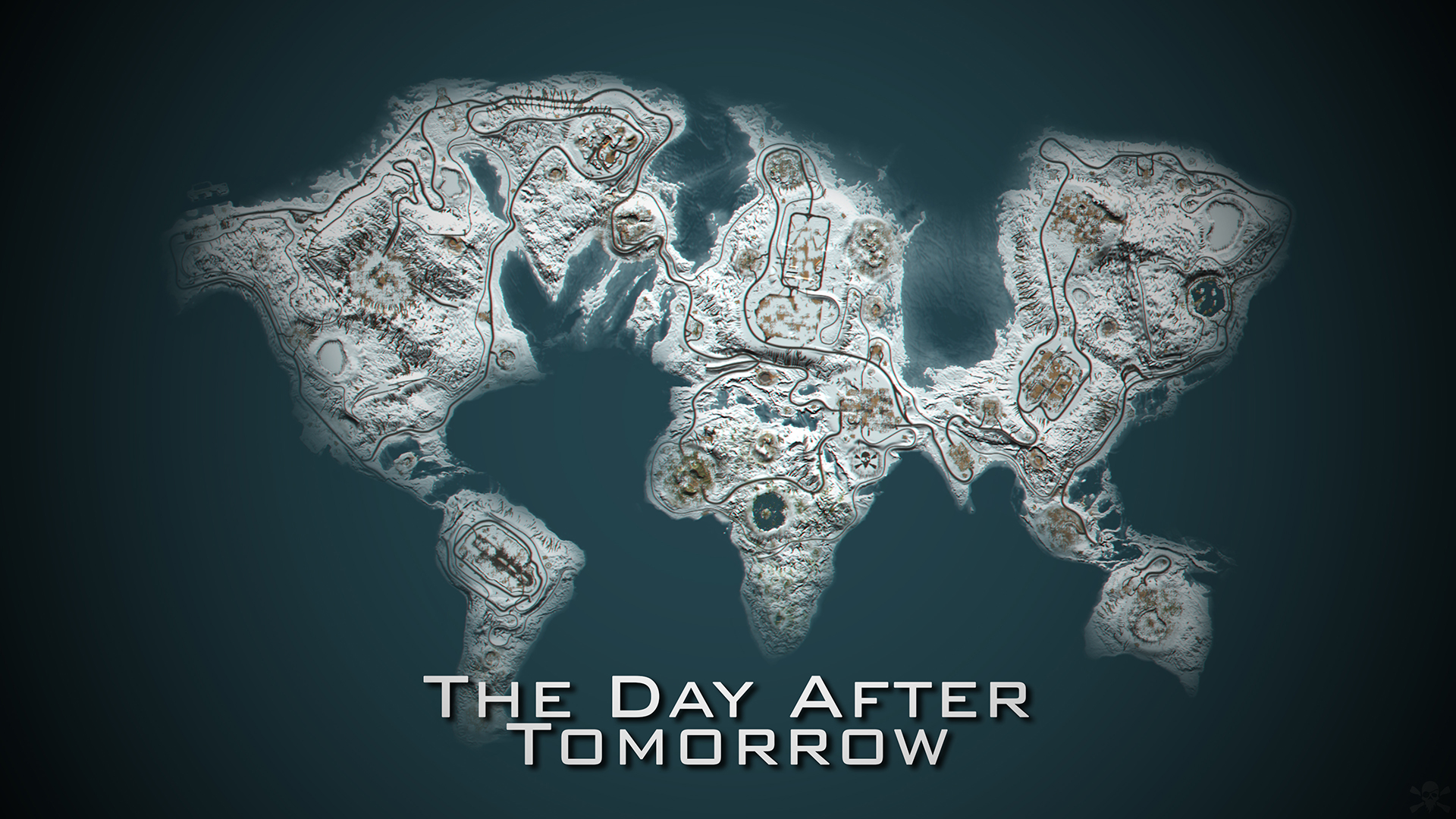
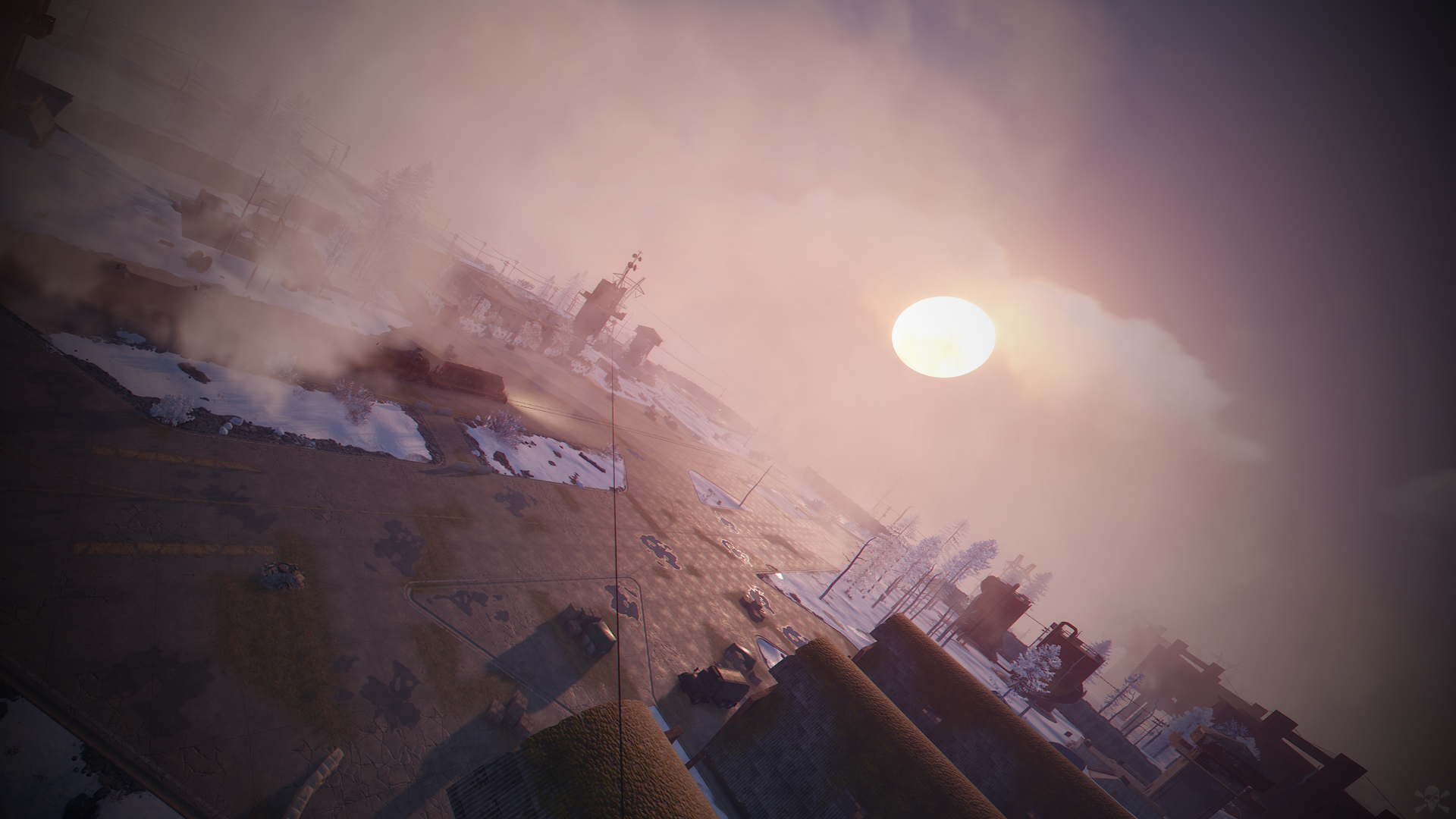
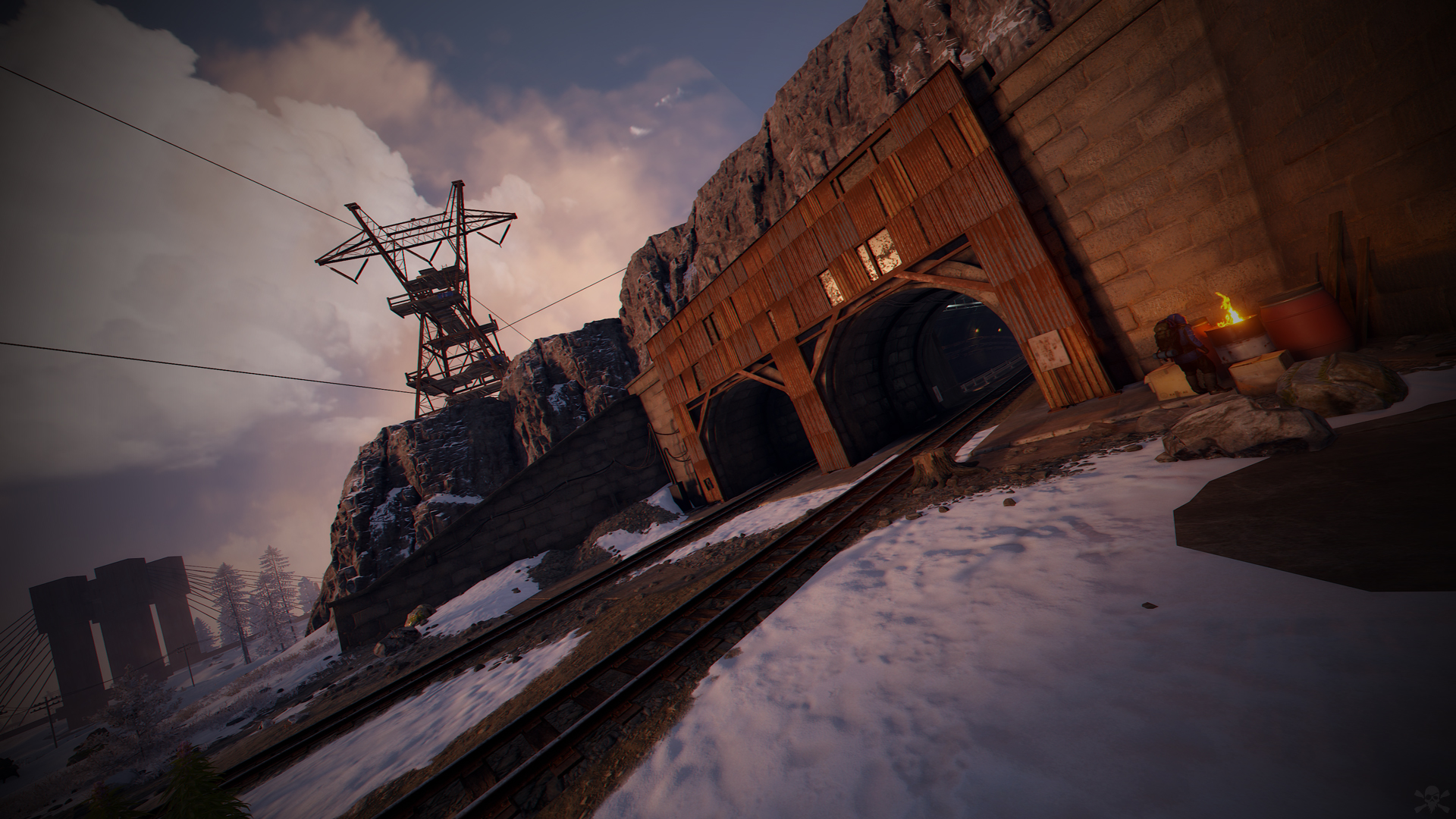
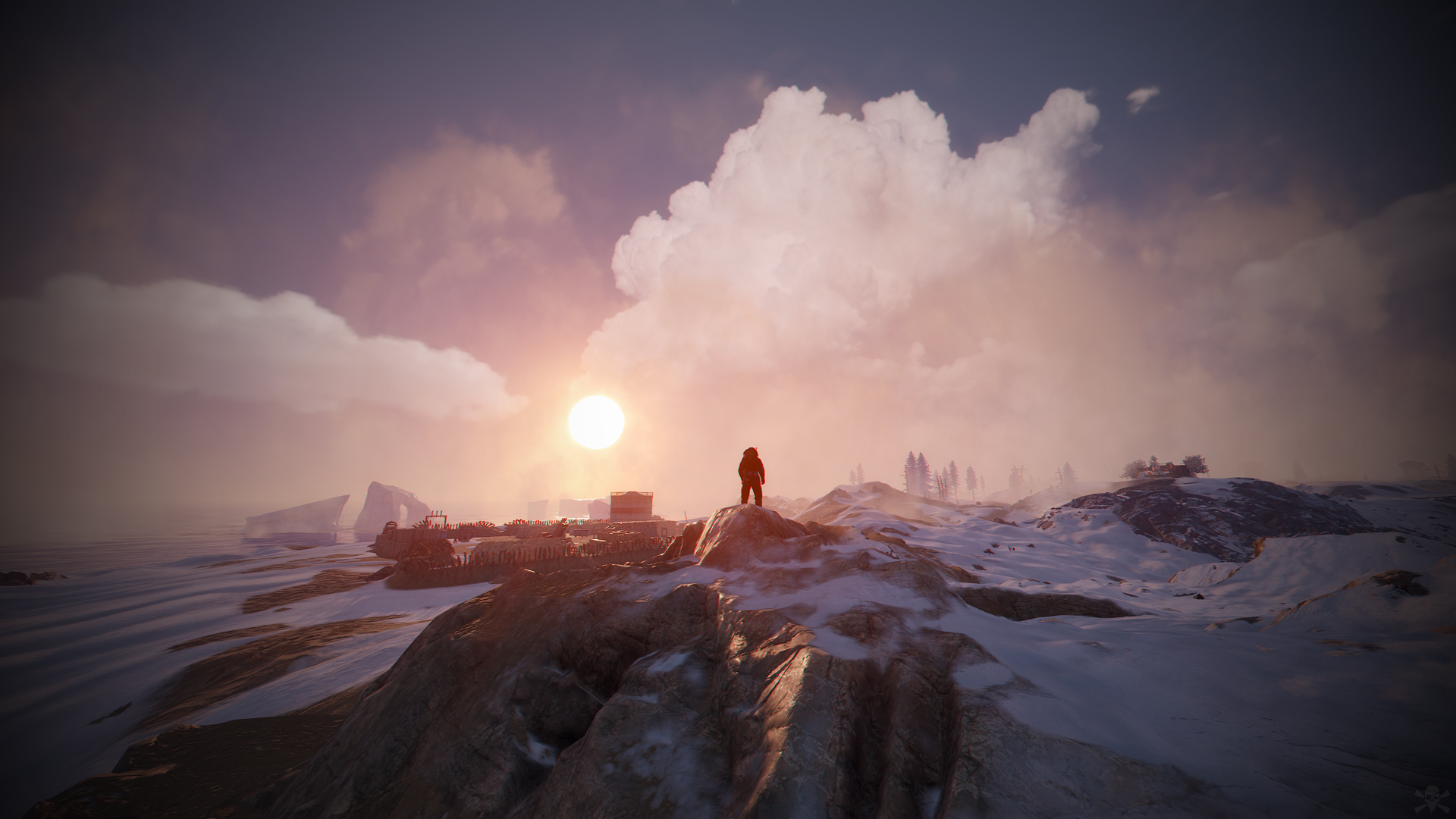
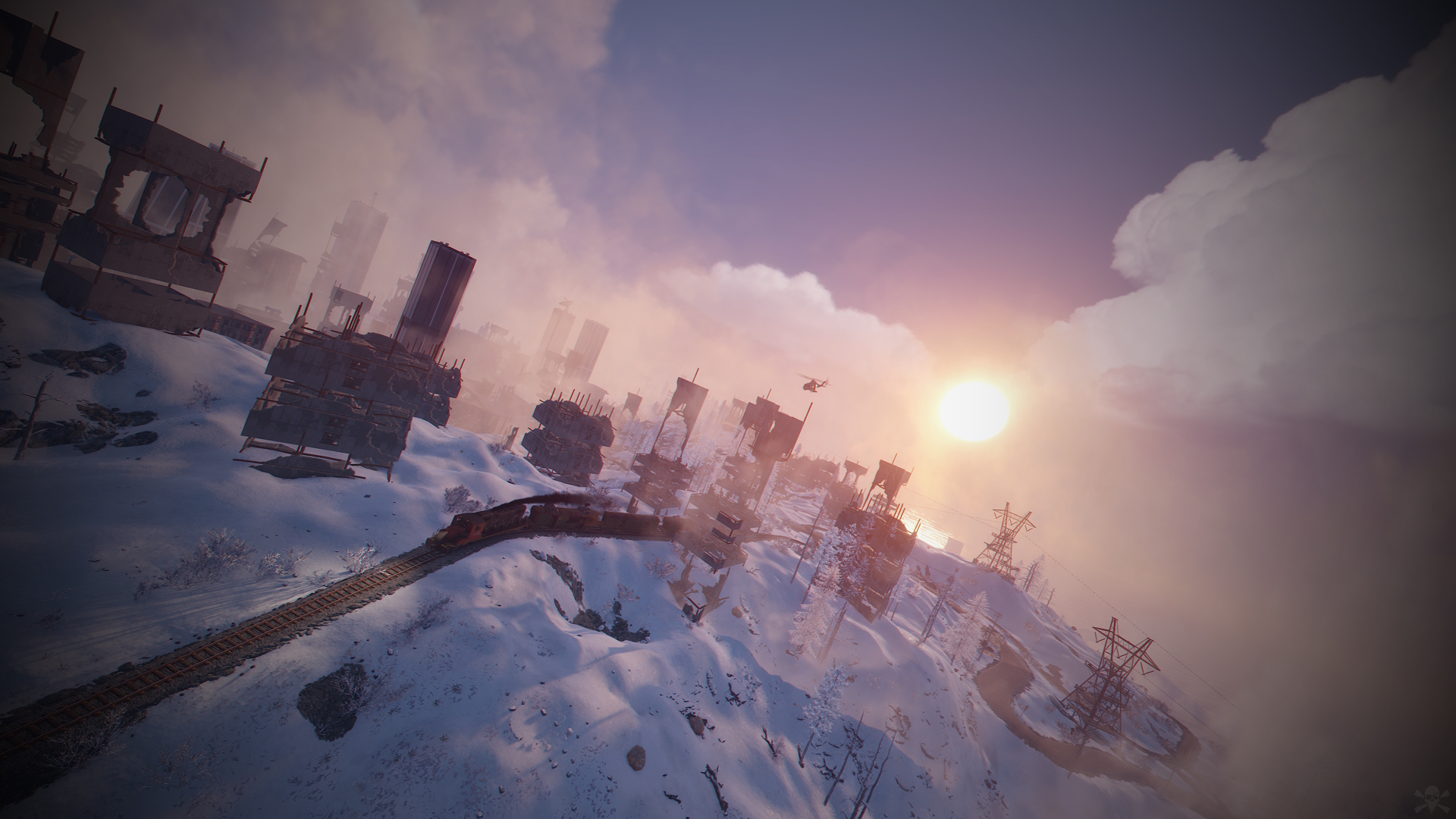
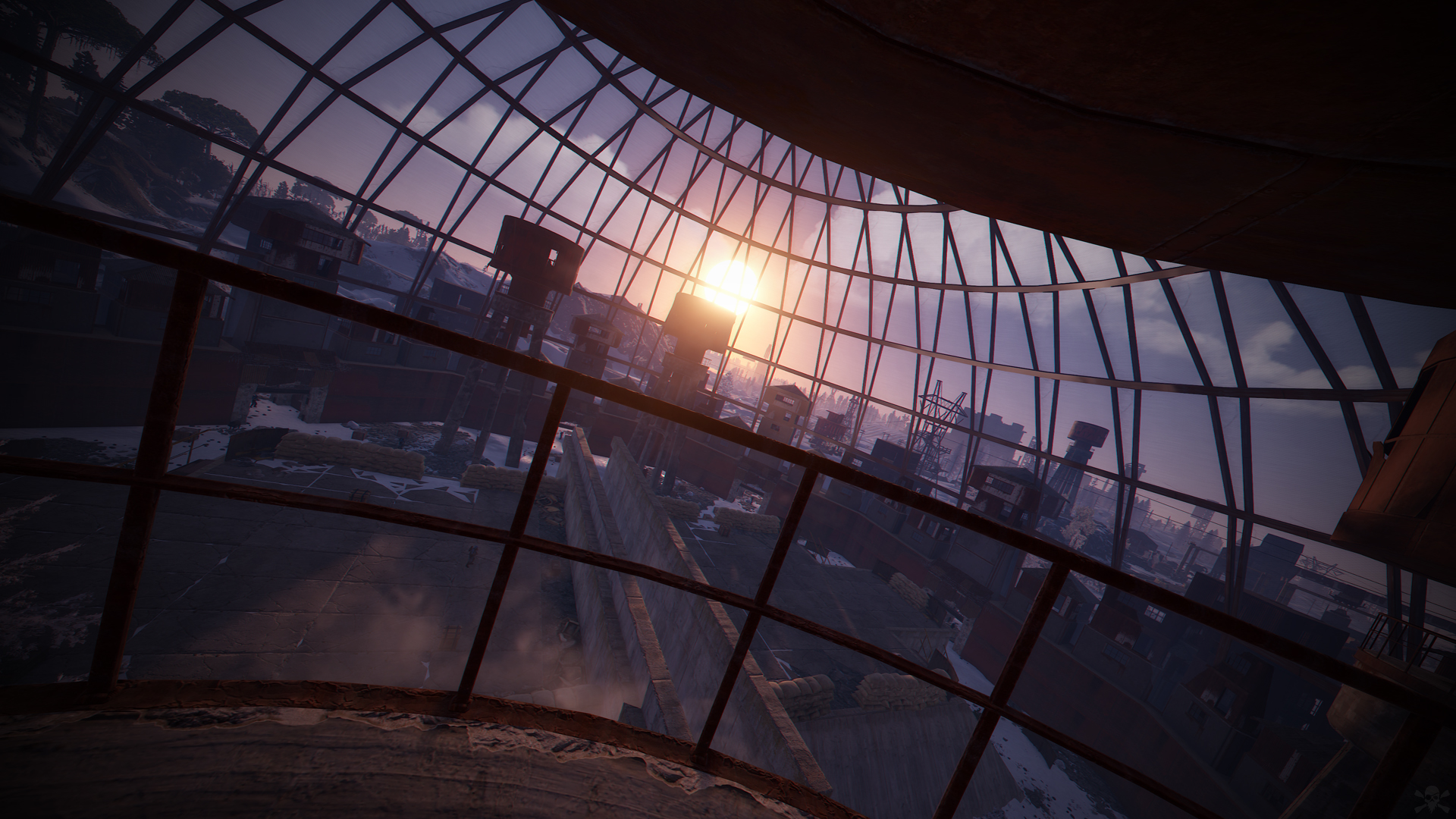
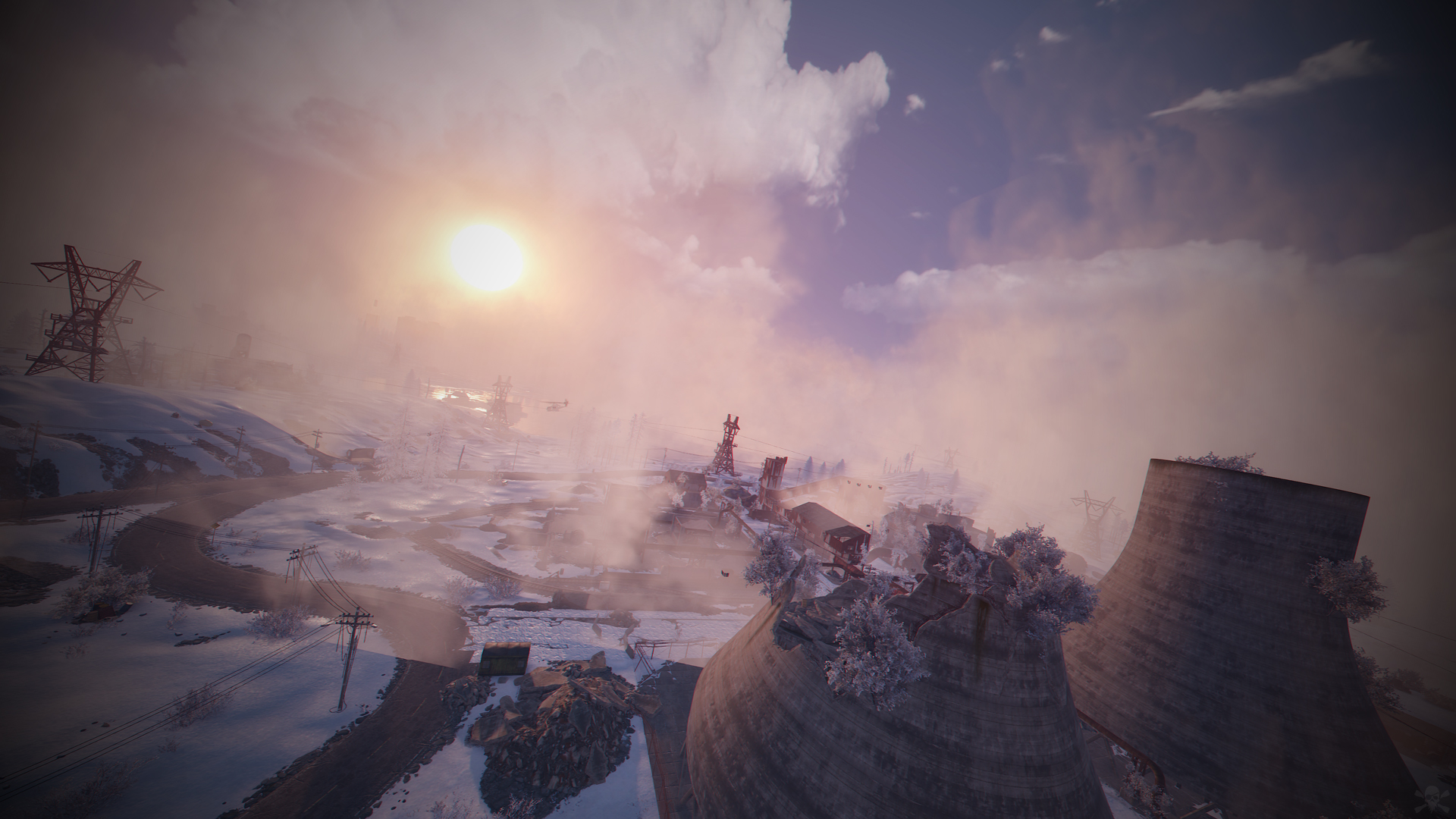
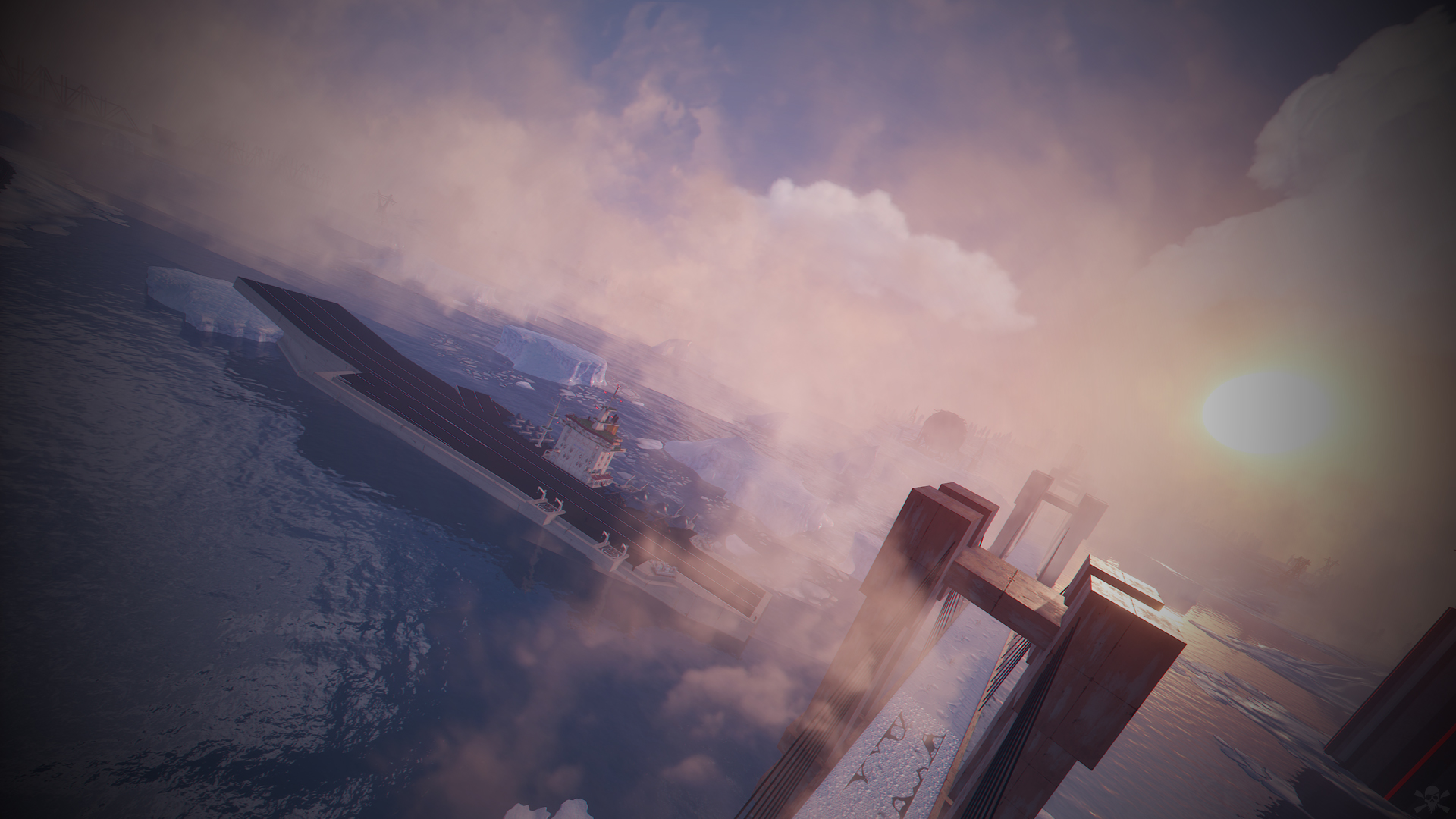
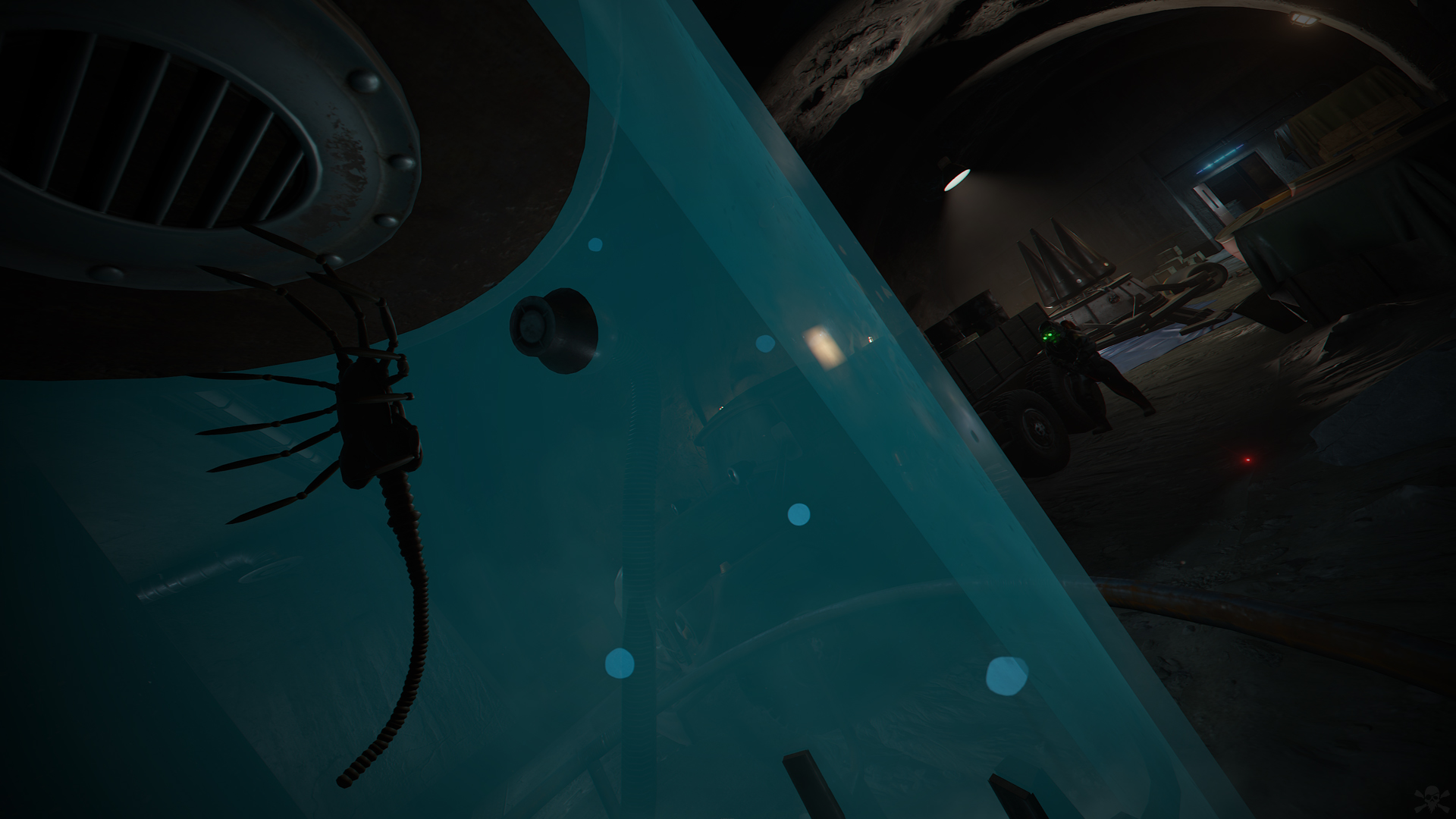
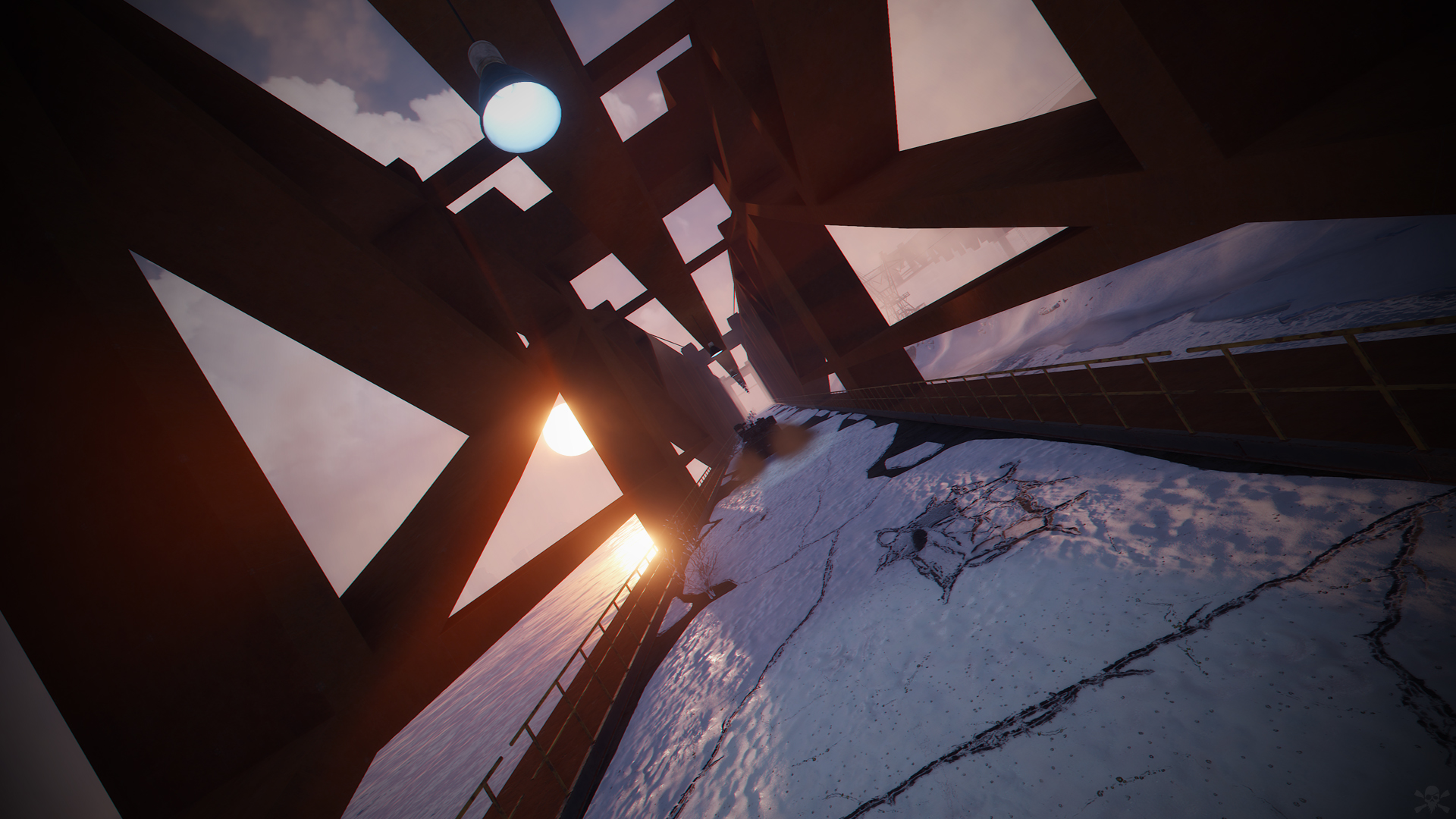
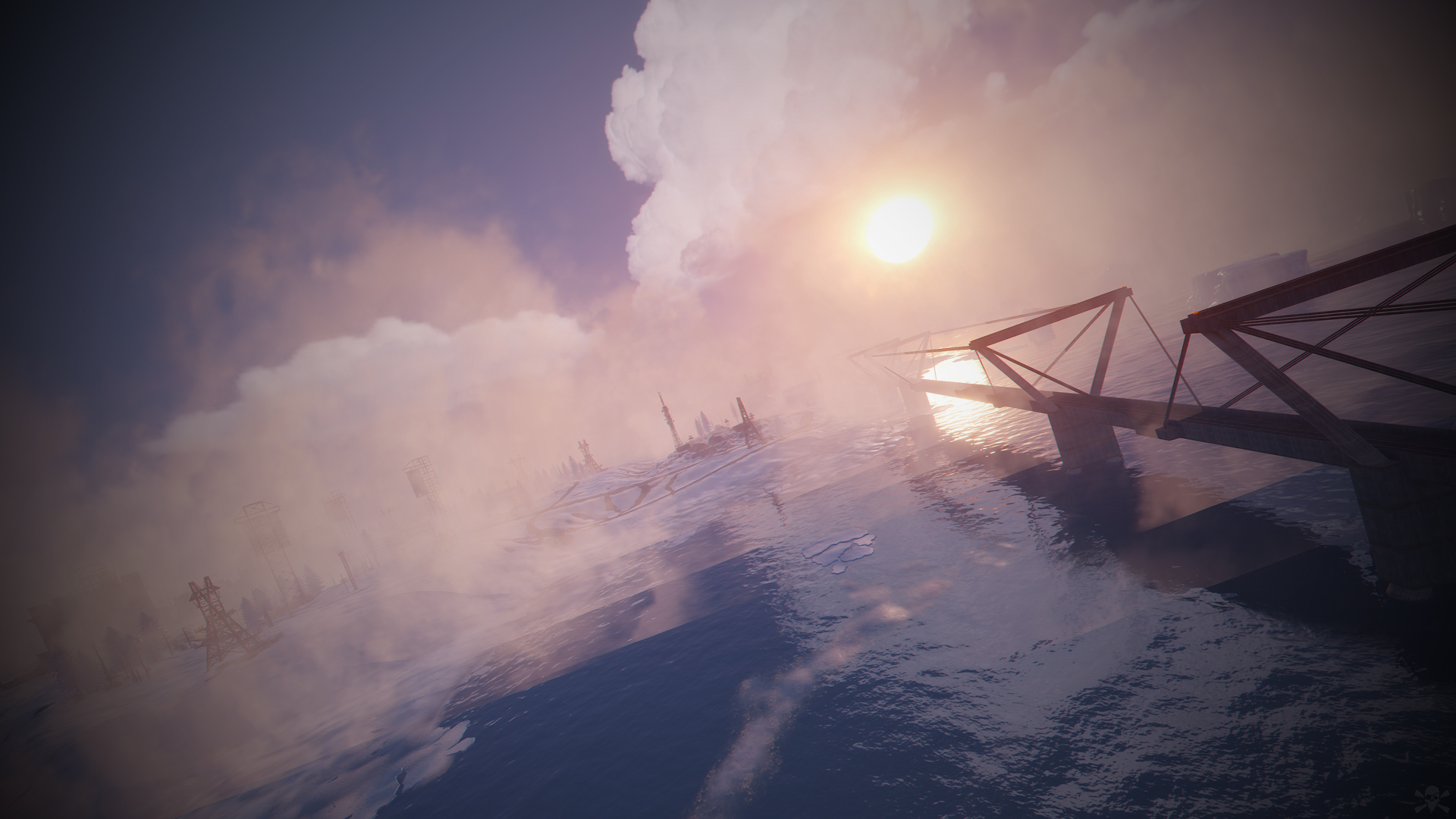
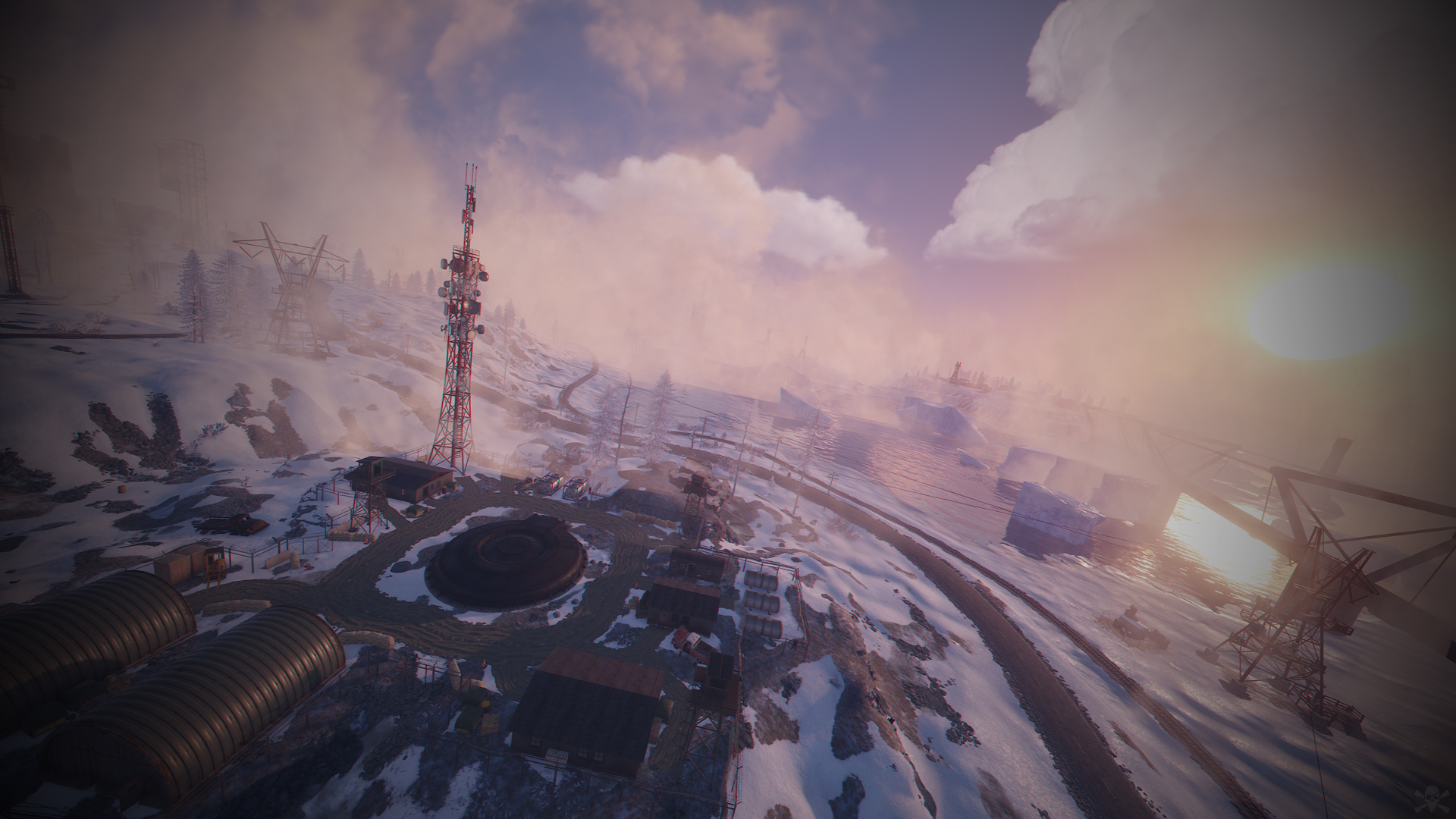
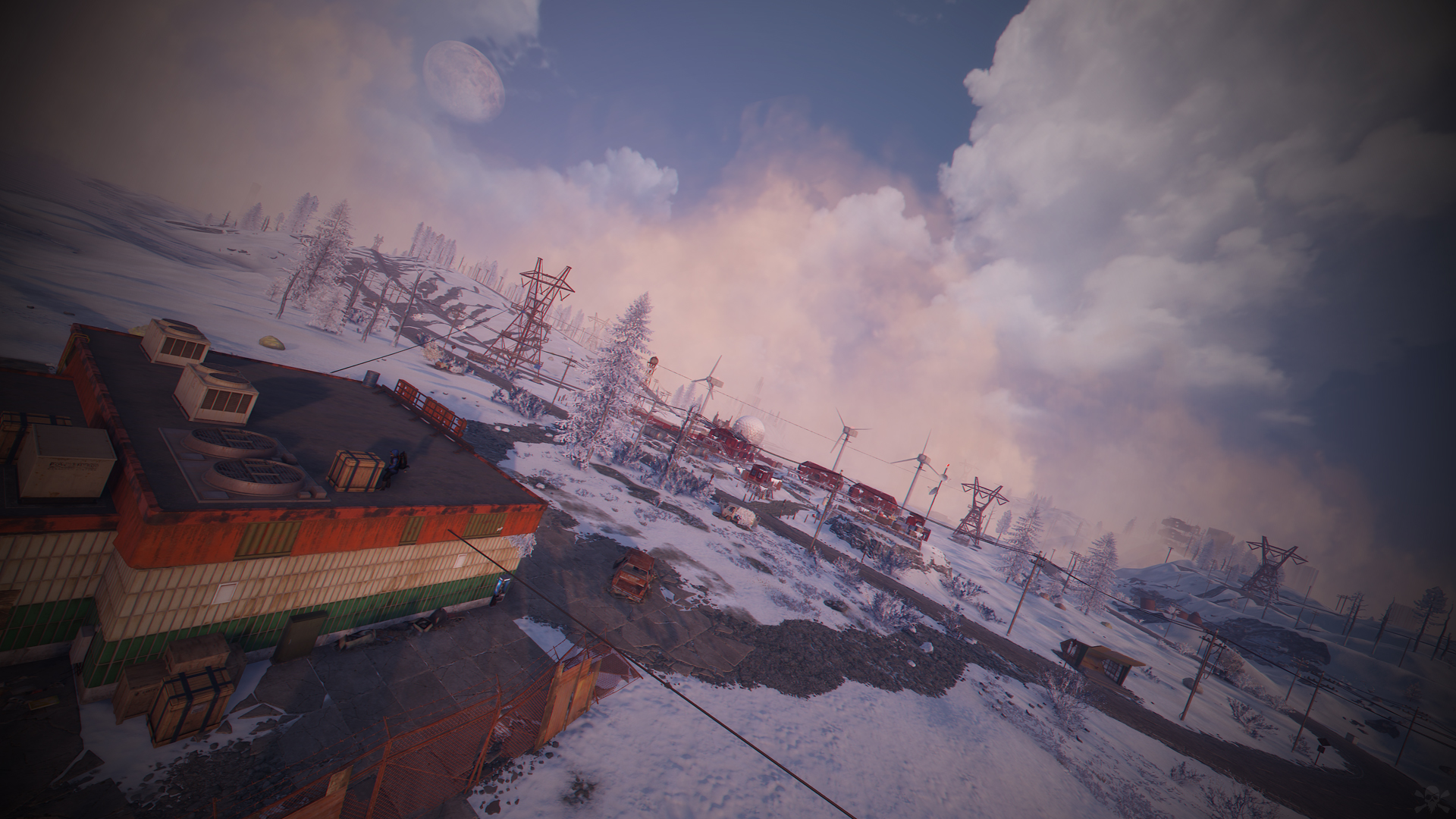
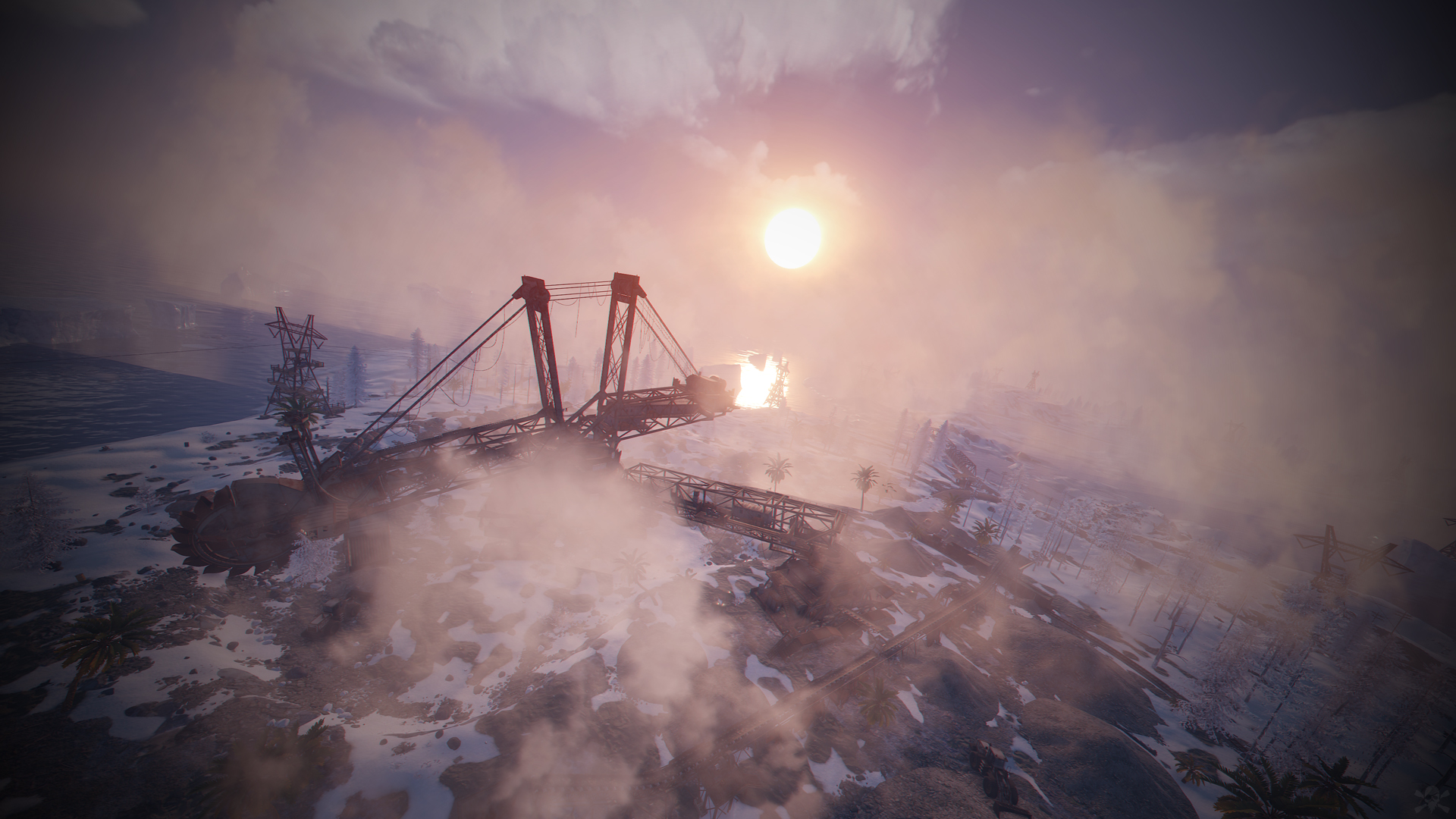
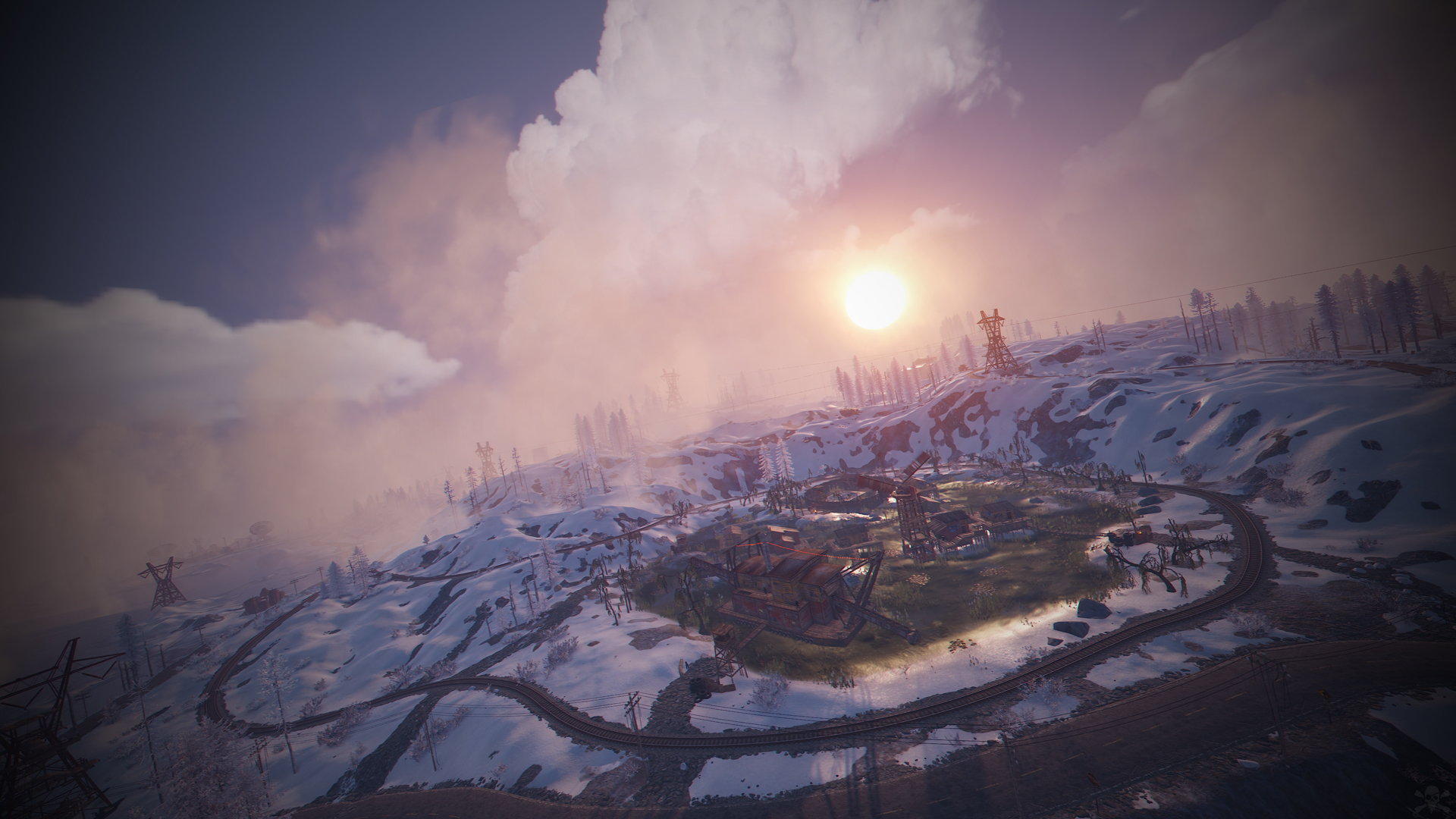
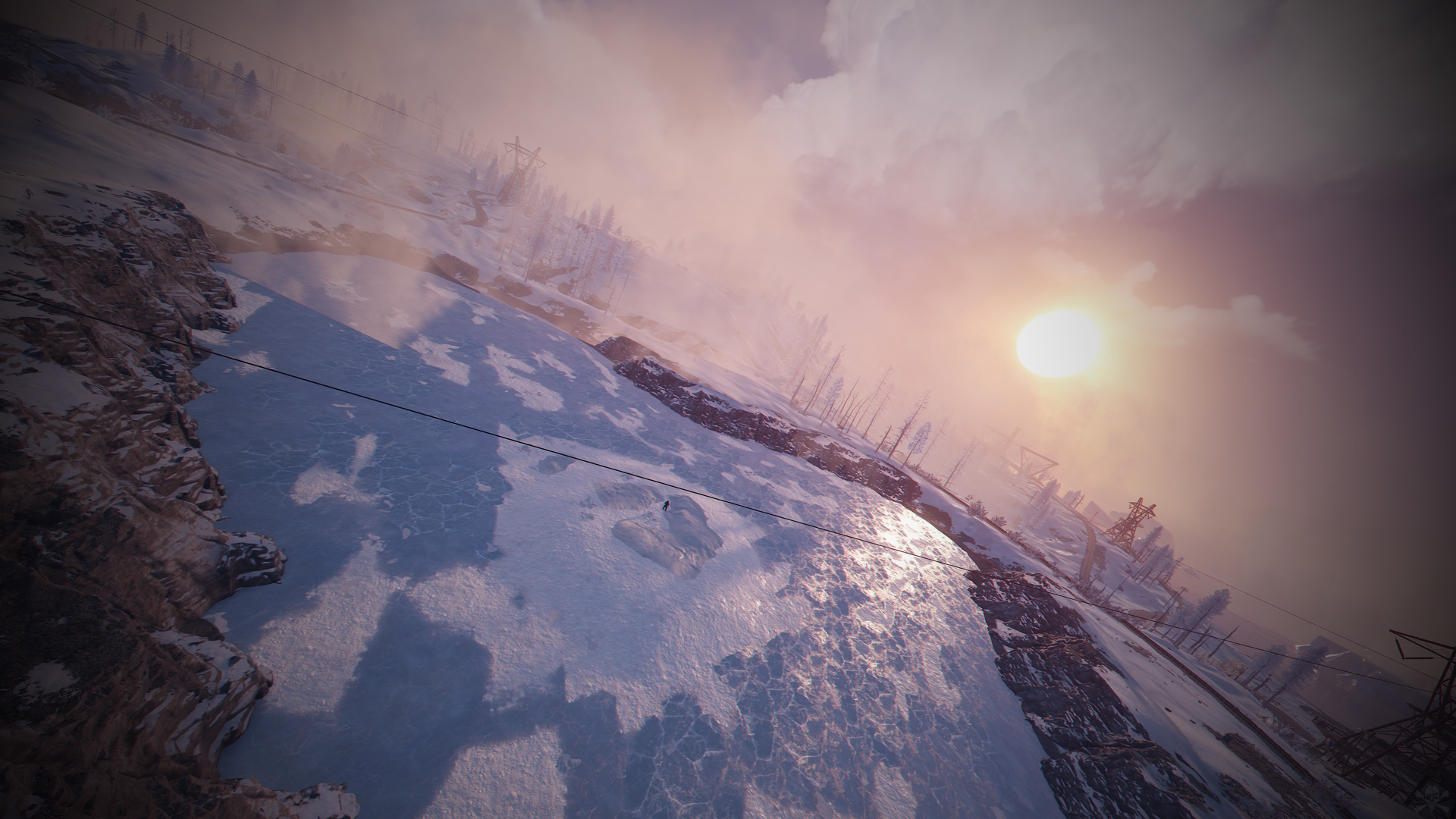
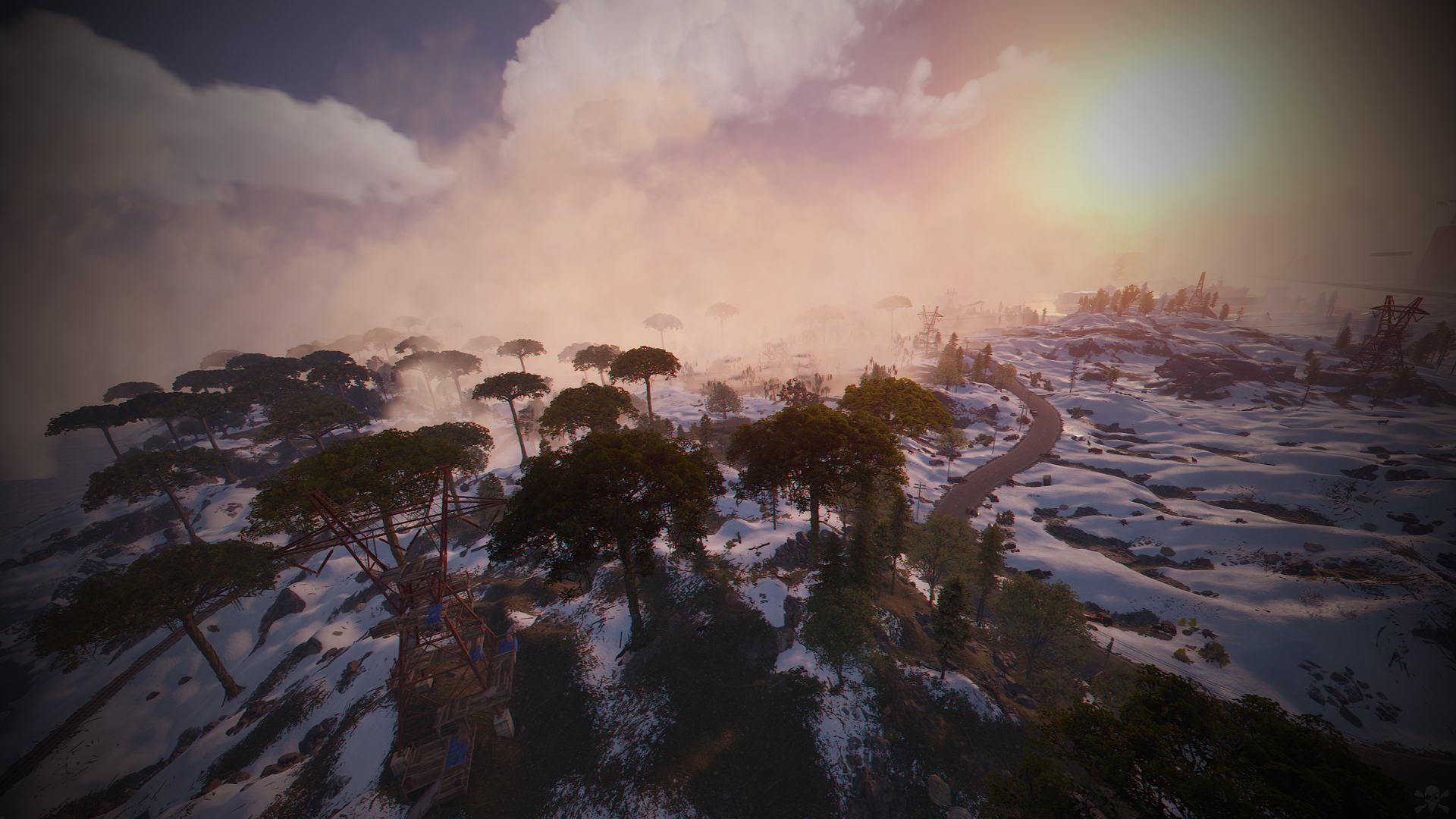
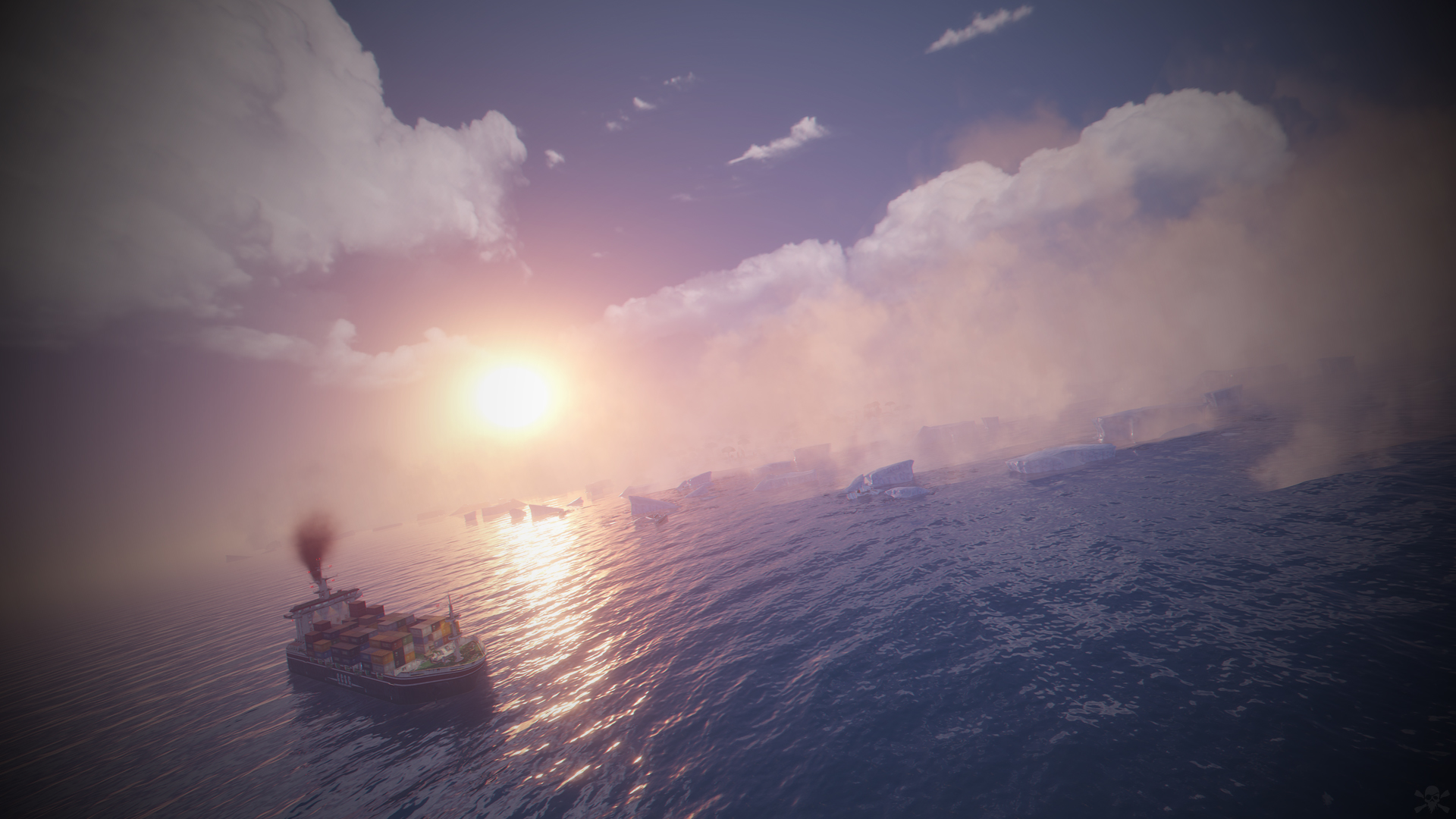
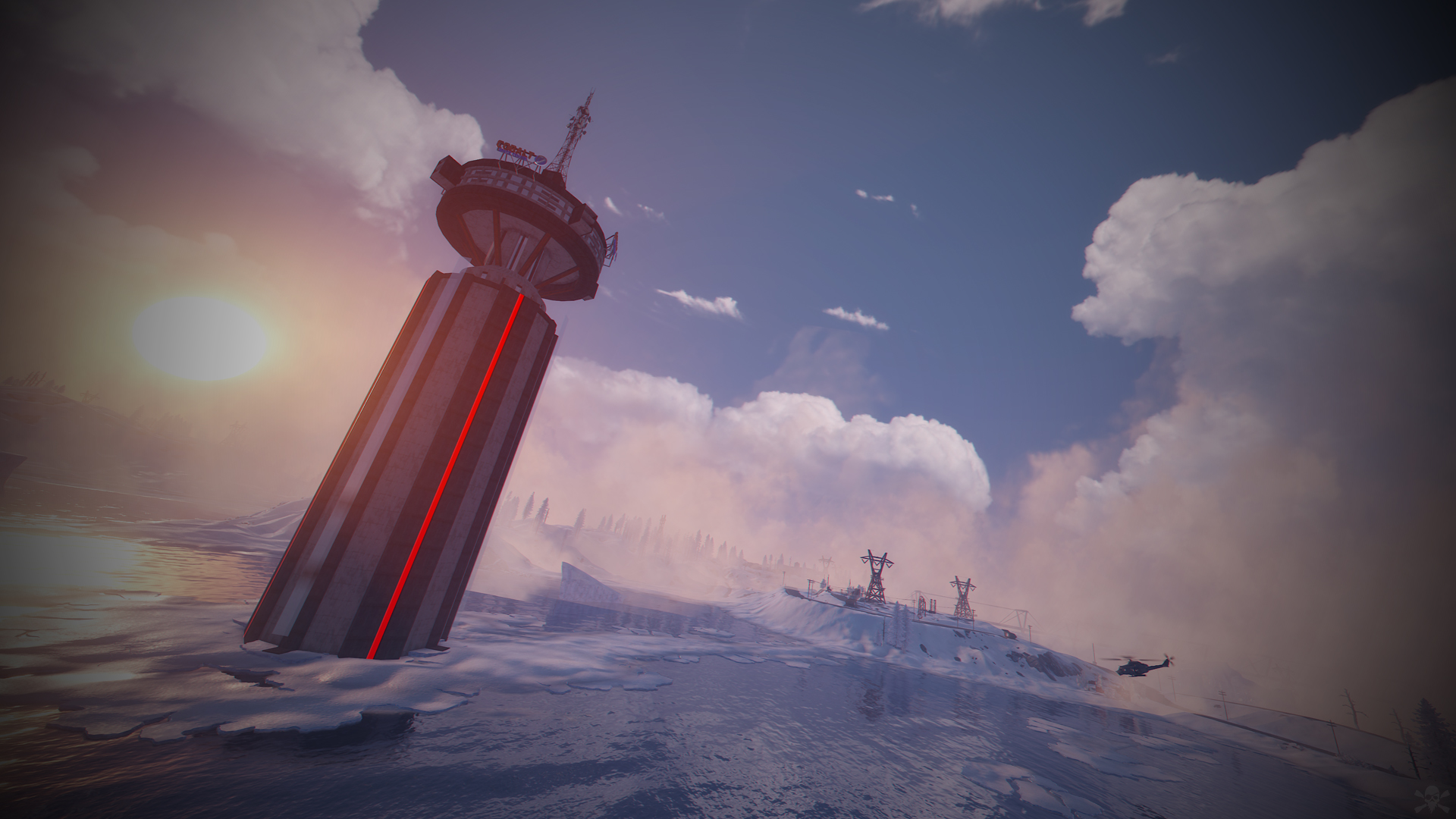
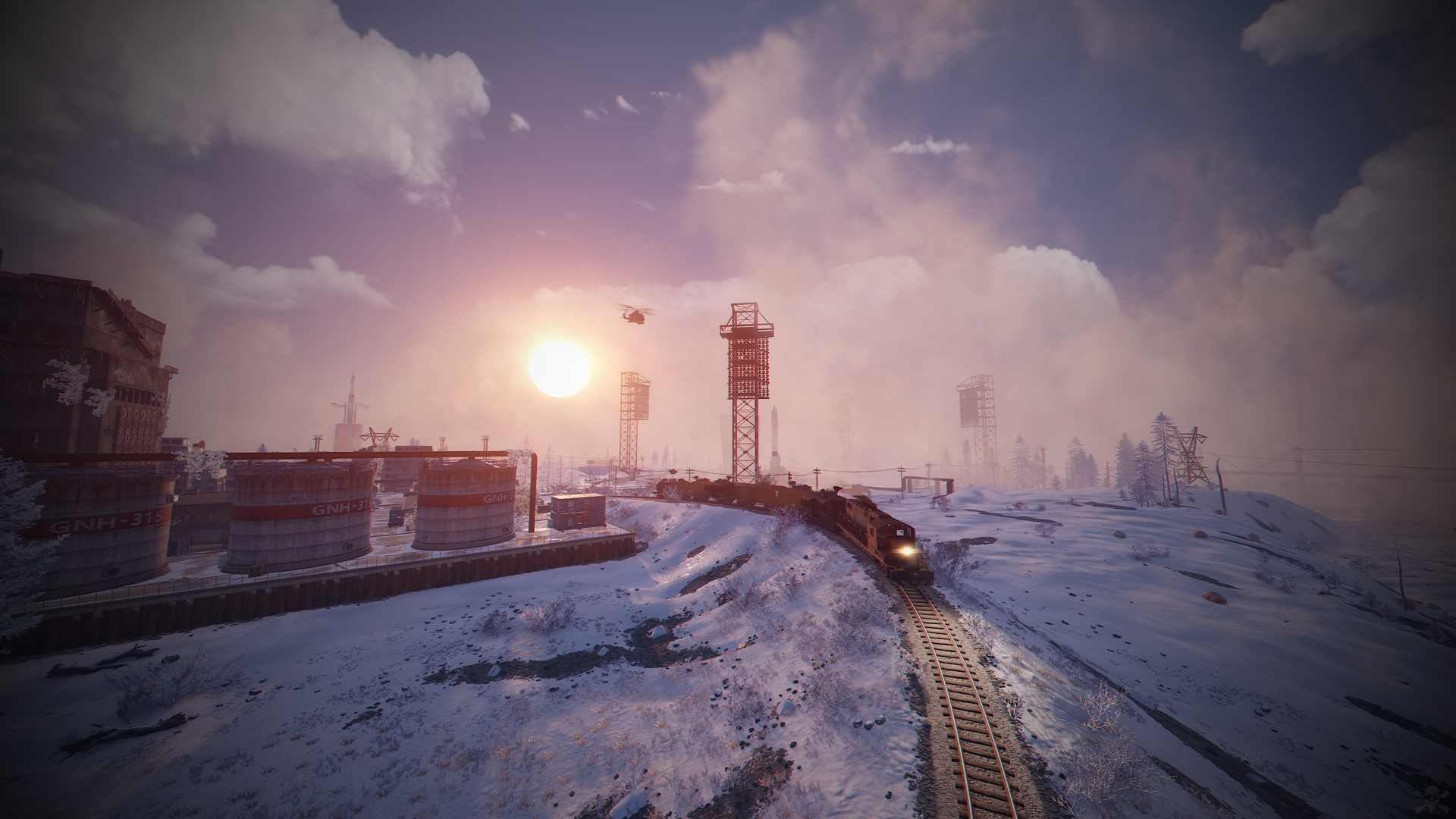
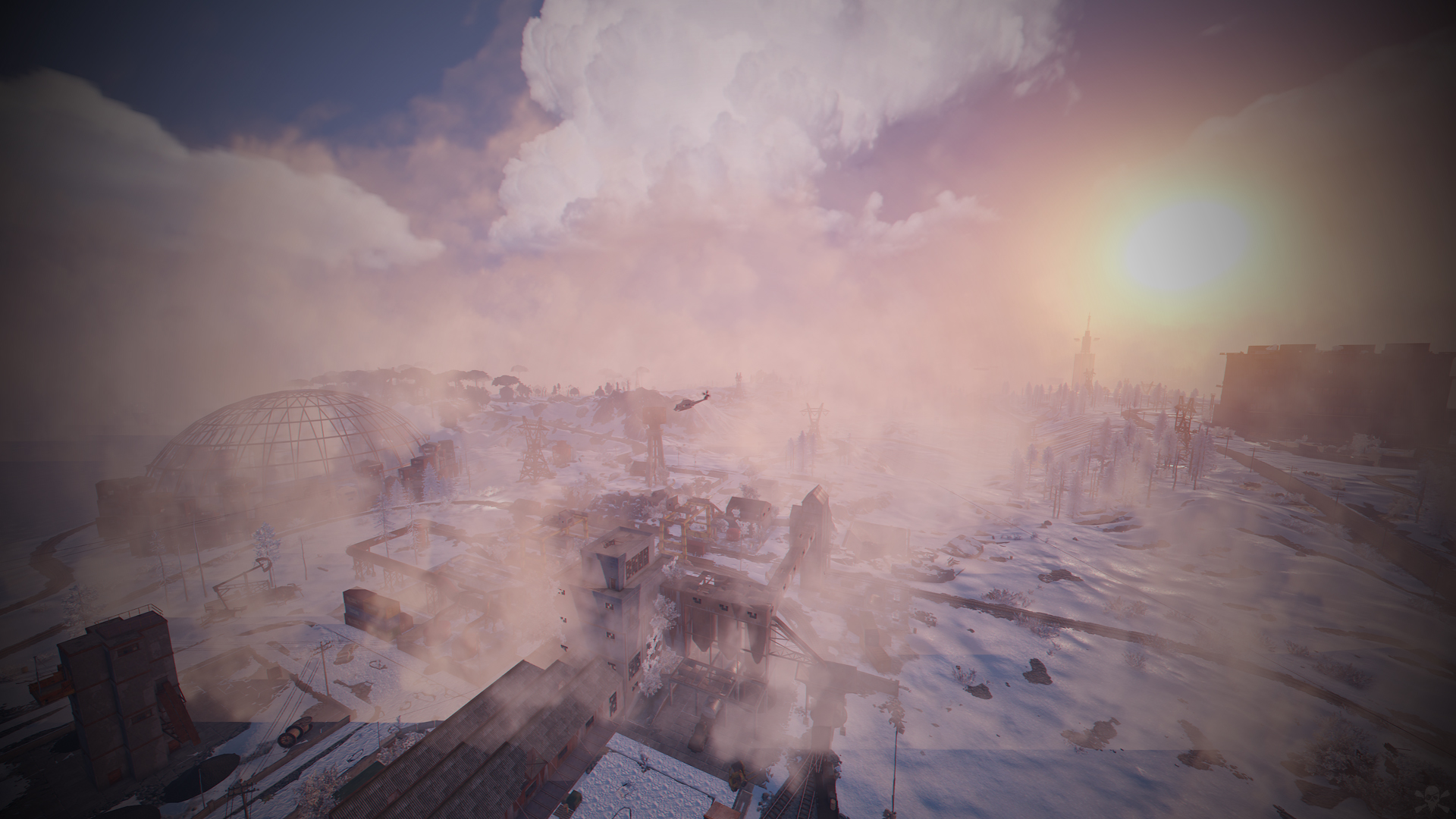
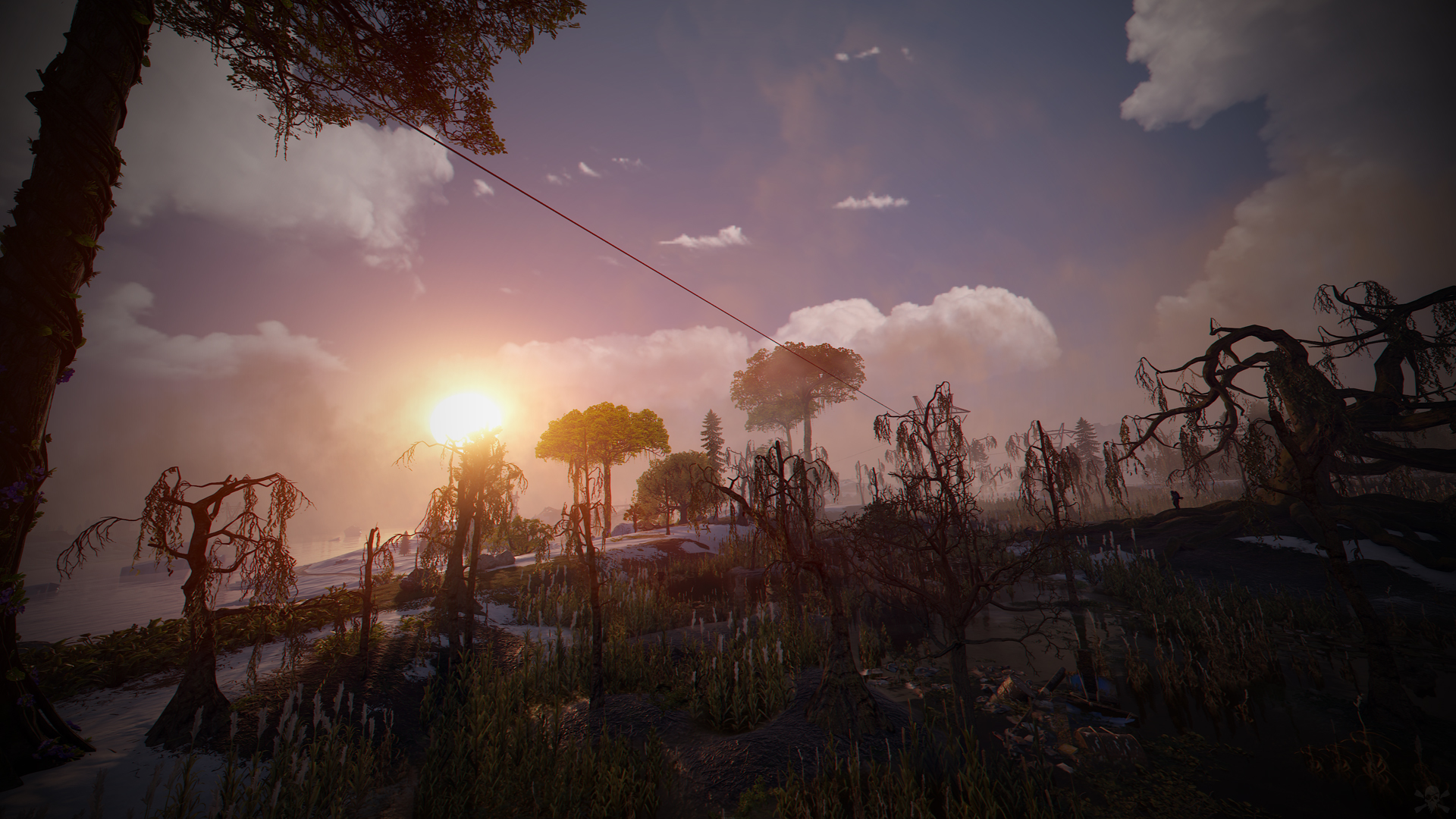
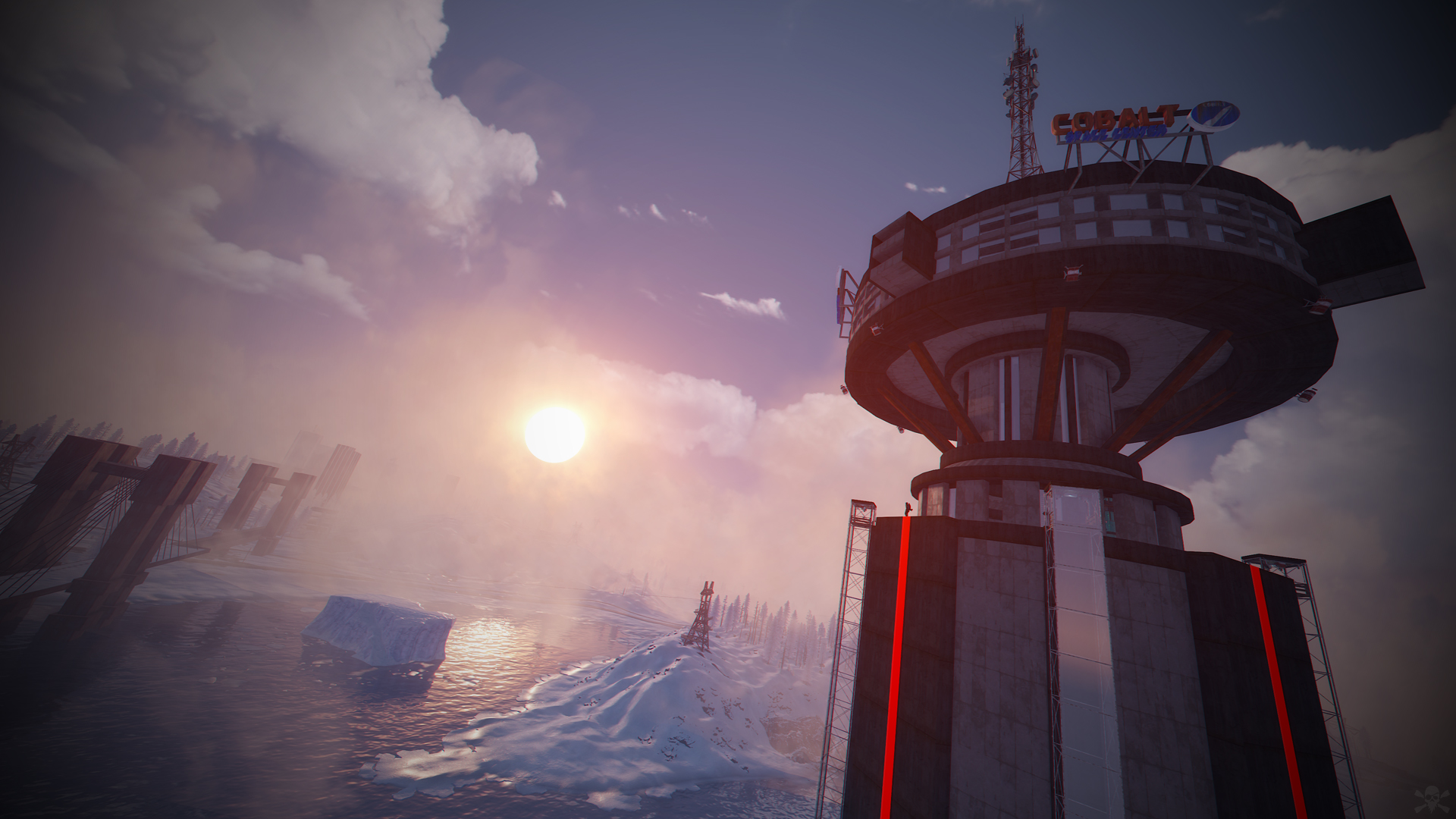
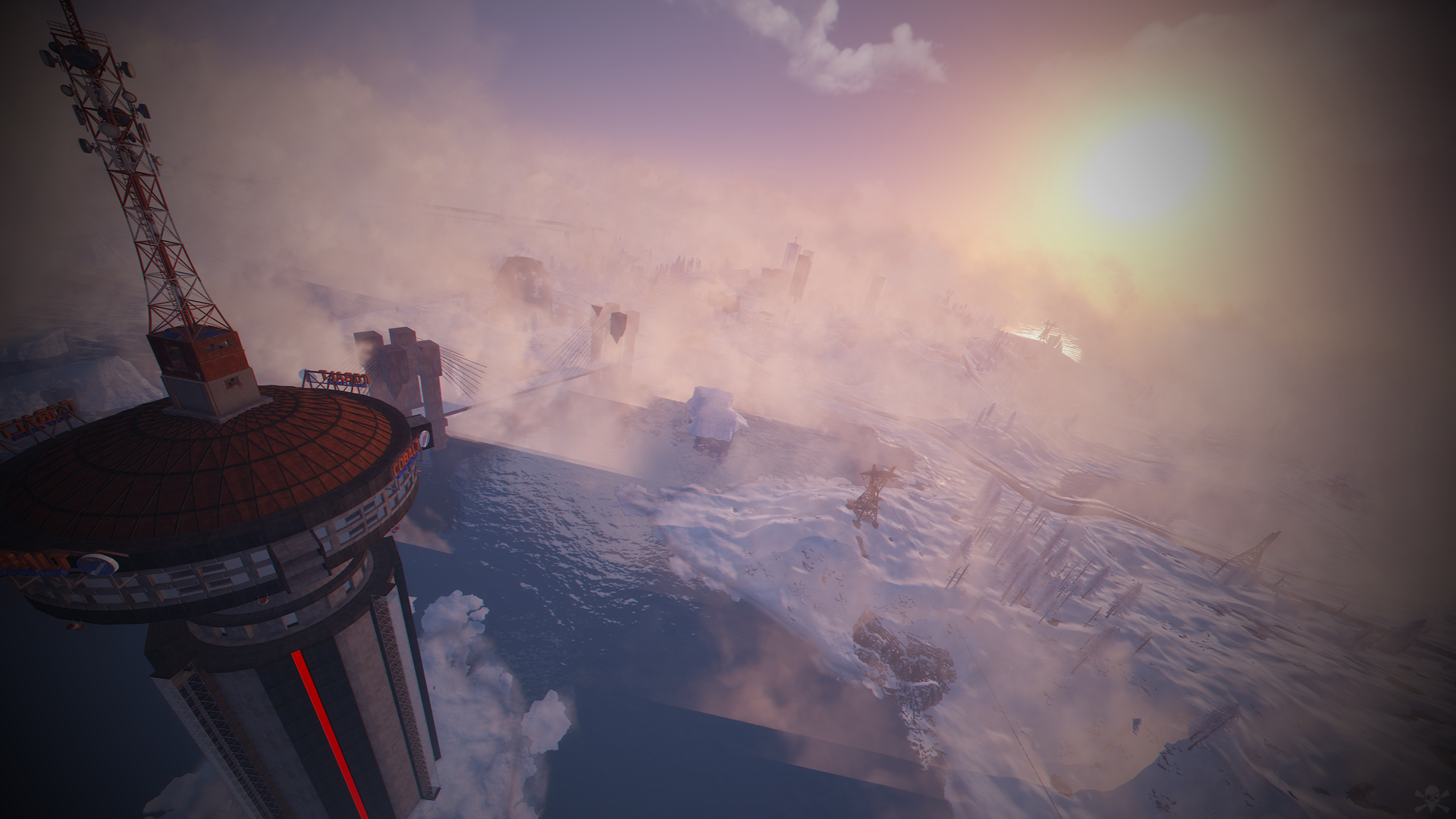
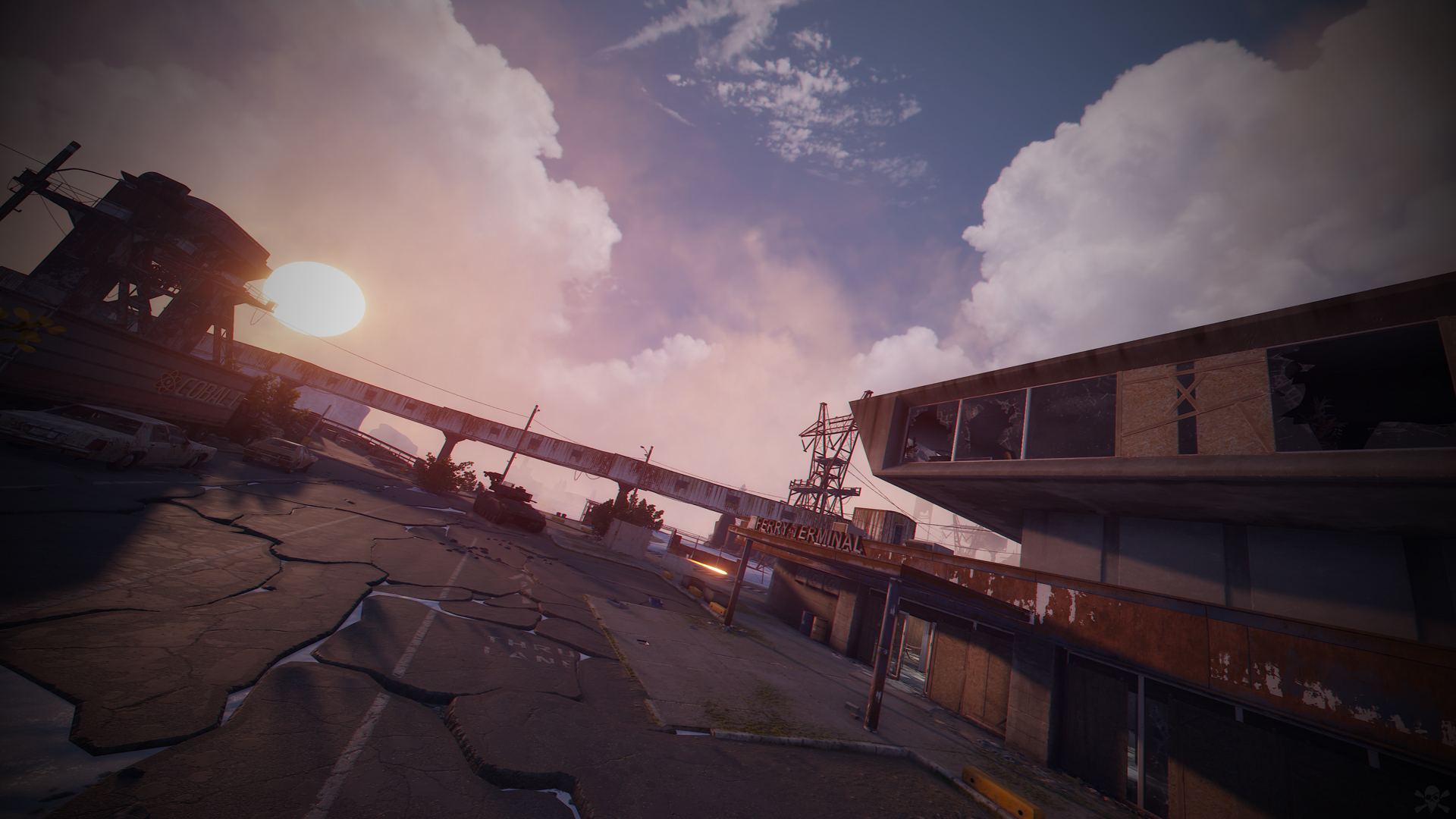
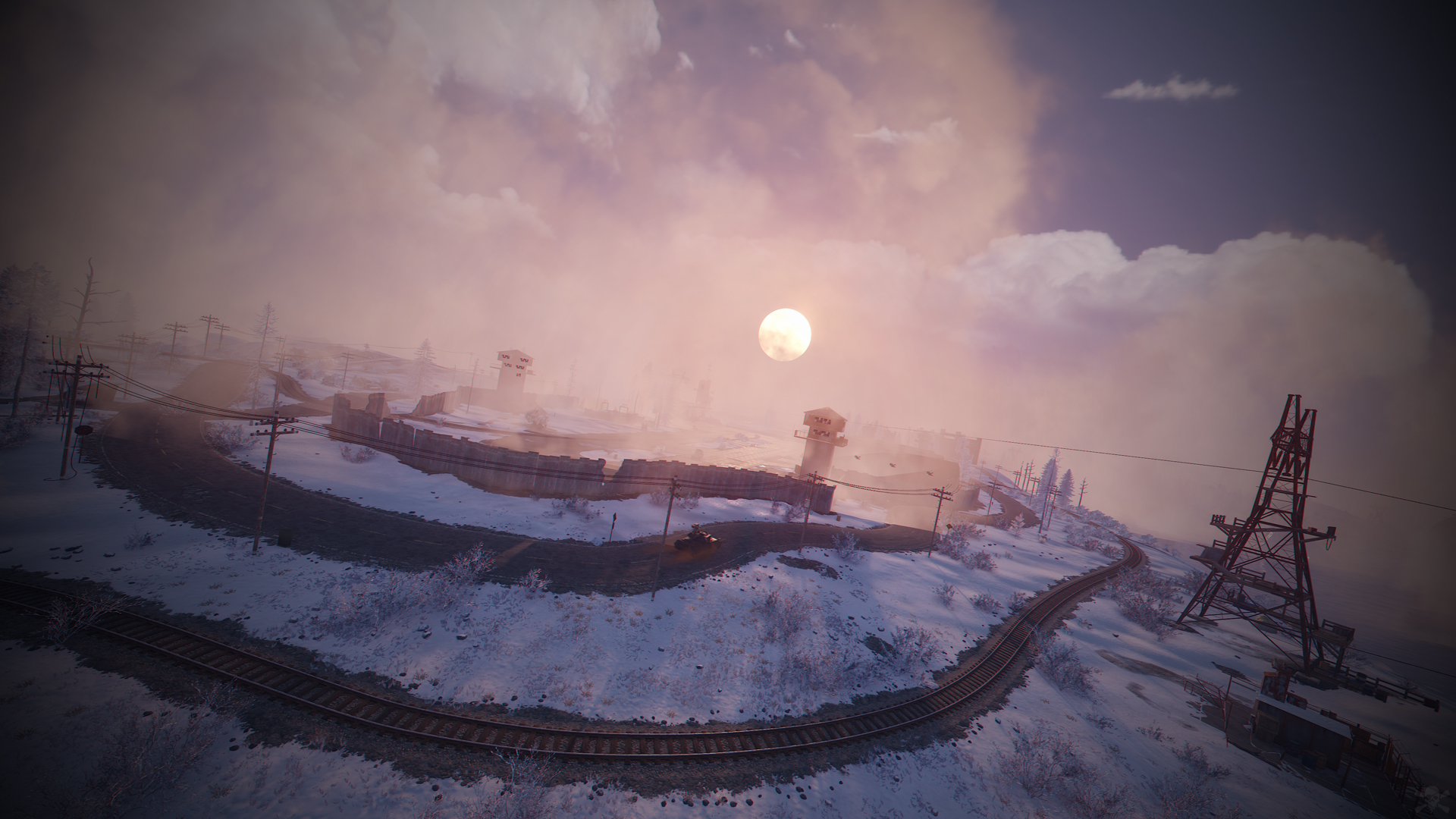
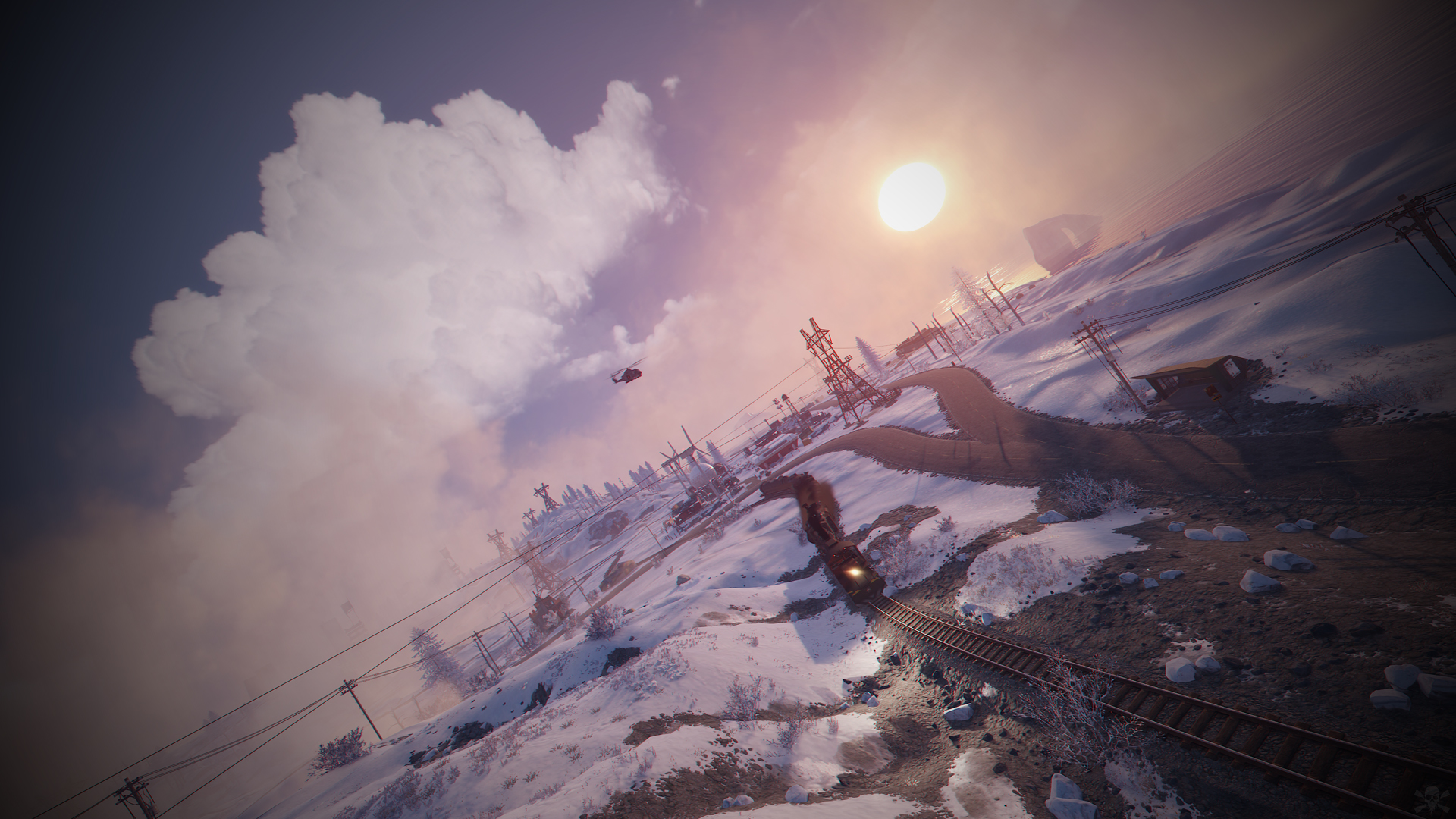
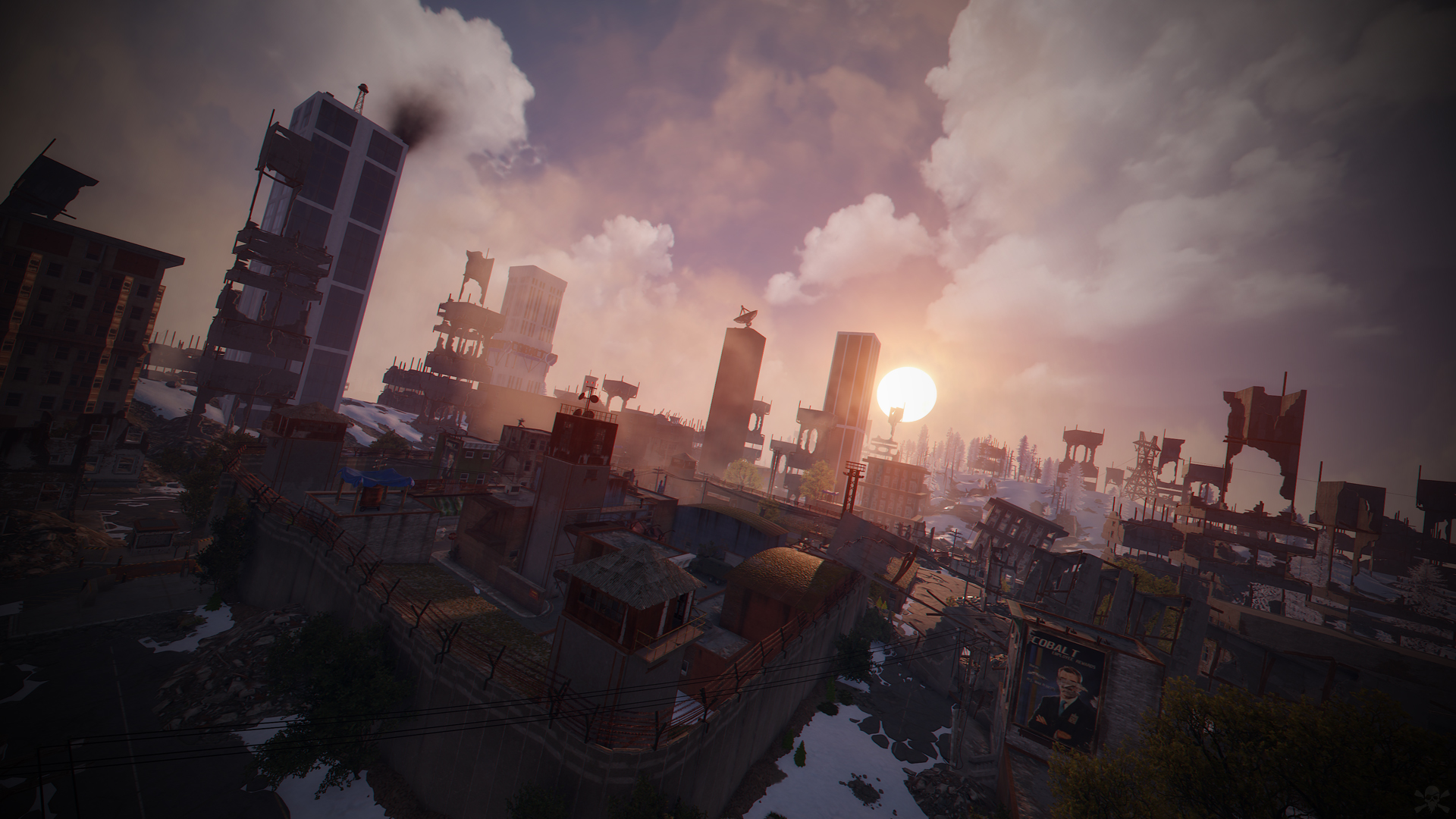
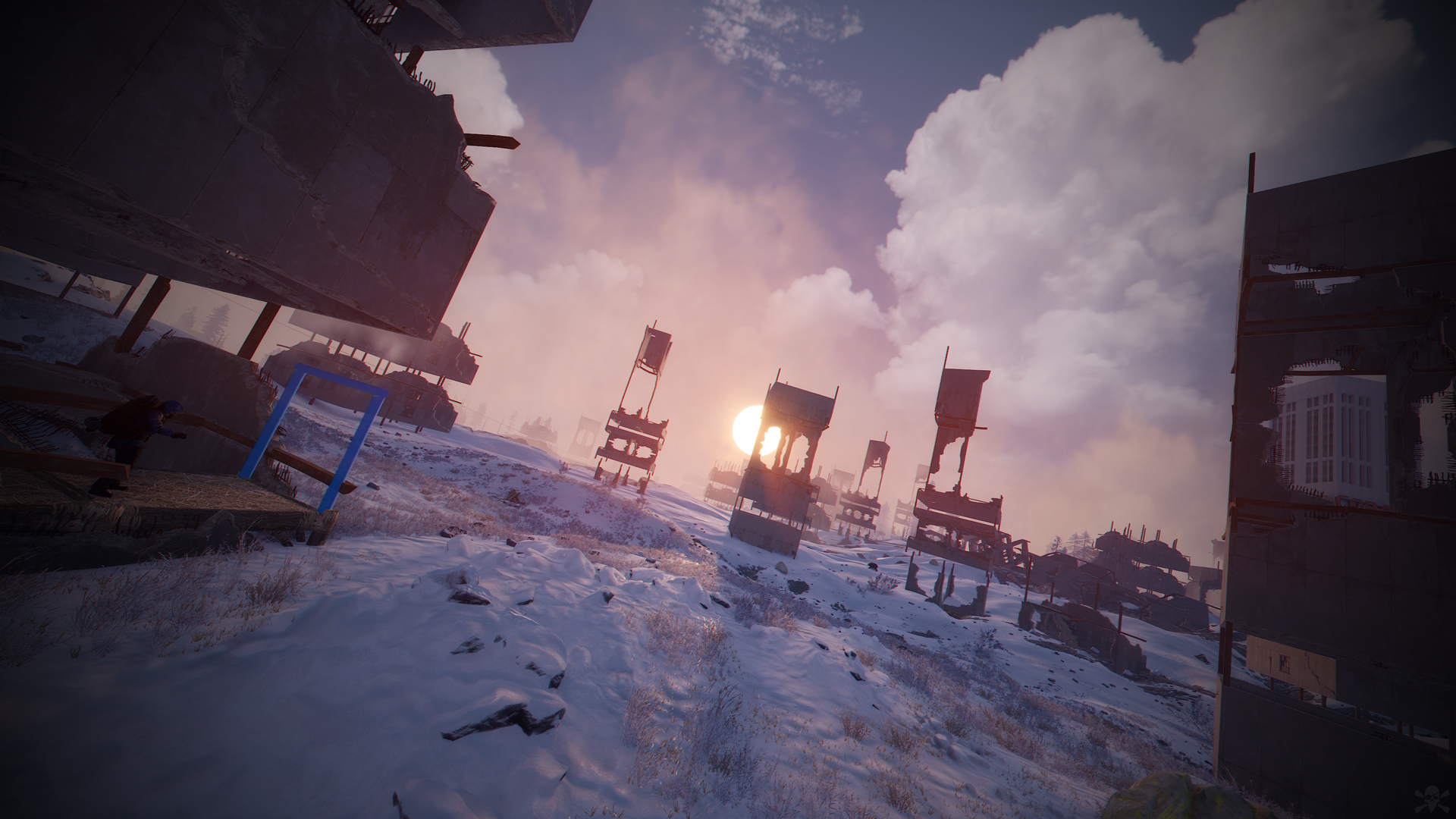
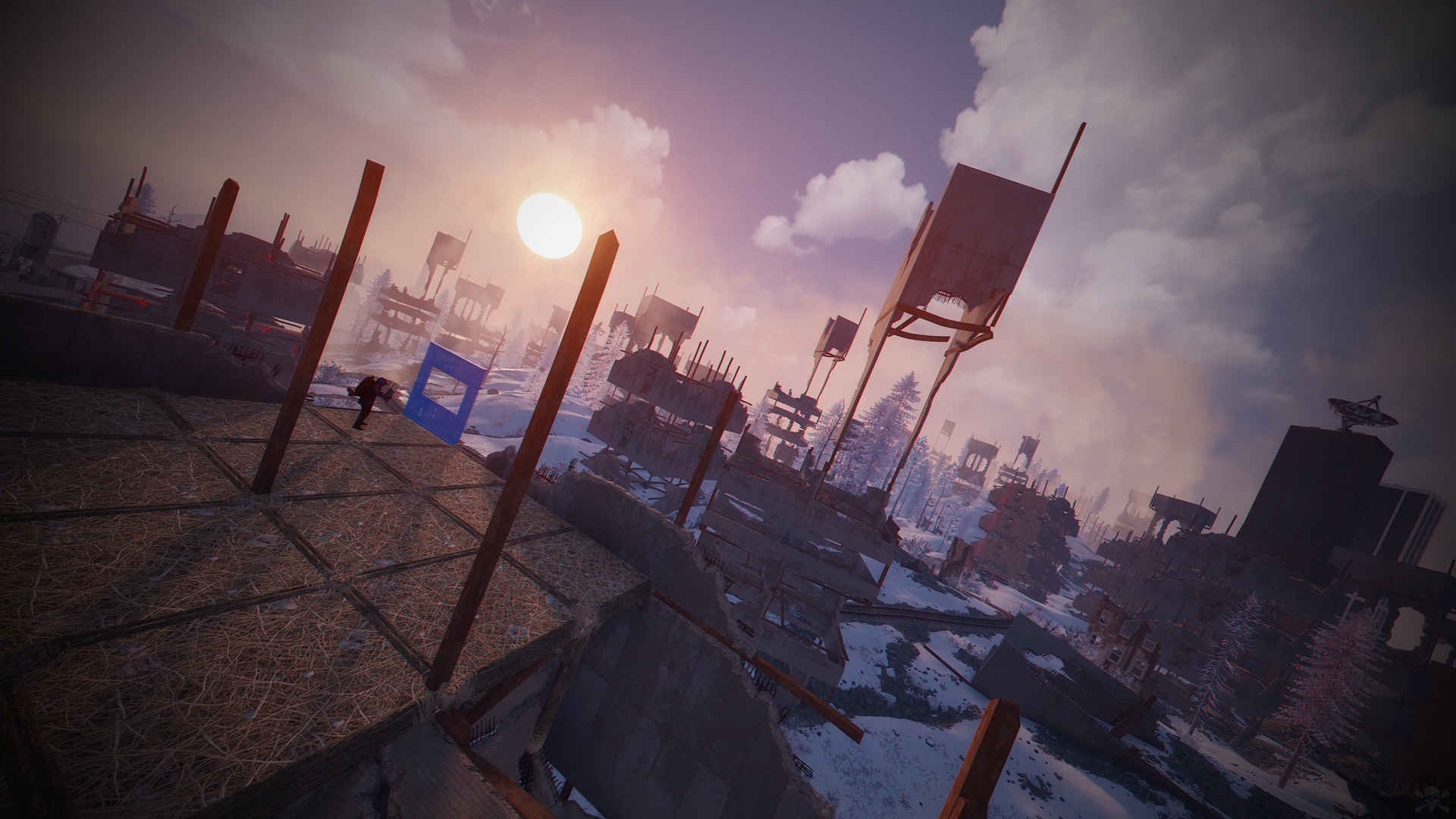
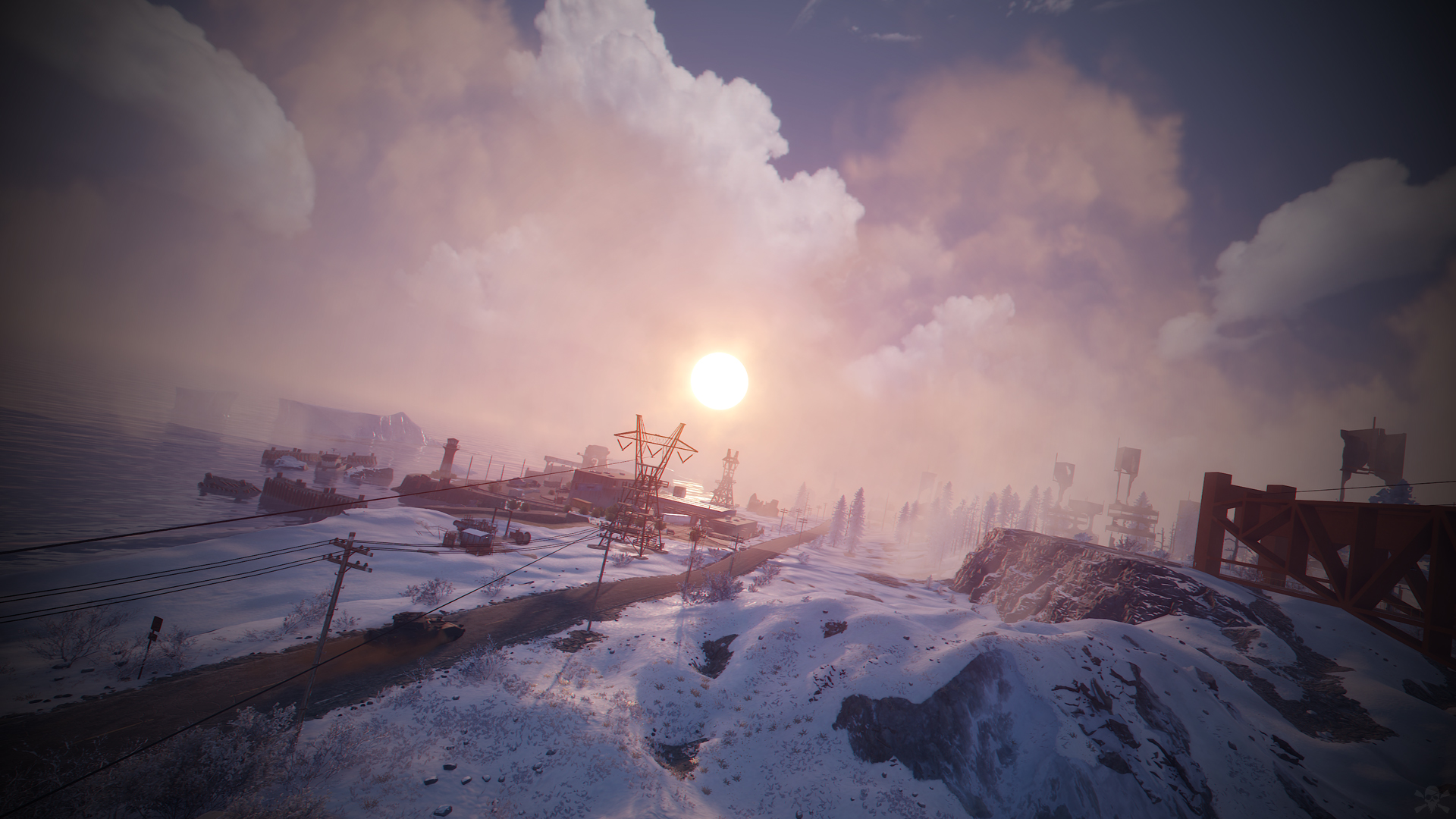
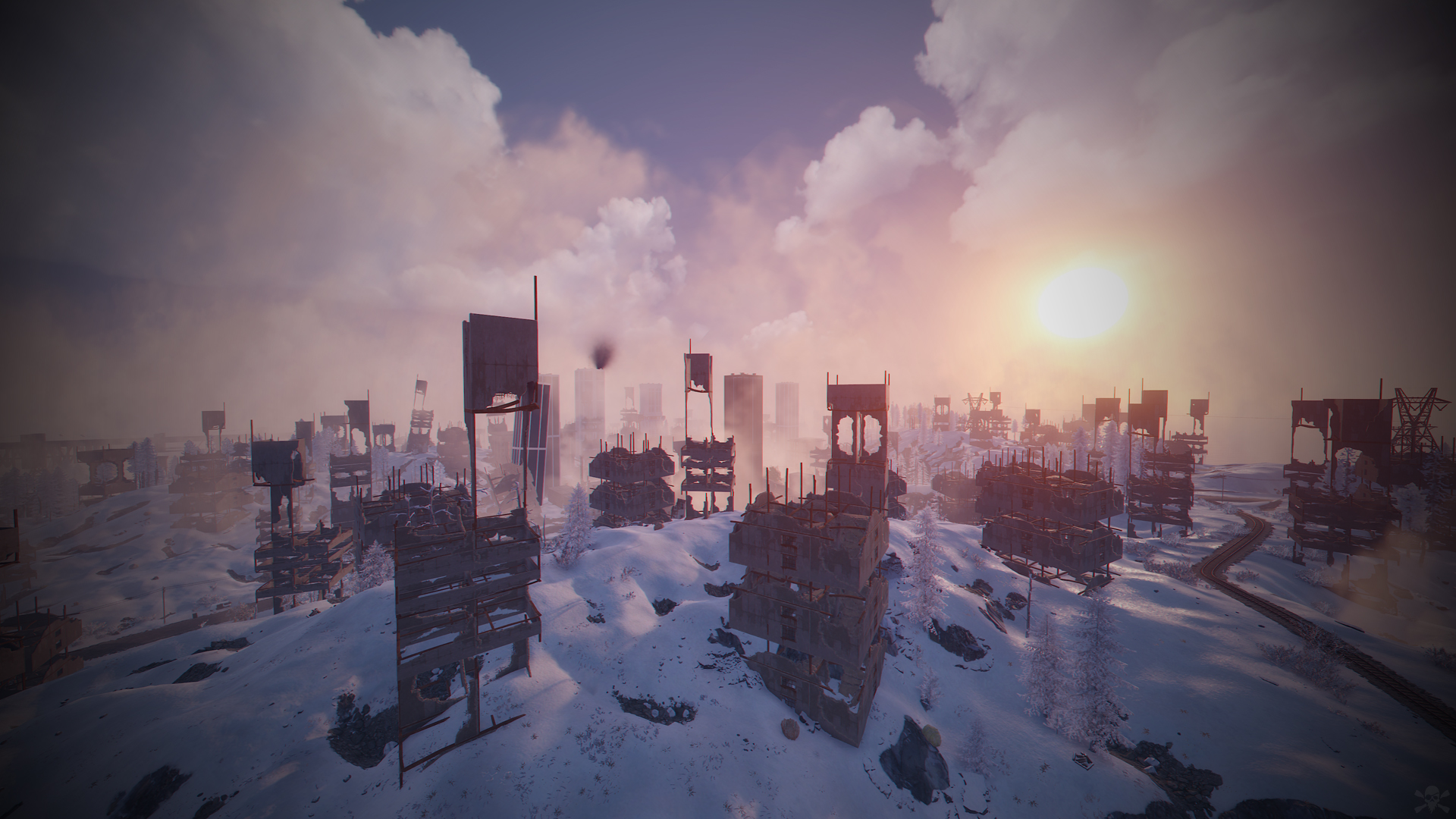
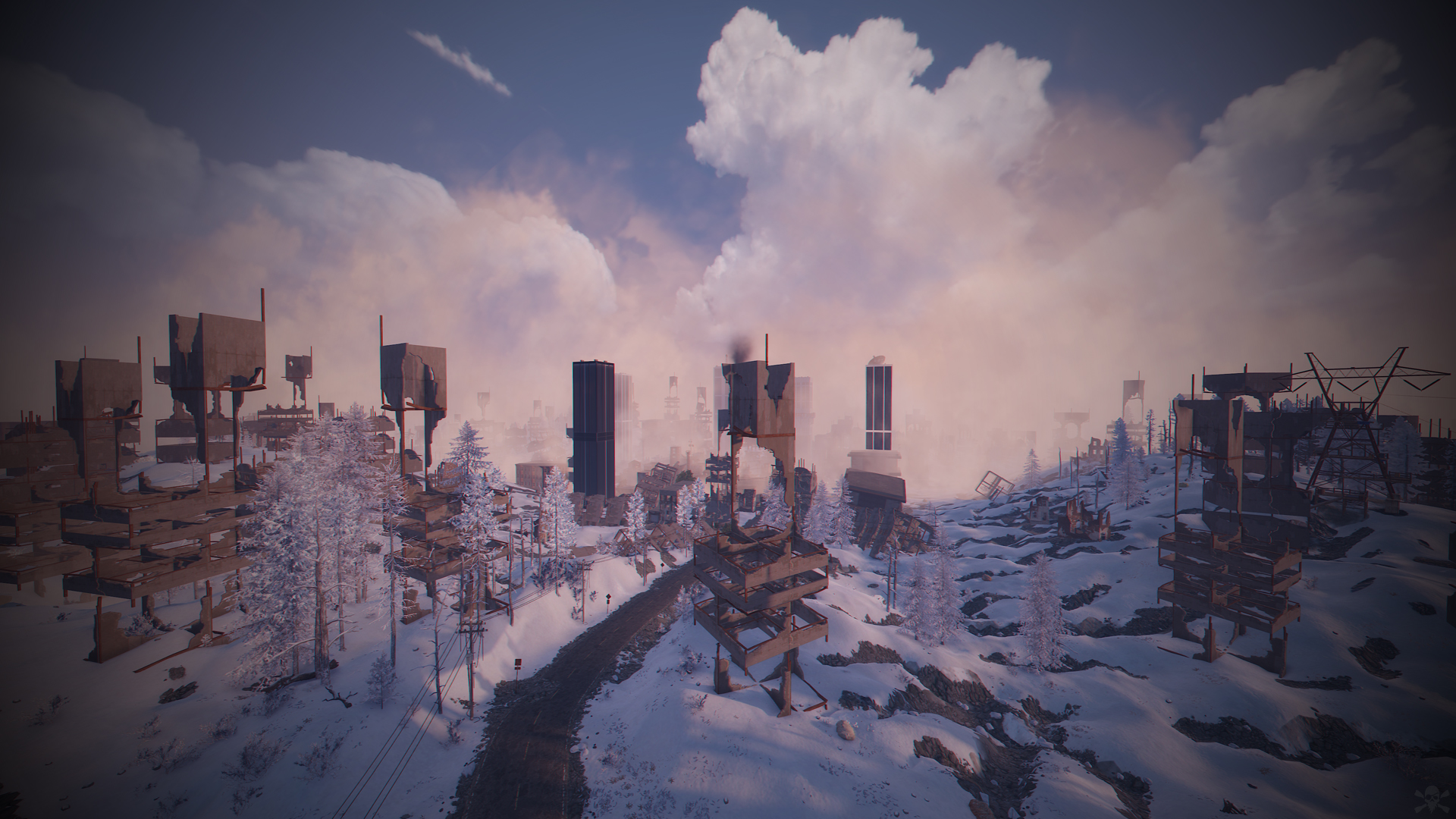
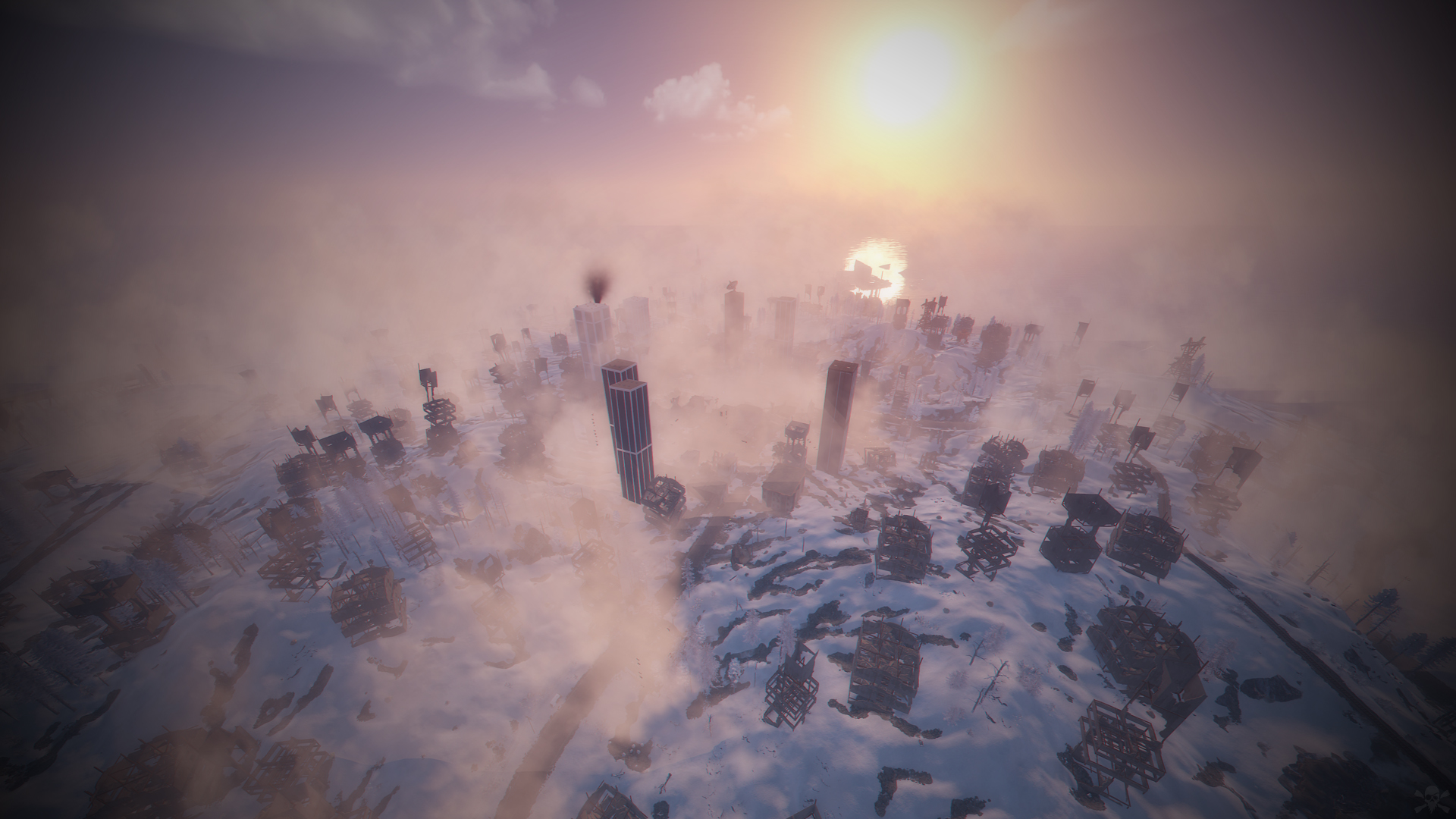
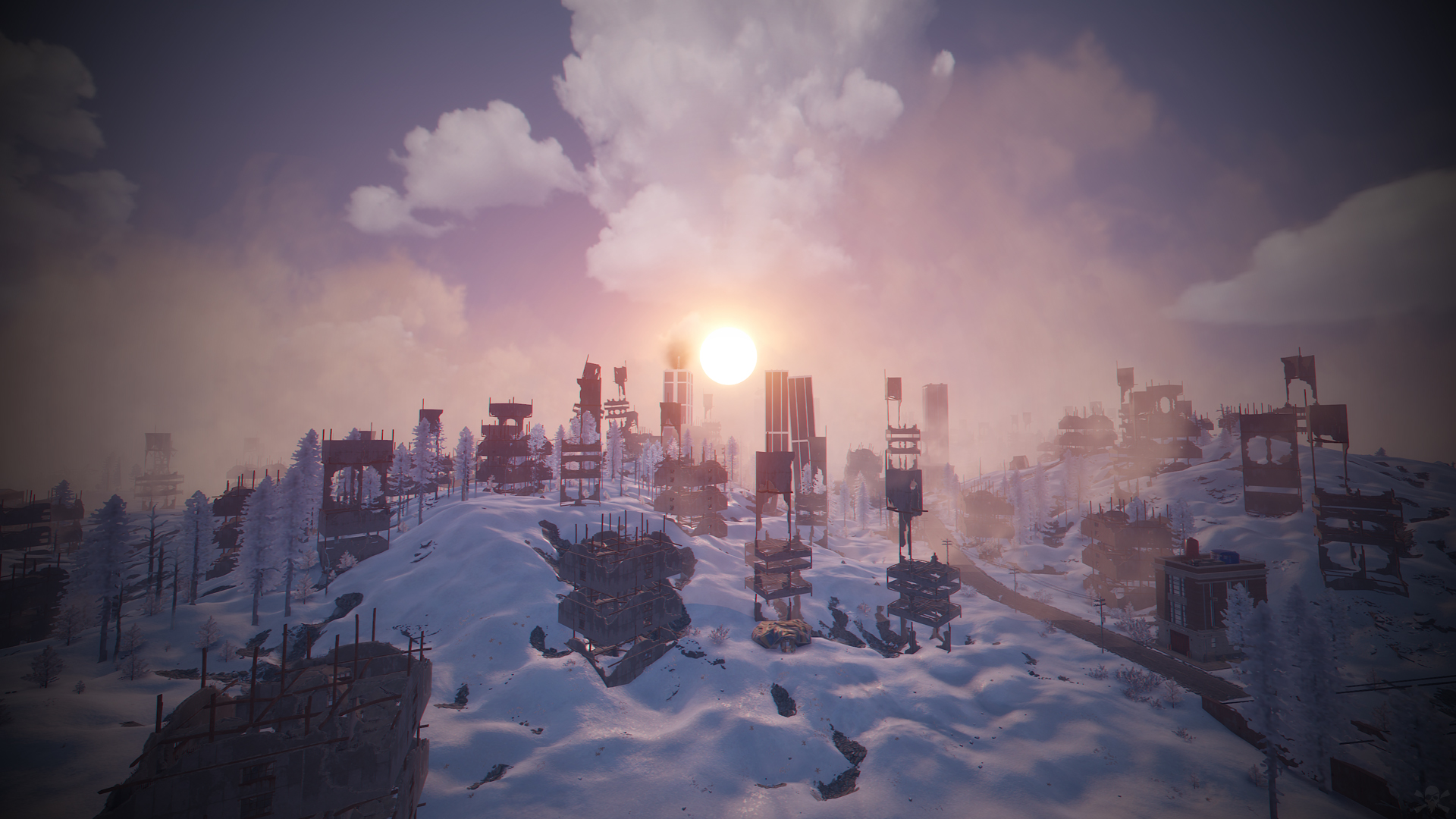
- The Day After Tomorrow is a custom map inspired by the movie The Day After Tomorrow.
- Get ready for real survival under the scary and cold snow.
- Build your house in skyscrapers located in the big city next to the Outpost.
- FEATURES
- Size: 5000.
- Objects: 33729.
- Map protection plugin included.
- Map can be edited: Yes.
- CONTAINS ALL OFFICIAL MONUMENTS
• Ziggurat temple • Jungle ruins • Radtown • Ferry Terminal • Nuclear missile silo • Large oil platform • Small oil platform • Submarine laboratories • Harbor • Large fishing villages • Fishing villages • Launch site • Satellite dish • The Dome • HQM Quarry • Stone quarry • Sulfur quarry • Arctic Research Base • Sewer Branch • Train yard • Junkyard • Abandoned military bases • Military tunnel • Caves • Large barns • Ranch • Bandit camp • Power plant • Swamp • Airfield • Giant excavation • Outpost • Lighthouse
- PREFABS AND CUSTOM MONUMENTS
- Arena Dome.
- Skyscrapers (Construction Area).
- Airfield with Bradley Patrol and railroad tracks.
- Aircraft.
- Helitower.
- Ghostbusters Barracks.
- Bridges with Construction Area.
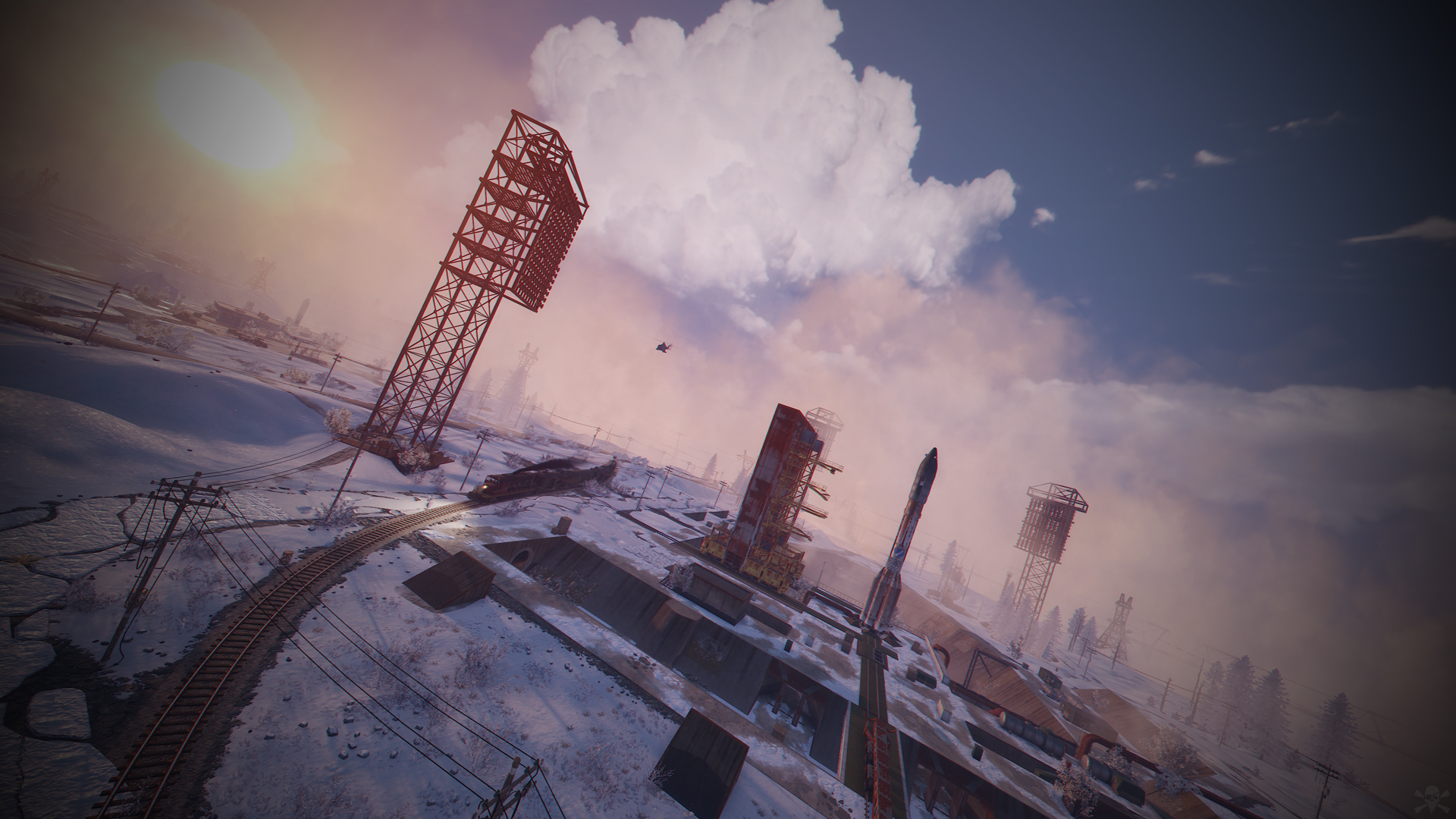
- Missile launching with train tracks.
- Respawns points spread all over the map (Beaches and Monuments).
- TIPS
- Setting your server to Survival mode will add an extra fun mode to this map (Optional).
- Have fun :)
SUPPORT: https://discord.gg/ASxJynGndj
What's New in Version 1.0.7
Released
- Added new security plugin.
- Fixed visual errors.
- Duplicating, sharing or reselling this file is not allowed.
You may only provide a review once you have downloaded the file.
There are no reviews to display.