



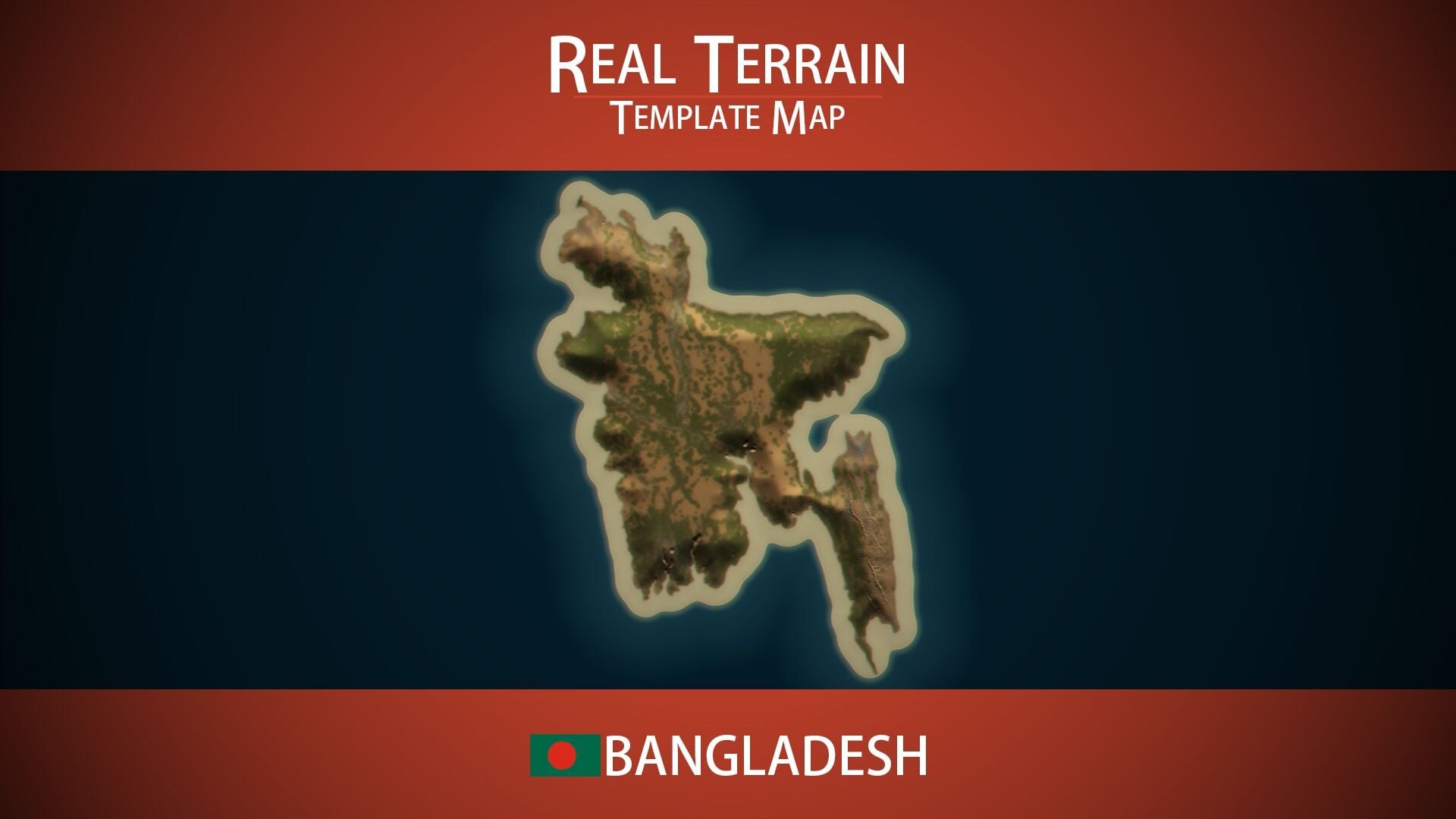
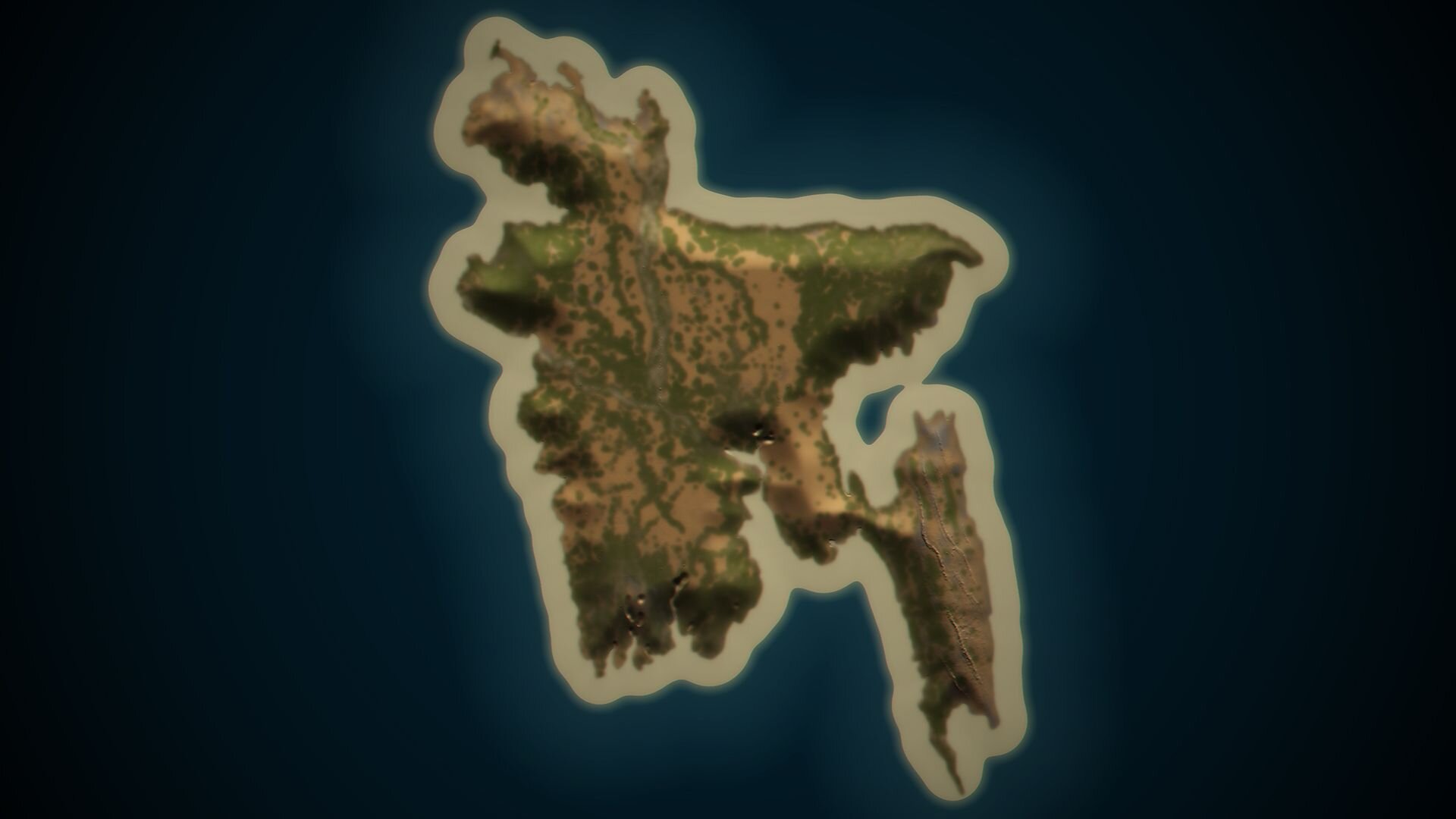
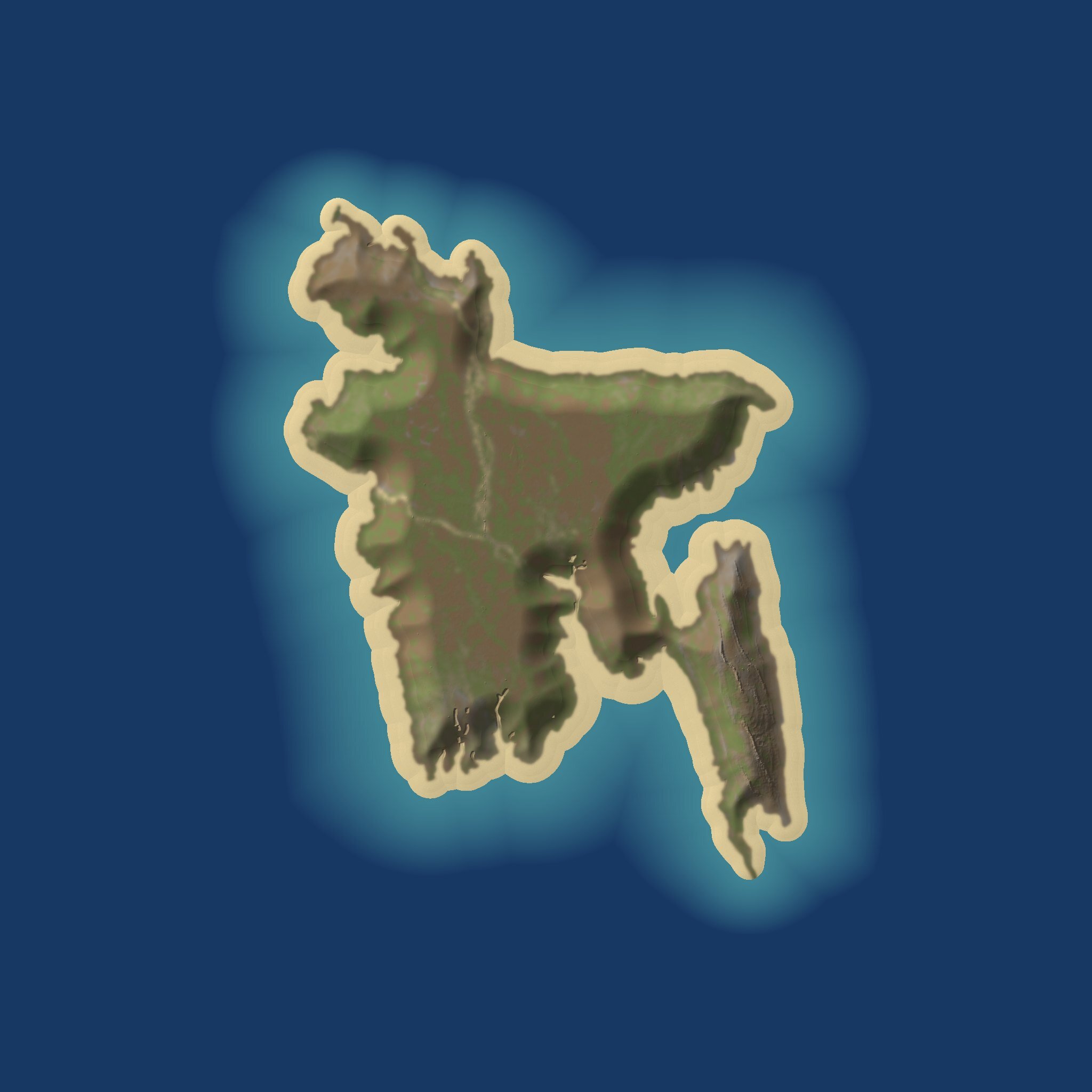
The Bangladesh Template Map is a Rust map template made from the real terrain of Bangladesh. Few places on the planet are as level: most of the country is a delta built by great rivers on their way to the sea. Choose it when you want a gentle, low map rather than a mountain fortress.
A delta country
The Ganges, the Brahmaputra and the Meghna meet in Bangladesh and spread across a huge plain before reaching the Bay of Bengal. In the south-west, the Sundarbans form one of the largest mangrove forests in the world. The only real hills rise in the south-east, near the border with Myanmar. The template captures the shape of that land. Its map data lists no rivers, so which waterways you add, and where, is up to you.
Why it suits a Rust server
Flat ground changes how Rust plays. Players spot each other from far off, raids are approached across open fields, and every rise in the ground becomes valuable. This template is rated at 82.6% buildable land.
A southern coastline where harbours, fishing villages and naval play feel natural.
The hill country of the south-east for monuments that need a view.
Wide plains for big bases, farms and a railway that barely needs levelling.
A natural fit for river-heavy custom maps: carve channels in RustEdit and the delta comes alive.
Included and not included
Real-world elevation of Bangladesh on a 6,000 m map.
Realistic splat and biome maps.
No monuments, rivers, railways or caves.
No topology map: generate it in RustEdit after your terrain edits, and it will sit under the splat map exactly as intended.
Getting it onto your server
After checkout, download and extract the .zip.
Open the template in RustEdit and build your map on it.
Generate the topology once the terrain is final, then save.
Host the .map publicly and launch the server with +server.levelurl set to its address.
SUPPORT: http://discord.badgyver.com/
- Duplicating, sharing or reselling this file is not allowed.
You may only provide a review once you have downloaded the file.
There are no reviews to display.